Leaderboard




Popular Content
Showing content with the highest reputation on 06/28/22 in Posts
-
Emby Server 4.7.5 - Point Release: Round 4 Fixes This is the latest point release of Emby Server containing fixes for identified issues. Fix a/v sync regressions with live tv and recordings Fix web app subtitle sizes being too small Various fixes with new table view feature In Depth Coverage of new Table View Feature Original Blog posts for the 4.7 release: Emby Server 4.7 Release: Many New Features, Improvements and Fixes Emby Server 4.7.1 - Point Release: Round 1 Fixes Emby Server 4.7.2 - Point Release: Round 2 Fixes Emby Server 4.7.4 - Point Release: Round 3 Fixes Please report any issues you may have in the General/Windows section of our Community Forums: Emby Community General/Windows Forum View the full article4 points
-
FYI this is now released on the Fire platform. Google is in review.4 points
-
Keyword-based recordings will be landing in the server beta channel in the next build. Thanks.3 points
-
Emby Server 4.7 - In Depth (Part 1) Emby Server 4.7 and it's point releases provide some very cool new functionality. This is the first or introduction blog post in a new series we're doing to show you some of this new cool functionality. We're going to try and publish 1 or 2 blog posts in this series each week but will depend on other releases. Let's kick this off with a cool new feature from the recent 4.7.4 release. Add new table view option The next blog post will cover the following bullet point that just doesn't do it justice: Add Episode Intro Detection and Skipping feature NOTE: if you have a request for something you would like to see covered sooner than later make sure to comment below and let us know your preference. The new Table View Option is available everywhere in the library views but we'll be showing this using a TV Library using the show names and a couple examples of episodes. You could use the table view for movies, music albums, songs or any other part of your library. Share with us your favorite use. Let's start by showing how you change the view. The first thing we want to do is click the 3 dot menu circled in yellow in the pic above which will open the following settings: Change the view from (likely) Primary to Table and you'll have a set of fields you can choose to display. For now click the top left back arrow and you'll see a new table view that looks similar to below. Now that we have an idea what it looks, like click back on the 3 dot menu and select other columns to display. Below I added a few more columns. You no longer need to use the 3 dot menu as the table has a built in way to add/remove columns quickly. Click the icon shown in the yellow square top left in the picture above. Yep, much more convenient to use. Select a few more columns to display (or select them all) and let's see what we get. If the table scrolls off the screen you can use the scroll bar at the bottom of the screen, gestures or two finger trackpad slide to scroll the grid. You can right click on any row and bring up the action menu which should look familiar. Most of the headers can be clicked to quickly sort by that column. A second click on the header reverses the sort order. The picture below shows the table is using the Community Ratings and it's sorted in a reversed order to find the highest ratings. Tip: Use the Keyboard to Jump to sections closer to your Media. You can type up to 3 characters to jump media starting with those letters. If you have a keyboard you can type up to 3 characters to jump to media starting with those same letters. This jump will ignore the commons words like "a", "the", etc f I type BON it jumps to media starting with "bon" which is helpful if you want to watch "Bones". If I wanted to quickly jump to the show "The Rookie" or "The Big Bang Theory" I would use ROO or BIG to get these results: You could use a single character like "S" to jump to media starting with "S". Typing "TR" would make it easy to access Training Day or Treadstone. Just like the Primary view you can apply filters (tab up top). This came in handy as I was trying to think of a show name my son and I watched together but couldn't think of the name. I remembered it was a Science Fiction show so I tried this filter knowing the show had been played. This filter produced the following results which had the show name I couldn't remember "Terra Nova". Looking at the Genres I could have used a couple different Genres in my search. The table view expands the viewing flexibility of Emby a great deal and we think it's going to be an instant hit! Try it in different situations, like remote use on a small screen when you want the most media showing with it's additional information while having fast loading screens since all the media graphics don't have to load. Please share with us your favorite use of the new Table View and any tips or tricks you discover! View the full article3 points
-
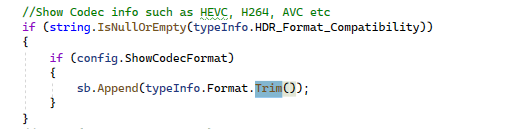
Thanks Dude This i do not understand because, if the switch is on to Show Codec info then it should show it. This code block below basically covers that so i don't know why it wont write to it. I'm not sure how the refresher works, but you need to check if the refresher is refreshing the file immediately when the mediainfo is trying to use the same file. A full log would really help me and @rbjtech track it down. And turn on debugging. PM me if you want to keep it private I may add in some code to log this in the next release to see if it is actually enabled.... even tho you don't have it enabled. if you know what i mean @FrostByte I have added in the bif Interval setting for next release. If you disable the toggle for the interval then it will automatically set back to 10 seconds. You can choose from 1 - 120 sec intervals for image extraction.

 2 points
 -
In its docker form, TMM makes no assumptions about Emby metadata paths. I tried to Google my way to an answer, but I clearly stumbled across some old data (pun intended?). I've updated the path, moved the metadata, did some cleanup of redundant entries, then finally reran "scan media library." Everything is now2 points
-
Folder location is an issue as /data/collections is no longer used it is now /metadata/collections.2 points
-
2 points
-
I moved from Plex to Emby and even though I think Emby is superior in its flexibility there are some things I like better with Plex, especially in terms of its looks. This theme is trying to fix that by making it a bit more similar to Plex but with some, in my opinion, improvements. The CSS is attached to this post for anyone interested and below are some screens to show it off Good to know I only use Chrome so I can't guarantee this CSS works as expected in other browsers. If you want the sidebar menu to look like in the screens, make sure to pin the sidebar. Watched badge/banderoll is inverted which means that the badge will not be shown if media have been watched, like in Plex. For desired look, please use the "Dark" theme for both Theme & Settings theme in the display settings. Emby-Stable-style-v3.6.txt





 1 point
 -
While being able to logically move media from one library to another would be a nice first step. Ultimately it would be nice for the move to physically move the media from one folder to another (since doing a logical move for a bunch of media from say, kids to not-kids, and vice versa will make physical locations pretty confusing). Trying to avoid having to drop into the cli to do it... I don't mind, pure convenience factor, just thought I'd throw it on the queue. Thanks Latest ATV update is sick, btw. Well done.1 point
-
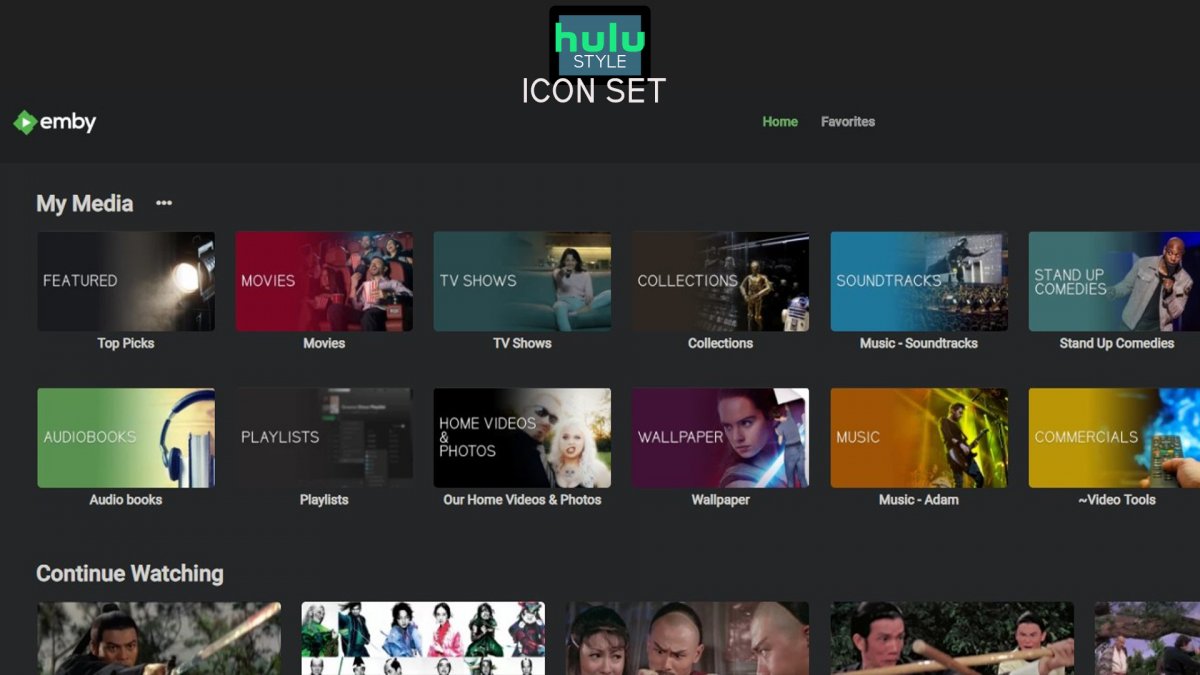
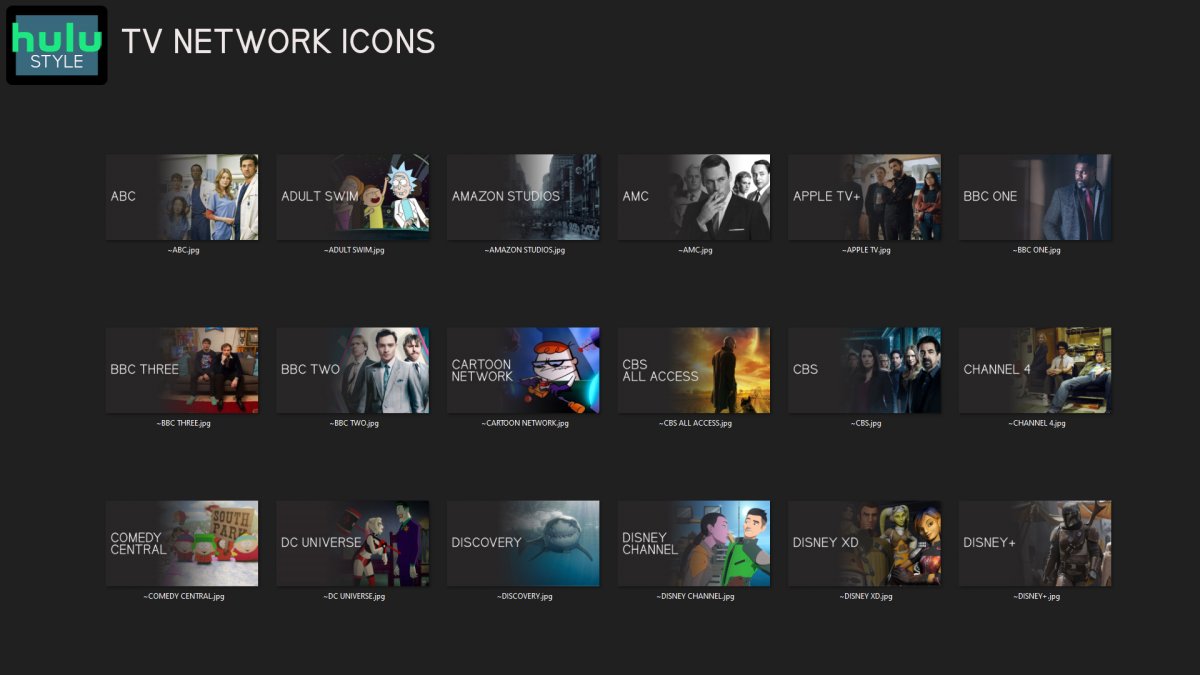
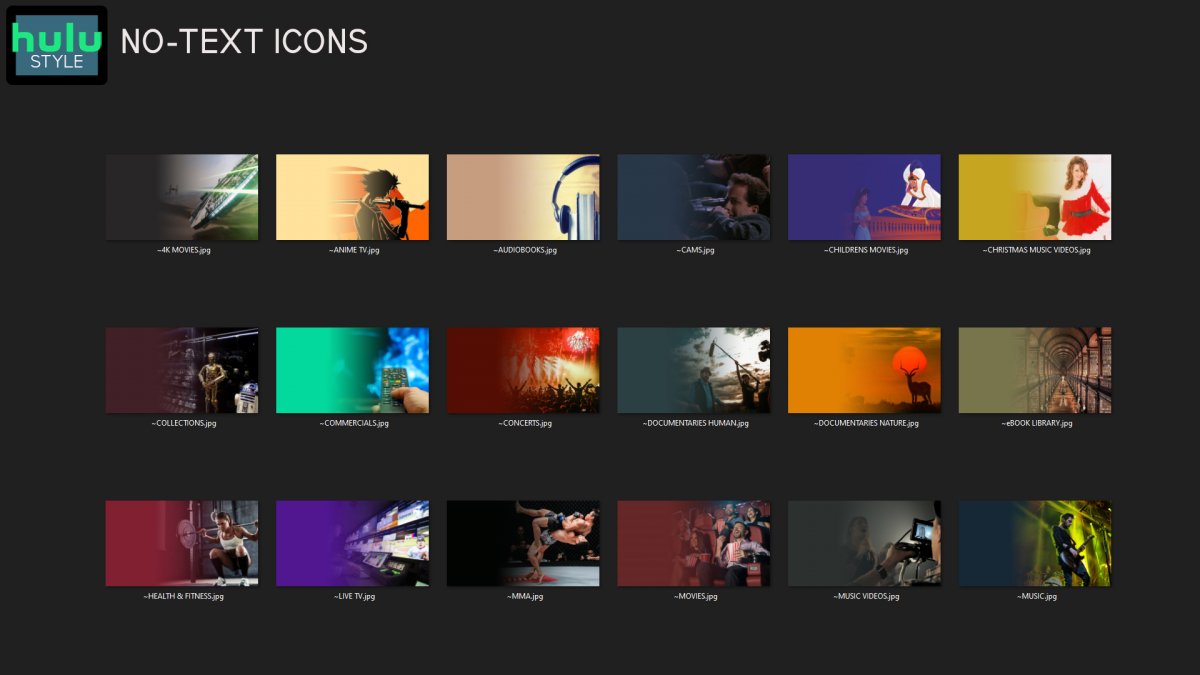
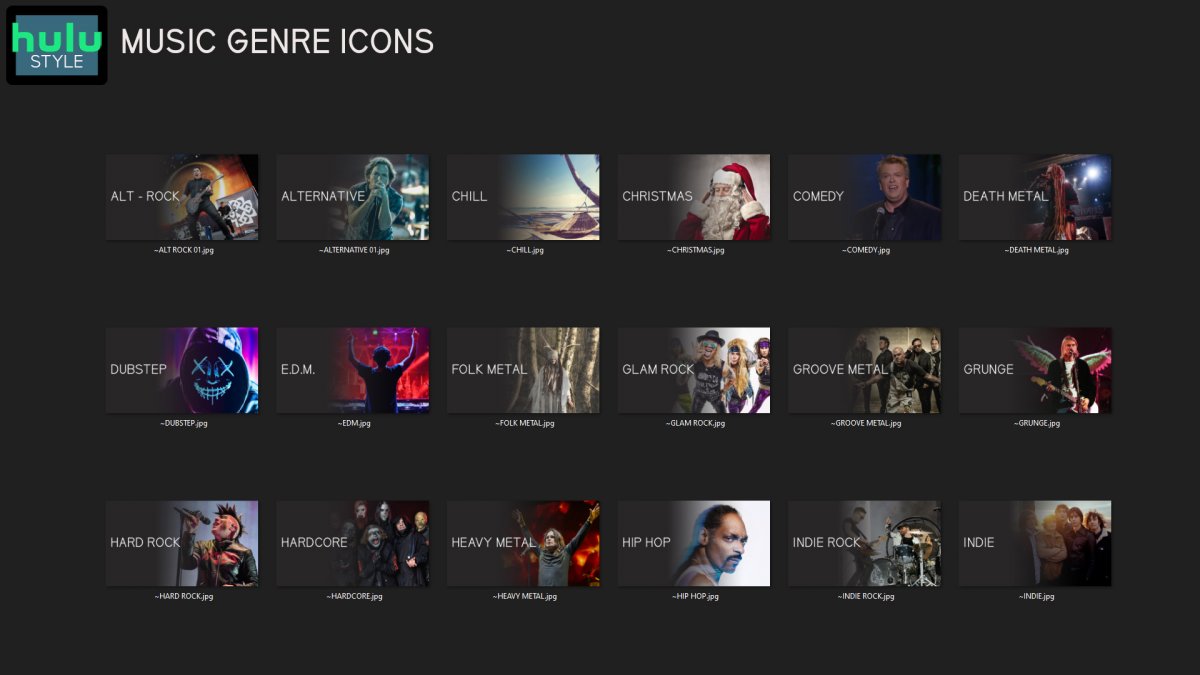
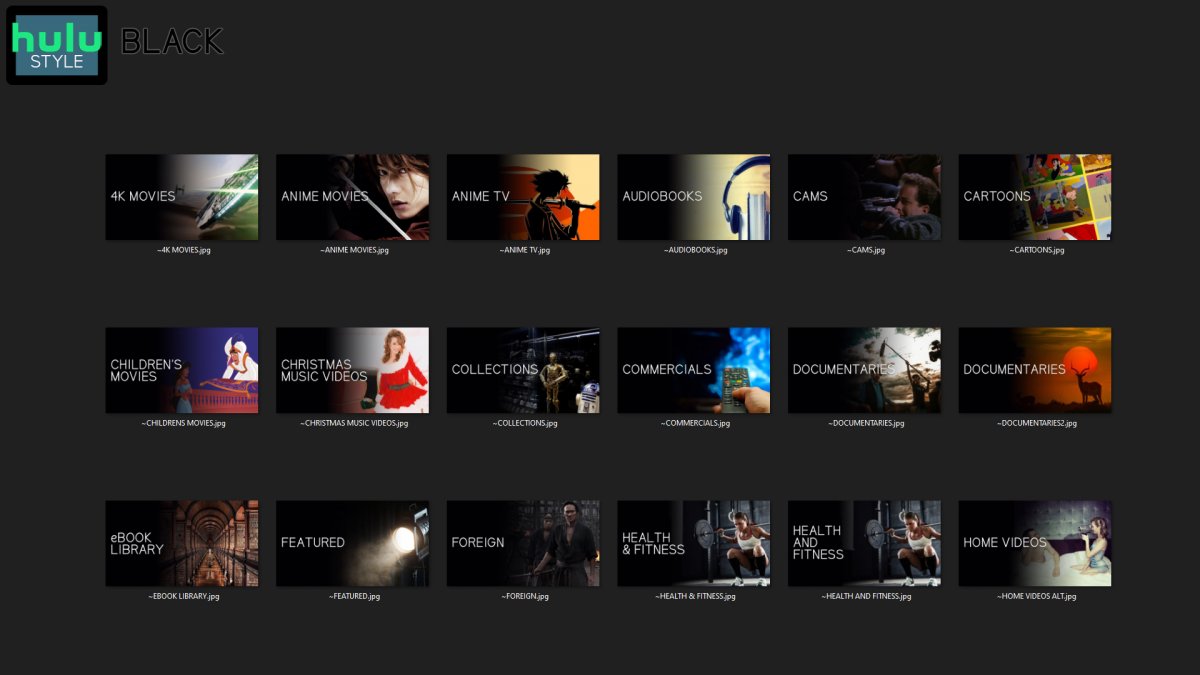
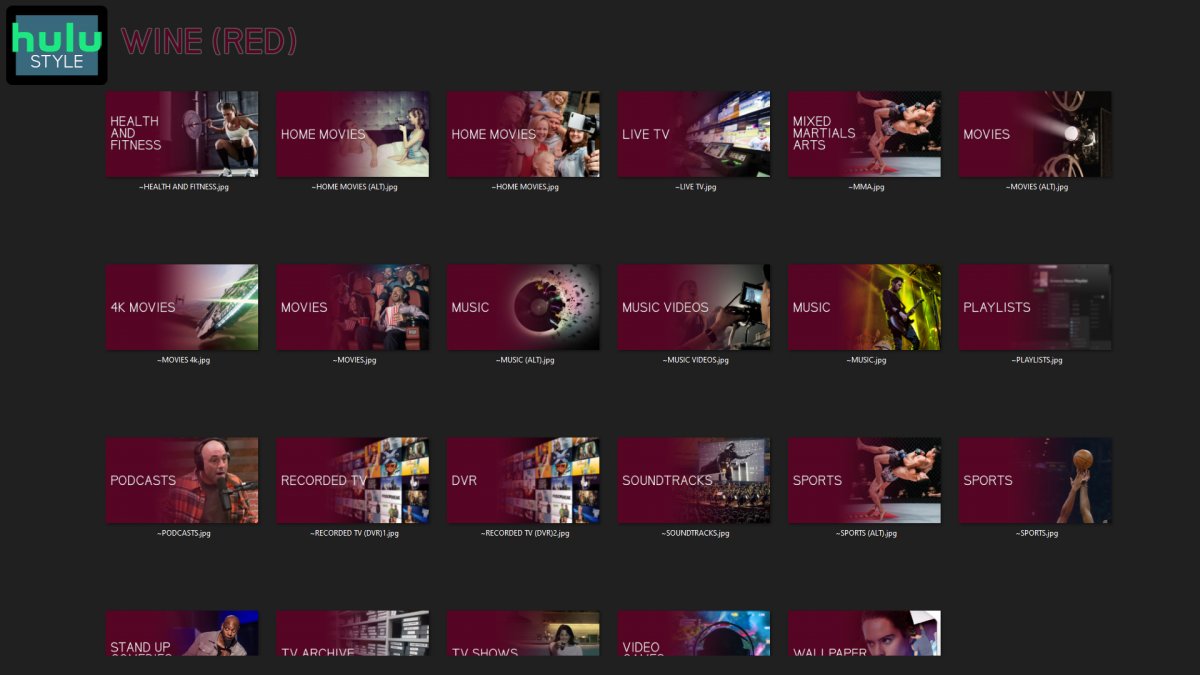
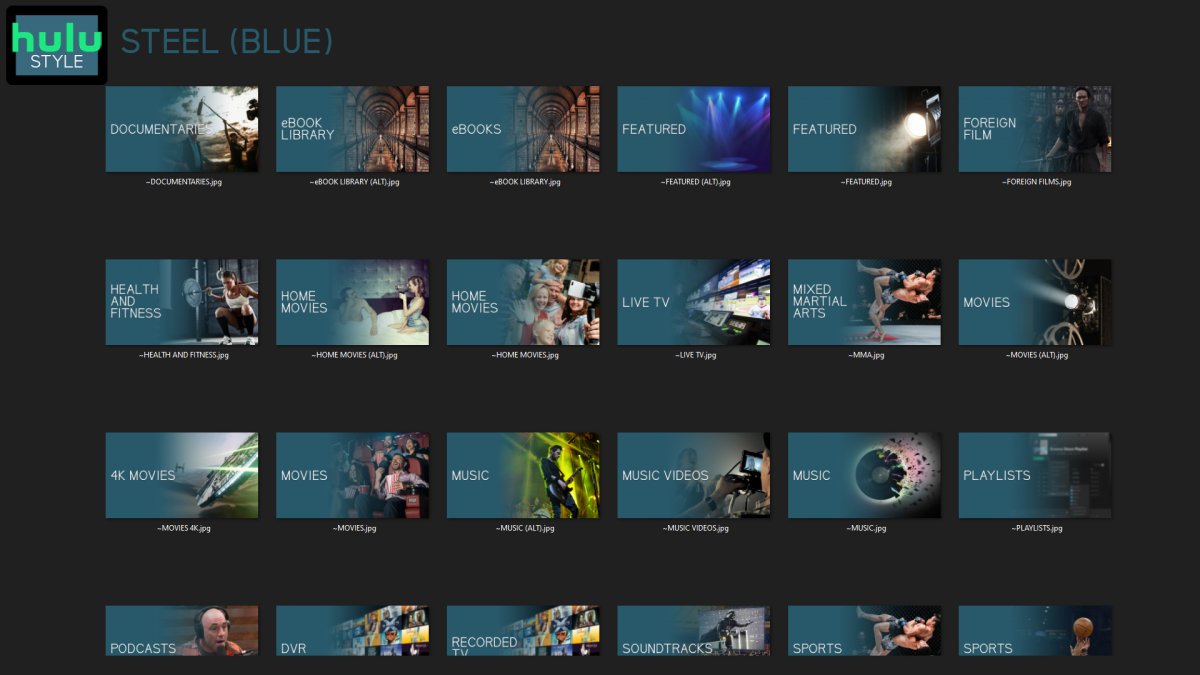
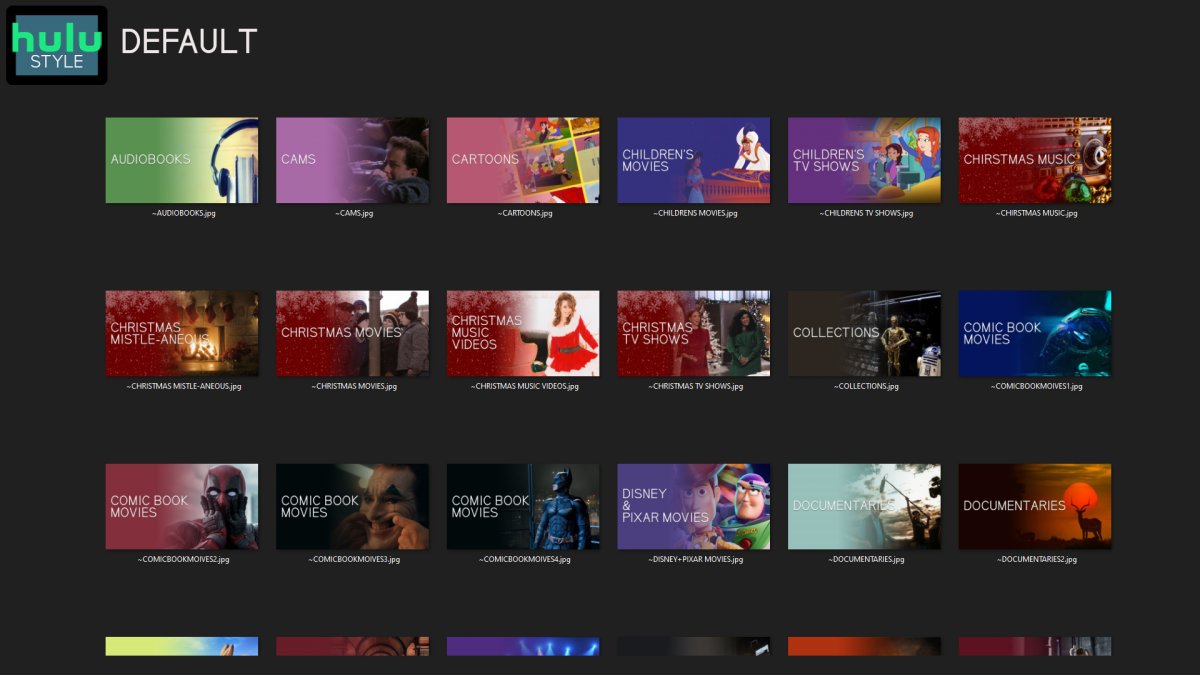
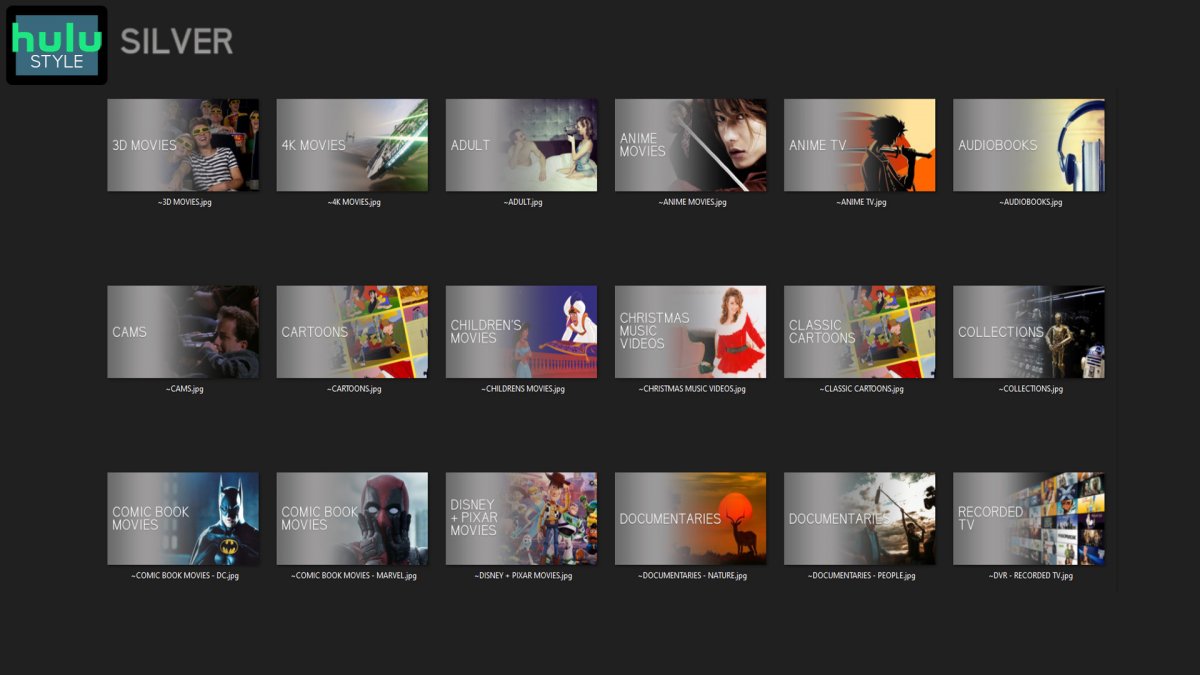
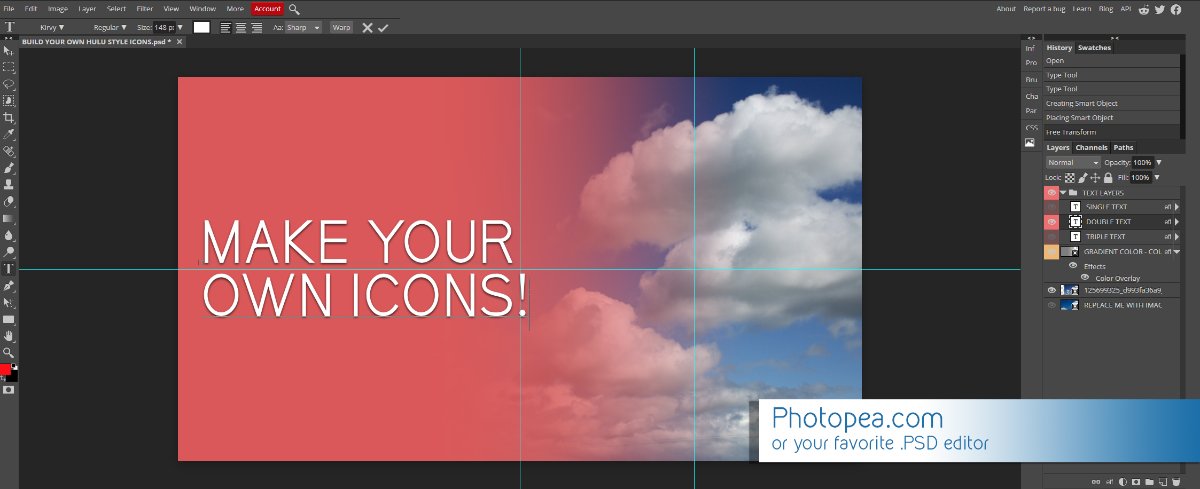
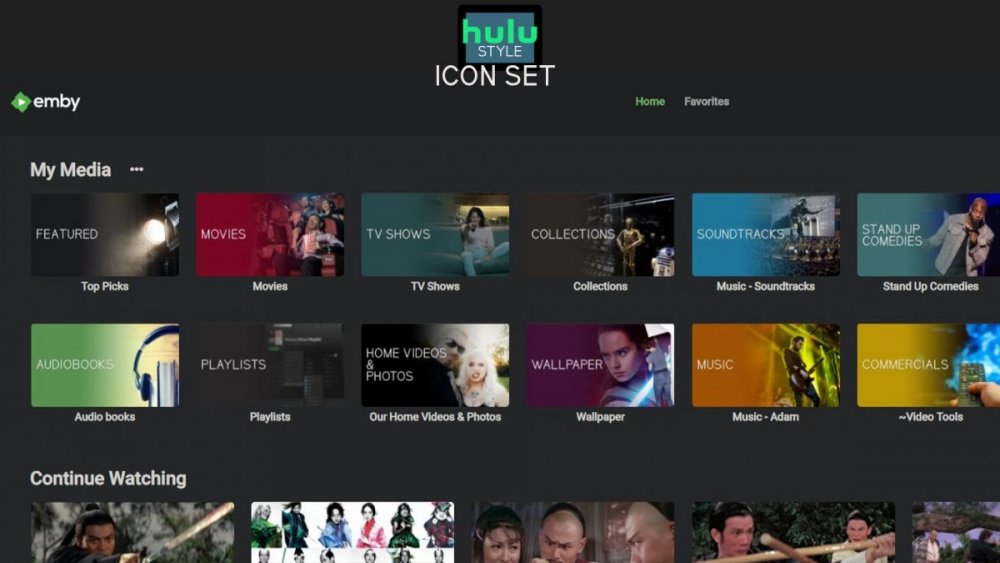
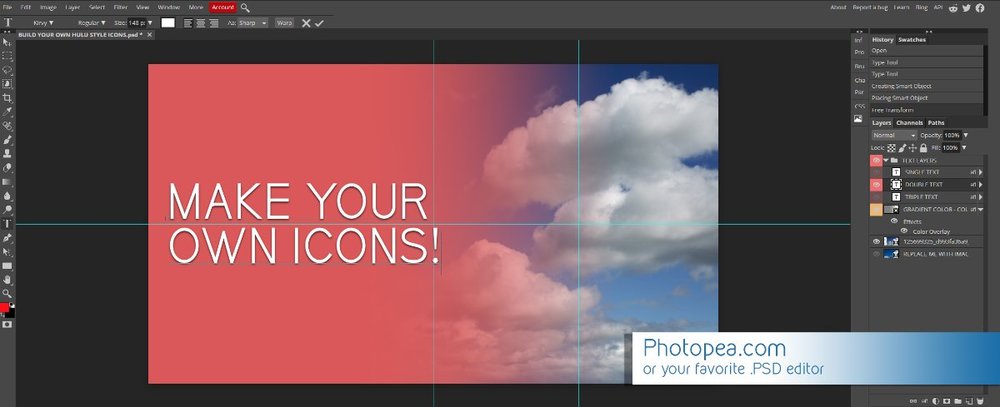
Media Library Icons for Emby Updated: 07/10/2021 I've always had a thing for the simple gradient style Hulu overlays on their library images. I'm not that great at graphic design, but I can mimic some things pretty decent. I hope! It's very simple, and clean and something I've been wanting to attempt for a while. I've never done anything like this, so constructive criticism is appreciated! More color options for media libraries coming soon!!! Also included to make your icons match across the platform, are video genre, music genre and TV network icons: I've hosted this only my Google Drive, so if if the link is not working please, reach out to me and let me know and I will do what I can to resolve! The font (Kirvy), and PSD's are located in the \~TOOLS\ sub-folder Media Library Icons - DOWNLOAD HERE Feel free to create your own to fit your needs! Photoshop Template - DOWNLOAD HERE Gimp Template - DOWNLOAD HERE (ALL credit for creation of Gimp template are thanks to, Mibok, who took the time to recreate the Photoshop template in Gimp!) Many have asked for a smaller and easier version of the .PSD file to create their own custom icons. I have simplified the .PSD and it is now compatible with, Photopea.com photo editor so no need to own Photoshop to make your own icons! Download the new .PSD HERE Thanks for giving me so many hours of entertainment, this was something fun to try and give something back! (If any of the above images are not allowed, please inform me ASAP and I will correct it) *** Change Log*** 07/10/2021 Added GIMP template, created by, Mibok to allow users alternate means to create their own icons 01/25/2021 Added lighter .psd file for easier custom icons 10/04/2020 Added "Silver" Media Library Icon Set and all remaining requests and missing items in each set 08/15/2020 Added some requests and "Emerald" (green) Media Library Icons Set 07/06/2020 Added "Gold" (yellow) Media Library Icons Set 06/29/2020 Added "Wine" and "Steel" (red and blue) Media Library Icons Set 06/29/2020 Updated sample images 06/22/2020 Added "Black" Media Library Icons Set 02/27/2020 Added TV Network Icons for 49 U.S. networks 02/27/2020 Added ~MEDIA LIBRARIES sub-folder to help keep the folder organized 02/24/2020 Added Phase One of Music Genres to Google Drive 01/25/2020 Added requested images to Google Drive 12/21/2019 LITE - Hulu Style Library Icons PSD Added (Uploaded PSD with no graphics for a faster, lighter PSD option) 12/21/2019 Media Library - No Text Icons Added 12/17/2019 Generic Movie Genre Icons Added To Do: Update preview post with images Continue color sets: Black - Maroon - Navy - Emerald- Gold - Silver Update No Text Icons Downgrade PSD for compatibility for older versions of GIMP/Photoshop TV Networks - USA Optimize PSD for simplicity
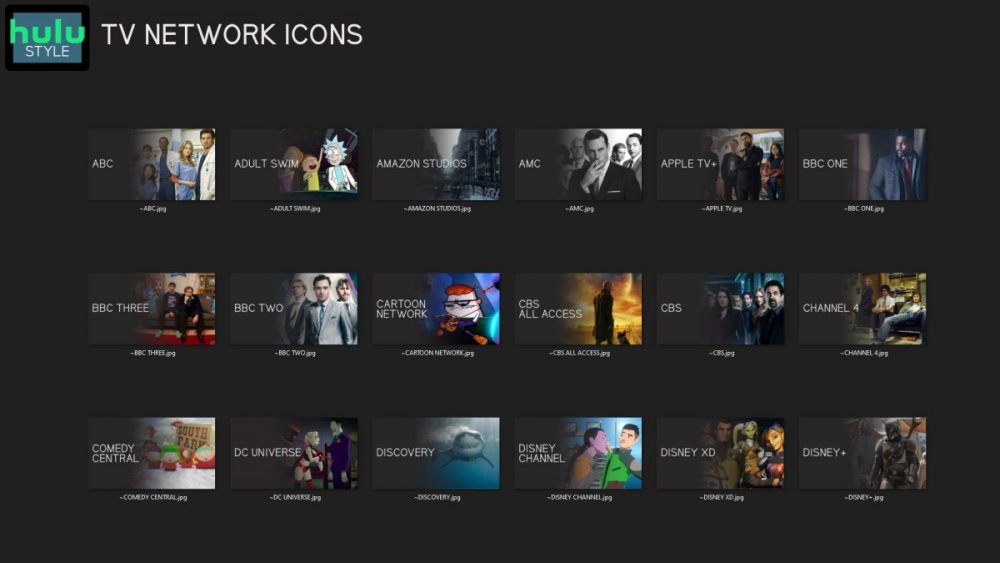
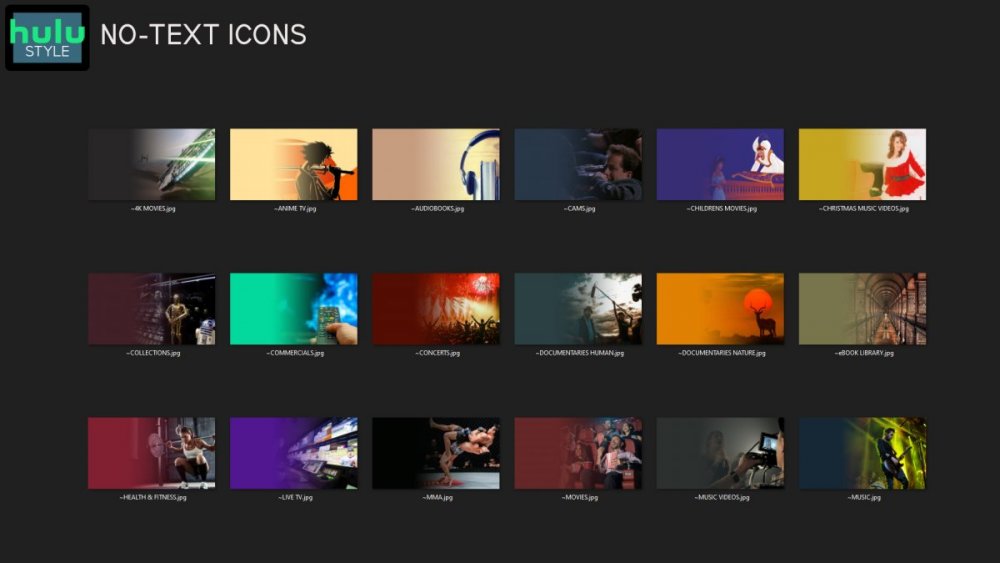
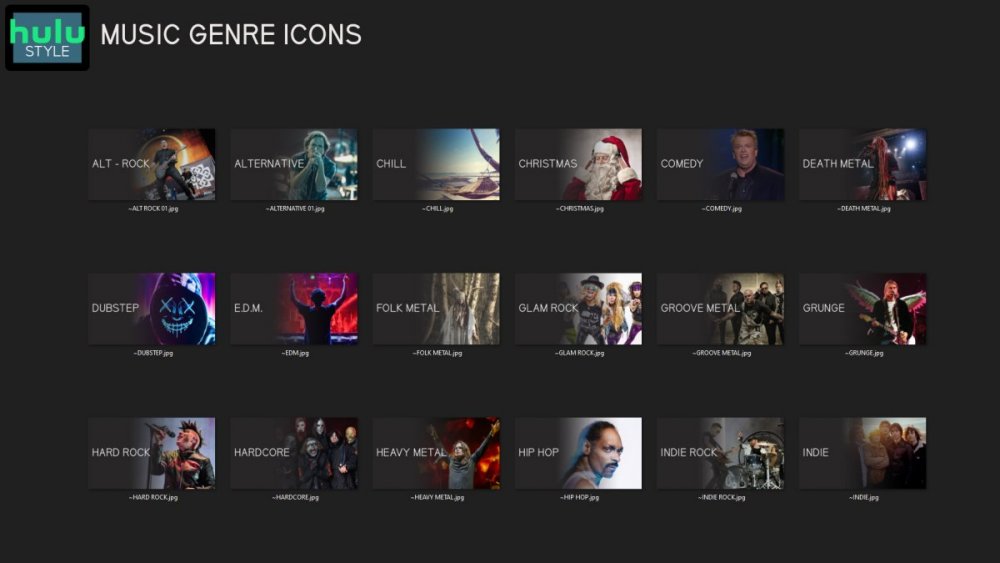
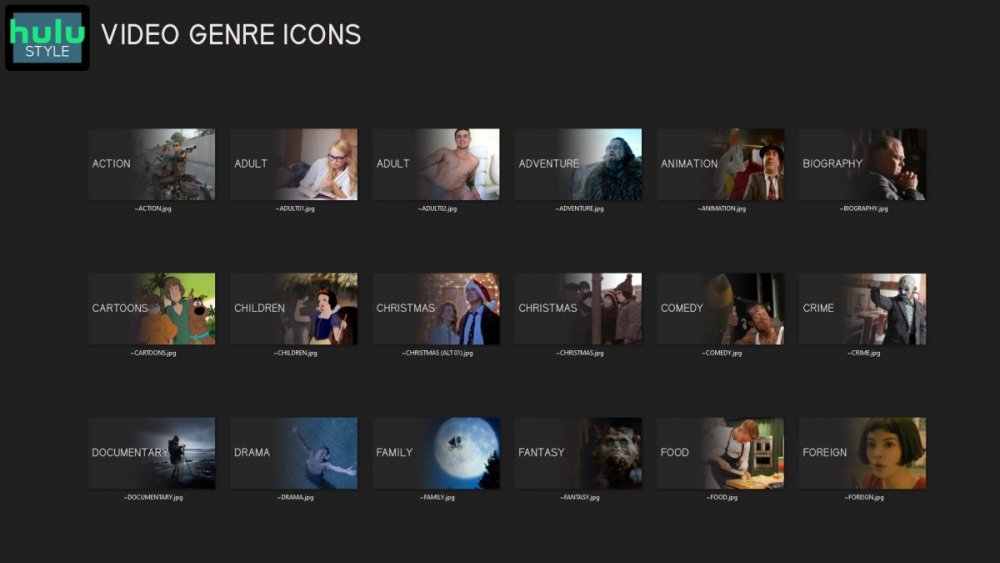
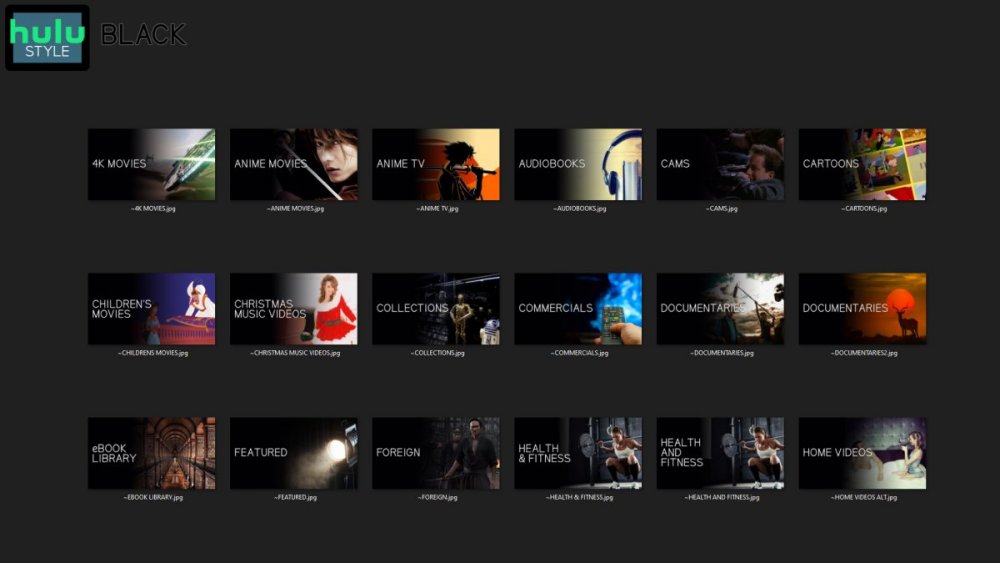
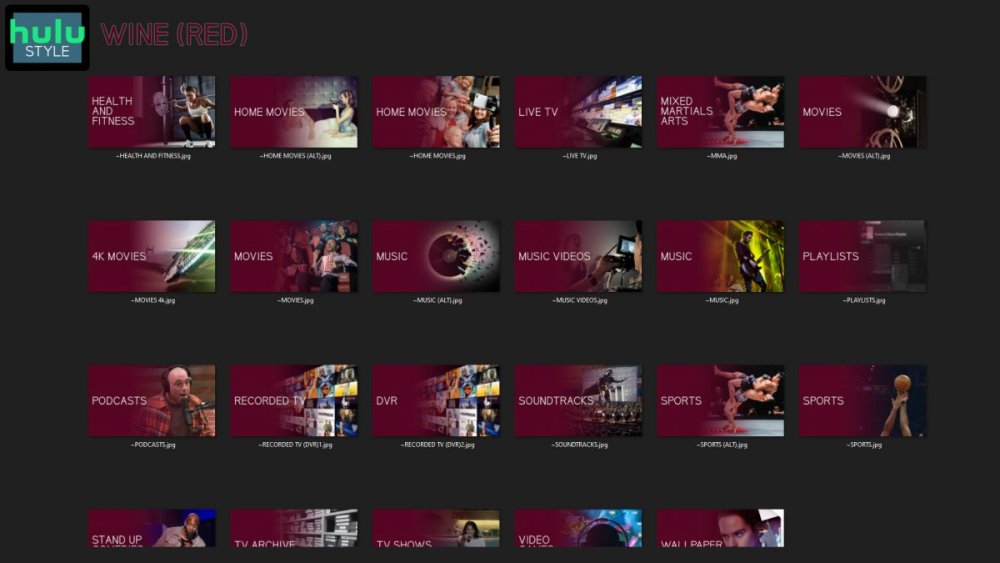
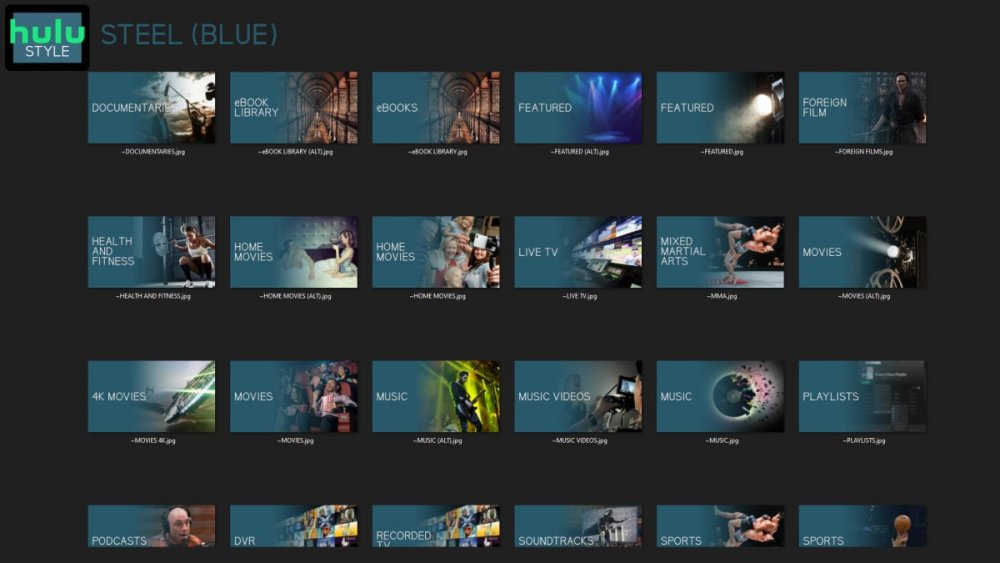
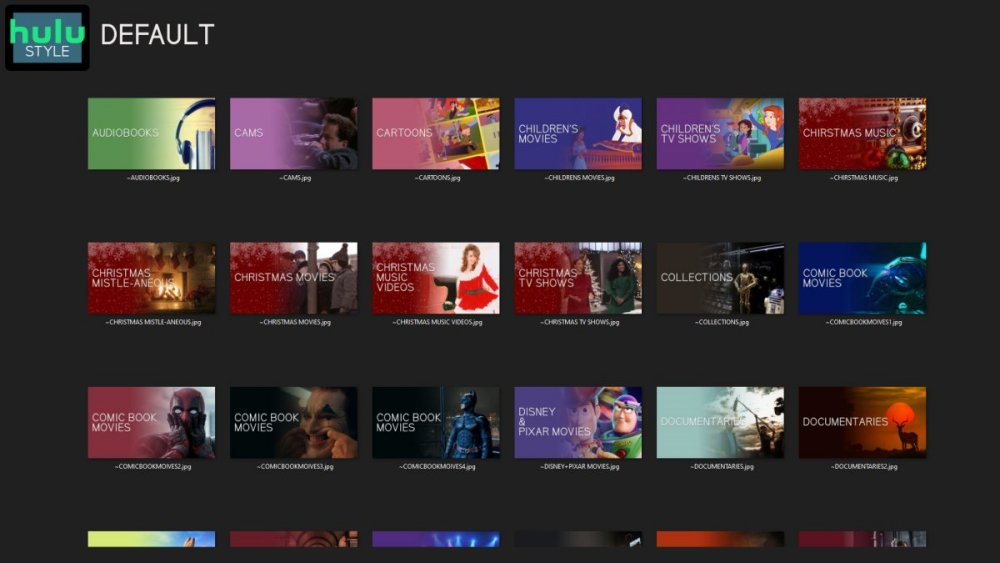
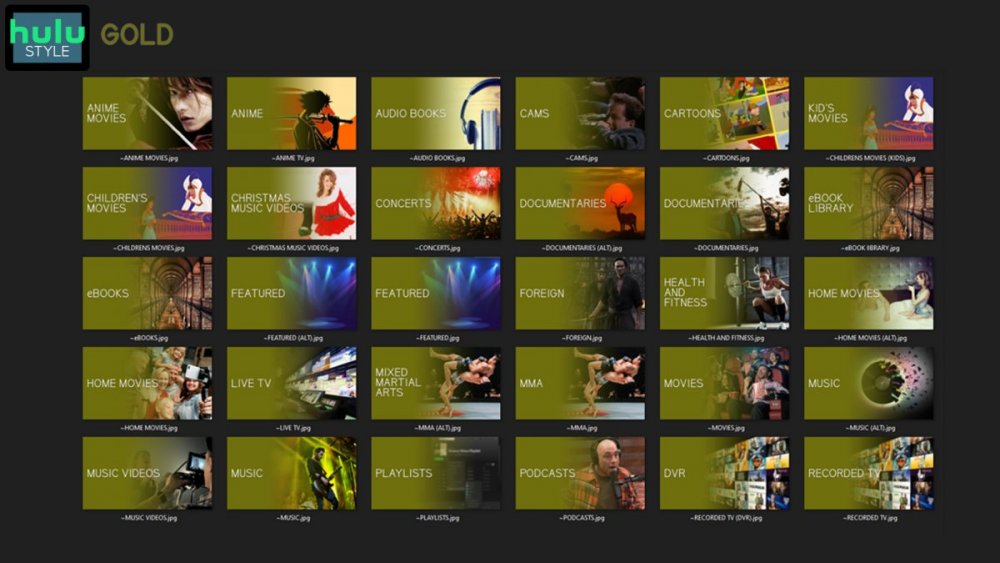
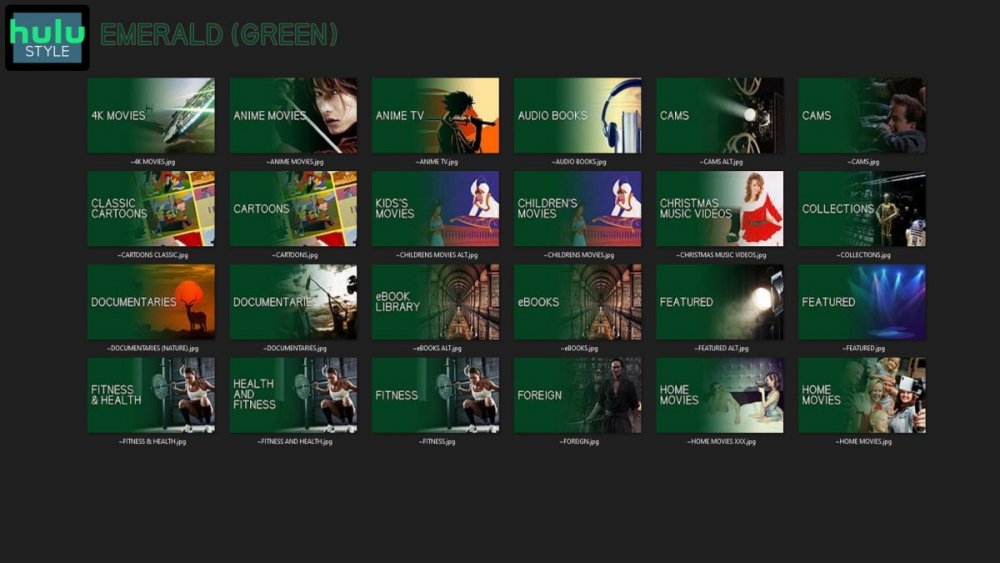
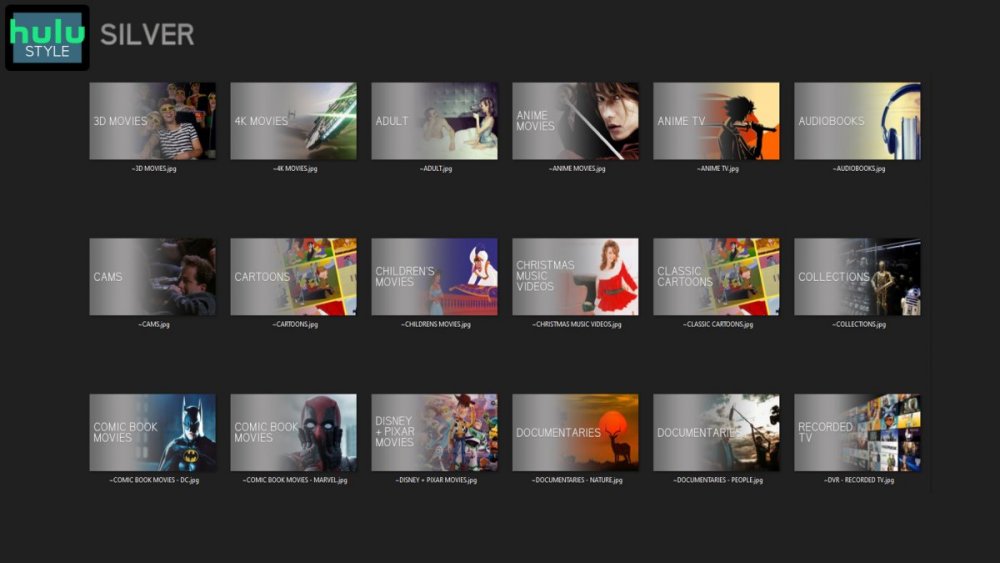
 1 point
 -
Hello, I've encountered this and its pretty annoying. If you scroll maybe 20 channels down, and then try to scroll up it will go "out" of the scrolling in channels and go to the top selection after two clicks on the remote. is there anyway this could be fixed? Its a pain to scroll up again.1 point
-
Hi, Unless I am missing something the only place to see the metadata flag for TV series "Status" (ended or continuing) is in the library view by looking at the year. Whilst this is conveinient when choosing a new series to watch it is hard to remember the status of a series weeks down the line as you cannot see the status without navigating back to the library view. It would be nice to be able to see this at the episode or season level and not just at the series level. It may make sense to actually use the words ended or continuing instead of the implied way it is done in the library view which I can see is done to save screen space.1 point
-
Hah! Makes sense. Thank you so much for all of the help and bearing with me!!1 point
-
Thanks Luke running 4.7.5 on DS218j
 1 point
 -
Die neue Version 4.7.5 funktioniert Danke1 point
-
Hallo now 4.7.5 is run1 point
-
Bring focus on header "Movies" and click.1 point
-
Hi, please try downloading 4.7.5 from our website again and let us know how that compares. Thanks !1 point
-
Hi, yes it's a good idea for future updates. Thanks1 point
-
Right, never save the credentials. Just save the access token.1 point
-
Hi, yes it is1 point
-
The playback failures are due to the audio track. 06-29 01:22:49.154 24032 24032 E EventLogger: Caused by: com.google.android.exoplayer2.audio.AudioSink$InitializationException: AudioTrack init failed 0 Config(48000, 6396, 765625) Exactly what equipment is involved and how is it all connected together? In the Shield audio settings, did you manually select the audio formats or is is set to Auto detect them?1 point
-
Great news - thanks for the update Eric.1 point
-
It is available but has only been implemented in the Android TV beta v 2.0.75+ (FireTV and Shield) thus far - https://emby.media/community/index.php?/topic/42240-emby-android-tv-release-notes-beta/ 2.0.75 (31 May) Remove delayed fade of skip intro button Add official rating to some queries Update translations (future) Recognize end credit marker This has been been tested by me (2.0.75) and appears to work as designed - thus I added it to the Wiki. (I have now added a note on the client restriction ;).) If you are using the above Android TV platform and Beta v 2.0.75+ and this does not work - then please let me know !1 point
-
Not sure where that quote has come from, but the core team need to implement that feature into the clients. The only one i know about is the Android Beta, however i guess they are rolling it out to more. We have no control on the VideoOSD overlays in clients or how they operate. Cheers1 point
-
I've been using this plugin for a while and it works great most of the time. Love it! :) Title sequence and end credit sequence are added perfectly to my shows. The intro skip button shows and works just as expected. The only part that is not working is below: I am using server version 4.7.5.0 and the browser version of emby (but it is the same for all clients I've tried). Even though the end credit sequence is detected and inserted as a chapter it is not showing the next episode prompt earlier than the default 30 seconds before the end of the episode. What can I do to troubleshoot this?1 point
-
I wanted to say thank you. I just updated my server and since 4.7.4.0 it seems to work flawless.1 point
-
[deleted]1 point
-
Update: While trying to figure out what could cause my issue, like testing speed between storage and emby, I decided to move emby to another stack. But the new Emby couldn't speak to the graphiccard anymore (before it worked), when using "nvidia-smi" I was notified that the driver couldn't be contacted. ... long story short, the system updated to a new kernel (5.10.0-0.bpo.12-amd64) and the headers were not installed, I installed the new headers, rebooted and the nvidia driver worked again. Now: emby still consumes a lot of ram: the memory is not used, its cached the overall performance is way better, It seems, even while running Episode Title Sequence Detection and now 15.7GB memory that I can stream again to embycon the IOWAIT issue is gone EDIT: Still exists, when I do Episode Audio Fingerprinting I came up with the idea, that something else is wrong, cause of another container suddenly having the same behavior as emby, like eating all memory as cache. So right now, I am not really sure, if it's an emby error, but still I any help is apprechiated. Cheers.


 1 point
 -
OK. I've recorded and viewed 2 episodes over a couple of nights since replacing the system folder. Playback seems to be working correctly now. Audio/video sync issues seem to be gone. Thanks. Curious what the issue was.1 point
-
sure will do, I assume you want the log with debug enabled, so I'll do that then post the log after the next scheduled recording. oh I see 4.7.5 is now available, so I'll upgrade first in case by chance that resolves the problem.1 point
-
Yes you can place images in Emby install and point to them or use a web url. You just have to copy the images to that location with every update. Would be /web/path to image "/web/css/images/login-backdrop.jpg" (css/images folder) or Themes folder "/web/modules/themes/login-backdrop.jpg". Or just create your own folder that can be copied into \system\dashboard-ui, ensure name does not have spaces. (/web/Custom_Images/login-backdrop.jpg)1 point
-
Just going to be honest here, MacOS seems very low in the priority list. During the last beta there was not one beta release for MacOS, meaning GA for all OSes was GA for MacOS. All other OSes had beta releases, including NAS devices. I’m running Mac for my Emby server and it runs fairly well, but wanted to share that experience. My main issue is that I have not be able to use HW transcoding at all, maybe because I’m on Apple Silicon. I have NOT run Emby on any other OS, so I cannot compare. Only Plex to Emby. Also, if you are on Apple Silicon, there is not support for that yet. It’s coming… but not sure when. I believe the issue is that with all other builds the release can be automated, but not with MacOS yet, which is very common.1 point
-
Thanks fella yes is for desktop, and TV UI’s Mobile i don’t see the need to develop for mobile/tablets. Emby’s native mobile apps are pretty sweet. I think thats an easy view to implement you could take list view from page 1 and just have the list with no poster(mayb have that option to display poster and details or not) i did a video of it working years ago when i developed this theme for WMC Emby.1 point
-
Looking good. Really like the new font. Is this actually a kind of Theater alternative, so is for PC use ? Also, in case you hadn't noticed, big, big fan of backdrops, any chance of views that emphasise backdrops and try to get out of the way of them as much as possible - no posters in front, text at the bottom etc pleasey.1 point
-
I think I have the answer for not being scanned. Please check security of the folder you are scanning. In my case I had no permission to read the folder. (windows confused or something like that when I formated my system disk)1 point
-
Yes, it's grayed out for everyone. I believe all third-party apps are grayed out as far as auto update (at least all the ones I have are). @Luke may need to ask Synology1 point
-
New version can be found in the main post compatible with the latest version of Emby Stable v.4.7.5.0 (and current beta). It fixes some small graphical elements that changed in the latest updates. It also makes the intro skip button only visible a couple of seconds and then disappears, until the mouse is moved.1 point
-
Hi there, let's look at an example. Please attach the information requested in how to report a media playback issue. Thanks!1 point
-
No I never did. My tv blew up recently and I replaced it with a 4k tv with built in Chromecast ... 0 issue now. From what I could tell, emby was trying to stream the 4k content to the Chromecast which did not have enough grunt to transcode to 1080p. After about a minute of very bad stuttering you could see emby fail back to transcoding and everything was smooth after that. Here's the thing though, I only recall starting to see this when hdr10 started becoming the standard. Prior to that regular 4k seemed to behave fine. I'm wondering whether it's an issue with hdr time mapping.1 point
-
Hi. Are you "casting" to the device or running our Android TV app?1 point
-
Hi Luke I've since added a Hauppauge quad freeview tuner to the mix and all seems to be behaving itself...for now. I can't get hold of an HDHomeRun at the moment but as soon as they're available, I'll be switching over to that. Thanks for your help. L1 point
-
Hi, currently no, but it's possible for the future. Thanks.1 point
-
I am using a version of Windows 7 that supports TLS 1.2. My system using TLS 1.2 was shown above in the connection details. This has nothing to do with reducing security, it is simply appears to be using a newer version of the .net runtime to support it. BTW I tried installing the patch in the link you posted and it says already installed.1 point
-
Hi, you can't yet but it's planned for the future. Thanks.1 point
-
@LukeIs it possible to get the books feature on the enhancements requests? Could it be on the product timeline?1 point
-
I have the optional shares (for Shield direct File playback, used the same as your Kodi requirement) and can still see the (primary) path just fine in media info. Could it be that the primary path is only displayed if the optional shared folder is a UNC share name - ie not an nfs mount ? Maybe you can create a UNC share to test this theory on your system ?1 point
-
Lets say your Emby server is on VPS or Seedbox, and you don't have a full windows environment but just a list of apps that you can install. If Emby could help to more easily organize libraries, why shouldn't it? It's a big difference between organizing libraries via SmartTV app and killing your eyes in some remote shell.1 point
-
For users with Samsung Tizen SmartTVs (2015 - Present) who want to test the latest version of the Emby client app before it's submitted to Samsung for release in their app store. These installs should be considered beta until approved by Samsung, however they are the same ones submitted to Samsung monthly for inclusion in the Samsung store. Samsung's policy is that the only official way to distribute apps is through the Samsung store and that usb installs should be used for testing purposes only. Because of this policy Samsung has mandated that usb distributed apps must expire within 30 days of compiling. To help with testing you will be remined to update to the latest beta release as the app expires to ensure you are using the latest version when reporting issues. This install will also work for those who don't have access to the official client app in the Samsung app store. However, the same rules must be followed as indicated above. Release notes and version number For the latest release notes and version number click on this post https://emby.media/community/index.php?/topic/31461-emby-for-samsung-smarttv-release-notes-tizen-orsay/ Installation instructions Download this zip file: https://github.com/MediaBrowser/Emby.Releases/raw/master/tizen/tizen.zip Format a USB 2.0 stick using FAT16 (some larger USB 3.0 hard drives have been found to not work) (newer models may support other formats, check your users manual) Copy the tizen.zip file to the root of your USB stick Extract the contents of the tizen.zip file to the root. (This should create the folder 'userwidget' in the root of the USB stick and the folder should contain the two files needed) Turn on the TV Make sure your TV is connected to the Internet Plug the USB stick into the TV's USB port. Installation should start automatically. (There will be 3 quick messages in the upper right corner of the TV) Click 'OK' once the installation is complete. Optional, add the Emby app as a shortcut to Home Start the app from the Smart Hub or installed apps section of your TV. Troubleshooting If the installation does not start automatically, then please ensure your TV firmware is up to date and try again. If you get an installation error, try the process again with the USB stick formatted ass FAT32. We've received reports from users that installing from USB 3.0 hard-drive devices does not work, so please make sure to use a USB 2.0 thumb-drive device. Also, make sure the thumb-drive is unlocked/writable before plugging it in. The TV will need to write to your thumb-drive. Users with 2015 Samsung SmartTVs may experience an issue where the USB version of the app deletes itself upon restart of their TV. This is a security measure implemented by Samsung in which we have no control. If this is the case you may have to leave the thumb-drive in the TV and reinstall upon reboot, or install the latest release version of the client found in the Samsung app center. Updating from a previous USB install The app will notify you when an update is available. To update a previous USB install just repeat the instructions above. Notes: Certain Samsung SmartTVs have an issue where the app won't upgrade from USB drive if there is already a USB version installed. If this is the case you'll simply delete the old version before inserting the USB and then repeat the same installation process to install the new version. Also, try power cycling your TV after deleting the previous version if you have problems.1 point