Leaderboard




Popular Content
Showing content with the highest reputation on 03/11/22 in Posts
-
I haven't used mp4 myself since I got the Shield. When I was using mp4 I always had a problem with ffmpeg muxing the DV metadata in a mp4 container so I had to use mp4muxer. dlb_mp4base/bin at master · DolbyLaboratories/dlb_mp4base (github.com)2 points
-
Personally, I don't want any streaming software touching my files. I'm fine with being given the option to create metadata files than can live along side those files. Those can be ignored or nuked without lasting consequences. Once you modify a media file, there is no "undo". Though I've never had much success with it, many people swear by beets to tag, rename, and organize their media.2 points
-
The end will be better though as I'm giving him the core assistance that he needs to improve playback with this.2 points
-
Yes, something like that is planed. But the current version is on feature freeze now. Because of future changes to Emby's Live TV engine i'll have to completely rewrite the plugin and that will take a long time.2 points
-
Many titles are so long with sequel names they are meaningless. Would it be possible to add a second title line or something similar? I have looked for a way to lower the text size but didn't see anything. Maybe there is another way to fit more in?
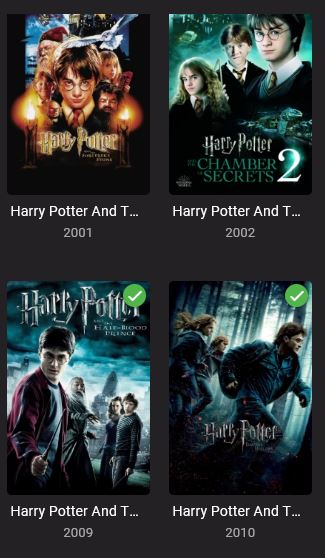 1 point
 -
There are no inotify errors in this log. Are you sure you are still having an issue?1 point
-
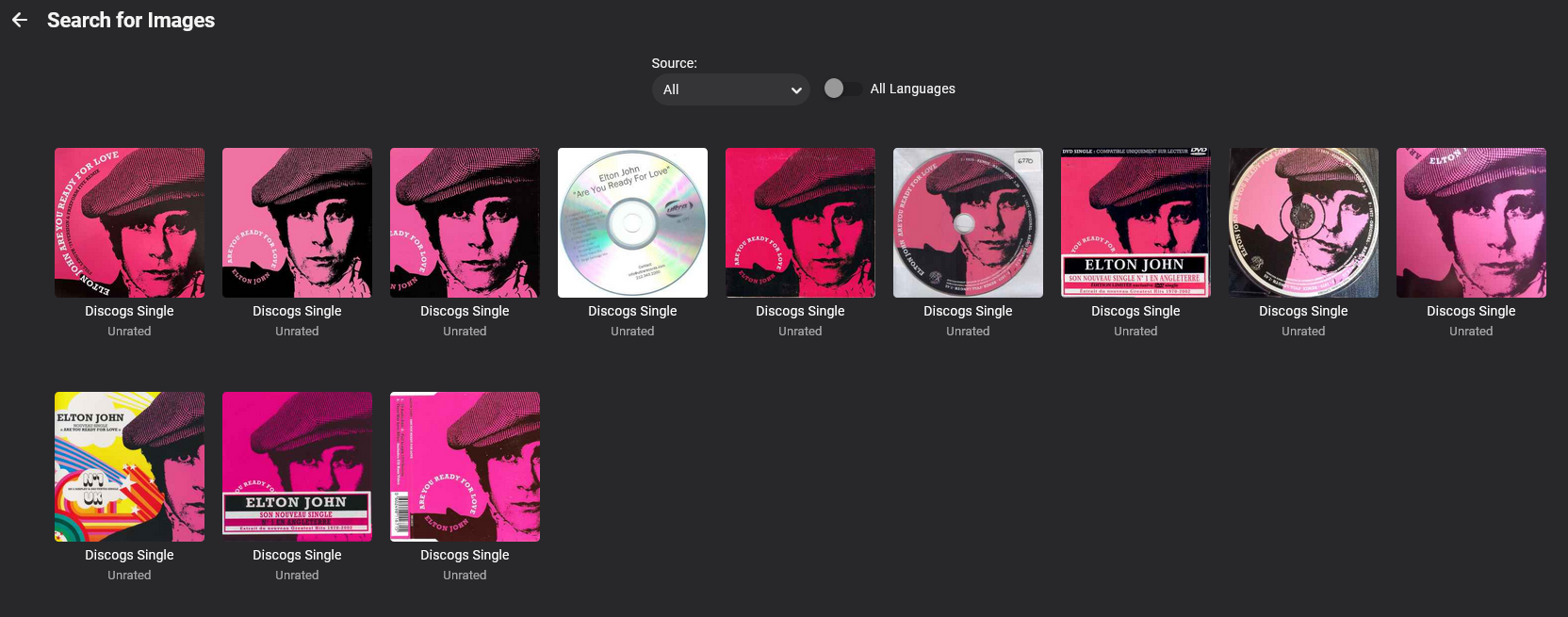
Just an update of where I am with this. It is still very much in progress. I have done quite a lot, although it probably doesn't look like much at first. Since 28th feb post 11.03.2022 *More GUI layout redesign (still work in progress) *Added Discogs scraper for Artist Images 10.03.2022 *Fixed multiple errors *More GUI layout redesign (still work in progress) *Added Discogs scraper for Single/Track Cover Images *Added 'ScraperCache' option to download search images to metadata (more info on this later) *Added Global Settings to Scrapers with Log http response errors. 04.03.2022 *Fixed an Error in Backup Albums --Backup Folders 'MusicBrainzAlbum' and 'AudioDbAlbum' require manual deletion and Backup>Albums re-running. *Rewrite Fetcher for Albums *Moved Album fetcher Logging to own Log *Dissabled all web scrapers (for now) *Dissabled contact other Emby web servers (for now) *More re-organisation of Web gui (still in progress) *Added Album/Primary Path report *Added Enable/Dissable servers checkboxes in global config 03.03.2022 *Rewrite Fetchers (Artist/Person/Series/Episode) *Start of Web Page Gui Redesign. *Start of Implimenting Metadata Interfacing. *More logging taken away from embyserver.txt (Still in progress) I haven't re-enabled all the scrapers yet. But I have implimented a new one for MusicArtists and MusicTracks(Songs) And for tracks (Adele - Hello) I have also enabled an image cache If this is not set but enabled it will write the Cache folder to your metadata path and store them there. These images are not currently used, but might be in the future. This is a function that might be handy to some people And On the Disk Drive There still lots and lots of work to be done. But here is where I am at so far. If your config doesnt load check the spelling (case) of the dll againt the config xml file. I had to rebuild the build file, not sure if its exactly the same. I also update a lot to media-and-meta.com (for custom provider server) Music Track Database contains 11311 Track Cover(s) 29 Backdrop Image(s) 3 Logo Image(s) Person Database contains 53289 Person Portrait Images(s) TV Show / Series Database contains 471 Cover(s) 85 Artwork Image(s) 828 Backdrop Image(s) 433 Banner Image(s) 342 Logo Image(s) 258 Thumb Image(s) Direct search on the website doesn't really work. It works best by adding it as a Custom Provider server You can now turn servers on and off without having to delete them TV Show Library Music Library
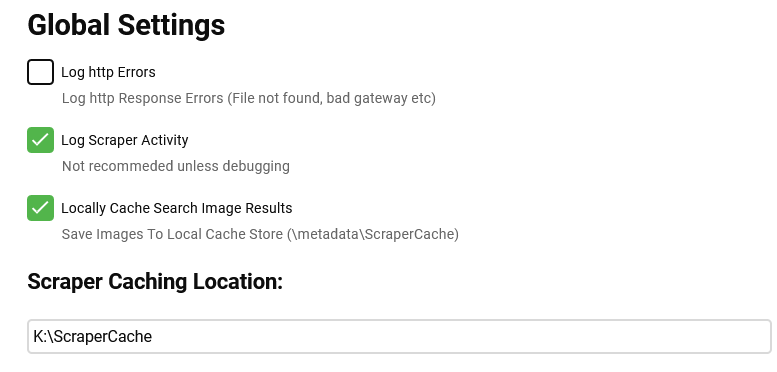
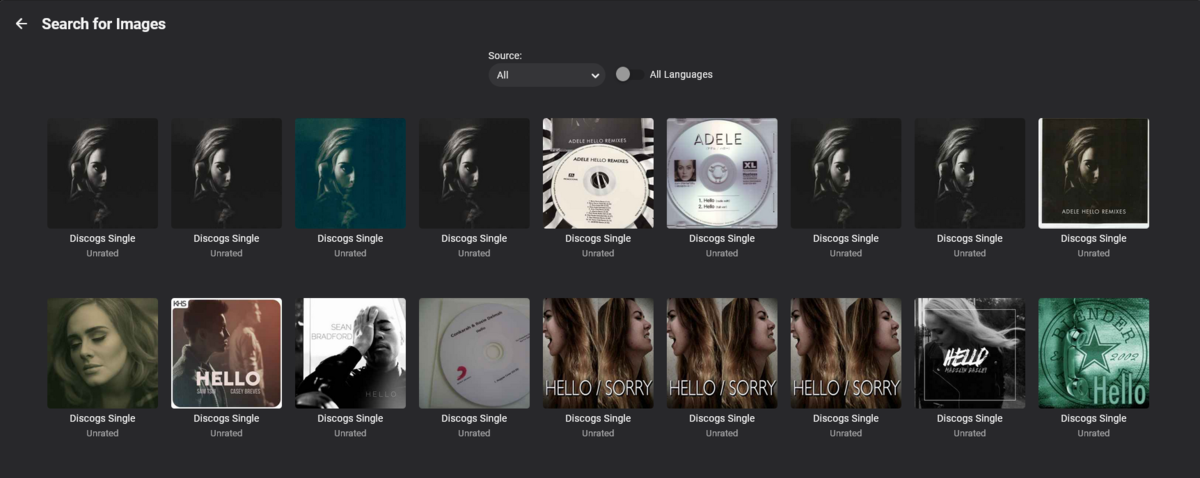
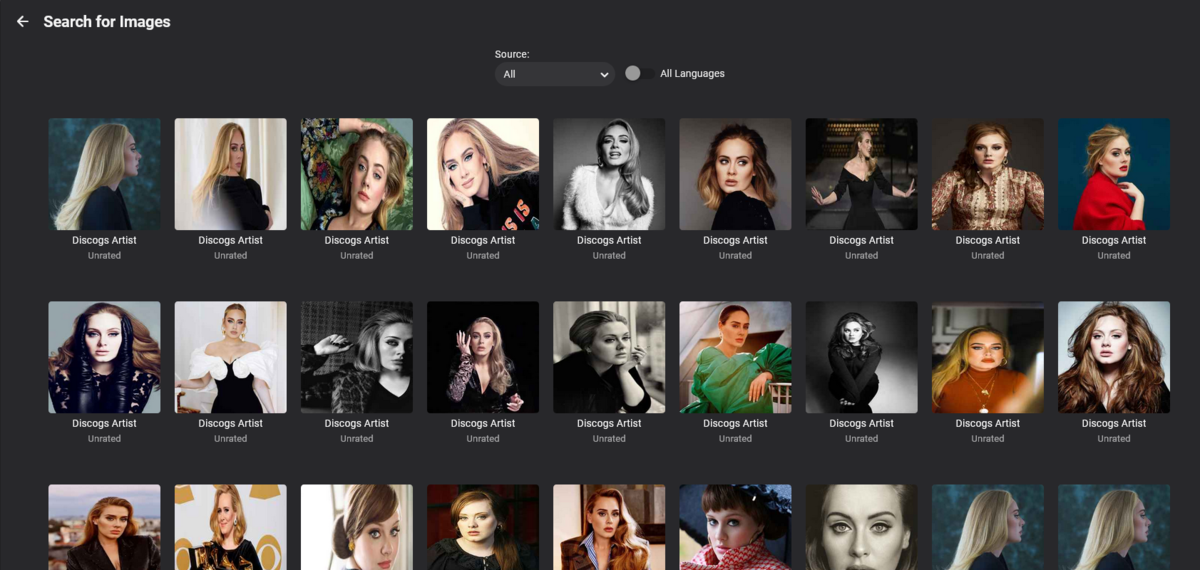

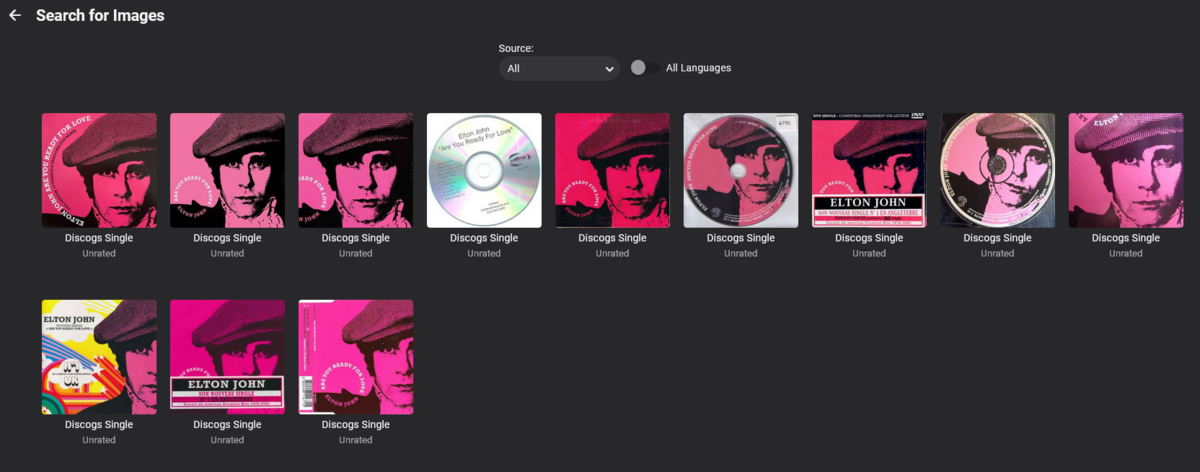
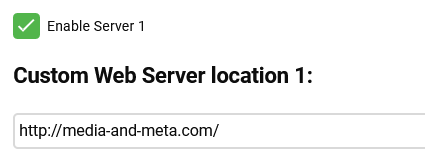
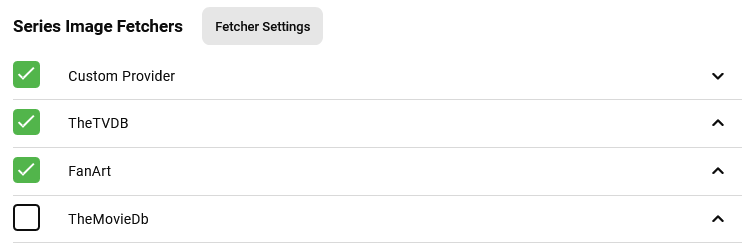
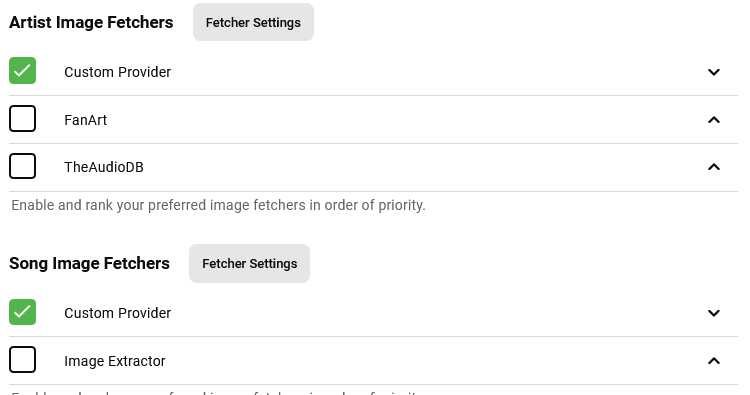 1 point
 -
If subtitles can be selected from that test and they work, then that is perfect. Thanks for confirming. I've raised the audio switching issue with Samsung, let's see what they say.1 point
-
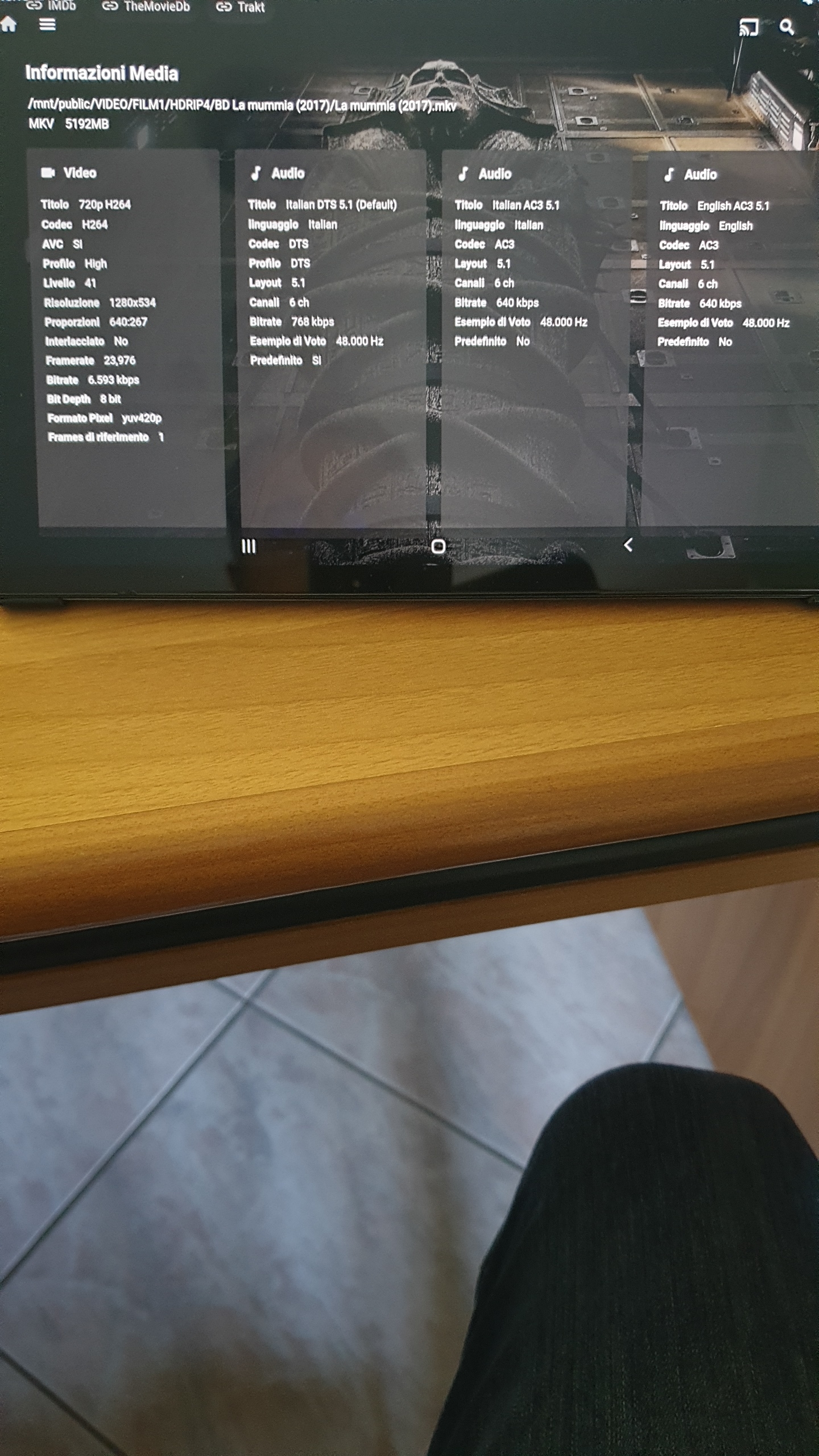
Here the stat
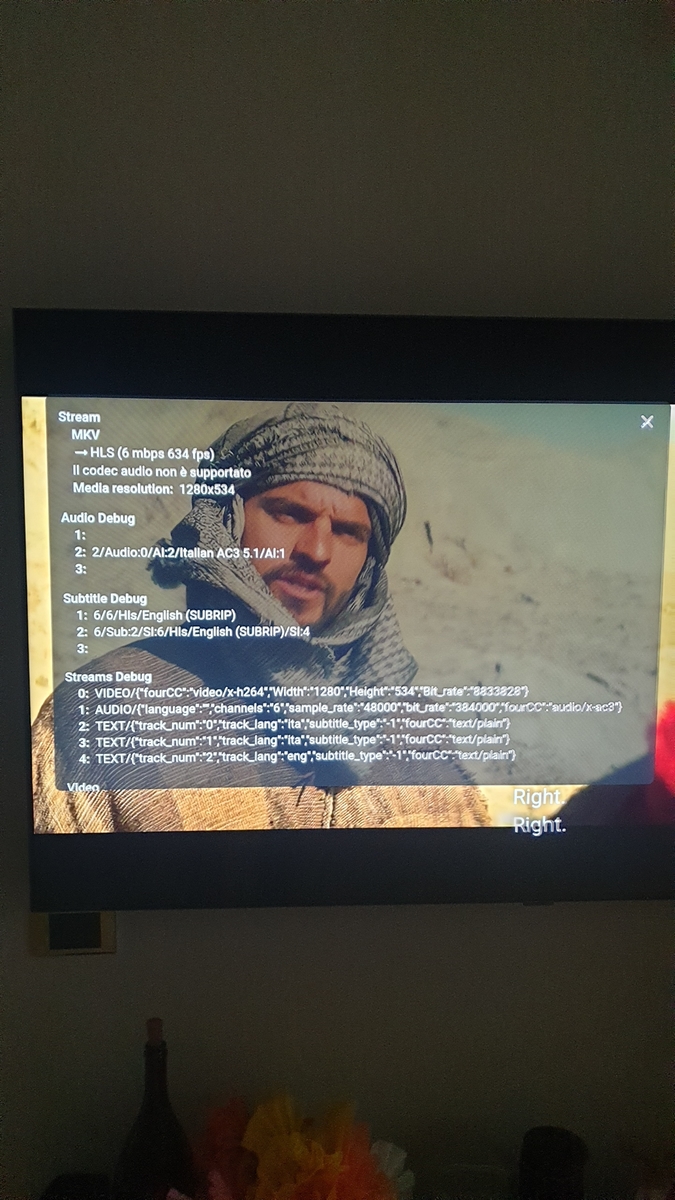 1 point
 -
Yep - infact the OP may like the fact that when they turn on their TV, with an HDMI/ARC connection with CEC, it will also turn on their AVR at the same time - and turn it off when they turn the TV off That in itself is worth a play !1 point
-
Likewise agree: but getting OP to test switching to HDMi was for purely practical purposes, so he could possibly get multi-channel audio now as opposed to waiting when/if at all the app gets updated or sideload standard app. That said, I must admit that I thought that passthrough over SPDIF was a given (and naturally supported by ATV app) and never gave it a second thought till now.1 point
-
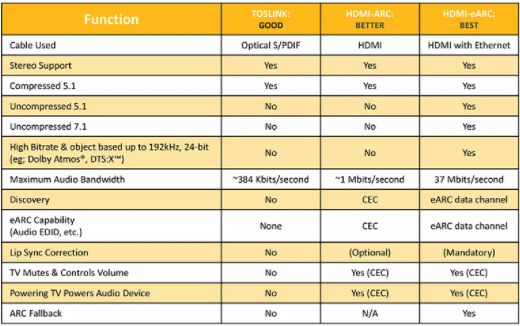
I think the point the OP is making - and I agree with - is why do all the other Apps pass AC3, DTS Core via the SPDIF to his AVR but the Emby App does not ? We KNOW HDMI should be the way to go, but the OP is perfectly correct in that HDMI ARC will provide very little (if anything) over SPDIF in terms of Codec support - due to not only the lack of e-arc on the receiver but also the inability for ANY TV App to use e-arc for HD Audio output even if it did have the interfaces. Table from HDMI.org - but the Max Bandwidth is technically wrong, as SPDIF works just fine with 1536Kbps DTS and it's also wrong stating 384 Kbits (AC3..), as SPDIF works with 640Kbps AC3 as well .. So all ARC/HDMI has over SPDIF is CEC control - there are no Codec benefits to using it.
 1 point
 -
Sorry you have a corrupt database. SQLitePCL.pretty.SQLiteException: Corrupt: database disk image is malformed You will have to Reset your database per the KB. https://support.emby.media/support/solutions/articles/44002210894-corrupt-database#:~:text=Steps to Reset Library Database %26 Load Fresh1 point
-
Sure, I will add transcoding information in the coming days and push out an update to the webhooks plugin. Thanks.1 point
-
Np bud. Transcode information is also something highly requested for Emby & JF since it is available in the Plex notifications. You're welcome to add me on discord or hop in the Notifiarr server if you want to discuss things.1 point
-
Correct.1 point
-
I was told to post mine in the following section Tutorials and Guides - Emby Community Then cayars will add something to the kb linking to the tutorial. I guess the consensus was to not pin a bunch of these here but use the kb w/links and keep all the tutorials together. I'm not sure there is a format, but you can see I've created a few for Synology lately. Using a lot of screen shots helps (worth a thousand words I guess). Though that may not be so easy now that you're already done. I haven't done mine yet, but this is on my list of things to do. I'm sure cayars can review and I'll be glad to test it out.1 point
-
In TV mode apps, it would be nice if FF & RW (and skip forward / skip back or equivalents) should be "page down" and and "page up" in lists for faster navigation. I find the buttons don't do anything in lists in TV mode in web based apps I've tried like sideloaded Android app on FireTV and Emby Theater on Windows PC, but also in AndroidTV app on FireTV it also doesn't work. I also have a Roku as well and in that app, this appears to be hooked up this way, so kudos there. - Jason1 point
-
Hi. Thanks.1 point
-
Nice ! - Thanks @FrostByte - this seems to be exactly what is needed -1 point
-
ok - so no subs is known as I didn't include the syntax to copy them (just add -map 0:s:0 -c:s copy) to copy sub track 0 (the first one). So yes, this is where DV and MP4's start to get complicated and where I much prefer MKV (and why I dumped the LG Player and moved to the Android Shield!). There are certain things you need to do to the MP4's to retain the DV encoding - I *think* a standard remux removes this layer (ffmpeg ignores it during the stream copy). Let me have a play today and I'll see what I can find out on the MP4 side of things. @FrostByte might have looked into this also and can probably advise a solution to remux the MP4 and retain DV.1 point
-
I will get to it next week Vic1 point
-
Hello, now I have changed to "Active Directory Server" for LDAP authentication, which can easily filter out expired users.1 point
-
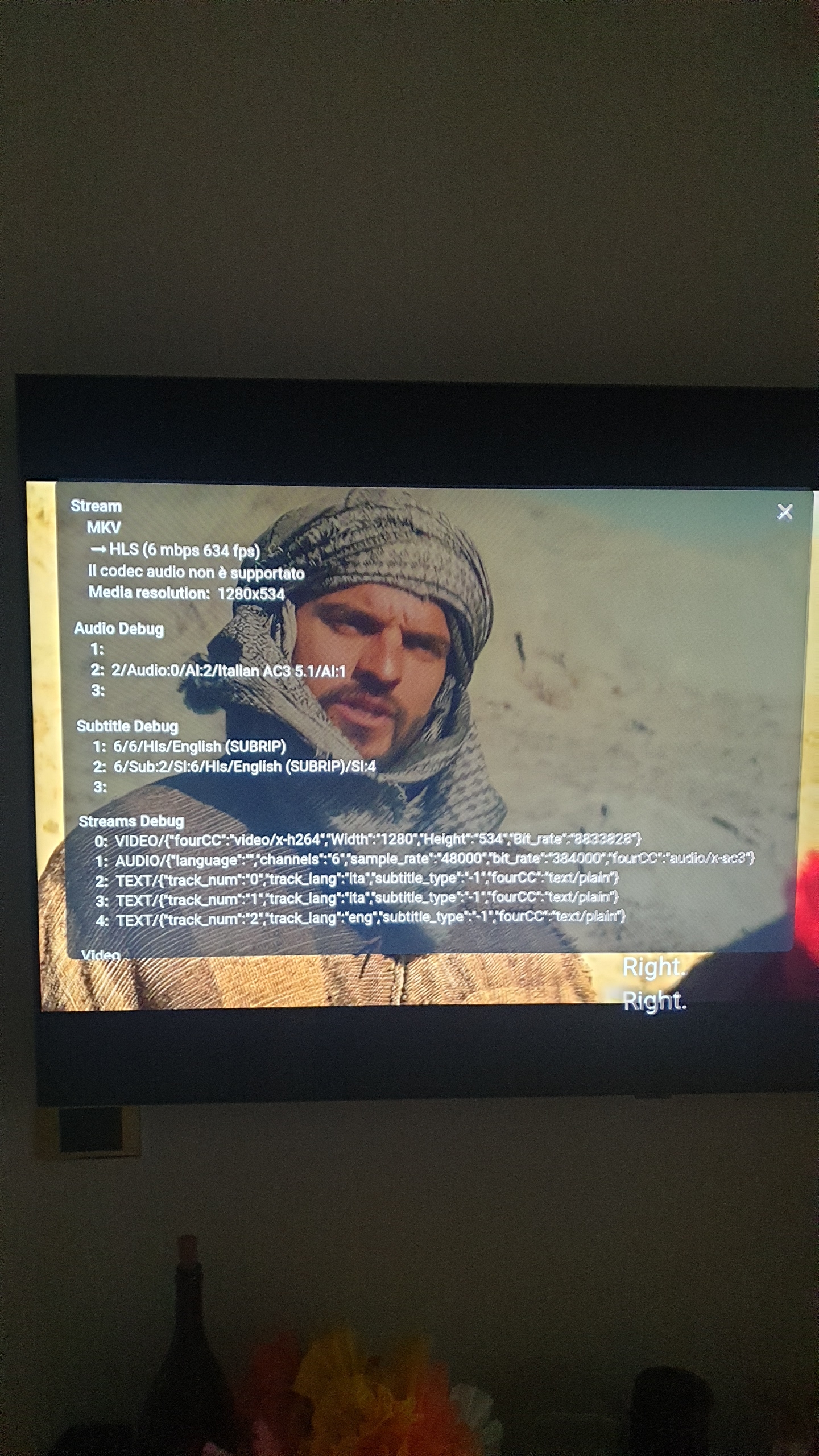
This is the video I play Do you need to be sure to have the screen of statistic?
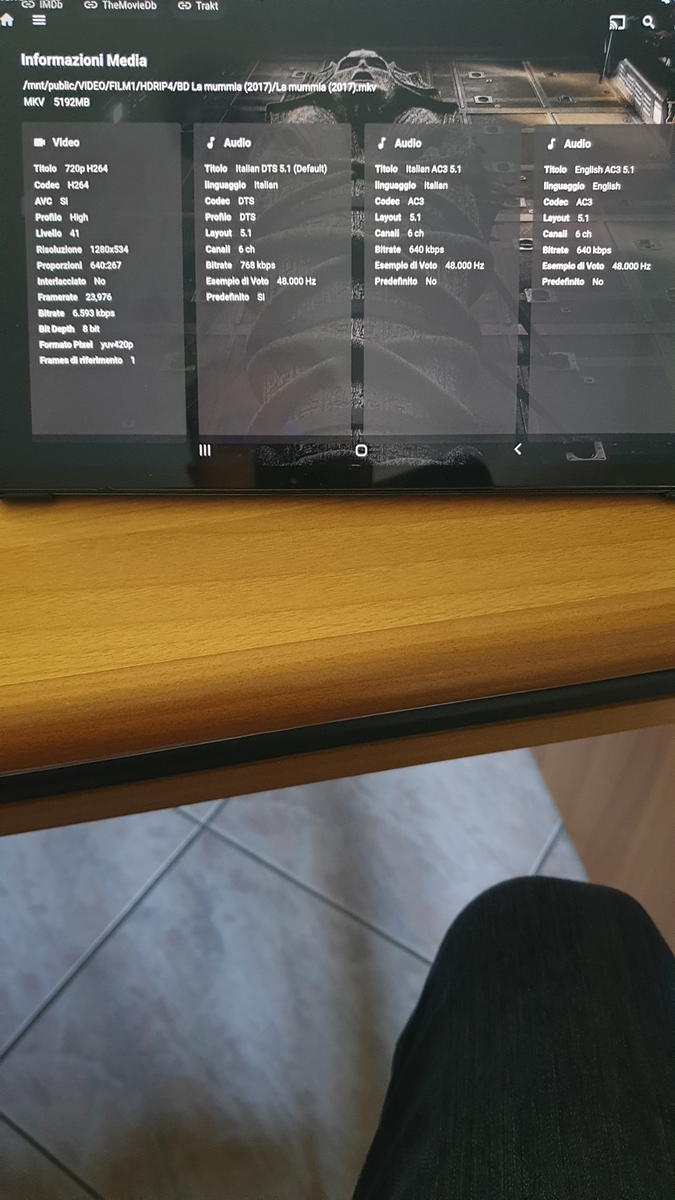 1 point
 -
Hi @rbjtech and @SamES, I just tried the ffmpeg command and the remuxed file plays the AC3 and EAC3 tracks without distortion but now the colours are off as it is no longer recognised as Dolby Vision (the new file also has no subs any more). I was thinking about the subs being a problem too but then I remembered looking at other series which were mp4 with Dolby Vision and EAC3 atmos without noticing any distortion. I've attached the media info for such an episode with 43 subs. Acapulco S01E01 Media Info.txt1 point
-
ah right with you. Let me have a play today ...1 point
-
Hi @SamES - I certainly can but I don't believe this will fix the issue because the LG App does not support DV via MKV (this may be incorrect and has been fixed with a later WebOS version - I no longer use the LG Client at all ..) There is a couple of things to try / eliminate. I notice it was only the audio that has the issue (while streaming, direct USB is ok) - so can you try a remux using AC3 as opposed to EAC3 ? ffmpeg -i <input file.mp4> -map 0:v -map 0:a:0 -map 0:a -c:v copy -c:a copy -c:a:0 ac3 -disposition:a:0 default -disposition:a:1 0 -metadata:s:a:0 title="New AC3 Track" -metadata:s:a:1 title="Original EAC3 Track" <output file.mp4> The above simply takes the input file, adds an AC3 track created from the EAC3 track and makes it the Default 1st Audio track. When playing the new file, if Audio plays OK - then we know it has something to do with the EAC3/DV combination in the Emby implementation of the LG player. It's also worth trying EAC3 with the remuxed file as well - as this 'may' then work as it has been remuxed vs the original file. I have an LG TV C7 as well, so I can try this out a bit later on today or maybe over the weekend..1 point
-
Yep, and it sends notifications over Discord, no proprietary app.1 point
-
thanks for getting back to me. I have checked again and found what I was doing wrong. I excluded the movies & tv shows folder. I did read it wrong, and read include. So after syncing everything seems to work now!1 point
-
Excellent, I can wait. Thanks for all the hard work. Looking forward to it.1 point
-
Well, this is the reason for that bit. That explains why it moves to the front. Not that it's new files. Just the Lastest Show list resetting on the home screen every time. (It possibly always shows the same 1 TV Show for some reason at first when the reset occurs?, just having memories of that now.) So it's got to be a bug yeah?
 1 point
 -
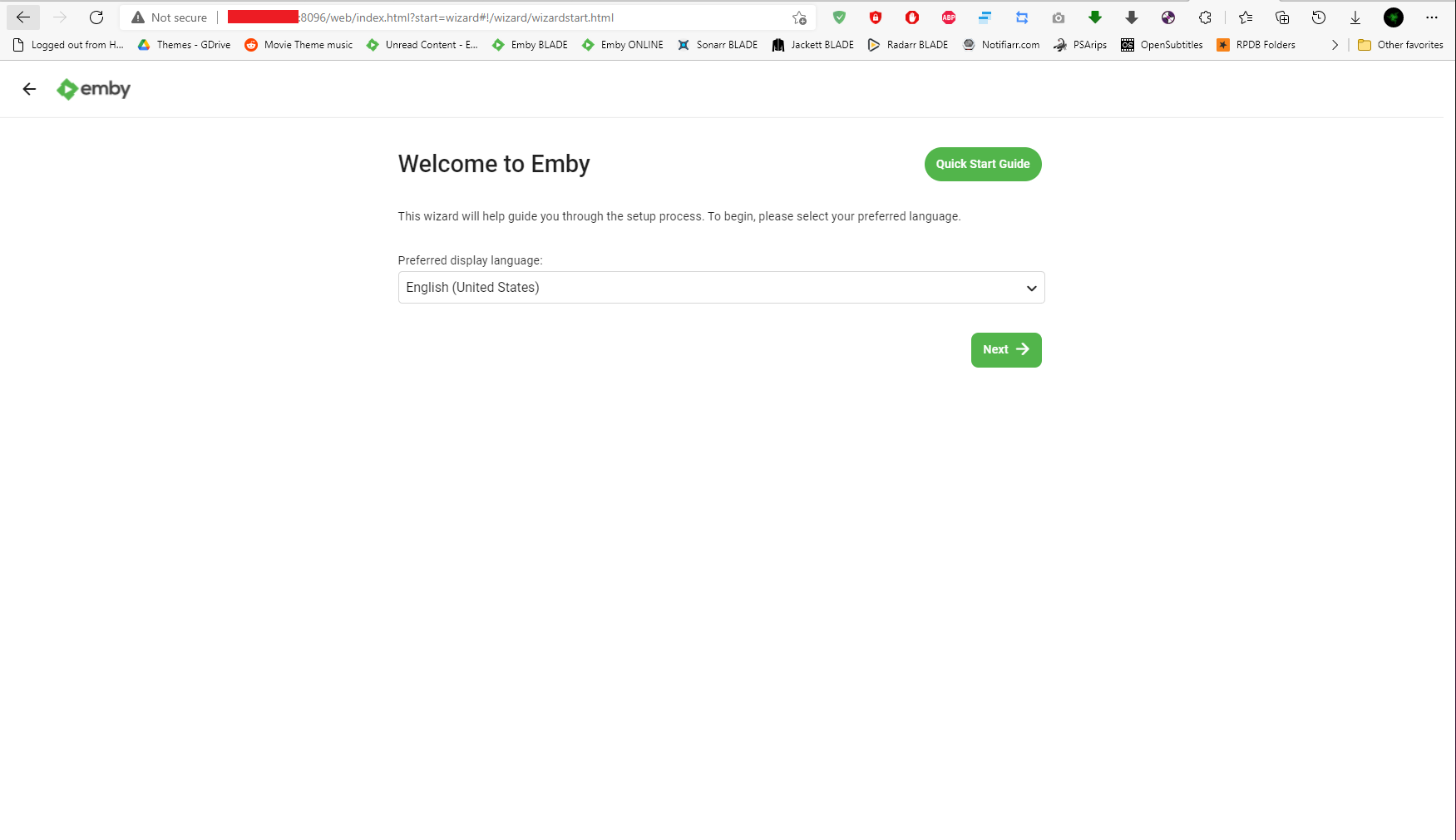
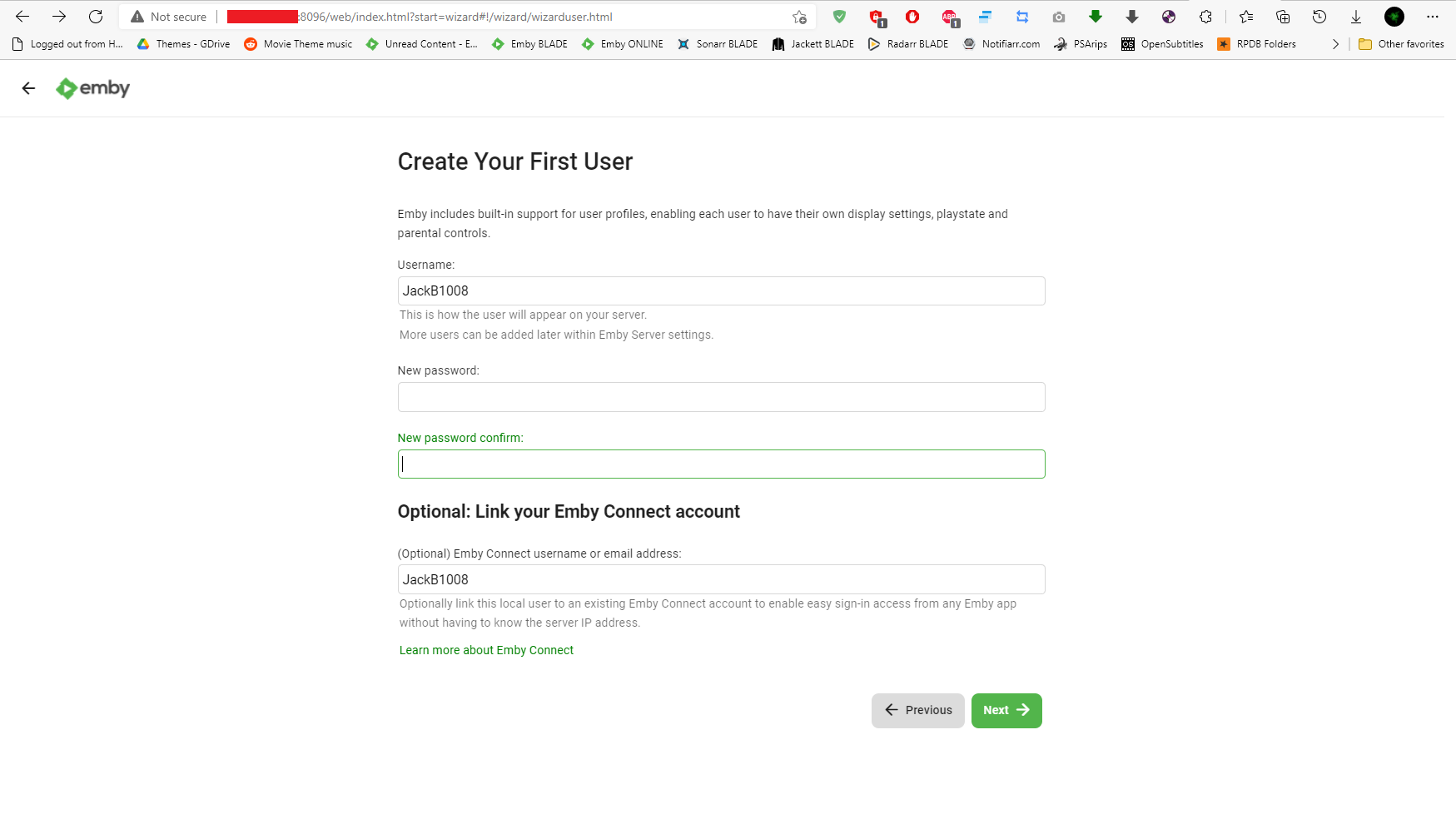
It actually doesn't serve a purpose during setup other than expose the new admin to Emby Connect which probably isn't a good thing at this point in setup.1 point
-
Okay two things to try. You can try sideloading the standard Android app onto your TV to see how it compares - https://emby.media/emby-for-android.html I can't comment on why the Android TV app would interrogate the HDMI connection but not the Optical, but in saying that - you've indicated that your TV has ARC on HDMI 4 ...ARC stands for "Audio Return Channel" which means you can use it as in input but also as an audio output, so theoretically you could try plugging a HDMI from HDMI4 on your TV, to one of the HDMI inputs on your A/V Amp and you might be in luck. See how you go with either of those tests.1 point
-
Links were updated to the latest versions.1 point
-
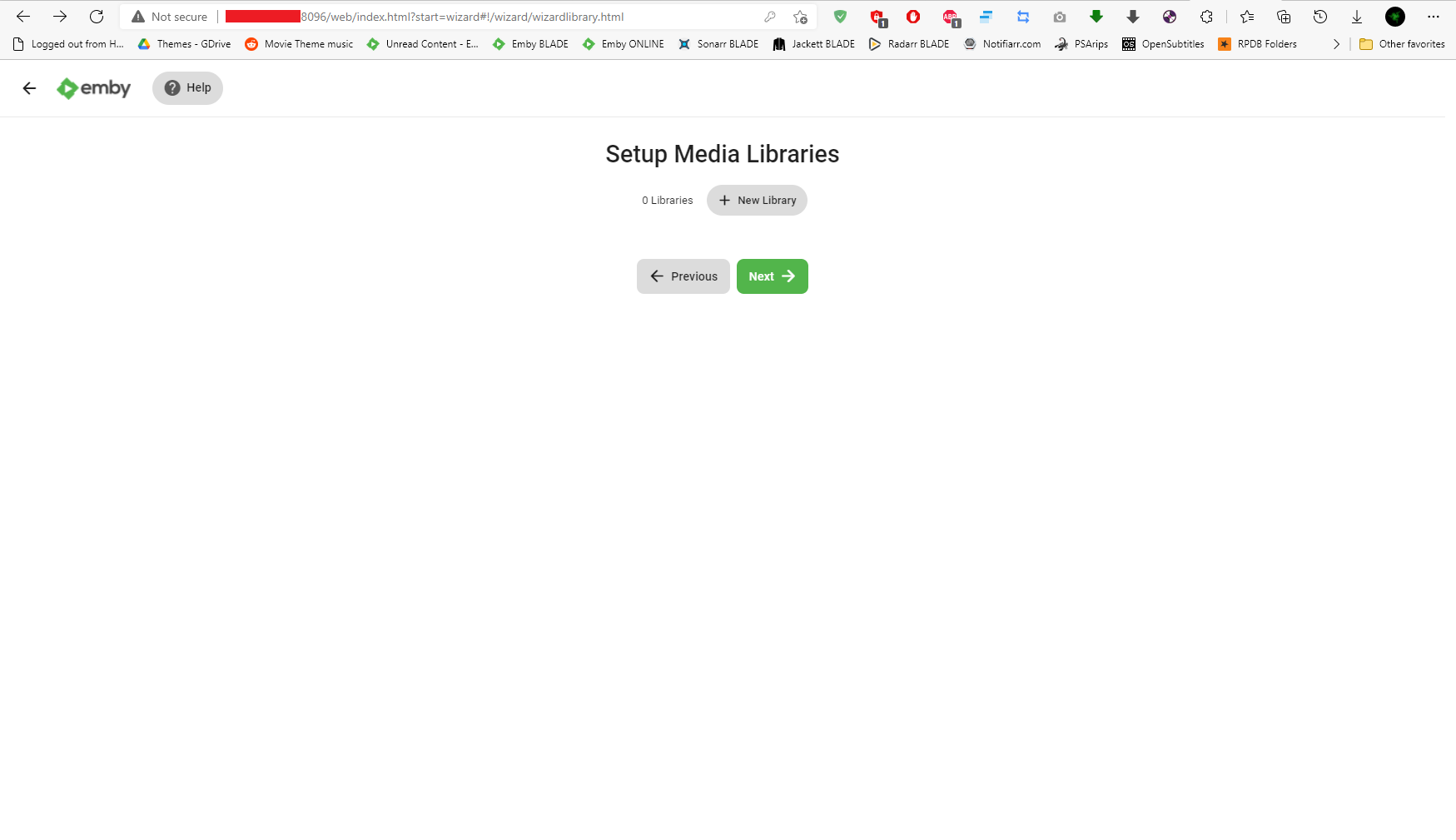
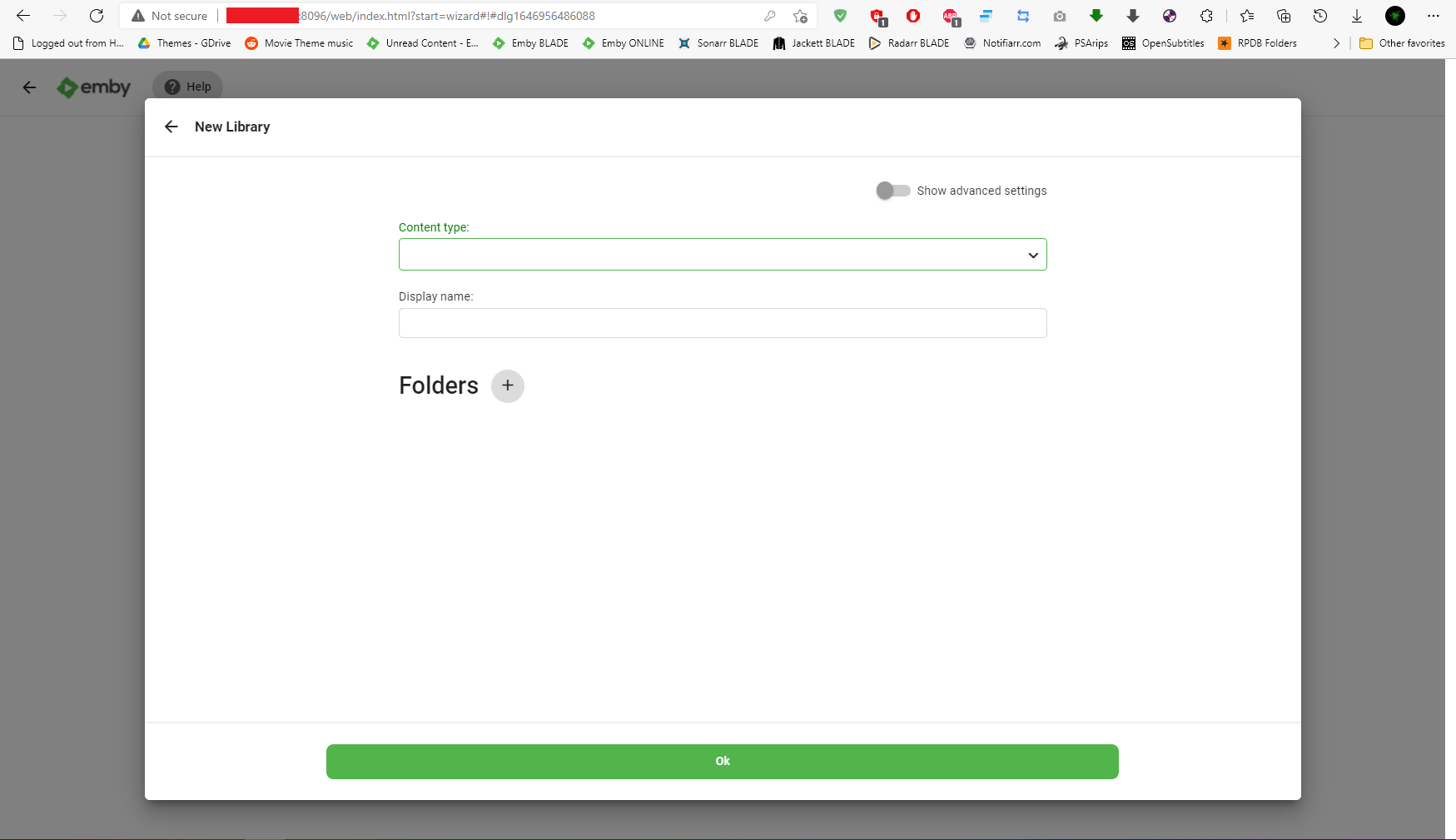
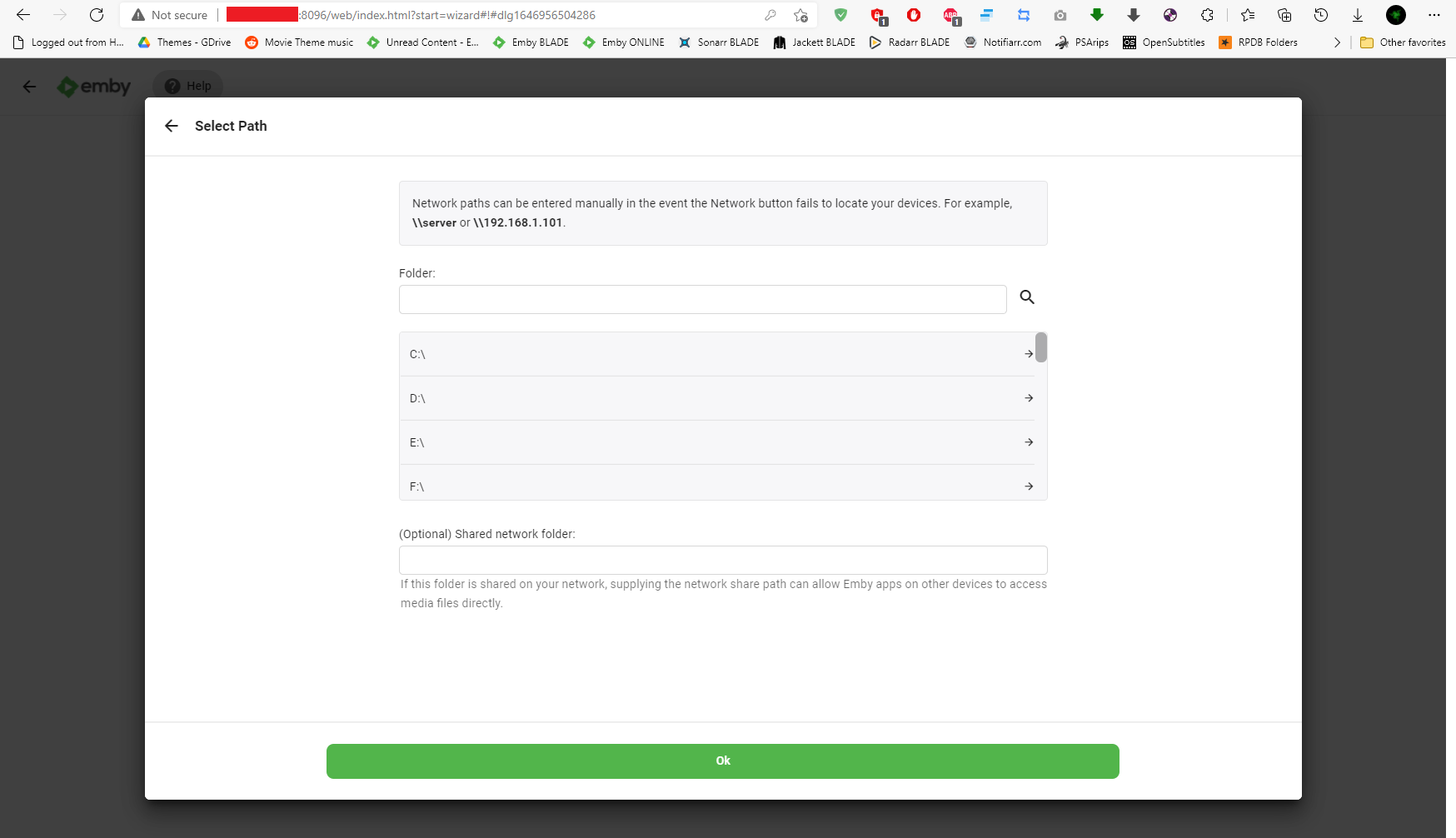
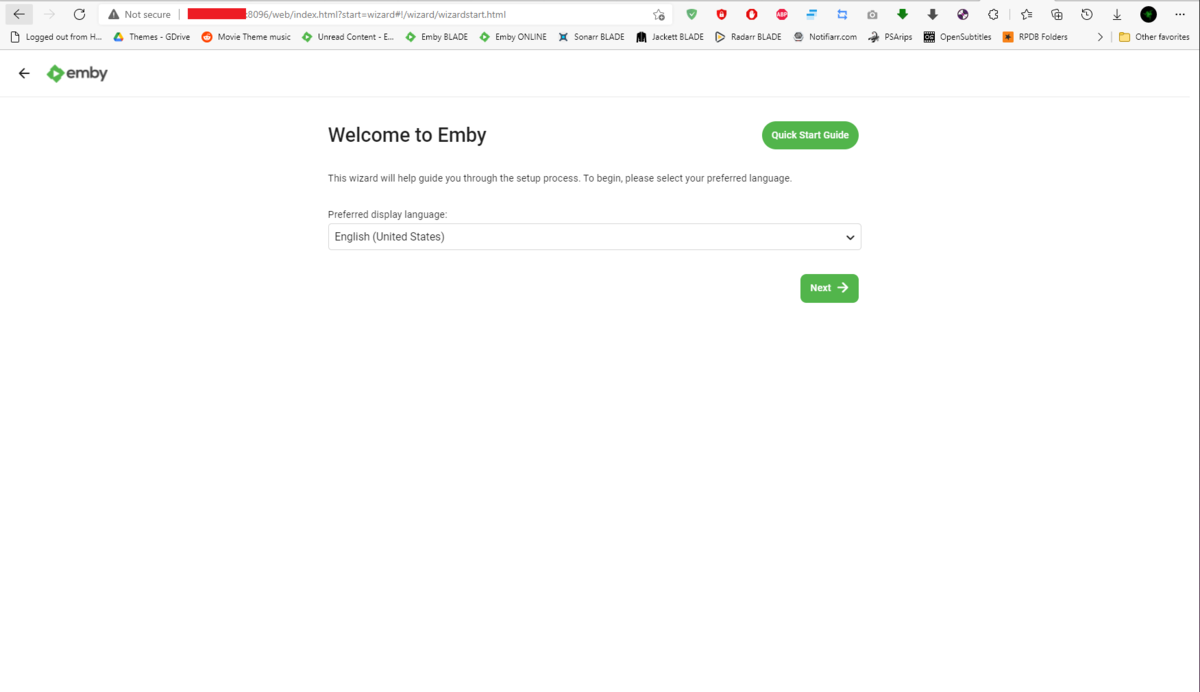
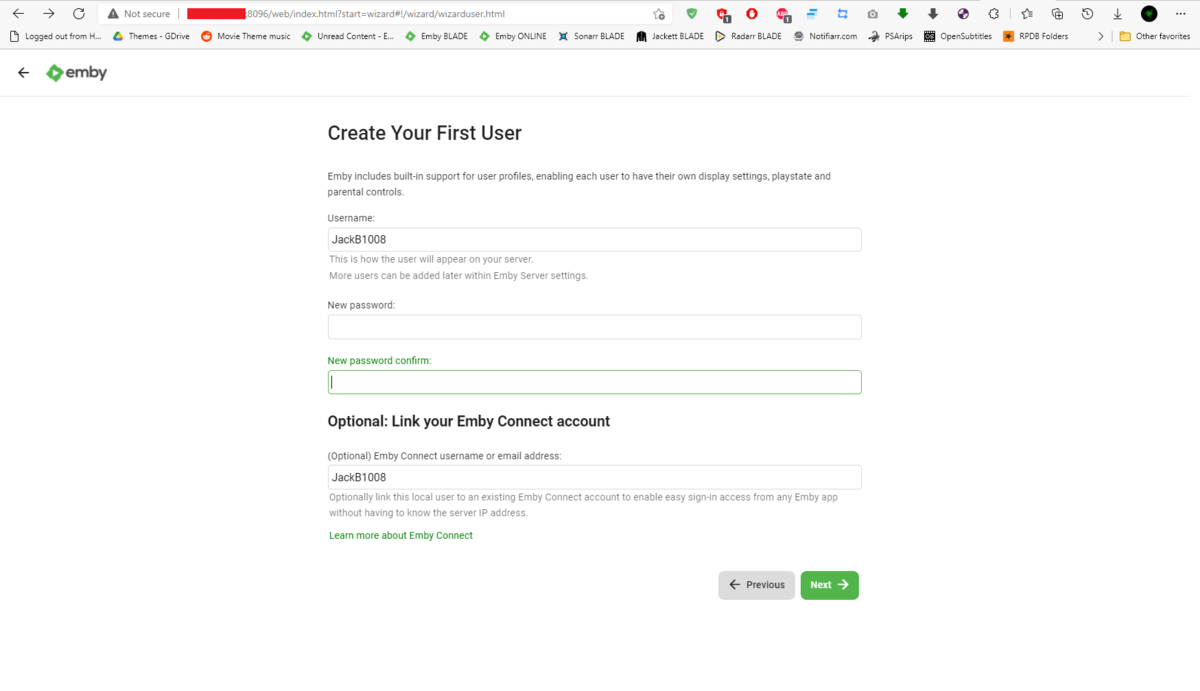
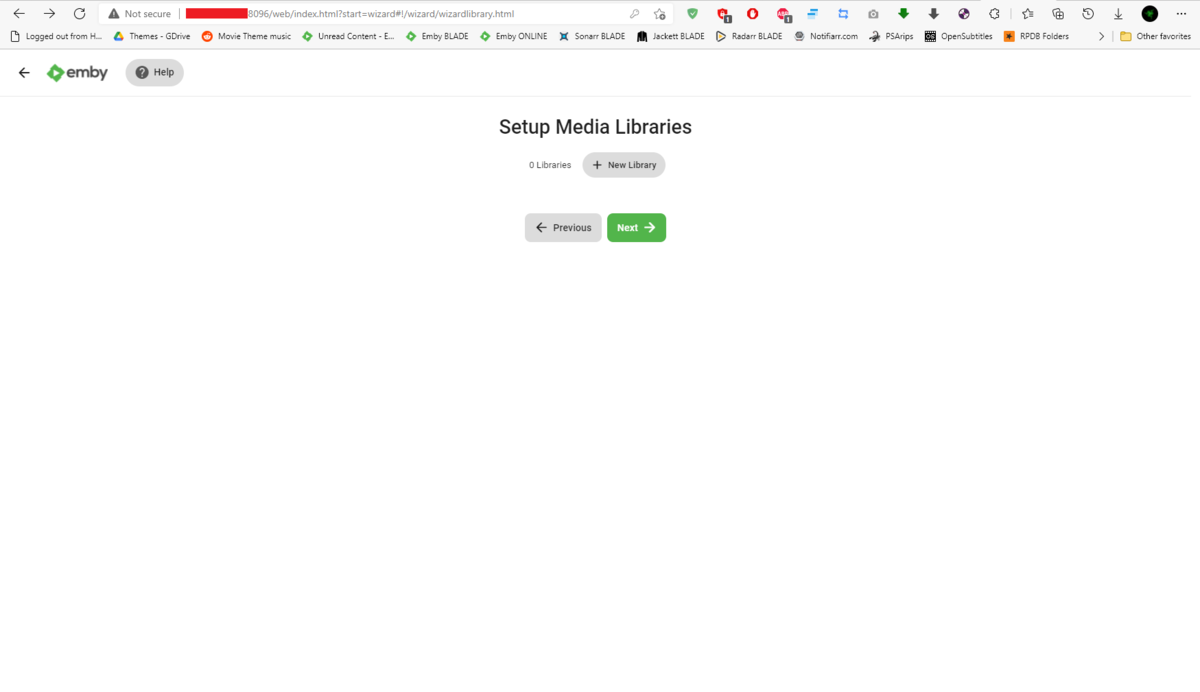
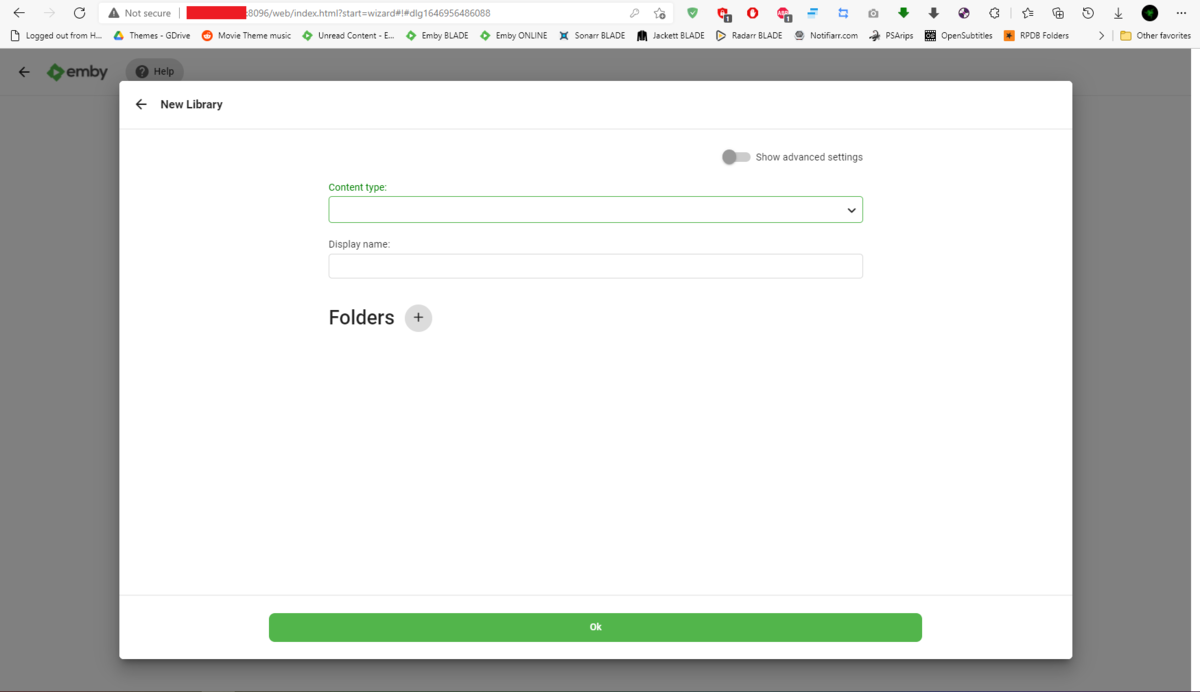
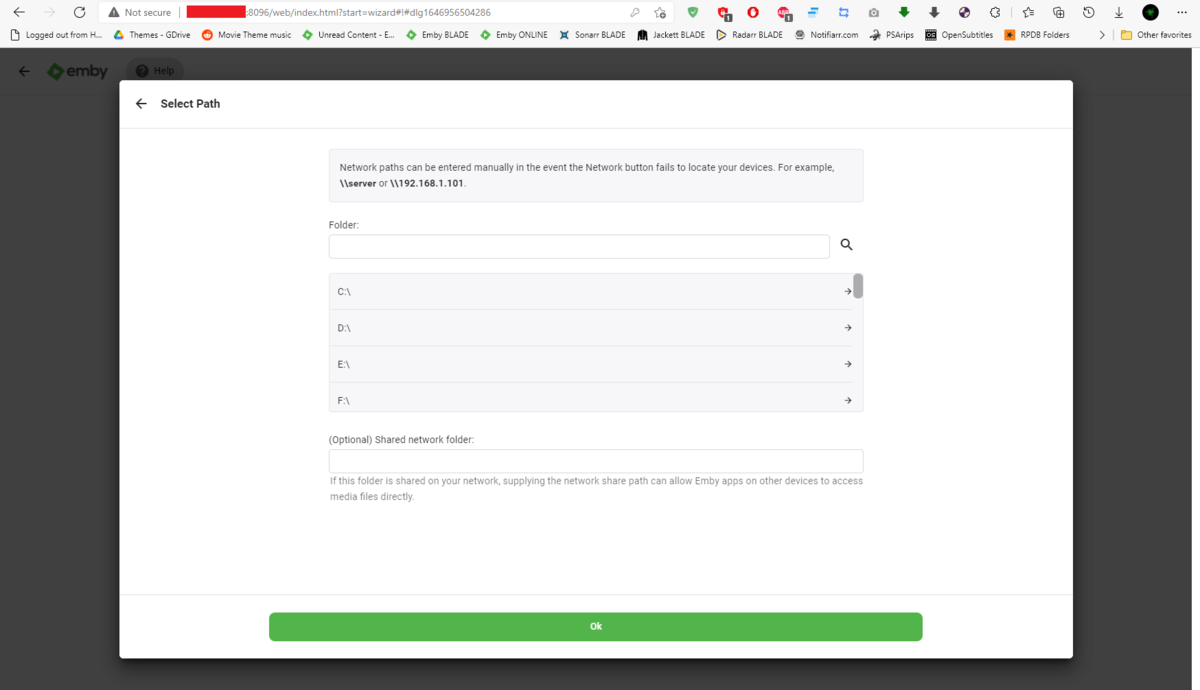
What everyone here (including myself) fails to realize is why can't you just connect to local IP:port and setup the server, and then setup all the other things (libraries, access, link to Connect account...) afterwards. That said, as @Happy2Play stated, you have left your server wide open for anyone to access/setup and practically hijack, as you have not completed Startup wizard. If I remote into your server, I can see wizard is still active and have no issues getting Library created: Edit: @Luke, maybe option to link Connect account/enable Port Mapper should be removed from startup wizard as that would force users to setup things locally (or at least complete startup wizard) before exposing themselves and potentially avoid these kind of situations? Atm OP's server is ripe for the picking, and lots of malicious folks in the wild.
 1 point
 -
I gave the updated build some testing, and the build itself didn't resolve my issue. (Though I still much appreciate the update!) So I dug a little deeper and found the difference was that mpv on my computer was using the hardware D3D renderer, while Emby was using the software OpenGL renderer. Switching the "Video output" setting in Emby Theatre to "gpu" caused Emby to also switch to the D3D renderer, producing identical 10-bit output to my mpv binary. So, problem solved by that setting.1 point
-
A tutorial is probably more appropriate. The thread is 7 pages.1 point
-
Can you post the ffmpeg log that works with HWA off. But if I had to guess possibly the encoding bitrate differences that happen in hardware vs software. Hardware will set a bitrate vs software applying a maxbitrate. If you set client playback to a lower bitrate/quality to like 25Mbps does it work. FYI converting H265 to H264 will double the items bitrate up to the set max value. So this example is converted from 25Mbps to 50Mbps.1 point
-
That’s a good idea. I’ll test that. I was expecting live processing to be more cpu intense based on the documentation in the plug-in.1 point
-
Hi there, we were working on improving it. Thanks.1 point
-
I don't know what your free ride voucher is in this analogy but, even in your example, you are using the services of the driver. My point is just because it is "your music" (it actually isn't but we won't go there...) doesn't give you the privilege of using location and transport mechanisms provided as a service for free. I'm sensitive to this thinking because we see it all the time from users out here. "Why should I have to pay to play my own movies on my own server". Well, you don't but, if you want to use all the features we provide in the Emby system, then you just might need to because they didn't come out of thin air for free1 point
-
That isn't an accurate representation. There are many ways you can play your own music for free. However, if you want to use the technology and intelligence provided by Google to do that, then you may have to pay something to allow that. Your position is like saying it is ridiculous that a cab (or Uber) driver expects you to pay to transport your own kids...1 point