Leaderboard




Popular Content
Showing content with the highest reputation on 03/08/22 in Posts
-
Thank you for the kind words. Once we see the results of new versions, I will try to write something that will move data over. I'll definitely do my best to try and make any migration painless.3 points
-
@ebr - see comment below - new app version has solved the problem for me on my Fire TV stick.3 points
-
Auto has some serious problems. I've mentioned it a few times (even with test proofs of it being broken), and the answer is always "we'll look into it". Part of the problem could be the ISP, either yours, or theirs, throttling web streaming traffic. I've tried to setup QOS but apparently Emby isn't recognized as an app that uses bandwidth on my server, and everything is just "web streaming". Plex.tv has it's own entry so I have no idea why Emby isn't recognized.3 points
-
Would some kind of music service integration be on the cards, like plex has tidal (I like music videos, but plex handling is piss poor and very restrictive) on an official basis as opposed to people creating work arounds, I ask because I think the majority now use streaming services as opposed to keeping a music library locally (the opposite of habits with films and tv show stuff) and to access everything in 1 program would be quite simply awesome, I know this wouldn't be as simple as coding because there would I assume be a need for some kind d of commercial arrangement? Cheers2 points
-
It takes close to a month to fully fingerprint and detect my library so let's keep any kind of breaking changes that require long rescans as infrequent as possible yeah? I kid, I kid! (Mostly ) But also not kidding about the scan time, my posts from a couple pages ago where I mentioned starting a fresh scan? Yeah, that all only just finished yesterday. It has taken all this time to scan with the exception of a ~5 day outage I had due to floods frying my server But seriously though, I've said it before and I'll likely say it again, I don't think any of us can thank all those contributing to this plugin enough! The hard work and effort gone into this really shows given how well it works even just out of the box in it's current beta state and I'm glad it's getting the recognition it deserves Jellyfin have been making some great strides over the past year or so and I'll be honest, I considered switching to it towards the end of last year. I still don't think it's come far enough to entirely replace Emby yet for me (oh boy do I love the LDAP plugin refinement and syncplay though....) but in any case, this plugin literally was the deciding factor of sticking with Emby @chef specifically, I've also been silently appreciating some of your other work too that is unrelated to this plugin, so again, thank you for all you do for this community!2 points
-
@ebr @softworkz - OK .. so that works ( with latest app version 2.0.70a), I can finally play 4K media on the FireTV stick. Have attached server and transcode logs and test media segments Media now renders perfectly , tested multiple video files - all seems OK. embyserver.txt ffmpeg-transcode-0dc45e05-f71d-4bf1-9c41-eb16079fdd72_1.txt Media Test.zip2 points
-
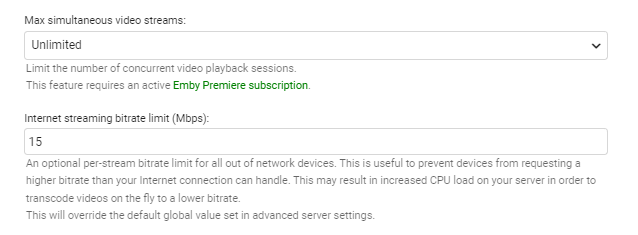
If Auto cannot be fixed (for whatever reason), then a simple server side controlled client 'overwrite' feature would be useful. Part of this alternative has already been implemented on the stream limits - so in the example below, I KNOW that this is the reliable stream limit for this users connection. If this value exists, could this value be used as an 'overwrite' on the client bitrate calculation ? btw - I'm aware this is a 'per stream' limit - so maybe take into consideration the max streams as well ?
 2 points
 -
As Vicpas has said and i have only just appreciated, MBZ's 'writer' is used when the more specific relationship (Composer, Lyricist) is not known. So by definition all composers and lyricists are writers (in MBZ terms) and some writers are composers. (and some writers are lyricists) i think it would be an improvement to interpret writer as composer....possibly because i dont use 'composer' to appreciate THE COMPOSER (i am not a classical buff), but i would like to use something akin to composer to see who is related to the work and what work someone is related to. I am missing seeing the related artist on about 25% of my library as the related artist is only stored in writer. Classical buffs probably are a bit more protective of composer, but in the absence of Emby supporting wider concepts of work relationship in music, it seems a bit greedy for the classical community to say they have it all their own way with 'composer'. After all classical buffs can always create a separate classical library to keep their classical composer UI 'clean'.2 points
-
Last night I setup another dev machine and have been able to reproduce this in one of the simulators. I can see that he last change we made is the right one, it now selects the correct tracks, but for some reason, the track does not change. I'm going to try something tonight to see if I can work out what's going on.2 points
-
Hello! Will the GitHub repo be updated with the latest build? I always have a really hard time finding the releases in this thread.2 points
-
It's something that we're interested in, but our primary focus remains on personal media.2 points
-
I recently tried to use the books category on Emby but it seems it doesn't work. I tried using PDF and CBZ files. They do show up but when I click on it it's just blank!1 point
-
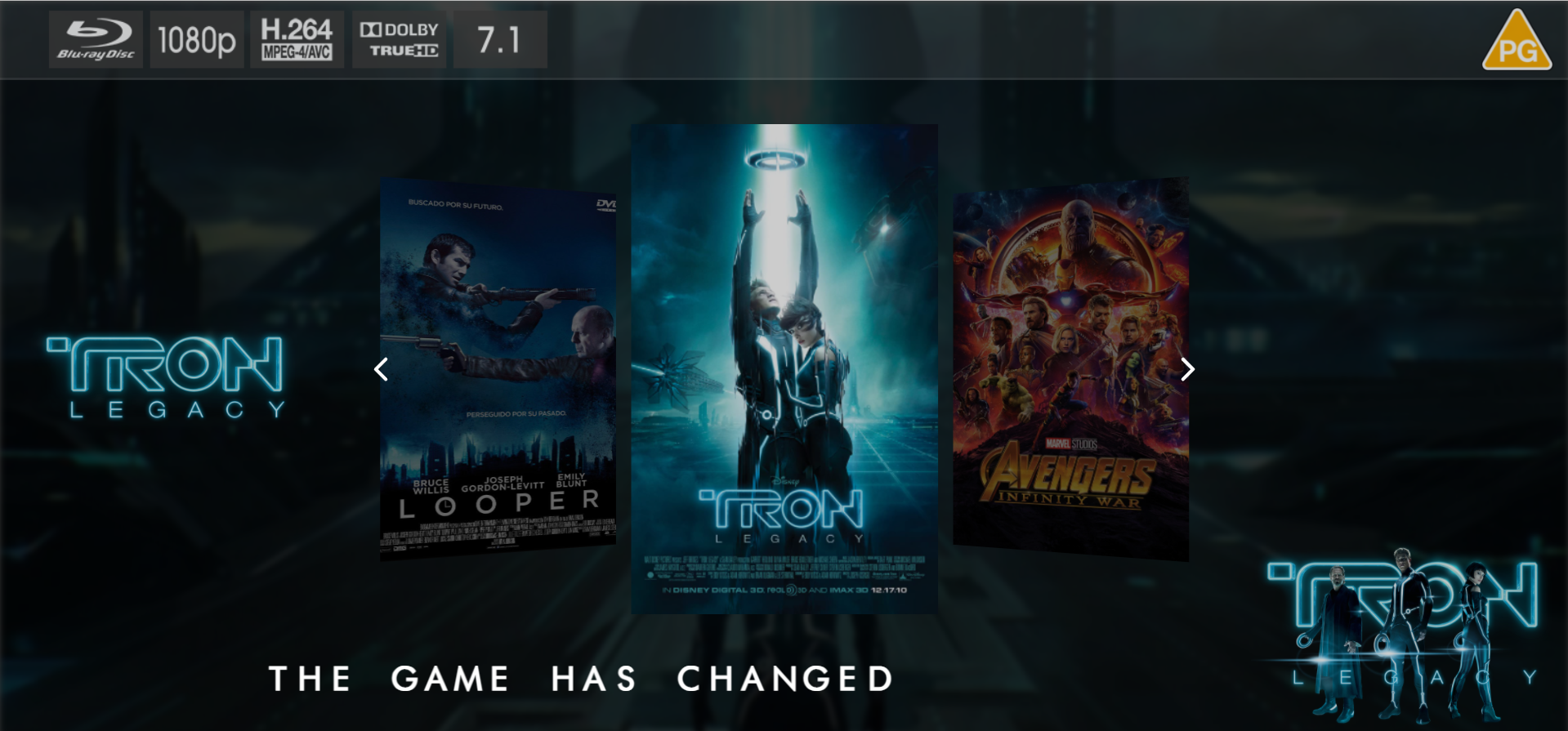
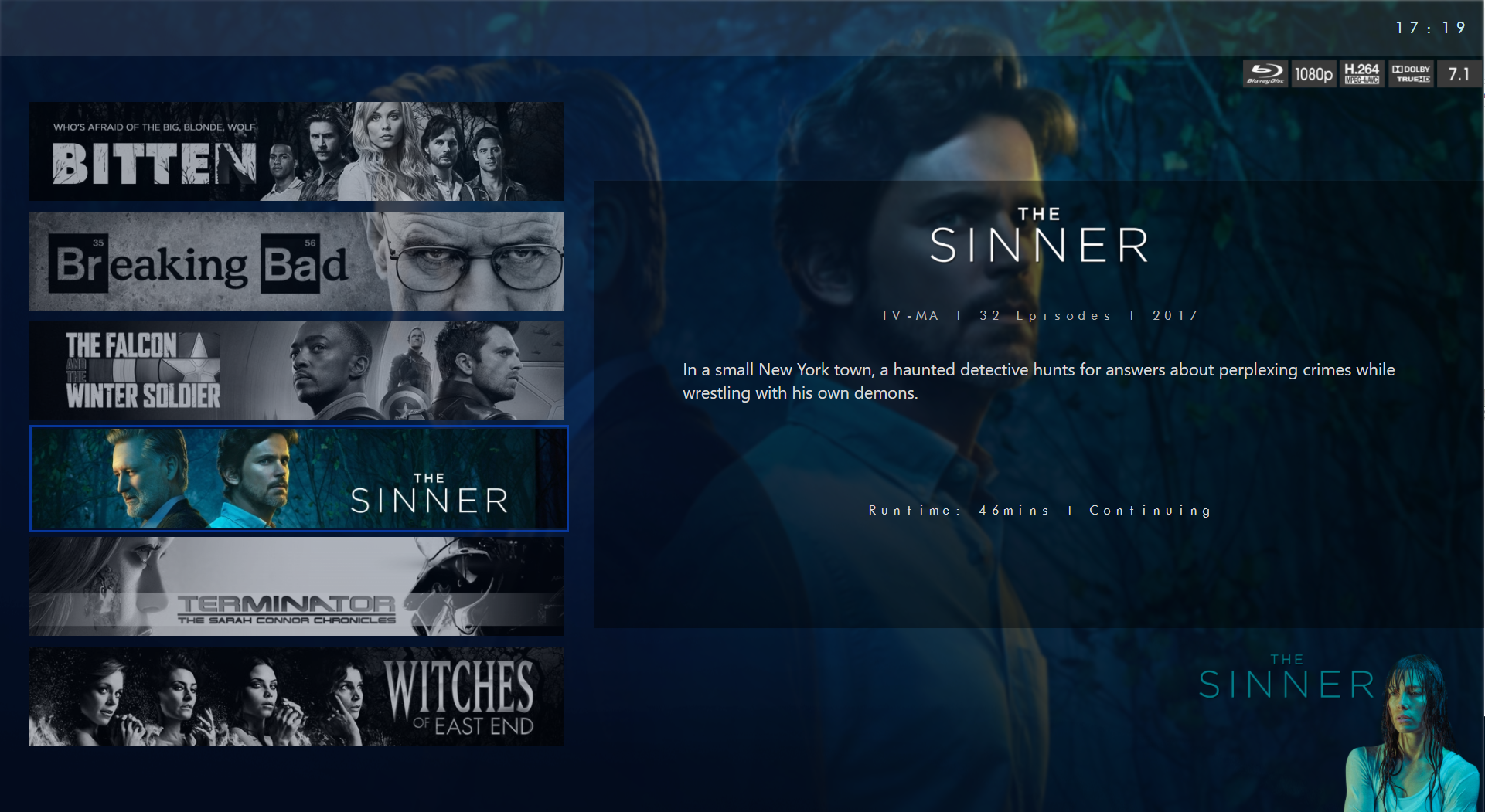
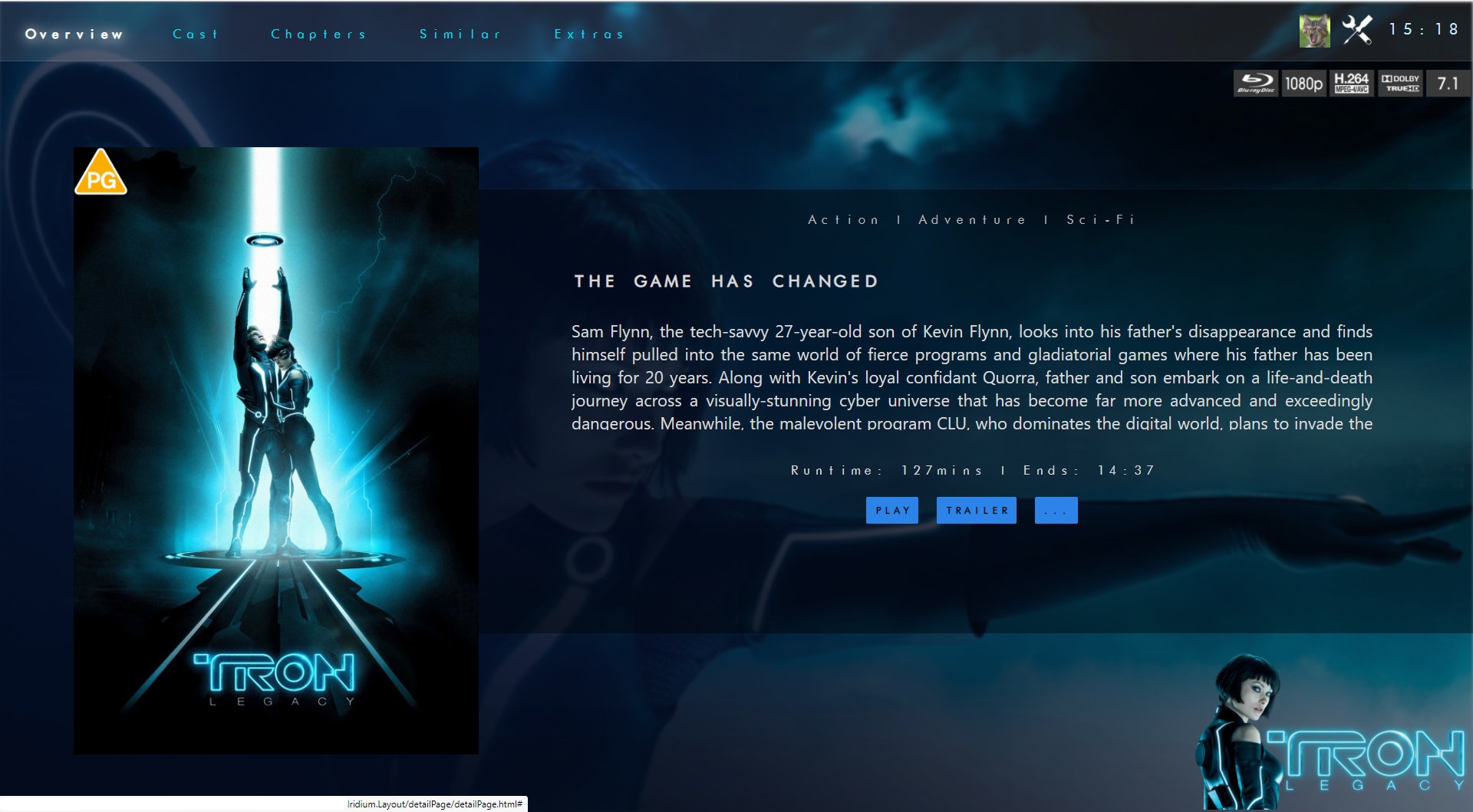
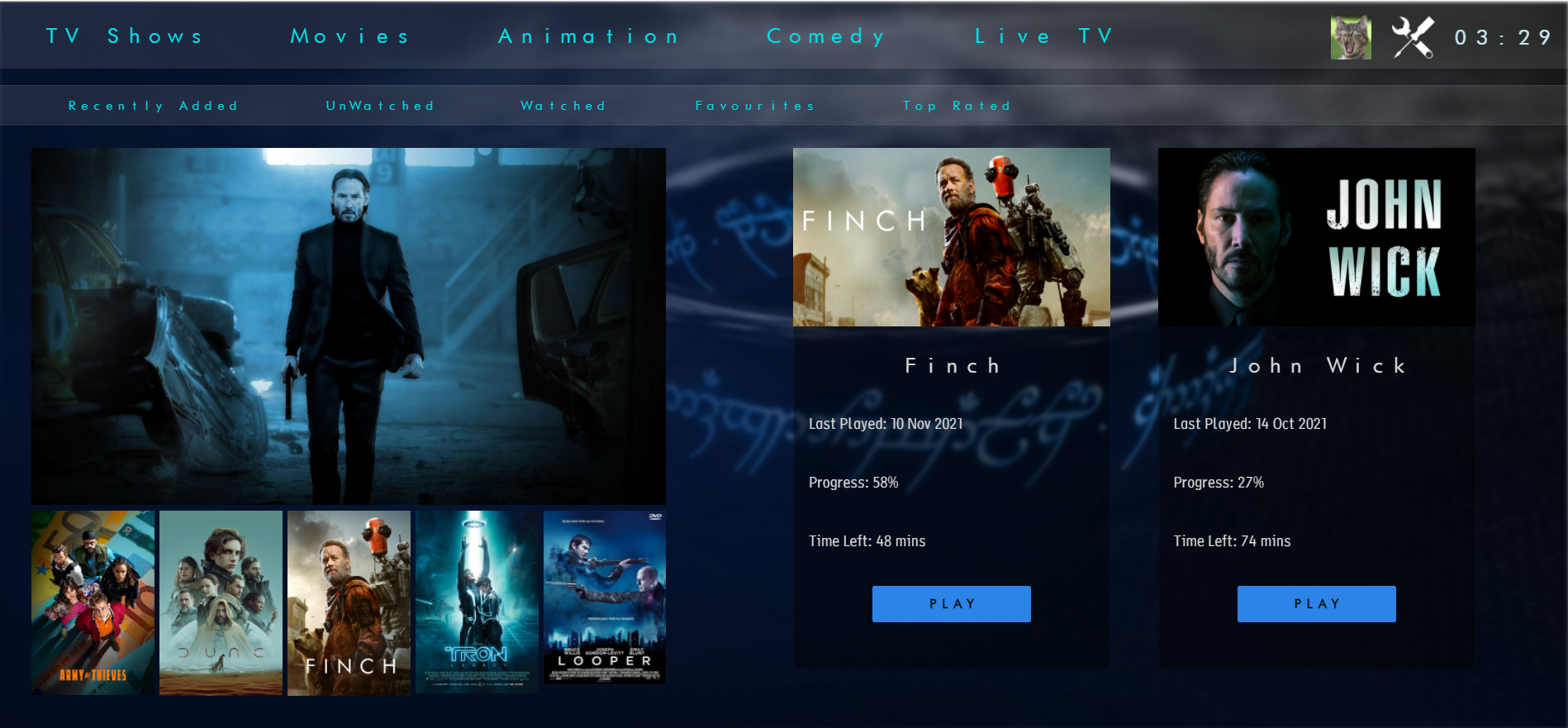
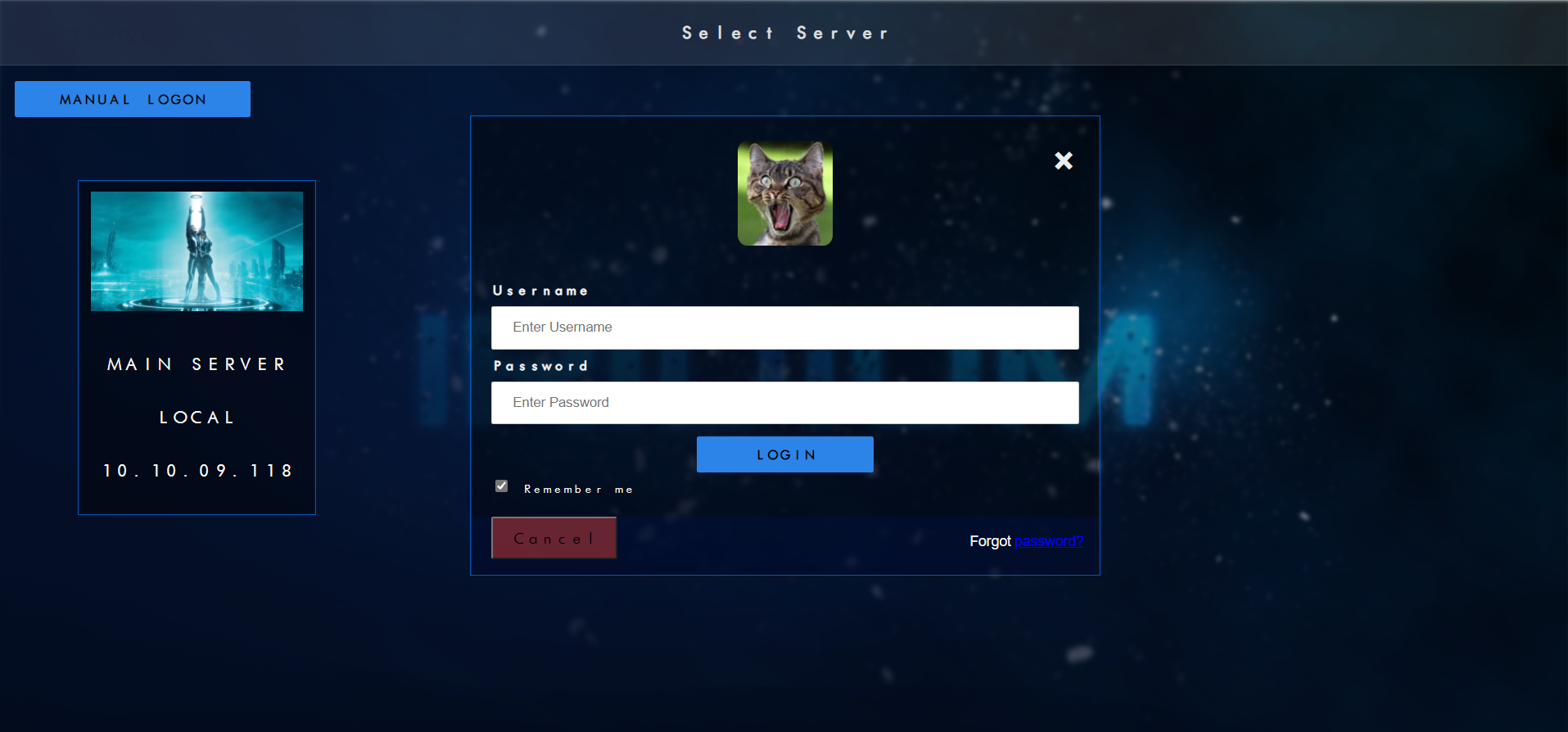
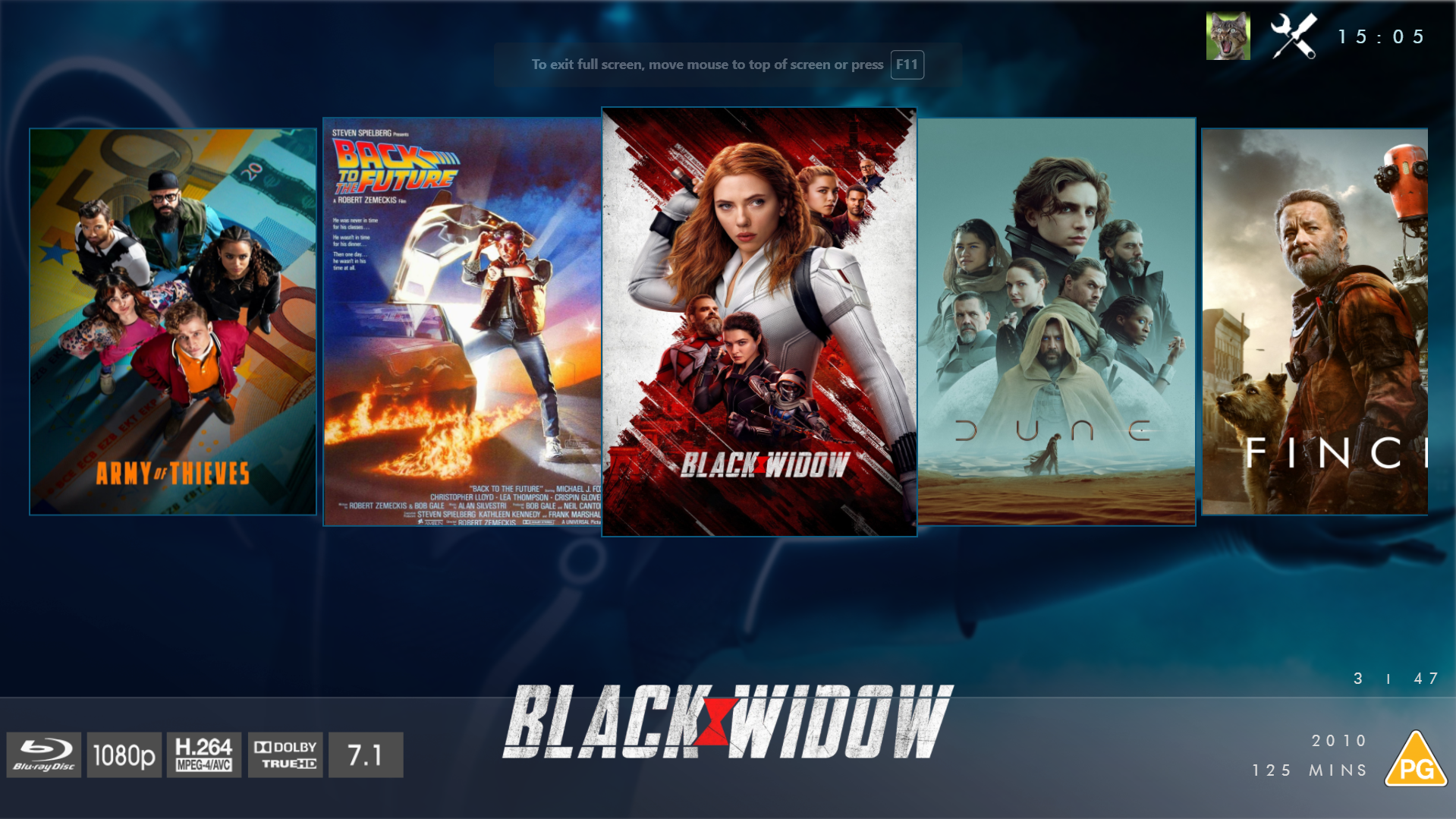
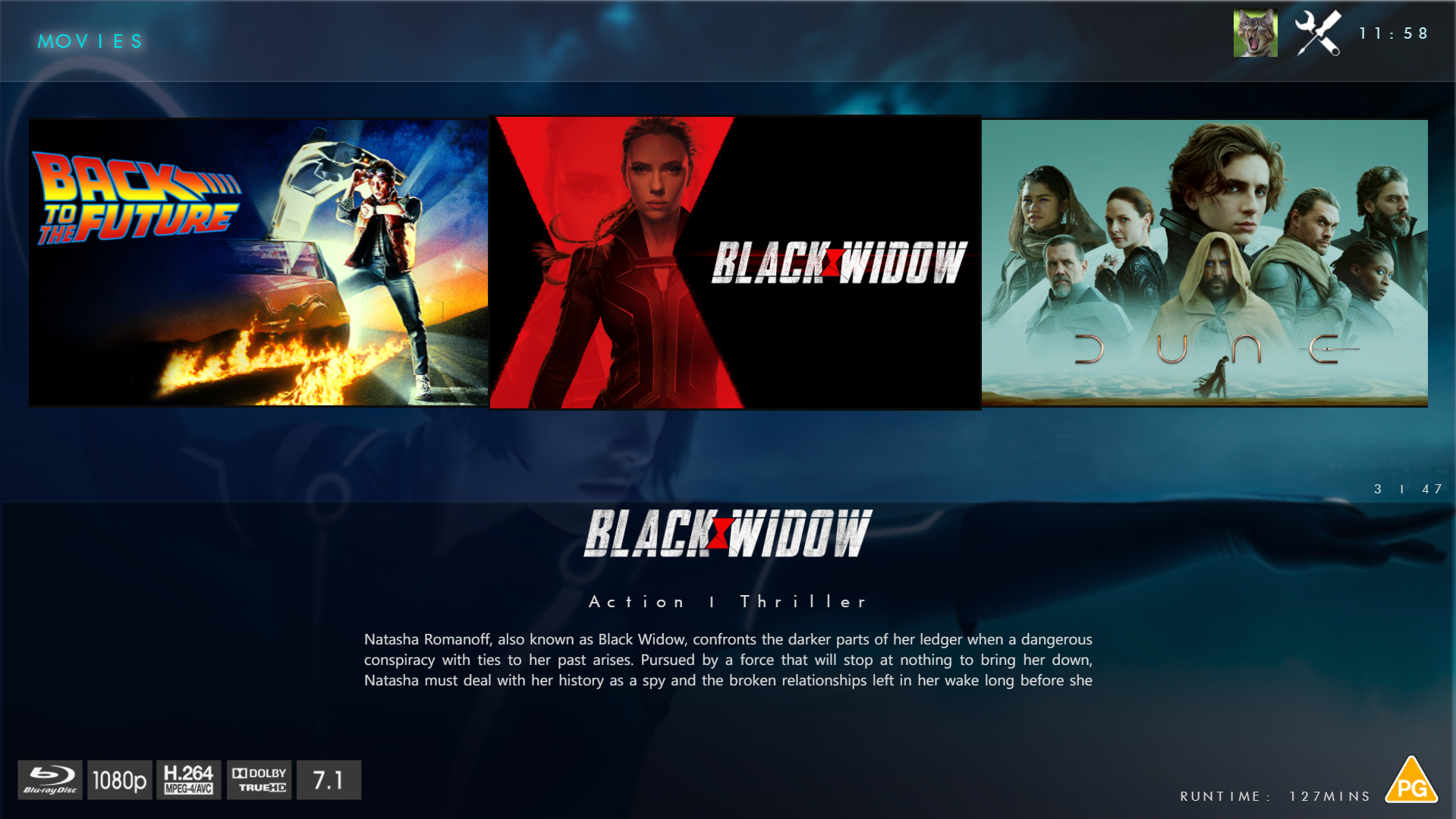
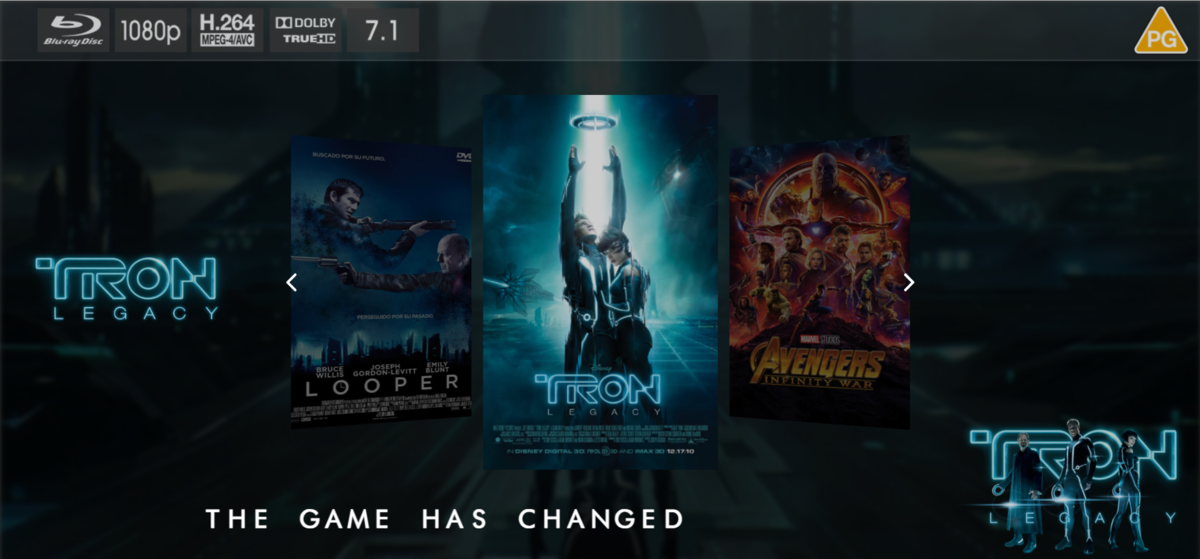
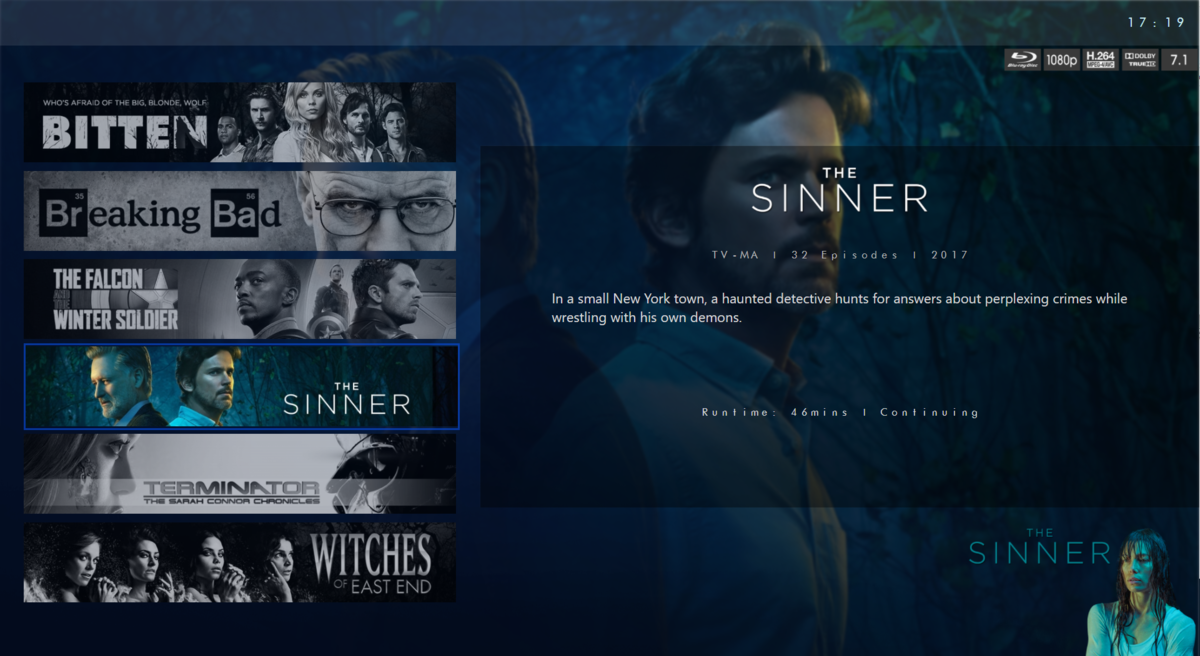
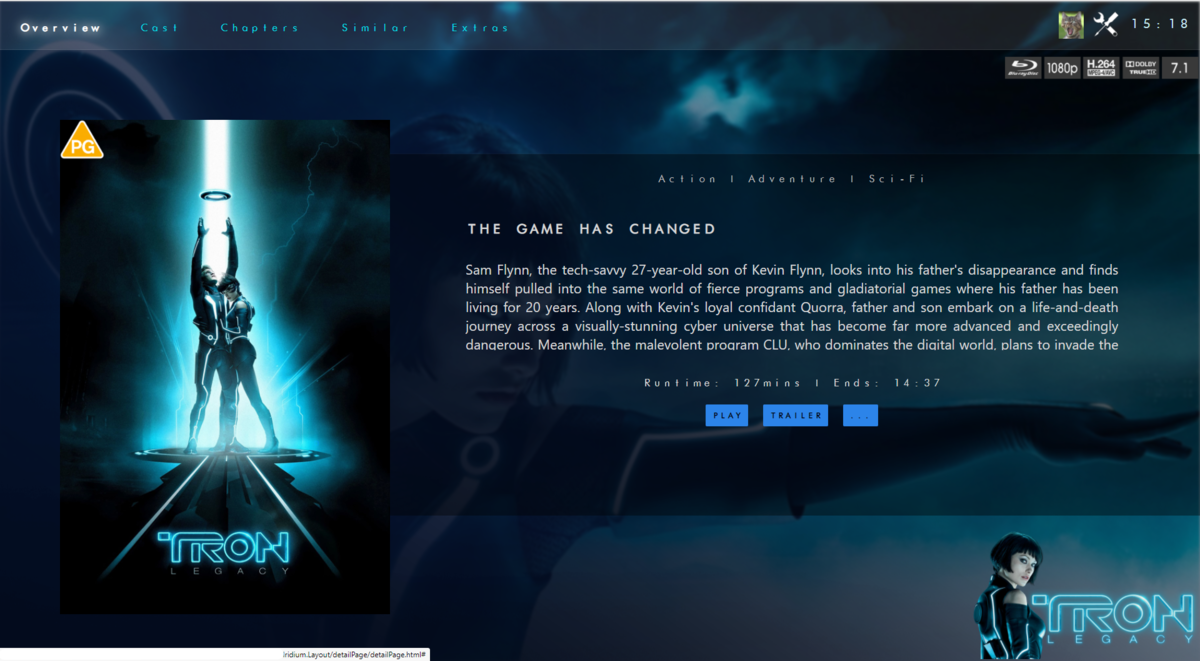
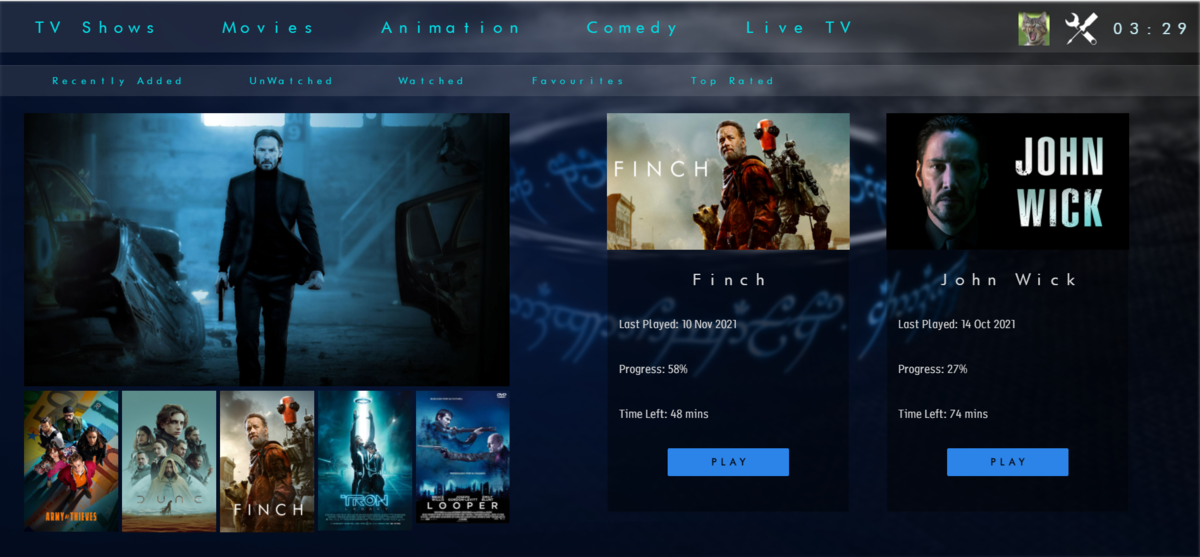
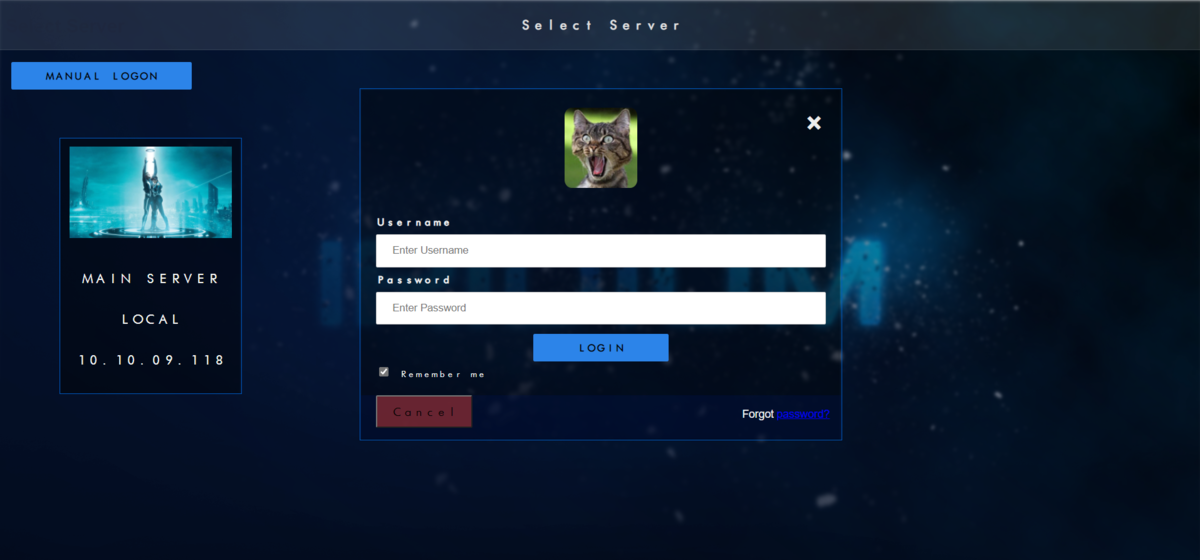
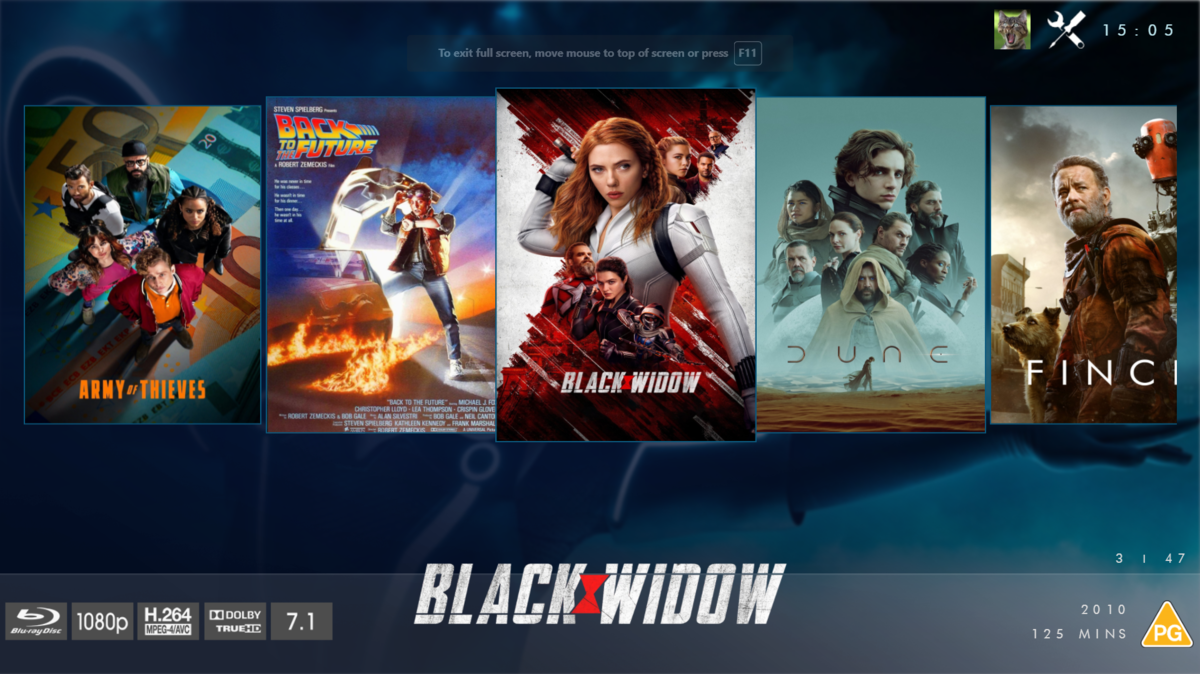
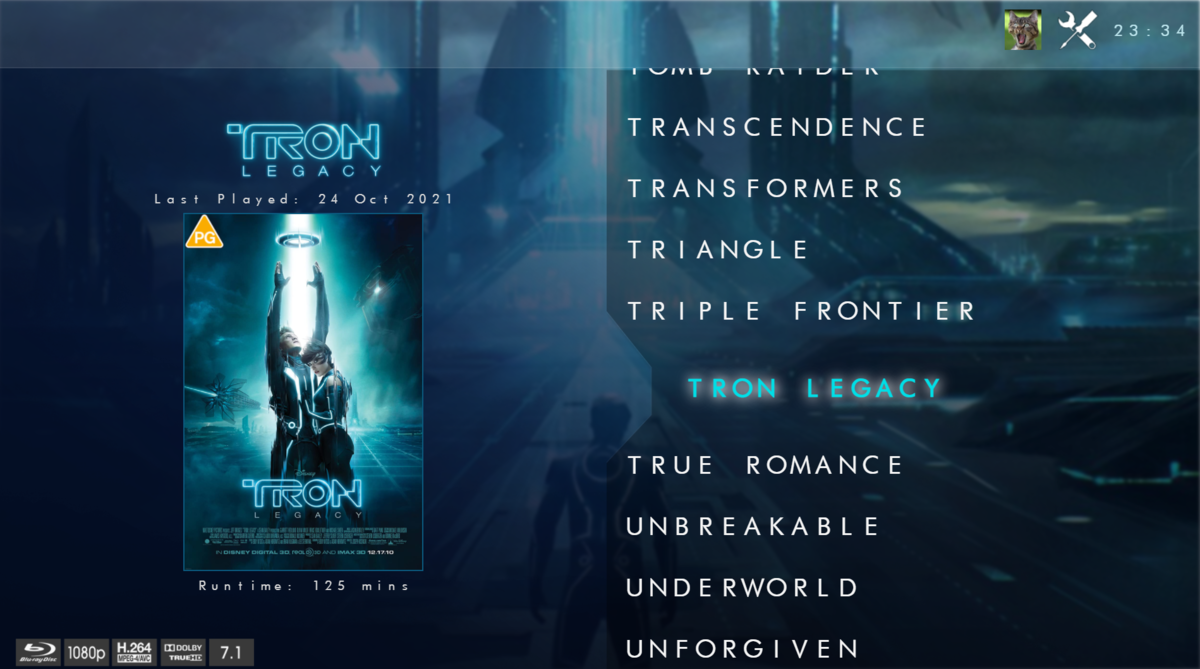
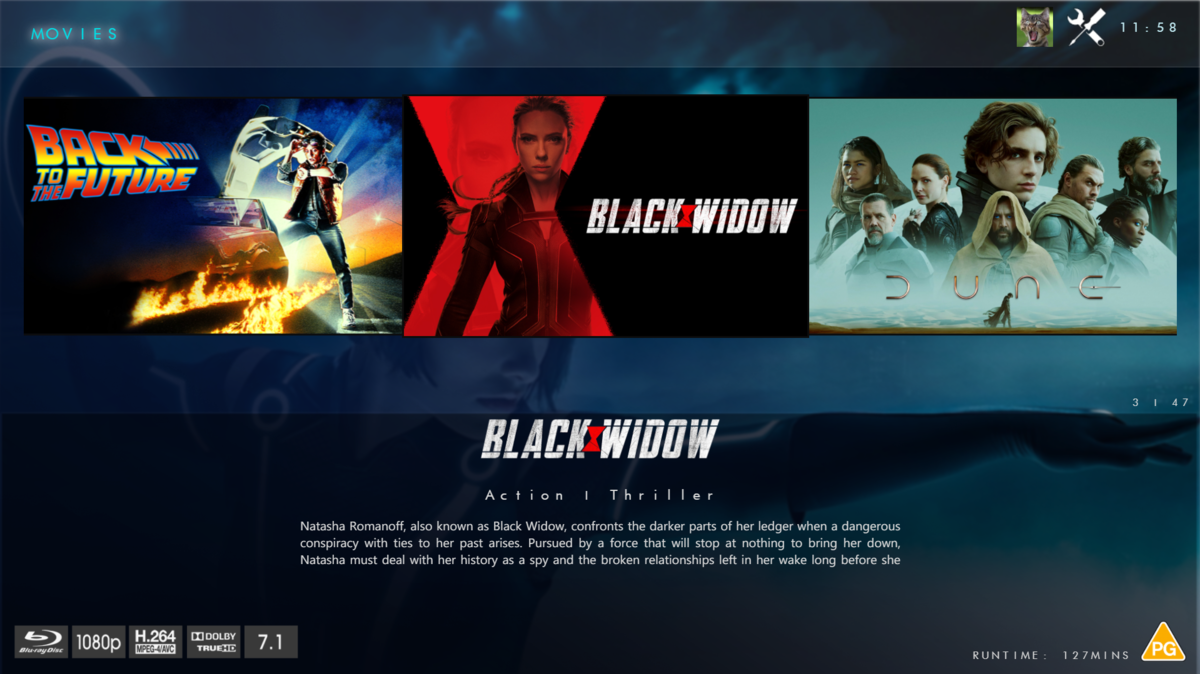
@chef @Cheesegeezer Another amazing production is about to be brought to you from devs - Cheesegeezer - I have started a new theme to bring to the masses. I am a long way off completion however we can continue to update you on the progress. The layouts are about 80% complete and once completed we can start to work on the code behind. We are interested in a closed group of testers when the time comes. I would just like to say that this was originally designed for Emby WMC back in 2014 and was just release there when M$ ditched support for WMC and the project died. @shaefurr did an amazing job with the concept artwork for me to work with back then, and this theme pays homage to him. So with out further ado... here's some of the layouts that are now coded. IRIDIUM - One theme to conquer all LOGON SCREEN HOME PAGE FIRST VIEW TYPE - COVERFLOW COVERFLOW 2 BANNER VIEW FINAL DETAILS PAGE LIST VIEW THUMB VIEW
 1 point
 -
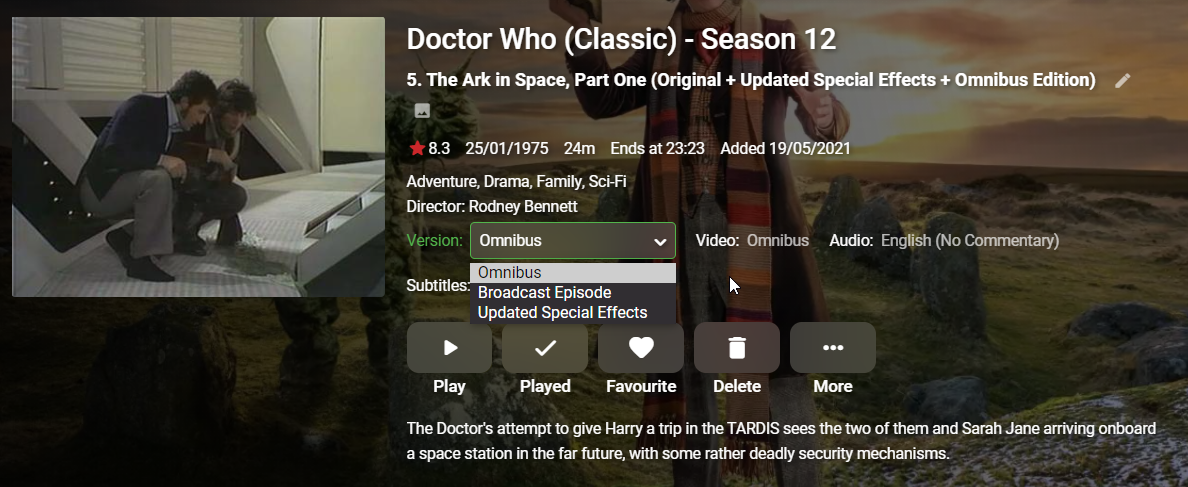
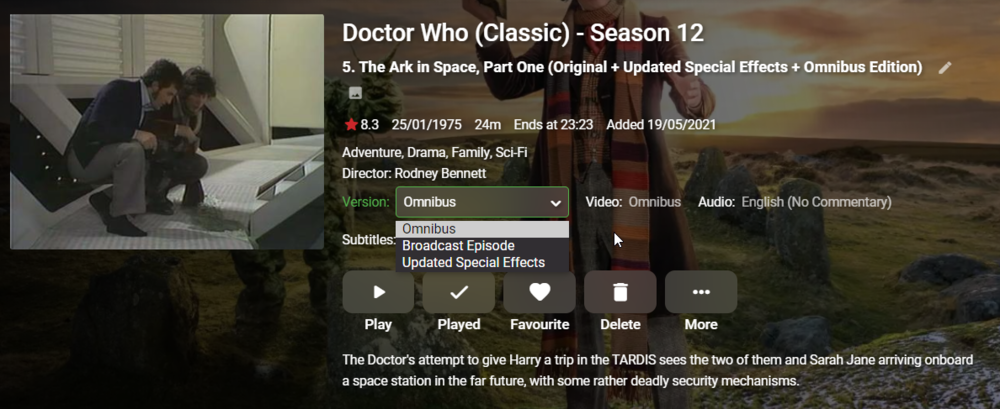
Hello again all, I am building up my TV library and want to meticulously organise my video files such as the example below. As you can see, this episode has three versions. Omnibus, Broadcast Version and Updated Special Effects. I wish to have them listed by default in the following order for the viewer: 1) Broadcast Episode 2) Updated Special Effects 3) Omnibus I originally thought it would decide based on the videos alphabetised titles, but that theory got debunked when Omnibus got put above Broadcast Episode automatically. I then thought it would decide based on what order you imported the video files into Emby, but that still made no difference. Regardless of what I do, Omnibus always ends up first. I'm wondering, hoping perhaps, that there is some kind of manual override or way to name these files differently to stop this from happening. If anyone has any ideas I'd be thrilled to hear them. Thanks! Ben
 1 point
 -
Hi, In contemporary music the writer tag is used often in place of the composer tag. The most notable example is Lennon and McCartney. Most of my Beatle's tracks are tagged like below (This is the track from Rubber Soul.) The request is read the "Writer" tag and map to emby "composer" Thanks -vicpa
 1 point
 -
I'm afraid, these things have been postponed until after the next release. I'm sorry about the misinformation, I hadn't expected this.1 point
-
Path is not used as played state would be lost when media is moved around. In your example "TMDB=109445" is all that is used or other providerids. So, every item with that id is track the same no matter the location, language, or cut/version. You have to multi-version or use the community plugin if you do not wish to see the results you are currently getting.1 point
-
Since content is tracked by providerid (meaning as far as Emby is concerned those are same items), they cannot be tracked separately. Not correct, you can have them in separate libraries as you have them now, just use Auto-grouping plugin, as that is the only solution that will work in that scenario.1 point
-
Will do, thanks.. Hopefully the scan and metadata download will finish tonight.1 point
-
I really want the three to play sequentially.. I even started to build the three together in Final Cut but it doesn't deal with Atmos so that's not going to work. It looked like I might be able to make it happen in Vantage point, make one a bump, then one a phone thing, etc.1 point
-
Also.. I don't really want a trailer. Really just 3 local files to play before each movie.1 point
-
I did read that and .. maybe here is the issue.. Does that folder have to be a library? The initial scan is still running.. It's grabbing over a thousand movies and a couple of thousand tv shows' metadata.1 point
-
I do have a dedicated folder for pre-roll video. \\nas\driver\plex\PreRoll is how it's entered. My movies and tv shows are in a similar spot (\\nas\driver\plex\Movies) and seem to play fine so I"m sure the server can see them fine.1 point
-
Sadly I decided to try out Emby because Plex has broken my pre-roll intros. I've spend most of the day on this and like you can't get them to play with either Cinema intros or Vantage point. ;(1 point
-
Not something that will be limited to TV. Something like this div.detailTextContainer div.mediaInfoItems, div.detailTextContainer div.mediaInfoItems .starRatingContainer {display: block;}1 point
-
understood.. I'm looking for speed... I have multiple streams going out.. My home stuff is direct played/streamed but if their internet or phone requires transcoding, then i assume HD 5mbps is good enough.. better than netflix in most cases.. I have never really seen impacting quality issues.. If i need 4k I'm not transcoding anyway. Good info thanks for responding...1 point
-
You're a genius! That did it - just had to clean up a bit Cheers1 point
-
Synology DS1821+ (2.2 Ghz, 32GB RAM, HD 8*16TB) ASUSTOR AS6404T (1.5 GHz, 8GB RAM, HD 4*16TB) I confess that I did not verify it by purchasing it but it seems that the Synology does not support material transcoding. I lowered the CRF to 16 for a result corresponding to what I want although always weaker. Unfortunately the result remains random and depends a lot on the starting file. I will now test on the ASUSTOR in software transcoding leaving the CRF at 23 and I give you the results. Thanks again for your help.1 point
-
I've done both the unsupported NVMe to volume trick with the upgrade to DSM 7.1 about a dozen times in testing and it seems to work fine. I did experience 4 crashes at the start which I thought were NVMe related but found out it was a system root space issue and a good lesson I'll pass on. This is a "Linux" tip in general not Synology specific. If you SSH into the NAS and "sudo df -H" you'll get a display similar to this. The line above for /dev/md0 is the root mount for the system. In the above picture it shows 22% full which is totally normal. When I was having an issue it was 88% which wasn't enough free space to do the upgrade to DSM 7.1 and the beta package upgrades (I had configured). It was filling my root "/" and would lead to system instability/crash. Once I figured out what was taking up so much space in /dev/md0 and fixed the issue everything was very smooth upgrade wise. PS It was a rogue 3rd party development package (reported and fixed) that was the cause of md0 filling up. Just to be clear, when I said "crash" above I didn't mean a Windows "blue screen" type event. On Linux when the root fills up you have no working space left which leads to some programs or commands failing to execute properly. As an example I couldn't "sudo", I couldn't add/remove packages, etc as there was no working room. It would get to the point I could even login via SSH. Once more space was freed up the system would work fine until it again filled up. I never had any actual files or data at risk but it's a bit "alarming" until you figure out the issue and address it. If you want to upgrade to 7.1 you should be fine but as always have a verified good backup which should go without saying.
 1 point
 -
Edit: Stated typing, Luke already answered in the meantime, still think can expand that a bit. Far from being an 'expert', but can throw my 2c here. I reckon best answer you'll ever get is: it depends. There's no "one-scenario-fits-all" solution, on some systems one setup works better, on some the other does, and there's hardly an universal recommendation besides doing a bit of experimenting. For the most part, Auto does the good job and further fine-tuning is required only if artifacts/issues are occurring. Don't know why would you do that in present day, as CUVID (old NVIDIA's API, btw) is actually deprecated and superseded by NVENC/NVDEC: https://docs.nvidia.com/cuda/video-decoder/index.html My guess it is here for legacy purposes mostly, though again, on some systems it might also give better performance, as stated previously. It's actually done in software, but if one has Premiere subscription then it'll be hardware accelerated in the order you put there; if one of them fails (due to various reasons, ffmpeg implementation, for example), it'll move down the list with software decoding/encoding being the last fallback, if they all fail. Conversion speed should not be your only criteria, as it may (and likely will) affect quality; general consensus is that pure software conversion actually gives better quality (though HA had been gaining grounds lately, with Intel being doing really good job with QSV), so it's actually up to each individual to find that perfect balance between speed and quality that'll best fit one's needs/preferences. Again, achievable only through a bit of experimenting.1 point
-
Hi, not yet, but it's something we're interested in for future updates. Thanks.1 point
-
Thanks a million everyone...did NOT realize these plugins ran as a scheduled event...but of course, I looked in the scheduled events, and "lo and behold", there they were!!! Running the downloads now, and looking forward to contributing too!!! TYVM once again guys!!! Gerry1 point
-
I have figured it out, there's something wrong with my domian. Your guide is completely right. Thank you for your help.1 point
-
I think personally the whole thing can be dropped. Plugin trailers and category all together. As long as we can click on a movie and watch a trailer for the movie we own, that’s all that is needed. I much rather see more resources and time dedicated to other areas.1 point
-
Any way to get that timezone setting in the app? This has been a very big annoyance for me over the last year I've had one. And I will say, that is very silly on Samsung's part to do that. I live just a few miles from the timezone line. A lot of people around here since they work in a different timezone they go by where they work instead of where they live. I see the timezone option on my TV, but it's always greyed out. And every once in a while it will randomly let me change it, but even if I do it doesn't set the time correctly on apps such as emby or paid streaming services.1 point
-
Will do.1 point
-
That gets nearly everyone the first time!1 point
-
As @cayarssaid, just for those without your experience and wisdom, If you run the scritp from the default user (usually your user), as you know, it will fail with permission errors (I know because that's what happened to me the first time i ran it in Task Scheduler ).1 point
-
As stated above, AFAIR there's nothing additional to do after installing and running scheduled task either manually or automatically on schedule; the key you received is actually your Emby Premiere key as a means of confirmation that you purchased plugins with same mail your Premiere account is associated with; if you did it form another mail, you can PM @radeon or @ebr to get you sorted out. It can take up to 24hrs for the plugin to get registered, so if you purchased it today I'd give it till tomorrow if it still ain't working.1 point
-
IIRC those plugins do not require license key (only YTrailers does) - but then again, it has been quite a long time since I got them, I might not remember it correctly.1 point
-
Did you get your licence key from the dev and have you entered it into the plugin? Once set up, check the schedule tasks and run it.1 point
-
Hey up, not sure what do you mean, not much to setup there, just install plugin(s) of choice and restart server, you'll get few new scheduled tasks. To make use of them, enable theme songs/theme videos in your client app - note that not all client apps support video backdrops, but AFAIK all support theme songs..1 point
-
I had this issue with TV Shows. At least for TV Shows I have found a way to fix this that works for me. Maybe it will help someone else out. If you have two versions of an episode (e.g. Release Episode, Alternate Ending, etc.) You just need to add letters to the end of your Season/Episode Naming/Numbering schema. You will need to Delete the .NFO files before or after you change these file names. You will need to rename any associated bif or image file names to match your new filenames. Then go to Library and click the 'Scan Library Files' to have the server look for your changes. Example (Original files could be): Name of Show - S01E20 - The Season Finale.mkv Name of Show - S01E20 - (Alternate Ending) - The Season Finale.mkv Change these numbers by adding letters in the order you want them to be sorted in Version. Name of Show - S01E20a - The Season Finale.mkv Name of Show - S01E20b - (Alternate Ending) - The Season Finale.mkv This works for me. I haven't tested this with Movies yet. I don't really have any Movies with multiple video files. This happens all the time with TV Shows however. Someone could test something similar with Movies to see if that has any effect. Good luck!1 point
-
glad you registered to share this insight1 point
-
i... don't even know how to address this one. you realize emby themselves are "thieves" too then, right? you think emby is 100% original source code using no open source libraries? haha. i guess using other open source software to build your software you then charge subscription fees for is cool, right? i doubt you even really know what open vs closed source is, but when emby has people like you championing it makes their job very easy. emby went closed source to try and make more money, simple as that. jellyfin works just fine and i'm in control of my data. emby is salivating at the thought of selling out like plex, trust me. it's all business, baby. what's even more sick is that this guy now claims he "works on 95% of emby..." and other such nonsense when he wouldn't have a product without the open source libraries he used or the original contributors help. now he changes his license and tells them to get bent. so glad i don't use this anymore.1 point
-
For info, Vantage Point plugin which extended the functionality stopped working i believe in server beta .23 and .24 So i reinstalled Cinema Intros to see if that works and that is also not working in server beta .24 I have it set to trigger on specific tags. The folder is mapped in the settings to the correct folder containing the tag videos to be played. However on any device it just plays the movie without any preroll intro. `when i look in the logs there is zero mention of cinema intro being invoked, logs pretty much say user clicked play and movie has started. No reference at all to cinema intros in the logs I will get a log once the metadata refresh has finished Not working also in .25 .26 .28 @Luke1 point
-
We announced a while back that Emby for WMC would not continue to be supported beyond server version 4.6. With the release of 4.7 getting closer, we just wanted to issue a gentle reminder. View the full article1 point
-
so...... emby is the best media server for you.......? the online login and tracking of data by plex is a non-negotiable for most users here. there's currently nothing plex does over emby that would make me give that up1 point
-
On the users profile page, completely clear the 2nd field "Emby Connect username.." and hit 'Save' Then re-add the Connect username, and hit 'Save' once again. You should see a notification that it's been added successfully.1 point
-
Yes, sure am. I mentioned this yesterday in another thread. Don't know why but for some reason the old "Spidey senses" are tingling so I'm doing a full backup of the NAS before proceeding. I already have 7.1 ready to go as well as some of the other main apps people are likely to use which I'll also upgrade. As soon as it's done backing up I'll be testing it.1 point