Leaderboard




Popular Content
Showing content with the highest reputation on 03/01/22 in Posts
-
There is also this thread for the current server beta cycle.4 points
-
You have Release notes in Pinned post in General/Windows that @CBers updates upon every server/client release.4 points
-
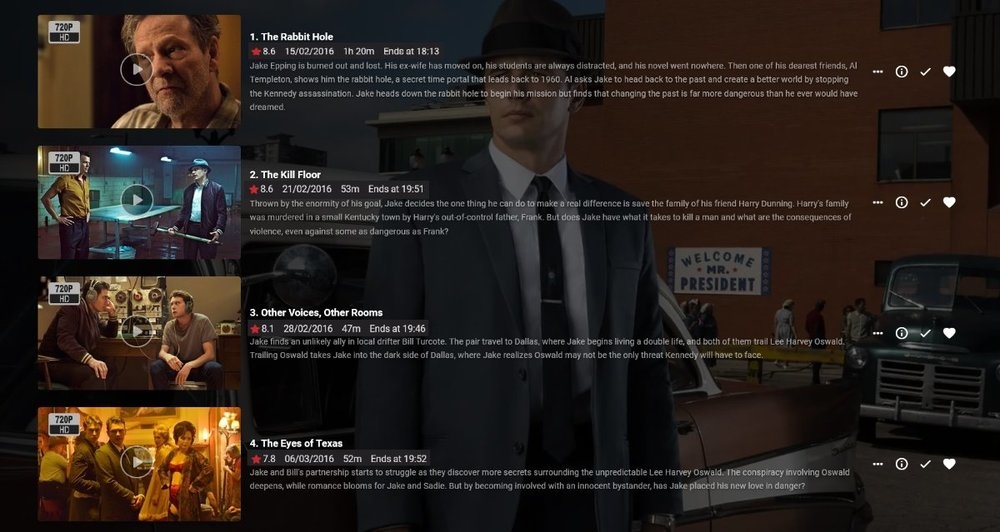
Rather than having to click on an individual episode to see its Community Rating, it would be nice if the ratings were displayed on the episode list that appears when you click on a Season.
 2 points
 -
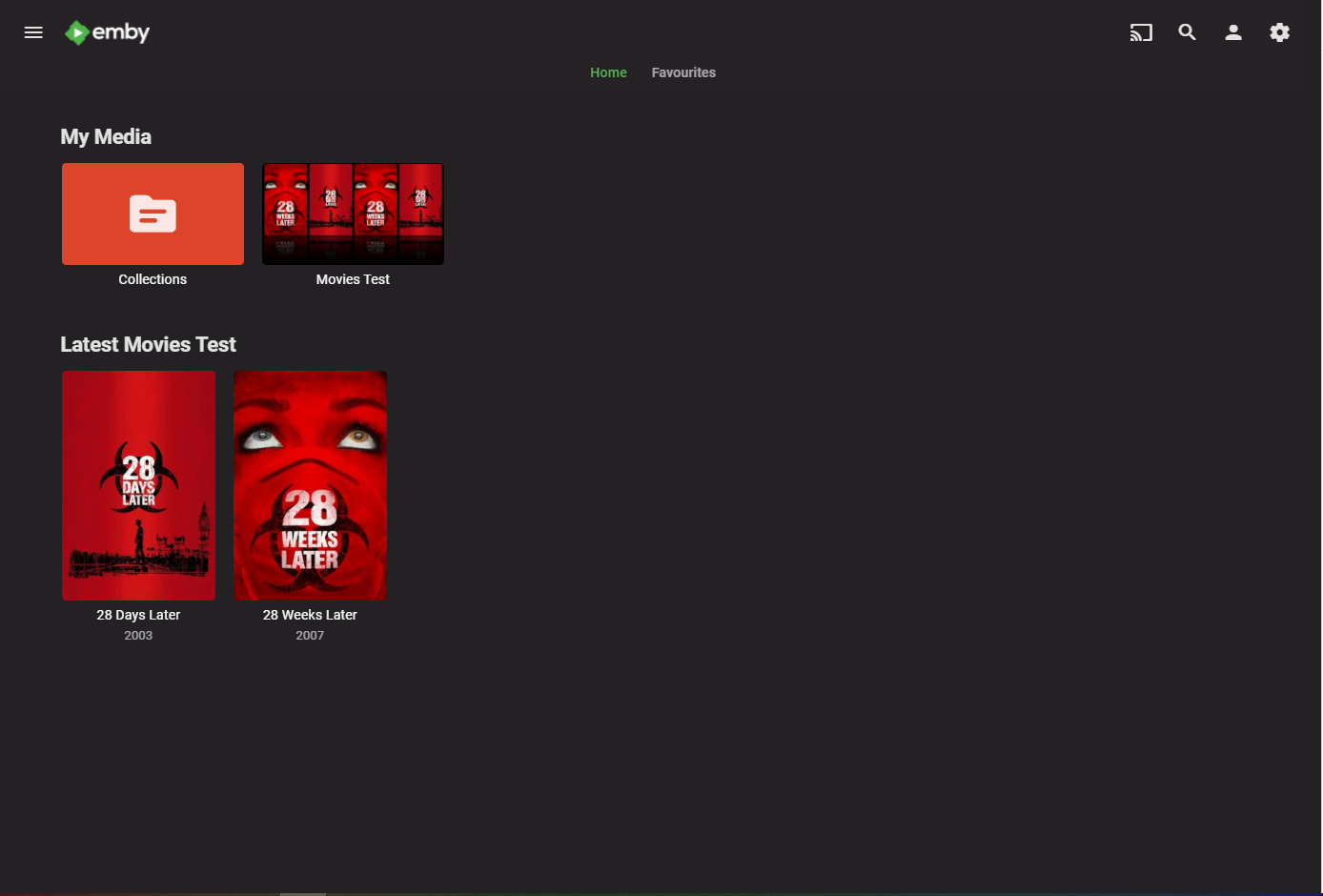
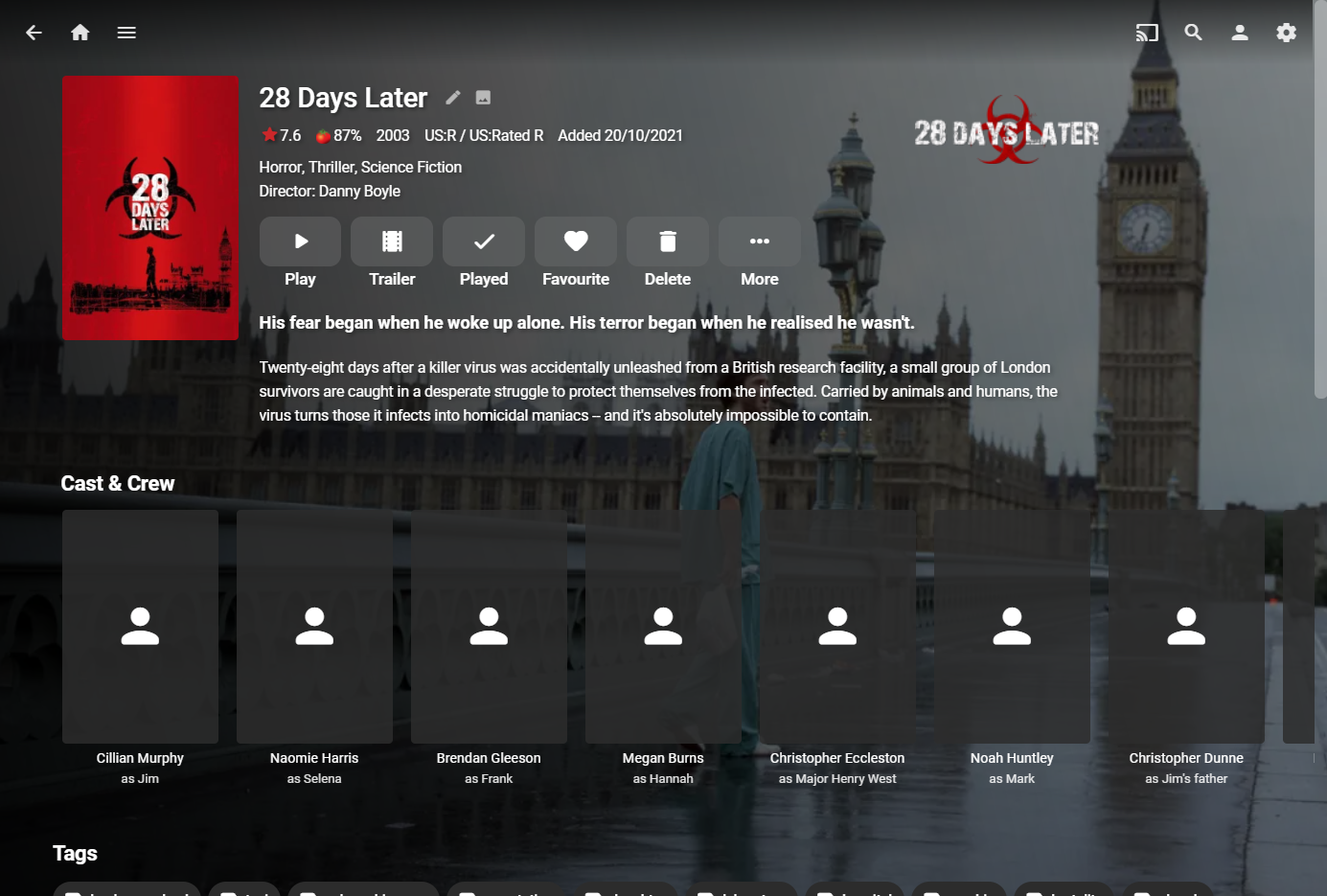
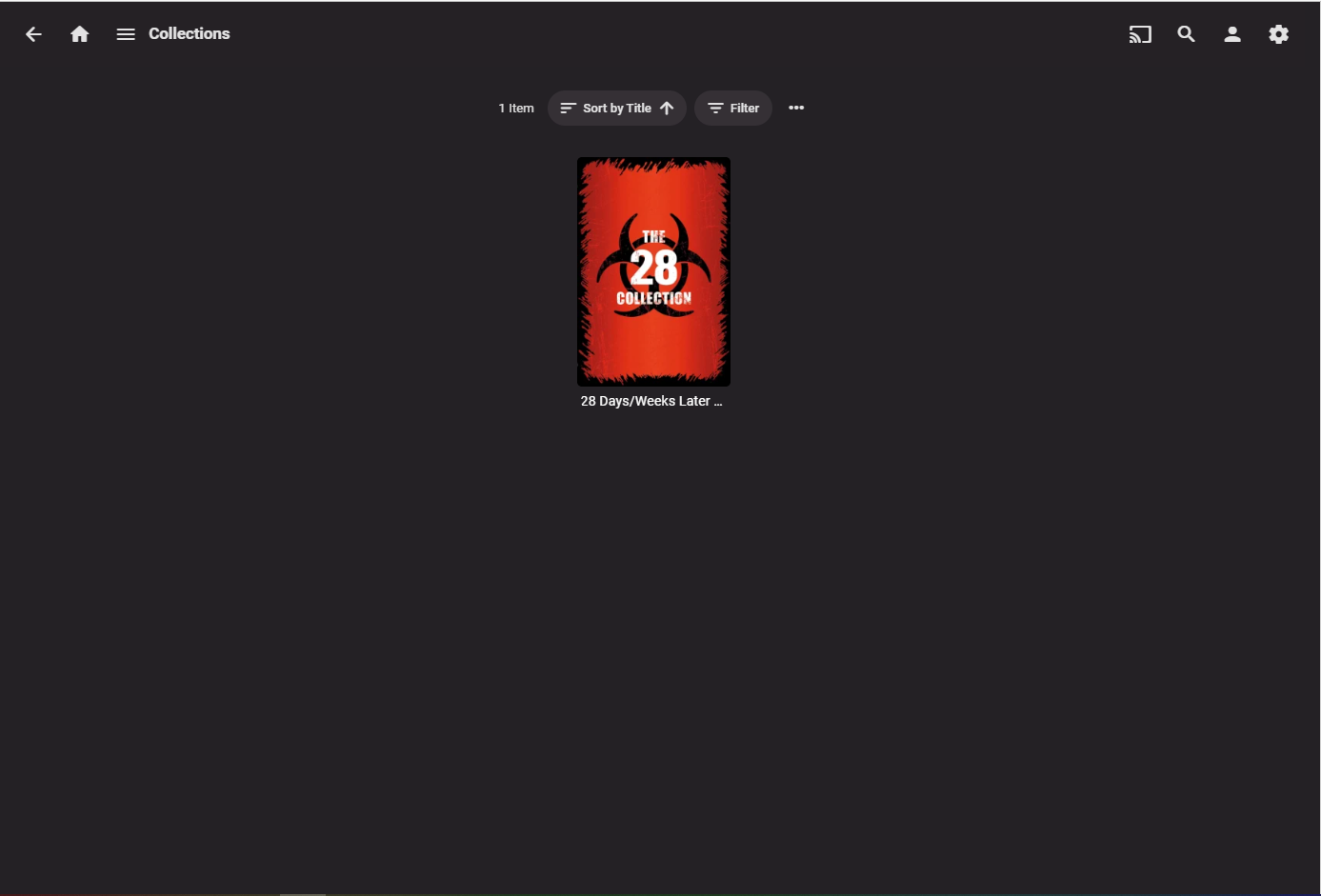
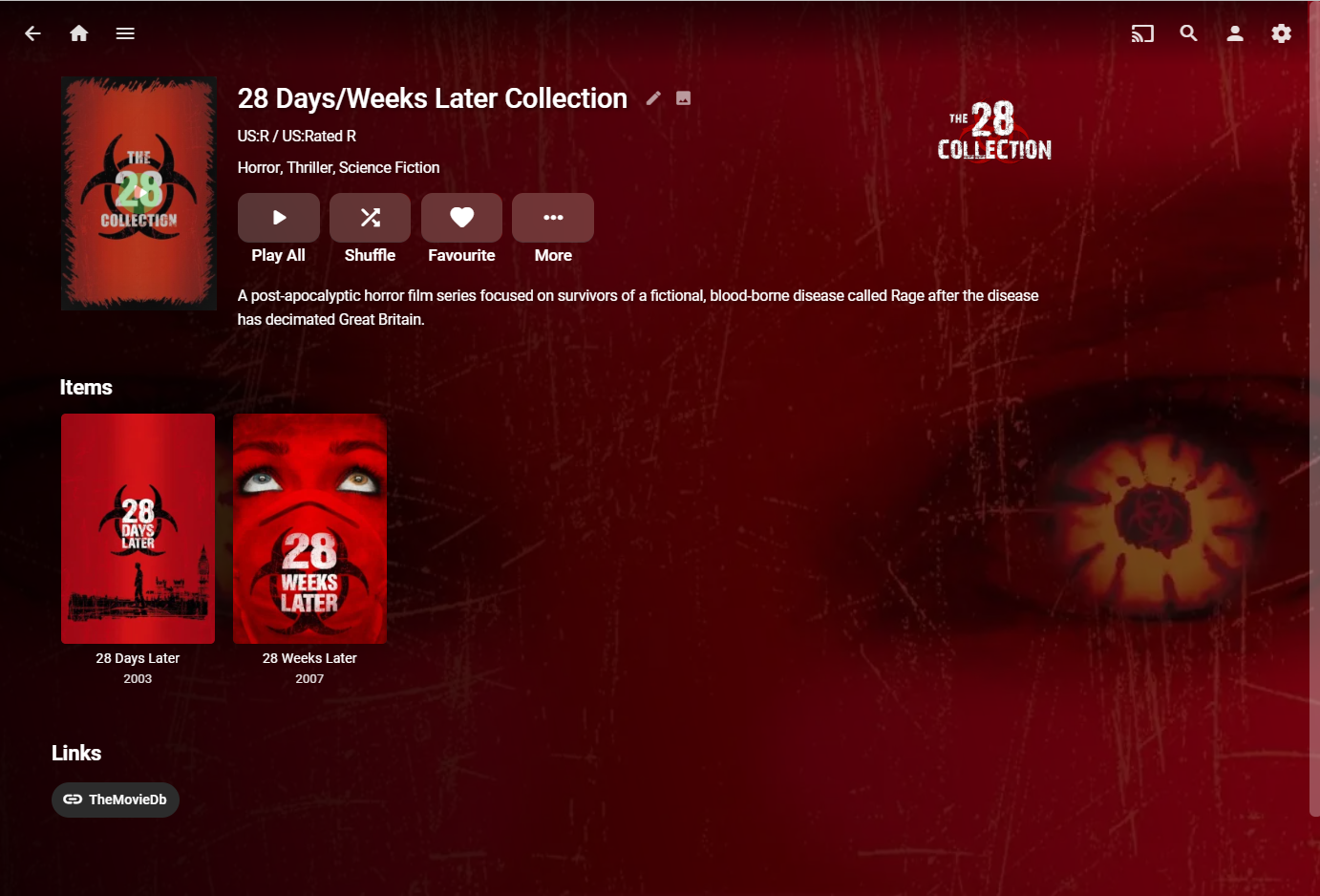
I would test creating a test library and pick a problem collection. Go to Collections and delete that Collection, move the media out of library, Scan libraries to clear the database, add items to the New test library, Scan. If information is not presented properly in that new library for items and Collection, post that server log.2 points
-
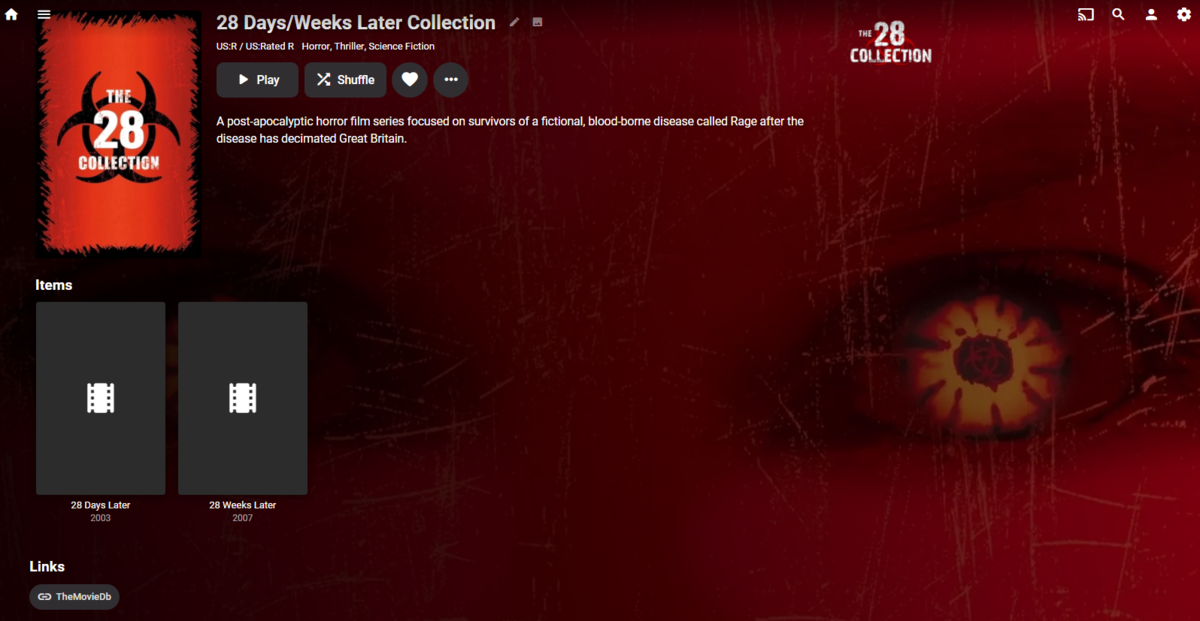
Dropping your 28 days nfo into a library with provider disabled created collection and collection downloaded image per the collection's library enabled provider. Of course, media has no images due to movie library providers disabled.
 2 points
 -
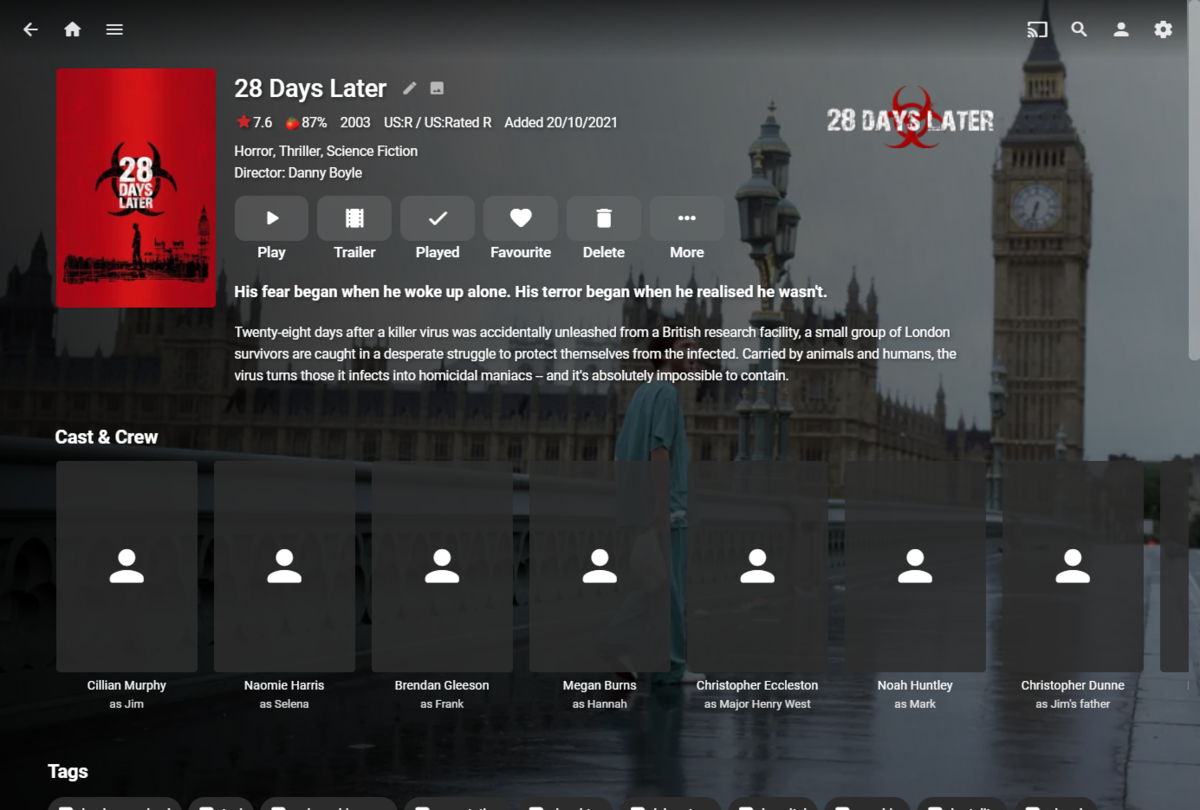
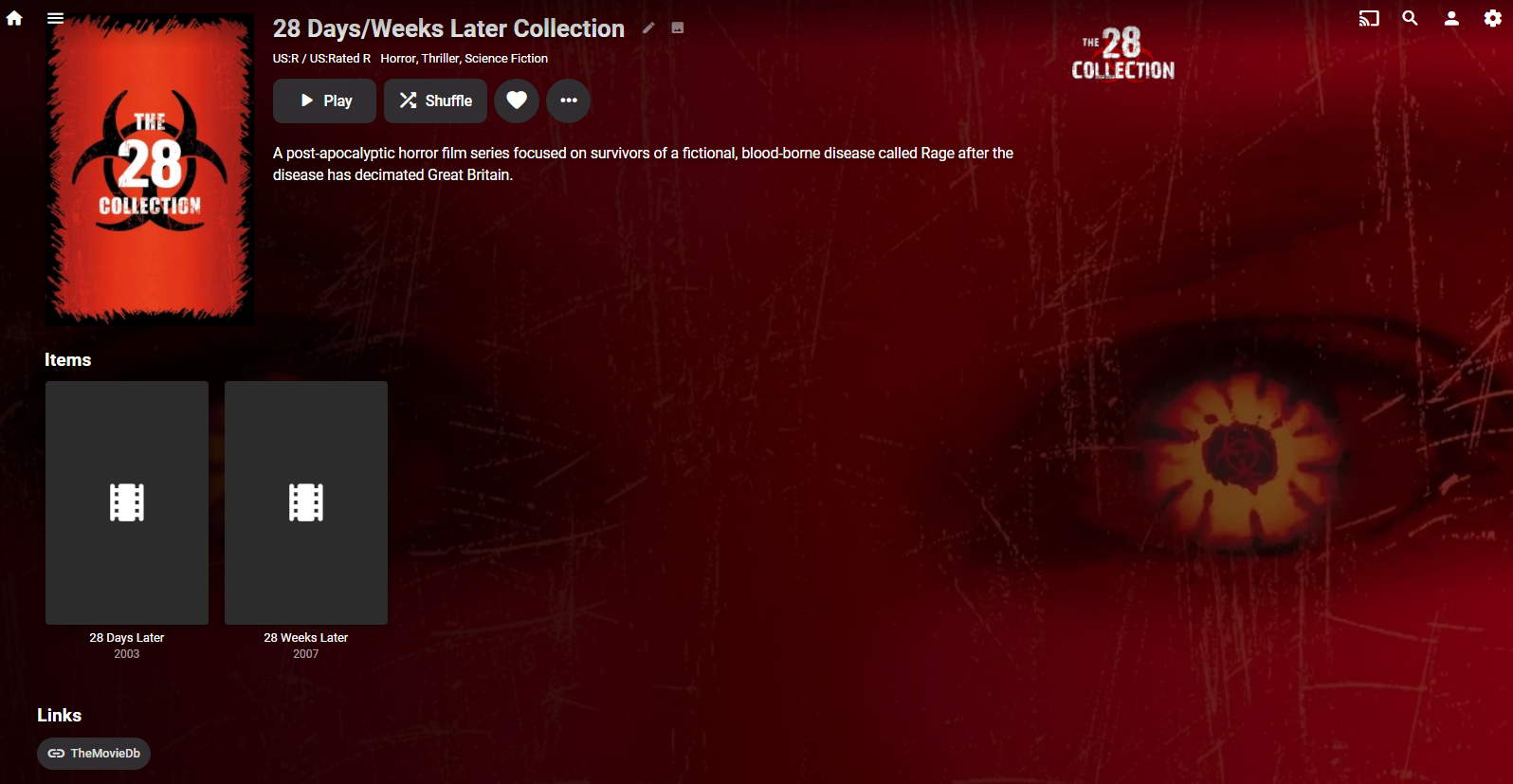
Had no issues importing your NFOs and Collection getting made on brand new (blank) test instance to avoid any previous db data (added artwork I have locally, made a strm file with your NFO). As a sidenote, if you need PG Rating to be useful (for parental access/filtering purposes) and not only informative, set "Certification format" in TMM NFO settings to "Short"
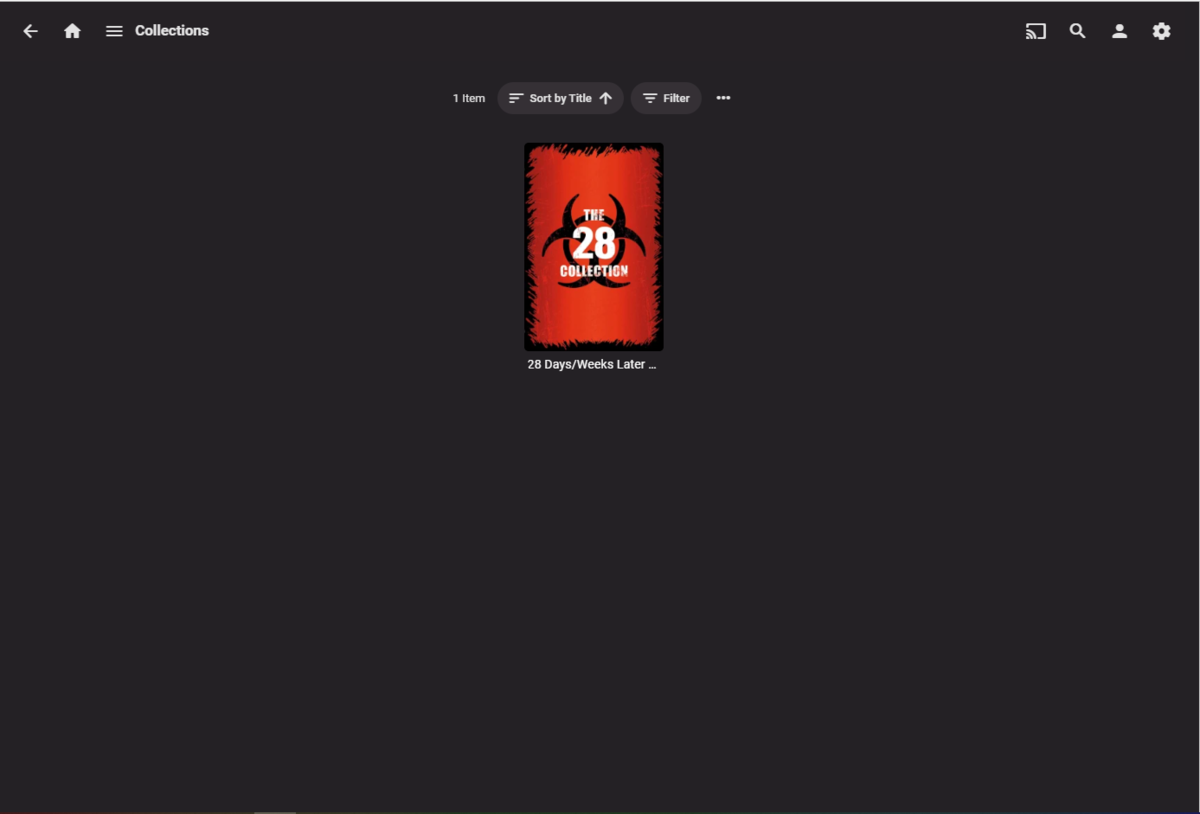
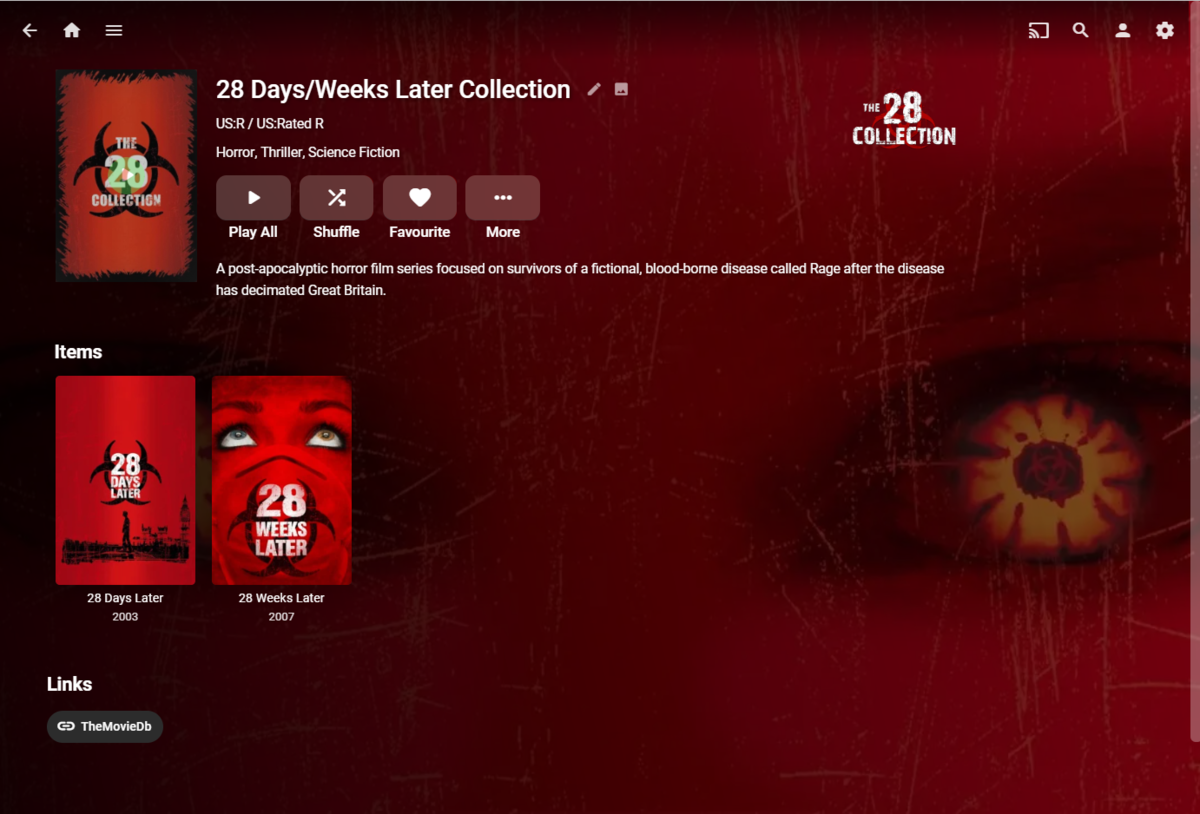 2 points
 -
I have the exact same workflow (and keep all Emby's internal scrapers/fetchers disabled), never had a Collection being skipped, some exact example with accompanying NFO might be needed.2 points
-
Here is the latest list of versions for Emby software across the server and clients. Emby Server Stable: v4.9.5.0 (2026/05/18) Release Notes Beta: v4.10.0.14 (2026/06/04) Release Notes For other platforms, please refer to the download page. Emby for Android TV Google Devices Stable: v2.1.23 (2025/12/27) Beta: v2.1.46 (2026/04/15) Amazon Devices Stable: v2.1.23 (2025/12/27) Beta: v2.1.46 (2026/04/15) Stable Release Notes Beta Release Notes Universal Android app Stable: v3.5.16 (2026/01/26) Beta: v3.5.36 (2026/05/10) Release Notes Download the latest Beta here. Emby for Kodi See here for the latest information. Emby for Roku Stable: v4.1.63 (2026/05/04) Release Notes Beta: v4.1.64 (2026/05/13) Release Notes Emby for Windows (Windows Store for PC & Xbox One) Stable Release Notes Beta release notes Emby for Linux Beta Release Notes Emby for Samsung Smart TV (Orsay) E-series to H-series TVs only Release Notes Emby Theatre for Samsung Smart TV (Tizen) Release Notes Emby Theatre for LG Smart TV Stable: 1.0.50 (2026/01/19) Emby for iOS Stable: v2.2.53 (2026/05/16) Stable Release Notes Beta: v2.2.52 (2025/04/11) Beta Release Notes Emby for Apple TV Stable: v2.0.3 (2025/12/26) Announcement Beta: v2.0.6 (2026/04/11) Release Notes Emby for tvOS (Apple TV) Stable: 2.1.6 (2022/12/23) Release Notes - TBA Beta: 1.5.1 (10) (2021/03/02) Beta Release Notes Emby For MacOS Stable: 2.1.6 (2022/05/09) Details here. I will keep this post up-to-date as much as possible, but please send me a PM about anything I haven't updated, or is missing. Special thanks to @Borskfor supplying a lot of the updated information. Thanks.1 point
-
Request No. 1: Implement Metascore rating for movies, from Metacritic.com, in Emby. OMDb api provides this information. Request No. 2: Also, fix an option in settings to enable or disable a ratings source according to the user's choice.1 point
-
CSS + Netflix Billboard Clone + Danmaku (bullet chat/moving subtitle comments) CSS modified from the forum, fixed bugs and parts that didn't work for me. Added front page Netflix Billboard, which is dynamic and updated according to the content provided by the backend server. Use Canvas to make a bullet chat system and pass in comments through an external open API from DandanPlay.1 point
-
As mentioned earlier it you are on 4.6 you need to look in the system.xml. They will be in the UI in 4.7.1 point
-
1 point
-
Can delete this thread it was post upgrade took a whiile then started to work1 point
-
Disregard the last message. I have not ever clicked on the user button itself in the user section of the server so I have not ever seen the permissions section before. And I thought I new Emby server fairly well after all these years! In permissions under live tv were two empty tick boxes. I have ticked them, saved & restarted the server & low & behold….live tv now works. Sorry to be a pain & I appreciate your help. On a side note I saw the notice/reminder about Windows Media Center support coming to an end. Would it be possible for you to post a link for a download of the most recent Emby Server & Windows Media Centre installer application for an offline install? If any of us wanted to say do an operating system re-install or change after support ends your download installer will offer the most recent server which may not at that time be compatible with Windows Media Center & there won’t be an option to download the Windows Media Center app. @ebr1 point
-
Thanks. I did not have such a file, so I created it and that worked perfectly.1 point
-
Hi there, can you try to create the file `~/.config/lxsession/LXDE-pi/autostart` with the following content: @xset s off @xset -dpms @xset s noblank @emby-theater This should launch an LXDE session with just emby-theater.1 point
-
Well, there is an option to keep the settings on (manual) database reset.1 point
-
@Luke I am yes, thank you for the help. I have been using Emby for good while not but never really went through best setup for it. the community has been a great help even for basic's like this!1 point
-
I will, have been down with Covid-191 point
-
1Tb Nvmes are the best value purchases now days and I can't see anyone needing more for the cache, metadata and transcoding. No need for gen 4. Nice Gen 3 samsung will be perfect. I am using my 500Gb Evo970 and I'm only using about 100Gb of it. I also run a file sync which updates and keeps the mirror of the folders on the NAS (hard disks) so in case anything happens with the m.2 volume I can just change the settings on Emby and be back and running until I fix the m.2 volume (should that need arise after update). Since the new dsm 7.1 will affect the m.2 cache it might affect the Macgyvered solution we have right now but, we'll see. All I know, after seeing the light and running the emby metadata, cache and transcoding on nvme there is no going back. I really hope the new update makes accomplishing this easier for everyone as not everyone is comfortable tinkering with ssh and linux.1 point
-
Danke. EPG.BEST funktioniert. Allerdings habe ich erst ein paar Sender zum testen verwendet. Gruß Eddie1 point
-
We're working on getting the release out as soon as we can. Thanks.1 point
-
Hola, a que filtro ac3 te refieres?1 point
-
Thanks, that probably some sort of incompatibility between the beta server and your client around remote control commands. Like I said, Emby betas are a very moving target1 point
-
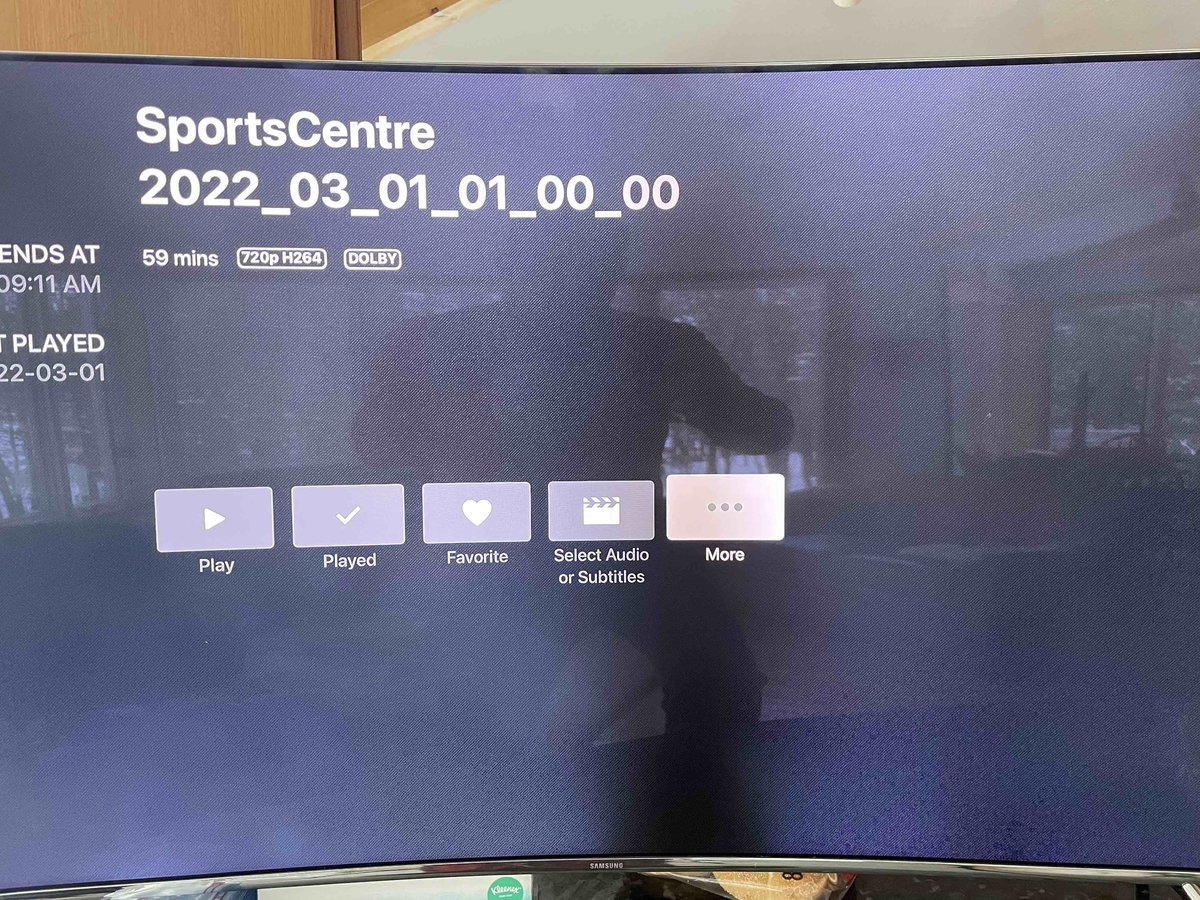
@BillOatmanHi Bill, I understand you do not support beta versions. I would just like to report that your Comskip works great with beta .25 but does not work with .27. I cannot confirm with .26 as .26 breaks playback for some of my feeds. When I say doesn't work, it partially works. It is skipping detecting commercials, the audio works, but the video remains of the option page before the show starts (see attached image).
 1 point
 -
Thanks, that's surprising, and a bit disappointing! Let's get this out there in the next USB release to see if it resolves any problems, then we can check for other issues.1 point
-
You could do in manually by deleting the thumbnails folder and the texture.db in Kodi's userdata folder (Kodi must be stopped at this point), or: Trigger the artwork cache and wipe all data there. Once start caching you could also restart Kodi (if you don't actually wanna actually cache artwork).1 point
-
That worked! First I tried deleting the collection, moving out the media files for a problematic collection, rescanning, moving the files back in to the same library, rescanning. That didn't work - the movies and collection showed up again, but the collection still had no TMBD ID or poster. Then I followed your exact steps (basically the same as the first thing, but adding the files to a new library instead of the original one) and the collection was recreated properly. Thanks for the help guys!1 point
-
Do you want to ignore all dvd folders? You could just uninstall the dvd folder plugin.1 point
-
Hmm...interesting. Any suggestions as to what I can try on my side? I've tried rescanning the existing libraries a few times already - it sounds like maybe I should try from scratch. Can I just delete all of my libraries and rescan or would I need to start with a fresh database to remove any lingering metadata? PS - Thanks for the tip about the ratings!1 point
-
Almost guarantee it's what @Happy2Play pointed out. Add that many records is going to fragment the database and it needs a bit of TLC. Running a vacuum on it will help reorder the database and make it a lot quicker. That the last option on the screen shoot Happy2Play uploaded. Depending on how much RAM you have installed in your NAS or how much is free you will gain a lot by increasing this as well. 96Mb is all that it uses by default but with lots of rows you will likely want to bump that up to 256, 384 or 512. Even if you set it to 2048 or something crazy large like that does not mean it would be used. The database will only use as much as makes sense up to the limit set. 256 to 386 will probably be a good number to try assuming you have it free.1 point
-
Out of curiosity, I did a double nested VPN test today (vpn within vpn), and NordVPN has a datacenter in Ukraine, in Kyiv. I was pleased to see my full bandwidth 200Mb/s was sustained to Kyiv. The first vpn encryption was on my pc, but the router had to re-encrypt the encrypted packets on the firewall. The cpu on the firewall went up to 35%, which for a 2-hop openvpn, I think is pretty impressive. I'm really liking vyos and this little firewall box.1 point
-
I think the only reason that they might not overwrite if set to do so in some circumstances might be down to "ownership" on linux based or btrfs sytsems such as a NAS, but that will log as a failure so you could investigate that. Thanks to feedback from @Qowy I have now learned how to continue from these types of errors.1 point
-
There in no guarantee of it working with betas as they are so helter skelter. I never run them. I was told it worked with the beta, but if a new beta got released recently who knows. Sorry, it's just too much of a moving target for me to support.1 point
-
So I just fixed the login problems on my roku by doing this. I removed the roku Emby channel. Restarted Roku. Added Emby channel back and logged in. Then closed and restarted roku and it remembered me. So basically clearing my roku cache I guess? Just wanted to pass that info to you guys! Thanks for emby btw!!!1 point
-
Hi, yes we've recently reworked our Theater packages and we'll need to update the autostart instructions, so stay tuned for that.1 point
-
In this version there are lots of changes. First, you can now filter on video type, such as 4k, 3D, HD, DVD, ISO, etc. MangoMC requested this feature and Happy2Play showed me how to do this via the Emby API. Another change is that the options for saving tag, prople, studio, and genre metadata have been increased. You can now add just new metadata to other selected files rather than all of the metadata. For example, if you add the tag ZZZ to one selected item, you can save just that tag to all of the other selected items, without deleting any of their current tags. Horstepipe identified this deficiency and brought it to my attention. I would appreciate all bug reports so I can fix them ASAP. Horstepipe, please test this code to make sure it works as you expect. Also look at my wording on the radio button options to determine if they convey the expected meaning. Vic emby_new_tool_17.html1 point
-
I also like Paint.net, along with the windows photo tool for quick aspect ratio edits. Canva is a good simple online tool (https://www.canva.com/posters/templates/movie/). For really basic stuff, especially if it is just graphic text, PowerPoint can even do in a pinch. Next step up for me is Photoshop and GIMP for a free (but complex) option. Also, it may seem overwhelming at first, but there are some good tutorials at https://fanart.tv/tutorials/. They get more detailed than you need for some basic editing of posters and backdrops, but there is some good info in there regardless. I usually reference their "rules" to determine resolution and layout for movies (https://fanart.tv/movie-fanart/) and TV (https://fanart.tv/tv-fanart/) They are really picky about submissions, but it's a good place to start learning. The poster database is also a good place to go for inspiration (https://theposterdb.com/).1 point
-
I like them, thanks....but I agree with your cousin. My first thought was your 90's poster was from mid to late 80's.1 point
-
Hey all! Just to let everybody know that I am working on a Subsonic API compatibility layer plugin as I have time (busy dad here). Feel free to bring up any issues or questions over at the repo. I have been able to create a basic boilerplate plugin that extends the Emby API to allow for Subsonic calls and return a properly formed Subsonic response XML. Can't promise when it'll be "done", but I am of the mind that this is the hardest part, unless I find a Subsonic API task that really can't be implemented with Emby API calls. I'll be sure to post periodic updates here.1 point
-
Believe this is what you are looking for. https://1drv.ms/u/s!AsqUaOWtBbAhm0ycr-iqNBAFCkao1 point
-
I just acquired the plug-in to realize Android TV doesn't support video themes!!! Merry Xmas to myself! Ahhahaha #fail1 point
-
We announced a while back that Emby for WMC would not continue to be supported beyond server version 4.6. With the release of 4.7 getting closer, we just wanted to issue a gentle reminder. View the full article0 points





















.thumb.jpg.21d888786f2104b4f688825203ce7598.jpg)