Leaderboard




Popular Content
Showing content with the highest reputation on 02/26/22 in Posts
-
Thanks, 64bit version worked2 points
-
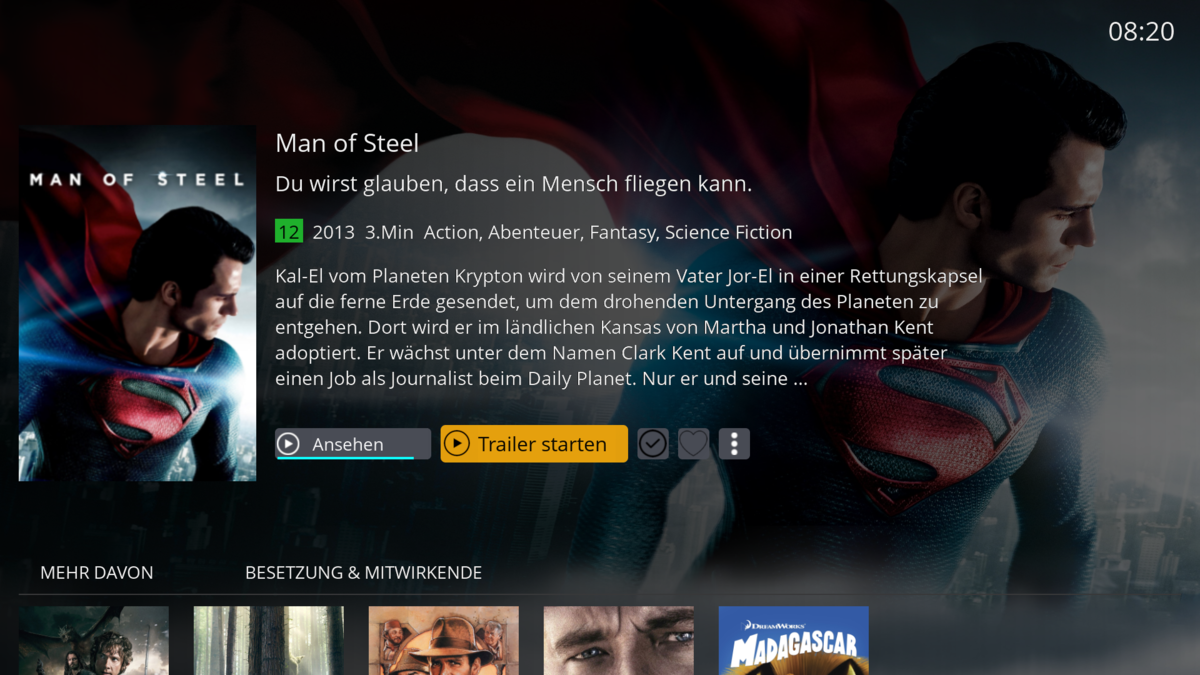
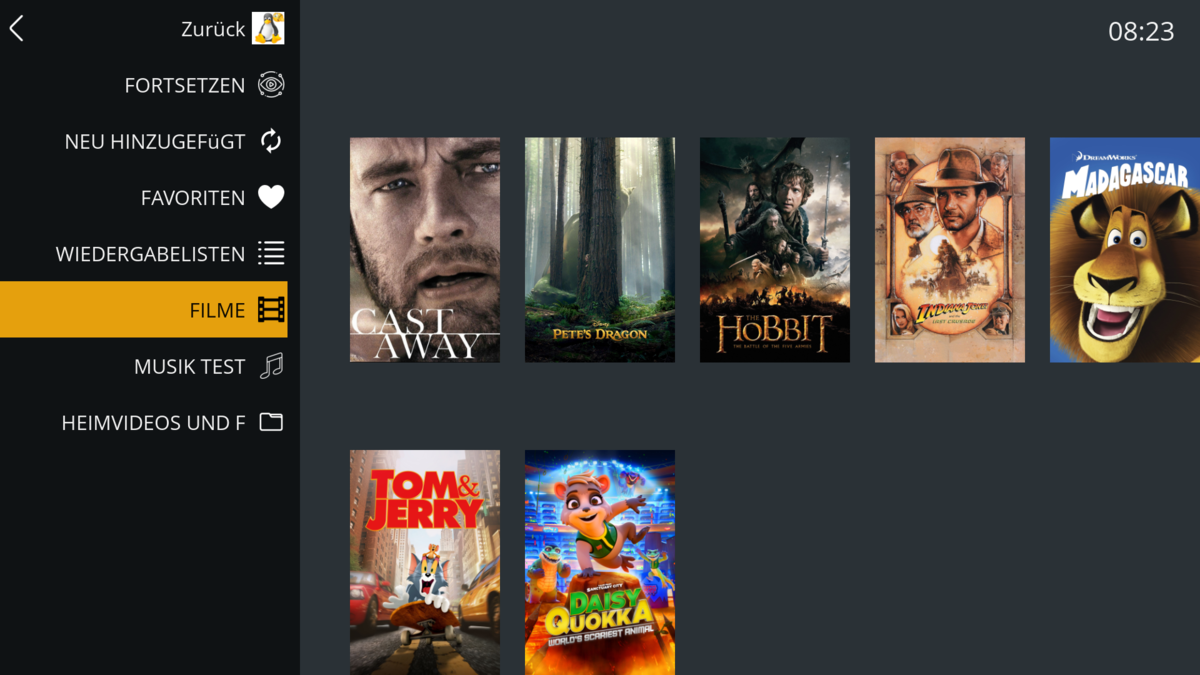
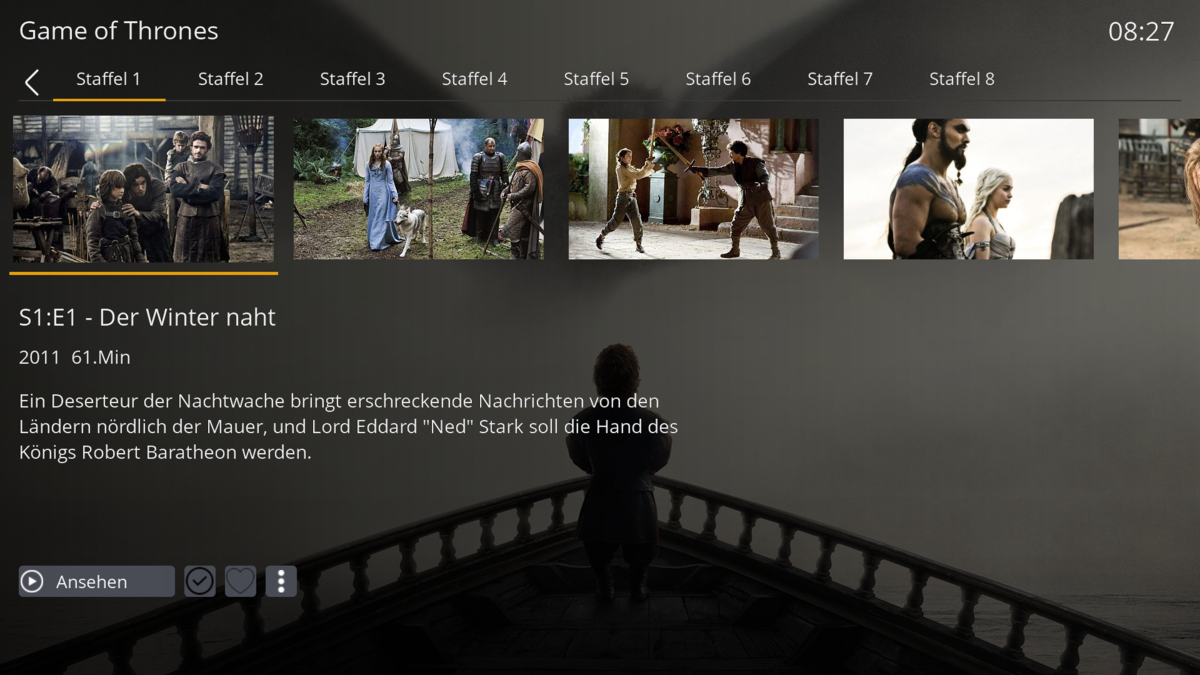
EmbyDream Es gibt jetzt ein Enigma2-Client Plugin für Emby. Dieses Plugin läuft auf einem OE 2.0 oder DreamOS System, es gibt unterschiedliche Pakete für die Installation. Es gib auch ein Ausführliche Anleitung für dieses Plugin, die findet ihr bei uns im Forum. Anleitung EmbyDream-Client, Anleitung EmbyServer, DreamOS-Version und OE2.0-Version. Vielleicht sieht man sich dann mal im Forum bei den Piraten
 2 points
 -
Hi, Since I am using more and more TMDb, (since tvdb is more and more a mess), I am missing a very important feature. tvdb had the feature of grouping stuff into aired, DVD and absolute, which is supported by emby. TMDb had also this feature. See this example for "La casa de papel" (Money Heist, Haus des Geldes): The Original Order is allways the "aired order" of the original country. "La casa de papel" was originaly released by "Antena 3" and was taken over by Netflix, which results in different episodes ordering, which is a mess. They solved it in episode grouping. This feature is missing from emby, but it's integrated in their API and is allready supported in other apps, like kodi. At least, Banana a TMDb Mod claims it, that it's supported by Kodi: https://www.themoviedb.org/tv/71446-la-casa-de-papel/discuss/5e7032d84f9a99001152704f?page=1#5eb76872ca7ec6001f7c53cb Is it possible to add this feature into emby? It is the last scraping feature, I really really miss for TMDb on emby. It adds much flexibility and is overall a much better solution, than on tvdb with their aired, dvd and absolute order. Another great example is Dragonball Super: As you see, it adds much more flexibility for different regions over the world. It's in my own eyes a must have for emby!

 1 point
 -
@akawoz Thanks for the positive feedback. Firstly, the "Sort newly added" and "limit' act quite differently, hence why one gets disabled. Sort Newly: Will only sort any new items in the particular order, so let's say your emby playlist have 500 items already, and smartplaylist picks up a new 10 items to add, it will only sort the 10 items in the order you selected and add them to the bottom of the playlist. (Unfortunately Emby playlists/collections don't have sort functionality). On that I was thinking of building another "scheduled" process off the plugin that will sort the playlist and collections at a certain time if needed, as the only way to do it, it to basically remove the items and re-add in the order you have selected, this could be very expensive on the fly. Limited, what the code does is let's say 100 new items have been flagged to add to a list, limited would sort the 100 items, then take the top 30 and then clear out the playlist and re-add, I have recently changed a little code here so if you're not seeing that behavior I'd say there's a bug, I will re-test and if I pick something up I will fix it for the next release. Will keep you posted.1 point
-
Okay, thanks for the log. The app appears to be making a bad assumption about the capabilities of this device. We'll have to update it.1 point
-
Hi. You need to actually send the log after playback. There is an option in the user menu at the top of the home screen.1 point
-
User says it is resolved now. Thanks.1 point
-
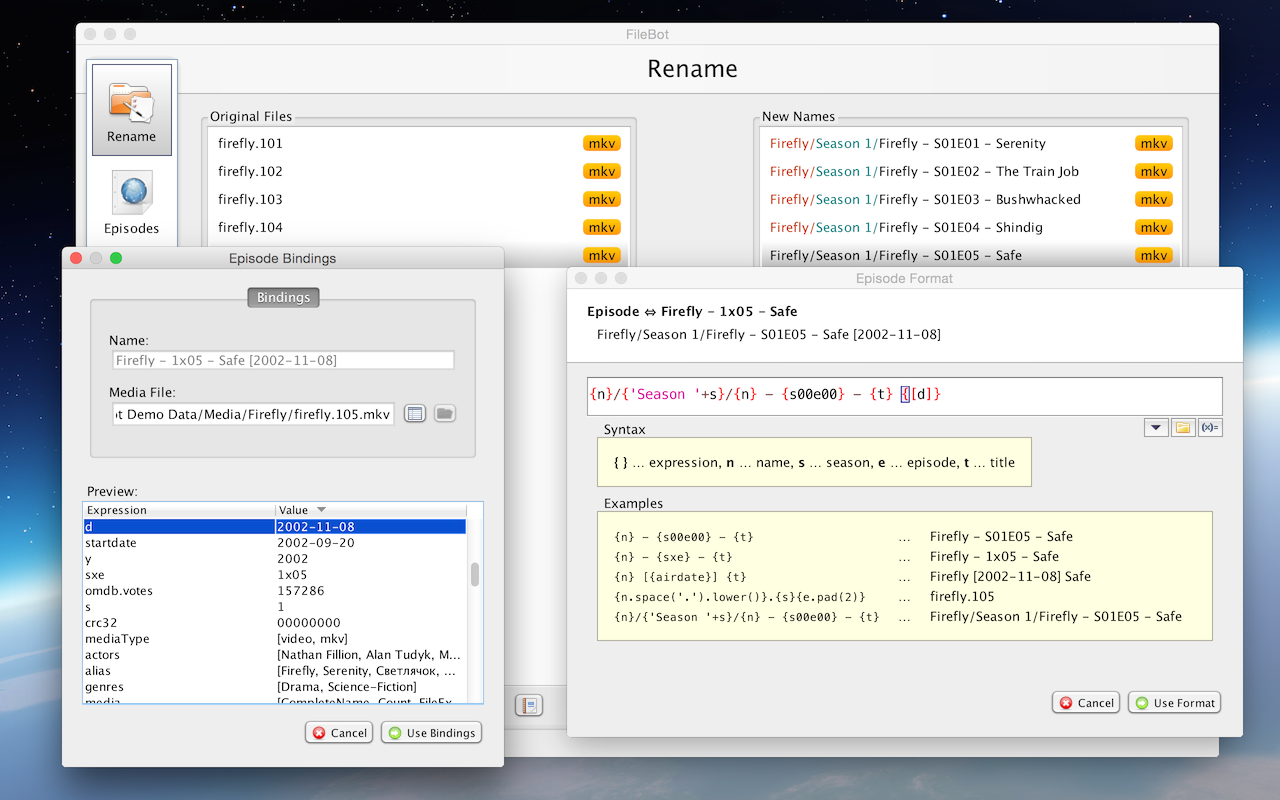
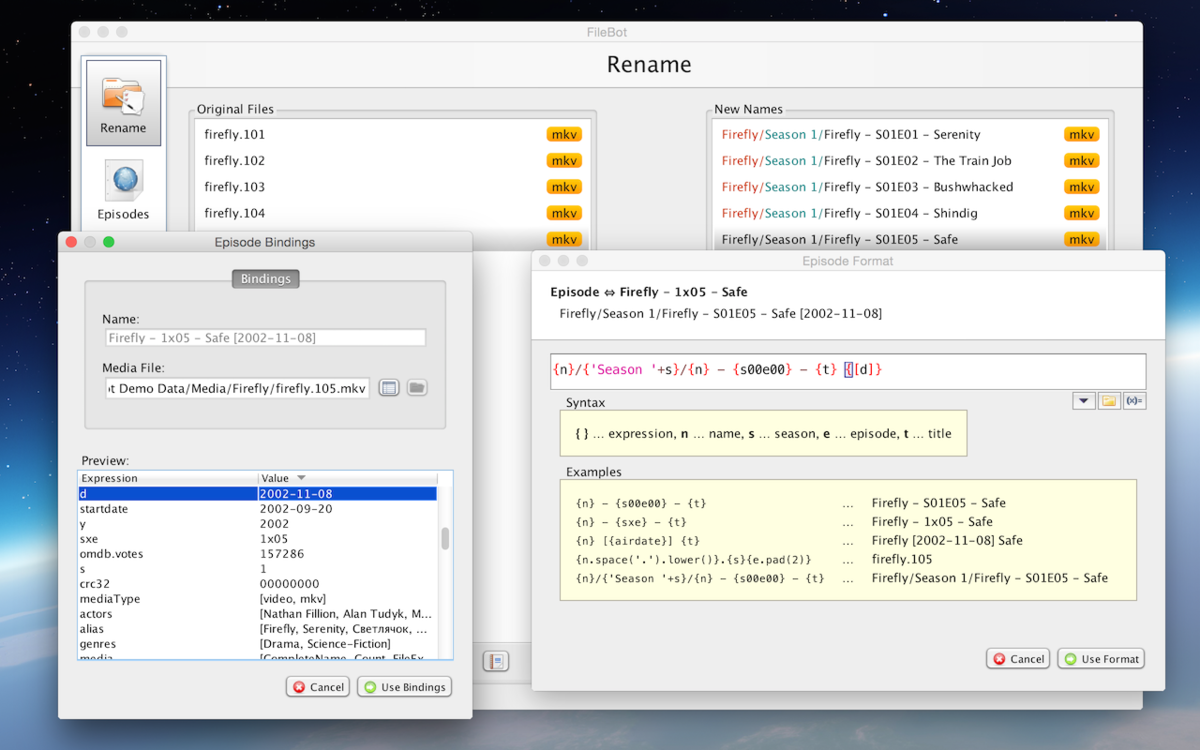
@GrimReaper I already use RenameMyTVSeries for my TV series and it's great cause unlike FileBot it can actually go in and fix the file name in the metadata so both the file name and the medadata name of the file matches. I don't want to have to go through all TV and Movies on my roommates system and spend days doing it. I just simply want to create a folder say for Star Trek: Discovery and drop all the episodes he has into it with out going through the hassle of doing the season subfolders like I have. In this case it's more of a matter that he likes the folder structure he has, which is just the series folder and all episodes for it loosely in it. https://www.tweaking4all.com/home-theatre/rename-my-tv-series-v2/ If you or anyone else wants to give it a run I'd scroll down and grab the latest beta. More features and stable and solid. If one is running Arch or a Arch based Distro it's available in the AUR. if so inclined? Does that mean I don't have to create the season folders on his system if I don't want to?1 point
-
While waiting for native solution, you might try passing his files through FileBot prior importing to Emby, which will likely have more success in recognizing filenames only and/or create series folders/season subfolders if inclined so and set by Renamer syntax. Edit: That said, as per: that (seasonfolder-less structure) is already supported - as long as there IS a TV series folder - assuming episodes are at least somewhat decently named, in one of the supported naming conventions: Emby TV Naming : Emby
 1 point
 -
For info, Vantage Point plugin which extended the functionality stopped working i believe in server beta .23 and .24 So i reinstalled Cinema Intros to see if that works and that is also not working in server beta .24 I have it set to trigger on specific tags. The folder is mapped in the settings to the correct folder containing the tag videos to be played. However on any device it just plays the movie without any preroll intro. `when i look in the logs there is zero mention of cinema intro being invoked, logs pretty much say user clicked play and movie has started. No reference at all to cinema intros in the logs I will get a log once the metadata refresh has finished Not working also in .25 .26 .28 @Luke1 point
-
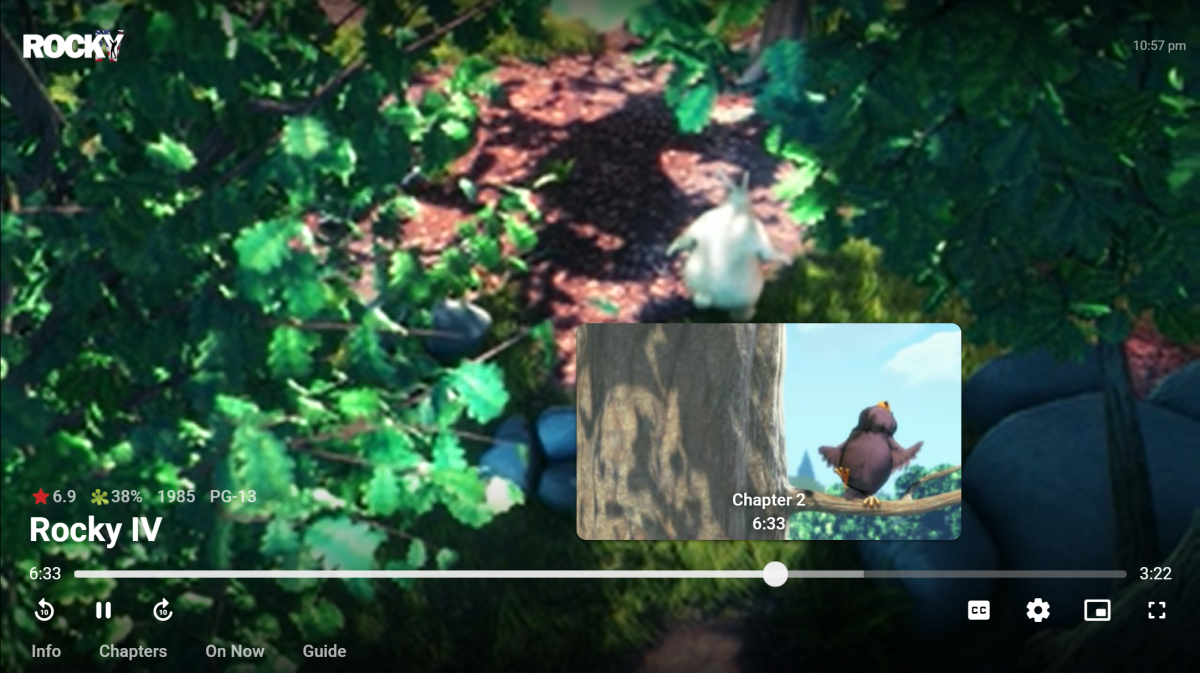
Another round of updates is coming to this, using the left and right arrow keys.
 1 point
 -
1 point
-
actually, that was the tip I needed. I had to uninstall serverWMC. Now it seems to be working.1 point
-
Looks like I was putting the UNC path into the wrong field. I was putting it in to the "(Optional) Shared network folder." field. When entered in the "Folder:" field it worked fine. Thanks for your help.1 point
-
@LukeActually it looks like ".ignore" files are not working of DVD structure itself as I tested this nested and normal dvd item in a movie library and it was not removed. Works fine on normal video file folders. 4.7.0.251 point
-
After upgrading to 9.0.1 I ran into an issue where videos wouldnt play. They would try to start (blue spinner) then just go back to the menu. Uninstalling/reinstalling the Emby app fixed it1 point
-
Yes we can add this. Thanks.1 point
-
UPDATE MADE TO POST #1 PLEASE REVIEW.1 point
-
Good question as it's hard to tell from the names but they are quite different in size. The one I installed was 324MB on disc and the version I just downloaded while making this post is 360MB in size. So it's obviously different. I have all the media on the NAS backup up offline, but only one copy. I technically could have just reset the NAS and then started to restore the media but I'd prefer not to touch the backup sets if I don't have to. It's a pain to wait while I move the media off the NAS but all files spot checked seem fine and play perfectly so it's better than risking having only one copy. I already got 2 strikes this inning and didn't want to chance being called out. LOL No harm, no foul except for 2 days of lost sleep. Of course the timing couldn't have been better as I have over 60 SAS drives still waiting to be setup in their new tiered storage. I've been so busy I've not done much with any of it except make sure all components are functional since before Christmas. I was just starting to making time for setting it all up and this happened which will no doubt set that back another week. LOL Had it been up I'd likely have moved Emby over to the new system using the 920+ as only a test server. The 920+ ran "Carlo" style was really past it's limits using common sense but I like to push things to see what can be done. The 920+ was running with 3 14TB and 1 18TB drive internal on it. I have an 8 bay USB3 (eSATA won't work) enclosure filled with 16 TB drives connected to the front USB3 and then 2 WD USB3 18 TB drives connected to a USB3 hub on the back USB3 port. That around 225 TB of raw storage. Fortunately after the incident I was able to disconnect the 10 external drives quite easily and scan/check them with no issues leaving only the 4 internal drives to get data off of. So you can see how it makes a pretty good test bed for trying to push things to see if something breaks. But if it does break you can't jump to conclusions especially when you've tested so many different software apps and attempted 3rd party software installs meant for normal Linux and not Synology. I was planning on resetting the box after this round of testing but figured if it worked in my environment it would likely work for anyone. Well that was the thought anyway but I tempted fate one to many times. LOL I feel mostly bad for you guys having to wait longer after the shipping delays to get in more SSD testing, but in another couple days it will be behind us. Once I get this tested with the NVMe used as normal storage for Emby and make it though the update to 7.1 I'll post info then try the couple other performance experiments I've wanted to try (have everything for it sitting here) which are quite radical but could be game changers. My expectation is the NAS is too locked down driver and software wise to work, but I got to try it anyway or I'll always wonder if it could have been.1 point
-
when you do a search on my emby server it takes 10-15 seconds... people give up or try typing something else which just takes another 10-15, they usually give up. Can we get some kind of loading spinner or something while emby is pulling up results?1 point
-
I saw a link to this request today.. and i wanted to note here, that emby has really improved on DB/cache performance.. i just did a music search and it took about 6 seconds... compared to my 10-15 in the original post.. Better yes.. some kind of feedback that a search is in progress would still be cool..1 point
-
Thanks for the feedback.1 point
-
@cayarsouch! You have my sympathies bud.1 point
-
@cayarsWas that using the original 7.1 beta that went up or the replacement -42550 one? Sounds like an unmitigated disaster to recover then sort out, ugh.1 point
-
1 point
-
Maybe you misinterpreted my reply - it works with the free version ?1 point
-
Hi, this is resolved for the next update to the Emby Apple TV app. Thanks.1 point
-
You probably want to access two different end point. "/sessions" will give you all the current session data, such as users, clients, now playing, etc. The other ebdpoint you want to access is the "/users" endpoint This will give you user data. When you access sessions you will get limited user data for that session. But you can extended the data, by getting the "userId" from sessions, and then requesting "/users/{userId}". That should return last active date etc. You'll need an API key if you are not building a client object. You can create an API key in the dashboard, and use "&api_key=" (or something similar to that).1 point