Leaderboard




Popular Content
Showing content with the highest reputation on 02/19/22 in Posts
-
Please add the ability to disable the "On Now" row from the home page while leaving Live TV. Making it selectable by user like the others would be great.3 points
-
I think it's better to do this in separate sections as one part is about increasing Emby performance using NVMe as HDDs vs system cache and the other things I'm working on are more about expanding or extending what the NAS as a whole can do for Emby. Although one of those can greatly increase system performance. So another way of looking at it will be specific instructions for different things that can be done. So we'll knock out the first section specific to increasing Emby performance using NVMe as HDDs vs NAS system cache. I'll get this up this weekend.3 points
-
Most people blow it with their use of VPNs as they continue to use their default DNS servers which often belong to their ISP. If you do that it doesn't matter what or how you pass your traffic because you're giving your ISP a list of sites you use every time you look up a domain! If you setup your Emby server to use a secured (encrypted) port then all inbound traffic will be "invisible" to the ISP. They will see the traffic but not know what it contains so it's like being invisible. Your outgoing traffic will have a URL they can see such as IP or domain so that can be tracked but not the contents of the packets. So what the ISP would see is connections established from the outside but not know what the traffic contains. It would see outgoing requests to meta-data providers from Emby as well as traffic to your remote peeps. If using a VPN and not using your ISP's DNS server they would just see traffic from your server to the public VPN server but nothing else. How much this really matters is probably in the eye of the person using the service. Generally speaking most people won't have issues with their ISP unless they are going over a data cap which a VPN won't help with or the big one, the ISP is getting notified of activity on your IP for violations of the DMCA or similar. If you're in that latter category a public VPN is likely a good thing but is still probably best used in split mode with your Emby Server not running through it or simply do that "other" activity on another machine (real or virtual) that has it's own vpn. To work around CGNATs or to make your Emby Server "invisible" to the ISP a far better solution is to use Cloudflare with a domain name over a Cloudflare tunnel. That gives you a domain name to use remotely, a certificate from Cloudflare to use so your connections are secured, a tunneled connection directly between you and Cloudflare as well as the caching and protection Cloudflare gives you. Just my 2 cents.2 points
-
I'd really like to have 2 Factor Authentication added to the login screen. It's just this (optional) extra layer of security to help secure the server (which, especially if people use camera uploads) contains pretty private data. There are for every type of programming language quite a few libraries available, so implementation on a server shouldn't be too hard to realise1 point
-
Any plans to give us the ability to create custom skins? Not looking for super fancy stuff like Kodi has but most around onscreen layout. Emby's native skin is 'usable' but not the most efficient or intuitive as Kodi's native skin (left side menu, etc)1 point
-
I was just looking at the episode list of Hannibal season 3 to see how many episodes there were left and saw some major spoilers in the thumbnails which made me think that it would be a good idea if there was an option to hide thumbnails for unwatched episodes Thanks.1 point
-
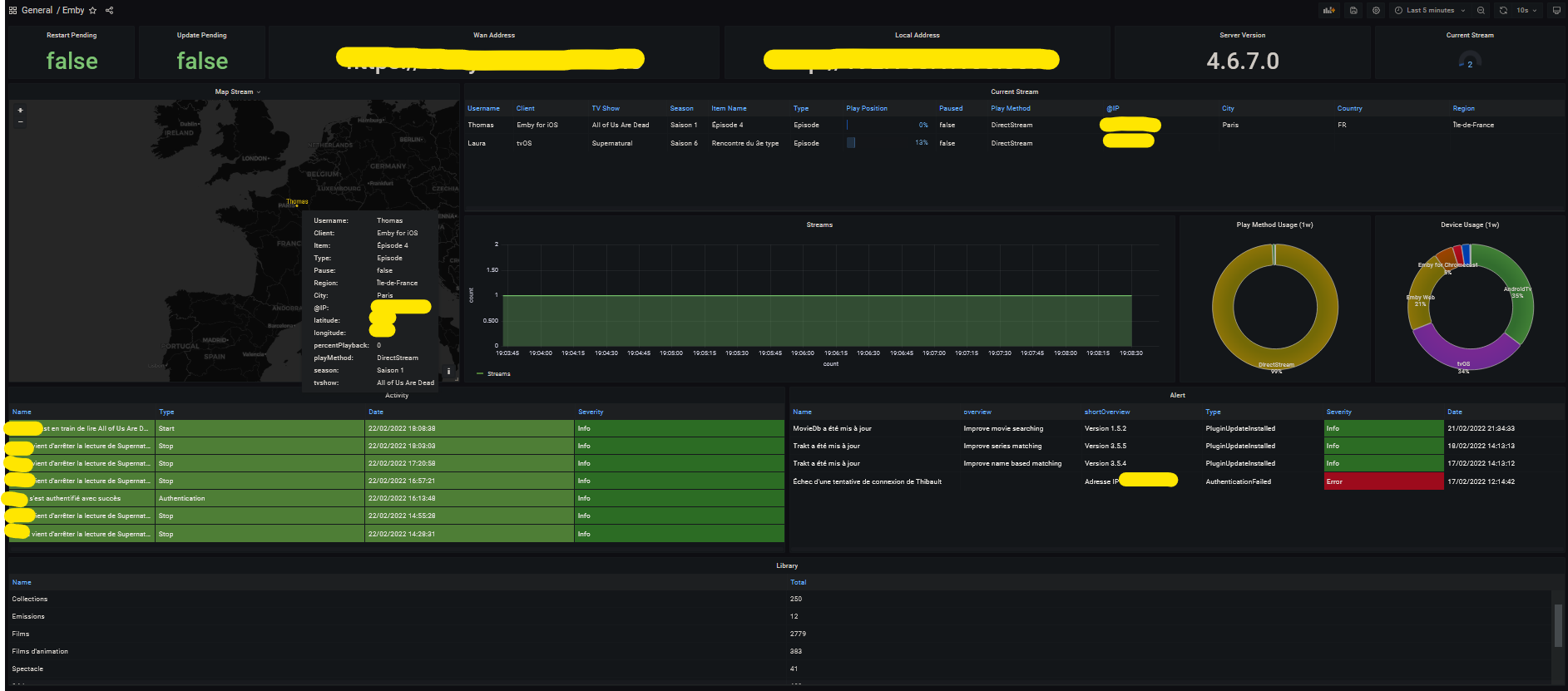
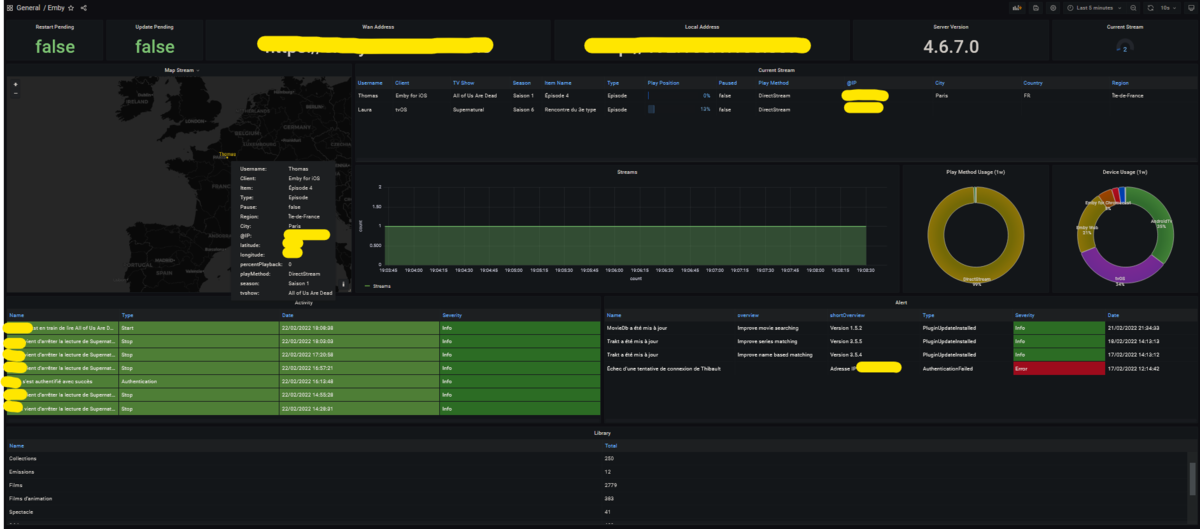
Hi everyone I did a quick export of some emby metrics for prometheus. It's still a first in alpha alpha alpha alpha alpha version but it seems to work If some volunteers want to try it and give me some feedback it would be really cool. I have in mind to add geoip to have a small map in grafana for example. If you use docker you just have to type this command: docker run -d -it \ --name=emby_exporter \ -e CONFIG_FILE=NAME_OF_YOUR_FILE.yml \ -v '/path/to/your/config/file.yml:/config/file.yml' \ bagul/goemby_exporter:latest Config file example: server: url: "http://<ip|domain name>" port: 8096 token: "your token" userID: "your userID" You will find your user id in the URL on your profile (on your server of course). And you will just have to add the exporter in your jobs in your prometheus config. As you can see the information is still recovered are thin but you can already make a small dashboard. I have the number of stream in progress and a map showing me the location of my users (approximate of course ) I think to add with time the information of Ombi for example. https://github.com/TOomaAh/emby_exporter_go My Dashboard: Emby Dashboard-1655999358418.json
 1 point
 -
I'm experiencing three distinct playback issues with certain HEVC content. I have lots of various HEVC content, but only certain videos are causing problems. Problem 1: The best way I can describe it is a skip or jump. 99% of the video plays normally, but every so often a few frames will be skipped/dropped so it looks like the video jumps ahead a couple seconds. I can rewind, fast-forward, pause, resume, stop, restart, but the skips always seem to occur at the same times in a particular video. The skip can be very noticeable and jarring depending on the amount of motion in the current scene. The audio plays perfect and always remains in sync. Players/clients tested to exhibit the issue: Fire TV Cube (2nd gen), Fire TV (3rd gen) I have not tested all videos, but thus far the videos appear to play normally on these players/clients: Fire TV Stick 4K, nvidia Shield TV (2017 version) Problem 2: Most videos freeze during the first 10 seconds, making it seem as though the video is not going to play, but then it does start playing without intervention. The audio plays perfect while the video is frozen. Players/clients tested to exhibit the issue: Fire TV Cube (2nd gen), Fire TV (3rd gen), Fire TV Stick 4K, nvidia Shield TV (2017 version) Problem 3: The same videos being played on my Android phone (Pixel 2 XL) are extremely choppy to the point of being unwatchable. The audio plays perfect, but becomes way out of sync because the video is so lagging. In all scenarios the three issues are present only with DirectPlay, the videos play perfect if I make config changes to force an h264 transcode. All videos play perfect in VLC on a Windows computer. General Format : MPEG-4 Format profile : Base Media Codec ID : isom (isom/iso2/mp41) File size : 2.03 GiB Duration : 2 h 10 min Overall bit rate : 2 231 kb/s Writing application : Lavf58.20.100 Video ID : 1 Format : HEVC Format/Info : High Efficiency Video Coding Format profile : Main 10@L4@Main Codec ID : hev1 Codec ID/Info : High Efficiency Video Coding Duration : 2 h 10 min Bit rate : 2 000 kb/s Width : 1 918 pixels Height : 1 036 pixels Display aspect ratio : 1.85:1 Frame rate mode : Constant Frame rate : 23.976 (24000/1001) FPS Color space : YUV Chroma subsampling : 4:2:0 Bit depth : 10 bits Bits/(Pixel*Frame) : 0.042 Stream size : 1.82 GiB (90%) Writing library : x265 3.3+4-rarbg-30eb4de83092:[Linux][GCC 8.3.1][64 bit] 10bit Encoding settings : cpuid=1111039 / frame-threads=4 / wpp / no-pmode / no-pme / no-psnr / no-ssim / log-level=2 / input-csp=1 / input-res=1918x1036 / interlace=0 / total-frames=0 / level-idc=0 / high-tier=1 / uhd-bd=0 / ref=4 / no-allow-non-conformance / no-repeat-headers / annexb / no-aud / no-hrd / info / hash=0 / no-temporal-layers / open-gop / min-keyint=23 / keyint=250 / gop-lookahead=0 / bframes=4 / b-adapt=2 / b-pyramid / bframe-bias=0 / rc-lookahead=25 / lookahead-slices=4 / scenecut=40 / hist-scenecut=0 / radl=0 / no-splice / no-intra-refresh / ctu=64 / min-cu-size=8 / rect / no-amp / max-tu-size=32 / tu-inter-depth=1 / tu-intra-depth=1 / limit-tu=0 / rdoq-level=2 / dynamic-rd=0.00 / no-ssim-rd / signhide / no-tskip / nr-intra=0 / nr-inter=0 / no-constrained-intra / strong-intra-smoothing / max-merge=3 / limit-refs=3 / limit-modes / me=3 / subme=3 / merange=57 / temporal-mvp / no-frame-dup / no-hme / weightp / no-weightb / no-analyze-src-pics / deblock=0:0 / no-sao / no-sao-non-deblock / rd=4 / selective-sao=0 / no-early-skip / rskip / no-fast-intra / no-tskip-fast / no-cu-lossless / no-b-intra / no-splitrd-skip / rdpenalty=0 / psy-rd=2.00 / psy-rdoq=1.00 / no-rd-refine / no-lossless / cbqpoffs=0 / crqpoffs=0 / rc=abr / bitrate=2000 / qcomp=0.60 / qpstep=4 / stats-write=0 / stats-read=2 / cplxblur=20.0 / qblur=0.5 / ipratio=1.40 / pbratio=1.30 / aq-mode=3 / aq-strength=1.00 / cutree / zone-count=0 / no-strict-cbr / qg-size=32 / no-rc-grain / qpmax=69 / qpmin=0 / no-const-vbv / sar=1 / overscan=0 / videoformat=5 / range=0 / colorprim=2 / transfer=2 / colormatrix=2 / chromaloc=0 / display-window=0 / cll=0,0 / min-luma=0 / max-luma=1023 / log2-max-poc-lsb=8 / vui-timing-info / vui-hrd-info / slices=1 / no-opt-qp-pps / no-opt-ref-list-length-pps / no-multi-pass-opt-rps / scenecut-bias=0.05 / hist-threshold=0.01 / no-opt-cu-delta-qp / no-aq-motion / no-hdr10 / no-hdr10-opt / no-dhdr10-opt / no-idr-recovery-sei / analysis-reuse-level=0 / analysis-save-reuse-level=0 / analysis-load-reuse-level=0 / scale-factor=0 / refine-intra=0 / refine-inter=0 / refine-mv=1 / refine-ctu-distortion=0 / no-limit-sao / ctu-info=0 / no-lowpass-dct / refine-analysis-type=0 / copy-pic=1 / max-ausize-factor=1.0 / no-dynamic-refine / no-single-sei / no-hevc-aq / no-svt / no-field / qp-adaptation-range=1.00 / no-scenecut-aware-qpconformance-window-offsets / right=0 / bottom=0 Encoded date : UTC 2020-04-18 09:57:14 Tagged date : UTC 2020-04-18 09:57:141 point
-
Hi I am writing to see if there is any way we can have an app for the Toshiba smart TV?1 point
-
I just re-read my post and want to be clear, I LOVE EMBY! I ditched plex years and years ago and never looked back, I am purely talking about using Emby for Android in the car whilst driving is not an ideal solution for me, a player dedicated to just music would be fantastic!1 point
-
Sure, I'll see if I can try that in the morning. I found this thread on here and wasn't getting my hopes up. :off topic: I think this TV OS doesn't have UKTV either which is a shame. Wish I had checked more thoroughly now before I bought but to be fair ticked all the other boxes we wanted. Plus we have a workaround - an Amazon Fire Stick. Could use regular TV too and MythTV. If I understood how to connect to the aerial connection in the wall1 point
-
I agree, while this information may be useful to some it is not to me or my family. It is kind of like the home screen on AndroidTV with all the crap they suggest....in order to get your kids to beg for a new streaming subscription weekly. Albeit is is not ads it is still information of little value unless it is specific to your favorite channels only but mine is populated with programs and channels I would never watch.1 point
-
If you don't mind looking for [EMBER] Shingeki no Kyojin S04E21(E80) [1080p] [HEVC 10 bits WEBRip] (Attack on Titan), you can try out the end credits which have pretty stylized karaoke subtitles. Works fine on my Nvidia Shield but my Chromecast with Google TVs have a fit trying to play the HEVC file along with the subs while Kodi, VLC, and MX Player have no problem playing the same file on both machines..1 point
-
Once you change Parental rating on TV show level, run three-dot menu>Scan library files on that show or Scan on library level or Scan media library task, either should results in all seasons and episodes beneath being shown.1 point
-
So the tags should go to the track or the album? Should we put these into tags or should we just have a style section?1 point
-
Thanks for the feedback !1 point
-
Hi, yes I would expect more options around this in future updates. Thanks.1 point
-
Hi guys, sorry for the delay. Just turned my NAS back on so I should be able to test and report back soon.1 point
-
Well, I'm glad it's working for you now. With the way Emby works, my plugin can't add icons to an image until that image is requested from the image api. That means the images can take a bit longer to load the first time, but should be cached by Emby after that. I've optimized the plugin both on the rules checking and image generation sides, but it still takes time to create the new image. In my experience, the Roku app and Android Mobile apps are happy to wait on the image, but the Android TV app will only allow for a couple of seconds delay before it shows a placeholder image. In those cases you have to scroll away like you described to get ATV to re-request the now cached version of the image. It was improved recently , but I still see the behavior when a lot of image requests come in at once to the Emby api. For the flags and Dolby logos, one of the goals of the next release is the ability to add custom icons, so that would help there.1 point
-
Well that sucks, but thanks1 point
-
You're right, most attacks do happen on 22 along with 80 and 443 (and 3389 too). But attacks on 22 are limited to dictionary and brute force. To my knowledge, there are no exploits for 22 and if there were, they get patched almost immediately (citation needed!). My ssh server will not accept a password, only a key. For most attackers, this means the port closes as soon as they open it. If you're super-paranoid, you can further secure ssh by limiting which inbound ip addresses can connect or by moving it to another port (personally, I don't think this does anything because a port scanner will identify it in seconds). But at a minimum, enforce keys only with no passwords. 80 and 443, on the other hand, have been exploited continually by attacking weakness in the underlying software. I remember when you couldn't put a Windows IIS server directly on the internet because it would be exploited in hours -- sometimes minutes. The attackers would exploit code problems (buffer/memory overflows) that would give them access to the server (and back in day, server sometimes ran with more privileges than it needed). So, my concern is that by exposing the emby web server, you expose any potential code weaknesses. Back to the original topic, if my choices are expose 8290 and/or 8096 (emby web server) with whatever code weaknesses may exist versus exposing 22 with key security and tunneling traffic, I'll roll the dice with ssh any day. And MFA, while awesome for protecting data, is not useful for protecting against underlying weaknesses/exploits.1 point
-
Not if you configure remote access for HTTPS and secure it with SSL. There are a number of community guides that document the process here.1 point
-
Yes. The only inbound port open to my home network is tcp/22 (pfsense firewall). My home server endpoint is not technically fixed (though it does tend to stay at the same address for months to years before changing) so I check it every 10 minutes and update accordingly using the godaddy API only when it changes. I posted a how-to for that piece on Instructables a few years ago, https://www.instructables.com/Quick-and-Dirty-Dynamic-DNS-Using-GoDaddy/. My concern is less of traffic hijacking or snooping and more of exploits targeted at the emby web server itself. Admittedly, I don't know if emby (linux) leverages an existing http/s server or if the guys rolled their own. Either way, however, I'm highly comfortable exposing openssh to the world if it is secured with ssh keys (absolutely no passwords!!) because it is tested every single day by millions of servers all over the world. The fact that my traffic is encrypted is just a bonus. I'll put together a quick guide and post. I even made an emby listener that will respond to emby request broadcasts (iPhone app, et al.) to save the user the trouble of having to know/type the ip address of the local endpoint. Some of this is still in development, but the concept works and has been rock solid for roku. Also included a reverse tunnel so I can maintain the satellite when needed without having to config the remote router to allow inbound ssh -- makes for super secure maintenance. To bring this back around to the original post, MFA is really targeted at securing the data from weak passwords, not protecting against exploits. IMHO, exploits are a much MUCH bigger threat than someone guessing a password and using an otherwise legitimate channel to grab my content.1 point
-
Well, as strange it may seems to me, it looks like you were right. Hopefully I don't really need it.1 point
-
I have just installed yatse and trying this route for now... Love the idea of a Music App like Plexamp as I have an Android Unit in the car and Emby is just too slow and hard to navigate for Music1 point
-
Personally I would not use a public VPN on an Emby Server unless it was run in split tunnel mode (Emby not using the VPN) or with VPN port forwarding turned on and used to circumvent your ISP's CGNAT. Part of the reason is IPs associated with public VPN services are often "dirty" and banned by sites due to previous activity associated with the IPs (people use VPNs to hide questionable or worse activity). @Teknician How have you requested a port forward on PIA through the UI? What you can try is to take the port they give you then set that for Emby's non secure ports. That's all you should need to do.1 point
-
Thank you very much for stimulating my suggestion and request. At the moment I have turned off the Emby server, and turned on the Plex server again because the internal player of its Android TV client works much better, identical to the MX player. Greeting1 point
-
Closing this topic. Wrong app.1 point
-
I agree with this. After trying out MX Player and Kodi and seeing them handle the stylized subs without issue while the built in Emby Exoplayer stumbled and hitched on the same Chromecast with Google TV it's pretty apparent the Emby player needs better hardware acceleration.1 point
-
@cayars Just wondering how your crazy tinkering was going? Any luck?1 point
-
Hello just to mention I’m pretty sad to see this removed from the media info page as I was using it to check if I was about watching the media or not, like “argh it’s finishing too late, don’t have the time…”. Personally I don’t see what the issue was so it required to be removed? It wasn’t breaking the ui also where it was, so guys why did you take that decision?1 point
-
Yeah, likely. Still funny, though: skip chapter - "Okay, dear guests, that's all folks, finished, good night." Edit: Maybe I'll put it on next time the in-laws are visiting.1 point
-
woohoo thanks @Luke its looking good.

 1 point
 -
Support for the beta 4.7 is here. I've given it a quick run through. Let me know of any issues. (If you're not running the beta, don't install, this is a separated release on it's own branch.) SmartPlaylist-2.2.0.0.zip1 point
-
Hey All, a thousand apologies, I noticed my schedule task did not execute last night, so on closer investigation I introduced a tiny bug when changing how the scheduling works. I tested the change and my test data was passing, where as my live data highlighted the issue. So I've pushed out a new release with the fix and 2 other small items. So let's hope this settles now and I can start looking at the preview build. As always... Version 2.1.0.4 Feature Added "Genre (Tree Crawl)" Criteria. Filters the item on tag or its parents tags (and so on, all the way to to root). Bug Schedule task was not executing scheduled lists correctly. Renaming a playlist. If the Name field is locked the smartplaylist name will be reverted so that the playlist and smartplaylist names stay in sync.(refresh required). SmartPlaylist-2.1.0.4.zip1 point
-
I have issued a new certificate with ZeroSSL and all is working now. Thanks for the help1 point
-
Hi, we're looking into it. Thanks1 point
-
Clear browser cache.1 point
-
Just circling back to close the loop on this. So even though my TV has eARC/HDMI 2.1 and can can pass TrueHD, my receiver is only ARC/HDMI 2.0, so it was triggering the transcode. Solved by adding a Shield Pro > Receiver > TV. Everything direct plays now. Thanks for the insights!1 point
-
Apologies for late reply, I totally missed your message. I myself don't use 4k files for streaming. I only use 1080p HEVC x265 so only transcoding I get now is from x265 to x264. But, I will test it out for you as I do have some 4k files. So you want me to test out 4K HDR (or SDR) transcode to 1080P HDR or 1080P SDR? I think there was setting somewhere about converting HDR but, I can't remember. Just let me know what you would like to test and I'll do it in the next couple days. Cheers!1 point