Leaderboard




Popular Content
Showing content with the highest reputation on 01/02/22 in Posts
-
New beta version available: BETA VERSION 6.2.4 delta changelog: minor artwork fix and apply sqlite thread save patches fix dbio issue add cinema mode option for movies and episodes This version is published on Emby's Kodi beta repo @embyL0VERreview of artwork still pending @SwanStream delete review still pending2 points
-
where do you see the issue that you are trying to solve? despite my media and asociated files being on a separate device on the network the images in my movie library (10k+ items) all load pretty instantly2 points
-
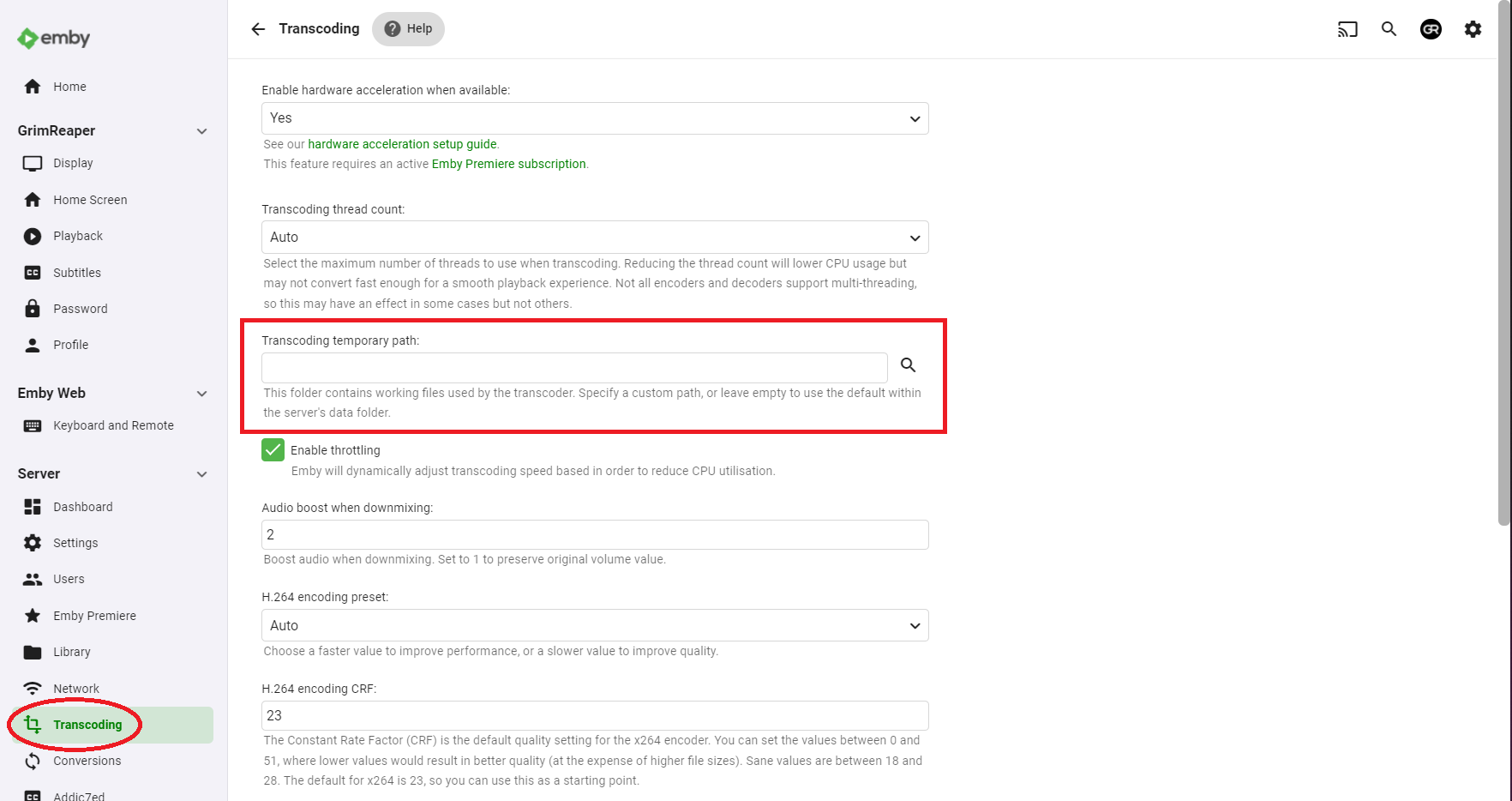
it should auto delete those when no longer needed... you might want to increase the transcode drive size.2 points
-
DSM7 Upgrade for Emby.mkvEDIT: The instructions assume default Synology install volume of /volume1. If your location is different use that instead! This is based on the release version of Emby which at the time of writing/video creation was 4.6.3. The video will become dated so just use the latest DSM 6 Emby version from the website https://emby.media/synology-server.html. If you happen to be running a beta version update to the latest beta version before the DSM 7 update. The idea is to do any updates on DSM 6 first before installing DSM 7. Since the creation of the video Emby Server is now availing in the Emby Package store (release version) so you can install Emby on DSM 7 now from that. ----------------------------------------------------------------------------------------------------------------------------- Attached is a quick video of upgrading DSM 6 to DSM 7 with Emby Updates. The video will show only browser items and not the PUTTY/SSH commands but everything done in browser is recorded. The SSH commands are included below. I converted this to MKV/H.265 to make it small enough to download and view offline. DMS7 Upgrade for Emby.mkv21.57 MB · 78 downloads Instructions used were: Download and have ready DSM 7 package for update. https://www.synology.com/en-us/DSM70 (I will be downloading both a virtualDSM 7 & for 920+) Download and have ready Emby Server 4.6.3 for both DSM 6 & DSM 7 https://emby.media/download.html - update Emby Server to current release of 4.6.3. - restart Emby Server and verify your on the latest release version. - uninstall Emby - update DSM to v7 - install Emby 4.6.3 (or same version that was running above (dsm7 version) - You can now install the DSM 7 version directly from the Synology Package store! (still on our website too) - stop Emby - remove emby_pkg user and video group - enable admin account if needed - enable ssh in Synology settings (Terminal & SSH menu) Not shown in video: - connect with Putty to Synology, login with admin user and get root rights with: sudo -i - copy files from old Emby share to new data location: cp -rv /volume1/Emby/* /volume1/@appdata/EmbyServer - adjust owner from copied files: chown -R emby:emby /volume1/@appdata/EmbyServer - close putty Shown again in video: - From Control Panel go to Shared Folder and edit each share that is used by Emby Server. Click the share, then EDIT, go to permission tab, select System internal user from drop down, grant emby user read/write access. - start Emby Notes: You can now disable the default admin account as well as SSH. You may also want to rename /volume1/Emby to /volume1/Emby6 as well. This will help make sure you don't have anything referencing the old directory. If you don't notice any issues in a week or two you can delete this old folder/share to free up space. DSM7 Upgrade for Emby.mkvDSM7 Upgrade for Emby.mkv1 point
-
ComSkipper ... A Emby Plugin that skips commercials in recordings using output from comskip. This plugin will work with EDL files generated by Comskip, ShowAnalyzer or any other application capable of generating them to automagically skip past commercials when playing back recordings in Emby. A visual localized notification will be presented on the screen when this happens. UNC network mappings are fine - as long as the .EDL file is in the same filename as the media file. A PDF is included in the download that explains all of the details. But one thing should be made clear up front. And that is this plugin does NOT contain comskip, show analyzer, or any other program that detects the commercials and creates the EDL files with the skipping information. Also, the donator version of comskip is required because Emby stores its recordings in .TS format. I'm told the donator version is no longer required. User @vdrovergraciously created a PDF file on how to get this working on Ubuntu. It can be found in the Github repository in the doc folder and will be included in future releases. The PDF file also shows an easy way to configure Emby to automatically run comskip after each recording on a Windows server. Linux server users will need to figure out the best way to do this for their flavor of Linux. I am not a Linux advocate or user, however I did find this information in the NextPVR forum that is encouraging, and I encourage Linux users to help each other out with this as I will be of little to no help in this regard. https://forums.nextpvr.com/showthread.php?tid=60803 Building Comskip is really quick and easy on Ubuntu, so probably the same for any Debian based distro: $ sudo apt-get update $ sudo apt-get install ffmpeg libavcodec-dev libavformat-dev libavutil-dev autoconf automake git libargtable2-dev libtool $ git clone git://github.com/erikkaashoek/Comskip $ cd Comskip $ ./autogen.sh $ ./configure $ make $ sudo make install Once this is out long enough where I am pretty sure it is stable, I'll make its GIT repository public. Git Repo Getting it into the plugin catalog could follow after that, assuming the Emby team approves. I rarely record, my main use case is NFL football games. I record our local teams game, which when complete runs comskip on the recording which takes about 40 minutes. We then watch the game while eating dinner that evening. Skipping halftime (manually) it brings the time from 3-4 hours to 2 to 2.5 hours. Comskip does a very good, remarkable really, job on all of my recordings including the games to date. I have attached the comskip.ini that I use. It works well for me in the US. If you add this to your ini (make sure your system has the processing power to handle it), it will greatly reduce he time comskip takes to process your file (requires donator version). thread_count=2 Have fun and enjoy commercial free recordings Current Release Version 2.2.0.0 - Updated Emby library to latest. Version 2.1.1.0 - Added popular .editorConfig for consistent coding standards. Upgraded to latest Emby library. Version 2.1.0.0 - A change in Emby 4.8 caused a code update to be required in how DL files are read. If the plugin stops working in server 4.8, update to the latest plugin. Version 2.0.0.0 - Allows for chapters to identify commercial points if they exist. PlayOn and perhaps others identify commercials that way. Version 1.6.0.0 - Allows configuration of time message is displayed on the screen. Allows configuration of message displayed on the screen. Optionally displays the skipped time in minutes:seconds. Version 1.5.0.0 - Added optional commercial duration skipped to the on screen message by request. Version 1.4.0.0 - Made a couple log messages info from debug by request. Version 1.2.3.0 - Upgraded to Emby server 4.7. Version 1.2.2.1 - Added German (de) translation. Version 1.2.2.0 - Culture set so EDL file can be parsed everywhere. Version 1.2.1.0 - Real time no longer experimental. Session ID fix for LG (and maybe other) clients. Version 1.2.0.0 - Experimental feature to allow commercial skipping when watching during recording Initial open source release. Version 1.0.0.2 - Initial release. Version 1.0.1.0 - Addition of configuration switch to disable on-screen notifications. **Note** You will need to clear your browser cache due to the config UI change. comskipper.ini1 point
-
I'd like to see a feature where on a piece of content there was a button to report a playback error or such. I have a lot of content that I haven't watched that friends have requested - if there was a simple button they could click that pings me a message letting me know there's an issue with the file that'd be great.1 point
-
Thought I'd stick my css up here. Mostly its actually from Happy2play, Penkethboy and others who OK, I admit, I can't remember. Anyway, bear in mind, there's undoubtedly bits that have been done in a weird way (my stuff), bits that don't work any more (my stuff), bits that accidentally get applied twice (ditto), alternative ways to do the same thing, variations in general of similar things. And a few bits at the end not much good for anything, but I left them there anyway. So its not in the same league as The Plex Inspired Look, and others... But it might possibly count as a theme. Hope I haven't posted this somewhere else already... Don't say you weren't warned (full stop) EDIT - mostly tested in Firefox, though hopefully OK for Chrome, and its only really set up for the Dark Theme for both Media and the Dashboard. EDIT 27 Dec 21 - There's a slightly newer version a few posts further down... EDIT 06 Jan 22 - Another (third) version added here (dated 06 Jan 22)... EDIT 06 Jan 22 - fixed (I hope) bug in previous 06 Jan version, well the one I spotted anyway... EDIT 15 Jan 22 - appears the blur effect I added no longer works (temporarily I hope) in Firefox. Chrome and Edge seem to be OK... EDIT 23 Aug 22 - bit of an update, fixes a few bits, adds a few things, can't remember what, hopefully an improvement... Emby css for posting 23 Aug 22.txt Emby css for posting 06 Jan 22 mod.txt Emby css for download.txt1 point
-
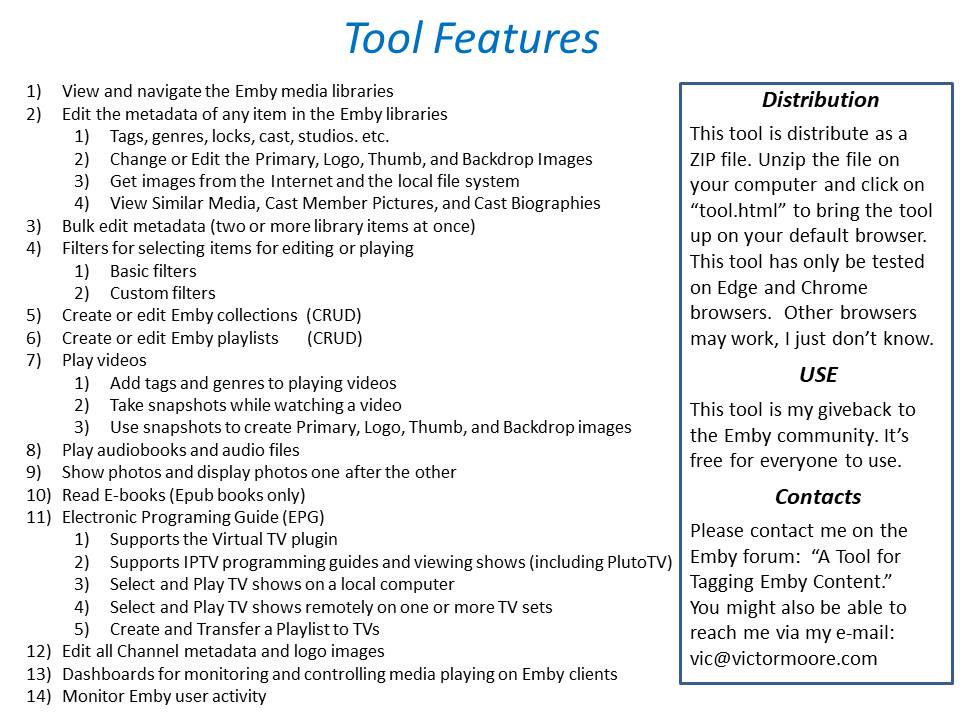
New_GUI_2.zip
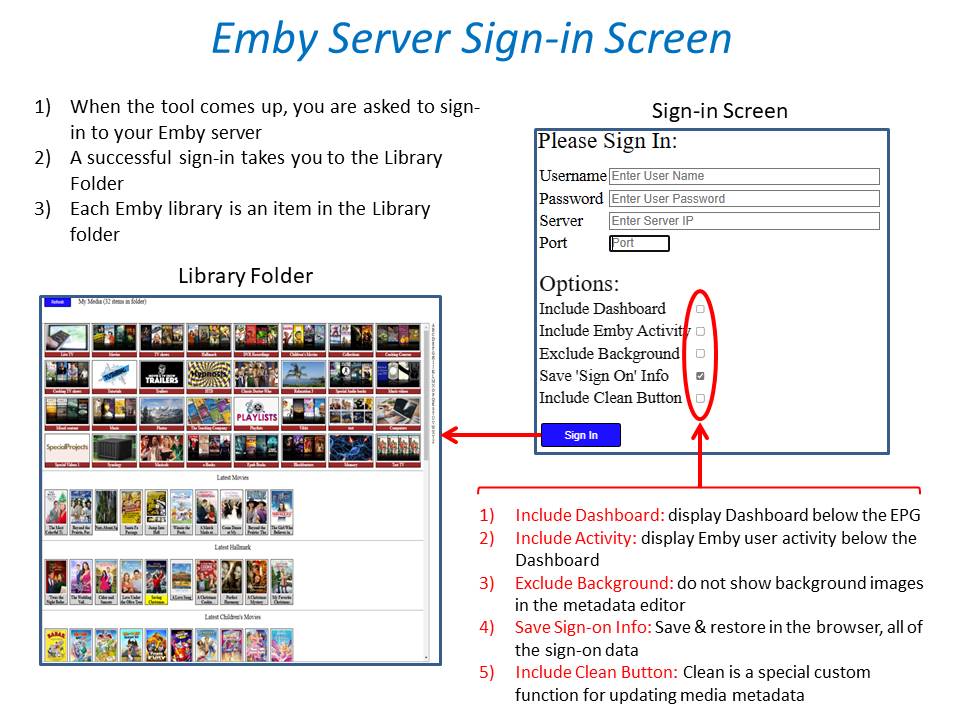
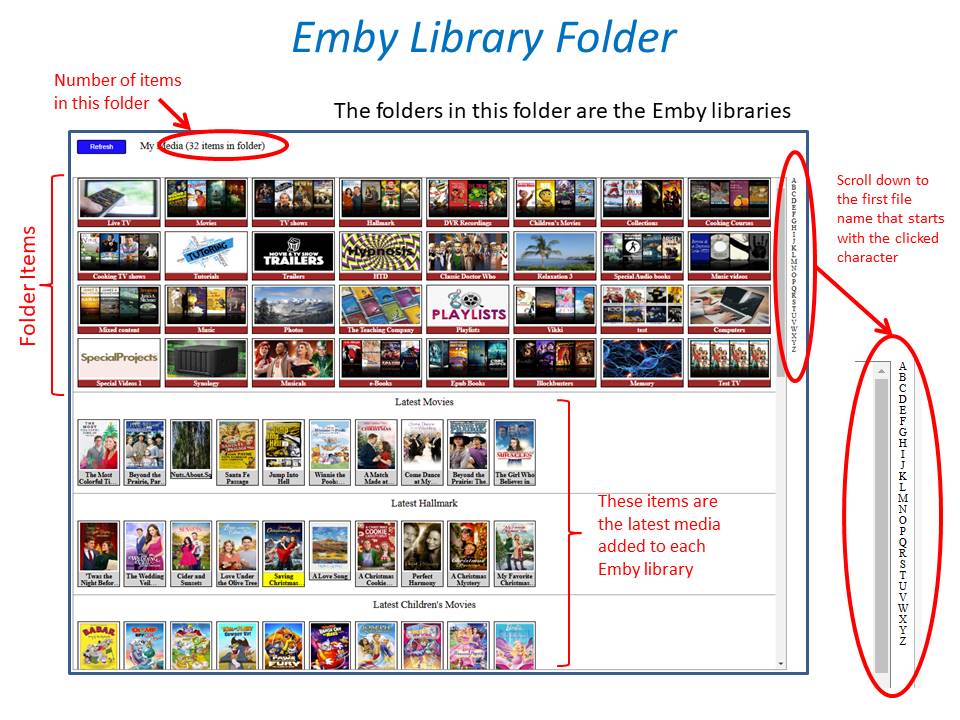
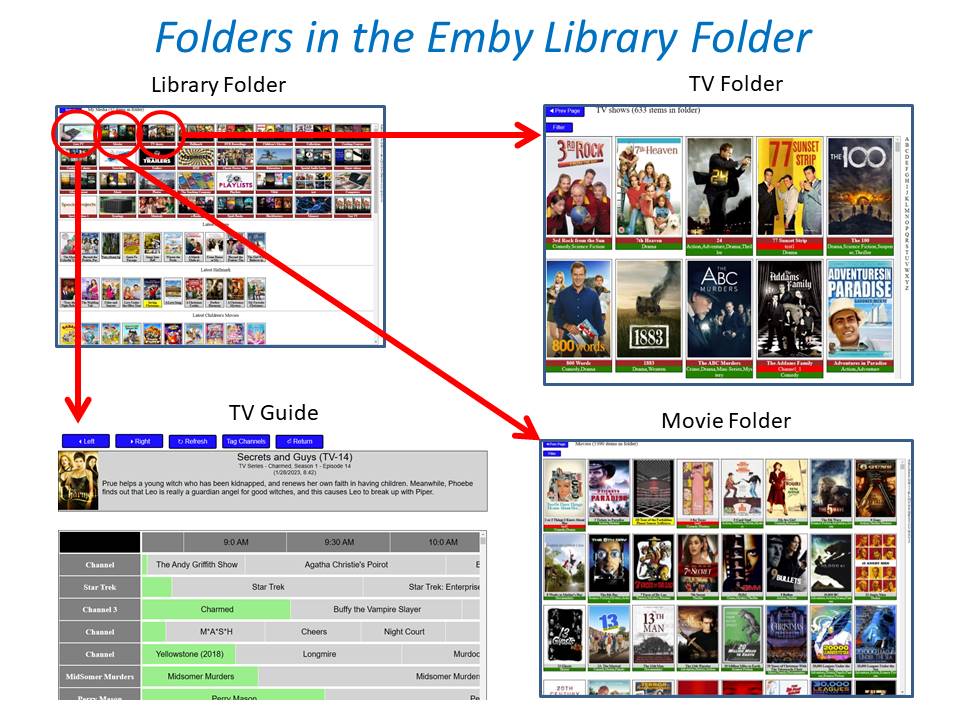
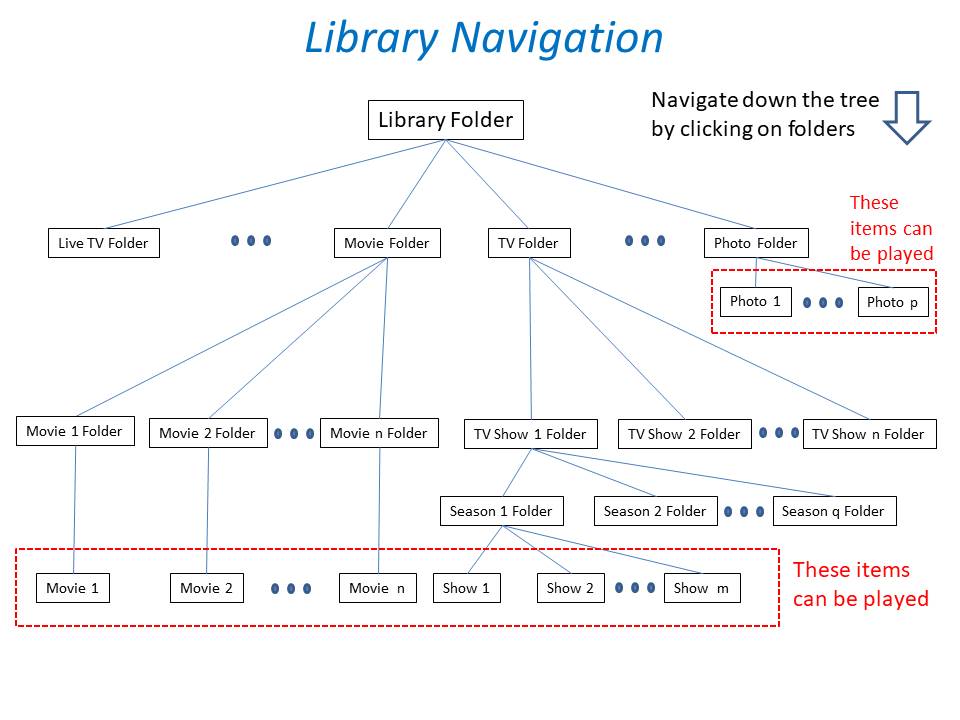
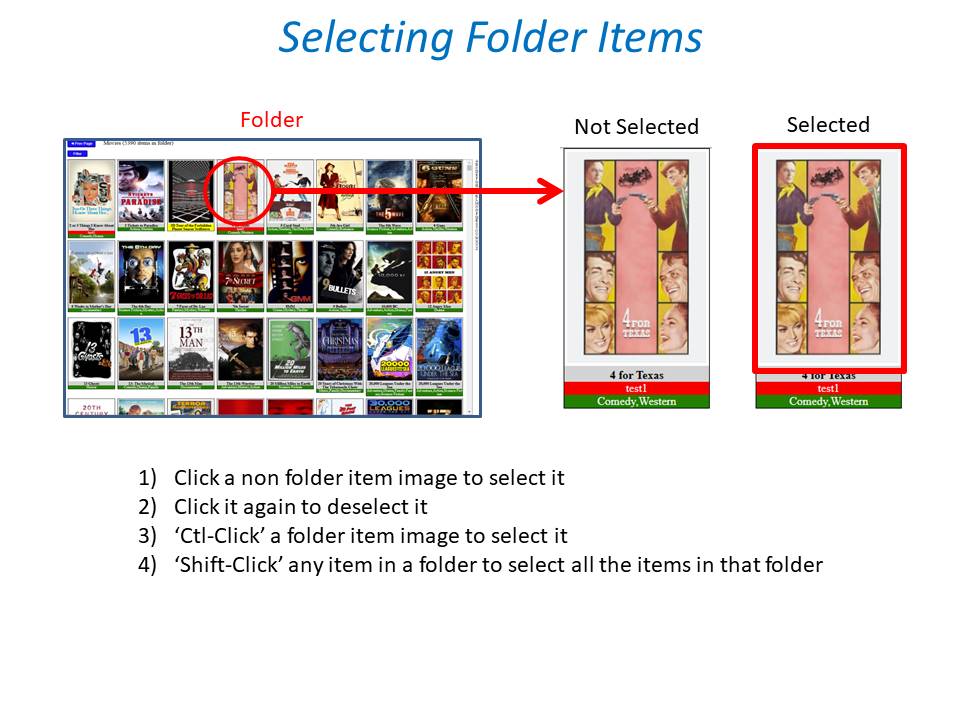
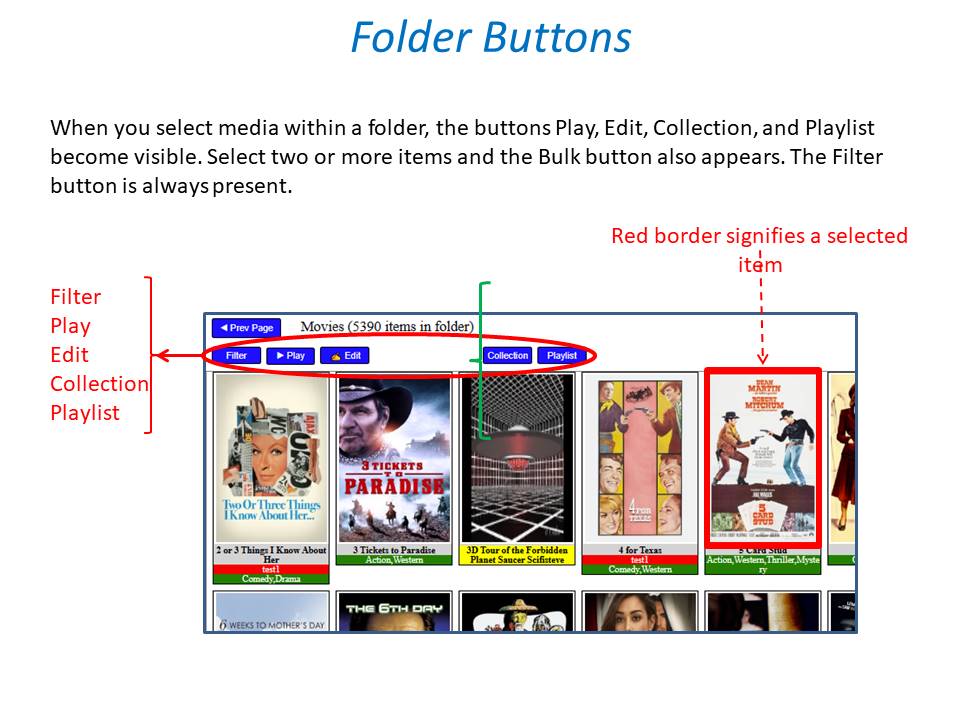
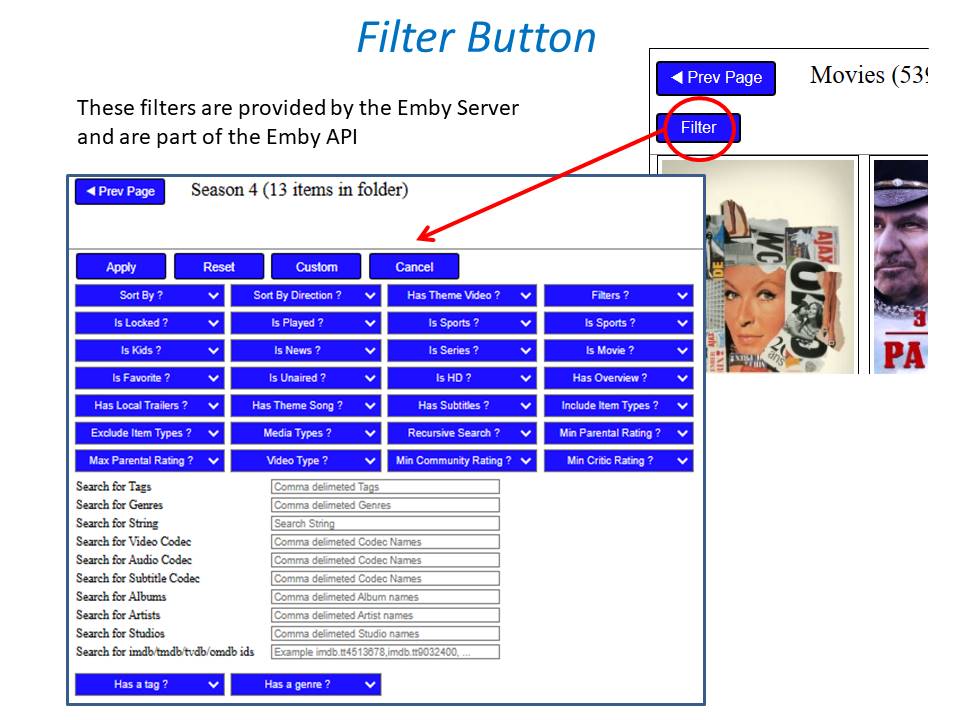
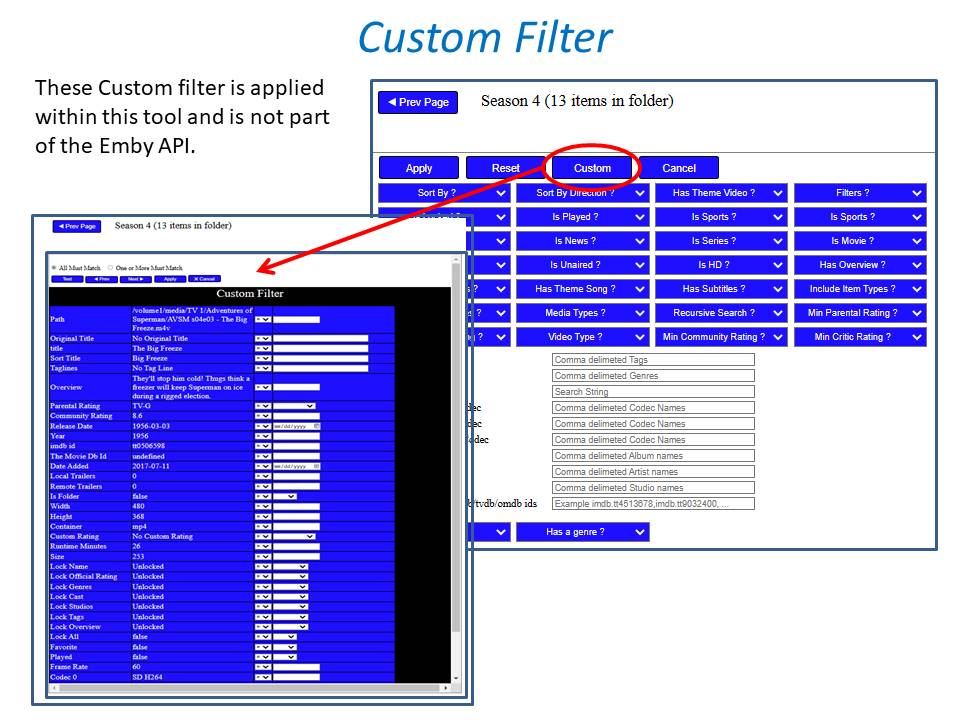
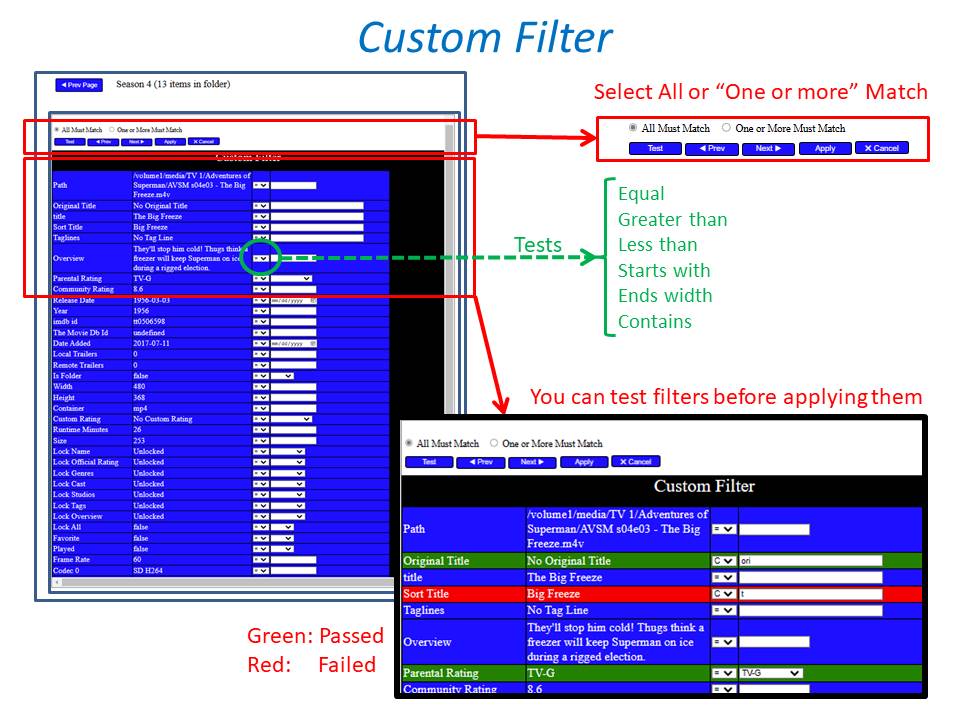
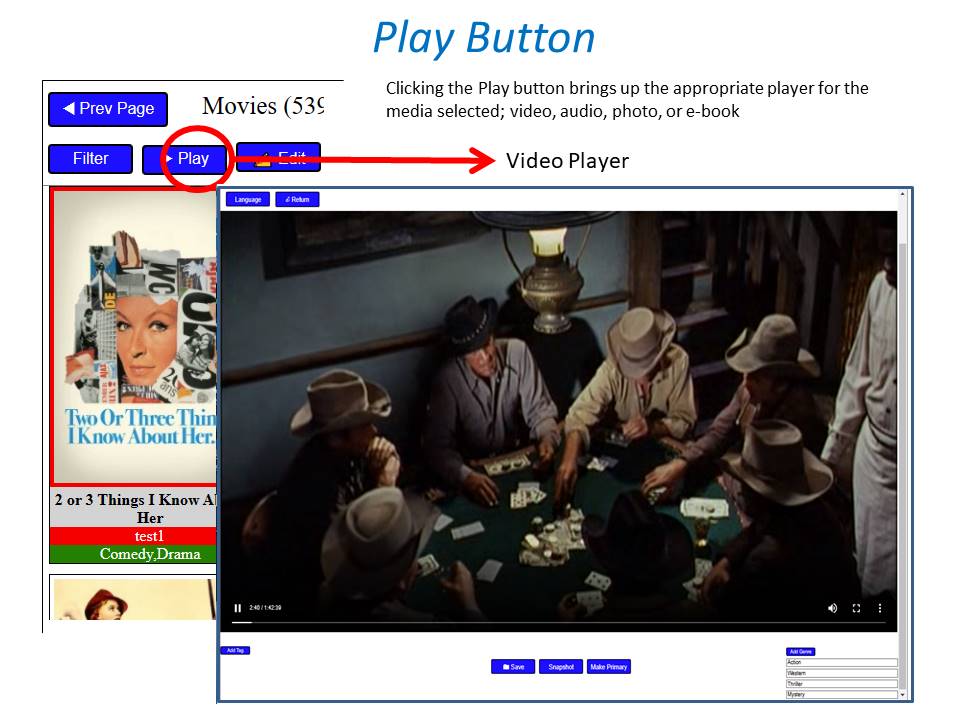
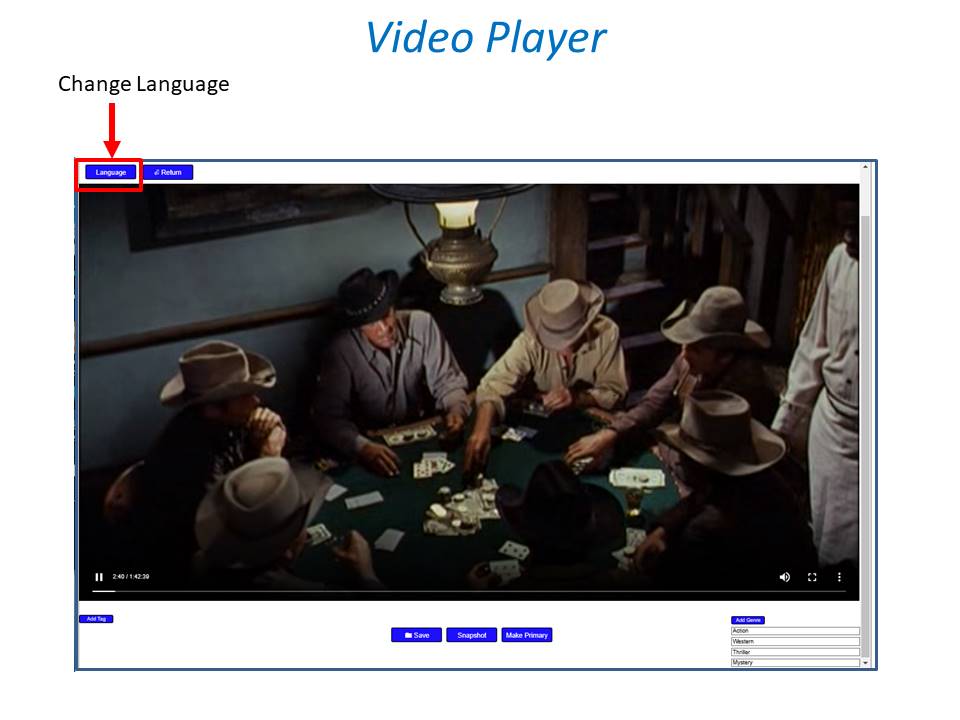
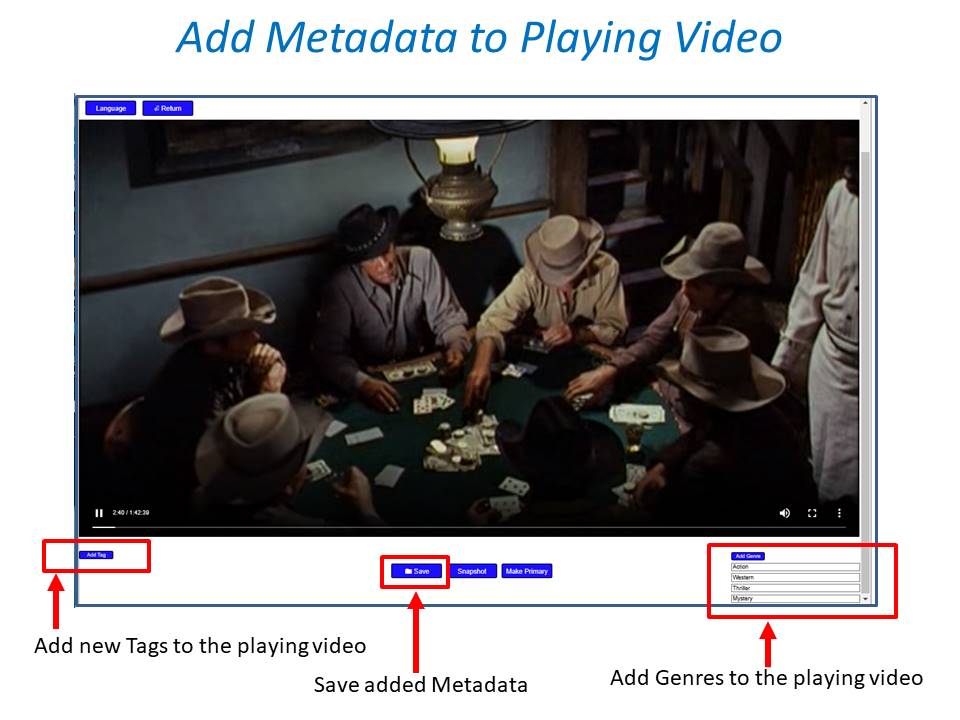
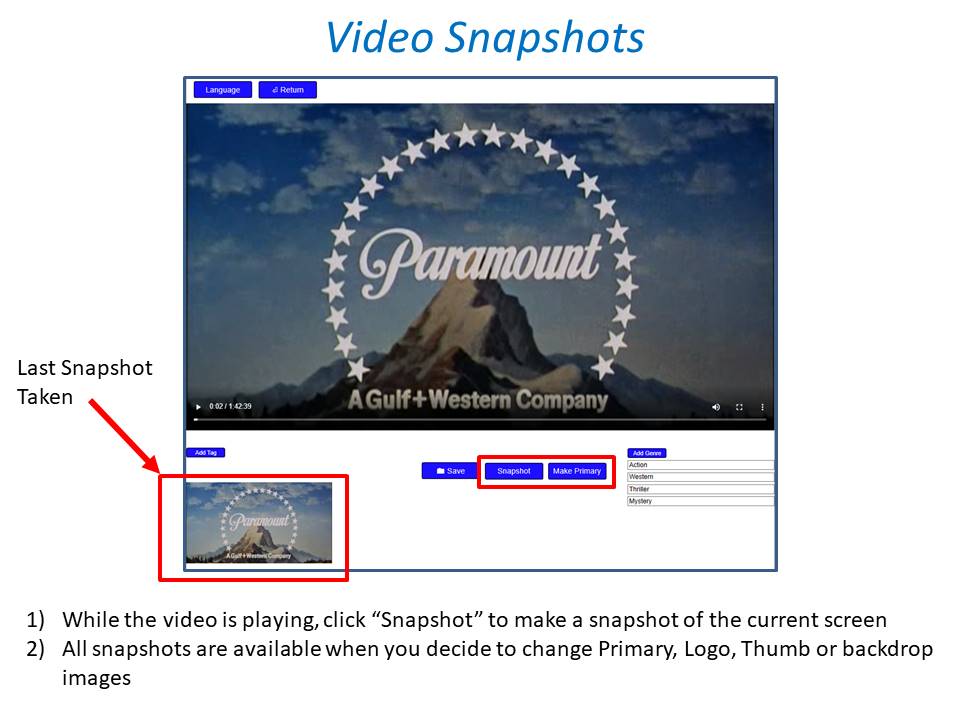
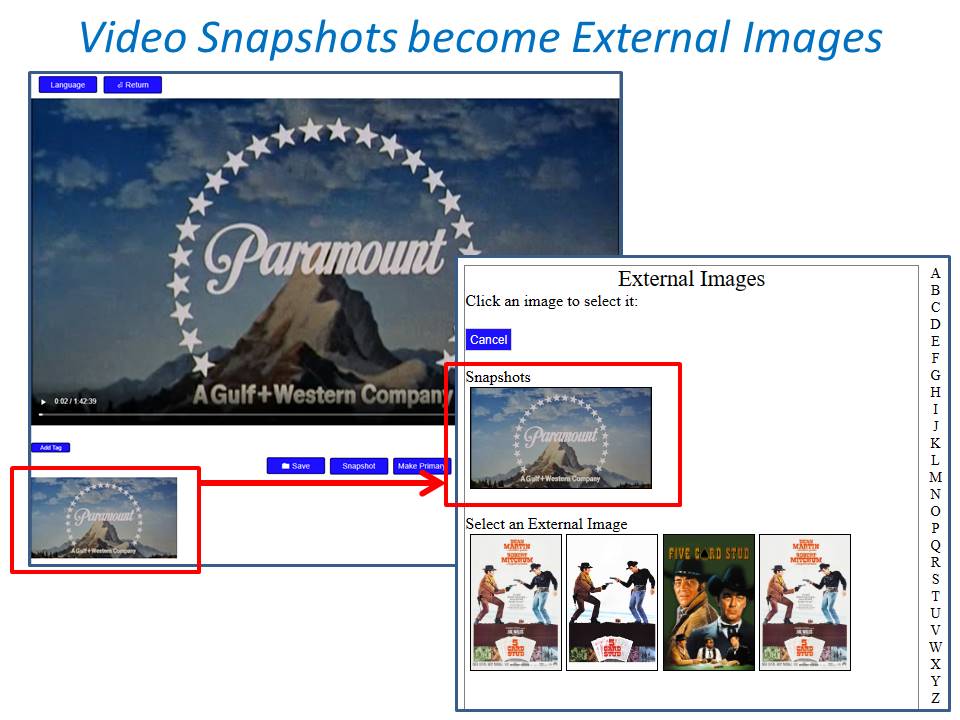
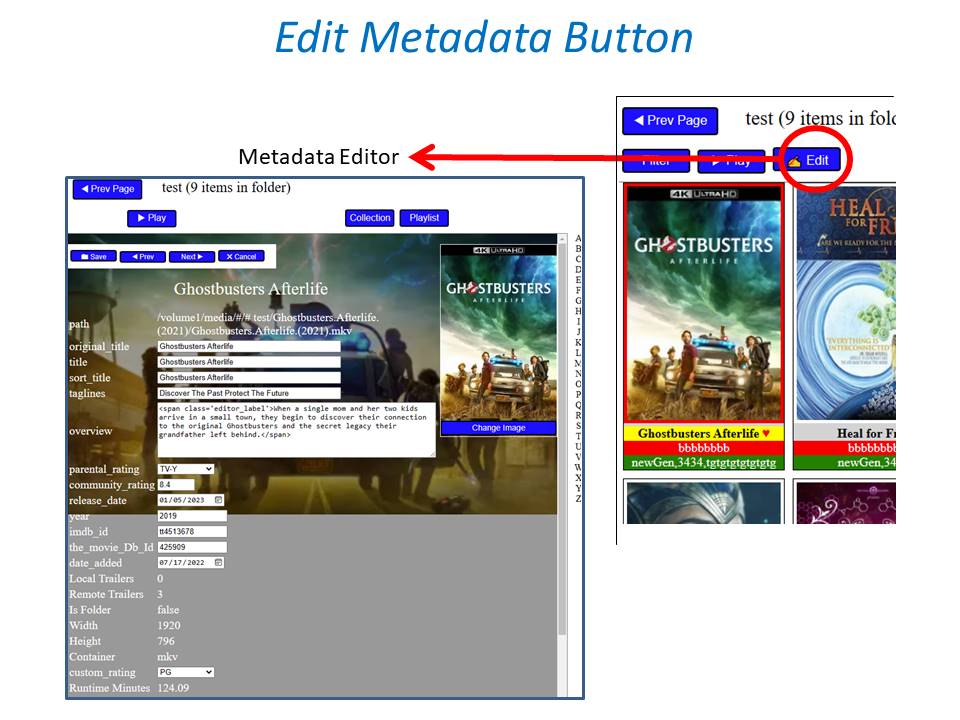
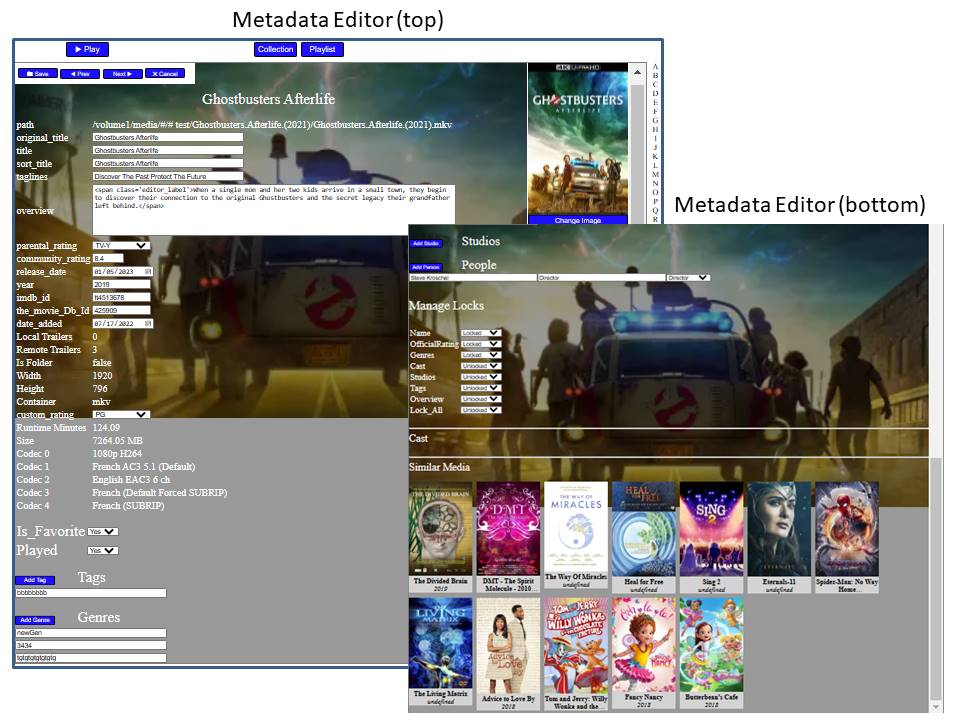
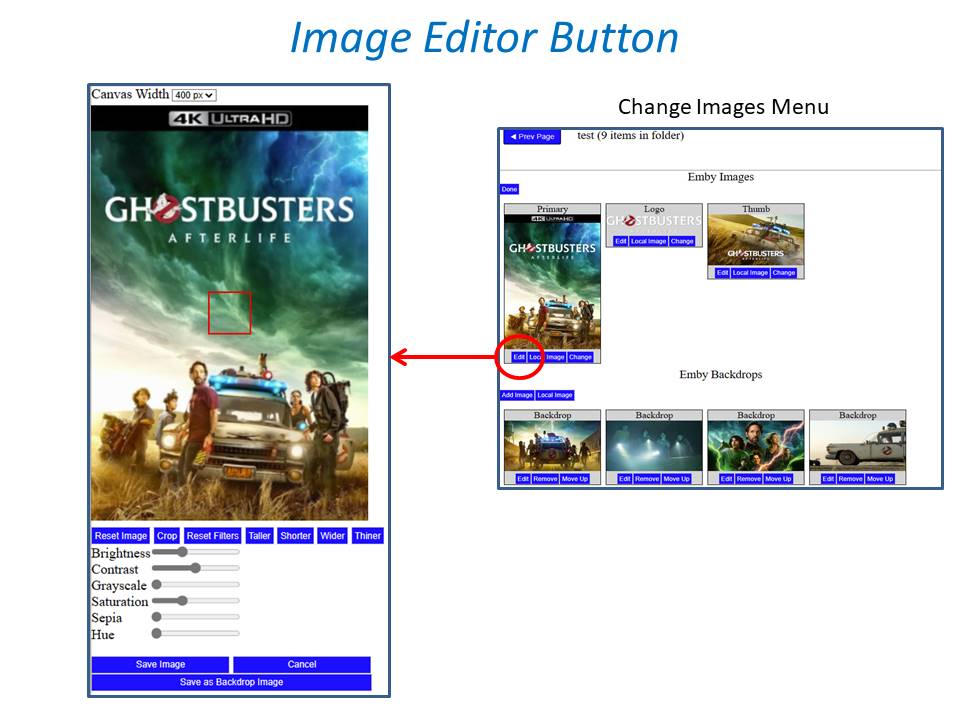
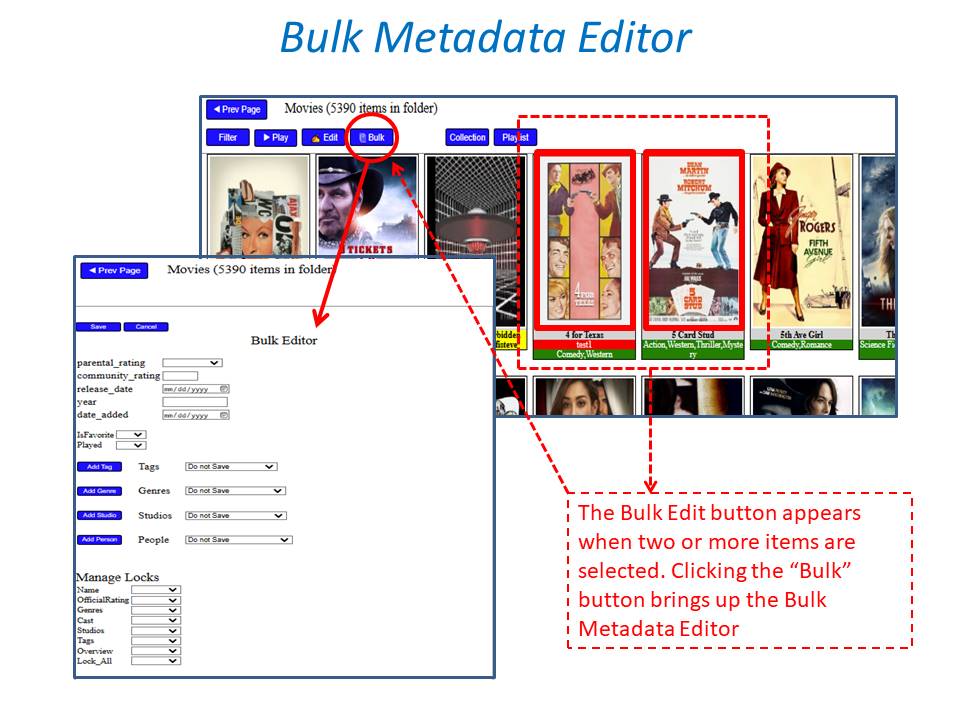
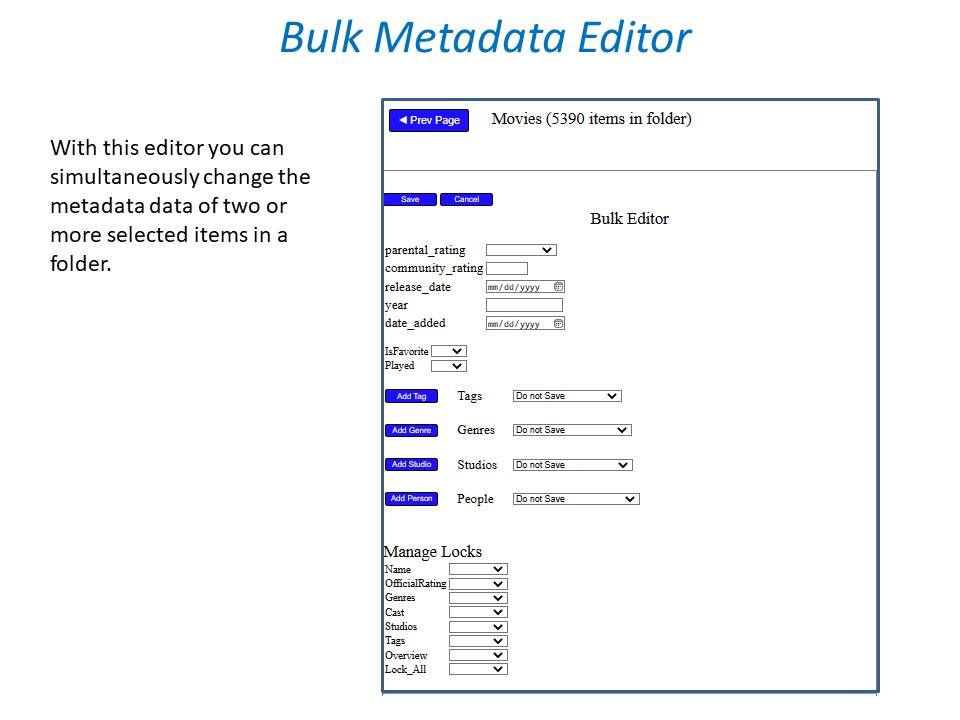
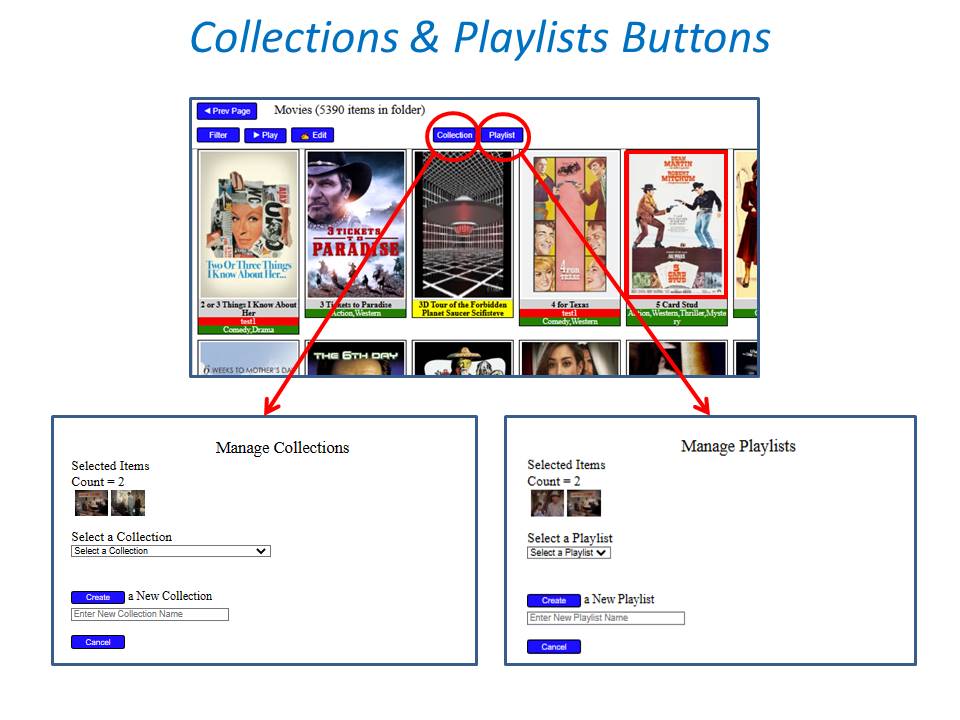
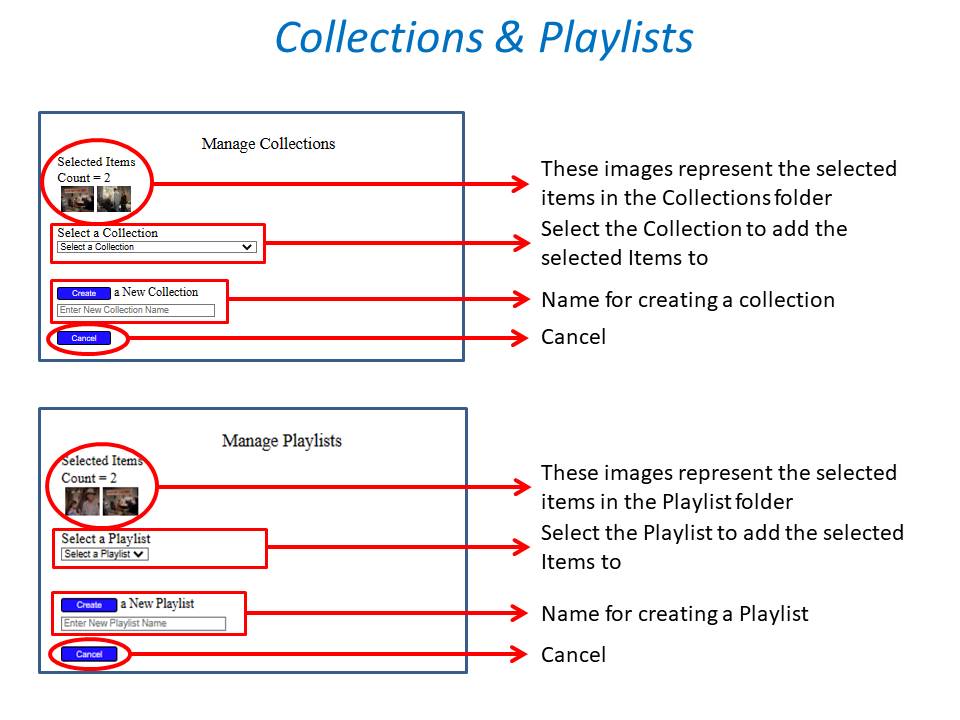
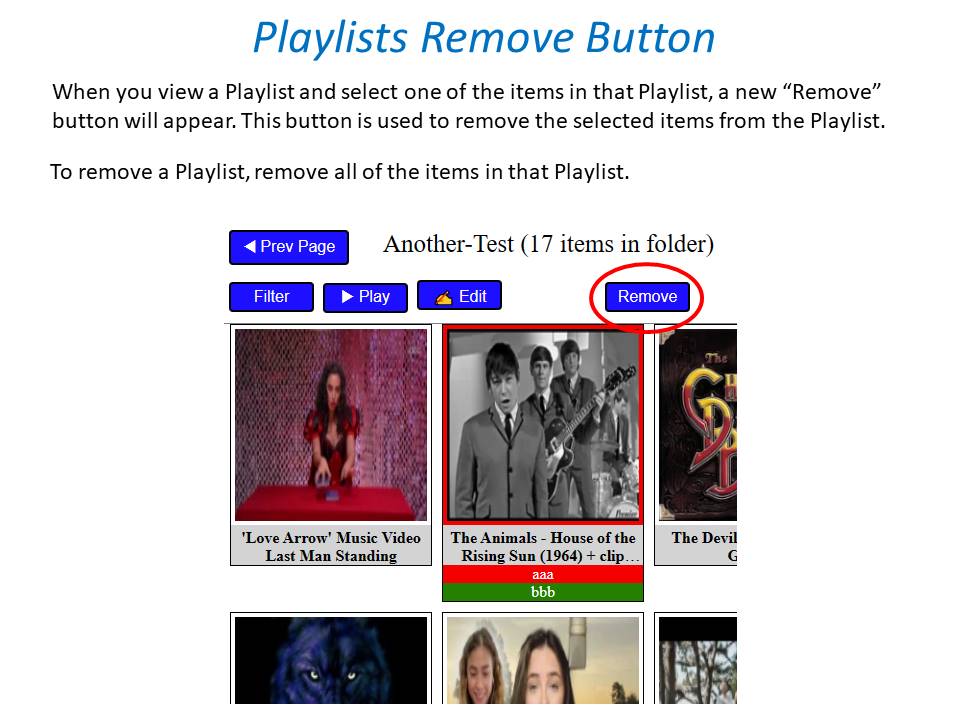
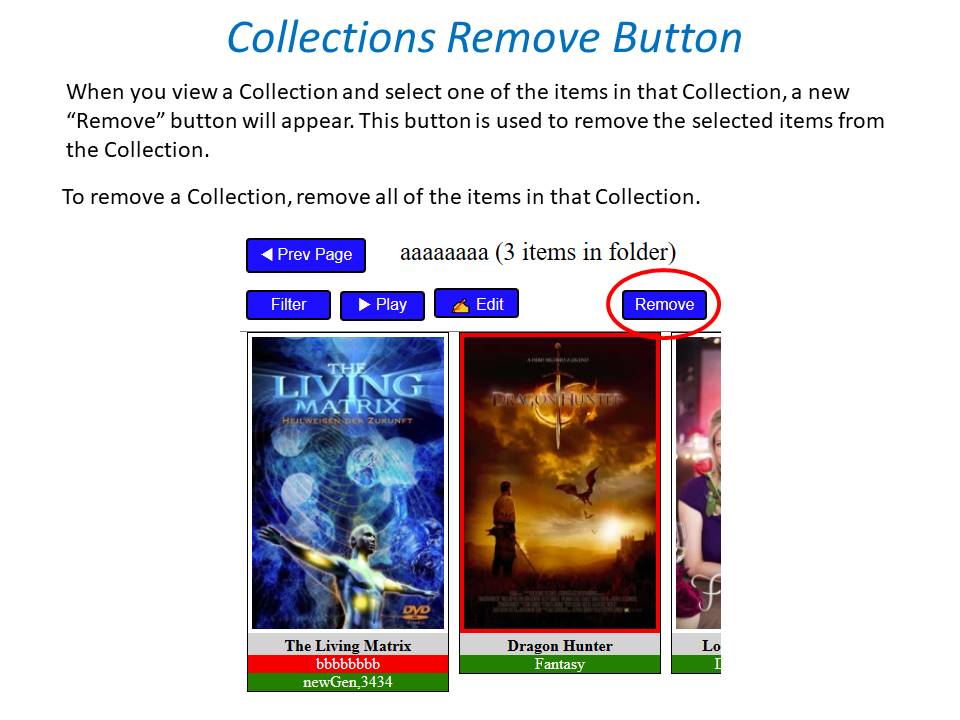
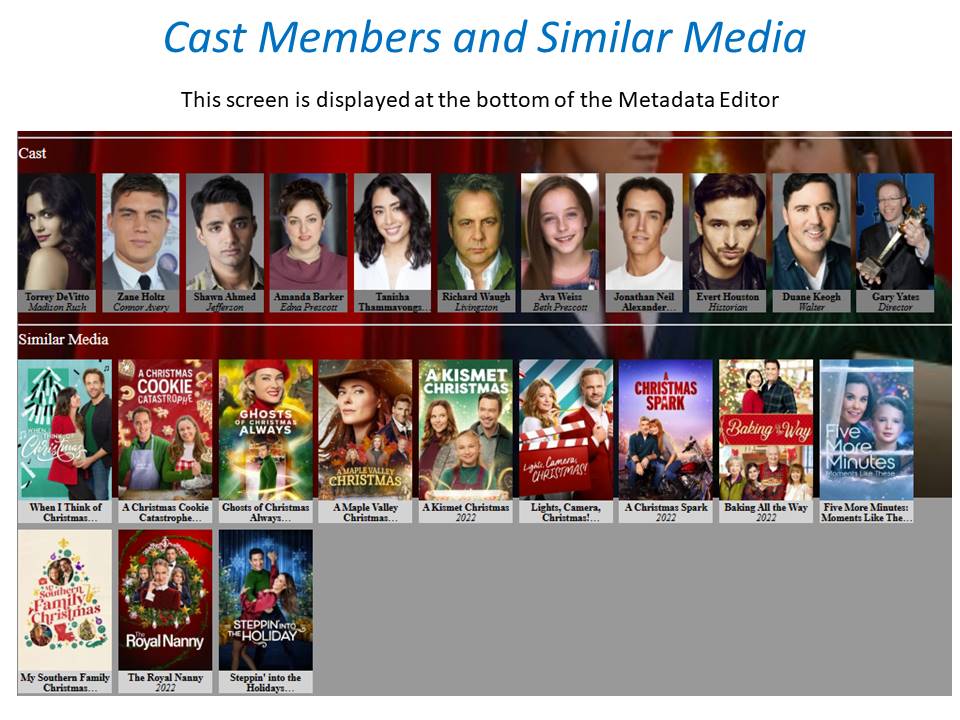
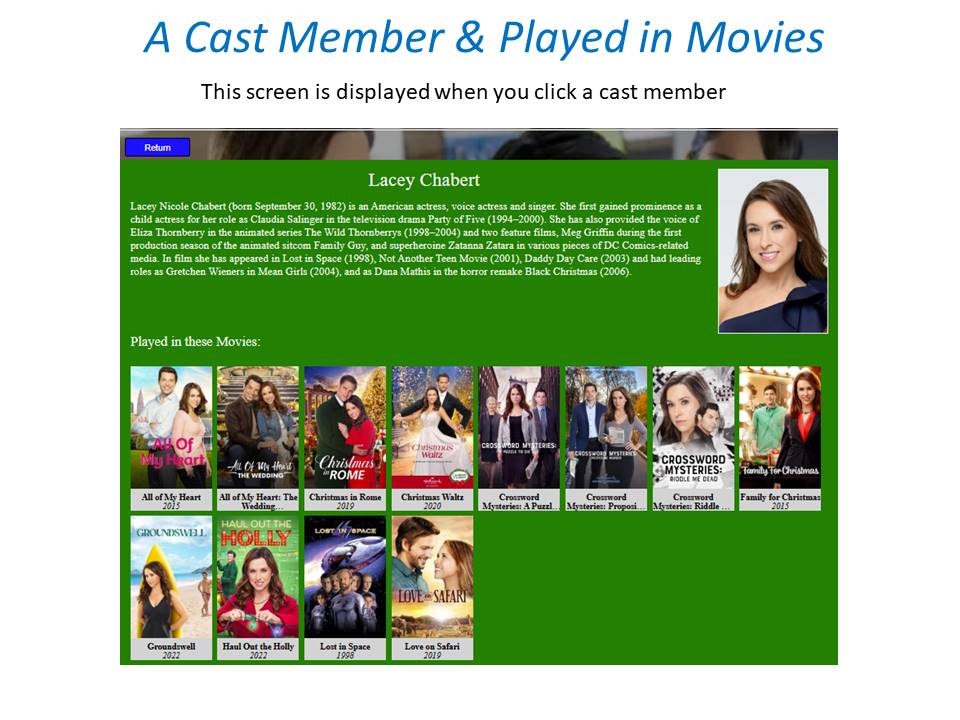
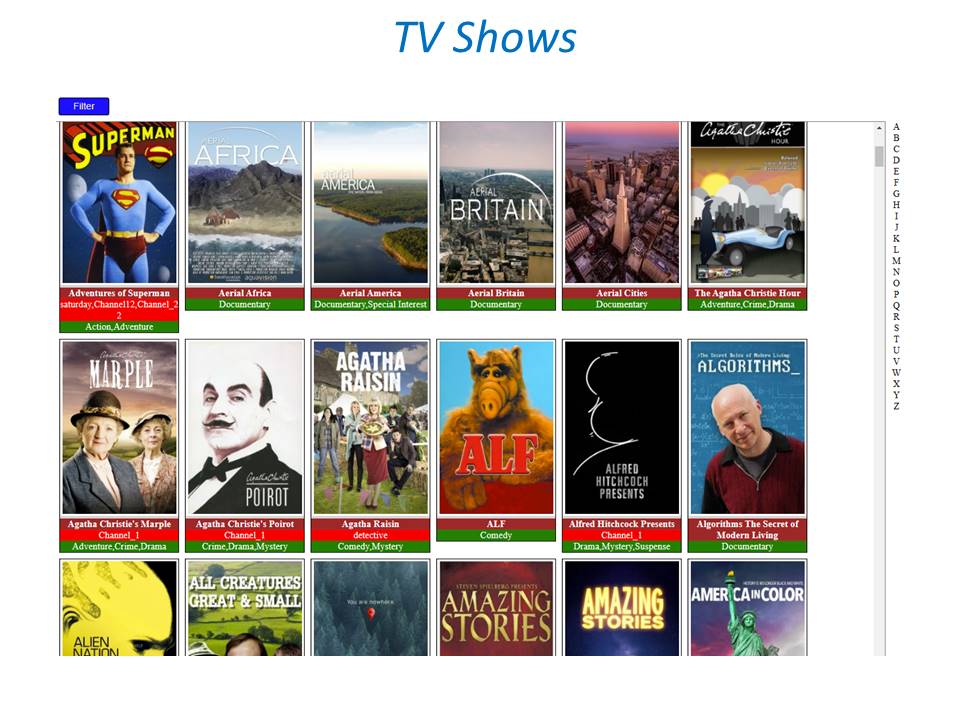
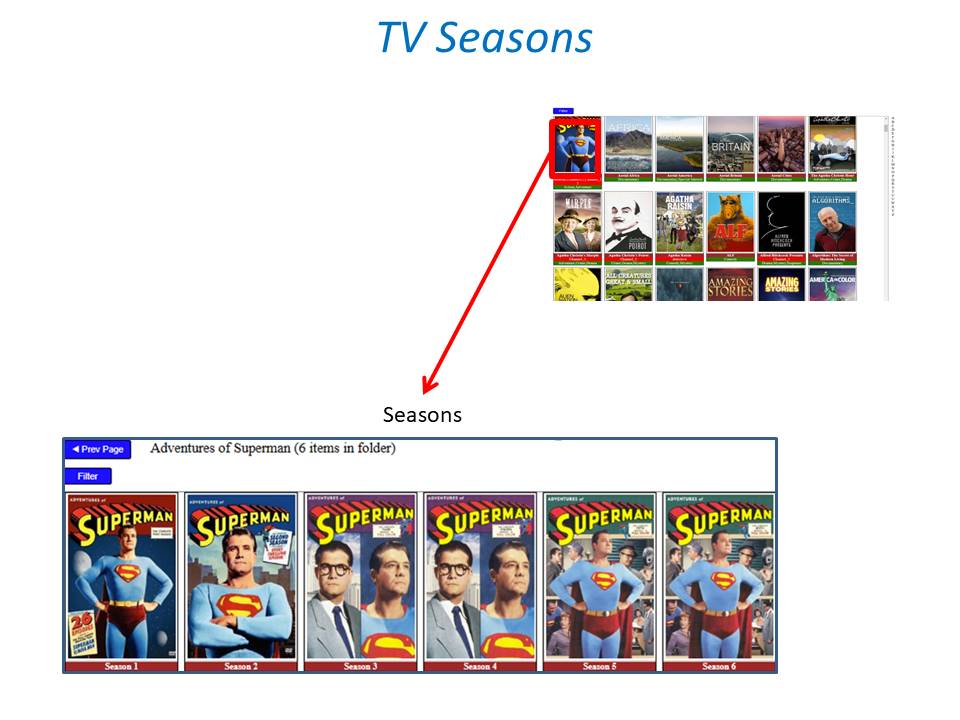
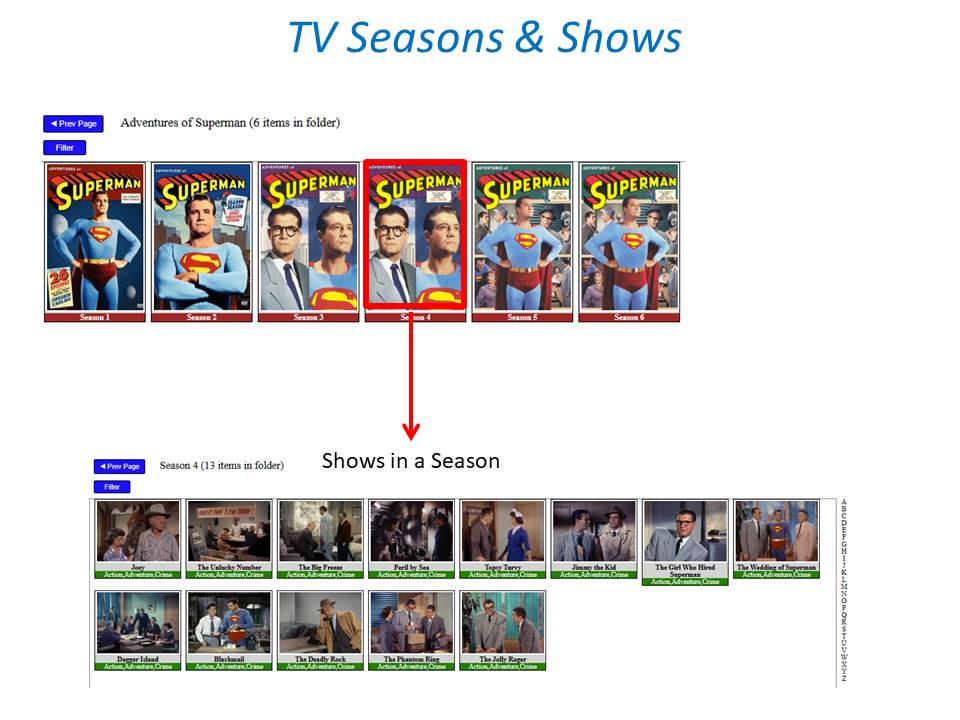
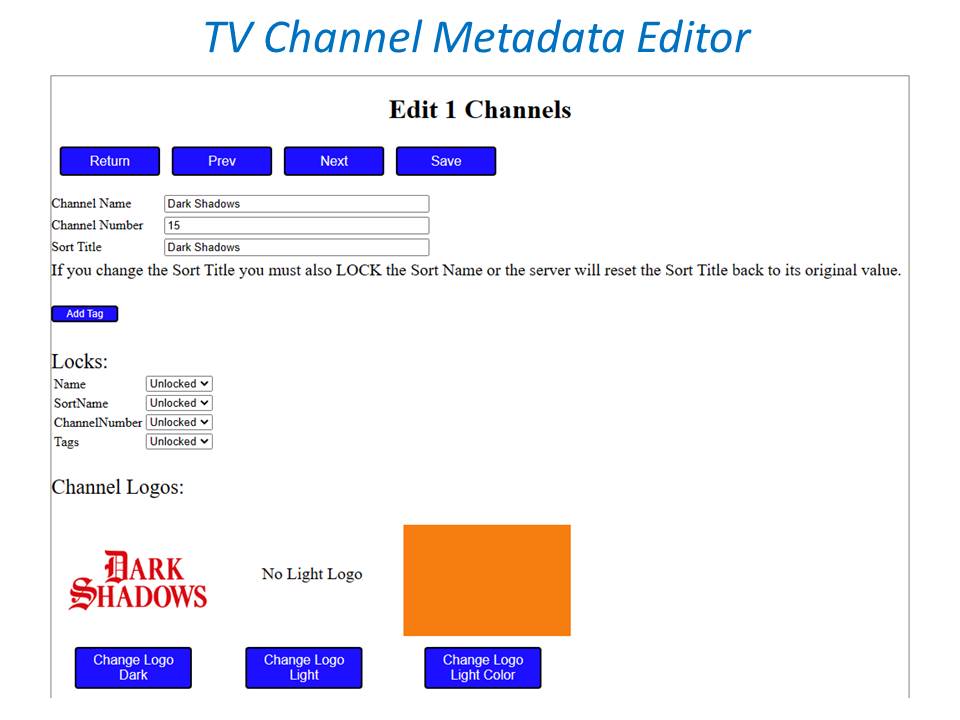
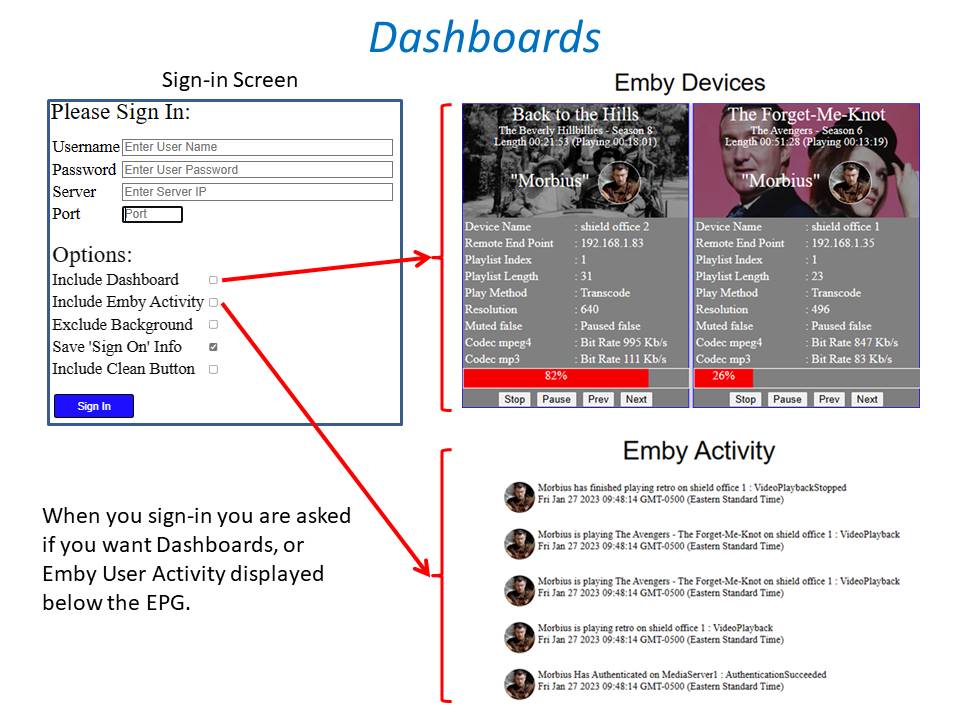
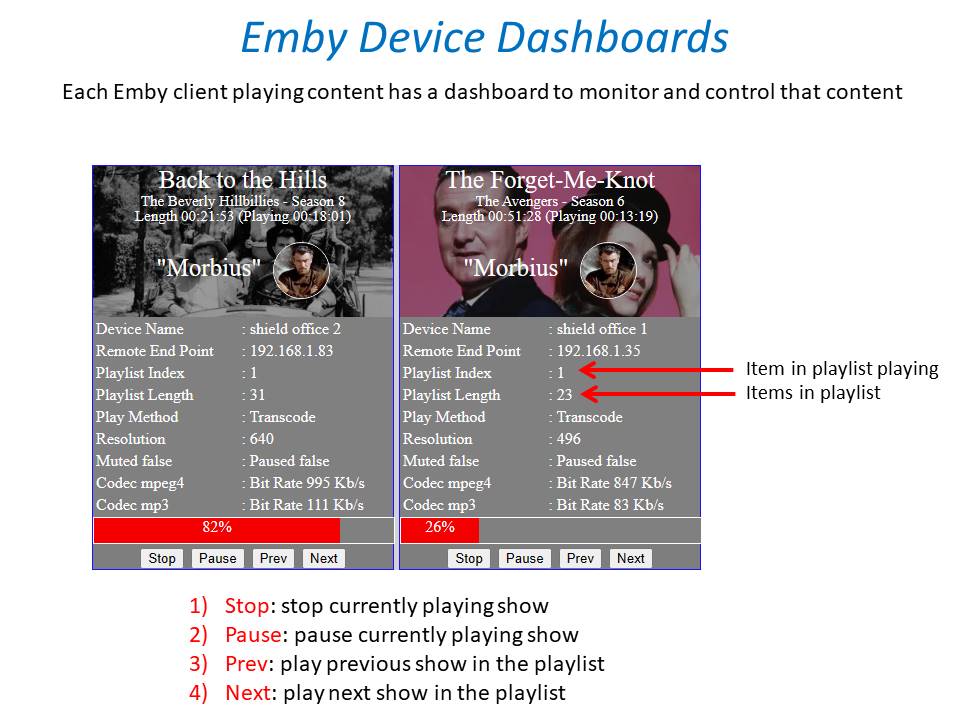
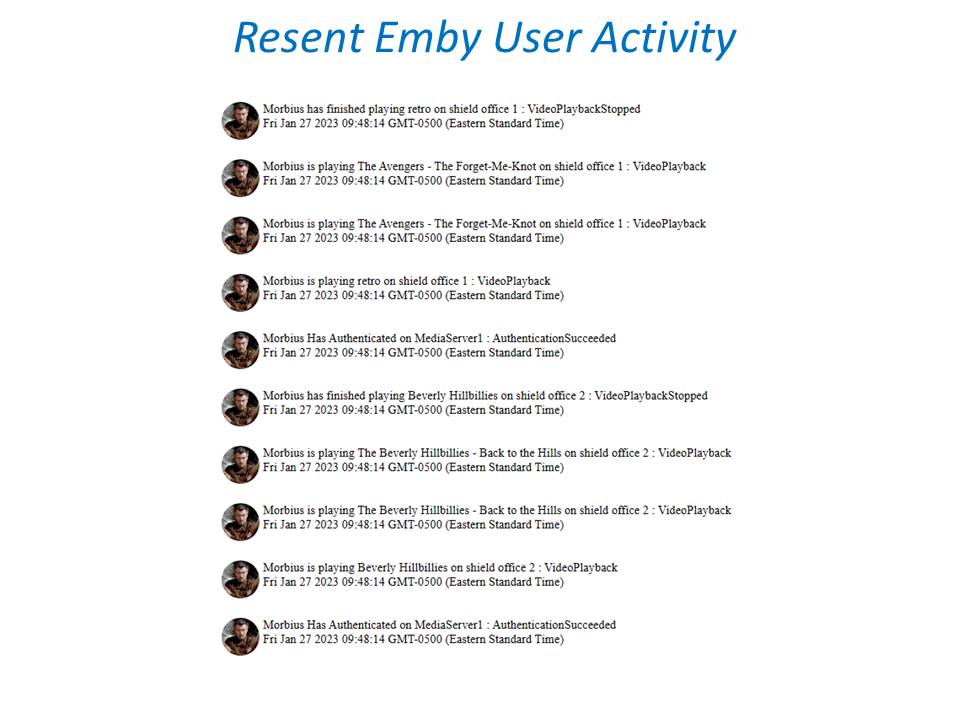
 1 point
 -
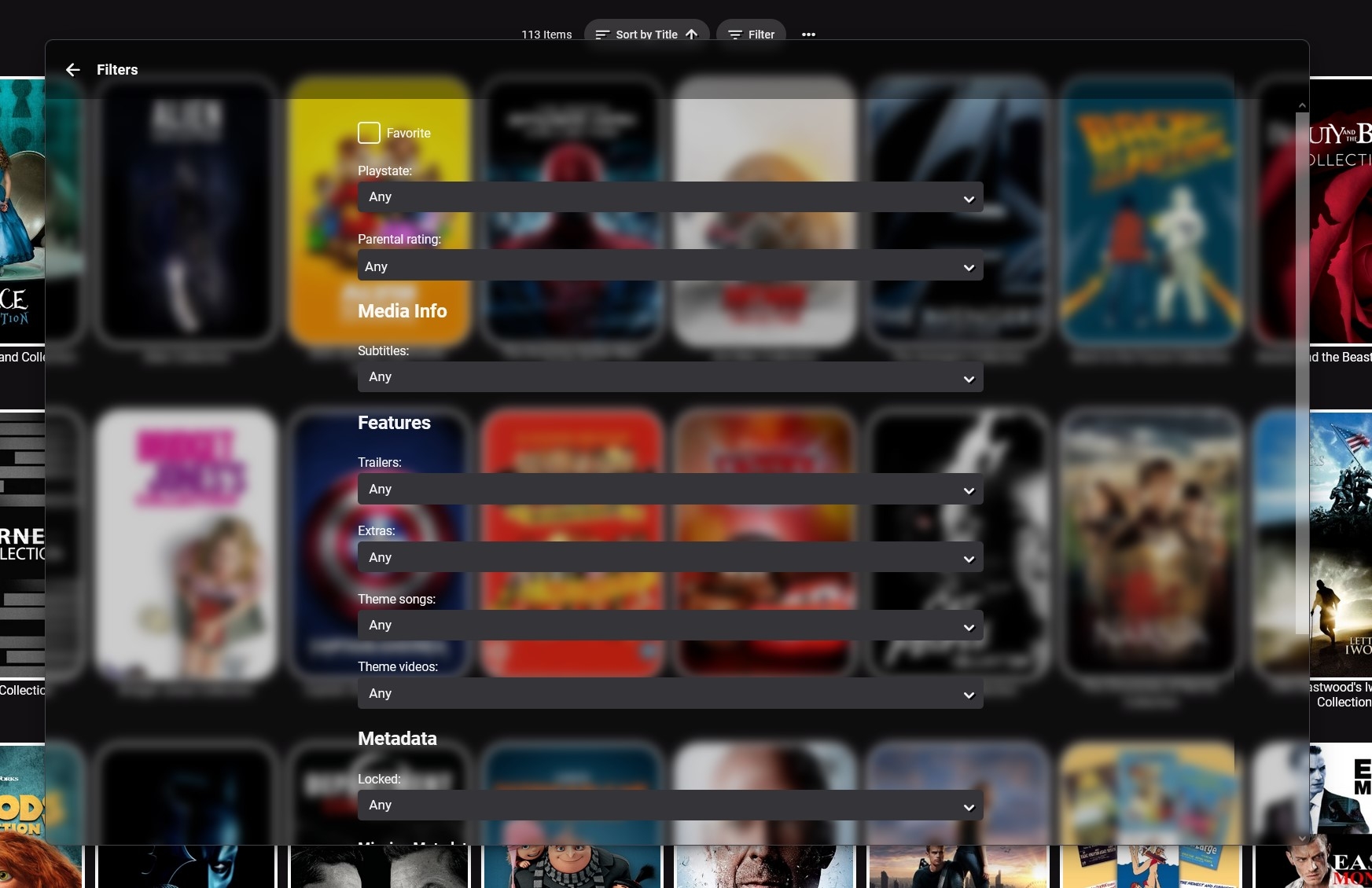
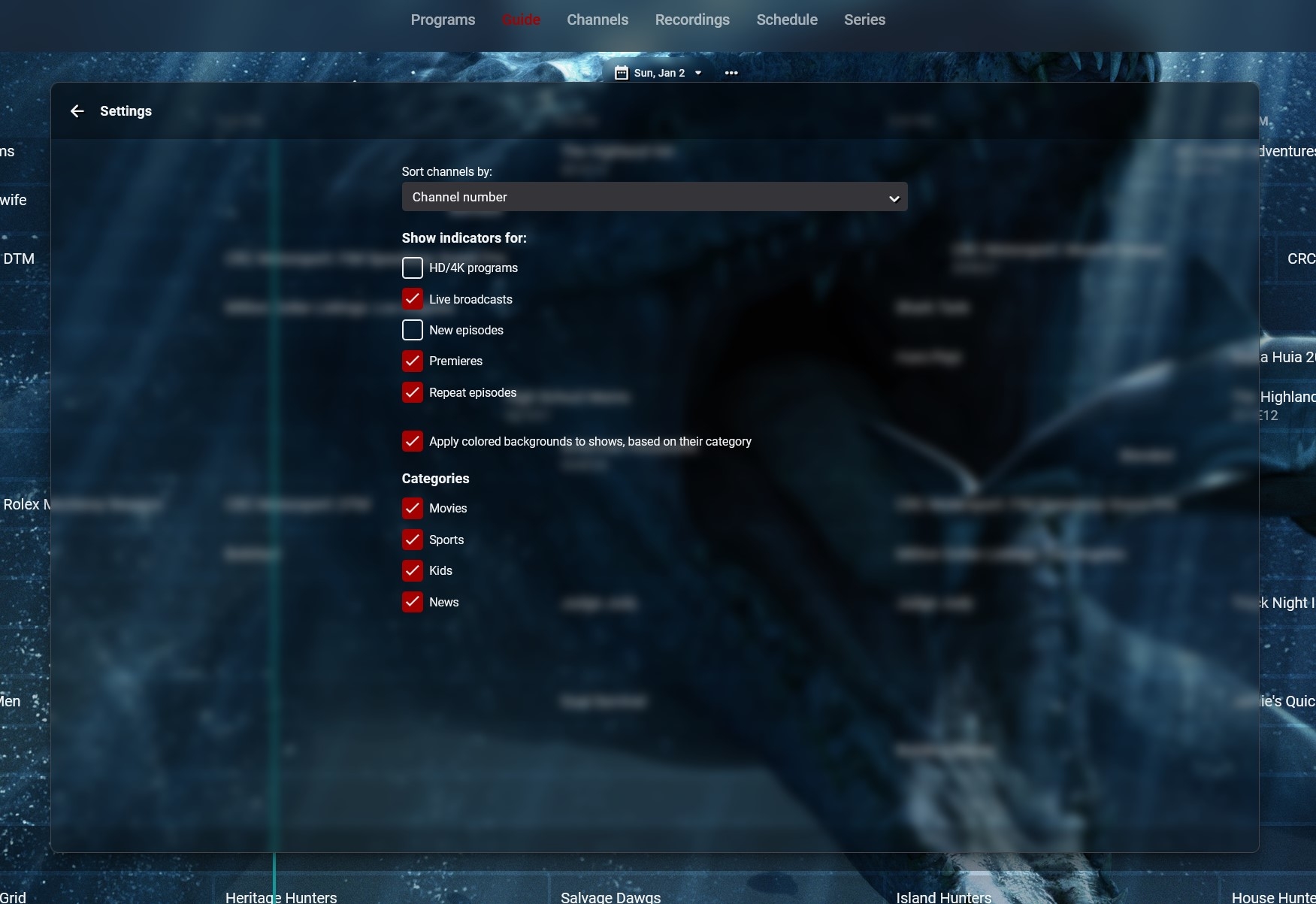
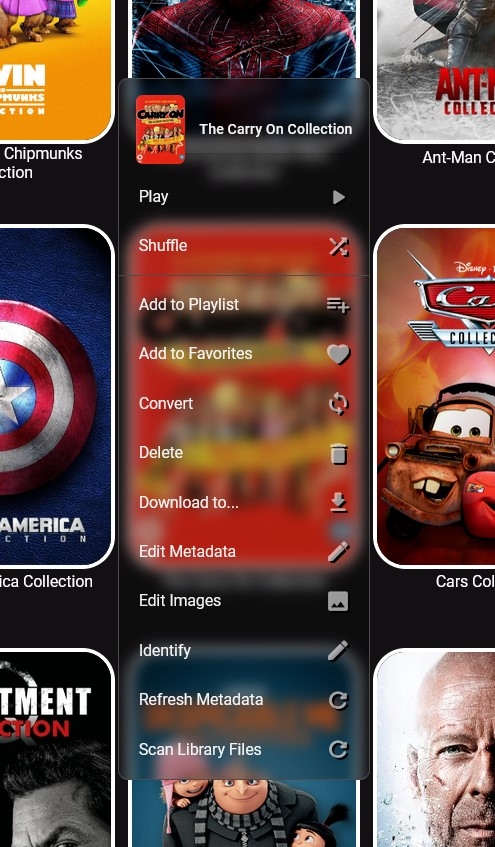
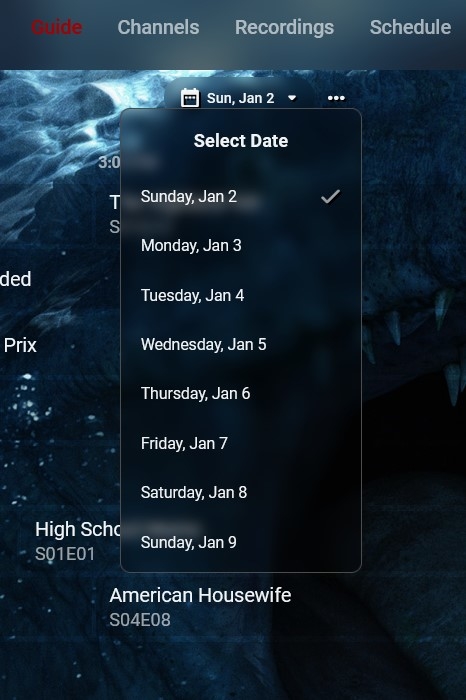
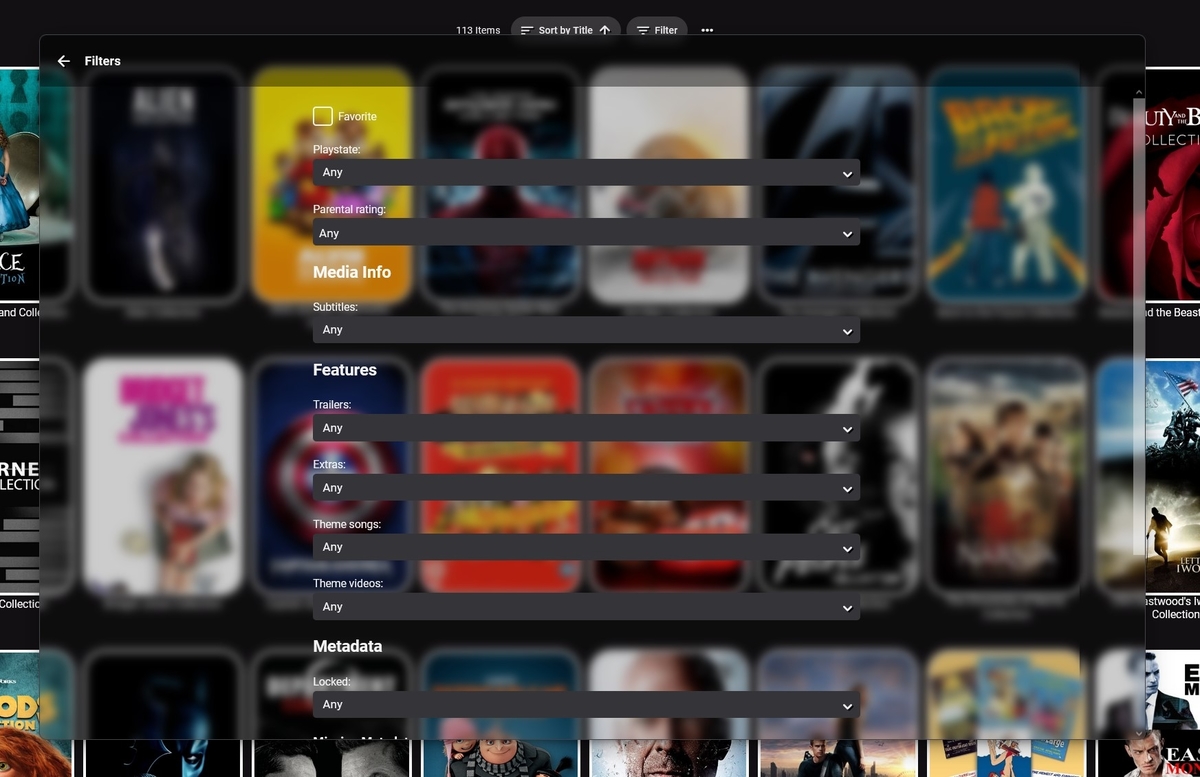
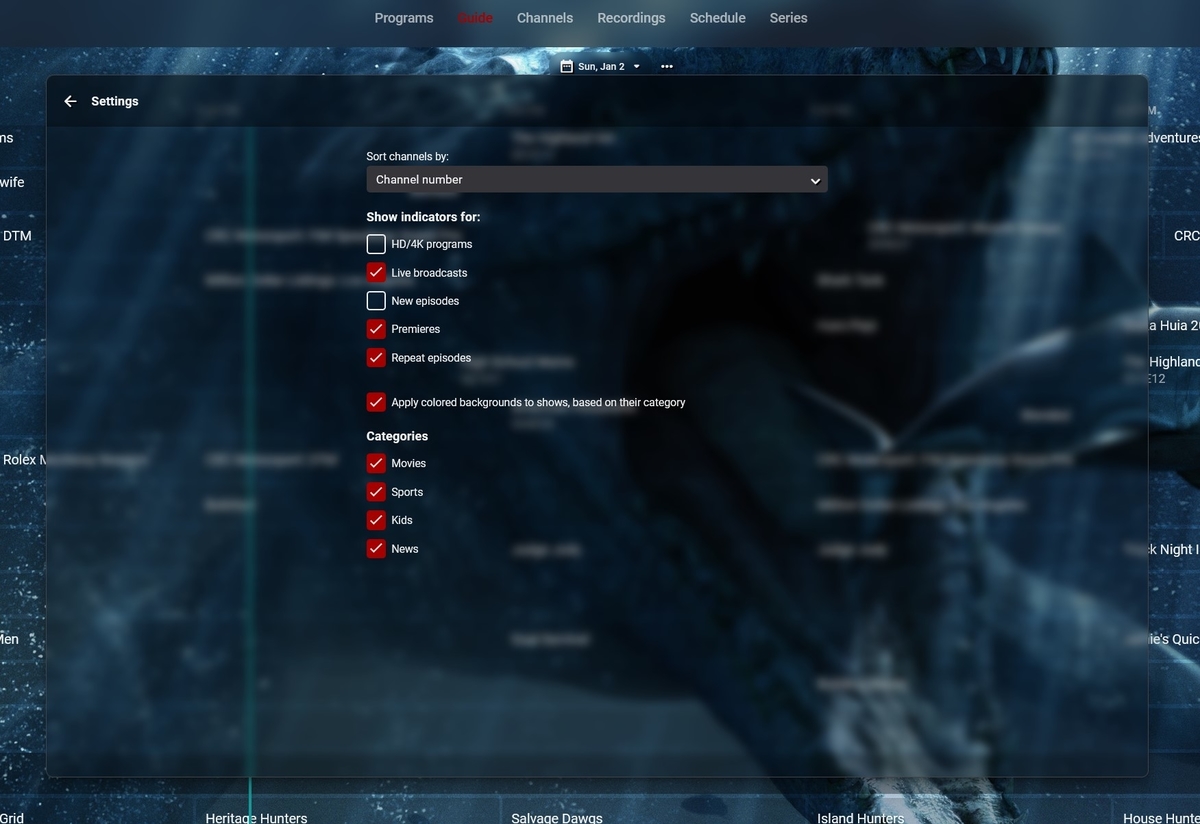
Me again. Have css coming out of my ears trying to get blur, well more blur and darkening to work where I want it. It seems that these two narrow lists are the same thing on different pages (Collections and TV Guide in this case) - and these two options are the same on different pages would anyone know how to separate the css for them so I can apply different effects (mostly make one darker than the other) to them ? My latest attempt at css (if I've copied the right bit) is div.formDialogContent:not{div.focuscontainer.dialog) {background-color: rgba(0, 0, 0, 0.4);} Think that was aimed at the later (wide) images above Got lots of other bits but I'm getting lost in it all...
 1 point
 -
I got it figured out, thank you!1 point
-
Would that be for an app or in a browser. I think you can do so either way but it might not be that visible and it rotates, so you can't fix your personal favourite.. In a browser you can add css code to move things down a bit to see it better and make it fixed. You can go to the Dashboard > Display and tick Enable Backdrops, then maybe click on any other Dashboard item to save that setting.1 point
-
Click on an upcoming show in the tv guide. In the following screen hit the record button. After that click the settings button that will occur. Edit the post padding time so that the recording lenght will cover your transitioning problem.1 point
-
Can you run with debug logging on with this dll and send me the log please. I don't see whats going on. ComSkipper1101.zip1 point
-
@eeeeeesyyou should schedule a recording of one of your ErsatzTV shows in Emby!1 point
-
Hi, I deal with the capability of the audiobook library and there is no enhancement since several time. I miss the feature to wirk with series. Is it possible to read additional tags like series and series-part. I use this "own" tag to define a series. Right now there is no way to work with Series. If you are Perry Rhodan Fan, there is no way to organize a Zyklus or the Silberedition. Today there are a lot of audiobooks that have a lot of parts....:-)1 point
-
Images are not an issue I agree - but I do notice a slight delay when using the thumbnails that are read from the associated BIF file. These are not cached (as far as I can tell) so I'm wondering if by effectively putting them on an SSD, they will load quicker.1 point
-
I sent you a PM with the logs. Thanks1 point
-
External - separate file; internal - embedded as stream in MKV. Paul1 point
-
FYI @adj910 that is a transcode log. You will need to provide the Emby Server log itself covering the affected time period, as well as a client log submitted from the app (instructions in the link provided above)1 point
-
This would be a great start for general EDL file support which can be used for more than just skipping commercials. Looking forward to it being made open source so others can add features, etc. Thanks, Harry1 point
-
I'm still running into this on 4.6.7.0. It's not the end of the world, but using the element inspector in the browser to copy the api keys out is daft. Can you at least make the text selectable?1 point
-
No idea, but would doubt it. Imagine you'd need to find the count in Embys database somewhere/somehow ? But thats way beyond me, maybe @Happy2Play or someone else might know ? You are correct, css is only going to style the page not add elements like that. @Luke would have to add item counts back into Collections. Same needs added back to Season level of a Show also.
 1 point
 -
No idea, but would doubt it. Imagine you'd need to find the count in Embys database somewhere/somehow ? But thats way beyond me, maybe @Happy2Play or someone else might know ?1 point
-
What do you mean you encode all your live tv content to h.264? Do you mean after it's recorded you convert it? That's what it sounds like to me as well. That's a bit of a misnomer as the code that was open is still published with each release on GitHub. The Premiere parts are not published of course.1 point
-
Whenever a session is stopped it should clean up all the segments it created. If that is not happening, then yes you will have rogue session data left behind that will have to be manually cleaned up or is cleaned up on a Emby restart. But as mentioned you many need to place "transcoding-temp" on a larger drive.1 point
-
If you are on DSM 7 did you apply internal user to your shares?1 point
-
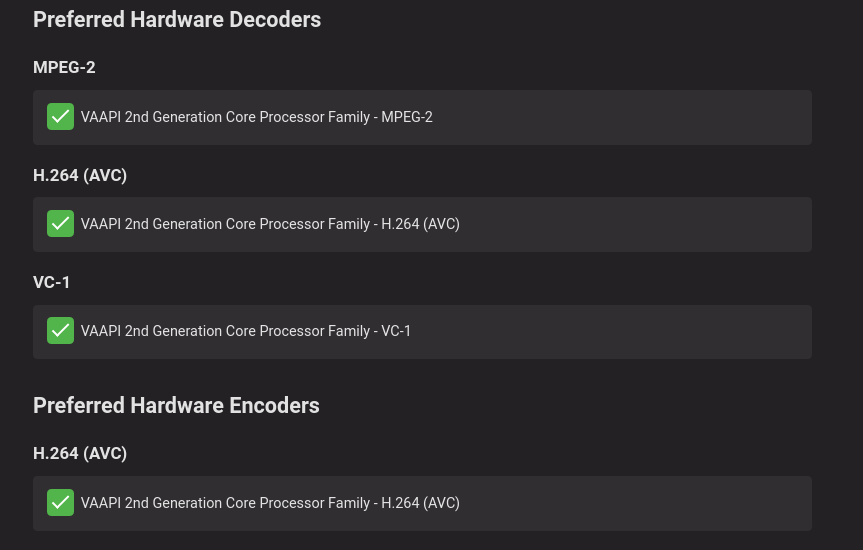
Ghost Stream Issue, I have always contributed to the Client "not letting go" of the Stream. Never had nothing to do with HW. All my TV Direct Plays (LAN Wired) except on cellphone using LTE, but issue was still present. Linux Intel VAAPI encoding/decoding. If I remember right, @Luke cut off "open-sourcing" about the time he added HW Encoding/Decoding and Open-source JellyFin never could get that feature quite right.
 1 point
 -
Hi, Glad everything worked out well for you. Did you do this on New Years Eve? Happy Holidays.1 point
-
Man you got a lot of friends. Glad you got it working.1 point
-
Hi, it was .... /tv_recordings Ok, I have a work-around for the issue. I placed the mount point for the second SSD at... /archive/Movies/tv_recordings instead of at the root /tv_recordings and now it works. It looks like you must have all libraries along with the recording directory share the same root directory. This doesn't make much sense but whatever, it works.1 point
-
The difference I think is this is non destructive. The recording is not modified so if comskip makes a mistake, you can rewind and not miss any of the show (and change the EDL file manually to adjust if you like).1 point
-
D'fuq? Wow! Might give this a whirl but am pretty happy with MCEBuddy at this point.1 point
-
Is it possible to vote against feature requests? If so, I would like to vote against this one. If the development team for Emby is as small as I think it is, I would hate for their time to be spent on implementing such a terrible idea. Why on Earth would anyone ever intentionally distort a picture to fit some arbitrary piece of hardware.1 point
-
That's not true: HDR passthrough is only supported by Apple TV native player (MPV player does tone-mapping) MKV direct playback is not supported by Apple TV native player, so direct streaming is required HLS HEVC streaming in Apple devices requires HLS fMP4 Emby Server does not support HLS fMP4 So, HEVC in MKV container is full transcoded using Apple TV native player. I hope it is understood, this is an Emby's limitation not Apple TV.1 point
-
Yep, totally agree but frame rate matching is rather important too.1 point
-
The plug-in is almost the same price as Emby for lifetime subscription. It’s a bit over priced. imho.1 point
-
IDK how many people are going to pay for this as a monthly sub price, if it was like a 20$ lifetime maybe but 7$ a month is overrated when you can see these rating one level in, or just "sort" by ratings. Also arent plex plugins not support and probably violate their TOS, you might want to check that1 point
-
Hi, yes at some point I would like to drop our proprietary playlist xml and just have our playlist features generate regular m3u files.1 point
-
Hi, we don't currently have any options for this, but we will probably redesign the favorites UI in the future. Thanks.1 point
-
No, we don't transcode flac to chromecast, we direct play it.1 point