Leaderboard




Popular Content
Showing content with the highest reputation on 08/28/21 in Posts
-
2 points
-
All good over here 2 easy SSH commands and everything else worked perfectly.2 points
-
I moved from Plex to Emby and even though I think Emby is superior in its flexibility there are some things I like better with Plex, especially in terms of its looks. This theme is trying to fix that by making it a bit more similar to Plex but with some, in my opinion, improvements. The CSS is attached to this post for anyone interested and below are some screens to show it off Good to know I only use Chrome so I can't guarantee this CSS works as expected in other browsers. If you want the sidebar menu to look like in the screens, make sure to pin the sidebar. Watched badge/banderoll is inverted which means that the badge will not be shown if media have been watched, like in Plex. For desired look, please use the "Dark" theme for both Theme & Settings theme in the display settings. Emby-Stable-style-v3.6.txt





 1 point
 -
I am switching over from a Win7 box running MBC to Chromecast dongles. With the Win7 box I had a HDMI to Cat6 setup that allowed me to stream to up to 4 displays/TVs simultaneously. It was great while it lasted, but involved stapling cables to the ceiling to run it from room to room - plus it has borked Can there be an option to multi-cast to several receivers at once? i.e. simultaneously play to Chromecast dongles in my office and living room and kitchen simultaneously so i can walk from room to room without stopping and restarting the movie or show all the time? I realize that bandwidth could POTENTIALLY be an issue, but i have a fill gigabit network and a multi-port NAS so that really is the least of my worries... Thank you!1 point
-
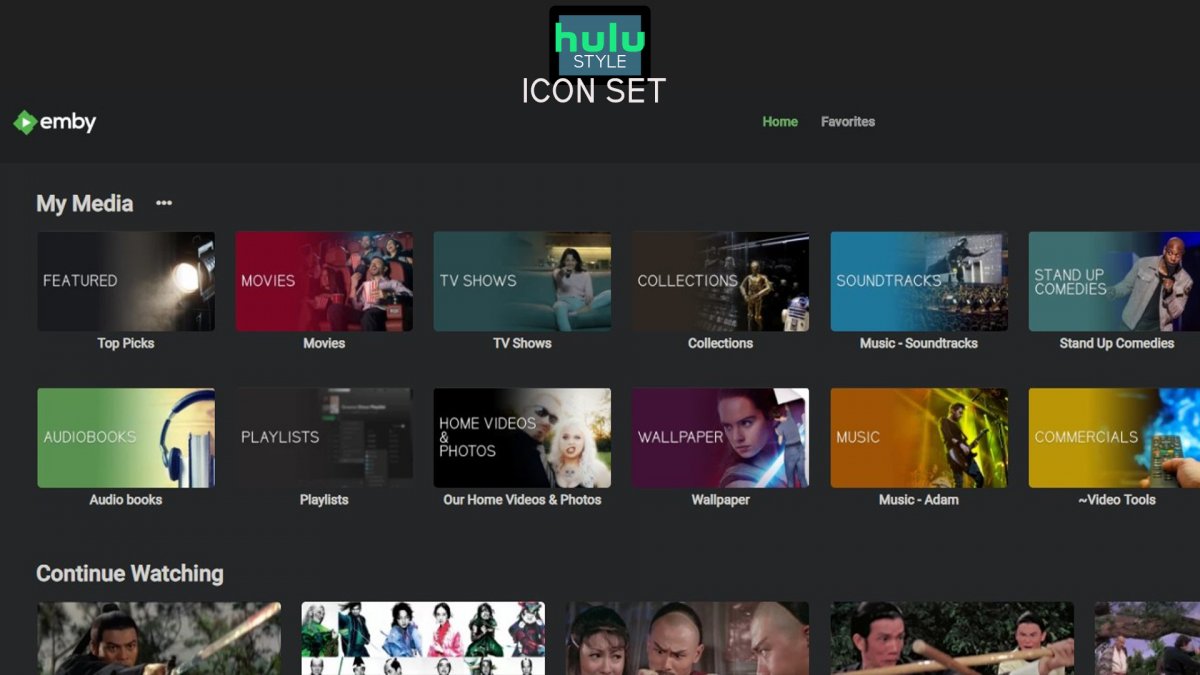
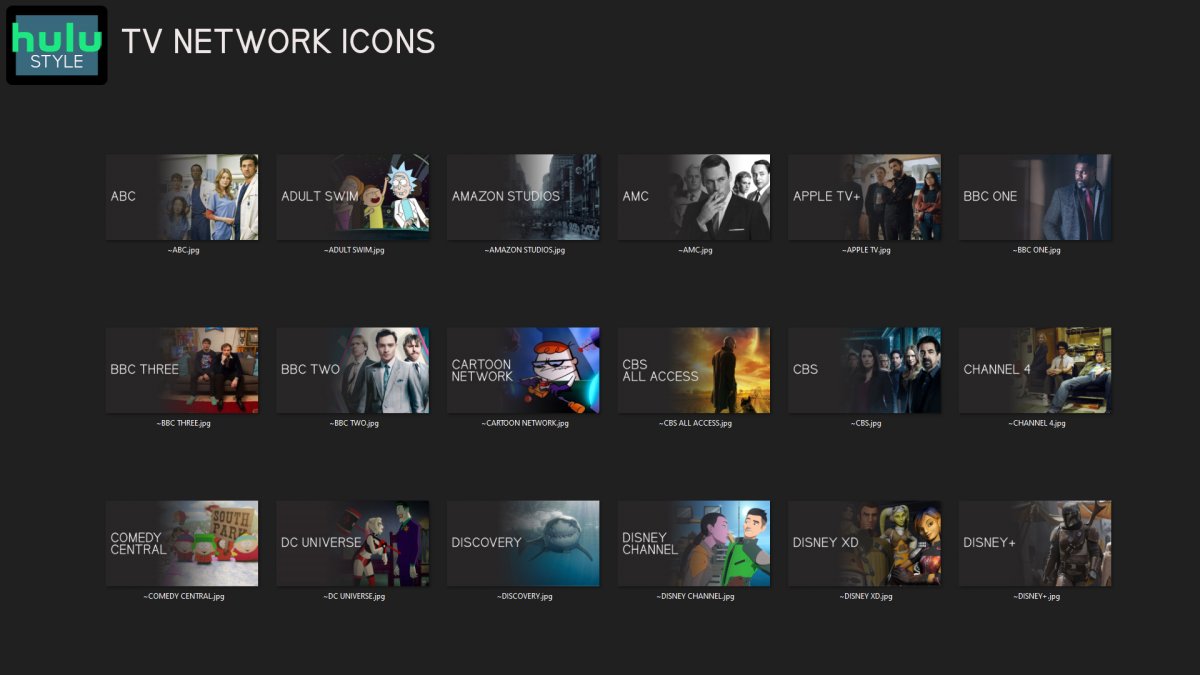
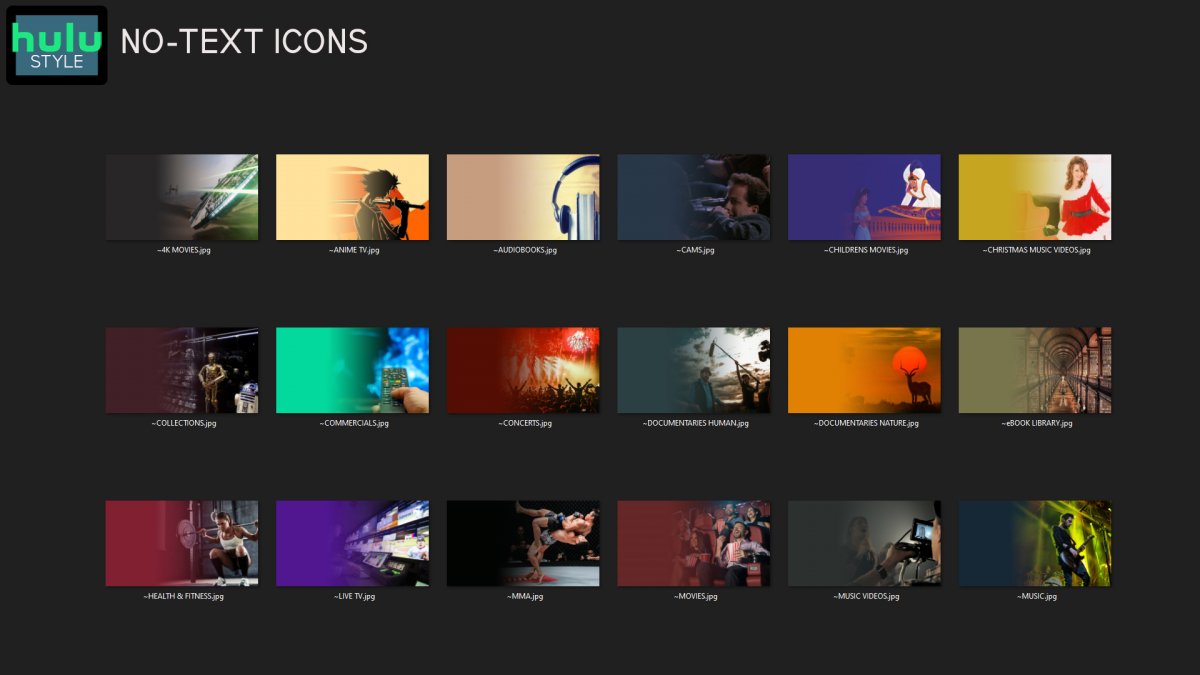
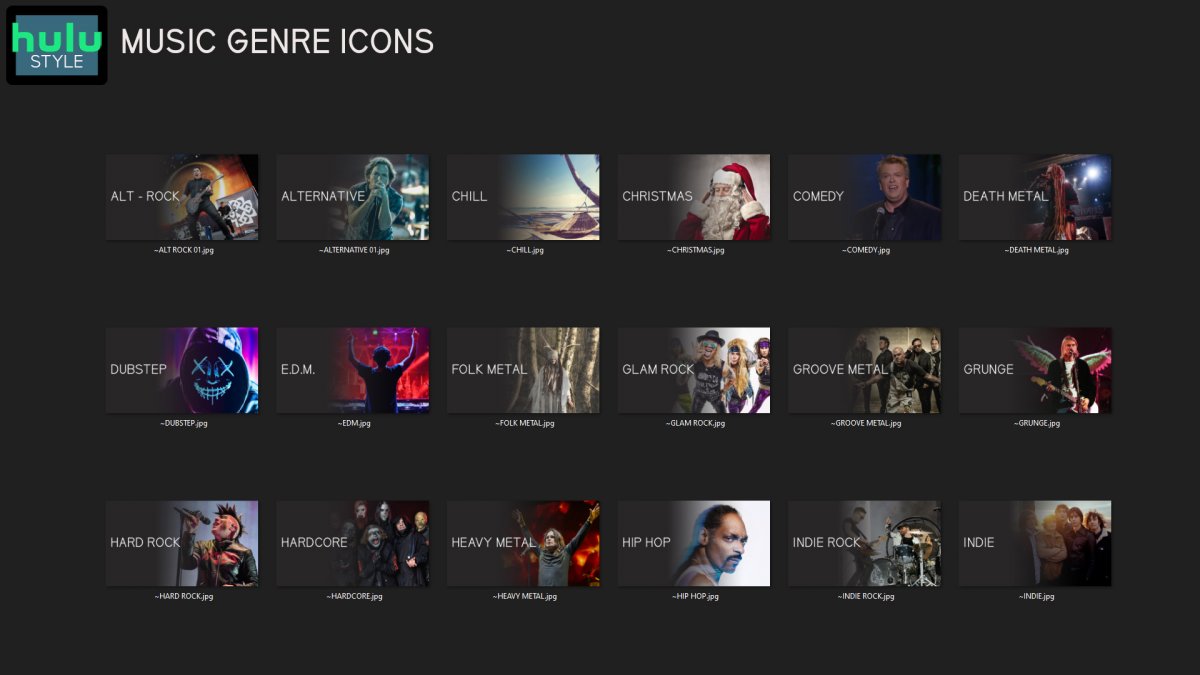
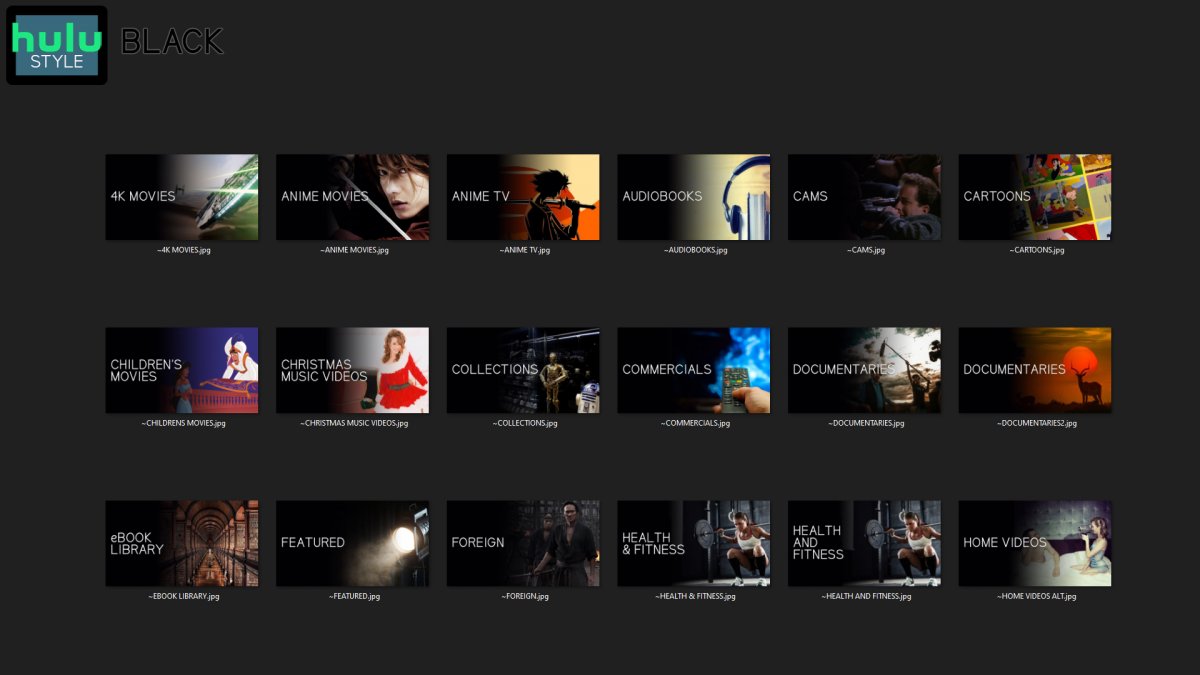
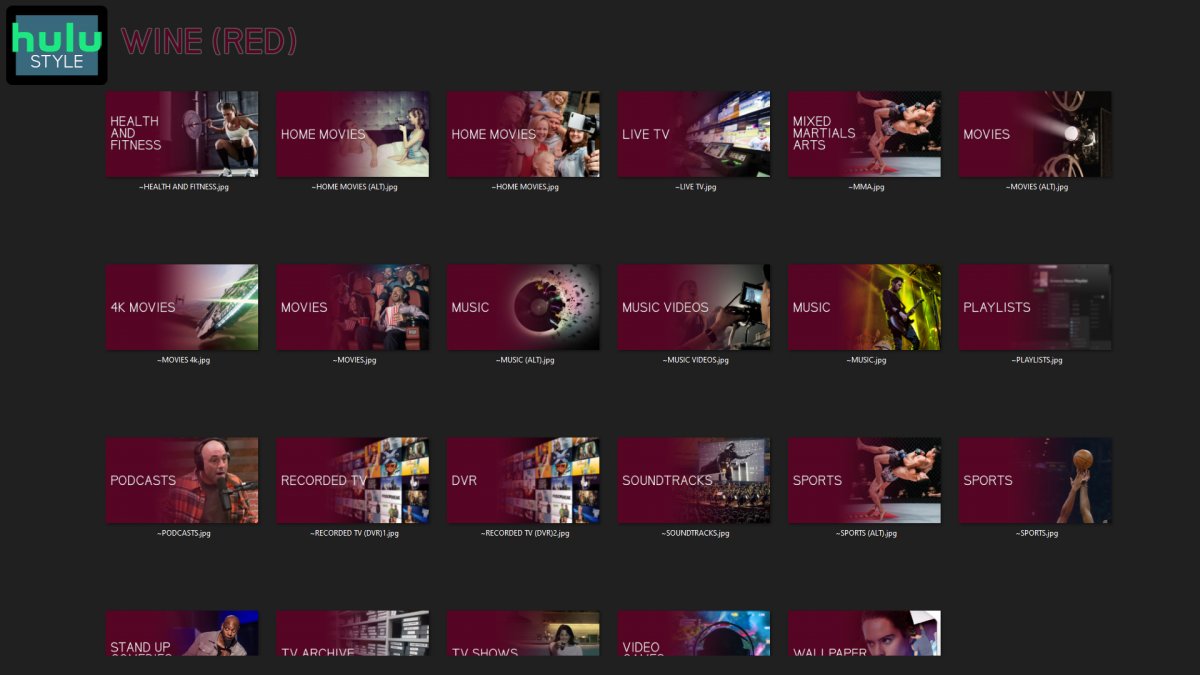
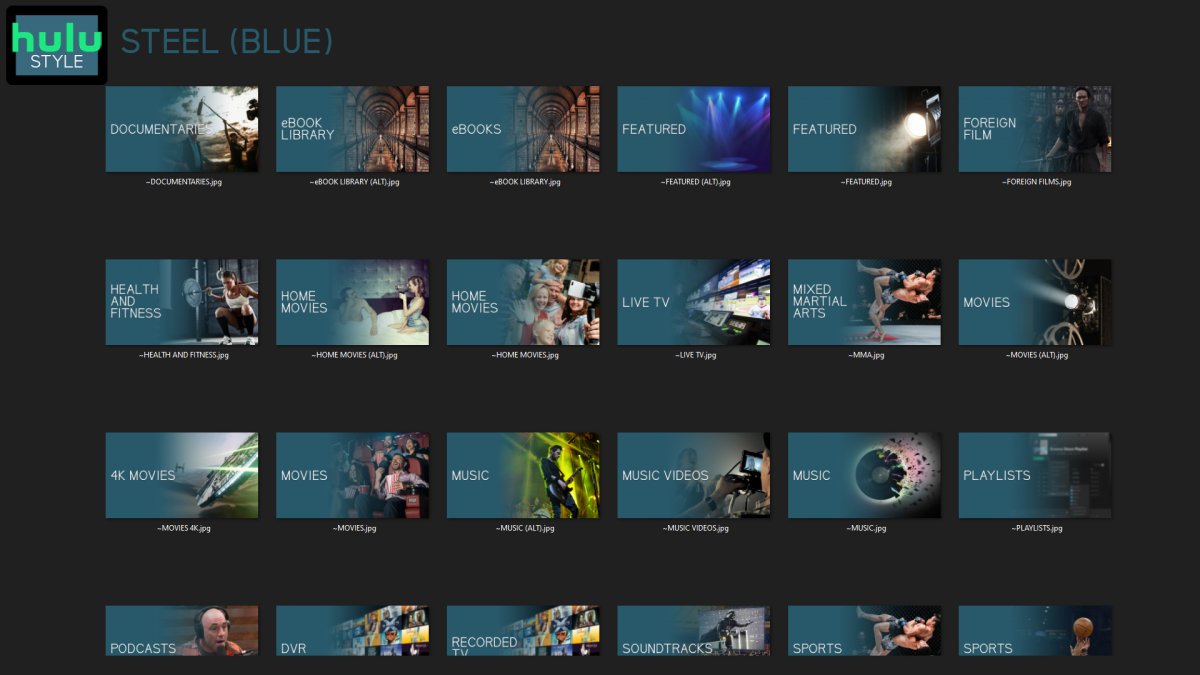
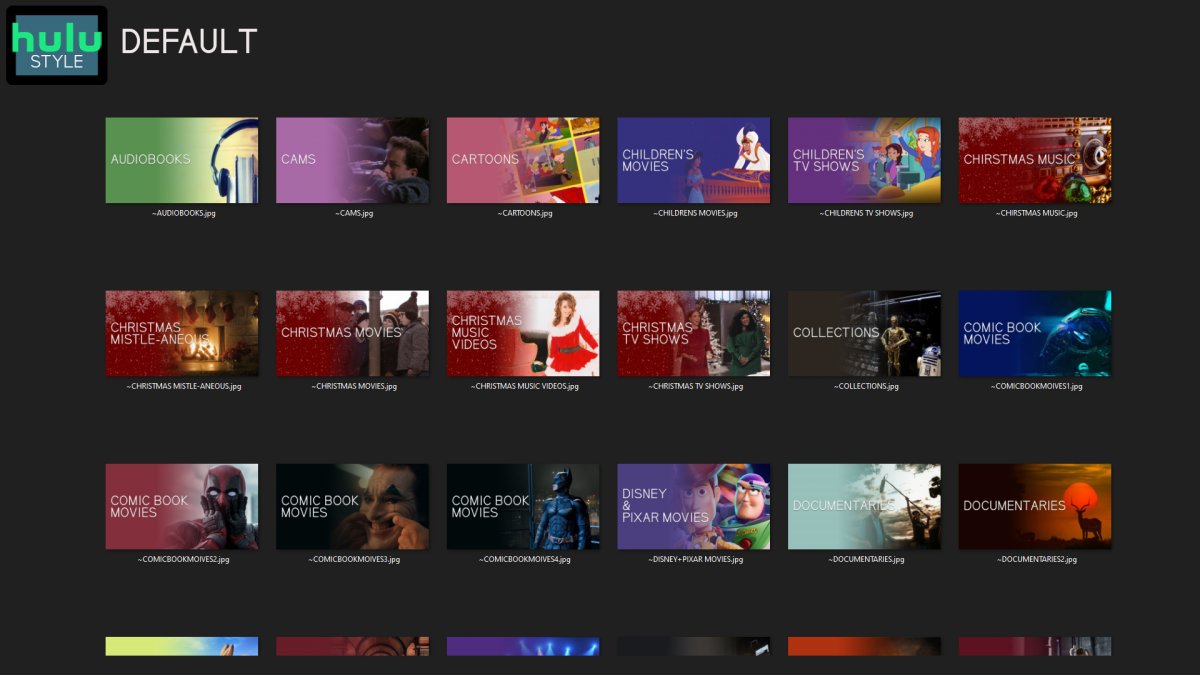
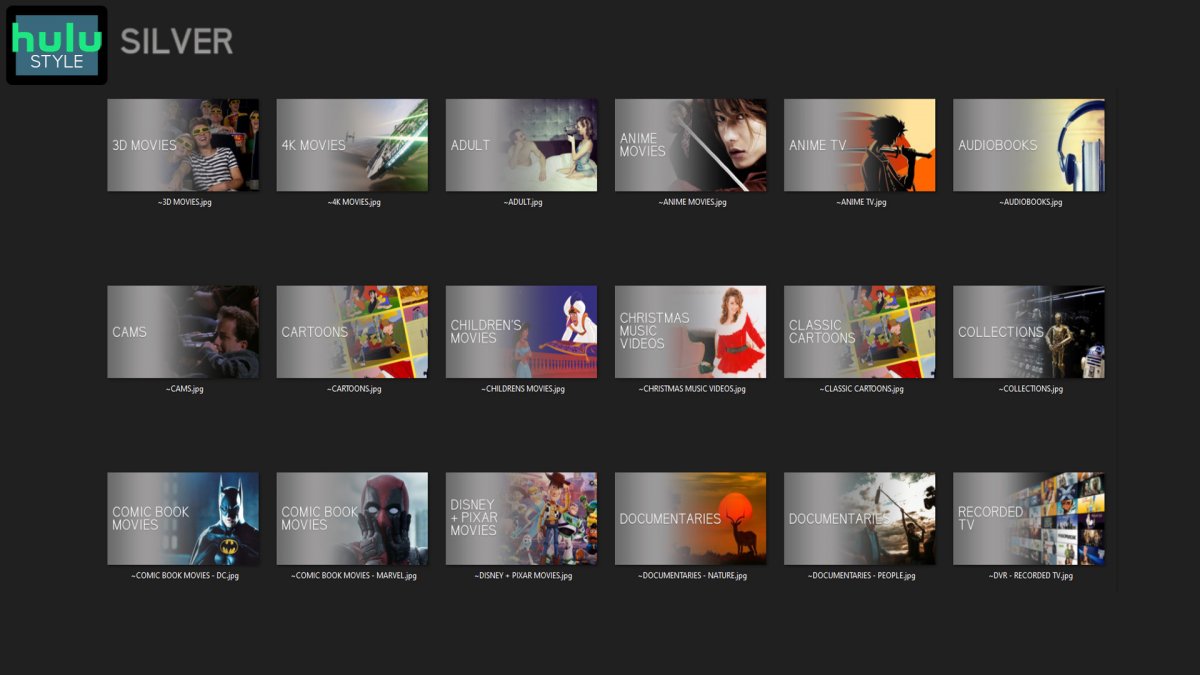
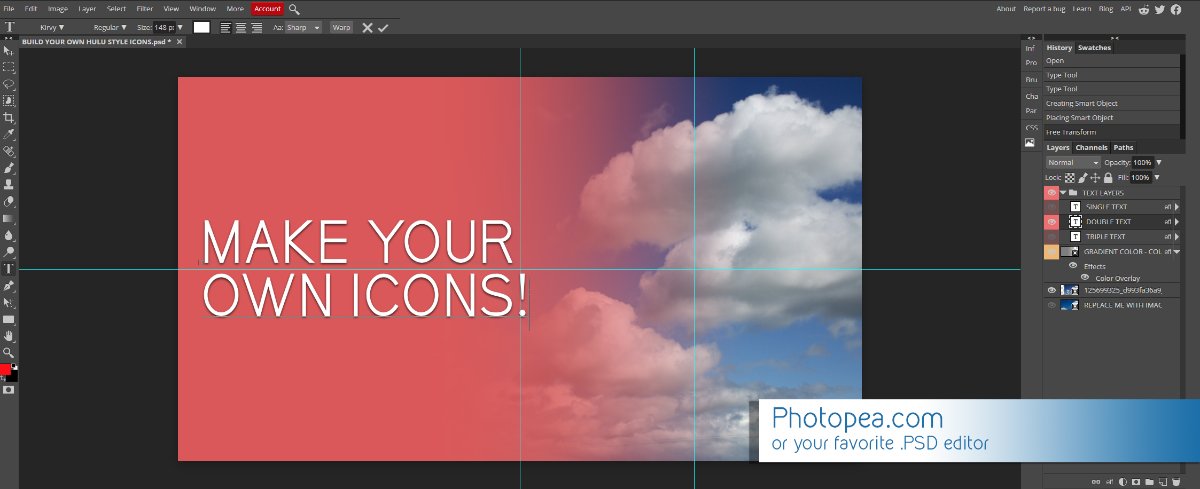
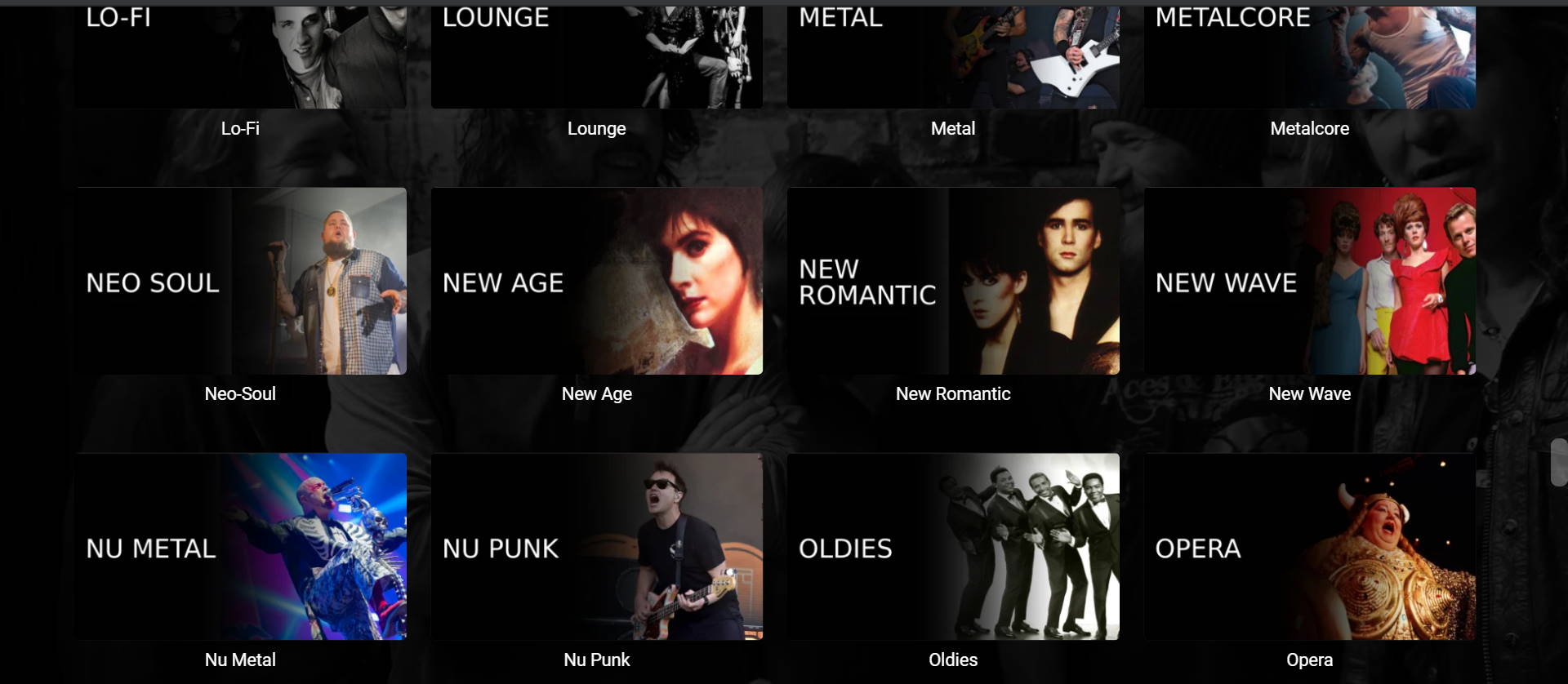
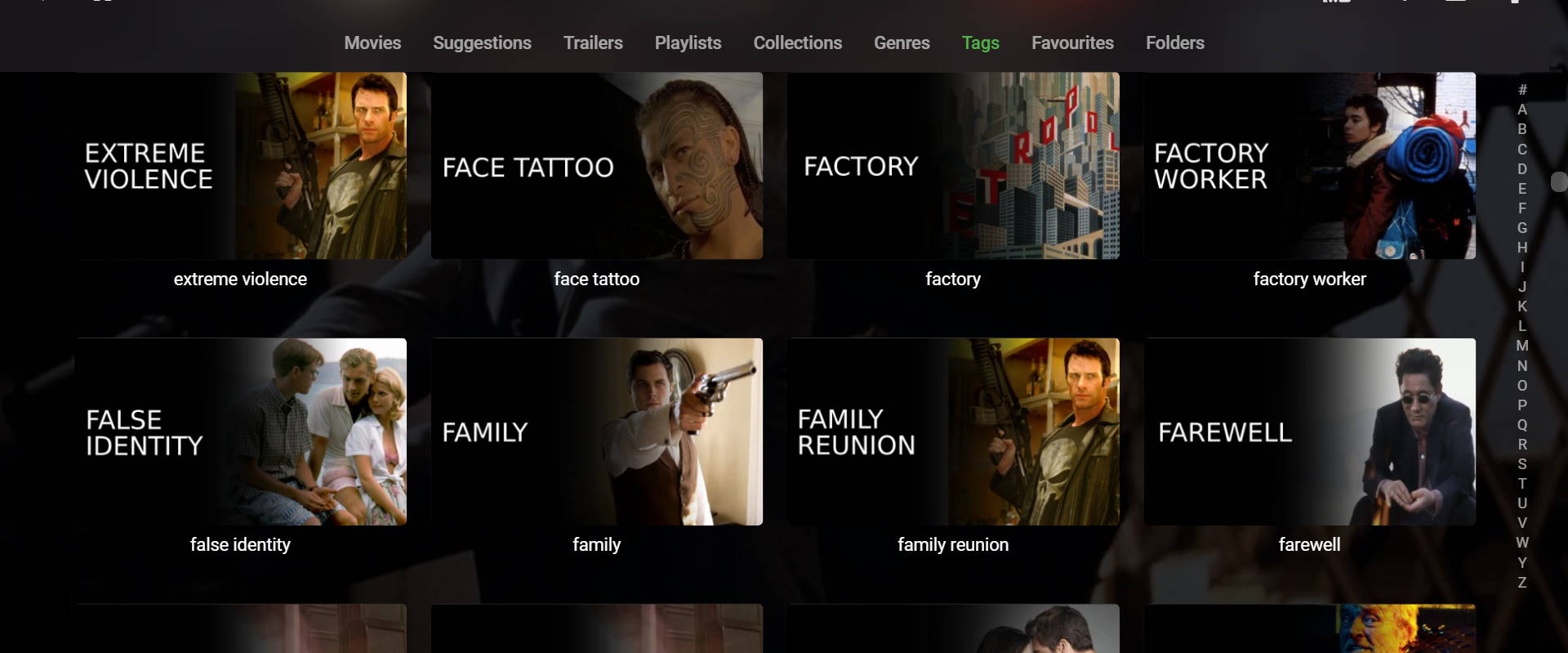
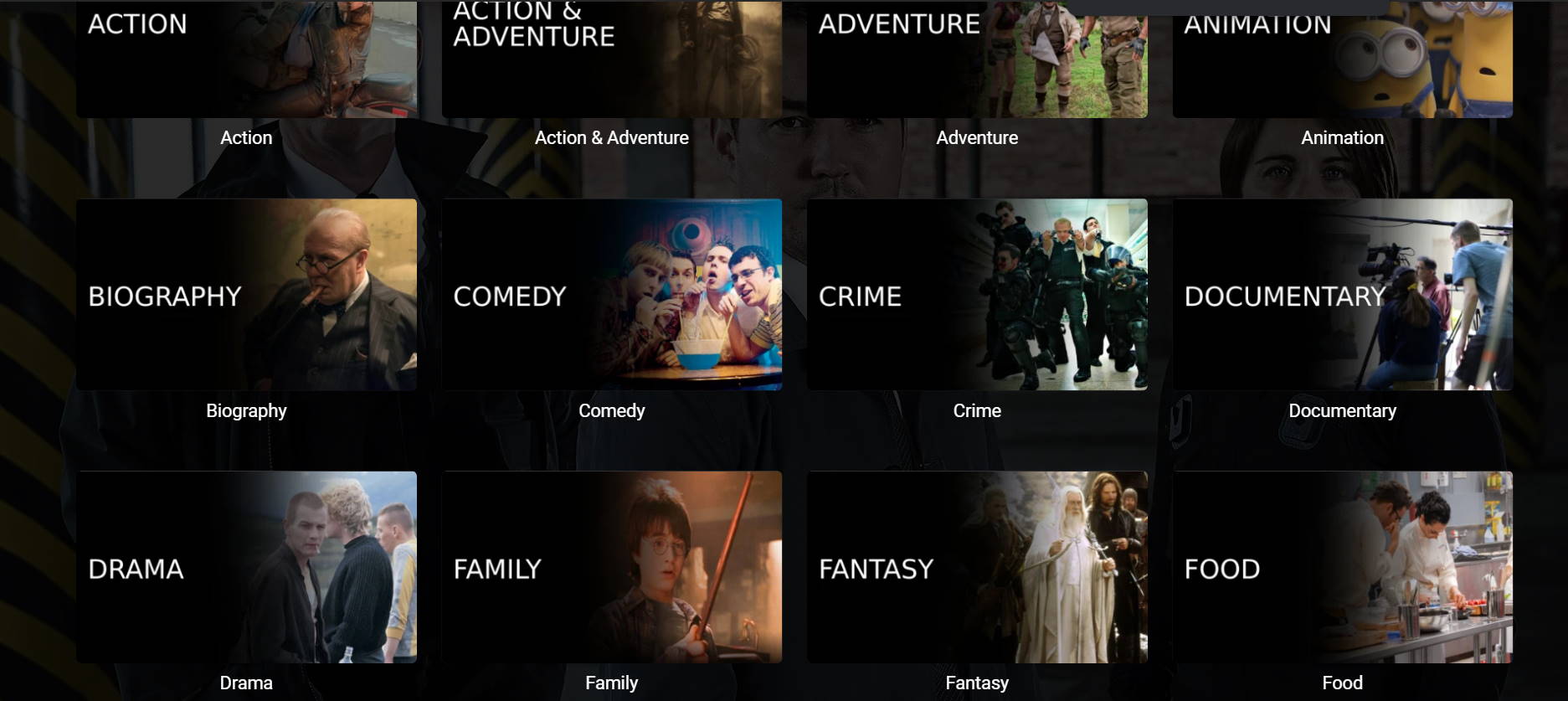
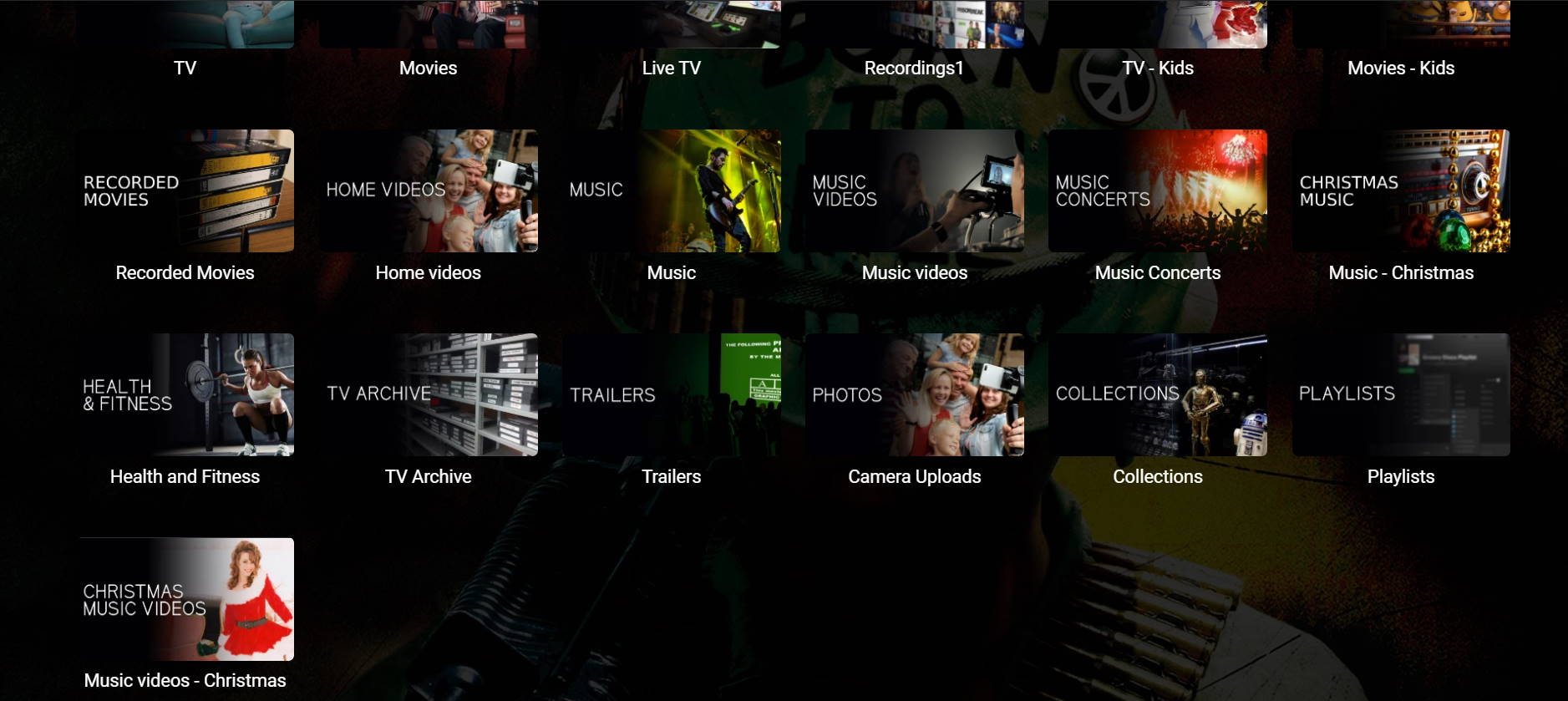
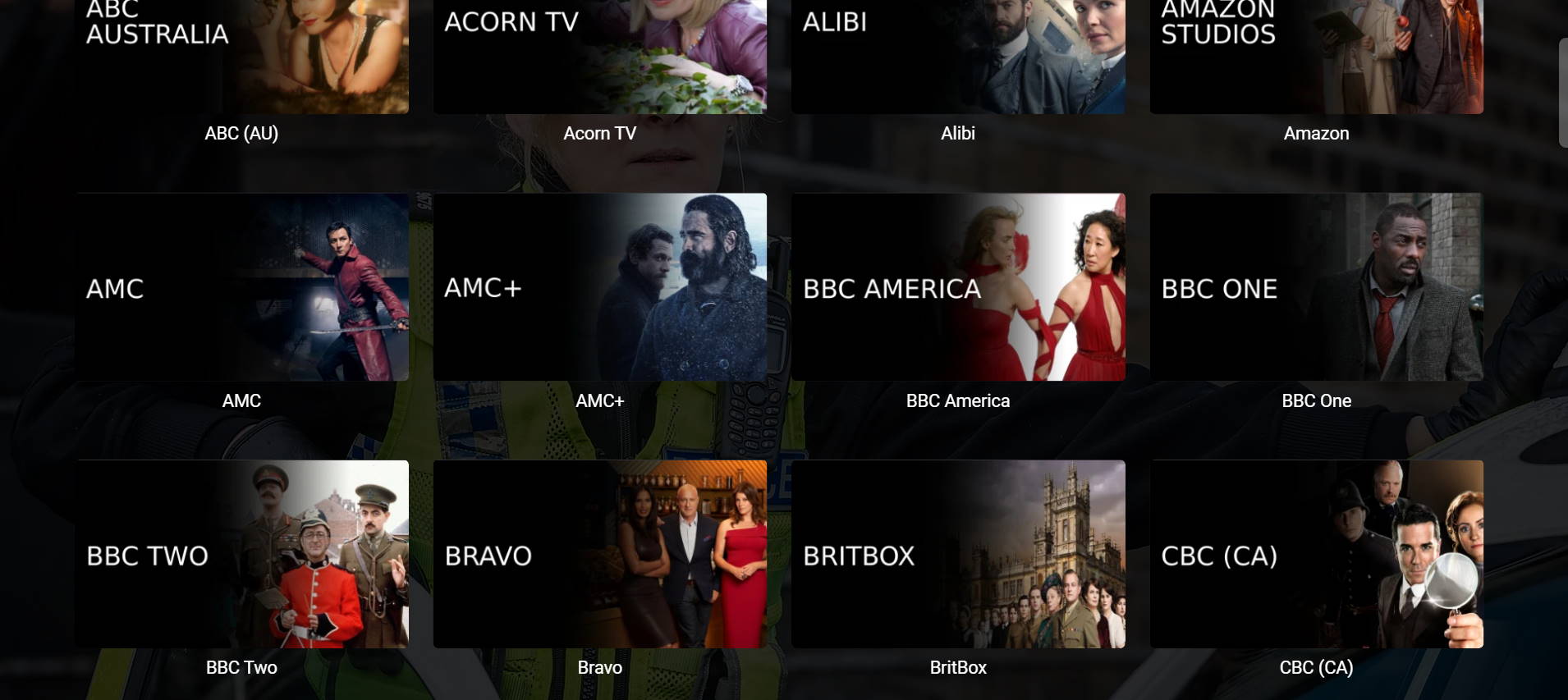
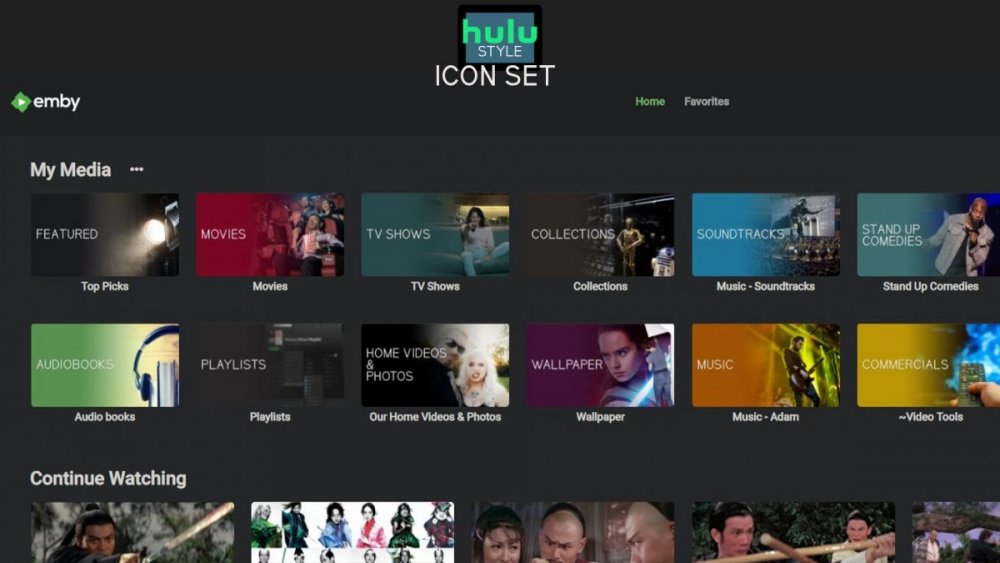
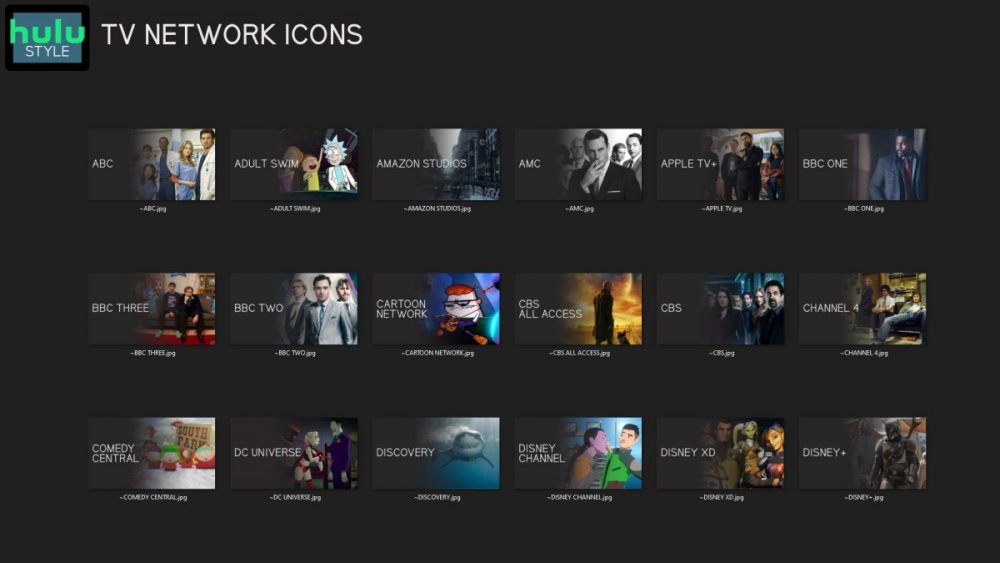
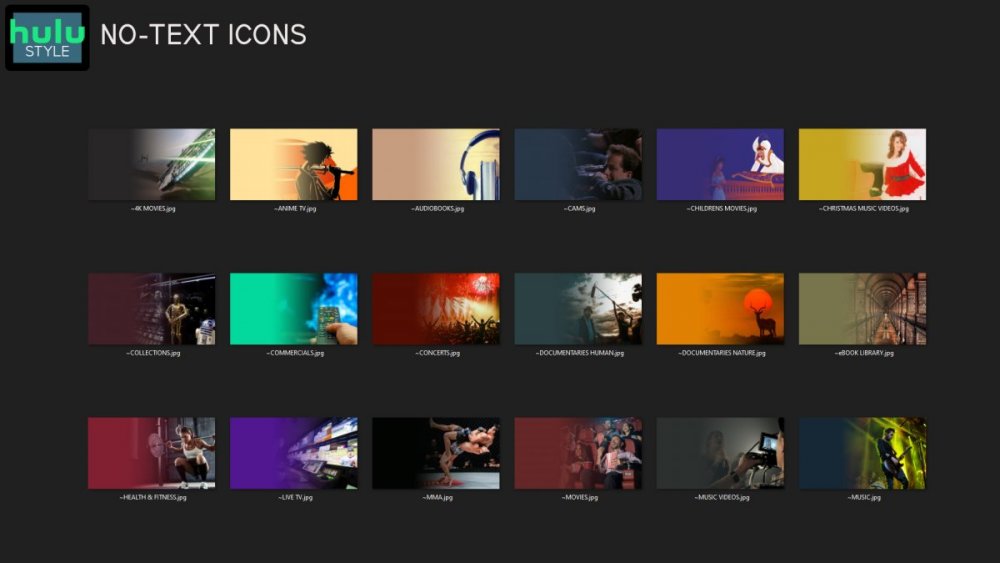
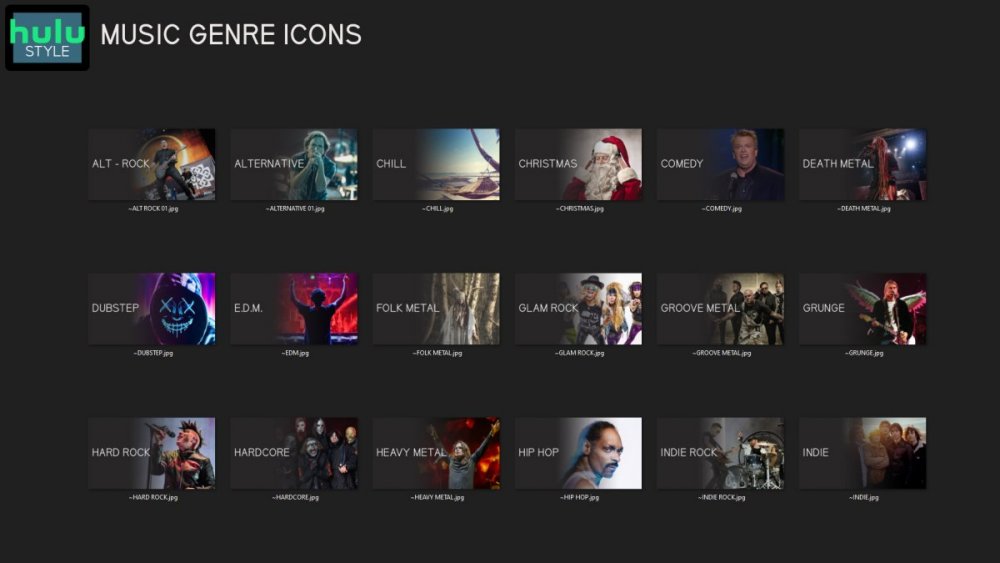
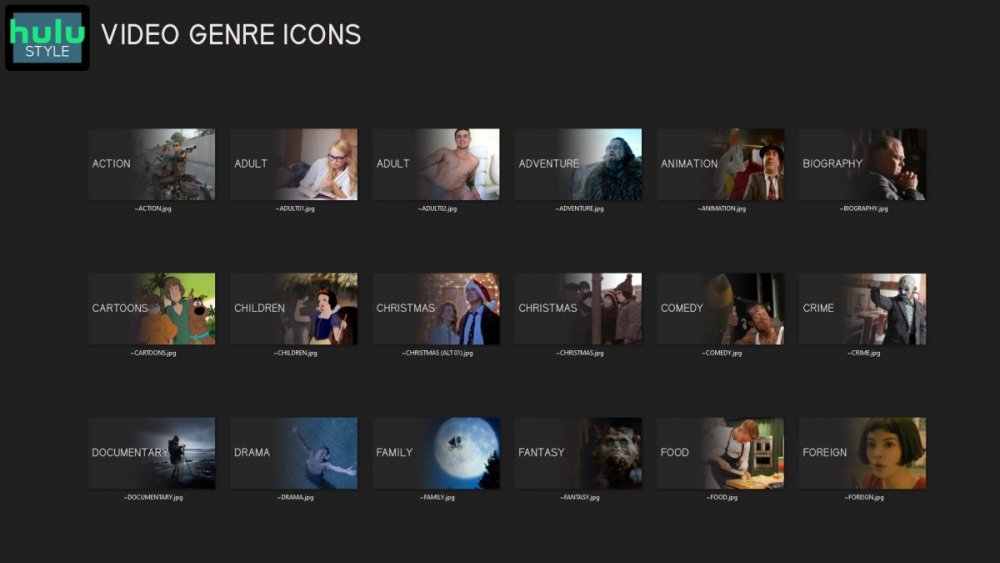
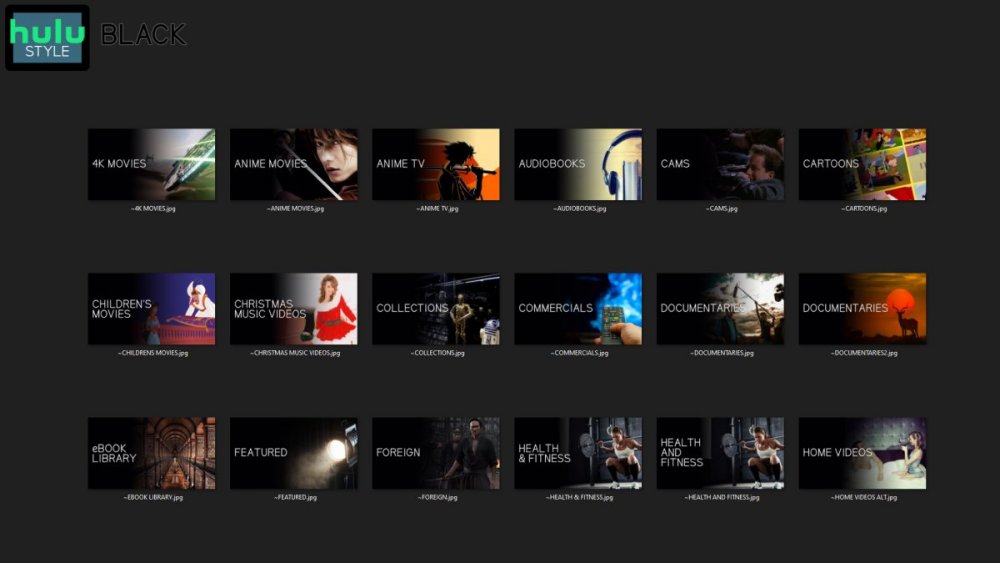
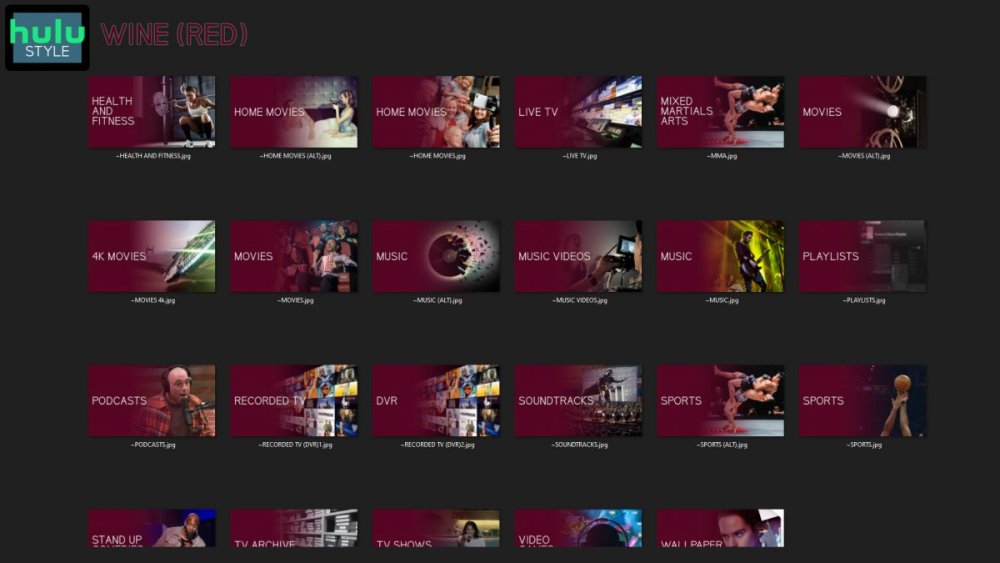
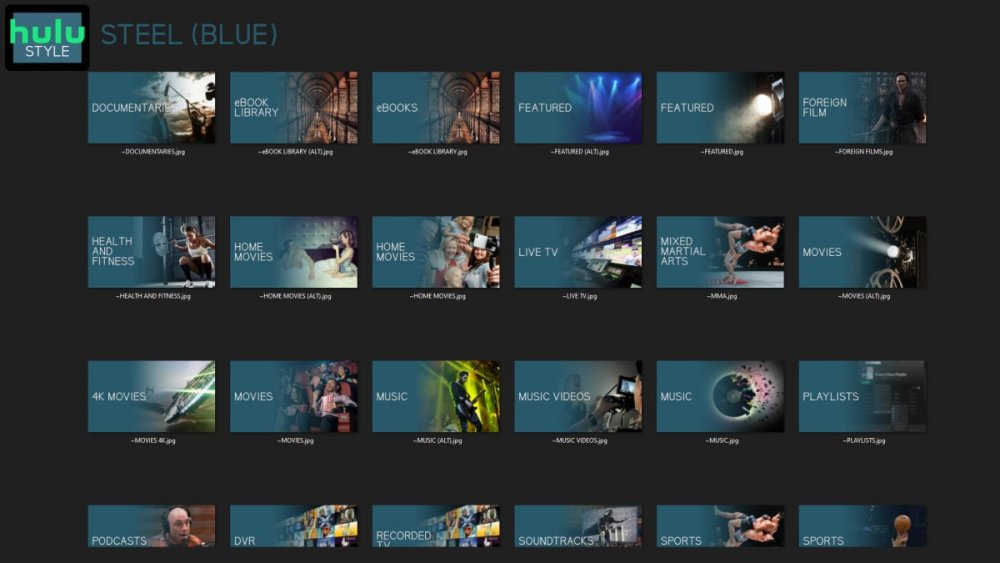
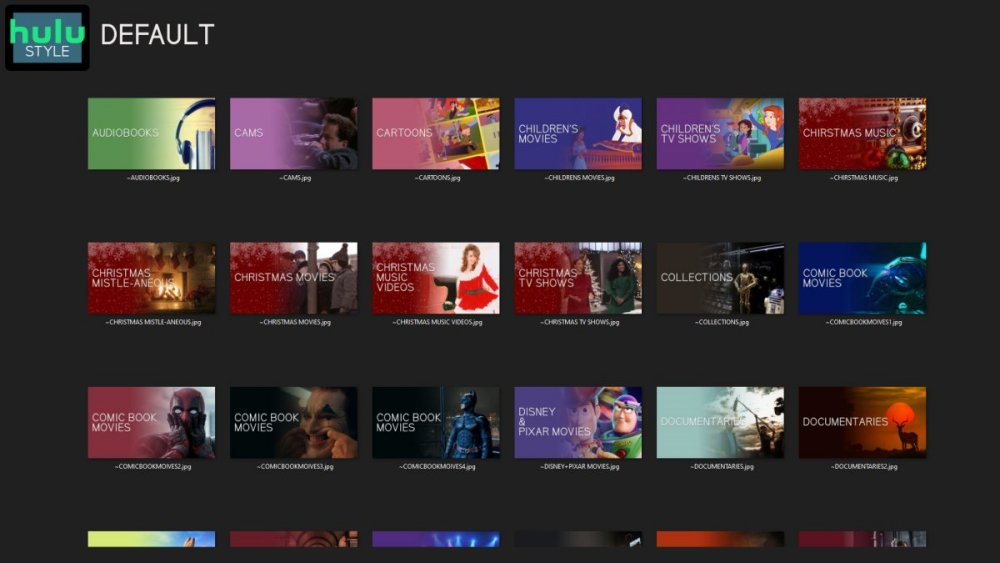
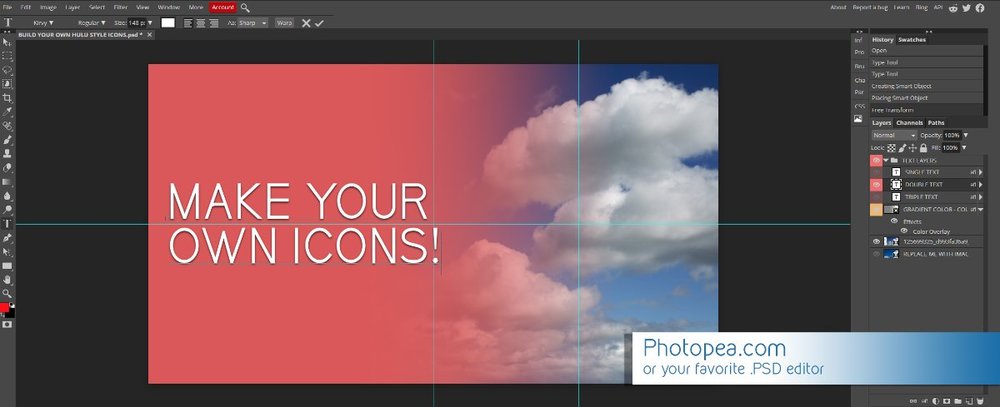
Media Library Icons for Emby Updated: 07/10/2021 I've always had a thing for the simple gradient style Hulu overlays on their library images. I'm not that great at graphic design, but I can mimic some things pretty decent. I hope! It's very simple, and clean and something I've been wanting to attempt for a while. I've never done anything like this, so constructive criticism is appreciated! More color options for media libraries coming soon!!! Also included to make your icons match across the platform, are video genre, music genre and TV network icons: I've hosted this only my Google Drive, so if if the link is not working please, reach out to me and let me know and I will do what I can to resolve! The font (Kirvy), and PSD's are located in the \~TOOLS\ sub-folder Media Library Icons - DOWNLOAD HERE Feel free to create your own to fit your needs! Photoshop Template - DOWNLOAD HERE Gimp Template - DOWNLOAD HERE (ALL credit for creation of Gimp template are thanks to, Mibok, who took the time to recreate the Photoshop template in Gimp!) Many have asked for a smaller and easier version of the .PSD file to create their own custom icons. I have simplified the .PSD and it is now compatible with, Photopea.com photo editor so no need to own Photoshop to make your own icons! Download the new .PSD HERE Thanks for giving me so many hours of entertainment, this was something fun to try and give something back! (If any of the above images are not allowed, please inform me ASAP and I will correct it) *** Change Log*** 07/10/2021 Added GIMP template, created by, Mibok to allow users alternate means to create their own icons 01/25/2021 Added lighter .psd file for easier custom icons 10/04/2020 Added "Silver" Media Library Icon Set and all remaining requests and missing items in each set 08/15/2020 Added some requests and "Emerald" (green) Media Library Icons Set 07/06/2020 Added "Gold" (yellow) Media Library Icons Set 06/29/2020 Added "Wine" and "Steel" (red and blue) Media Library Icons Set 06/29/2020 Updated sample images 06/22/2020 Added "Black" Media Library Icons Set 02/27/2020 Added TV Network Icons for 49 U.S. networks 02/27/2020 Added ~MEDIA LIBRARIES sub-folder to help keep the folder organized 02/24/2020 Added Phase One of Music Genres to Google Drive 01/25/2020 Added requested images to Google Drive 12/21/2019 LITE - Hulu Style Library Icons PSD Added (Uploaded PSD with no graphics for a faster, lighter PSD option) 12/21/2019 Media Library - No Text Icons Added 12/17/2019 Generic Movie Genre Icons Added To Do: Update preview post with images Continue color sets: Black - Maroon - Navy - Emerald- Gold - Silver Update No Text Icons Downgrade PSD for compatibility for older versions of GIMP/Photoshop TV Networks - USA Optimize PSD for simplicity
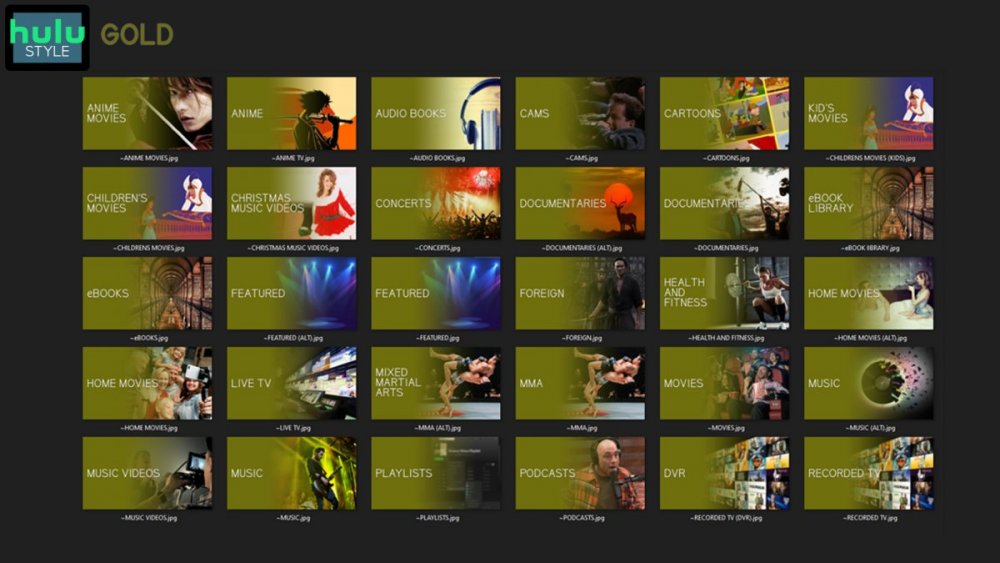
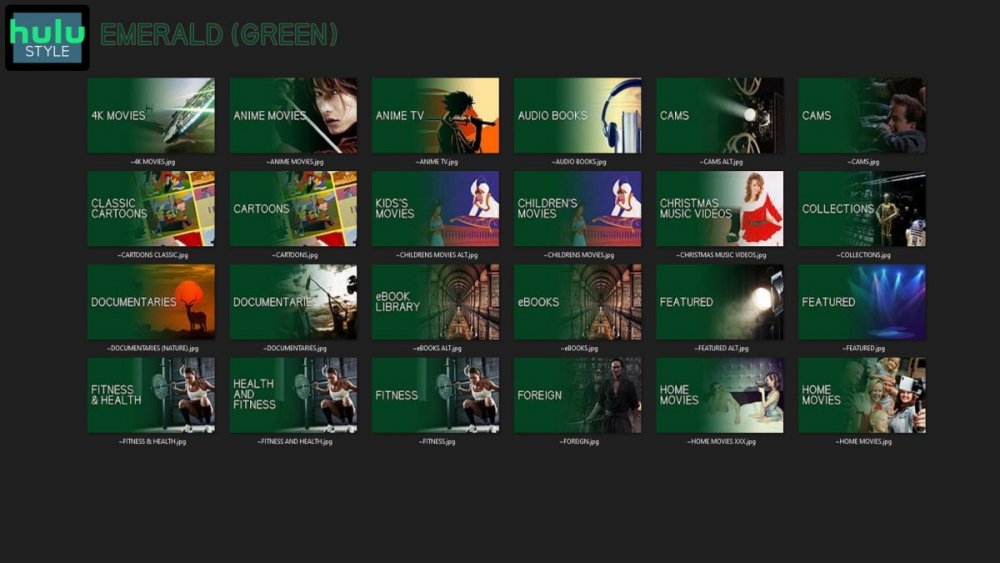
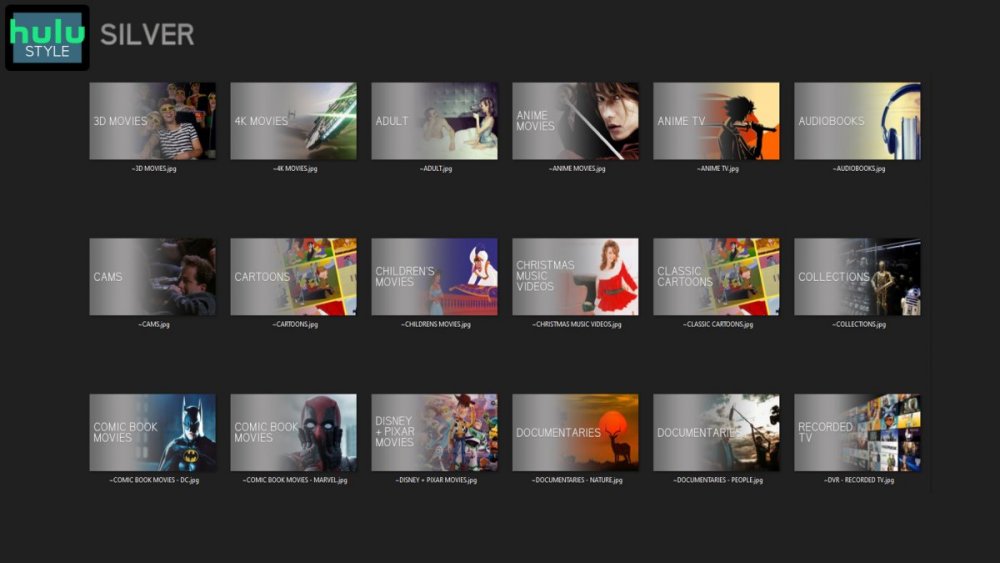
 1 point
 -
Hi I would really appreciate it if in the next update you can make it so we can select a collection for this lets say the the DC universe collection and add to the main view on home screen with the other libraries such as TV and movie libraries as we unfortunately know sub categories isn't really a thing on emby could we at least have the option to add a selected collection library and add to the home screen instead of the folder named collections or with out having to save to favourites so its more seemless Many thanks fingers crossed1 point
-
Would need to see specific metadata but as mentioned a change was made back in April as Emby was not filtering to only trailers, it was getting every video listed. Can you change which trailer plays for a movie? - General/Windows - Emby Community So yes old fetched media can have bad metadata.1 point
-
If Plex permanently removed the commercials, then emby will no longer play them - I don't see any issue here ?1 point
-
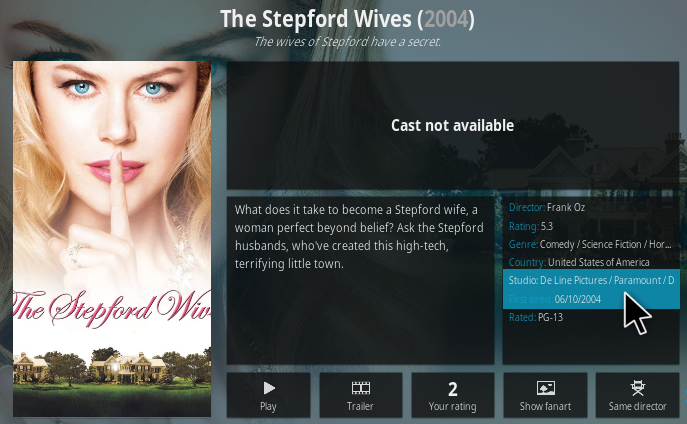
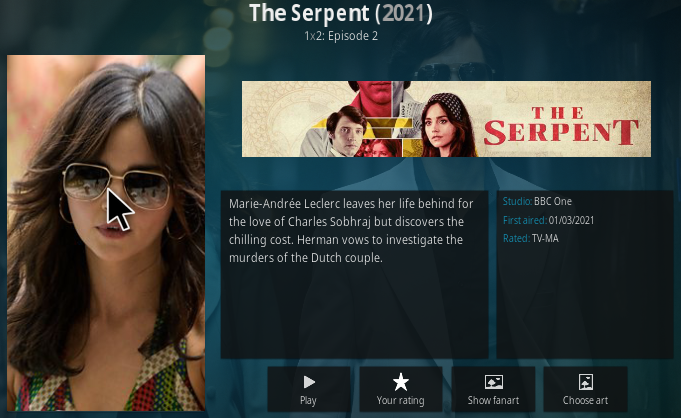
Hi. I have just installed 6.0.4 build 71 (ex12) on another laptop with Kodi Leia 18.9 on a Windows and it happened again the same I said before for 6.0.4 build 42 (ex8). After the plug-in installation was finished, if I pressed "i" on a movie, no information page appeared. I restarted and it worked. Then, I have even restarted 3 times more, but, I could not see the cast of any movie: In TV Shows, instead of the cast, the banner of the TV Show is shown: What do you mean exactly in the changelog by - subtitle selection If it is about fixing the issue where the srt file with default language does not appear, it does not work yet. Thanks for your work.
 1 point
 -
Maybe it is speeding up.
 1 point
 -
@chef On the point above, (I know you have been rather busy lol) but did you get anywhere on potentially writing the Intro Start/End as extra chapter points in the emby chapter dB ? I guess as now there is a Intro database, there should be no reason why this can't be done as an optional task independent of anything else ? ie - lookup Item ID, retrieve existing chapter points, re-order with Intro Start/End, write new Chapters We can then 'use' the data in this fantastic plugin on a live emby instance - albeit manually via the chapters but now chapters are available in most of the clients, it brings this much closer. I'll lookup how to do it via the API .. edit - so getting the existing chapter points is easy enough, and the query Id matches your ResultId (I guess we should add SeriesID and SeasonID to speed up the query) but of course I have no way of accessing the IntrodB via the API.. btw - what is 'Confirmed' used for in the dB ?1 point
-
Thanks! This helped me a lot. For some reason, I had to manually add the files to the library. But at least was faster than doing everything by myself. Thanks a lot!1 point
-
@chefwill have released two new versions by then making results irreverent maybe?1 point
-
@cayars There's a college football game on now and I watched some of it live. It looks a lot better than the MLB field of dreams recording from a few weeks ago. But, I can still see pixelation especially on the grass. I'm recording it right now too, so we'll see how the recording comes out.1 point
-
Thank you SO much for sharing your creations, and for buying me a bunch of beers!! This has been such a fun project and it's so cool to see everyone put their twist on it and share! Helps make it feel opensource and I love seeing the creative icons!1 point
-
New version available: 6.0.4 build 71 (ex12) Delta changelog - added special feature selection to context menu - favourites - subtitle selection - optimize code1 point
-
It's been a couple of years since I played with Emby on a Pi, but with the single image released I thought I'd give it a go again. So I installed the image on my Pi 3 and had a lot of the same problems with a very slow interface and a choppy unwatchable video. I tried a couple of basic things like increasing the gpu memory and trying to overclock, but nothing worked. Then after doing some research, I found that the normal configuration of the Pi 3 does not use the GL driver. So I tried enabling the "Fake KMS" driver and, lo and behold, everything smoothed out beautifully! Just as a test, I tried the "Full KMS" setting and it got even better. I'm able to watch Live TV smoothly on a poor wifi connection (2.9 Mbps). In reading more about it, the "Fake KMS" is supposed to be enabled by default in the Pi 4 but maybe that's something to take a look at if the video is unwatchable. Open raspi-config, go to Advanced Options, GL Driver, then enable the "Fake KMS" setting. If that works, try the "Full KMS". Hope this helps.1 point
-
1 point
-
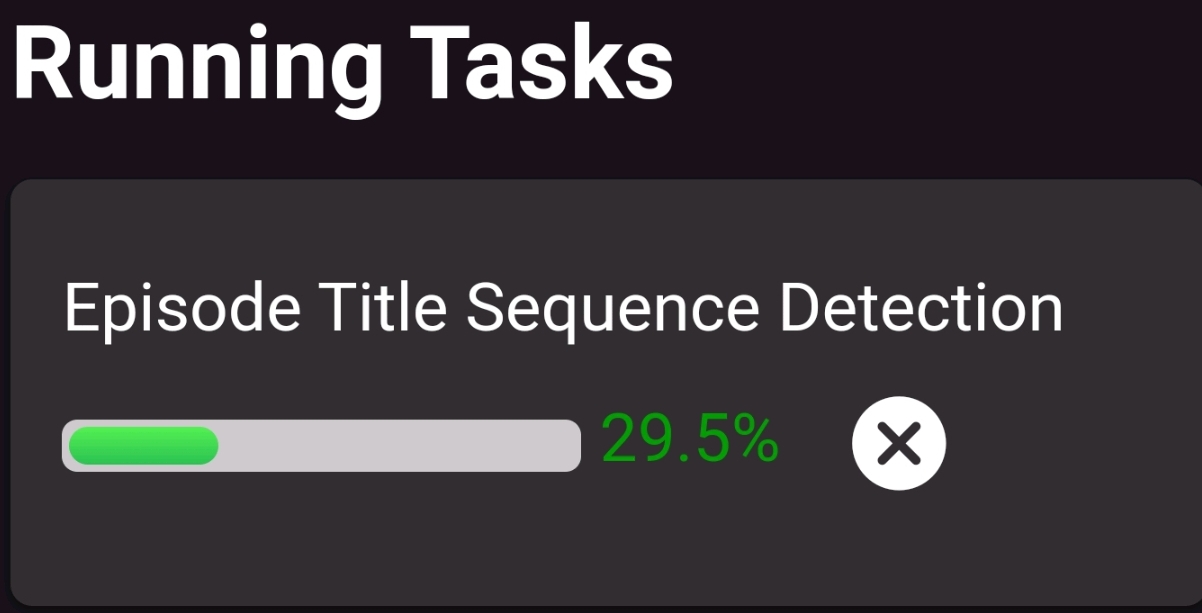
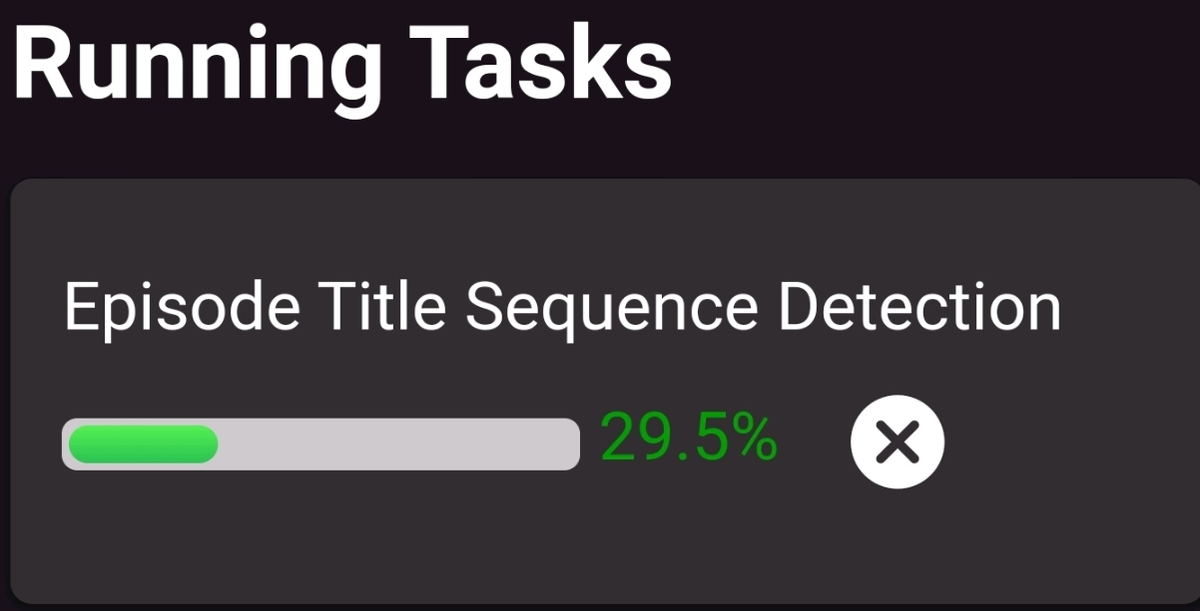
Save button is submit style Scrollable dialog fix "Has Intro" table cell is select box Removed Title Sequence Threshold input from UI (this can still be accessed in the configuration xml - default is 10) All Successful episode title sequence results are logged together in the task per season. (keep logging minimal during the calculations) IntroSkip_v2.0.2.4.rar Perhaps having one input for "maxDegreeOfParalellism" is needed? We can put it on the main page, and forget the dialog all together? This would set the amount of series, and episodes to calculate for both tasks in one input.1 point
-
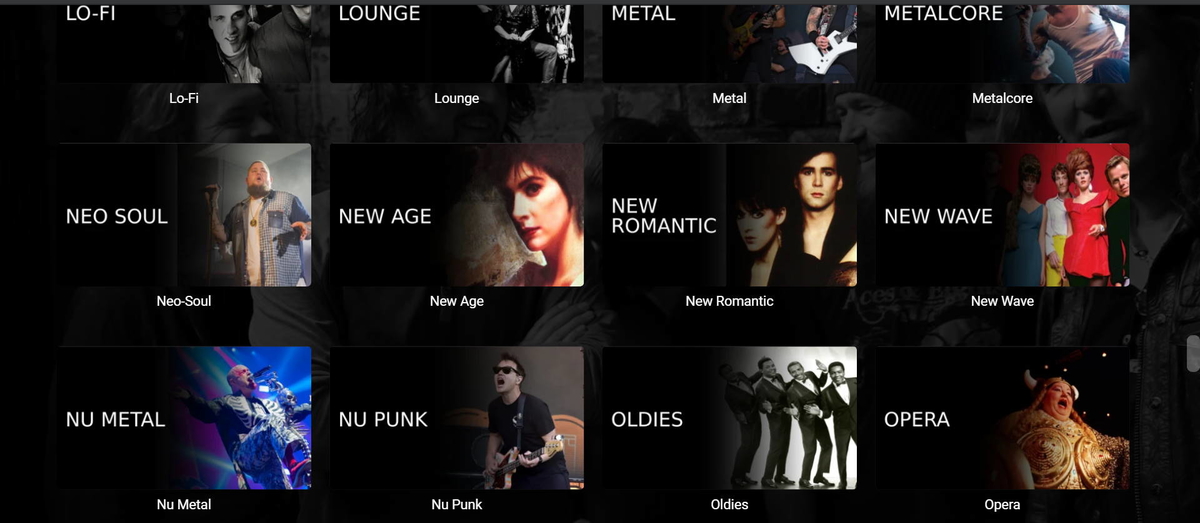
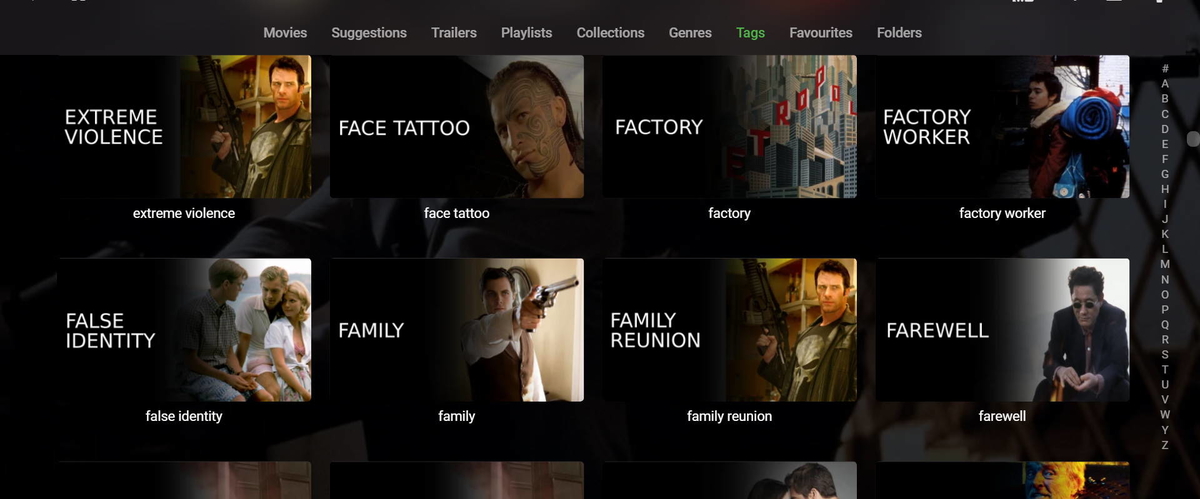
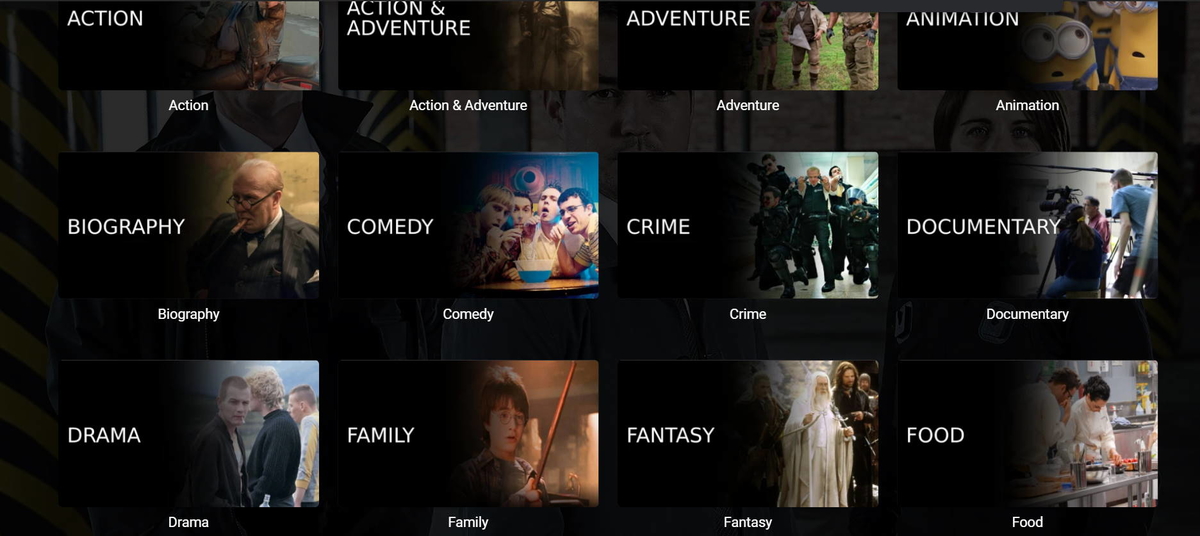
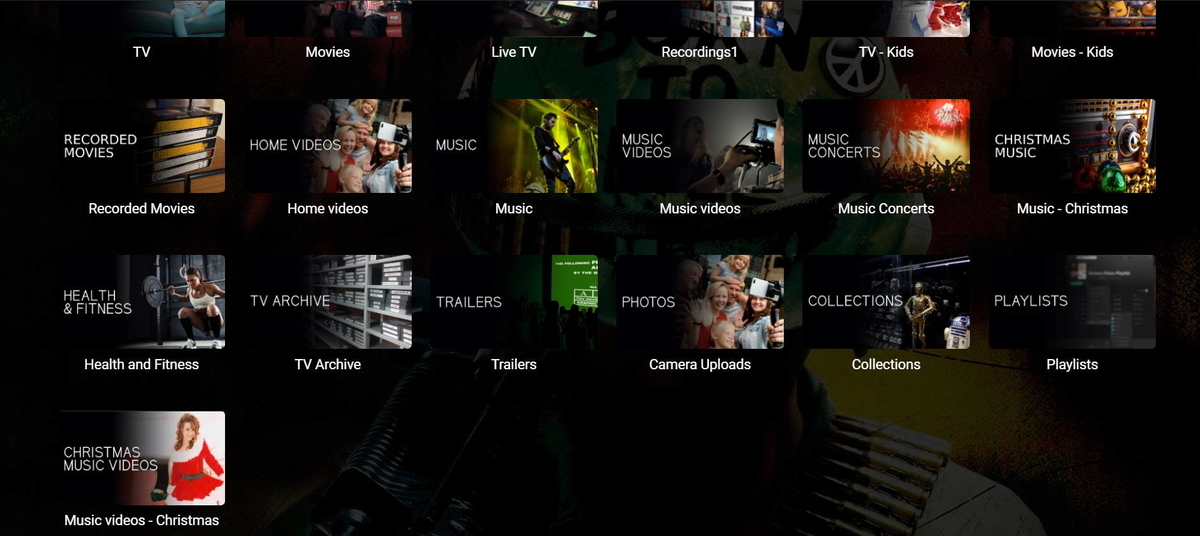
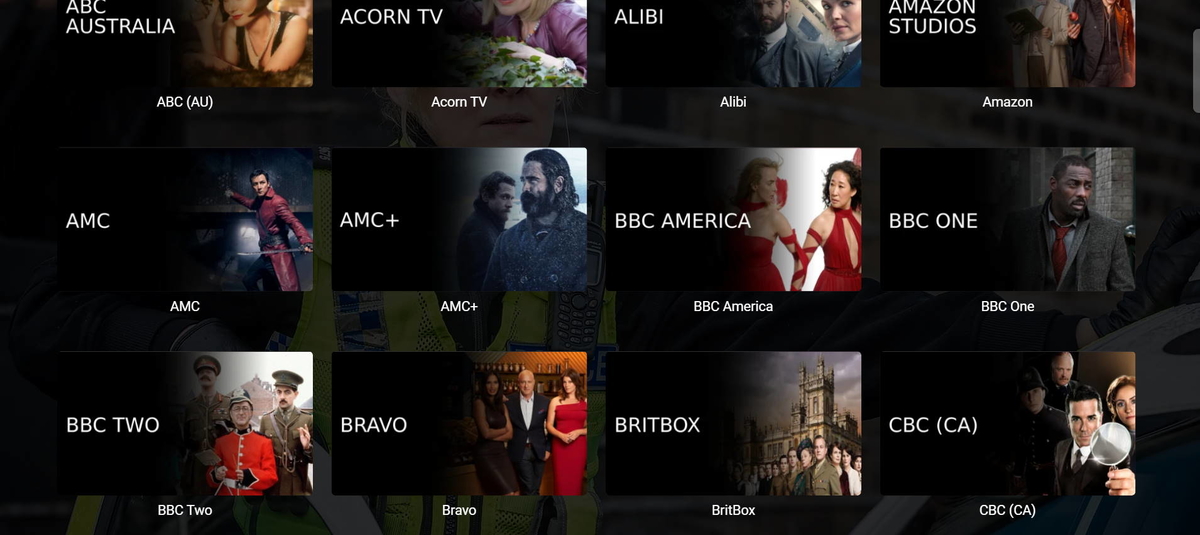
Hi @atomicmoon, Still loving these icons and the maassive improvement to my front end these give...I have spent some time and, using the lighter template with photopea (so much easier to use for me, thanks) have managed to create my front page icons, my video genre icons, my TV network icons, my music genre icons and my video tag icons...phew, took some time (there's more than 600 video tag icons!), got over 1000 icons now and have kept a .psd file with each one so I can change any icon extremely easily if I want to (learnt that the hard way when I changed my mind half way through and preferred the black look)... I've sent you a thankyou donation for all the hard work you do - nice work!! Here's some examples below/attached to this post
 1 point
 -
Hi, the internal information is only the server address that repeats over and over, you can use notepad++ for example, to replace all the ocurrences of that address on the log file.1 point
-
The people folder has changed again and possibly going to change again soon. Emby is using the people folder again and adding providerid to naming scheme but may be going to first character subfolders again. So yes the plugin does not work on people that exist in /metadata/library, but should still work on /metadata/people but plugin dev will have to comment on the new changes and possible changes to come.1 point
-
It would be easier for you to pull those unsorted movies out of your root folder to its separate folder until you finish processing them and then return them once sorted. Edit: Here's the workflow: 1) Move all movie files (leave extra files for now where they are) to a separate folder 2) Run the movies through Filebot 3) Once subfolders created, search for *.* 4) Select all movies and take them out to yet another folder 5) Import those EMPTY folders into Radarr as movies (Library Import, point to folder from 1)) 6) In Radarr Settings>Media management, tick Import Extra Files and use desired arguments: srt,jpg,nfo or whatever you want 7) Now cut/paste that extra files from your root to wherever you placed previously moved movie files (one from 4)) 8 ) On Radarr main page, select Manual Import on the toolbar and point to above folder Now all your movies and extra files will be moved to appropriate movie folders inside Radarr root folder, cut/paste to your main movie root.1 point
-
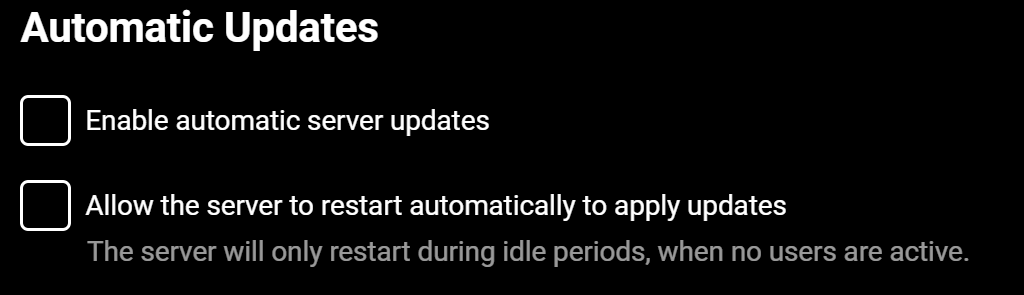
I run beta without issues mostly. "They mostly only come out at night, mostly." All kidding aside it runs fine and I usually wait a day or two before jumping on the next beta release to see how it is working out for everyone else. I have these two settings unchecked so I can control when I get beta releases downloaded and installed:
 1 point
 -
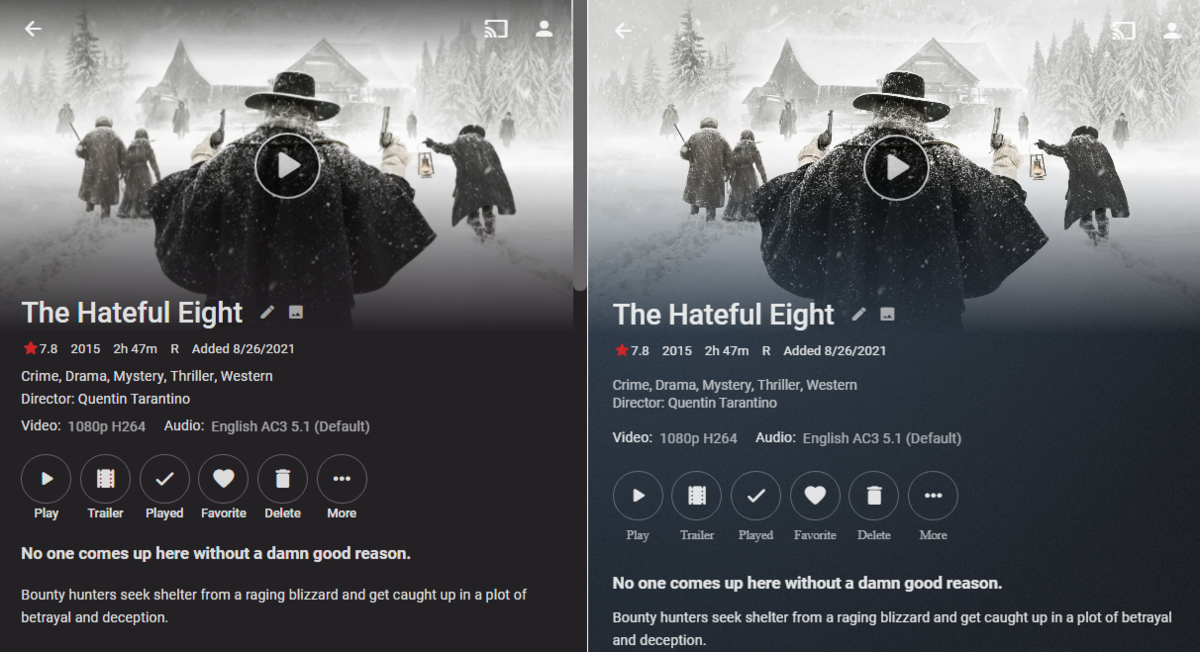
This should make changes to only apply to video and not change audio. .skinHeader.focuscontainer-x.headroom.videoOsdHeader.videoOsd-customFont.semiTransparent to .skinHeader.focuscontainer-x.headroom.videoOsdHeader.videoOsd-customFont.semiTransparent:not(.videoOsdHeader-remotecontrol) and .flex-direction-column.videoOsdText.videoOsdText-customFont to .flex-direction-column.videoOsdText.videoOsdText-customFont:not(.videoOsdText-remotecontrol) Does that accomplish what you wanted? Yes there is a button text font change as you can see here with font-family. .detailButton-text { max-width: 10em!important; font-size: 12px; opacity: 0.7; transition: 0.2s!important; transition-delay: 0.7s; font-family: 'open sans'; Without css and with css
 1 point
 -
Its still in development, but will still be a while. I'd try out NextPVR plus plugin, its a good solution IMHO.1 point
-
yes, this is possible. Well, I will give the VU+ boxes a try. Thx!1 point
-
@quickmic Sorry, man, tonight the "i" and cast things have worked properly Yesteday, I even restarted a couple of times and it dis not worked. I will keep it under observation, just in case Thanks for your effort!1 point
-
Resolved in plugin update 3.4.8.0.1 point
-
Maybe something like this but the issue is the overlay options, so they would need adjustment also. Your code above does not work because each of those elements are siblings. button.cardContent-round+.cardOverlayContainer { overflow: hidden; border-radius: 100%; }1 point
-
Just wanted to say thank you for the work you've done. It is inspiring.1 point
-
Cool! Let us know how it turns out.1 point
-
Yes it needs an update. Thanks.1 point
-
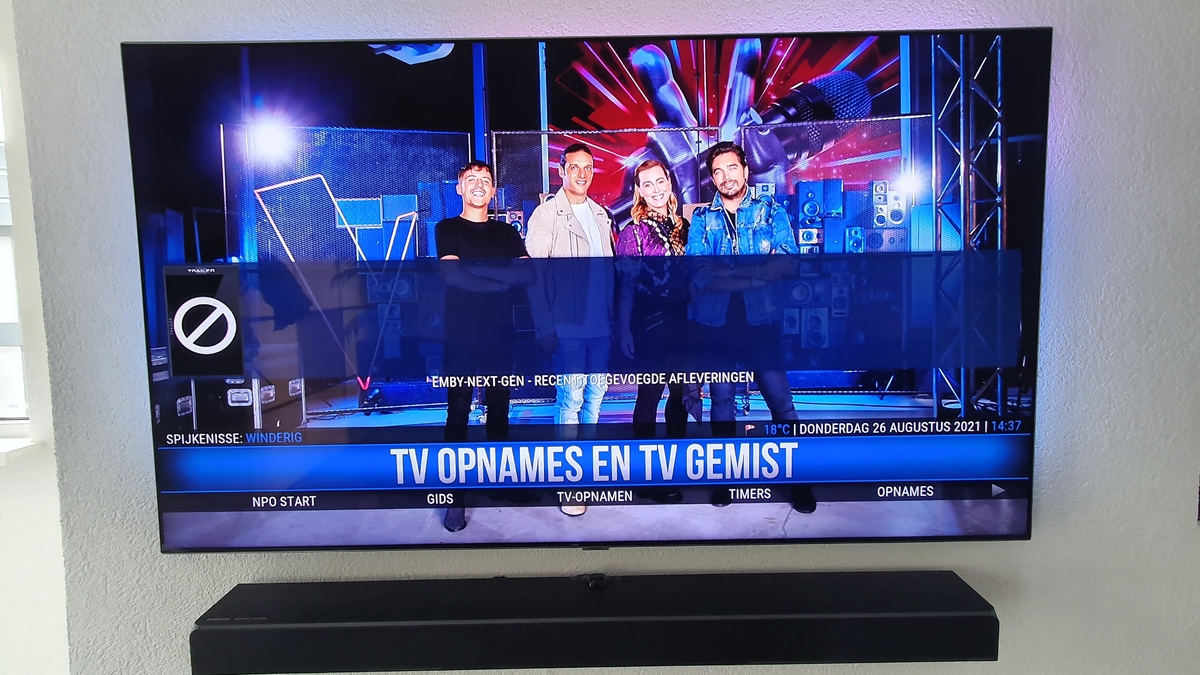
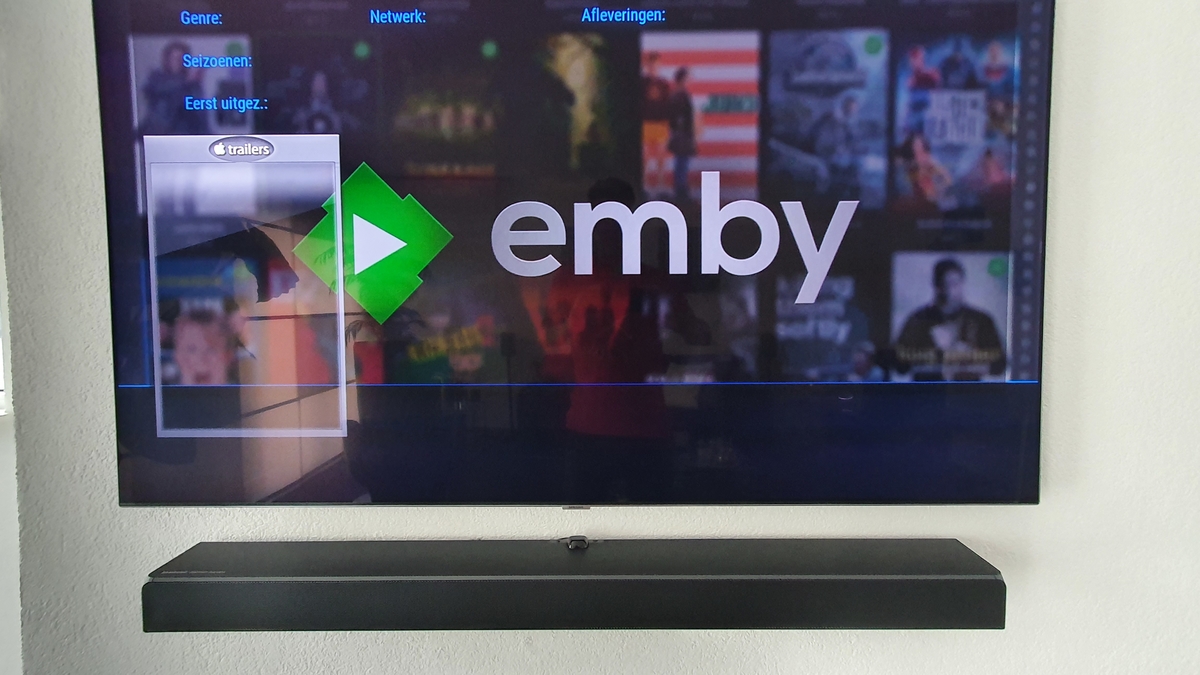
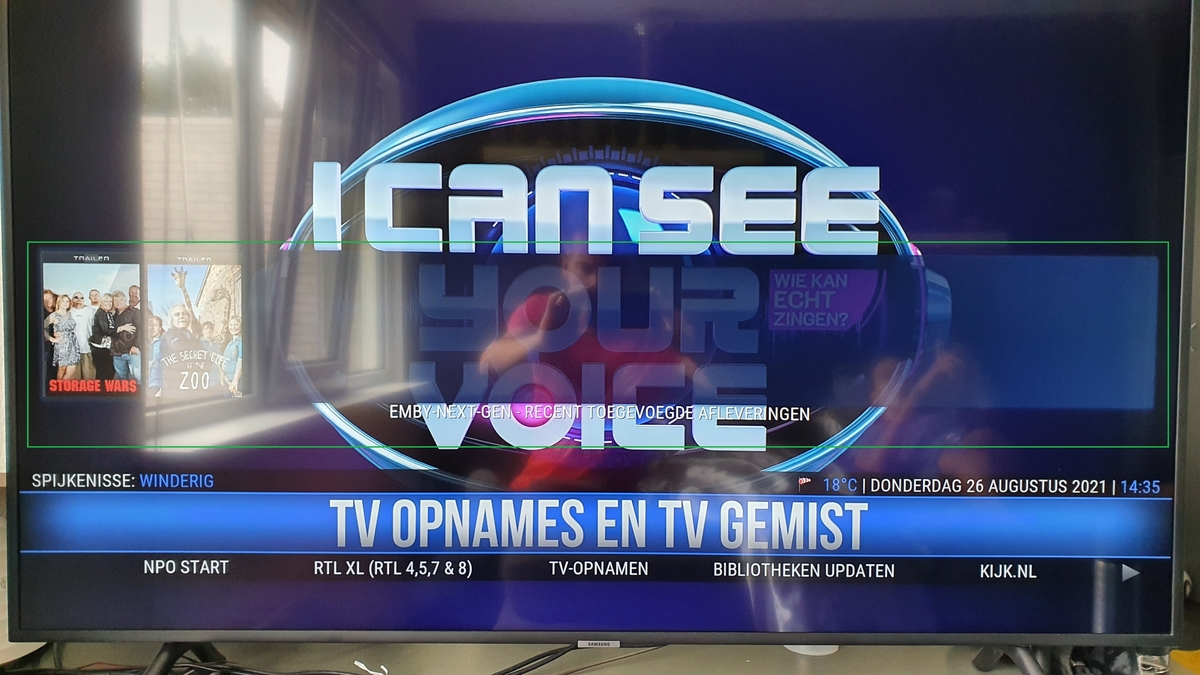
Probably, the currently recorded just appeared in the recently added widget in Kodi. Now they only appear when the recording is finisht. edit: Just checked on another Shield Tv that still runs Next gen 4.3. There I see my active recordings appearing in the widget, With the newer next gen versions (6.04..) this is no longer the case. kodi next gen 4.3...log kodi next gen 6.04...log embyserver.txt
 1 point
 -
Personally I like to do my own cooking so I don't have a chef. I'll go out for dinner on occasion but that's about it. @Luke could you spare a few minutes to take a look at this for pünktchen?1 point
-
New version available: 6.0.4 build 32 (ex7) Delta changelog: Season sync issue fixed1 point
-
Library will have to be removed, library scan, delete all nfo files, re-add library, library scan. This is do to a Refresh does not purge existing metadata only Identify does and I don't believe you want to manually Identify all media.1 point
-
Thanks for the feedback everyone. Setup MCEBuddy today and we'll see how it works. As much as I like Emby over Plex, this is one feature that I will say Plex wins hands down on. Their comskip integration for marking commercials for skipping is pretty sweet. Maybe it's something we see down the road with Emby or not, but I will say that it's a sweet feature regardless.1 point
-
Please be kind, rewind!1 point
-
Thanks It must be an age thing . I remember a little thing called a VCR1 point
-
I had a go.1 point