Leaderboard




Popular Content
Showing content with the highest reputation on 08/20/21 in Posts
-
and... finally... a working editable table.3 points
-
Note you can set the landing tab on settings-home screen for most libraries types.2 points
-
I think it can help you actually, You could have mcebuddy put all your files into a single folder and monitor it with auto organize! The new version will tell you if you already have that episode in your library, it will also tell you if you have a new resolution or not. If the item is not in your library it can move it for you and name the file. Check it out, it might help.2 points
-
This is perfect @chef - As long as we can run a 'report' on the failures/no intro found then that's all we need. If you have hundreds of shows with multiple seasons and thousands of episodes, it's not really feasible to hunt for them manually. Nice progress for the end of the week - Fantastic work as always ! ps - I've been using the Auto Organise plugin this week - it's a vast improvement on the old version - so just thought I'd pass on my thanks for that awesome plugin re-work as well2 points
-
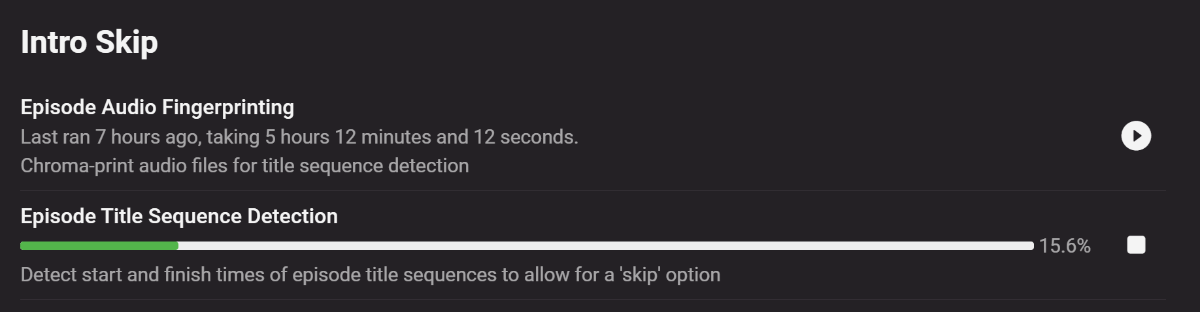
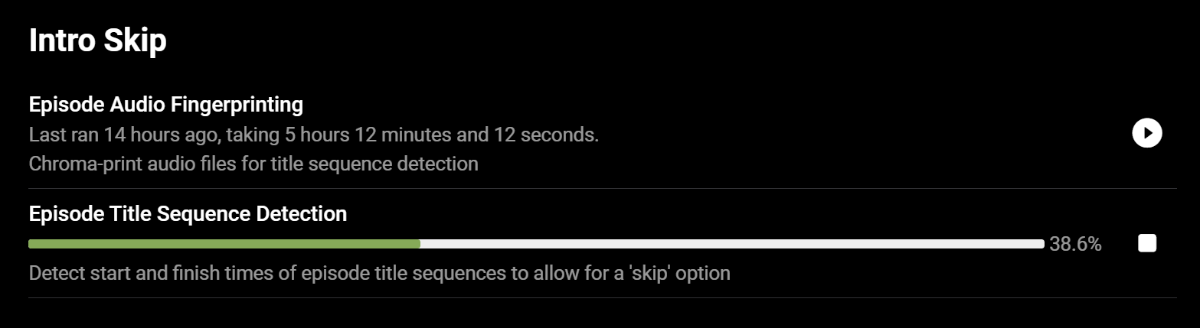
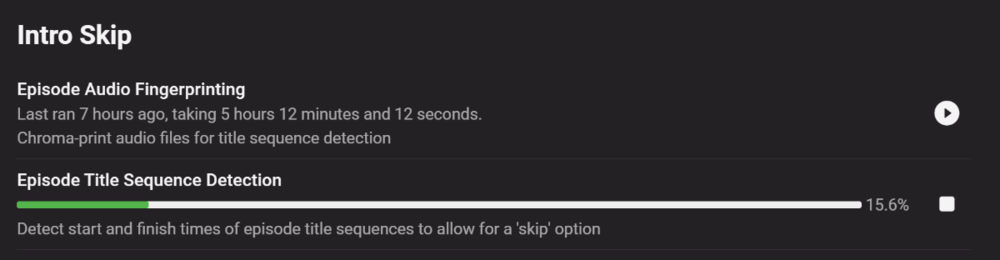
Love you long time.. Fingerprinting kicked off about 12 hours ago. Title Sequence Detection kicked off about 2 hours ago.
 2 points
 -
When I first put The Office (US) into Emby it identified it wrongly too. I manually identified it, picked the right one, and all was well.2 points
-
SOLVED I just received the new replacement disks, and they are ripping fine. So I was right, the original new disks must've had bad burning or something, because they were new/clean no scratches smudges or anything. Yay! I hate sending back stuff, but if it's defective, it's defective... Thanks everyone for your help, I appreciate it2 points
-
DSM7 Upgrade for Emby.mkvEDIT: The instructions assume default Synology install volume of /volume1. If your location is different use that instead! This is based on the release version of Emby which at the time of writing/video creation was 4.6.3. The video will become dated so just use the latest DSM 6 Emby version from the website https://emby.media/synology-server.html. If you happen to be running a beta version update to the latest beta version before the DSM 7 update. The idea is to do any updates on DSM 6 first before installing DSM 7. Since the creation of the video Emby Server is now availing in the Emby Package store (release version) so you can install Emby on DSM 7 now from that. ----------------------------------------------------------------------------------------------------------------------------- Attached is a quick video of upgrading DSM 6 to DSM 7 with Emby Updates. The video will show only browser items and not the PUTTY/SSH commands but everything done in browser is recorded. The SSH commands are included below. I converted this to MKV/H.265 to make it small enough to download and view offline. DMS7 Upgrade for Emby.mkv21.57 MB · 78 downloads Instructions used were: Download and have ready DSM 7 package for update. https://www.synology.com/en-us/DSM70 (I will be downloading both a virtualDSM 7 & for 920+) Download and have ready Emby Server 4.6.3 for both DSM 6 & DSM 7 https://emby.media/download.html - update Emby Server to current release of 4.6.3. - restart Emby Server and verify your on the latest release version. - uninstall Emby - update DSM to v7 - install Emby 4.6.3 (or same version that was running above (dsm7 version) - You can now install the DSM 7 version directly from the Synology Package store! (still on our website too) - stop Emby - remove emby_pkg user and video group - enable admin account if needed - enable ssh in Synology settings (Terminal & SSH menu) Not shown in video: - connect with Putty to Synology, login with admin user and get root rights with: sudo -i - copy files from old Emby share to new data location: cp -rv /volume1/Emby/* /volume1/@appdata/EmbyServer - adjust owner from copied files: chown -R emby:emby /volume1/@appdata/EmbyServer - close putty Shown again in video: - From Control Panel go to Shared Folder and edit each share that is used by Emby Server. Click the share, then EDIT, go to permission tab, select System internal user from drop down, grant emby user read/write access. - start Emby Notes: You can now disable the default admin account as well as SSH. You may also want to rename /volume1/Emby to /volume1/Emby6 as well. This will help make sure you don't have anything referencing the old directory. If you don't notice any issues in a week or two you can delete this old folder/share to free up space. DSM7 Upgrade for Emby.mkvDSM7 Upgrade for Emby.mkv1 point
-
I'd really like to have 2 Factor Authentication added to the login screen. It's just this (optional) extra layer of security to help secure the server (which, especially if people use camera uploads) contains pretty private data. There are for every type of programming language quite a few libraries available, so implementation on a server shouldn't be too hard to realise1 point
-
Bonjour à tous, pour ceux qui ont des TV Samsung, voici le Tuto pour ne pas toujours avoir de remettre la clef USB ... Le seul défaut vous ne pourrez pas avoir les appli Françaises (My TF1 ou autre par exemple ...) Testé sur Samsung Qled 7 (1) et 3TV Samsung version AU Je pense que ce tuto évite aussi le message, mais @Luke confirmera peut être ? 1- Restaurer votre TV Samsung (oui je sais ça peut être galère ...) 2- Paramètre / général / Réinitialiser (Il vous demande votre code PIN en général 0000 ,mas vous avez pu le modifier ...) 3- Votre TV se rallume 4- Choississez France 5- Continuez jusqu'à accepter les conditions générales, mais ne les acceptez pas ! Faîtes Mute, Volume+, Chaîne+, Mute 6- Choisissez le store US, ou Anglais Désormais vous aurez Emby via le store US :)1 point
-
You cannot test it yet because the app is currently not AC4 aware and the server also cannot handle it. So far, I have been unsuccessful getting the Shield to report support for AC4 - even when connected to an Atmos receiver. That may be just be a deficiency in the reporting mechanism (which may not be aware that the Atmos receiver can handle it) so I'm going to have to test it out by forcing the app to pass it through and see what happens.1 point
-
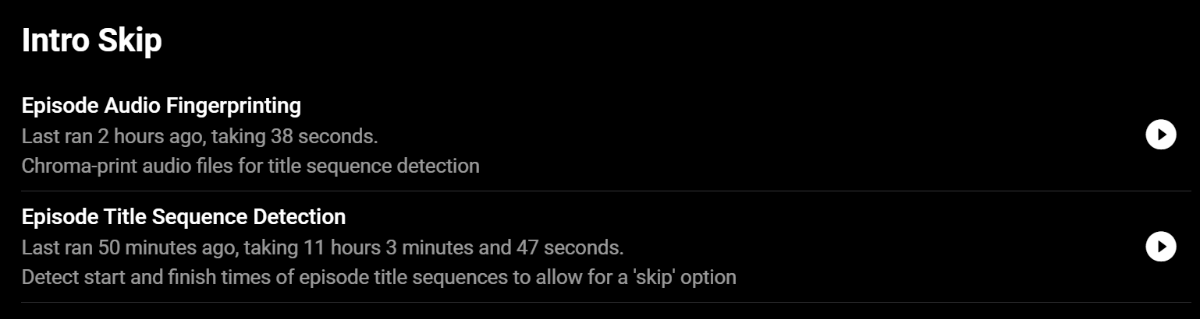
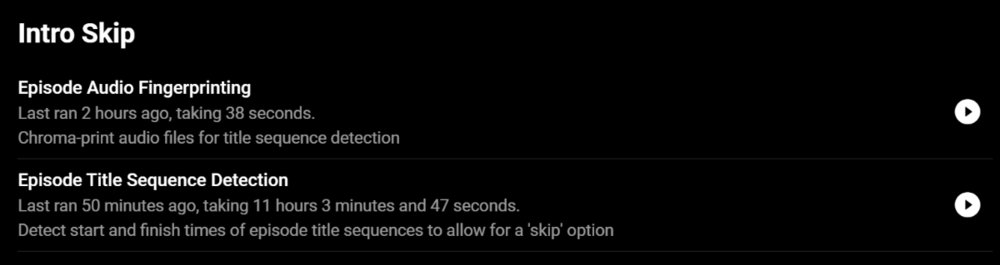
Finally finished! I wonder if the scheduled run of Fingerprinting disrupted the creation of the Title Sequence Detection? Should there be a check to prevent this since it takes half a day to run the Episode Title Sequence Detection?
 1 point
 -
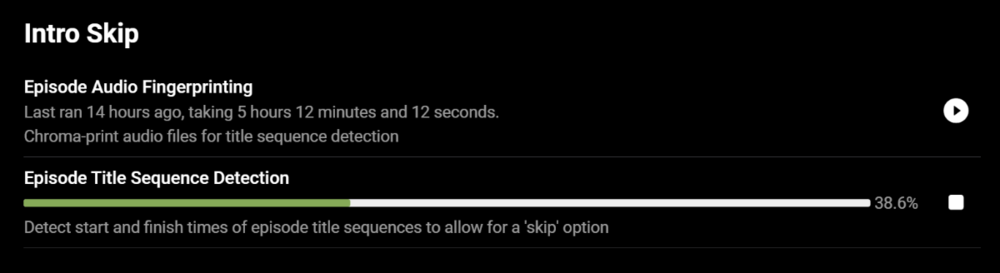
It is taking for-eh-ver..
 1 point
 -
Yes hosted image works. I personally just replace the "logowhite.png" as that is what is shown for logo and splash screen, but has to be done with every update.1 point
-
Artwork issues are reported by several people, so far I cannot reproduce any of them I've to design a proper test case, I'm working on that...1 point
-
The Onn device would be a good test if you have a local Walmart. They would make a return quite easy if the device isn't for you.1 point
-
I don't have one. I figured you'd get one and report back how it works! I have more MiBox s' than I care to count. There's two channels on them where LiveTV playback is glitchy. Fortunately I don't watch them much.1 point
-
Yup. Currently subscribed to Premier and liking it. Will get Perpetual license once current subscription ends. Thank you for the clarification.1 point
-
Might want to check this out. https://www.walmart.com/ip/onn-Android-TV-UHD-Streaming-Device/636597403 Or a MiBox s if they're still available.1 point
-
But the stick is wireless, correct? And it seems to work fine? You might try setting up the TV with a wireless connection as well - just as a test. Most of the built in ethernet adapters on TVs are, shall I say, less than optimal.1 point
-
@Micael456 check it out 'contenteditable'. Just have to wire up the backend, and make sure it's not super buggy. I'm not exactly sure what a button looks like for saving en entire season, I'll have think about that...1 point
-
Easiest way to do this is with custom CSS: .pageTitleWithDefaultLogo{background-image:url(https://myserver/customlogo.svg)!important}1 point
-
It's actually somewhat common. I'm not sure if it's still a thing but aired vs. DvD order for Metadata in emby and thetvdb was an option.1 point
-
@kaj Right, I didn't view that. Thank you. Regards,1 point
-
1 point
-
You are downloading the wrong package, for DSM 6. Make sure the file you download has Synology7 in the name1 point
-
That's exactly it, I switched out some m3u servers for some dreambox and openwebif pretty much the same and it records nicely. Just wanted someone to confirm my suspicion, you been in the game for quite some time thanks for confirming brother.1 point
-
Before going through this setup and possibly being disappointed would you like to try logging into my test server on gigabyte fiber (no ISP throttling on my side) with your phone and testing against my server which does use https/SSL encryption to see if this helps or not? Send me a PM and I'll give you an account to use for testing. Let me know what kind of media you mostly have so I can point you to proper files to use for testing.1 point
-
I would guess the music has a providerid like MusicBrainz, where Photos have no providerid so they rely on a database id that changes when moved,.1 point
-
What provider id shows for the Series? Best guess is Emby pulled the wrong version and you would need to select Identify on the Series and search series or provide a correct provider id for that Series.1 point
-
Hi, Usually it's a glitch in the stream and Emby thinks the stream ended early or there is garbage in the stream that it can't easily recover from. When you are only displaying the info vs trying to save the stream to a proper recording format this becomes much more critical and tricky to handle.1 point
-
Hi. The app doesn't currently support intros for TV. Question - should all the intros play in front of each episode?1 point
-
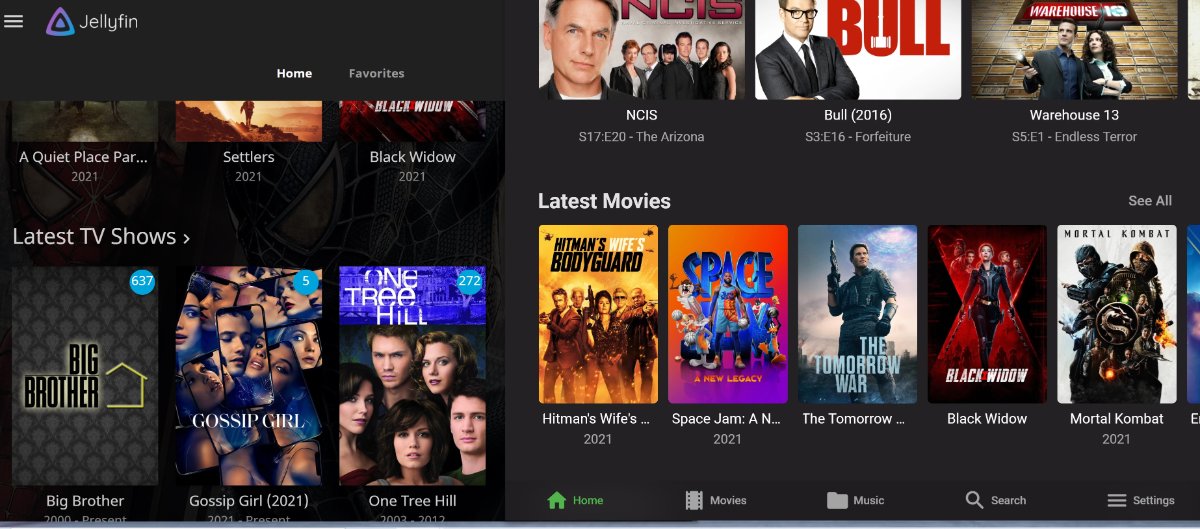
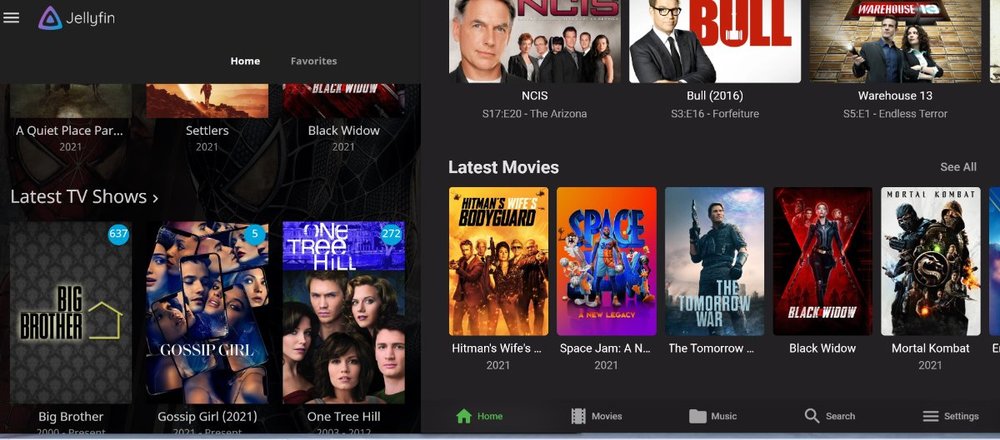
I like big movie covers, don't care about browser but I like being able to have big covers. Bigger the better imo would be great, jelly has big covers but I would like even being able to have bigger on emby for fire tv please thnx.
 1 point
 -
Hi there, yes we plan to add sizing options in future updates. Thanks for the feedback.1 point
-
hello, it would be really cool to integrate the function picture in picture into emby on ios.1 point