Leaderboard




Popular Content
Showing content with the highest reputation on 07/31/21 in Posts
-
Hi. We have that kind of thing planned for the future at a system-wide level.2 points
-
The latest beta apk can always be found in this link It does not matter what server is running on, this is for your Shield client2 points
-
This should be corrected in the beta of the app that is going up now (2.0.33). We will get a release out as soon as we can confirm no major issues. Thanks.2 points
-
Pretty simple suggestion. I have multiple users for my Emby server. If I want to do continuous maintenance on the media, I have to tell everyone. some of them are harder to reach than others ( i.e. no Facebook or Skype chat etc. ) It would be great if say... on the admin panel, I could hit a check box that enables 'maintenance mode', where the server still runs does everything as normal, but instead of the login screen it displays a maintenance page saying the server is unavailable. Even better if I were able to directly put a reason in a text box that would then display on the login screen as well. Not really sure what others would think of this, but for me it would be quite helpful. mostly if I want to make sure no one is trying to access content I know won't work until I've done a full library scan again. Thanks for reading. -Kyle1 point
-
Feature request for Auto Box Sets & the Emby server to show missing collection items / placeholder images for what we don't have that is part of a collection. http://emby.media/community/index.php?/topic/22732-auto-box-sets-show-missing-collection-items/ Thanks, hoping to see it worked out.1 point
-
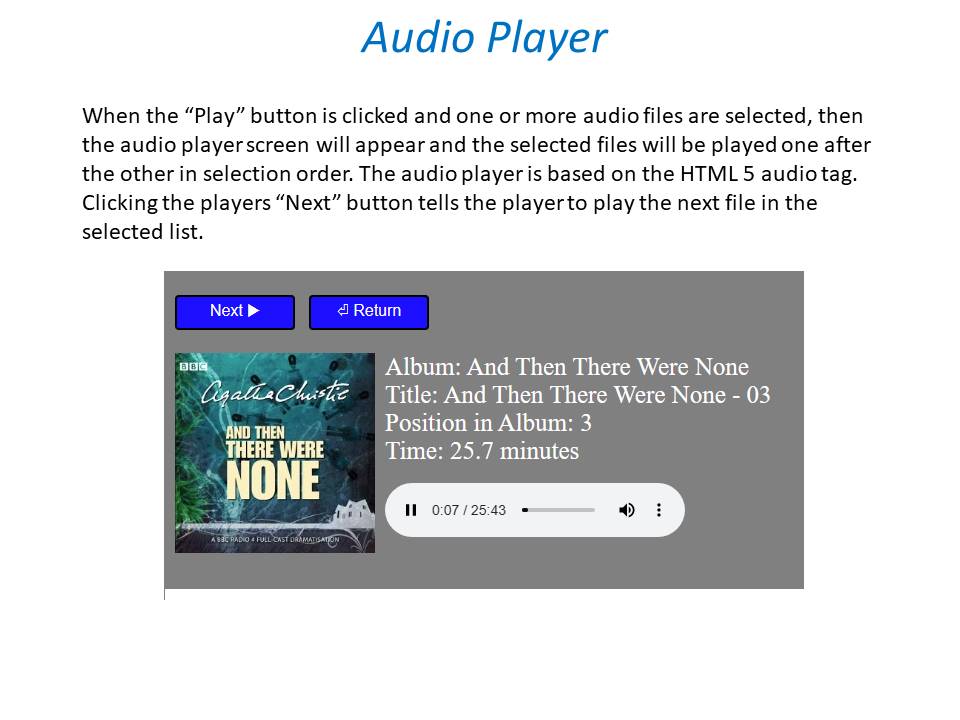
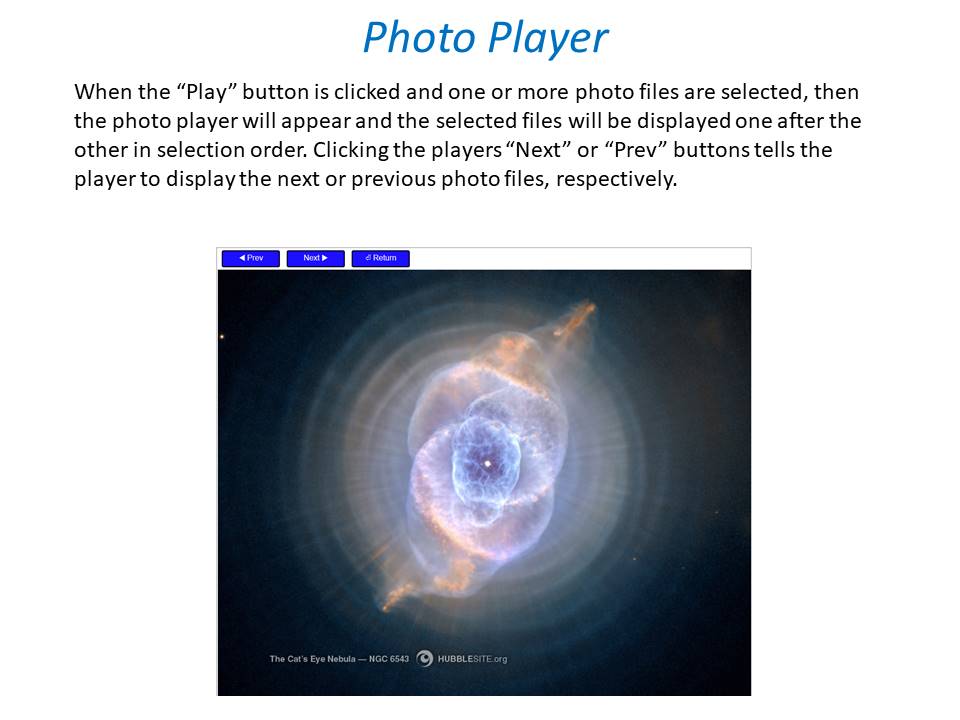
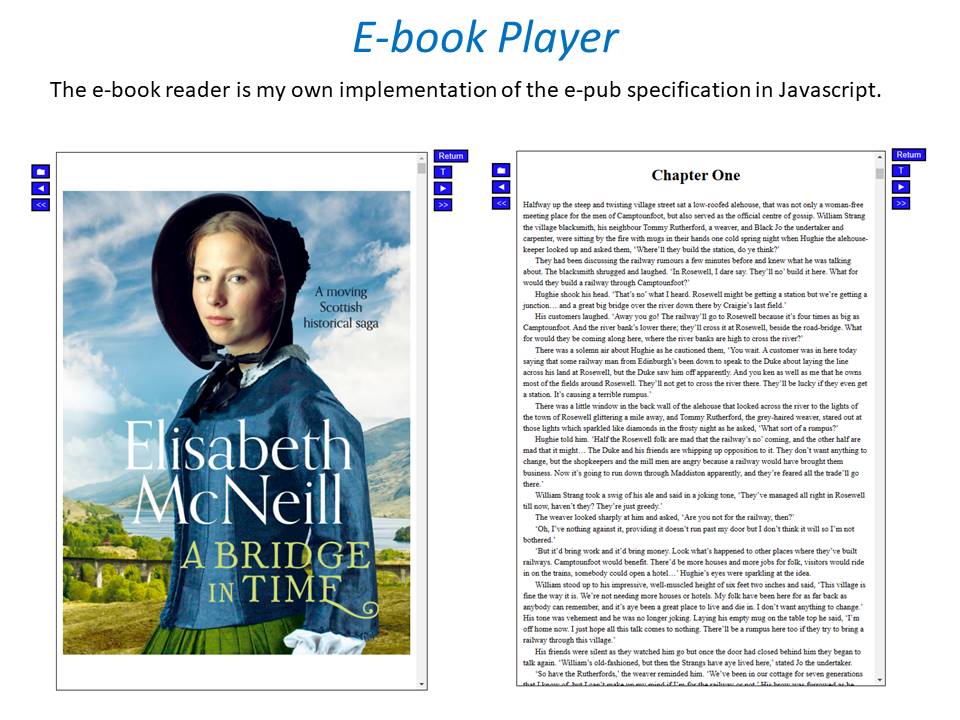
We developing a dashboard (web) to watch movies or series together. Our proof of concept was successful and works as we wanted. Proof of concept: We have tested the proof of concept and are now continuing to expand the platform, which is of course linked to Emby. Tested functionality and implemented; Connect users with external dashboard (connect uid's) Link devices to user Make groups / invite other users Sync video with each other or group Resync in group Groupchat Possible ideas Discord connection (chat, sync, profile pictures) Discord auto voicechannel (only users who are in the group) Share this dashboard with the community Dashboard: Join room (select device): Active group session with chat: Will be updated!1 point
-
New_GUI_2.zip
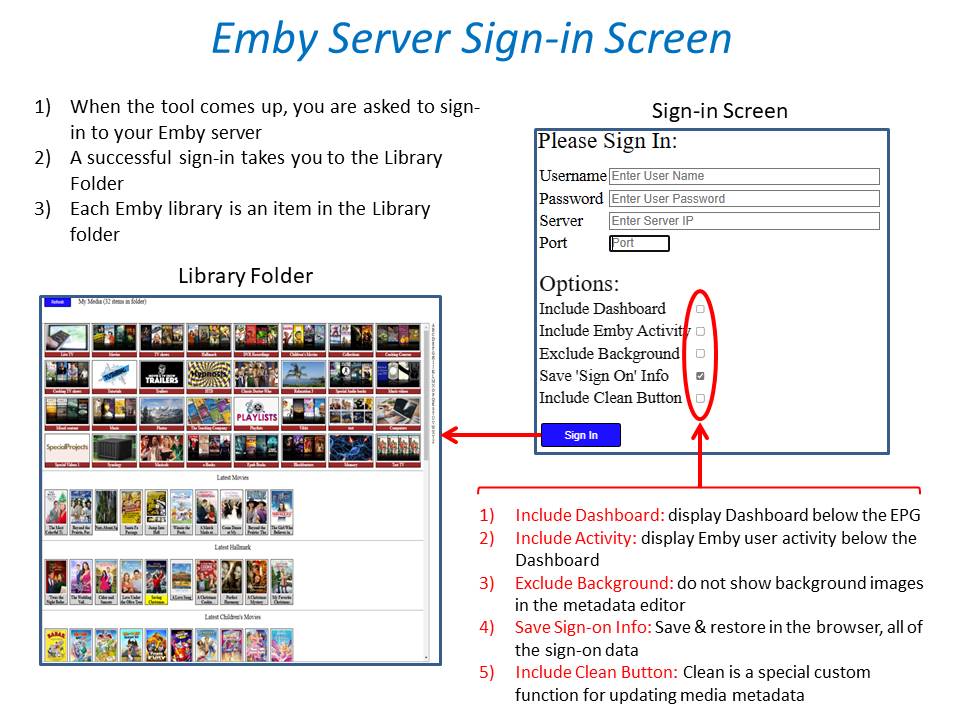
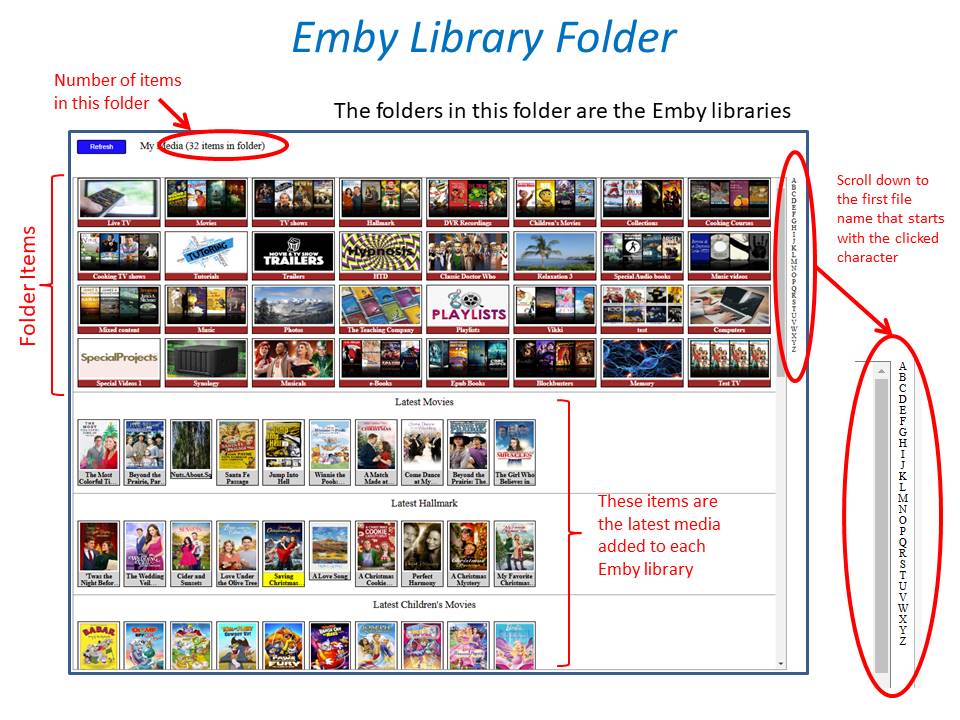
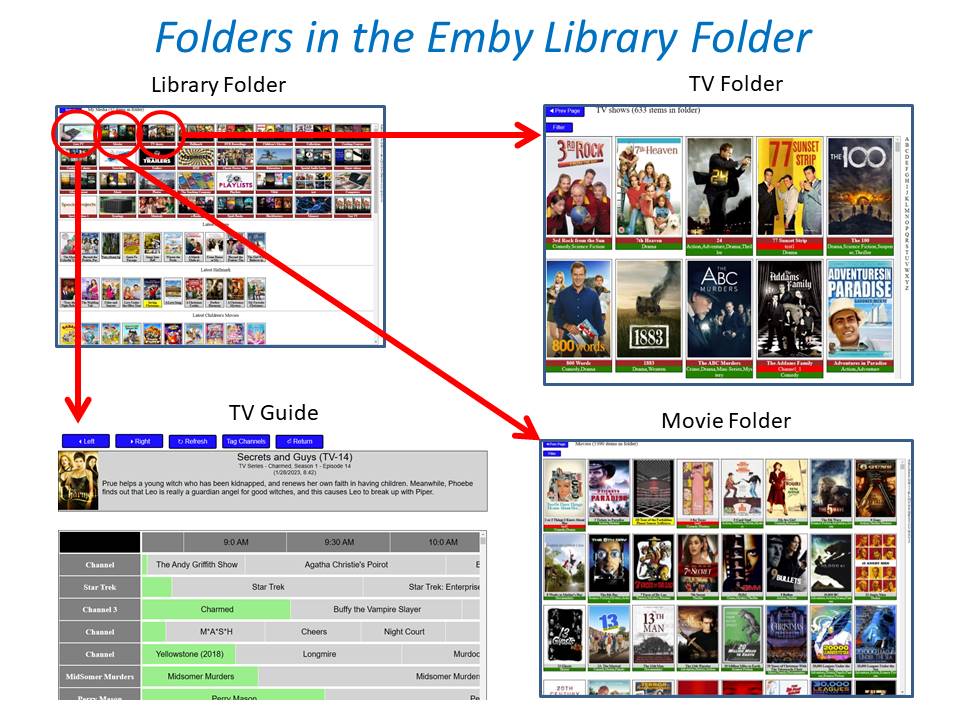
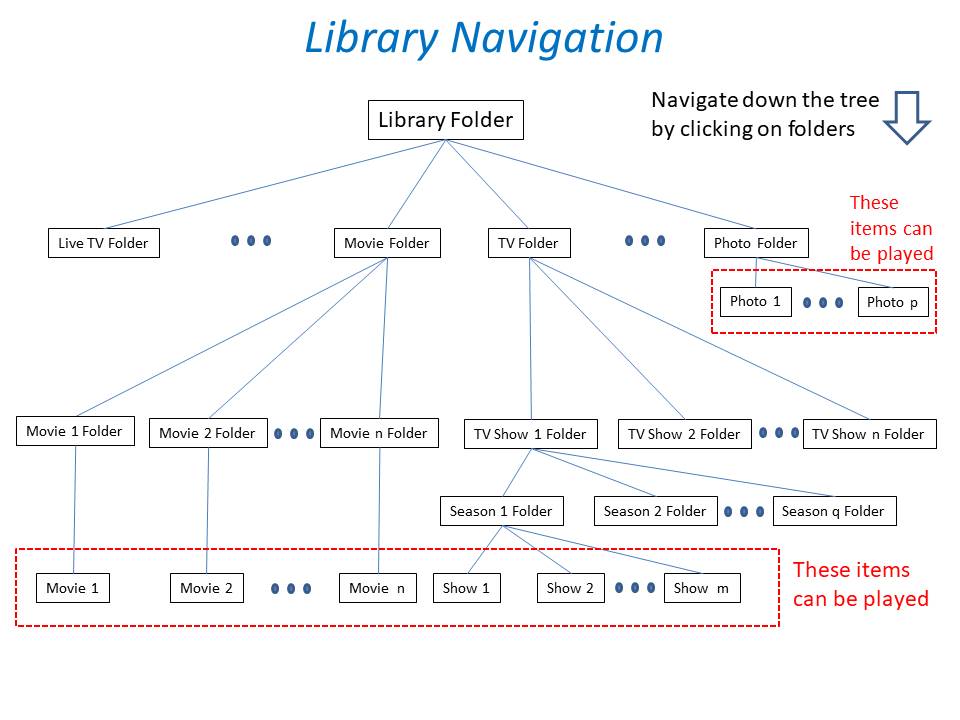
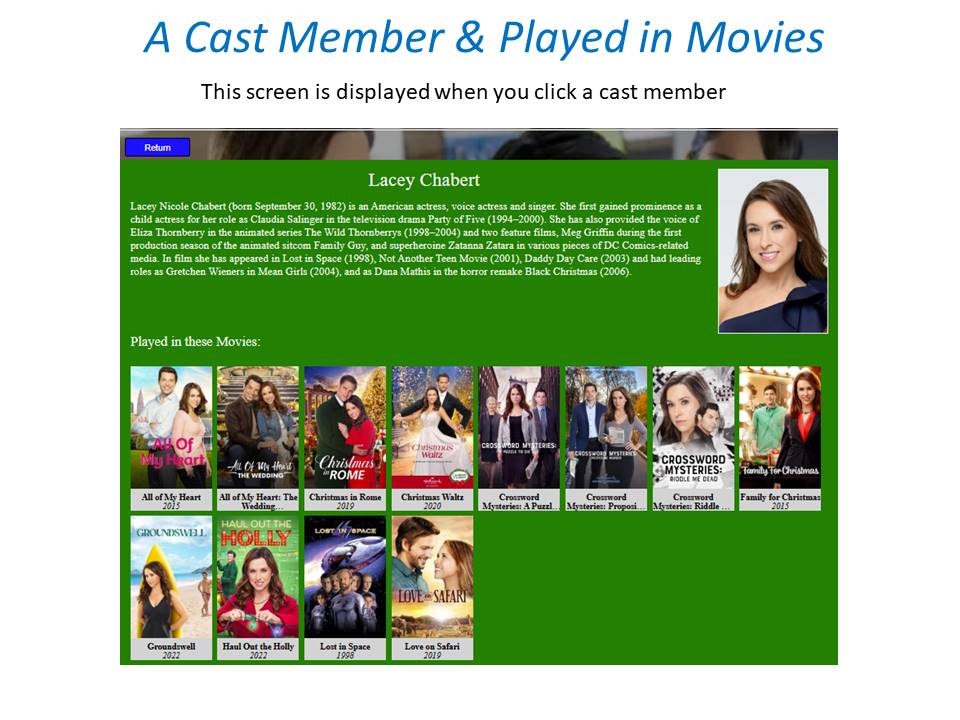
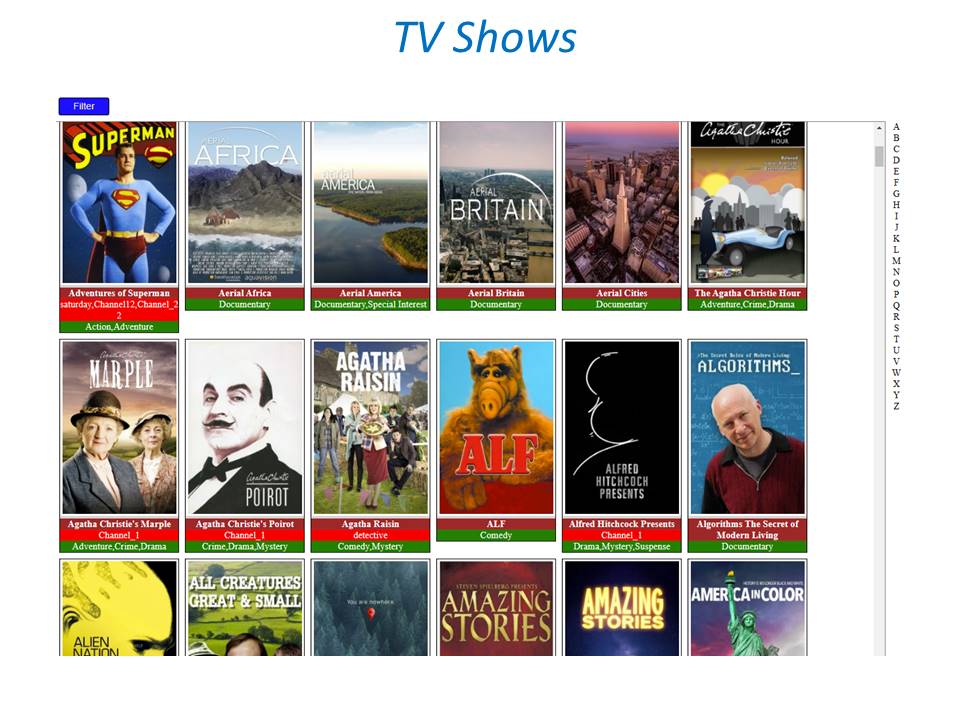
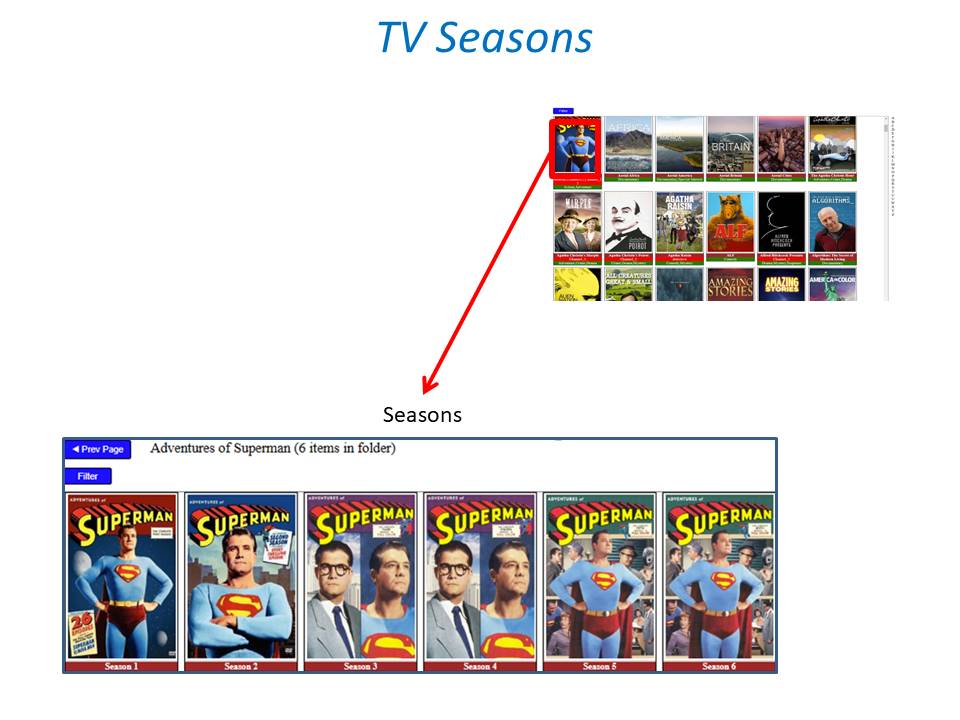
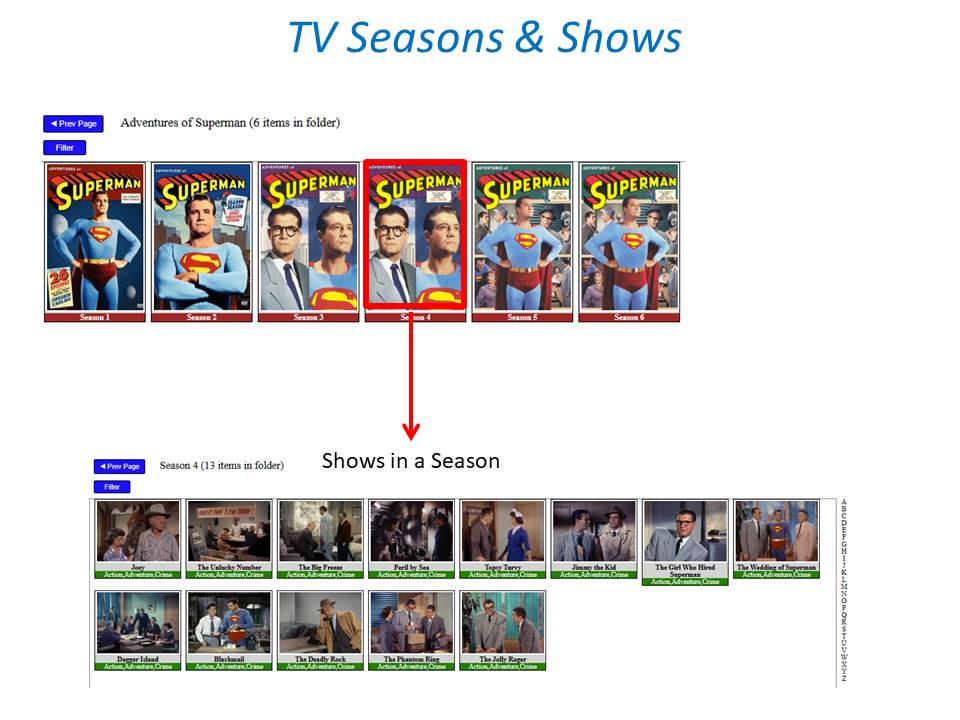
 1 point
 -
I suggested in a totally different thread a bit ago about possibly adding Discogs as a meta fetcher... https://emby.media/community/index.php?/topic/79280-duplicate-music-artists-entries-how-to-get-rid-of-them/ That thread has had a few +1 reply posts. As such i figured adding it to the feature requests was the proper way to gauge interest. If you have used MP3tag you should be familiar with Discogs. Its a GREAT alternative to Musicbrainz.1 point
-
I know it is being developed but like 2022 or 2023 ?1 point
-
Agree. The pandemic is going to be with us for awhile still so it would be nice if this could be added sooner rather than later.1 point
-
Yes GrinReaper76 you are responsible for that addition and many more. You have helped to improve this tool greatly. Vic1 point
-
I am just passing it on. Those files were done by one of the Kodi Moderators who had a similar problem. I am not aware of files being available routinely. There are a few shows like that which have different editions for disc or streaming. The person who does it first sometimes post them in the forum. The links expire after a while. Glad I could help. Cheers, LongMan1 point
-
Well technically the "Episode x" naming scheme is not supported. And my guess would be all episodes are being grouped into a single multi-versioned episode. Do you see a version drop down list when you enter the episode as you can see the "1988" is being used for Season/Episode? Is there a reason to have year in episode naming as it is not used in folder title? But overall the naming scheme needs to be adjusted and possible season folders depending on selected naming schemes.1 point
-
will be added in next experimental version1 point
-
Try these Money Heist (2017).zip1 point
-
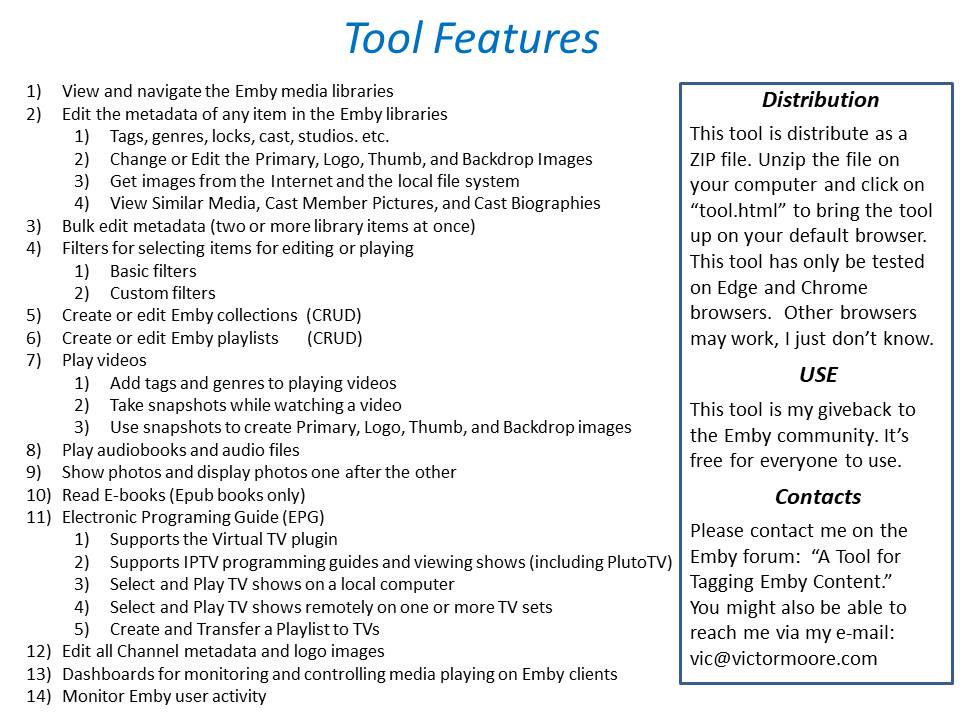
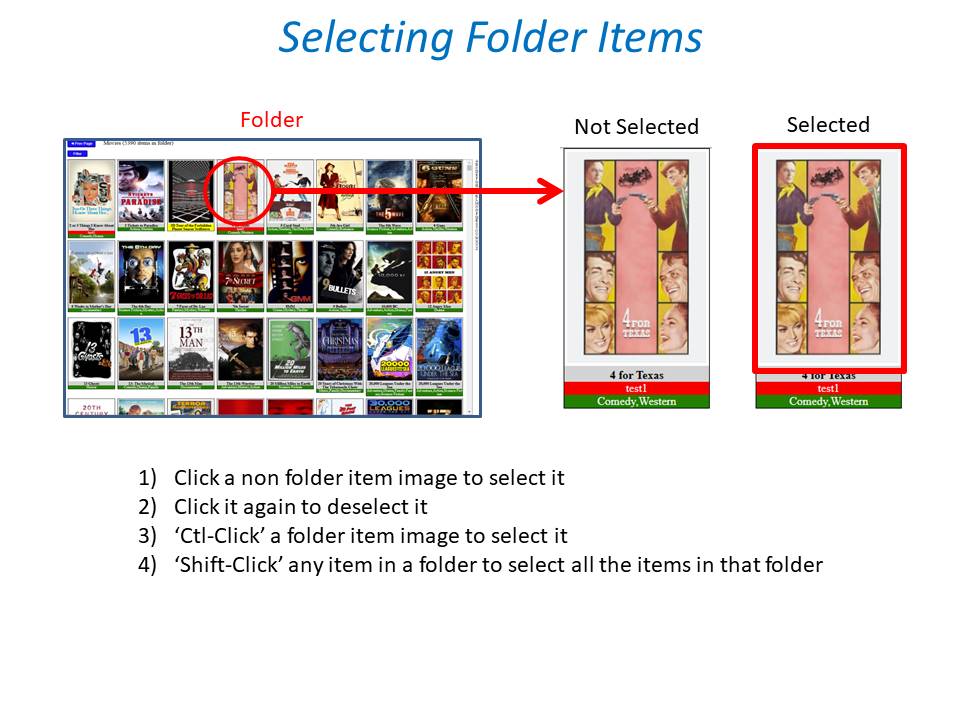
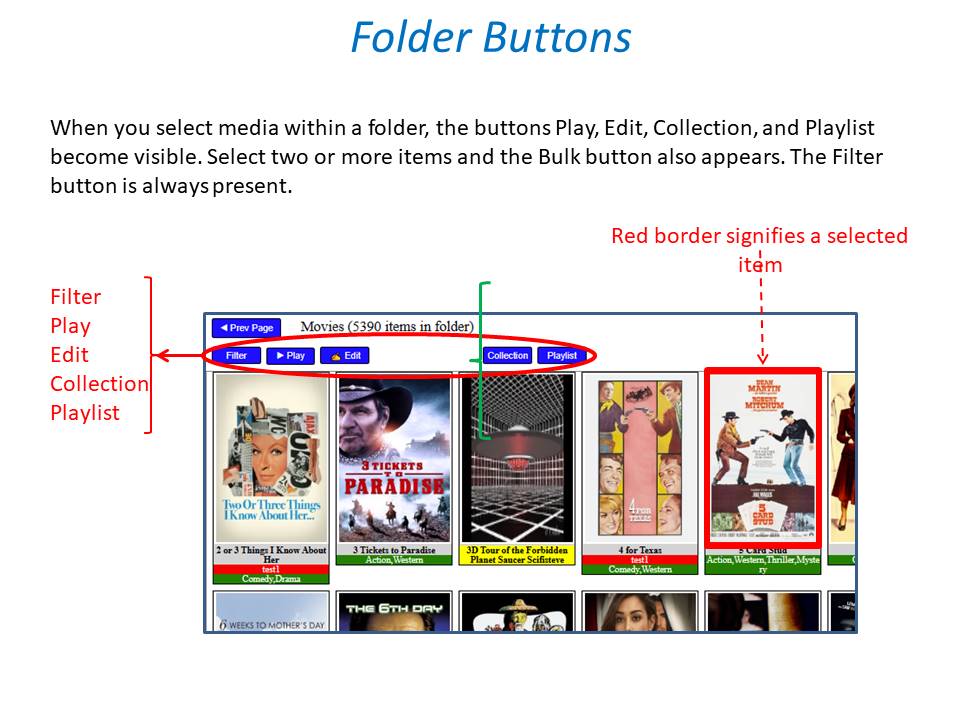
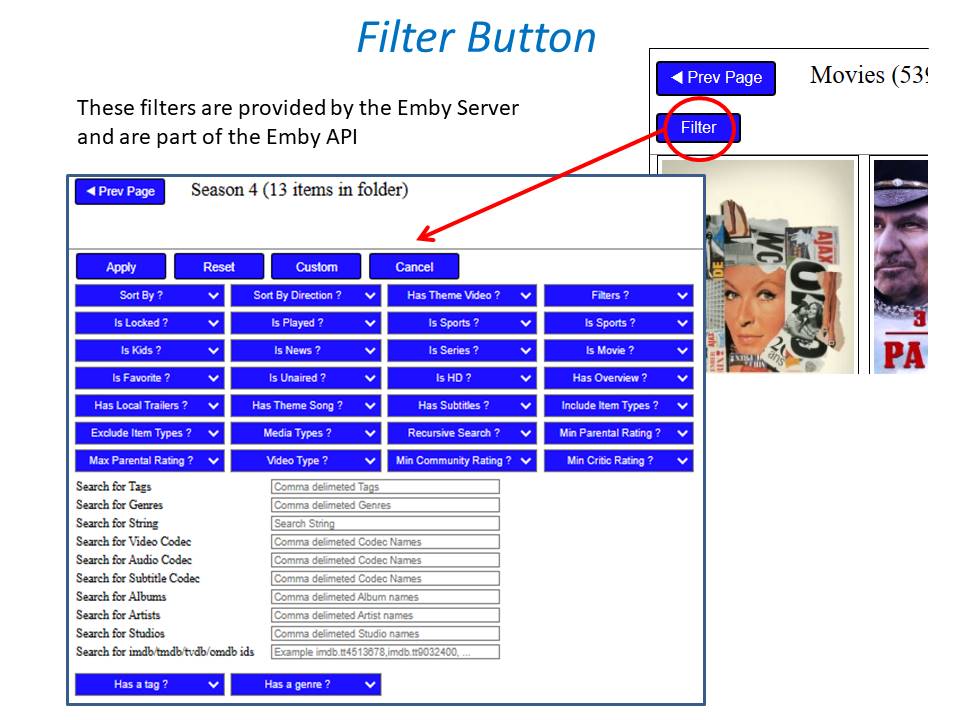
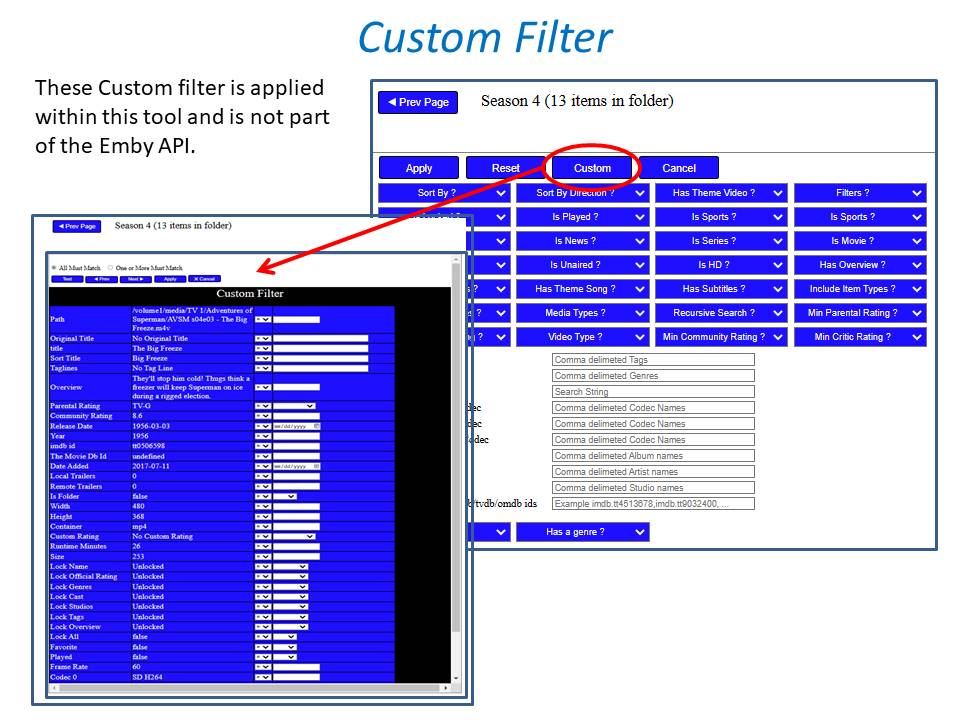
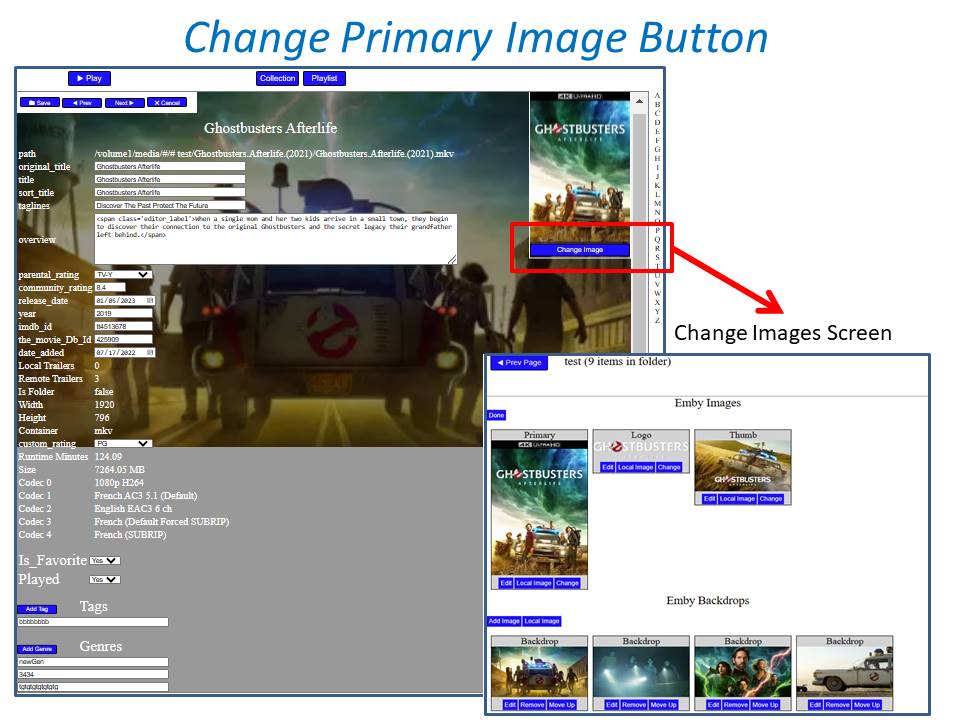
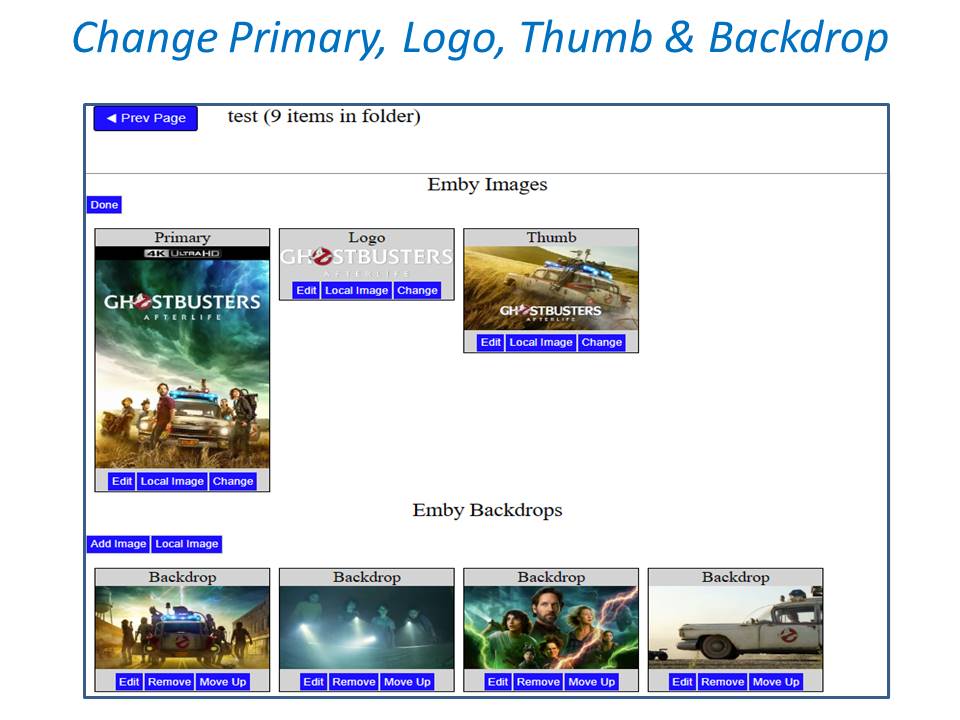
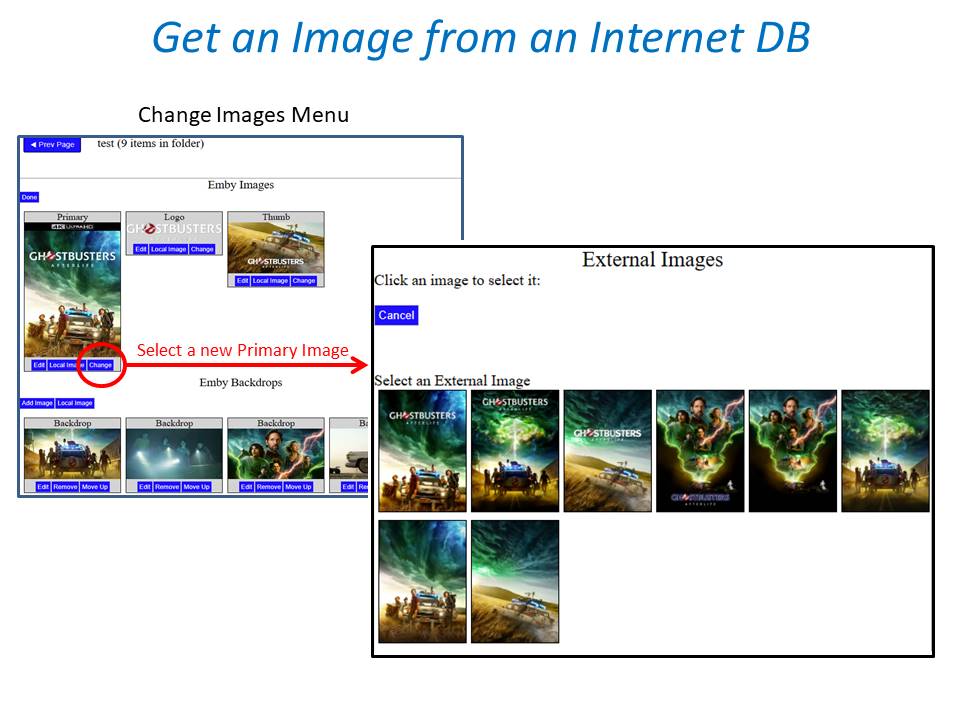
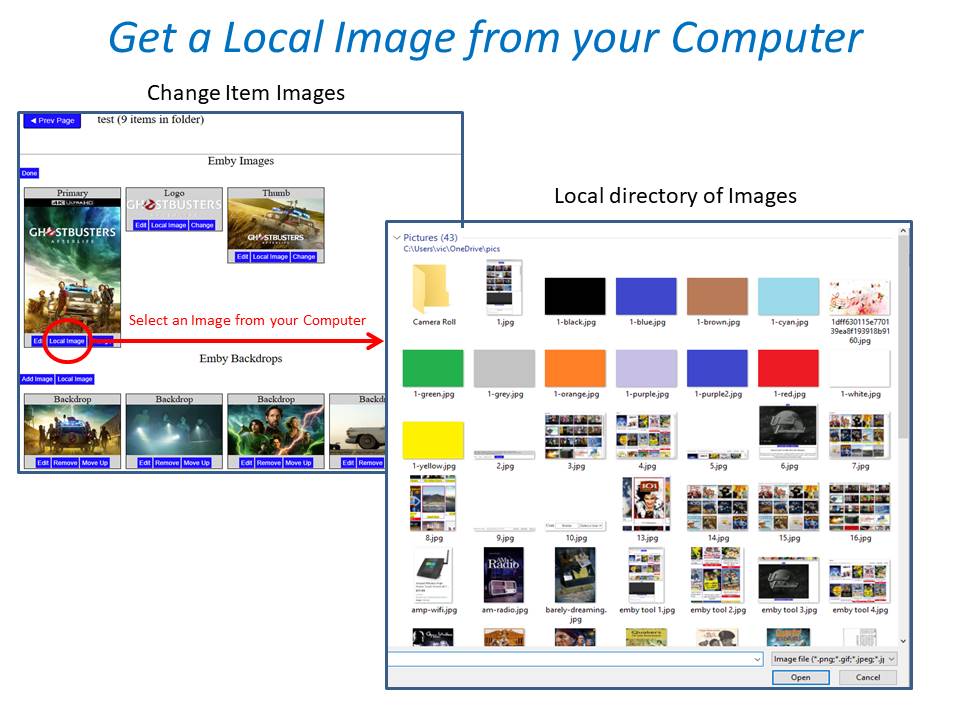
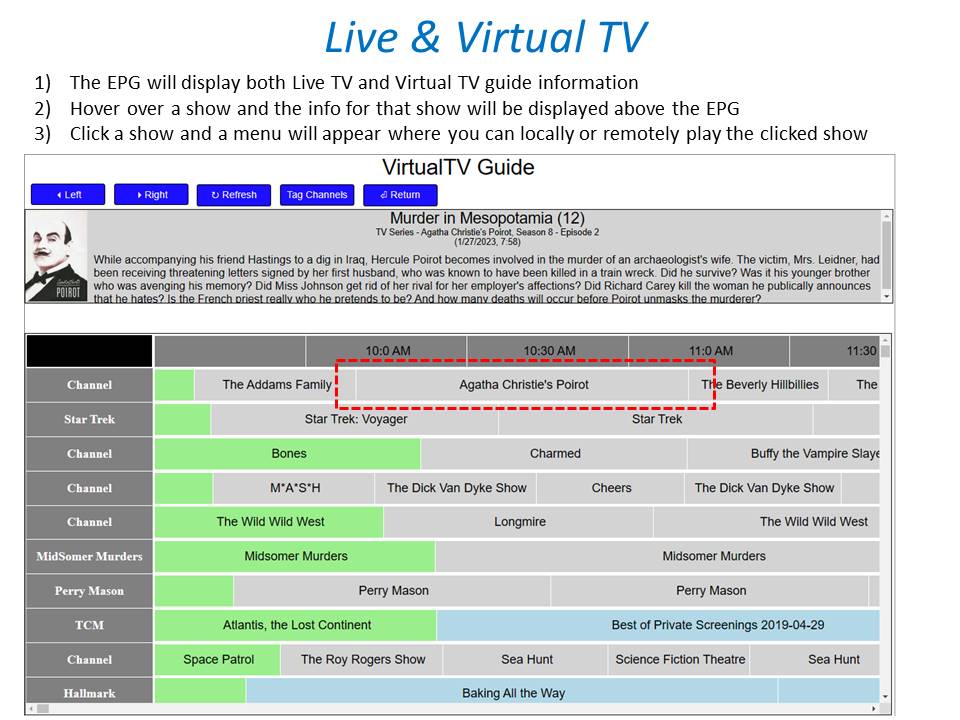
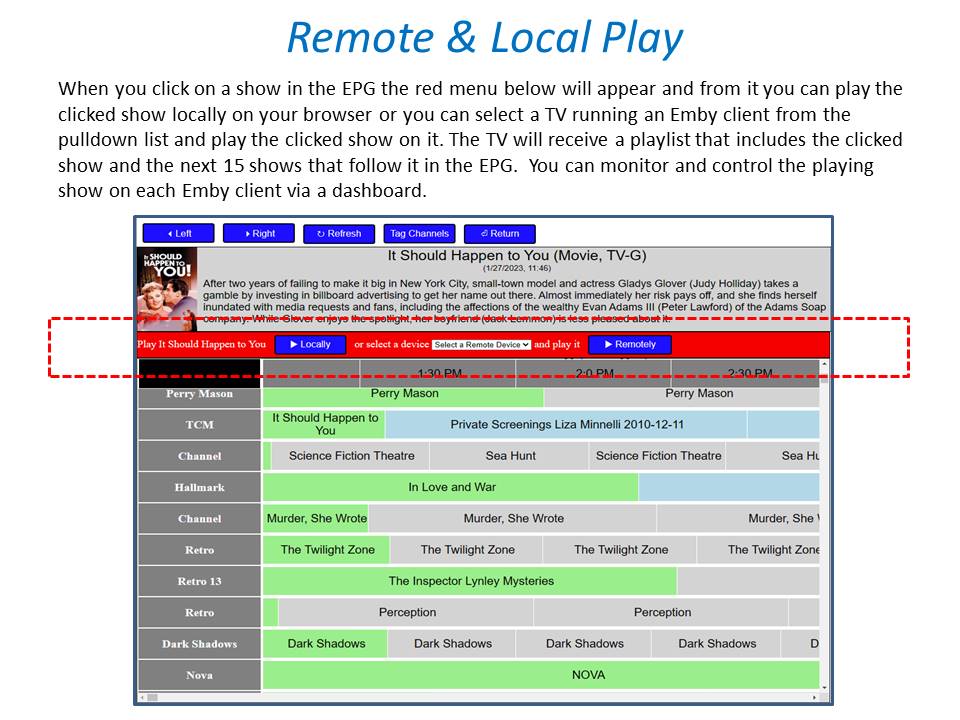
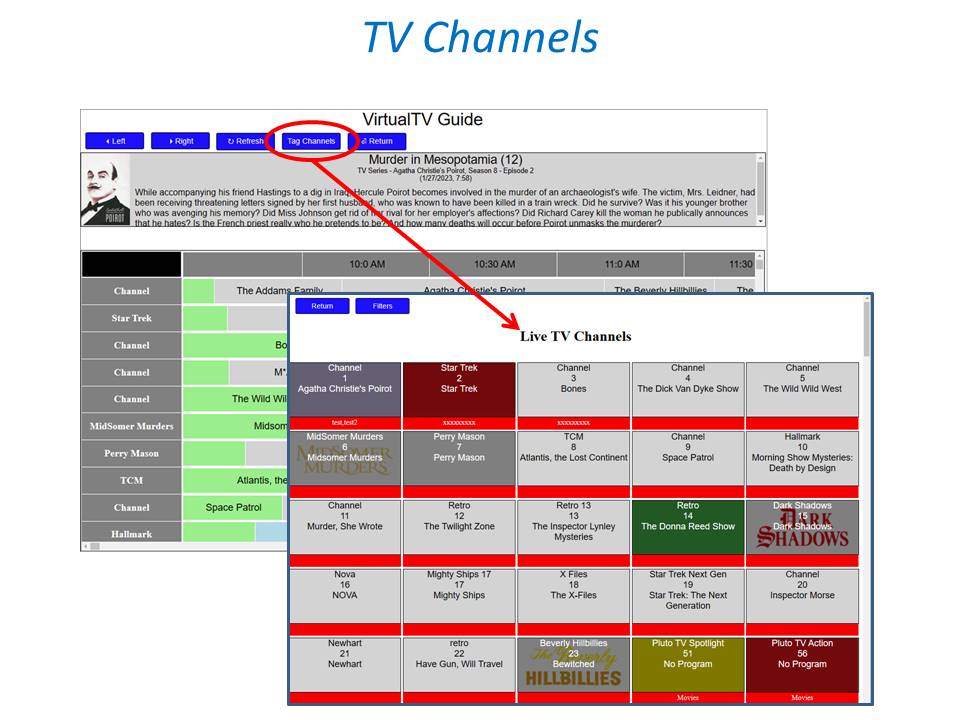
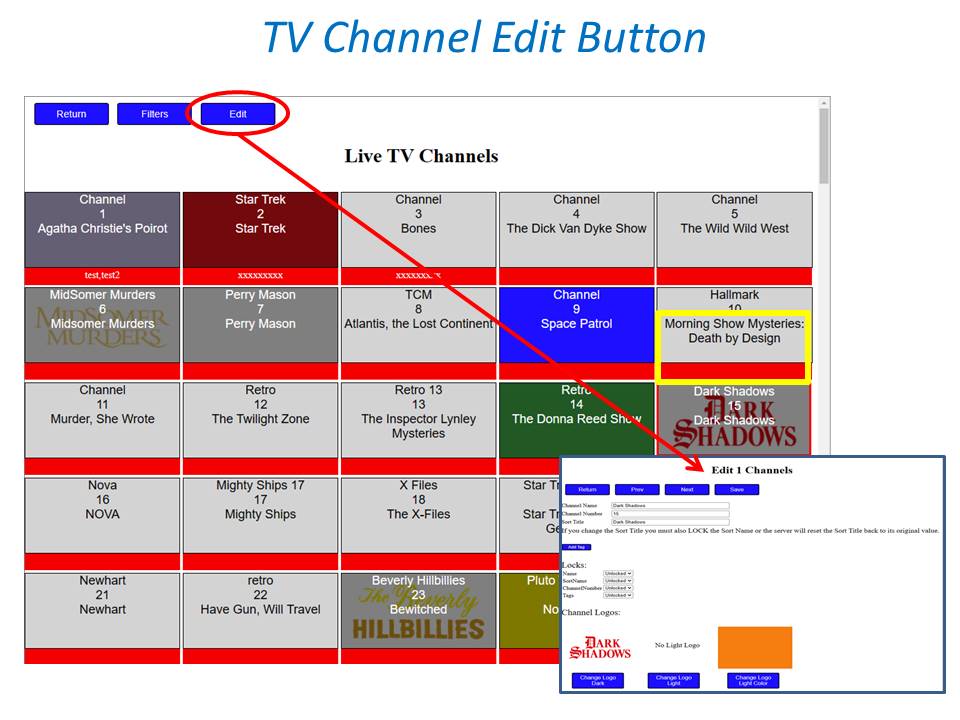
The changed code is attached. Now you can tag one or more photos. Test it out and let me know if you have any problems. I hope that you also noticed a new checkbox that allows you to change how the ctl key works for tagging. If you check the box then just clicking on an item will select it unless the item is a folder or season. Vic emby-tag-tool-23.html1 point
-
Yup, I'm quite positive @mbarylski won't be the only one to appreciate it. Keep the good stuff rollin'.1 point
-
good morning GrimReaper76 It should work for photos just fine. On my server it works. I don't have it set up to tag photos, but I will add that if you need it. It would only take a few minutes. Vic1 point
-
Related to a post in another thread: could you add support for Photos as well (if not already)? Don't use it myself, but I would assume that is "Home videos & photos" type library?1 point
-
Gave it a go update seems to gone ok1 point
-
Just for fun, I enabled External Video Players, then chose VLC as the player in Emby and the files play back perfectly. Not sure what says if anything.1 point
-
Thanks for your help punktchen. This was bugging me since it made no sense whatsoever, so I spent some time debugging. Turns out when I copied my API key there was a space at the end (when I bleeped out my API key I also deleted the space by accident). Anyway that space at the end was breaking the whole request and causing the 500 error. One of the last things I would have guessed1 point
-
The 'published requirements' don't guarantee Emby will use a database at all, much less one you can operate independently of the app itself.1 point
-
@anv No, Emby doesn't care about the IDs, you just need to make sure that these are unique. My suggestion for the ids was rather for making it easier for you to handle it inside your plugin. The hierarchy is only determined by the way how Emby queries your plugin for channel items: At the top level, Emby queries your plugin for a number of items Next, it queries for the children of each those items which are of type folder And so on, down to a maximum hierarchy depth of 6 The index number determines the order of items inside the parent folder and it is also used by the metadata providers as season number (for season items) and episode number (for episode items).1 point
-
Hey, that was so easy, now I feel stupid, I was trying to figure it out for hours, then decide to ask how to do it you told me about the Notepad edit and now I am a "pro" ... LOL. This is exactly what I wanted I am tagging the movies in the Kids folder Kids so my grandson and my daughter can view those movies and tagging some of the movies in the Movies folder "Teen" so my daughter can view those and as she get older I will tag other ones that become age appropriate "Teen" wish I had asked earlier would have saved me a lot of time.1 point
-
This problem persists. x265 HEVC files @ 23.976215 FPS are choppy and do not play back smoothly. It's super annoying and has been a problem for a long time now!1 point
-
Upon rereading your posts, I'm a bit confused - what are you referring to as Chromium? One of the Chromium test builds or Chrome? Are you using a modified version of Chromium, like https://www.programmersought.com/article/99133664178/? And if Chrome - which doesn't natively support HEVC playback AFAIK, some read here: https://streaminglearningcenter.com/codecs/google-adding-hevc-playback-to-chrome-seems-like-a-longshot.html - are you using some Add-on based on libde265, like https://chrome.google.com/webstore/detail/h265-hevc-player/dambgipgbnhmnkdolkljibpcbocimnpd? Else I don't get how do you have HA option in either case.1 point
-
Hi there, let's look at an example: Thanks.1 point
-
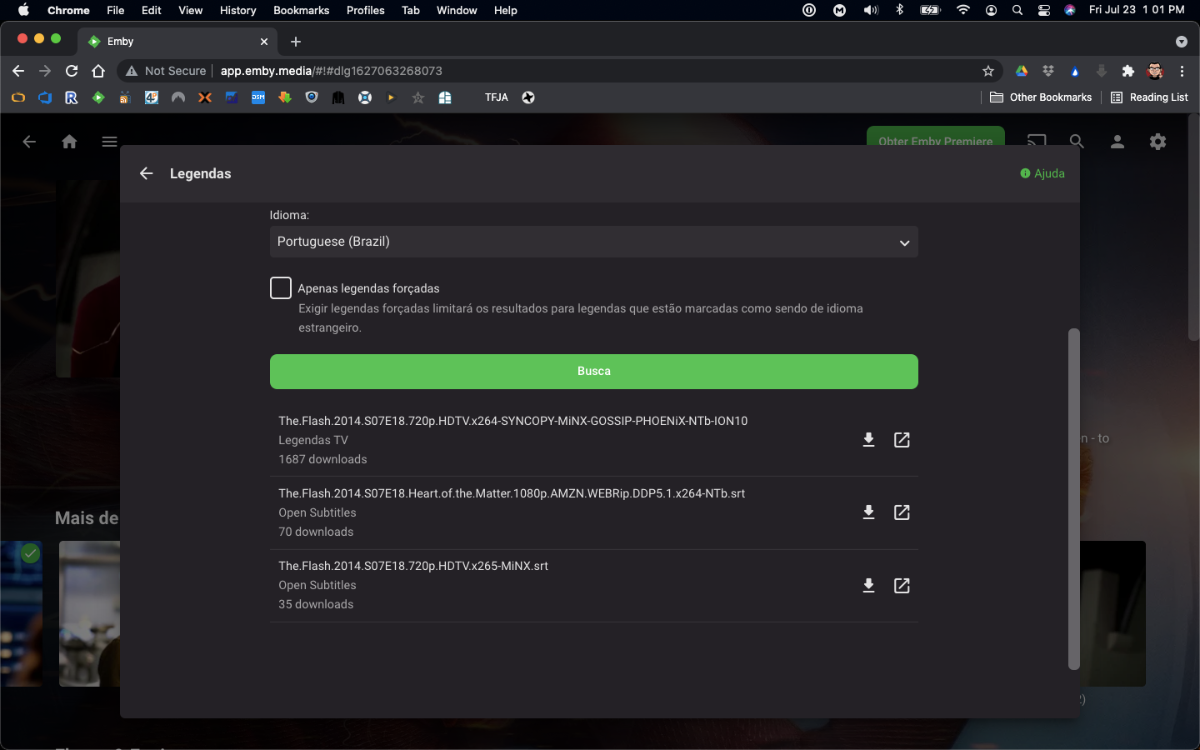
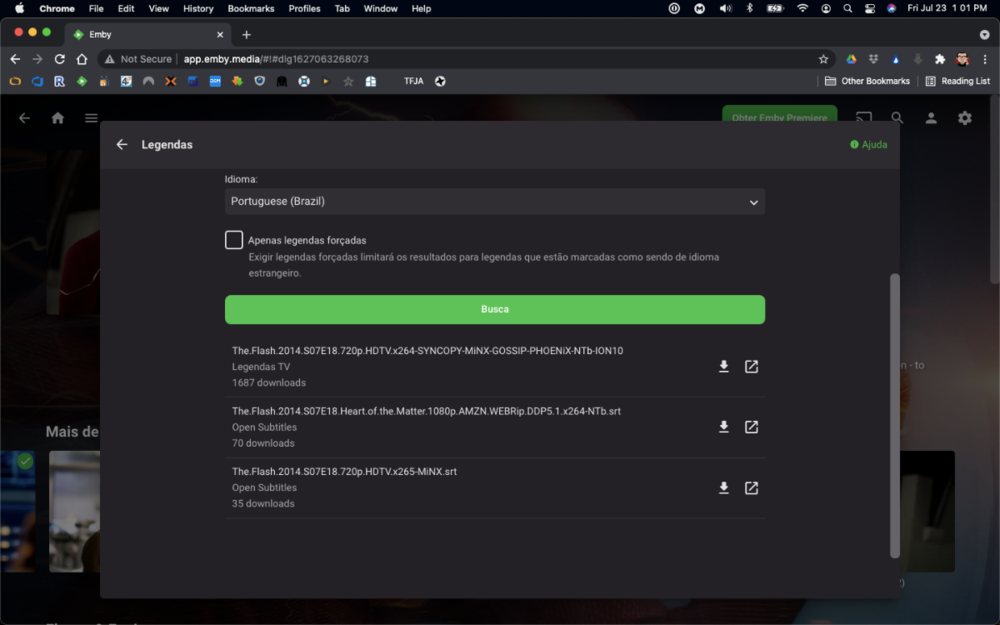
I took the liberty to update the plugin to latest MediaBrowser.Server.Core version, which was the one causing the issue. As it seems the original author is not maintaining the plugin anymore, I've forked the solution and made available for download @ https://github.com/denis-ali/LegendasTV-Emby. Attached a screenshot of v0.2.0-beta working, although (as the previous version) for me it does not bring results from Legendas.TV on first try (but no errors on log either). No promises from my part to fix it or keep it updated, but I'll try if life allows it
 1 point
 -
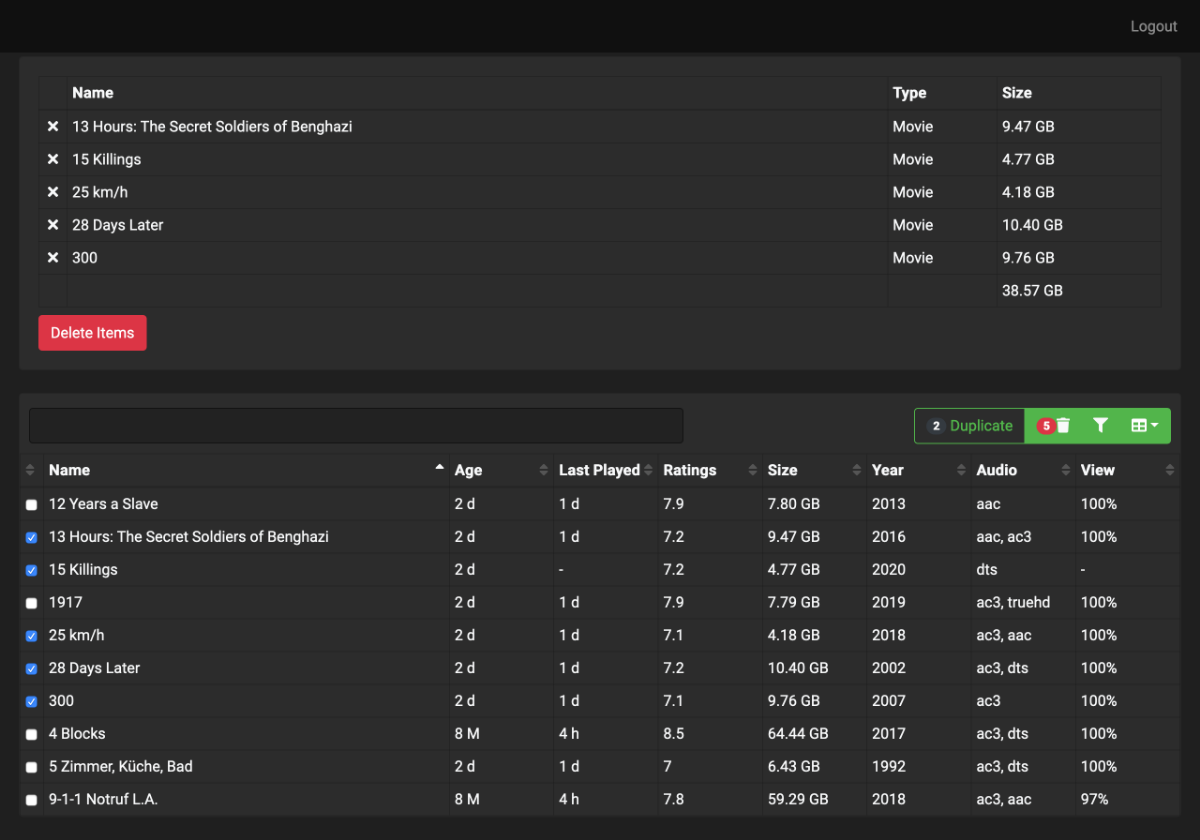
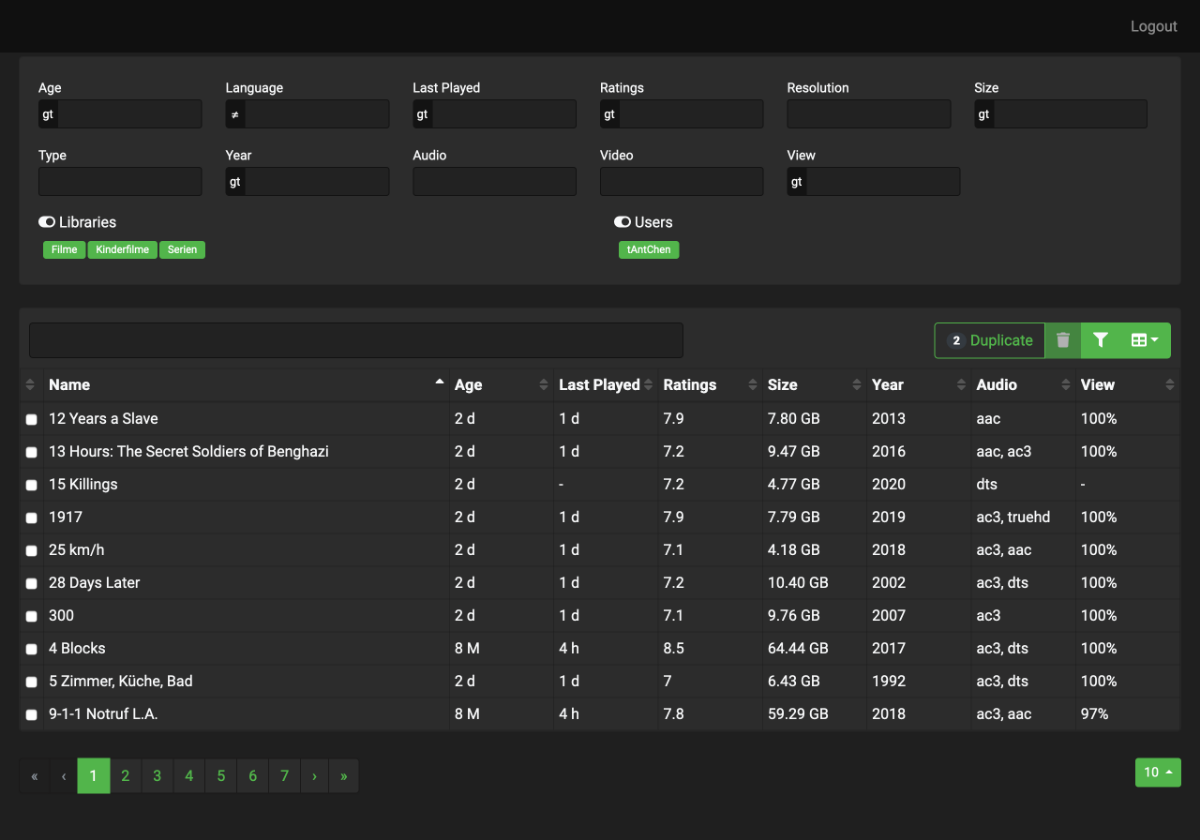
Hi All, over the years we added thousands of videos and series to our remote-server, but every disc becomes full. Then it is difficult to decide which content can be deleted. So i have create a little angular tool that collects the video items from the emby-api and shows it in a table. There you can filter and sort the items by several properties. Today i pushed the project to github.com because like to share it with the community. https://github.com/tantchen/emby-library-browser
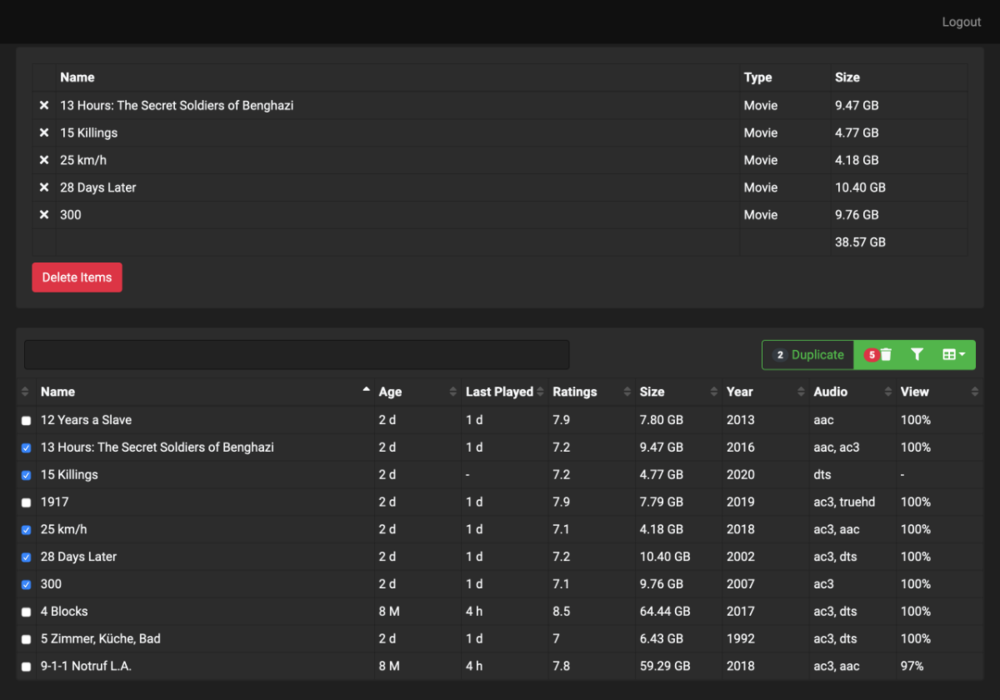
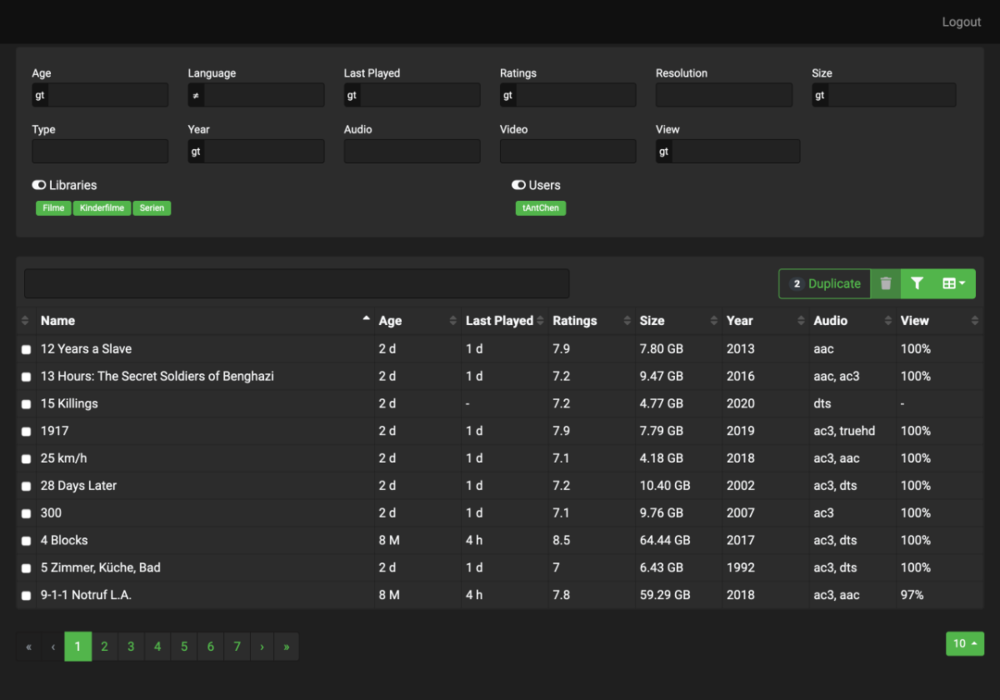 1 point
 -
Hey guys Recently moved to Emby from Plex. You guys did a really great job with that, I really love it and prefer to Plex which is not stable enough in my opinion... Though I'm missing one important feature that Plex has : Favorising direct play / direct stream while you can also select "auto" setting. This means that if Direct Play / Direct Stream is not possible for a user connected to the server (due to slow internet connection, or invalid format etc...) then the Player will automatically select the best quality available for this user. BUT it will always favorise Direct Play / Direct Stream. I'm asking because on my server I have some users using Auto mode, even if they have fiber with 1 gigabit connection, the auto mode will make them transcode to 720p 3Mbps while they could handle the direct play 1080p. Maybe I'm doing something wrong but also thought that on Plex the quality settings are way more clear than on Emby. Maybe this will come in an upcoming update ? Thanks1 point