Leaderboard




Popular Content
Showing content with the highest reputation on 07/17/21 in Posts
-
OK yes we'll start checking WM/Year. Thanks.3 points
-
But what I can do right away is start checking those fields if the others that we're already checking happen to be empty. That looks like it will help with some of these examples.2 points
-
Hey All, Firstly, excellent work! secondly, I noticed that this has stopped working in Emby 4.6.4.0, I have forked the repo and fixed if anyone is interested. (Have PR out for main repo) https://github.com/ShanePe/Emby.SmartPlaylist.Plugin/ Sorry also, I have made an update, if the playlist has NOT yet been generated, it will generate it, regardless of the playlist schedule trigger. So one no longer need to 'manually' run first to initialize the playlist if it falls outside of playlist generation schedule. (Make sense !?!?!?!) Version 2.4.0.3 Feature Create a copy of a playlist. (Duplicate) Decluttered UI by adding a pop up menu to playlists New Criteria: Added Audio Stream Codec Criteria (Stream: Audio Codec) Added Audio Stream Language Criteria (Stream: Audio Language) Added Audio Stream Display title Criteria (Stream: Audio Display Title) Added Subtitle Stream Language Criteria (Stream: Subtitle Language) Added Video Stream Codec Criteria (Stream: Video Codec) Added Video Stream Display title Criteria (Stream: Video Display Title) Updated Criteria: Parental Rating: Now uses official rating under the hood Resolution Height: Now uses video streams to determine the available video heights rather than the metadata. Resolution Width: Now uses video streams to determine the available video widths rather than the metadata. Added Monitor Mode to shuffle playlist type. Meaning that the playlist will be destroyed and recreated on a schedule, but between scheduled executions, media item changes will be batched and monitored for inclusion/exclusion. (So .... combination of live and shuffle modes but could have a perf hit on larger playlists, experimental) Collapsible sections in the playlist editor that keeps state, for more UI real estate. Added the ability to add notes to a playlist (limited to 256 chars). If there are notes assigned a pop up is displayed when hovering over a playlist (2 second delay). Order all selection lists on criteria with dropdowns alphabetically. ------------------------------------------------------- Releases Here -> (See change logs in this thread .... way down) Plugin for Emby Server 4.8: SmartPlaylist-2.5.0.4810.zip1 point
-
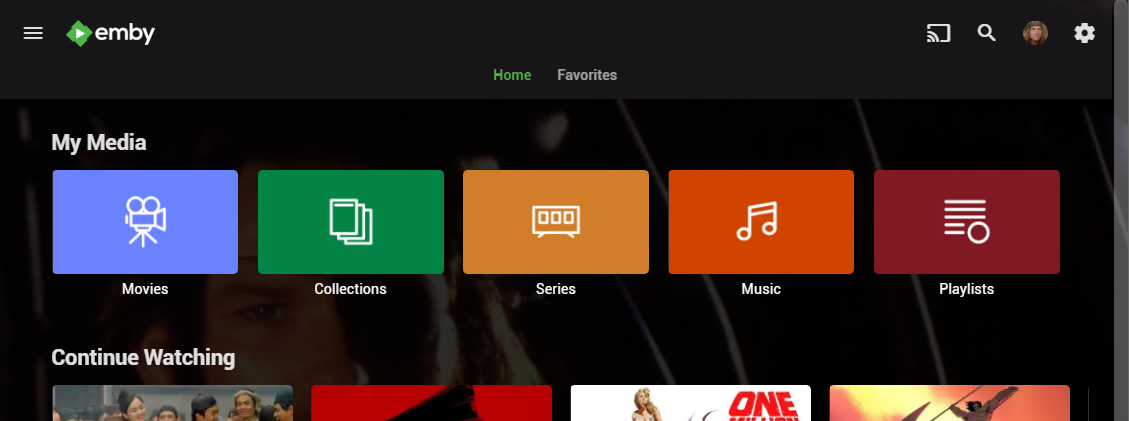
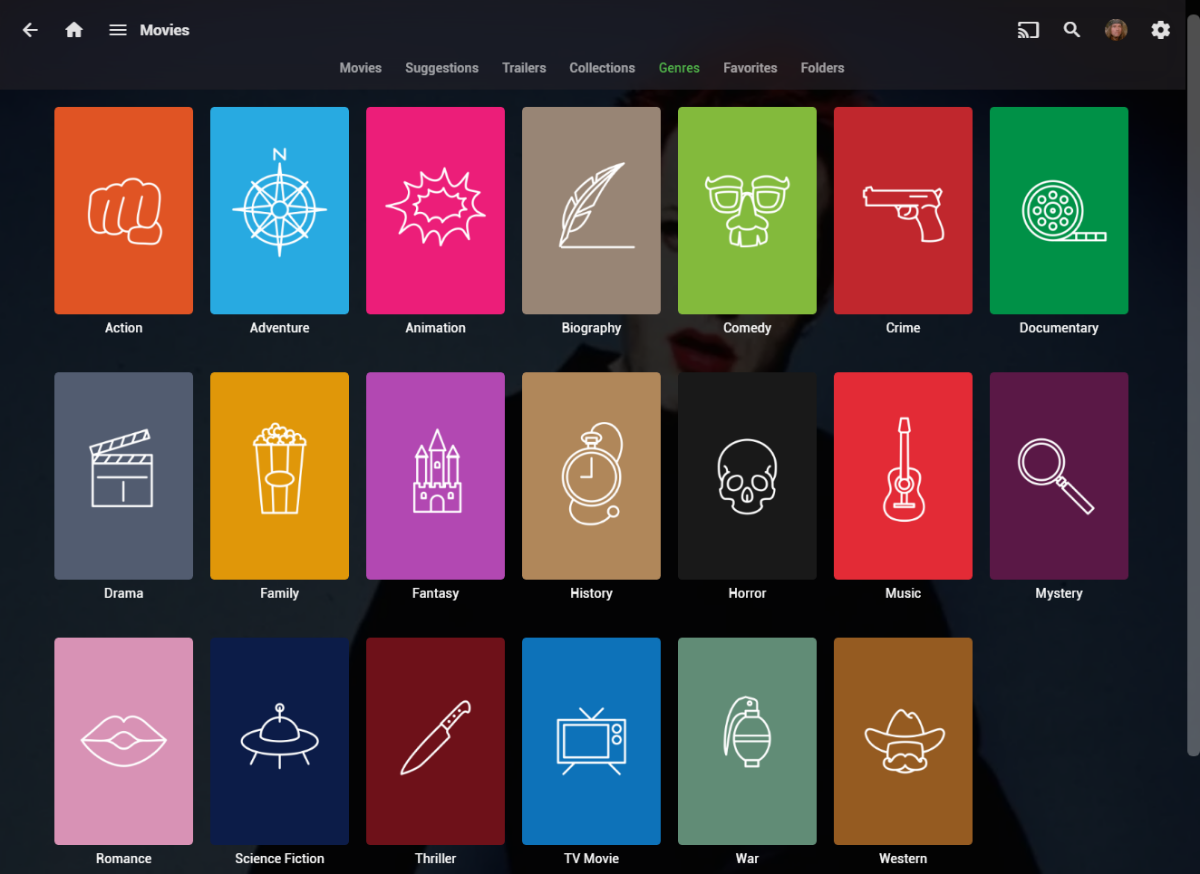
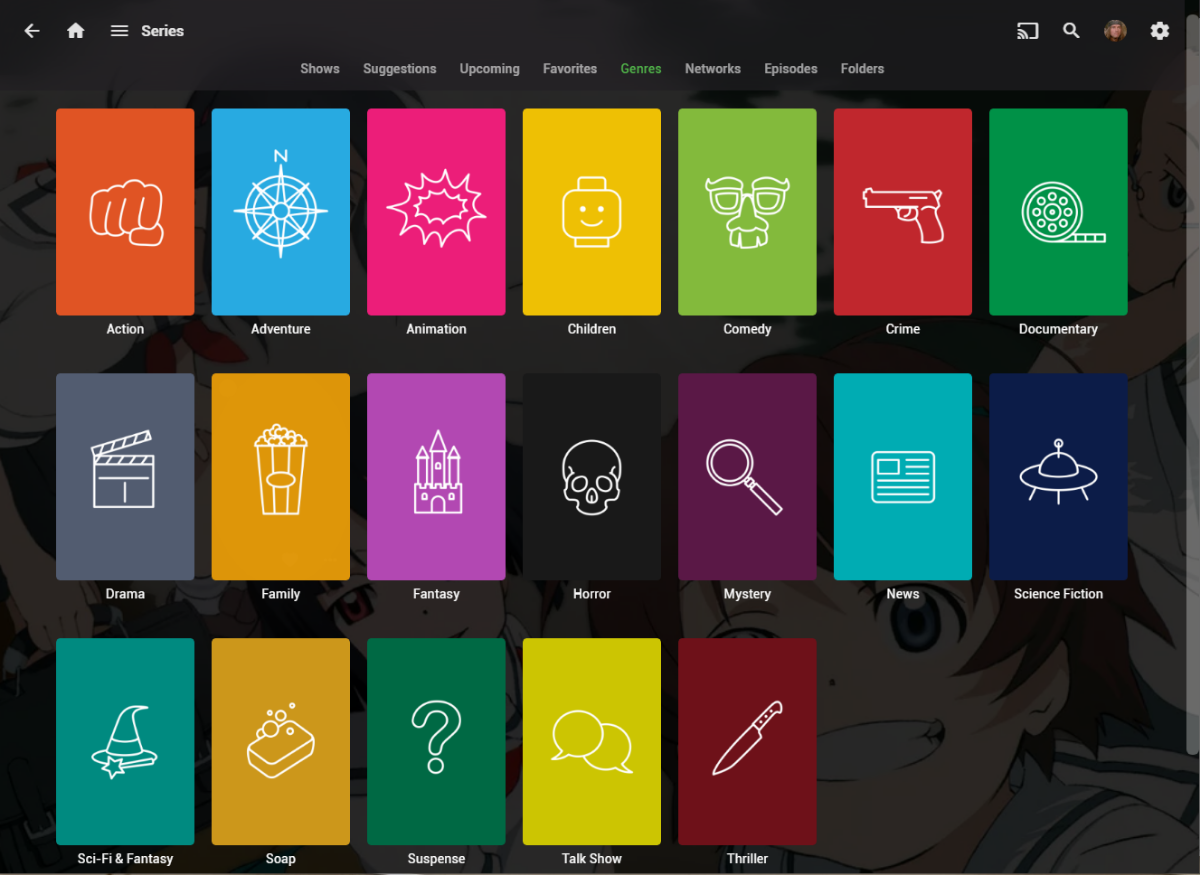
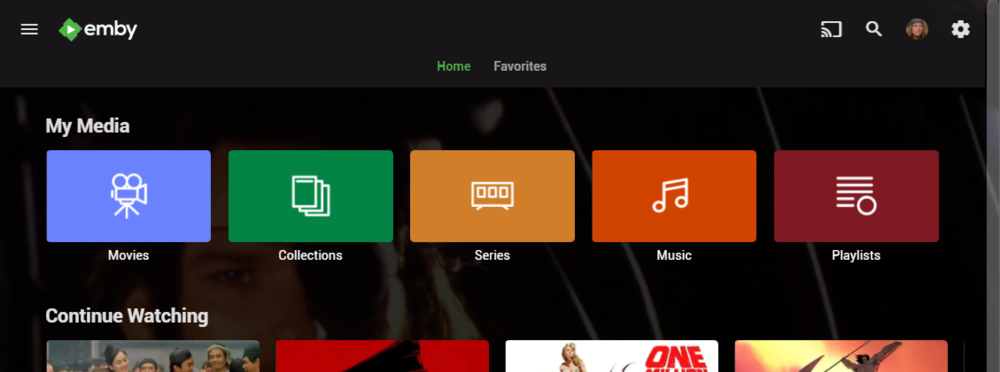
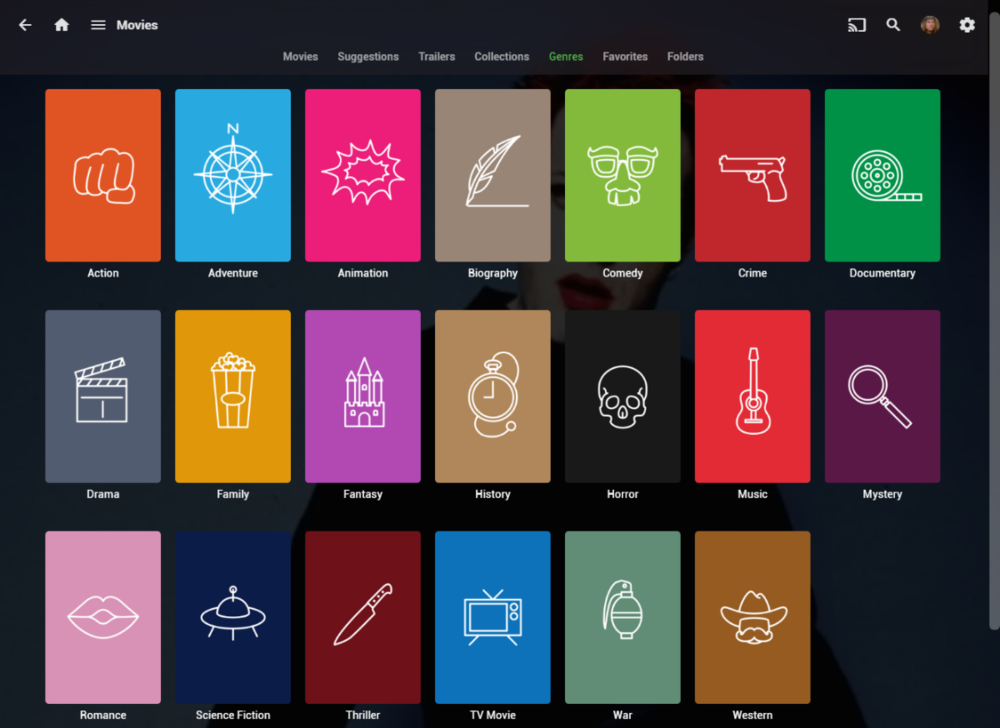
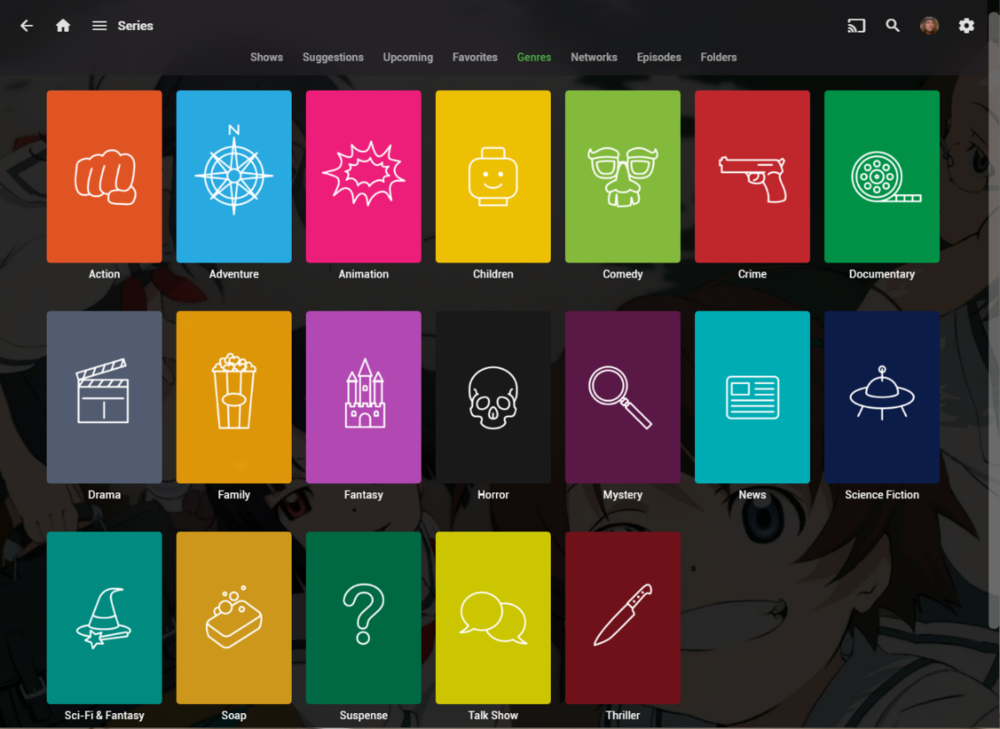
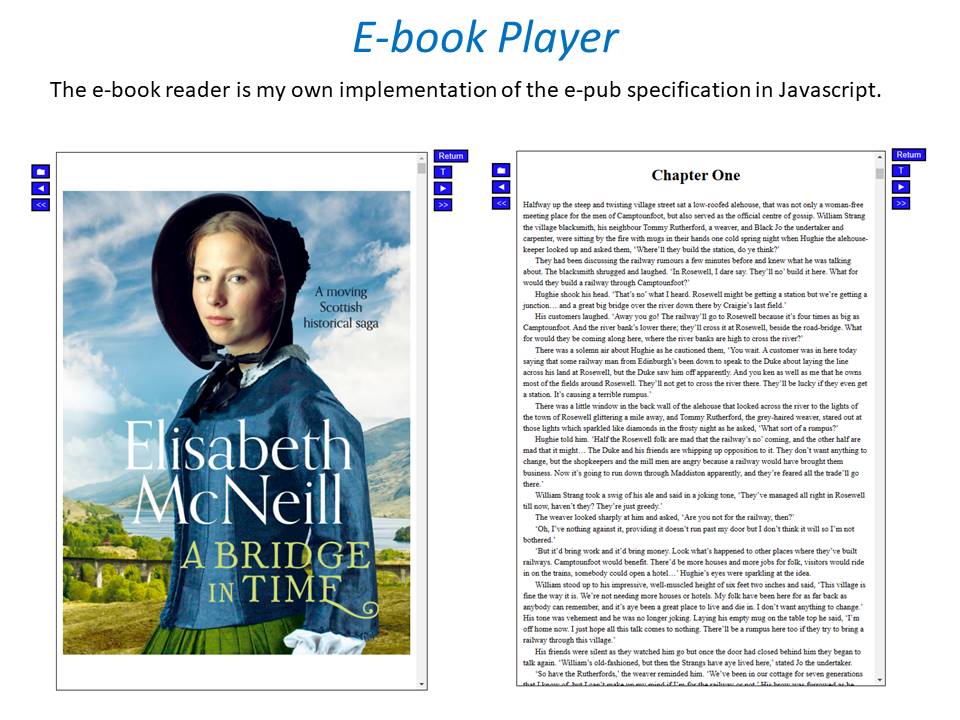
I wanted a colorful, but minimalist set of Library and Genre icons for when I'm using Emby on Roku, and something that stood out dramatically from the movie posters and thumbs. Here's what I did for the My Media set. Here's my Movie Genres: And the Series Genres RAR file attached with the full set as PNGs, and there is some in the archive not shown above (like Sports and Adult). Enjoy! -Mickey EmbyIcons_v4.rar
 1 point
 -
New_GUI_2.zip
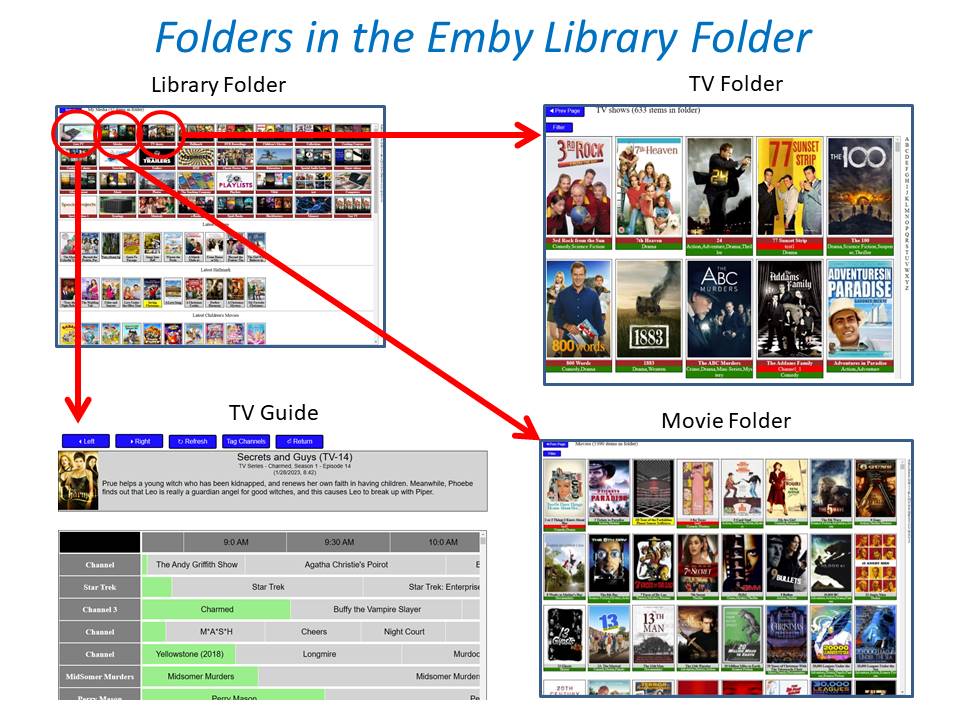
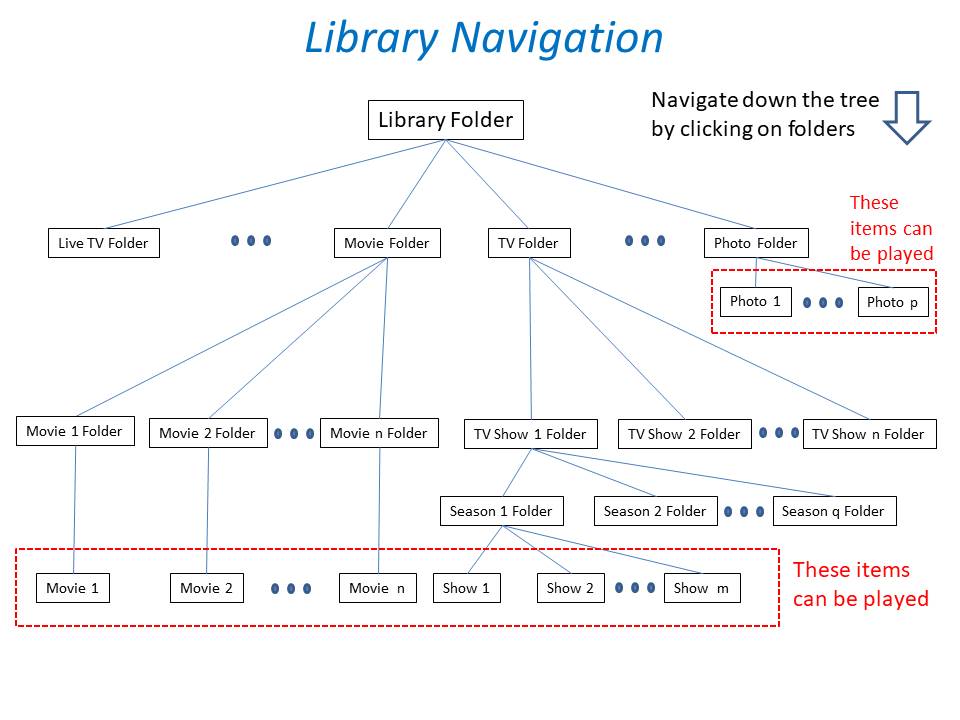
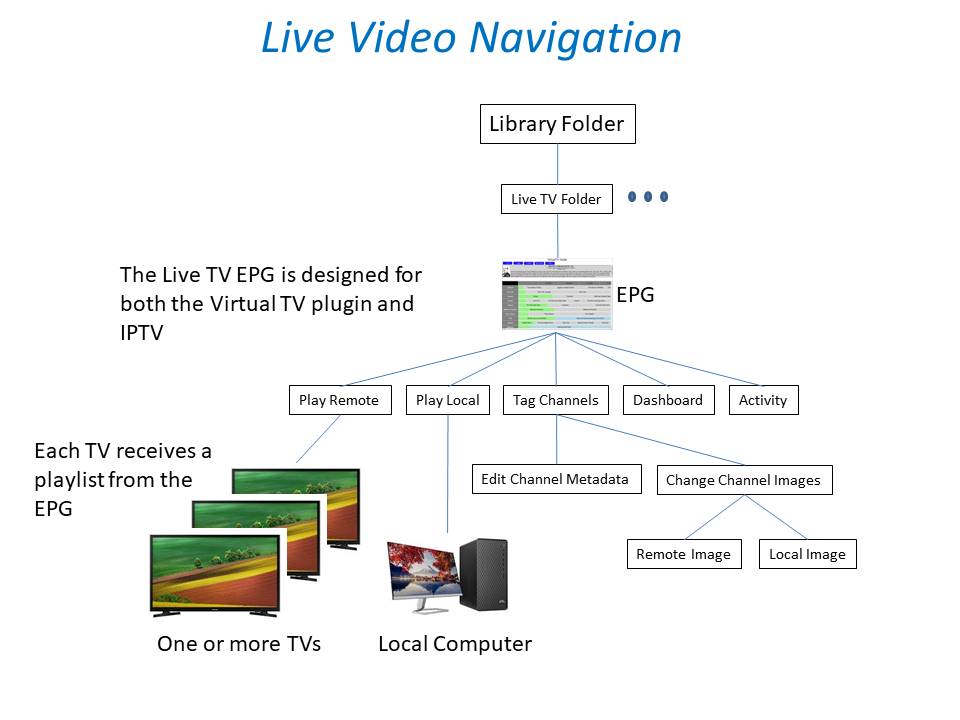
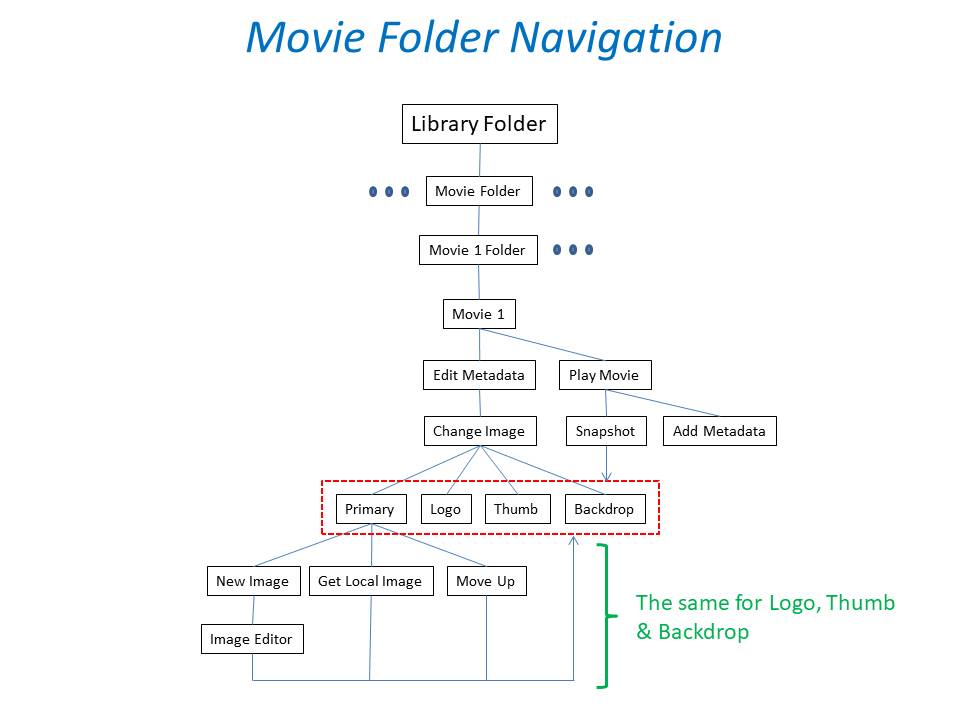
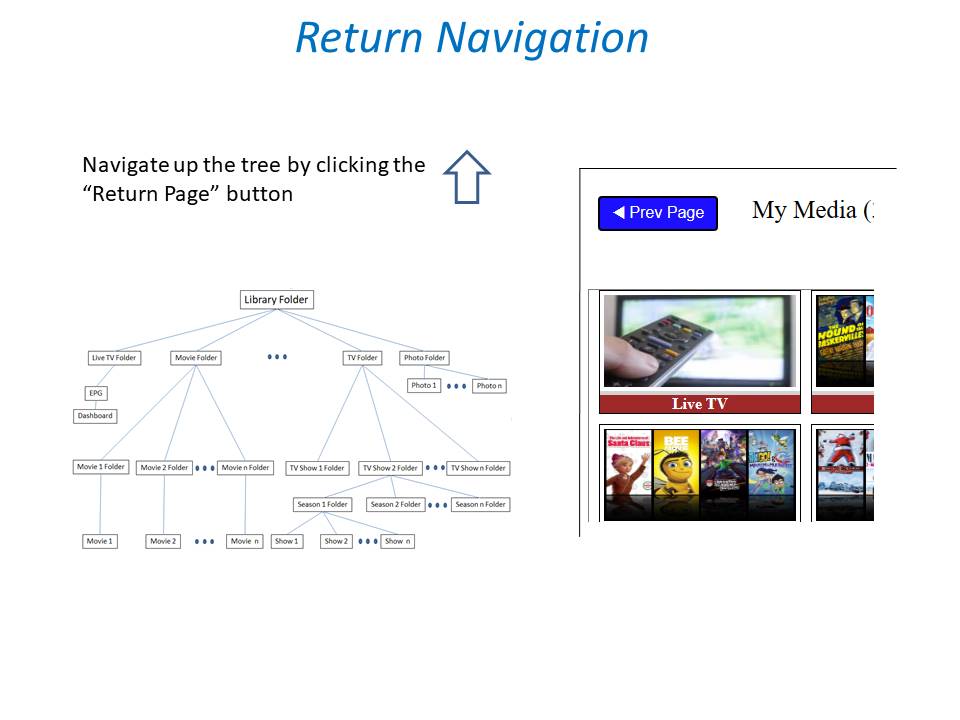
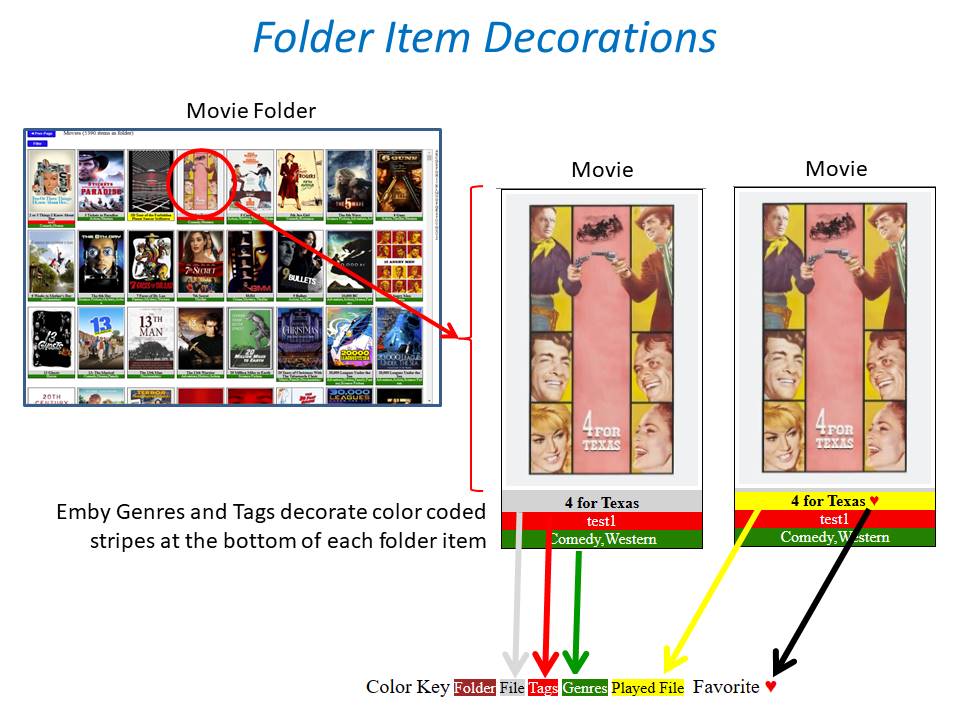
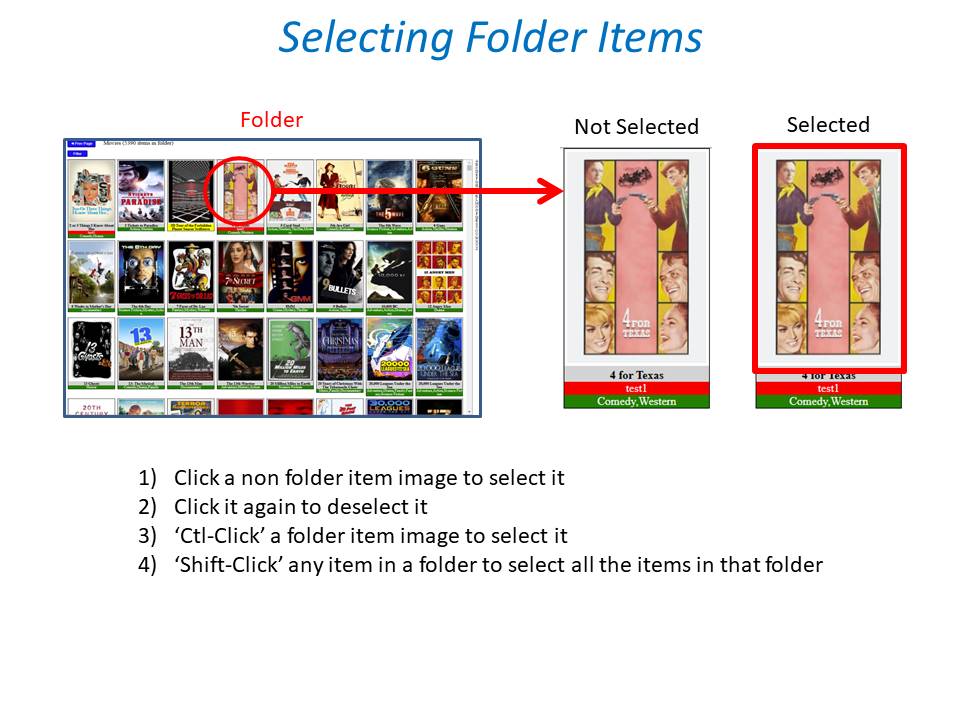
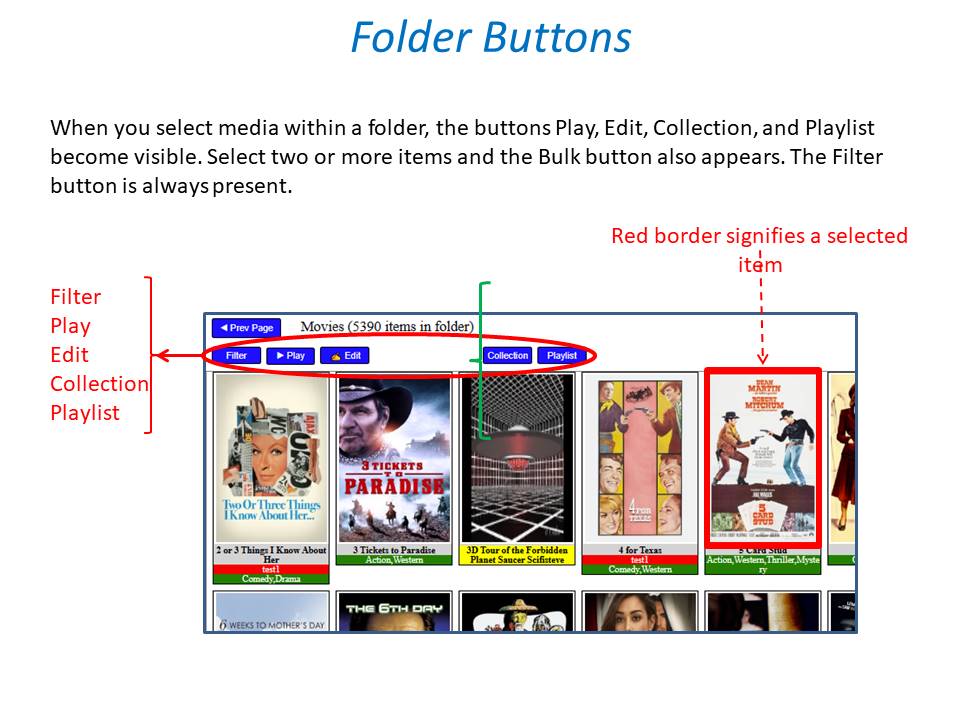
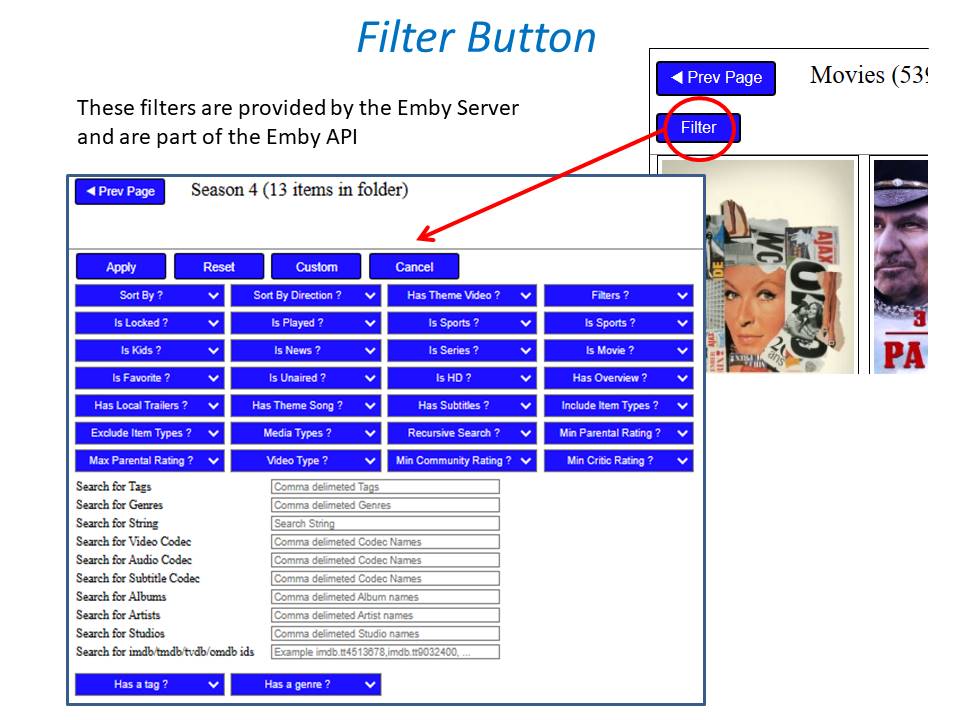
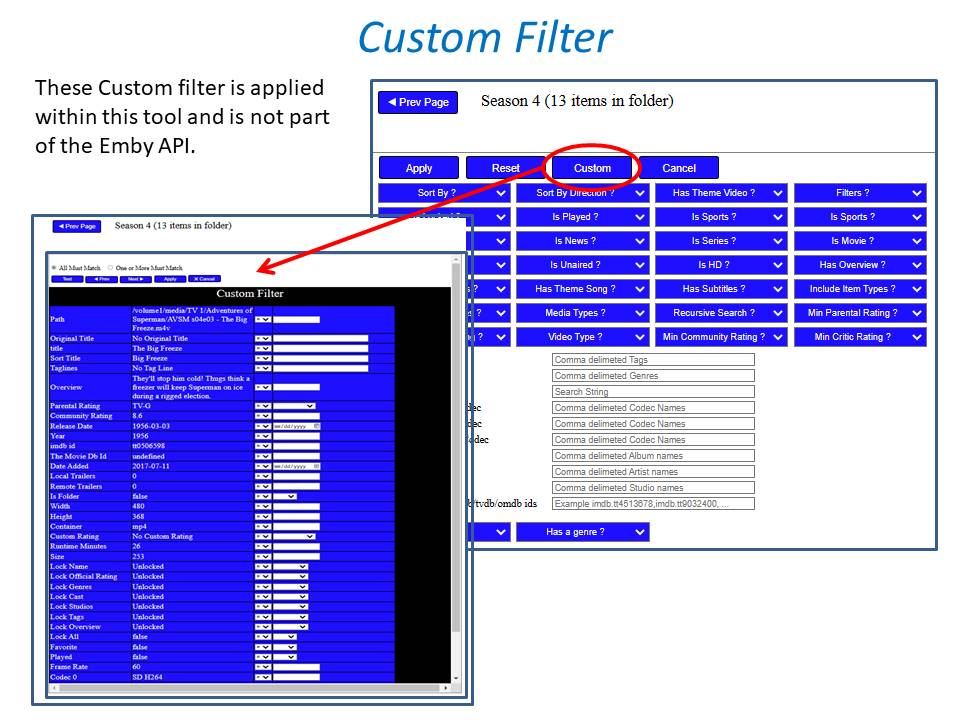
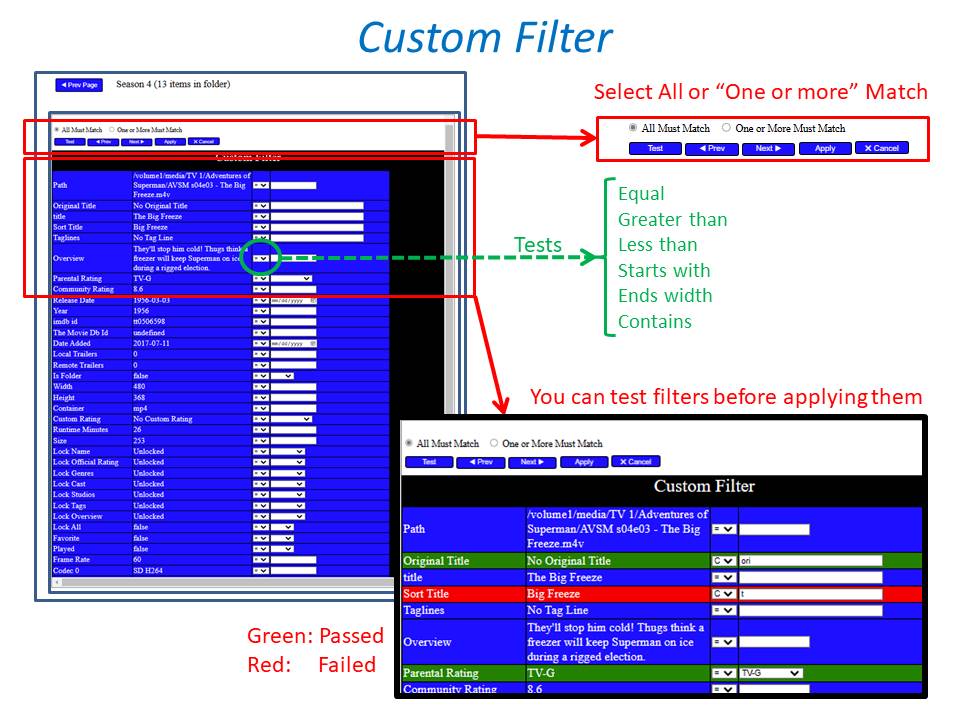
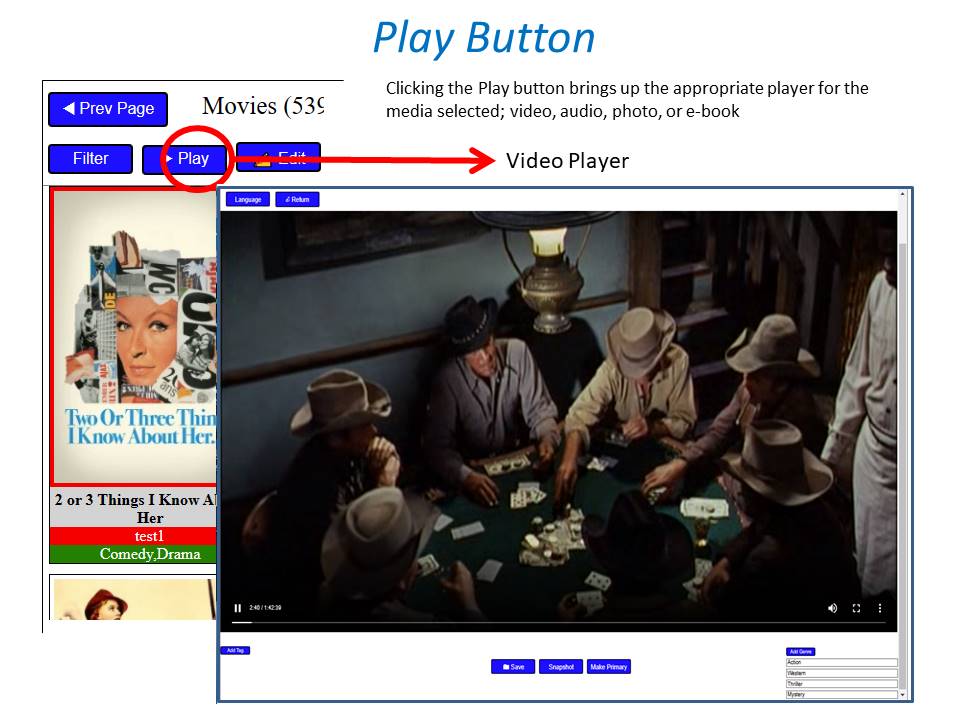
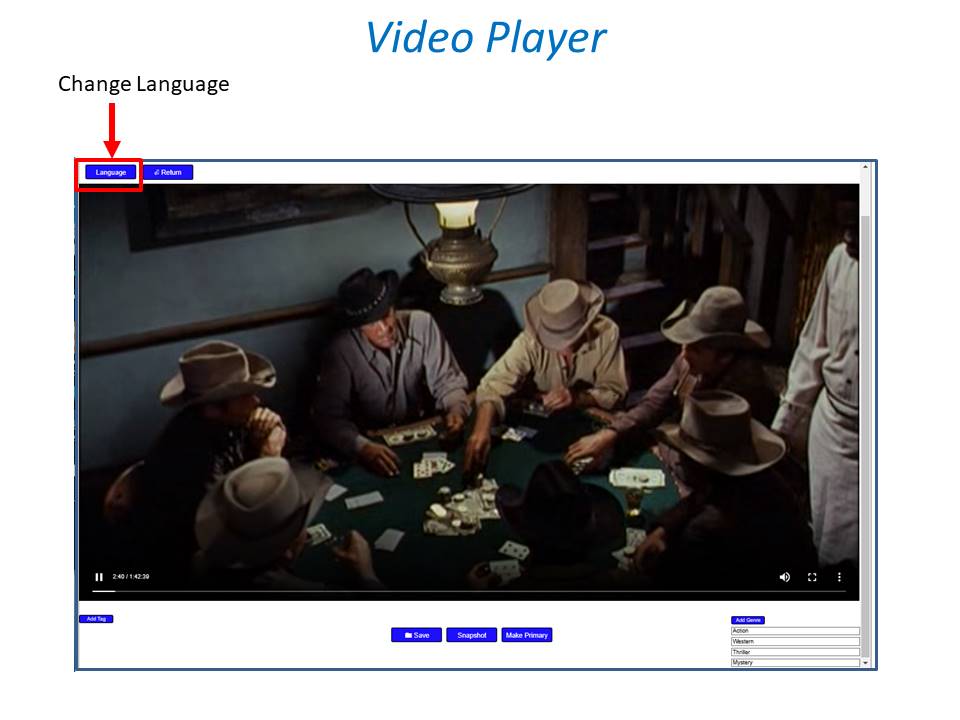
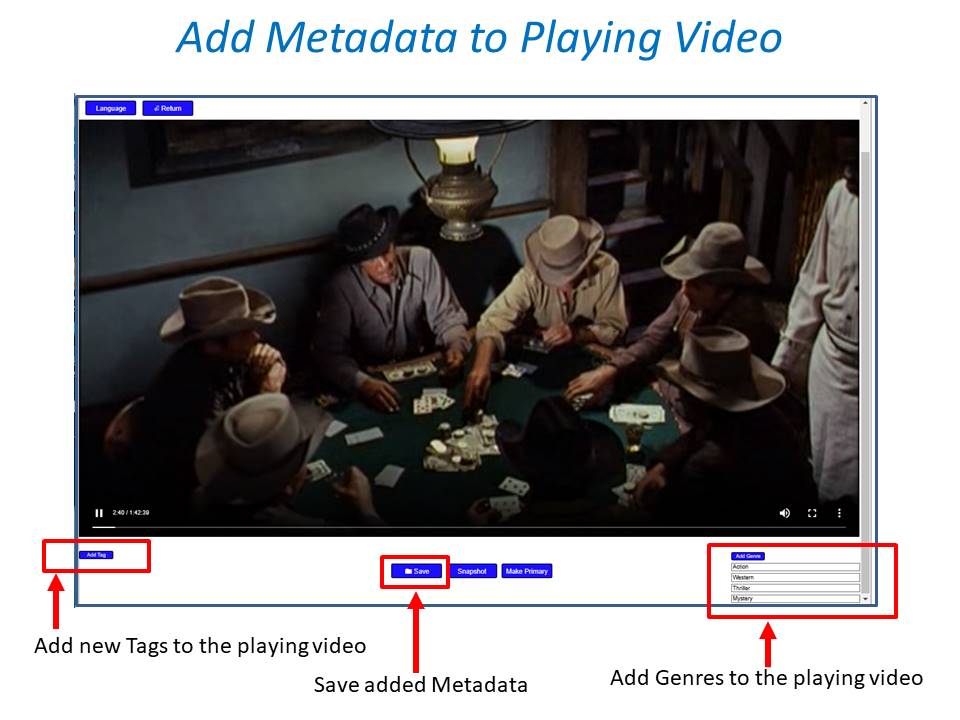
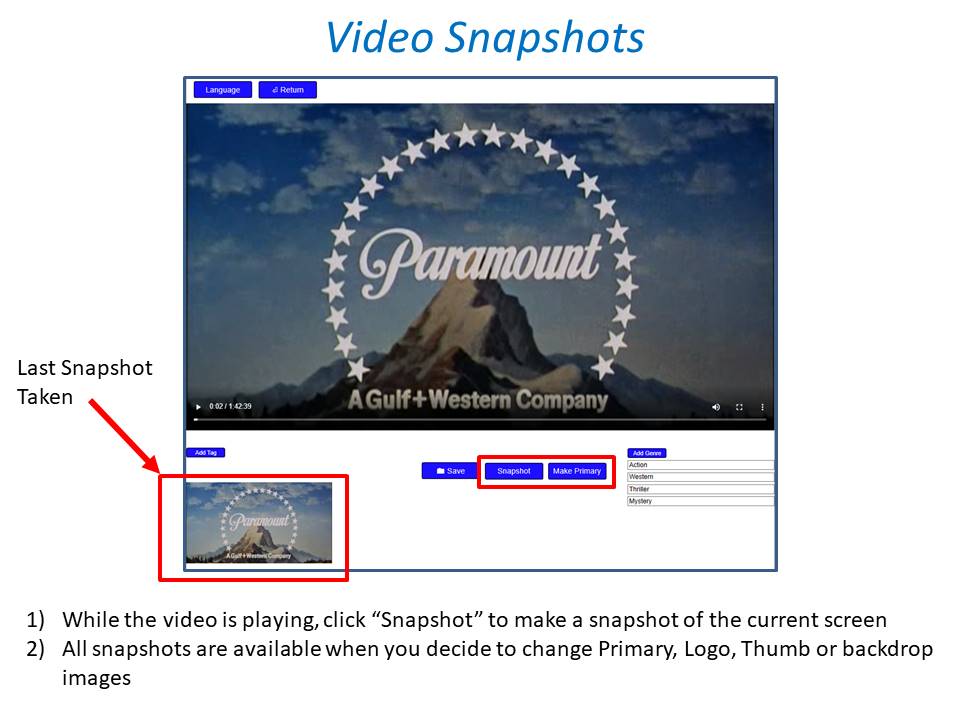
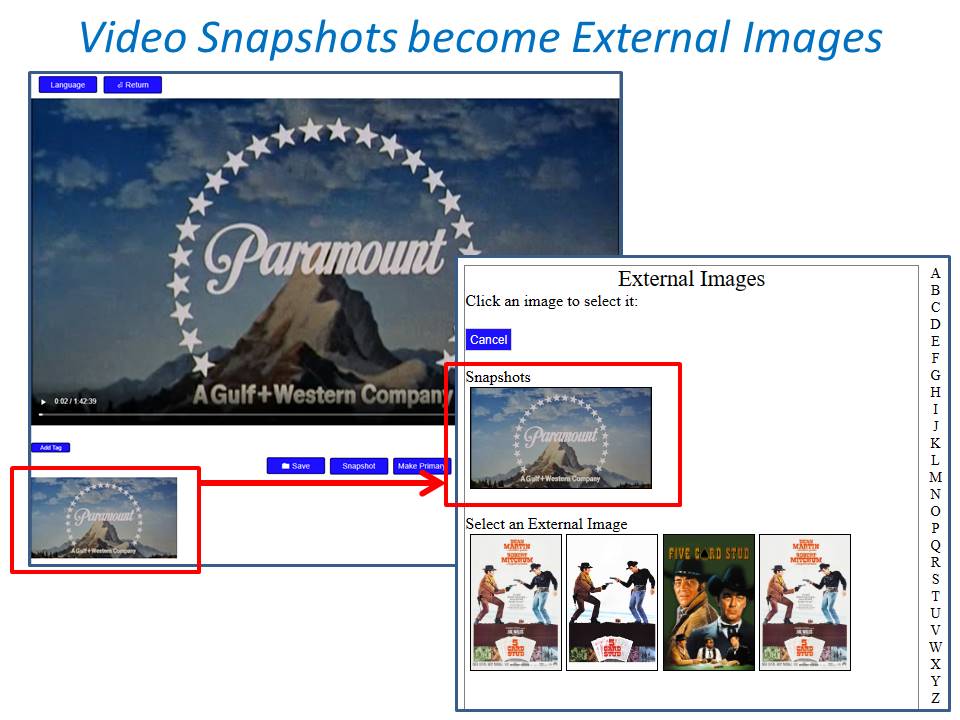
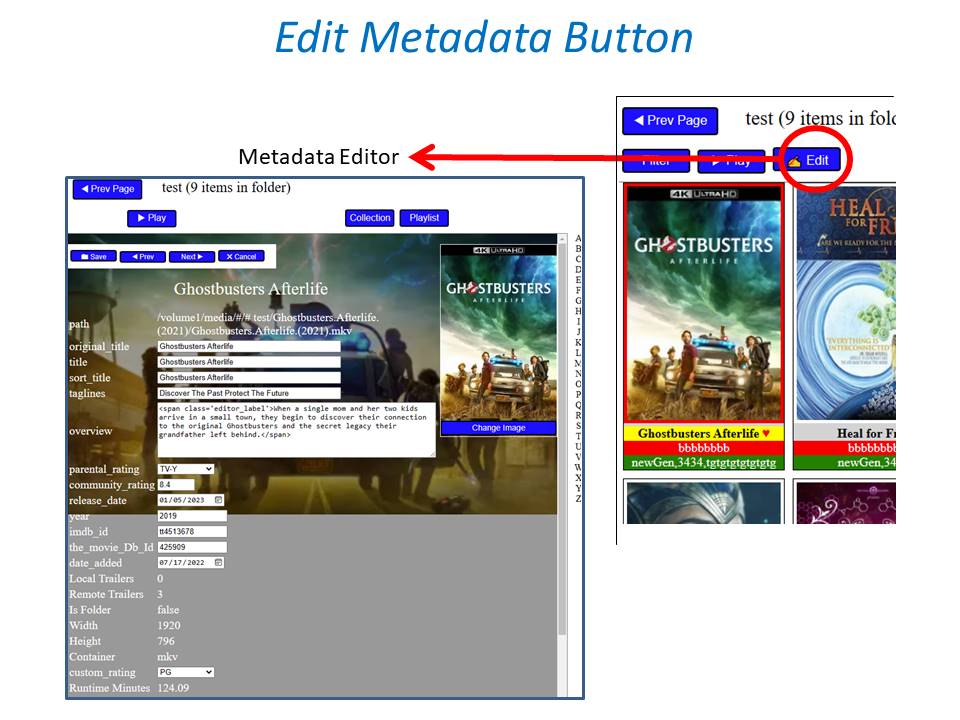
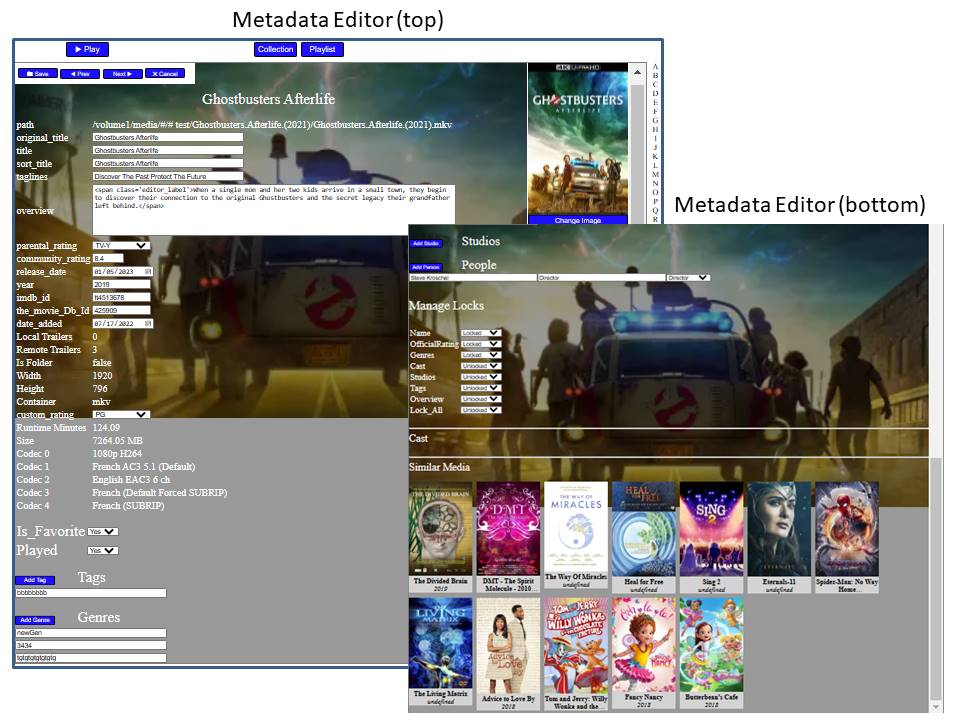
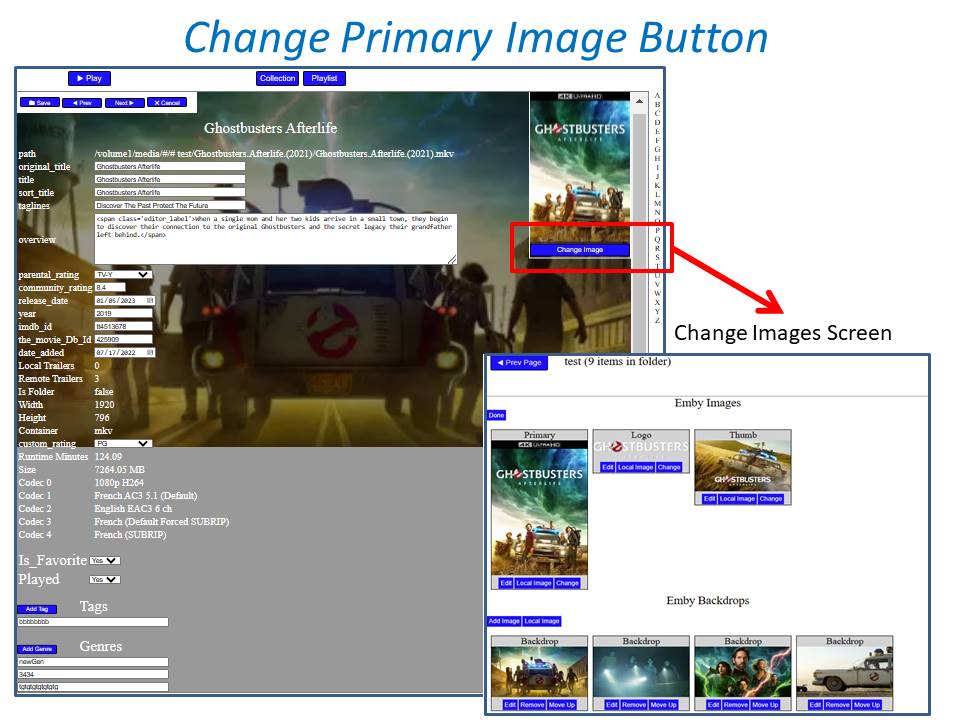
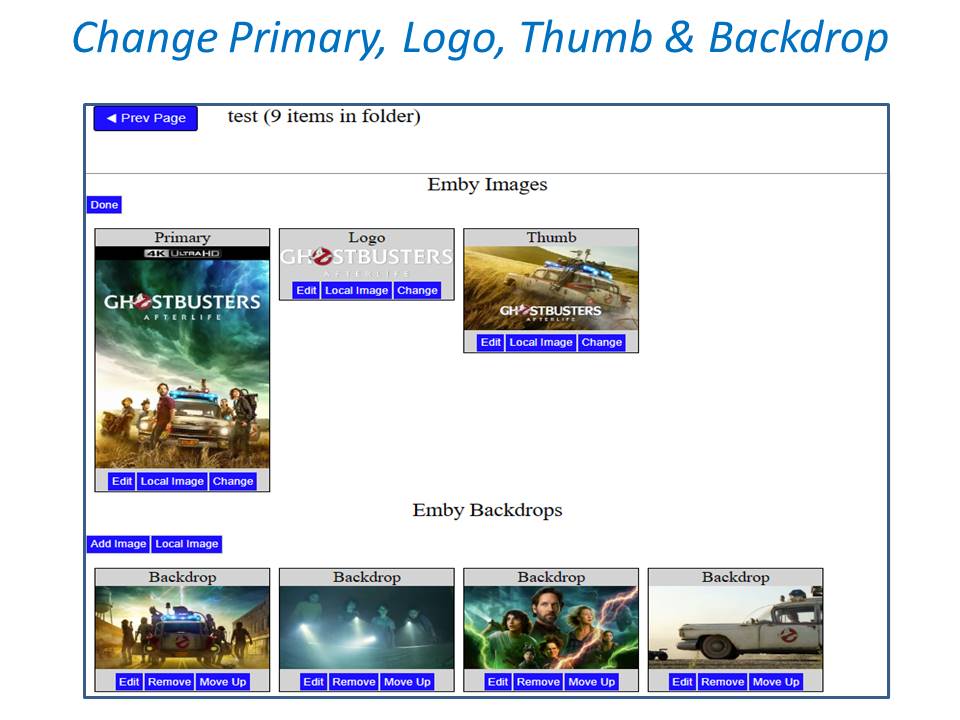
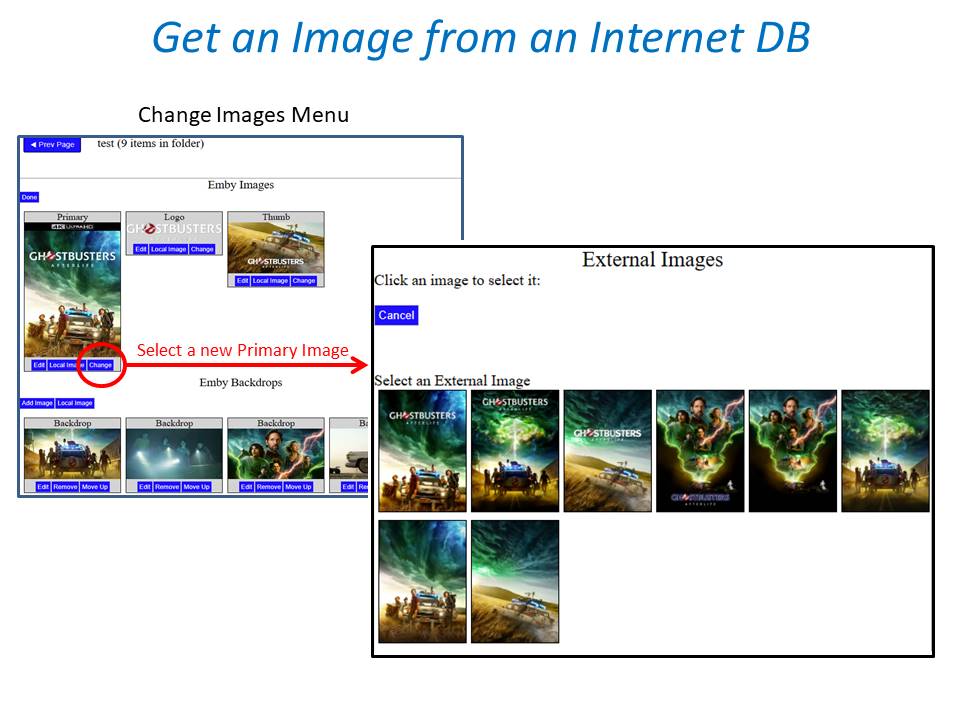
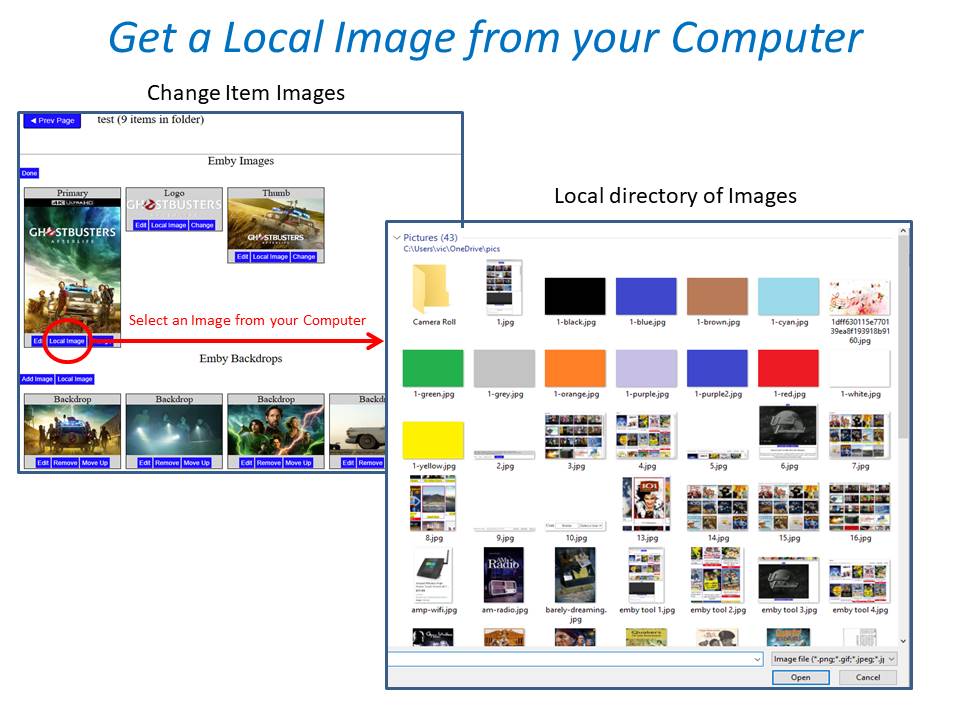
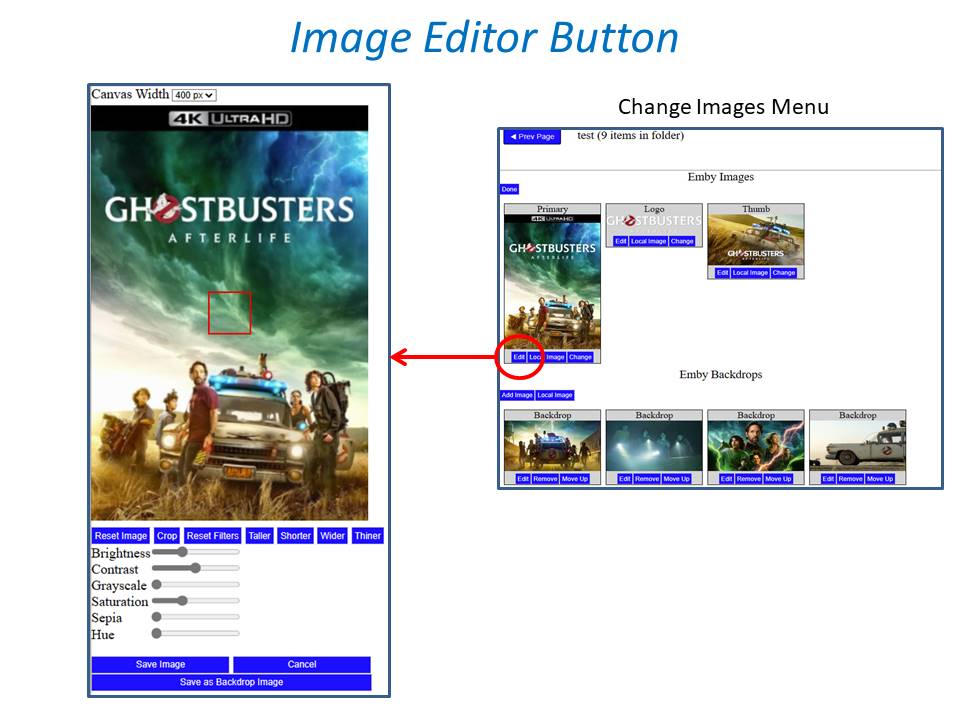
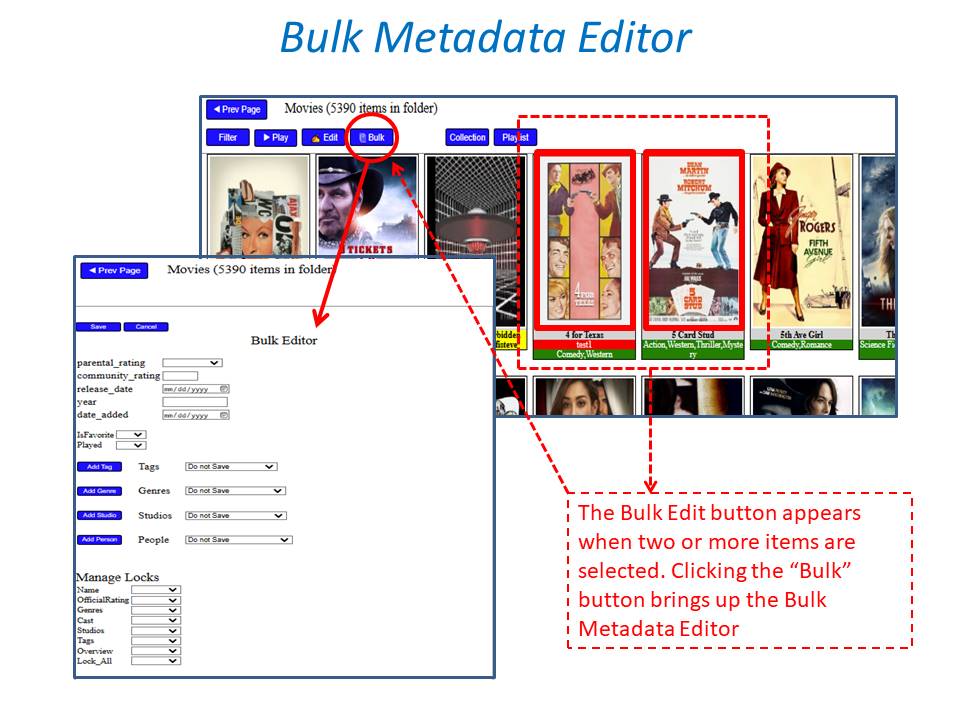
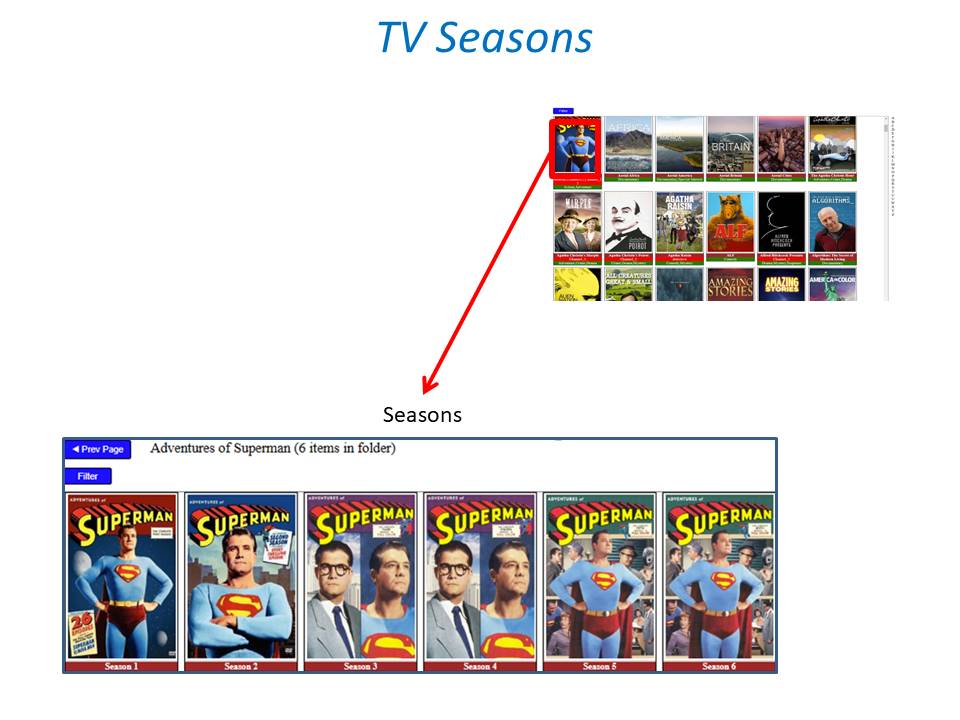
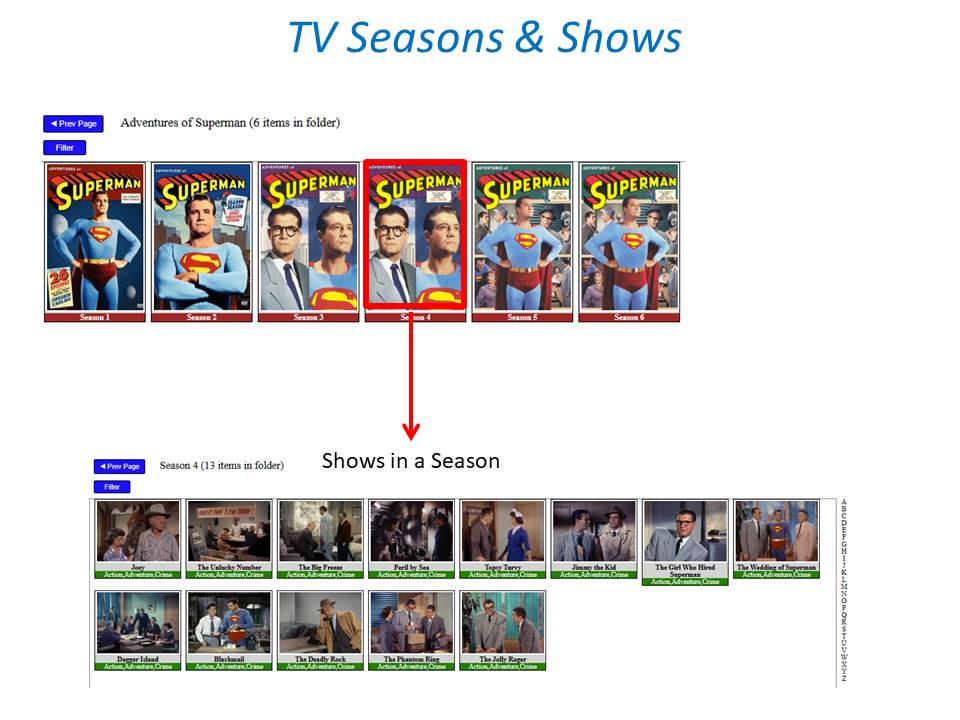
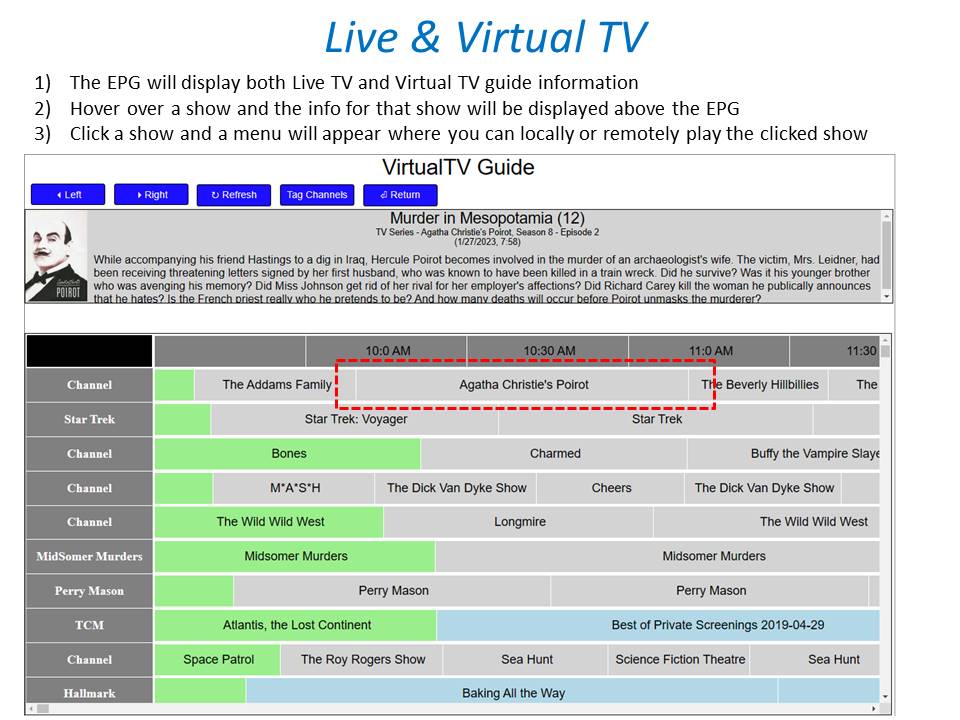
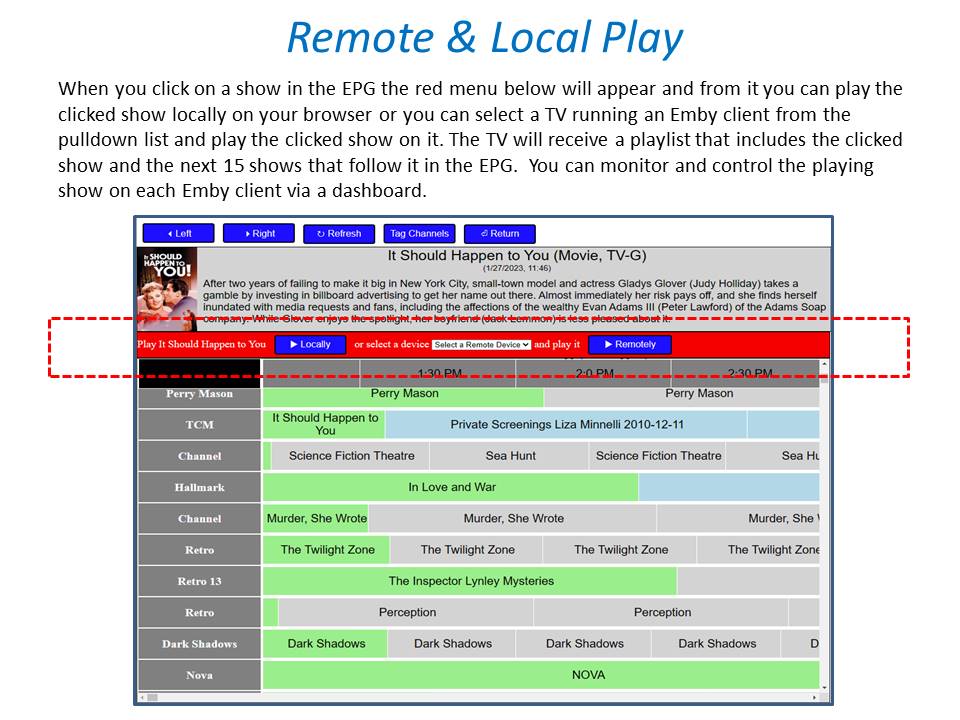
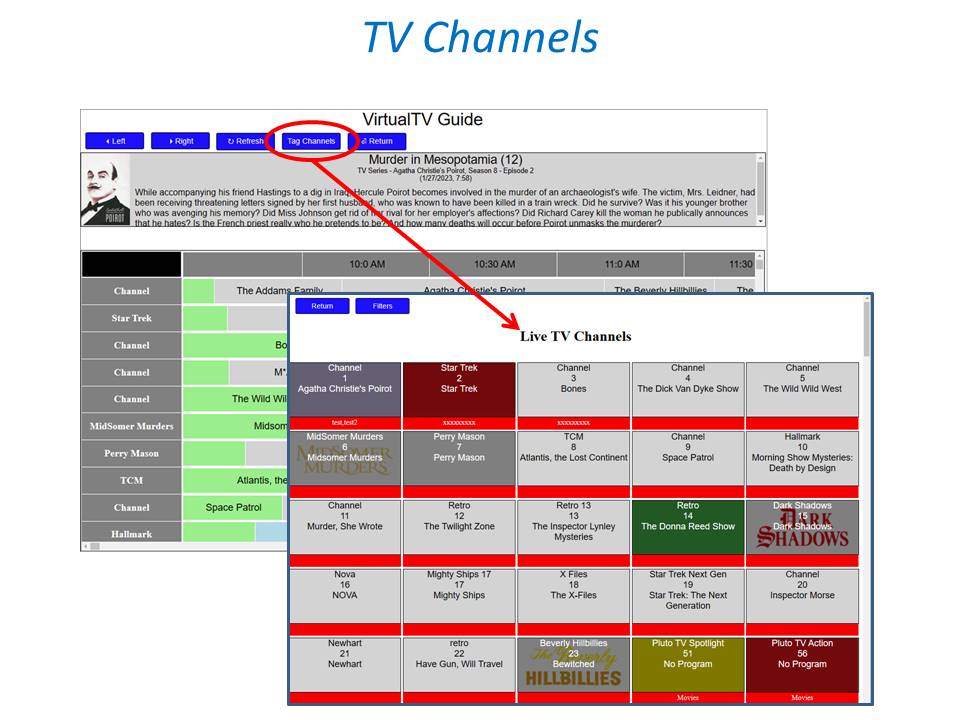
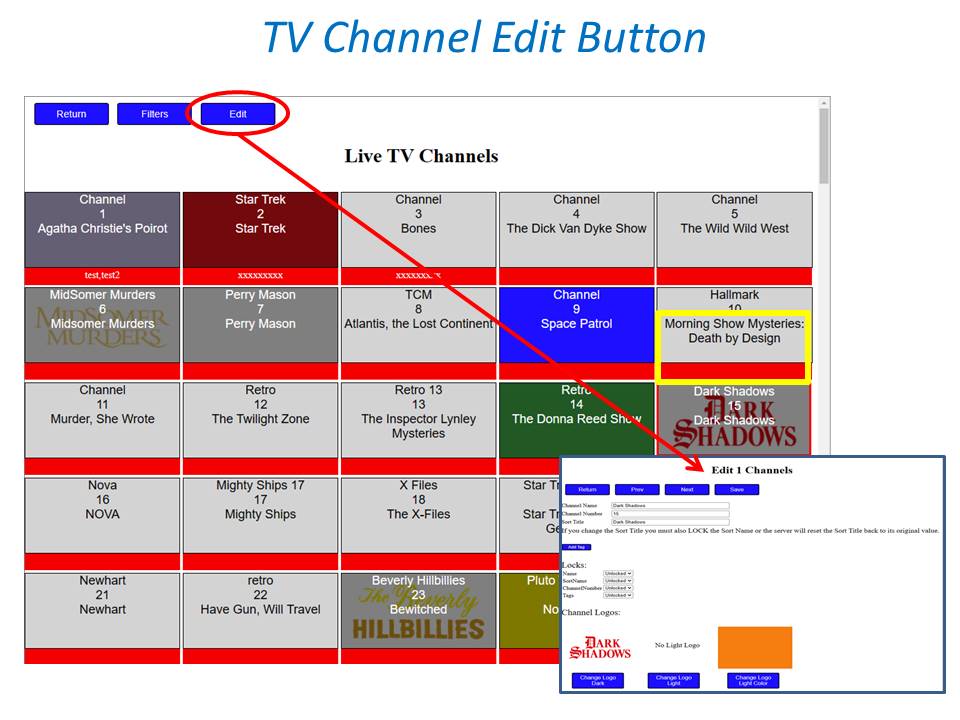
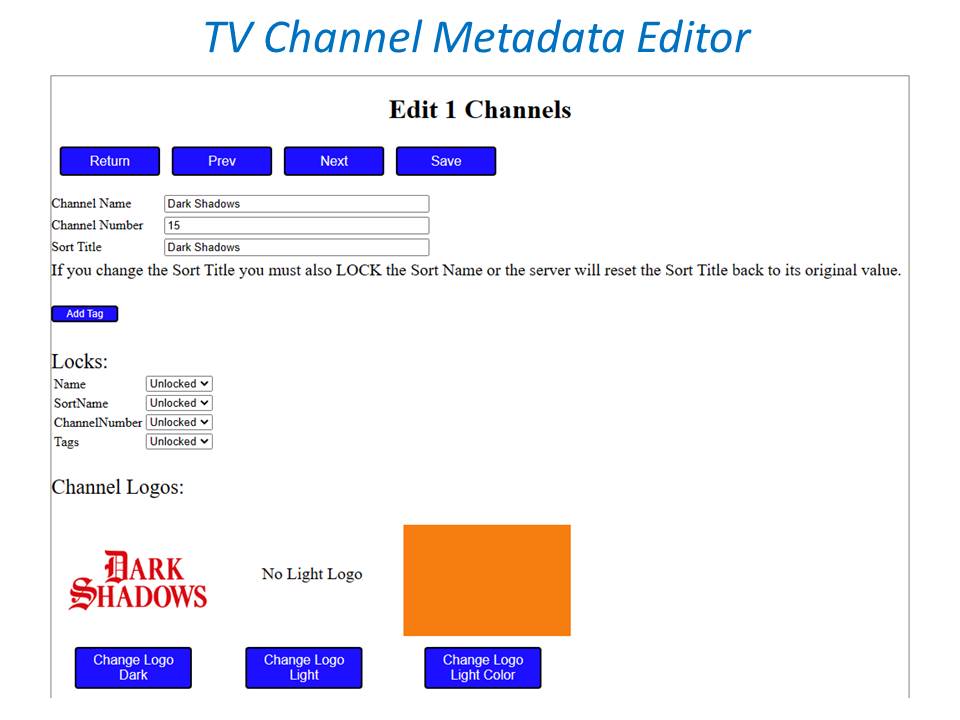
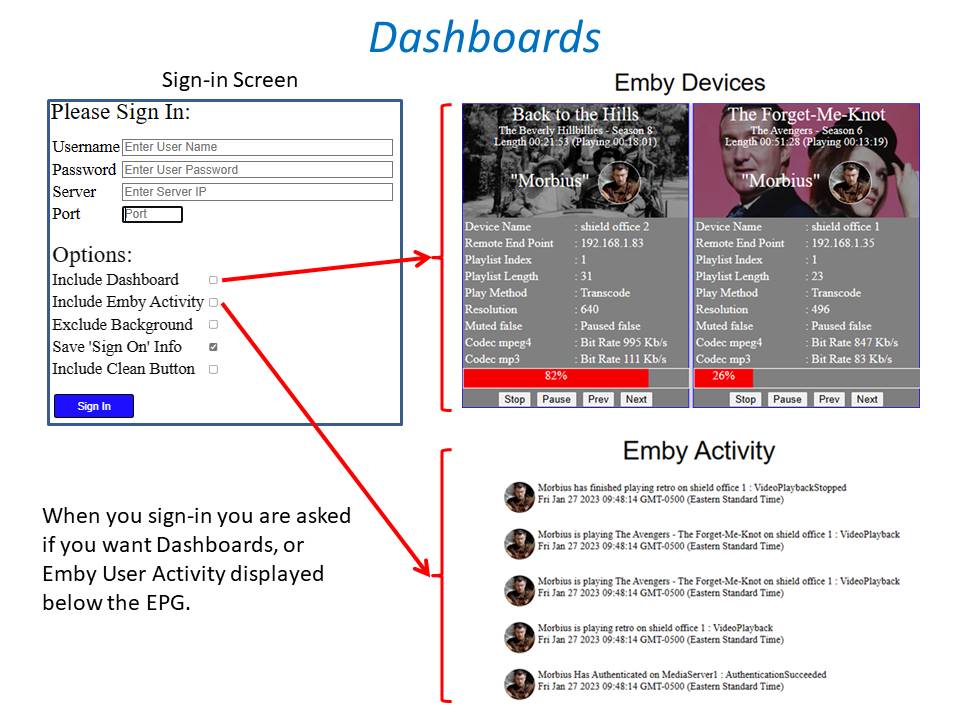
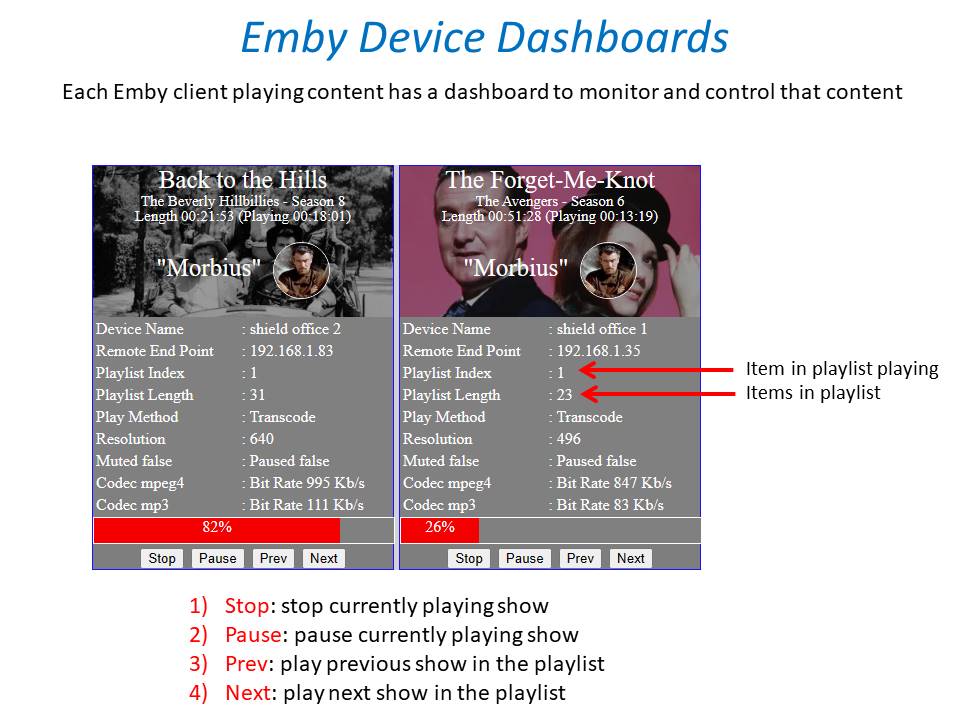
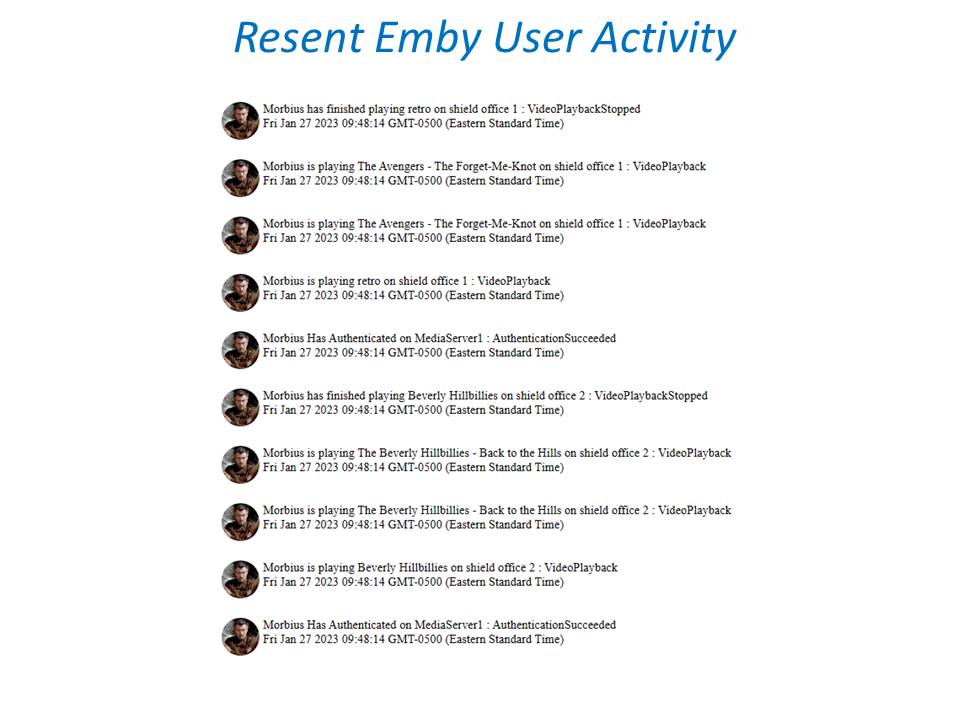
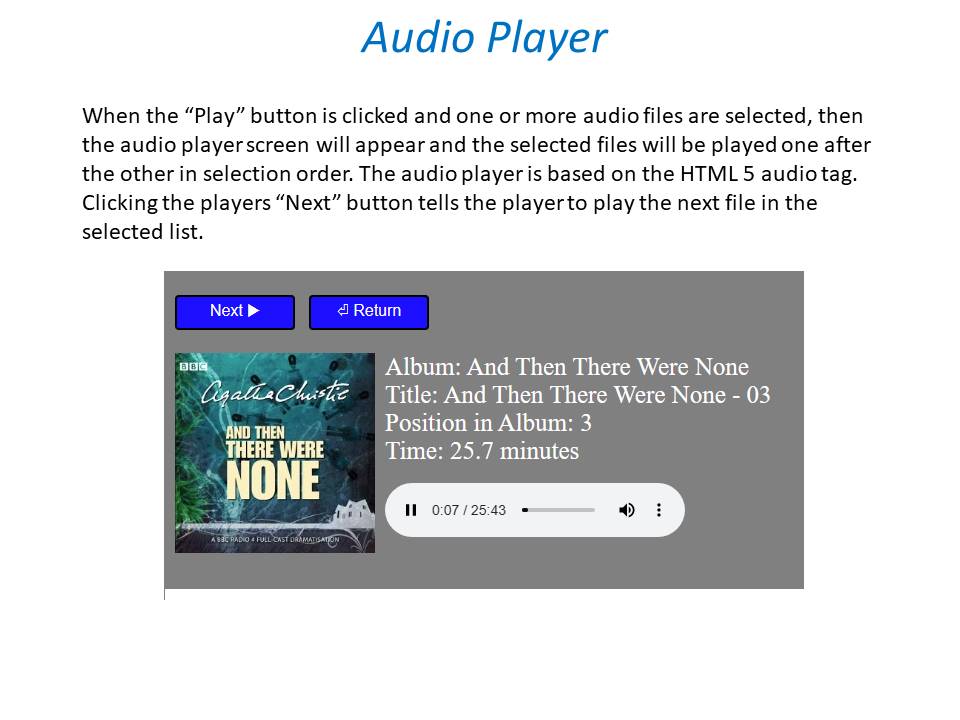
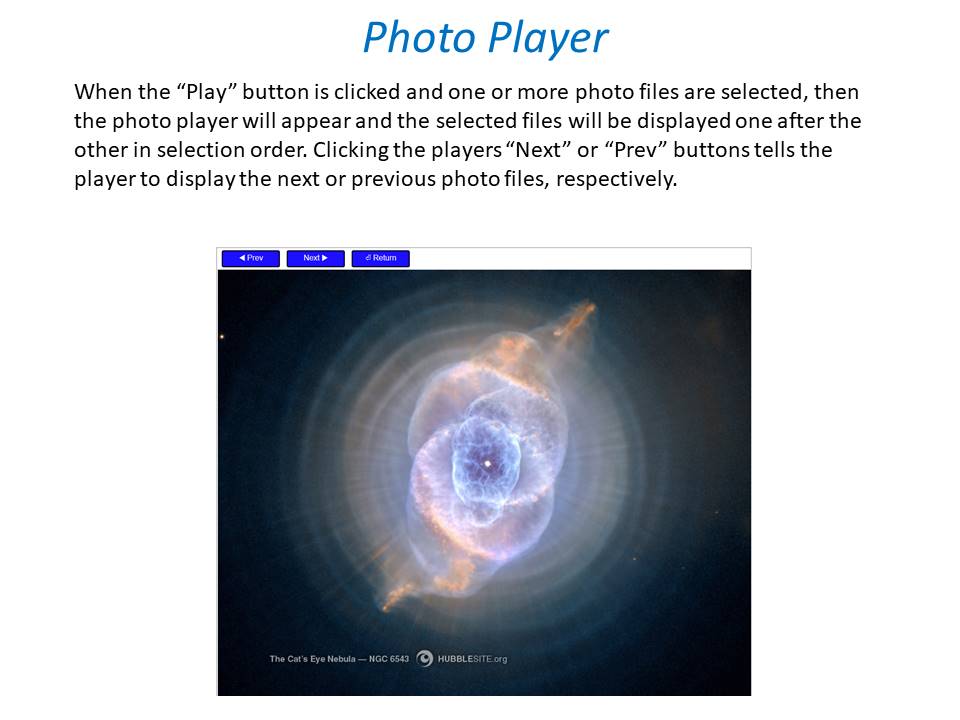
 1 point
 -
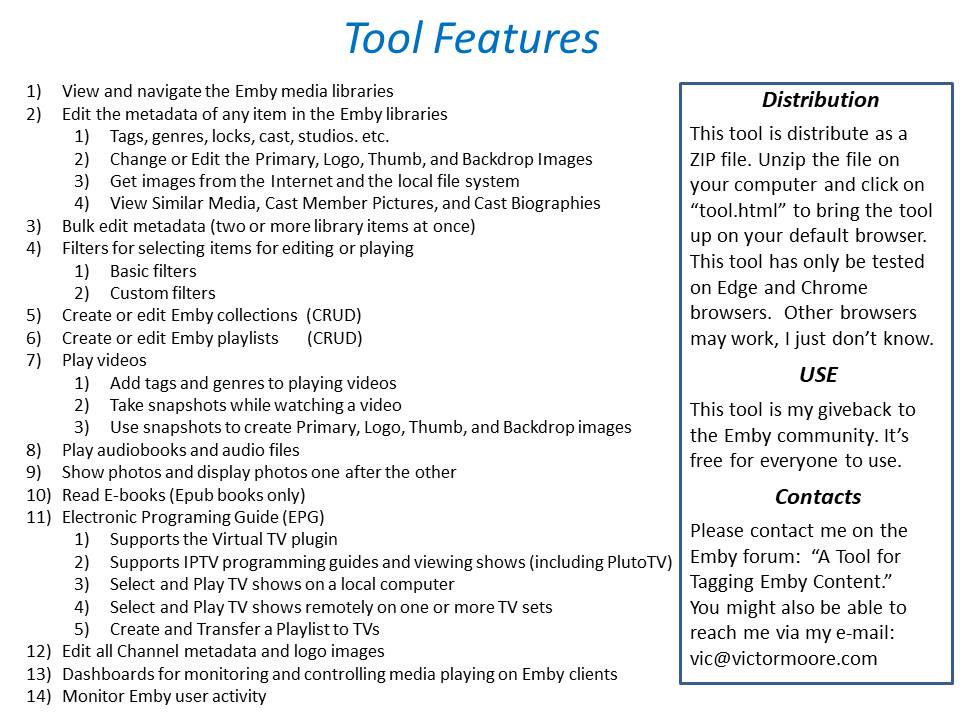
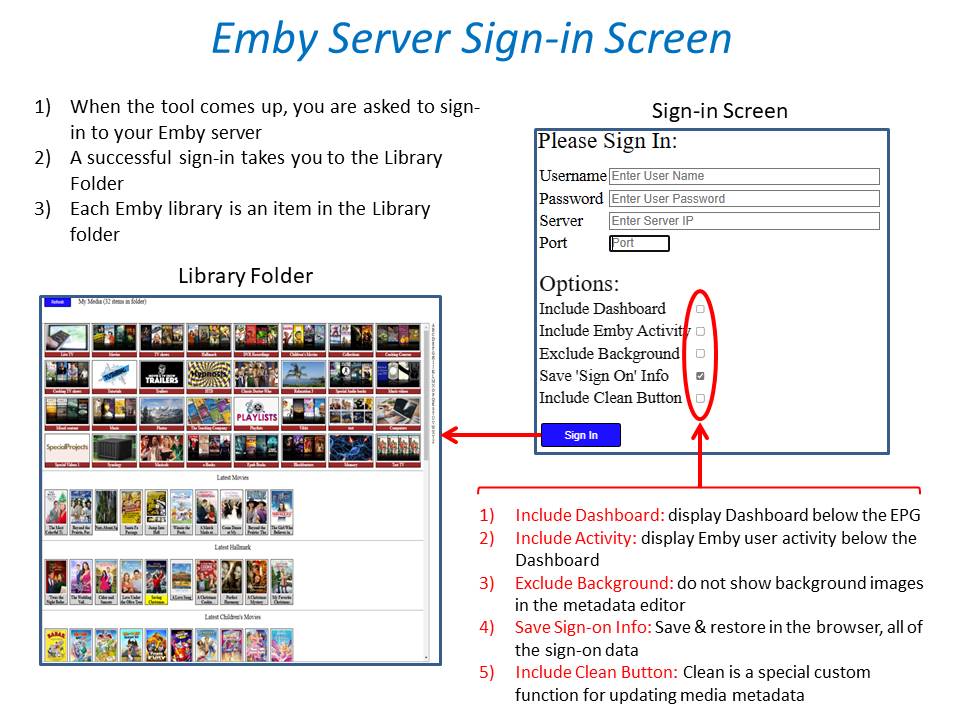
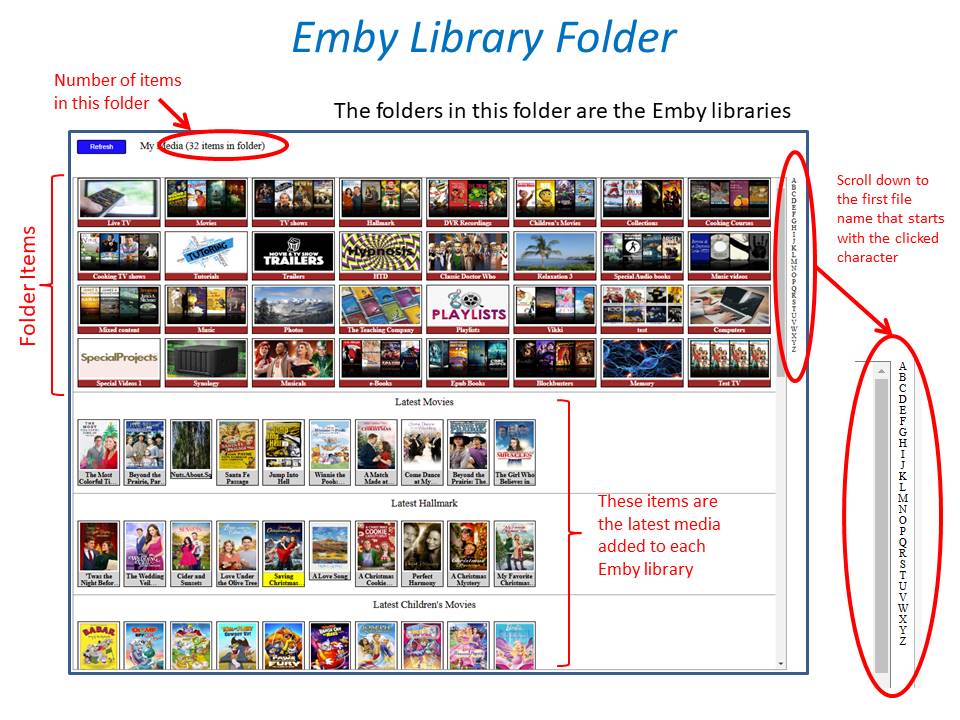
Have a look a this option. See the last post for most up to date release. but still a work in progress so you can request updates there. A tool for tagging Emby content1 point
-
Unfortunately that's not an option if you also want to use some local apps from your actual region.1 point
-
Logically it might seem useless, however, if I can create channel playlists I can use two functions, play next and random shuffle. This is a very nice way of surfing channels. For example, I can create a playlist for sports channels, one for news channels and another one for kids and so on. On the iPad I can go into any of these playlists and tap Play and use the next button to change to the next channel and tap next again for the following channel. Or use Shuffle to randomly change channels with every tap of the next button. It simulates pressing the channels + and - on a TV remote, but more useful because they’re grouped. The alternative is to tap a channel, tap play, check what's on and if I don't like it tap the back arrow, tap the back arrow again to go back to the list to search and choose another channel and repeat. It only works (creates) on tags as I discovered. It's really convenient and fast. You should try it and maybe if you like it you can convince the developers to add it I'm aware of how to delete channels one by one. Unfortunately, when having a lot of channels it's not practical.1 point
-
No, everything is as it should be.1 point
-
Ok thanks will try this an a full reset also1 point
-
My memory might be tricking me, but some years ago in the age of ipod classic with HDD i remind researching and found that they were acc and aac audio codecs one promoved by apple and the other by sony. But that was a long time ago so i might have mixed some info in my head. I couldn't found anything about acc codec now.1 point
-
It's something we can try to test and see if there is anything that can be done but no promises.1 point
-
Last time I did it this may it didnt work, all options I had were 'shows' and 'folders', now I have 'shows', 'movies' and 'folders'. Many thanks for you help1 point
-
Because you have an extra folder there, either add public/vod/movies/movies and public/vod/tv shows/tv shows as library path or move all items one level up.1 point
-
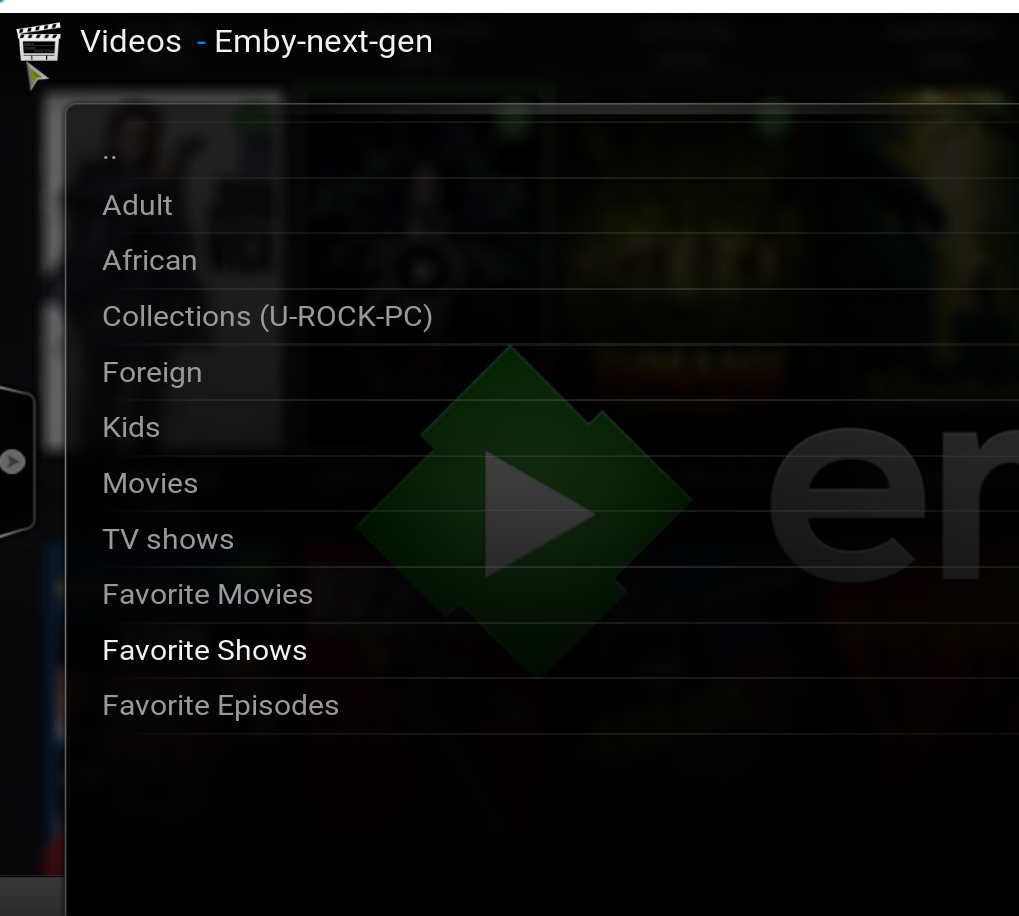
Are you accessing embycon through the addons menus, video addons, embycon?1 point
-
Thank you, I will try the next update1 point
-
Please post the ffmpeg log file for this transcode which should have info in it why this was transcoded.1 point
-
quickmic, It was working with 5.xx versions, but yes I update my KODI with nightly builds from time to time. Could be an KODI issue. I had the feeling it changed with update to 6.xx while no KODI update, but… I believe on my Shield 2017 I still have an older KODI version and still 5.xx embyforkodi. Will check there and report.1 point
-
I'm having an issue with my Emby server where the Start menu and Action Center won't do anything. I've pretty much tried everything with the exception of creating another User Account (which I did). When I logged into it, I noticed that Emby wasn't part of that account. What is the best approach for migrating the Emby data from one user account to another? While I'm hoping this is doable, what I'm really hoping is that I don't have to do a full reinstall and setup. Thanks1 point
-
That worked perfectly!! Thanks!1 point
-
Working on my laptop. Now to figure out why its not working on my NAS1 point
-
First test with latest 6.x build was all positive. Everything I tested was all working. Specially love the fact that when deleting something it is now removed from view without neediness to blackout of the menu first. If I encounter something I will report back.1 point
-
I assume you use 4.x? 1. Correct, not sure why somebody ever needs that. It requires a database reset which can be done directly. 2. Yes I moved the configuration to "configuration" were it belongs to. How often do you use "rebuild"? Actually, this should never be needed, it's a workaround for invalid syncs. Also cache, how often? I use it maximum one time after initial sync. 3. Yes correct, the sync progress "bar" is not available in configuration menu due to modal dialog. The usability was better? I don't think so, but I'm open do add the options also into pluginmenu. I think it's a bad idea, configuration should be under "configurations" however @all, let me know if I should do so. 4. Cache, probably it was faster, cause it was most likely broken. Actually, next gen uses the exact same method. 5. homescreen: This could be a bug, will check it Anyway, if you happy with 4.x, there is no need to upgrade.1 point
-
Yea I've just gone through this and I don't think it's a quick change because of the consequences that it will bring. When Emby creates an album in the database using data from the audio files, it uses the date and year that we have in our system for the audio track. Just as ginjaninja alluded to, If I were to just change this behavior from one date to the other and call it a day, then the next time you add a new greatest hits album, the album year will end up reflecting the original release year of one of the tracks, and you'll end up having to clean that up manually. So in reality, these are two different date values, and I think we need to keep both in the database so that the appropriate one can be chosen depending on the situation.1 point
-
Hi Quickmic, I was able add sets to except for movies, also, the back drop rotation of each node did not displayed something is broken I am back to 5.3.3, let me know when to test further.1 point
-
Yes and also if you have a reverse proxy then that handles your SSL and you don't need to configure a certificate directly in Emby Server.1 point
-
Over the years there have been a few sporadic reports of a few lucky users getting playback unlocked. We have not been able to reproduce or chase it down, but I'm sure sooner or later we will.1 point
-
Yea hopefully this gets resolved via browser update so that you don't have to turn off hardware acceleration anymore.1 point
-
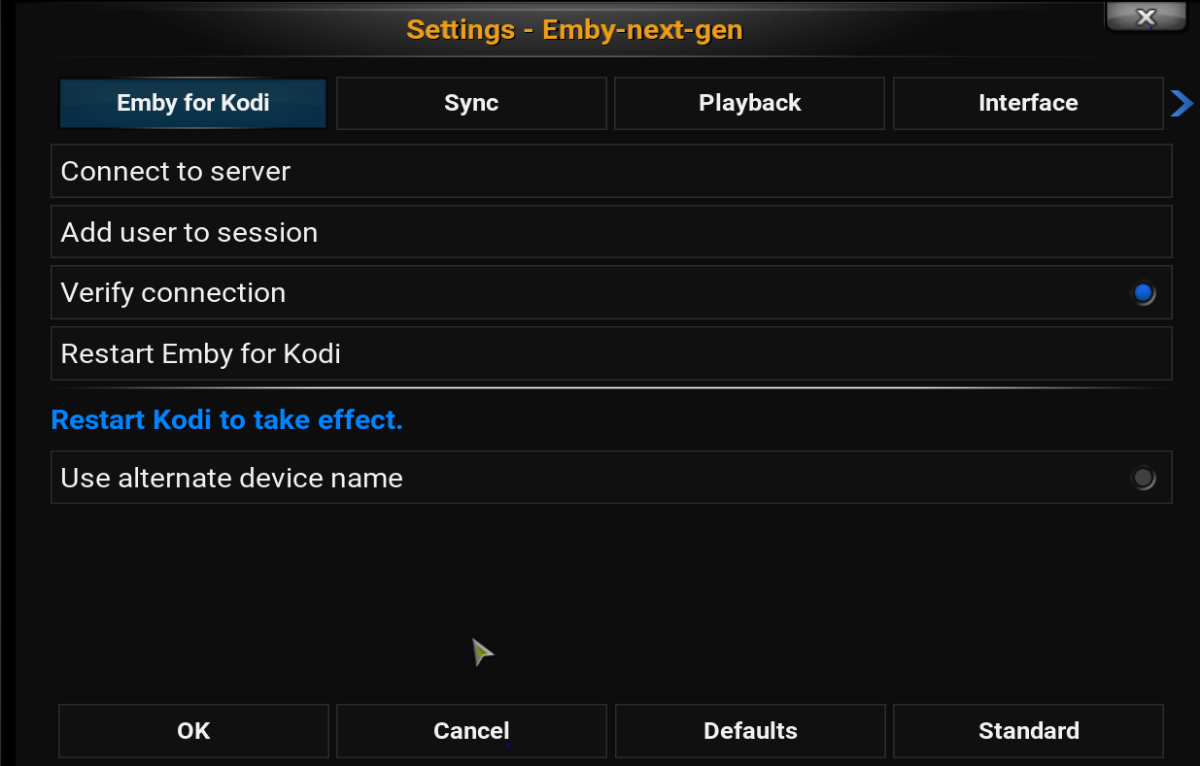
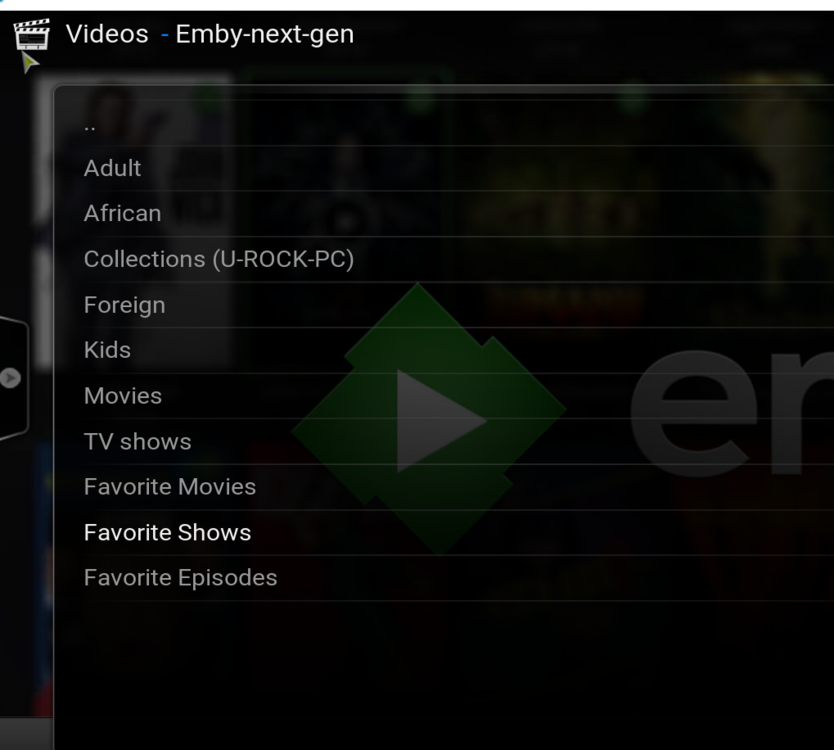
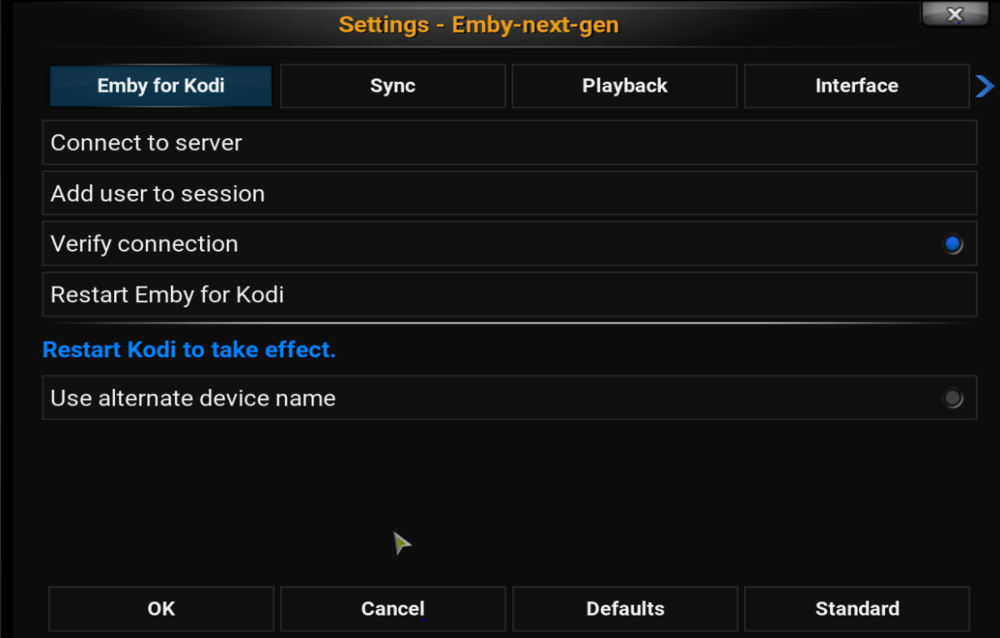
Where is the rest the option, reset DB, manage libraries, cache all libraries etc, and the settings is blanked the system will not allow manual input latest log https://paste.kodi.tv/lisogoyopo
 1 point
 -
I can post you a link to the demo, I know it works, so if it doesn’t play for you then yes, something is different on 2021 models, although no one else has raised this yet. I’ve looked in the Samsung dev site but there is no mention of any changes in playback on 2021 models. It’s a bit brutal, but you could try a full factory reset on the tv. I have seen some issues in the past on LG and Samsung where this has resolved it.1 point
-
Dude! I love it! Let's code this monster!1 point
-
You can force to use Secure Connections. Go To Settings and Network there you can set to required by all remote connections or you select reverse proxy controlled if you force it there.1 point
-
right, I have an HU8550 with one connect box, plays great, and also the same with the 2020 TU8000, Damn 2021s1 point
-
Yes the system folder is a package deal and replaced with every server update that is why system.old will exist after a server update as that is the previous installed version. If you have uninstalled specific system plugins your system.xml will reflect this and will not load them to the programdata/plugins. All active plugins will be in Data path: /share/CACHEDEV1_DATA/.qpkg/EmbyServer/programdata/plugins1 point
-
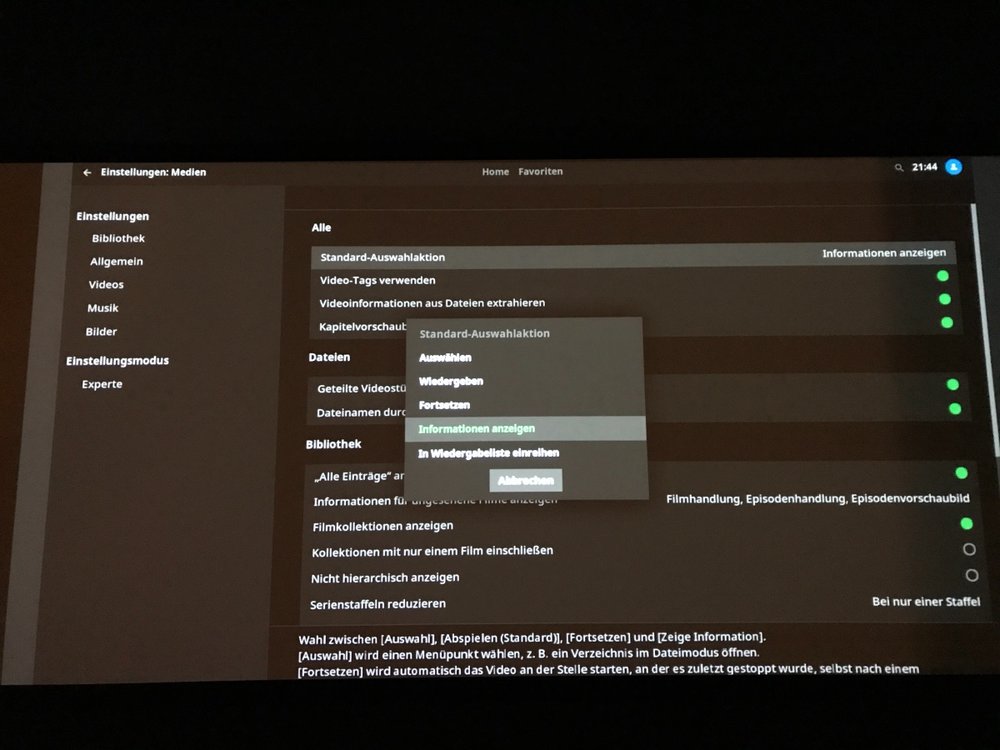
I can‘t upload a log at the moment but I mean this setting:
 1 point
 -
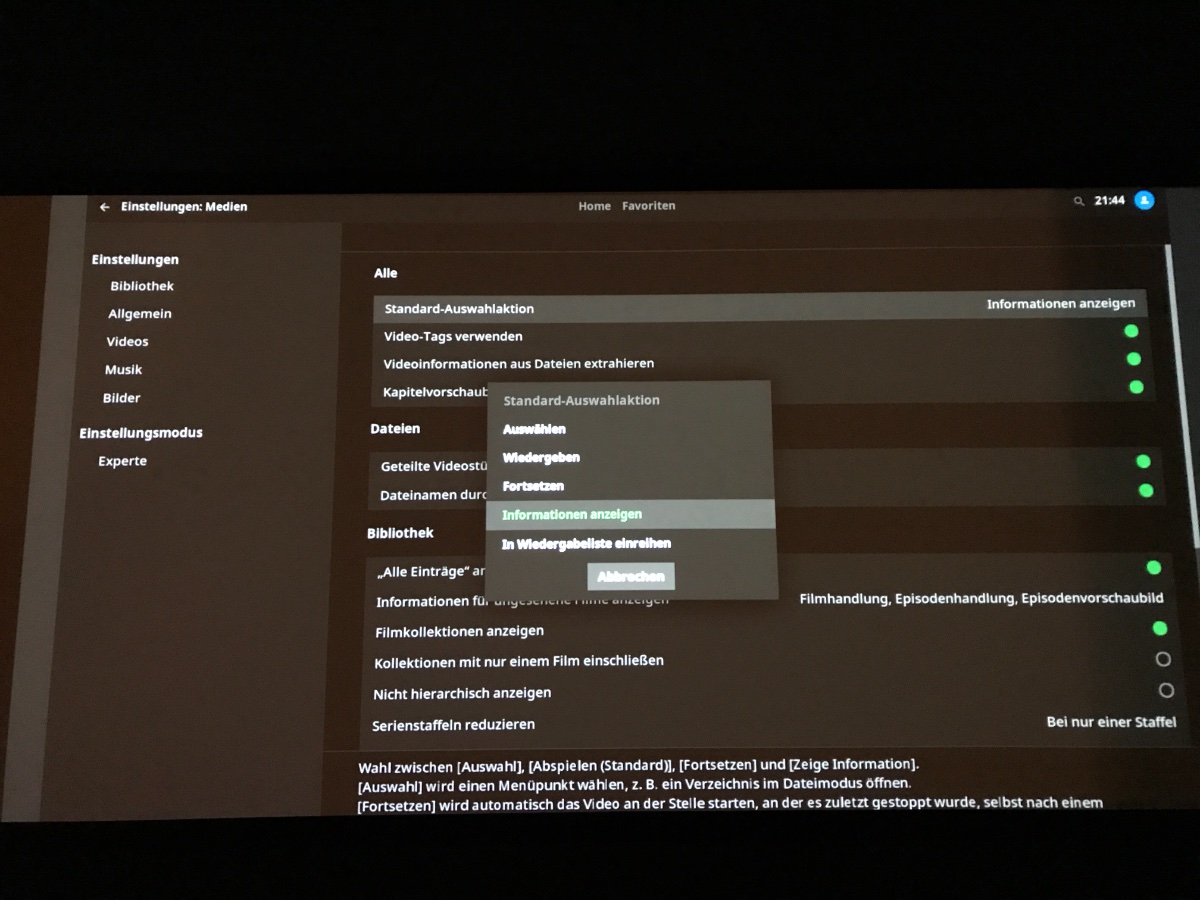
Hi quickmic, since the first 6.xx version the KODI setting for what should happen when selecting a database title seems to be ignored. I have setup, to get the infopage, but for me now the movie starts. A littlebit strange if I had selected a title once the next time I get the infopage. Edit: OK checked again, maybe that point with the second time I get the infopage was with the first 6.xx version or I only thought it was working than. At the moment the movie starts every time I select a title. Edit 2: if I change it to „ask what to do“ this is OK, but directly infopage is ignored.1 point
-
You could try with the Infuse app. It's working really well on the Apple TV1 point
-
After further testing this seems to be an undocumented restriction/bug where embycon fails to show any mixed content libraries. Libraries with content set to movies or TV shows show appropriately. I don't know if the beta skin/full kodi modification also suffers from this issue. I have posted a bug report to the kodi subforum.1 point