Leaderboard




Popular Content
Showing content with the highest reputation on 07/15/21 in Posts
-
If you use the button mapper app you can configure up to 3 apps to auto start after wake up using single click, double click, or long press on most buttons to go straight into apps. If you have the new remote the Netflix button is a great button to use for that.4 points
-
This thread has a good name, so I think I'll post my changes here. Hijacked... Unfortunately I haven't seen code in this plugin which handles folder permissions when the folders are created on a users system. SO I can't say for certain I would be able to help Mdrodge. I can show some of the changes I recently made in the plugin though. 1. The Activity Log has changed a bit. It is a little more intuitive to show what the plugin is doing with the files. The plugin now has five states the file can be in: Waiting (if the file is being used by another process). Existing (if the file has been found to already exist in the library) Processing Failure/Unidentified (Could be a movie if movie organizer is not enabled, or we just couldn't figure out what the file was, and it needs to be identified) Complete 2. Settings pages have been organized. I find them to be a bit more friendly. 3. Smart match pages have been change to collapse the list, and fit more items on the page at once 4. Resolutions have been added to Movie naming, and a link to the Emby Wiki on Movie naming has been added to the UI, so we can direct users to the proper FAQ.3 points
-
Best guess is the migration did not prep the single item like it did the new item. As I just saw the same on issue on my test system. Only need to Refresh the OLD existing item.2 points
-
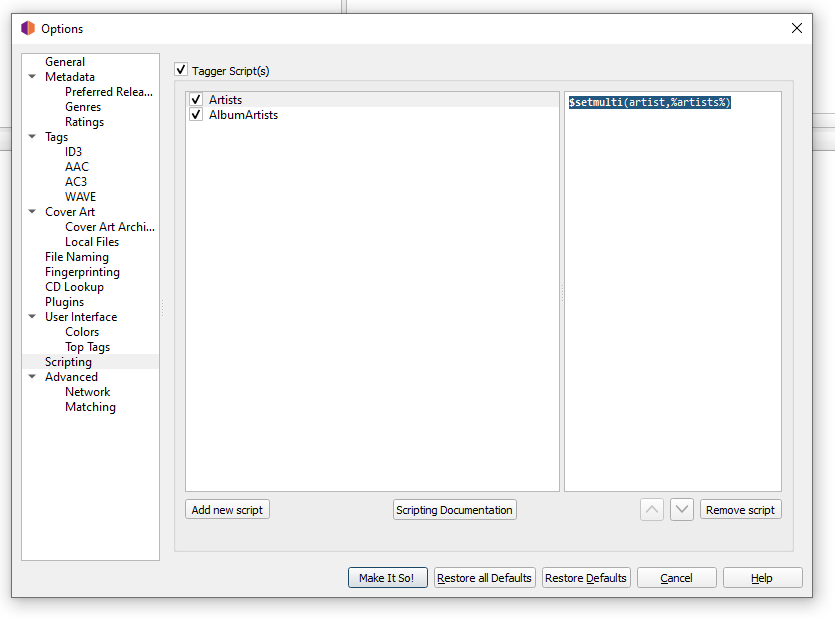
I revisited the old forum post I linked to, and ginjaninja's picard script is really good. I made a slight alteration to their script (they were creating a brand new field called 'artists') "$setmulti(albumartist,%_albumartists%)" will convert albumartist to the 'artist1; artist2' style, no matter how it's formatted on musicbrainz. "$setmulti(artist,%artists%)" will do the same, for the artist field. You could probably combine these into a single script, but I'm going to quit while I'm ahead.
 2 points
 -
Can you show what version a user is playing so admins can tell easily if they are playing a 4K or HD version?2 points
-
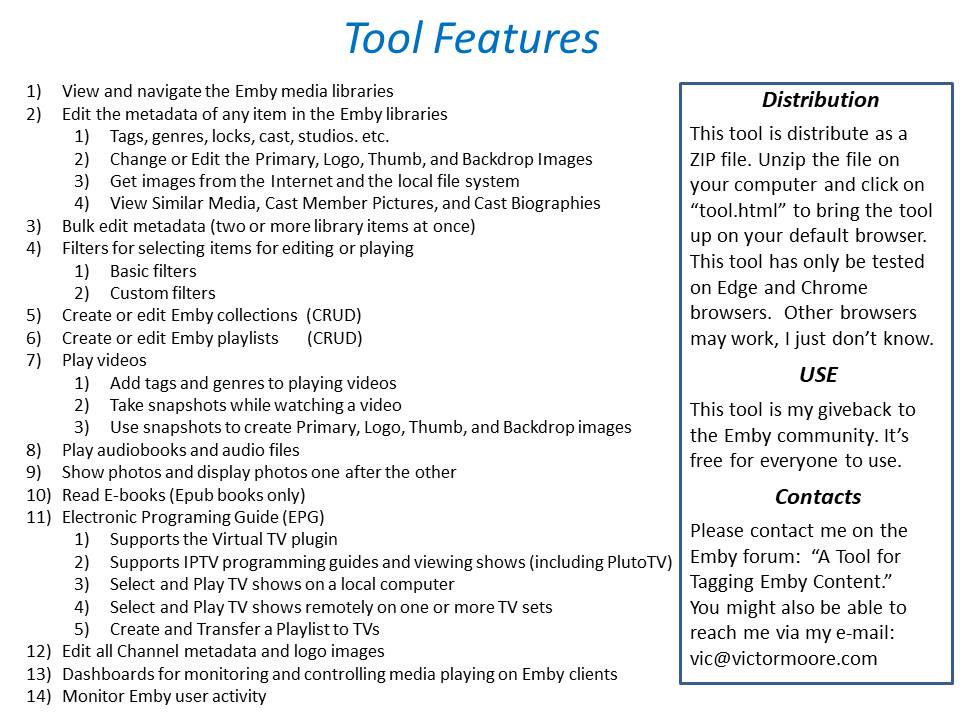
New_GUI_2.zip
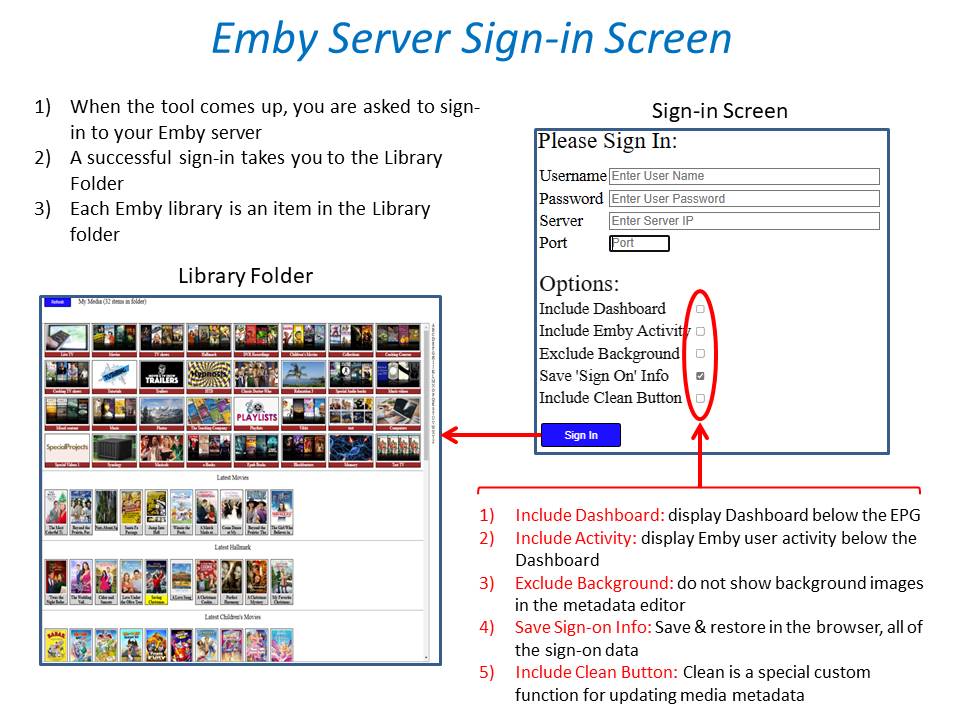
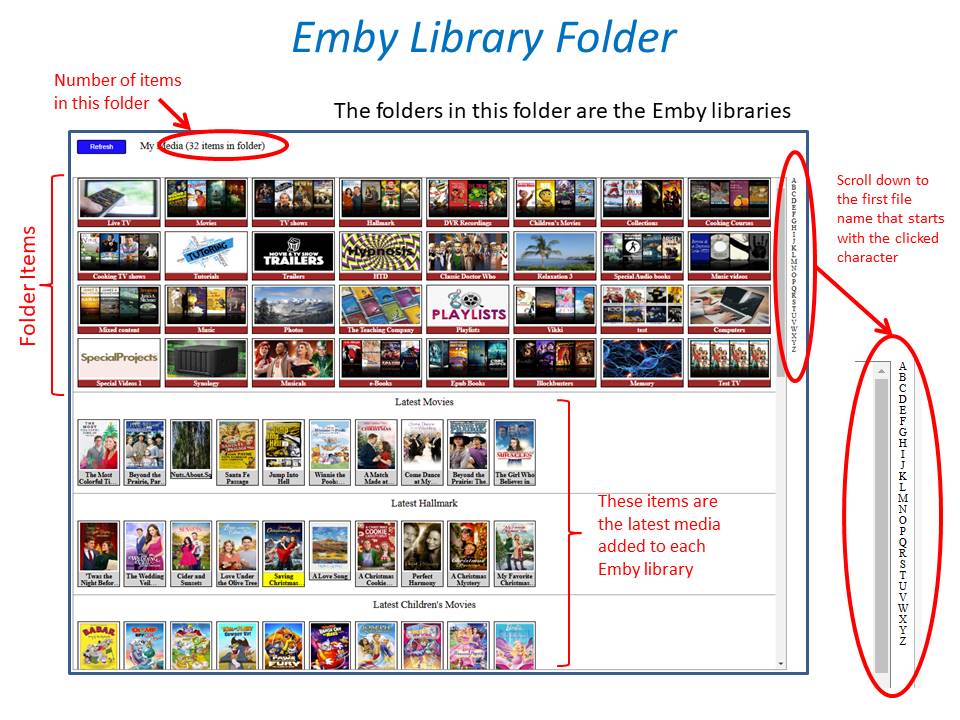
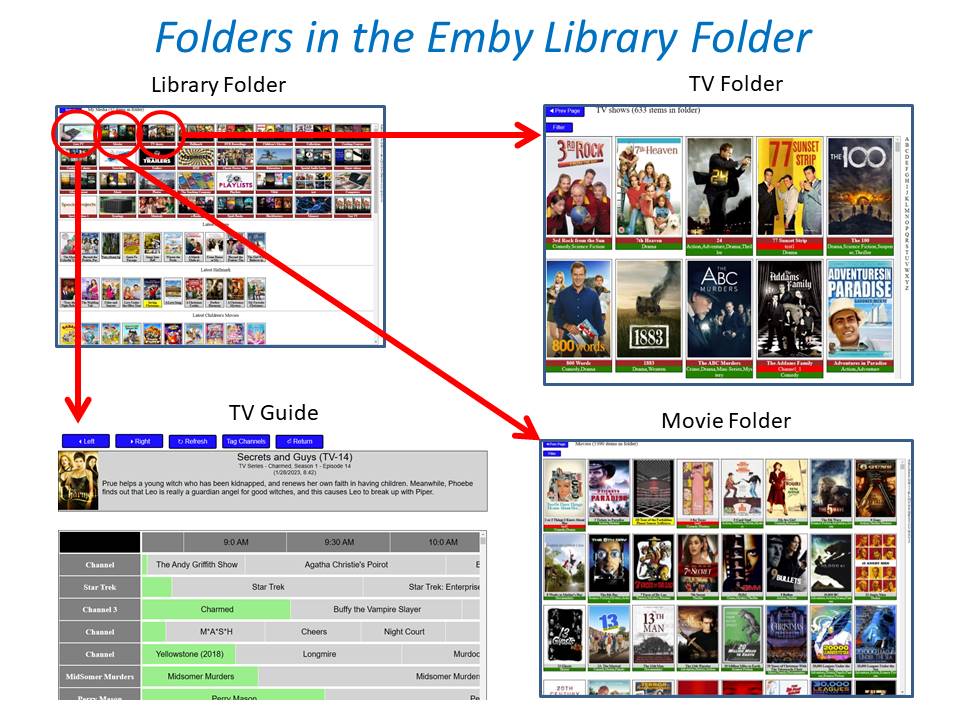
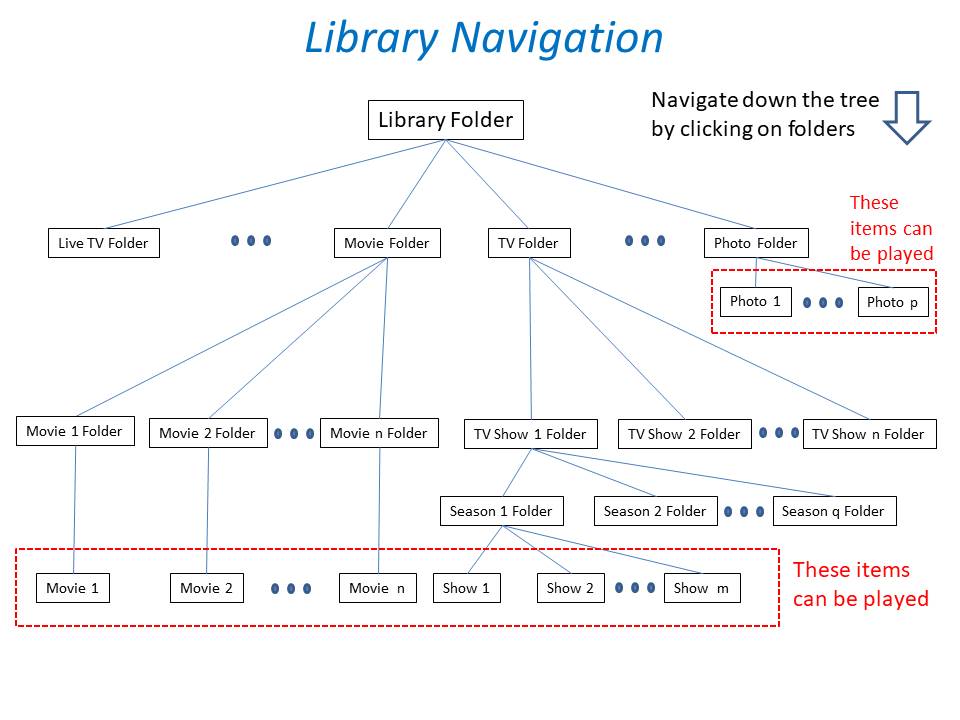
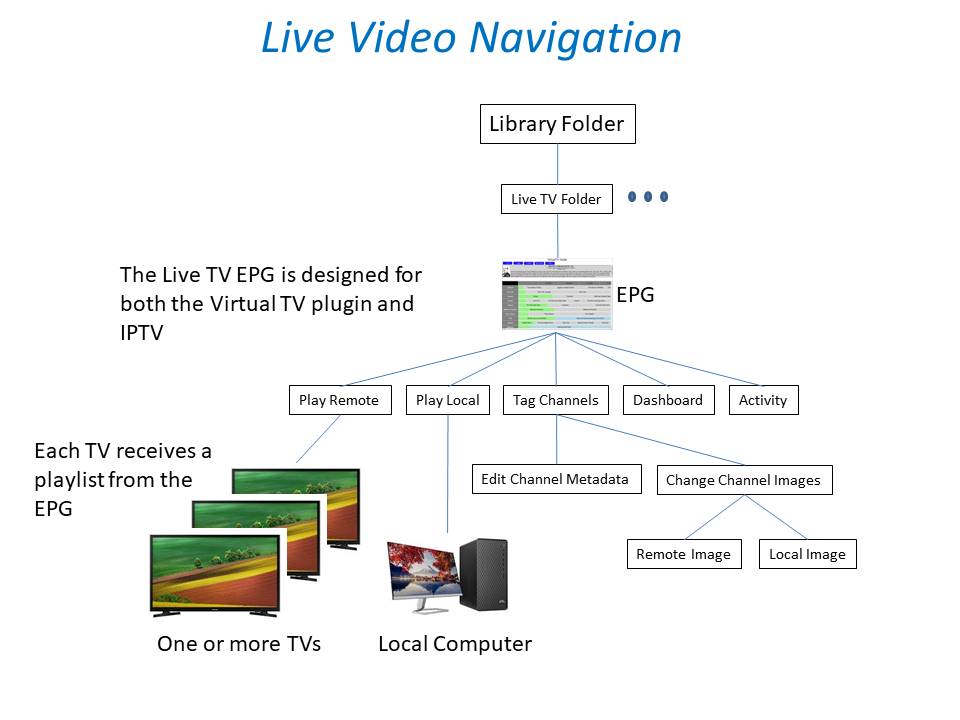
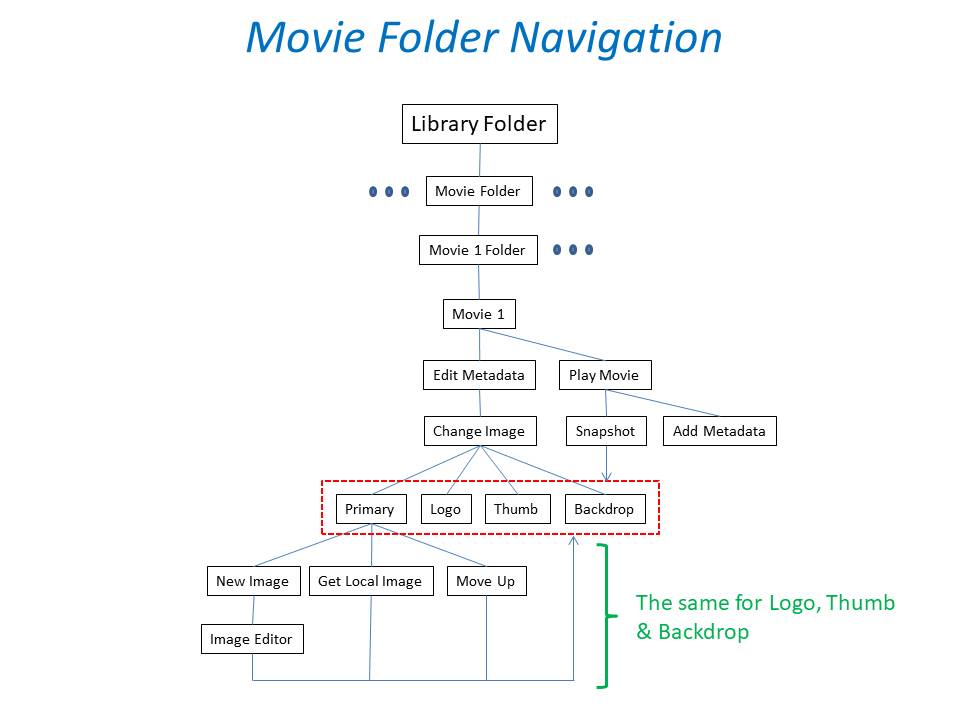
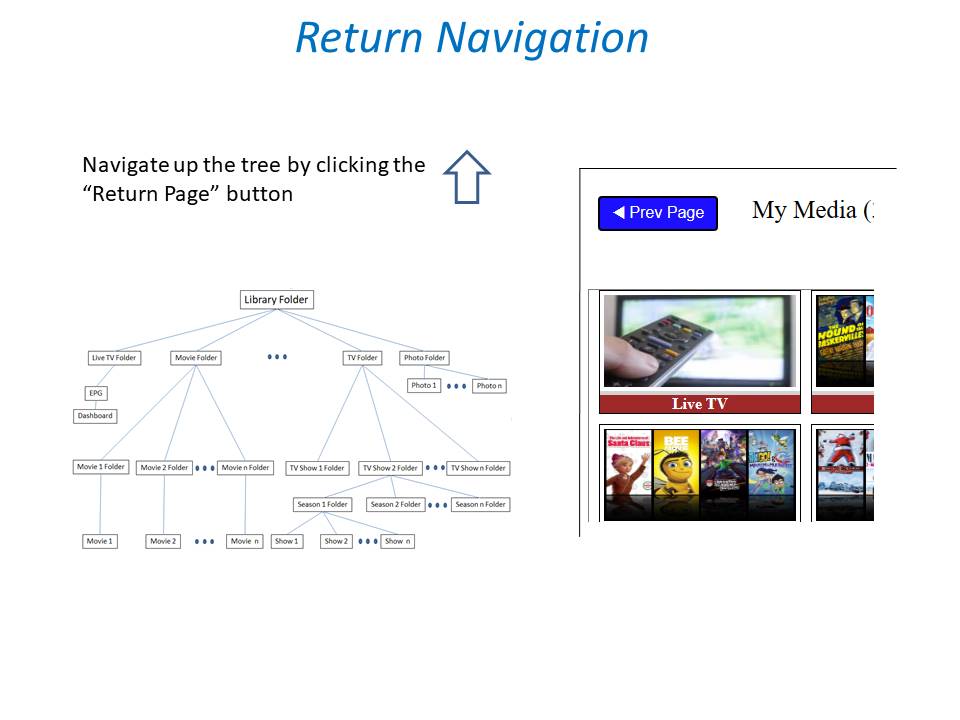
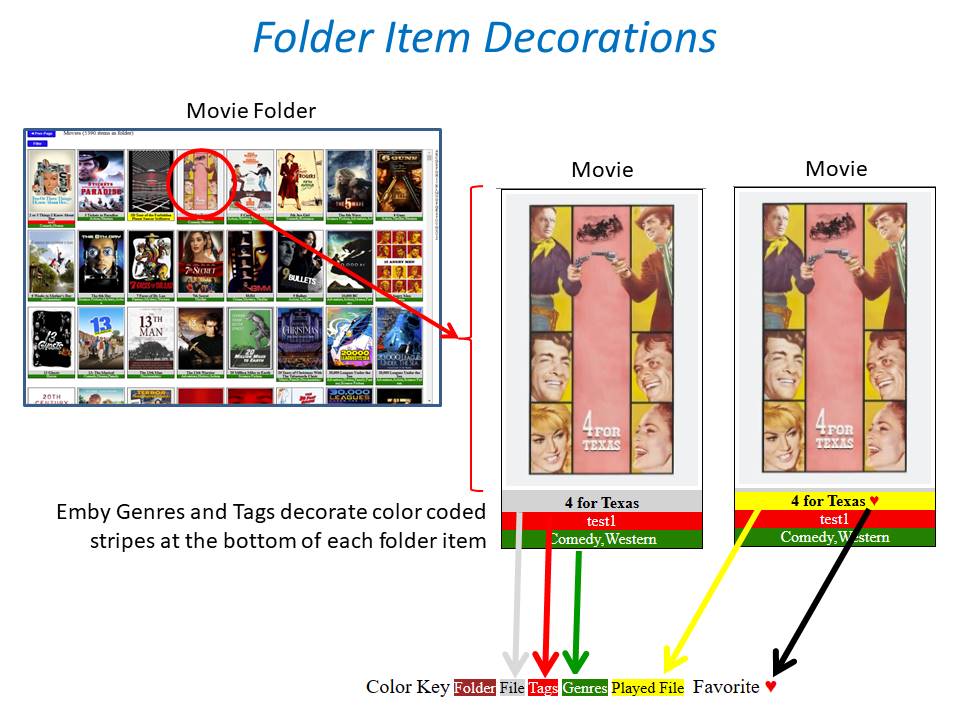
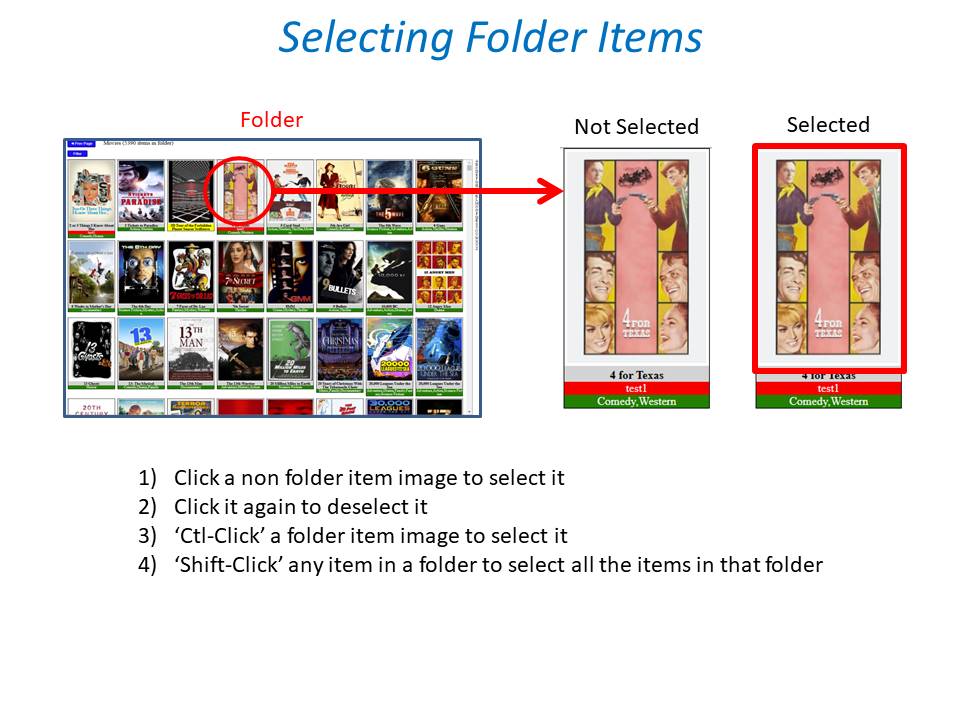
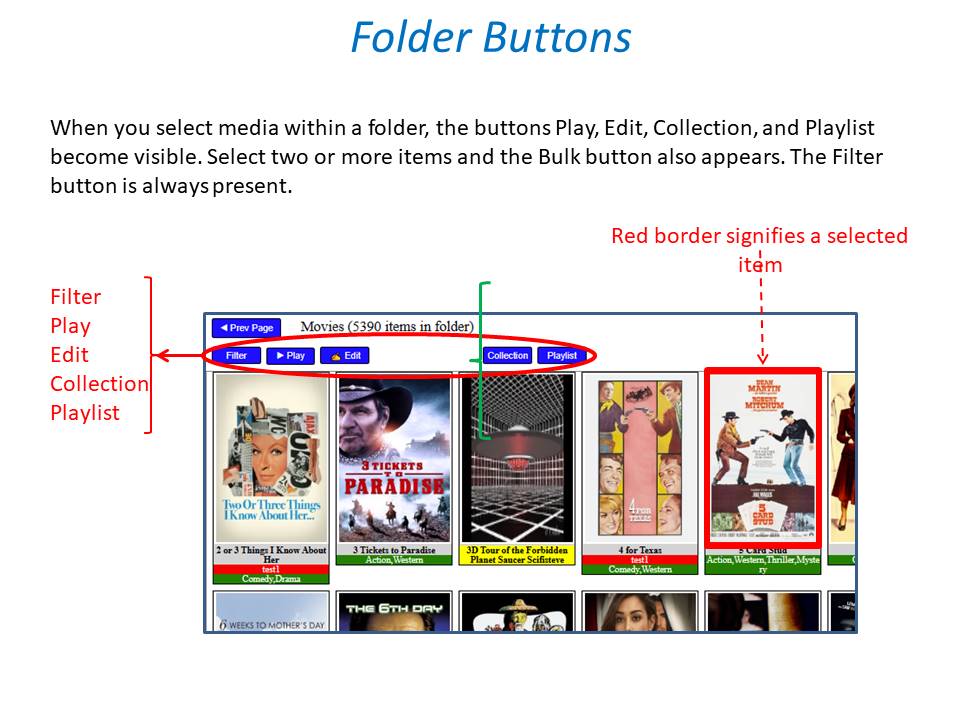
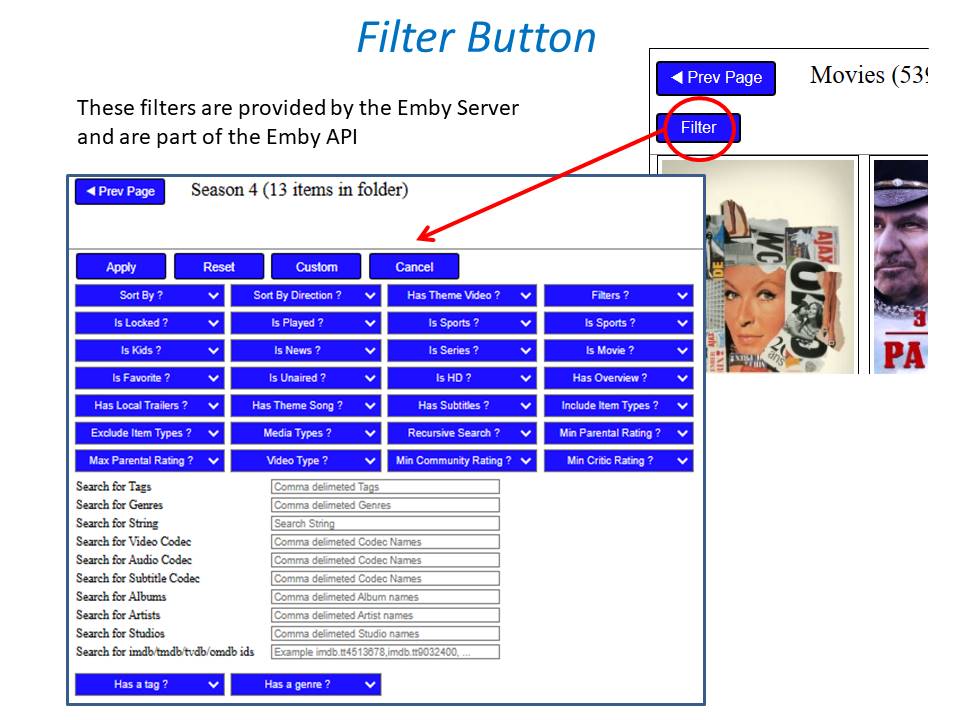
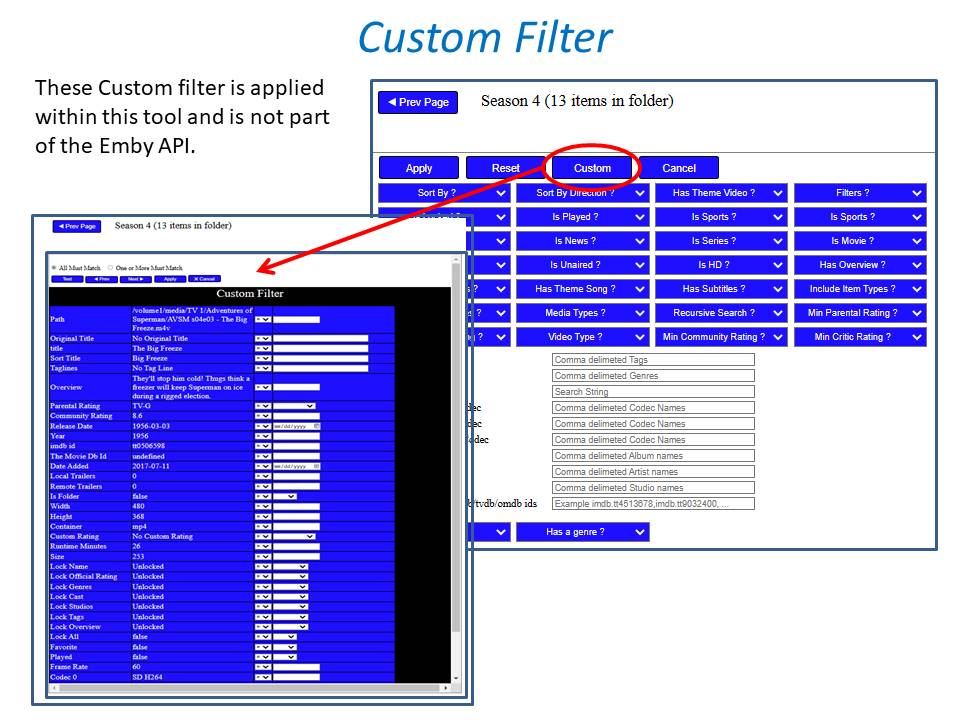
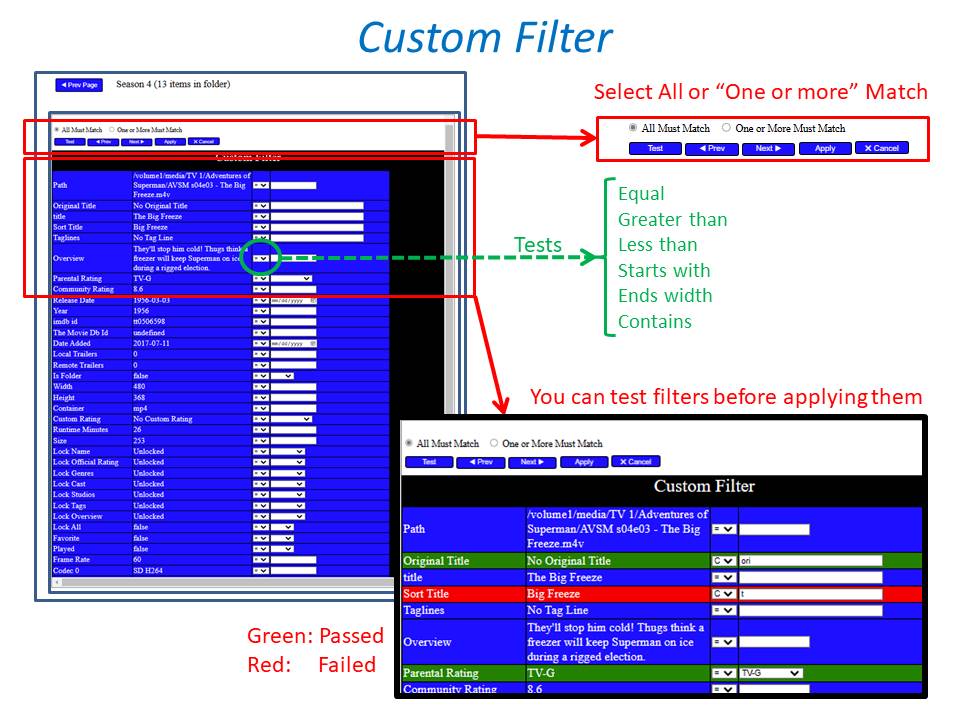
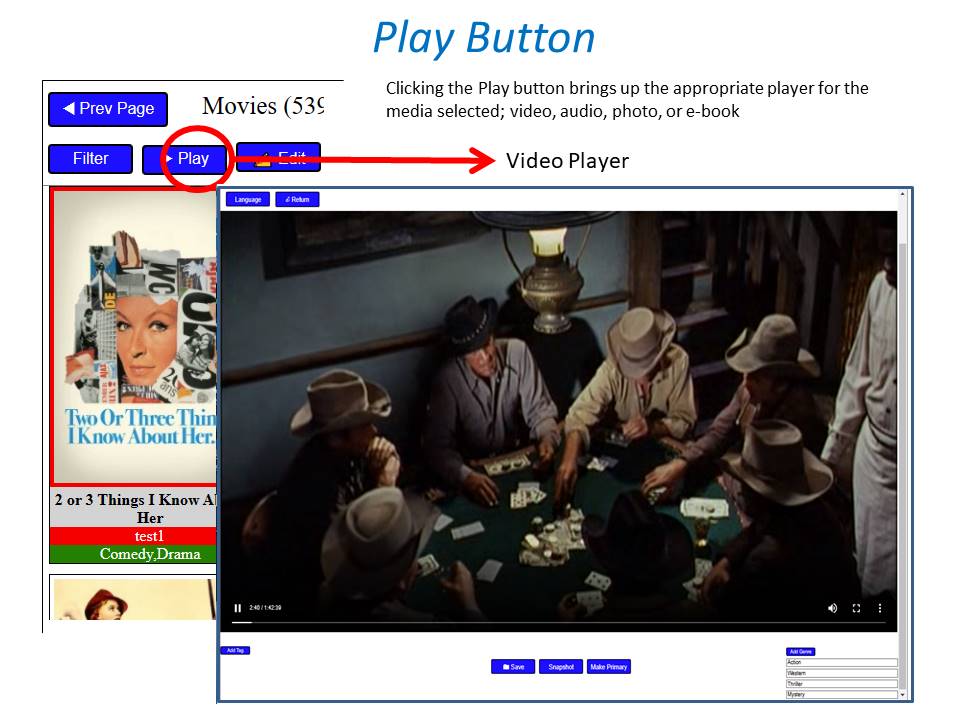
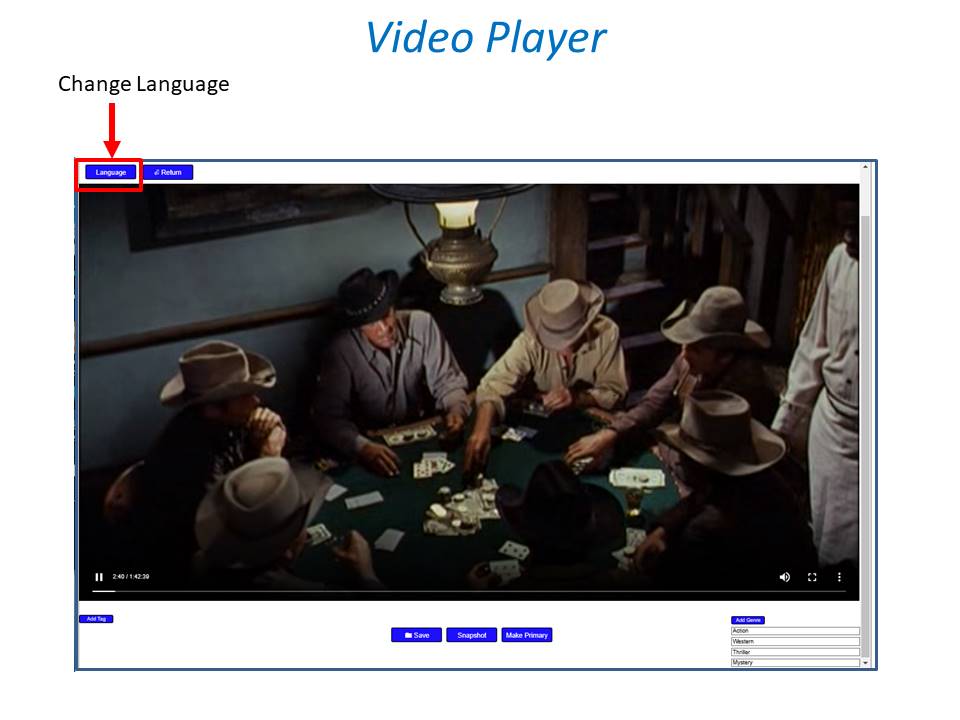
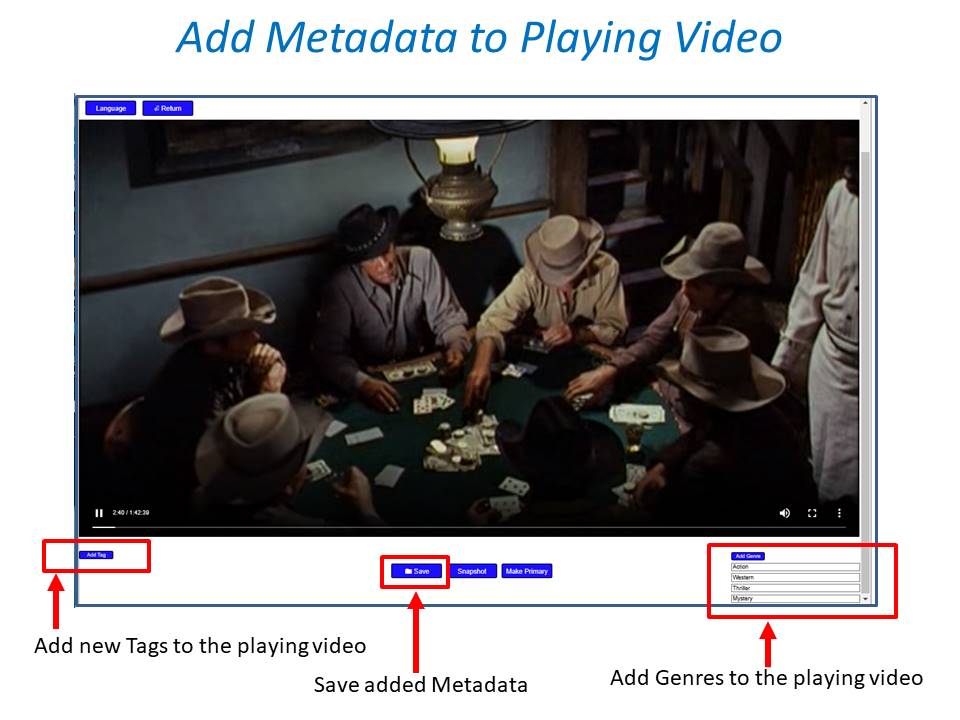
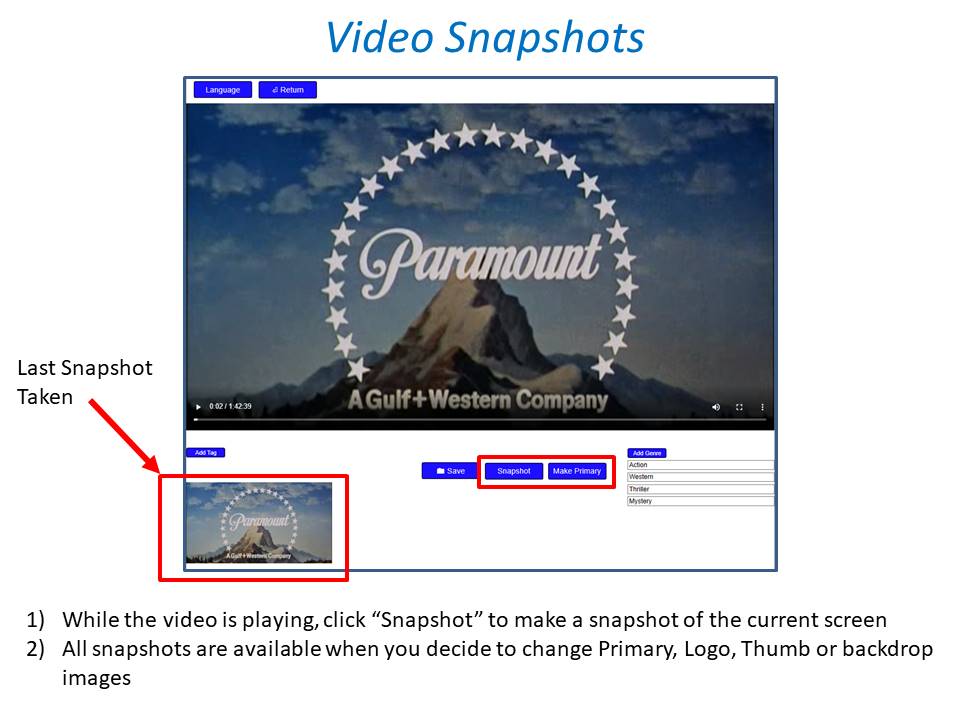
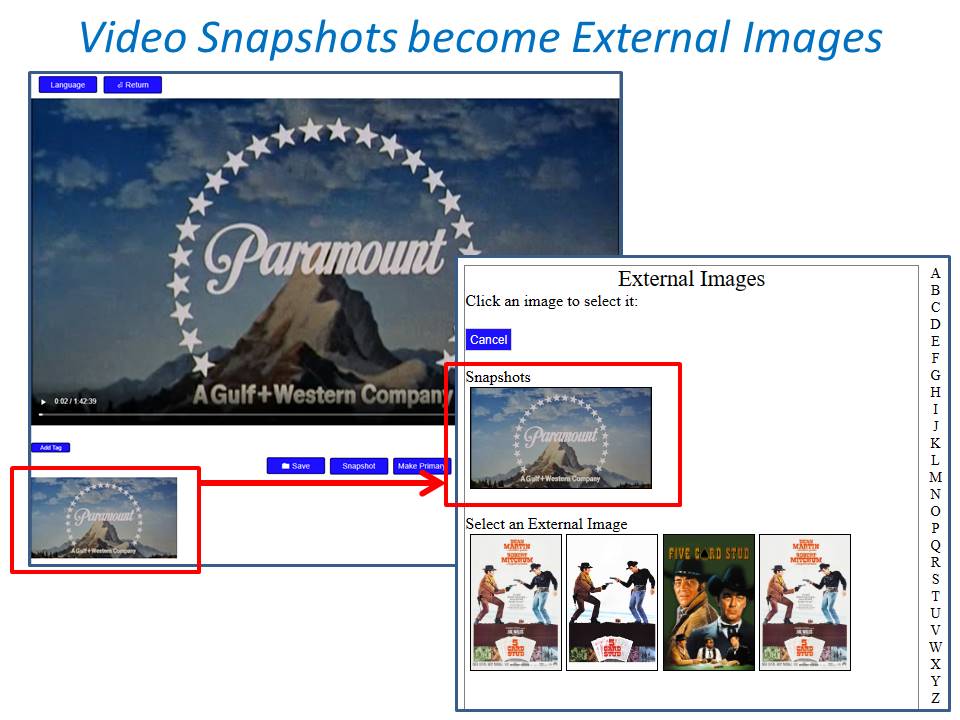
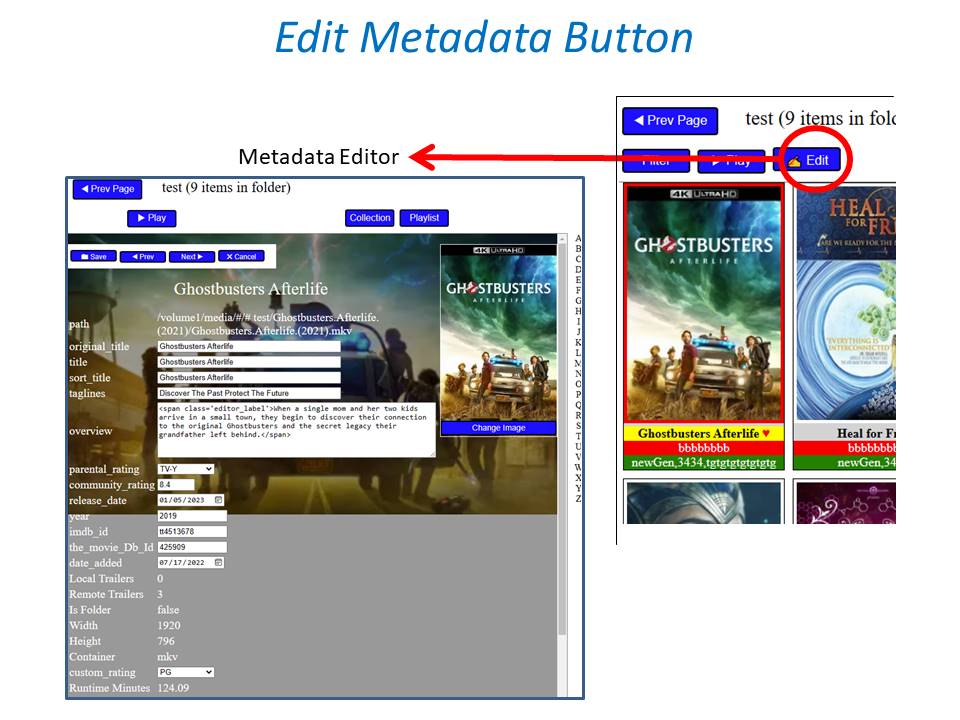
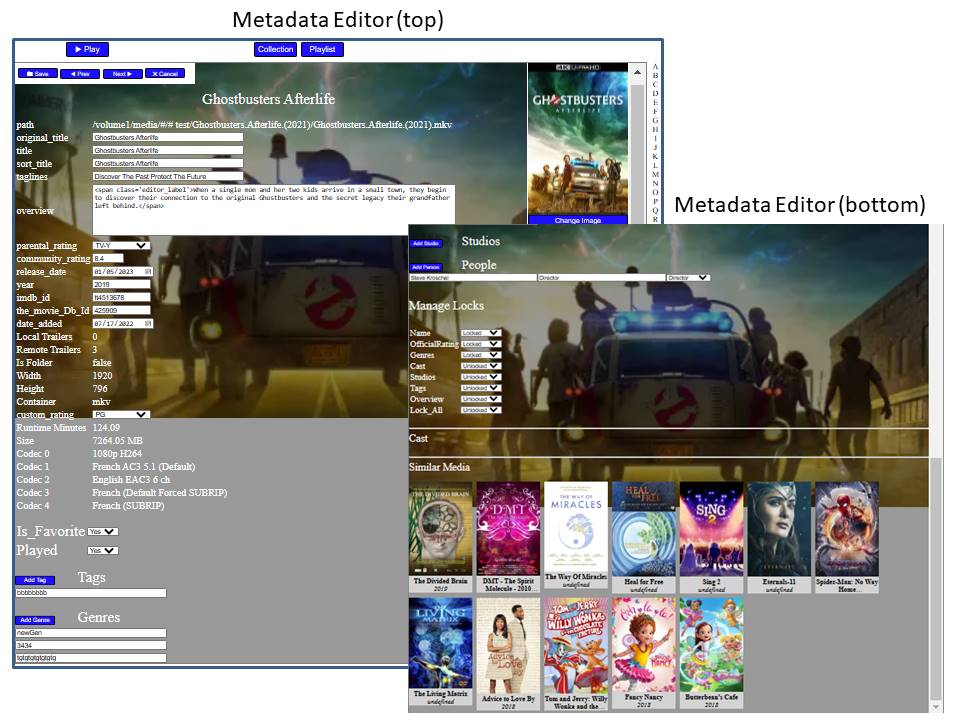
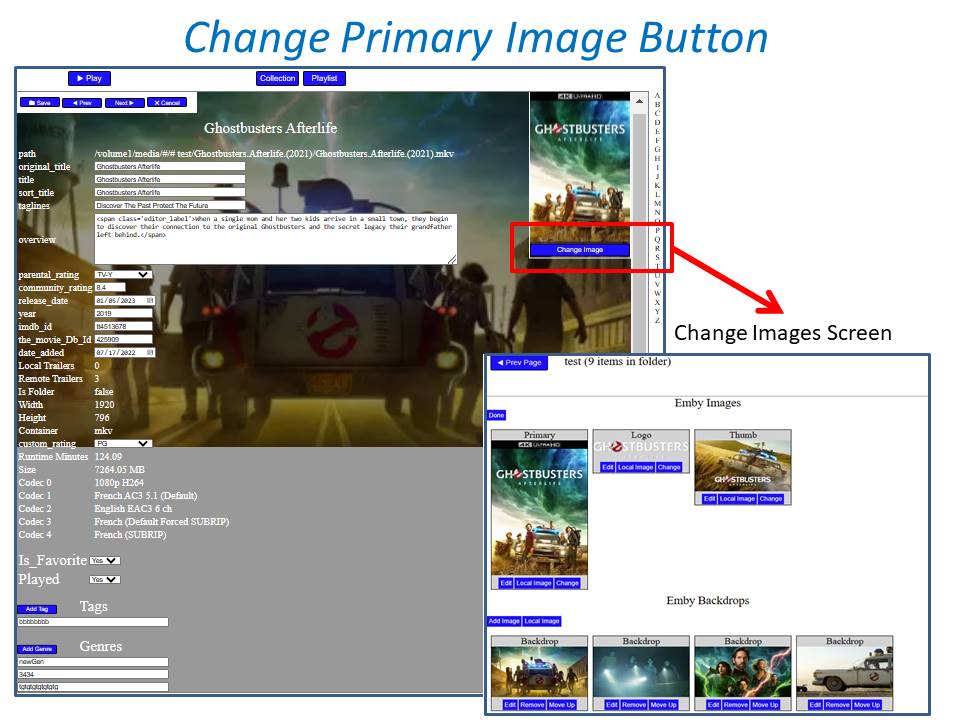
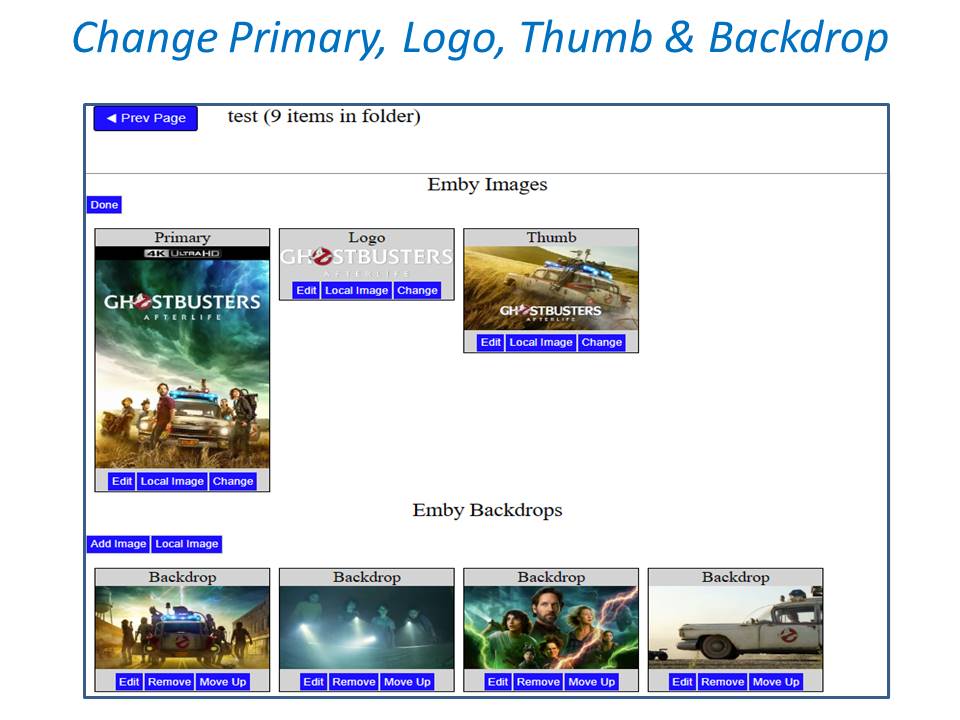
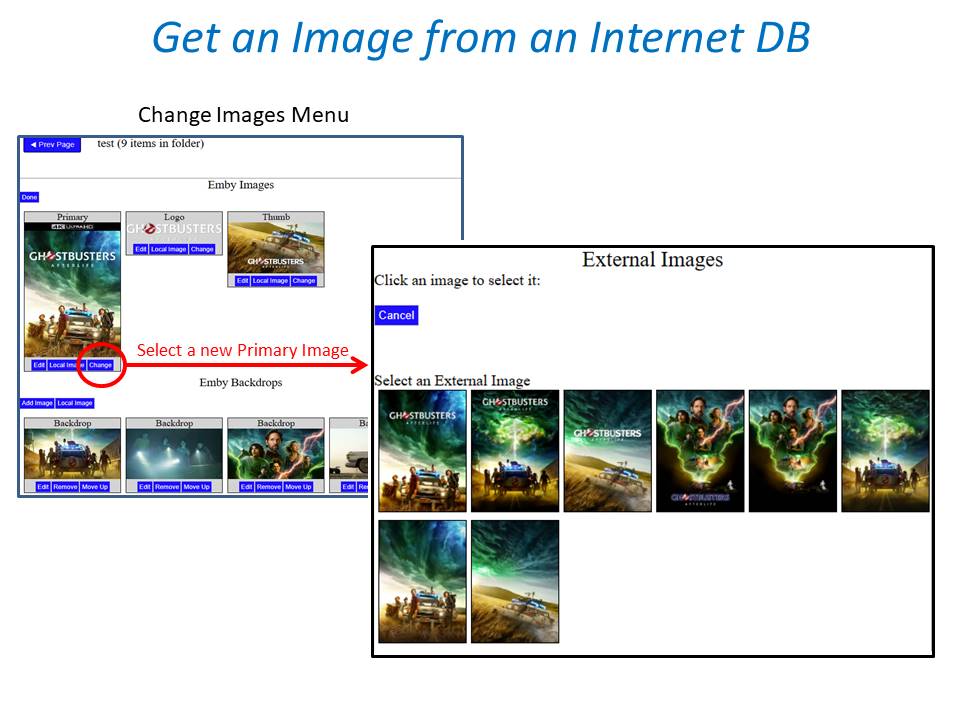
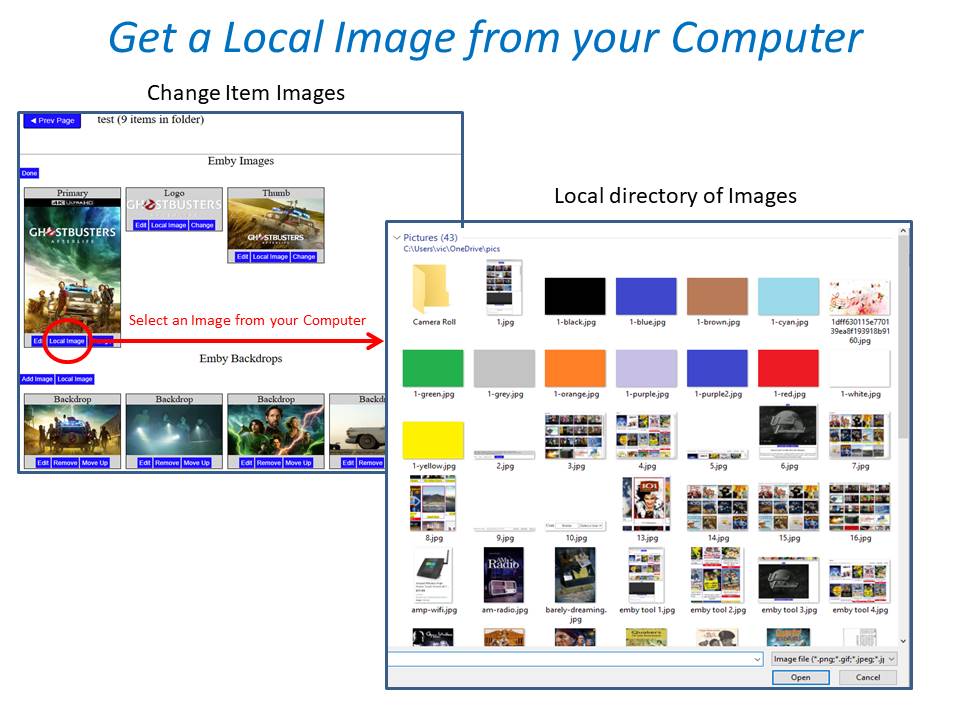
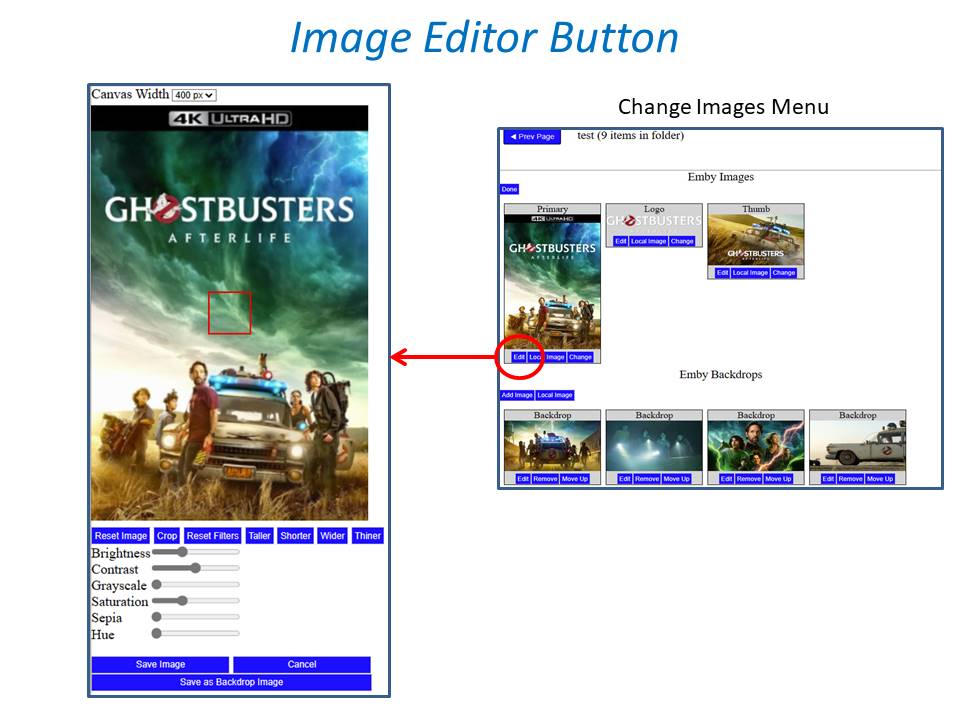
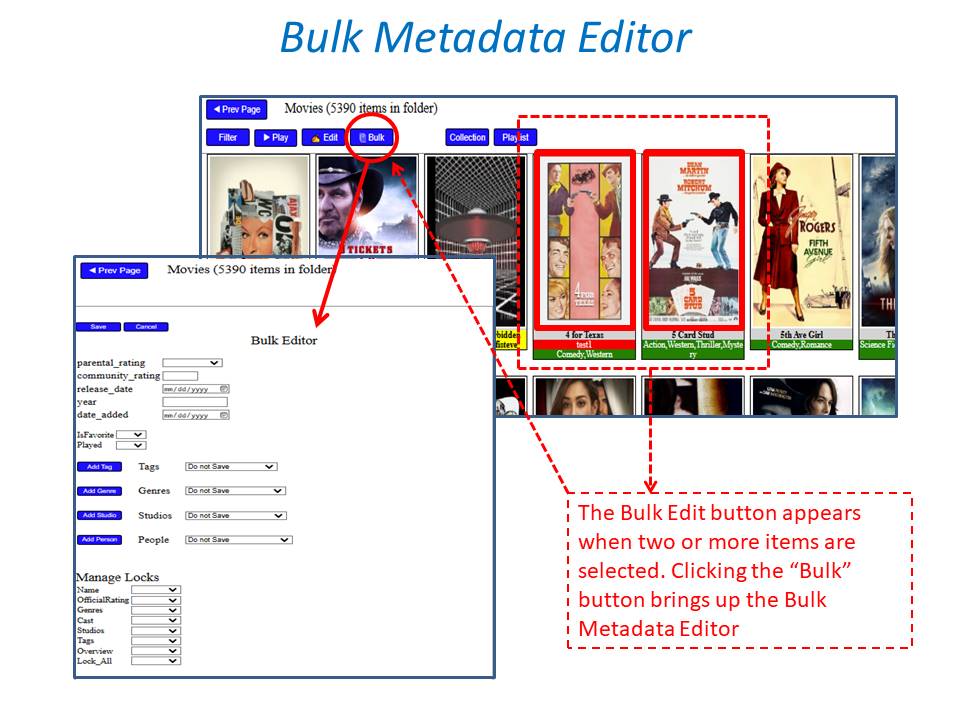
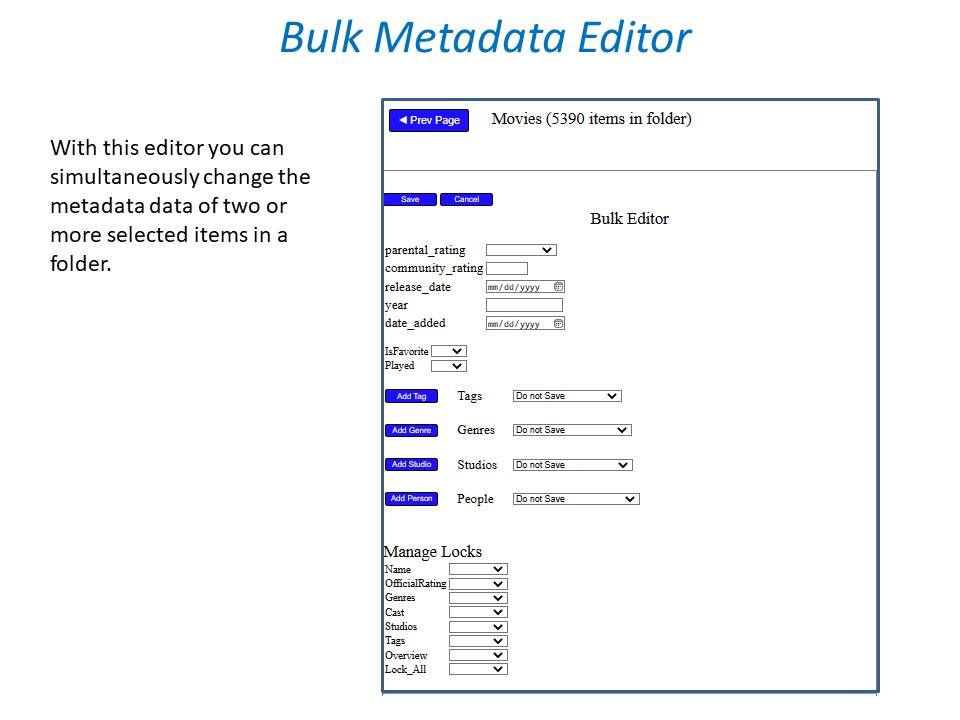
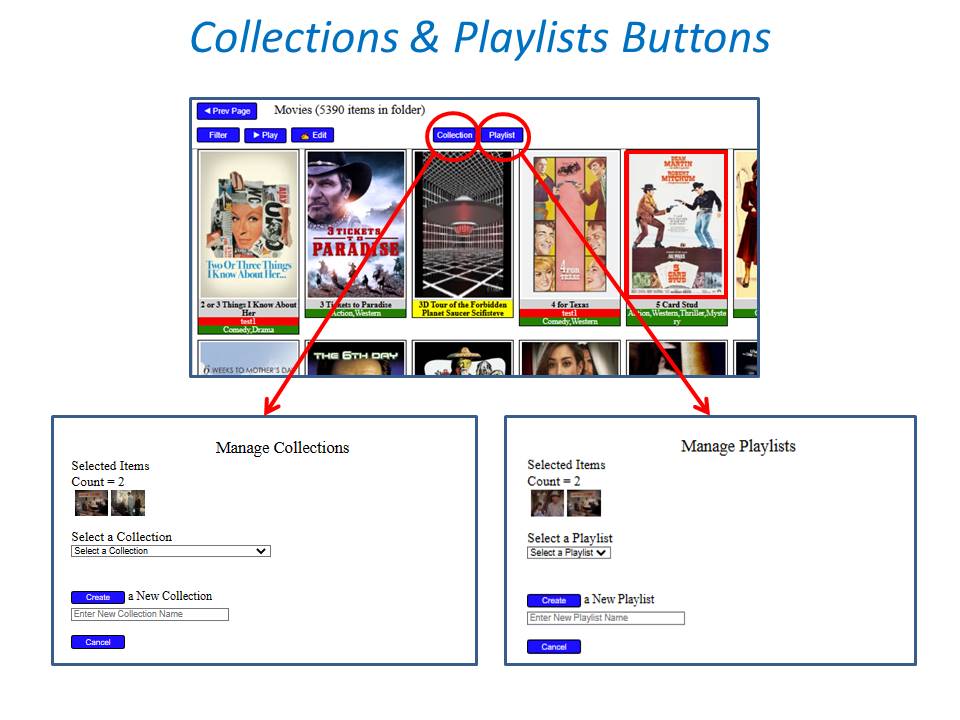
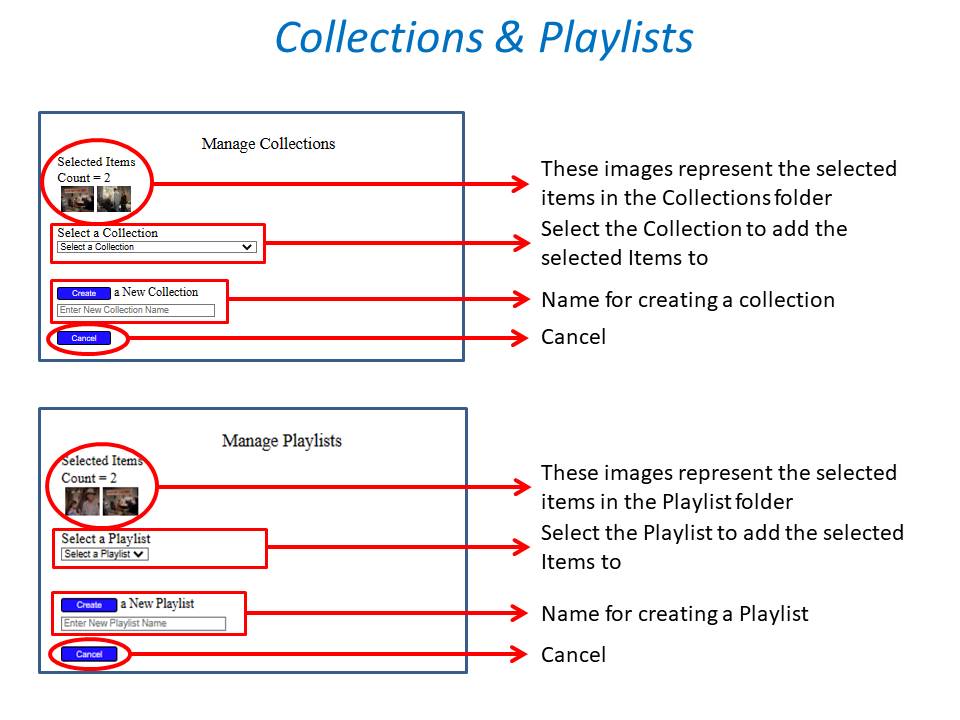
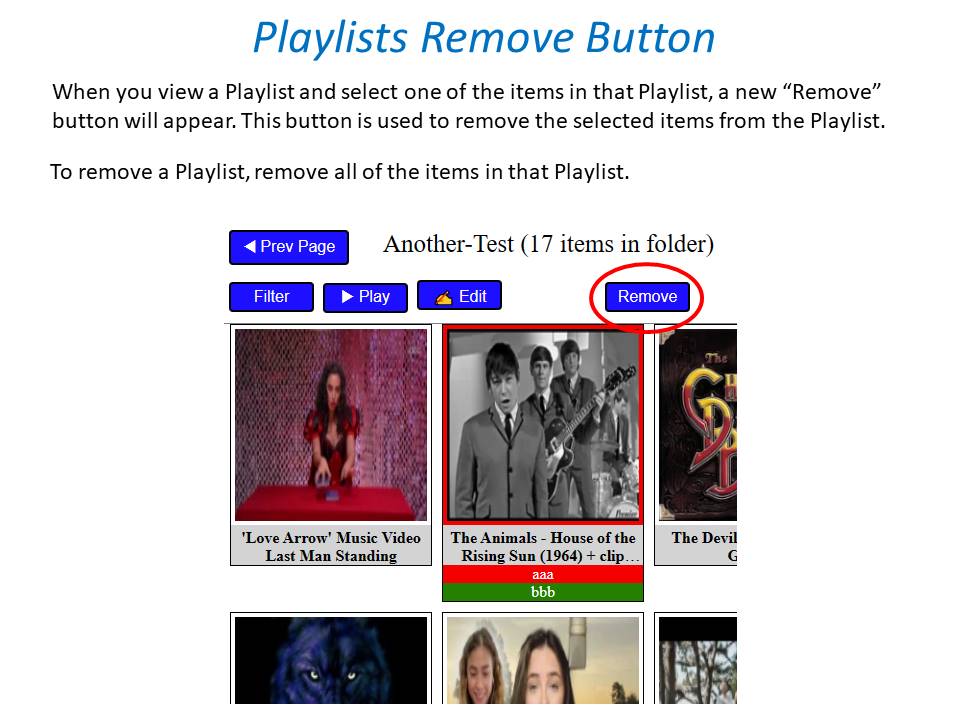
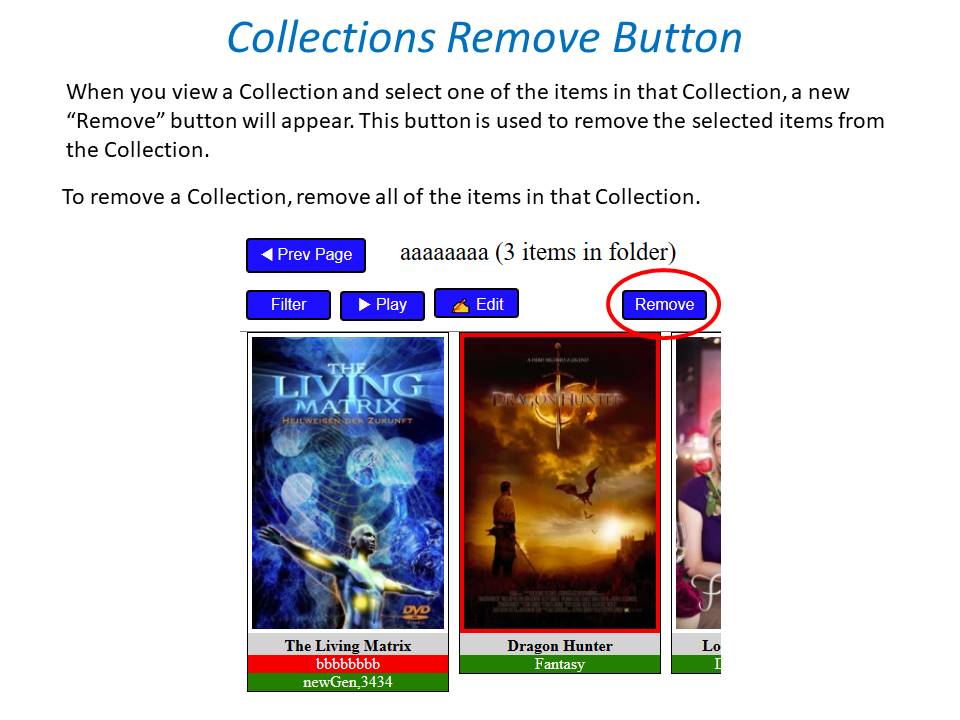
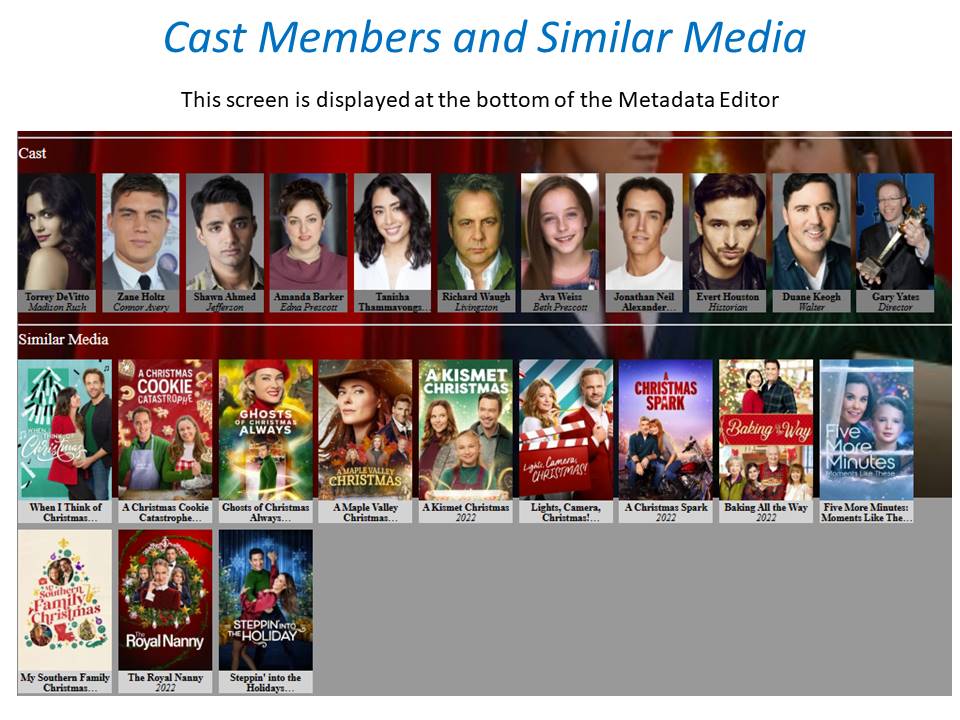
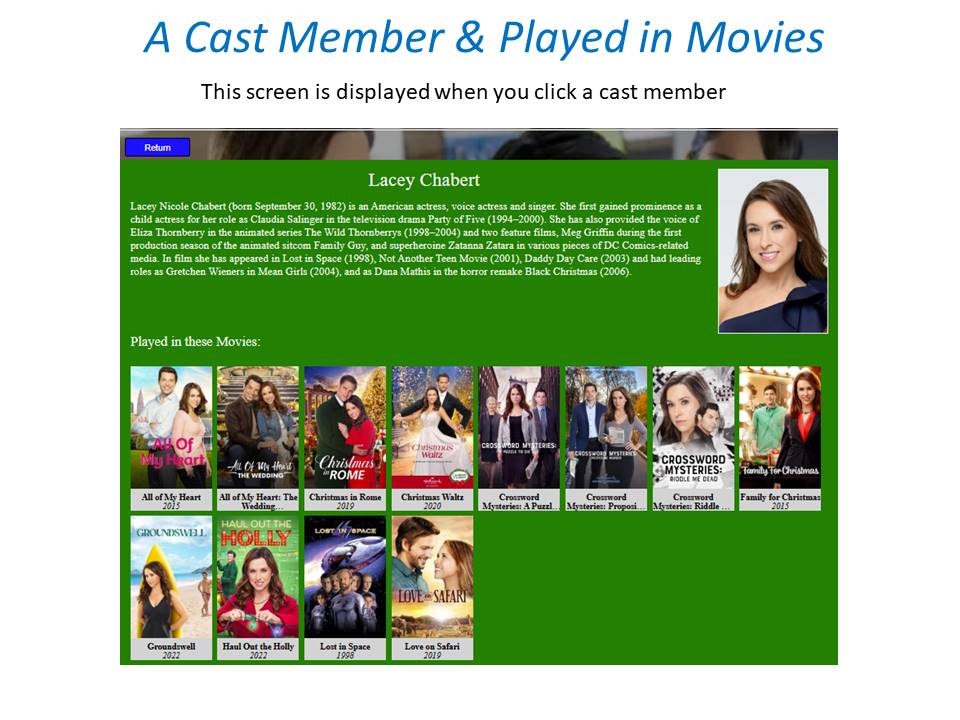
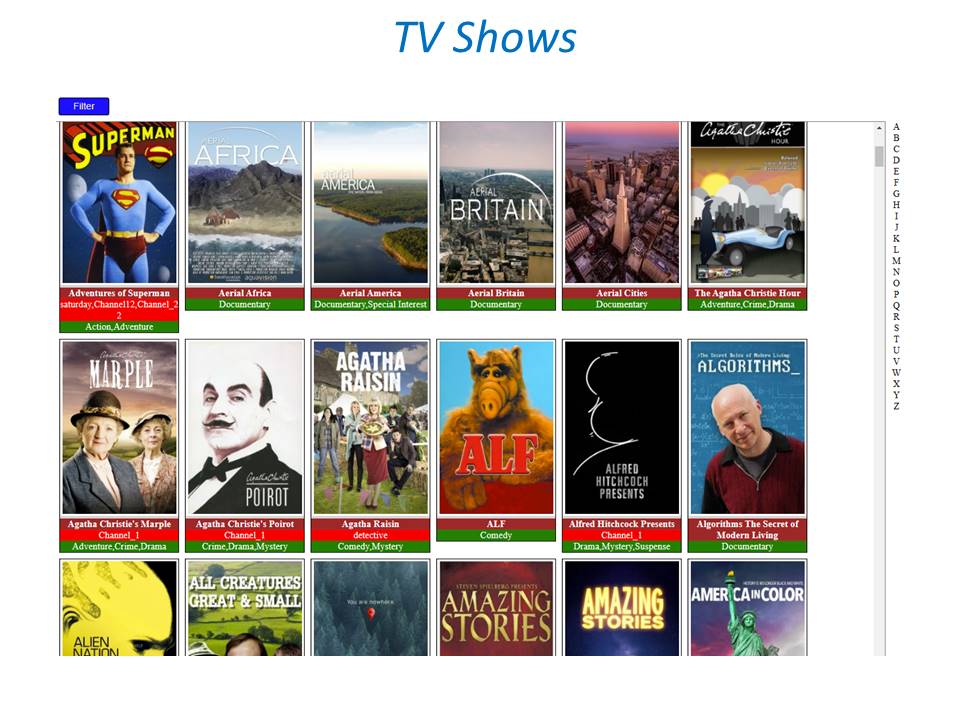
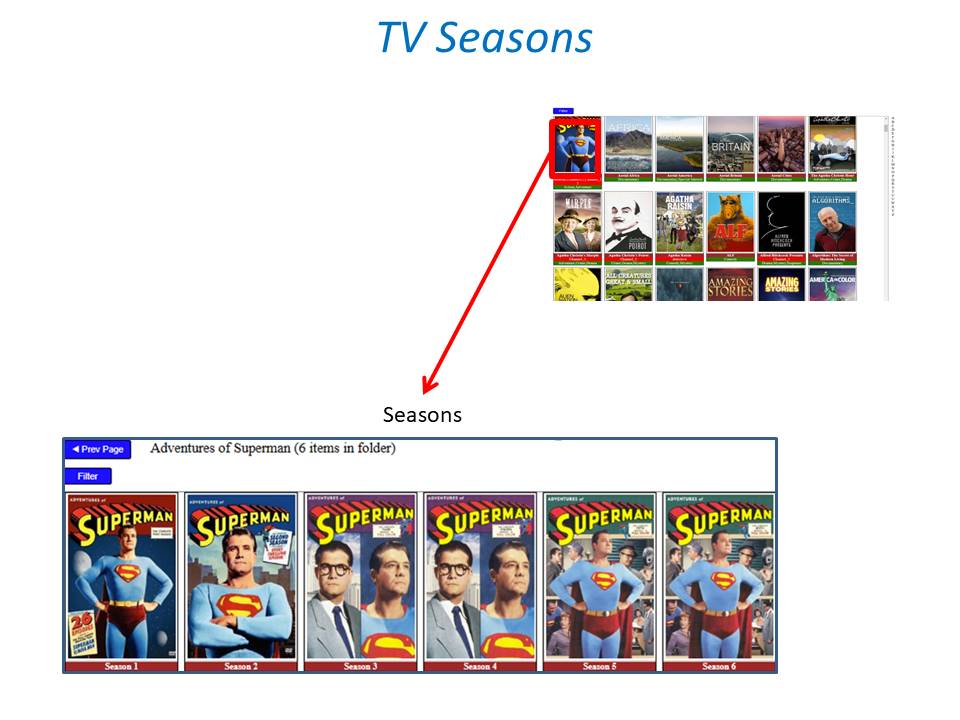
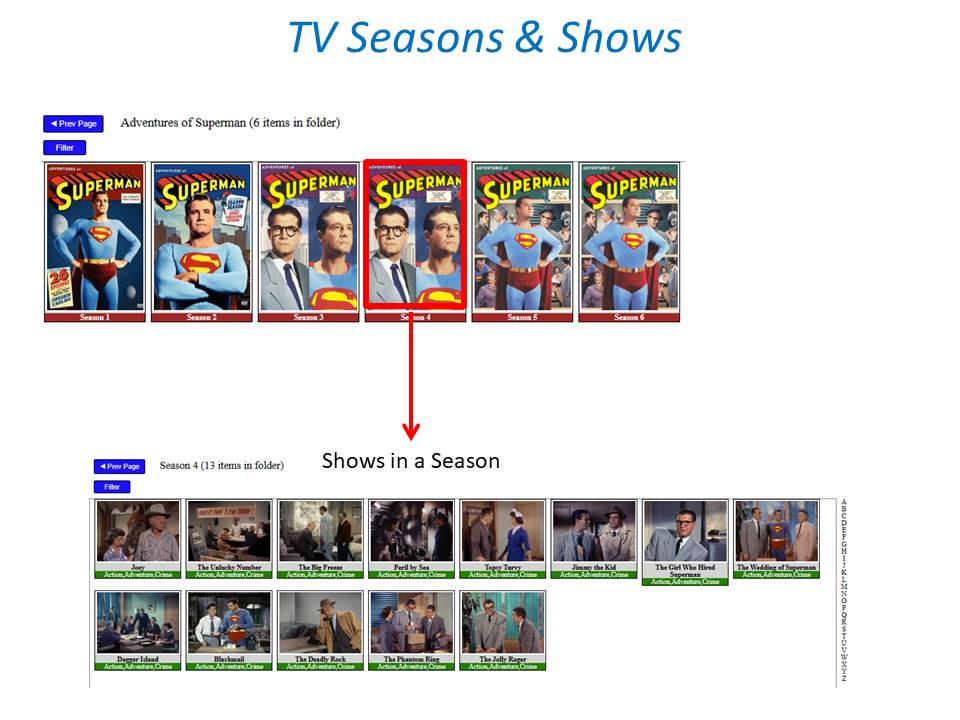
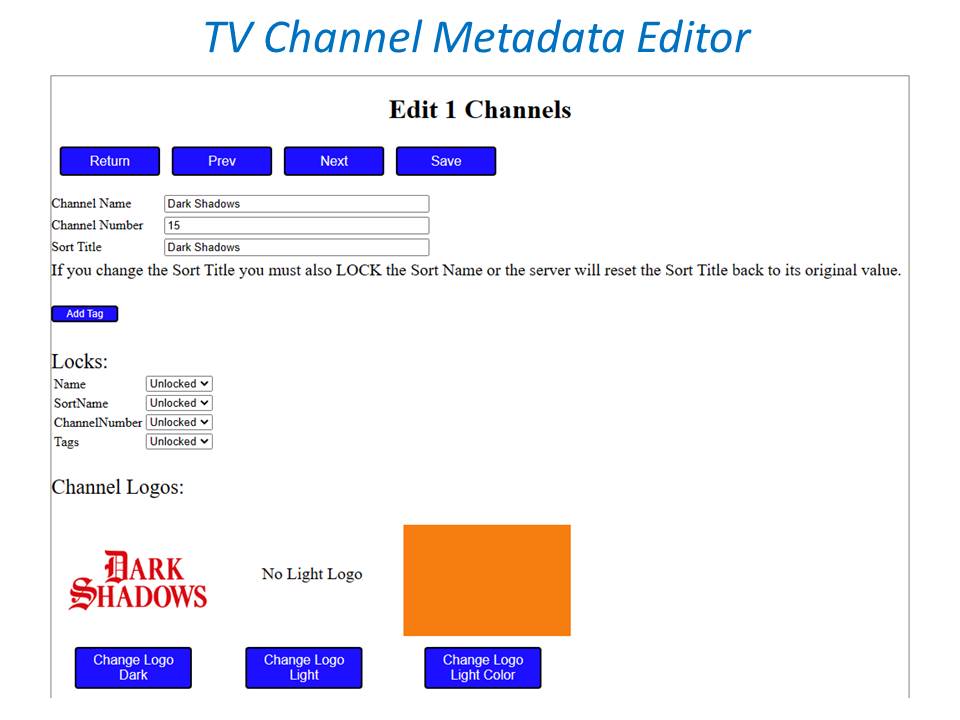
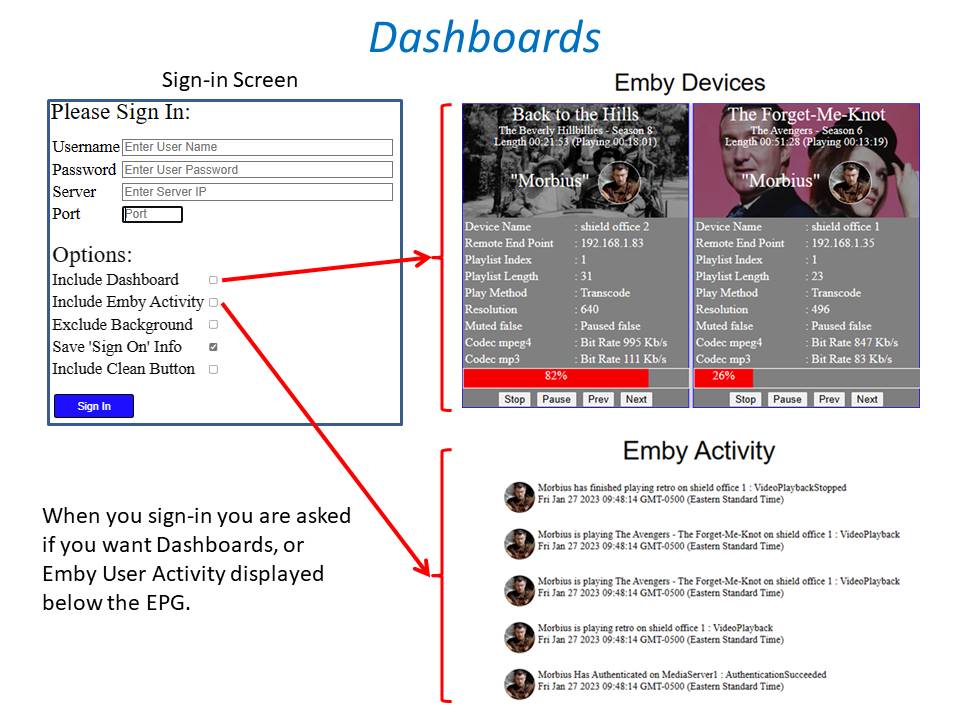
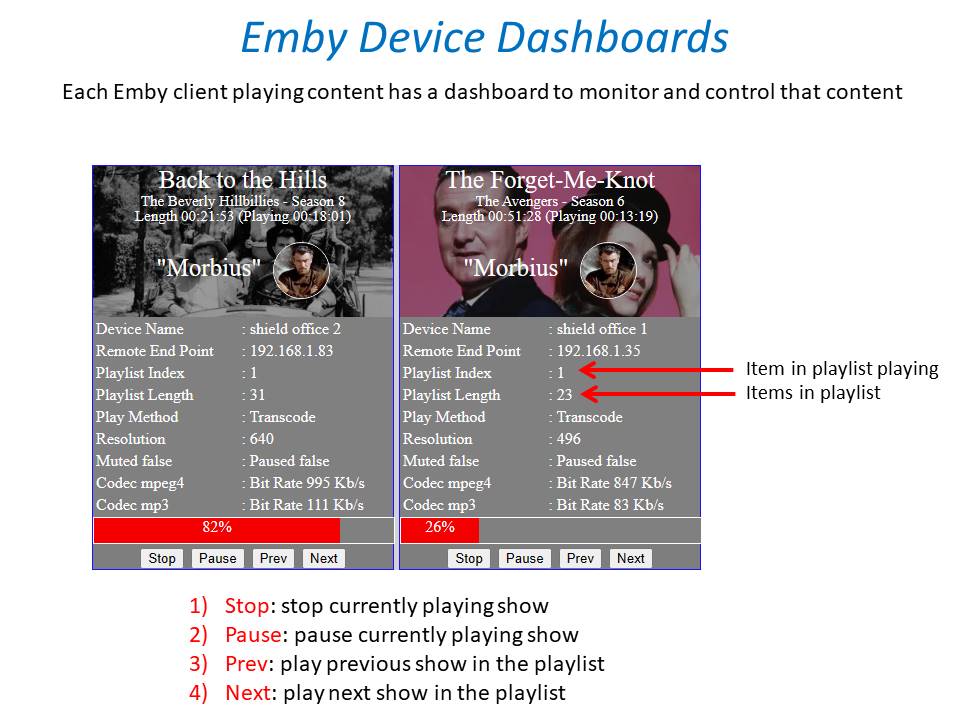
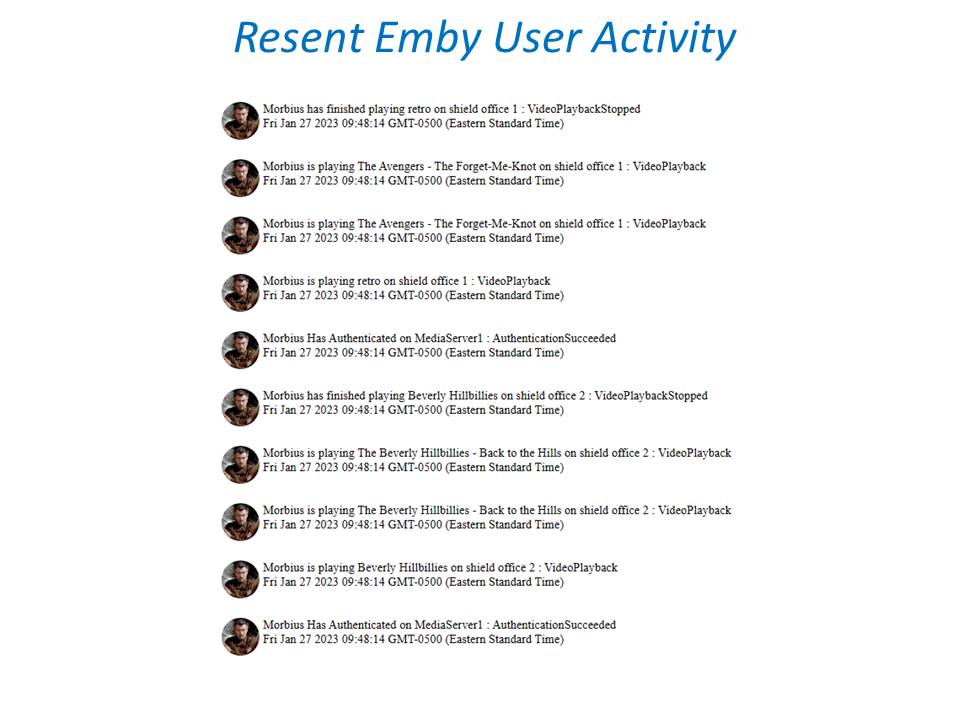
 1 point
 -
It would be nice if MBS could incorporate a Commercials.XML file generated from Comskip or ShowAnalyzer and use this to automatically skip over commercials in the web client. Ideally, I'd like to see this work like DVRMSToolbox's DTBAddin. You would have a setting in LiveTV for commercials location. During a media scan, it would match the .XML file name to a recorded TV file and generate the appropriate commercial markers based in the commercials files. When streaming from the web client, it would use this data to automatically bypass the commercials, but allow the user to go back if section was marked incorrectly. Option 1: Translate the commercials file into the chapter/scene markers. Users could manually skip to the next scene. Option 2: Make special commercial markers and automatically skip like DTBAddin Maybe this could expand later where you could have MBS scan files as well.1 point
-
Emby on Apple TV is still not capable of changing the refresh rate accordingly. Ghe option MVP or not does not change anything. Set streaming quality to „auto“ results in a very bad quality with stuttering instead of direct streaming. Plex on the same Apple TV with the same movies shows excellent quality without any stutter. Refresh rate changing does work in Plex as expected. In my opinion, almost any update Emby let things become bader. Actually, i switched to Plex. Much more reliable system.1 point
-
Is there any way to skip the main seasons view for a show? That is select a show and have it show the episode list instead of having to scroll down and select a season. This is somewhat tedious for DVR recordings that are mostly in the same season.1 point
-
The full library refresh finished. It created ten new collections that were missing that I hadn't noticed yet. Thanks for your help, @cayars and @Happy2Play.1 point
-
Yes as @vdatanet mentioned some Android Boxes can do this themselves if you turn on the option in the system menu (OS not Emby). Both the Shield TV and MiBox S can do this for sure.1 point
-
Yes, using Nvidia Shield and Mi Box (not sure I sold mine long time ago)1 point
-
Thanks, I forced both tv's to reconnect to wifi and the buffering went away, so that must've been it. Rotten timing, I thought it was the locast2emby running on the same emby server. As for live tv, we both like live news in the morning. She currently uses the free KTLA+ app (los angeles chan 5) but it makes you watch 2-3 commercials upon load, before you get any news, which to me is obnoxious. Locast takes you right in to the news channel, if you have favorite channel set. I want to get locast2emby working before I show her locast. I'll try the locast2emby service again, maybe move it to a laptop, and point the emby server to it, so if I have problems again, separating the two might help diagnose. Cheers1 point
-
You were right... Using the date 1900 populated the channel from all of the items in the selected include Library Folders. Vic1 point
-
I made a reset on my fire tv stick that works1 point
-
Means I can only use SRT subtitles, or embed subtitles into the video? What is shown in this log ffmpeg-transcode-9f58cfd9-8301-4eb8-83cd-ef26c501b0a9_1.txt is probably due a bug in Emby. Could you please go to "Transcoding" and set it to "Advanced". There, disable all VAAPI codecs and enable all QuickSync codecs. Save Retry Playback with tone mapping and subtitle overlay.1 point
-
PM's instructions to change user.1 point
-
Try using the metadata manager to delete the collections. It should be OK there since it's not displaying images.1 point
-
and if you have a harmony remote you can set that button as part of the start up sequence and never see the homescreen1 point
-
ok maybe on the weekend i will have time to fool around and see if i can figure out something1 point
-
I personally don't have the problem with the ads. The amount of time I spent on the home page, is minimal, just enough for the shield to wake up and Emby being selected1 point
-
I keep getting an error with wget when I use the url. As I stated earlier, I'm only about a month into working and understanding python. I'm not a programmer. I was able to figure out the converter best by # out the url side and just working with the downloaded m3u. I do plan on working on wget more, but have not had the time to completely figure out why I'm getting an error. I didn't ask Cayars about it yet, because I'm trying to learn and figure it out myself, but if that may help him faster, we can ask him about the url side of the python script. I do believe it will require more specific settings.1 point
-
Ok. Thank you.1 point
-
Ruttus, great job. Cayars, fixed the streamclassses script for us. I already updated it in the folder. There is no longer an error with special characters within the move or series name. Just follow the instructions after 5 and finish setting up on automation. IDM has a 30 day trial for you to work with, if you need a download manager. Once on automation, it's completely hands free. You will love it.1 point
-
So I updated to DSM 7 yesterday and have the same issues, I was able to just resolve it by going to Shared folder > permissions Change dropdown box to System Internal Users Check to see if EMBY has permissions, which in my case it did not. So far things are coming up in the scan. Hope that helps someone1 point
-
Thats true. I like the Emby server more than the Plex one but the client on Apple TV on Emby side was and is always a buggy thing. A pity…1 point
-
Yes, Kodi 18 and 19 is supported. Be aware, upgrade will require a complete Kodi content resync. If you use custom skin, some node updates are also required. Probably take a backup from current installation, so you can rollback.1 point
-
Late reply, played around with various subtitles and can indeed confirm behavior is as described. Seems unfortunate that internal SRTs can't be adjusted for time, but then again, internal SRTs should be correct in the first place. Makes sense.1 point
-
Depends on what you are calling a Rescan as a library scan will not do anything. You would have to do a Refresh on the Library as all items potentially need reprocessed to accommodate the database changes.1 point
-
It shouldn't neither be too performance nor time intensive, so I wouldn't say it's a showstopper. Might be worth to give it a try...1 point
-
Yes, but keep in mind this can take a while to run depending on the number of media you have. You can also adjust meta-data update frequency in the library itself so every day it's updating X amount of media items so for example all items are refreshed every 30, 60 or 90 days.1 point
-
Hi, Yes & Yes. Ideally you want the transcoding temp path to be on a disc with plenty of free space as the transcoding folder is used for a few things and needs working room.1 point
-
Hi, try doing a meta-data refresh on both movies that should be part of the collection and see if that helps.1 point
-
Hello sorry for the late reply, yes it's been helped, thank you.1 point
-
May need to go over specific example with corresponding log for that example. But yes if images can be written then nfo should be also. But we would be guessing on the nfo error as we truly do not know what it is for. or at least I can not tell. One appears during a collection deletion, another looks like a collection item and the last I can't really tell as it is processing a corrupt movie.1 point
-
Emby app options - playback - buffer size1 point
-
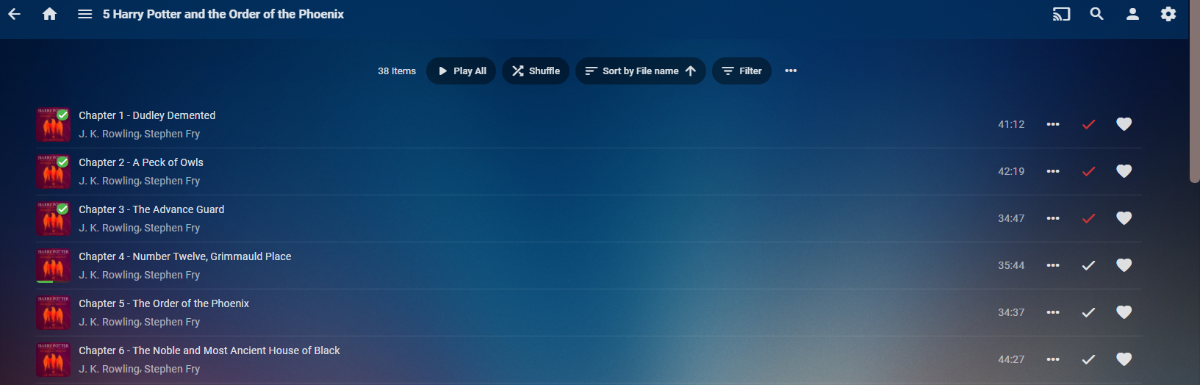
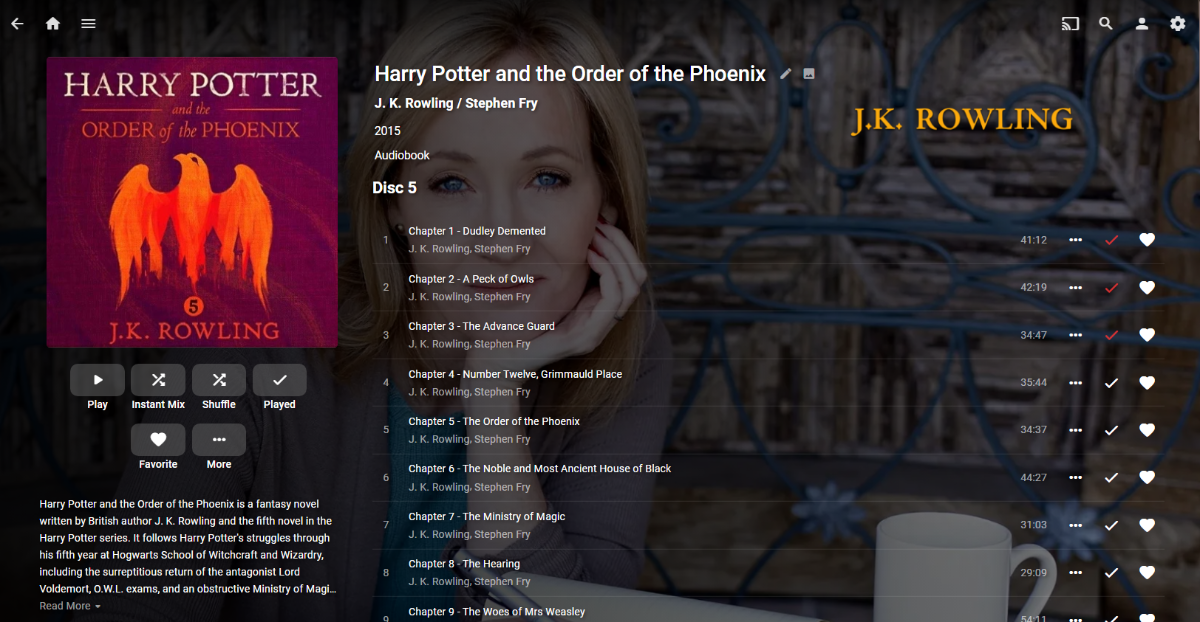
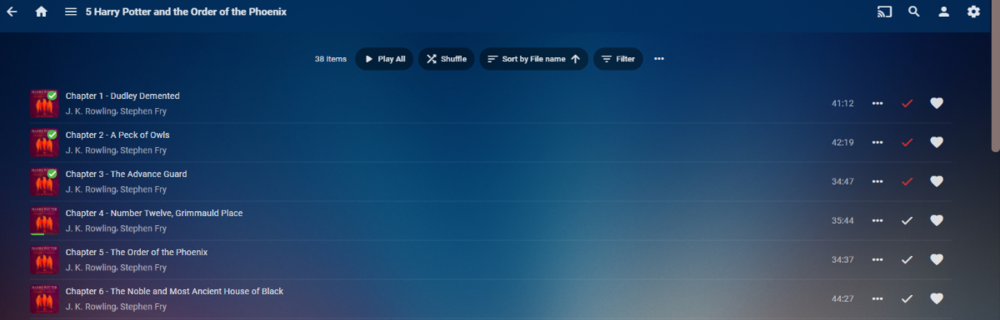
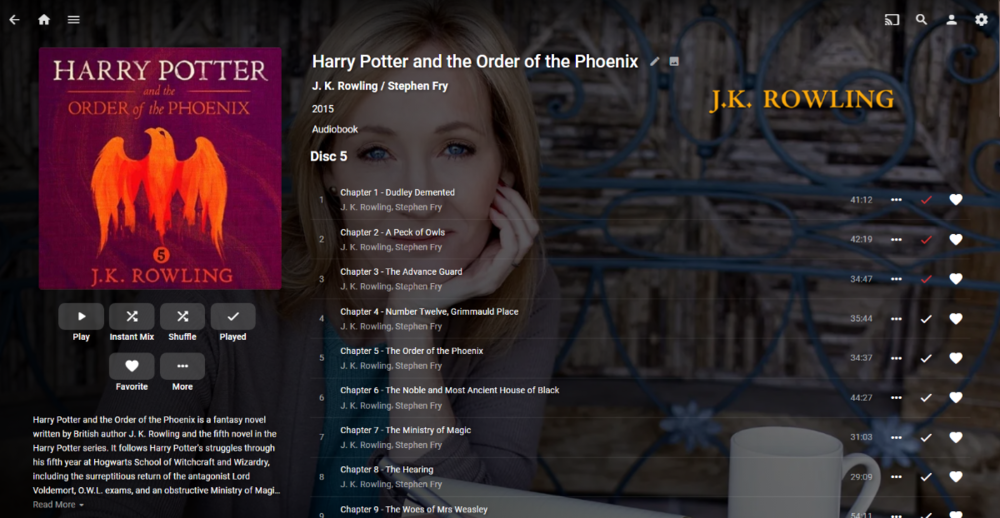
@Lukeis there any other way to see Continue Listening it beside the Home Screen Continue Listening Row? I am not seeing anything via the library itself. If you know where you left off you can click that item in the library and it resumes (depending on what play button you select) but there is no indicators via Library. No Continue Listening row in Suggestions either. I guess folder view sort of does as it does have a indicator. But that could be a lot of navigating. No way to see or know resume of chapter 4 (besides I guess the Played indicators). So the Play button will start over with chapter 1, while clicking chapter 4 will resume where you left off.
 1 point
 -
So if I got to the book in the Continue Reading section that I had not looked for until it was brought up here, I do see the Continue button as Happy2Play shows above. My normal path is through Hompage>books>search>book which does not show a resume. I also didn't get a Continue list on the AudioBook library page until recently. I have listened to more than 20 minutes on three books and only see on "continue playing" on the audiobook library page. If I select that one book, there is a resume. On movies and series I get a resume if I have watched that movie or episode regardless of path.1 point
-
I would not consider "A Tribe Called Quest" to equal "Tribe Called Quest, A", one is the true Artist and other is ARTISTSORT.1 point
-
The name of the artist is the name of the artist.1 point
-
There is no possibility of sort order customization there because is handled directly by plugin path, so no customization there for Kodi. About the reason why, well am sure @quickmiccan help you there.1 point
-
Are you behind the router when you do your test? You need to be on another network when you do your test.1 point
-
@kauzi after changing the track order in DVBViewer, you have to restart the Recording Service/Media Server and do a guide refresh in Emby to take affect.1 point
-
It's something we can look at improving in future updates. thanks.1 point
-
Having 100% legal movie content is very complicated, as there are virtually no sources of DRM-free legal movies. We have the option of ripping discs, but copy protection must be broken, which is illegal in many countries. Live TV recording is prohibited in many countries. Download movies too. But obviously, these infractions are the responsibility of the user, never of Emby.1 point
-
Allow user to only show recorded tv shows or pick a folder to only show them as recordings. Problem now is everything shows under recordings and gets a little messy.1 point
-
The Emby app will not benefit from the upgrade to Apple TV 4K 2nd Gen. The audio and video specs are very similar, just the processor and controller are better.1 point
-
Infuse is a video player for Apple TV. It supports Emby. Since the Emby player is limited, I use it and it works great. But using Infuse you can only play video.1 point
-
The panels for each active stream in progress show what is being played, its position, etc. The information about the audio/video of the stream is only shown when transcoding is taking place. The request is for each stream/client displayed in the dashboard to show, in some way: Current audio format Current video format Current subtitle format Current file name being streamed (not the entire path, just the file name) Is the stream considered local or internet I think these will be very helpful to see if the stream is behaving as expected, and give useful information to help identify/resolve issues, especially when there are multiple resolution files available for the same movie and transcoding is/isn't happening as expected. Would also identify if transcoding something to an additional, different format could enable directly play and avoid realtime transcoding.1 point
-
bumping this as everyone seems to have the same problems with recent update which causes everything to be transcoded. any chance you can implement a "force direct play" option soon similar to plex?1 point