Leaderboard




Popular Content
Showing content with the highest reputation on 06/12/21 in Posts
-
Sorry we're not going to take our software backwards to appease one person who has everything setup wrong. Our software works for those who follow instructions and setup file naming and meta-data correctly.5 points
-
The Devs are gonna fix something for YOU and possibly break it for the other 99.9%? Great Idea. Spoken like a true liberal.3 points
-
While tinkering with the server (I had the DB lock and bork some recordings so I was trying to reproduce to ensure it wasn't a fluke, but that's not what this is about) and I encountered something I think could be adjusted; consider it an Improvement, not so much a bug: While watching a channel live (device agnostic), if you press Record to start recording that show, the recording starts from the current *live* timepoint. I feel when you press Record, the recording should either start at of the point you are actually at in the stream -or- from the start of the show/start of the live buffer (whichever is later). Of course, it's not a big deal if you are DirectStream (because live position is synced) viewing, but if you are watching on something that needs transcoding (Roku, for example), the recording could start way later than you think because you can only get so close to the live timepoint when streaming a temp transcode. You effectively miss where you wanted to start and recording starts at some unknown timepoint beyond that. You only find out when you go back and look at the Recording. I think it's also a point of convenience. If I press record at a timepoint I'm at, I'd logically expect recording to start there if possible. Did I make any sense? I hope I explained what I mean well enough. I could be missing some technical limitation that precludes such a change, of course. I'm just curious if an improvement can be made here without opening a can of worms.2 points
-
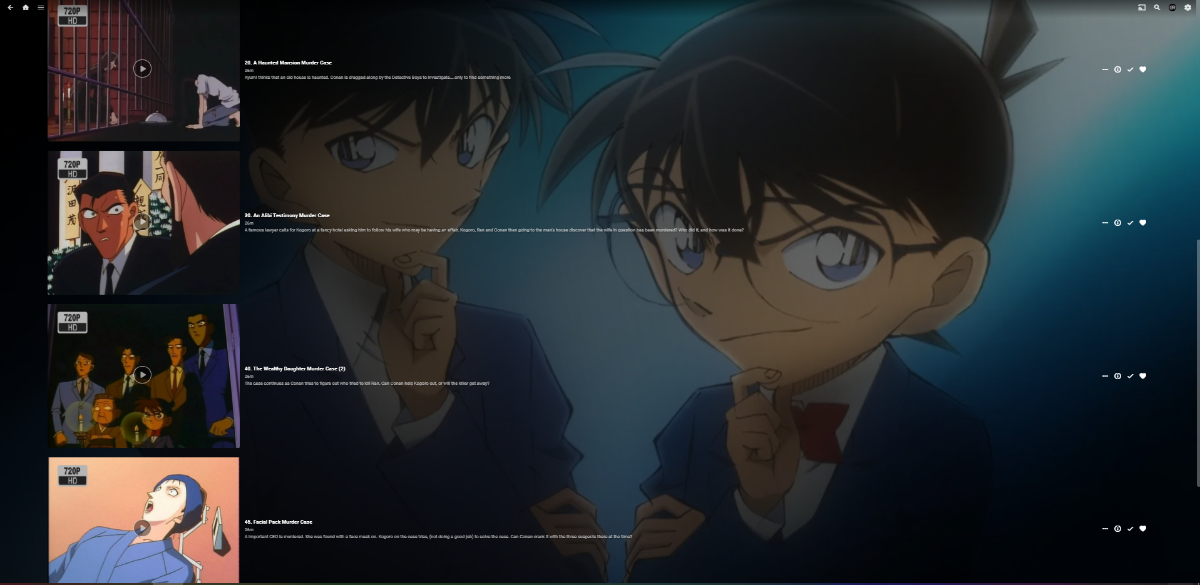
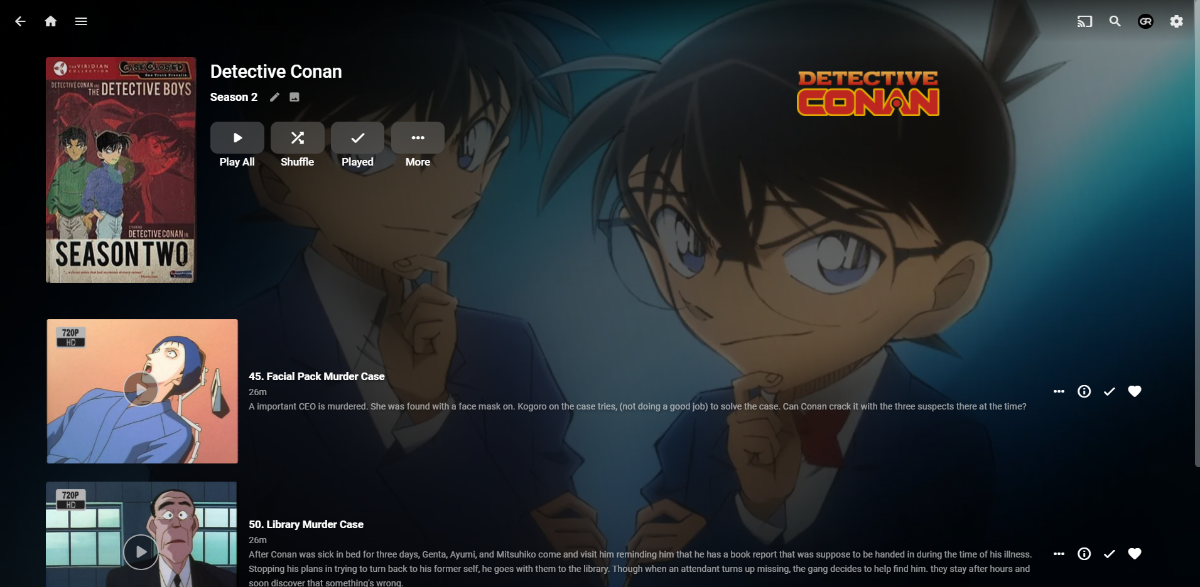
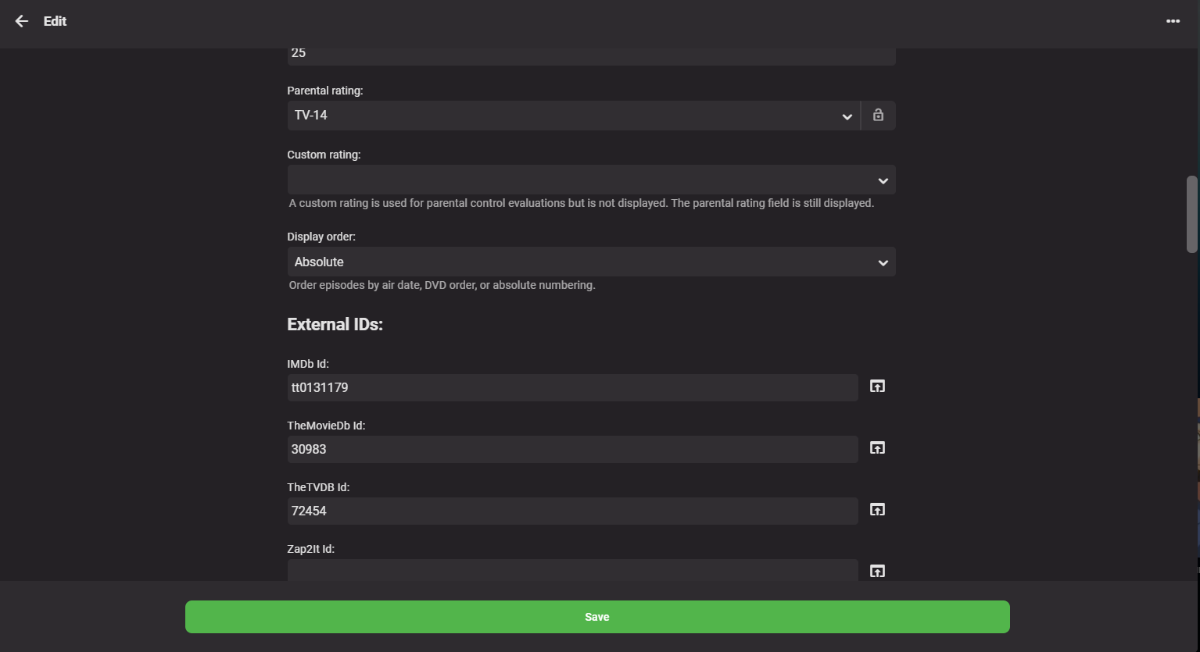
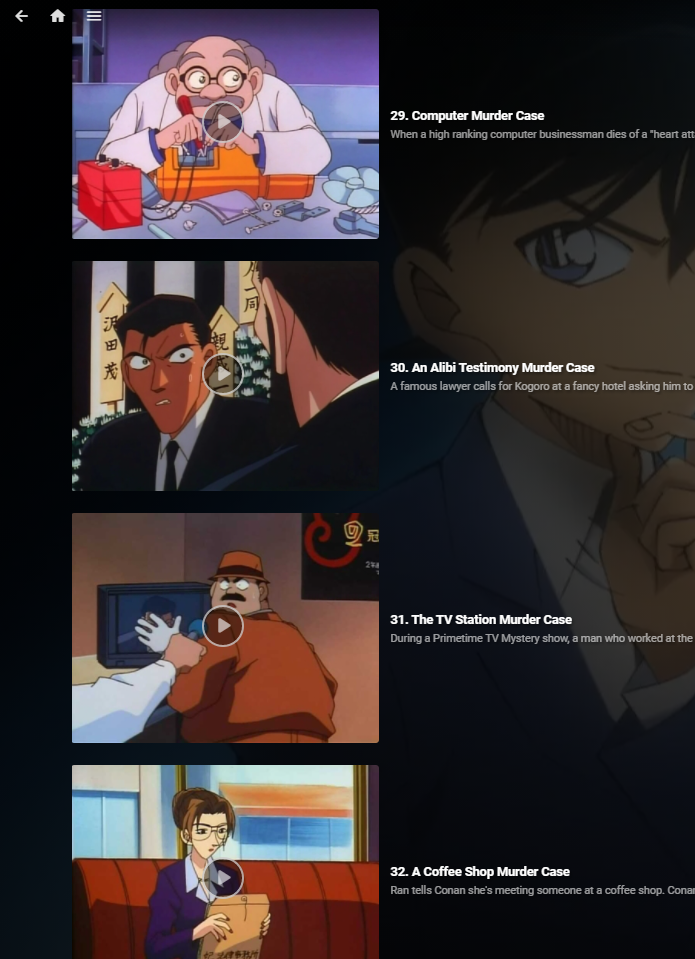
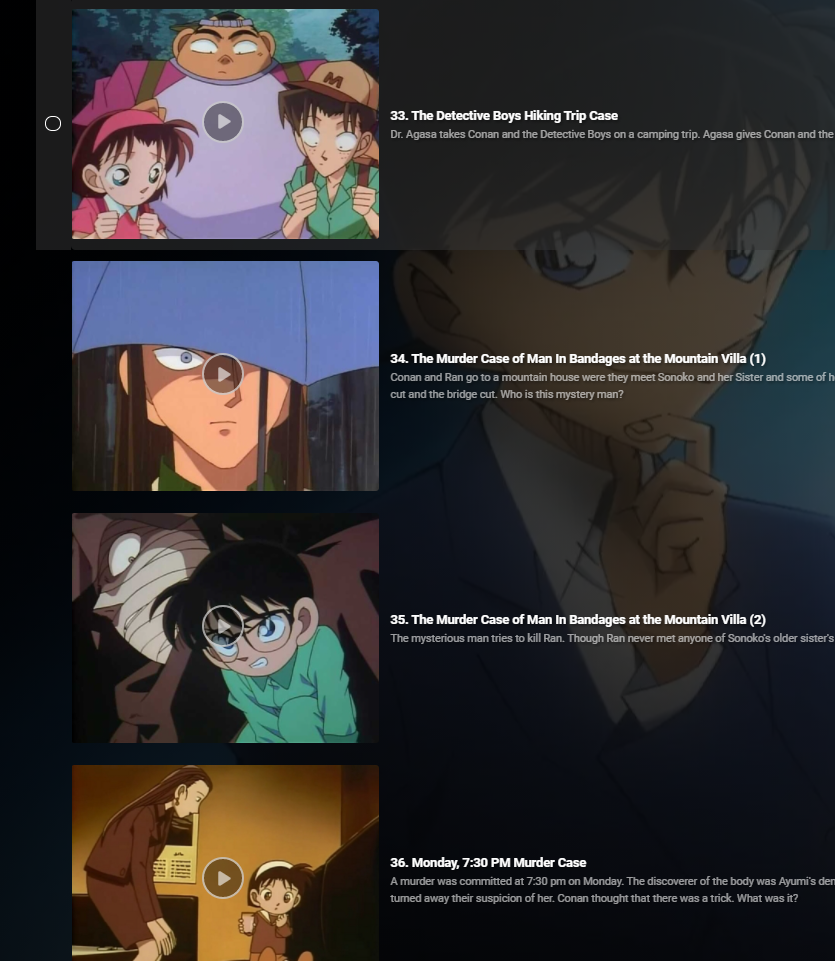
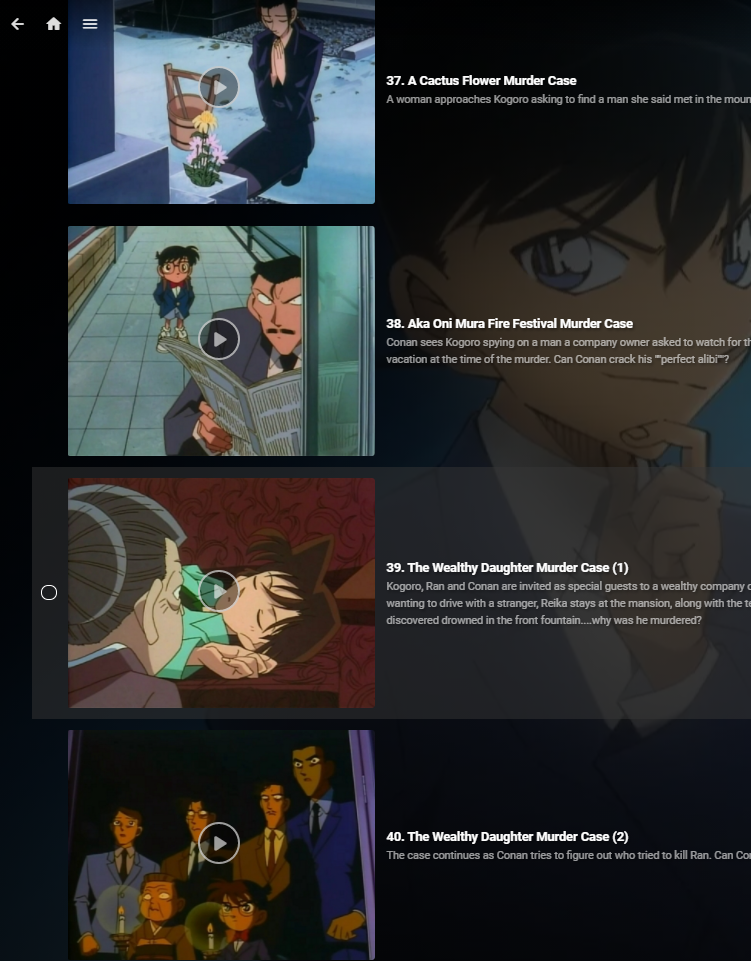
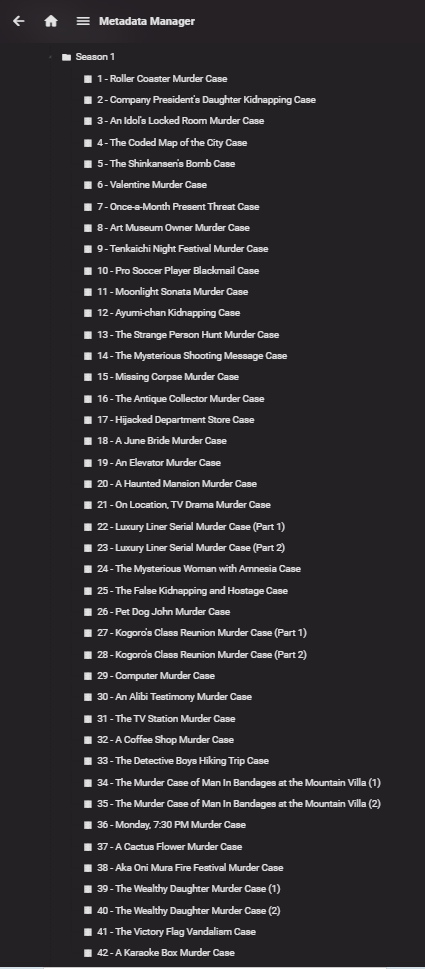
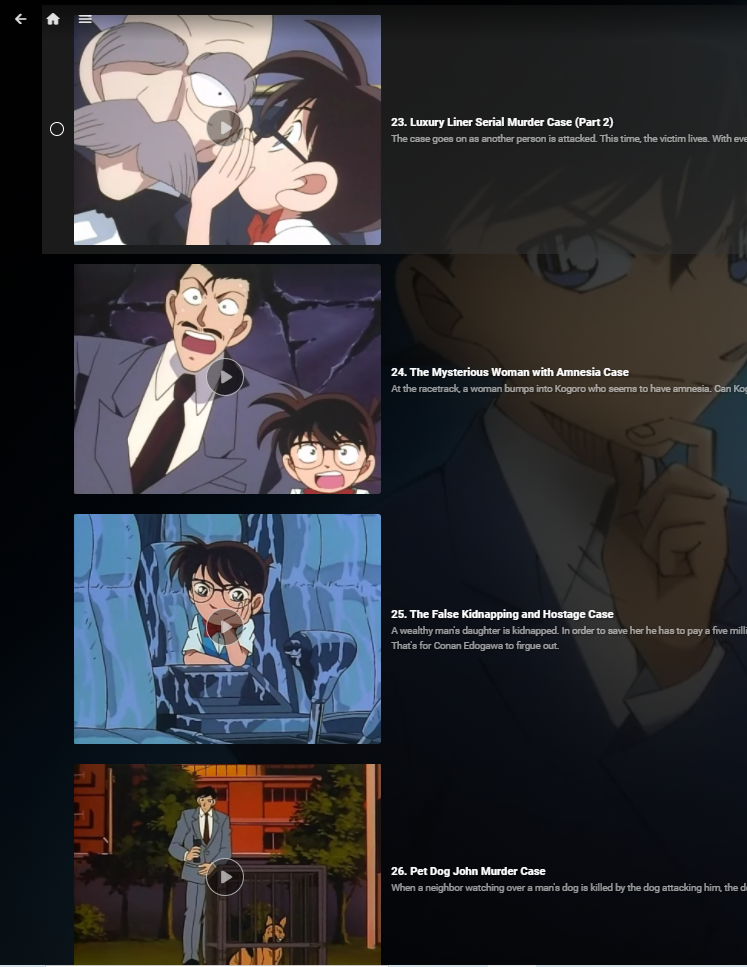
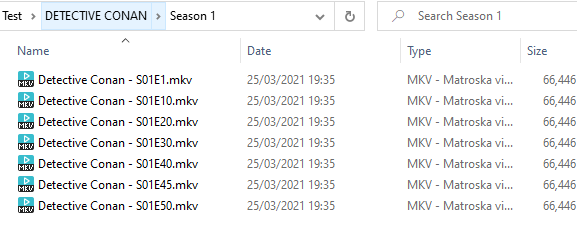
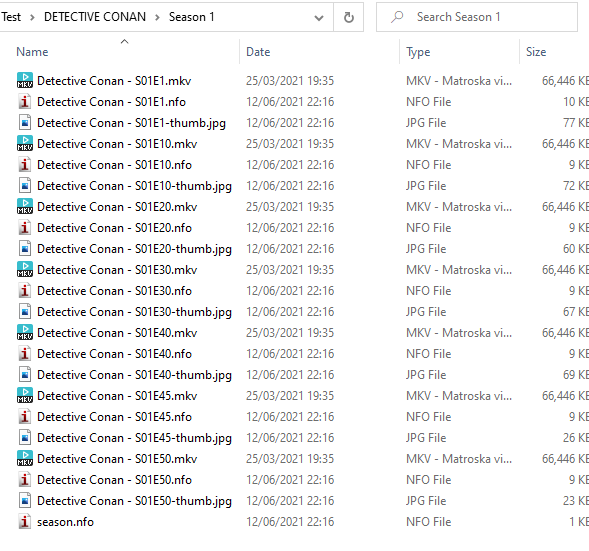
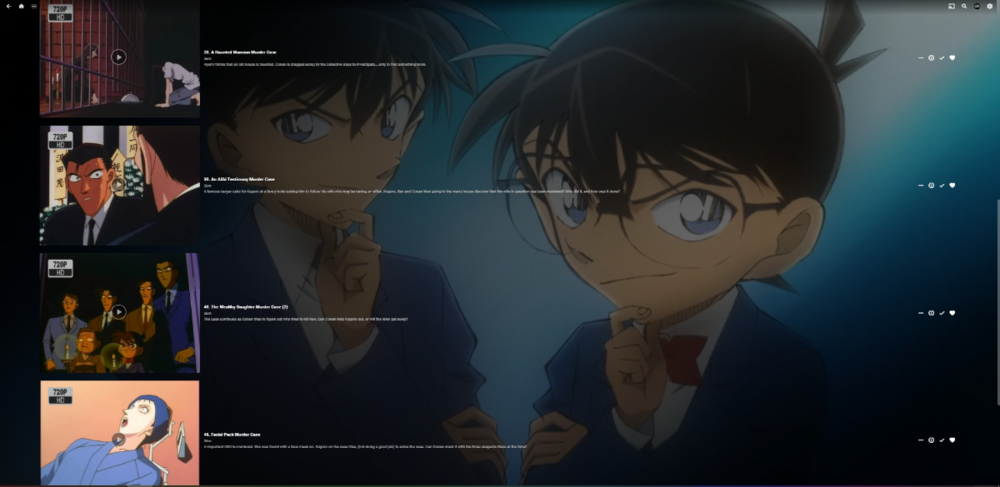
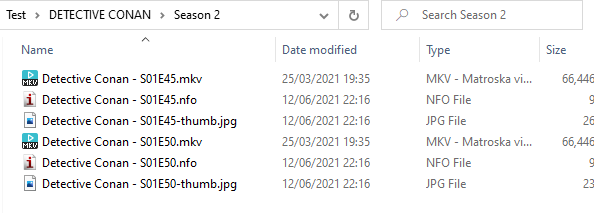
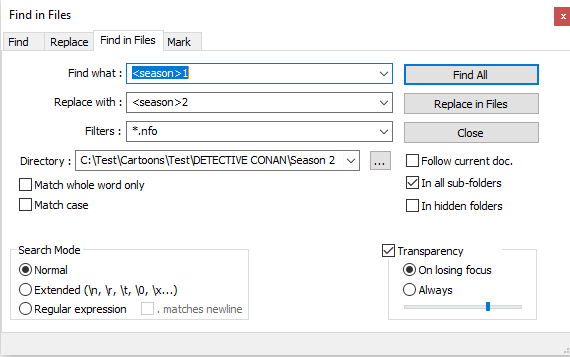
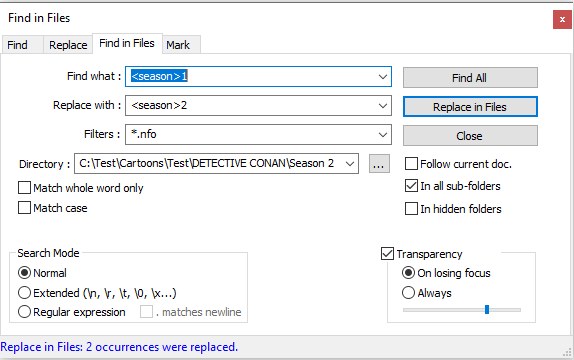
Okay, here's a working method: 1. Delete all nfos 2. Rename all files as per Absolute order (i.e. S01E01 to S01E1010, as per TVDB 名探偵コナン - Absolute Order - Season 1 - TheTVDB.com). 3. Transfer that Show and Season 1 folder with all episodes to a separate folder 4. Make another Library with nfo saver enabled with that folder 5. Scan library 6. Change order to Absolute 7. Replace all metadata 8. Make Season 2 (3, 4, 5...) folder 9. Transfer whichever files you want in that Season 10. With Notepadd++ replace all <season>1 occurences (episode numbers are irrelevant since all metadata is already scraped; they will be chronological anyway, which is actually nice) with <season>x for the folder you are working with After Replace in Files, 2 instances replaced (episodes 45 and 50) 11. Scan Library files on TV Show level There yo go, you can distribute those episodes per Seasons however you want. At last, return that Show folder to your main TV Shows folder or wherever you keep it.
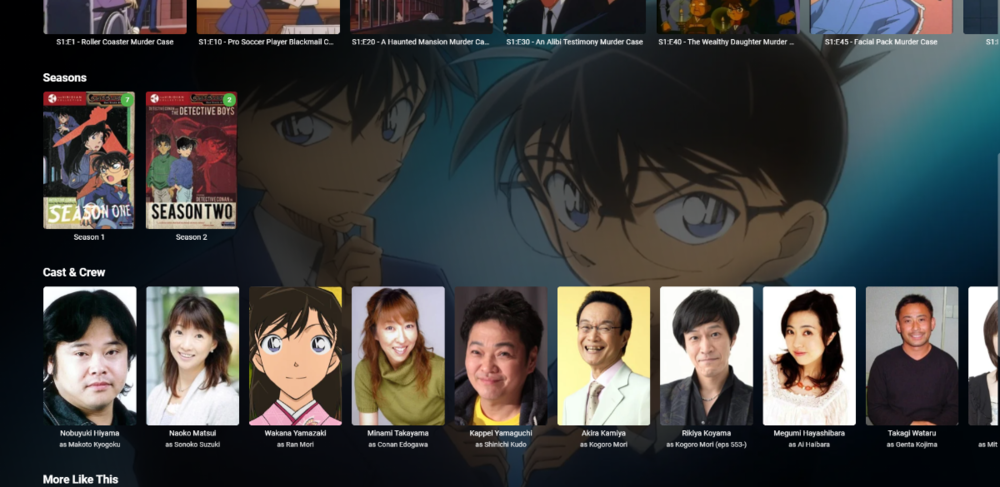
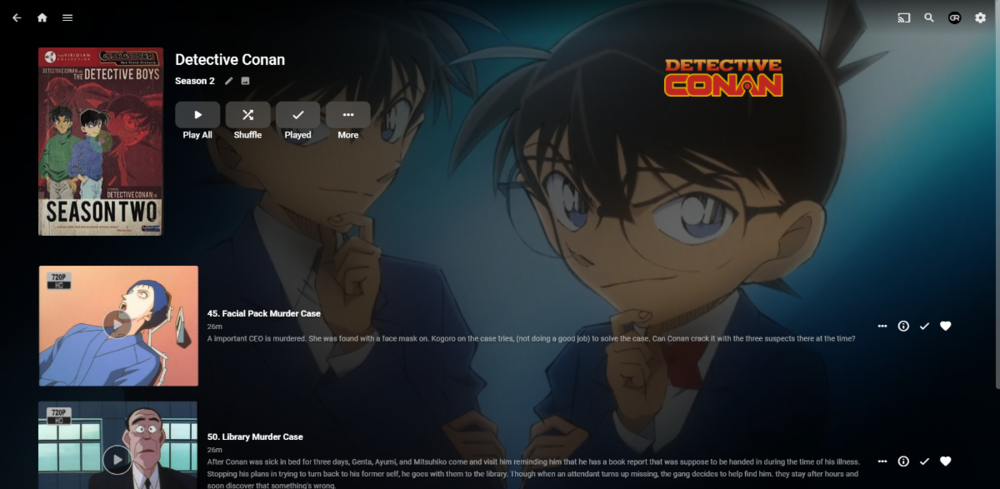
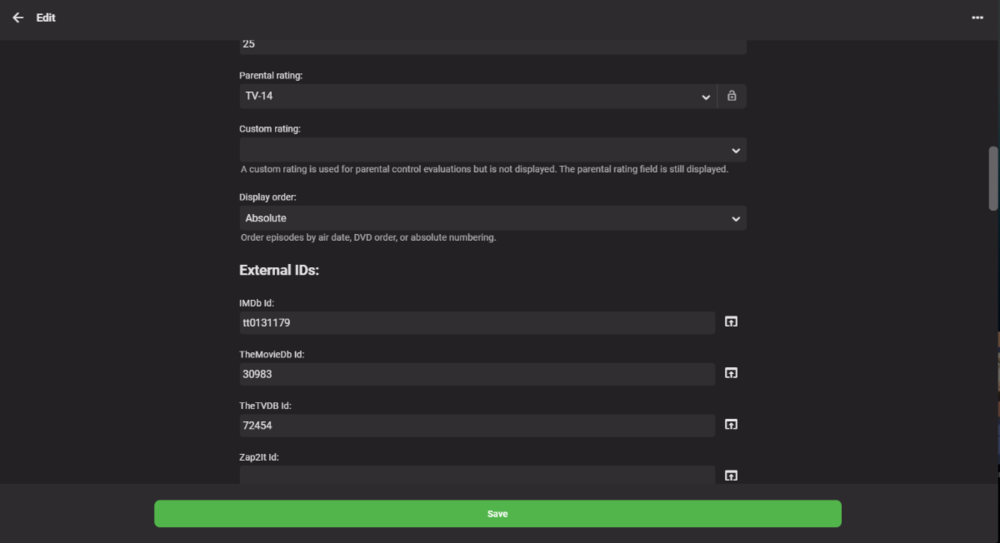 2 points
 -
But you're using beta software thinking it will work normally. Nobody who uses beta software who actually knows what beta means thinks it will work normally at all times. Do I also need a disclaimer to point out it's not compatible with toast or cannot be fed to goats as a food substitute? Emby beta has all the disclaimer it needs, that's not my fault. "Important: As with any pre-release software, you may experience decreased stability, degraded performance, or other various issues. Please participate if you'd like to help test and refine. If you're just trying to get early feature access, you may find yourself disappointed if things aren't working correctly during the pre-release period."2 points
-
If they are present then it would be nice to use them, yes. I think this is something that just has never been looked at before.2 points
-
Don't overthink this or try to understand what I'm going to do. Can you give me the complete set of NFO files? Like I said, I don't care about the contents of the file and you could even wipe it and it won't matter for my use.2 points
-
Delete all of the NFO files and start again. The NFO files are the issue after all. @Luke isn't going to fix anything, as there is nothing broken in v4.6, as you are constantly being told. The bug was in previous versions, which you happened upon. Now is the time for you to to buckle down and do something for yourself, rather than expecting someone else to do it for you. Create a test library with a few dummy files in and see what happens. You might be shocked by how slick it all is in Emby. Have a nice day.2 points
-
I'm a plex life time member, but I have been using Emby for over six years continuously, but there is a feature which I have always thought is missing in Emby which I would like and encourage the developer to consider including especially in this dispensation where families can social or commingle due to COVID 19. Today, I received a notification from Plex about it new feature titled Watch together you can read about it here https://support.plex.tv/articles/watch-together/ The feature allows friends and families at distance to watch same movies together instantly, you simply invite all your buddy, once they signed to the system which can be seeing in the server then play and pause as needed, this I think is cool feature should be added to emby. Let's here your though if Emby developer should consider adding this feature to our beloved Emby Media https://www.bing.com/news/search?q=Plex+Watch+Together&qpvt=plex+watch+together&FORM=EWRE1 point
-
Request No. 1: Implement Metascore rating for movies, from Metacritic.com, in Emby. OMDb api provides this information. Request No. 2: Also, fix an option in settings to enable or disable a ratings source according to the user's choice.1 point
-
This post contains status info on the 4 Kodi add-ons that support Emby playback in Kodi. Kodi Media Source Info There are two main ways for Kodi to display media items: From its internal database using native c/c++ (Syncing) As a list of ListItems generated by an add-on in Python querying an external server (Dynamic) There are advantages and disadvantages with both of there when dealing with external sources. From the internal DB (Syncing) Pros Uses the native Kodi internal display mechanisums Fast access and display, as fast as it is ever going to get All local data from the local DB Other Kodi add-ons can use the data form the DB Cons Can be problematic to sync data to and from external sources Keeping data in sync, data can get out of sync Large data changes or constantly changing data on the external source will cause lots of sync triggers Getting syncing correct is not trivial As a list of ListItems generated by an add-on (Dynamic) Pros No DB sync task is needed Data is loaded from external source when it is needed (like a web page) Data will always be the latest from the external source Changes on the external source show up immediately on next request Cons Add-on (Python) data processing is not as fast or local DB and c++ code External server query speed becomes part of the delay in displaying items Other add-ons can not access items Add-ons use different approaches: EmbyCon :- uses only dynamic add-on generated views Emby for Kodi :- uses a combination of DB sync and dynamic Emby Next Gen :- uses a combination of DB sync and dynamic Kodi MediaImport :- uses only syncing Add-On status: EmbyCon Status : Maintained by community members (TeamB) Kodi 18 : Stable Kodi 19 : Stable Source : https://github.com/faush01/plugin.video.embycon Emby for Kodi Status : Not supported, end of life Kodi 18 : Stable Kodi 19 : Not Supported Source : https://github.com/MediaBrowser/plugin.video.emby Emby Next Gen Status : Maintained by Team Emby (quickmic) Kodi 18, 19 : Not Supported Kodi 20, 21 : Stable and Beta Source : https://github.com/MediaBrowser/plugin.video.emby/tree/next-gen-dev-python3 Kodi MediaImport Status : Maintained by Kodi team and Emby community (Montellese, LongMan) Kodi 18: Not Supported Kodi 19: Beta, under active development from Kodi team member Source : https://github.com/Montellese/mediaimporter.emby1 point
-
Feature Request. A present I have several user accounts setup for family members. When we sit down together to watch a movie we currently log into one account (Mostly mine), so obviously only this account gets the watched status. What happens then is everyone uses my account because there's isn't up-to date and it's "just easier". This results in my account telling me I've watched something when I haven't... I would like the ability to log into my account and select/deselect which other users are present so that when a movie/TV episode is watched together, their watched statuses are updated accordingly? The next time you log in again all other users would have been deselected. It could be implemented so each user account can do this, or only select user accounts can. Even a special "Family" user account, or multiple viewers button as long as everyone's watched status is correct. Even just ticking the users present on the login screen before login into an account.1 point
-
Making this official now: Can we find a way of either reading already created playlists eg for WMP or iTunes or import those playlists into MB.1 point
-
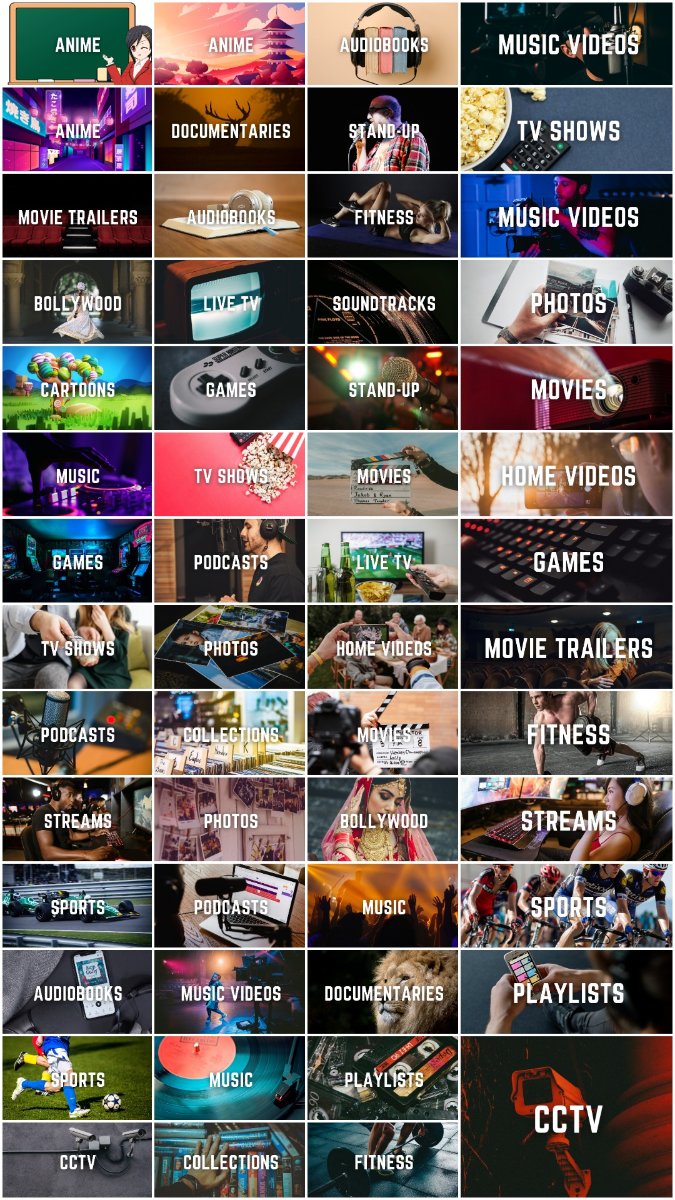
Hi guys, I created those simple library icons for myself but decided to share - maybe someone will find them useful. Every icon is a PNG file in 1280x720 px. Download link: https://drive.google.com/drive/folders/15SGUccIljBZEysLj-cuMzpJ3I3QOVbIB?usp=sharing
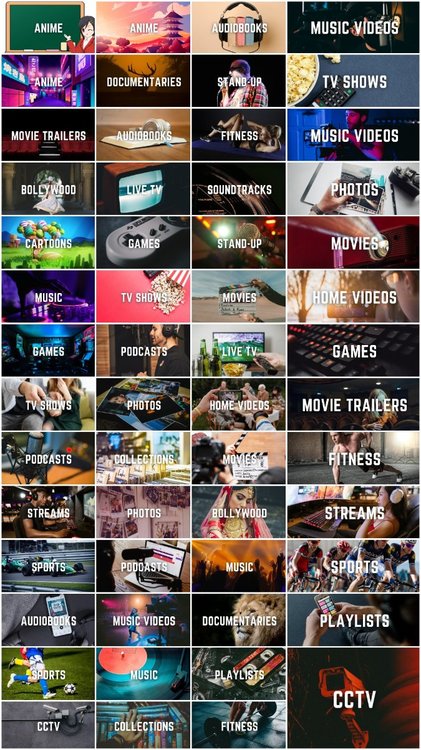 1 point
 -
People that shouldn't be running beta versions shouldn't run beta versions.1 point
-
Nice use of the absolute order @GrimReaper76, replacing the nfo file season number, mixed solution that works for this particular scenario, does was the poster wants and uses emby as it is meant to be (reading the metadata you feed to it).1 point
-
All good now, thank you!1 point
-
Fix #1090: [Audio/Video-Players] Proper support for External control API (audio/subtitle/playpause) Along with play/pause working we will also enable the controls to change audio and subtitle streams via remote control/casting. Remember when we promised those? It is in testing and will be in the next Beta. Please stay tuned.1 point
-
I should add a disclaimer which states that my software might not work with software which is beta? That's like adding a disclaimer on a packet of nuts stating that it may contain nuts.1 point
-
I think we may all have to twist Luke's arm a bit for this to get added. LOL Like he said, it really just never came up before.1 point
-
yeah, I just did a reinstall and it is now scanning my library. It will take a while so I will just come back to it later and report back here1 point
-
Thank you, I will continue cancelling unwanted episodes in scheduling. If one is recorded, I will delete it.1 point
-
YES, YES, YES, YES, YES This is 18 pages of everyone telling you to do this. YOU MUST DO THIS. You need to change the season and the episode number in the meta-data. That is how episodes are shown. This is the way Emby Works. This is the way Emby will always work.1 point
-
That could be. I wasn't doing this to be 100% spot on as it's a test. If I goofed an episode that on me the editor, not the software. The software did what I told it to do and works correctly. You need to Edit the meta-data.1 point
-
Hi, yes we'll take a look at it. Thanks.1 point
-
So on home screen of Apple Tv (and different from web app) is inconsistency of labelling stuff under the "Latest...." sections. Each of those rows should display ALBUMARTIST or ARTIST and Album (translated for Audiobooks as AUTHOR and BOOK/SERIES) Latest Music Videos is pointless with just the SONG/Title title field shown! Its has the same ID3v2 meta data tags as a music track or music album so Artist and Album or Artist/Title should be shown. You shouldn;t put the Artist AND song into one meta data field of TITLE, as there are different ID3v2 tags for this as a music track would have. Please can this be corrected?1 point
-
Hi, thanks for reporting. We'll take a look.1 point
-
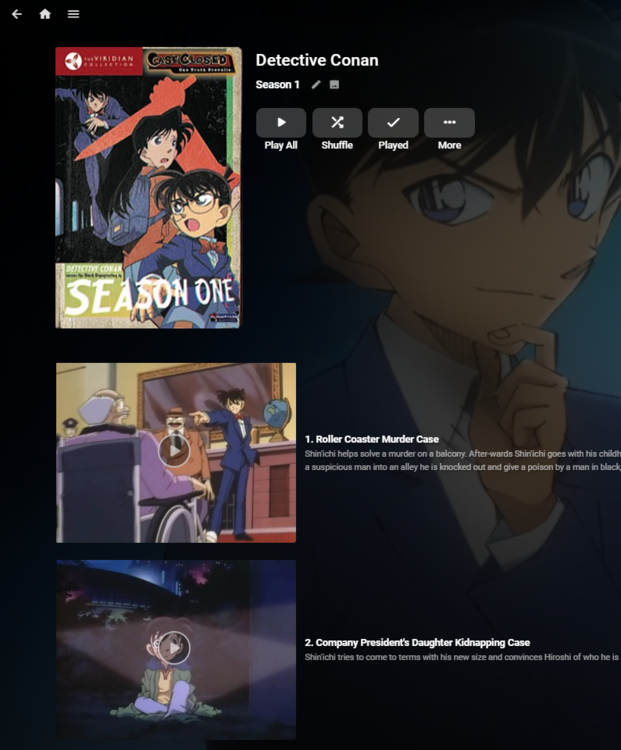
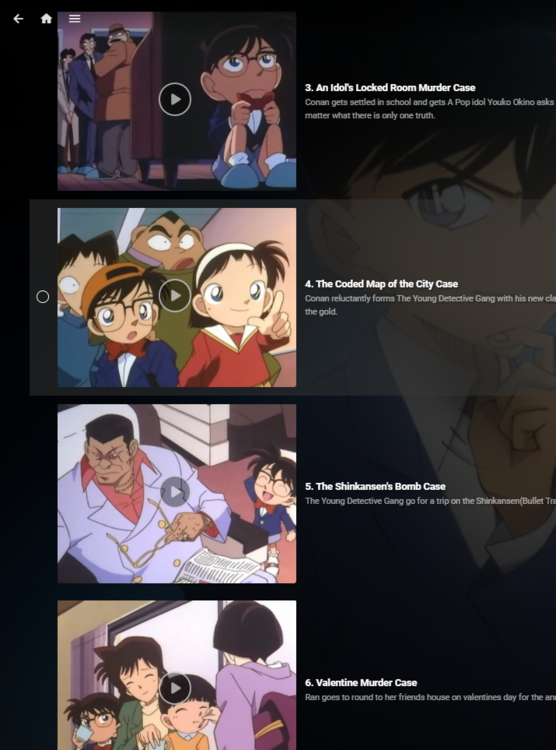
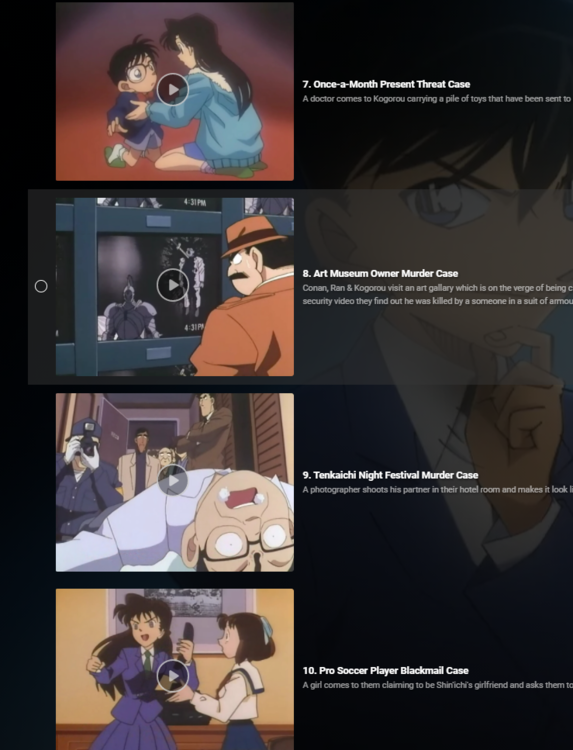
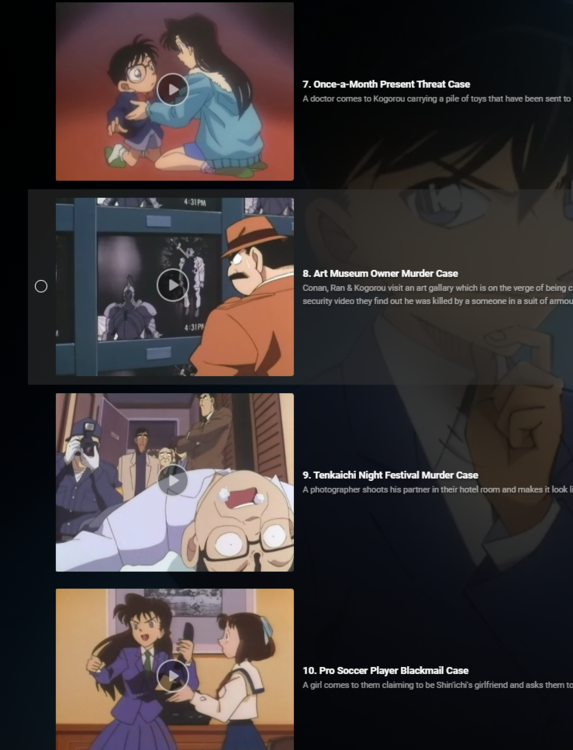
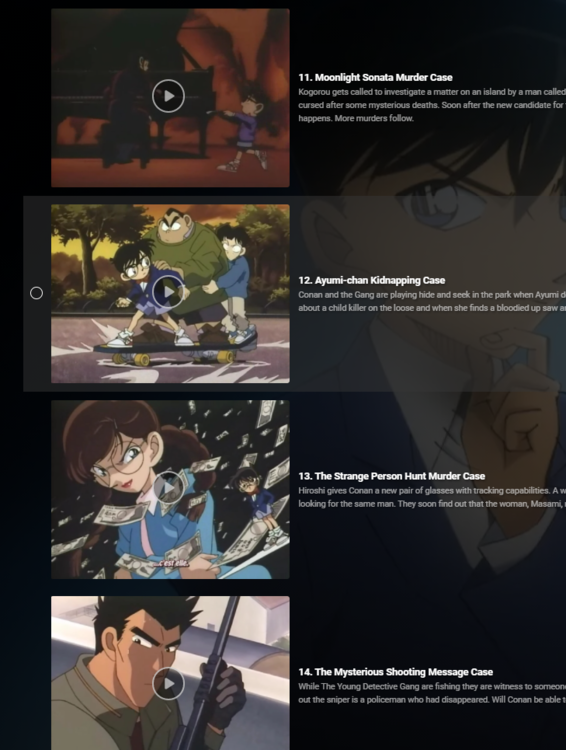
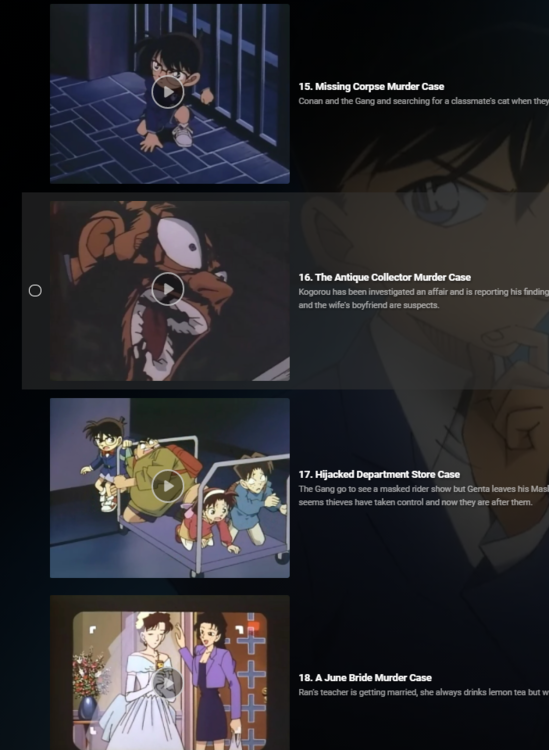
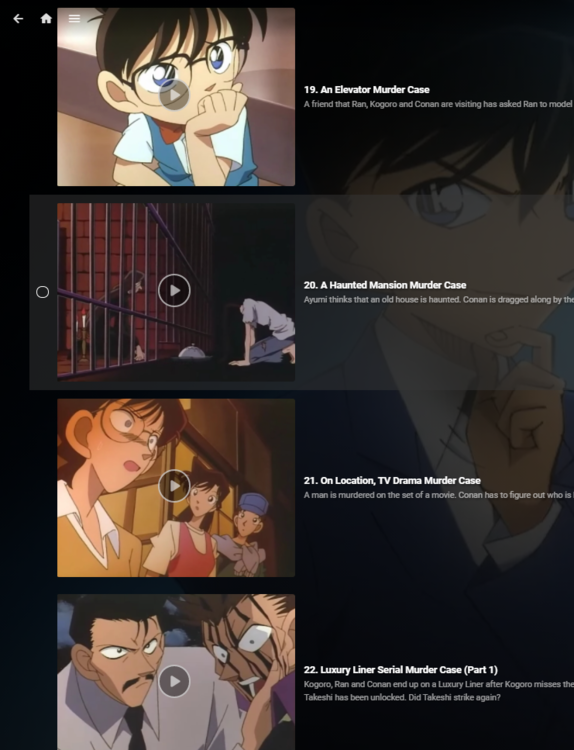
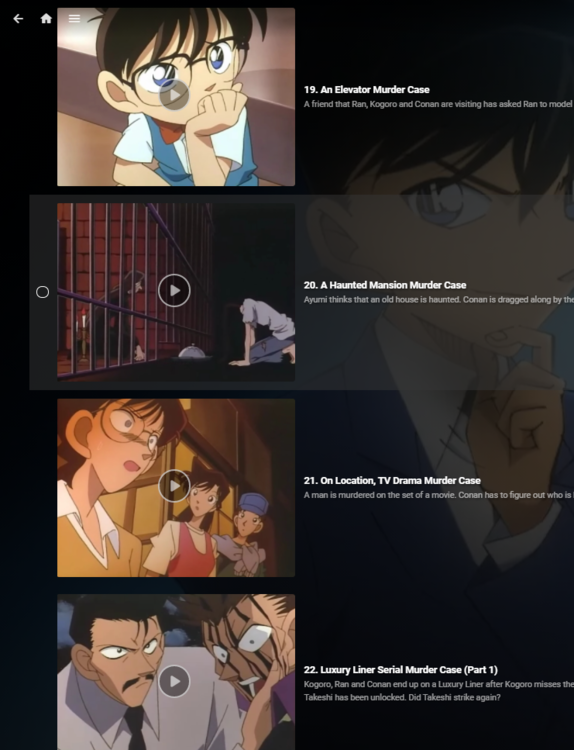
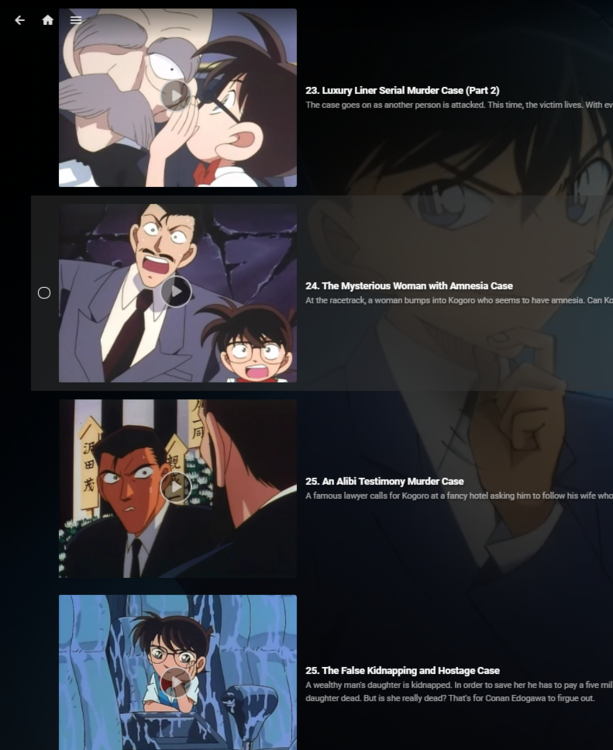
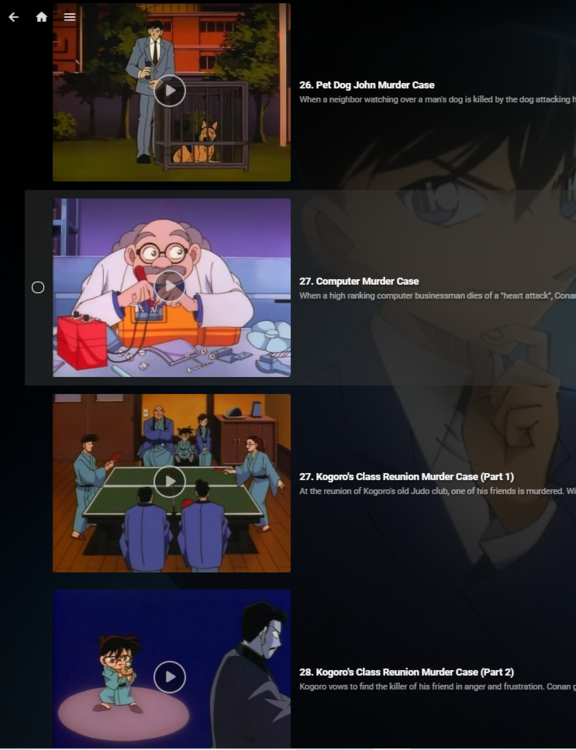
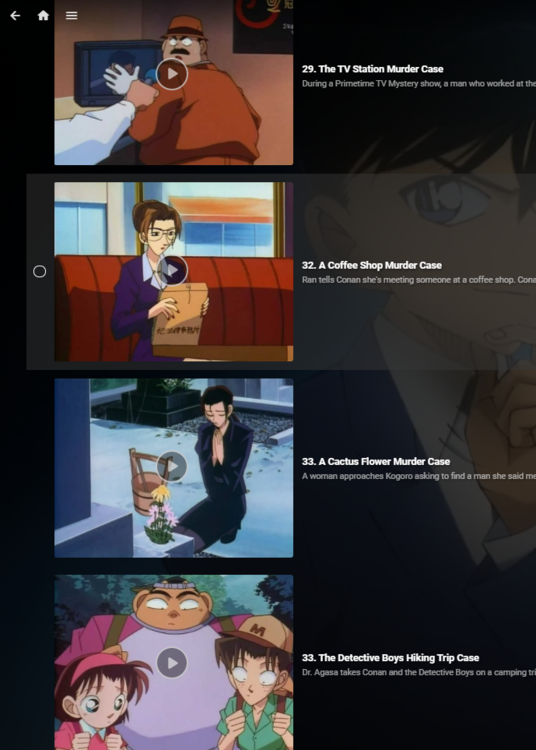
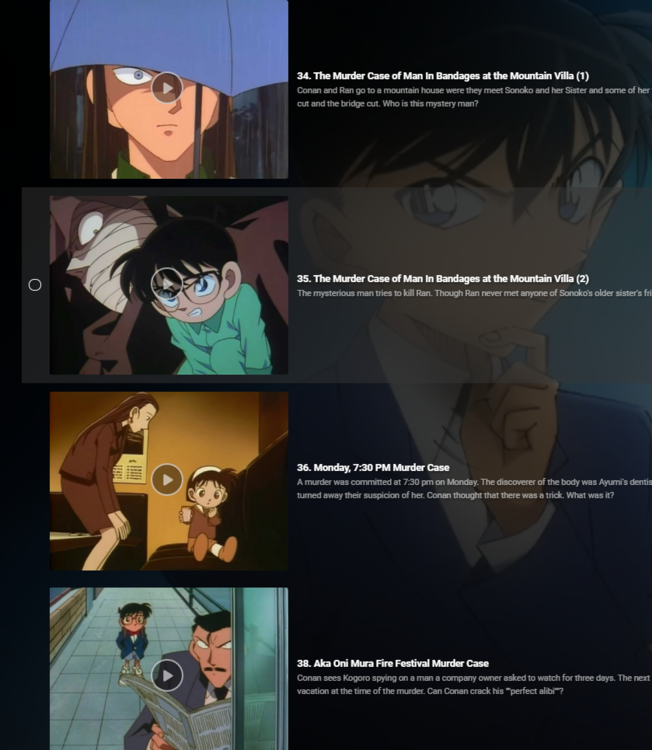
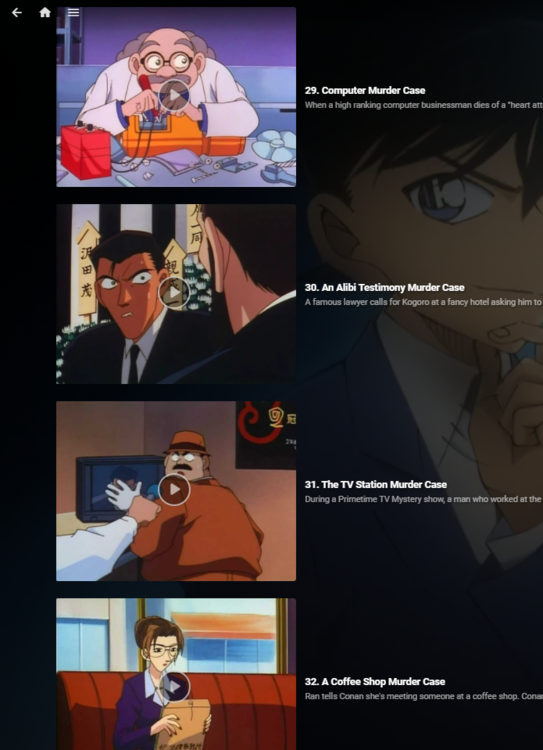
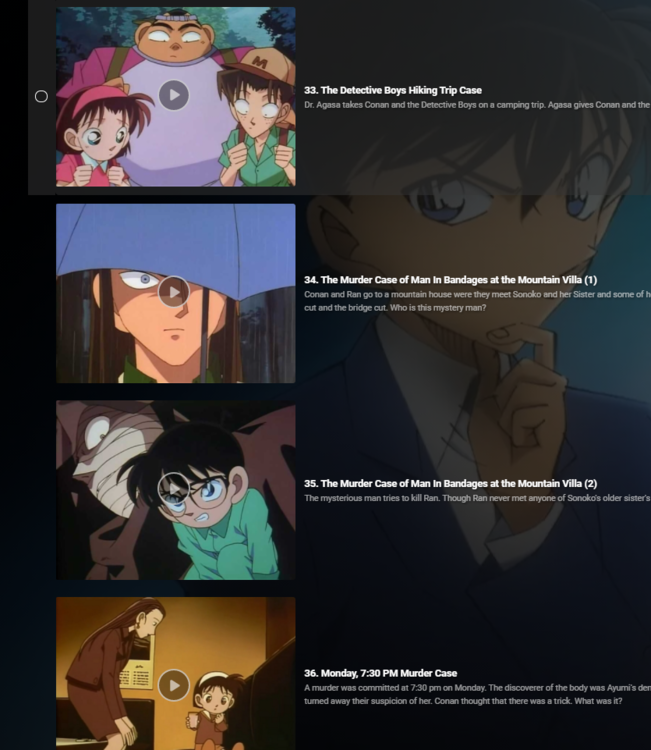
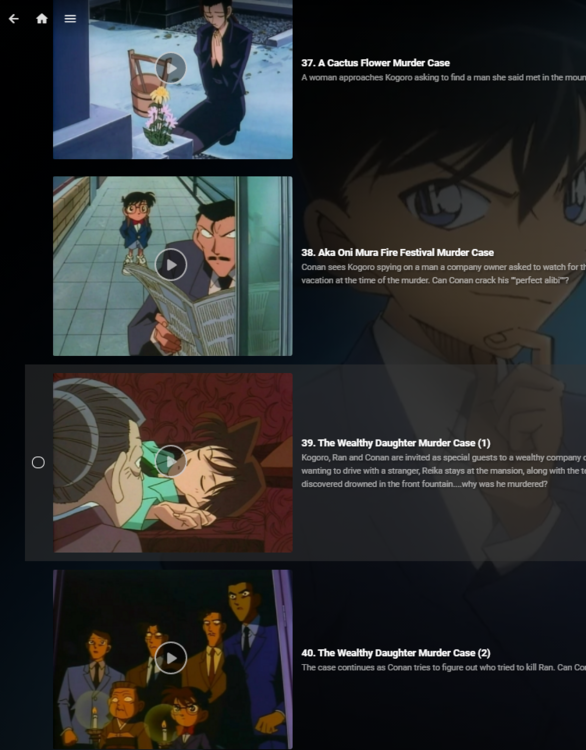
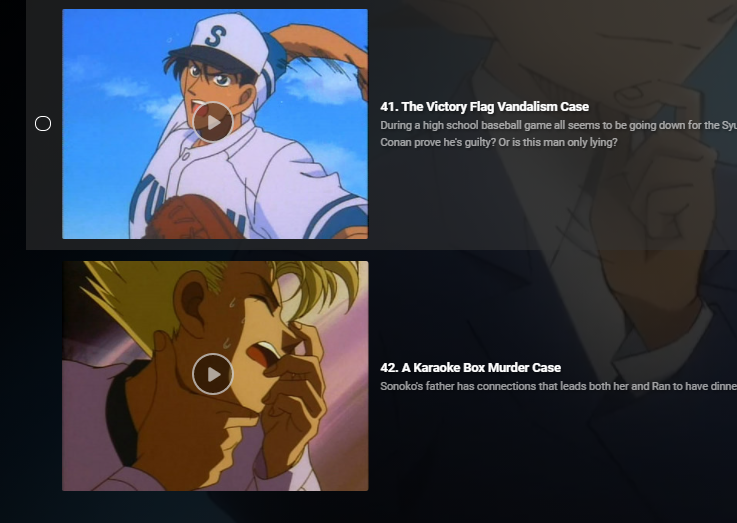
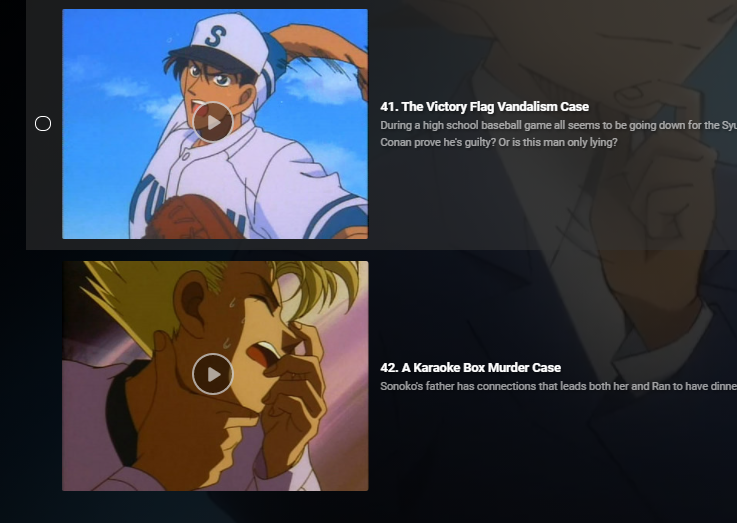
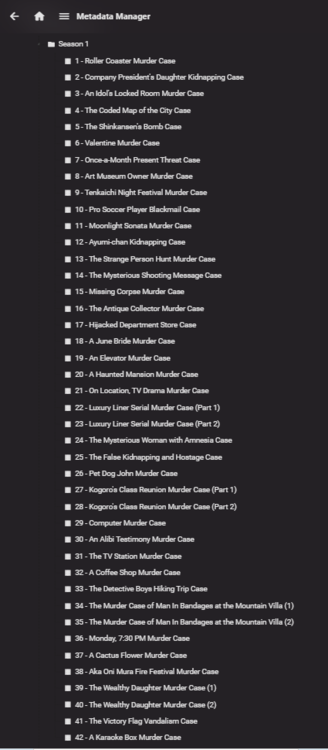
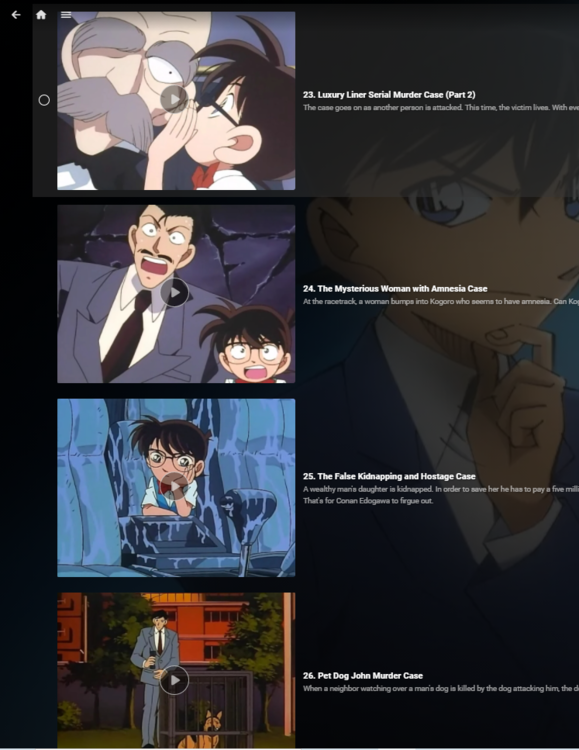
No one would ever call it a bug when you use a product improperly which is what you have been doing. Following the directions given many times I get this for Season 1
 1 point
 -
You knew the road you were heading and you're reluctant to call other people right. Sometimes humbleness is a good thing.1 point
-
You're wholly dependent on the appeal to tradition logical fallacy to justify your request. That is, Emby used to be this way, therefore this way must be right. This is why you can't ever, under any circumstances admit that this very straightforward example of a software bug is a bug. If you did, you'd have no argument left. That's because there's no reason at all that Emby *should* ignore the season information you're giving it in your nfos when grouping your episodes. The fact that it did when you fed it conflicting folder season data was at best *undefined* behavior that went against the developers intentions. A bug by definition. In fact, according to your logical house of cards, there can be no bugs at all if even one user declares that they like a given malfunction. It's nonsense. You should fix your metadata. And again, all of this is a red herring you're putting out because you can't justify the keeping the malfunction on its own terms.1 point
-
The definition of bug does not include a requirement that it's already been discovered. You're putting out red herrings because you can't actually come up with a logical reason that Emby should ignore season nfo when grouping your episodes by season.1 point
-
He's going to use the nfo files to bulk create a different type of file. In the end, you will still be using your nfos and the data inside then. He's another person working really hard to solve your issue. Please let him try.1 point
-
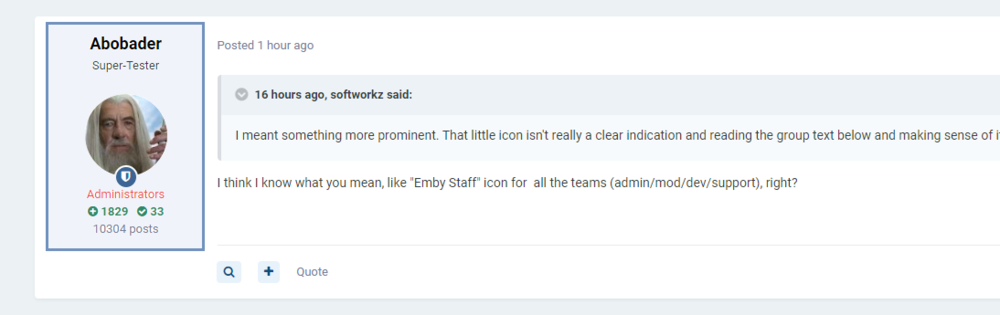
Yea, something like that, or maybe a slight border or shading.. Done in 30s, so not really perfect and just one idea from many possibilities. It might be worth to take a look how it is done in other IPS forums.
 1 point
 -
Thanks for the offer, but it is half-as*ed working right now.1 point
-
@atomicmoonthank you so much.1 point
-
If you need a friend to talk to I suggest facebook1 point
-
Long as the correct info is in the guide is all that matters, my ion is mapped to direct tv I think.1 point
-
Hi Luke, actually I was missing a keepalive directive in the reverse proxy config, which caused to open/close a new connection for each video chunk request. Once added, the issue disappeared... Cheers Maurizio1 point
-
Something weird here, after play start there is a playback stop notification, but no error is displayed. Is your server health correct? Are there other processes running? 2021-06-11 21:03:32.777 Info SessionManager: Playback start reported by app Emby Web 4.6.2.0 playing Seer Gilligan. Started at 0 ms 2021-06-11 21:03:32.784 Info Server: http/1.1 Response 204 to ::1. Time: 10ms. http://localhost:8096/emby/Sessions/Playing?X-Emby-Client=Emby Web&X-Emby-Device-Name=Chrome&X-Emby-Device-Id=0f8b187b-fa66-4c50-b5bb-c3b1caf9c654&X-Emby-Client-Version=4.6.2.0 2021-06-11 21:03:32.787 Info Server: http/1.1 POST http://localhost:8096/emby/Sessions/Playing/Stopped?X-Emby-Client=Emby Web&X-Emby-Device-Name=Chrome&X-Emby-Device-Id=0f8b187b-fa66-4c50-b5bb-c3b1caf9c654&X-Emby-Client-Version=4.6.2.0. UserAgent: Mozilla/5.0 (Windows NT 10.0; Win64; x64) AppleWebKit/537.36 (KHTML, like Gecko) Chrome/91.0.4472.77 Safari/537.36 2021-06-11 21:03:32.791 Debug App: ReportPlaybackStopped PlaySessionId: c7a25b6631d24d1490a3eb6d7a460465 2021-06-11 21:03:32.791 Info SessionManager: Playback stopped reported by app Emby Web 4.6.2.0 playing Seer Gilligan. Stopped at 0 ms1 point
-
Ok i will. On google play last update is april 30. I will try when the update comes. Thank you again1 point
-
Hallo zusammen, nachdem der Album Name sowie der Interpret nun identisch sind funktioniert das ganze wieder perfekt. Vielen Dank Luke & cayars1 point
-
Yes, the current version has some small bugs in Continous Playback (this is used for "external" m3u) that never occured to me. I've already fixed it in a private build, but i also want to make some other changes before releasing it. Hopefully i'll find the time to get it ready at the end of next week.1 point
-
Yes and it seems our friends on the other side have recently made some improvements in this area https://support.plex.tv/articles/manage-recommendations/ ...and yet here we are still talking about it over 5 years later and ~60 upvotes Still hoping something like this can be done.1 point
-
Hi. You keep saying it is "broken" because the previous version did what you wanted. What we are telling you is the previous version is what was broken. The metadata you are providing is determining where this episode displays. The folder it is in does not override the metadata. If the previous version was allowing this to happen, that was what was broken and it has been fixed. I know that's not what you want but does that make sense? Why not just move that episode to the proper season folder?1 point
-
That sounds more like 4.5 was broke than 4.6 not handling this correctly.1 point
-
Can you please just answer that sort of question with words? The answer is not obvious from your screenshots because it doesn't show the episode I'm asking about in the place that you want it.1 point
-
I have been trying Photopea but with my amazing lack of graphical skills i cant change the letter 'Kid's Movies' into 'Kid's Corner' without messing up. If anybody can help, my family and i would be gratefull Thanks in advance!1 point
-
I dont know of anyone here knows how to edit the folder art, but if you do, would anyone be willing to do a folder for disaster, kids & holiday in steel? If you can I appreciate it. Thanks Dom1 point
-
Looking for tv show movies1 point
-
These are nice. I have been using these for a while now. Thanks1 point