Leaderboard




Popular Content
Showing content with the highest reputation on 06/01/21 in Posts
-
Discussion here2 points
-
This has been fixed in 4.6.2. Thanks.2 points
-
Okay, thanks. I found the issue.2 points
-
Don't know if this is a "fix", but I found 2 collections files in the appdata folder. Copied the options from the new collections1 folder into the collections folder, restarted the server and scanned the media library and everything looks normal now.2 points
-
The user knows what he has bought, what the display resolution of his tv is. And that's it. Those Android tv's only support resolution or framerate switching on their hdmi inputs! The videos of all Android apps, be it Emby, Netflix or Youtube are always played back at the native resolution and framerate of the display. So everthing that is lower than the native display resolution will be upscaled by the tv! It's not that difficult to understand. And because of all this it makes sense to hide the display mode of the graphical user interface of Android in Emby, because that's not the display mode the videos are played back.2 points
-
TA-freakin'-DA! [small tear in my eye]2 points
-
This is really needed. I have been listening to music via Emby and realized Emby does not have this feature. I think if this is added among with albums via composer Emby is pretty much feature complete for music at least.2 points
-
A thread about UI consistency in the beta forums got me thinking about a few items that I think make managing the DVR functionality harder than it needs to be. Perhaps these are already being addressed, but if not they might be worth considering- 1. Schedule and Upcoming deliver similar info, but from different sources. If a program is in Upcoming, but not schedule, it takes a bit of navigating to discover. Perhaps they could be unified and use the record icon to mark the ones in the schedule. For any that are not, provide a reason (not in guide, repeat, etc). 2. Recording history, which could be part of #1, provide a couple of days to a week of history. If a program was scheduled and was not recorded, list why (guide change, repeat, no tuner, no stream, etc) 3. While watching a recording I might notice that a given channel has a bad habit of starting late or early. Currently it requires a good bit of navigation to leave the program, go to LiveTV/Series to just pad the start/end time. Series options SHOULD be available when watching a program that is a recording AND part of a series. 4. Similar to #3, while browsing a series in a DVR library any changes require navigating to LiveTV to modify. If a Series is in the DVR library and has a matching entry in LiveTV as a series to record, it's settings should be available. I get that these might require more than a few changes to the database and code, but think they would be worth it.1 point
-
Hello, I have livetime licence i want to upload photos from others mobile phones in home (all android) to my server emby on windows 10 my Note10+ all it's working fine but on my wife phone and my second samsung it doesn't work (both android 8.0) grand permites for file on both mobile are done server and android app up to date Could someone help please???
.thumb.jpg.da6bb1112884d0b78c3518ecf4ee73c0.jpg) 1 point
1 point -
1 point
-
It looks like 4.6.2 has fixed the problem. Thank you.1 point
-
Hi there, what do you mean by not recognizing? Can you please provide an example? Thanks !1 point
-
Perfect - I will send you tomorrow a link.1 point
-
Well, that's a first. Not my fault! Woohoo! As stated, no rush at all. Happy to find some bugs. Thanks for the help, dude.1 point
-
Sure thing. Standby. No, but named after it. Mom read a book where all the characters were named after places in Texas. Haha.1 point
-
Hello, the log is in the first post. But the problem is solved through the update, see my post from today Stefan1 point
-
Glad you got it figured out. Thanks for updating the thread with what you found!1 point
-
sorry I think I misunderstood, yes this will work1 point
-
I'm an American football nut and this is definitely something that I want as well as well. From NFL to NCAA to basically any sport this is needed. Guessing here, but my gut says this will most likely be in the next version of Live TV recording when that rolls out along with manual recording and recording based on titles.1 point
-
Does updating to version 4.6.2.0 help?1 point
-
I can see this being useful for NFL team season recording, and as a matter of fact I have it setup to do so with Emby and my IPTV providers team channels so it can record then strip commercials (HUGE time saver, no commercials in NFL games). But one game a week for (I guess now) 17 weeks, it's not the end of the world scheduling the recording. Now if you are trying to do this for all the teams instead of 1 or 2 it becomes much more painful1 point
-
More discussion here.1 point
-
This is still something we remain interested in for future updates. thanks.1 point
-
Well, I'm totally impressed with what they have done with LIve TV (have the feeling they haven't finished yet), so can't wait for improvements to DVR1 point
-
LiveTV / DVR is going to be the focus of Beta 4.7 right? Looking forward to some updates so I can use Emby as my DVR.1 point
-
I just created an strm file (and copied the jpg/nfo from the movie) in the TV specials linking to the Movie. I get the same 'TV' screen as Happy2Play but keep the correct tmdb movie entry - the best of both worlds.1 point
-
This has been asked before. There are a ton of tags that can be added, but since not all are supported we don't know what data should be added as a tag and what should be manually entered in Emby. There is a new tag that I would like to see which is the Apple Explicit tag so Emby pulls in the "parental control" data automatically.1 point
-
Finally, this is working in 4.7.0.2 Beta. Thanks!
 1 point
 -
Apple TV with MPV player should direct play that TranscodeReasons=ContainerBitrateExceedsLimit Try to increase the quality1 point
-
You could run TVHeadend on the Pi, which should pick up most Tuners and then export an m3u playlist to Emby Libreelec is a linux distro that includes a recent TVHeadend and has a raspberry pi version1 point
-
http://kodi.emby.tv/ I recommend use the beta version. It's close to be declared as stable.1 point
-
Hi, no, it does them all, but since we don't yet display what it's currently processing that can cause you to think that.1 point
-
Hi, thanks for reporting. We'll take a look.1 point
-
You should be able to apply the IP you want on Dashboard-Network "Local IP address:". Local IP address: Optional. Override the local IP address that Emby Server will present to Emby apps. If left blank, the server will automatically detect the local IP address.1 point
-
Thanks Cheesegeezer. Works great with Cinema Mode removed.1 point
-
Ciao Luke as I said, I consider the problem solved, since manually registering the Emby server into the Emby app with its IP address instead to let the app to discover the server... this avoid to wait long time at the app startup. Anyway I provided the relevant and detailed informations that other memebers asked for. I am available to help, anyway.1 point
-
Not ideal but have your tried removing and re-adding library or relocating it to a new folder?1 point
-
Options are removing media, scanning, then re-adding or Refresh w/replace images. Emby can not migrate these already saved central image to media folders.1 point
-
Ahh that would explain, thank you.1 point
-
Hi. Yes, the only way I can think of to alleviate that would be to increase the screen saver time out.1 point
-
HI, i can't reproduce this either, but we'll try to chase it down. Thanks.1 point
-
IOS 2.0.6 on my iPhone 7 show me the exact same as what I see in the Web client.1 point
-
Hi. These are all good ideas and most of them are things we have actually already discussed internally. Thanks.1 point
-
Hi there, we will be adding more control over this in an upcoming update. thanks for the feedback.1 point
-
Hi, I want to join to this translation team for spanish1 point
-
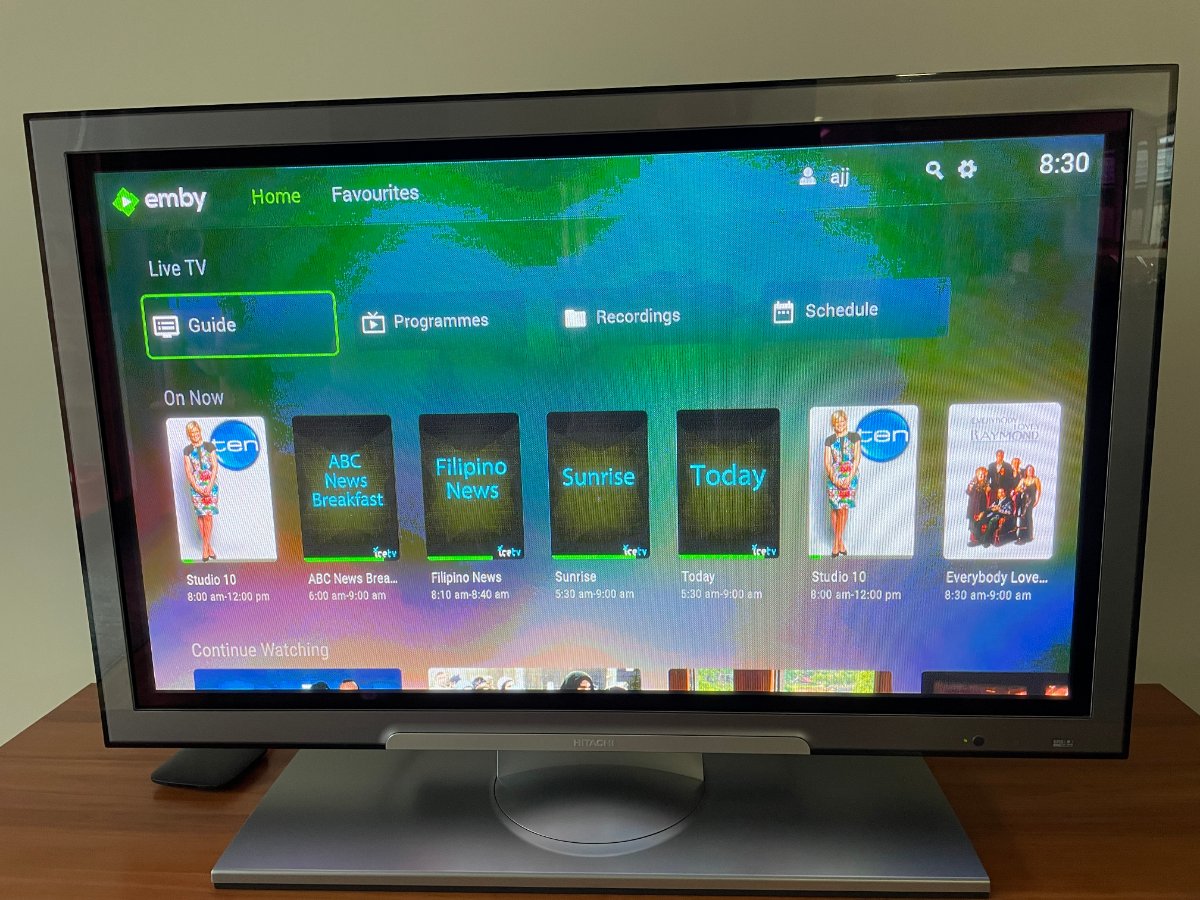
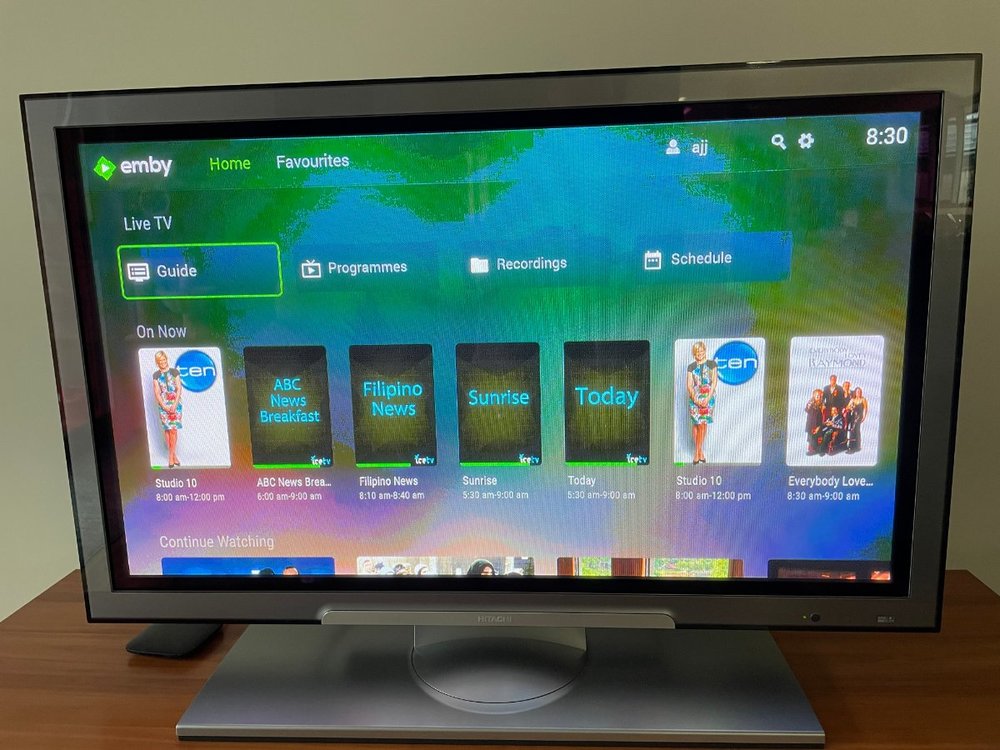
Hi Adding a Series selection in the Live TV section of the home page would make navigating to all the Series so much easier/quicker (as highlighted in green below) ie on Home Page Live TV Guide Programmes Recordings Schedule Series Please consider. Thanks
 1 point
 -
Hi, yes the player we're embedding supports high-res audio.1 point
-
Since my ReplayGain topic was marked as "duplicate", I'm gonna add my comment over here: "Just like all the info added to the music library by the music plugins after the scanning process is completed, ReplayGain should also be added to the database, avoiding the hassle of adding the information to the id3 tag by ourselves, keeping the files untouched. A ReplayGain setting should also be added to all apps, in case we don't want to use the feature at any given moment." Thanks.1 point
-
Do your specials contain the proper metadata in metadata manager or edit info?1 point







.jpg.c13f91b81785ea30469d4ba0e8951f8b.jpg)