Leaderboard




Popular Content
Showing content with the highest reputation on 04/30/21 in Posts
-
Hi guys, I thought we would be more or less done with these things. But if there's demand, I can bring back those tweaking parameters that we had during the initial testing. One word regarding the "Native VAAPI Tone Mapping": This doesn't provide any parameters. It relies on the parameters that are coded inside the video stream. There are certain ways to do this and ffmpeg currently isn't able to decode all of them. That's the reason why it might not always give good results. Also, results may vary depending on which CPU generation you have, because internally, they have different implementations for this. For the newer CPU's (Icelake, Tigerlake and above) it's done with 3D Look-Up Tables, the older ones (starting from Kaby Lake are using CMetal GPU shader implementations, even older gens: no native tm). sw5 points
-
Since we are talking about Synology you can download them via Dashboard-Logs if you don't want to ssh to the log folder.2 points
-
to be fair, its not just Virtual TV. I have long made the point that being able to pull up the guide to schedule recordings while watching recorded tv would be very helpful2 points
-
Tried to search for this feature request but couldn't find it. It would be very good to be able to sort and filter the content of collections. I have some collections with a lot of movies (1001 movies you have to see before you die, Criterion collection, etc). As of today you can sort and filter the collections themselves but you can't sort and filter the content. So if I want to find an unseen movie from my 1001 collection I will have to scroll through a lot of movies. In the collection view you also separate categories (movies, tv, ...) and it would be great to be able to choose to not separate them also.1 point
-
It would be possible to implement a chat on emby or the opportunity to comment on the film?1 point
-
Just looked again, these android tv's with the built in OS don't have the same "android tv" menus you would find on an Nvidia shield or something like that. So i only have access to basic normal tv settings through the android menus.. like hue, tint, etc nothing for scaling, stretching or anything like that. I have a 70 or 80 something I don't remember, same model 4k tv and the buttons are there on that one. Just not this 43" version. That said, like i said earlier, the buttons are down there somewhere, i can use the D pad to click down and i hear the feedback tone acknowledge that I'm on a selection, and i can click it to save.. Just seems like the android app doesn't account for all systems..1 point
-
Nice one, glad it’s not just me!1 point
-
No. It has Netflix and Prime installed and they work fine.1 point
-
Agree with Spaceboy, but need to ask, why would you need to record something playing back from Virtual TV plugin?1 point
-
It is throwing an error initializing the audio track. Did you change any settings on the device or the way it is hooked up or anything else about your setup? Have you tried re-starting the device?1 point
-
you should create a guide! your tips working perfectly!1 point
-
I did some tests. Results here https://raud.cloud/s/6fJ3NDcmoLTQGX4 I noticed that software Hable was almost identical with original source, but blurry, Emby somehow lowered the bitrate even if all tests was done with setting 4K-120Mbps bitrate
 1 point
 -
Hi. Specifically from that article, please follow the instructions for sending a log from the app. Thanks.1 point
-
/volume1/Emby/config1 point
-
ok thank u1 point
-
Hi, if you could supply the info requested here it would be a great help. Thanks.1 point
-
Made test with my hw. NVENC is quite near to original. Full size pictures - https://raud.cloud/s/SB9YzwXLSMrNkQ8 1.nvenc 2. quicksync - skylake 3. AMD - no tonemapping 4. native - without transcoding
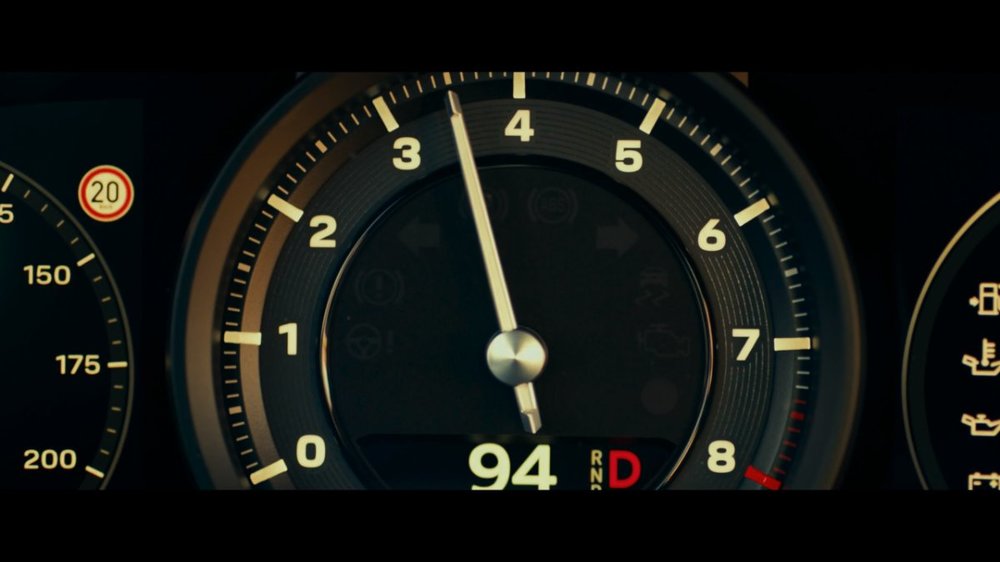
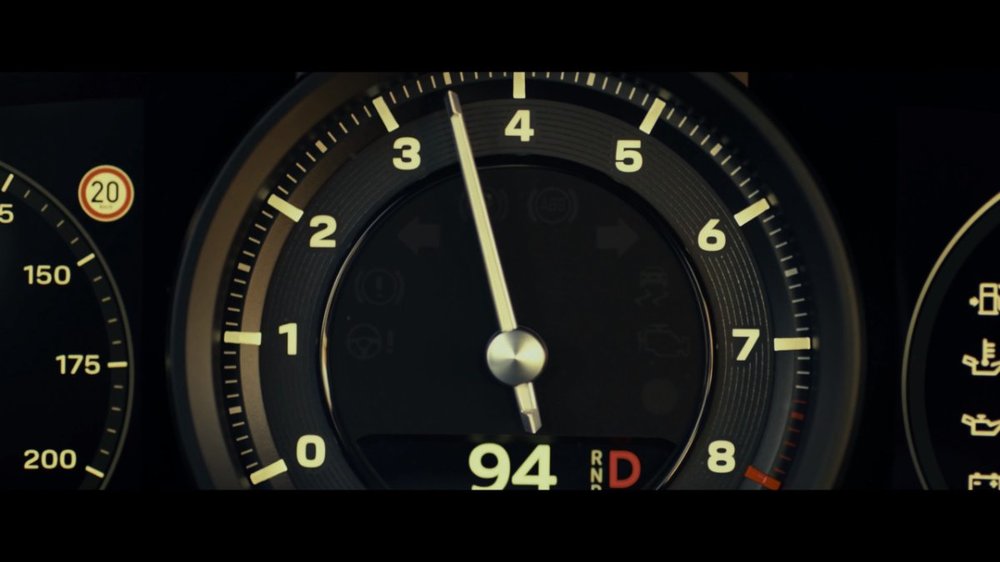
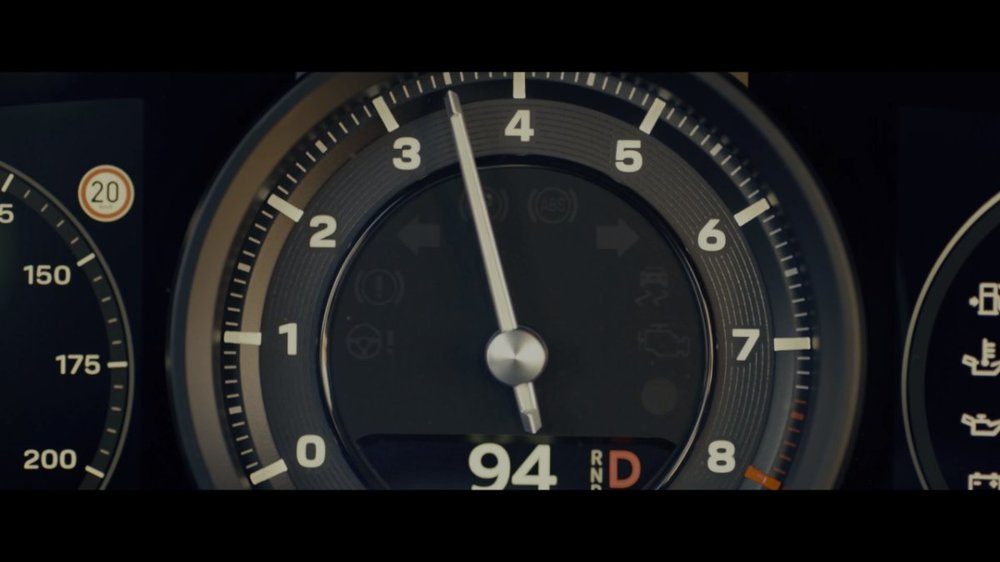
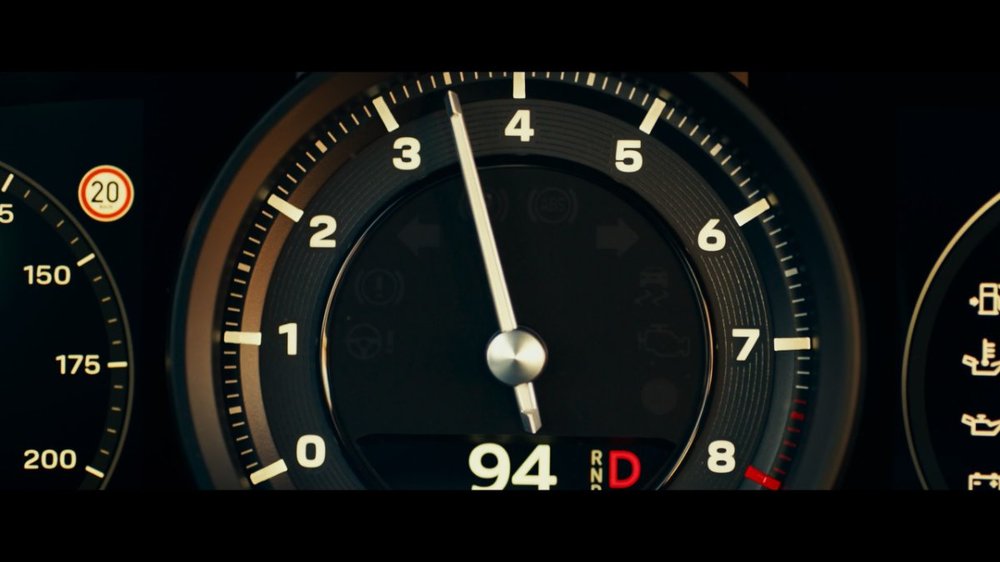 1 point
 -
i have made a script to achieve the same1 point
-
It backs up config files and certain database entries which are not system specific so yes this works across different OSes.1 point
-
Oh thats good, I have so many I need to get rid of.1 point
-
The tool is writing to the database, not file system, so my assumption is yes it should - but I have not had first hand experience of doing this so need some input from the Dev's or people that have done it to be sure.1 point
-
need premiere1 point
-
This might be a good thing to help adjust/tune the Intel side of things a bit better and allow some experimentation to see what potentially works best.1 point
-
I believe there are some scaling issues that don't make immediate sense. I am able to reproduce the said issue - and overwrite it if using the substitution. On a s/w only transcode - if I choose 1080p@6Mbit/sec - I get a 1280x720 scale (720p), if I choose 1080p@5Mbit/sec - I get a 720x404 scale. If I use the option to overwrite this - I get 720p @ 5Mbit - which obviously looks substantially better. >>>>>> DIAGNOSTIC OPTIONS ACTIVE !!! Warning CommandLineOptions.SearchText: Original: Actual: -filter_complex "[0:0]scale@f1=width=720:height=404 Warning CommandLineOptions.ReplaceText: Original: Actual: -filter_complex "[0:0]scale@f1=width=1280:height=720 I guess there is a matrix somewhere where the bitrate/scaling is taken into consideration - I get this, but imo it's probably being too aggressive @ these bitrates and I would personally drop it down to 720x404 @ maybe 2Mbit or even 1Mbit, not 5. But I'm sure @softworkz will be along shortly to educate us all on why this is done. edit - on why the selected bitrate is not being met - then this is the usual h264 encoding preset vs CQ values debate. If you want to use all the bandwidth you have, then select a 'faster' preset and maybe lower the CRF. I can always hit or get very close to 5Mbit/sec (in our example) selecting a Super or Ultra Fast Preset. Auto will try and balance the quality - and if it can get you the same quality with a lower bitrate (at the expensive of CPU), it will.1 point
-
I had a look at Edge of Tomorrow and with the various Extra-T - OpenCL options enabled the scenes look very green/desaturated, whereas with bt.2390 it looks much more like the direct play version with HDR, so I would see all media as benefitting from bt.2390, if that's what you meant? Reinhard Extra-T - OpenCL (HW - VAAPI) It's immediately obvious at the start of the film when the sky in the Warner Bros. intro looks green rather than blue. bt.2390 (Software)
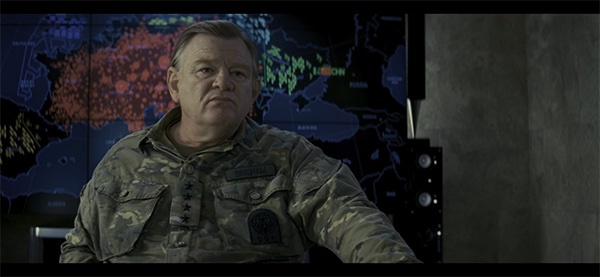
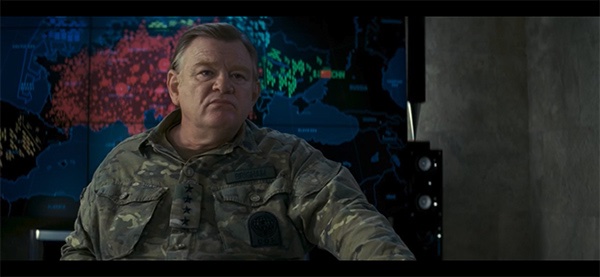 1 point
 -
it's one of the reasons I haven't had time to do anything... homeschooling two boys under 7 years old is very exhausting...1 point
-
not seeing this with software tone mapping (6700k) - getting 1280by720 and works fine if you have your settings correct with 1080-8 - with browser - probably limited by size of browser window using hw tone mapping (nvidia) get the same result - just a few fps quicker1 point
-
No need for this type of post, no matter how frustrated you are at getting your point across.1 point
-
@Hxemby001 yes i know there are more tag type (ID3v1.1, ID3v2.4 etc) i delete all always and update all tag for each song. Is a big work every times! @Happy2Play my tracks shouldn't have a track number. After scanned by Emby there is track number, comment and genre. so, for now with Picard i edited and seems all is ok. i will have way to try next days...1 point
-
Thank you cayars. Worked perfectly. I guess that's the equivalent of rebooting.1 point
-
You can click to the next screen and scroll vertically via more from season. I have always seen Season view this way as the is the way the web client/ET is designed.1 point
-
10G is great for home networks that use large date files. I have a 10G network, and I'll never go back. If you rip a movie from disk and you want to movie it to your storage, having it transfer at 350 - 400 MB/s is massively better than 110 - 125 MB/s. Go 10G, and don't hesitate! It'll change your life!1 point
-
Thanks, Cayars. I don't have the drives mirrored, so the drive Emby is on has 500GB of space and 125 GB of video files. Emby has 375GB of room to play with. However, based on what you are telling me, and my experience thus far, this clearly isn't enough space. I'm picking up an 8GB drive tomorrow, we'll see how things go. Thanks for the insight.1 point
-
It won't cause problems with older servers so yes you could put that out before hand if you want.1 point
-
Hopefully next week.1 point
-
Ok i will have a look, not a fan of the one list, will work something out. When is 4.6 released?1 point
-
We'll get there.. Everything is getting back to normal in California but masks are still required. Numbers continue to fall as more people get vaccinated but that program is stalling like a Brisket at 150 as everyone that wants one has it already and there's a lot of hesitation so we're not getting close to 80% yet..1 point
-
Sort of... Nothing like it was. Everything keeps shutting down where I am, and the schools are closed, so I've been home schooling... Which is the worst.1 point
-
Thanks again @ebr1 point
-
Amazing, all the features I was looking for (and more) are in the latest version! With my limited usage thus far, it seems the bugs with resume playback are gone as well. Thank you!1 point
-
The problem with relying on chapters is that it’s a "permanent" solution. What I mean is that once they’re in there, Emby can’t really take them out or change them since it doesn’t know with certainty which chapters are the added intro points other than by their name. So you have to hope the detection goes right, because relying solely on the name of the chapters is a bad idea. Also, not to mention the fact that I think people generally don’t want Emby modifying their files, since you never know if something could go wrong, even with simple operations like this. Though, I definitely agree that this shouldn’t be a closed system, but I think that the safest approach should be taken here. Then again, I’m not the Emby devs, so it would ultimately be up to them to decide how they would implement such a feature as intro skipping.1 point
-
Maybe its because i was using the beta channel, but I've never seen horizontal scrolling for episodes in the Emby Roku client, nor would I want to. I will say that I preferred the old vertical scroll that showed more episodes on screen, but I understand why the episode info was made bigger. After all, while I am young and my eyes are (mostly) fine, many people are not. An option to adjust episode scrolling scale would be nice, as I think that would make it match the other Emby apps better, however I understand why that could potentially cause issues, especially with Roku's extremely limited file size for apps. Lastly I would just like to say that the Roku devs are extremely responsive and in my experience have been extremely professional. I'll admit dev responses on other areas of the forum have frustrated me (though I understand their reasons for giving those responses), but never in the Roku section. If it was me moderating the forum I probably would have blocked op or stopped responding a couple pages ago.1 point
-
Max length for USB3 (at max transfer rate) is realistically about 3m. So if you want to re-use those devices, then you need to get them closer to the server Building a server and re-using the Mediasonic disks is an option - but if it were me, I would rebuilt using new high capacity disks (as direct attached storage) and re-use the Mediasonic devices as offline backup. A 10+ bay 'NAS' is going to be expensive (if you were to mirror what you have today) - and unless you have 10Gbit networking (doesn't look like it in your pics..) then your bottleneck is going to be the single 1gig interface to it.1 point