Leaderboard




Popular Content
Showing content with the highest reputation on 04/23/21 in Posts
-
its 192.168.1.0/24 it was a typo2 points
-
Don't believe the repostitory has or will be used for awhile. Emby Server for Synology NAS - Emby Pretty sure it will be the 64-bit install.2 points
-
This should be improved in the upcoming emby server 4.6 release. thanks.2 points
-
I'm very sorry, my mistake. There is actually an issue here where the menu is being hidden for internal subtitles when it should not be. this was not the intended design. This will be resolved in Emby Server 4.6. Thanks.2 points
-
The reason the season view doesn't automatically scroll to first unwatched is because I assumed anyone entering the season view was there to view the entire season. If you want the next up episode, you just passed it - twice - in order to get to the season view.2 points
-
As I'm transitioning from Volumio and Plex to Emby to centralize my usage to one app, the one thing I'm missing the most is gapless playback. This is particulary annoying when listening to albums like "Dark Side of the Moon" by Pink Floyd. I'm experiencing a buffer of about 1 second in between songs, which really ruins the immersion. Would be awesome if this would be implemented in both the Chromecast, and web player.1 point
-
It appears that any playlist that any user creates is public--all other users can see it. I can appreciate the benefit of a public playlist. I could create a playlist called "Harv's Favorite Horror Films" for example, in case other users are interested in checking out what I like. However, the way most of my users are using playlists is to keep track of things they want to watch in the future. They are typically things that the user has not watched yet, so it's not meant as a recommendation to others, just as a way of them personally keeping track of what they want to watch. Having that kind of playlist be public is of questionable benefit to other users. Additionally, it is not clear when you create a playlist that other users will be able to see it. That has the potential to cause some embarrassment. He hasn't created one yet, but I wouldn't want to see my nephew's "movies to fap to" playlist, for example. If I could make a suggestion, I would suggest associating each playlist with the user who created it, and giving that user the ability to make the playlist private or public. For example, the following two checkboxes could be shown when creating or editing a playlist: Allow other users to see this playlist Allow other users to edit this playlist Initially, both checkboxes would be unchecked. Since another user cannot edit a playlist they cannot see, the second would be allowed to be checked only if the first were also checked. (You could grey it out to make that clear.) Depending on your UI preference, it could also be a drop-down menu. Playlist visibility: (Only me | all users can view | all users can view and edit) Thanks for considering this.1 point
-
(Edit: To indicate that this might be thought of as a "Smart Collections" feature, perhaps similar to Smart Playlist functionality.) I'd love to see an Advanced setting, or a Plugin, that enables a List of Rules (which can be manually reordered by the user) that would match whatever pattern is defined in the rules for auto-adding items to a given Collection. These patterns could be set to match the file path (eg, match on "*\Disney\*" to match all videos with a folder "Disney" in their file path, and then add them to this Collection) or to match various item attributes, in particular Tags (eg, match if the video contains the Tag "Disney"). I could live without the following addition, but since there might users who will want to use pattern matching, but also want to be able to manually exclude certain items, perhaps we should also have the following: When a Collection is created there could be a default Final Rule (ie, the Rule which gets applied last, and thus has "final say") which would be "User manually Adds/Removes an item from the Collection." The user could of course move this Rule to not be final (which then would mean that the other pattern matching would take precedence), but whenever it is left as final it would mean that even if an item would normally be added to this Collection because of matching a path pattern (or attribute match), if the user manually removes it from this Collection then that manual action will take precedence (ie, the software would basically be making an internal record to exclude this specific item since the user manually removed it). I'm imagining that the rules would get applied whenever a Library scan is performed, but it doesn't really matter to me how exactly things get triggered as long as it is automatic. Here's an example of how all this would work.... Say I have folders with the following paths: \media\Videos\Shorts\Disney\CD1-Disc01 \media\Videos\Shorts\Disney\CD1-Disc02 \media\Videos\Shorts\Disney\CG-Disc01 \media\Videos\Shorts\Disney\CG-Disc02 And I want to populate the following Collections automatically: Shorts Disney Donald Duck Goofy I would create each of these Collections, and use the following corresponding rules per Collection to determine what each Collection will get auto-populated with: Shorts: Match Path "*\Shorts\*" Match Tag "Shorts" Disney: Match Path "*\Disney\*" Match Tag "Disney" Donald Duck: Match Path "*\CD1-Disc*" Match Tag "Donald Duck" Goofy: Match Path "*\CG-Disc*" Match Tag "Goofy" I know there is the Auto Box Sets plugin, but I'm wanting to add the same item to multiple Collections based on path and other attributes (particularly Tags), which as far as I can tell is way beyond how the Auto Box Sets plugin works (particularly given that many of my Collections are going to be of my own creation as opposed to Collections which have a TMDb collection id). I think that this functionality could be quite useful if implemented well. And perhaps some of the underlying code (eg, for a rules system, etc.) could be modularized/reused for other requested features (eg, maybe Smart Playlists?)? Thanks for your consideration! PS - If this is something you might like to see implemented, be sure to "Like" this top/first post (as well as any subsequent posts in this thread that highlight particular aspects of what you are interested in) -- "Liking" the top/first post helps the Devs to know how much interest there is in a given Feature Request.1 point
-
I was going to have a look at this again when the chromaprint thumb printing algorithm that was added to the Emby 4.6 beta (ffmpeg inbuilt muxer) is released. At the moment the plugin needs to ship with the command line tool for multiple platforms to extract the chromaprint but when Emby 4.6 is released the plugin can use the shipped ffmpeg to generate the audio thumb prints. I have no idea when the 4.6 beta will ship, its been months and months, no idea what the time frame for that is, I think that is why the plugin lost of lot of momentum. Also there will be shows that this just does not work for, some it will work great with and others it is just going to flop on.1 point
-
anydesk.org for the free version.1 point
-
My mention of quicksync has nothing to imply that you need transcoding, it is a means of suggesting something with as little overhead as possible, and in a small form factor, which is usually what someone using a Shield wants. Someone has Cheeto syndrome.1 point
-
Is the disconnect between you two that, yes the 360's show up in the emby library, but you cant drag them around like you normally would a 360 view, all you get is a stretched out fisheye view like posted above.. My original request was for this.. Kind of like when you upload one of these 360 photo's or videos to facebook, facebook automatically makes them draggable. That is what I would like to see in emby.1 point
-
Great tech support, really appreciate the service. It is things like this that make customers for life.1 point
-
I have openVPN configured on my router, but after VPN often played videos stutter, I'll try letsencrypt1 point
-
I personally have no idea how you would set this up to play these back via JRiver, so I'm not going to be a help disc layout wise. Maybe someone who used the DISC formats and/or JRiver can chime in.1 point
-
Thanks for your supports, the errors are related to Skin as acknowledged by Titan developer, sorry for the trouble. Cheers1 point
-
@cayars Yes that's it. How could I install the Beta on my AndroidTV ?1 point
-
@MrDonYou beat me to posting screenshots. Thanks for posting. You have the exact same issue as I have. I also tested on a different computer now (ET was installed about 3 months ago). First time I launched ET (Desktop) everything looked ok. Then after a restart of ET (it took 10 seconds to launch so there was some update happening) and I have the same issue.1 point
-
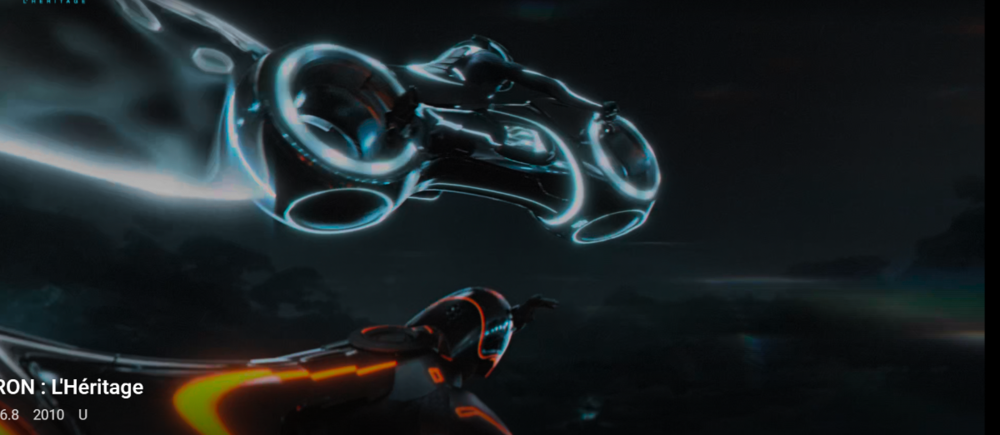
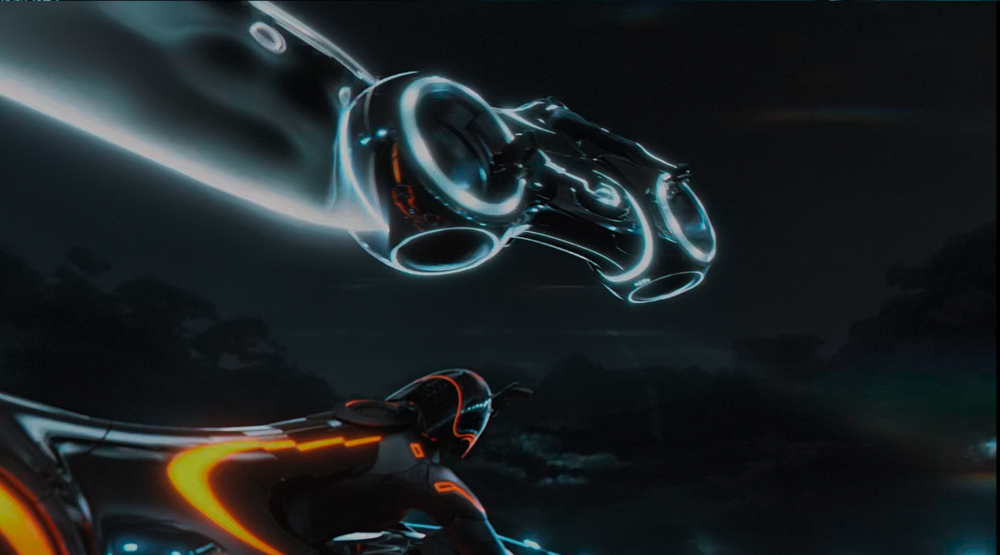
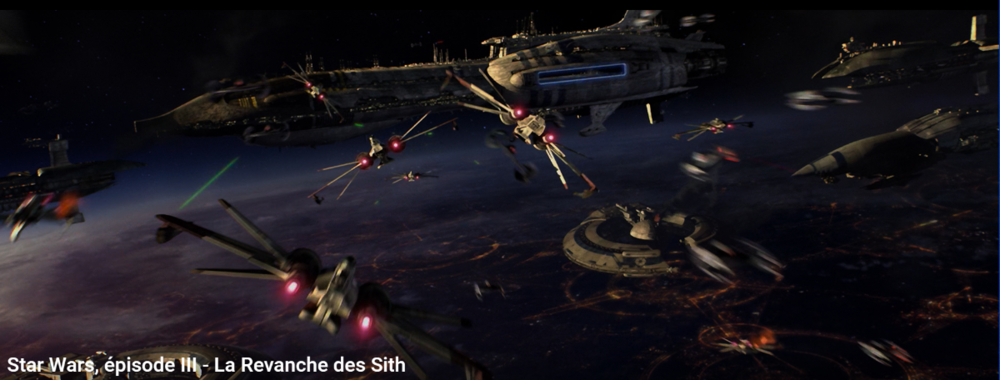
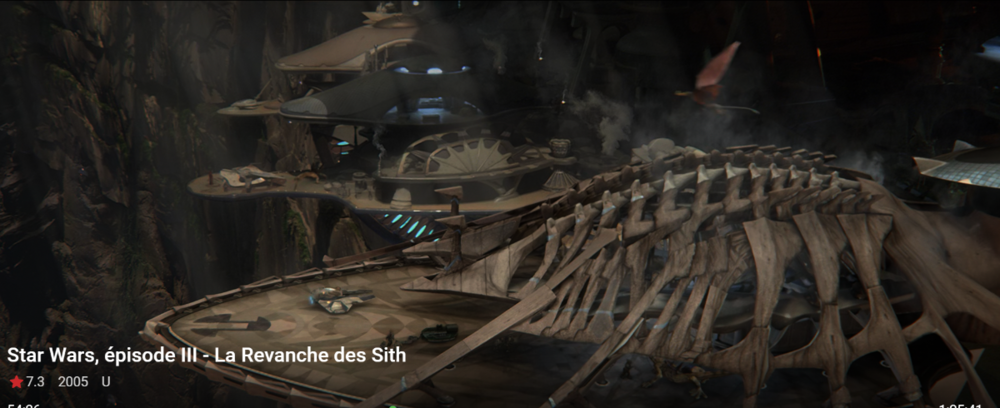
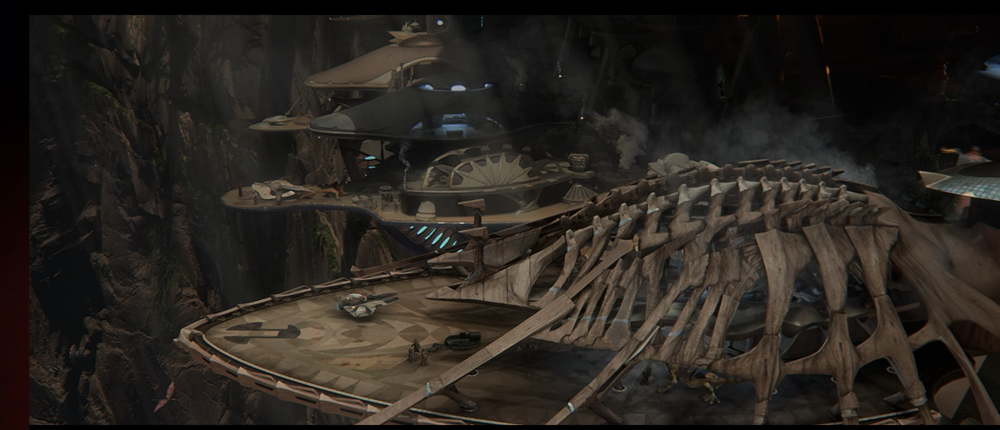
@cayars et voici J'espère que les captures te montreront les différences. Je dirai ce qui ce voit le plus est que l'image est beaucoup plus nette et plus contrastée. Il faut savoir que j'utile des filtres avec MPC et la configuration KAZ (La Config Kaz | KazCorporation | France) Les 2 films sont en 4k.

 1 point
 -
Hi. Glad you worked something out. Please let us know if it crops up again.1 point
-
The Next Up is only for a single season. Say I have some unwatched in season 3 and 4. But I am presently playing season 7. Now the Next Up will send me right to season 7. But when I enter Season 3 it moves me right to those unwatched episodes. The Next Up would not do this it takes me to Season 7. This is the difference. The Next Up knows which season and episode you are on. Goes there. The Season view just looks at the first unwatched and take focus there when it finds a hole. That is sort of intuitive and completely different than the Next Up.1 point
-
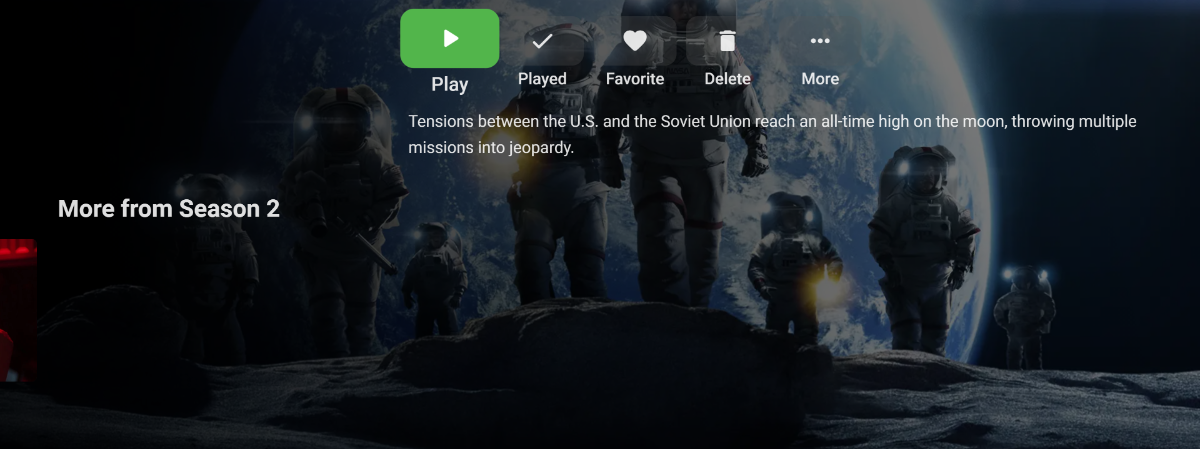
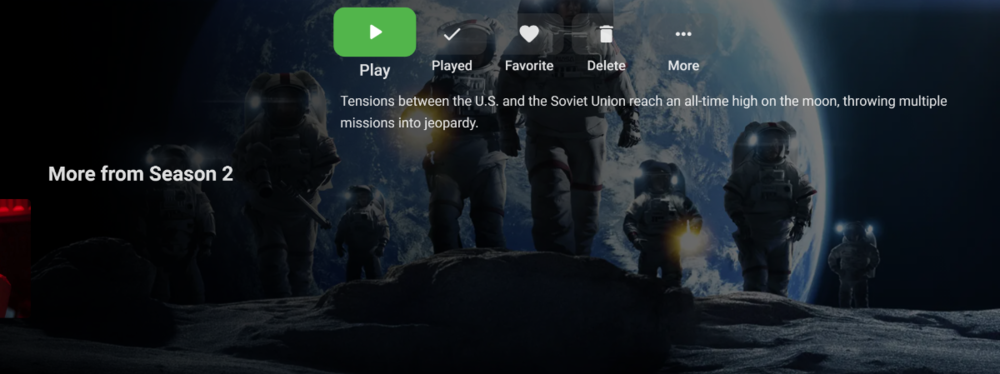
It's an issue as well when you open "next up" in TV shows. You have the "More from Season XX" and you see the last episode image lign up correct but now it's pushed to the left and off screen.
 1 point
 -
These are all the plugins I had installed: Addic7ed: 1.0.8.0 Auto Box Sets: 1.2.5.0 Auto Organize: 1.5.9.0 Bluray Folder Support: 1.0.0.0 Cinema Intros: 1.0.35.0 Dlna: 1.0.39.0 Dvd Folder Support: 1.0.0.0 Fanart.tv: 1.0.10.0 IMVDb: 1.0.9.0 MovieDb: 1.3.8.0 MusicBrainz: 1.0.13.0 Nfo Metadata: 1.0.34.0 OMDb: 1.0.12.0 Open Subtitles: 1.0.27.0 Playback Reporting: 1.7.0.3 Port Mapper: 1.0.4.0 Reports: 1.0.44.0 Server Configuration Backup: 1.4.5.0 Statistics: 2.0.19.0 Studio Images: 1.0.3.0 TheAudioDb: 1.0.11.0 TheTVDB: 1.0.36.0 Webhooks: 1.0.14.0 I've uninstalled the Addic7ed, Statistics and Playback Reporting plugins, disabled DLNA and restarted the server but the file still had the audio distortion when played from Emby. It took a bit of time to figure out how to extract the streams and copy them to a new mp4 whilst retaining the Dolby Vision but I eventually managed to do it with mp4demuxer (https://github.com/DolbyLaboratories/dlb_mp4demux) and mp4muxer (https://github.com/DolbyLaboratories/dlb_mp4base). I haven't found a way to include the subs in the new mp4 again but the file seems to play without issues now. Must have been something really strange with the original file as it only had the distortion when played via the Emby app. Thanks for all the input everyone!1 point
-
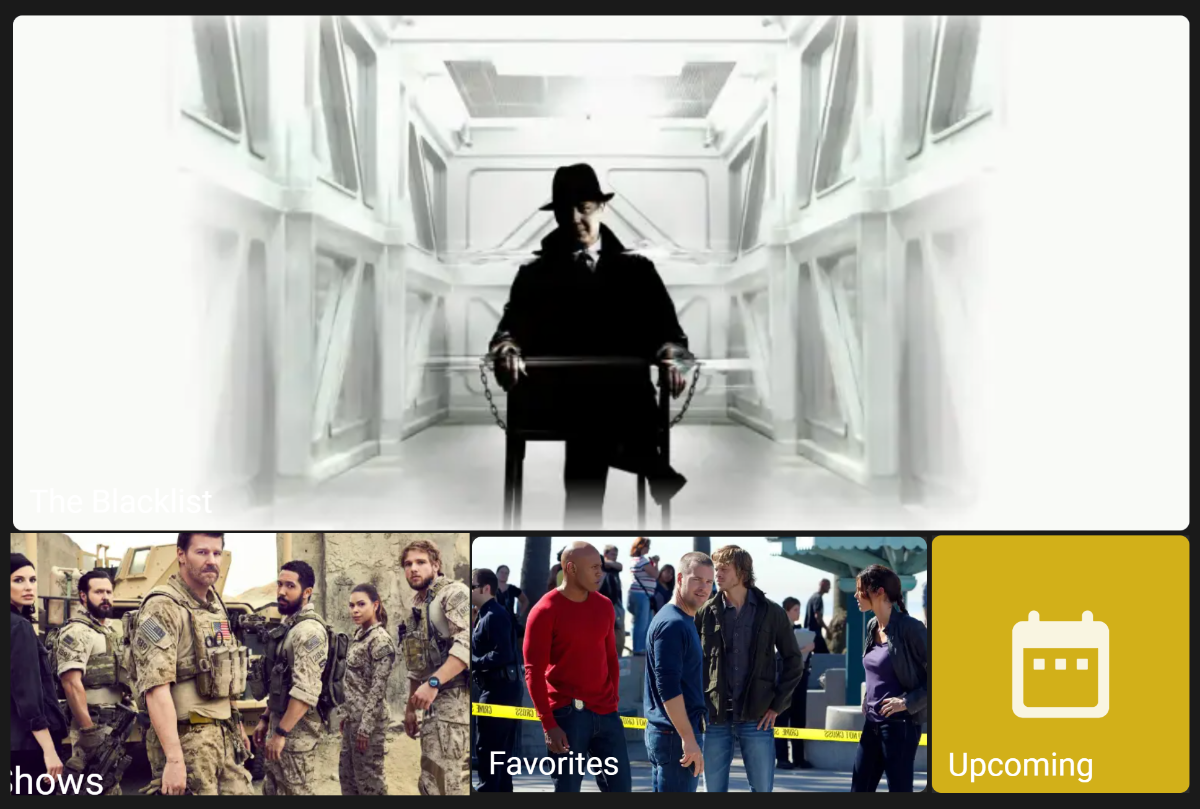
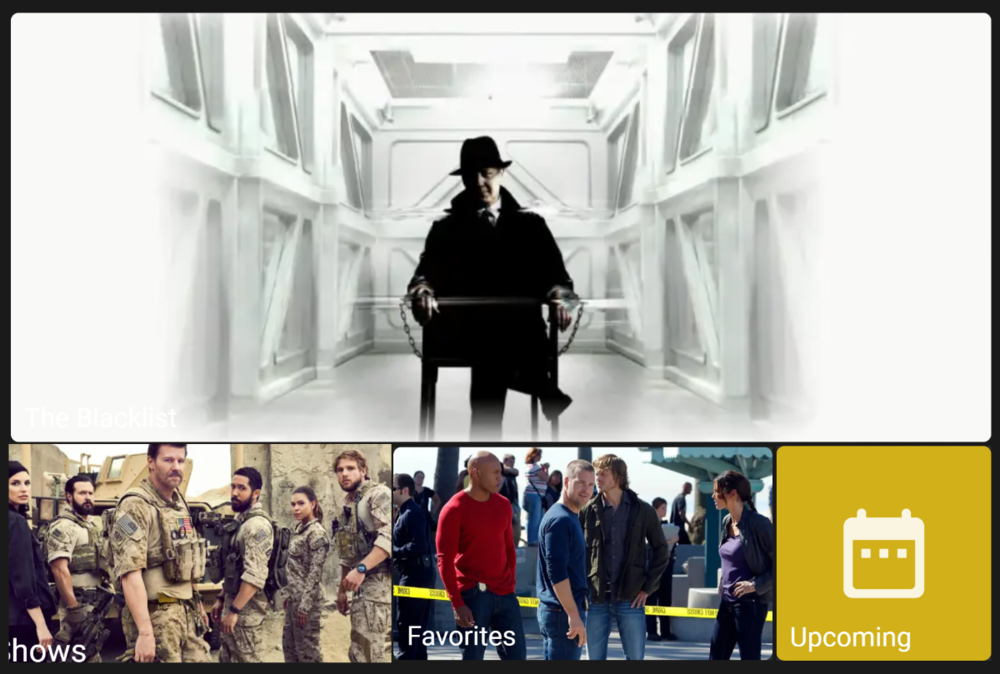
I have the same issue. Non-selected tile vs a highlighted tile. In this case "Shows".

 1 point
 -
Cayars is definitely legit for Emby support. Thanks.1 point
-
Set the 160 mb/s on the Chromecast in the Emby App's Playback settings After testing for a bit more last night it seems like the winning combo was 1) Setting the chromecast advanced audio settings to manual and enabling AC3 as a codec 2) Changing max bitrate in app on chromecast from Auto to 160mbp/s Both of those things together have resulted in a return to a smooth playback experience across my titles1 point
-
ok - so emby is doing what you have asked for (not showing in seasons) but Kodi is picking this up and displaying it. I think the issue is with Kodi, not emby .. as everything 'looks' to be correct from a metadata perspective. ps - by remove it - I mean delete the entry, be it zero or whatever and then save the metadata. Worth seeing if Kodi then removes it from season 1 as it will obviously just use the .nfo1 point
-
I use Emby only on a Roku, nothing else.1 point
-
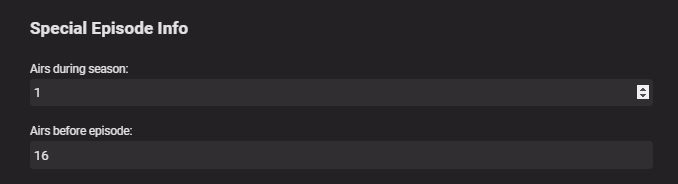
This is normal - emby does the same. A special may have season info in it - which tells emby (and kodi) what season the special aired in - and it's position in the sequence. This is located in the 'Special Episode Info' part of the Metadata (only available to Specials'). If you remove it - the item will only appear in specials. for example - in the special below - it will also appear in Season 1 and display in-between episode 15 and 16.
 1 point
 -
I do all my NFO maintenance with TMM. In this case I manually edited the NFO's with TMM. But I have a daily script running updating the TMM db and scrape new shows and movies. Once a week I update all NFO's via the script for selected fields only. I don't let TMM change any artwork.1 point
-
I prefer to navigate via the view which has the episode summaries, thank you. I also (with what I consider sufficient reason) sometimes view using a different account, so the next up is not necessarily accurate. Just to be clear, there are things I dislike in Netflix, iPlayer, etc, which I still dislike when they appear in Emby (though fortunately not all of them do). I don't expect Emby to change to suit my personal taste, but I will continue to use it the way I want rather than someone else's way; and making this season display consistent with the other clients is a help in that, thanks. Paul1 point
-
Have you checked the season and episode numbering in the NFO files? I have seen some weird issues recently in Kodi that turned out to be caused by the numbering in the NFO was not being the same as in the file name. In my case both season and episode where set to -1 in the NFO. In Emby everything looked OK. For me it started when I changed the primary metadata provider to tmdb. I haven't seen any new issues for the last week, so the tmdb api seems to be behaving now.1 point
-
It's hard to understand why oranges and purples have HLS fMP4, but green ones don't.1 point
-
It is an HDhomerun hacked with a custom build that removes the json calls but I got it sorted.1 point
-
I'm very sorry, my mistake. There is actually an issue here where the menu is being hidden for internal subtitles when it should not be. this was not the intended design. This will be resolved in Emby Server 4.6. Thanks.1 point
-
Ok, I ran the test and sent the logs in PM.1 point
-
LOL, and if you were to say Desktop see two posts above.1 point
-
The first question would be what ET version you have installed, Store or Desktop?1 point
-
You seem like a legit guy playa, 12k post count hell I trust ya1 point
-
Hi, yes users have mentioned doing this before.1 point
-
I totally agree @santakrooz with your analysis, it is definitely the DLNA profile for the X700 or for the Sony BD players profiles (I tried them all with no success). You say you can play DSFs from Emby to your Denon receiver which means it is a profile issue. I can play DSFs using Twonky and JRiver Media Center with the latter requiring a very minor change in the Mime types. Let's wait and see and I really hope this can be fixed in Emby as it is an amazing piece of software...1 point
-
Have you tried using the alpha-numeric bar on the left side to quickly navigate to the number or first letter of the show you are trying to get to?1 point
-
Hi. It looks like your system cannot find or run ffmpeg. How did you install?1 point
-
Playing fast and loose with the aspect ration in some views has been a constant irritation with 4:3 material which keeps getting swept under the carpet. I wonder if this more extreme example will finally get some resolution. Paul1 point
-
Hello, I already have a Movies library for 1080p content however, I would like to add another Movies library for UHD (4K) content. Currently, if I create another Movies library with the title, UHD Movies, each UHD movie that also has an identically titled counterpart in the original Movies library for 1080p content shares the same play status progress and subsequently, 2 thumbnail images are displayed on the homescreen under the Continue Watching heading. One which is linked to the 1080p movie, and another for the UHD movie. Is there any way to disassociate the movie libraries by creating a library content type for us called 4K Movies or UHD Movies that will contain it's own unique play state information? Or, allow us to name our own content type to create the split which we will also then select it's parent content type from the existing list. Many thanks1 point
-
OK, that all makes sense. Thanks for clarifying. If it is just this file that has the audio issue then I'm not really sure what options we have. If it is DirectPlaying then the server and client are not really doing anything to the file. It doesn't look like a really high bitrate file, so I can't see network speed being an issue. I don't have any ideas, maybe @rbjtech may have some suggestions. You could try copying the streams to a new mp4 container, and if that doesn't work, try copying just the video and audio streams (no subs) to a new mp4 container. I have seen files with lots of subs have playback issues.1 point
-
Got ya. I'm not sure of the proper procedure for upgrading a debian x64 OS server. Sorry about that. Maybe someone else can chime in. But it won't be a lot longer before this hits release.1 point
-
There's a bug in the iHD driver with Gemini Lake (j4105, j5005, j5040, etc.) You can work around it by forcing emby to use the i965 driver. In the container run: mv /lib/dri/iHD_drv_video.so /lib/dri/iHD_drv_video.so.disabled Then restart it. The bug's just been fixed in the latest intel master (see #930) https://github.com/intel/media-driver/pull/1078 Hopefully it'll make it way to emby soon.1 point
-
If you display device is capable of refreshing the screen at the same rate as the source video (ie 23.976/23.98 for most film) - then you will see a much smoother experience on screen - especially when the video is 'panning' - or going from left <> right. Usually, a process called 'pulldown' automatically inserts/holds frames when it does not match to make it as smooth as it can - but if your TV can refresh at that rate anyway - it is much better to have them match. Thus the option to do it in emby. They are off by default as some devices do not like to switch refresh rates on the fly, and you end up with a blank screen. Turn it on and see if you TV is ok - you can easily see what is happening if you enable the 'Stats for Nerds' in the emby options (press and hold the centre button for the Shield) - this should then show the display rate is the same as the video. You may notice a brief 'blank' of the screen when you drop back to the menu - this is normal as the screen will go back to 60Hz - or whatever your default TV setting is. Video resolution is a similar concept, when the 'input' of the TV will try and match the video - this in turn forces the internal scaler of the TV to do the upscaling work. ie you send a 720p video to your TV with this turned on, your 1080p TV (for example) accepts this and sets it's upscaler for 720p with all the appropriate optimised settings. If it wasn't turned on, the TV would still upscale, but it may not be optimised.1 point
-
I have a feature request : It is possible to add MQTT to Emby Server as a publisher. Just with some basic status updates, like play / stopped / paused. It would be even greater if Emby server even could be a subscriber so when the doorbell rings a MQTT is triggered which makes emby to pause. I know it could also be achieved by using API calls but MQTT can be more easily integrated into IOT systems or feed the info into Node-RED for further processing.1 point