Leaderboard




Popular Content
Showing content with the highest reputation on 02/21/21 in Posts
-
Everything has to be put into perspective ....... 52 years ago, to this date, I was shot while crossing a rice paddy in Vietnam. So, 10 months don't mean nuthing........2 points
-
So @cayars reminded me that you can just use filter with tone mapping on the existing ffmpeg command line - but this is CPU only - ffmpeg.exe -f matroska -skip_interval 30 -copyts -i file:"input.mkv" -vf "zscale=transfer=linear,tonemap=mobius,zscale=transfer=bt709" -an -sn -s 320x180 -vsync cfr -r 0.1 -f image2 "C:\temp\img_%05d.jpg" For the time being, I may just script rebuilding my 4K library with these newly generated bif's using biftool to create them. Down the line, I guess it would be nice for the image extractor to look at the colour space and apply the filter as necessary - I don't believe it uses h/w acceleration today ? So this is probably not a big deal to just include the optional TM filter.2 points
-
Your Emby Premiere tab should give you an idea there.2 points
-
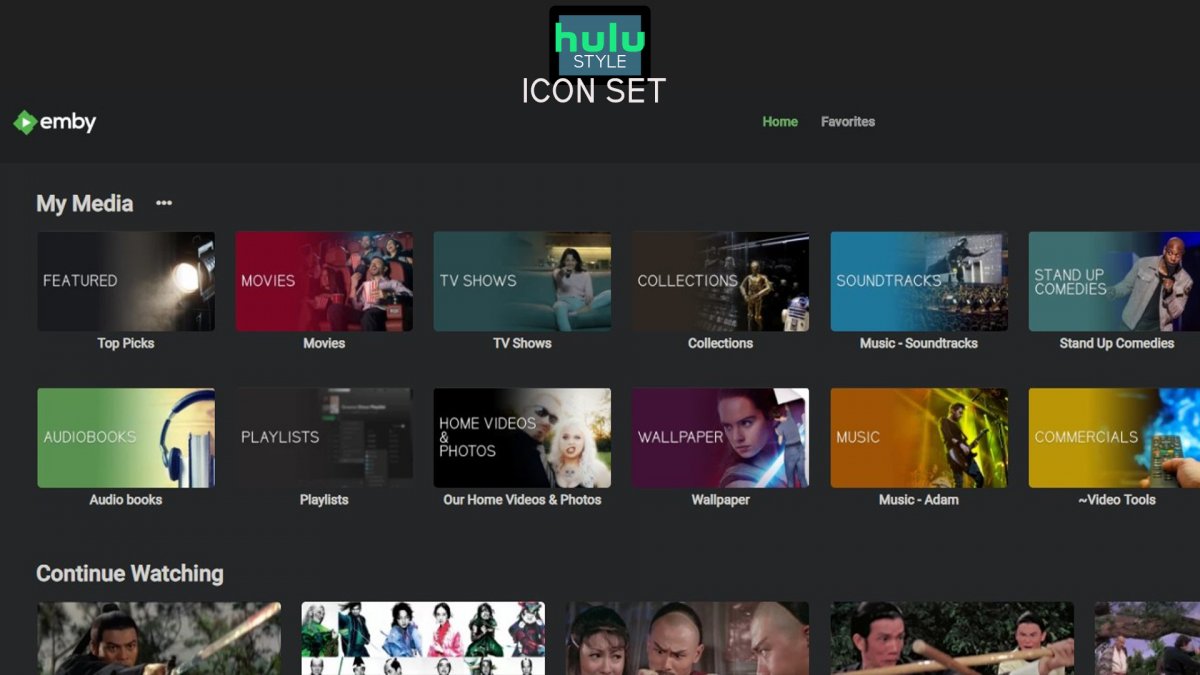
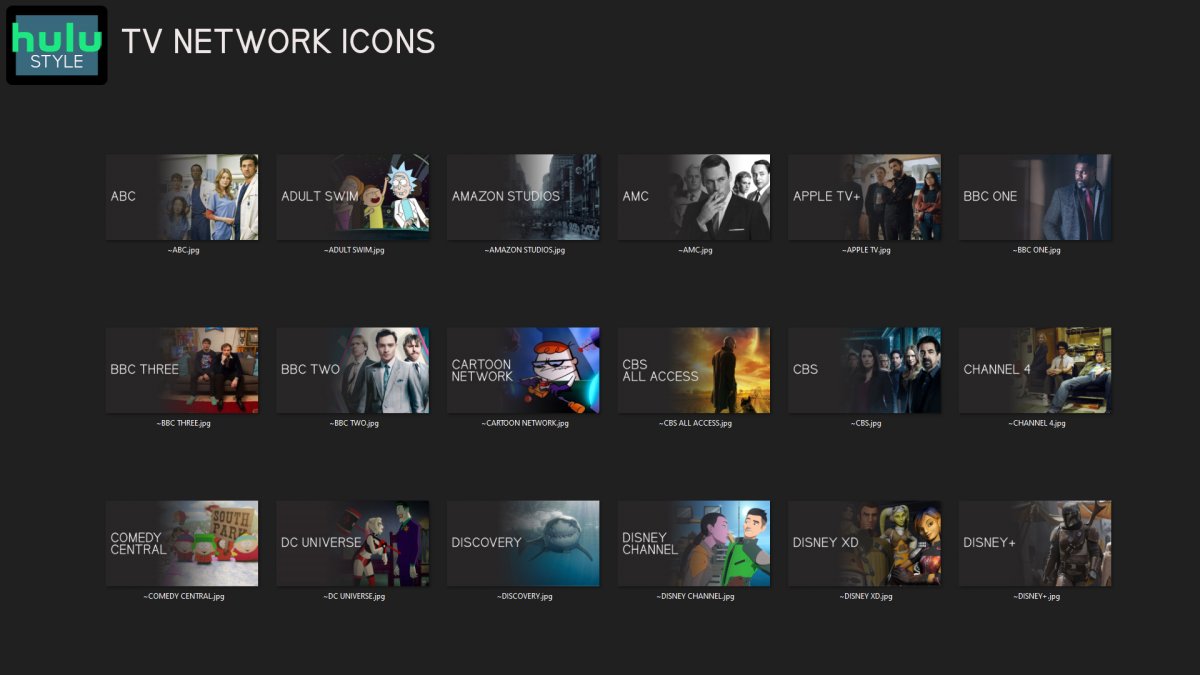
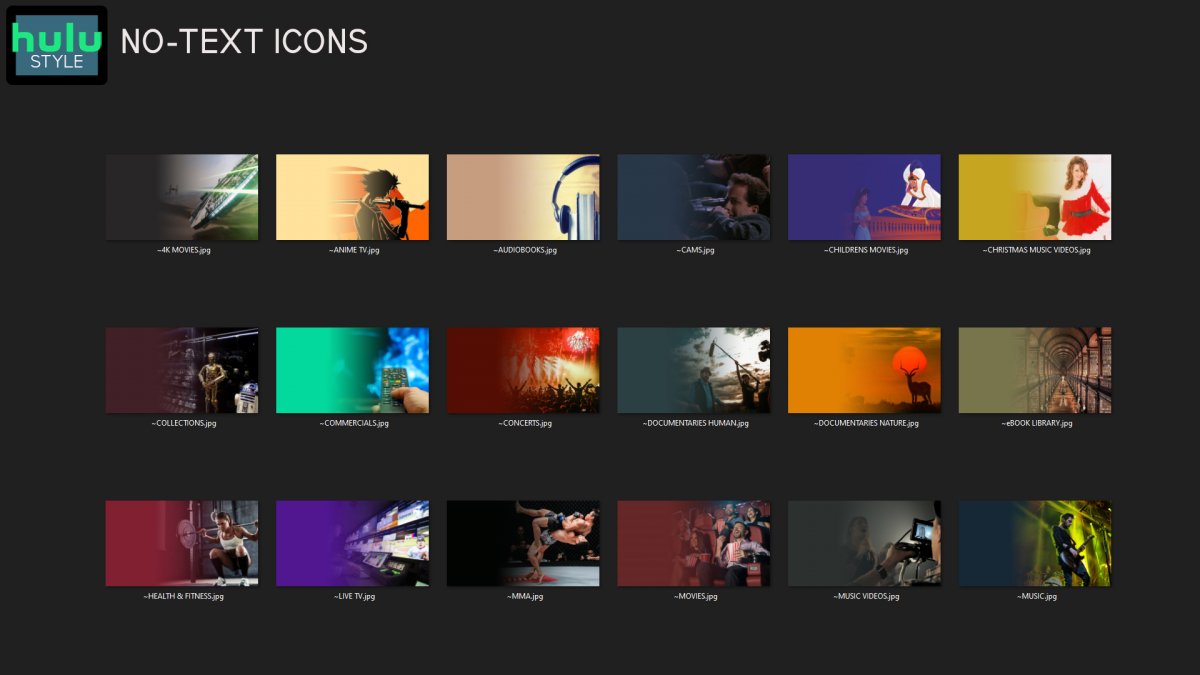
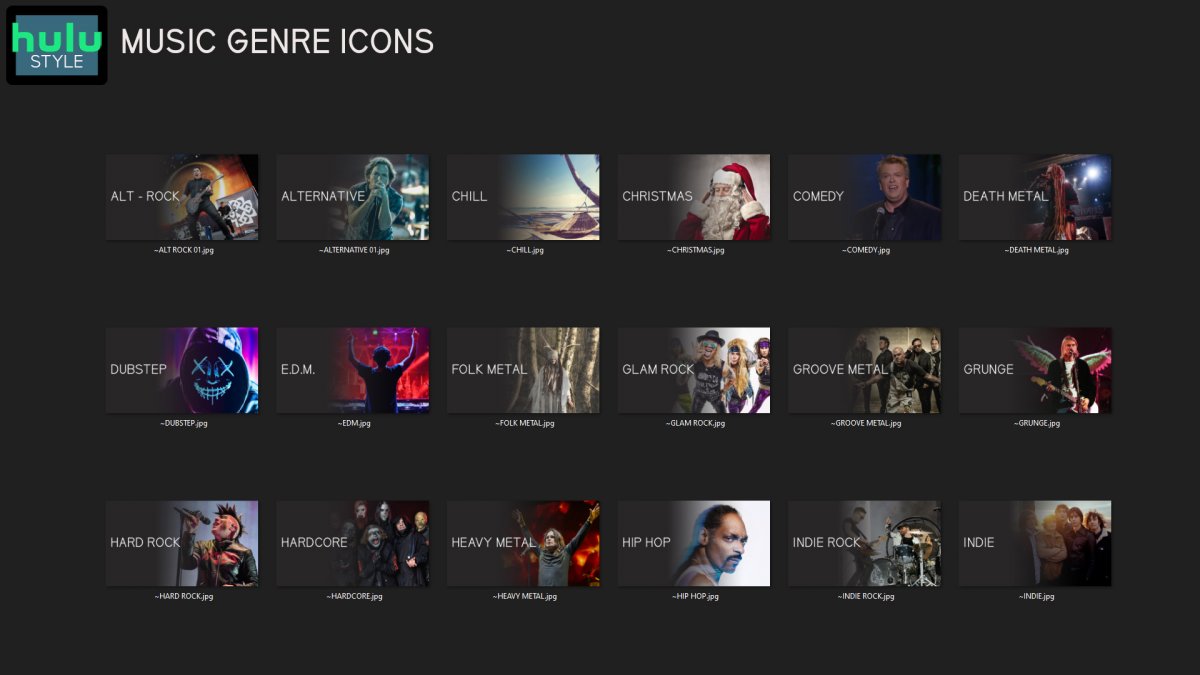
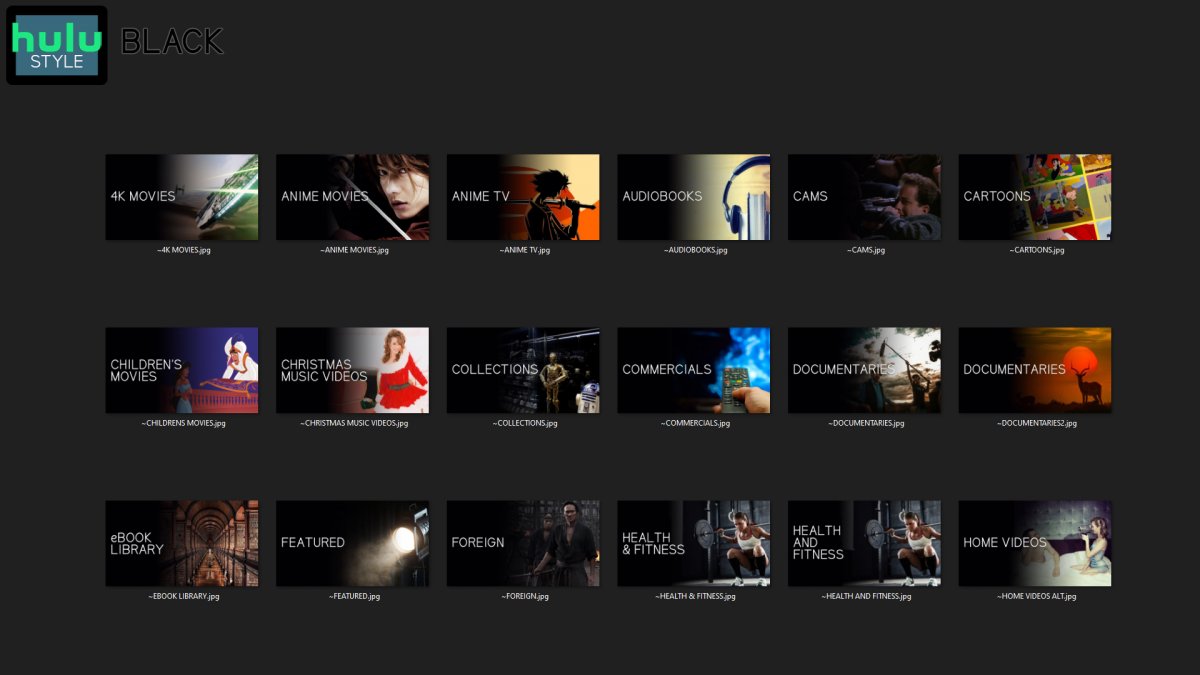
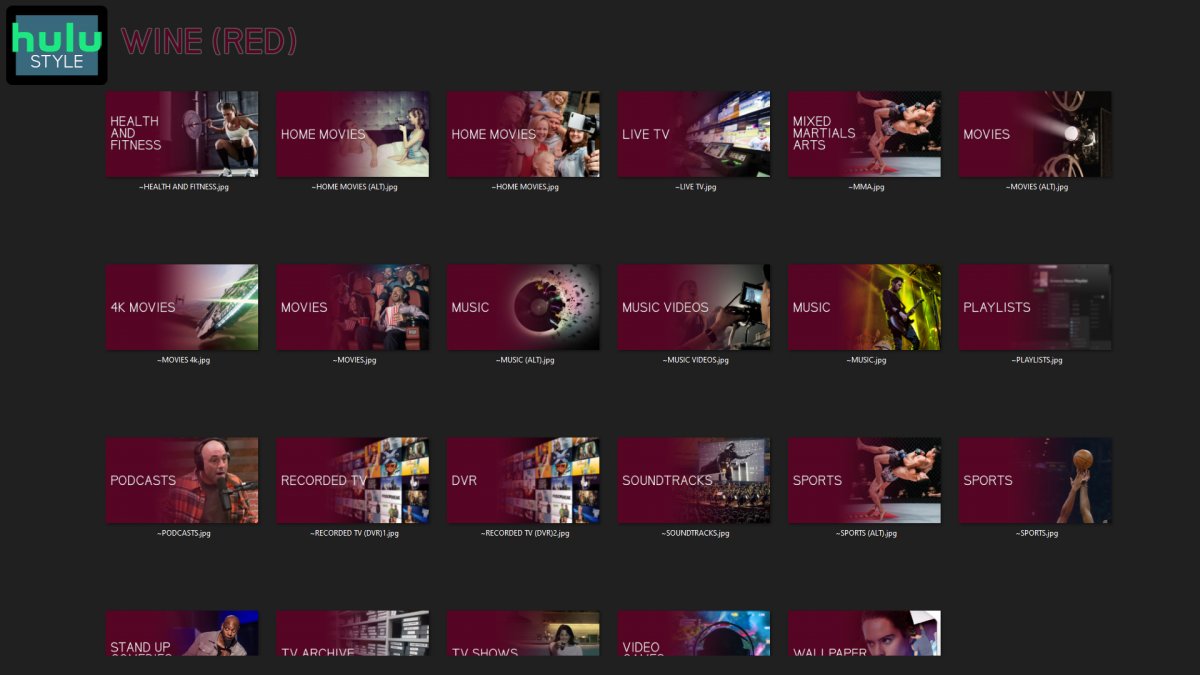
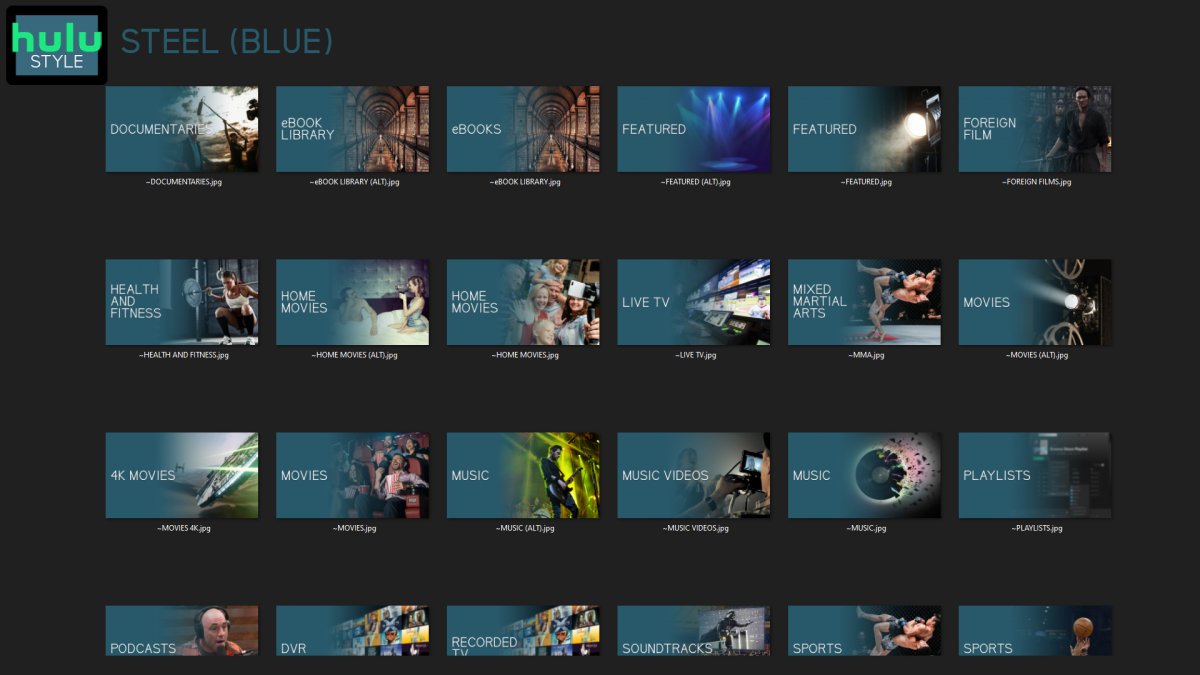
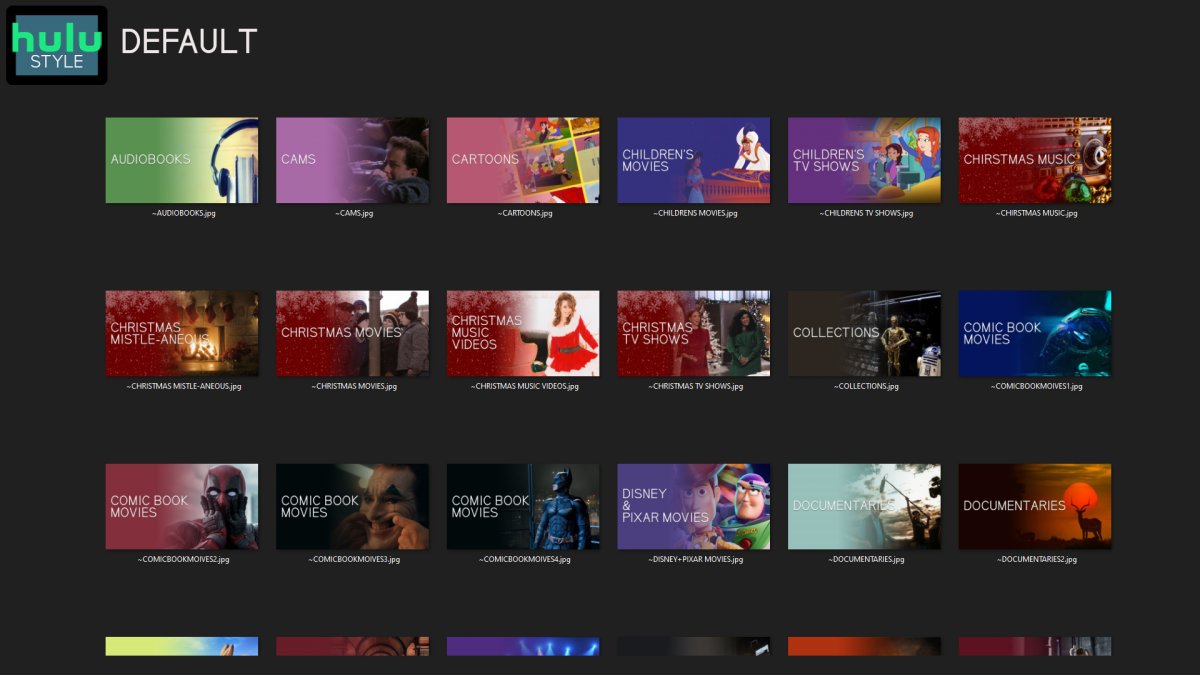
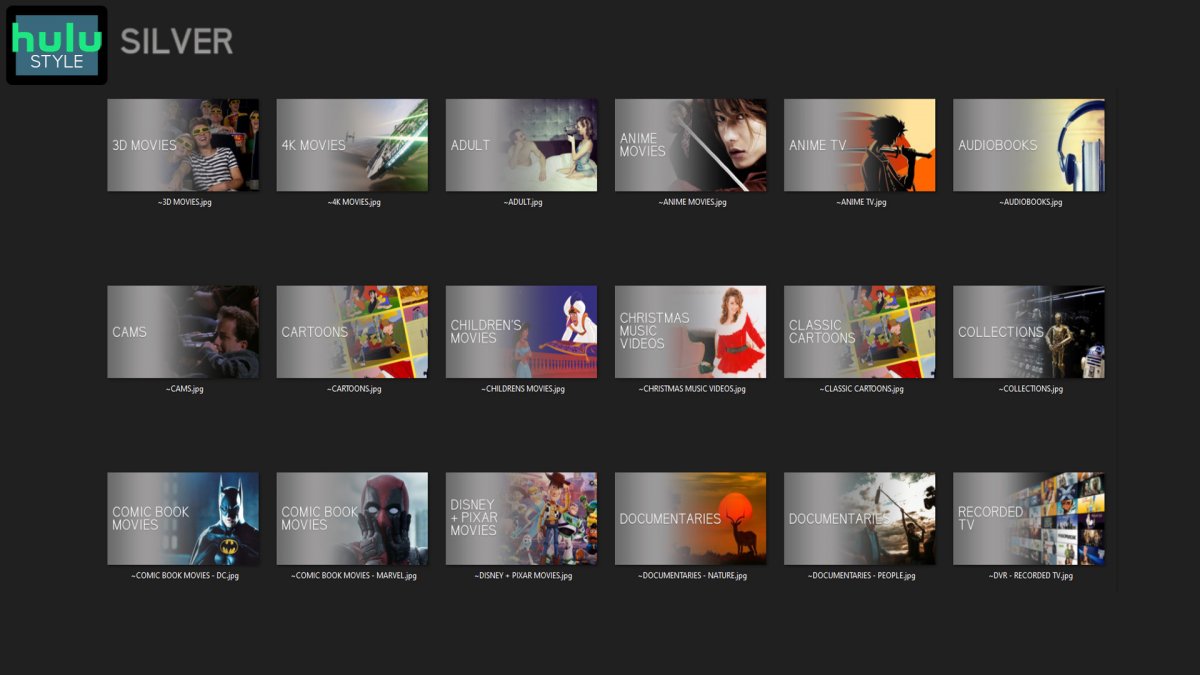
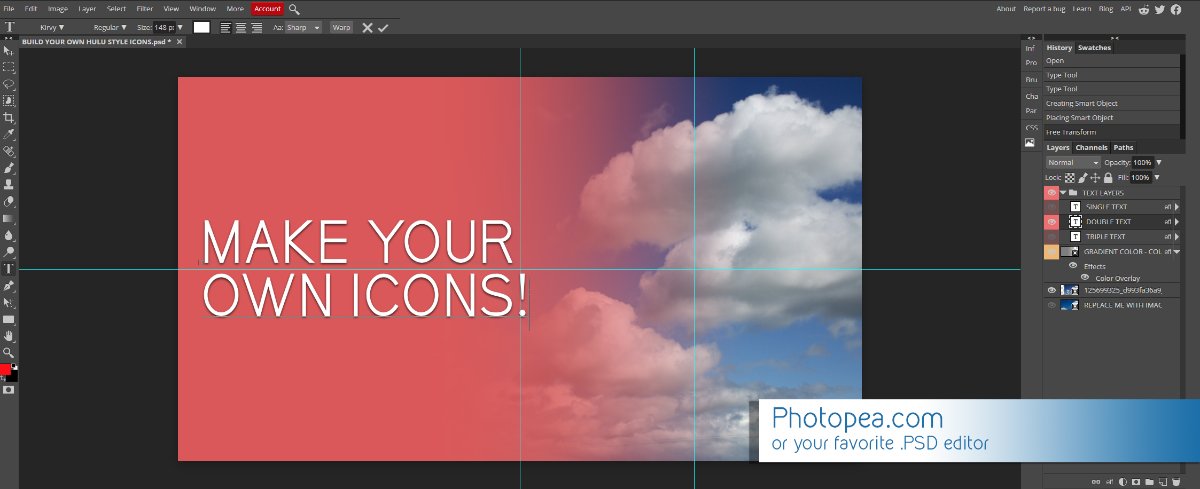
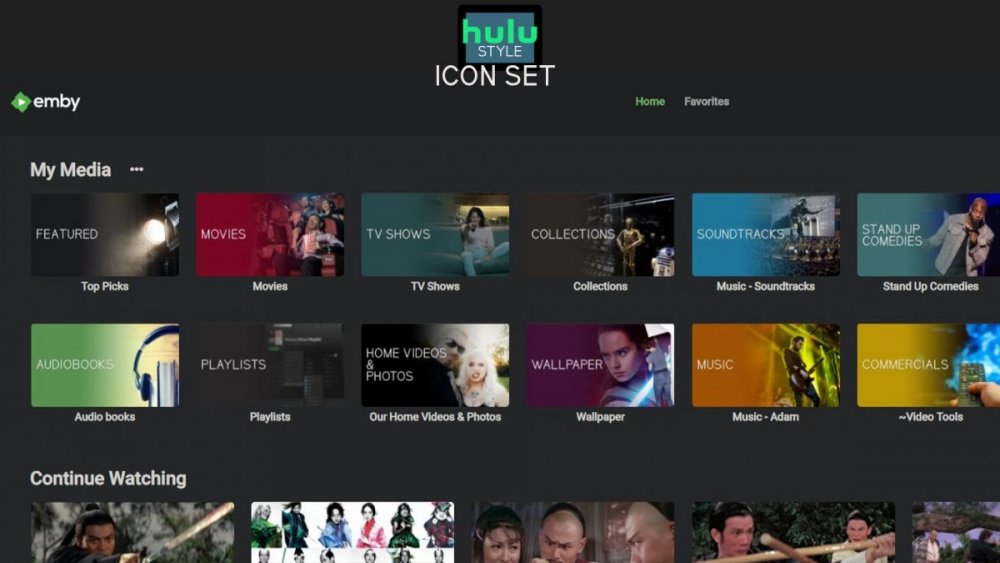
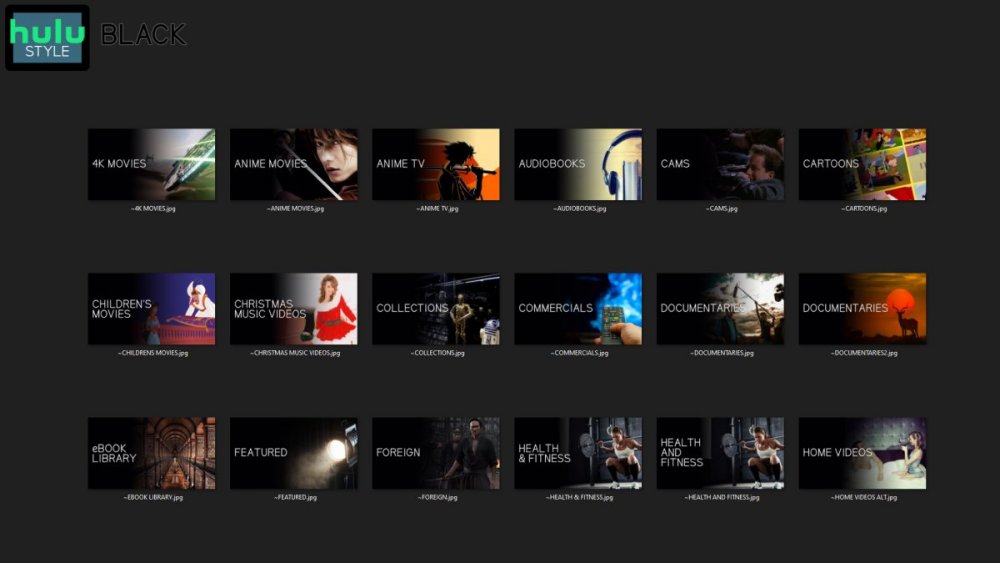
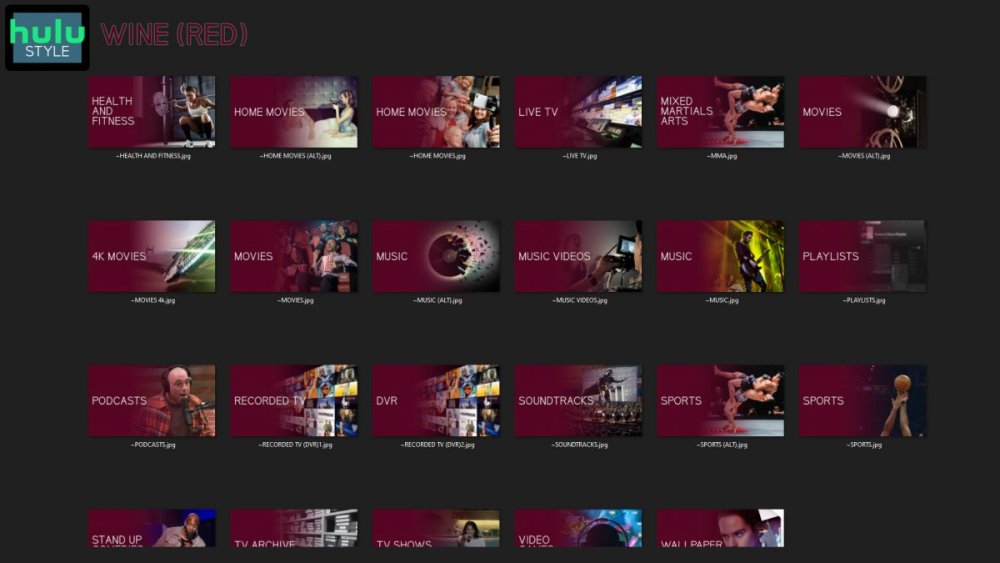
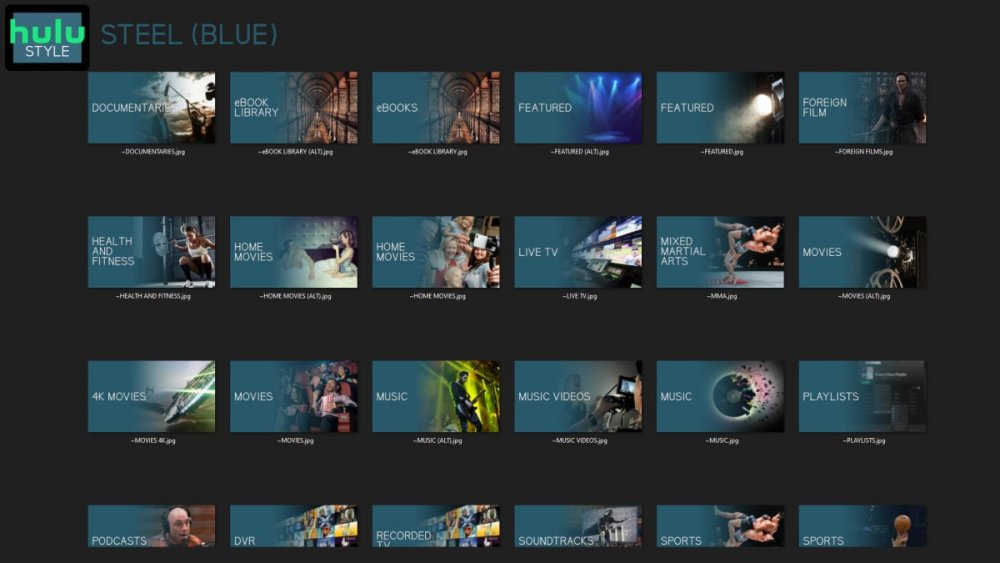
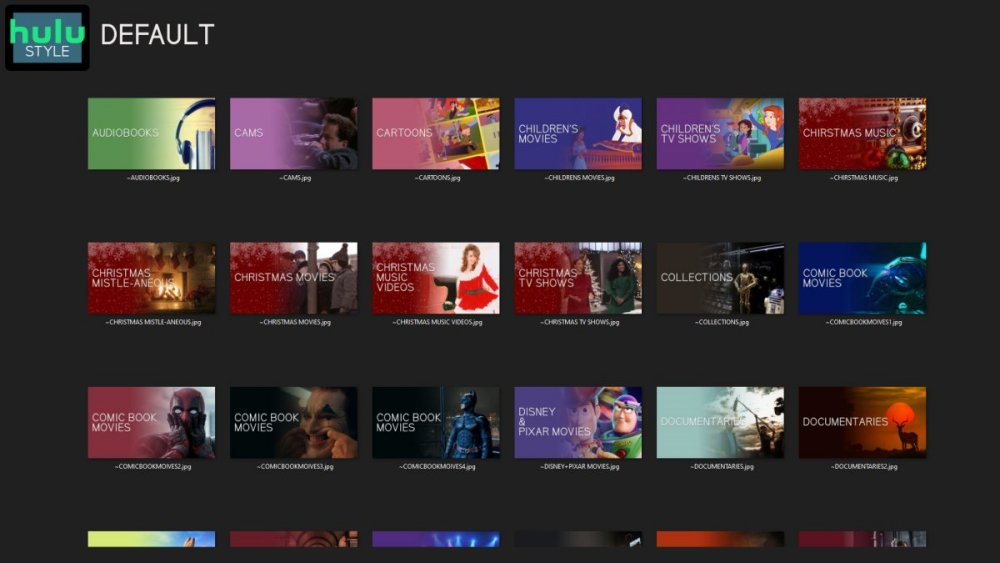
Media Library Icons for Emby Updated: 07/10/2021 I've always had a thing for the simple gradient style Hulu overlays on their library images. I'm not that great at graphic design, but I can mimic some things pretty decent. I hope! It's very simple, and clean and something I've been wanting to attempt for a while. I've never done anything like this, so constructive criticism is appreciated! More color options for media libraries coming soon!!! Also included to make your icons match across the platform, are video genre, music genre and TV network icons: I've hosted this only my Google Drive, so if if the link is not working please, reach out to me and let me know and I will do what I can to resolve! The font (Kirvy), and PSD's are located in the \~TOOLS\ sub-folder Media Library Icons - DOWNLOAD HERE Feel free to create your own to fit your needs! Photoshop Template - DOWNLOAD HERE Gimp Template - DOWNLOAD HERE (ALL credit for creation of Gimp template are thanks to, Mibok, who took the time to recreate the Photoshop template in Gimp!) Many have asked for a smaller and easier version of the .PSD file to create their own custom icons. I have simplified the .PSD and it is now compatible with, Photopea.com photo editor so no need to own Photoshop to make your own icons! Download the new .PSD HERE Thanks for giving me so many hours of entertainment, this was something fun to try and give something back! (If any of the above images are not allowed, please inform me ASAP and I will correct it) *** Change Log*** 07/10/2021 Added GIMP template, created by, Mibok to allow users alternate means to create their own icons 01/25/2021 Added lighter .psd file for easier custom icons 10/04/2020 Added "Silver" Media Library Icon Set and all remaining requests and missing items in each set 08/15/2020 Added some requests and "Emerald" (green) Media Library Icons Set 07/06/2020 Added "Gold" (yellow) Media Library Icons Set 06/29/2020 Added "Wine" and "Steel" (red and blue) Media Library Icons Set 06/29/2020 Updated sample images 06/22/2020 Added "Black" Media Library Icons Set 02/27/2020 Added TV Network Icons for 49 U.S. networks 02/27/2020 Added ~MEDIA LIBRARIES sub-folder to help keep the folder organized 02/24/2020 Added Phase One of Music Genres to Google Drive 01/25/2020 Added requested images to Google Drive 12/21/2019 LITE - Hulu Style Library Icons PSD Added (Uploaded PSD with no graphics for a faster, lighter PSD option) 12/21/2019 Media Library - No Text Icons Added 12/17/2019 Generic Movie Genre Icons Added To Do: Update preview post with images Continue color sets: Black - Maroon - Navy - Emerald- Gold - Silver Update No Text Icons Downgrade PSD for compatibility for older versions of GIMP/Photoshop TV Networks - USA Optimize PSD for simplicity
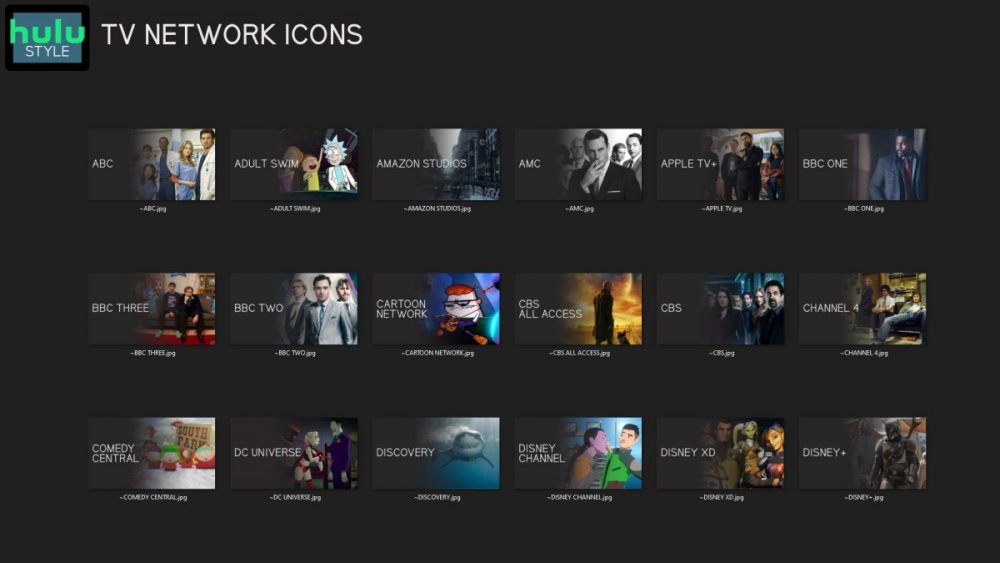
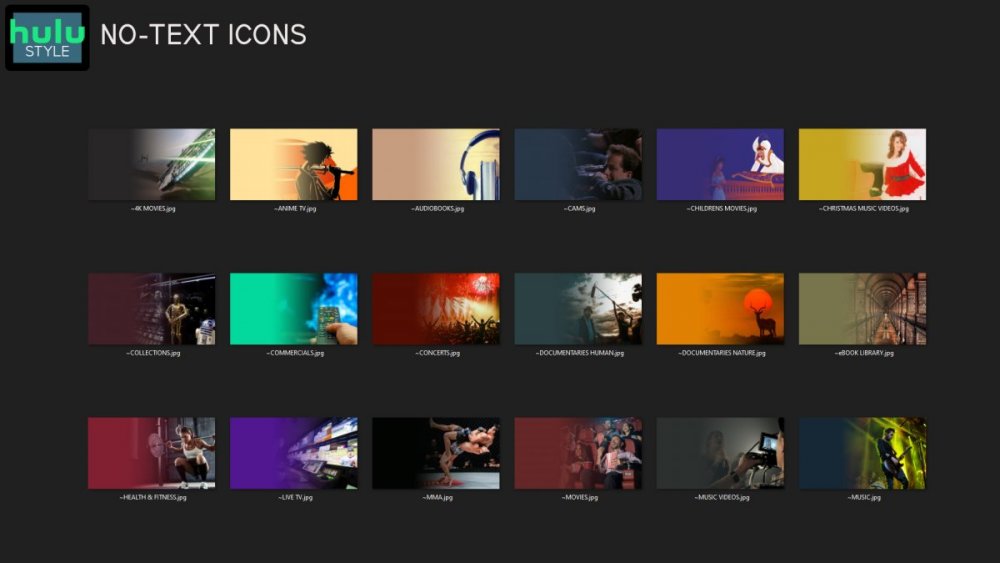
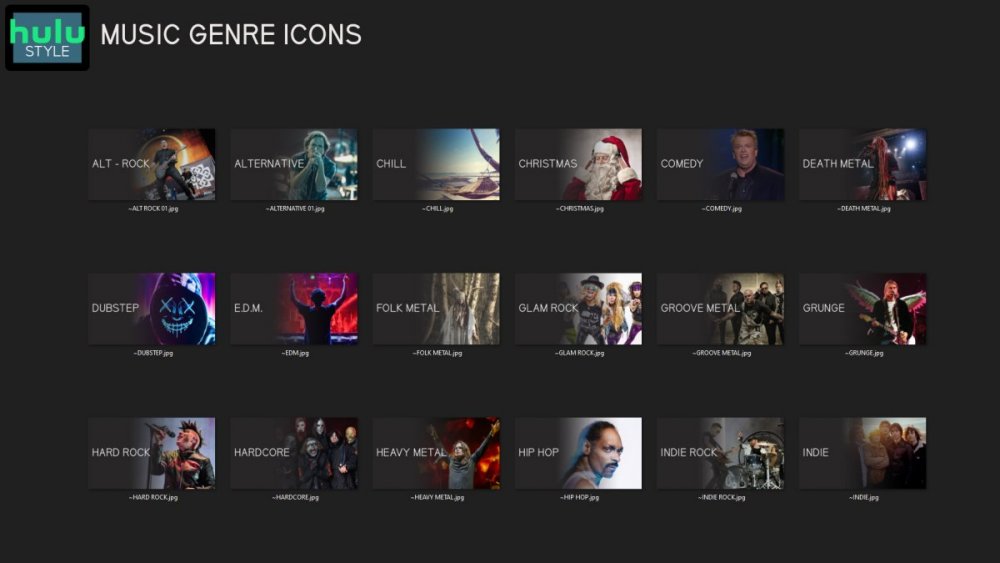
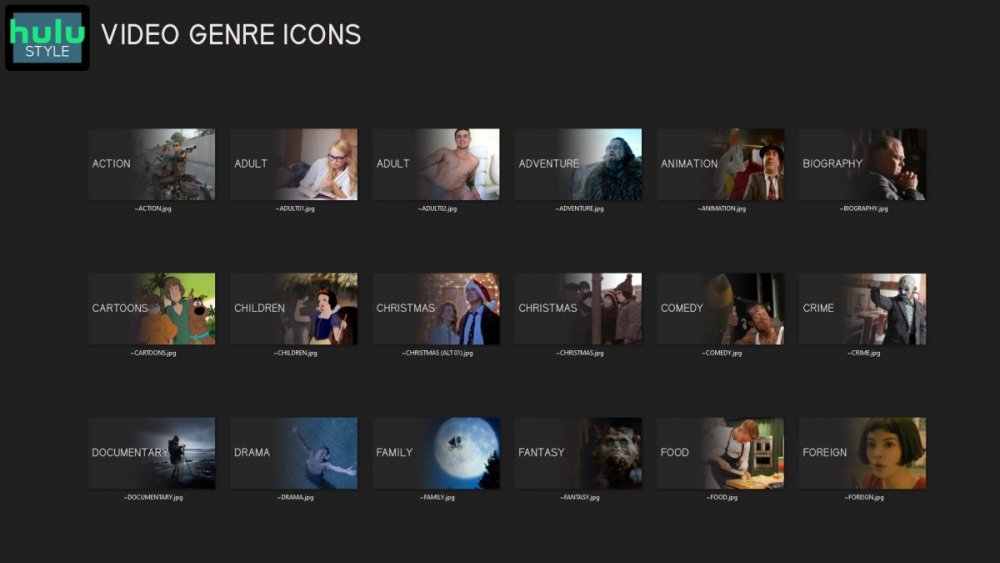

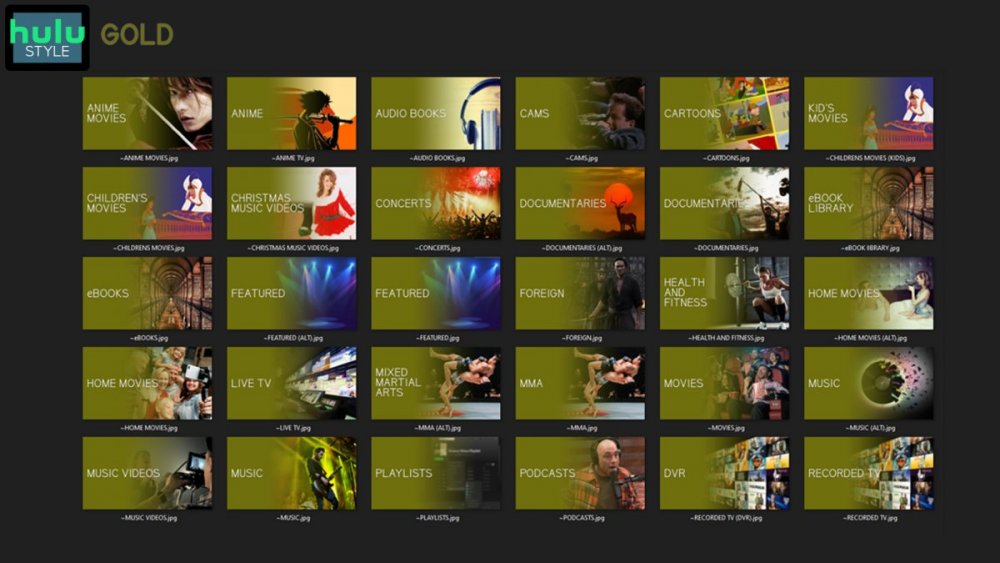
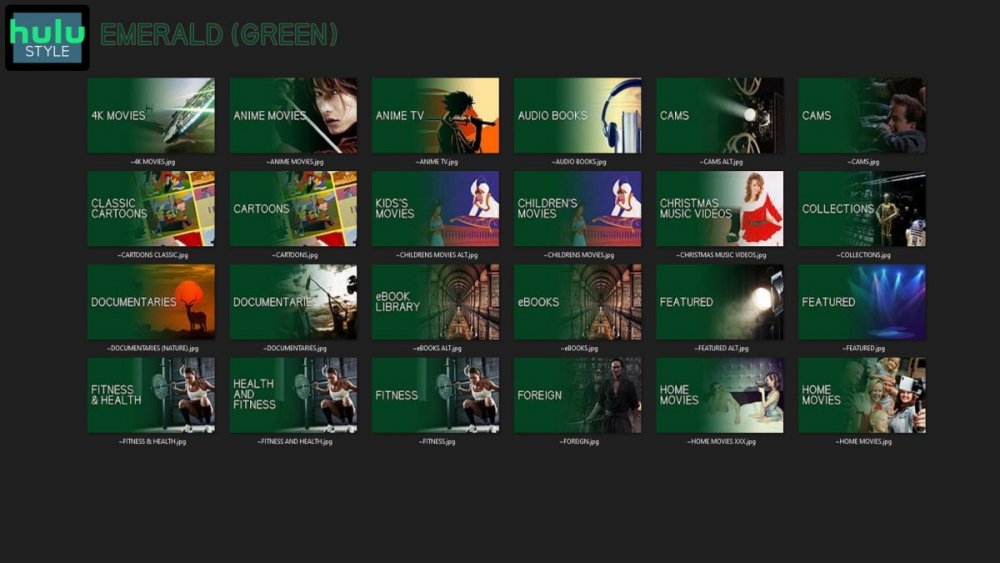
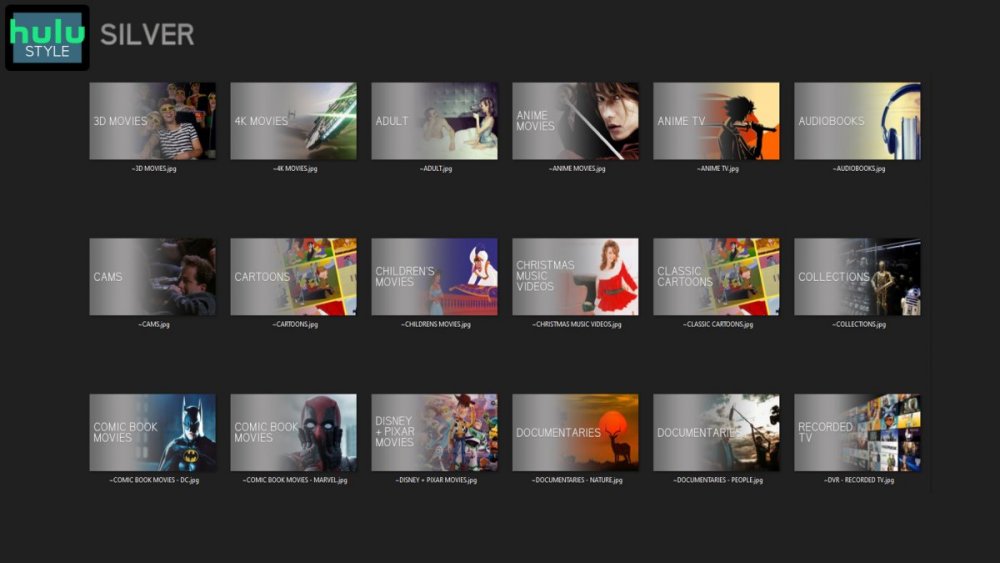
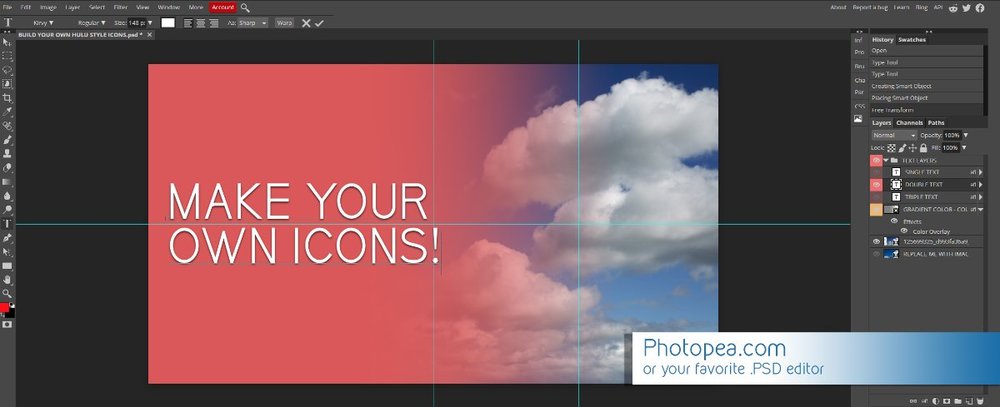 1 point
 -
Sorry, I'm generally a noob with emby, I've used it off and on for the last couple of years, but just decided to make the complete switch from Plex, so forgive me if I'm using the wrong terminology. Just wondering if anyone is working on a project to get images from theposterdb. They have a lot of Collection artwork that can't be found anywhere else, and lots of themed artwork within those collections. Would be nice to have an agent that handles the downloading of those. For some reason, I don't seem to get all of the poster artwork from Emby that Plex seems to get, for instance, my Garden of Sinners posters all looked similar in Plex, but there's 2 of them that aren't getting the poster images that Plex seemed to be able to find. So having a single source repository for Poster art would be awesome. I am also having the same issue with my Hana to Hebi Live Action movies, both the ones from the late 70's and early 80's as well as the ones from the Early 2000's. The posters just aren't showing up despite them being matched appropriately.1 point
-
I have a fairly large movie collection (5k+) starting with films from the 1920's and in the absence of "smart" playlists how about a filter by decade option? Filtering by year works, but if I want to watch something from say the 1950's I have to start navigating from the 1930's and work my up to the 1950's which is quite a few number of pages. Another option might be to have Years running vertically much like the alphabet when viewing by title.1 point
-
Does anyone have some guidance on how to get Emby to stop transcoding MPEG2 to H.264 when streaming to my Westinghouse WR32HB2200 Roku TV? I thought Roku supported direct playing of MPEG2. The file I am streaming is a .ts file that is recorded from Emby DVR on a HDHomerun Connect Quatro. The Emby dashboard says the reason for transcoding is "Container not supported". Thanks, Terry1 point
-
So a question for @softworkz most likely. I've been playing around with ffmpeg with the TM filters trying to get Tone Mapped chapter thumbnails created in the .bif's. I can't seem to use the TM filter in the image extractor in ffmpeg - ffmpeg is reporting that this function cannot use the filter. I have got it 'working' if I simply do a TM conversion to a thumbnail resolution video (to rapidly increase it's conversion speed) and then re-run the thumbnail extract on that to produce the 'SDR/tone mapped' images. Then delete the TM video file. I was hoping to do it all in a single ffmpeg command. It's obviously not urgent - but the 'washed out' thumbnail images on an SDR display are nagging me .. Any thoughts ?1 point
-
Of course now, when I go back to try and isolate the issue, it's not happening. It's always pretty intermittent & difficult to pin down. Next time it starts happening again, I'll take note of the specifics.1 point
-
But, as Happy pointed out, "an approaching air date" is likely to be every day or even multiple times a day. At what point do we draw the line on constantly asking the metadata providers for the same information over and over? We have a responsibility for our app to not cause severe traffic to these sites. Also, we don't want constant refreshing dragging down server performance. Some sort of periodic refresh is a possibility but this has to be carefully designed and considered. Thanks.1 point
-
Hi, please attach the ffmpeg log as well. thanks.1 point
-
I have a long favorite actors list but Apple TV app only shows it partially (10-20 of them). Please make the entire list viewable like website/iOS.1 point
-
Ok i'll push an update to the tvdb plugin with that change. Thanks.1 point
-
Thank you FrostByte, it works .1 point
-
Doesn't work. What's missing is a button for a "code editor", so one can see the code behind quotes, links and the like as cleartext.1 point
-
That is good news. All I want for Christmas is CC and pause/play, FF/RR.... thanks1 point
-
Okay, a server query is not returning quite what is expected so I'm going to change how the app is requesting it. Thanks.1 point
-
I'm using a forked estuary mod v2: https://github.com/AnonTester Looks like stock Estuary skin, but fully adjustable.1 point
-
I think we are mostly wasting time here. This issue will get solved in a future update.1 point
-
That won't be accurate because devices are per key not per server. There are answers to why this isn't more readily available in the KB. Is there a limit to Emby Premiere1 point
-
When Kodi v20 comes out, will I be using Emby DS9 ?1 point
-
You can already use it.1 point
-
There is no need for uniformity, in my opinion the application design should match the target platform, the problem of Emby for Apple TV is another, the lack of functionality, to name a few: Native player: Lack of visual seek and visual chapter navigation, while direct streaming or transcoding Native player: Lack of fMP4 streaming (server limitation), so MKV HEVC streaming is not supported for Apple devices MPV Player: Lack of framerate and dynamic range match MPV Player: Lack of HDR passthrough MPV Player: Lack of DTS decode MPV Player: Lack of visual seek and visual chapter navigation It has been many years with these requests. Users tend to use Infuse or Plex. Just note that there are fewer and fewer active users on the Emby Apple TV beta forum. It is true that the application has been improved, but not enough.1 point
-
I'm quite sure you've already thought about it but it would be nice to be able to narrow down (e.g. by filtering) those episodes that still need to be edited manually. Once again thanks for all the effort you (guys) are putting into it, it's very much appreciated.1 point
-
Have installed the latest beta on readynas and on android tv and iPad all the icons are displayed properly. Hopefully soon it gets released to stable.1 point
-
Yep, that about explains all my symptoms. I'll just wait until OMBI figures out that issue and enjoy my newly reclaimed speed1 point
-
Glad you figured it out. But yes I believe there are outstanding issue with OMBI. Ombi Causing Emby GUI To Drastically Slow Down · Issue #3687 · Ombi-app/Ombi (github.com)1 point
-
Howdy everyone! Well I have great news. In troubleshooting this (with the help of you guys giving me ideas) I ended up fixing the problem plus tweaking a setting that's helped give my new servers a little pep. First, the fix..... You guys might as well start rolling up the newspapers and magazines to crack me across the head. I had completely forgotten that I had OMBI installed on the system. I started playing with it, but got busy and left it on the back burner. Turns out, for whatever reason, give or take every 5 hours or so, ombi will just start slowing down emby. It just so happen that I was there using it to witness it happen just as I added movies. Talk about timing........ I've had ombi turned off and Emby is performing even faster than before! Sorry about being a bonehead and forgetting about that app.... The auxiliary good news (at least for me) While I was chasing down the possibility of it being something with my Raid controller or Raid config, I brushed up a bit on the H700 controllers and RAID in general. Turned out on both my servers I had Direct I/O instead of Cached I/O. When I switched them, I noticed an immediate improvement, not only on the emby server, but on my other database server for my business software. Unexpected win! This community is awesome, and all you guys always jump in to help out a fellow nerd. Thank you for all the help, never would've stumbled my way into the fix without you guys!1 point
-
How can i remove a "quote" in the mobile view on my smartphone?1 point
-
I would say yes if these orders are not going to be written to nfo and just be rewritten when display order is changed. Where this is TVDB cached metadata for "A Bullet for Bullock" Aired 4x4 DVD 3x11 Absolute episode 67 <Episode> <id>185048</id> <Combined_episodenumber>4</Combined_episodenumber> <Combined_season>4</Combined_season> <DVD_chapter>0</DVD_chapter> <DVD_discid/> <DVD_episodenumber>11</DVD_episodenumber> <DVD_season>3</DVD_season> <Director>|Frank Paur|</Director> <EpImgFlag/> <EpisodeName>A Bullet for Bullock</EpisodeName> <EpisodeNumber>4</EpisodeNumber> <FirstAired>1995-09-14</FirstAired> <GuestStars>|Gregg Berger|Jeffery Jones|Liane Schirmer|</GuestStars> <IMDB_ID>tt0519565</IMDB_ID> <Language>en</Language> <Overview>Batman helps Detective Harvey Bullock who appears to be the target of someone's revenge.</Overview> <ProductionCode>167</ProductionCode> <Rating>7.8</Rating> <RatingCount>180</RatingCount> <SeasonNumber>4</SeasonNumber> <Writer>|Michael Reaves|</Writer> <absolute_number>67</absolute_number> <airsafter_season>0</airsafter_season> <airsbefore_episode>0</airsbefore_episode> <airsbefore_season>0</airsbefore_season> <filename>episodes/76168/185048.jpg</filename> <lastupdated>1574392571</lastupdated> <seasonid>9801</seasonid> <seriesid>76168</seriesid> <thumb_added>2019-11-13 12:04:49</thumb_added> <thumb_height>360</thumb_height> <thumb_width>640</thumb_width> </Episode>1 point
-
Yes, sorry. If the season has two episodes with the same intro, they will be detected. This goes for any other intro in that season which is the same or similar. If an episode has a unique style of intro, it will not be detected because it won't match anything else in the season. Wanda vision for instance doesn't repeat an intro ever. This means that although it has episode intros they can not be detected, and would have to be manually edited. The series you mentioned has different intros, and some repeating ones. Anything repeated in the season will be (most likely) detected. The issue I experienced with the Mandalorian was that there was an intro, then a recap, and finally the chapter intro. The detection algorithm mis recognized some. Hence an editor was needed. Depending on how things move forward (with the newest versions of ffmpeg in the server has chromaprint capability) we can spend time on the editor and perhaps try and show thumb images for more then one detected intro point in a stream (it might make editing the data easier). Of course that's if we get the band back together, and we can figure out how to return more then the first intro detection. I'm testing the new ffmpeg and the algorithm tonight to get things working in the plugins scheduled task. If that it easy, then we can work on the config page and editor.1 point
-
ok thanks edit- Reinstalling kodi worked1 point
-
It is already migrated, but you need to install it from beta repository, called "Emby-next-gen"1 point
-
Apologies we weren't more direct. The change in server behavior is causing the Roku to transcode. The same behavior as before will occur and the container is all that is not supported. The TS container is repackaged into HLS with an m3u8 manifest containing TS slices. Since the m3u8 manifest controls transport you can keep seek with just a container swap. The MPEG2 stream is copied if the Roku detects support for that codec and the audio is copied if the Roku detects that codec is supported by the HDMI chain connected to that Roku. Once the server behavior changes for this the Roku app will not need an update. It will just start to work as it did before.1 point
-
Actually, there was a change in behavior in the server that is causing a transcode here. We can achieve the seeking with a remux without needing a full transcode.1 point
-
Glad to hear you were able to get it working and your welcome to the tips or to pass them on to others as needed.1 point
-
Beta 1.8.74 brings VobSub support and I was finally able to direct-play videos with that subtitle, thaaaaaaaaaaank youuuuuuuuuuu!:
 1 point
 -
I have been forcing myself to use Emby for audiobooks, after adjusting the min/max resume time, it's usable enough, but these are the quirks for my use. 1- Downloaded content vs streaming positions are independent. So if I want my progress synced, I cant use downloaded content. 2- I listen in my car, and if I just shut off my car, the session isn't saved. I have to stop the book through the app, then open the dashboard and wait for the server to respond before I can turn the car off.1 point
-
I 2nd this request. I rarely, if ever want to browse my media by a specific year. Bu frequently I want browse, say, my 80s movies. It's one of the reasons I still use Kodi as my front end.1 point
-
These plugin are very impressive, wish I had the brains, but think I'd prefer the years filter to be replaced with a decades filter with supplemental years sub filters.1 point
-
To add to this, toggles should default to private so a playlist is "owned" by the user who created it by default. And now that I'm thinking about implementation, the proposed user-list for a particular playlist would need two checkboxes per user, 1 for read and 1 for write permission.1 point
-
I just would like the option to turn it off, not turn it off for everyone. My personal opinion is that it is a very flawed service, others may like it.1 point
-
I noticed today that much of my movie metadata was very out of date with TMDB. It was as if MB had synced once on initial library ingestion, but then never synced again. Hitting the refresh button ensured that those films which had no community rating or parental guidance value or overview, now did so, (presumably this metadata had been completed on the master providers after initial library ingestion) Personally I would like all metadata synced with the providors* except folder.jpgs and backdrop.jpgs (unless mine are currently blank). I would like to designate those aspects that i dont want to hand over responsibility to the online providors to change (ie dont sync). but i would like everything else to match the providors, album overviews, artist overview, all movie metadata, all tv metadata, everything. MB3 already instances the concept of "metadata the user does not want overwritten". so users can protect metadata they do not wish to be overwritten. Could MB3 implement an ongoing sync option, with a set of stated exceptions - (Sync Criteria) Users would have to positive choose to sync and only if their set of required exceptions were currently supported. If the user's case for required exceptions was not currently supported, then the user wouldnt enable sync and "no harm no foul". (but they might add a feature request)..ie to keep the option safe. Perhaps there could be a set of object types enabled/disabled for syncing (Episode, Season, Series, Movie, Collection, Album Artist etc) there could be a full set of metadata types in the ui.or more simply in the first instance just Primary Images, Backdrops, All other metadata For each metadata type for each object type there could be synchronise criteria = Never Syncronise, Only if Im blank, Always, Always except if provider is blank [don't overwrite metadata i have added locally but is not populated on the provider), Respect current granular setting For each object of object type (Episode, Season, Series, Movie, Collection, Album Artist etc) MB could instance a 'Last Synced' timestamp in the database along with an "empty" event flag (data was empty eg. no backdrop, no episode image). MB could stipulate a schedule for re-syncing per object type, or allow the user to stipulate a schedule. But a mandated schedule in first instance would probably suffice...eg The task might be scheduled to run daily. For each object in enabled objects for syncing If - is <10 days and emptyflag=true, then sync according to the sync criteria (The most common use case for these is episode images which are not in place on day 1 but tend to be posted fairly quickly, or episode names which have changed) if - is >30 days then sync according to the sync criteria In this way, the user is handing over responsibility to, MB3 and the providers, for the set of metadata for which they are comfortable. Would anyone else like to see more metadata syncing, What are the types you would definitely want to see or not want to see synced? thanks for considering. Edit..perhaps other physical filesystem objects can also be included like movie.xml or artist.xml...there have been instances when mb3 looses confidence in owning these files..and taking responsibility for their content..personally i would be happy to let mb3 manage...moreover i want mb3 to manage always..even deleting and recreating if neccessary. Edit Another potential use case is ibn person info...i regularly used to find that if i cleared out empty folders and rerun person sync task i would get more data downloaded..imo it would be an improvement if mb3 would maintain itself more automatically in this regard.1 point