Leaderboard




Popular Content
Showing content with the highest reputation on 11/27/20 in Posts
-
If you look at crusher11's logs, you'll see that neither video nor audio is transcoded - the ffmpeg log says "copy" for each of them. Nothing is being done other than remuxing, so talk of HDR or audio is entirely beside the point here. Paul3 points
-
I would like to request a sleep timer function for the Emby app. For example, when a song is playing, it should be possible to quickly and easily set a sleep timer to shut off the song after a desired interval. Options could include 5, 10, 15, 20, 30, 45, 60, 120 minutes. If it had this, I would be happy to purchase Premiere.2 points
-
It would be useful if the server (or perhaps clients) could cache most (if not all) content images (posters, backdrops, logos, etc) for movies, TV series and seasons. This would mainly be of benefit when a portion of someone's content is offline but the users would still like to view the content to know what exists. I think caching on the server would be preferable, then all clients could make use of the same cached images. if you think this would be a useful feature, please click the "Like This" button on this post.2 points
-
I liked the orange of the Halloween theme, but there isn't a "Dark (orange accent)" theme. In fact there aren't nearly as many "Dark" themes as there are "Light" ones. So I humbly request that more dark themes be added, or we be given the option to create customized themes to our liking (and which works on more than just the Web client).1 point
-
Please read this post first. I was wondering if it would be possible to add something that would allow you to skip the intro to shows automatically while binge watching. When watching Netflix it does this for some shows, and im not sure if thats a feature of Netflix itself or a Chrome extension i use called "Flix Assist" but it would be a nice feature to have within Emby as well. and possibly even create a custom timed skip for specific shows1 point
-
Looks like Emby is having a special right now: Cyber Weekend Sale! Premiere Lifetime only $99 https://emby.media/premiere.html1 point
-
From a clear browser cache, yes I can select Skip and manually input local info and log in. But if I clear browser cache login with Connect I can not login to listed server. I would assume Connect will require Remote Access to cache stuff. So specific context is need as just app.emby.media not work is not enough information.1 point
-
(Im stuck at work until tonight...) But I think once I make the appropriate code changes you guy mentioned, I should be able to test both code bases, test the results and make sure both are similar. I do have a python ide installed so I have the command prompt. If this works... It's going to be amazing.1 point
-
The best way to check it would be to do an A B comparison between the output from both the python and the c# @samuelqwe are you able to supply some sample input and output data so @chef can do a direct compare1 point
-
Maybe your external HDD got assigned different letter, hence making your library paths invalid?1 point
-
On line 44, the score is supposed to be a float. It’s essentially a percentage, so a value between 1 and 0 that says how similar the two fingerprints are. From what I can tell, most of it looks good. I haven’t looked line by line to compare, but it seems well done to me based on my knowledge of C#. Great work!1 point
-
This line just means create a range from 0 to the length of the shortest array between f1 and f21 point
-
The following knowledge base article covers using the plugin and also manual backup. But if you follow what PenkethBoy has said you'll be fine. https://support.emby.media/support/solutions/articles/44001159936-backup1 point
-
ok - take a full backup of that programdata folder and save it somewhere not on the pc so when the pc is back working you can install emby - it will prob create that directory etc for you shut emby down - then replace that new folder with the old one restart emby and you should be back in business BUT - make sure the folder path is exactly the same!1 point
-
It seems to be working on everything at the moment; I wonder if it's just not going back and adding BIF files for extras that already exist but don't have thumbnails. New content is BIFfed when it's added, old stuff isn't being picked up by the scheduled task.1 point
-
I was wondering if @TeamB you'd be interested in checking my work. It is pretty much a function to function translation of @samuelqwe work, into c#. Sorry to request this of you. There is one line (mentioned in the post above) which I don't understand enough to translate properly. Line: 234 There is one cast to uint in the code which may or may not be okay. Line: 44 C# version on samuelqwe intro detection code: https://github.com/chefbennyj1/IntroDetectionTesting/blob/master/ClassTesterConsole/IntroDetectionVersionTwo.cs The translation gave me a run for my money. also, I think I finally learned python (minimally) because of this little exercise. LOL!1 point
-
Writting the same at the same time but you have beaten me1 point
-
Emby is customizing their Exoplayer which will allow direct playing Avi files. Iirc it will be in the next beta round of ATV.1 point
-
Just a quick update. I upgraded to version 4.6.0.6 beta and the problem still exists.1 point
-
Perfect thanks, total storage just under 50 TB with 40 TB used as of now but with 4K rips coming in as high as 60 GB each I obviously need to increase my capacity...1 point
-
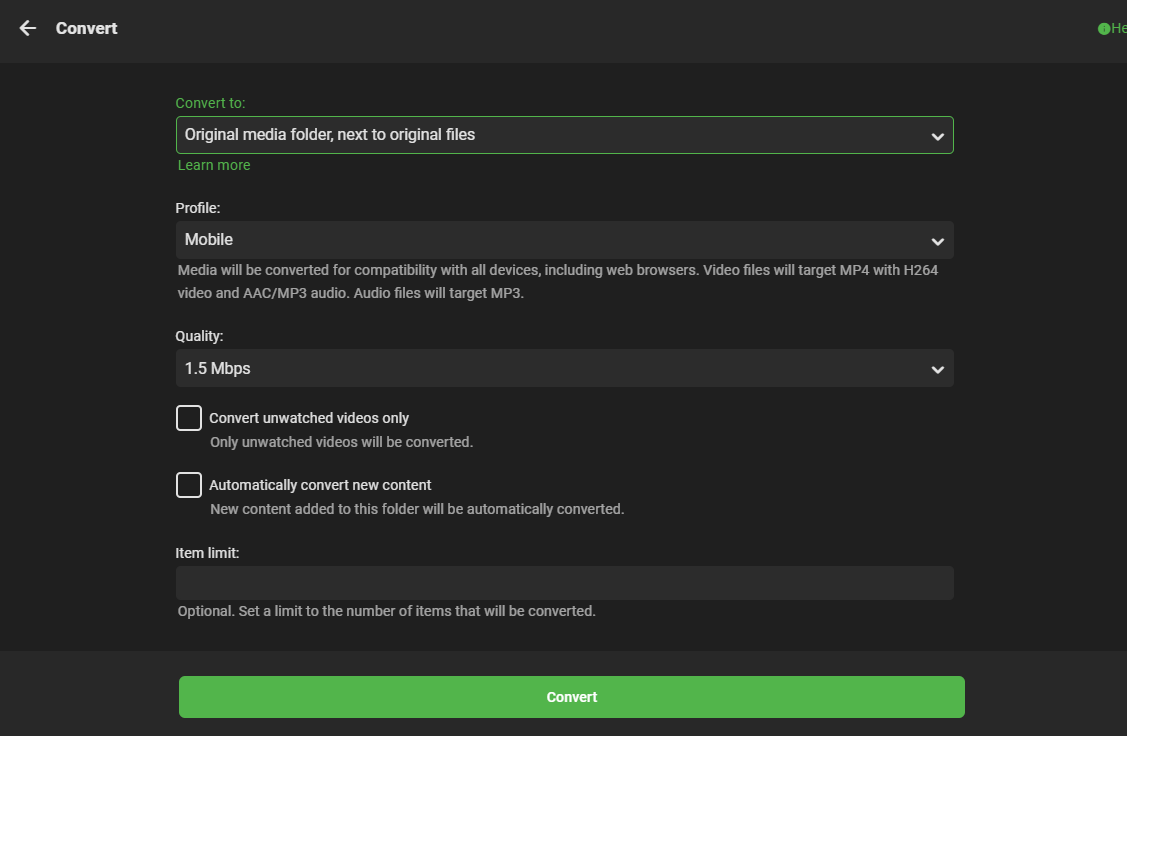
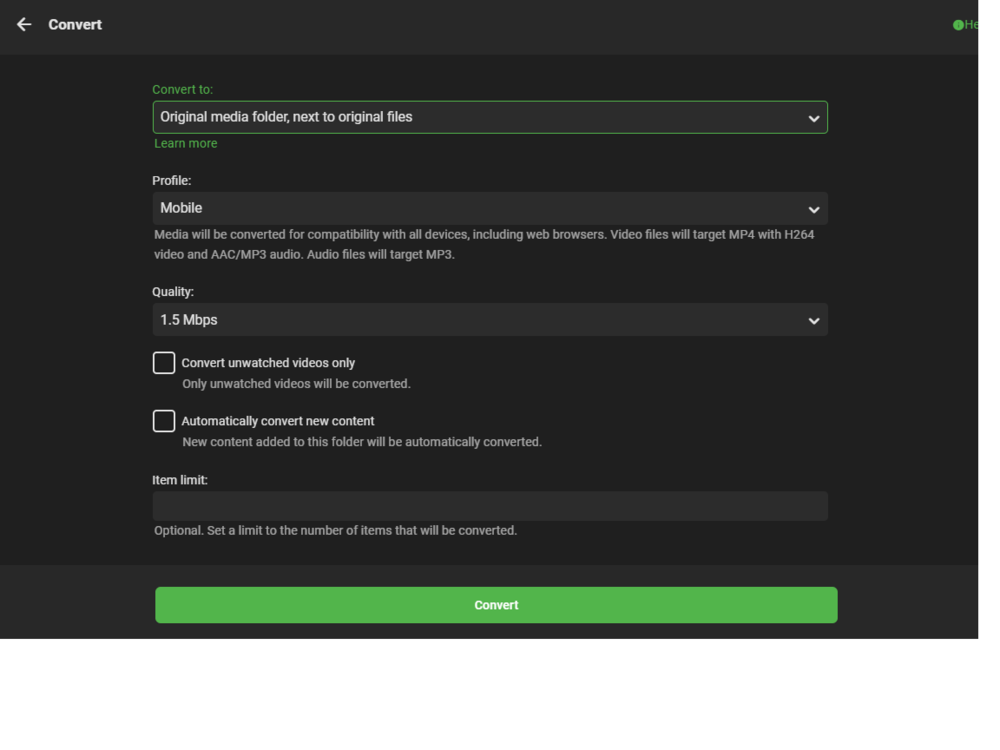
@SamES I'm wondering if this function could easily be added into the Emby 'Convert' function to just add an AC3 or AAC soundtrack to the existing Media ? Presumably the Convert function is just using ffmpeg now do do the video conversions - if so, then I guess the code is simply a matter of passing the file location variables and using a video/sub copy function the same as my CLI version .. ? Maybe something I could add to the suggestions ?
 1 point
 -
For me, just editing the Genre tag with any text, a new Genre with that text is created after a library scan. Maybe you should post the server log to see if there's some error.1 point
-
This will actually take a video recording - I will have to set something up later.1 point
-
try the disk space plugin - lists free and used space per disk - but only for the server so wont do it across pc's - unless they are mapped/mounted other than that you file explorer of choice can do it per disk1 point
-
Yep - there is no bug that i see and emby works the same way as @cayarshas explained The simple issue here is you have a fixation with HDD spinning up to provide data - get passed that issue and you would not care about where the data comes from Insist that you have disks spin down and .......1 point
-
This could definitely work as an interim solution as you said, I just personally don’t want to modify the chapters on my files1 point
-
Looking good - i had missed the convert to mono bit - but that should make it work with any audio type - subject to testing An easy way to get the markers into emby would be to create a chapters file with two chapters "Intro Start" and "Intro End" or similar and mux that into the file using ffmpeg Note if the file already has real chapters they would need to be maintained also if the file ends up with only two chapters - then thats all emby will extract for thumbnails - So... it might be worth adding the 5min chapters for files that do not come with chapters in the first place. The time to remux the file will be short on even a low power machine as you are not changing any of the video or audio - just adding a couple of chapter markers - i have done this a lot for a post processing script - so if you are not sure how to do it then let me know - its in the ffmpeg help pages - which are such a joy to use and read Once read by emby then the intro chapter can be skipped as an interim measure till the devs come up with an auto skip option - based on the chapter name etc1 point
-
I think the best approach would be to scan each season on its own instead of one whole show at a time using the same intro segment for every season. My script doesn’t require an existing theme song as it finds the common audio segment between the episodes, which is the intro/theme song. While it could be possible to have theme song chromaprints ready to go, it is probably wiser to calculate them on the fly, because different versions of the same show might not chromaprint exactly the same, which could lead to some inaccuracies. Also, forgot to add this initially, but there are definitely shows without intros. Those shouldn’t really pose a problem though as there won’t be any obvious similarities between the audio clips. And I can’t personally recall shows with random theme music, but it’s likely they exist. Those are probably much less common, though.1 point
-
I was able to correctly detect the start of the theme music in the first 7 epp of StarTrek - Discovery season 3 S03E01 - 09:52 S03E02 - 04:58 S03E03 - 09:17 S03E04 - 05:31 S03E05 - 06:37 S03E06 - 08:22 S03E07 - 07:48 The scan approach had a very good detection with a large distance variation drop when it found the correct starting points. A few things to consider; what about TV shows that have different theme songs/music for different seasons? are there any tv shows that have no or random theme music? would it be possible to have a lib of theme song chromaprints available, perhaps this is already a thing?1 point
-
I just tried to use Emby after using Plex for a long time - Emby is much more elegant and lean I would really like to have search for subtitles available to all users and not just premium but the main show stopper right now is a lack of scrolling Can't imagine using any player these days without being able to jump forward. It makes whole exercise somewhat dangerous - what if i reset watch flag on the 2 hours movie and forced to jump 30 seconds at a time to catch up? This is currently discouraging me from using Emby - hopefully you guys will add this soon.1 point
-
Hi @Shockrift — We’ve resolved this issue on our most recent beta.1 point
-
Its a slice of the original data starting at offset and going to len(f1) data[ start_index : end_index ]1 point
-
The ":" is to specify the range of the elements you want in that list. So in this case, I want all the elements in the list f1 starting from index offset to index length of f1. Does that make sense? EDIT: This website might explain it better than me haha.1 point
-
It's certainly not perfect but now I have the format I'll rewrite in java. Thanks again1 point
-
Here is your code with a few small changes, I have tested this on some fingerprint data and get the same results as the python code I wrote. I added some test cals to the top to make sure the bit diff count was working, using some known numbers helps. using System; using System.Collections.Generic; namespace AudioOffset { class Program { public static int count_bit_diff(uint left, uint right) { var count = 0; for (int i = 0; i < 32; i++) { if ((left >> i & 1) != (right >> i & 1)) { count = count + 1; } } return count; } static void Main(string[] args) { uint val01 = 24; uint val02 = 4294967295; int bit_diff = count_bit_diff(val01, val02); Console.WriteLine(Convert.ToString(val01, 2).PadLeft(32, '0')); Console.WriteLine(Convert.ToString(val02, 2).PadLeft(32, '0')); Console.WriteLine(Convert.ToString(val02 ^ val01, 2).PadLeft(32, '0')); Console.WriteLine(bit_diff); List<uint> episode_fingerprint = new List<uint>() { ... }; List<uint> theme_fingerprint = new List<uint>() { ... }; List<int> scores = new List<int>(); for (var index_offset = 0; index_offset < (episode_fingerprint.Count - theme_fingerprint.Count); index_offset++) { var index_score = 0; for (var index = 0; index < theme_fingerprint.Count; index++) { var epp_int = episode_fingerprint[index + index_offset]; var theme_int = theme_fingerprint[index]; var this_score = count_bit_diff(epp_int, theme_int); index_score += this_score; } scores.Add(index_score); } Console.WriteLine(String.Join(",", scores)); int min_score = -1; int min_score_at = 0; for (int x = 0; x < scores.Count; x++) { int score = scores[x]; if (min_score == -1 || score < min_score) { min_score = score; min_score_at = x; } } Console.WriteLine("Min Distance : " + min_score); Console.WriteLine("Min Distance at : " + min_score_at); } } } I had to remove the fingerprint data but it was where the ... are now in the above, I can supply the data if you want it. if you are extracting chromaprint data using fpcalc remember to set the -length to something long to make sure it does not cut off your data. I was very confused yesterday when a show with a very delayed intro theme (7min in) would not work, eventually realised it was being sliently trimmed to 2 min by fpcalc by default.1 point
-
This is what you're not following. Meta-Data folder is where ever the graphics resides. It can be in the CENTRAL meta-data folder OR with the media. It can be different for EVERY piece of media you have on your system. If you have graphics with your media THAT FOLDER IS THE META-DATA folder for that media. To complicate this a piece of media can have graphics stored in both the central and media folder. If for example you use a 3rd party app that downloads some but not all the graphics Emby uses then Emby will use what you provide from the media folder BUT depending on your library settings download other graphics and store in according to your settings. So again you adjust your libraries to NOT place graphics with media. You manually remove graphics from the media libraries and rescan/refresh libraries to force it to put the graphics in the system defined meta-data folders. You're overthinking this. It is very clear cut how it works.1 point
-
No that is not how it works. A) use the graphics in the media folder if existing Pull the artwork and put it EITHER with your media or in the meta-data folder. It can either pull the graphics at time of media discovery OR only on first use (configurable per library). FULL STOP When Emby apps display graphics for any media item it gets pulled from the cache. If the data is not already rendered in the cache it get's pulled from meta-data folder, rendered, saved in cache location and returned to the app. So if you want to have discs that spin down when not in use BUT want the server to be able to display them you can't have the graphics on a disc not spinning (doesn't make sense) so you NEVER place graphics with media. You set your Emby meta-data & Cache folders on a disc that doesn't sleep. DONE What you can't do is have the SOURCE of the graphics on a disc not spinning and expect to be able to load them as that doesn't make much sense. If you want to speed things up on your system turn on for each library the download in advance graphics option, do not store graphics with media. Then delete all graphics from the library mount points and refresh the meta-data. DONE1 point
-
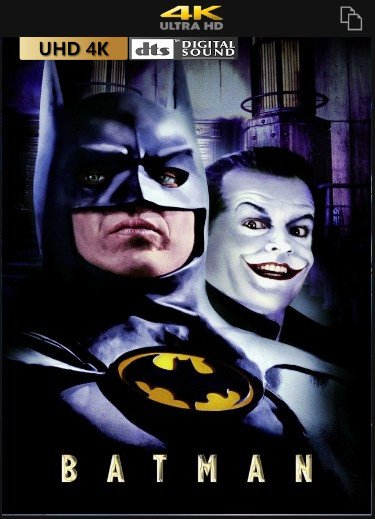
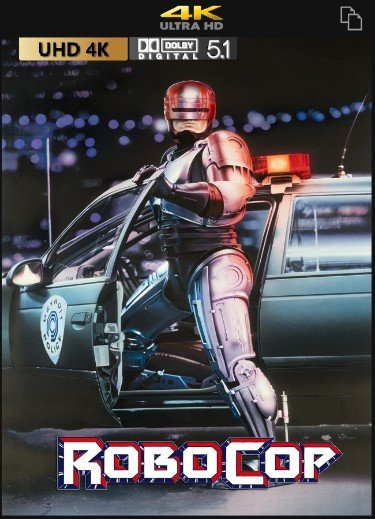
Hey, here are my custom overlays... (recommended to use for top positioning ) I hope you`ll like it Download: overlays.zip (quality of files in overlays.zip is better than in preview, due to compression) Preview: 4K: 1080p: 720p:
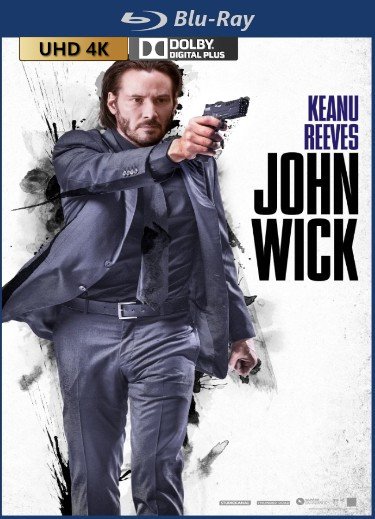
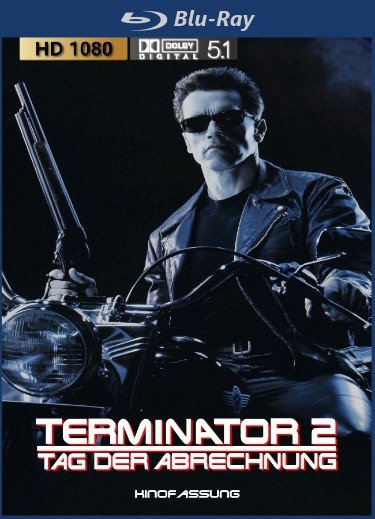
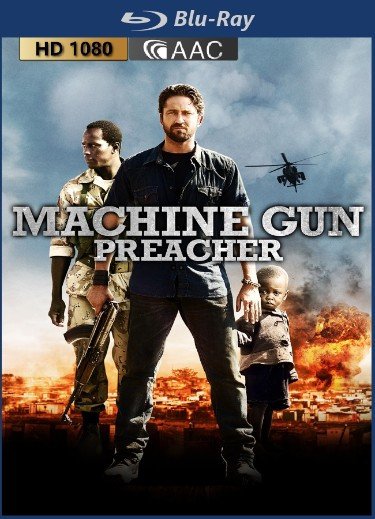

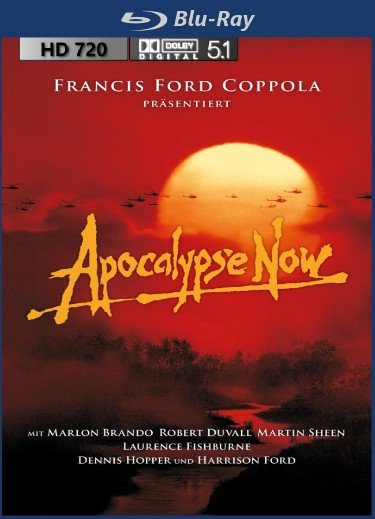
 1 point
 -
It is quite probable that even with the automatic conversion in the next version that you will find that performance of on-the-fly conversion of the audio track will be unacceptable for a 4K stream, so eventually you will decide that continuing to add additional tracks manually is preferred.1 point
-
Feel free to ask me any questions you have towards my script, and I can try my best to help you understand what is going on if you want to try to translate it to C#. l had to translate parts of existing code written in Go myself to get this to work. Also, my current way of getting audio is sometimes wonky, so I think some of the FFmpeg commands listed above would be more robust and also likely faster than what I have done. I’ll likely just go back and change it myself, but you’ve already got that part figured out I think. EDIT: Fixed the audio fetching in my script with one of the suggested FFmpeg commands. Works much better now, and takes less storage space and time.1 point
-
This has been proven over the years by published documentation from many sources including data centers. Dell, Amazon, IBM, Microsoft have all done testing and evaluation of HDD disc in various power managements strategies. Overall costs are lower letting them spin full time. The minimal cost saved in electricity is outweighed by more often replacements. Now if you have a PC that's only used once a day or something it's likely a different story but for discs being used a few times a day it's concluded it's better to leave them constantly spinning. False. The whole point of the cache is to IMPROVE loading speed and it certainly does NOT cause a performance hit. You're making assumptions over and over of how you think things work but they don't work the way you think. Emby will use the NFO for ID purposes then follows it's normal rules depending if you have graphics already on disc named properly. It also depends on your meta-data settings what it uses to fetch missing info.1 point
-
Hi, this is something we'll be looking at improving in upcoming updates. Thanks for the feedback.1 point
-
Don't think emby can help there. But as you mentioned, there are programs able to do that. I think most commonly used is mkvtoolnix, that can help you out with renaming and/or deleting an audio track (or subtitles for that matter).1 point
-
Can you show me what all the audio tracks are for that movie? If the LG TV cannot play an audio track it will automatically play the next compatible track. It does this in such a way that the Emby app does not know about it, so while you you may have selected the first/French track, and that is what Emby believes it is playing, if the track is not supported (ie: TrueHD or DTS) the TV will select the next playable track (ie: AC3/DD5.1 which may be in English) I suspect this is what is happening. But Luke is right, in the next update DTS will be converted to another format (AC3/DD5.1) so this will resolve this problem.1 point
-
Just wanted to follow-up: So far I am liking this. Emby is faster and more reliable than Plex. Now I just need the Vizio TV app to fully make the switch!1 point
-
Emby for Android 3.1.60 is currently rolling out to the Google Play Store, and is also available for download on our website if apk's are needed. Highlights Revamp audio and video playback Improve HDR video support Add refresh rate switching option for video playback Add speed control to video player Added camera upload photo folder option Improve voice search support with Android Auto Support search with google assistant Support subtitle offset feature (including now with Chromecast) Support play queue management with remote control (works now with Chromecast, requires Emby Server 4.6+ to control other emby apps) Support downloading subtitles during video playback (requires Emby Server 4.5.1+) Brighter detail screen backdrop when used on larger screens Improve automatic fallback from hardware decoding to software decoding Media Info display is now TV mode friendly Update android task switcher icon Fix direct play/transcoding status for audio file playback in Emby Server dashboard View the full article1 point
-
For me the real purpose of premier is to support Emby. I have found it well worth the money even though I use very few "features" that are unlocked by premier and I find none of them essential. My use of Emby is enhanced by my knowing that I have contributed to the continued existence of Emby itself. If I were financially better off I would buy more premier licenses for dummy accounts just to enhance the support. I strongly recommend that people buy premier even if they don't "need" it. Now as far as transcoding goes the real secret is to carefully get all you media in a form that does not need transcoding and this is best done when first encoding the media. There are many guides available on this site about how to encode to limit transcoding. Also there are many more over on the Plex site and forums. I will admit that I do not spend much time trying to avoid transcoding. The server I run can handle it very well and I never have more than two streams going at one time. I never have any buffering problems even though I usually have "Hardware transcoding" turned off. I run the beta server but I am mostly housebound and there have been a number of problems in the hardware transcoder that prevent comfortable viewing and it is one part of the beta server that I do not like to test. I test most of the other functions but it has been very hard on me to test the hardware transcoder. (I apologize to Emby for not being particularly willing to test that part of their server.) My advice is to buy premier, to support Emby, and then decide which features you want to actually use.1 point
-
Thanks for the feedback.1 point
-
Ffmpeg can convert truehd to flac 7.1. And, flac 7.1 (also lossless) plays just fine from Emby to Emby Apple TV mpv client, all channels are played.1 point
-
My current collection of CoverArt CUSTOM Indicators overlays: 2160P content: 1080P content: 720P content: Attached below, you will find the templates for the custom Overlay Indicators used in above Covers Custom_Indicator_Overlays_Rev_12.zip In zip file, only my country flag for subtitle overlay indicator is included. If you want your own language flag for subtitles, you have to make that flag yourself Below you can see, how the Indicators overlays look like, with the DEFAULT plugin icon overlays: 2160P content: 1080P content: 720P content:1 point