Leaderboard




Popular Content
Showing content with the highest reputation on 06/29/20 in Posts
-
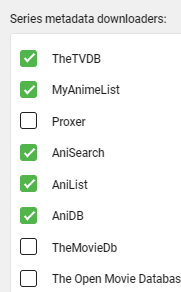
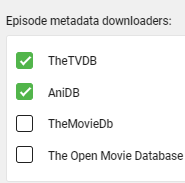
i have deleted the entire cached metadata folder i have the anime plugin, and ticked their checkboxes across settings, but i put tvdb as high priority whenever possible after deleting the cached metadata folder, it worked itself out somehow, i am very thankful for the support
 2 points
 -
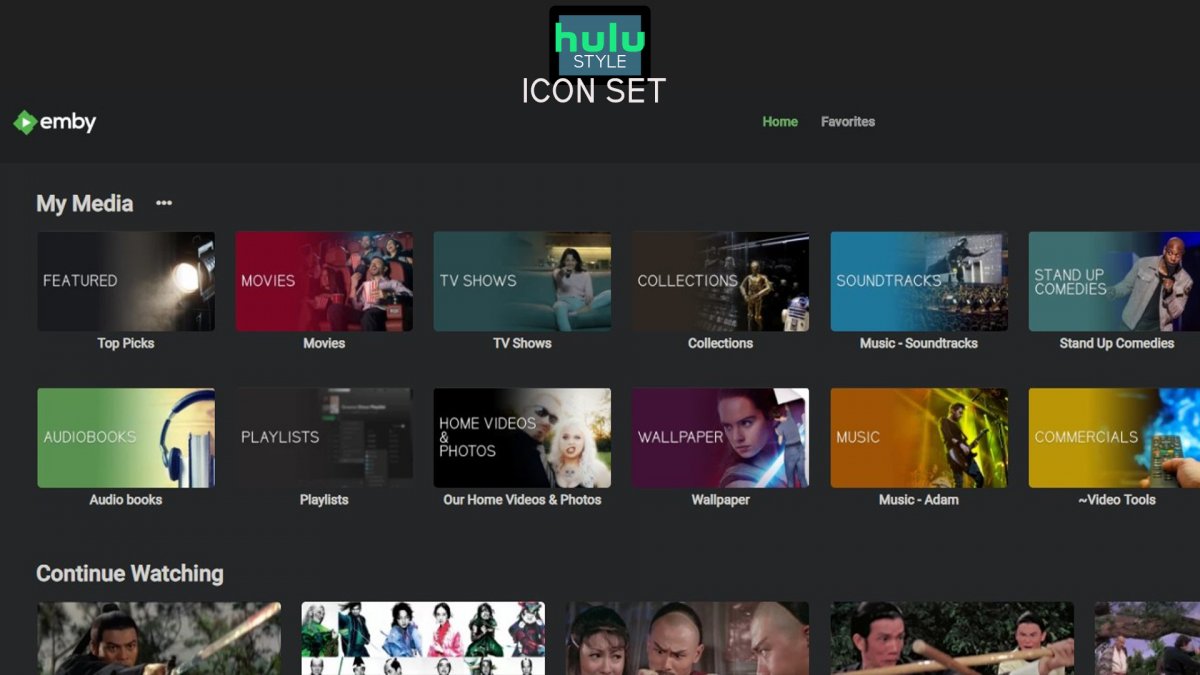
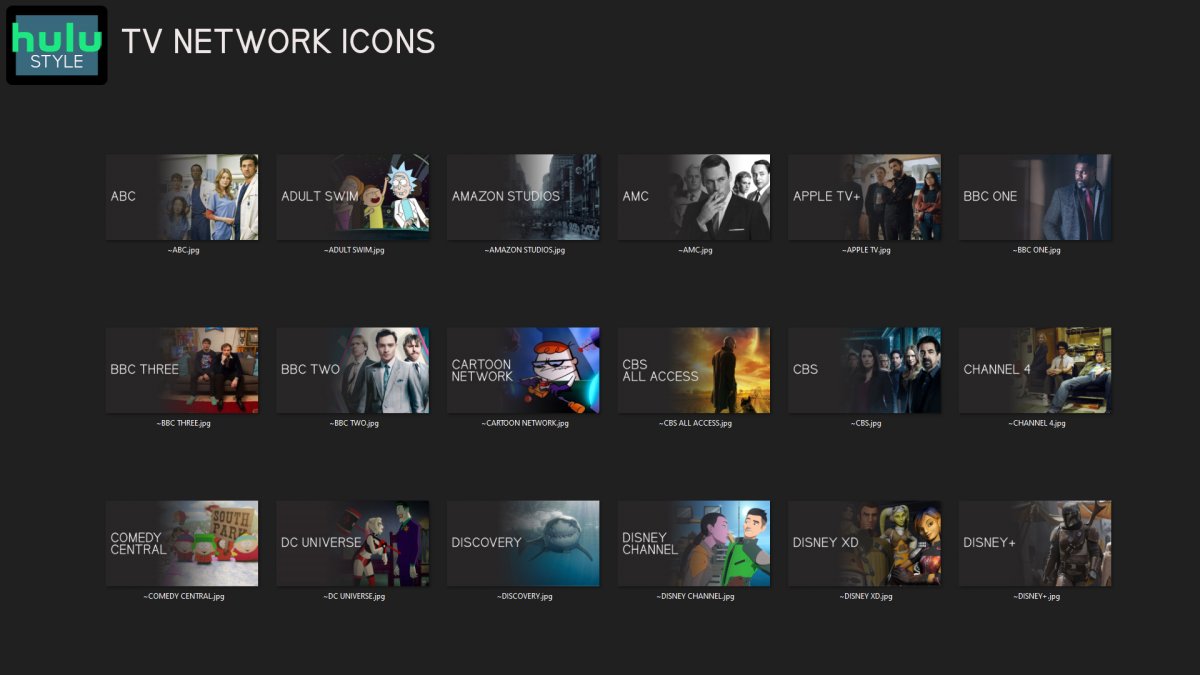
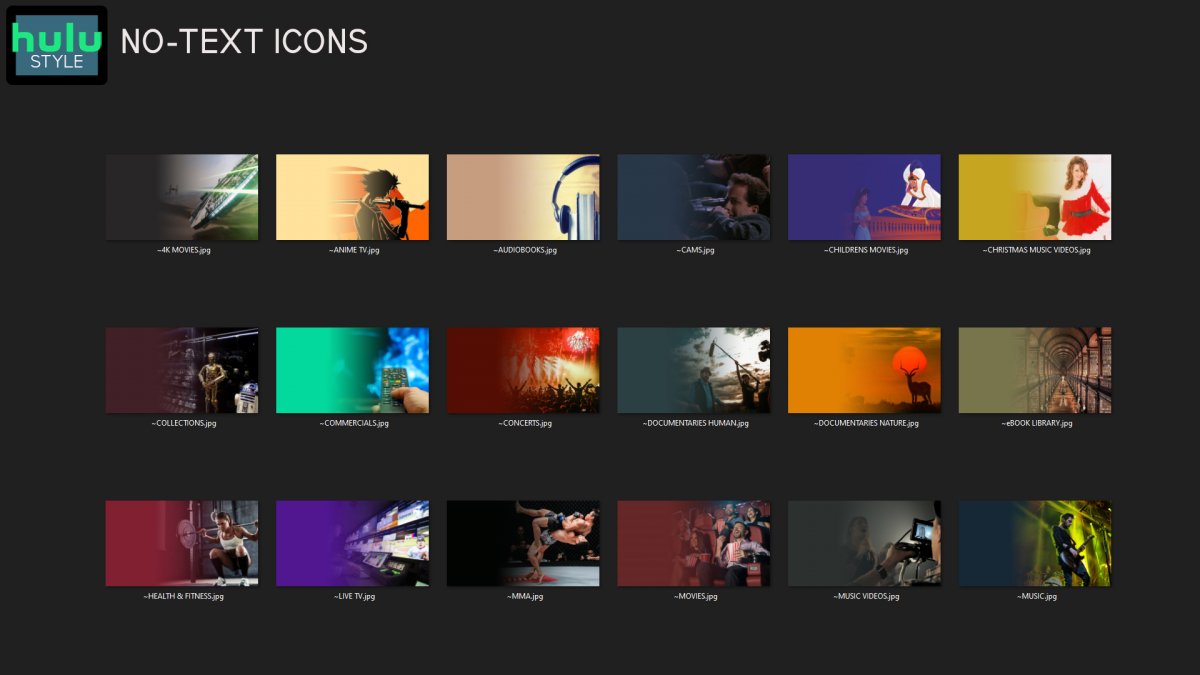
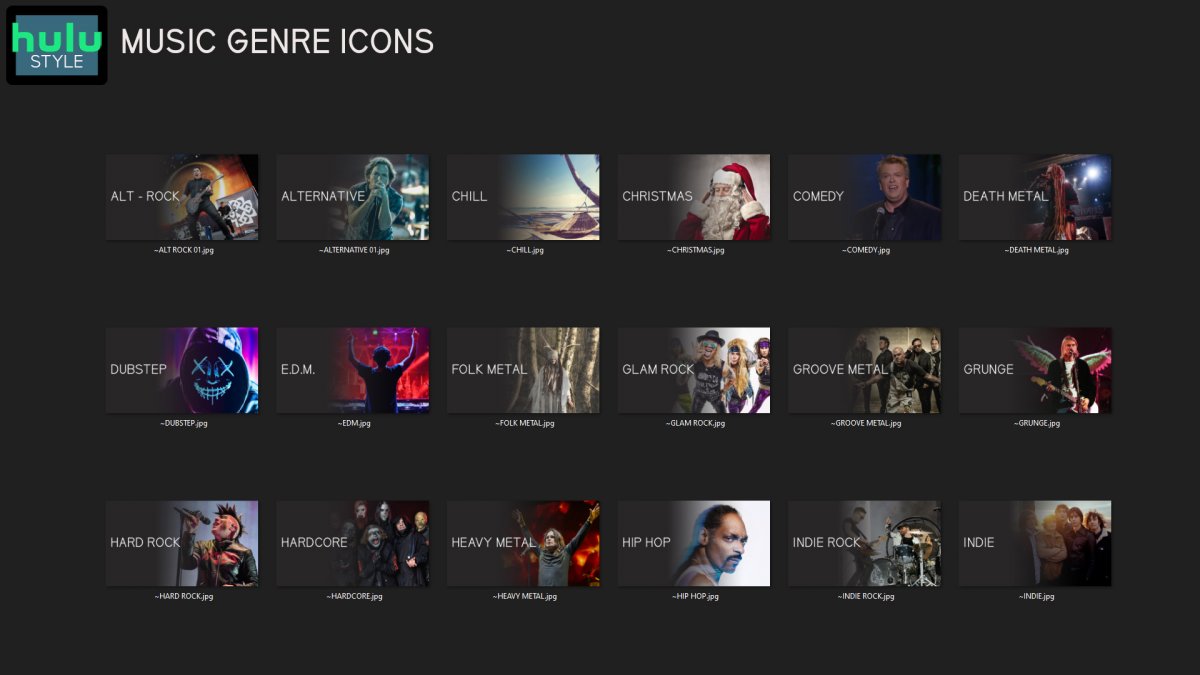
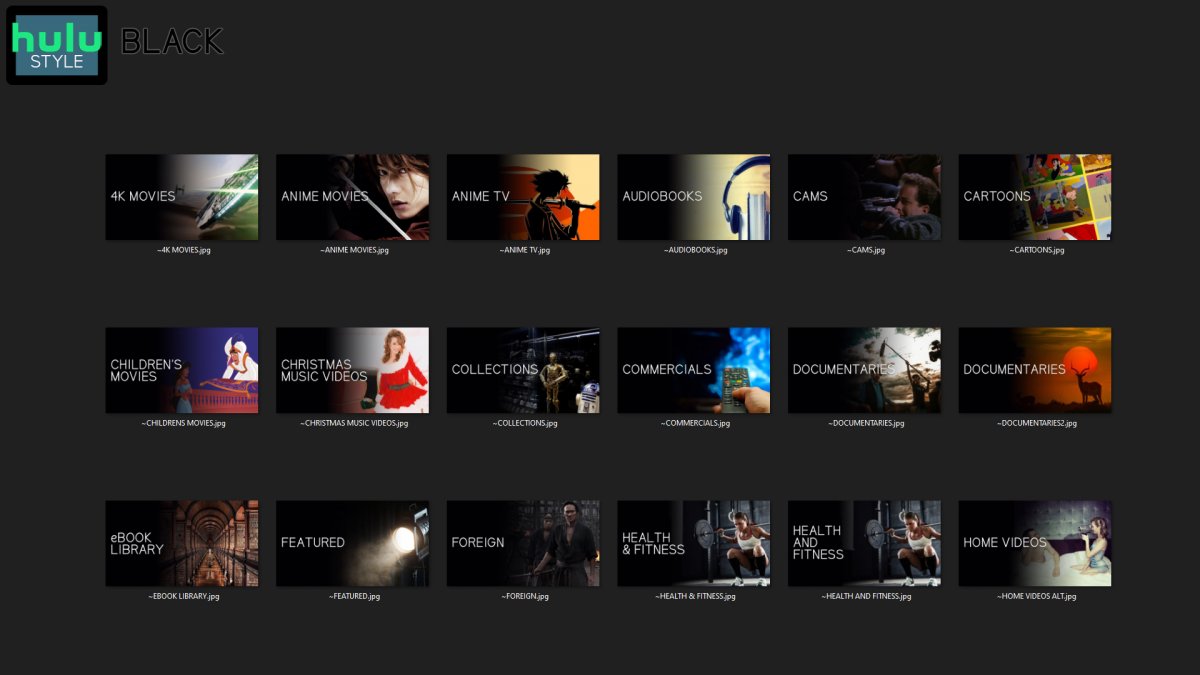
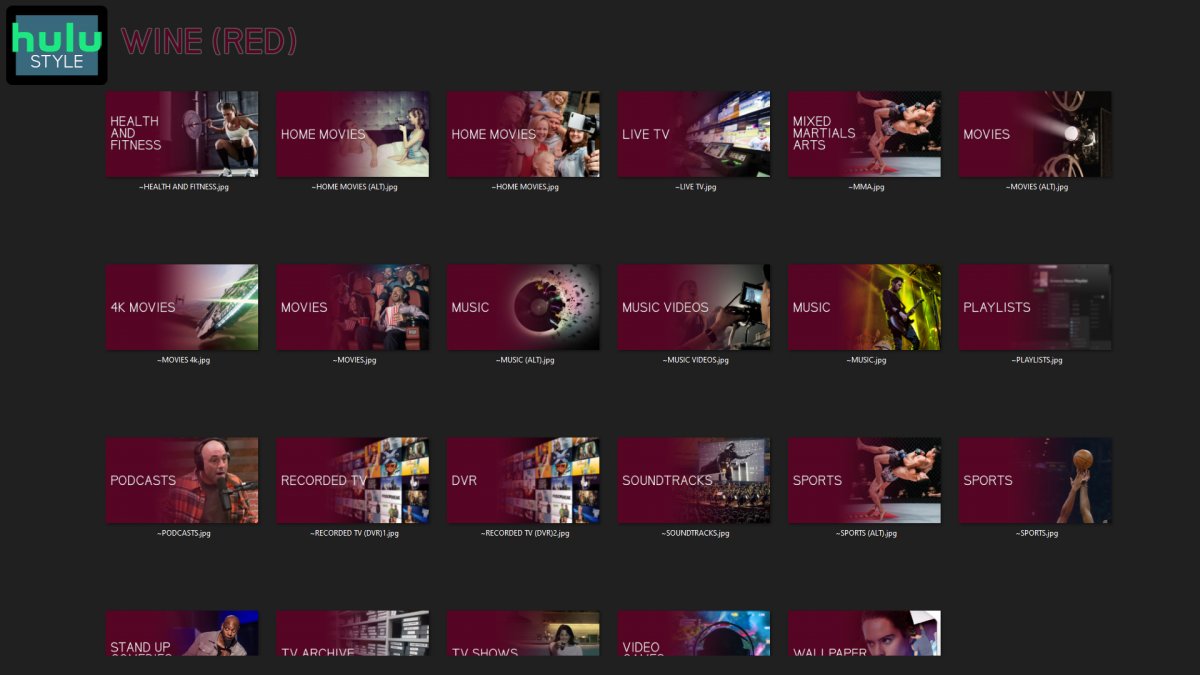
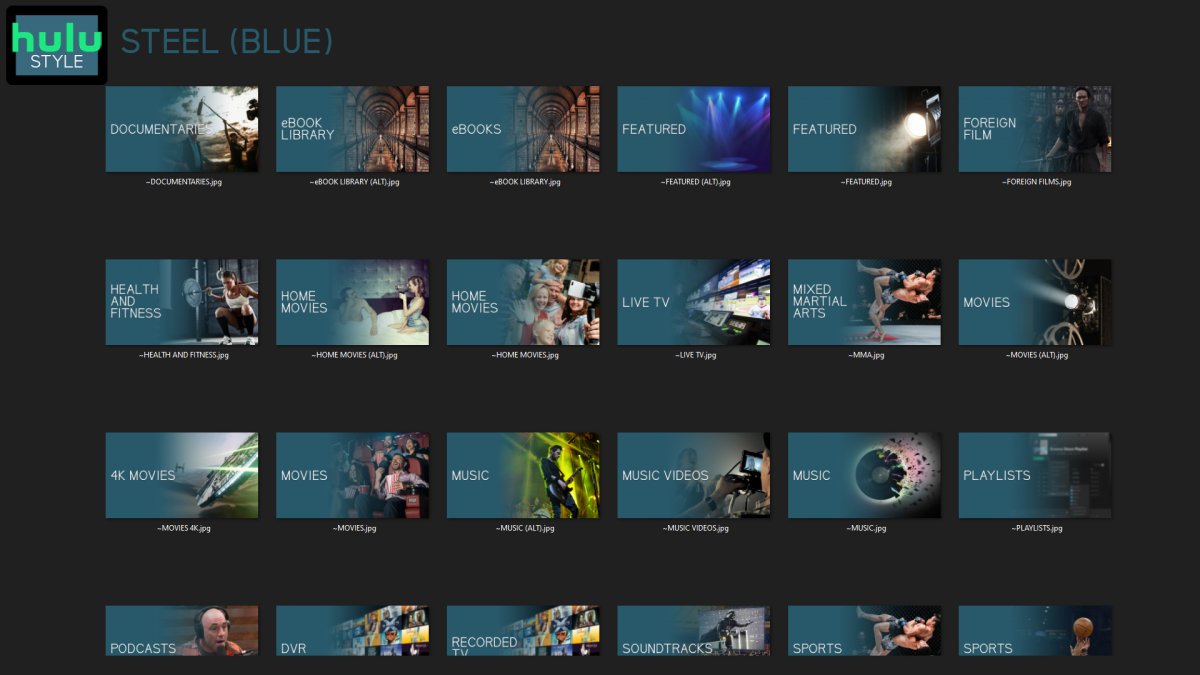
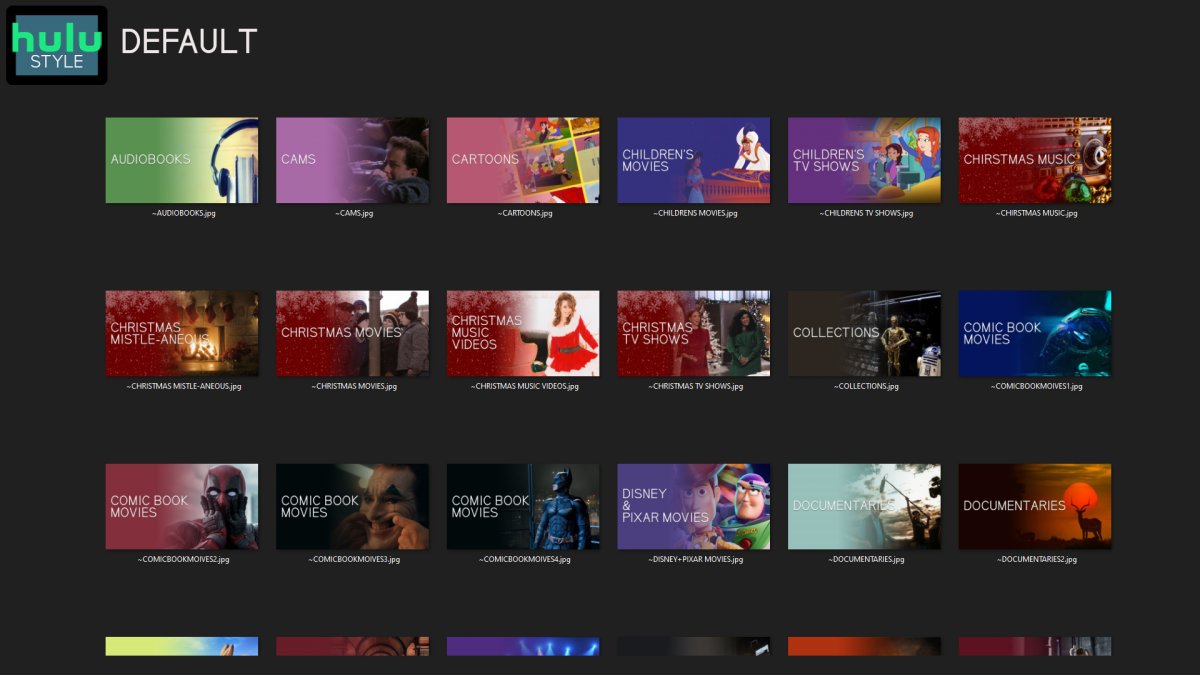
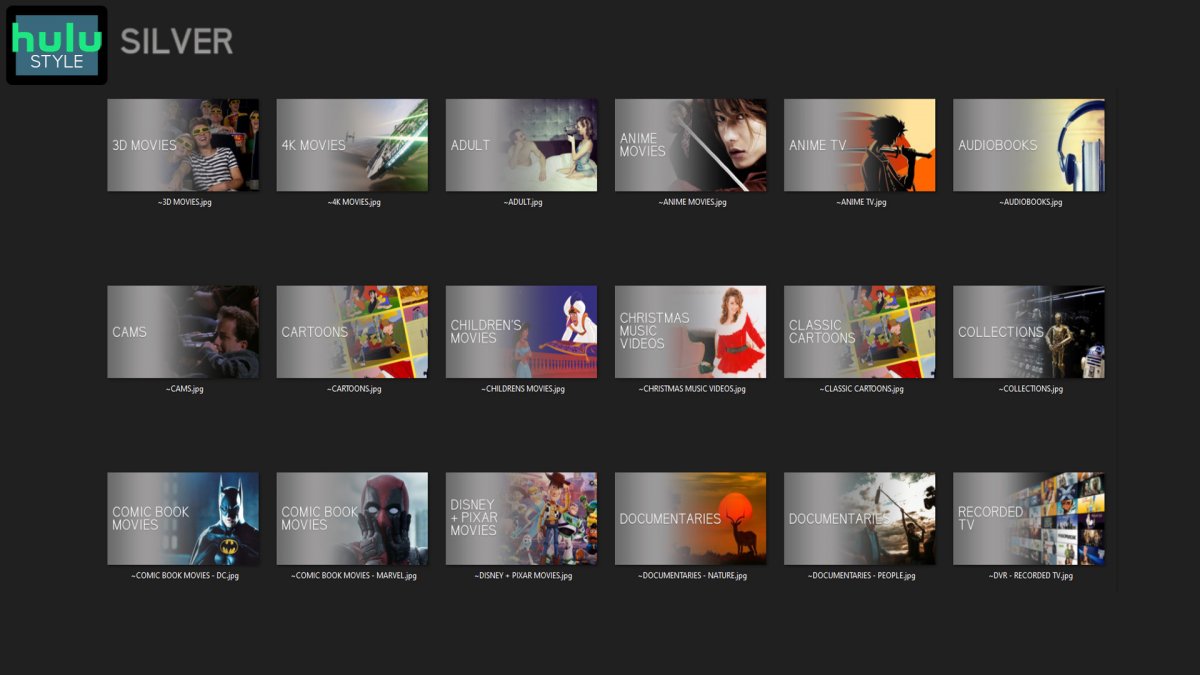
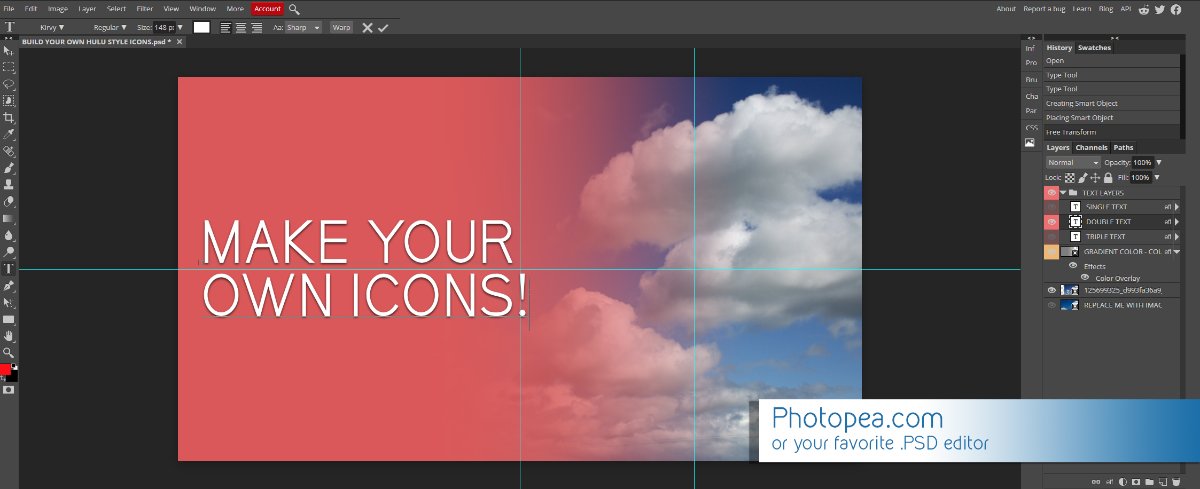
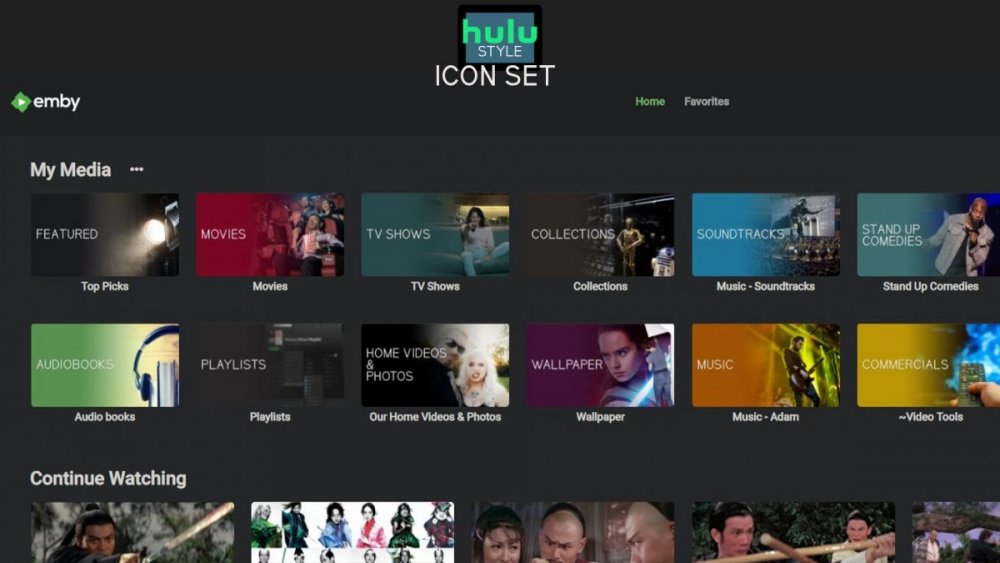
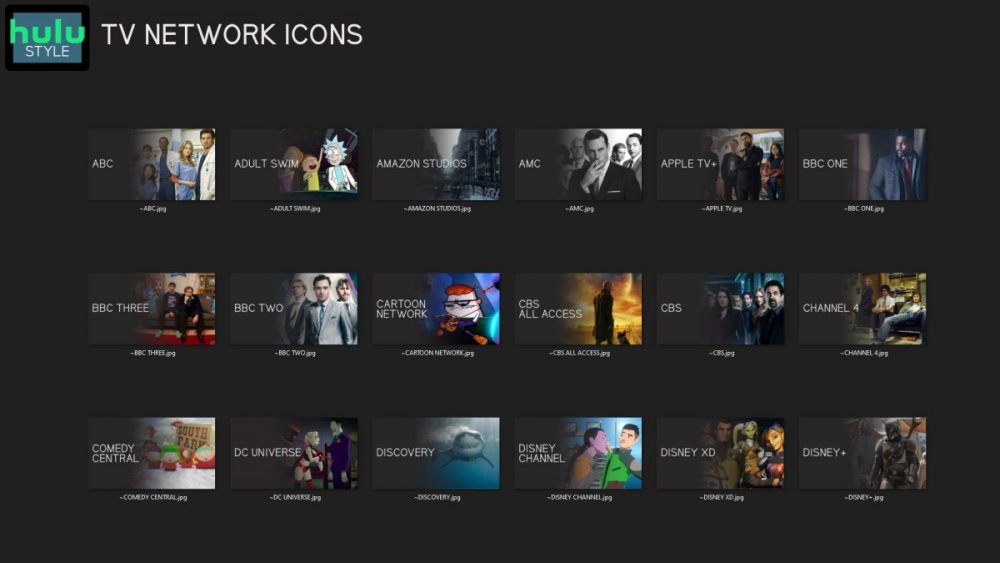
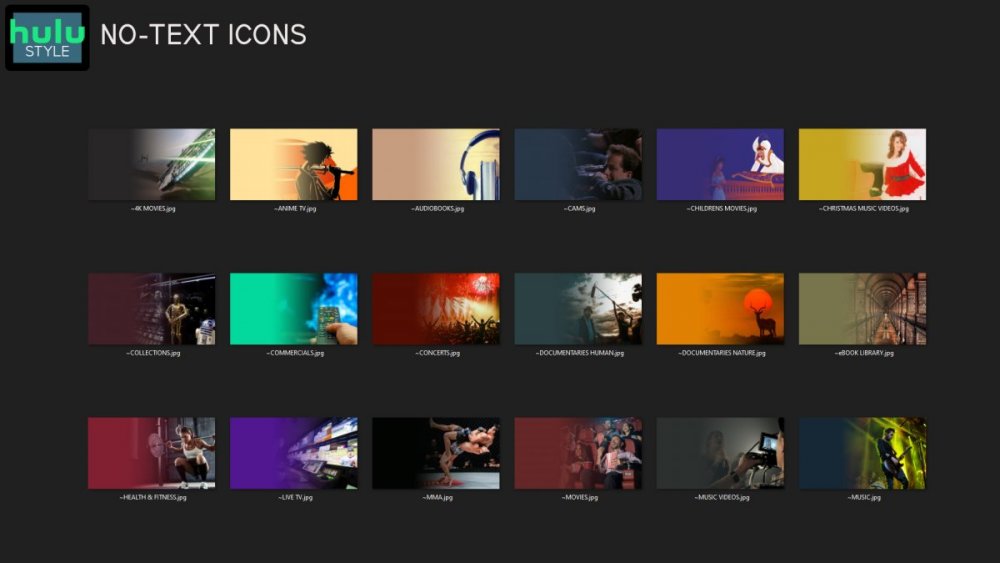
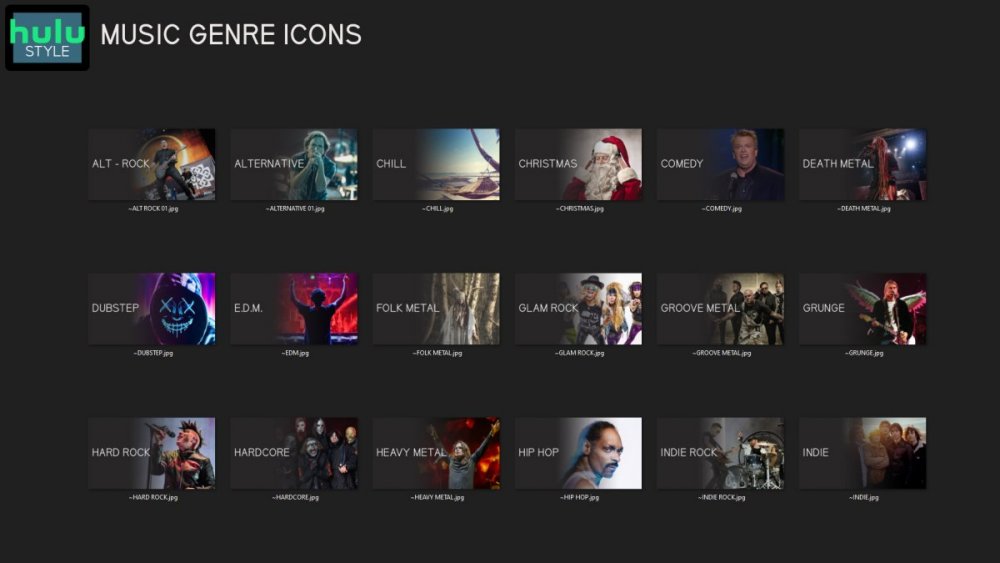
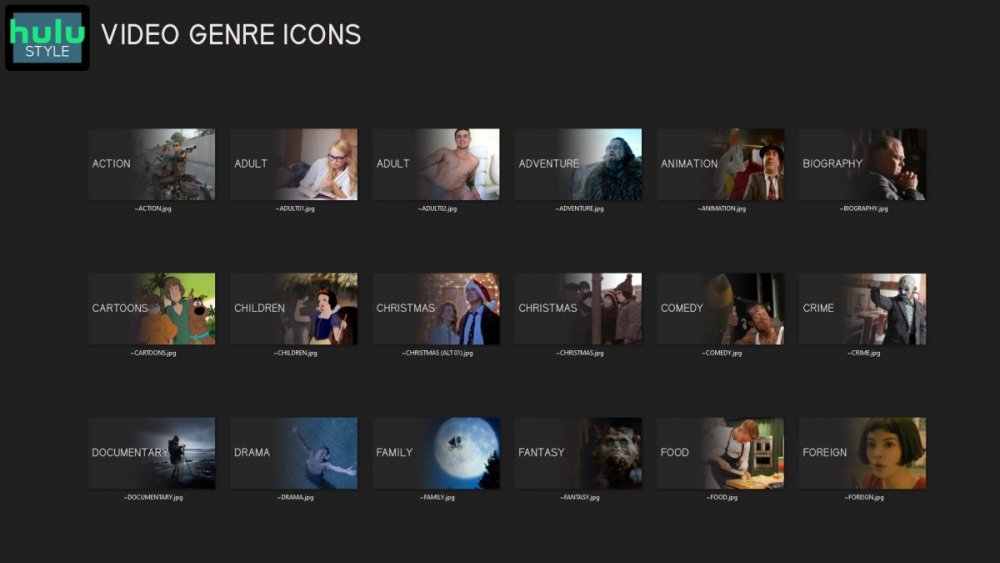
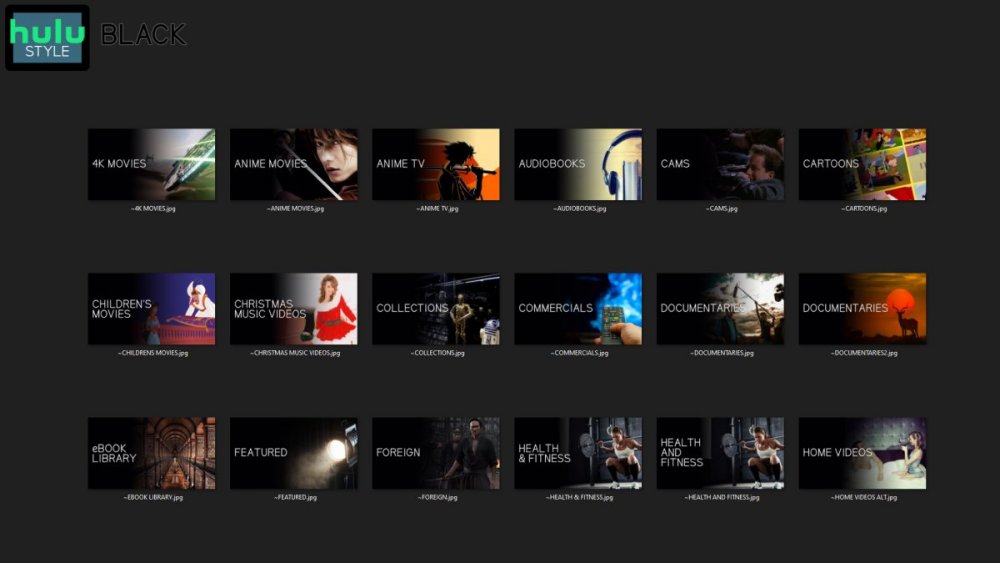
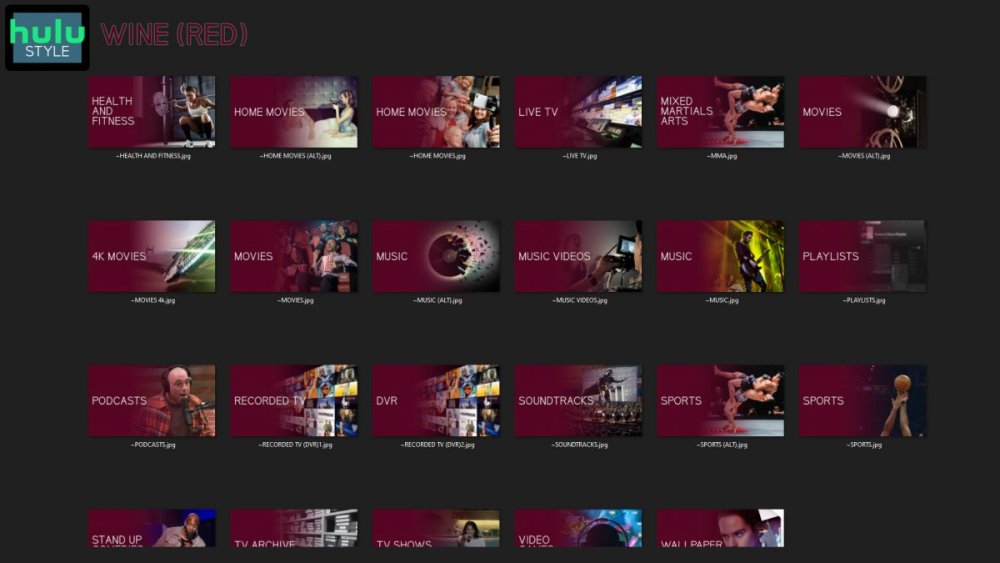
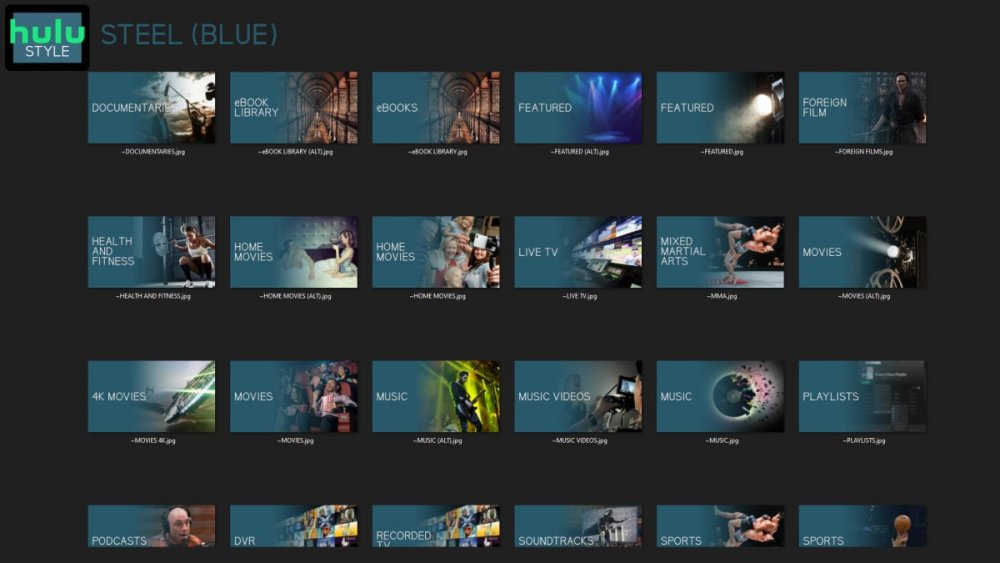
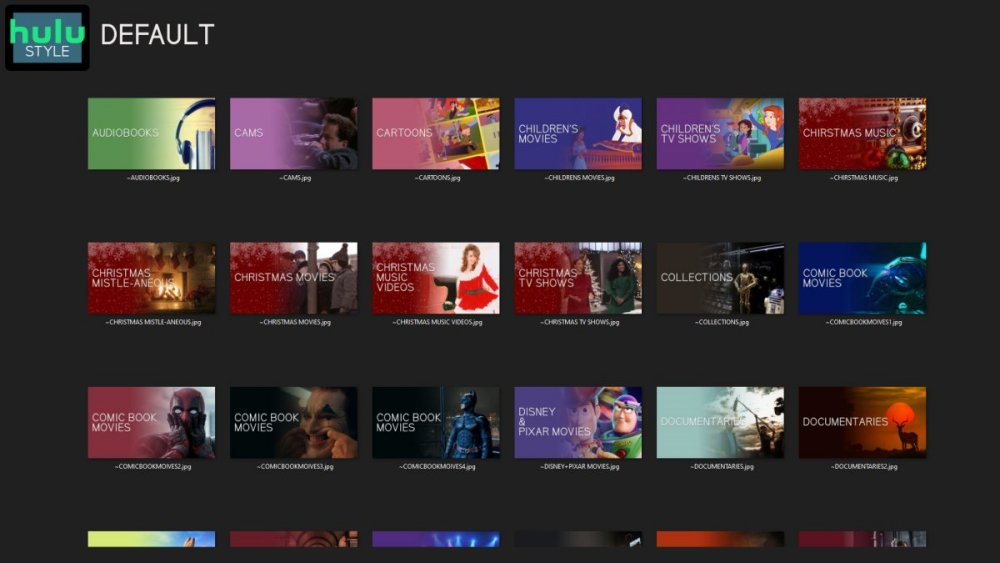
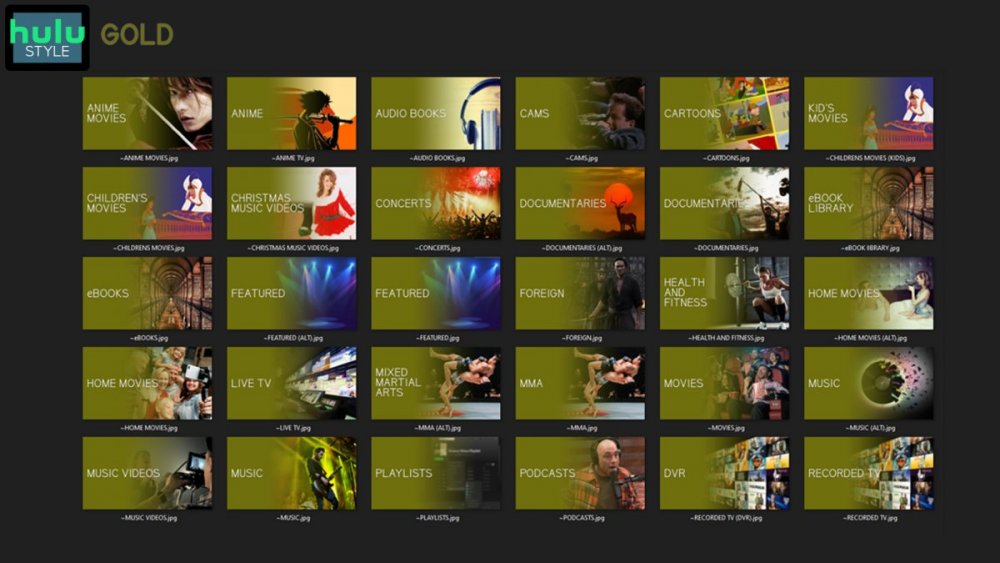
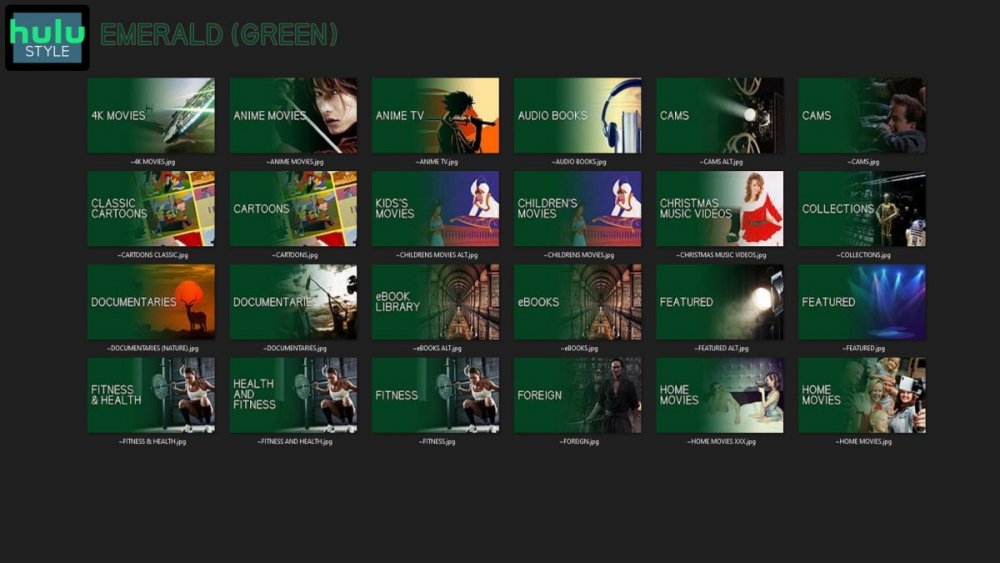
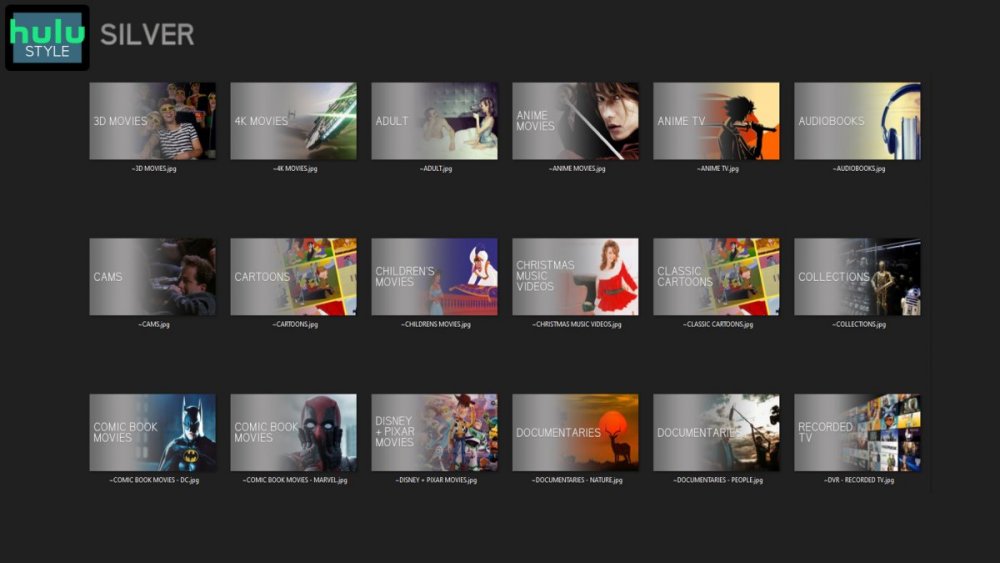
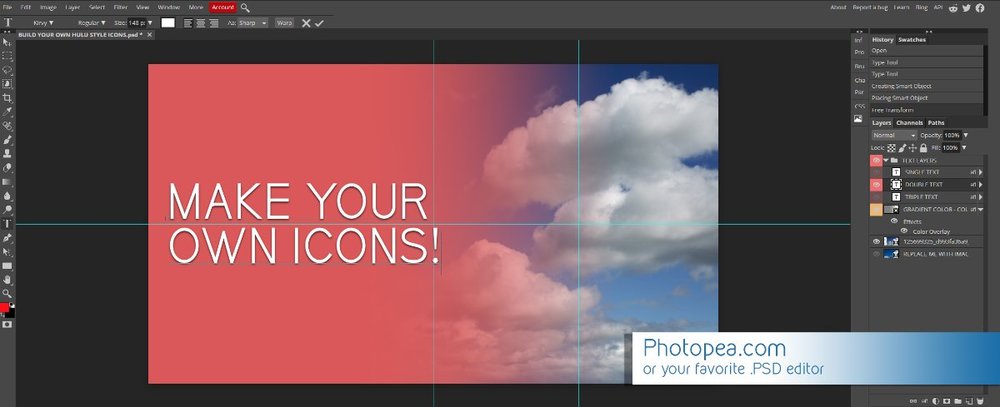
Media Library Icons for Emby Updated: 07/10/2021 I've always had a thing for the simple gradient style Hulu overlays on their library images. I'm not that great at graphic design, but I can mimic some things pretty decent. I hope! It's very simple, and clean and something I've been wanting to attempt for a while. I've never done anything like this, so constructive criticism is appreciated! More color options for media libraries coming soon!!! Also included to make your icons match across the platform, are video genre, music genre and TV network icons: I've hosted this only my Google Drive, so if if the link is not working please, reach out to me and let me know and I will do what I can to resolve! The font (Kirvy), and PSD's are located in the \~TOOLS\ sub-folder Media Library Icons - DOWNLOAD HERE Feel free to create your own to fit your needs! Photoshop Template - DOWNLOAD HERE Gimp Template - DOWNLOAD HERE (ALL credit for creation of Gimp template are thanks to, Mibok, who took the time to recreate the Photoshop template in Gimp!) Many have asked for a smaller and easier version of the .PSD file to create their own custom icons. I have simplified the .PSD and it is now compatible with, Photopea.com photo editor so no need to own Photoshop to make your own icons! Download the new .PSD HERE Thanks for giving me so many hours of entertainment, this was something fun to try and give something back! (If any of the above images are not allowed, please inform me ASAP and I will correct it) *** Change Log*** 07/10/2021 Added GIMP template, created by, Mibok to allow users alternate means to create their own icons 01/25/2021 Added lighter .psd file for easier custom icons 10/04/2020 Added "Silver" Media Library Icon Set and all remaining requests and missing items in each set 08/15/2020 Added some requests and "Emerald" (green) Media Library Icons Set 07/06/2020 Added "Gold" (yellow) Media Library Icons Set 06/29/2020 Added "Wine" and "Steel" (red and blue) Media Library Icons Set 06/29/2020 Updated sample images 06/22/2020 Added "Black" Media Library Icons Set 02/27/2020 Added TV Network Icons for 49 U.S. networks 02/27/2020 Added ~MEDIA LIBRARIES sub-folder to help keep the folder organized 02/24/2020 Added Phase One of Music Genres to Google Drive 01/25/2020 Added requested images to Google Drive 12/21/2019 LITE - Hulu Style Library Icons PSD Added (Uploaded PSD with no graphics for a faster, lighter PSD option) 12/21/2019 Media Library - No Text Icons Added 12/17/2019 Generic Movie Genre Icons Added To Do: Update preview post with images Continue color sets: Black - Maroon - Navy - Emerald- Gold - Silver Update No Text Icons Downgrade PSD for compatibility for older versions of GIMP/Photoshop TV Networks - USA Optimize PSD for simplicity
 1 point
 -
As I mention in a related post, I love the additional subfolders for Movie Extras (eg, Shorts, Scenes, Interviews, etc.)! It would be awesome to extend this functionality to TV Series as well. Specifically to add support for many/all of the same folders supported for Movie Extras, eg, extras specials shorts scenes featurettes behind the scenes deleted scenes interviews trailers As well as any additional folders that get added in the future (eg, hopefully Galleries). Support Placement of "Extras" Folders Within Each Season Folder, Plus A Naming Scheme to Link A Particular Extras Folder with a Specific Episode (eg, "\Season 1\E1 - Deleted Scenes\" for episode 1 deleted scenes): I want to clarify that it would be great if these various "extras" folder types could reside within each Season folder. So for example, within a Season 1 folder we could then have an "Extras" folder, a "Deleted Scenes" folder, a "Featurettes" folder, etc. And furthermore, that we could designate a particular folder to refer to a specific episode (eg, "\Season 1\E1 - Deleted Scenes\" for episode 1 deleted scenes). See more below, particularly why I think this would be so useful: https://emby.media/community/index.php?/topic/55915-emby-server-theater-additional-extrasspecial-folder-types-for-tv-series-similar-to-movies/&do=findComment&comment=587195 Thanks for your consideration! PS - If this is something you might like to see implemented, be sure to "Like" this top/first post (as well as any subsequent posts in this thread that highlight particular aspects of what you are interested in) -- "Liking" the top/first post helps the Devs to know how much interest there is in a given Feature Request.1 point
-
Hi I would really like to be able to send some custom notifications to my users For example, i would like to be able to send a notification like : -"What content would you like to see added on Emby this week ? https://www.strawpoll.me/#####" -"Blabla Season3 is coming next week !" -"Server will be down for maintenance tonight" A little notification icon on the top right corner would be awesome. I looked in the Feature Requests list but i did'nt find anything like that. Thanks for reading, and for this amazing software.1 point
-
Please read this post first. I was wondering if it would be possible to add something that would allow you to skip the intro to shows automatically while binge watching. When watching Netflix it does this for some shows, and im not sure if thats a feature of Netflix itself or a Chrome extension i use called "Flix Assist" but it would be a nice feature to have within Emby as well. and possibly even create a custom timed skip for specific shows1 point
-
Is it possible to add a bitrate for users that are direct(whatever) something? It's good info, and readily available. Thanks1 point
-
I noticed in the server log that you appear to be using a transcoding profile on TVH. Have you tried using the passthru profile? 'http://192.168.1.100:9981/stream/channelid/1112135344?ticket=46882A20AF2C5231B17766AF1F382C64043A400E&profile=webtv-h264-aac-mpegts' You're also using an account with credentials instead of a no-auth account. Though this is more of a convenience that shouldn't affect streaming.1 point
-
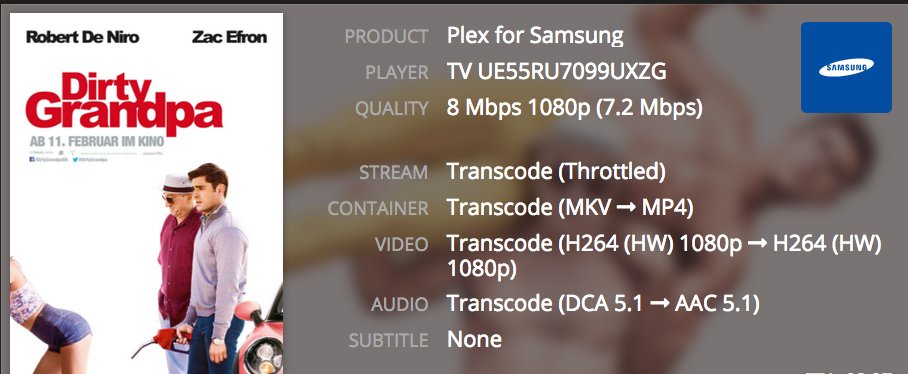
You can see the transcode info in the Emby admin dashboard Yeah i know, but i used plex for a long time and it is absolutely not the same like with tautulli. it is not clearly arranged and way less detailed than with tautulli on plex, so i hope this will be implemented in some similar kind.
 1 point
 -
If you store images with your media, i would disable the writing of image paths to nfo files. Even Kodi always prefers local images over the image paths from nfo. And if the local image doesn't exist anymore, the local path in your nfo is also obsolete. So why even bother?1 point
-
As a temporary measure, yes.1 point
-
Ok I believe this is resolved already but titles that have been impacted may continue to still be impacted. As a test, can you try moving one out of your library, then running a full scan to clean out the database, then adding it back? Thanks.1 point
-
As bigjohn said, we will see what best solution for this to our best need, and then we apply it. Thanks @Painkiller8818 for the head up.1 point
-
I'm working on a couple of fixes right now. In the next update, I'll version the XML and do it first run check to see if the versions match, if it doesn't I'll delete the XML.1 point
-
Transcode inH2651 point
-
https://emby.media/community/index.php?/topic/74162-tv-show-extras https://emby.media/community/index.php?/topic/55915-emby-server-theater-additional-extrasspecial-folder-types-for-tv-series-similar-to-movies1 point
-
Correct, yes, we'll look into improving that. Thanks for the feedback.1 point
-
I should have gave more info. Here is what I personally do. I try to run every file through filebot to see if it can name it. Now when you can't get a match you'll have to name it yourself. Read through and try what's in this knowledge base article: https://support.emby.media/support/solutions/articles/44001904299-ordering-tv-show-special-extras1 point
-
Hi Luke, Attached is a screenshot of 8 out of10 cats series recording. You will see there is a number of scheduled recordings this week. When I posted this request there was a program on Channel 4 HD and Channel 4 SD. Emby automatically chose the SD version to record rather than the HD version. It would be great to have a prefer HD selection tab in the series. settings as well as replace recordings library with HD if available.
 1 point
 -
<sarcasm> You mean you're not happy with the response time or assistance you get over at that other forum? I'm shocked, shocked I tell you! </sarcasm>1 point
-
Looks like the only option is Poster/Portrait or Square. I applied Thumb/Landscape and they remained square. Actually it is only looking at Primary image ratio. So uploading Landscape as Thumbs appears to be a issue so upload all genre as Primary. Once over 50% of genre images where primary 16/9, they all changed to Landscape. Now looking at a library where that threshold has not been meet. Remain Square. So you want all Genre images to be uploaded as Primary and have the same aspect ratio to get Portrait or Landscape.1 point
-
I've created some additional music genre images for genre's for which I maintain both poster and thumb images. A list of the genres and artist featured in the images follows: Alternative Metal (Avenged Sevenfold) Alternative Rock (Smashing Pumpkins) Blues Rock (ZZ Top) *New* Children (Boy playing drum) *New* Comedy (Flight of the Conchords) Country Rock (Eagles) *New* Death Metal (Dimmu Borgir) Disco (Abba) *New* Electronic (Daft Punk) Folk Rock (Bob Dylan) Funk Rock (Red Hot Chili Peppers) Glam Rock (Twisted Sister) *New* Grunge (Nirvana) Hard Rock (Slash) Heavy Metal (Black Sabbath) Hip Hop/Hip-Hop(Snoop Dogg) *New* Holiday (Santa with a guitar) Indie/Indie Rock (Yeah Yeah Yeahs) Industrial Metal (Nine Inch Nails) Latin (Enrique Iglesias) *New* Metalcore (Lamb of God) New Wave (Devo) Novelty (Weird Al Yankovic) *New* Nu Metal (Limp Bizkit) Pop (Britney Spears) Pop-Rock (Prince) Post-Grunge (Foo Fighters) Progressive Metal (Mastodon) Progressive Rock (Porcupine Tree) Psychobilly (The Reverend Horton Heat) Punk Rock (The Offspring) R&B/R & B/Rhythm and Blues/Rhythm & Blues (Whitney Houston) Religion/Religious (Church choir) *New* Soft Rock (Journey) *New* Thrash Metal (Metallica) Top 40 (Now That's What I Call Music/Sam Smith) *New* Ska/Ska-Punk (No Doubt) Soundtrack (movie poster collage) *New* Southern Rock (Lynryd Skynyrd) Vocal (Michael Buble) *New* World (Ladysmith Black Mambazo) *New* Download Link Hopefully someone out there finds these useful. As I continue to integrate additional music into Media Browser I'll share additional images that I create.1 point