Leaderboard




Popular Content
Showing content with the highest reputation on 06/14/20 in Posts
-
Hi, as there is a new forum software, possible to add a dark mode ? couldnt find anything in the user settings in case its already there ...3 points
-
Simple dark theme installed.2 points
-
When creating a series link, it would be useful to be able to select multiple specific channels rather than one or all. Say you get a sport programme on 5 channels but I want it to just record from the 2 OTA channels, I currently have no way of doing this. In SageTV when adding for a series, you get the option of "all" or a the ability to select multiple channels, with all the channels having the show in the EPG at the top. This sort of thing would be ideal. If easier, being able to create multiple series links each with a different channel would be usable.2 points
-
Guys, The ebook side of Emby/MediaBrowser has been long stalled or rather stagnated. I would like to offer up a couple of suggestions. Many people use calibre as an ebook/comic book tool for scraping data and general management of their collection already. This program is absolutely astonishing in its ability to pull metadata from post calibre scans, as well as draw in metadata from the file source and/or directory structure. http://vaemendis.net/ubooquity/ Its a self contained .jar server/reader combination. And honestly I am very impressed by it's small footprint and wide range of abilities. The other option is COPS , which was written specifically with calibre in mind. It is open source, so making it work with emby I would think would be fairly easy. https://blog.slucas.fr/projects/calibre-opds-php-server/ Ever since the original release of MediaBrowser's bookshelf I have always wanted something that would allow me to 'read' my collection, rather than being basically nothing more than a place-set for images of books I own. I am sure that those who mainly have audiobooks are thrilled with bookshelf , but it's nothing more than an extension of the music library IMHO, not new features. We can have both right? Here I give you two suggestions free of charge.. Just because I love you, and Emby Personally I plan on running the Ubooquity Server along side of Emby from now on, just because of it's massive functionality and tiny footprint. But I sure hope that someone decides -- "yeah, ebook support should be in here too" and do something about it - rather than allow this now very very ancient issue to continue to remain an issue. And so I don't have to have 20 different ports open, some with SSL support - some not, because Emby isn't delivering the 'complete package'. (Please take some of this with humor, I know you have your hands full with improvements/bugs/suggestions/requests)1 point
-
I have a pretty big (2000+ items) movie library and i moved from a 2015 LG TV to a 2019 Model (65C97LA). With the old one the app was more or less unuseable - but the overall performance was bad so i did not really care. But with the new TV everything (including emby) is smooth but my movie library with over 2000 items is _very_ slow. It seems that you do lazy load the pictures but that the html items are already in place (just gussing) which seems to slow down the TV a lot. Would it be possible to improve the performance ? Splitting the libraries does not make much sense for me but propably you could insert pagination for 400 items or so like you do on the web "app" ? Or "just" enhance the performance with some coding magic? Thank you1 point
-
On Emby Theater 3.0.8 when I play a media file the overlay is missing on the screen. No back arrow, no playback controls, etc. The controls are there, however. When I move my mouse to where they are supposed to be the arrow changes to a hand, indicating the controls are still there (and I can click on them), they are just not being shown on the screen. This happens when in DESKTOP display mode. Another machine running Emby Theater 3.0.6 does not exhibit this problem, so I assume the bug was introduced in 3.0.8.1 point
-
It would be useful if the server (or perhaps clients) could cache most (if not all) content images (posters, backdrops, logos, etc) for movies, TV series and seasons. This would mainly be of benefit when a portion of someone's content is offline but the users would still like to view the content to know what exists. I think caching on the server would be preferable, then all clients could make use of the same cached images. if you think this would be a useful feature, please click the "Like This" button on this post.1 point
-
I have noticed there is no way to configure the path used by Auto-boxset pliuging to create folders to hold created collections. Given this is, by default, under the Data folder within the install folder of Media Browser server, and the fact this is on my SDD drive, it would be great if this folder may be overriden to a custom path (the way other folders may be configured via the Control Panel).1 point
-
I stumbled upon this reddit thread (https://www.reddit.com/r/emby/comments/h0gkiw/why_do_emby_connect_accounts_not_have_passwords/) where a user mentioned that fresh accounts made on an emby server which are then linked to an emby connect remain unprotected and need to have a password manually set for the local user account itself. This seems pretty bad since I don't remember any mention of this in the guides or wiki and is something I completely missed myself on my emby server which has been running for around half a year now (even though all the emby connect linked accounts are password protected on my server). Just to confirm, I spun up an emby docker, added a user, linked my emby connect account to it and could login without inputting the password on the login screen. The behaviour I expected was that a local account linked to an emby connect would make it either: 1. possible to login only with the Emby Connect credentials while not being able to login with the local user account's username or 2. have the same password as the linked Emby Connect password. I find that the first option would be the more secure one and it would also avoid confusion between local user credentials and emby connect credentials since we can't add a user without making a local account for that user even if they have an Emby Connect account (not sure about this one).1 point
-
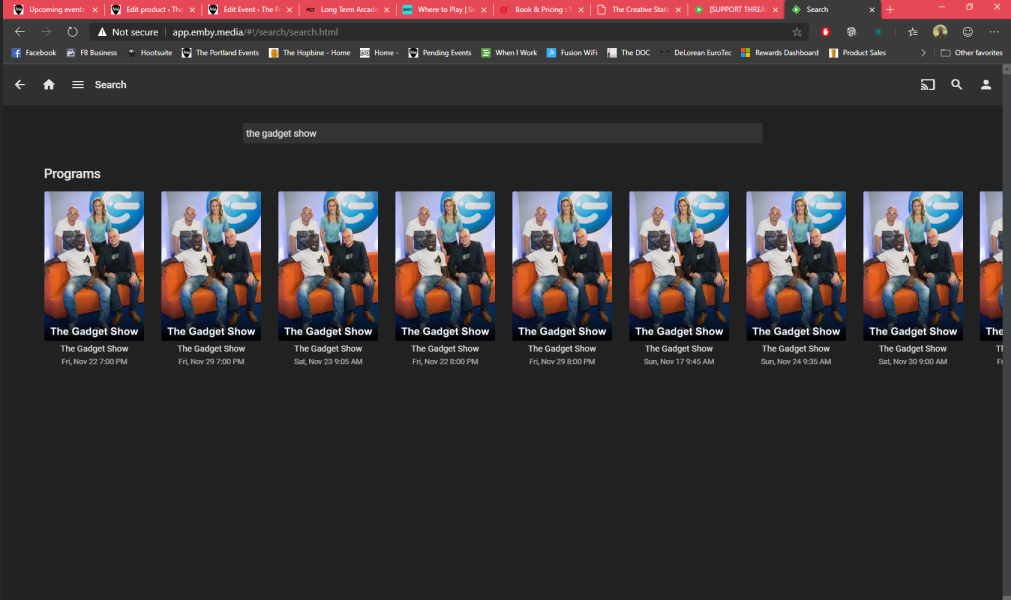
I'm in the UK using a freeview TV line up. In my channel list I have both SD and HD versions of channels (BBC 1 on channel 1 and BBC HD on channel 101 for example) When searching for a recording to make, such as the example below 'The Gadget Show' I get results for both channels but you cant see which one is for the HD channel, or indeed what channel it is on without having to click on every entry to check. Could the search results list the channel and number as well as episode detail so that it is easier to see which one to record? On a related note, using the web app in the new edge browser there is no arrows or scroll bar to view all the search results on this screen
 1 point
 -
Good day all, Yes, we know about the issue, but let me give a head up: The complete forum upgrade is not done yet, due to some issue we faced with our servers, we did not complete things we like to apply, we will as soon we solve some issue as I said. We will apply some plugin like Tapatalk and others by tomorrow, we will solve some issue as well. We simply put the forum online so you guys try it and as well testing and give back feedback while we working on our community. Deep thanks to Ebr, Luke and John for their outstanding works/time on this update. Thanks to you all for your patience. My best1 point
-
That would be so nice :-) In the hue App you can create rooms and Zones and add the lights there. If you need help for testing, just let me know. I really apreaciate it oh one question, is the dropdown list with the lights scenes updated automatic?1 point
-
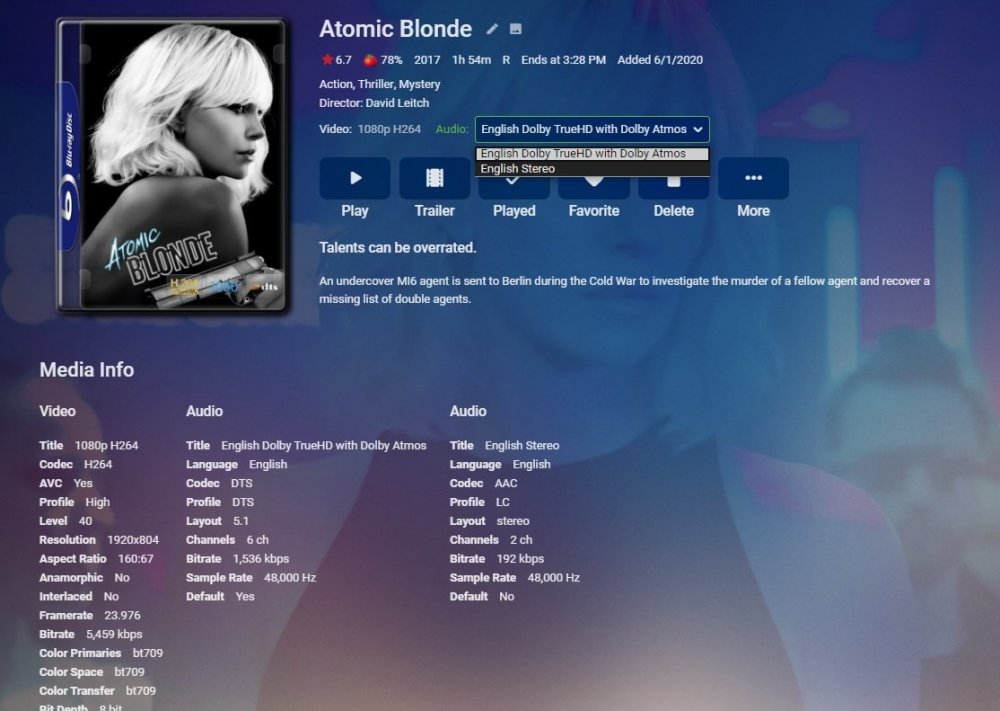
What is "Embedded track title display:" set to? Dashboard-Library-Advanced All I did was apply that title to the track with the setting set to prefer embedded title.
 1 point
 -
Good day, As I said in the other thread: We will soon, thanks. My best1 point
-
I am a bit disappointed. The problem exist since September and nothing has happened. I have the feeling that users are not so important, emby is "not hearing user problems"... Actually it can not be that difficult to include pages so that does not have to be loaded every time the entire library LG software not working with big libraries firetv no trailer function (anymore - same problem , nobody is "hearing" since months) EMBY = unfortunately for me not usable1 point
-
Ah, yes, I see. Thanks. We'll have to fix that in the next beta round. The current one is already in Google review and I do not want to stop that process (which is very slow). For now, you should be able to use the guide to see the channels in the order you wish.1 point
-
I have annotated the KB article. Thanks.1 point
-
I have one oddity I'm trying to figure out and it's not USB related. I'll enter that as a separate topic. Path wise, yes. I am good to go. thanks, Bj1 point
-
v3.0.4.1 released on the catalog, and now includes User events, please see below. General * Added new Action types for User manipulation: onUserConfigurationUpdated, onUserPasswordChanged, onUserCreated, onUserDeleted, onUserLockedOut Packages * Added new subscription functions for User manipulation: _onUserConfigurationUpdated(context), _onUserPasswordChanged(context), _onUserCreated(context), _onUserDeleted(context), _onUserLockedOut(context)1 point
-
Could not agree more on both counts, have been patiently waiting for years for both of these to be fixed, both need to be a much higher priority imo.1 point
-
are there plans to implement an option to disable (remote) logins without a password (this should be rather easy to implement (and independent of any emby connect changes): add a config option, if enabled check if the password is "" on login)?1 point
-
Alright, I get that. But then having to create a local account only to link it to an Emby Connect account seems like a workaround of some sorts. Especially considering one can still login with the local account credentials and that passwords aren't enforced. - It should be possible to add an Emby Connect account to one's server without having to make a local account for it or - Linking an Emby Connect account to a local account shouldn't allow logging in with the local account credentials or - It should definitely be mentioned, even as a tiny text, in the wiki or installation guide, that a local user that has a linked Emby Connect account will remain unprotected until a password has been set because this seems unnecessarily confusing. This way (No. 2 above), the local-only servers (even with no internet) keep their unsecured local accounts but if one links their Emby Connect, they login with that. No double-dipping.1 point
-
I liked them too... i think a bunch of people complained that it looked bad so they removed them.1 point
-
the 1.10.4 version should be available now, there was an issue caused by the recent Emby Web server updates that stopped the add-ons being correctly indexed. Try 1.10.4 now and see if it helps.1 point
-
When you view an artist page, you see "Albums" and "More like this" There should also be a "Songs/Tracks" sections. There should be a few of the most played tracks(most played on server, not by user) with the option to click and view all artist tracks.1 point
-
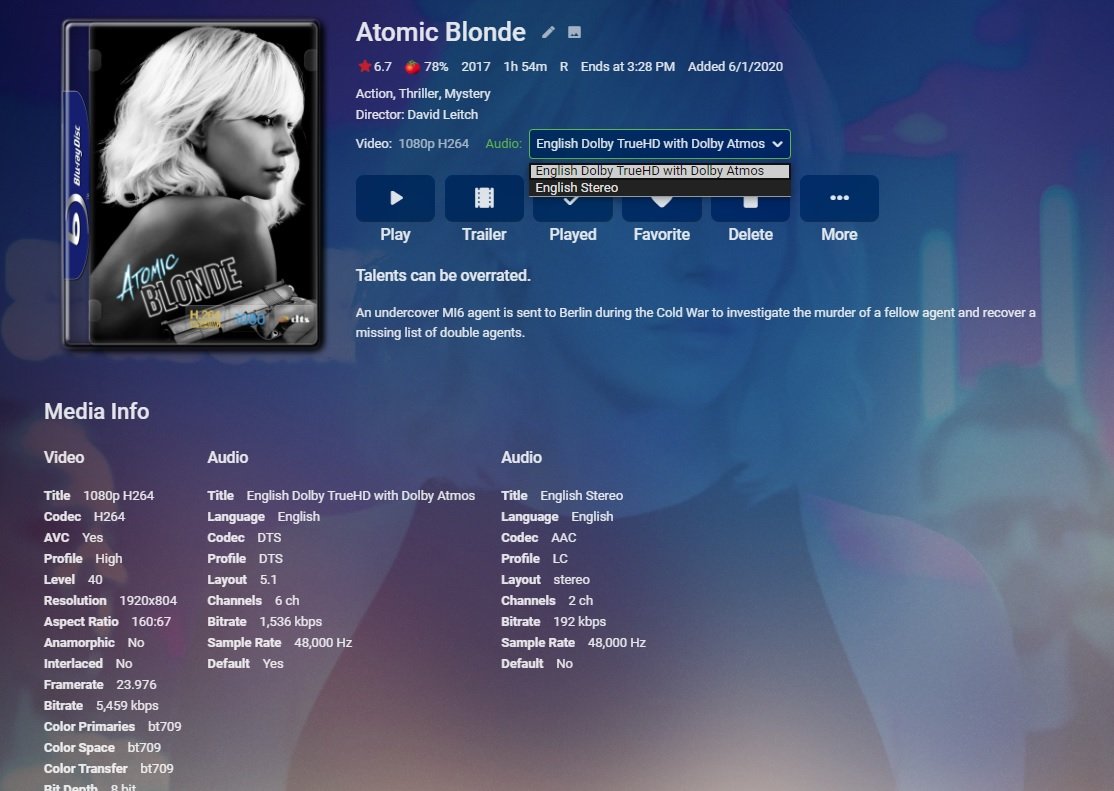
Hi, I just got my new C9 and was looking forward to using the Emby app but right from the get go it has many big issues. I tested with two following two movies. Ford v Ferrari - TrueHD causes the image to be garbled. Only the left top looks OK, the rest of the screen is white. Problem goes away by selecting DTS-HD MA before starting the movie. - TrueHD doesn't trigger Dolby Atmos - Connection drops. This one is hard to reproduce but sometimes the connection drop and everything hangs and I need to stop playing the movie. I've connected the TV with the same network cable I have connected to my Shield TV which, as far as I have tested, does not have this problem. Media Info Video Title4K HEVC CodecHEVC ProfileMain 10 Level153 Resolution3840x2160 Aspect Ratio16:9 AnamorphicNo InterlacedNo Framerate23.976 Bitrate52,214 kbps Video RangeHDR Color Primariesbt2020 Color Spacebt2020nc Color Transfersmpte2084 Bit Depth10 bit Pixel Formatyuv420p10le Reference Frames1 AudioTitleEnglish TRUEHD 7.1 (Default) LanguageEnglish CodecTRUEHD Layout7.1 Channels8 ch Sample Rate48,000 Hz Bit Depth24 bit DefaultYes AudioTitleEnglish DTS-HD MA 7.1 LanguageEnglish CodecDTS ProfileDTS-HD MA Layout7.1 Channels8 ch Sample Rate48,000 Hz Bit Depth24 bit DefaultNo AudioTitleEnglish Dolby Digital 5.1 LanguageEnglish CodecAC3 Layout5.1 Channels6 ch Bitrate640 kbps Sample Rate48,000 Hz DefaultNo AudioTitleEnglish Dolby Digital 5.1 LanguageEnglish CodecAC3 Layout5.1 Channels6 ch Bitrate448 kbps Sample Rate48,000 Hz DefaultNo AudioTitleEnglish DTS-HD MA stereo LanguageEnglish CodecDTS ProfileDTS-HD MA Layoutstereo Channels2 ch Sample Rate48,000 Hz Bit Depth24 bit DefaultNo AudioTitleSpanish Dolby Digital 5.1 LanguageSpanish CodecAC3 Layout5.1 Channels6 ch Bitrate448 kbps Sample Rate48,000 Hz DefaultNo AudioTitleFrench Dolby Digital 5.1 LanguageFrench CodecAC3 Layout5.1 Channels6 ch Bitrate448 kbps Sample Rate48,000 Hz DefaultNo SubtitleTitleEnglish (Default Forced SUBRIP) LanguageEnglish CodecSUBRIP DefaultYes ForcedYes ExternalNo SubtitleTitleEnglish (SUBRIP) LanguageEnglish CodecSUBRIP DefaultNo ForcedNo ExternalNo SubtitleTitleEnglish (PGSSUB) LanguageEnglish CodecPGSSUB Resolution1920x1080 DefaultNo ForcedNo ExternalNo SubtitleTitleSpanish (PGSSUB) LanguageSpanish CodecPGSSUB DefaultNo ForcedNo ExternalNo SubtitleTitleSpanish (PGSSUB) LanguageSpanish CodecPGSSUB DefaultNo ForcedNo ExternalNo SubtitleTitleFrench (PGSSUB) LanguageFrench CodecPGSSUB DefaultNo ForcedNo ExternalNo SubtitleTitleFrench (PGSSUB) LanguageFrench CodecPGSSUB DefaultNo ForcedNo ExternalNo SubtitleTitleChinese (PGSSUB) LanguageChinese CodecPGSSUB DefaultNo ForcedNo ExternalNo SubtitleTitleKorean (PGSSUB) LanguageKorean CodecPGSSUB DefaultNo ForcedNo ExternalNo SubtitleTitleChinese (PGSSUB) LanguageChinese CodecPGSSUB DefaultNo ForcedNo ExternalNo SubtitleTitleEnglish (PGSSUB) LanguageEnglish CodecPGSSUB DefaultNo ForcedNo ExternalNo SubtitleTitleEnglish (PGSSUB) LanguageEnglish CodecPGSSUB DefaultNo ForcedNo ExternalNo Image CodecMJPEG ProfileBaseline Level-99 Resolution120x176 Framerate90,000 Color Spacebt470bg Bit Depth8 bit Pixel Formatyuvj444p Reference Frames1 DefaultNo ImageCodecMJPEG ProfileBaseline Level-99 Resolution213x120 Framerate90,000 Color Spacebt470bg Bit Depth8 bit Pixel Formatyuvj444p Reference Frames1 DefaultNo ImageCodecMJPEG ProfileBaseline Level-99 Resolution600x882 Framerate90,000 Color Spacebt470bg Bit Depth8 bit Pixel Formatyuvj444p Reference Frames1 DefaultNo ImageCodecMJPEG ProfileBaseline Level-99 Resolution1067x600 Framerate90,000 Color Spacebt470bg Bit Depth8 bit Pixel Formatyuvj444p Reference Frames1 DefaultNo Knives Out - No subtitles - TrueHD triggers container transcoding on the dashboard - TrueHD doesn't trigger Dolby Atmos - Same connection drops Media Info VideoTitle4K HEVC CodecHEVC ProfileMain 10 Level153 Resolution3840x2160 Aspect Ratio16:9 AnamorphicNo InterlacedNo Framerate23.976 Bitrate64,354 kbps Video RangeHDR Color Primariesbt2020 Color Spacebt2020nc Color Transfersmpte2084 Bit Depth10 bit Pixel Formatyuv420p10le Reference Frames1 AudioTitleEnglish TRUEHD 7.1 (Default) LanguageEnglish CodecTRUEHD Layout7.1 Channels8 ch Sample Rate48,000 Hz Bit Depth24 bit DefaultYes AudioTitleEnglish DTS-HD MA 7.1 LanguageEnglish CodecDTS ProfileDTS-HD MA Layout7.1 Channels8 ch Sample Rate48,000 Hz Bit Depth24 bit DefaultNo AudioTitleEnglish Dolby Digital 5.1 LanguageEnglish CodecAC3 Layout5.1 Channels6 ch Bitrate448 kbps Sample Rate48,000 Hz DefaultNo AudioTitleEnglish Dolby Digital stereo LanguageEnglish CodecAC3 Layoutstereo Channels2 ch Bitrate192 kbps Sample Rate48,000 Hz DefaultNo AudioTitleFrench Dolby Digital 5.1 LanguageFrench CodecAC3 Layout5.1 Channels6 ch Bitrate640 kbps Sample Rate48,000 Hz DefaultNo AudioTitleSpanish Dolby Digital 5.1 LanguageSpanish CodecAC3 Layout5.1 Channels6 ch Bitrate640 kbps Sample Rate48,000 Hz DefaultNo Audio TitleEnglish Dolby Digital stereo LanguageEnglish CodecAC3 Layoutstereo Channels2 ch Bitrate192 kbps Sample Rate48,000 Hz DefaultNo AudioTitleEnglish Dolby Digital stereo LanguageEnglish CodecAC3 Layoutstereo Channels2 ch Bitrate192 kbps Sample Rate48,000 Hz DefaultNo SubtitleTitleEnglish (Default SUBRIP) LanguageEnglish CodecSUBRIP DefaultYes ForcedNo ExternalNo SubtitleTitleEnglish (PGSSUB) LanguageEnglish CodecPGSSUB DefaultNo ForcedNo ExternalNo SubtitleTitleEnglish (PGSSUB) LanguageEnglish CodecPGSSUB DefaultNo ForcedNo ExternalNo SubtitleTitleFrench (PGSSUB) LanguageFrench CodecPGSSUB DefaultNo ForcedNo ExternalNo SubtitleTitleFrench (PGSSUB) LanguageFrench CodecPGSSUB DefaultNo ForcedNo ExternalNo SubtitleTitleSpanish (PGSSUB) LanguageSpanish CodecPGSSUB DefaultNo ForcedNo ExternalNo SubtitleTitleSpanish (PGSSUB) LanguageSpanish CodecPGSSUB DefaultNo ForcedNo ExternalNo ImageCodecMJPEG ProfileBaseline Level-99 Resolution640x360 Framerate90,000 Color Spacebt470bg Bit Depth8 bit Pixel Formatyuvj420p Reference Frames1 DefaultNo ImageCodecMJPEG ProfileBaseline Level-99 Resolution120x176 Framerate90,000 Color Spacebt470bg Bit Depth8 bit Pixel Formatyuvj444p Reference Frames1 DefaultNo ImageCodecMJPEG ProfileBaseline Level-99 Resolution213x120 Framerate90,000 Color Spacebt470bg Bit Depth8 bit Pixel Formatyuvj444p Reference Frames1 DefaultNo ImageCodecMJPEG ProfileBaseline Level-99 Resolution600x882 Framerate90,000 Color Spacebt470bg Bit Depth8 bit Pixel Formatyuvj444p Reference Frames1 DefaultNo ImageCodecMJPEG ProfileBaseline Level-99 Resolution1067x600 Framerate90,000 Color Spacebt470bg Bit Depth8 bit Pixel Formatyuvj444p Reference Frames1 DefaultNo On the Shield TV both movies do not have the same issues and work without problems. The network issue I'll try to reproduce on the Shield but one thing I did notice is that network usage with the LG app can be rather erratic while on the Shield it is nice and stable. I've attached the logs. embyserver.txt ffmpeg-remux-8199e402-6f21-4121-a14c-c454d3388281_1.txt1 point
-
Not yet but hopefully soon.1 point
-
Hello I have a LG 65SJ8509 with Webos and exact the same problem. My main Library has 11000 Movies and when I switch to this section Emby need a few minutes for loading. After that long loading every klick has 2 seconds reponse times.... Smaller librarys (with around 1000 Movies) have no Problem.. One idea for bigger libraries : Maybe it could be possible to load only 500 Movies and then you have to klick for scroll to the next 500 ... Webos in this TV is in all other apps very fast (in Plex no Problem), and i like emby very much but if possible this Problem needs please a solution ...1 point
-
Hi, I would like to have the ability, to create multiple Collection Libraries. Right now, I am using "Auto Box-Set" for grouping my movies in their default box set collections. But, I would also like to create different own collections - like "Sci-Fi Classics" [sci-fi from x - to 1986], "Horror Classics", or collections based on the Actors. Having all these Collections in only one library, will probably cause anyone to loose focus... Thanks and with best regards, Christoph1 point
-
For users with Samsung Tizen SmartTVs (2015 - Present) who want to test the latest version of the Emby client app before it's submitted to Samsung for release in their app store. These installs should be considered beta until approved by Samsung, however they are the same ones submitted to Samsung monthly for inclusion in the Samsung store. Samsung's policy is that the only official way to distribute apps is through the Samsung store and that usb installs should be used for testing purposes only. Because of this policy Samsung has mandated that usb distributed apps must expire within 30 days of compiling. To help with testing you will be remined to update to the latest beta release as the app expires to ensure you are using the latest version when reporting issues. This install will also work for those who don't have access to the official client app in the Samsung app store. However, the same rules must be followed as indicated above. Release notes and version number For the latest release notes and version number click on this post https://emby.media/community/index.php?/topic/31461-emby-for-samsung-smarttv-release-notes-tizen-orsay/ Installation instructions Download this zip file: https://github.com/MediaBrowser/Emby.Releases/raw/master/tizen/tizen.zip Format a USB 2.0 stick using FAT16 (some larger USB 3.0 hard drives have been found to not work) (newer models may support other formats, check your users manual) Copy the tizen.zip file to the root of your USB stick Extract the contents of the tizen.zip file to the root. (This should create the folder 'userwidget' in the root of the USB stick and the folder should contain the two files needed) Turn on the TV Make sure your TV is connected to the Internet Plug the USB stick into the TV's USB port. Installation should start automatically. (There will be 3 quick messages in the upper right corner of the TV) Click 'OK' once the installation is complete. Optional, add the Emby app as a shortcut to Home Start the app from the Smart Hub or installed apps section of your TV. Troubleshooting If the installation does not start automatically, then please ensure your TV firmware is up to date and try again. If you get an installation error, try the process again with the USB stick formatted ass FAT32. We've received reports from users that installing from USB 3.0 hard-drive devices does not work, so please make sure to use a USB 2.0 thumb-drive device. Also, make sure the thumb-drive is unlocked/writable before plugging it in. The TV will need to write to your thumb-drive. Users with 2015 Samsung SmartTVs may experience an issue where the USB version of the app deletes itself upon restart of their TV. This is a security measure implemented by Samsung in which we have no control. If this is the case you may have to leave the thumb-drive in the TV and reinstall upon reboot, or install the latest release version of the client found in the Samsung app center. Updating from a previous USB install The app will notify you when an update is available. To update a previous USB install just repeat the instructions above. Notes: Certain Samsung SmartTVs have an issue where the app won't upgrade from USB drive if there is already a USB version installed. If this is the case you'll simply delete the old version before inserting the USB and then repeat the same installation process to install the new version. Also, try power cycling your TV after deleting the previous version if you have problems.1 point
-
The issue is just time and resources. Right now books are kind of an extra that we're not able to make a whole lot of time for. Hopefully this change in the future.1 point
-
This has been requested a number of times but I can never find those threads when it comes back up again. We are tossing around ideas internally and we would like to do this but it would/will be a very difficult thing to pull off.1 point