All Activity
- Past hour
-
 tanzimul joined the community
 -

Featurettes, Extras Always Top Level with Two (or more) versions of a Show
millerajm replied to millerajm's topic in General/Windows
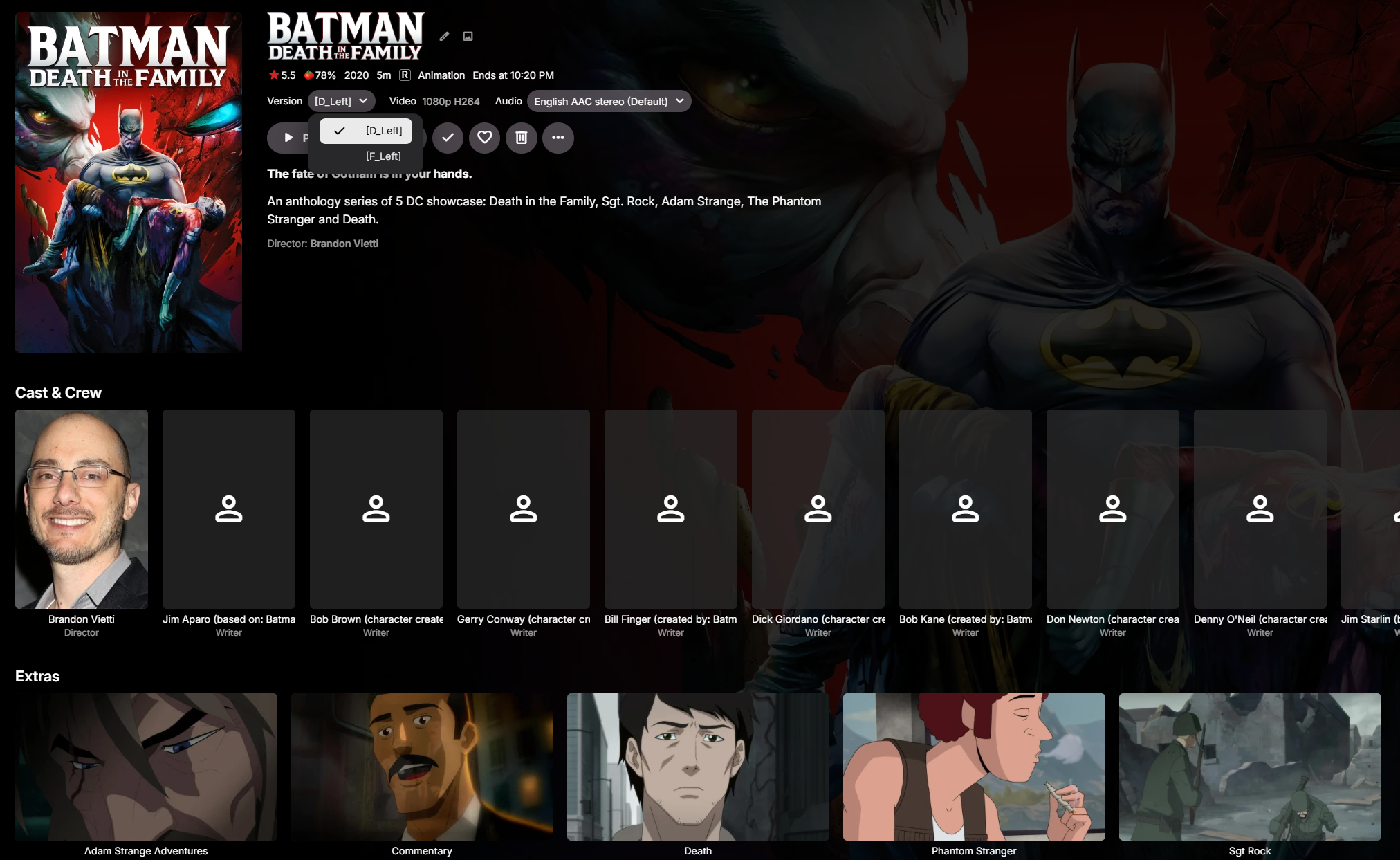
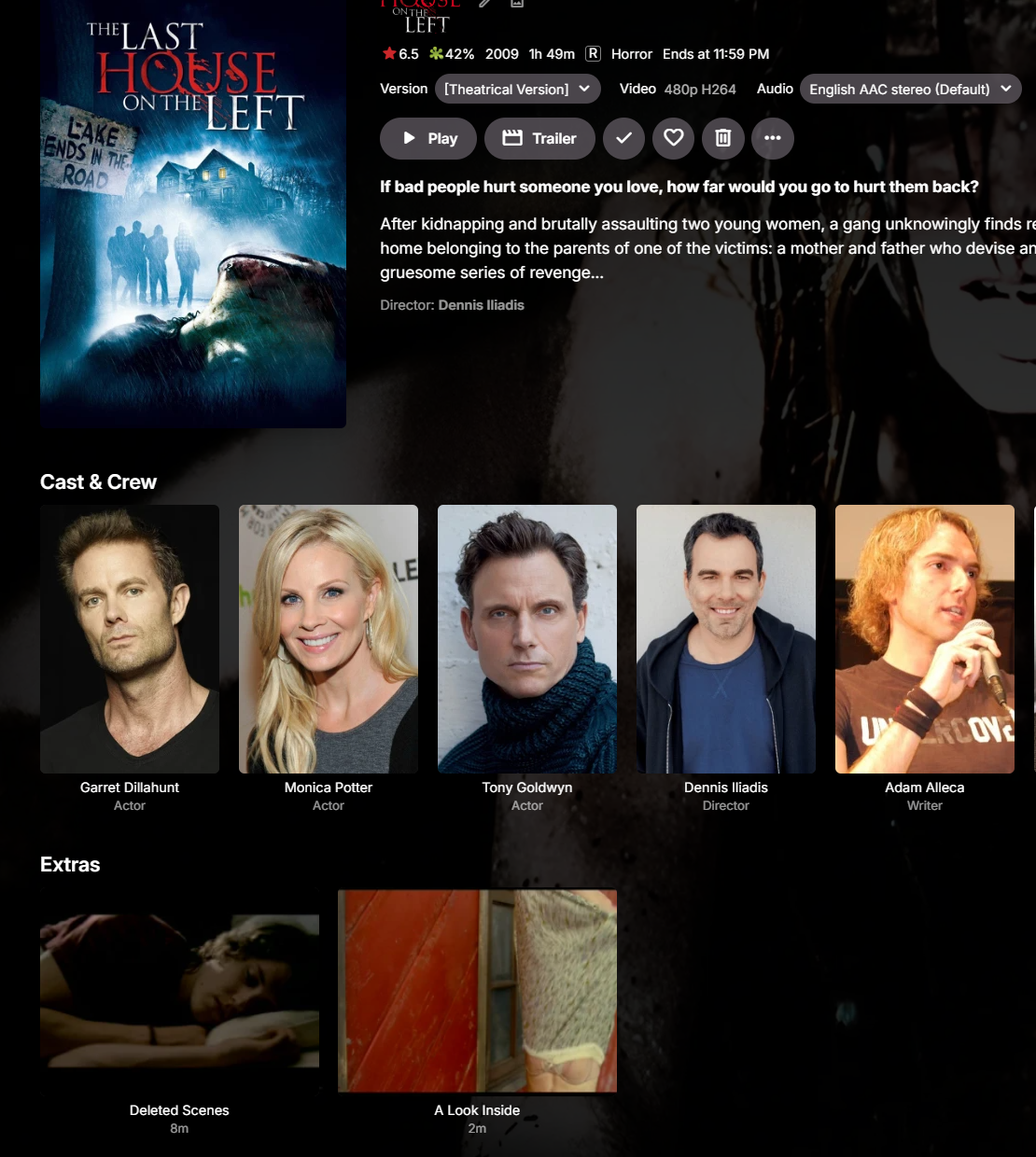
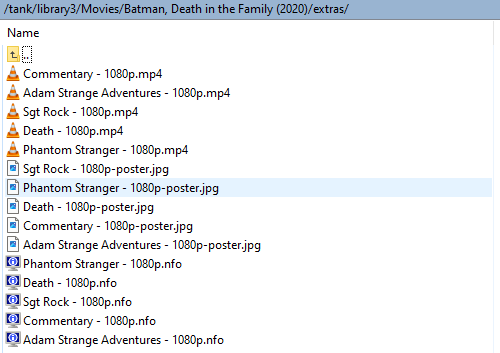
Okay, I tried it with the brackets still, but only put two versions, and it seems to be identifying everything as I would like, extras are shown as extras, as shown below. I think my suspicion is correct, that when you get over some number of versions, it is changing its logic to assume you're being silly and not following the suggested formatting, and it begins looking for many movies within the folder. I will add some versions and keep rescanning and see if I can get them all in without the extras being caught as their own movies.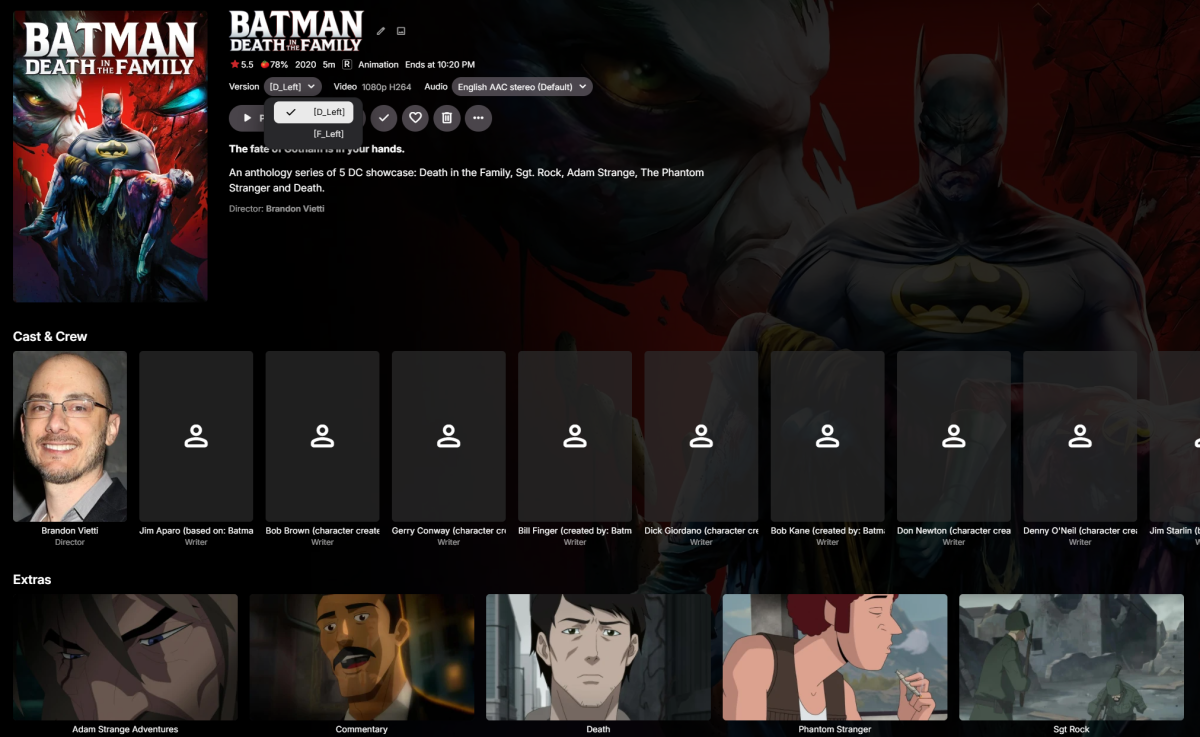
-
 aiguo666 joined the community
 -
 Kelvin Rosa joined the community
 -
Featurettes, Extras Always Top Level with Two (or more) versions of a Show
millerajm replied to millerajm's topic in General/Windows
I will try that now and report back. I have brackets on all my other multiversion movies with no issue, see this example showing the brackets around the version name, and still the extras are treated correctly: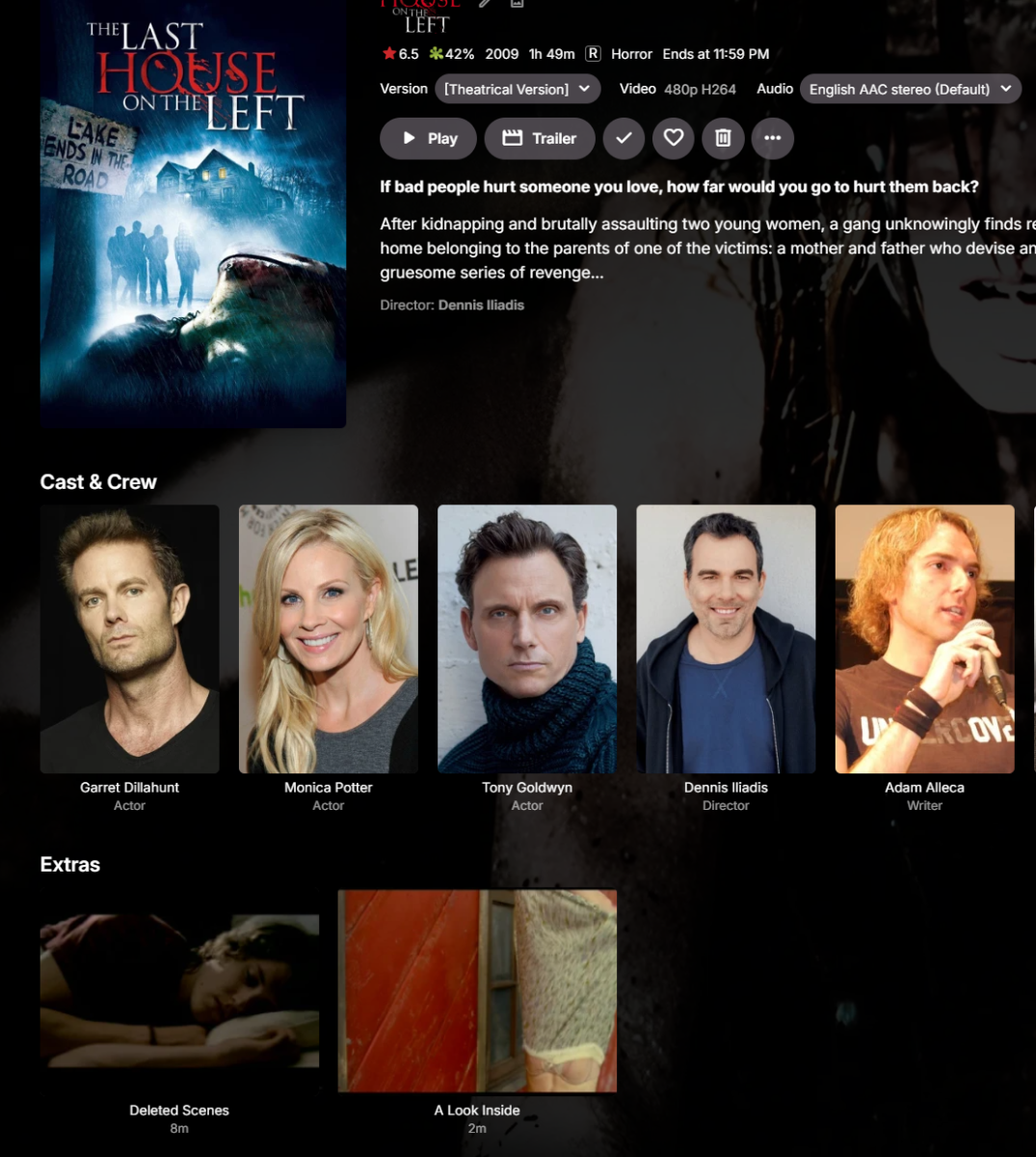
-
 udemo678734 joined the community
 -
 uerne02328 joined the community
 -
 uerne5504289 joined the community
 -
 uvict8369212 joined the community
 -
 uerne01676 joined the community
 -
 karenLopezAlv joined the community
 -

Featurettes, Extras Always Top Level with Two (or more) versions of a Show
Luke replied to millerajm's topic in General/Windows
I wonder if the brackets are causing an issue. Can you test by whipping up a second folder that doesn’t have the brackets? -
 kingalu37 joined the community
 -
Featurettes, Extras Always Top Level with Two (or more) versions of a Show
millerajm replied to millerajm's topic in General/Windows
Yes, the versions are being grouped together correctly, but I did notice on closer inspection that there were some slight differences in their metadata (one I had edited and locked, and maybe the others had refreshed from another source since then?) I've tried a couple things now: First I deleted the .nfo files and rescanned, it didn't change anything. In order to ensure that all versions were being treated the same and the different metadata wasn't somehow causing it to look for multiple movies in this folder, I deleted the whole folder from my collection, scanned library files, verified it was gone from my library, and then copied the whole folder (with no nfo files or images back into my collection, and rescanned library files. After doing this, all versions look identical, and group correctly, but even on this totally fresh add to the library, it has put the extras as their own films. I then tried the above process again, re-adding the folder to the library fresh, but this time I removed " - 1080p" from the filenames of the extras, in case that was somehow an issue. This had the exact same result, the movie versions are together nicely, but the extras are their own movies. -
No I haven't, do I have to call them? It's a, local net company. Any way to check. Thanks
-
Plugin Extensibility for Live TV "On Now" Recommendations (general Home Screen Section API)
Luke replied to FlameRed's topic in Feature Requests
Hi, I don’t have any news yet, sorry. -
Featurettes, Extras Always Top Level with Two (or more) versions of a Show
Luke replied to millerajm's topic in General/Windows
Are the versions actually grouped together? - Today
-
@jcbeaver76 FYI, there is a new pre-release version for CDVR. v2026.08.29.0133 • IMPROVED: authentication for Verizon
-
Featurettes, Extras Always Top Level with Two (or more) versions of a Show
millerajm replied to millerajm's topic in General/Windows
Acutally, the nfo files were updated in July, so it's possible that it happened after I installed 4.9.5.0, and I just didn't notice until now, I'm not sure.
-
Featurettes, Extras Always Top Level with Two (or more) versions of a Show
millerajm replied to millerajm's topic in General/Windows
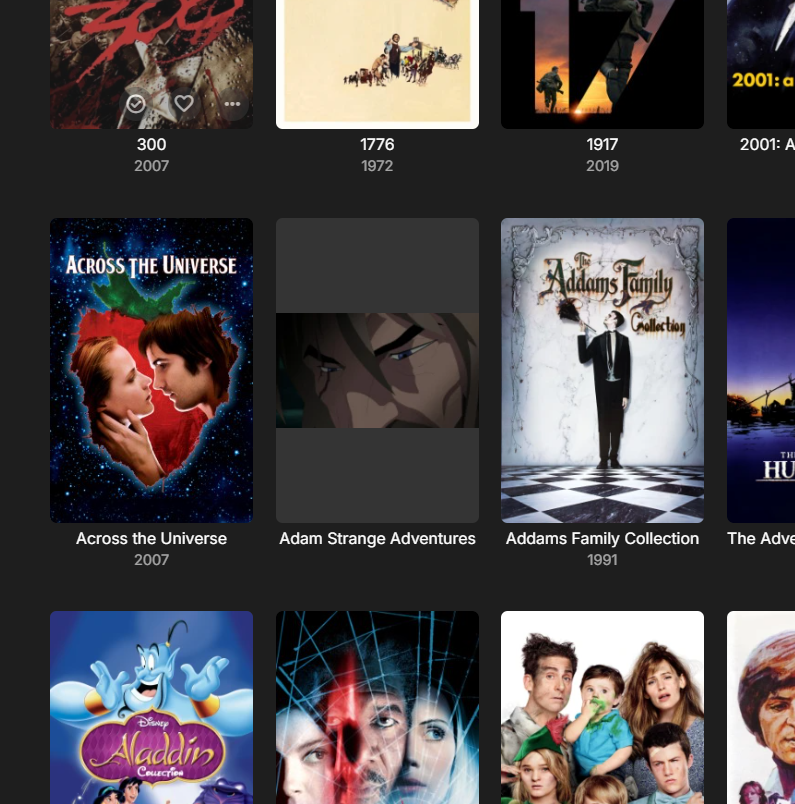
Here is the folder contents: And the contents of "extras": This has been in my library since 2023 with no issue, but when I added some movies and rescanned yesterday, I now have no extras on the film, and they show in the main Movies listing instead: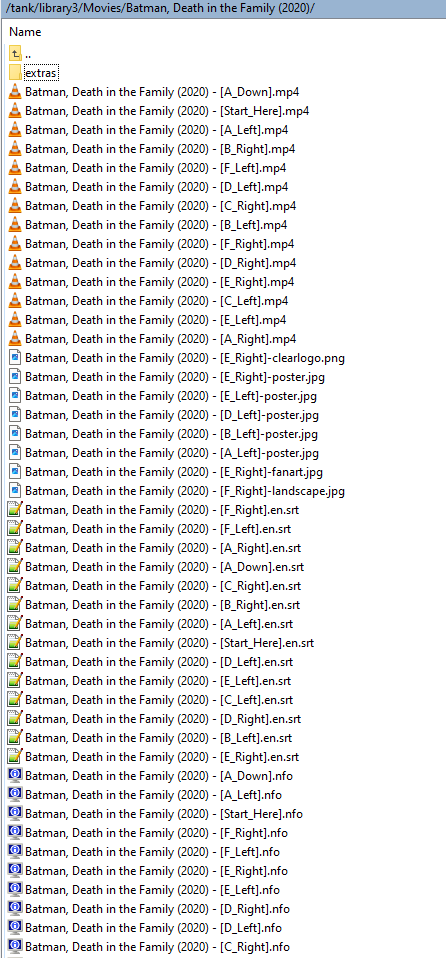
-
Thorium, set to plain English. Once added English (United Kingdom) and selected that as primary, dates are in desired format now. That's good enough, thanks. Though I reckon plugin should still follow server settings/locale.
-
Have you checked to see if your isp is using a cgnat?
-
Featurettes, Extras Always Top Level with Two (or more) versions of a Show
Luke replied to millerajm's topic in General/Windows
@millerajm HI there, can you please provide a specific example? How to Report a Problem Thanks ! -
Featurettes, Extras Always Top Level with Two (or more) versions of a Show
millerajm posted a topic in General/Windows
Hi I'm having this issue also, it appears to have started recently (last week?), even though I haven't updated emby in a while (4.9.5.0), not sure if that's possible. The issue has appeared on a film with 14 separate versions (a choose your own adventure film). Naming follows the recommended convention "movie (year) - [Start_Here].mkv", and the extras are under their own directory Is there a change in logic happening when a file has many versions? -
My current Emby library is roughly 178TB. When I started, I had a single 8TB drive for my movies and shows.
-

Emby Android TV subtitle position at the bottom of screen
kron0s replied to Youthanasia's topic in Feature Requests
I just tried Moonfin, probably switching over to that .. Also shame about Emby, because i rather use that also but I have no hopes of it getting updated. -
The ASUS NUC 15 Pro 7 255H has a much better processor with a better encoding engine. I would agree with Luke, it is the better machine. If you can, turn the other one into your HTPC.
-
ffmpeg-remux-754143a4-6c19-484b-b06e-b93f23fa3705_1.txt stops 10 sec. in. srt...
-
There is nothing better than Emby, especially with the windows player, if there was I’d be using it.
-
Did it change location? The option for it doesn't appear under the "CC" logo anymore - it seems like "Subtitle appearance" has replaced it. @SamES
-
Hi, can you give it another try?
-
Got tired of all the bs Emby gives me uninstalled. GOOD LUCK Maybe in twenty years you'll get it right.
-
You have pgs subtitles selected which is not supported by LG. Try turning off the subtitles prior to playback if you want to avoid the transcode.
-
Hi, no it hasn’t.
-

Emby Android TV subtitle position at the bottom of screen
Youthanasia replied to Youthanasia's topic in Feature Requests
I switched over.. wholpin.. subtitles are a total dealbreaker for me. shame because I like emby a lot.