All Activity
- Past hour
-
 Nickjames0427 joined the community
 -
 Mst243 joined the community
 -
 rusti joined the community
 -
 wevolrhh joined the community
 -
 Burgue42 joined the community
 -
 Yankeesteef2 joined the community
 -
 Prietom4 joined the community
 -
 riwegrhh joined the community
 -
 juankis joined the community
 -
I don’t know where’s that option exactly but I’ve tried everything possible in the settings and I couldn’t find anything says “vertical”, the closest was the “Tv mode” which isn’t helpful as previously mentioned.
-
 Dulce1990 joined the community
 -

NVIDIA Shield screensaver appears while paused, then playback resumes behind it
FrostByte replied to Dr. Technolust's topic in Android
No, I got something different. Tried it 3 times with same result. Nvidia Shield 2019 Pro Server 4.10.0.22 App 3.5.42 - Emby screensaver set to none Open up movie details page Click Run Let movie run for a while Click Pause Android screensaver kicked in after 5 minutes (my Android setting while testing) wait another 5 minutes with no sound Click Up to end screensaver Then the Emby logo flashed Then the black Connect to server screen with the Cancel button flashed real quick Ended back at the Home screen with the first icon selected (will be the movie just watched if you wait long enough for a resume point) Edit: I normally have my Android screensaver set at 2 hours and would probably not have seen the screensaver before when watching movies. -

Feature Request: Configurable Tuner Handshake Retries
PowerCC replied to PowerCC's topic in Feature Requests
Not fail outright necessarily. I'm asking for the tuner handshake retry to be configurable. A fixed 60-second retry can conflict with upstream recovery and hit stale sessions. Keeping defaults is fine, but a configurable retry interval or fail-fast option would avoid contention while Emby remains the DVR. -
OK we are looking into it. Thanks.
-
Hi, you can attach here or PM it to me. Thanks.
- Today
-

Feature Request: Configurable Tuner Handshake Retries
Luke replied to PowerCC's topic in Feature Requests
OK so you're saying you'd rather just have the recording fail outright? -
Sorry, I'll do that over the weekend when I get a chance. But for now, additional data point: AC3 works without transcoding. This problem seems to be strictly EAC3 + Safari.
-
Hi, did you try switching to the vertical home screen?
-
OK I think the server ffmpeg build does not handle embedded webvtt. We'll be updating it on the beta channel very soon so this should be re-evaluated at that time.
-
NVIDIA Shield screensaver appears while paused, then playback resumes behind it
Luke replied to Dr. Technolust's topic in Android
@FrostByteare you able to reproduce? -
Expand saved home-screen ItemsQuery to support Live TV program and relative-date filters
Luke replied to pfunk1978's topic in Developer API
Hi, we can add some of these to the object although I don't think they're going to go in the UI just yet. -
@SamES
-

My Emby Customization – CSS + JavaScript Redesign
JNW1980 replied to adelinxq's topic in Web App CSS
Looks good, nice work! -
why emby keeping transcode av1 not direct play anymore??
Luke replied to kira yamato's topic in Apple iOS / macOS
It was changed to only direct play for devices with hardware decoding of av1. most devices will struggle to play av1 in software. but we can always make this an option. -
Hi there, let's look at an example. Please attach the information requested in how to report a media playback issue. Thanks!
-
@Luke@abat119 I'm still having this issue with Safari on iOS 26.6 and macOS 12.7.6 EAC3 files are transcoding to AAC on iOS and to MP3 on macOS.
-

Ginjaninja Tools - Cycle Images Plugin - Replace collection collage image based on latest members
ginjaninja replied to ginjaninja's topic in Plugins
0.2.0.0 Updated to 4.9.1.90 SDK Updated to Plugin UI Added support for libraries (enable in config) and channels. Proper hashing algorithm of members to suppress unneccessary image generation. More purposefully finds the newest members. -
HLS transcoding for Apple's native player: fMP4 segments, and an HDR + SDR variant pair
Luke replied to vdatanet's topic in Developer API
The server does populate video-range and codecs already. -

HLS transcoding for Apple's native player: fMP4 segments, and an HDR + SDR variant pair
vdatanet replied to vdatanet's topic in Developer API
Thanks for the pointer — I went and measured it, and the result is worth reporting, because it changes what I'm asking for. First, a correction to my own post. I said the transcoding output was MPEG-2 TS with .ts segments. Against Emby 4.9.5.0 that doesn't reproduce. With my existing profile — "Container": "mp4", the one I quoted — the variant playlist already contains #EXT-X-MAP:URI= and the media segments are 0.mp4. That's fMP4. So request #1 in my original post is already satisfied, and I withdraw it. Either something changed since I took that measurement or I misread my own capture; either way the record should be straight. I did try m4s as you suggested. It works, but as far as I can tell it only changes the file extension — 0.m4s instead of 0.mp4 — with #EXT-X-MAP present in both cases. Same container, different name. If it's meant to do something more than that, I'd be glad to know what to look for. What actually blocks the native Apple player is the manifest description, not the segments. Here is the multivariant playlist Emby produces for an HDR10 source (Emby's own metadata for the item reports VideoRange: "HDR 10", ExtendedVideoType: "Hdr10" #EXT-X-STREAM-INF:BANDWIDTH=26581586,AVERAGE-BANDWIDTH=22151322,RESOLUTION=3840x1600,FRAME-RATE=23.976 There is no VIDEO-RANGE attribute and no CODECS attribute. This is the part that matters on Apple platforms, and it's independent of what the segments contain. AVPlayer decides what a stream is before it downloads a single segment: it reads the #EXT-X-STREAM-INF attributes to rule variants in or out and to pre-configure the display. With no VIDEO-RANGE=PQ and no codec string to inspect, tvOS has nothing to act on, so Match Dynamic Range never fires and the TV stays in SDR — even if the elementary stream underneath is perfectly good HDR HEVC. CODECS is also what lets a player reject a variant it can't decode without downloading it first; without it, every client has to guess. For contrast, this is what a correctly described HDR variant looks like — VIDEO-RANGE, a codec string, and Dolby Vision signalled via SUPPLEMENTAL-CODECS: #EXT-X-STREAM-INF:BANDWIDTH=44081437,VIDEO-RANGE=PQ,CODECS="hvc1.2.4.L150.B0,ac-3",SUPPLEMENTAL-CODECS="dvh1.08.06/db1p",RESOLUTION=3840x2160,FRAME-RATE=23.976 To pre-empt the obvious objection: for a lot of my library Emby decides to burn in subtitles (SubtitleMethod=Encode, TranscodeReasons=SubtitleCodecNotSupported), and a burn-in forces a full re-encode through format=pix_fmts=yuv420p — 8-bit, so HDR is gone regardless of the source. For those items, omitting VIDEO-RANGE would be entirely honest: you shouldn't advertise PQ if what you're sending is SDR. So I removed the burn-in entirely (it turned out to come from a remembered per-item subtitle selection on my user account, not from anything you do by default) and re-measured. Across the first 10 HDR10 and Dolby Vision items in my library, with no burn-in on any of them — TranscodeReasons=ContainerNotSupported on its own, no subtitle filter in the chain — none gets a VIDEO-RANGE attribute. The attribute isn't missing because the pipeline tone-mapped; it's missing because it never gets written. The server does receive the information, for what it's worth: with Property: "VideoRange" on the CodecProfile (I had been using Jellyfin's VideoRangeType, which Emby ignores — that one's on me), the transcoding URL comes back carrying hevc-videorange=SDR,DOVIWithSDR,HLG,…,DOVIWithHDR10,DOVI. So Emby knows the client accepts HDR. It just doesn't say anything about it in the manifest. On "you can't get both HDR and SDR together in the same manifest": understood, and I want to be clear that I'm not asking you to change that. The HLS Authoring Specification does ask for an SDR companion, but a single well-described variant would already solve my problem. If the manifest said VIDEO-RANGE=PQ and carried a CODECS string, an Apple TV 4K would configure the display correctly and a client that can't handle HDR would see, from the manifest alone, that it shouldn't select it. That's a much smaller change than restructuring into a variant pair, and it's the one I actually need. So the revised request is just this: populate VIDEO-RANGE and CODECS on #EXT-X-STREAM-INF (and SUPPLEMENTAL-CODECS where Dolby Vision applies), reflecting what the stream really is. And the stream really is HDR. I pulled the #EXT-X-MAP init segment and the first media segment, concatenated them and ran ffprobe — once on an HDR10 title, once on a Dolby Vision one: HDR10 → hevc (Main) · 3840x1600 · yuv420p · smpte2084 · bt2020 · bt2020nc DOVI → hevc (Main) · 3840x2160 · yuv420p · smpte2084 · bt2020 · bt2020nc smpte2084 is PQ and the primaries are BT.2020 — Emby is sending me HDR right now. It just doesn't say so in the manifest, and by the time the player has a segment in hand it's too late: on Apple platforms the display mode is decided up front, from the attributes. So this isn't a request to change what the transcoder produces. The bytes are already right. It's a request to describe them. Four questions: Is the absence of VIDEO-RANGE and CODECS deliberate, or just not implemented? Is there a server setting or a device-profile property that turns it on that I've missed? Would you also consider keeping 10-bit? The output is hevc (Main) at yuv420p — 8-bit — while carrying PQ and BT.2020 tags. PQ at 8 bits bands visibly, and HDR10 is defined as 10-bit. The source is Main 10, so the depth is being dropped in the transcode rather than being a limitation of the input. I notice the ffmpeg command line asks for -profile:v:0 main10 while the filter chain ahead of it has already done format=pix_fmts=yuv420p, which looks like the two ends disagreeing. The Dolby Vision title comes out the same as the HDR10 one: PQ and BT.2020, but no RPU or DV configuration record left in the stream. Is DV expected to survive a transcode, or is dropping to HDR10 base the intended behaviour? If the attributes were added, is there anything else on the Emby side that would stop tvOS from switching display mode? One footnote, in case it's useful to anyone else: this took a while to measure because most of my HDR titles were failing with HTTP 500 — Error starting ffmpeg. That turned out to be a burn-in of a subrip track that my account had remembered per-item, which puts subtitles=filename='<the same 18 GB mkv>' in the filter chain; that filter scans the whole container before emitting a frame, my media sits on a nearly-full ZFS pool doing ~34 MB/s, and the encode timed out. The same command without the subtitle filter produces its first segment in 14 seconds. Entirely my storage's problem, not a bug on your side — but worth knowing that a burn-in on a very large file can fail outright rather than just run slowly. Happy to test any build against a 4K HDR/DV library and report back with player-side measurements: the variant chosen, the video range as AVPlayer reports it, and whether the display mode actually switches on an Apple TV 4K. -
4.9.5.0. Was called Autotag in the log so might be an older version that does work with stable.
-
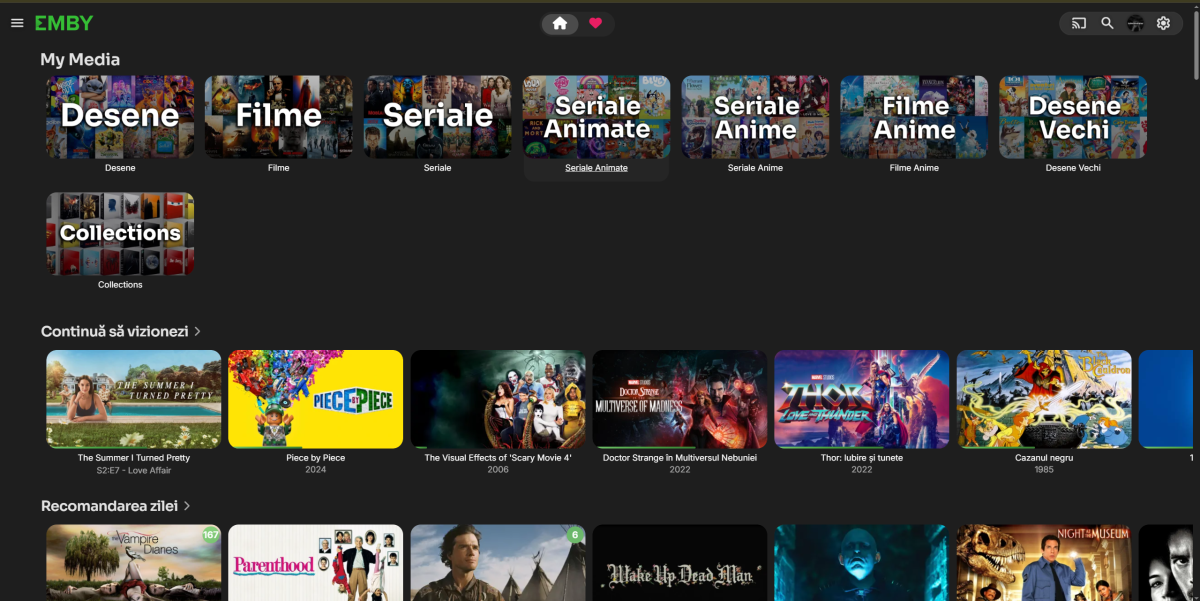
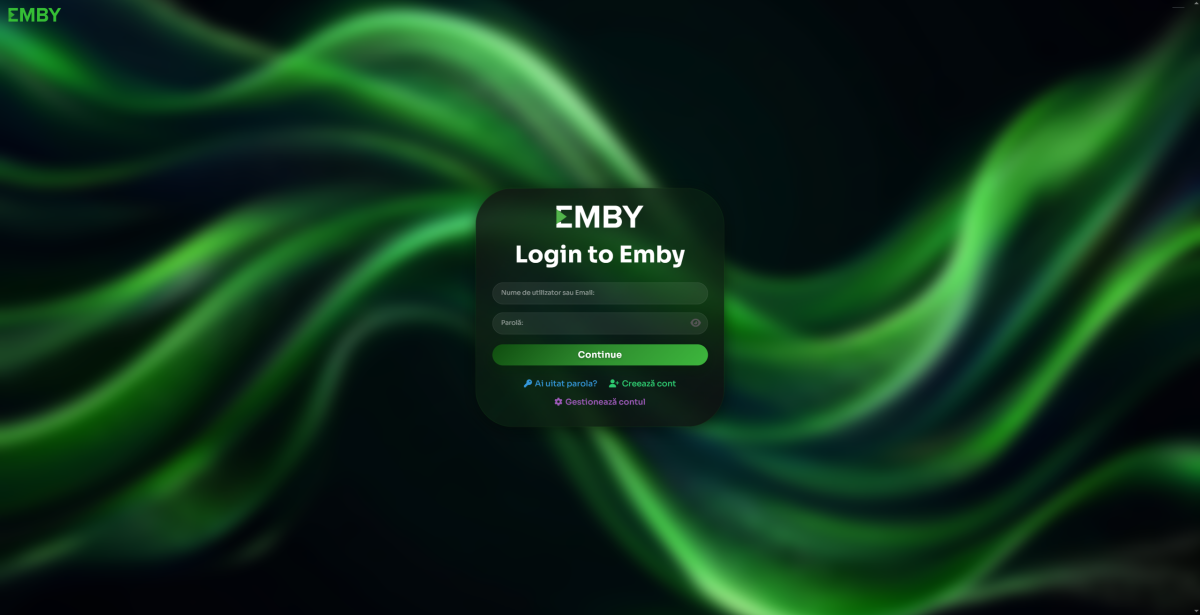
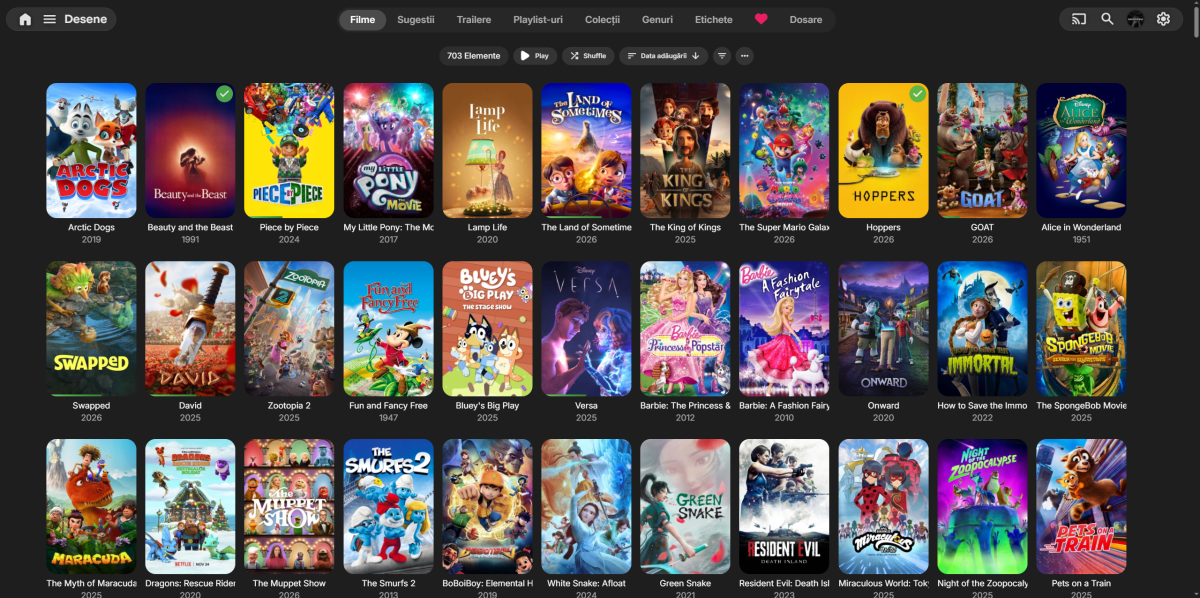
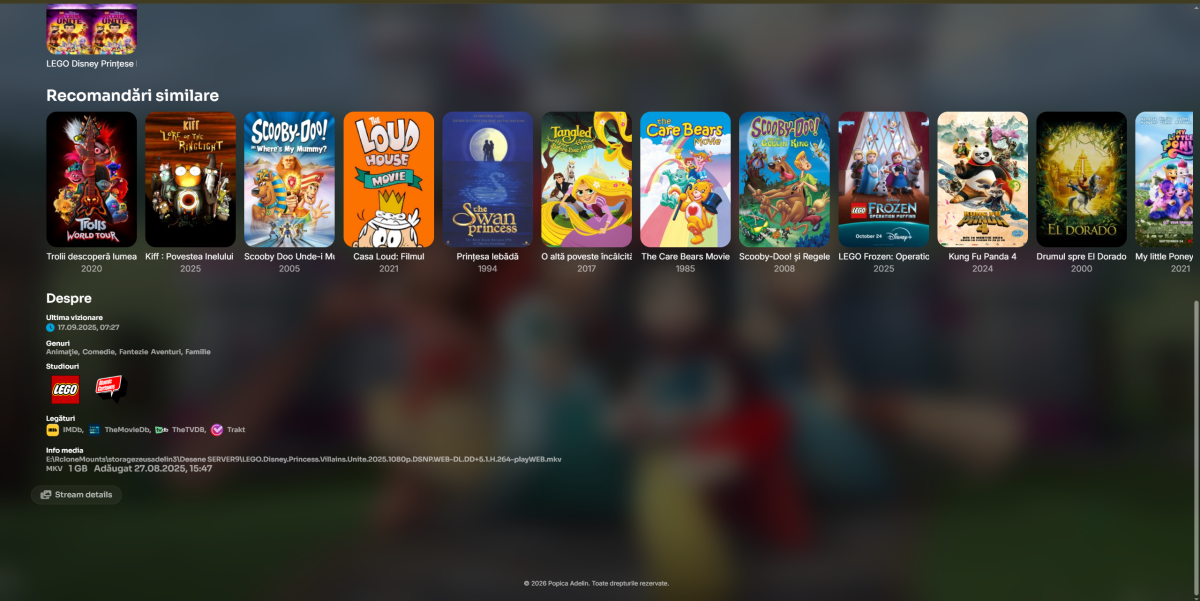
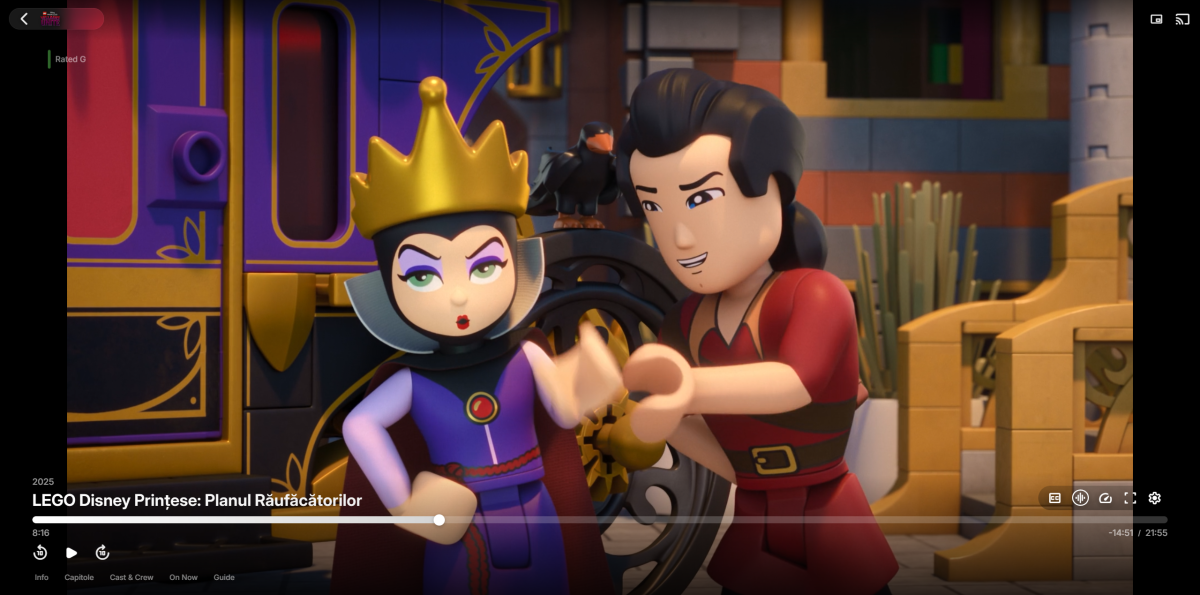
I've completely modernized the Emby interface using custom CSS and JavaScript, creating a premium login screen with full‑screen background and glass‑morphism effect, a modern glass header with blur and smooth transitions, cards with hover animations and gradient progress bars, larger buttons with press animations, enhanced OSD video controls with hover effects and a YouTube‑style center play/pause overlay, a fully customized volume slider with modern glass design, cascading entrance animations throughout, full Dark and Light theme support, custom logos replacing default icons, a fully responsive layout optimized for all devices, premium Sora and Inter fonts
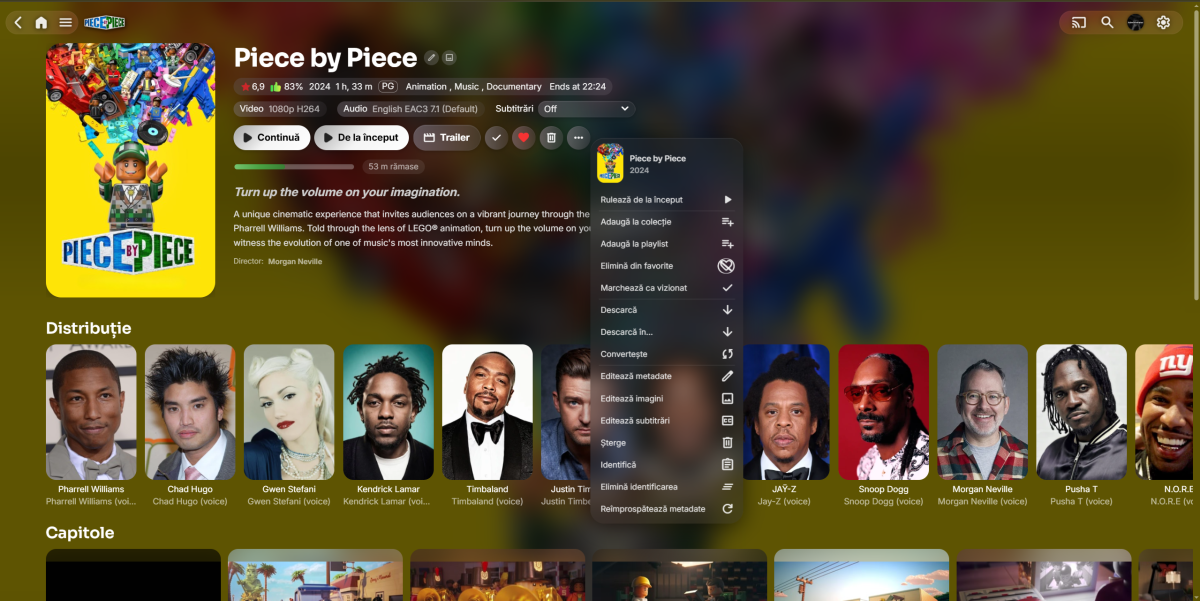
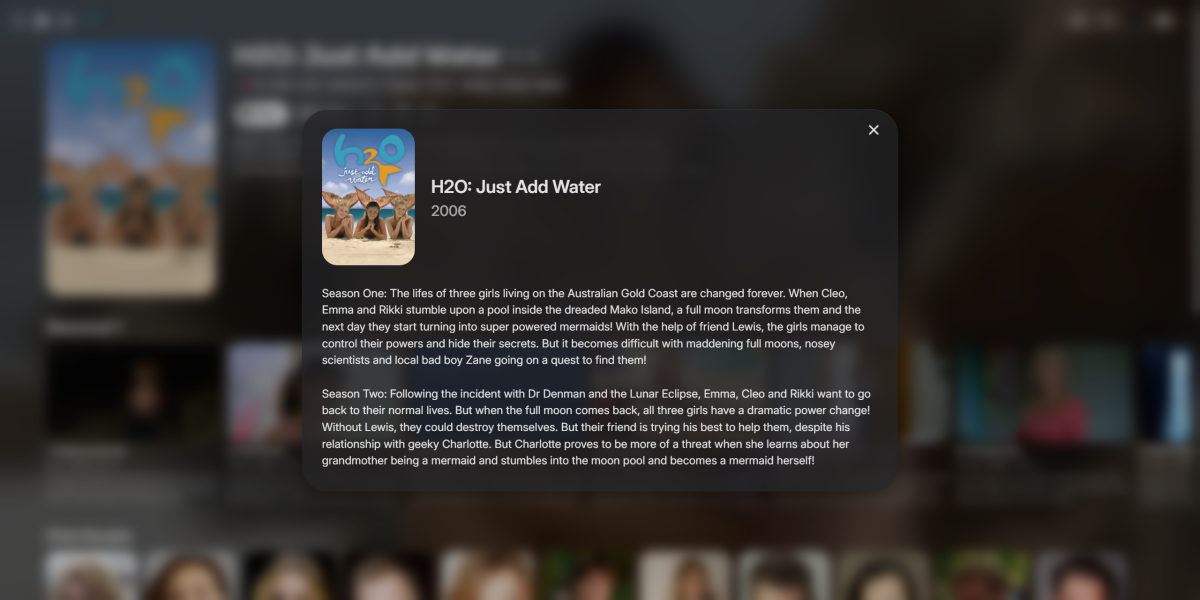
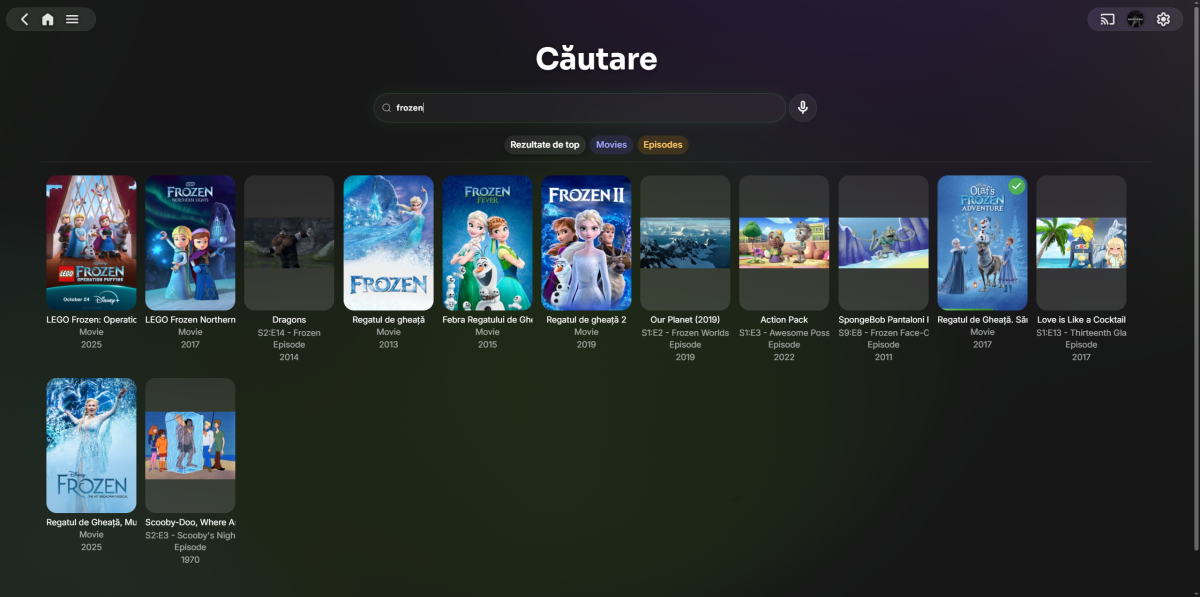
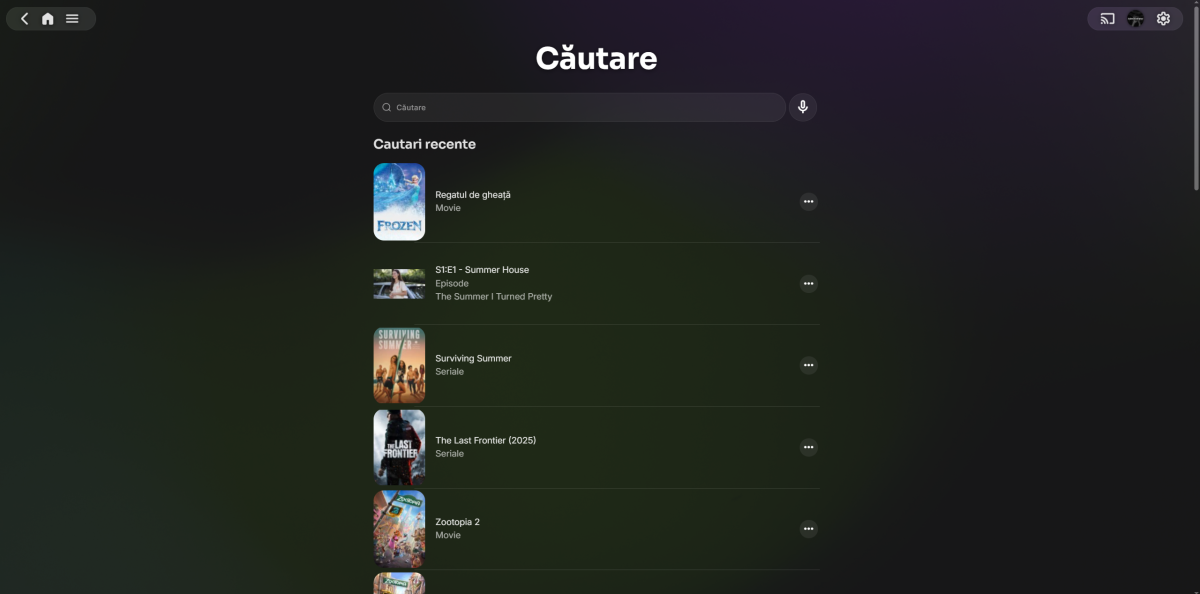
- 1 reply
-
- 1
-

-
HLS transcoding for Apple's native player: fMP4 segments, and an HDR + SDR variant pair
Luke replied to vdatanet's topic in Developer API
Try asking for m4s as the segment container. you can get fmp4. you can't get both hdr and sdr together in the same manifest. -
Tips to set up emby on a QNAP NAS using Docker with HW Transcoding
Luke replied to Ikario's topic in QNAP
Is this on QNAP? -
Does applying a tag to a folder not apply it to all items in the folder?
Luke replied to podonnell's topic in General/Windows
Probably not. It would need to add it's own handling of that. -

Does applying a tag to a folder not apply it to all items in the folder?
podonnell replied to podonnell's topic in General/Windows
Does it also work for purposes of something like VirtualTV? I set the tag on a folder and then when I chose content with the tag I created, my playlist came back with 0 results.