All Activity
- Past hour
-
 David14s joined the community
 -
 farinas09 joined the community
 -
No, nothing. Had to force close the app after 5 minutes.
-
 cinemasrgn joined the community
 -
 tazer772 joined the community
 -
 taten770 joined the community
 -
 tasom759 joined the community
 -
 tapen758 joined the community
 -
 tanum757 joined the community
 -
 tamed755 joined the community
 -
 taken754 joined the community
 -
Give me a second, i´m asking them to reproduce the movie
-
This is the only log you posted.
-
Euphoria was fine, maybe there was an issue while playing with teh A2000 but it plays fine
-
Your log: {"Chapters":[],"Protocol":"File","Id":"mediasource_392391","Path":"/discos/Series/Series/E/Euphoria (2019) [tvdb=360261]/Temporada 1/1080p/1x01 - [1] - Piloto.mkv","Type":"Default","Container":"mkv","Size":3904650596,"Name":"1x01 - [1] - .....
-
Which movie is it? We´ve played several and the issue was with Gran Torino.
-

BDMV folder playback broken in Emby Server 4.9.5.0 – BDMV directory is incorrectly opened as a regular file
Jar4tt replied to Jar4tt's topic in General/Windows
confirm,the dot Pokemon Detective Pikachu 2019 ULTRAHD Blu-ray 2160p HEVC Atmos TrueHD 7.1-sGnb@CHDBits No Pokemon Detective Pikachu 2019 ULTRAHD Blu-ray 2160p HEVC Atmos TrueHD 71-sGnb@CHDBits YES - Today
-
So, there's something wrong: >>>>>> Processing Plan Name CanDoInHW WillDoInHW Reason Automatic software decoder >> False False Software Codec VideoInput >> False False Not a hardware decoder SubtitleOverlay >> False False VideoOutput >> False False Not a hardware encoder x264 >> False False Software Codec 14:53:13.898 Stream #0:1(spa): Audio: ac3, 48000 Hz, 5.1(side), fltp, 384 kb/s (default) 14:53:13.912 elapsed=00:00:00.42 frame= 1 fps=0.0 q=0.0 size=N/A time=00:00:00.00 bitrate=N/A throttle=off speed= 0x 14:53:14.411 elapsed=00:00:00.94 frame= 19 fps=0.0 q=28.0 size=N/A time=00:00:00.73 bitrate=N/A throttle=off speed=0.776x 14:53:14.936 elapsed=00:00:01.45 frame= 31 fps= 21 q=28.0 size=N/A time=00:00:01.24 bitrate=N/A throttle=off speed=0.858x 14:53:15.451 elapsed=00:00:02.00 frame= 44 fps= 22 q=28.0 size=N/A time=00:00:01.76 bitrate=N/A throttle=off speed=0.877x 14:53:15.999 elapsed=00:00:02.55 frame= 61 fps= 24 q=28.0 size=N/A time=00:00:02.52 bitrate=N/A throttle=off speed=0.988x 14:53:16.535 elapsed=00:00:03.10 frame= 76 fps= 25 q=28.0 size=N/A time=00:00:03.23 bitrate=N/A throttle=off speed=1.04x 14:53:17.125 [segment @ 0x393a2cc0] Opening '/var/lib/emby/transcoding-temp/51A997/51A997.m3u8.tmp' for writing 14:53:17.126 SegmentComplete=video:0 Index=26 Start=0.000000 End=81.039378 Duration=81.039378 offset_pts=0 start_pts=0 Frames=72 filename=51A997_26.ts 14:53:17.132 [segment @ 0x393a2cc0] Opening '/var/lib/emby/transcoding-temp/51A997/51A997_27.ts.tmp' for writing 14:53:17.133 elapsed=00:00:03.62 frame= 90 fps= 25 q=28.0 size=N/A time=00:00:03.74 bitrate=N/A throttle=off speed=1.03x 14:53:17.348 subtitle_kickoff: resend - pts: 82374 14:53:17.353 subtitle_kickoff: call subtitle_resend_current 82384 frame->format: 1 14:53:17.573 elapsed=00:00:04.14 frame= 101 fps= 24 q=28.0 size=N/A time=00:00:04.06 bitrate=N/A throttle=off speed=0.981x 14:53:18.131 elapsed=00:00:04.65 frame= 111 fps= 24 q=28.0 size=N/A time=00:00:04.54 bitrate=N/A throttle=off speed=0.977x 14:53:18.598 elapsed=00:00:05.16 frame= 122 fps= 24 q=28.0 size=N/A time=00:00:05.02 bitrate=N/A throttle=off speed=0.972x 14:53:19.122 elapsed=00:00:05.69 frame= 134 fps= 24 q=28.0 size=N/A time=00:00:05.53 bitrate=N/A throttle=off speed=0.972x 14:53:19.645 elapsed=00:00:06.20 frame= 150 fps= 24 q=28.0 size=N/A time=00:00:06.11 bitrate=N/A throttle=off speed=0.985x 14:53:20.044 [segment @ 0x393a2cc0] Opening '/var/lib/emby/transcoding-temp/51A997/51A997.m3u8.tmp' for writing
-
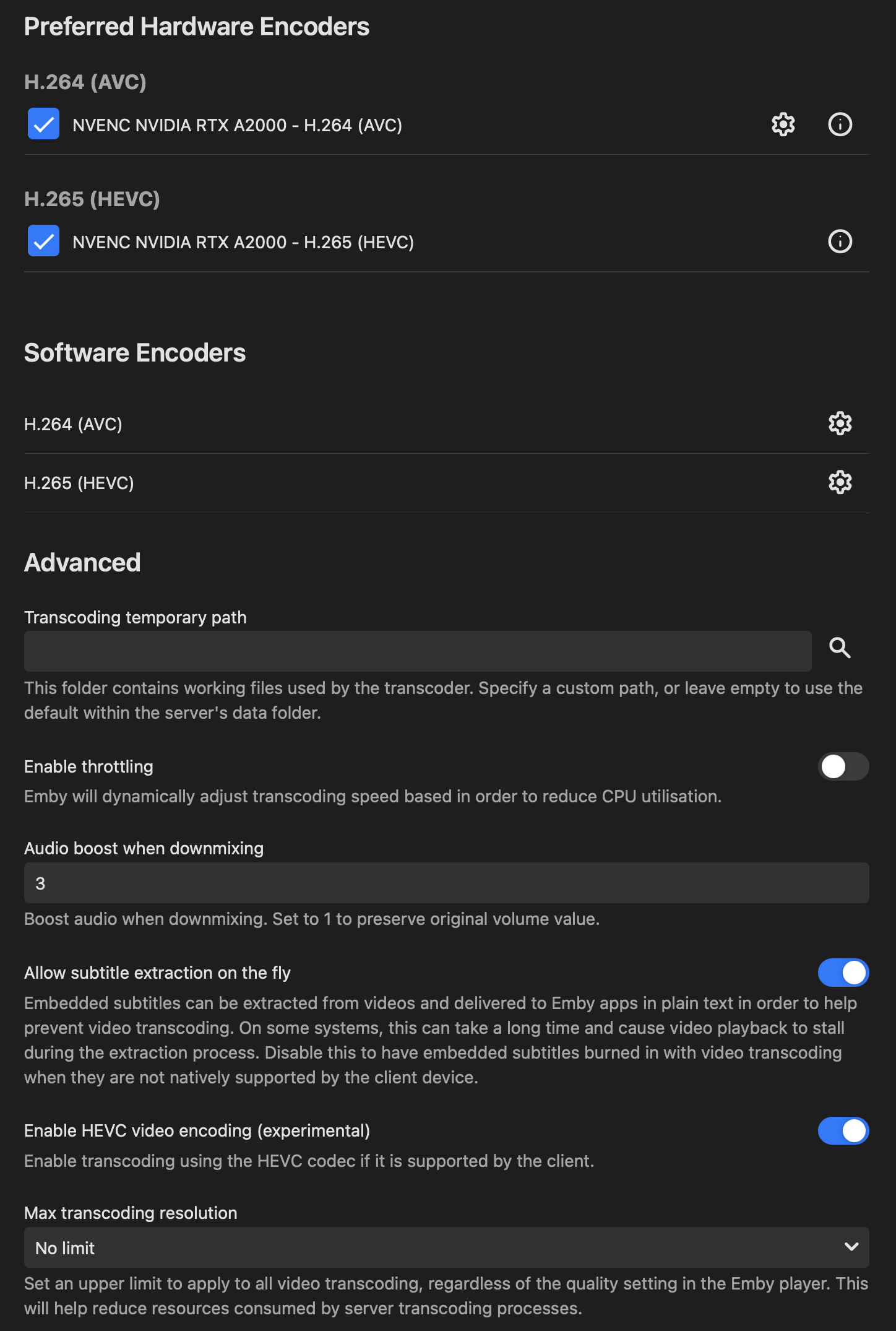
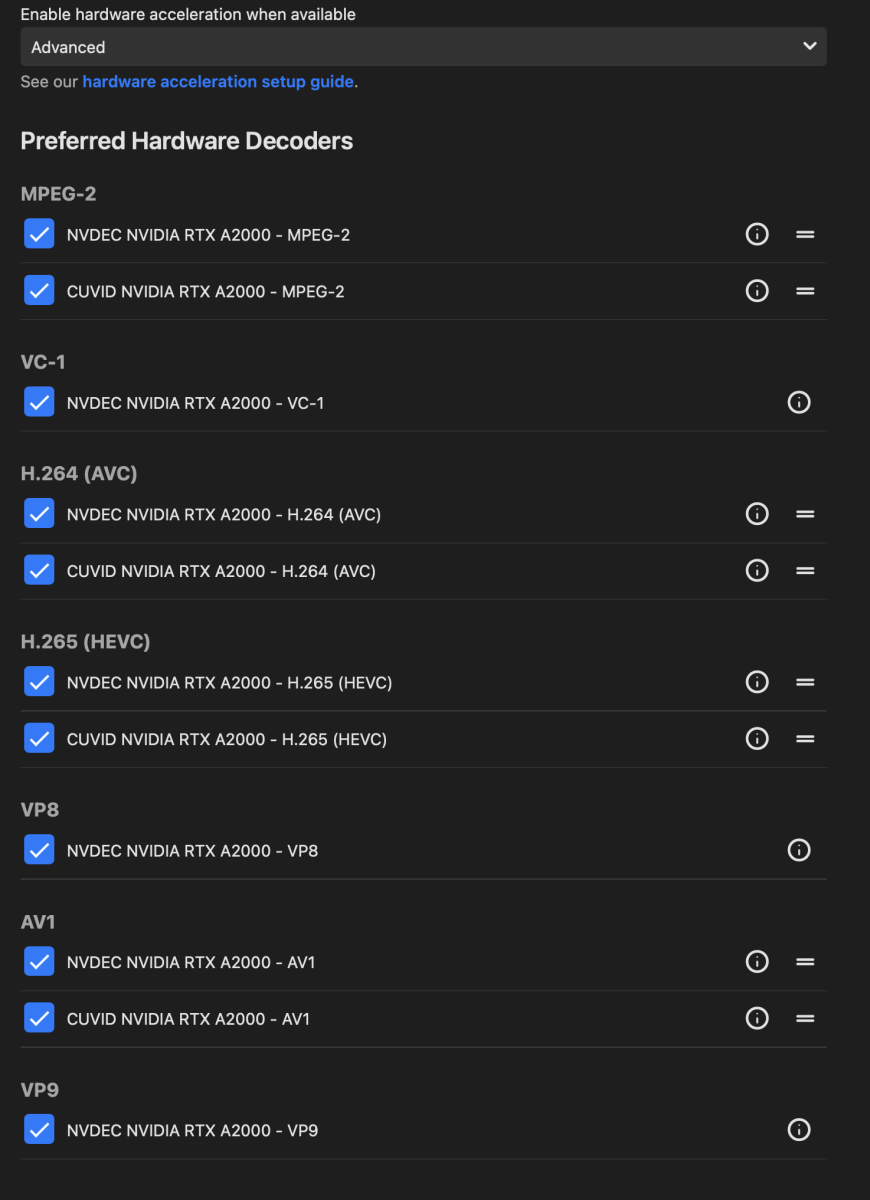
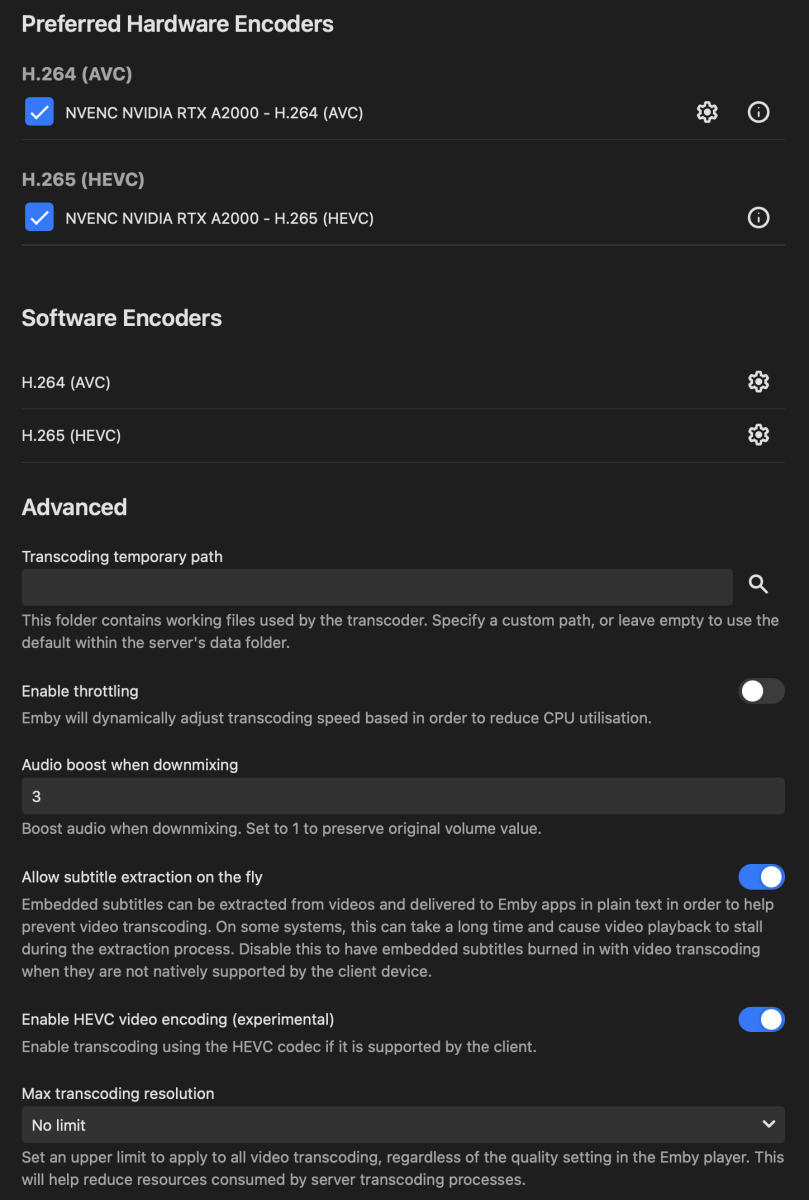
The server has a rtx A2000 with a dedicated ssd to transcode, this is not the issue as it works well in mobile while doing transcode. The movie also is being played without subtitles, i´ve tried also with the forced ones
-
3.5.49 Core UI Update Only Core UI Changes from 26.0.14 to 26.0.15 Improve loading dialog
-
Emby for Android 3.5.49 Released Changes 3.5.49 Core UI Update Only Core UI Changes from 26.0.14 to 26.0.15 Improve loading dialog
-

Atrium — a native tvOS app for your Emby server
vdatanet replied to vdatanet's topic in Third Party Apps
No — the app does HDR10, HLG and Dolby Vision, and against other server types it already switches an Apple TV 4K into HDR correctly. What you're seeing as SDR is Emby's side of the HLS path, and I've measured it fairly carefully. Emby's #EXT-X-STREAM-INF carries no VIDEO-RANGE attribute and no CODECS attribute. On Apple platforms the player decides what a stream is before it downloads a single segment — it reads those attributes both to rule variants in or out and to pre-configure the display — so with neither present, Match Dynamic Range never fires and the TV stays in SDR. The segments themselves are fine: I pulled the #EXT-X-MAP init segment plus the first media segment and ran ffprobe, once on an HDR10 title and once on a Dolby Vision one, and both come back smpte2084 / bt2020. Emby is sending me HDR right now; it just doesn't say so in the manifest, and by the time the player has a segment in hand it's too late. Full write-up and measurements are in this thread. If those attributes get populated, HDR works here with no change on my side. On the audio: no, and that's a deliberate limit rather than something waiting on the roadmap. The app is built on AVPlayer/AVFoundation only — no bundled software decoder. That's the whole bet: hardware decoding, Match Dynamic Range and Match Frame Rate, the system transport UI, tvOS's own subtitle rendering. The price is that I'm bound by what AVFoundation accepts, and it doesn't decode or bitstream TrueHD or DTS in any form. Infuse ships its own player engine, which is how it can bitstream those to a receiver; doing the same would mean giving up everything above, and I'd rather push the native player as far as it goes. In practice that means AAC, AC-3, E-AC-3, ALAC, FLAC and LPCM direct play untouched — including Dolby Atmos when it's carried in E-AC-3 (JOC), which is the form the Apple TV supports natively anyway. A TrueHD or DTS-HD MA track gets transcoded server-side, audio only, with the video still copied: you lose the lossless track, and TrueHD Atmos comes down to a channel bed. Most 4K remuxes carry a DD+ or AC-3 compatibility track alongside the lossless one — picking that in the audio menu direct plays, and keeps Atmos if it's there. Glad the rest feels smooth — thanks for putting it through its paces. -
Hi, can you please provide a log from the emby android app? Thanks !
-

Audio transcode issue whit the last stable version 4.8.3.0
Luke replied to damien_c2's topic in General/Windows
Hi, have you updated to Emby Server 4.9.5? Has that helped? -
Playing an Emby playlist downloaded to Iphone, play via Apple Car Play - How do you do it?
Luke replied to ginjaninja's topic in Apple iOS / macOS
Hi, currently when you download a playlist, the contents of the playlist are downloaded but not the playlist itself. This is something we plan to improve on, as well as supporting downloaded content in carplay. Thanks. -
[BUG] Fast-Forward Live TV Allowed Into the Future, Then Appears Stuck
Luke replied to Tigga5's topic in Android
HI, we are looking at it. Thanks. -
BDMV folder playback broken in Emby Server 4.9.5.0 – BDMV directory is incorrectly opened as a regular file
Luke replied to Jar4tt's topic in General/Windows
or by any chance is it related to a folder with a dot in the name? -
BDMV folder playback broken in Emby Server 4.9.5.0 – BDMV directory is incorrectly opened as a regular file
Jar4tt replied to Jar4tt's topic in General/Windows
After some test,it seems that the cause is the long folder name,not the '@' charater: Pokemon Detective Pikachu 2019 ULTRAHD Blu-ray 2160p HEVC Atmos TrueHD 7.1-sGnb@CHDBits no Pokemon Detective Pikachu 2019 ULTRAHD Blu-ray 2160p HEVC Atmos TrueHD 7.1-sGnbCHDBits no Pokemon Detective Pikachu yes Pokemon Detective Pikachu@CHDBits yes -
Add a buffer to the pixel dimensions of the "match video resolution" feature
Luke replied to rekit's topic in Android
Ok we are looking into it. Thanks. -
Regarding the issue of 4.9.1.80 and the plugin Bluray Folder Support 1.0.3.0 recognizing BDMV original disc fi
Luke replied to LonelyCat's topic in Synology
OK yes we are looking into it. Thanks. -
@chorion83?
-
Yes they're probably assigned to an episode. This is causing the genres screen to show the empty category. That empty category will no longer be there in the upcoming 4.10 release. Thanks.
-
Hi, thanks for following up.
-

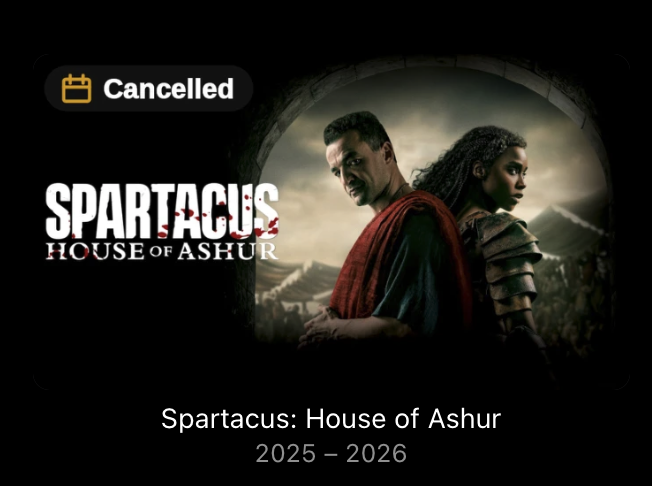
TV Show Status — TMDB-powered Returning/Ended/Cancelled badges for series
Blueskies278 replied to Blueskies278's topic in Plugins
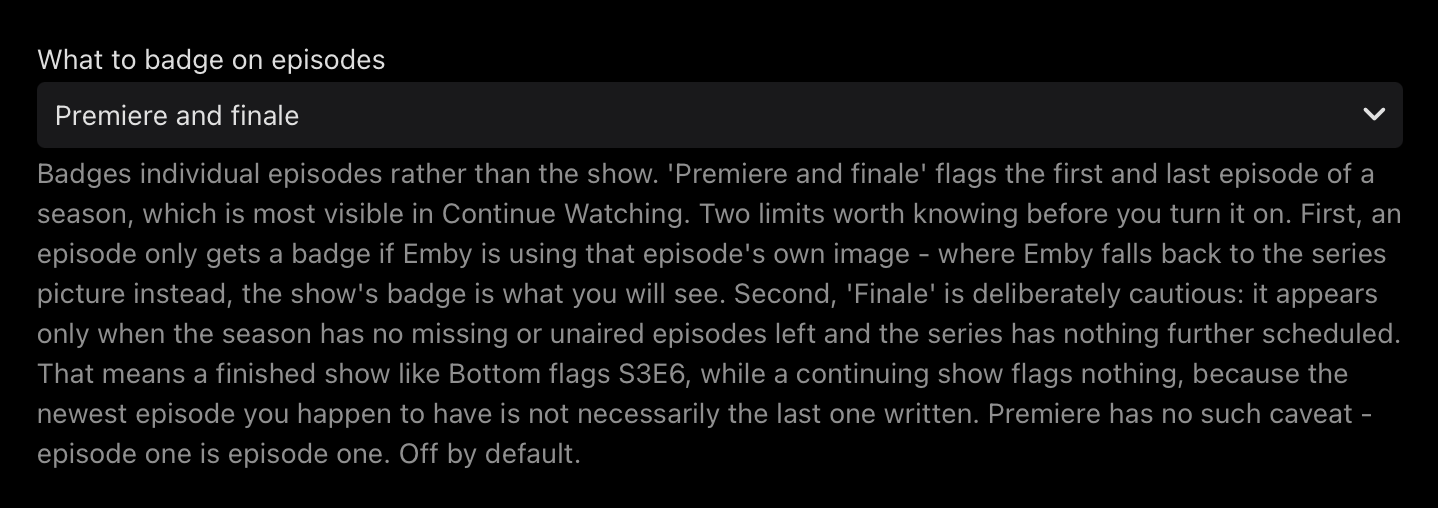
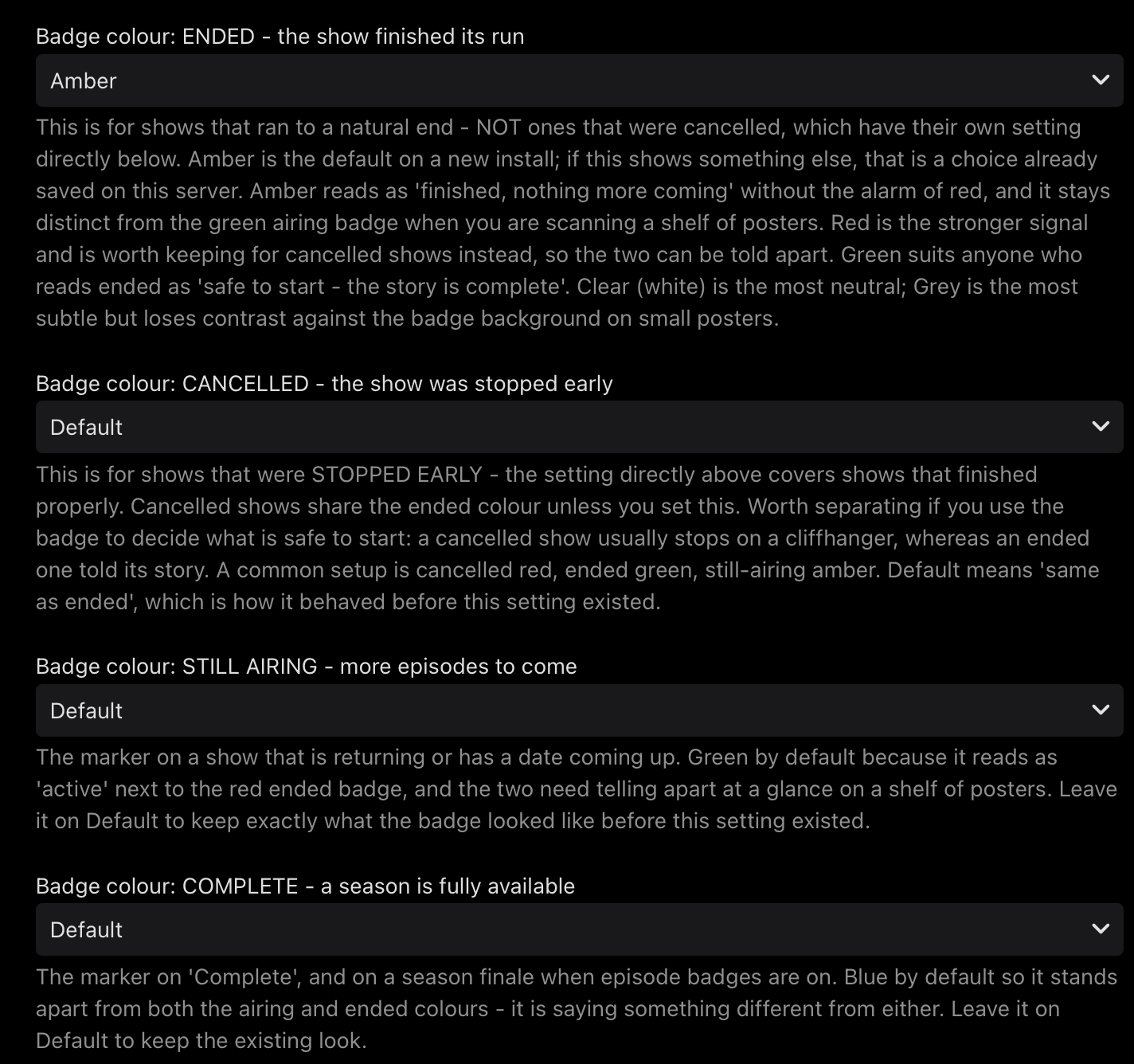
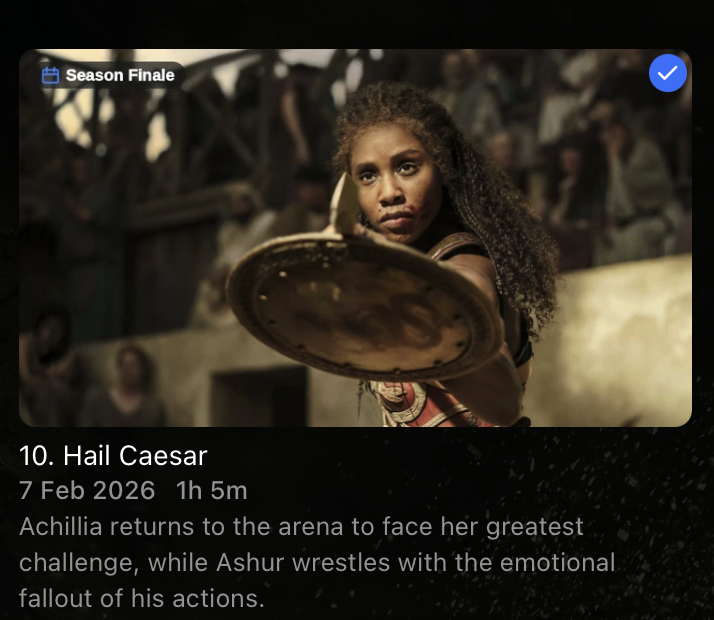
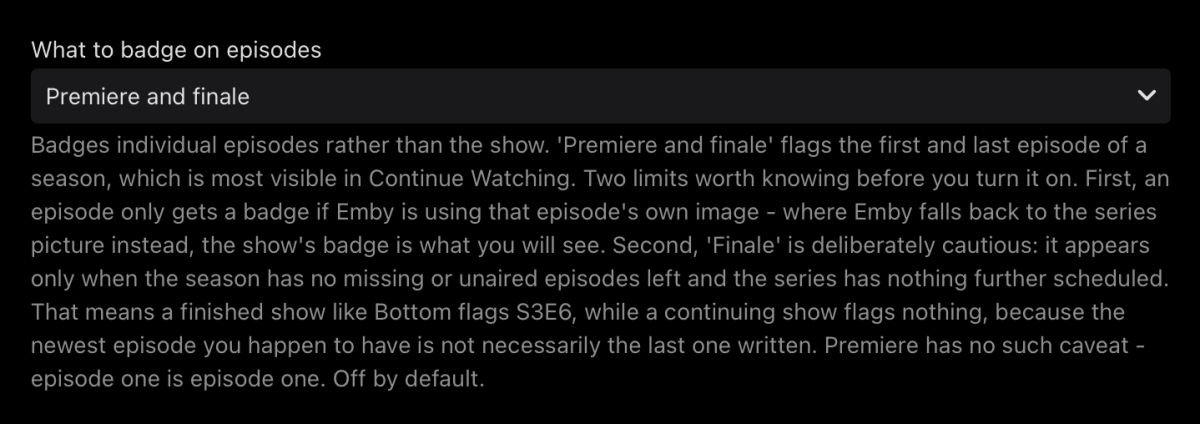
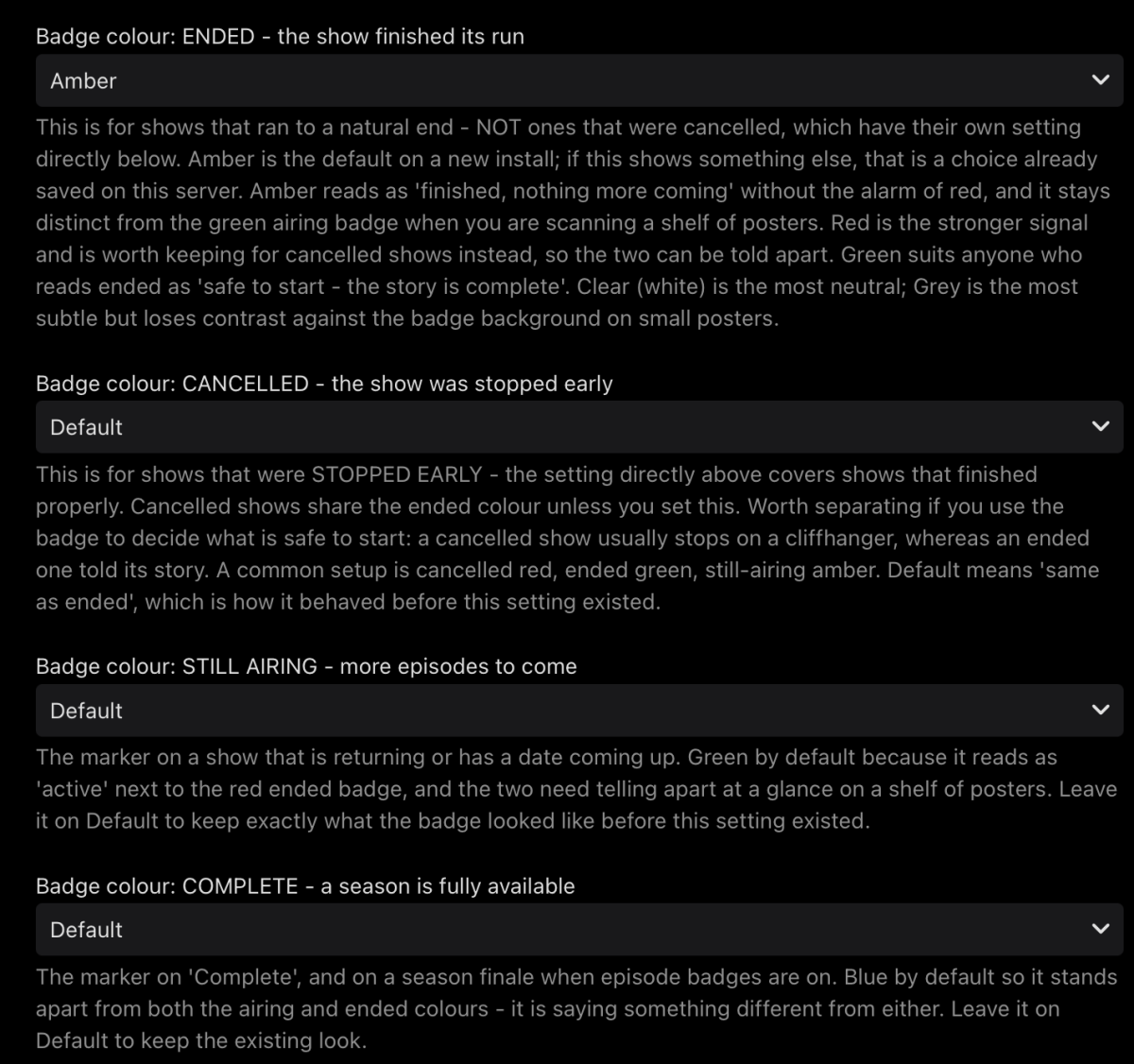
TV Show Status 2.5.76.0 — what's new Everything since the last beta build (2.5.54.0). Badge colours are now yours to set Four dropdowns: ENDED, CANCELLED, STILL AIRING, COMPLETE Palette: green, blue, red, amber, purple, grey, white Cancelled has its own colour for the first time — it used to share the ended one Popular setup: cancelled red, ended green, still airing amber. Tells you at a glance whether a show is safe to start or stops on a cliffhanger Ended now defaults to amber, not red Only applies to new installs If you already have the plugin, you keep whatever you had — change it under Badge colour: ENDED Episode badges — Premiere and Finale New setting: What to badge on episodes. Off by default Flags the first and last episode of a season Finale is deliberately cautious: it only appears once a season has no missing or unaired episodes left and the series has nothing further scheduled. A finished show flags its finale; a continuing one flags nothing, because the newest episode you have isn't necessarily the last one written Premiere has no such caveat — episode one is episode one Clearer badge New font — narrower, so the text renders larger in the same space Text is slightly heavier so it survives being shrunk down for a TV Small and Medium are about 15% larger than before; Large and Extra large are noticeably bigger again, for anyone who wants the badge obvious from across the room If your badge looks too big or too small, the size setting has four steps and it's worth trying one either side Fixed: badges vanished when your server had no internet The plugin used to overwrite its cache with nothing when it couldn't reach TMDB, so an offline server lost every badge within 30 seconds of starting It now keeps what it already knows and simply stops updating Overlays also work immediately after a restart instead of waiting for the first refresh Fixed: cancelled shows said "Ended" The poster overlay had no way to say "Cancelled" and reported those shows as Ended Fixed: web badge needed a page refresh The badge was being drawn onto the page you'd just left, so it never appeared until you reloaded Also fixed: it disappeared when you marked an episode watched or unwatched Fixed: colours didn't match The badge beside a show's title used its own built-in colours and ignored every setting — it wasn't even the same green as the poster All three places now use the same colours Known limitations Spoiler hiding changes what you see. If you have Emby's Hide spoiler information from unwatched episodesswitched on, unwatched episodes show the series artwork instead of their own — so you'll see the show's badge rather than an episode one. That's Emby substituting the picture, not the plugin failing. Episode badges appear normally once an episode is watched, or with spoiler hiding off. Episodes need their own artwork. An episode with no still of its own borrows the series picture, and gets the series badge with it. Some views share one image. Your library's thumbnail view and the Upcoming list request the same picture from the server, so a badge in one appears in the other. Poster view is the only layout that separates them. Reporting Most useful things to hear about: Anything that appears to do nothing Badge size and readability on a TV Dates that disagree with your Upcoming list — tell me which show EmbyTVShowStatus.dll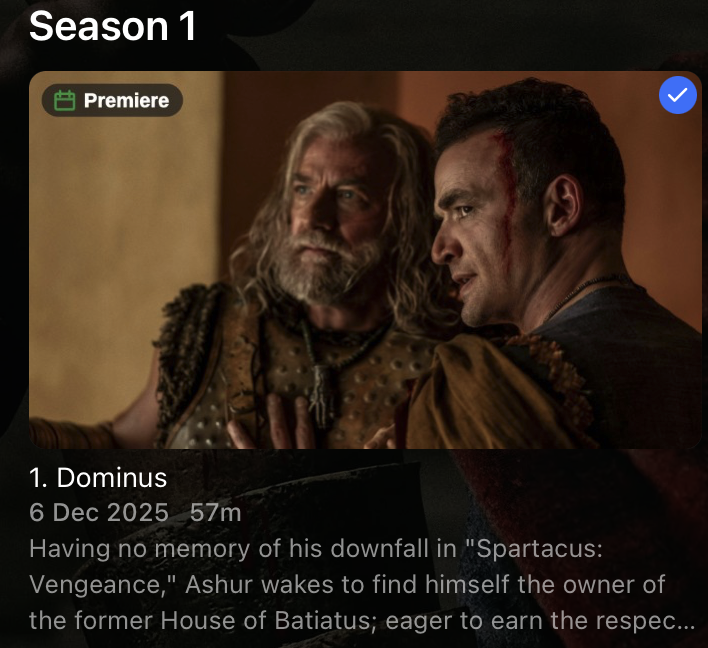
-
Did the loading spinner come up?