All Activity
- Past hour
-
 Firas88 joined the community
 -
But didn’t you just say Roku app can’t play the second anyways? So why is this relevant? I get it for other devices.
-
 Raulod joined the community
 -
 Nicker joined the community
 -
You cannot open it with that. You'd have to use something like DB Browser for windows. But I would never suggest opening your running copy in another application. Always make a copy and open up the copied file.
-
 Malzaidan joined the community
 -
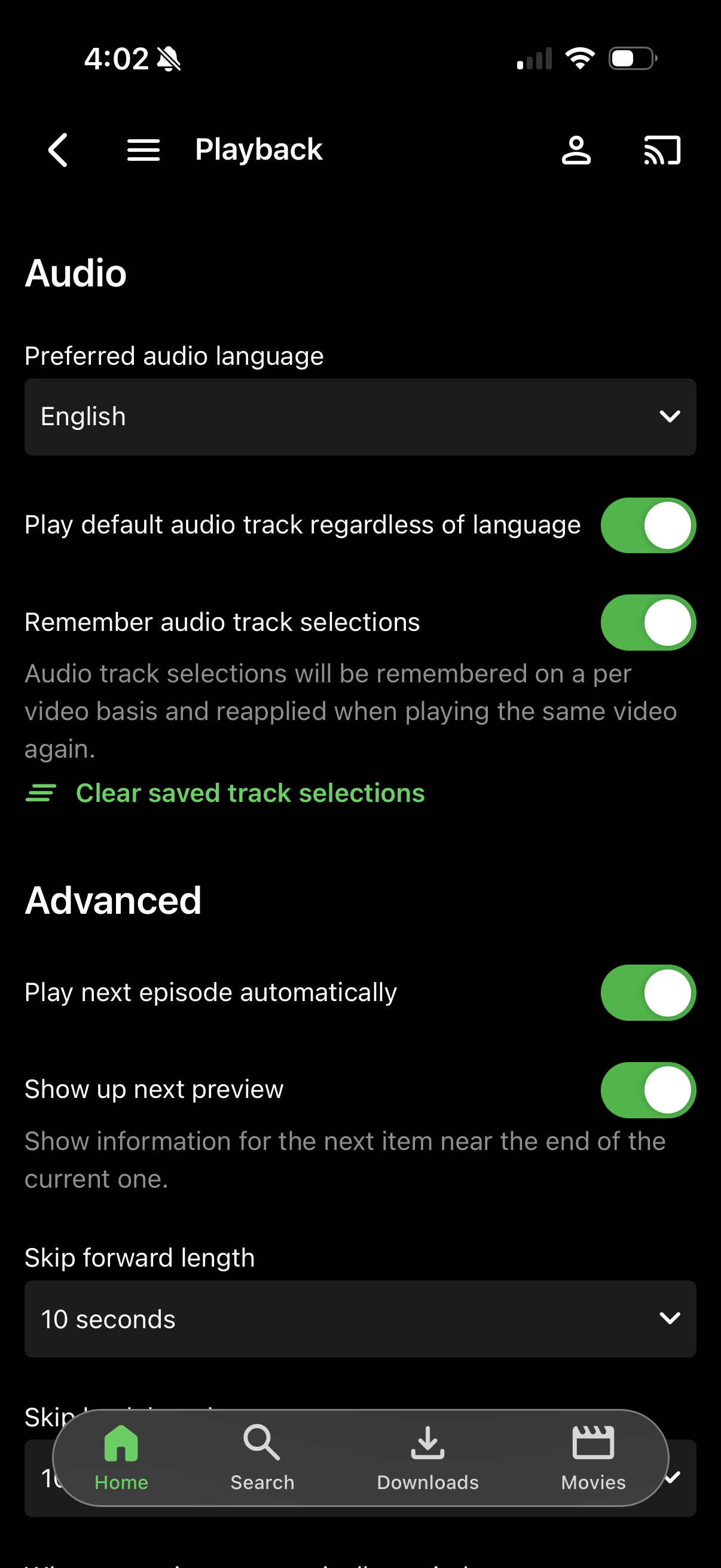
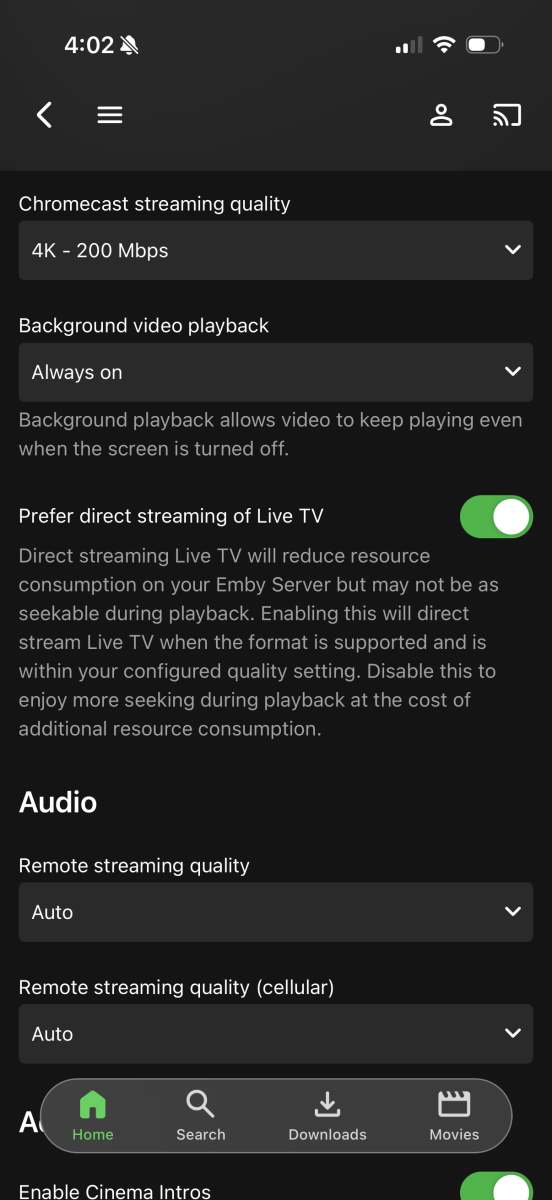
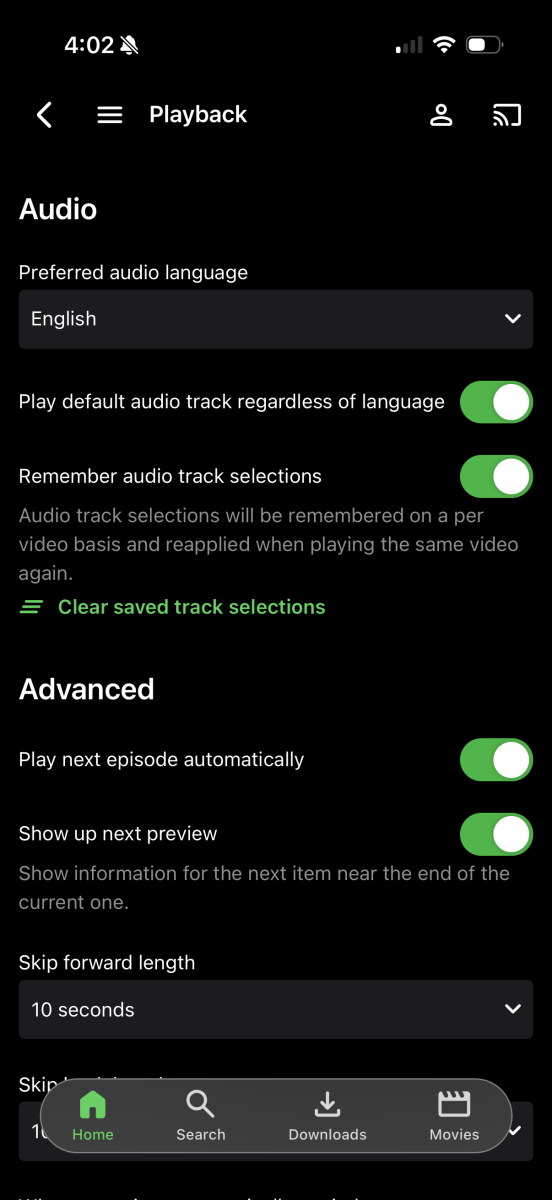
They've selected "play default audio track regardless of language" - so you are getting the track that you asked for. This is what I previously went over in my Dec 13 response. Additionally, if they enable remembering previously selected audio tracks, that will also impact this.
-
 AbdullahAljhiman joined the community
 -
 uusua3847997 joined the community
 -
That is correct. The scanning process for strm is much more lightweight.
-
 fran_muri joined the community
 -
-
 ionle joined the community
 -
I think I learned something ... so last night I played a couple of .mkv files, and auto-skip intro actually worked at the start. Apparently it just doesn't work with STRM files. Assuming that is the expected behavior then. If so, can close this one out. I appreciate the help.
-
When I open library.db in Windows Notepad it takes several minutes to open, and I see lots of weird characters, a few mentions of "madrigals" in descriptive copy in plain text (artist/album descriptions), but not the programmatic info Lessaj was saying to look for.
-

TV Guide - Tune straight to channel from guide rather than present popup for play/record
Luke replied to steve7789's topic in Live TV
Hi, yes this question has come up before and we should be able to add an option to control this. Thanks. -
Can you please show a screenshot? Thanks.
-
It's in the app.
-
 Names Legion joined the community
 -
That would be awesome. I will check when it updates. Is this the Server or the Android app that the fix is in?
-
Love the new version, especially the Home Screen customisations. There is an option that was clearly overlooked although. Adding a Collection to the Home Screen has no Playstate filter? Dynamic Media has this option, so I was surprised this was missed. Considering how minor this fix is, can we get this in the next minor patch? I don't think this needs to be a separate Feature Request that gets stalled in the backlog for years Thanks
-
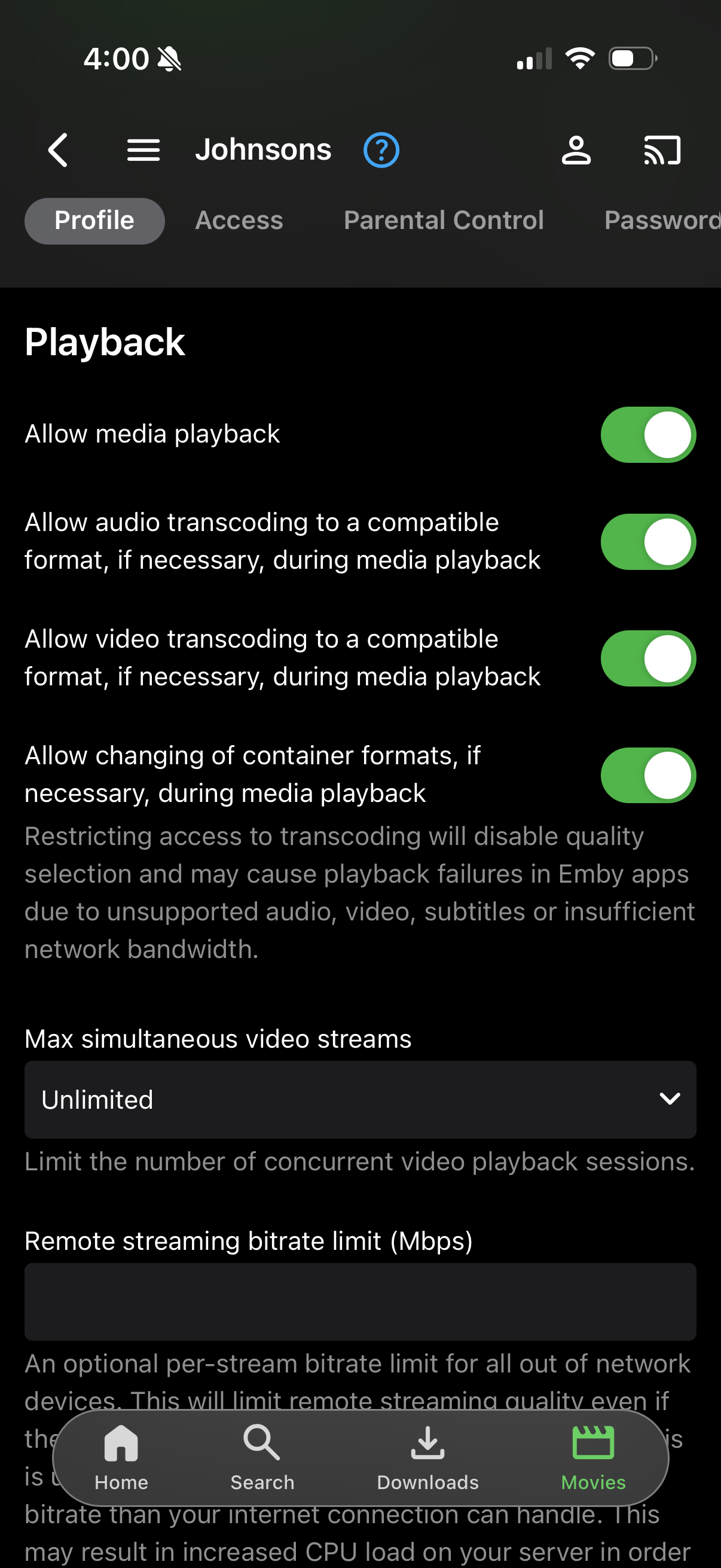
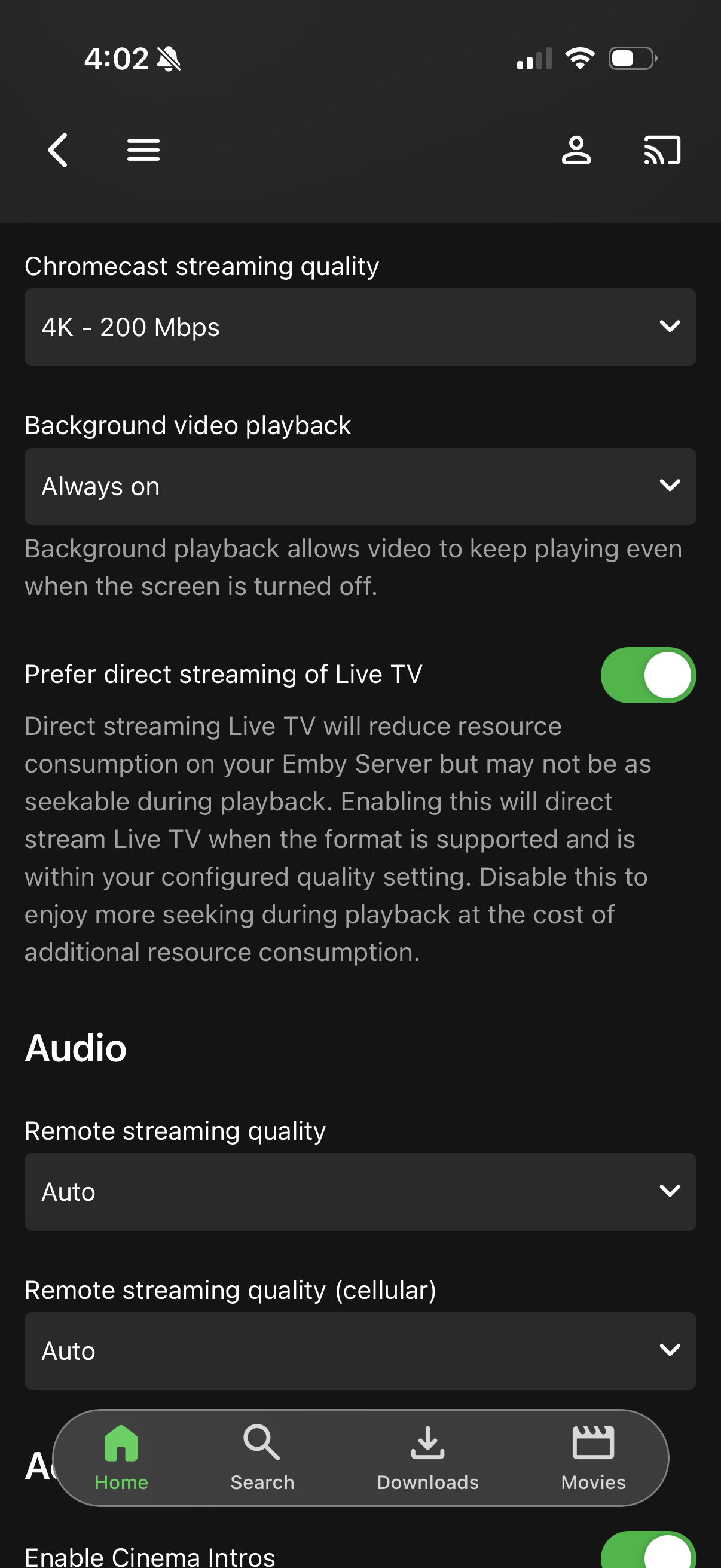
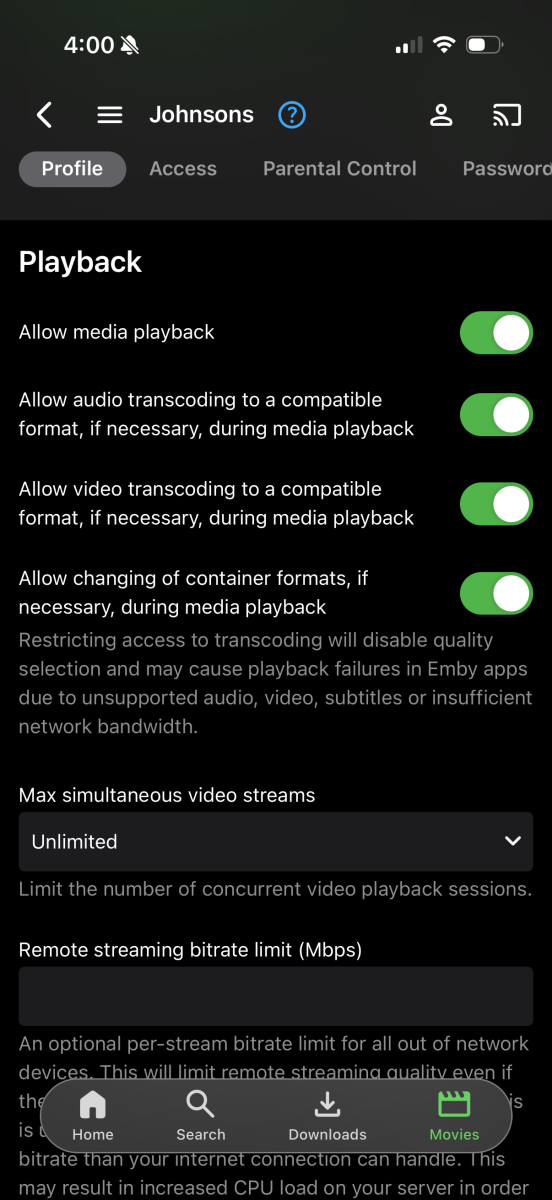
If you mean in their profile server side, audio is set to auto, no bandwidth restrictions on the user. Or do you mean in the Roku Emby all specifically?
-
 xeexuu_muri joined the community
 -
Perhaps an indicator. I don't think separating is good because it breaks up the chronological order.
-
Client video max bitrate auto detection deny transcode option
Luke replied to Zhadum101's topic in Feature Requests
Hi, yes it is a new thing so there is potential to expand on it in future updates. -
but also, how are the emby user audio settings configured?
-
The track is compatible, but with the Roku video player, there is no way to tell it to play a secondary track. So in this example, even if you manually select the second track, you will still get a server-side remuxing process to make the second track the first track.
-
Did you try what I suggested? Remember that you need to have at least two episodes per season.
-
Here's the log from the session where the Roku won't select the second track thats compatible, but instead Emby decides to transcode the audio. ffmpeg-remux-939dd66b-2f60-4892-ba78-2809dfdd7da7_1.txt
-
It's not just that series that isn't getting updated skip intro... None are, despite them appearing in Emby. It appears to only be scanning that episode. Tested and no different.
- Today
-
Ah, TV Display mode would have been helpful to note earlier. I see what you're talking about now.
-
First we need to confirm this. Did you try what lessaj suggested? What I said about vacuuming is correct - it does not affect the data. It just moves things around to try and shrink the database file size.
-

Arabic keyboard not working on Android TV – works on iPad
Mohammedts posted a topic in Android TV / Fire TV
Arabic Keyboard/Input Not Working on Android TV – Works Correctly on iPad Hello Emby Team, I’m experiencing an Arabic keyboard/input issue specifically with the Emby app on my Xiaomi Android TV. Arabic input works perfectly in Emby on my iPad. I can search for Arabic movie and TV show titles without any problem. However, on my Xiaomi Android TV, I cannot switch to or use the Arabic keyboard inside the Emby search screen. Arabic is already enabled on the Xiaomi TV and works correctly in other applications, so the issue appears to be specific to the Emby Android TV app. Comparison: Emby on iPad → Arabic search/input works correctly. Other apps on Xiaomi Android TV → Arabic keyboard works correctly. Emby on Xiaomi Android TV → Arabic keyboard/input is unavailable in Search. Could you please check whether this is an issue with Arabic IME/keyboard support in the Android TV version of Emby? If needed, I can provide the Emby app version, Xiaomi TV model, Android TV version, screenshots, or a video demonstrating the issue. Thank you. -
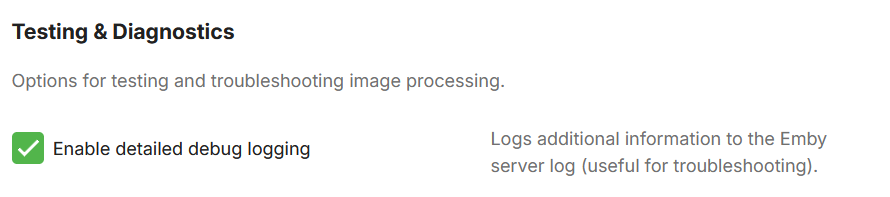
Then i'm sad to say that i'm pretty sure it's a settings problem on your end. But try and activate: It's in the advanced tab in the settings. Move an icons position, save, go into a library to see if anything changed and then send me the emby log file. Also if you can, send me the embyicons.xml file in the plugins/configuration folder. That way i can be sure.
-
How could I tell that? I didn’t notice anything different when I search for the series and open it. Would it say/show somewhere? thanks