All Activity
- Past hour
-
 g1omyq@bersainrodas.com joined the community
 -
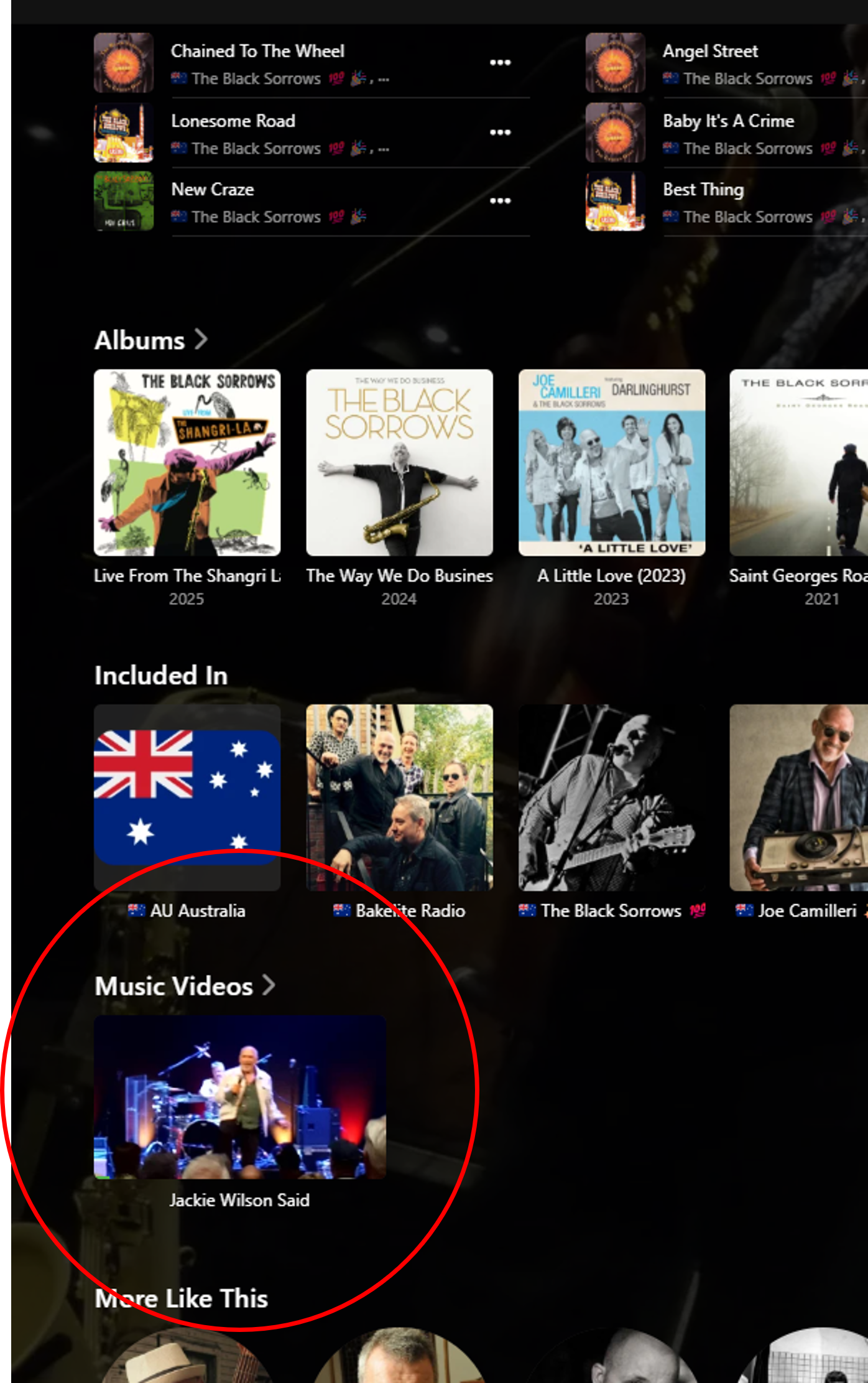
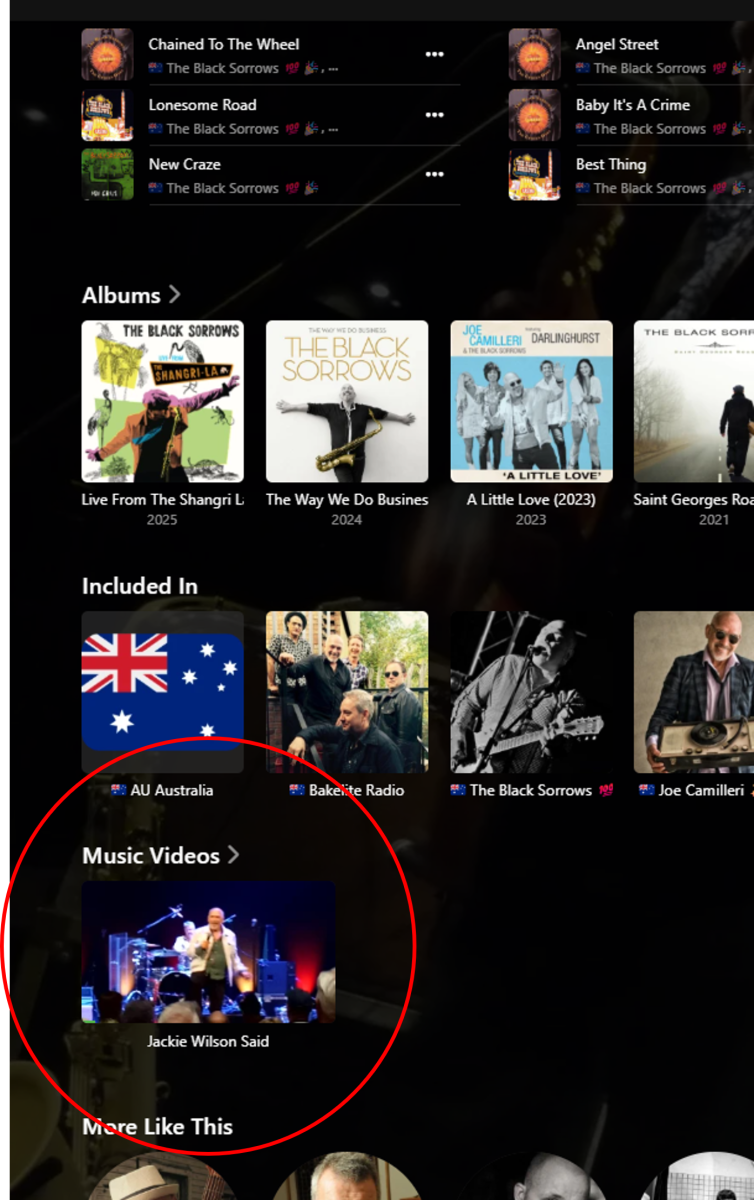
Hi, it is aleady possible with Emby to add music videos to the Artist detail pages, as their own row. You just need to match the Artist names: More info is avaialble here: https://emby.media/support/articles/Music-Naming.html I don't currently have this set up permanently - but managed to create a test example in a few minutes - so it does work, with the web app at least: Perhaps this is what you are looking for? Cheers!
-
 vasitoop joined the community
 -
 DABEARS12! joined the community
 -
 net003 joined the community
 -
 MatheusSantanas joined the community
 -

ScripterX Help to see if I'm doing Things correctly? in windows.
TMCsw replied to Leafstrider's topic in Plugins
That gives ne a better understanding; Using: cmd - is correct fior a Windows connamd prompt What argument is channel.exe expecting? You are passing the actual channel # to it (ie 13.1 or 131) I think you may want to pass the full drive/path/filename to it ? then use "%recording.path%" including the quotes for [paraneters] Leave the [conditions] (where) EMPY (otherwise it will filter the trigger) Doing all the above would be like keying in the following in a command prompt: C:\Windows\System32\here\channel.exe “X:\Full\Path\Show.ts” Let us know how it goes, or if my assumptions are wrong! There are Other things that could be wrong . -
 Binduja Ravi joined the community
 -
 Kaboom23 joined the community
 -
 Binxs joined the community
 -
 ChristinaDeQ joined the community
 -
 orlandogarcia joined the community
 -
Sorry for post in wrong thread. I understand your point now about how dupe files are handled. But all the recent comments in this thread and mine above are about difficulty or outright impossibility of getting updated metadata into Emby, in some cases even after completely removing directories, rescanning, and then moving back. Please look upthread to this comment and the other users' comments right above that.
-
I don’t think you understand. I’m asking for a way to hide the tab if is empty
-

-
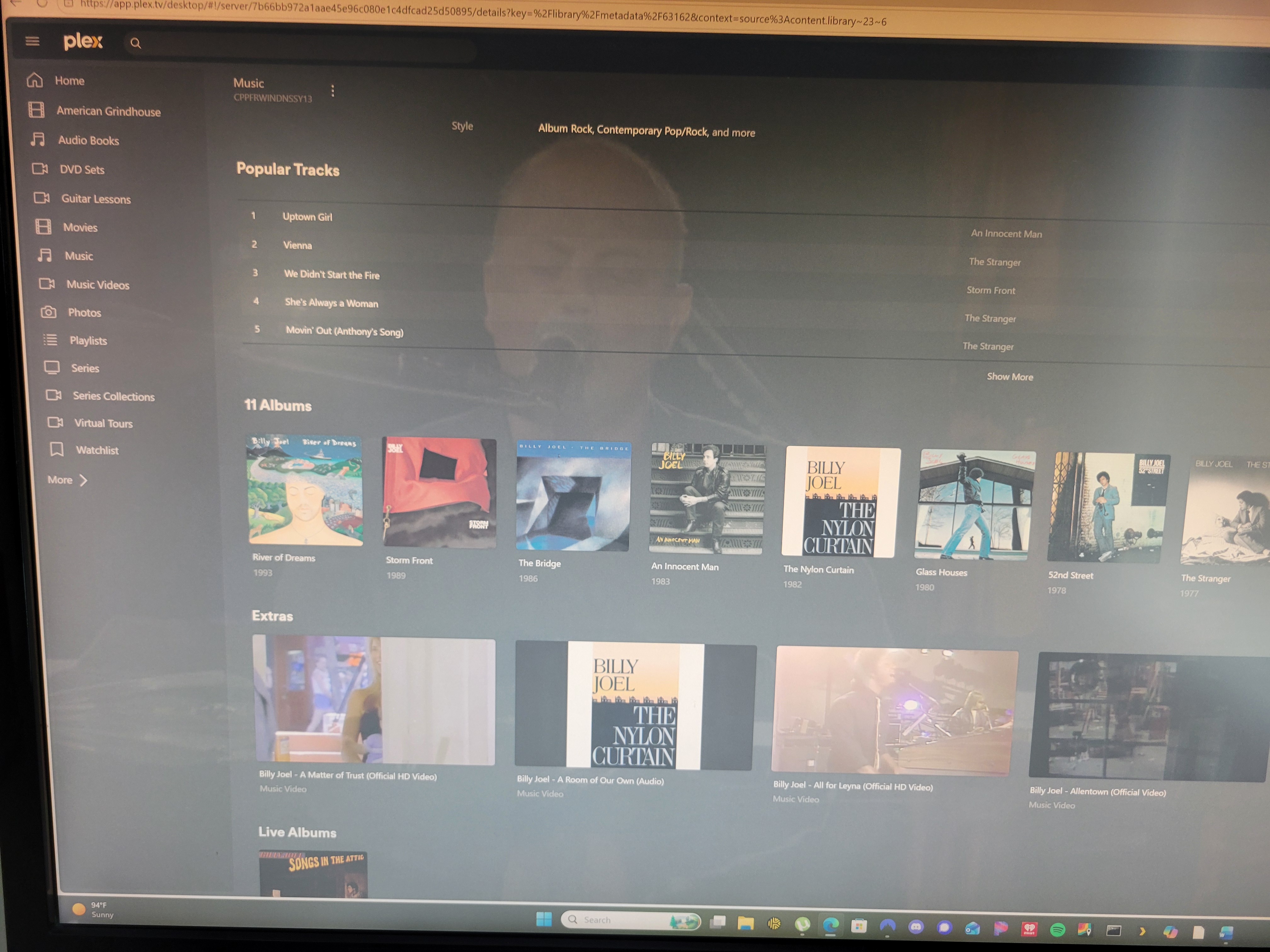
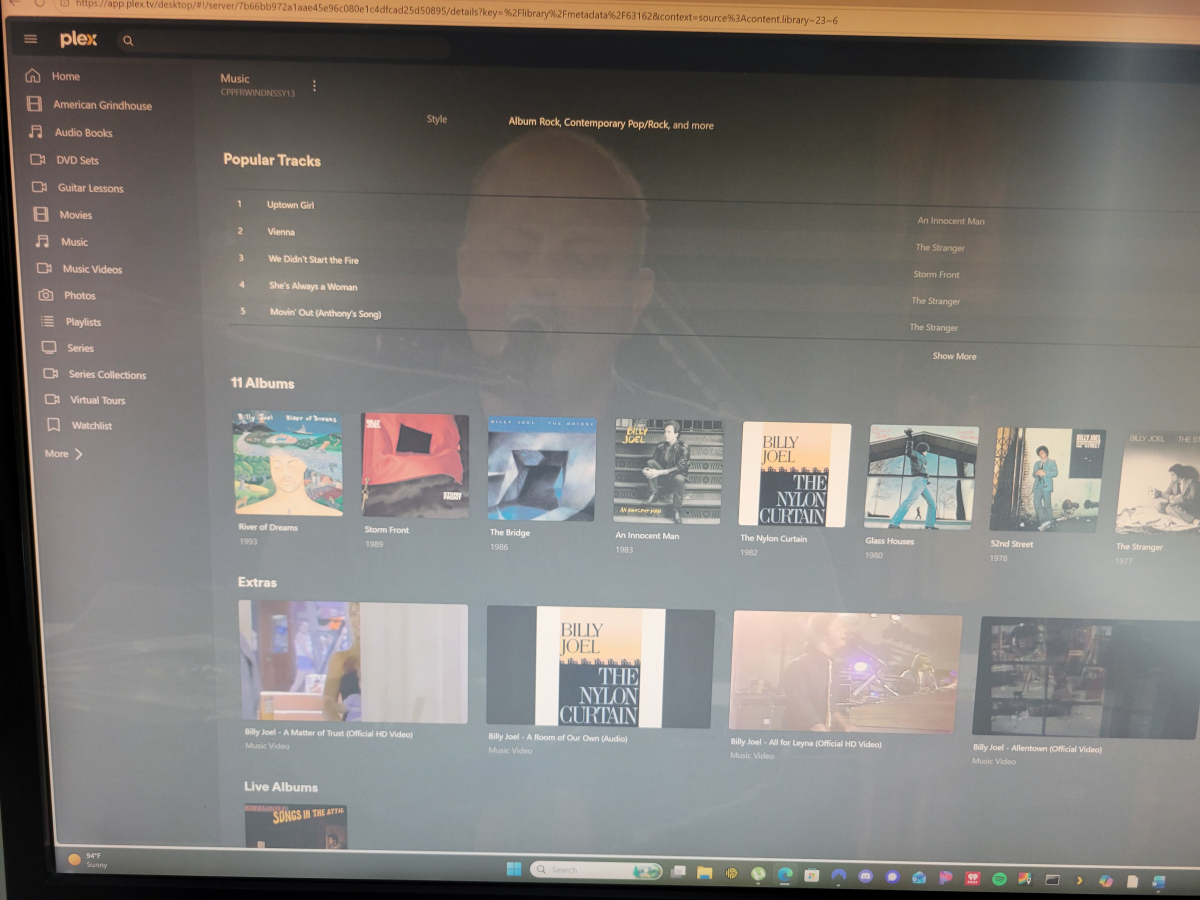
Music videos are merged with the Artist by the same name in the music audio library. Then, when you browse to a singular artist, there is a new as previously described. The music video line is displayed directly after the line with all of the artist studio albums and titled as Extras. See attached photo.
-
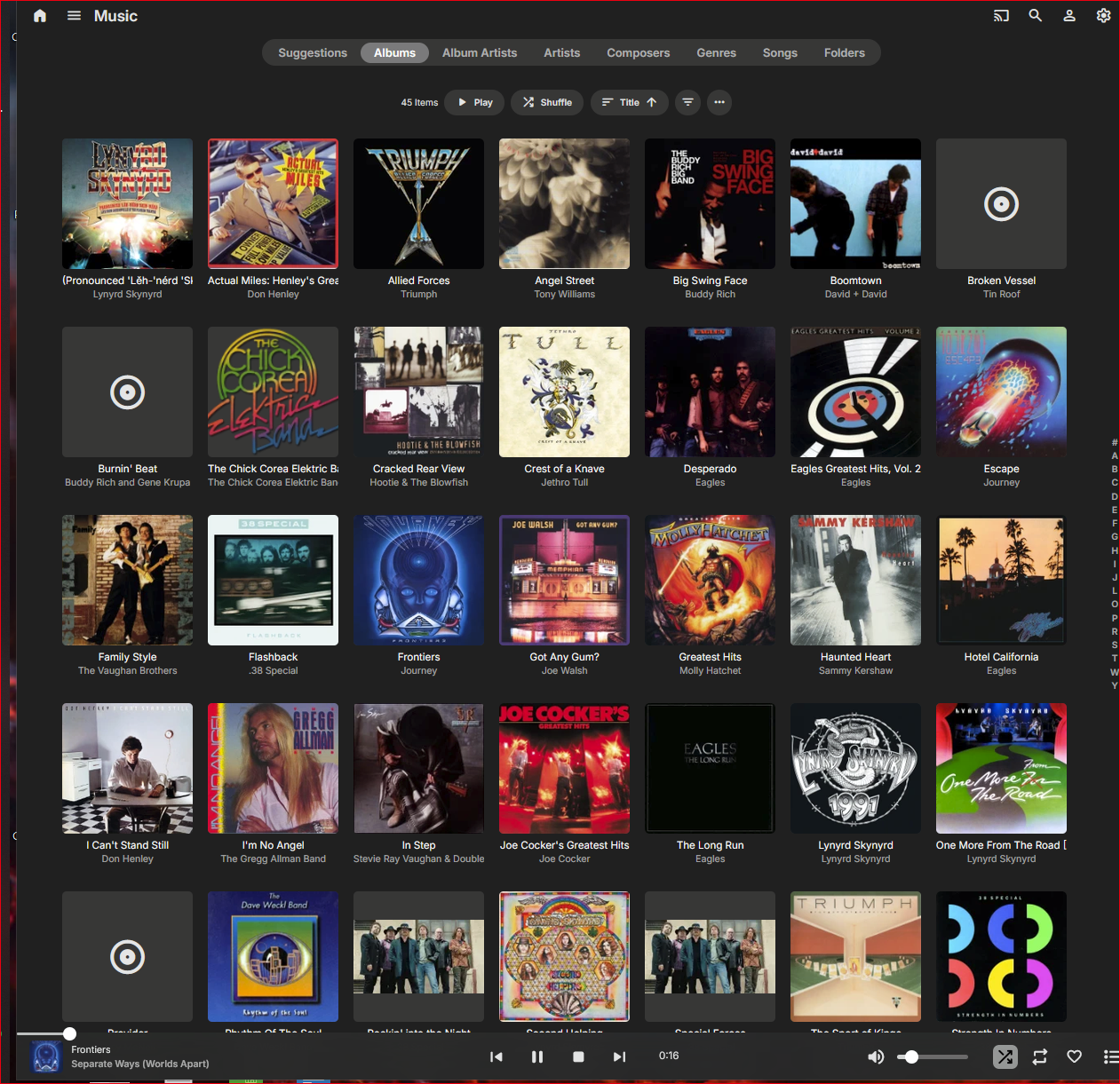
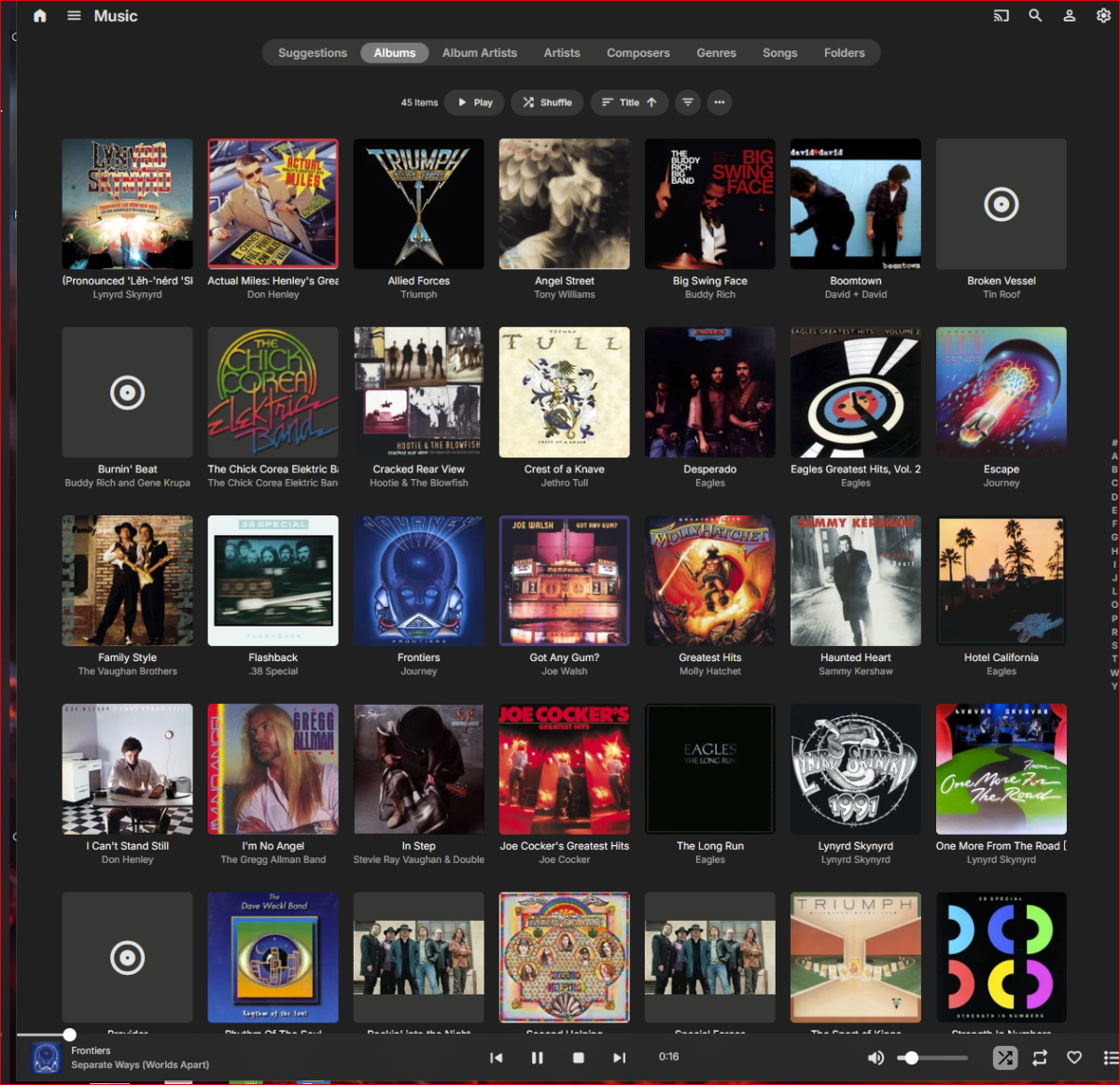
This is the now playing screen I see all day. Is there something else?
-
Sorry, this post was intended for other thread:
-
Can you please be more specific though? Where exactly would you like to see them embedded in your music library?
-
As I just described. Further information is in the article I referenced in my first post of this thread.
-
Files only exist in the database once. If you add the same folder to mulitple libraries, it will be the same database content. The best way to test something fresh has to be either new content or a new installation.
-
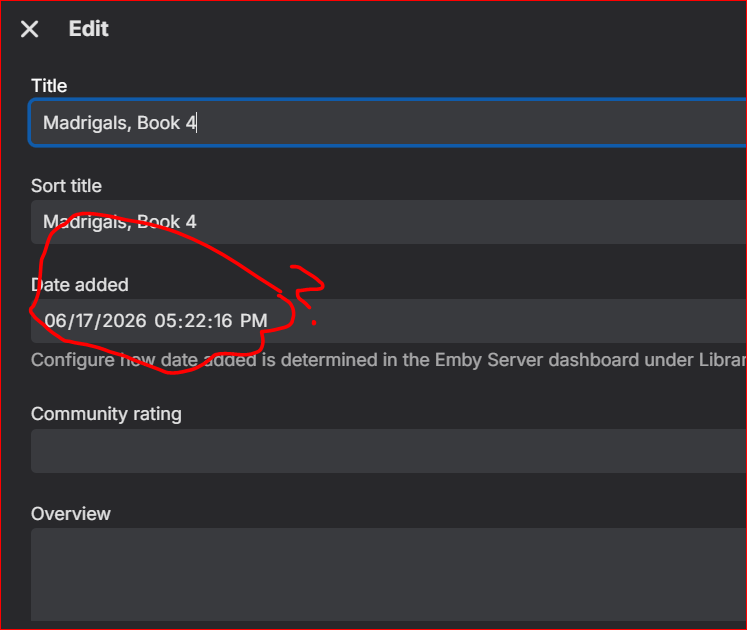
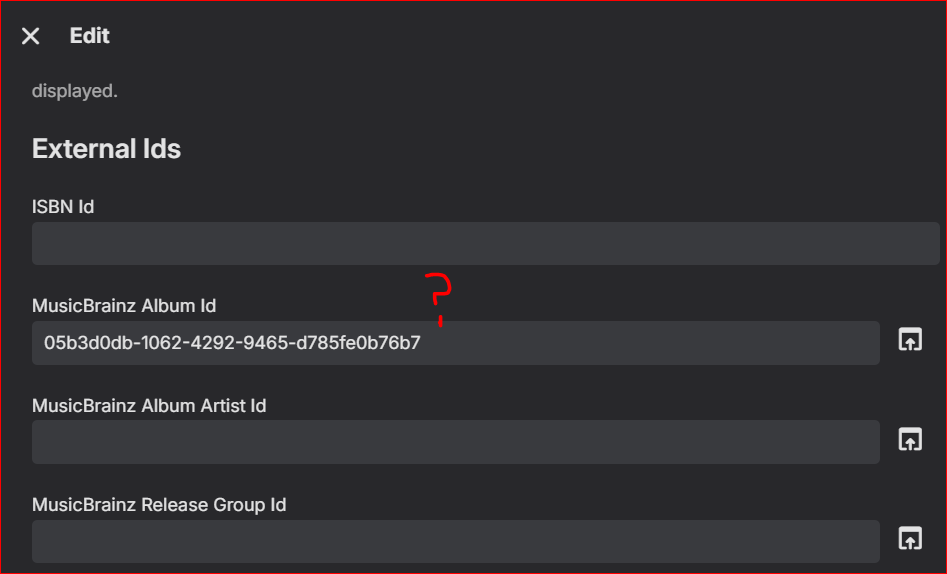
@Luke Why not try this yourself. So many of us have been reporting this over the years. This is directly related to the problem I have been trying to get you to understand in the thread "Why is Emby scan overriding settings?". Latest logs attached. I cleared Gesualdo directory entirely out of Emby, scanned, moved back into music library parent drectory, scanned, edited some data in MP3Tag, rescanned library, no change, rescanned and refreshed metadata in Gesualdo parent folder, no change, rescanned and refreshed metadata in just the album folder, no change. And with ALL external metadata retrievers turned off, Emby is back to showing album dates that do not exist in the individual album files (which all show correct import times, too, BTW), and the ALBUM is dated FIVE DAYS AGO for some reason. Emby is preserving artifacts in the database that even a Vacuum Database doesn't seem to erase. See screenshots below, all takn 6/22 at 3 pm-ish. Please listen to your multiple users reporting what is clearly an underlying problem. embyserver.txt
- Today
-
Hi, it is on the now playing screen, right?
-
Hi, did you try using the multi-select tool to quickly create a new collection or playlist based on that?
-
Where would you like to see them in your music library?
-

App hangs on launch after Shield standby — no requests reach server
tophDoggy replied to tophDoggy's topic in Android TV / Fire TV
While it does take quite a bit longer to get up than I remember it taking in past, since updating it has not failed to do so. -
It's already done. My request is a different feature. It merges your music library with your very seperate music video library. After doing so, you see music videos when viewing your music library. Just as you might see a line with albums, live albums and compilations there would be a new line with music videos. All in one place.
-

Newly Imported Movies Have Directors/Writers With Blank Roles when First Imported
denzoid replied to denzoid's topic in General/Windows
I think that must be it, I had Kodi/Emby enabled in Metadata. Thanks very much! -
When a music file is playing, the web app doesn't show the duration. I want to know the song's duration.

-
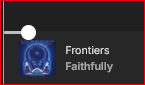
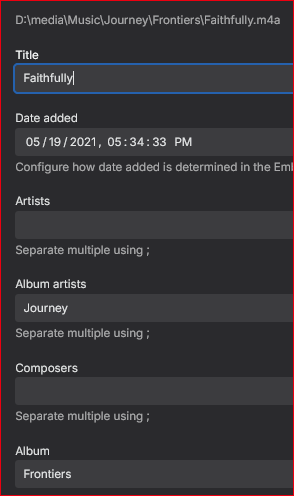
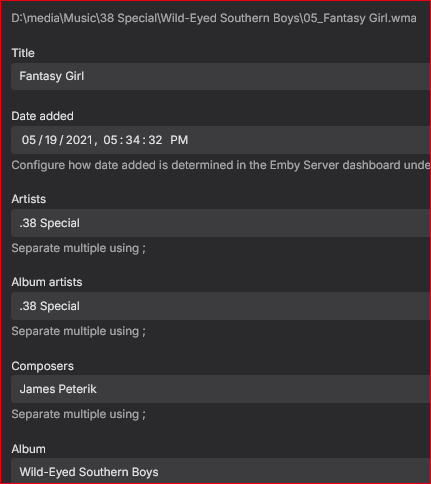
Some songs show album/song title, some show album/artist (no song title!). Doesn't make sense. Why do these not display the same when the song is being played?

-

Emby Low Quality Posters / Video Thumbnail Generation Failure
Lessaj replied to JsinFate's topic in General/Windows
I think OMDB images are generally small. Try putting TMDB at the top and refresh metadata+images. -
Okay, so, yes, the apps choose which logo type to use based on the theme. Light theme uses dark logo and vice versa. Your issue is your "light" version logos are not.
-

Possible de trouver un m3u avec les chaines tnt fonctionnelles ?
Swaf replied to Swaf's topic in French
Hi, no sadly in France Even the free tnt Channel block their channel in m3u list -
The metadata will display incorrectly as in the example with wetleg above. In that example you would see the album twice, once with the album name, once with the album name as the incorrect tag. Once everything is updated in the tags (or in this particular case, the file was completed being downloaded), if you hit 'scan library' or 'refresh metadata' or both (and you can do this until you're blue in the face) you will never see any change to the files. In the metadata manager everything will show as being in the correct folder and with the correct album tags. When you go into the library on the home screen you still see multiple folders displayed under 'albums'; one 'album' will have the correct title and have some of the track, the other will be the 'incorrect title' and have the remainder of the tracks. Even if you go into the metadata manager and manually change each song that resides inside the 'incorrect title' album folder so that its tag matches it will never move the songs into the other album and even after a rescan of the library/update metadata it will rename them back to the incorrect data. If you then simply rename the actual folder that contains the files (change albumname to albumname.old) and rescan everything will reappear perfectly. You can then rename the folder back to albumname and rescan again and it will be perfect again. The rescan does not update (and in fact seems to deliberately NOT update) unless the path to the file has changed.
-
I wouldn't recommend holding your breath ...