All Activity
- Past hour
-
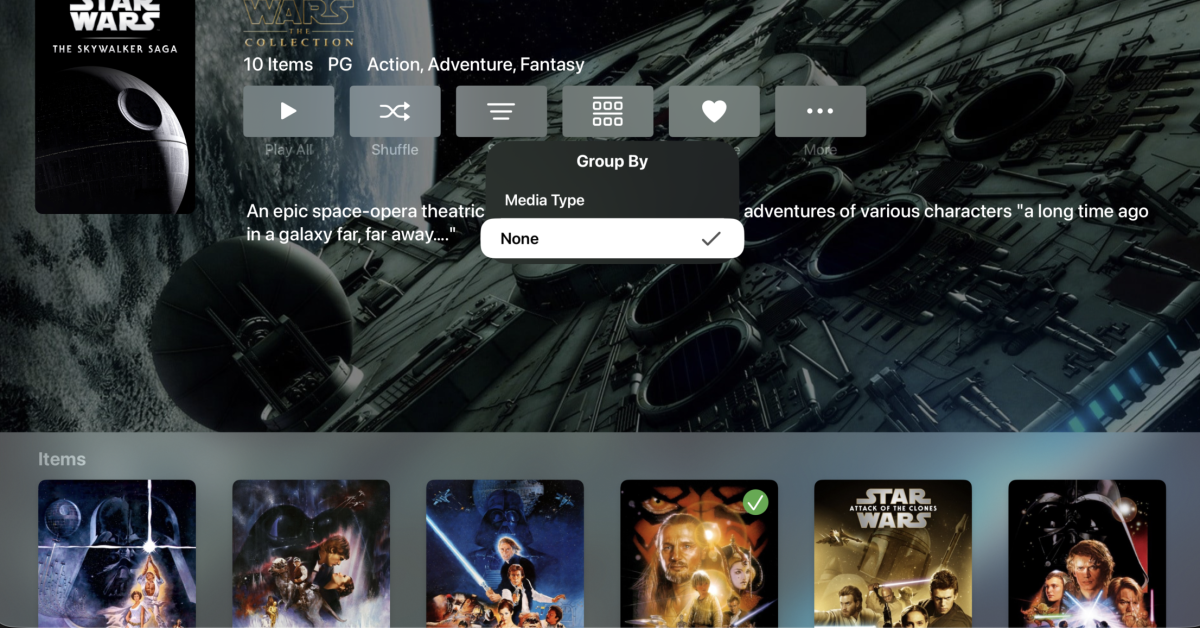
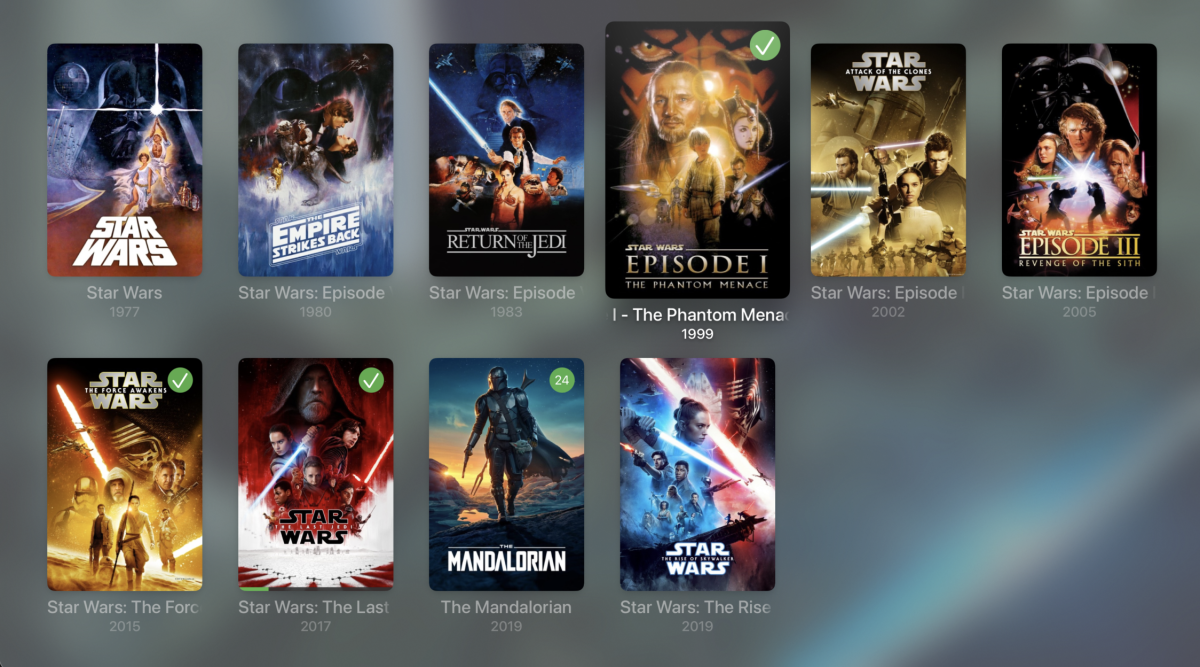
Should be in the next update:
-

AndroidTv update now black screen with av1/opus videos
ebr replied to esaym153's topic in Android TV / Fire TV
That beta is available now. -
 rogelio12 joined the community
 -
 tsy123456 joined the community
 -
 nehcrm joined the community
 -
 Wilmot26 joined the community
 -
 如愿 joined the community
 -
 mihd joined the community
 -
 omair41 joined the community
 -

Images from one movie are randomly propagated to other movies after updating artwork
yocker replied to eMoOak's topic in General/Windows
No problem, it's an obvious starting point for troubleshooting. I'm not trowing the ball to you either but to me it looks like a problem in Emby. I am, as i said before, looking into it now if it might be my plugin just in case. -
 Mxrdock joined the community
 -
 摘星 joined the community
 -
Can i also get you to send me some logs. Not sure if you and @eMoOakhas the same issue.
-
Can i get you to send me the server logs with debug enabled in both Emby and EmbyIcons ?
-

Seenr, a watch tracker that picks up your Emby plays over webhook
WilhelmStroker replied to KevByUs's topic in Third Party Apps
Yep i have completely ditched Trakt and am using Simkl now. Is there an API? I also use Crosstrack to keep things in sync so if there's an API then the Crosstrack dev would surely be happy to add this. -
Images from one movie are randomly propagated to other movies after updating artwork
ebr replied to eMoOak's topic in General/Windows
Okay. Not trying to call you out but two users of the plugin have now reported this issue. -
Images from one movie are randomly propagated to other movies after updating artwork
yocker replied to eMoOak's topic in General/Windows
They tried disabling EmbyIcons and the problem persists. They mention it's a problem with logos and fanart as well and EmbyIcons do not draw on those. I am looking into it just in case but i'm fairly sure that it's not a problem with the plugin. -
 hatmalhrby451 joined the community
 -
Images from one movie are randomly propagated to other movies after updating artwork
ebr replied to eMoOak's topic in General/Windows
Hi. Exactly how and did you do a full metadata refresh or clear your cache files after that? I think it is likely that is related: -
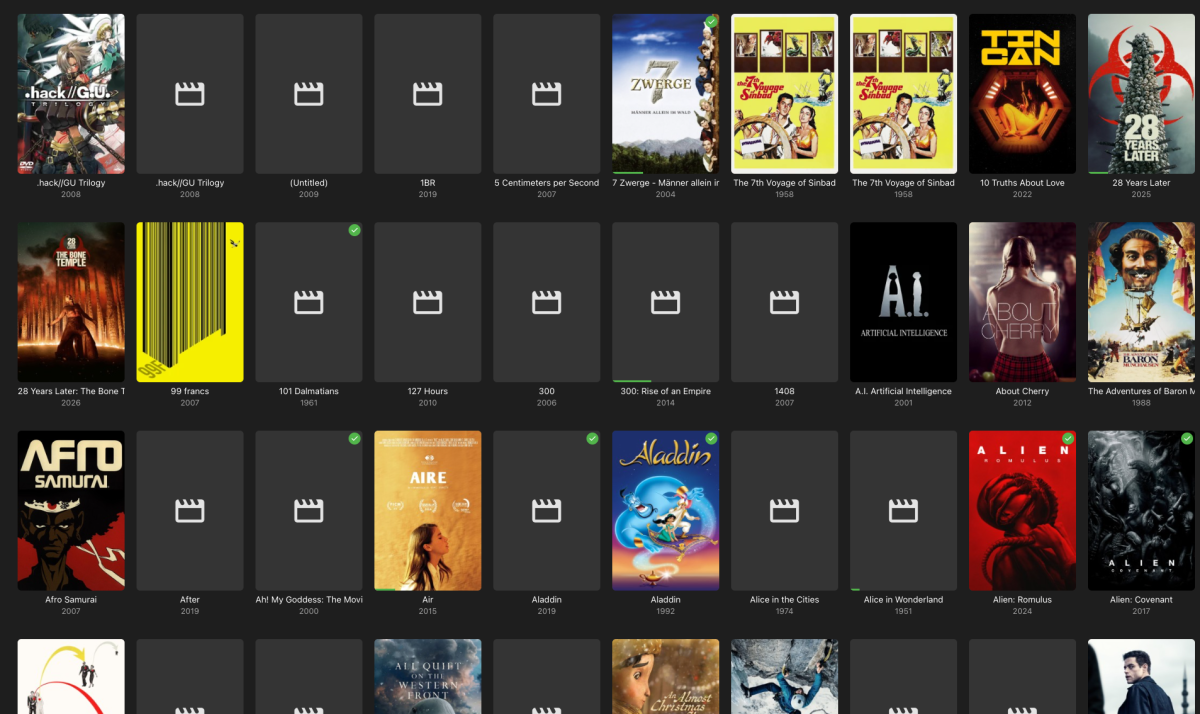
After a sync of my work-related folder with Syncthing (no emby folder got touched) I noticed that a lot of the movie posters got missing. I assumed a corruption because of a lack of enought inotify, so I increased them to 204800. I did "Refresh Metadata" (including "Replace existing images") and "Scan Library Files" a couple of times. It initially worked and I got my covers back, till the next day half of them were missing again. Syncing is deactivated since a long time now, so I'm not sure it's related to the issue. The missing posters appear in the emby app, Kodi and diverse browsers. Any idea where the bug could be buried? embyserver.txt
-
Well, what you probably have deactivated is the refresh rate switching entirely...
-
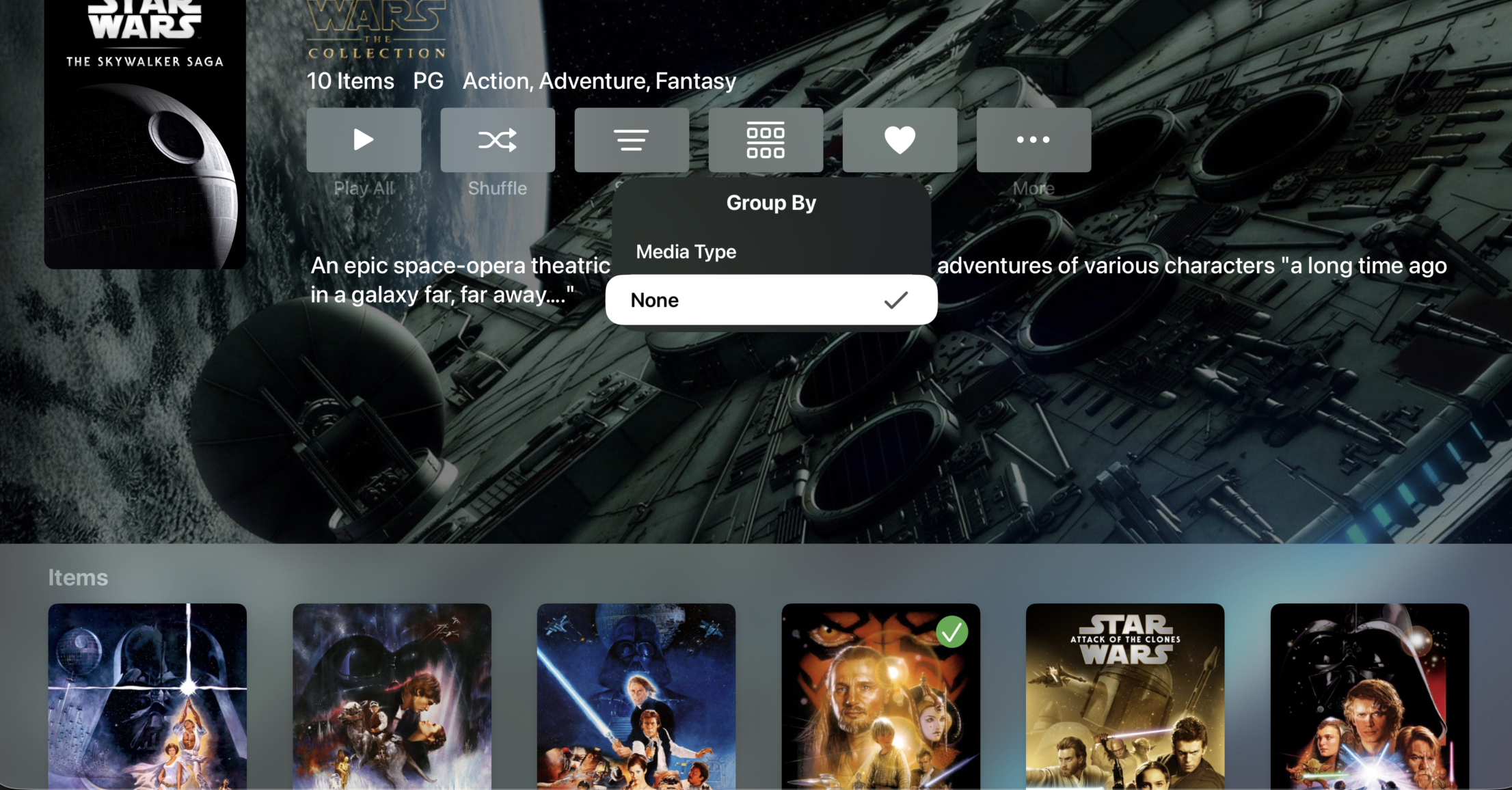
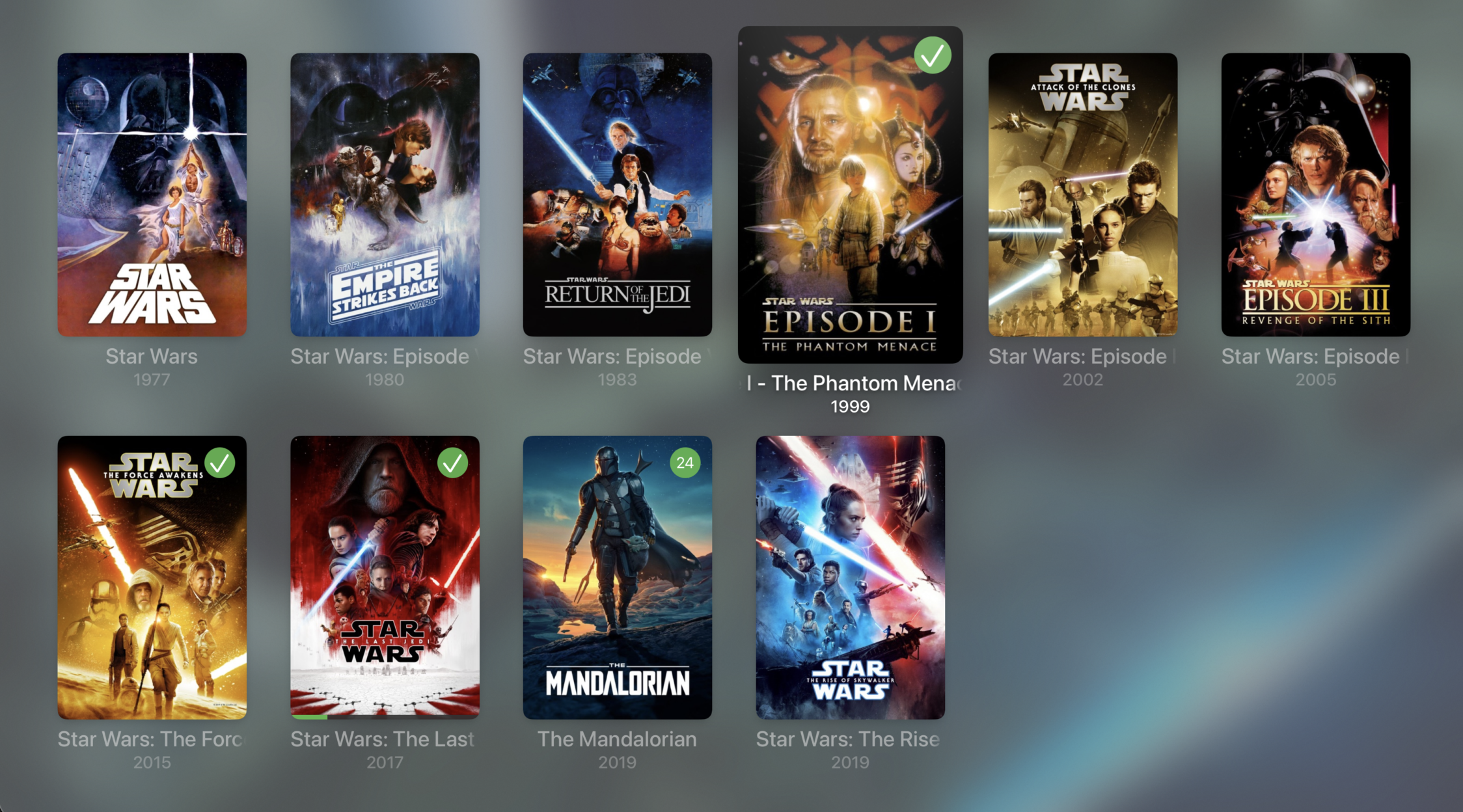
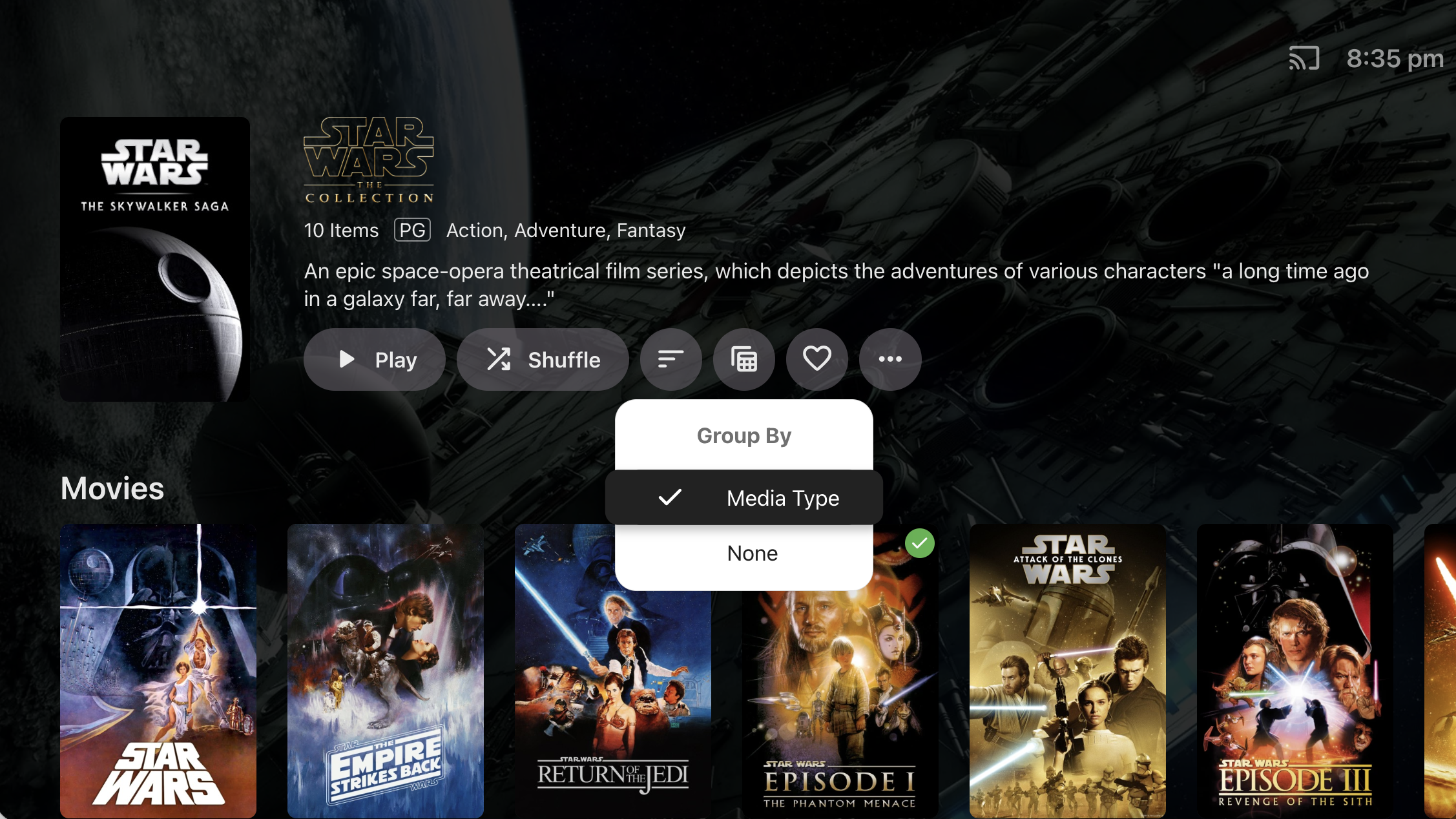
It's because we haven't implemented the 'Group By' option for Collections. @TheITJediI suspect you have this set to 'None' in the web app.
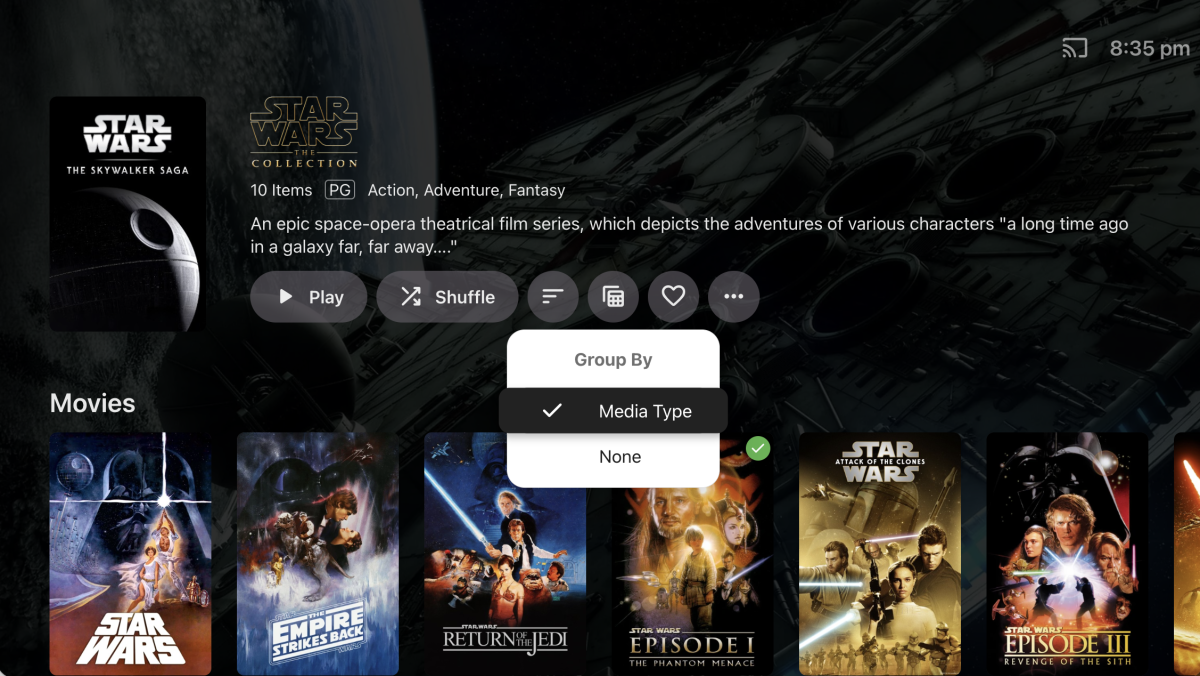
-

Embeat — a native, music-only player for Emby (gapless, DLNA, offline)
jasonmcroy replied to vdatanet's topic in Third Party Apps
Excellent. Thanks for the quick response. -
Reported here:
-
Exactly
-

Images from one movie are randomly propagated to other movies after updating artwork
eMoOak posted a topic in General/Windows
Hi, I'm experiencing a reproducible issue with Emby Server where updating the artwork of one movie causes other unrelated movies to display the same artwork. Environment Emby Server 4.9.5.0 Windows 10 Local artwork enabled (images saved alongside media) Issue was already present on 4.9.3.0 a couple of days ago This is an existing Emby installation that has been upgraded through multiple server versions over several years (not a fresh installation) Libraries are stored on multiple drives Steps to reproduce Select any movie. Replace one or more artwork images (poster, logo, backdrop, landscape, etc.). Save the changes. Expected behavior Only the selected movie should have its artwork updated. Actual behavior The selected movie keeps the correct artwork. However, immediately after saving, several unrelated movies start displaying the newly assigned artwork. The affected movies appear to be random, but the issue is reproducible every time I update artwork. Server logs Every time artwork is updated, Emby writes the new images into: programdata\metadata\library\00\00000000000000000000000000000000\imagecache\ This happens every time I replace artwork. Troubleshooting already performed Cleared browser cache. Tested with Chrome, Chrome Incognito and Microsoft Edge. Tested on Android. Disabled the EmbyIcons plugin. Upgraded from 4.9.3.0 to 4.9.5.0. Verified that local artwork files (poster.png, fanart.jpg, etc.) are correct. Checked library.db and did not find duplicate image paths. The issue persists. If necessary, I can provide the complete server logs and any additional information required to help diagnose the issue. Has anyone experienced this before, or is there any additional logging I can enable to help troubleshoot it? - Today
-
Just added to my PC and Fire TV and really like it so far. Thanks and nice job so far. EDIT: Two things I ran across so far. On the Fire TV app I was able to show all my libraries, but can seem to to that as the default screen on first launch of Moonfin. The other is it would be nice to have search pretty much everywhere, or at least a key combo to bring it up no mater where one is in the app.
-

Seenr, a watch tracker that picks up your Emby plays over webhook
zebo51 replied to KevByUs's topic in Third Party Apps
That is the thing, from what people have been saying people are loosing connections and apps because they have changed to allow only 1. I have a zip file from them containing all the json files. I don't see a way to import using that file on your app. -
Hi, i've been using the alexa skill for a while and after moving my digital content and devices from amazon.com to amazon.es 2 days ago i'm getting this message each time I try to play anything. I've deactivated the skill, reactivate and relink the account without problem. Restarted the server, nothing, again deactivate, reactivate, relink. Nothing. Neither directly asking emby home to play a few songs or starting the skill and after the greeting message ask to play a few songs works anymore. BTW, in case it can be related, moving the devices to my country triggered the update from alexa to alexa+ on my devices.
-

Upgraded 4.9.3 -> 4.9.5 (Artwork and data for movies disappearing on scheduled scans?)
mike3821 posted a topic in Linux
Just as the topic states, I upgraded to 4.9.5 and a couple hours later I was noticing the latest movies added were showing movies from the 1990's and missing artwork. I rolled back to 4.9.3 for now. Not sure how to report this as a bug since I rolled back. -

What decides the output sample rate? I ask for 48 kHz and get 44.1
vdatanet posted a topic in Developer API
Emby 4.9.5.0, hitting the HTTP API directly with curl. I'm asking rather than reporting, because two routes behave differently and I suspect at least one of them is me holding it wrong. Route 1 — /Audio/{Id}/stream.wav with AudioSampleRate=48000. The parameter clearly does something, but not what I asked for. From the transcode log, with a 96 kHz/24 FLAC as the source: ffmpeg … -i "…/track.flac" -map 0:0 -vn -sn -c:a:0 pcm_s16le -ar:a:0 44100 -ac:a:0 2 … Stream #0:0: Audio: flac, 96000 Hz, stereo, s32 (24 bit) ← input Stream #0:0: Audio: pcm_s16le …, 44100 Hz, stereo, s16 ← output I asked for 48000 and the server ran -ar 44100. So the value is read — something resamples — but what I sent isn't the target. Route 2 — /Audio/{Id}/universal with MaxSampleRate=48000. Here it looks inert: 96 kHz source → AAC out at 96 kHz 192 kHz source → AAC out at 96 kHz adding EnableAutoStreamCopy=false changes nothing Why 48 kHz specifically, given that 44.1 obviously plays fine. It isn't a preference: 48 kHz is the ceiling of the device I'm feeding, which won't take anything above it. From a 96 kHz source, 48 kHz is a clean 2:1 decimation; 44.1 kHz is a non-integer resample I didn't ask for and don't need — and the server pays for it in CPU on every track. On the /universal side the effect is different: the output rate follows the source, so a library with mixed rates changes rate from one track to the next. Three questions, and any of them closes this for me: On /stream, is AudioSampleRate meant as a target, or only as a trigger to resample — and what picks 44100? Is that 44100 coming from a default device profile for an unknown client? I'm sending no DeviceProfile at all, so if that's the answer, I'll send one and stop asking. On /universal, is there a parameter that caps the rate, or is that route by design "never resample"? Happy to run any variation against my server and post the resulting ffmpeg line — that's how I got this one. ffmpeg-transcode-dd0d84ff-2858-4207-8878-41d4056868a5_1.txt -
No, not required.
-
Yes.
-

embyforkodi (next-gen) 12.X.X support
hansi9990 replied to quickmic's topic in Emby For Kodi Next Gen
Ok, but there is no etrie for the Playlists. This Entries are available: Add Library, Remove Library, Update Library, Repair Library, Update Collections, Update Music Video links and Update LiveTV. I Have also tried to reset to Factory defaults and redid everything, I selected everything during the import, but I can't find the playlists. -
Is it the ATV version?