All Activity
- Past hour
-
.SVG images don't work on the Roku Emby
-
Nevermind! After rebooting server, everything back to normal! sorry about this!
-
Very Nice. Glad you found something to use.
-
 11@ joined the community
 -
 Turki2001 joined the community
 -
I have setup as a test a recording series schedule for this series - and i will see the results after this evening. Also will try it after that with the option to check the library and not record if already in the library. The next airing after today is the 14th There may have been some changes in the emby server beta - you could try out the latest beta (currently Emby Server 4.10.0.40) to see if the outcomes are different I presume you have a record series shcedule setup for "Radio 1's New Music Show with Jack Saunders" and not recording manually
-
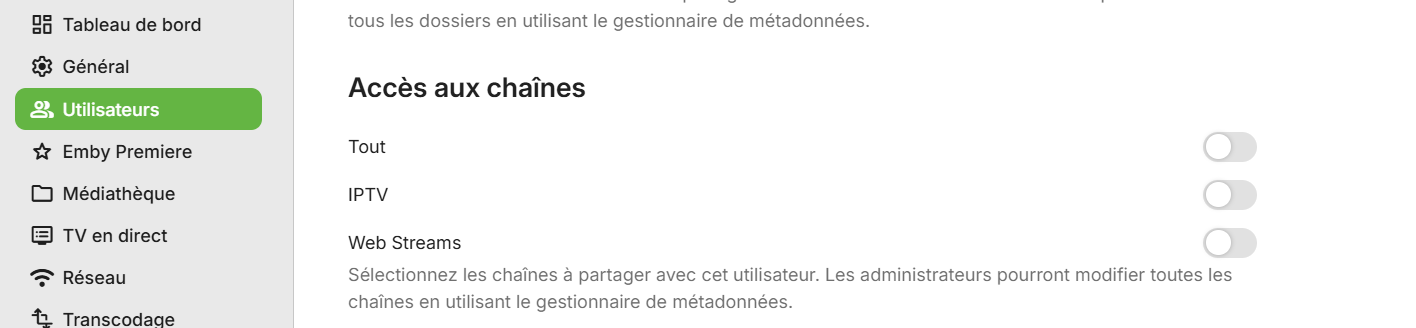
Hi, I just noticed that some tabs, like General option, when you click on it the link changes to settings, but the page is blank. The same with "Emby premiere", "Network", "Transcoding", "Database" The option "Live TV" gives an error "There was an error processing the request. Please try again later." I think i had this issue before, because after the update i rolled back to version 4.9.5.0, and the issues were also there. Since i don't know what do you need to help me troubleshoot and help me fix this, please let me know what i should upload. Thank you embyserver.txt
-
 TrufflesP joined the community
 -
 Rabote joined the community
 -
 PieroRubino joined the community
 -
 aaronmccool joined the community
 -
 Mattallica joined the community
 -
 641776440 joined the community
 -
 Aseel8l joined the community
 -
 Mertin joined the community
 -
In options menu there is a reinstall tv option it delete all apps and channels and you need to manualy add it back and connect it with your account.
- Today
-

library no longer appears in Continue Watching after upgrading to Emby 4.10.0.40
sa2000 replied to Deihmos's topic in General/Windows
@DeihmosWhilst we have this issue, you can get round it by have two "Continue Watching" type Home Sections The first Continue Watching type home section, you name Continue Watching and it would have all libraries and will not have the option to include next up episodes The second Continue Watching type home section, you name Next Up and it would have just the TV Libraries and will have the option ticked to include next up episodes -

Series "NFL Football" Not A "Chicago Bears" Fan
GlewShrake replied to bungee91's topic in Emby Provided Guide Data
I had the same frustration with series recordings. Disabling the don't record if already recorded option fixed it for me too. By the way, I've been getting solid NFL betting insights from www.wunderdog.com to help with my game predictions. Their free weekly picks have been useful. -
I have opened an issue with Gracenote for "Radio 1's New Music Show with Jack Saunders" to ask for the airings to be at episode level in the schedule instead of being just the show/series name and identifier. For the recordings for this show - what option have you set for checking if the recording is already in the library/libraries? Whilst gracenote report these in the schedule as a series/show, the recordings will all be with filenames of this form: "Radio 1's New Music Show with Jack Saunders 2024-05-13.ts" If multiple recordings are made, they would have a suffix of " - 1", " -2" etc and would appear as different versions in the library
-
Bug report: I cannot create or add items to collection and playlist via this addon.
-
can you explain it more
-
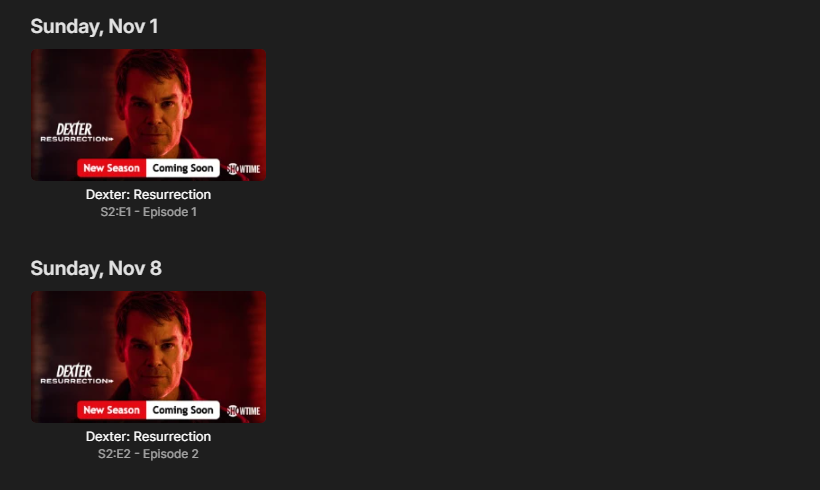
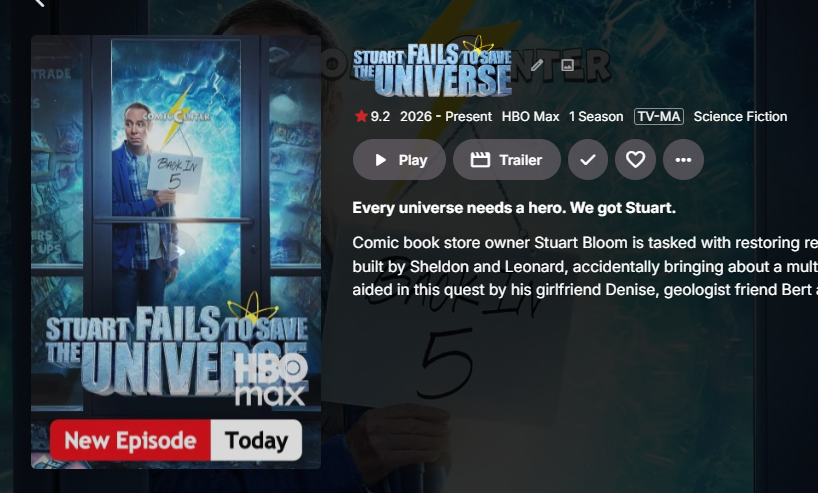
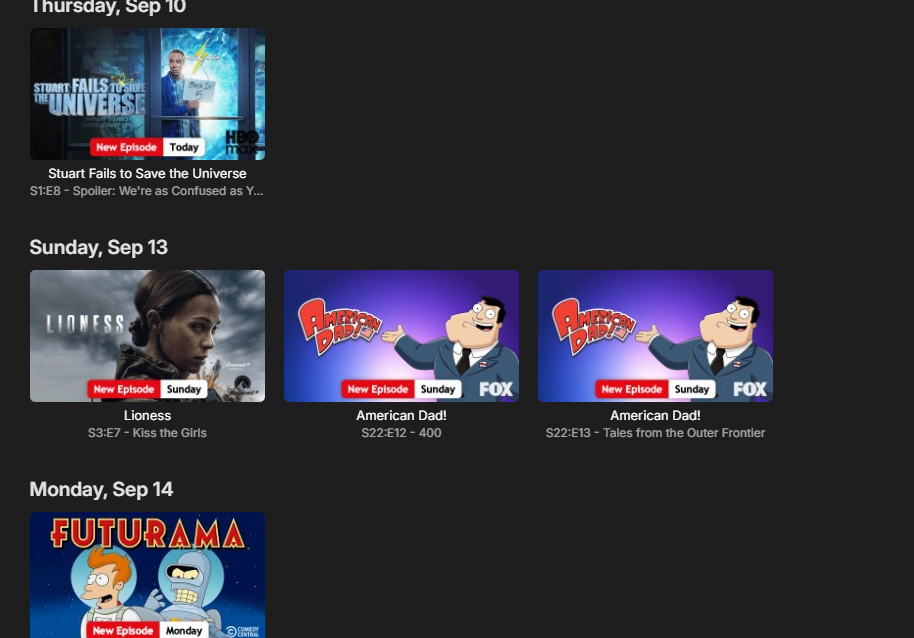
COMING SOON V 1.3.9.0 Includes Netflix style chipped badges and some new features
-
@yocker Fair enough — I know you said you're curious, not that you need it. But I suspect you'd grow rather fond of it if you actually had the option to try it. That's more or less how it was for me: once I had my local playback accessing the files directly, I didn't really want the server back in the media path unless there was a reason for it to be there. With your 10 Gb network and only one local user, you're obviously not going to see some dramatic performance improvement. That's not really the point. It would simply give you another playback option — and, as you said yourself, a nice one to have. And @FrostByte actually illustrates the other side of my argument perfectly: he did use Direct File Access when it was available and says he would prefer to use it again if it were available. So within a few posts we've already gone from “too few users need this” to one experienced user becoming curious about it and another experienced user saying outright that he would prefer it if it were still available. I'm not claiming that proves millions of Emby users are waiting for Direct File Access. It obviously doesn't. But it does reinforce my point: you can't measure demand for a feature properly when the feature hasn't been available to those users for years and many of them don't even know what they're missing. Sometimes people have to know an option exists before they can decide whether they want it
-
I'm sure a lot of people would prefer to use direct access if available, I would and did so when it was available. However, I don't think I've noticed a big difference since it was taken away. Though my network is pretty good so I'm sure that helps. The E4K plugin with Kodi running in native mode is another option and is somewhat easy to set up.
-
Yes but none make any difference, Not a problem with the fire stick. The fault must be with "Emby" as "Emby for Fire TV" works ok. "Emby" sees the DTS audio and does nothing. "Emby for Fire TV" sees the DTS audio and automatically converts to a suitable format.
-
I just wanted to be 100% sure as the functionality you are asking for could be something slightly different. Curious yes, doesn't mean i need the functionality. I have a main Emby server and a storage server, it could lessen the data transfers on my network but the amount is negligible as i'm the only user of my server on my local LAN in my home and i'm running 10gb network. It would ofc. be a nice feature to have but not something i really need. I'm personally much more interested in a higher version FFmpeg, not that direct access could not be useful. Just my opinion.
-
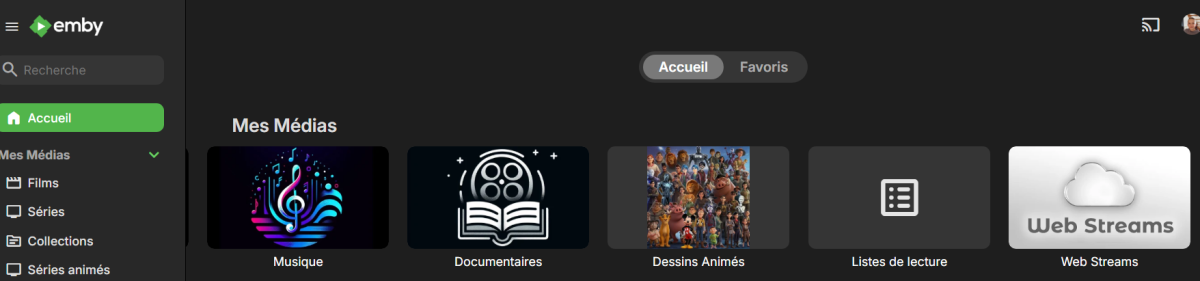
Is it better ?
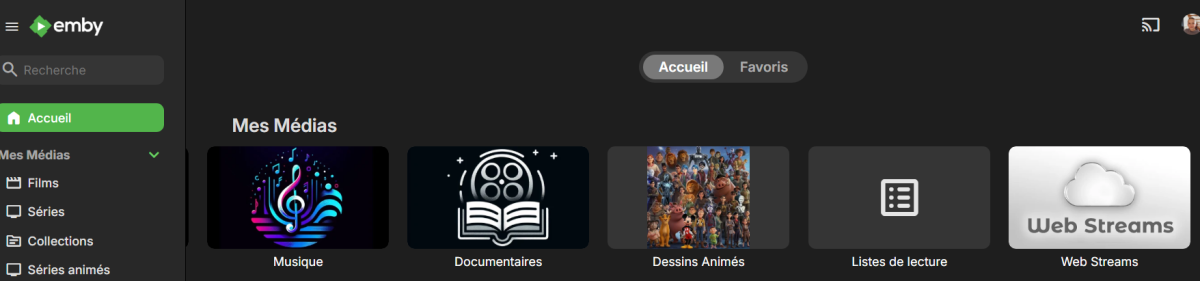
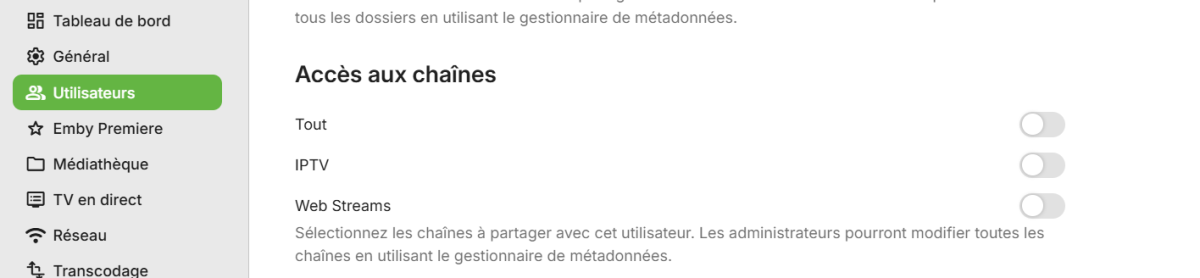
-

Sony Bravia TV with EMBY for Andoid TV fails to play
Orionas21 replied to Orionas21's topic in Android TV / Fire TV
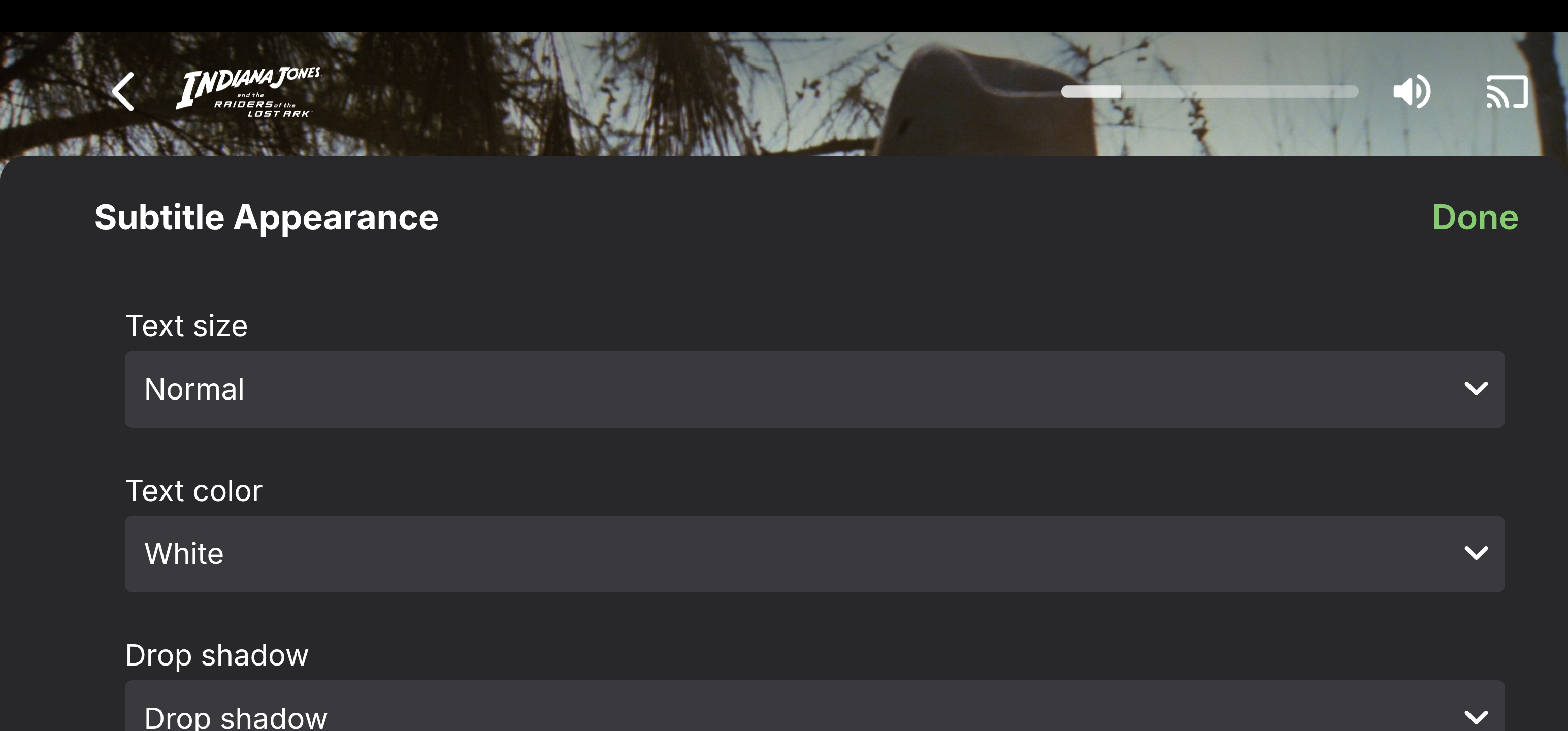
The 1st menu with the SUBS yes it is in the right side but it is huge. The second menu for the Subs Appearance is in the center and also huge. It covers almost all the screen.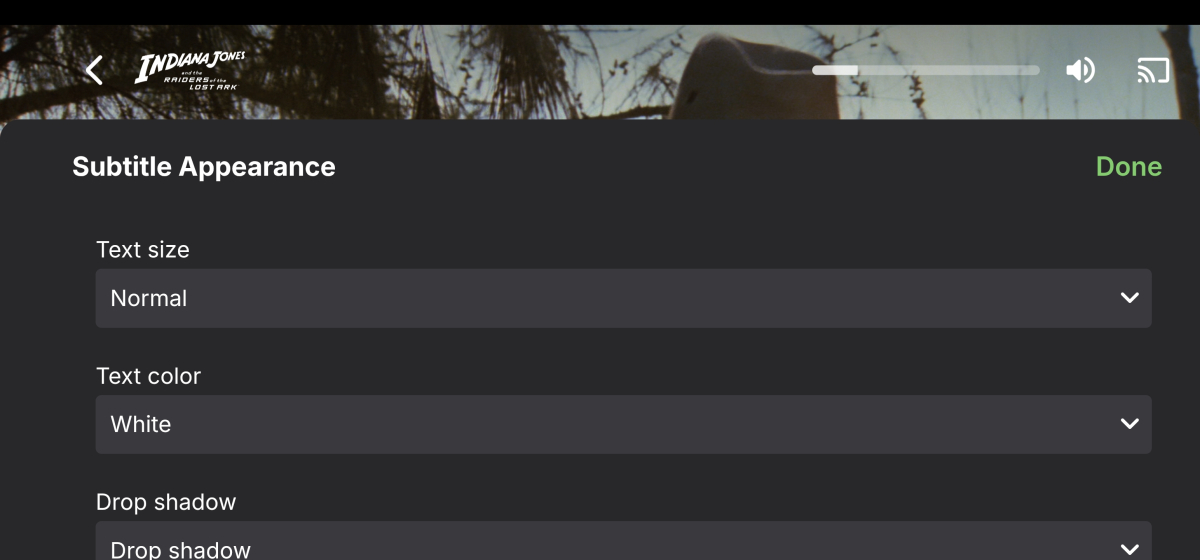
-
The message in on windows 10 when making changes to TV settings
-
And what exact settings are you referring to?
-
Is that message on the Roku or the server web interface?
-
What version number of the Emby app is that on the desktop?
-
I keep get this message after making two or three changes to settings (localhost 8096: Object Object) On the Roku when i click on TV guide (I set it to start on Guide) but it's on schedule and i can't move to any other options when using the remote control i have to exit the live TV and just not use it.
-

Server connects but displays no media files
twofacetoo replied to twofacetoo's topic in General/Windows
Can anybody help? -
I did more troubleshooting from my side and found the problem. I have a free DNS for my server and my friend is hosting it. But he didn't told me he was doing reverse proxy in his equipment so that's why my port number was good for my ip but not my DNS Thanks again for your help, sorry for wasting your time