All Activity
- Past hour
-
 huskyfart joined the community
 -
 JavierPingui joined the community
 -
 Li206 joined the community
 -
 graphican joined the community
 -
 Abelrivas joined the community
 -
 Momme313 joined the community
 -
 Feras.9 joined the community
 -
 Salem0019 joined the community
 -
 Patriii27 joined the community
 -

Remote Connections not working with Emby 4.10.0.40 Server Update
Bradum replied to Bradum's topic in General/Windows
Scratch that. I looked into it a bit more, and that seems to be some weird virtual ethernet adapter that is unrelated. I think it's for Bluestacks or something like that. -

Live TV VAAPI transcode fails at stream start: "Access unit too large"
bradford posted a topic in Linux
Live TV hardware transcoding fails at stream start. It failed in two of my three live starts. Emby then falls back to software. Setup: Emby 4.10.0.40, linuxserver/emby Docker image, /dev/dri passed through. Intel i3-4330 (Haswell, HD 4600), VAAPI, i965 driver 2.4.1. Emby's ffmpeg: 5.1-emby_2023_06_25_p6. Tuner: HDHomeRun CONNECT (HDHR4-2US), US over-the-air. MPEG-2, 720p60 and 1080i, with closed captions. Client: Emby Web on a remote connection. Target was 640x360 at 616 kbps. What happens: Emby picks the VAAPI MPEG-2 decoder and the VAAPI H.264 encoder. The decoder drops the first frames: "Invalid frame dimensions 0x0". The first encoded frame fails: h264_vaapi: Access unit too large: 8192 < 10264 h264_vaapi: Failed to write extra header 0: -28 Error submitting video frame to the encoder Emby logs "Previous transcoding attempt failed. Falling back to software transcoding." The overflow grows with the dropped frames. 43 dropped frames gave 11960 bytes. 36 gave 10264. I think caption data from the dropped frames lands on the first frame. What works: Library transcodes on VAAPI. No fallback. Some live TV starts. One stayed on VAAPI at about 25% of a core. The same encoder settings on a clean tuner capture. That encode succeeded with and without A53 captions. Can you look at the first-frame header size on live streams? The full transcode logs attached. Thanks, Bradford ffmpeg-transcode-fe7a4366-448e-4cbc-bd52-53e6c6438c81_1.txt ffmpeg-transcode-d3d074f3-59a7-41d9-a1a8-641b26bdaff0_1.txt ffmpeg-transcode-cf53136b-c9bc-43bb-933c-a0a2dd413997_1.txt ffmpeg-transcode-81c994e2-3772-4806-b10c-b234d3625a2c_1.txt ffmpeg-transcode-508dcfff-c488-478d-8c07-33aecd9aaacf_1.txt ffmpeg-transcode-46aafbce-69b4-4c40-9928-789d6a792169_1.txt -
Interesting, there's actually another topic discussing Nested Collections and this method appears to create that type of structure. One example from that discussion is Genre > Sub-genre which might be possible by using the Home Screen Companion plugin for managing collections (smart playlists) of sub-genre and adding the genre tag to each collection. Then displaying it on the home screen with a dynamic media section filtering on the genre tag.
-
Ok thanks. I’ll dig through the whole library over the next few days and report back.
-
Remote Connections not working with Emby 4.10.0.40 Server Update
Bradum replied to Bradum's topic in General/Windows
Had my friend try and connect via "Emby Connect". It does not automatically log him into the server, and when he tries to select my server from previous servers it fails to connect. I've already checked to confirm that the IP shown by Emby Server matches both "whatismyip" checked through a browser, as well as the WAN IP that my router shows. The weird thing I just noticed is that when I run ipconfig locally on my machine it shows an IPv4 that doesn't match. None of it is going through the VPN, which has a completely different address. - Today
-

Remote Connections not working with Emby 4.10.0.40 Server Update
Luke replied to Bradum's topic in General/Windows
What exactly did they try to do? From what Emby app? And what exactly happened? -
There currently isn't a search by id.
-
Remote Connections not working with Emby 4.10.0.40 Server Update
Bradum replied to Bradum's topic in General/Windows
Had my friend try and log in remotely. Server seems to have created a log at that exact time (see attached). embyserver.txt -
@bketteringThanks. I always put the year into the folder and file name just to make sure the metadata is the right one. First line of the Overview or the Tagline would make it visible without searching for the second name though. Thanks.
-
New minor release - Version 4.2.0.0 Download .dll and full release notes: https://github.com/soderlund91/HomeScreenCompanion/releases/tag/v4.2.0.0 New features, updates and fixes Install/update via Emby plugin catalog or manually download the .dll. IMPORTANT! Minimum required Emby server v4.10.0.40 Release notes New: Continue watching bump: Added an option that enables new seasons and episode releases to bump up the show to first position in the continue watching. The settings will be found in top menu "Home screen" --> "Home screen tweaks". Read more below about the function Note: This feature is currently experimental. I have tested it by adding/removing episodes on my own server and it seems to work well. But the true test for this function needs to be some live tests, and will take some time. Hence the experimental warning. Updates: MDBList support: Added support for MDBList official lists. Logs: Logs now persist between server-restarts. Top-list items can now show their collections. Movies opened from a top-list row didn't show "Included in ", because the top-list copy wasn't a member of the original movie's collections. Turn on Show collections on top-list items (Settings → Advanced → Top-lists) and each top-list movie is added to the same collections as the original, and follows along when the original is added to or removed from a collection. Off by default. Turning it on (or off) updates all existing top-list items. Trade-off: depending on a collection's sort order, the collection may show the top-list version with its rank-badge poster instead of the original. Fixes: Top-list copies no longer match rules. MediaInfo and AI rules could pick up the top-list .strm copies, which then got tagged and added to collections and playlists. This could also make tags "come back" seconds after a sync removed them. Tags no longer bounce between versions of a movie. When a movie exists as separate items (e.g. 1080p and 4K) and a rule matches only one of them, the other version no longer gets the tag re-applied after every sync. Recurring schedules that span New Year now work. A window like Dec 27 → Jan 3 was only active in December. A group's own tag no longer satisfies its Tag rules. A group tagged zzrow-musicalswith the rule Tag contains Musicals matched itself, so items never left the row. New Tag rules now default to Exact. Existing rules are unchanged. Rating rules now include exact boundary values. Community Rating >= 7.2 skipped movies rated exactly 7.2 (and <= 6.9 skipped 6.9). The plugin's API now requires an admin account. Signed-in non-admin users could previously call it (e.g. export the backup including API keys). _____________________________________ Continue watching bump This is a workaround to highlight for the user that a new episode/season has been added. For example, if the user have watched all episode of a show up until s03e10 (season finale). It might then take a year or two before s04e01 is released, and the show will get buried way down in the continue watched, This function manipulates the "LastPlayedDate" for s03e10 to look like the user just played it. In this way s04e01 will be placed as the first item in the continue watching row. This bump will only happen once, and if the user doesn't watch the show, it will gradually move down the continue watching list. When enabled the function auto-detects new seasons and apply the setting. There is also a new scheduled task to catch anything that has been missed (runs default every 6 hour). You as an admin can select if this should apply to only new seasons, or between all episodes. HomeScreenCompanion.dll
-
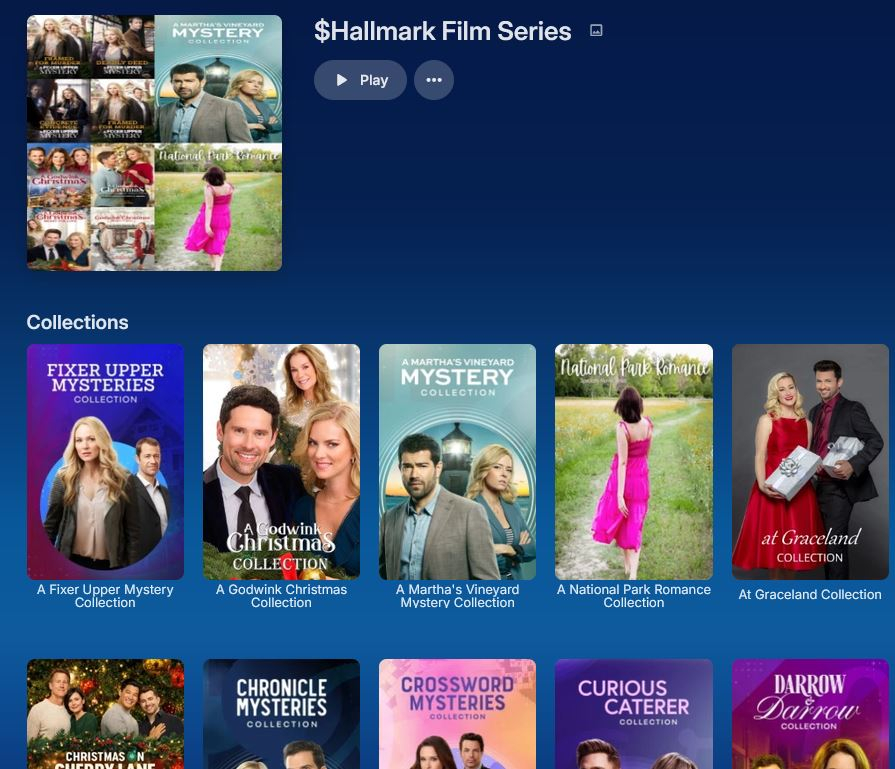
@mwongjay@user24I ran across something with tags I've done and seems to work ok. Had a list of things that were sets of collections. The Hallmark Channel Film Series. I added a tag to each collection and when I click on the tag I get all the Collections under it. So it's basically a structure. I've not really though of other uses but I'm sure there are some.
-
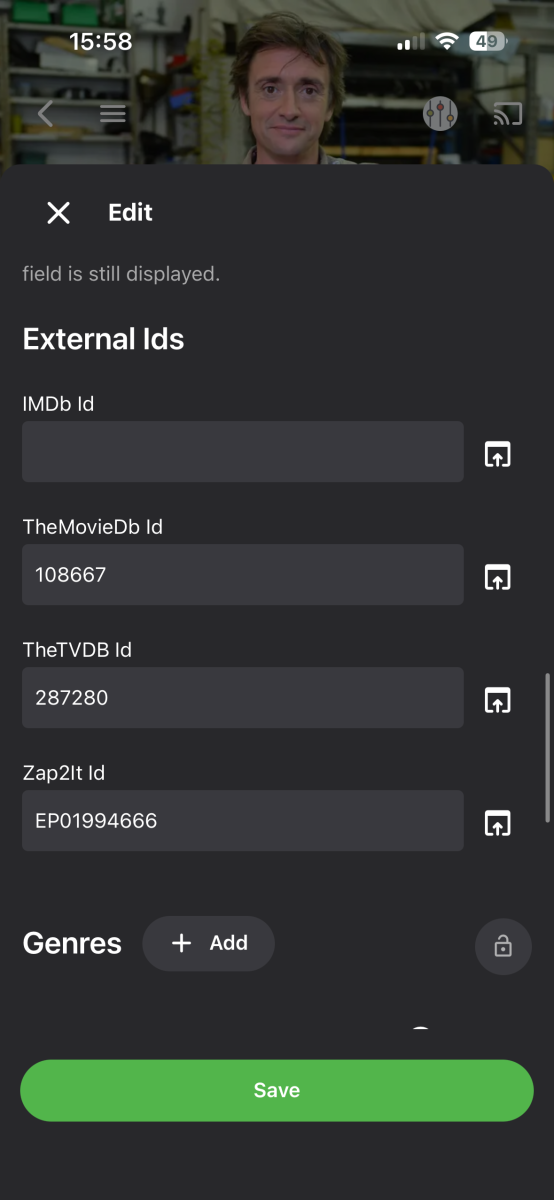
Is there a way to search by ID to see if I can find where the issue is (without manually opening everything to compare) I compared the likely items and no matches I can see In the attachments.
-
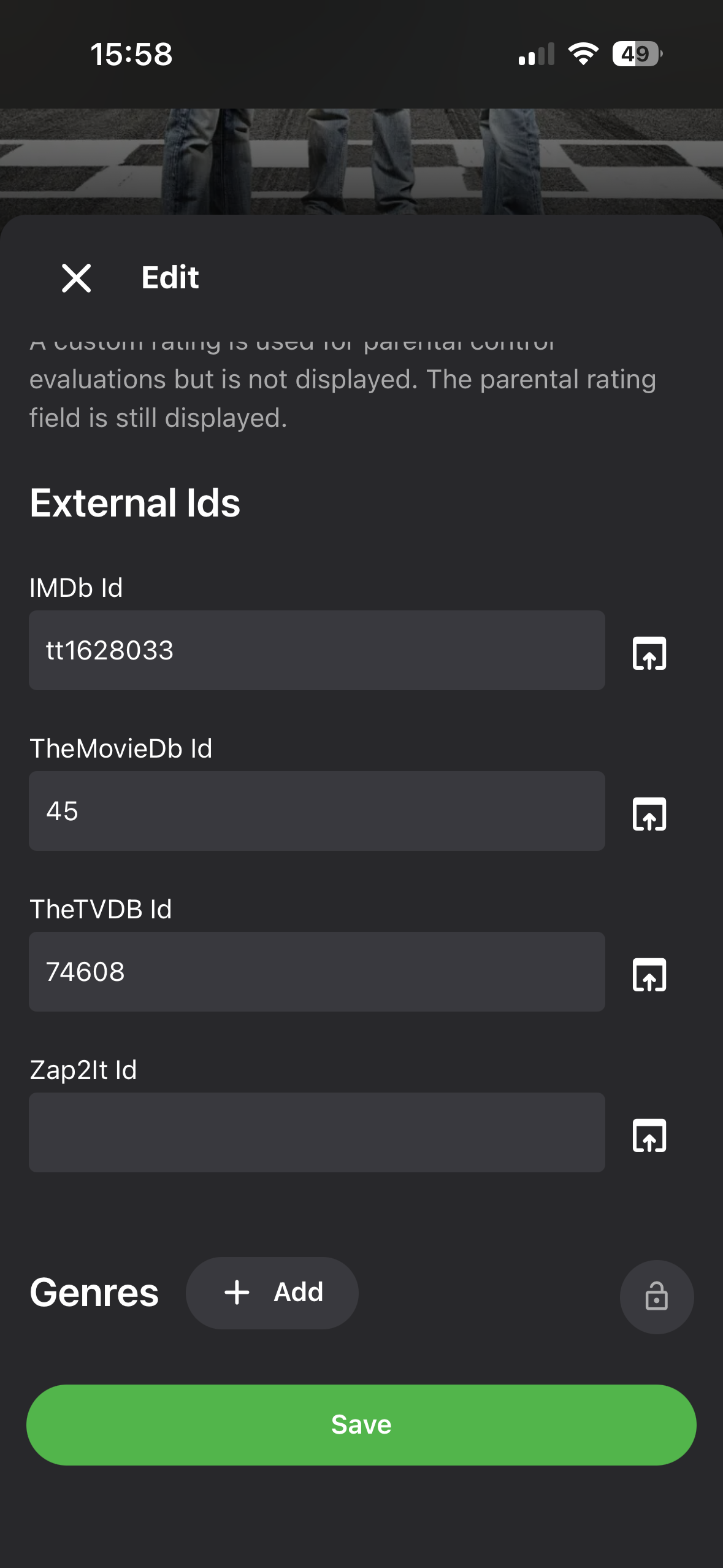
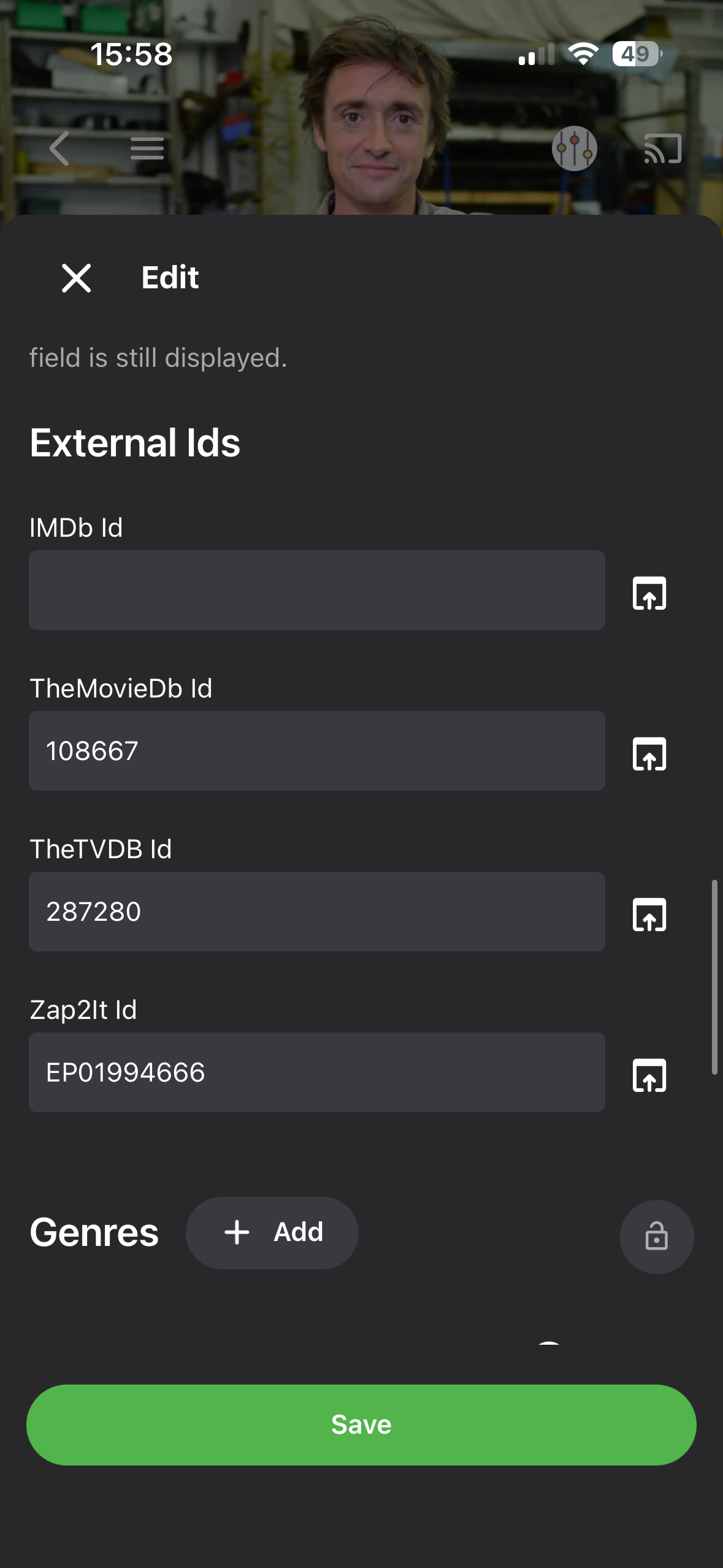
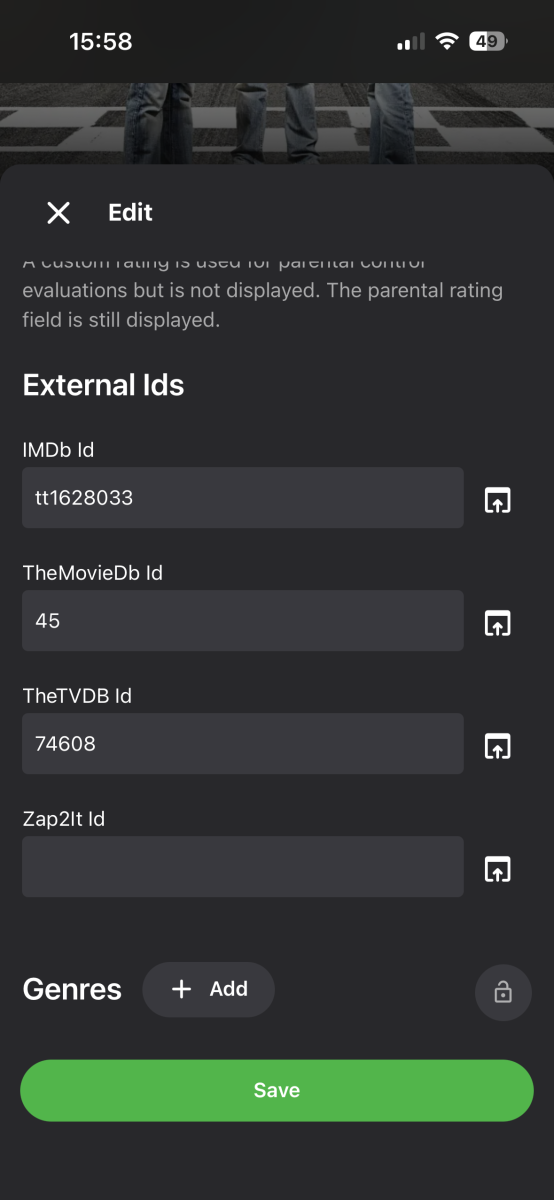
The two series probably have some common external ids in the metadata editor.
-
@sa2000
-
Do you mean the problem that the messages above yours from seven years ago say is fixed, or do you mean a problem of your own which you haven't yet described? If describing a problem, don't forget to include relevant logs, etc. Paul
-
Thanks, then I am at a loss as the TVDB I’d is not matching any others that I could find in that library (every series ID is correct) and the two top gear series have different IDs. but turning that option on makes it go Poof! And only can be found in the search.
-
Remote Connections not working with Emby 4.10.0.40 Server Update
Luke replied to Bradum's topic in General/Windows
Can you try it again and then produce a log file? -
They are joining on the series tvdb id.
-
I have managed to get the series to show again… I had to turn off the library option of "Automatically merge series that are spread across multiple folders". the only series with remotely the same name are: top gear and top gear - ambitious by rubbish However, they were merged as the second one was displayed but not with the first one showing within it. Also, the folder view should not have them merged from my understanding and library setting. @Lukecan you tell me what the library is matching when that option is on so I can dig deeper? This was never an issue since 2019…lol…but something changes the behaviour in the last month or so I believe. I have disabled that library option in all my libraries for now. Thanks
-
Remote Connections not working with Emby 4.10.0.40 Server Update
Bradum replied to Bradum's topic in General/Windows
Hi Luke, It seems Emby Server only keeps a few days worth of logs, so I do not have the logs from when this happened. Is there any additional info I can provide like IP, ports, etc. via DM that would help? I can also create an Emby Connect user for you on the server to test if that would help. -
Hi there, can you show us how you've setup port forwarding? Connecting from Client Apps
-
HI there, can you please provide a specific example? How to Report a Problem Thanks !
-
Same here, thats why I waited. however I figured I should report it after a couple of days of getting it.
-
I've started converting to MP3 and I seem to have an artwork issue: Emby does not appear to be pulling any album cover-art. I figure I have some settings wrong and am looking for some tips hopefully. Here's details: -each new MP3 subfolder is an album -my metadata tags are good including all artist/album/year tags updated (no artwork imported during conversion) -if it matters, file name is usually the song name but subfolder name is a custom scheme -during song playback, a 'generic' artist background loads; in the web interface, this same generic background is shown for all songs/folders/albums; in the Roku app, album folders show no art -library settings: real-time monitoring on (have also manually scanned); all artist/album metadata providers on; all album/artist image fetchers on; save artwork into media folders on; download images in advance off -confirmed the emby system acct has read-write to the music-library share Since images don't download in advance, I wasn't sure if manual scans or meta-refreshes really did anything. Also, I'm not sure what kinds of files should get saved into the folders (jpg?). So those maybe some things, but if anyone spots a problem with these, let me know. Thanks.
-
The episode is a single item. The container for it is the series. The container above that is the collection. You already have this. Why can you not simply create a symbolic link to the tv series? And then containers within container? If you are worried about a circular reference just check the container cannot contain itself. Somebody could create an external plugin that references the movie, tv show and then create a virtual file structure for it. So collections can be made and then collections within collections.