All Activity
- Past hour
-
 Anderjeets joined the community
 -
 Chacha0987 joined the community
 -
@chorion83?
-
Yes they're probably assigned to an episode. This is causing the genres screen to show the empty category. That empty category will no longer be there in the upcoming 4.10 release. Thanks.
-
 ugafe56264 joined the community
 -
Hi, thanks for following up.
-
 CLAL9 joined the community
 -

TV Show Status — TMDB-powered Returning/Ended/Cancelled badges for series
Blueskies278 replied to Blueskies278's topic in Plugins
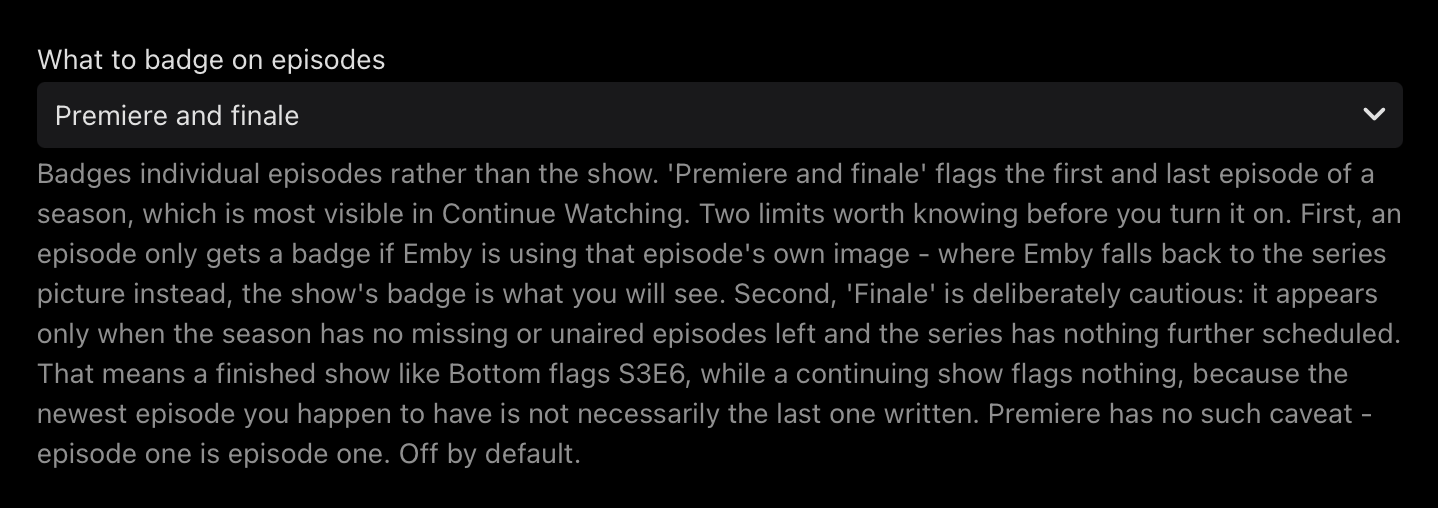
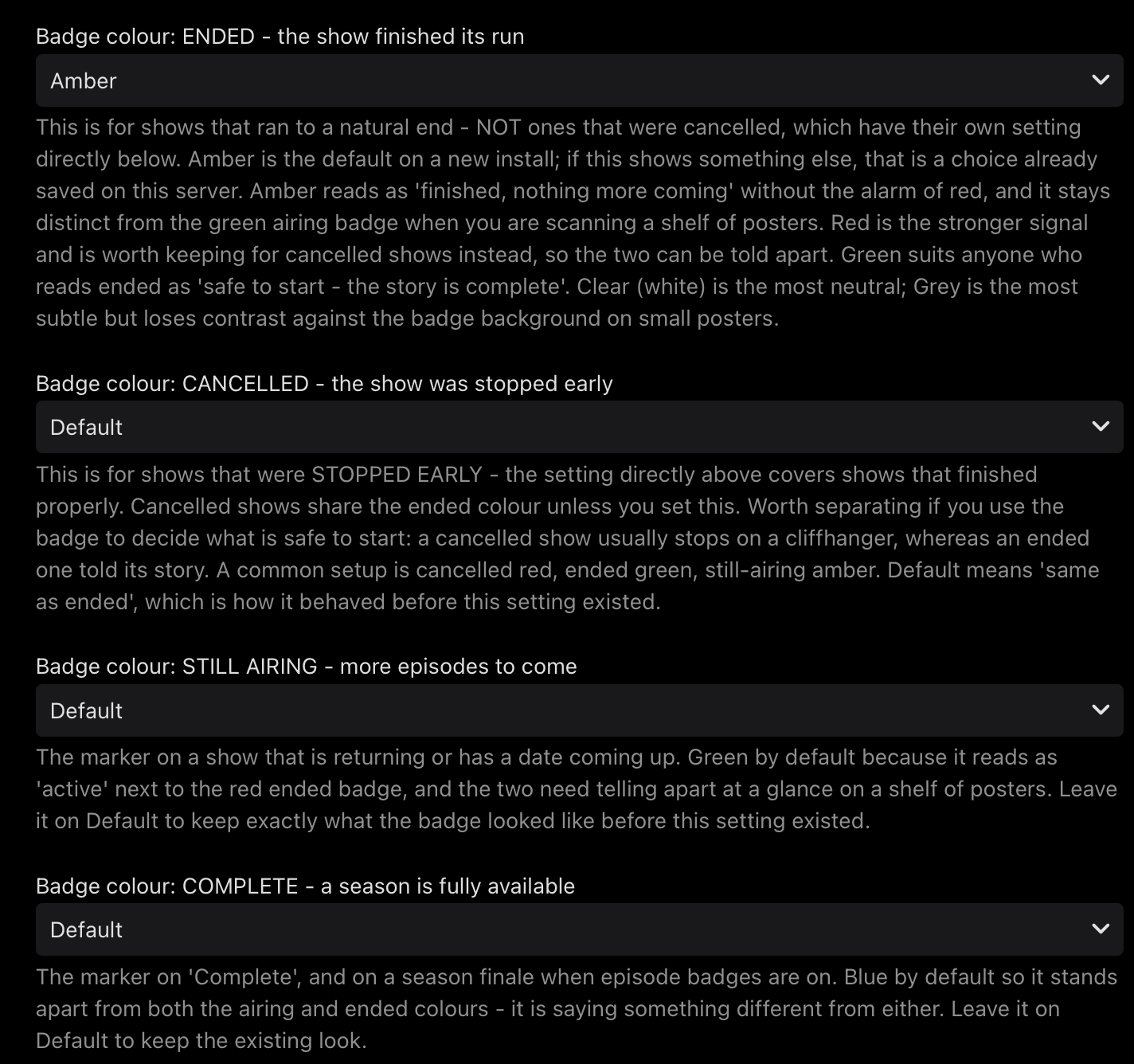
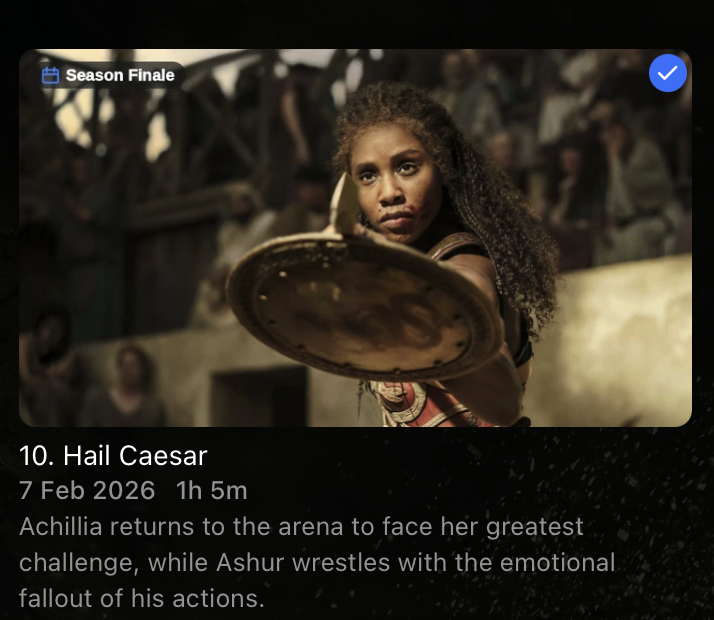
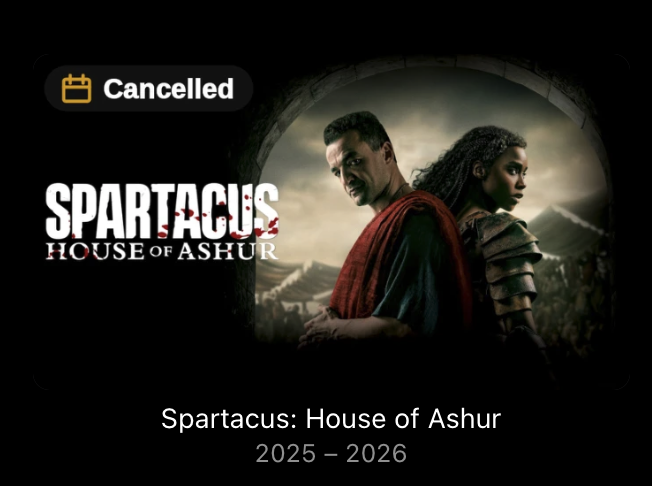
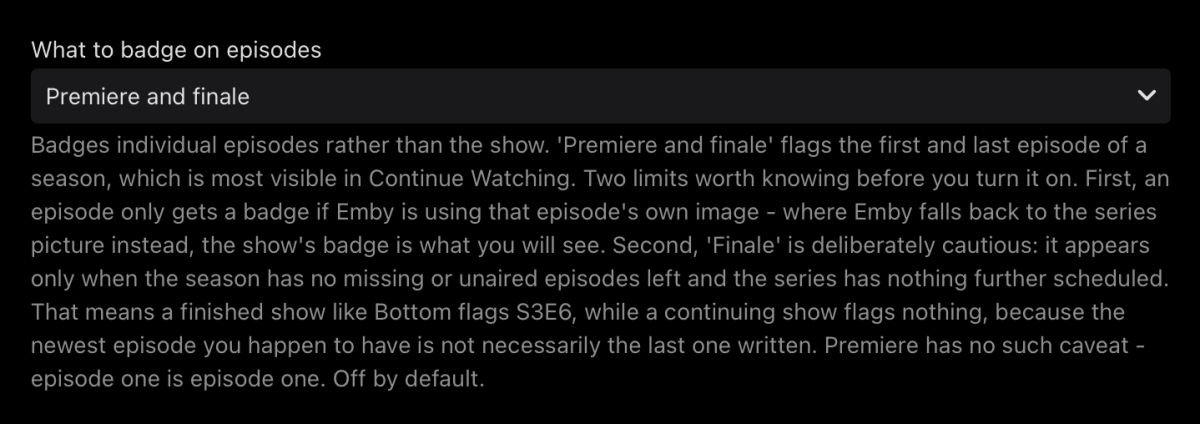
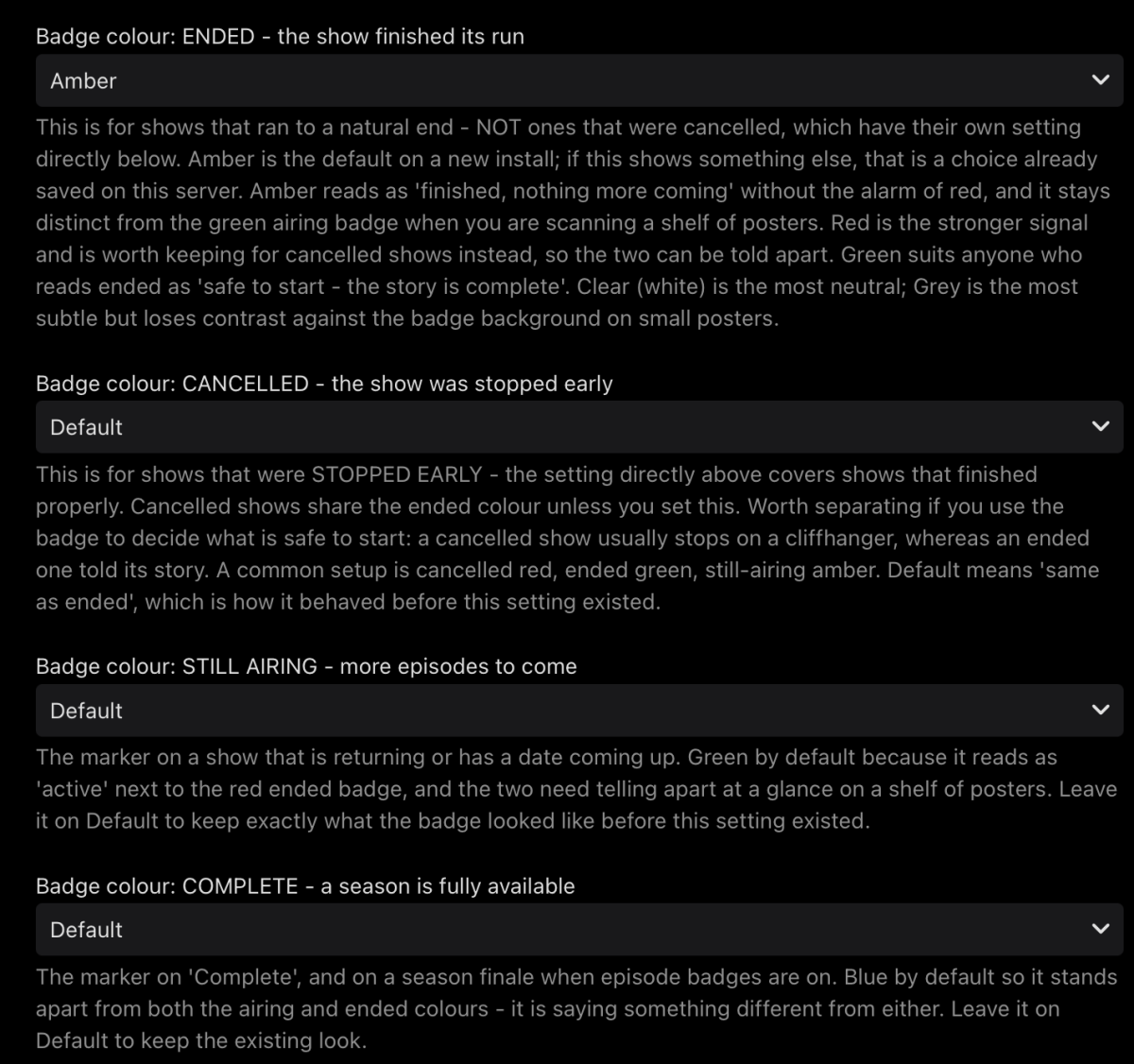
TV Show Status 2.5.76.0 — what's new Everything since the last beta build (2.5.54.0). Badge colours are now yours to set Four dropdowns: ENDED, CANCELLED, STILL AIRING, COMPLETE Palette: green, blue, red, amber, purple, grey, white Cancelled has its own colour for the first time — it used to share the ended one Popular setup: cancelled red, ended green, still airing amber. Tells you at a glance whether a show is safe to start or stops on a cliffhanger Ended now defaults to amber, not red Only applies to new installs If you already have the plugin, you keep whatever you had — change it under Badge colour: ENDED Episode badges — Premiere and Finale New setting: What to badge on episodes. Off by default Flags the first and last episode of a season Finale is deliberately cautious: it only appears once a season has no missing or unaired episodes left and the series has nothing further scheduled. A finished show flags its finale; a continuing one flags nothing, because the newest episode you have isn't necessarily the last one written Premiere has no such caveat — episode one is episode one Clearer badge New font — narrower, so the text renders larger in the same space Text is slightly heavier so it survives being shrunk down for a TV Small and Medium are about 15% larger than before; Large and Extra large are noticeably bigger again, for anyone who wants the badge obvious from across the room If your badge looks too big or too small, the size setting has four steps and it's worth trying one either side Fixed: badges vanished when your server had no internet The plugin used to overwrite its cache with nothing when it couldn't reach TMDB, so an offline server lost every badge within 30 seconds of starting It now keeps what it already knows and simply stops updating Overlays also work immediately after a restart instead of waiting for the first refresh Fixed: cancelled shows said "Ended" The poster overlay had no way to say "Cancelled" and reported those shows as Ended Fixed: web badge needed a page refresh The badge was being drawn onto the page you'd just left, so it never appeared until you reloaded Also fixed: it disappeared when you marked an episode watched or unwatched Fixed: colours didn't match The badge beside a show's title used its own built-in colours and ignored every setting — it wasn't even the same green as the poster All three places now use the same colours Known limitations Spoiler hiding changes what you see. If you have Emby's Hide spoiler information from unwatched episodesswitched on, unwatched episodes show the series artwork instead of their own — so you'll see the show's badge rather than an episode one. That's Emby substituting the picture, not the plugin failing. Episode badges appear normally once an episode is watched, or with spoiler hiding off. Episodes need their own artwork. An episode with no still of its own borrows the series picture, and gets the series badge with it. Some views share one image. Your library's thumbnail view and the Upcoming list request the same picture from the server, so a badge in one appears in the other. Poster view is the only layout that separates them. Reporting Most useful things to hear about: Anything that appears to do nothing Badge size and readability on a TV Dates that disagree with your Upcoming list — tell me which show EmbyTVShowStatus.dll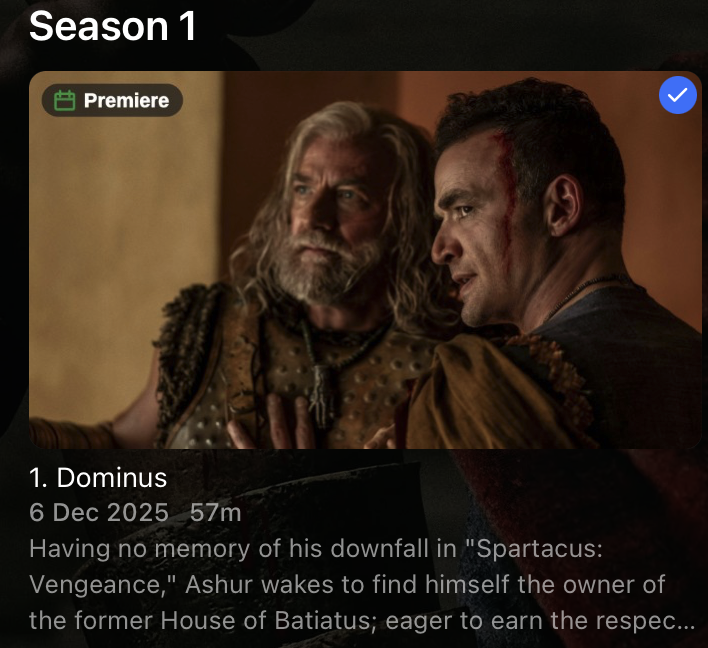
-
Did the loading spinner come up?
-
That may be true, but emby server has only readonly access to it. Your media folders and backup folders are two different things, each with their own sets of permissions. What exactly did you do?
-
 SpecterVII7 joined the community
 -
 Shahin2444 joined the community
 -
 Eddie168 joined the community
 -
What does the users section on the server dashboard say? I think it might be getting it from there, rather than just the last time using that one app on that one device.
-
 Triciloped joined the community
 -

BDMV folder playback broken in Emby Server 4.9.5.0 – BDMV directory is incorrectly opened as a regular file
Luke replied to Jar4tt's topic in General/Windows
so that resolves your issue? -
 OliverDIBS joined the community
 - Today
-
I'm sure someone's already looked at this, but this is the answer from Ray's FAQ regarding integration with popular media server systems: "For Plex, Jellyfin, and Emby, Ray uses webhooks. When new media is added to your server, it sends a notification to our backend, which automatically generates subtitles." Seems that there's an assumption made that Plex, Jellyfin and Emby would somehow allow or permit these webhooks to take place by some sort of setting within the media server's software.
-

BDMV folder playback broken in Emby Server 4.9.5.0 – BDMV directory is incorrectly opened as a regular file
Jar4tt replied to Jar4tt's topic in General/Windows
yes,the '@' is the cause,i tried -
The Android app will attempt to launch it with a registered player on the device for that format. Have you installed one that can receive intents?
-
Hi there, let's look at an example. Please attach the information requested in how to report a media playback issue. Thanks!
-
Hi there, please attach the Emby server log from when the problem occurred: How to Report a Problem Thanks!
-
So, this is a dup of this?
-
Playlist adds instantly via the M3U URL but then when trying to actually pull the data I get error: "Error: Streams limit exceeded: No streams will be shown"
-
I use UNRAID myself for my NAS and have an i5-12400 as my processor, though I do not run Emby on my NAS as I instead use an i5-1235u laptop as my Emby server as it allow me to have a screen and a keyboard/mouse (though my screen is smashed so I just have it plugged into my main TV on a secondary HDMI). If you can, take a look at alibaba for stuff. I don't know what taxes/tariffs there would be for you but I picked a variant of this up before all this AI and crap. The case you're looking at is "small" when it comes to digital media hoarding, and you would eventually need to upgrade it, IF prices come back down. I personally went from my home PC, to a Define XL, Define XL II to my 24 bay diskshelf in the span of a decade. Moving drives each and every time was a PITA. I would say to upgrade your motherboard if you can, first. ITX is a very limiting form factor. We all say "I don't want a huge homelab" until we have a huge homelab..
-
External player support is on the list of upcoming improvements, then you will be able to use VLC. Ripping your dvd's using makemkv isnt an option?
- Yesterday
-

LG G5 dropped DTS again, and Emby didn't work...?
Dog_Bronson replied to TurkeyMan's topic in LG Smart TV
We've been hearing that for months. I know LG review is slow, but this isn't just that. i know it isn't. This is absurd. And it's really killing any interest in Emby from family and friends because so much of the LG app is flat out broken, and has been for a year. -
Are you accessing Emby's db files or your own ones only?
-
Can you tell me what SQL Lite driver is used inside emby that could be causing the problem? Ill switch on my side and see if it clears up
-
Ran the integrity check, sqlite returned ok.
-
Most of the time but not always can fix it with playback correction movie, also same movie imported from PC same browser playing direct without Emby involved file:///// movie no issue, and by the way Tested same movie on Jellyfin no problem what so ever
-

Atrium — a native tvOS app for your Emby server
alex77777 replied to vdatanet's topic in Third Party Apps
@vdatanetSo just to clarify, currently your app only displays SDR at the moment? I'm testing it out and honestly its a really smooth experience. Do you plan on having it direct play formats like DTS-HD MA and TrueHD to the Apple TV similar to how Infuse does it? -
thank for the suggestion, I tested cbr/cbz/ and it did not work on the android, but I tested a pdf file and I was able to open on the default android reader. I downloaded a cbr/cbz reader and set to open the files with the reader but it did not work. My suggestion would be to enable an option that allows users to choose which app to use. just to add on the web version works just fine
-
I know about Sort Names but prefer to keep them close to the Original. Especially on the Collections that are not consistent. Like X-men ... X-Men, X2, Dark Phoenix, Logan, Wolverine would have to be all X-Men 1, 2, 3, 4, 5, etc. But I may have to rethink it later if no other solution works.