All Activity
- Past hour
-
 TYPRIV3TE joined the community
 -
 15978796133li joined the community
 -
 joselopez50 joined the community
 -
Both good choices, decided to take all my crap down and format everything and start fresh from start with a nice debian server to run emby and run dvd backups only. That way I get the best quality and if someone on my server wants a movie they will need to drop off the dvd at my house for me to copy it to my computer
-
 Voidf joined the community
 -
 roymi6 joined the community
 -
Hi, can you please provide a log from the android app? Thanks !
-
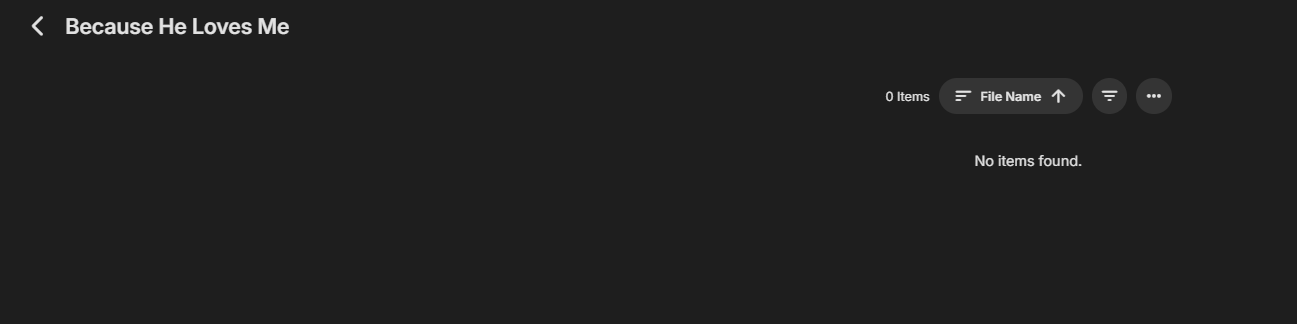
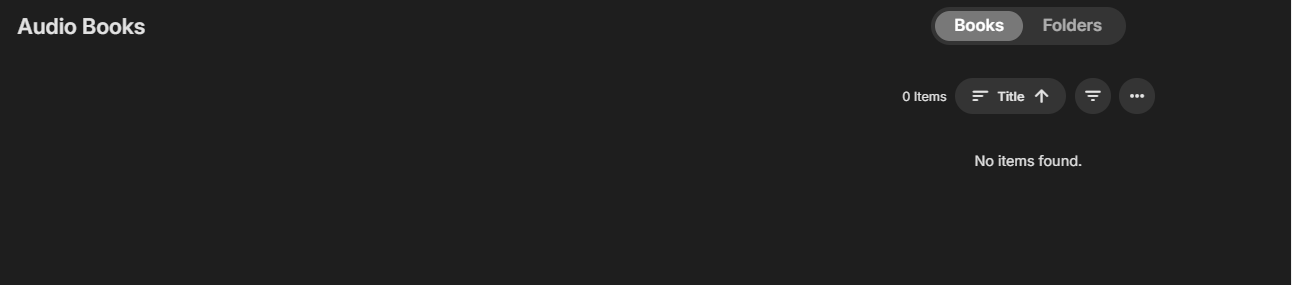
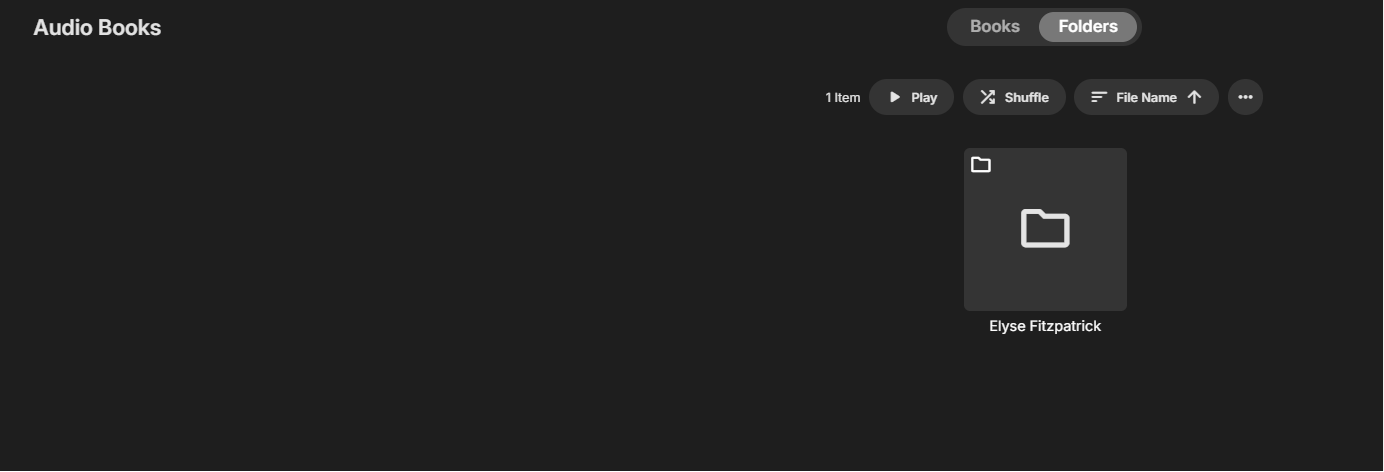
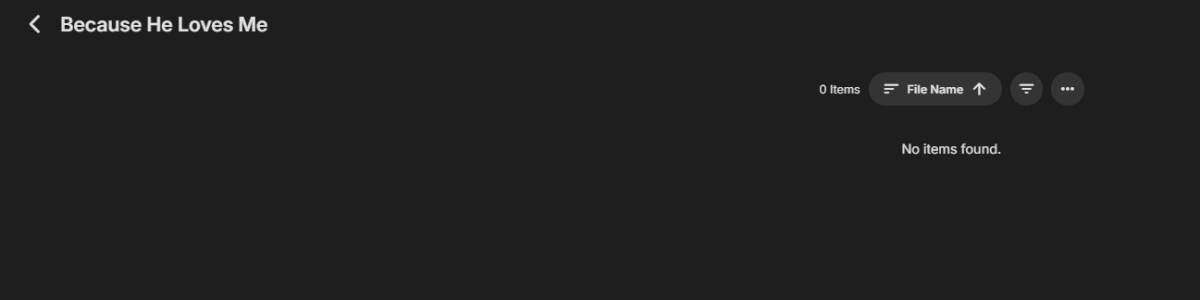
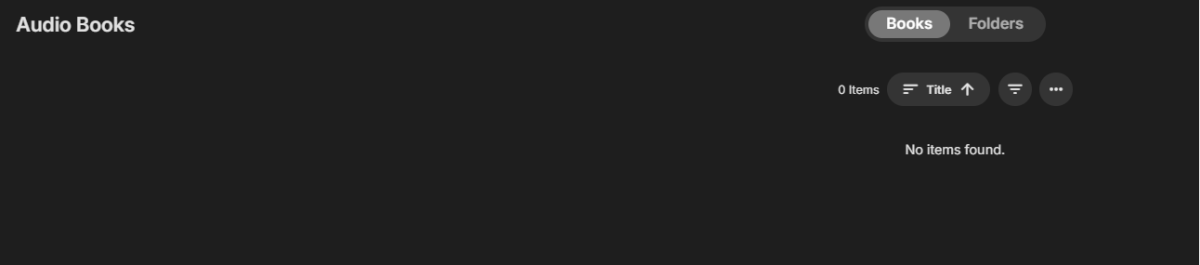
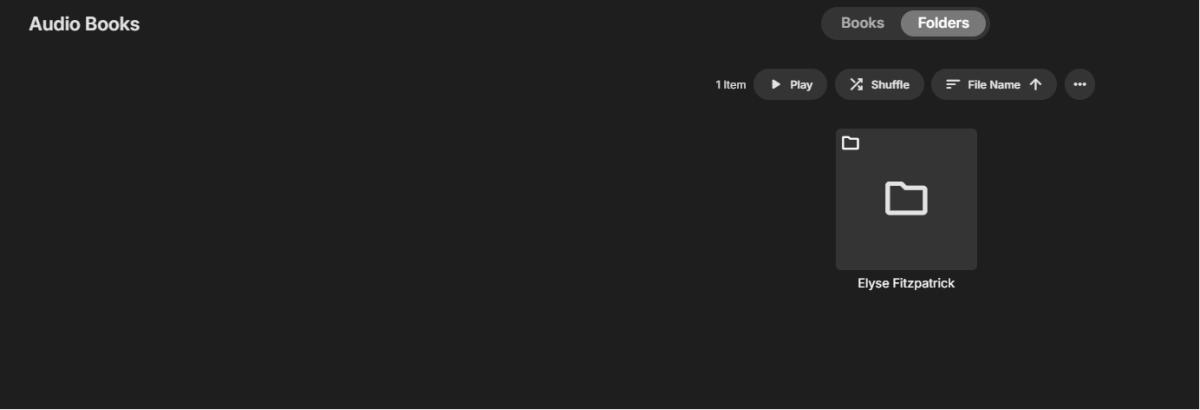
I have a library called "Audio Books" in the library path I have one book that is under a directory called "Elyse Fitzpatrick" (authors name), then a subdirectory "Because He Loves Me" (book title.) Inside the book title directory, I have the files, when I ripped them, they were named by the chapter number and the chapter title so something like "01 - author name - chapter name.flac" nothing was showing up in the audio book library so I renamed the first chapter to literally "01 - Chapter 1.flac" then I rescanned the library. I think this is the proper naming convention. One odd thing is that in the file systems I have <path to library>/authors name/book title, but if I go to the folder view in Emby, I see the authors' name, but when I click on the authors name folder it takes me directly into the book directory. I would expect to see a listing of books titles and then have to click on a book, it seems to skip one level. No files show up in any view. I've just checked all the permissions, and they look identical to the permissions on the music folders which are all showing up in the music library. I can see the book files both in the mount location and in the NAS (through the file system, not in Emby.) Not exactly sure what's going on here. I hope the descriptions are clear; I've tried to make them so. I don't have a lot of audio books, but it would be nice to make the ones I do have available to my users. I might acquire other books if I can get it working. Thanks for any inputs. HS
-
It means trakt may not know about that season number.
-
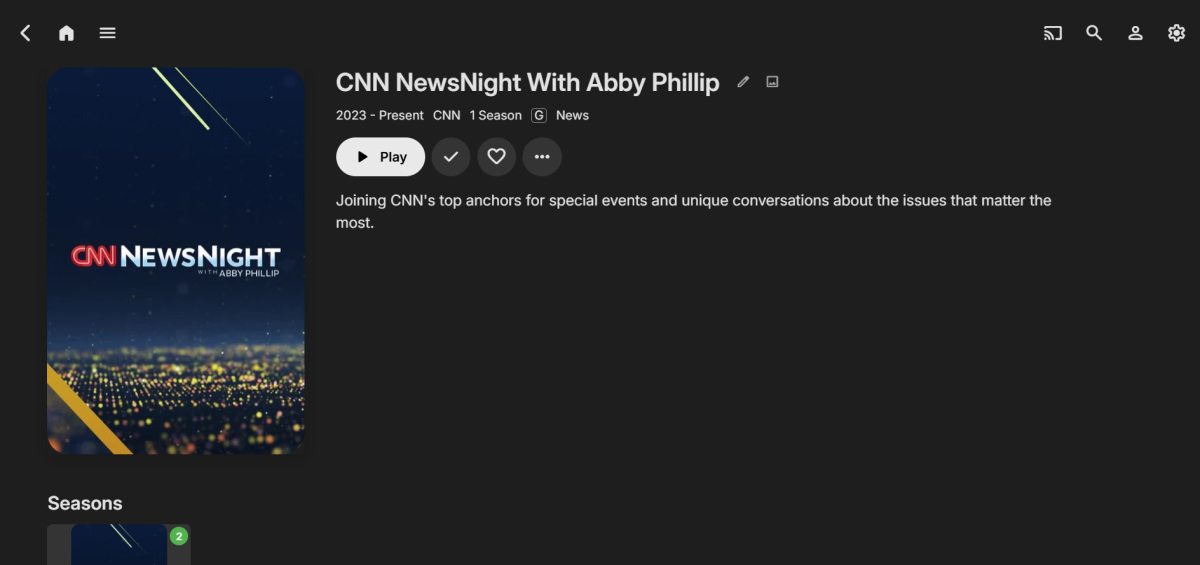
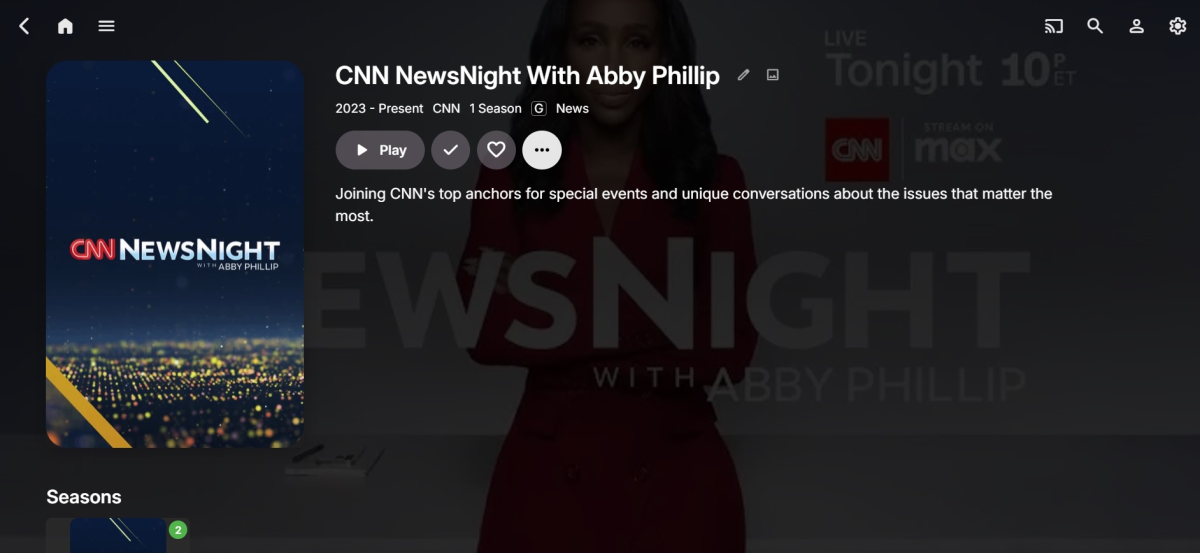
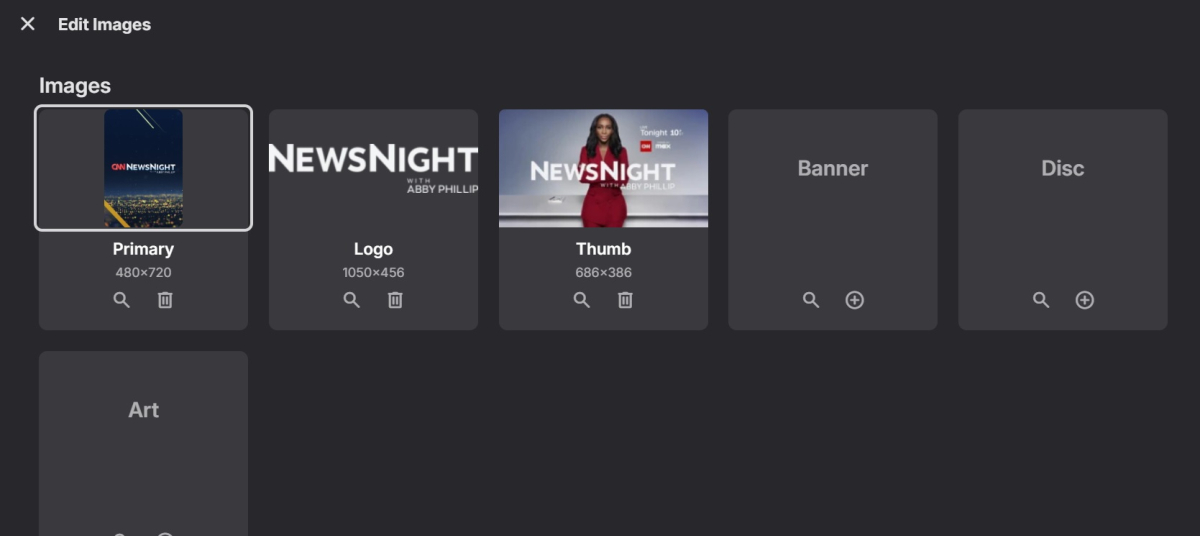
Those extra images come from internet metadata based on your library options. The recording gets this because at this point it is just a normal video in your library like any other. Live TV in the guide will not have all of those kinds of images.
-
 merciaazevedo041969 joined the community
 -
HI, it's due to the differences of embedded musicbrainz album ids on the tracks.
-
 D7MG515 joined the community
 -
 Karl_ joined the community
 -
I just like watching the news, years ago when I had lots of live channels I would have each channel on a different subscription so for people on my server they never got the nag screen about too many users on one subscription had like 120 channels or so. Now I don't have many channels nor do I even like live channels except the news is about all and I just record everything anyway so I can skip over the ads which I hate. Now that emby recordings work flawless I was able to delete tivimate unless I get bored tinkering with crap or something.
-
I can answer my own question - i can see this in the Environment Variables in the PML file process starrt ; PROCESSOR_ARCHITECTURE=ARM64 You are probably the first person to run the new app version on ARM64 on Windows
-
@NatelanxonIs your VM setup as ARM64 ? There is a lot of log lines in the PML relating to XtaJIT64
-
 merciaazevedo joined the community
 -

How to edit the EMBY Home Screen on my TV?
GrimReaper replied to TJBTOPJOCK's topic in General/Windows
Basically: No to all. You can lend your support here: Post the topic in the appropriate forum section as per client app. How to Report a Problem You'll have to elaborate on that, preferably with some specific example(s). -
 ahmed223 joined the community
 -
Nobody?
-

How to edit the EMBY Home Screen on my TV?
Abobader replied to TJBTOPJOCK's topic in General/Windows
Hello TJBTOPJOCK, ** This is an auto reply ** Please wait for someone from staff support or our members to reply to you. It's recommended to provide more info, as it explain in this thread: Thank you. Emby Team -
When I'm looking at my Emby Home Screen on my TV, it has Home and Favorites in the top menu, can a Playlist option be added and if so how? Looking at my Movie top menu on my TV, since I don't have Trailers or Tags, can those two items be removed and if so how? Looking at my TV Show top menu on my TV, basically the same question, since I don't desire having options to select Upcoming or Episodes, can they be removed and if so how? Why does my Movie menu have a Folder selection on my TV, but my TV Show menu on the same TV doesn't ave a Folder selection? Finally, why do some Folders automatically plug in images but others do not? Only have one question when watching Emby on an Apple TV. Why doesn't the alphabetic side scroll option appear when using an Apple TV like it does on all other TV's?
-
Also not everything always shows in live tv for backgrounds but once you do it manually once each time it records it will always be there and show.
-
Check the repo. I’ve uploaded the .dll. But read the information about the server version.
-

No Metadata at the Season Level (Episodes are Fine)
Luke replied to js28194's topic in General/Windows
Hi there, please attach the Emby server log from when the problem occurred: How to Report a Problem Thanks! -
As you were just shown: https://emby.media/support/articles/Quick-Start.html Scroll down to the paragraph "Prepare Your Media". The menu on the left also has an entry "Media Preparation" which gives details of how you should name the files to have them recognised without problems. For ripping the files from your DVDs and Blurays, MakeMKV is a popular choice of (free) program. If you have a TV tuner (or IPTV) on your network, Emby can also record from that source. Paul
-
What exactly isn't showing up? Where?
- Today
-
I decided to cancel all my newsgroup accounts it costs too much, I like to copy from dvd blueray the quality is that way always better and ebay always has good deals for dvd's in 100 packs. I just hope they don't stop making dvd's and turn everything into streaming only so we can no longer copy from disk
-
Perhaps you had the Diagnostics plug-in installed...?
-
Mine does this sometimes also in the continue watching section and if I switch vpn's it works again as it should. UK and USA seem to work best on emby using vpn but that may not be your issue but just more of something to keep in mind.
-

Add a buffer to the pixel dimensions of the "match video resolution" feature
ebr replied to rekit's topic in Feature Requests
Hi. We already do that as far as our processing goes. However, some of the "match resolution" during playback is handled by the player or device instead so the best thing to do here is look at a specific example. Please attach the information requested in how to report a media playback issue. Thanks!- 1 reply
-
- 1
-

-
Hello, what else can I try?
-
I understand, I'm just a silly nerd in a basement
-

Why is Jellyfin so much more popular than Emby?
FourCorners replied to Nabukodonosor's topic in Non-Emby General Discussion
I'm not a fan of jellyfin but I do like it more than plex. For me I will use emby and pay monthly indefinitely I like it more than other platforms it just keeps getting better with better support more people on the forums so yeah, better community here. I do tinker with jellyfin css and silly stuff like take a live link from a few movies and throw it on tivimate as an m3u just crap like that. But emby is what I support and will continue to support.