All Activity
- Past hour
-
Thank you. That’s better, though still not ideal as other people watch other shows on the same TV so I’ll have to toggle the option before and after every time I sit down to watch it.
-
 Rbartej joined the community
 -
 joaogomes20 joined the community
 -
You can disable "Show Up Next Preview* in App zettings>Playback tab until you finish that anime. Or use Universal Andrpid app so you won't have that overlay.
-
 tzvia1977 joined the community
 -
 Ddlegeant joined the community
 -
Hi, I regularly run into this issue, but fortunately can usually sort it out, but I’m having no luck this time. I’m currently watching a Japanese anime, with two audio tracks (Japanese and English) and two subtitles, both in English, one "English (default ASS)" and one "English (ASS)". By default it wanted to play English audio and no subtitles, so I switched it before playing the first episode to Japanese audio and chose the first subtitle option. Unfortunately, that one must just be for translating text on the screen as it contains no dialogue, so I switched to the second one. Now, the problem is, when it plays the next episode, it correctly keeps the Japanese audio, but plays the first subtitle option again. Every single episode, so every 20 minutes, I have to pause the episode to change the subtitles. I’ve tried going back to the series main screen and changing there, but I’ve had no luck. In fact sometimes, after turning the TV off and coming back later, it will revert back to English audio with no subs. I change it to the correct one, but then next episode it’s back to the wrong subs but remembers the correct Japanese audio. I will point out that I’ve had this issue before, on a different series when it kept playing the French dubbed audio instead of the English original. Fortunately the episodes were longer and it was a short series, so it didn’t bother me too much having to switch every episode. I watch things in three different languages so I don’t expect Emby to always select the right options off the bat. If I select the right options before playing the first episode I’m usually okay after. But why can’t it remember my choices from one episode to the next? This is incredibly frustrating.
-
 oldprogger joined the community
 -
 11628 joined the community
 -

Introducing Traxx, an Android music app built for Emby music libraries
GrimEvil replied to Hauzz's topic in Third Party Apps
other feedback will follow now I can see it working on my setup -
 Tr5ix joined the community
 -
 sebasmendoza joined the community
 -

Introducing Traxx, an Android music app built for Emby music libraries
Hauzz replied to Hauzz's topic in Third Party Apps
Thank you so much for testing. So what's your opinion of the app, can you tell if there are missing functions other then the files view that was mentioned by @howlermonkey, I'm working on that. Is the UX/UI ok? Should I make changes? -
 goodluffy joined the community
 -
Is this a matter of weeks rather than months? Because in case it's still a matter of months I guess I will try to learn myself Docker...
-
Introducing Traxx, an Android music app built for Emby music libraries
GrimEvil replied to Hauzz's topic in Third Party Apps
Tested this new version and looks like it has resolved the android auto issue and I can now see and play music and looks like the timeout error is resolved -

Can we PLEASE!!!!! Take out suggestions at top of search?
Beardedgrump posted a topic in Feature Requests
When I search for a movie or show it gives me a huge list of suggestions before it even shows the search results... It pisses me off! When I Hit Enter... I dont need suggestions anymore. I need results. -
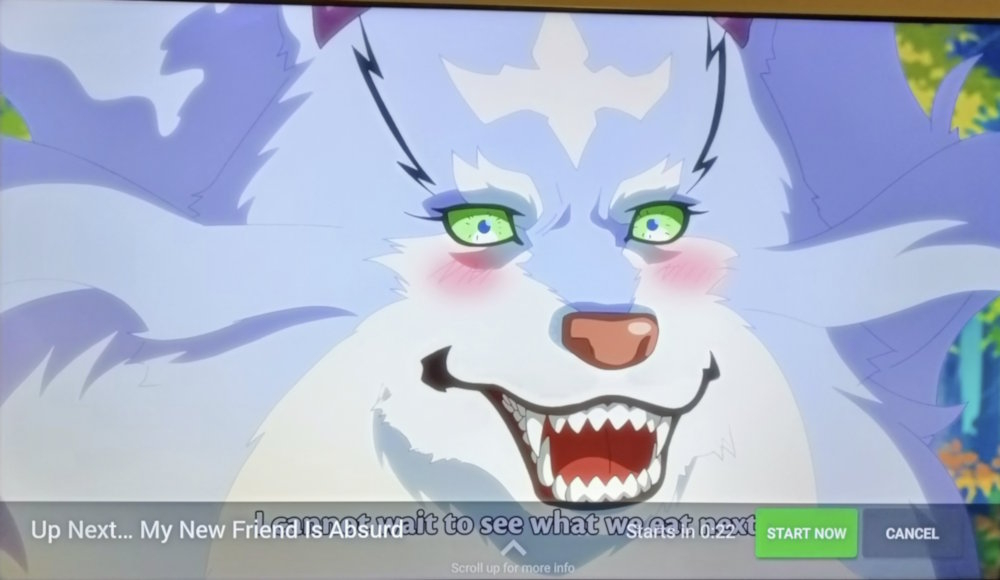
Hi, I’ve asked about this before, and was wondering if there’s going to be a fix for this? Currently watching an anime that has extra content at the end of every episode, and it’s really difficult to read the subtitles because of the popup for the next episode that appears over them. And if I press Cancel to make it go away, I have to manually launch every episode. It’s very frustrating. Couldn’t it be moved to the top, or push the subtitles up? I realise a back press can make it vanish, but that’s so counter-intuitive and is just an annoying workaround for a bad UI choice. Android TV app on a TCL C7K.
-
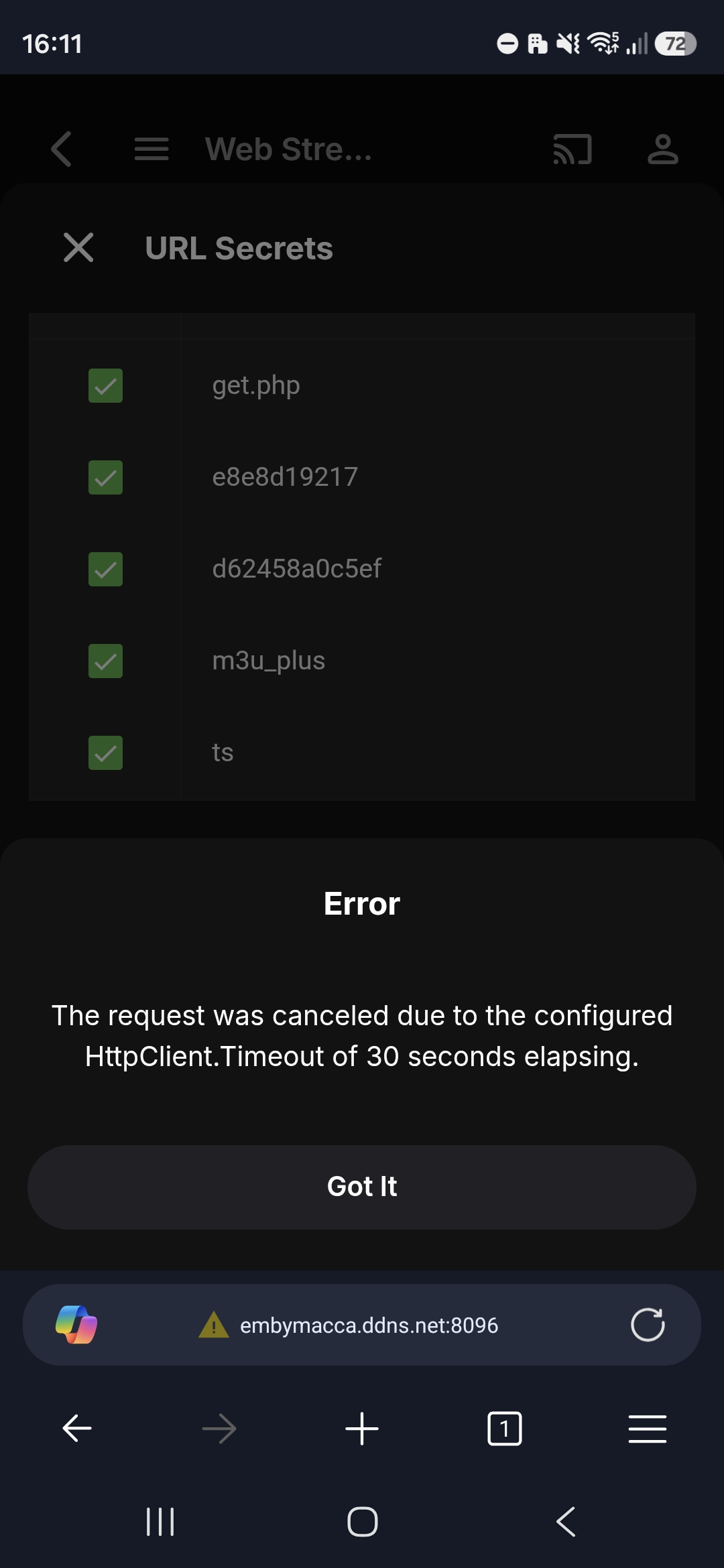
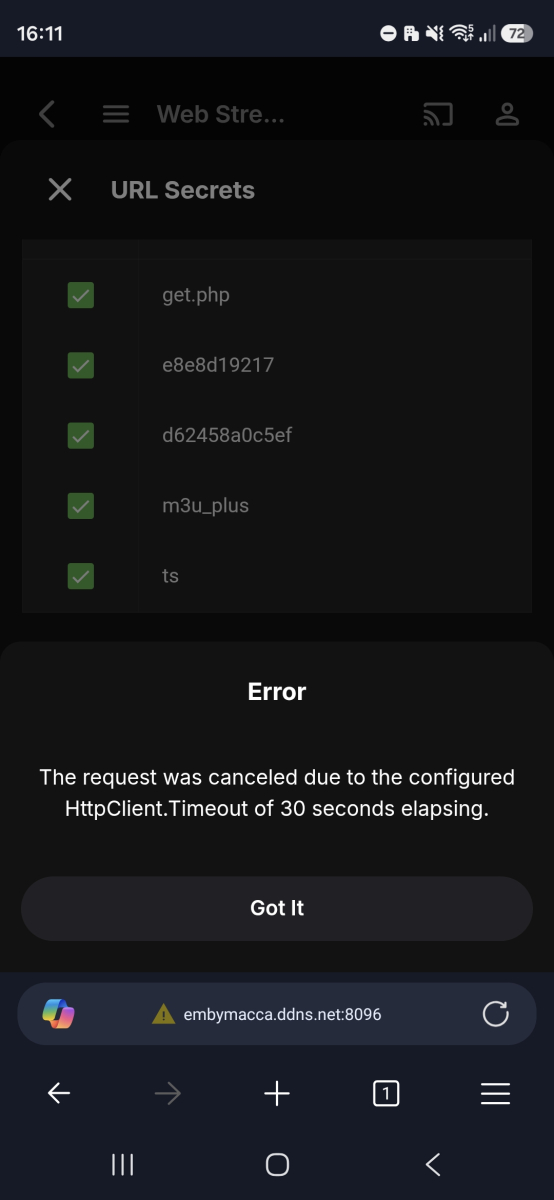
Still getting same error when using a link from an iptv provider. This same link works fine in Emby's Live TV
- Today
-
Hi, @SamES is there any plan to add a DirectPlay toggle for opus?
-

Show 'Date Last Played' somewhere please.
jedischultz replied to hedgehog90's topic in Feature Requests
katbyte, are you referring to the date played on your laptop or does it show on your tv? Showing the date played on the tv is what I have always been wanting/having problems with. (I do see the "date played" on my laptop version too). -
Hi. Did you clone one server from the other? Please provide the server log from when you get the login failure and provide details about the login.
-
We'll see if we can make this work better. Thanks.
-
Я этого не умею. Научи, пожалуйста.
-
@Luke Even though it's been a month, it's still the same... because it's not just the open subtitles section... the others are still the same.
-
You can just remove the current tuner with your m3u list and add de fastIPTV tuner with same m3u list it should work the same. If not let me know what to improve..
-

Emby Beta Linux - not retaining server information
TenderBabyMeat posted a topic in Linux & Raspberry Pi
Using Emby Client Beta (version 2.310.0) on Kubuntu 26.04. Emby Server runs on a separate machine on the same network. Closing Emby Beta resets the server connect information each time. Everytime the application is launched, the server information needs to be put in, along with user login. Sorry if this thread is a duplicate of an existing, but nothing similar jumped out at me after a search. EmbyClient-20260617T083512387.txt EmbyClient.txt -
I too am sorry you had to pull this, such a shame. I would also love a re-release, I only ever used the transcode blocking function, and would love to see that continue in some form!
-
Is it the reason why in my tests from my laptop (web app), the subtitles display immediately? because with chrome, it always transcode? I've never noticed such delays with my NAS I use since more than 5 years.... but is is hard to define if it is a sudden fall of my NAS perfs...or if it is related to my LG emby client....
-
Hello Emby Community, I'm hoping to get some help with issue I'm facing after setting up a new Emby server on my PC. When I try to manually connect my Roku device to the new PC server, I get the error "Invalid username and password" even after multiple attempts. Important detail: By mistake, I used the same username and password for the PC server that I was using for my Android server. The Roku shows both servers (Android and PC) separately in the list, and the Android server connects fine. However, the PC server keeps rejecting the credentials. Question: Could using the same username/password on both servers be causing this authentication issue? Or is there something else I need to check? Any help would be greatly appreciated. Thank you!
-
I've answered on Emby forum and not on Beta Forum so this is not the point. I've great issues on Beta but not on current 2.310 version after update from MS store I've start Emby 2.310 right now and good at first attempt. Let's see of some users have the same random issue or not...
-

Multiple Libraries Showing Separately + Invalid Username/Password on Roku for New PC Server
GrimReaper replied to macaronz's topic in General/Windows
Yes, remove all but one Movie and one TV Shows type library. Let the Scan media library task run its course. Once completed, add all those paths (per partition) in those two remaining libraries by clicking "+ Add" next to "Folders" header in library edit. https://emby.media/community/forum/91-roku/ -

Multiple Libraries Showing Separately + Invalid Username/Password on Roku for New PC Server
macaronz replied to macaronz's topic in General/Windows
So, should I remove all these libraries? I just created my account on this forum today, so I'm not very familiar with it yet. Which section should I post in regarding this server login issue? -
Multiple Libraries Showing Separately + Invalid Username/Password on Roku for New PC Server
GrimReaper replied to macaronz's topic in General/Windows
You'll have to rebuild your library. Open a topic in respective forum section, provide server and in-app logs: How to Report a Problem