All Activity
- Past hour
-
 amyyjenn joined the community
 -
 ddd961312 joined the community
 -
 Ian_Emby joined the community
 -
 Oliver-hedley595 joined the community
 -
 anim8or joined the community
 -
 LilEB joined the community
 -
 帅气薯条 joined the community
 -
 demoe3681 joined the community
 -
 Silasnatalicio joined the community
 -
 LoveEasonTT joined the community
 -
I agree, the dashboard access from the app is nice! Unfortunately, that's the only thing I like about the Android standard app. IMO, it's mobile-focused and definitely not ready for TV screens, esp. big screen TVs. There's other issues, which I and others have documented here so I won't reapeat them all. I don't have the time to keep updating & testing the standard app, so all my Shields use Android TV and I'll be using it until they sunset it. On my big screen TV, I've been using the WMC app for Android...a nice blast from the Emby past that looks & works great on big screen for me.
- Today
-
Feedback: Android TV App vs Android App I have been bouncing between the two apps today and found a few things that stand out. For context, I tested this on two different Nvidia Shields, including a freshly reset 2019 Shield TV. I have been using the Android TV app for years, probably since 2014 or maybe even earlier, so I am very used to how that version behaves. Visually, I still think the Android TV app has the better TV experience. The gradient background and green outline around the selected item make it much easier to see where you are. With the regular Android app, the default dark theme is really more of a gray, so I switched it to black. That helped, but now it is more like a solid black void with no gradient, depth, or visual texture, and the white selection borders are pretty harsh. I also noticed a difference during playback. In the Android TV app, the black bars on the top and bottom look properly black and the picture color looks right, basically what I would expect. In the regular Android app, the bars look more gray than black, and the image itself looks a little more washed out. I saw this on both TVs I tested, so it does not seem like it is just one display or one setting acting weird. That is especially noticeable on the 85 inch OLED because anything bright or raised from black stands out immediately. I also tested on a 75 inch Hisense Mini LED ULED, and while that TV does not have the same OLED black-level sensitivity, the menu still felt awkward there too. So it does not seem like this is just an OLED issue. The Android app still feels less polished visually compared to the Android TV app. Another small thing I noticed is that there does not seem to be much feedback when moving around the app. On the Android TV app there is a little click/navigation sound when moving between libraries or videos, but I did not notice that in the Android app. Not a huge deal, but it does make the app feel a little less responsive even when it is working. Functionally, the first thing that stood out is that the playback controls feel backwards compared to the Android TV app. In the Android TV app, I press down to see how much time is left or how long I have been watching. In the Android app, I have to press up. That is not a deal breaker, but it does mean retraining years of muscle memory. Where I had more noticeable issues was performance and responsiveness. Even on the Nvidia Shield, the Android app felt slower overall. Movies and shows were taking around 5 to 10 seconds to start playing, and this was direct play, not transcoding. Stopping playback also had a noticeable delay before returning to the menu. Opening libraries felt slower too. I also had a freeze or near-freeze when I pressed up during playback and moved through the tabs like actors and other details. It locked up long enough that I thought the app might crash, but it did recover after a second. Still, that was another spot where the app felt less responsive than the Android TV version. One thing I did really like about the Android app is that I can access the dashboard, user settings, and basically the full admin side without having to go to a computer. That is a pretty big win, and I can definitely see the appeal there. For managing the server from the couch, that part is great. That said, the dashboard/admin access is not enough to win me over by itself, especially with the performance and playback issues I was seeing. So overall, the Android app is usable, and I do like having access to more server/admin features from the TV. I can see where it is going, and it feels like it is almost there, just not quite yet for my setup. Right now the Android TV app still feels smoother, more responsive, and more TV focused. I look forward to giving it another shot in the future though. If you want someone to test newer builds on Shield hardware, just send me a message and I would be happy to give it another run.
-

[BETA] Ear Wax - NOW AVAILABLE - Testers Wanted
ginjaninja replied to MarvinB's topic in Amazon Alexa
yah shuffle artist works Emby search seems better "Cadillac 3" finds "Cadillac Three" - i dont think it used to. Said "twelvehundred Techniques" Artist is "1200 Techniques" = success Said "nineteen ten fruitgum company" Artist is "1910 Fruitgum Co".= success - that ones particularly impressive Said "Gorillas" Artist is "Gorillaz" =success , api was searched for Gorillaz (must of got a hint..?) Said "Three N One" Artist is "Three 'N One" =success Said "R E M" Artist is "R.E.M." Search was REM = "Artist Can not be found" tried again and it searched "R.E.M." = success (is it learning?) Said "Number one Dads" arist is "#1 Dads" = success ..odd it never even searched for "Number One Dads" found it based on "1 Dads" search - impressive to drop "number" Said "Churches" artist is "Chvrches" dto crash below "There was a problem with the requested skills response" played 3 songs by depeche mode (7 minutes) "Play Artist Churches" dto crash "there was a problem with the requested skills response" some of the skills api calls are causing exceptions - weird never seen that. only get with artist with special characters only on ear wax (other clients including Emby Alexa ok) 2026-06-21 00:20:37.890 Debug ArtistsService-0HNMF3R9PIT51:00000001: http/1.1 GET https://xxx.xxx.xxx/emby/Artists/five%20thousand%20six%20hundred%20seventy%20eight?UserId=ba605147d56742b1b91f1e90f91db45c&api_key=. Source Ip: 34.253.204.90, UserAgent: 2026-06-21 00:20:37.985 Error ArtistsService-0HNMF3R9PIT51:00000001: Error processing request *** Error Report *** Version: 4.10.0.15 Command line: C:\Users\xxx.xxx.xxx\AppData\Roaming\Emby-Server\system\EmbyServer.dll Operating system: Microsoft Windows 10.0.19045 OS/Process: x64/x64 Framework: .NET 8.0.28 Runtime: C:/Users/xxx.xxx.xxx/AppData/Roaming/Emby-Server/system/System.Private.CoreLib.dll Processor count: 12 Data path: C:\Users\xxx.xxx.xxx\AppData\Roaming\Emby-Server\programdata Application path: C:\Users\xxx.xxx.xxx\AppData\Roaming\Emby-Server\system System.NullReferenceException: System.NullReferenceException: Object reference not set to an instance of an object. at Emby.Server.Implementations.Dto.DtoService.GetBaseItemDtoInternal(BaseItem item, DtoOptions options, User user, CancellationToken cancellationToken) at Emby.Server.Implementations.Dto.DtoService.GetBaseItemDto(BaseItem item, DtoOptions options, User user, CancellationToken cancellationToken) at Emby.Api.UserLibrary.ArtistsService.GetItem(GetArtist request) at Emby.Server.Implementations.Services.ServiceController.Execute(HttpListenerHost appHost, Object requestDto, IRequest req, Type serviceType) at Emby.Server.Implementations.Services.ServiceHandler.ProcessRequestAsync(HttpListenerHost httpHost, IServerApplicationHost appHost, IRequest httpReq, IResponse httpRes, IStreamHelper streamHelper, RestPath restPath, String responseContentType, CancellationToken cancellationToken) at Emby.Server.Implementations.HttpServer.HttpListenerHost.RequestHandler(IRequest httpReq, RestPath restPath, String urlString, String localPath, String contentTypeInPath, CancellationToken cancellationToken) Source: Emby.Server.Implementations TargetSite: MediaBrowser.Model.Dto.BaseItemDto GetBaseItemDtoInternal(MediaBrowser.Controller.Entities.BaseItem, MediaBrowser.Controller.Dto.DtoOptions, MediaBrowser.Controller.Entities.User, System.Threading.CancellationToken) 2026-06-21 00:20:37.985 Info ArtistsService-0HNMF3R9PIT51:00000001: http/1.1 Response 500 to 34.253.204.90. Time: 96ms. GET https://xxx.xxx.xxx/emby/Artists/five%20thousand%20six%20hundred%20seventy%20eight?UserId=ba605147d56742b1b91f1e90f91db45c&api_key=. Good stuff its supporting a level of atomised instruction "Alexa Play Artist" "which artist would you like" Artist Cadillac Three" "Play Track" shouldnt match to "play randomly" when "play randomly" would do....id rather it ask which track would you like.... indeed the "Play Track" pathways seems a bit unreliable. -
Oh, and also your compatible audio track is going to almost always be better than what Emby transcodes to anyhow. I think Emby transcodes to AC3 with a max 384 kbps and 5.1 or less channels.
-
Ahh, okay. Mine usually spits out a message something about an invalid codec or something.
- Yesterday
-
I did try disabling audio transcoding, there was no audio thats all.
-
Many thanks for your reply. At the back of my manual in the supported video containers, it does not list FLAC as a supported codec. The second video has now buffered and paused, why is this happening when its meant to be transcoded into another format?
-

After Ver 4.9.5.0 updated, my RPi4 Kodi boxes would not play files from my TV folder
ItsDrBob replied to ItsDrBob's topic in Emby For Kodi Next Gen
I should try that. I am thinking I will just get another Pi4, load it with LibreELEC 12.2.1 and use 12.4.22. BTW It is so easy to throw a couple of euros to the people that make this possible. Thanks for the support. -
Oh, and if you want to test it out just disable transcoding on the server for your user. Your TV should start spitting out Tizen error messages.
-
And ya, Samsung TVs are horrendous at streaming transcoded files and buffering. I always keep a compatible audio file within my videos if they have TrueHD or DTS. PCM 2.0 is about the only lossless audio format you can have without transcoding. That and PGS subtitles are bad too.
-
FLAC as an audio music file is supported, but FLAC within a video container such as MKV isn't supported on any Samsung TV I'm aware of. At the back of your user's manual, you should see a chart like in the link below. https://developer.samsung.com/smarttv/develop/specifications/media-specifications/2021-tv-video-specifications.html That's the matrix Emby uses in the app and can be different depending on the year, but pretty much it's been the same every year for a while.
-
Thanks for your reply. It does play fine when i select the ac3 audio track, i just played it for 1 continuous hour. I seen an old post on here where the user also had issues too with FLAC stereo transcoding. My tv supports flac stereo too. I found another video with a Flac stereo audio track and it is also being transcoded. Do you know why the FLAC stereo is being transcoded and why it is causing my video to buffer and pause. edit - it direct plays FLAC stereo to my android phone
-
Is there an approximate date for the update in the LG store?
-
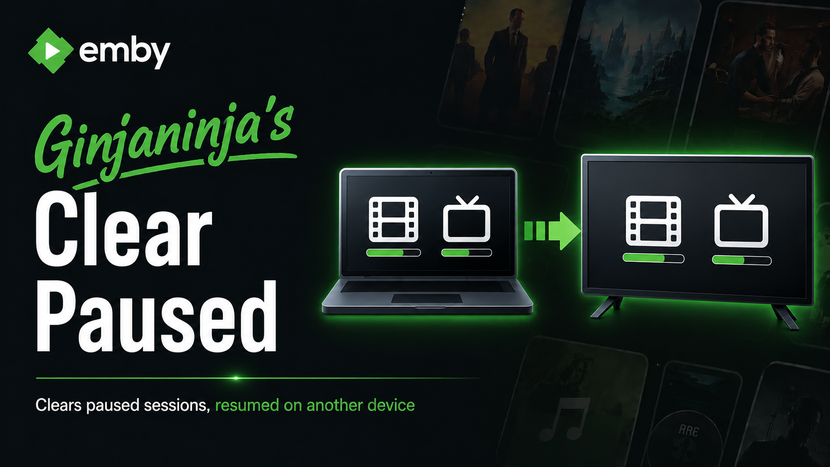
Purpose and Function To stop paused sessions when resumed on another device Some devices muddy the playback position if left on pause. Stop commands issued to matched sessions. Getting Started Select Users and Media types to protect. Pause on 1 device, play on another If you have issues, review the Live and History dashboard and debug logs. Disclaimers Vibe coded with Claude, backup database before 1st use until tested, only limited short term testing on beta server so far. Download 0.0.0.1 ClearPaused.dll incoming.. Changes Known Issues [minor] Tab navigation is wonky

-
I thought that in the past when the screensaver started on my Google TV Chromecast it displayed the song name (and artist?) at the bottom of the screen. Did I dream this? I'm asking because I don't see it any more on my Google Streamer.
-

Plugin: EmbyCredits, detect end credits and add auto skip.
sydlexius replied to yocker's topic in Plugins
Any way to trigger this on its own? -
It Would be great if we can limit the device per users. The simultaneous streams don't prevent to user to login on another device and it is chewing up the devices limits on my Emby Premiere.
-
Does it still have the same buffering problem if you preselect the AC3 audio track before clicking Play?
-
IMG_4289.HEIC embyserver.txt
-
The trailers tab should not appear if there are no trailers. Right now its just wasting space
-
thanks for your reply, is that the same as the ffmpeg log? attached? ffmpeg-remux-eaa6ca10-c9d5-4e84-936c-de04eba7d577_1.txt
-
Similar issue some users unable to start stream from Samsung TVs. embyserver_redacted_for_forum.txt
-
Log mentions transcoding, were there any transcode logs?
-
Any update on this other than the generic answer?
-
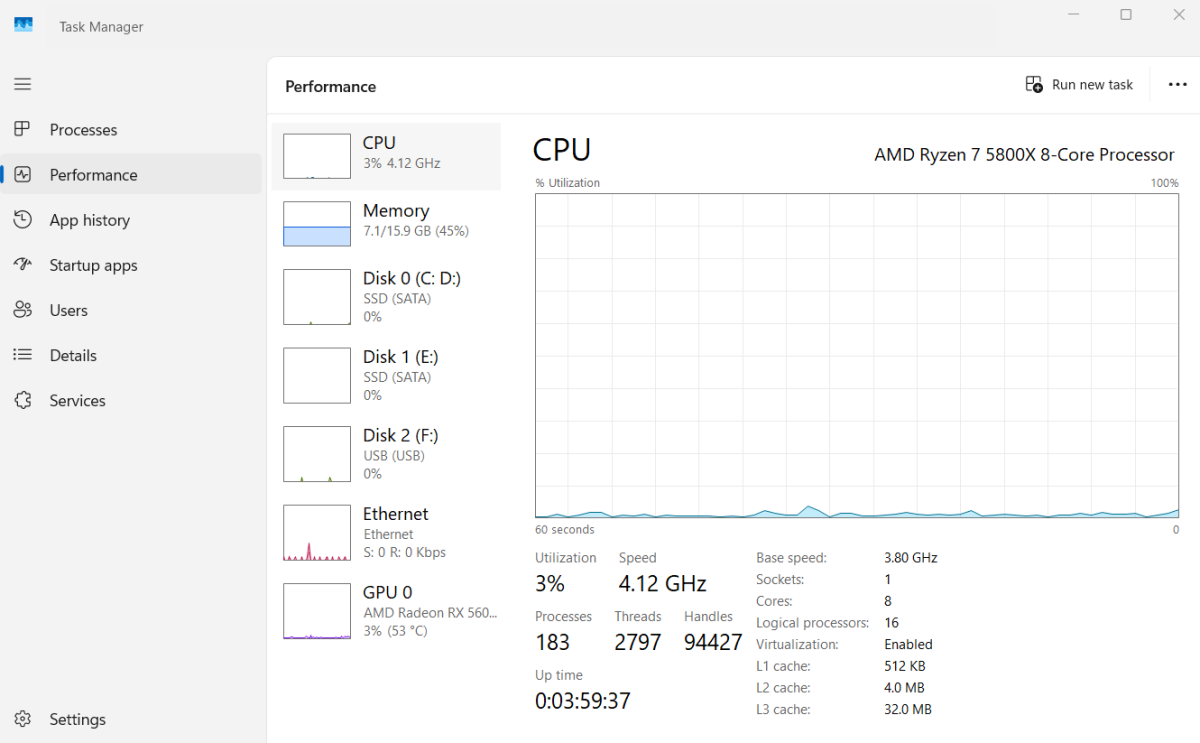
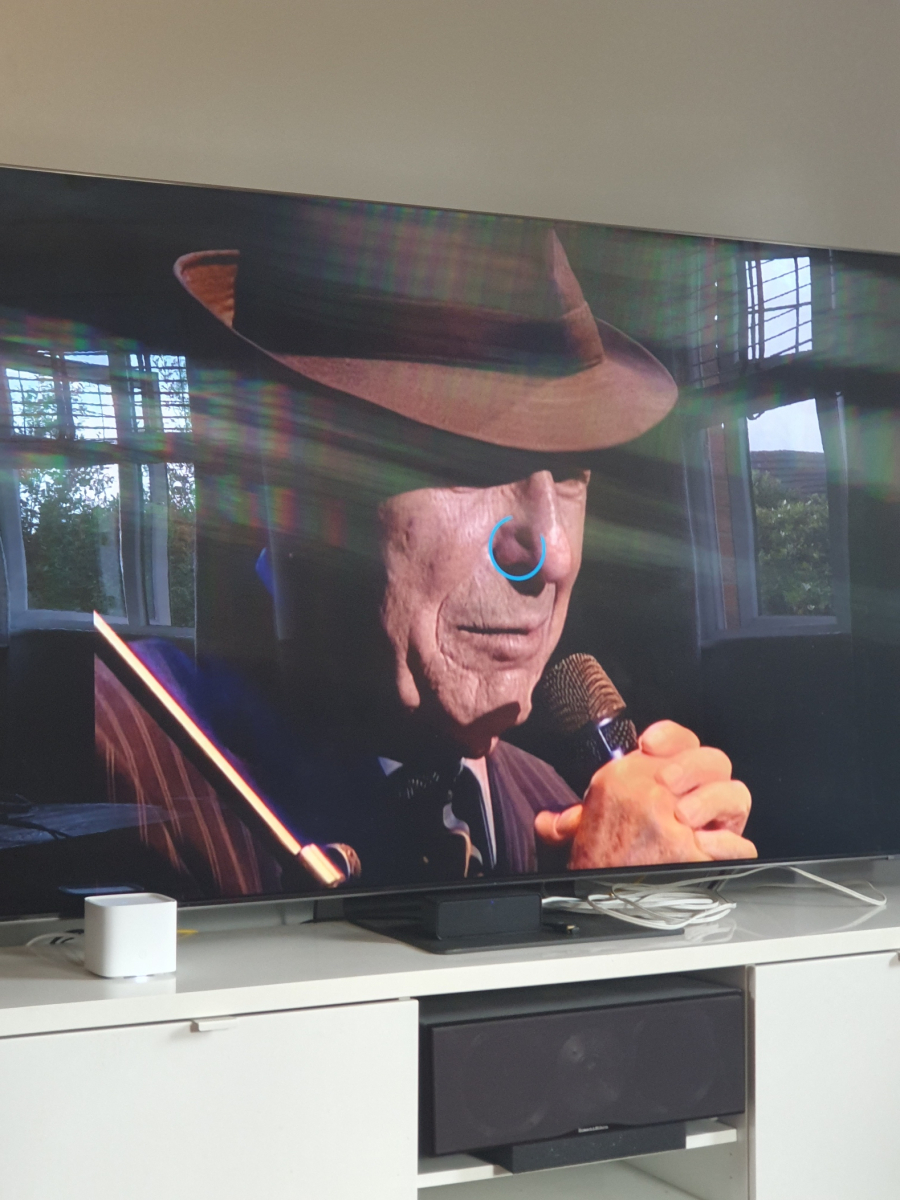
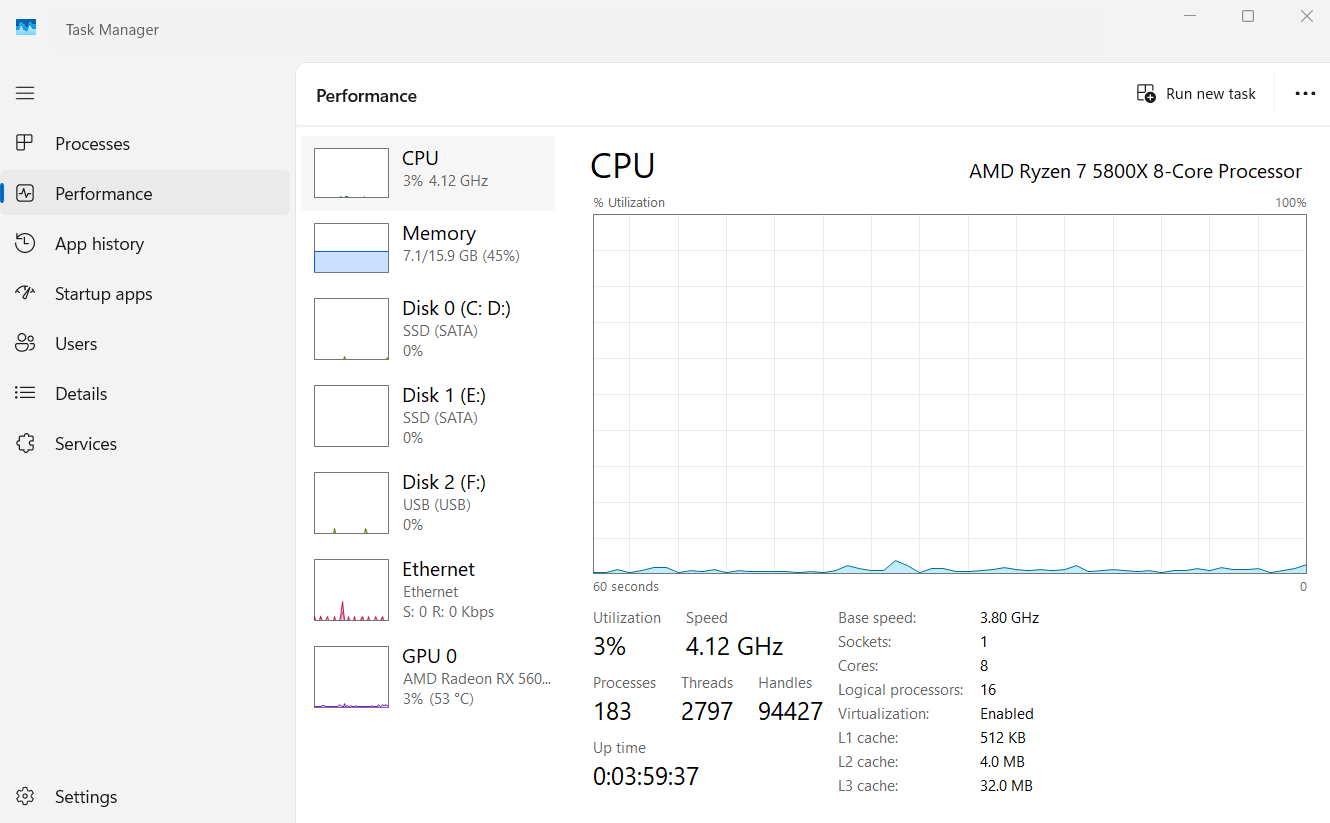
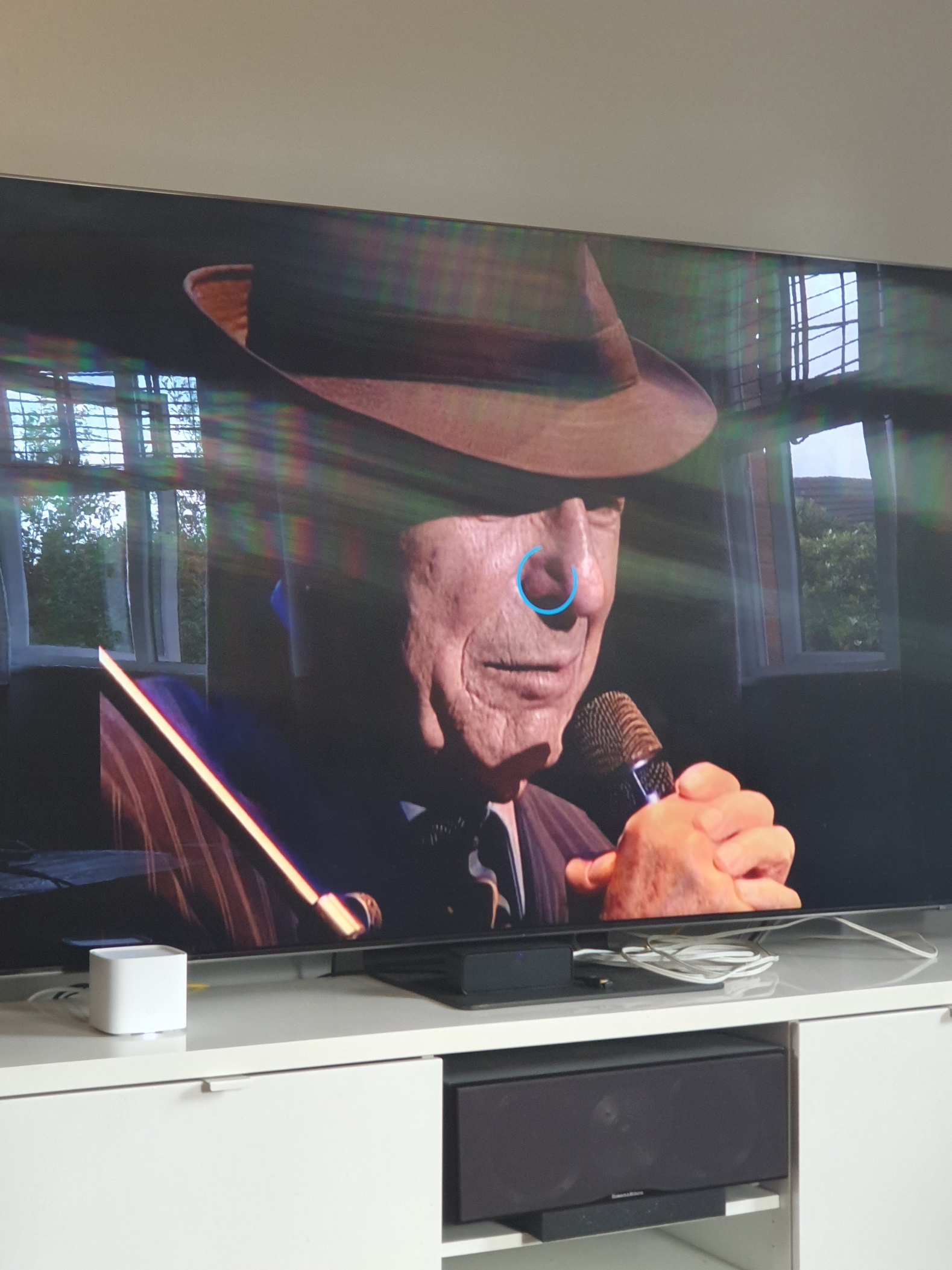
I am using version 2.2.8 via the app store, this is to avoid being inconvenienced when using the usb instalation. My windows is not using any resources at all, my windows search is disabled, no scans are taking place, cpu temp is cool and so on. I understand that Samsung tvs can have buffering issues too so that's something to keep in mind. I reset my tv by holding down the remote power button and restarting the tv. I also unplug the tv and modem for a few minutes too. My tv and pc are connected via 5e network cables. This concert movie froze multiple times today, i have attached the log file, Leonard Cohen in London, it froze at 19.04. I scanned the video with mkvtoolnix and there were no errors. I played this video for 1 hour via the tv source menu and selecting the Emby server. It played just fine and it proves the app is causing me a problem here. 20-06-26 embyserver.txt