All Activity
- Past hour
-
 JeppeEmby joined the community
 -
 Rocoloco joined the community
 -
@Ceten?
-
 Wiltocke joined the community
 -

Show the path info when in a movie or series
crusher11 replied to taunnnt0's topic in Feature Requests
It's already present in the media info section. -
 Joselosarco joined the community
 -
 sayebaxh89jjn joined the community
 -
 Solan gualdi joined the community
 -
 Manchooot joined the community
 -
 98vn joined the community
 -
HI, I guess we could put that at the bottom in the about section. You can also see it in the metadata editor.
-
 dekoxief joined the community
 -
HI, it will use fanart, fanart1, fanart2, etc.
-
 Tommyxdlol1 joined the community
 -
3.5.64 Attempt to fix gray background with HDR videos on certain devices Fixes related to device entering and returning from sleep Core UI Changes from 26.0.30 to 26.0.31 Support automatic subtitles on skip back (requires Emby Server 4.11.0.5+)
-
Emby for Android 3.5.64 Released Download Emby for Android Changes 3.5.64 Attempt to fix gray background with HDR videos on certain devices Fixes related to device entering and returning from sleep Support automatic subtitles on skip back (requires Emby Server 4.11.0.5+)
-

Emby server/client - ReplayGain or R128 volume normalization support for music
GreatFlashMan replied to Espen JQ's topic in Feature Requests
@LukeThis is such an easy addition, so why is it so hard to add? if the replaygain tag is there - respect it, if not - carry on as usual. I really wish i had access to the source - it's a 10 minute add. people have been waiting years. So, perhaps just add it. I am now using JELLYFIN for playing music because it does it perfectly - don't make us choose! -
Pretty sure this will go on deaf ear. I would like to see added when in a movie/series or really anything you would show full path to the video. I have several NAS drives. Now I have to search for the thing. Click on the thing. Last click the ellipsis, then go to identify in order to see path info. Saving some steps on that would be great, but sense a lot of people asked for better actor info 10 years ago, and still it is missing. I don't really see this getting done anytime soon. Maybe next decade. Thanks
-

NVIDIA Shield screensaver appears while paused, then playback resumes behind it
Luke replied to Dr. Technolust's topic in Android
Hi, can you please try 3.5.64+ and let us know how that compares? Thanks ! -
What is the current default name for backdrops? Fanartx.ext or Fanart x.ext (space between name and numeric) I understand that it accepts both, but if missing what does Emby create. Everything I have found seems ambigious. Thanks in advance.
-
As you can see, Android displays the primary image as the Library icon, Roku displays the Backdrop. Android: Roku:
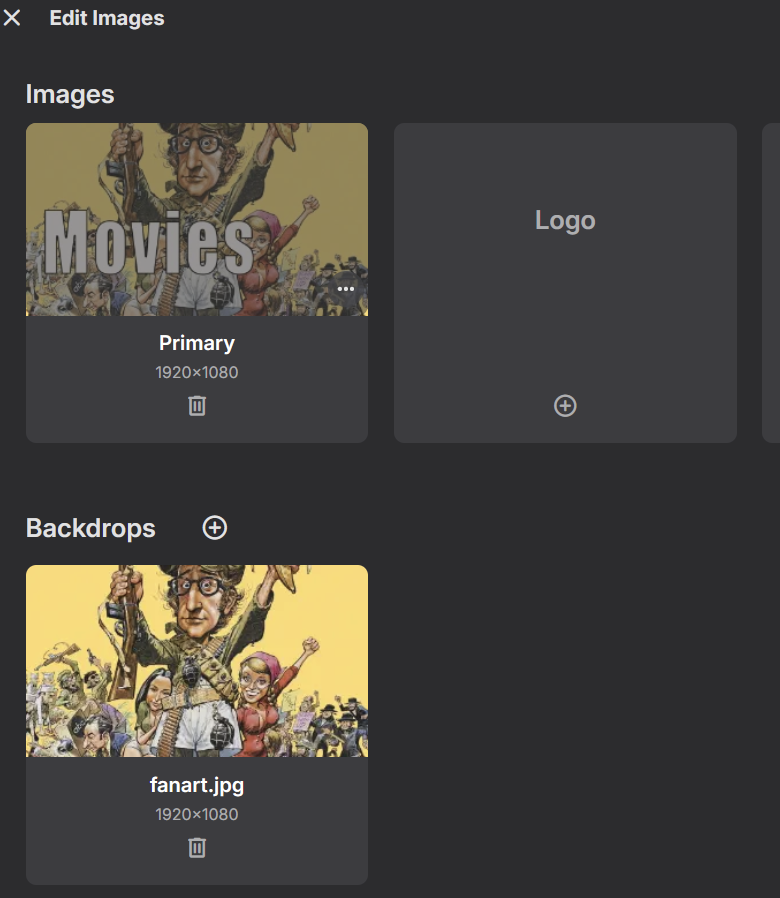
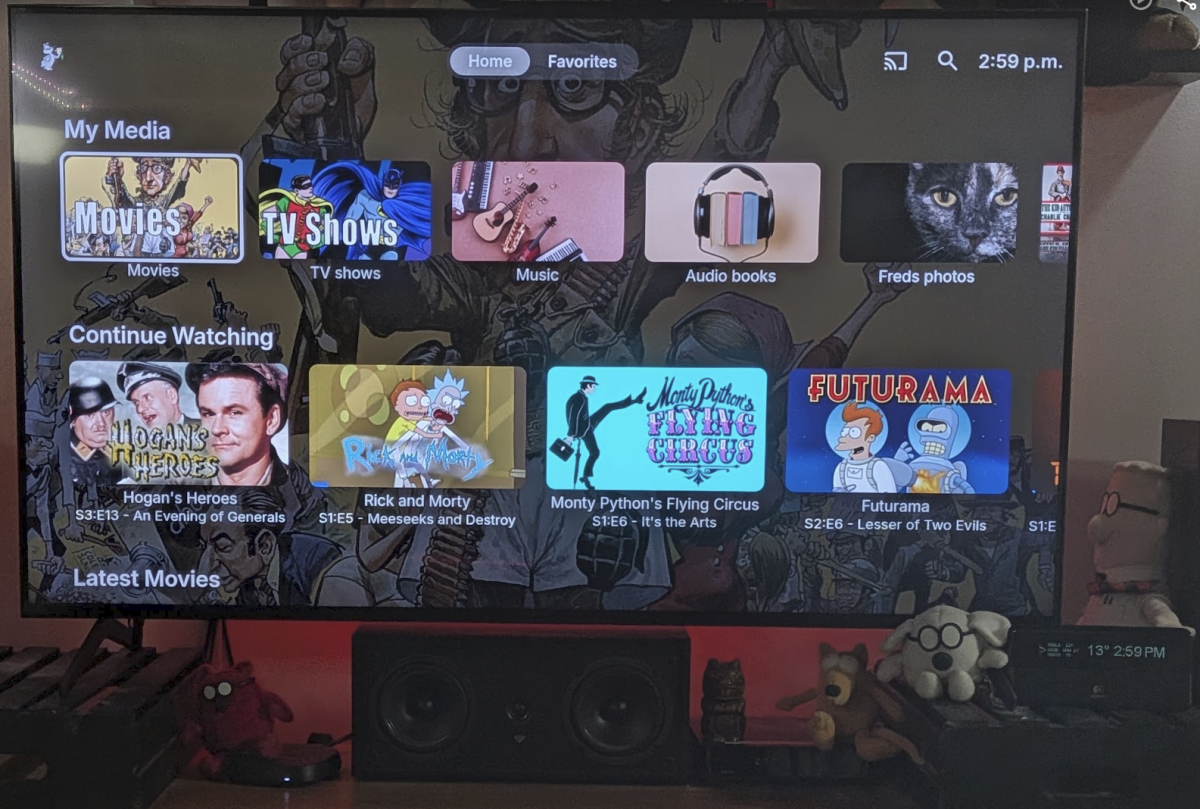
-
Android client falls back to Ffmpeg software decode on HEVC Main 8-bit 4K, request an option to force Media
Luke replied to MartinBuhr's topic in Feature Requests
Hi, can you please provide a log from the android app? Thanks ! -
embyserver.txt Just tried to recreate right at the end, long pressed on Starship Troopers and pressed play from that menu and it did not load anything. LG TV is the device. Let me know if I can help with more info. Thanks!
-
-
Add "Remove from Collection" to the three-dot menu on a collection in the "Included In" section
crusher11 replied to crusher11's topic in Feature Requests
Not sure what to make of @Lukethanking that comment just now... -
The redundant right arrow button has been replaced with a redundant right arrow non-button? There's still no left arrow despite the same funcionality being available in both directions. I feel like the dots at the bottom adequately convey that you can scroll through. When shifting from the last item on the spotlight back to the first item, it cuts instead of playing the scrolling animation. Pressing left from the first spotlight item opens the left menu. I would prefer it instead scroll back to the last spotlight item. The left menu can be accessed by navigating up or down before pressing left. Disney+ works this way. I know there might be some arguments on that one, though—both behaviours can be frustrating depending on what you're trying to do, but going down and left is two clicks while going all the way through the spotlight is [number of items in the spotlight] clicks. Individual spotlight items remain visible for too long. In the ATV app, which has a setting for this, I have it at four seconds. That can sometimes be too short, especially if images don't load right away, but I definitely wouldn't want it longer than five seconds.
-
Featurettes, Extras Always Top Level with Two (or more) versions of a Show
Luke replied to millerajm's topic in General/Windows
Hi, we can look at increasing the limit of the safeguard to prevent something silly from occuring. Thanks. -
Got 1080i Live TV Transcoding Working at True 59.94p – Can Emby Support This Natively?
Luke replied to bzellinger's topic in Feature Requests
Hi @bzellingercan we please see an ffmpeg log example? By the way you can also accomplish this with the diagnostics plugin. It has an option to search and replace on the generated ffmpeg command line. -
Emby Upgrade from 4.9.5.0 --> 4.10.0.40 Album/Song Parental Ratings Missing
Luke replied to HanSolo's topic in Linux
@sa2000 -
Pressing “Home” Button Keeps PIP Media Playing - Can This Be Disabled?
Luke replied to Tigga5's topic in Android
Hi, we will look at improving this. Thanks. -
Hi, that's really odd. The app supports WebOS 1.0+, so it should install on your TV. In any event, we are preparing a new submission to send to LG for review. Sometimes what happens with brand new TV models is that they can't install the app until after the next time the app is updated.
-
New Emby server Beta release, v4.11.0.5.
- Today
-

EMBY cause or consequence my files on hdd get corupted ?
David Patt replied to David Patt's topic in General/Windows
So after two weeks testing i guess i figure it out. When pc launch , external hdd launch but when get to windows emby start but hdd power down (power saving) and sometimes i guess it corrupt data. After i turn off all possible power saving managament and i delay emby launch everything seems fine. Also i install app called KeepAliveHDD which write 1 kb txt file every five minutes and so far everything is fine. If i undarstand correctly some hdd have agressive power managament in firmwareand powerdown but when emby or anything else start crawling library it get corrupt, -
Yes, but it not being a functional example, it really didnt show me how to do anything
-
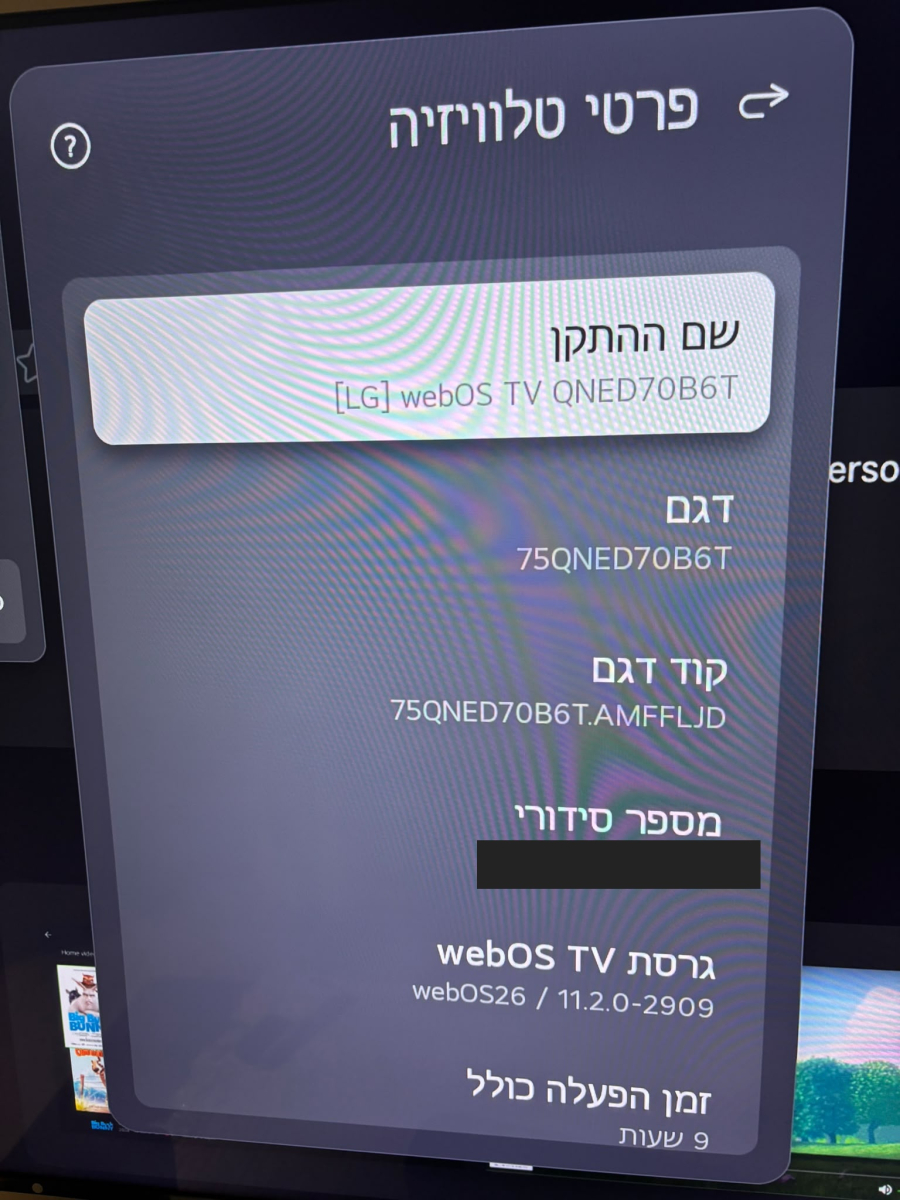
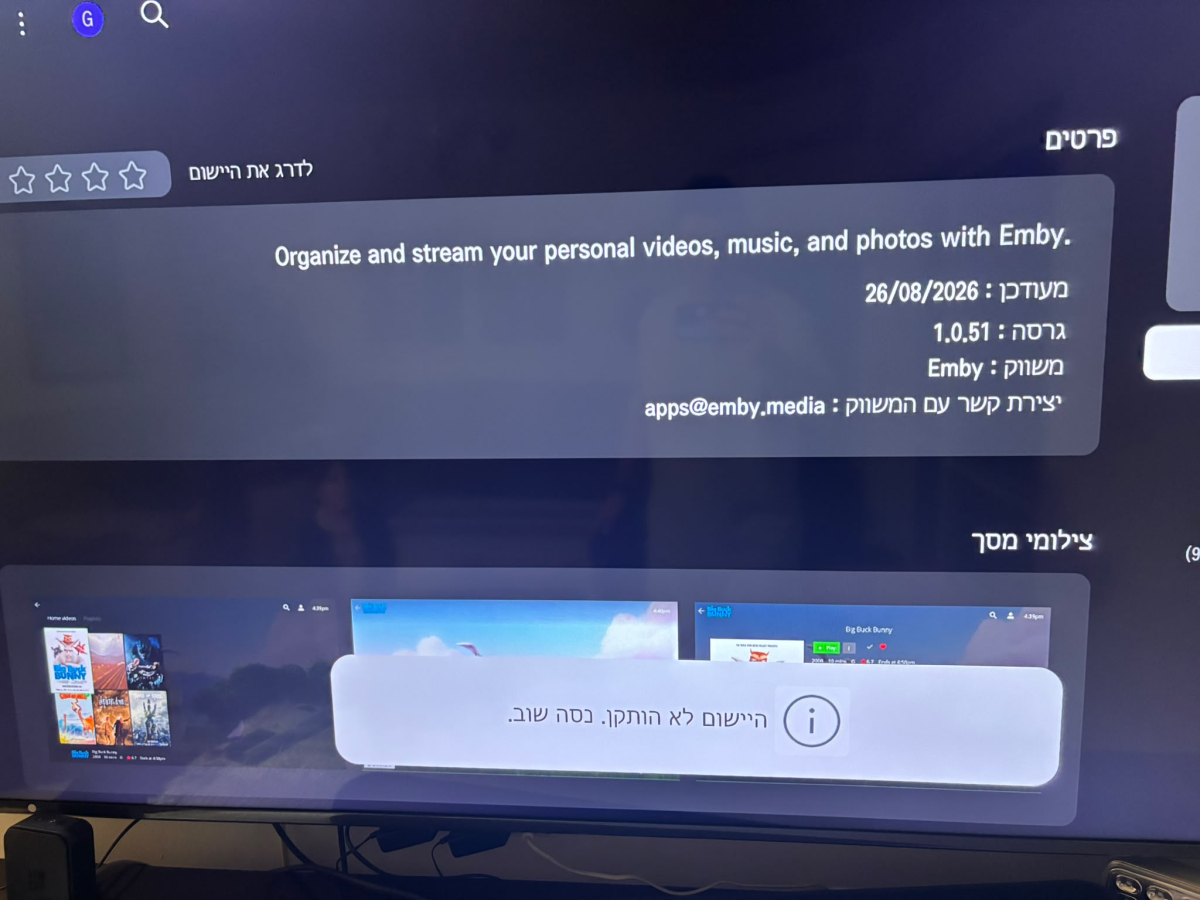
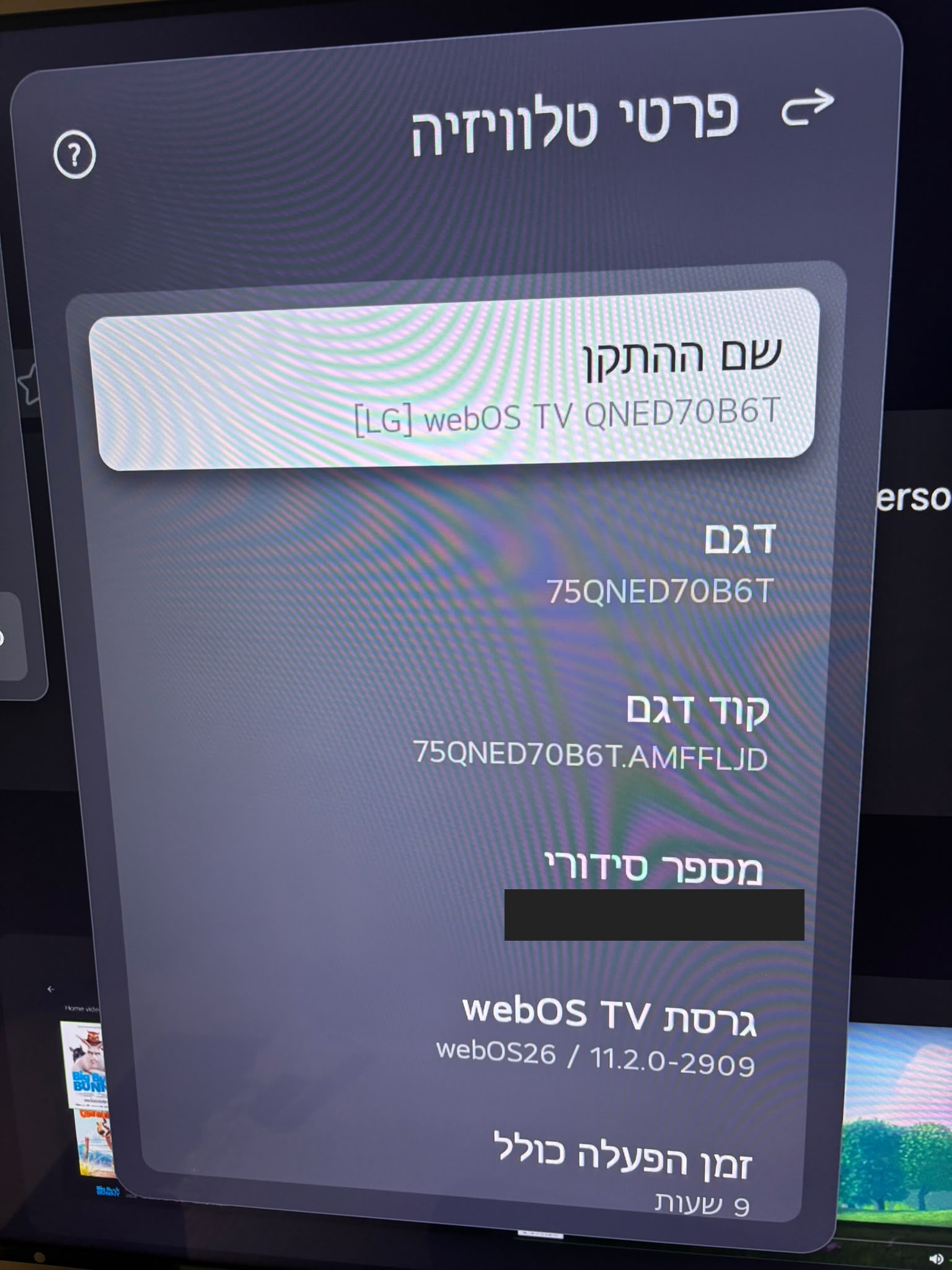
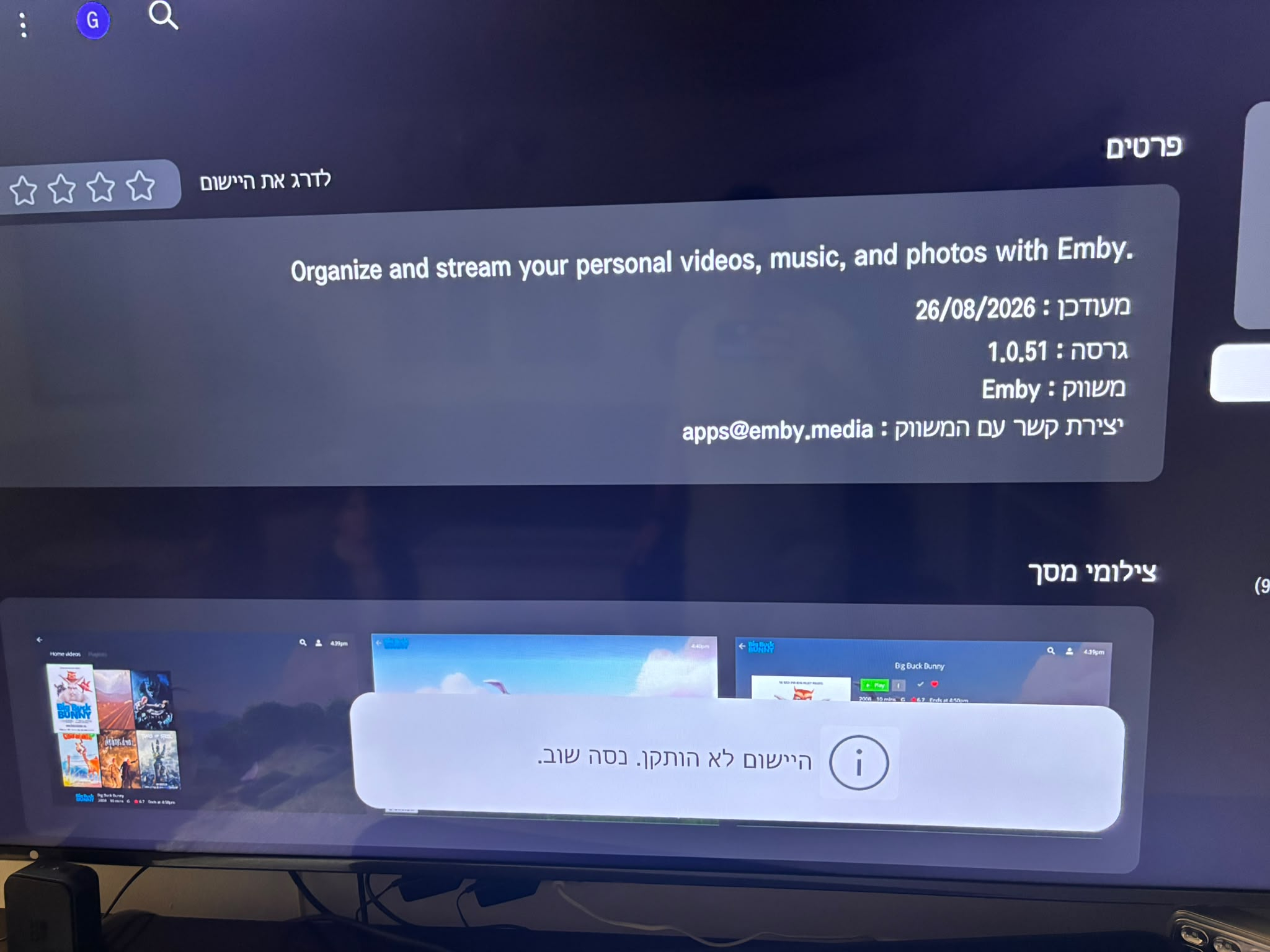
Hi, I can't install the Emby app on my new LG TV. The app is listed in the TV's app store, but installation fails with this message in Hebrew: "The application was not installed. Try again." TV details from the attached photo: - Model: 75QNED70B6T - Model code: 75QNED70B6T.AMFFLJD - Device name: [LG] webOS TV QNED70B6T - webOS TV version: webOS26 / 11.2.0-2909 - Total power-on time shown: 9 hours Emby app details shown in the store: - Version: 1.0.51 - Last updated: 26 August 2026 - Publisher: Emby - Publisher contact: apps@emby.media I've attached photos of the TV information screen and the app page with the installation error. The relevant Hebrew text is translated above. Is this TV/webOS version supported, and how can I get the app installed? Thanks.