All Activity
- Past hour
-
 Joss Cruz joined the community
 -
 elixerpalacio joined the community
 -
 safii joined the community
 -
 Nilda ama joined the community
 -
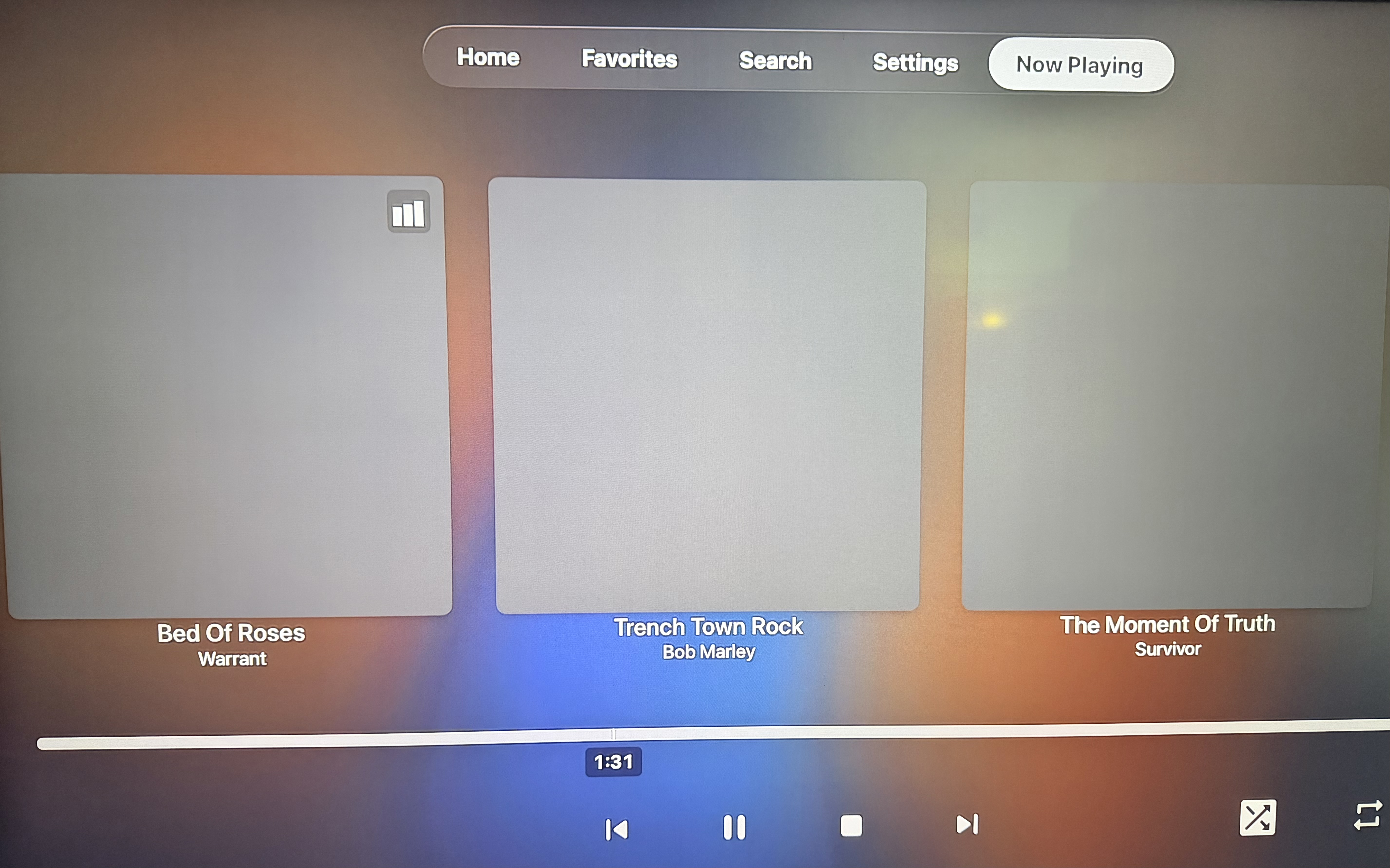
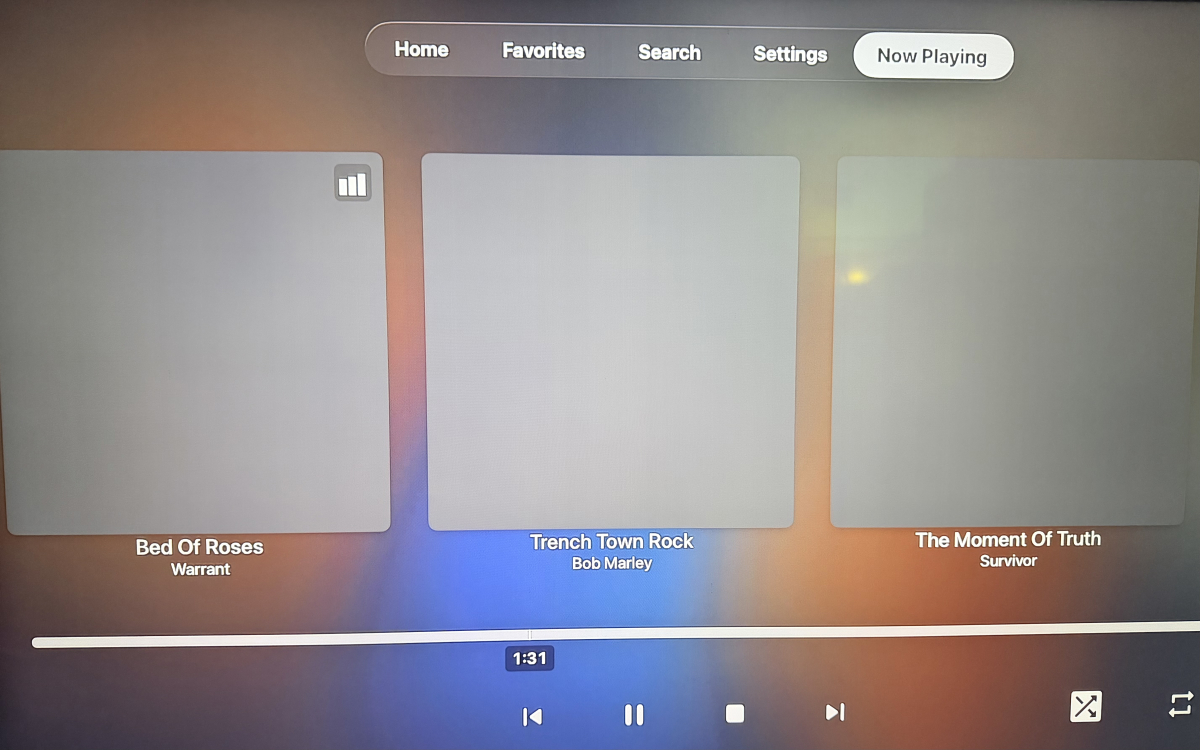
Hi, If I begin playing music, the "Now Playing" shows album art as expected. If I back out of "Now Playing" and browse elsewhere around Emby, when I return to "Now Playing" the artwork is missing. Apple TV v2.0.6 (3) embyserver.txt
-
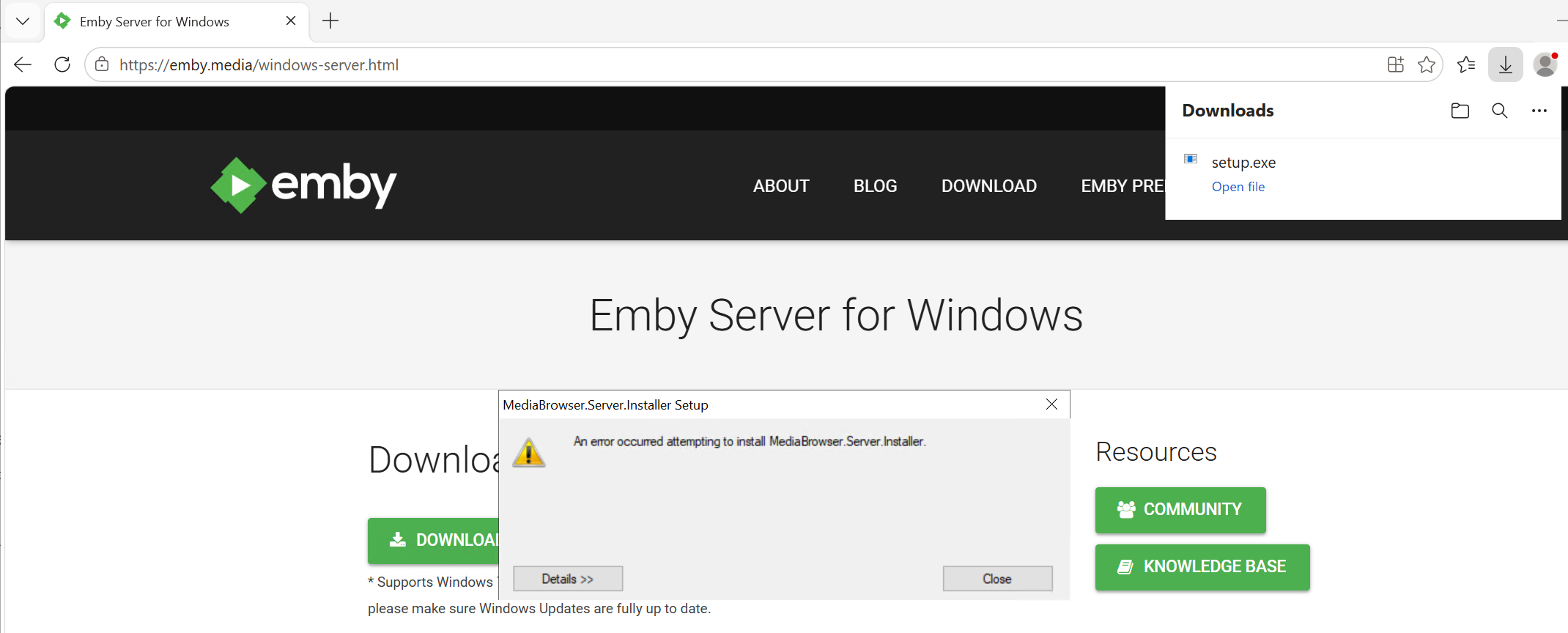
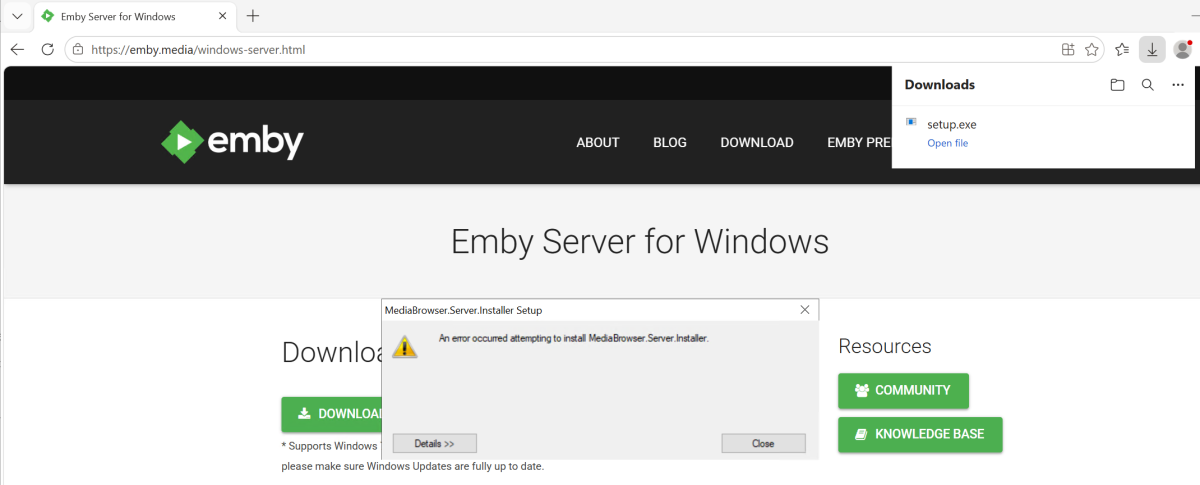
same way i have always done updates. i stop the service. i go to the emby download page, and download the setup file and run it. https://emby.media/windows-server.html
-
 merakayla joined the community
 -
 Gunte joined the community
 -
Due to automatic updates, I'm not sure what caused this... But I just noticed I no longer have a "Playlist" tab for television libraries on my Apple TV's. There is still a "Playlist" tab in my movie libraries, and if I go into the "Playlists" category on the Home Screen, the playlists are there also.
-
@Luke It's been a while and I abandoned this for an Emby docker install on the Terramaster. IIRC, I wasn't able to get the playback working correctly but the bigger problem was that a manual install of Emby beta using the file "emby_TOS5_APP_4.10.0.13_x86_64.tpk" was totally messed up and wasn't worth pursuing. By totally messed up, I mean that the Emby config directory was buried in "/Volume1/@apps/emby/emby-server/-ffdetect". ("config" folder is the folder that contains the cache, config, data, logs. metadata, plugins, and transcoding-temp folders). What in the world is it doing under a folder named "-ffdetect"? With that type of core problem, I felt I'd be wasting my time trying to debug playback as it was probably just a symptom of a much more significant system problem. As noted previously, this was all tested on TOS 7 beta. With the Emby 4.9.0.72 install from the TOS App center the config folder was placed at /Volume1/Emby which is easy to access and manage.
-
 wwl152 joined the community
 -
 ramosyoyo719@gmail.com joined the community
 -
 User7988IM joined the community
 -
 TW3270 joined the community
 -

Shuffling music is always constrained by the active sort
HouseOfCards replied to brothom's topic in General/Windows
I just came here to report the same thing, but found this. I noticed that my "frequently played" were all songs starting with "A", "B" or "C"... I looked more and realized shuffle always started at the beginning of the alphabet, which wasn't very random. I set that tabs sort to "Random" and I'm hearing songs I haven't heard in years. LOL - Today
-

LG G5 dropped DTS again, and Emby didn't work...?
TurkeyMan replied to TurkeyMan's topic in LG Smart TV
Huzzah! That was like a year in the making... what was the trouble? -

After upgrade to 4.8.5 shows will skip back 1 sec or so and replay
jkexbx replied to zebo51's topic in General/Windows
Thanks! It's still happening to me. Let me know what other information we need to get it fixed...it's very annoying and seems to be very consistent. -
More options to control this are certainly possible. Thanks.
-
I should add that PLEX understands where the global music video path is within settings.
-
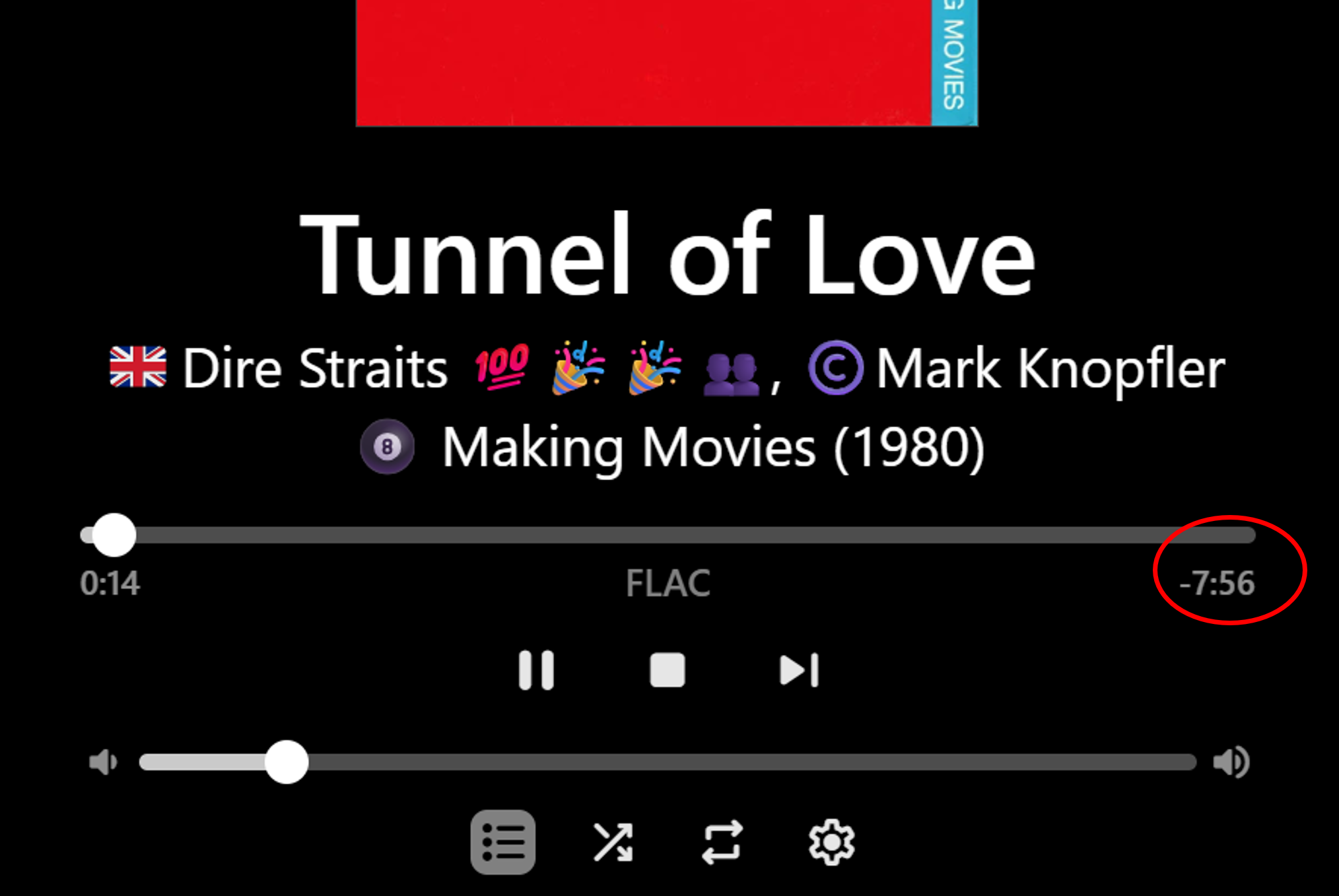
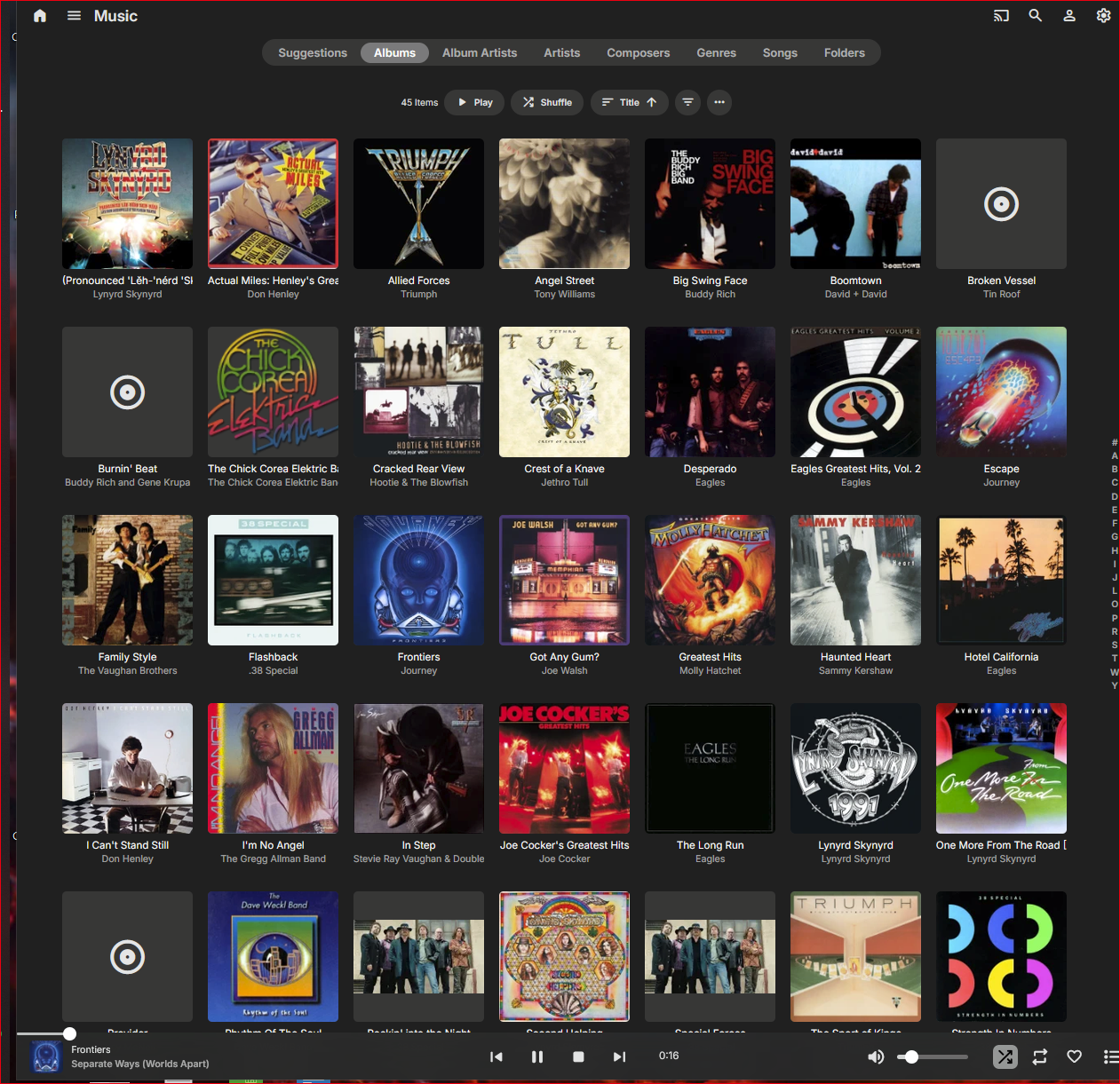
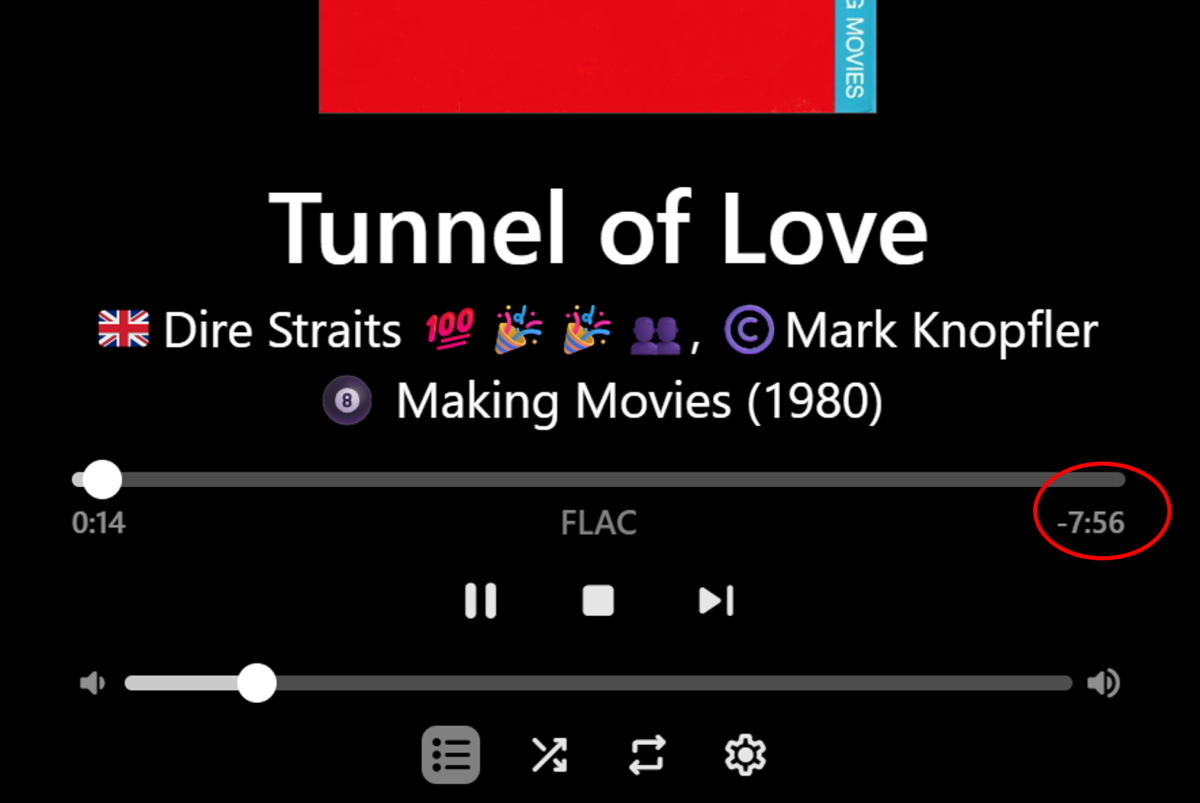
Hi, Yeah, it is, but is actually the time remaining and it therefore counts down as the song plays. So it's only the full duration at time zero. So, I suppose it depends what the OP is wanting to see - duration or time remaining??? Click/tap on the now playing bar to see the time remaining as per full-screen maximized now playing screenshot above. I don't mind the time remaining on the full-screen, but having the fixed duration (not the variable time remaining) showing in the minimized now playing bar would be a nice addition. It looks like there is plenty of room to add it, for the wider landscape views. It could still responsively disappear as the elapsed time does, for narrower views. Cheers!
-
Thanks! I wasn't aware of this EMBY feature. The results appears to be the same as my suggestion except that the implementation on PLEX requires zero editing of the meta data of video files. Instead, PLEX does a straight foward merging of identically named folders. If the artist folder names are identical in both libraries then all of the pre-work is complete. The referenced EMBY implementation puts an unnecessary burden on the user.
-
Hi, In your first screenshot example you have no Artist(s) listed, therefore I think Emby is then filling in the second playing field with the title. If you metadata is created consistent across the examples, then I think Emby will be consistent. Perhaps give it a try - add the Artist(s) in your metadata? Likewise, if you take Artist(s) out of the second example - it will likely work the other way. Cheers!
- Yesterday
-
Yes, will Emby ever make this consistent - so there isn't that exception - and NOT force users to manually turn off subtitles for each episode?
-
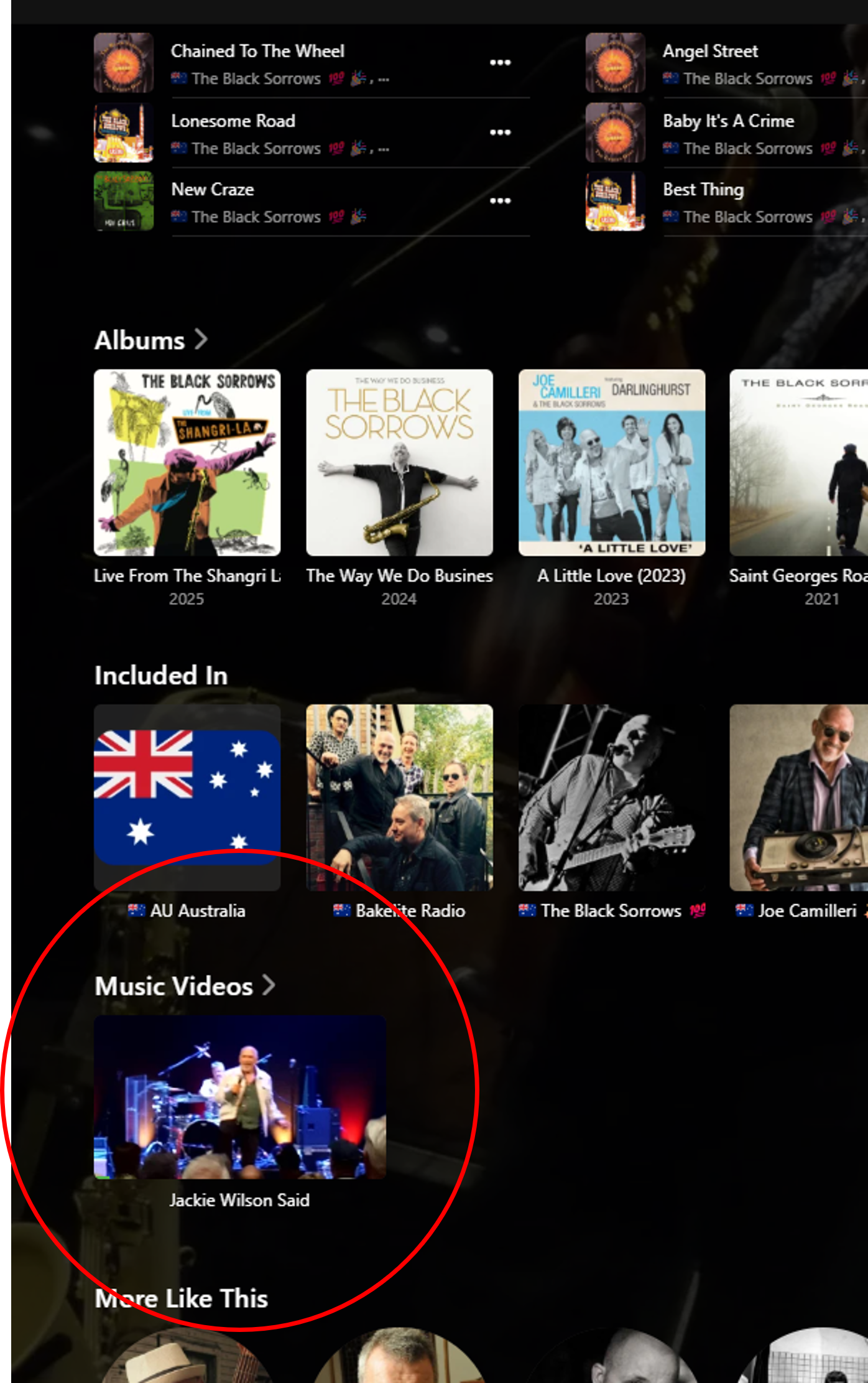
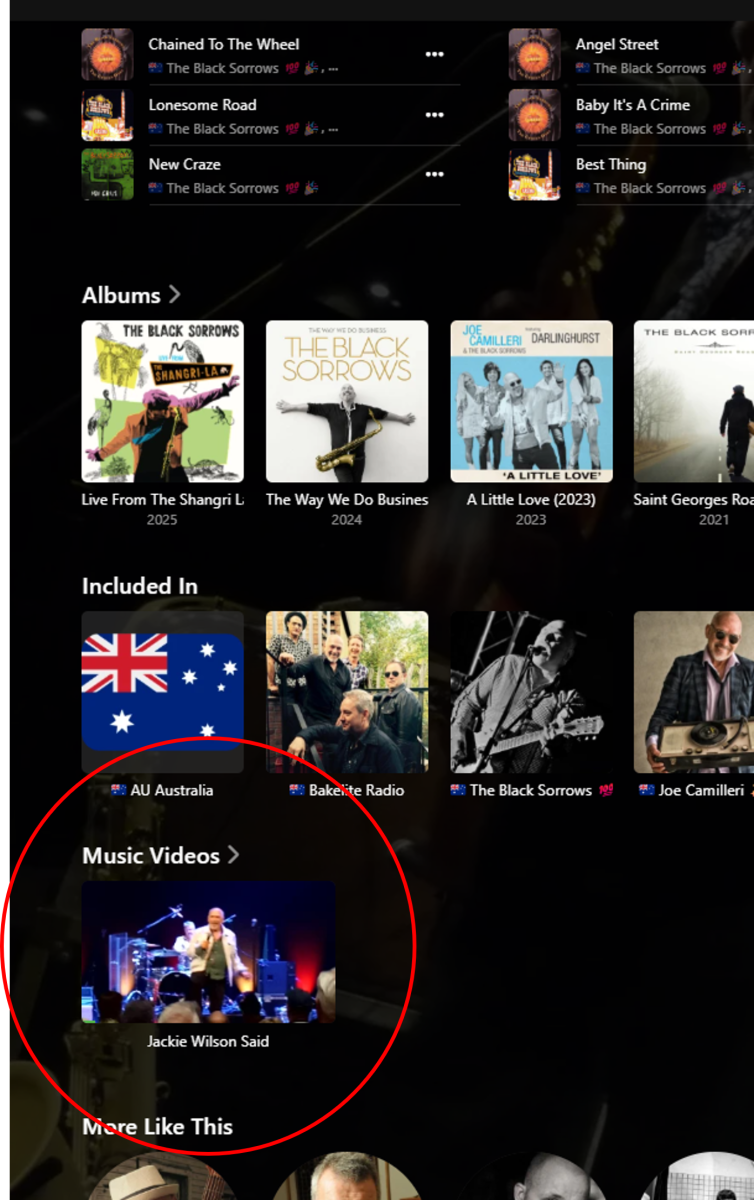
Hi, it is aleady possible with Emby to add music videos to the Artist detail pages, as their own row. You just need to match the Artist names: More info is available here: https://emby.media/support/articles/Music-Naming.html I don't currently have this set up permanently - but managed to create a test example in a few minutes - so it does work, with the web app at least: Perhaps this is what you are looking for? Cheers!
-

ScripterX Help to see if I'm doing Things correctly? in windows.
TMCsw replied to Leafstrider's topic in Plugins
That gives me a better understanding; Using: cmd - is correct for a Windows command prompt What argument is channel.exe expecting? You are passing the actual channel # to it (i.e., 13.1 or 131) I think you may want to pass the full drive/path/filename to it? then use "%recording.path%" including the quotes for [parameters] Leave the [conditions] (where) EMPTY (otherwise it will filter the trigger) Doing all the above would be like keying in the following in a command prompt: C:\Windows\System32\here\channel.exe “X:\Full\Path\Show.ts” Let us know how it goes, or if my assumptions are wrong! There are Other things that could be wrong . -
Sorry for post in wrong thread. I understand your point now about how dupe files are handled. But all the recent comments in this thread and mine above are about difficulty or outright impossibility of getting updated metadata into Emby, in some cases even after completely removing directories, rescanning, and then moving back. Please look upthread to this comment and the other users' comments right above that.
-
I don’t think you understand. I’m asking for a way to hide the tab if is empty
-
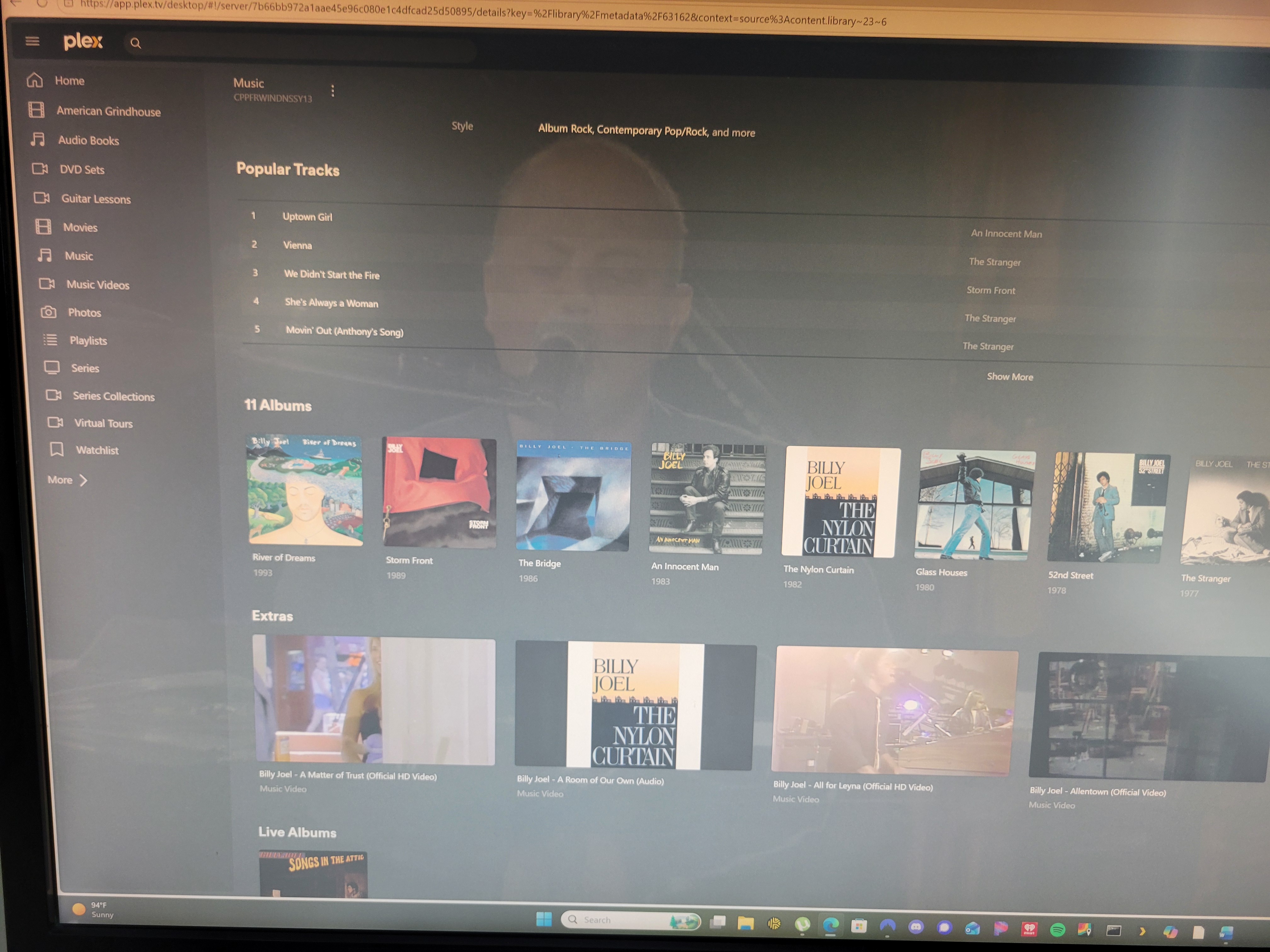
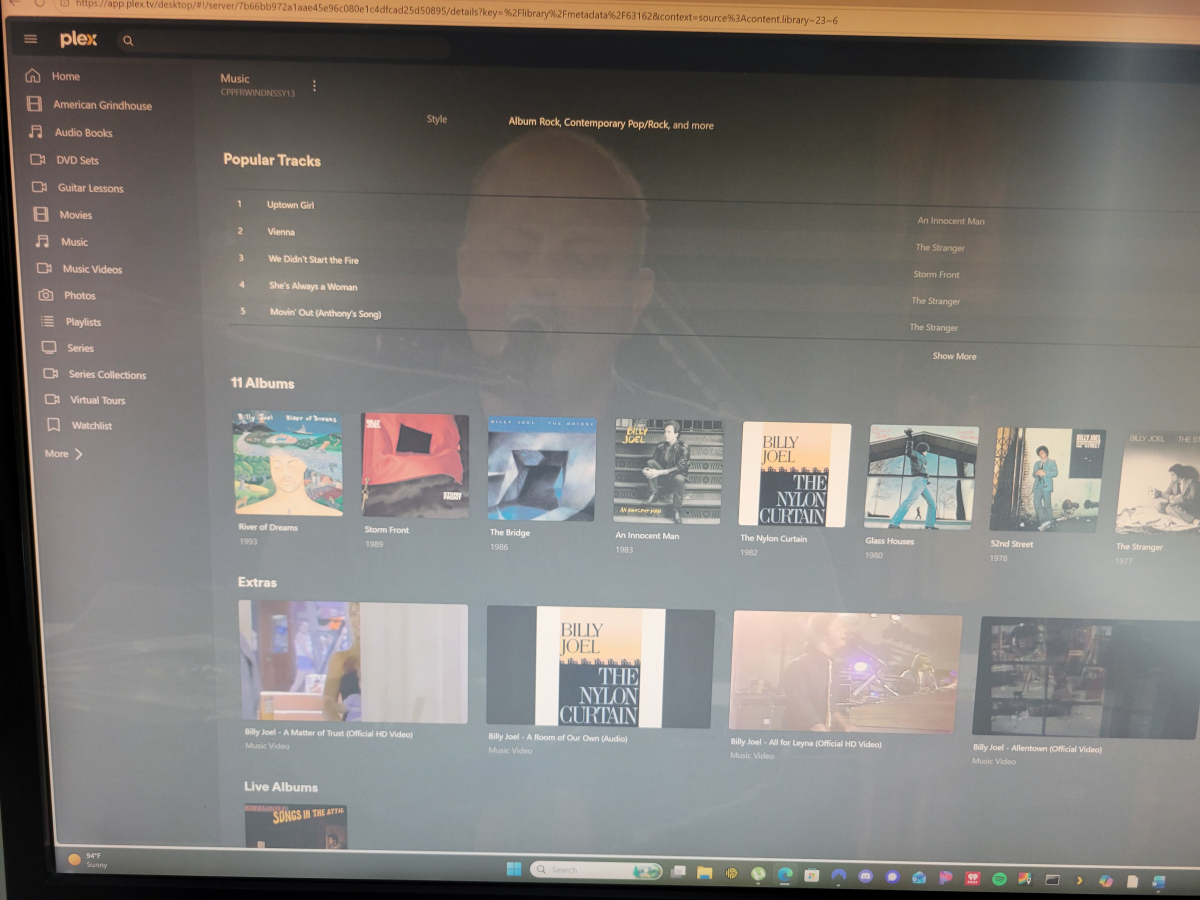
Music videos are merged with the Artist by the same name in the music audio library. Then, when you browse to a singular artist, there is a new as previously described. The music video line is displayed directly after the line with all of the artist studio albums and titled as Extras. See attached photo.
-
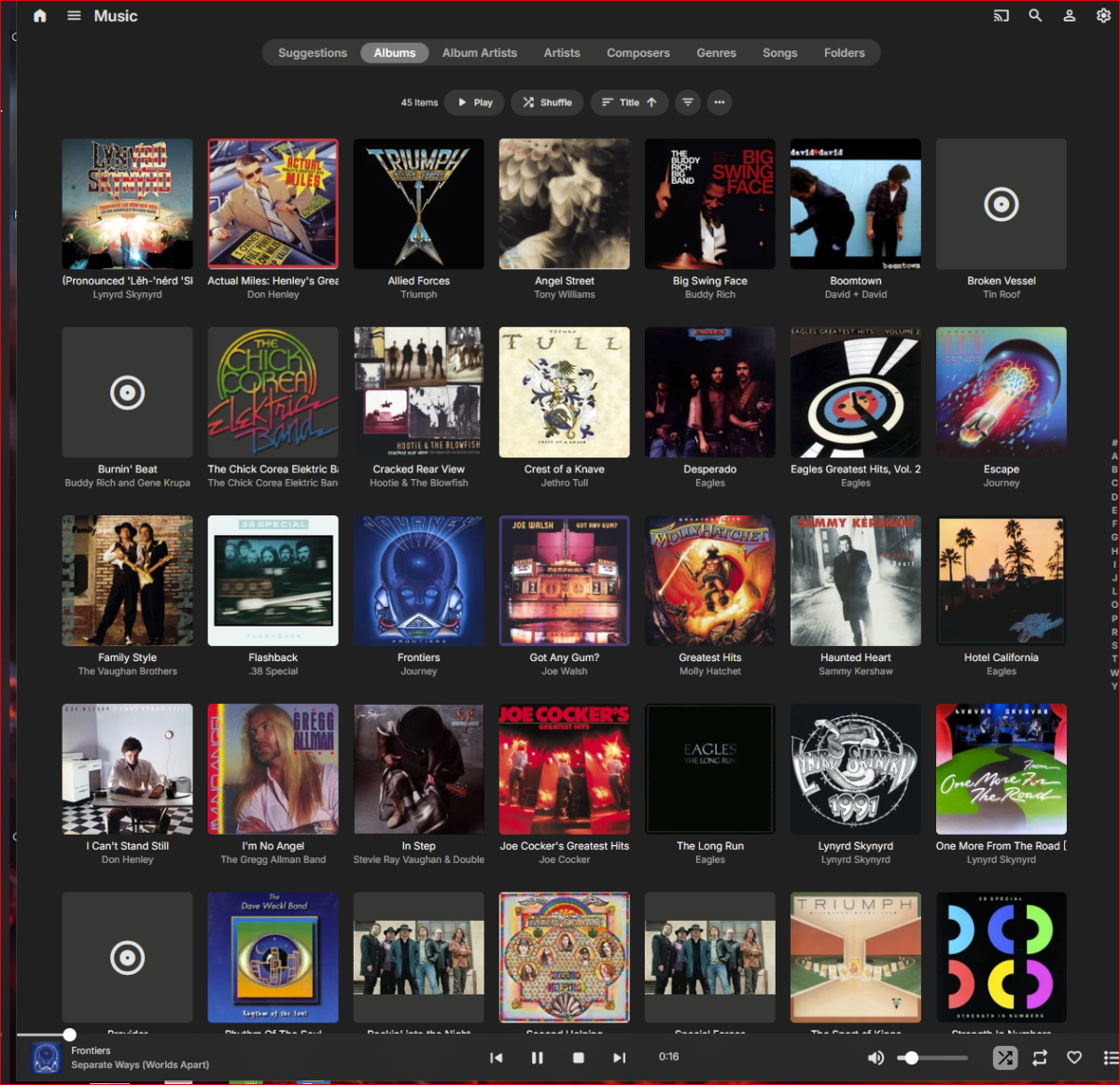
This is the now playing screen I see all day. Is there something else?
-
Sorry, this post was intended for other thread:
-
Can you please be more specific though? Where exactly would you like to see them embedded in your music library?
-
As I just described. Further information is in the article I referenced in my first post of this thread.
-
Files only exist in the database once. If you add the same folder to mulitple libraries, it will be the same database content. The best way to test something fresh has to be either new content or a new installation.
-
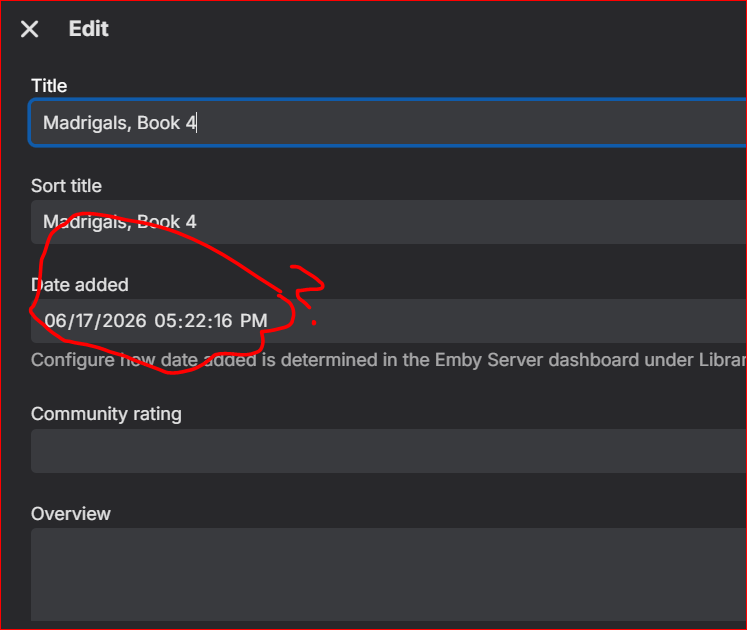
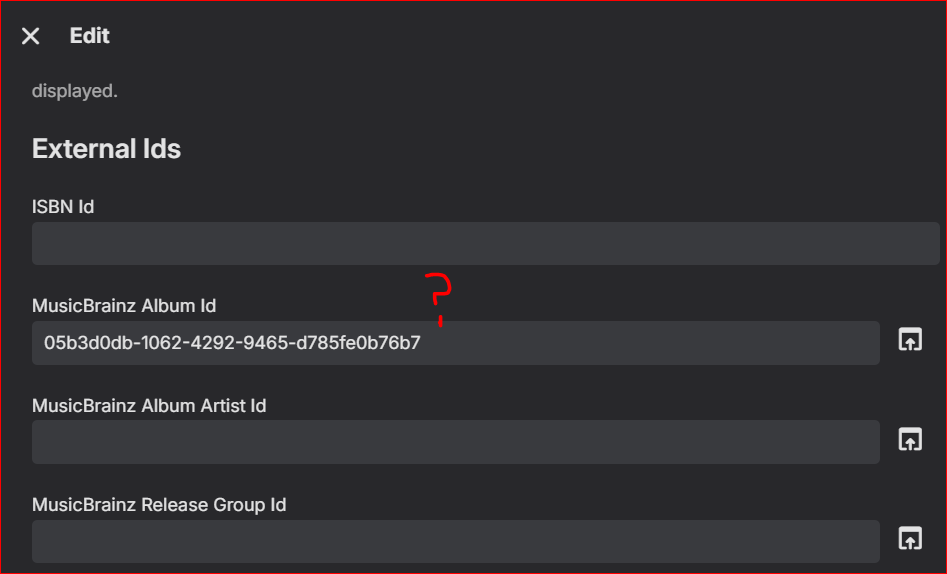
@Luke Why not try this yourself. So many of us have been reporting this over the years. This is directly related to the problem I have been trying to get you to understand in the thread "Why is Emby scan overriding settings?". Latest logs attached. I cleared Gesualdo directory entirely out of Emby, scanned, moved back into music library parent drectory, scanned, edited some data in MP3Tag, rescanned library, no change, rescanned and refreshed metadata in Gesualdo parent folder, no change, rescanned and refreshed metadata in just the album folder, no change. And with ALL external metadata retrievers turned off, Emby is back to showing album dates that do not exist in the individual album files (which all show correct import times, too, BTW), and the ALBUM is dated FIVE DAYS AGO for some reason. Emby is preserving artifacts in the database that even a Vacuum Database doesn't seem to erase. See screenshots below, all takn 6/22 at 3 pm-ish. Please listen to your multiple users reporting what is clearly an underlying problem. embyserver.txt
-
Hi, it is on the now playing screen, right?