All Activity
- Past hour
-
 暴躁的派大星 joined the community
 -
 MOON123456!! joined the community
 -
 احمد ابو شهاب joined the community
 -
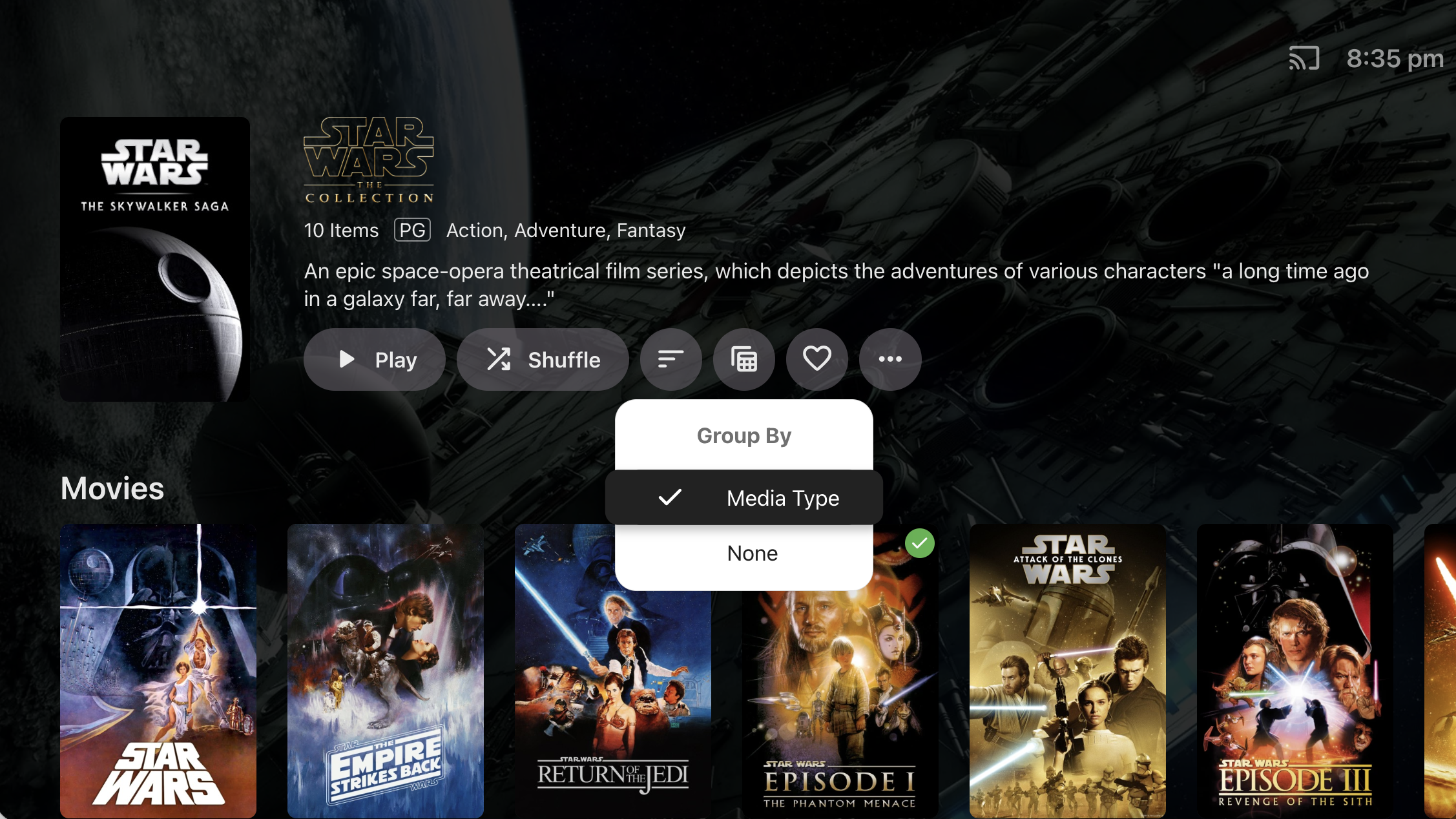
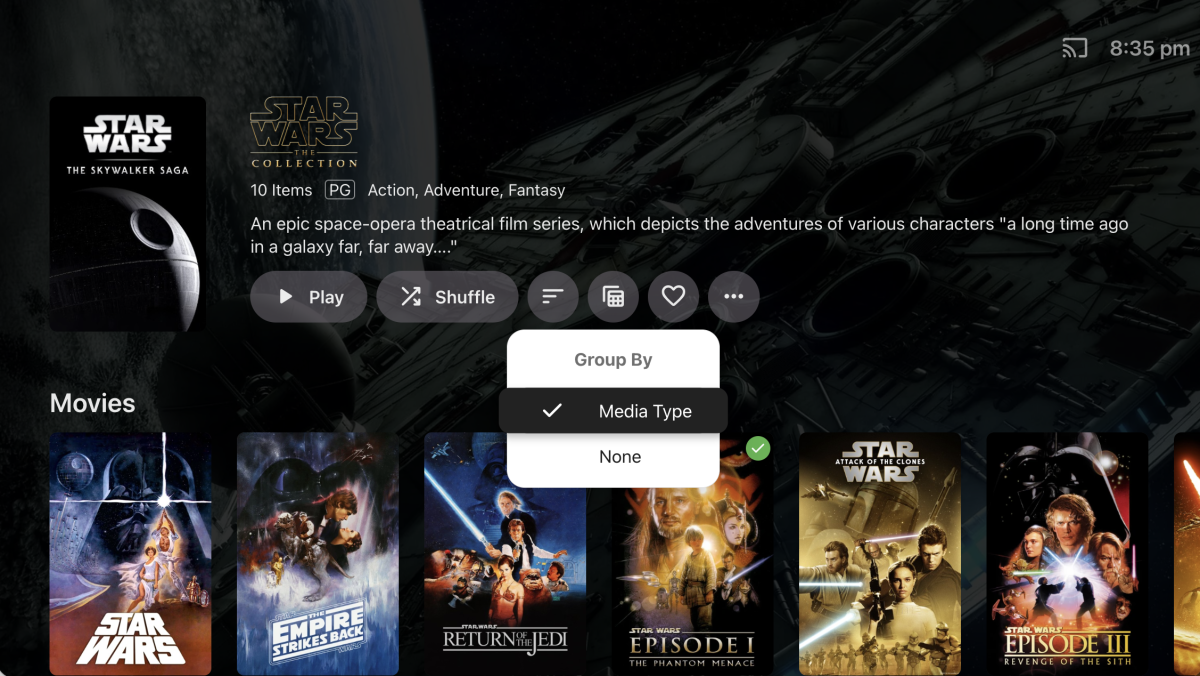
It's because we haven't implemented the 'Group By' option for Collections. @TheITJediI suspect you have this set to 'None' in the web app.
-

Embeat — a native, music-only player for Emby (gapless, DLNA, offline)
jasonmcroy replied to vdatanet's topic in Third Party Apps
Excellent. Thanks for the quick response. -
 thomasmuse joined the community
 -
 Haggy joined the community
 -
Reported here:
-
Exactly
-
 Attefors joined the community
 -
 PlatagVee joined the community
 -
 June21 joined the community
 -

Images from one movie are randomly propagated to other movies after updating artwork
eMoOak posted a topic in General/Windows
Hi, I'm experiencing a reproducible issue with Emby Server where updating the artwork of one movie causes other unrelated movies to display the same artwork. Environment Emby Server 4.9.5.0 Windows 10 Local artwork enabled (images saved alongside media) Issue was already present on 4.9.3.0 a couple of days ago This is an existing Emby installation that has been upgraded through multiple server versions over several years (not a fresh installation) Libraries are stored on multiple drives Steps to reproduce Select any movie. Replace one or more artwork images (poster, logo, backdrop, landscape, etc.). Save the changes. Expected behavior Only the selected movie should have its artwork updated. Actual behavior The selected movie keeps the correct artwork. However, immediately after saving, several unrelated movies start displaying the newly assigned artwork. The affected movies appear to be random, but the issue is reproducible every time I update artwork. Server logs Every time artwork is updated, Emby writes the new images into: programdata\metadata\library\00\00000000000000000000000000000000\imagecache\ This happens every time I replace artwork. Troubleshooting already performed Cleared browser cache. Tested with Chrome, Chrome Incognito and Microsoft Edge. Tested on Android. Disabled the EmbyIcons plugin. Upgraded from 4.9.3.0 to 4.9.5.0. Verified that local artwork files (poster.png, fanart.jpg, etc.) are correct. Checked library.db and did not find duplicate image paths. The issue persists. If necessary, I can provide the complete server logs and any additional information required to help diagnose the issue. Has anyone experienced this before, or is there any additional logging I can enable to help troubleshoot it? -
 Freddy 1652 joined the community
 -
 Loeva joined the community
 - Today
-
Just added to my PC and Fire TV and really like it so far. Thanks and nice job so far. EDIT: Two things I ran across so far. On the Fire TV app I was able to show all my libraries, but can seem to to that as the default screen on first launch of Moonfin. The other is it would be nice to have search pretty much everywhere, or at least a key combo to bring it up no mater where one is in the app.
-

Seenr, a watch tracker that picks up your Emby plays over webhook
zebo51 replied to KevByUs's topic in Third Party Apps
That is the thing, from what people have been saying people are loosing connections and apps because they have changed to allow only 1. I have a zip file from them containing all the json files. I don't see a way to import using that file on your app. -
Hi, i've been using the alexa skill for a while and after moving my digital content and devices from amazon.com to amazon.es 2 days ago i'm getting this message each time I try to play anything. I've deactivated the skill, reactivate and relink the account without problem. Restarted the server, nothing, again deactivate, reactivate, relink. Nothing. Neither directly asking emby home to play a few songs or starting the skill and after the greeting message ask to play a few songs works anymore. BTW, in case it can be related, moving the devices to my country triggered the update from alexa to alexa+ on my devices.
-

Upgraded 4.9.3 -> 4.9.5 (Artwork and data for movies disappearing on scheduled scans?)
mike3821 posted a topic in Linux
Just as the topic states, I upgraded to 4.9.5 and a couple hours later I was noticing the latest movies added were showing movies from the 1990's and missing artwork. I rolled back to 4.9.3 for now. Not sure how to report this as a bug since I rolled back. -

What decides the output sample rate? I ask for 48 kHz and get 44.1
vdatanet posted a topic in Developer API
Emby 4.9.5.0, hitting the HTTP API directly with curl. I'm asking rather than reporting, because two routes behave differently and I suspect at least one of them is me holding it wrong. Route 1 — /Audio/{Id}/stream.wav with AudioSampleRate=48000. The parameter clearly does something, but not what I asked for. From the transcode log, with a 96 kHz/24 FLAC as the source: ffmpeg … -i "…/track.flac" -map 0:0 -vn -sn -c:a:0 pcm_s16le -ar:a:0 44100 -ac:a:0 2 … Stream #0:0: Audio: flac, 96000 Hz, stereo, s32 (24 bit) ← input Stream #0:0: Audio: pcm_s16le …, 44100 Hz, stereo, s16 ← output I asked for 48000 and the server ran -ar 44100. So the value is read — something resamples — but what I sent isn't the target. Route 2 — /Audio/{Id}/universal with MaxSampleRate=48000. Here it looks inert: 96 kHz source → AAC out at 96 kHz 192 kHz source → AAC out at 96 kHz adding EnableAutoStreamCopy=false changes nothing Why 48 kHz specifically, given that 44.1 obviously plays fine. It isn't a preference: 48 kHz is the ceiling of the device I'm feeding, which won't take anything above it. From a 96 kHz source, 48 kHz is a clean 2:1 decimation; 44.1 kHz is a non-integer resample I didn't ask for and don't need — and the server pays for it in CPU on every track. On the /universal side the effect is different: the output rate follows the source, so a library with mixed rates changes rate from one track to the next. Three questions, and any of them closes this for me: On /stream, is AudioSampleRate meant as a target, or only as a trigger to resample — and what picks 44100? Is that 44100 coming from a default device profile for an unknown client? I'm sending no DeviceProfile at all, so if that's the answer, I'll send one and stop asking. On /universal, is there a parameter that caps the rate, or is that route by design "never resample"? Happy to run any variation against my server and post the resulting ffmpeg line — that's how I got this one. ffmpeg-transcode-dd0d84ff-2858-4207-8878-41d4056868a5_1.txt -
No, not required.
-
Yes.
-

embyforkodi (next-gen) 12.X.X support
hansi9990 replied to quickmic's topic in Emby For Kodi Next Gen
Ok, but there is no etrie for the Playlists. This Entries are available: Add Library, Remove Library, Update Library, Repair Library, Update Collections, Update Music Video links and Update LiveTV. I Have also tried to reset to Factory defaults and redid everything, I selected everything during the import, but I can't find the playlists. -
Is it the ATV version?
-
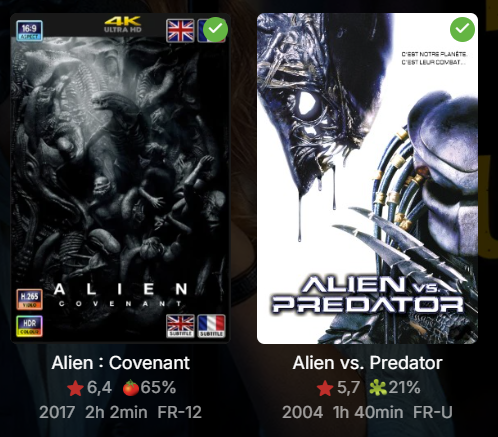
Looking at the screenshot. Are you saying it's not drawing the icons on some posters?
-
Does it need to have the diagnostics option enabled?
-
Thanks heaps for making this. It works fine on Emby web but on Android TV the quality gets set to pretty much the lowest, I am assuming the quality gets set by YT through the API automatically and there is nothing that can be done? Thanks again!
-
Just press down on the remote while something is playing, the OSD timeline will come up and you should see those grey text boxes, press down again to get that exact view.
-
I would like to verify it as well on my end, how do you get this OSD while playing the media @FrostByte?
-
I tried to reproduce on my system but I can’t didn’t see any error but removed the cache so that everything got redrawn and everything ok for me so it seems not to be a global issue I would say
-
I desinstalled EmbyIcon. I try to change the position but always the same
-

HW Tone Mapping Transcoding no longer works after updating to 4.9.1.80 (Synology 220+)
sa2000 replied to rekit's topic in Synology
The Emby Server Synology issues with hardware transcoding and tone mapping being enabled should be resolved in 4.10.x.x which is currently available as beta. The 4.9.5 release does not have the fix -
Emby server is deleting downloaded files immediately after transferring them.
sa2000 replied to mintman72's topic in General/Windows
I suspect that it is some timing problem. I have an open issue on it for the development team. When the app tells the server what has been downloaded, if it passes an empty list (for some unknow reason) the server would then cancel all the download jobs and the client would purge them Is it just one download file that gets removed after it completes or all downloaded files get lost at same time? I suggest running with debug logging enabled on both the emby server and the app and the next time this happens get the client app logs and the emby server logs and give details of the device, the downloads and when they disappeared If you can provide the raw log files and IP addresses that would make it easier - you can zip and send me the zip with the details by private message -
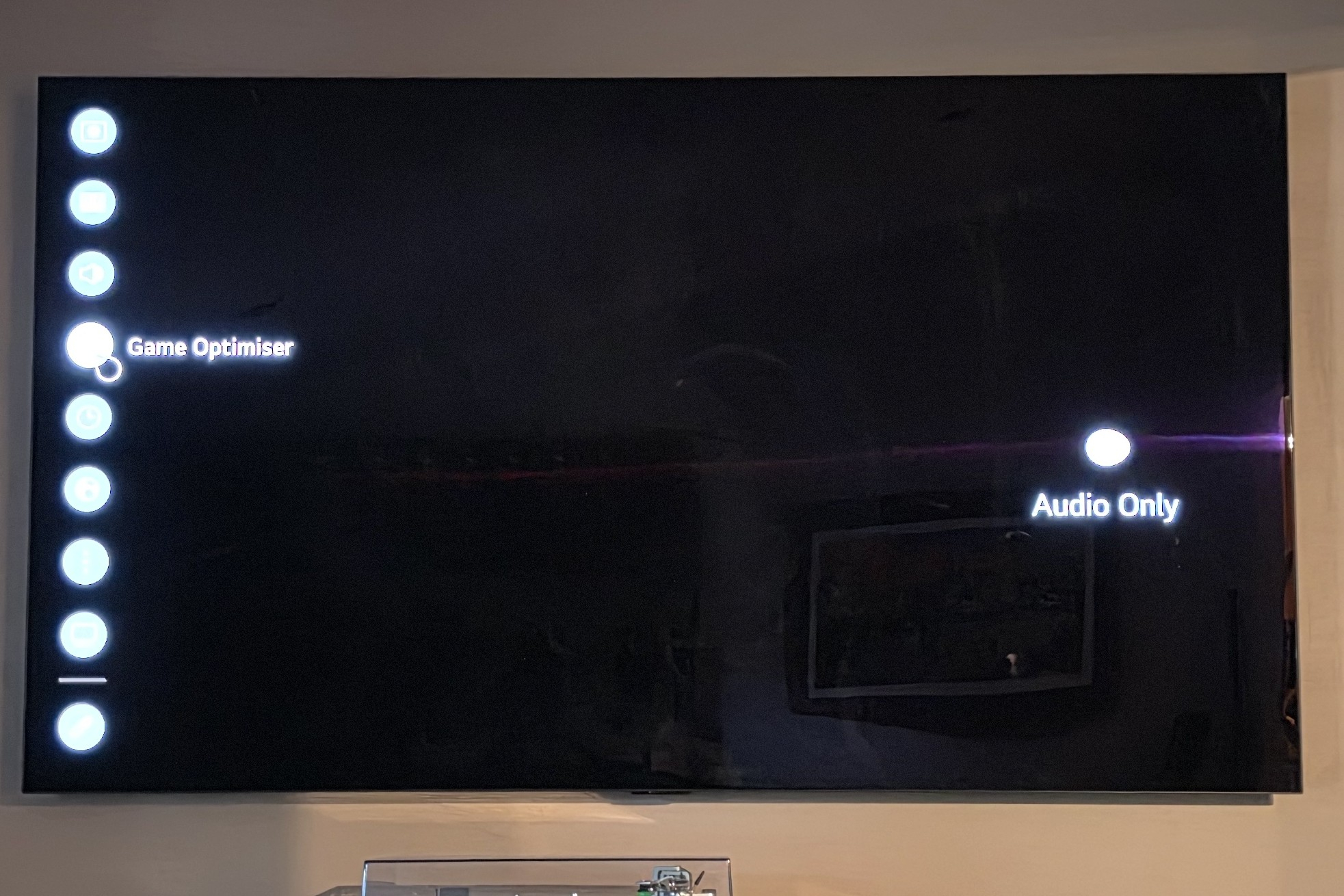
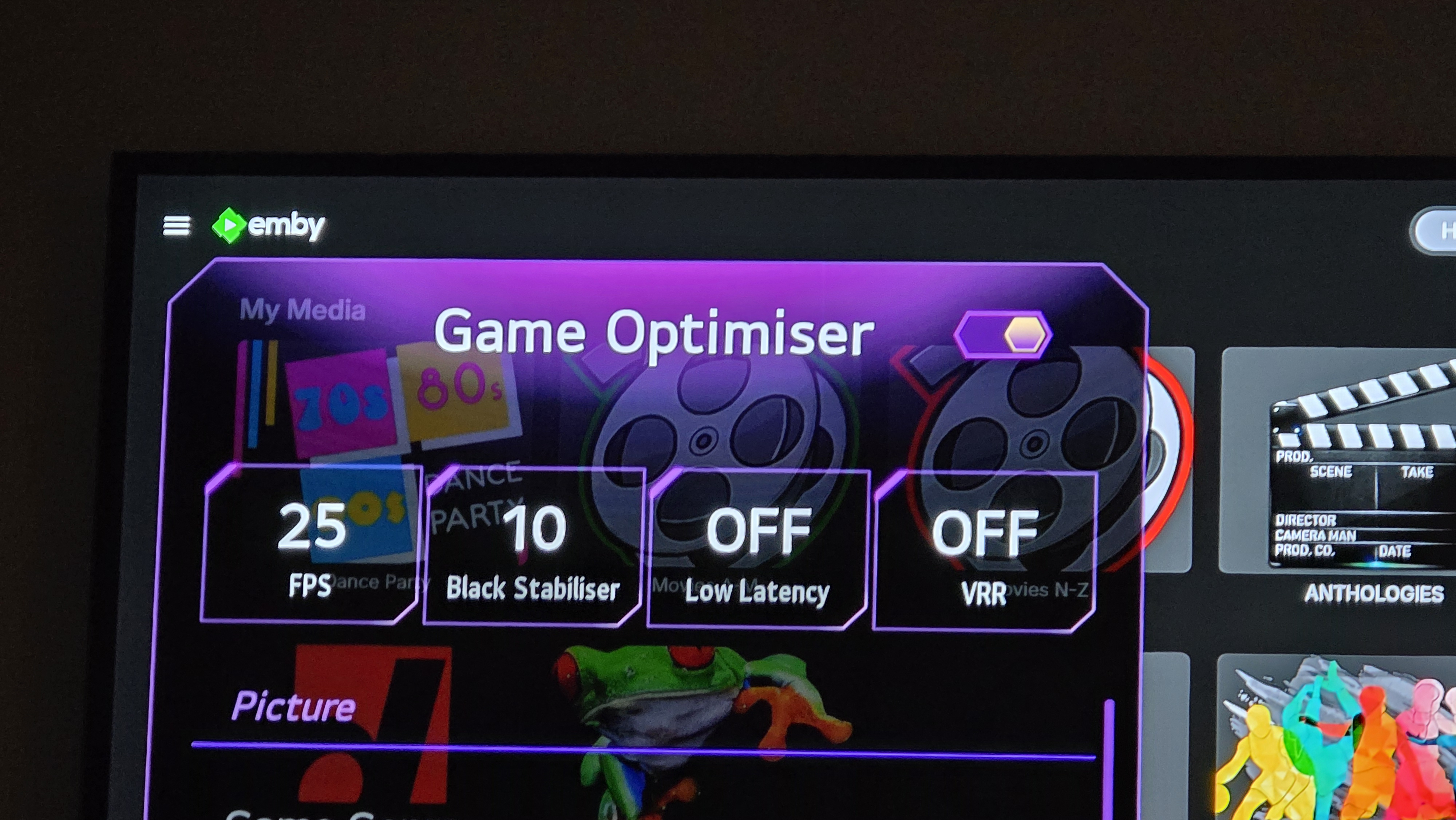
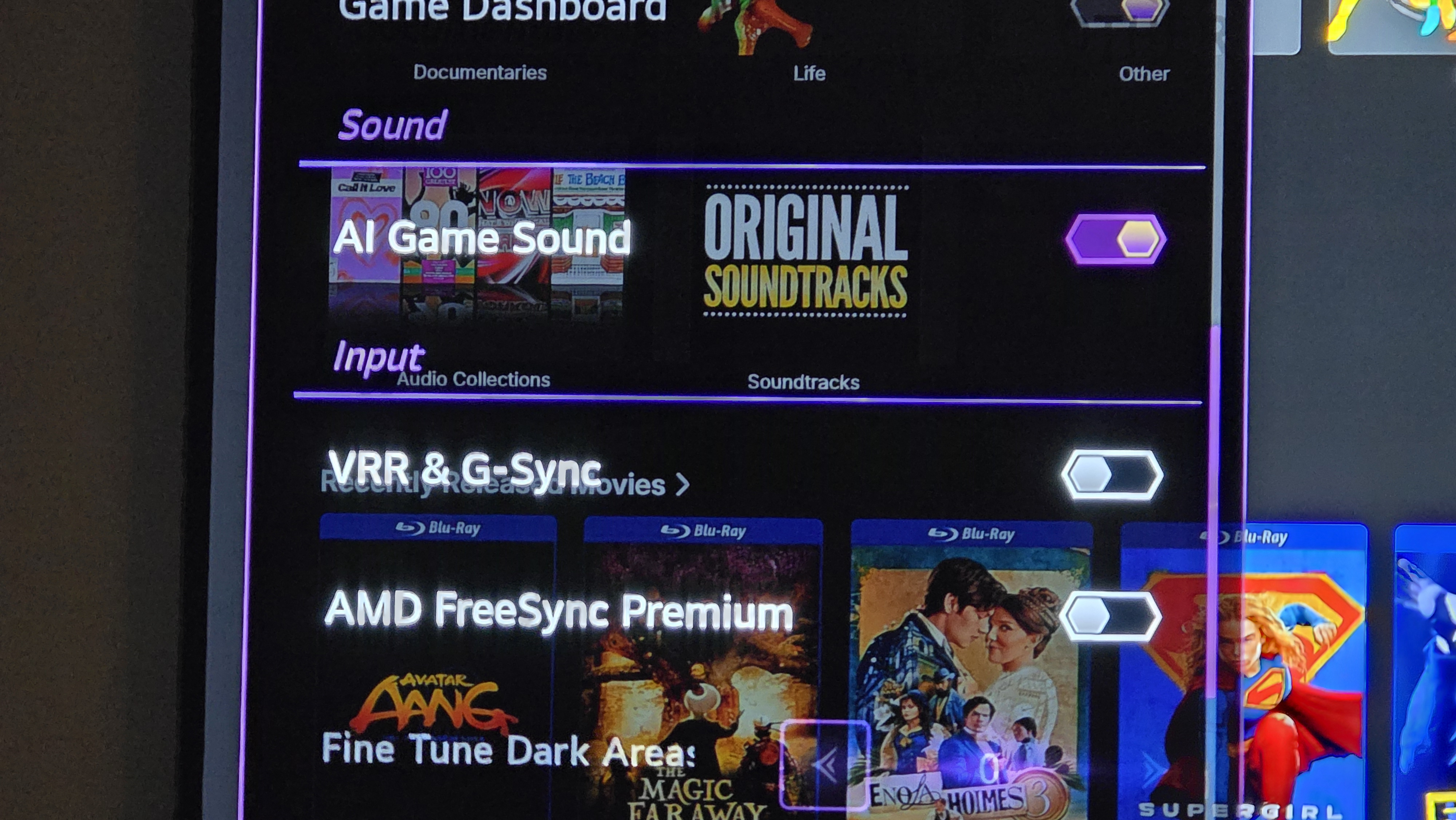
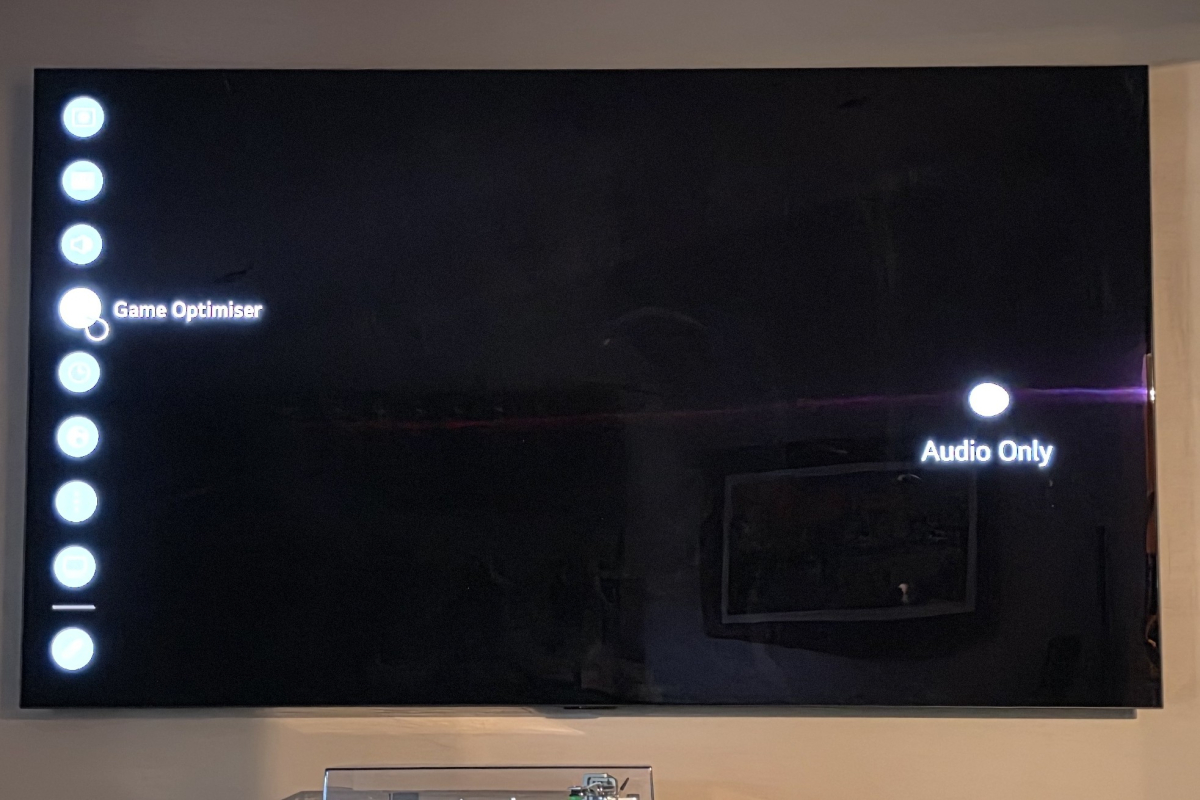
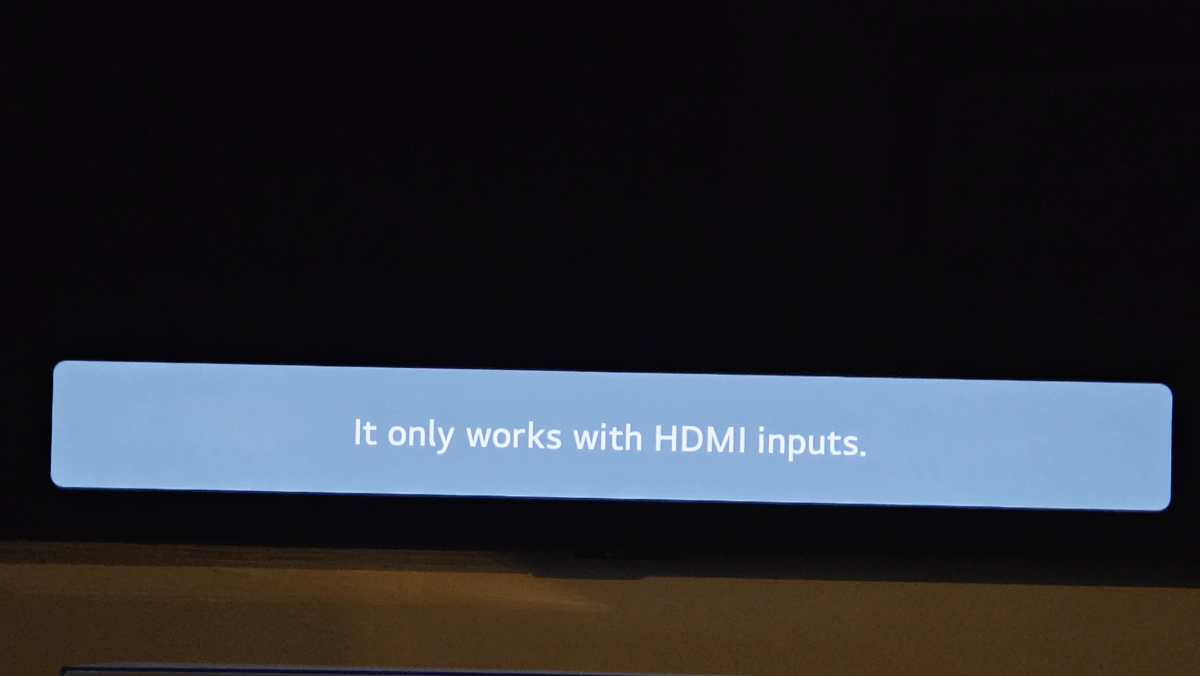
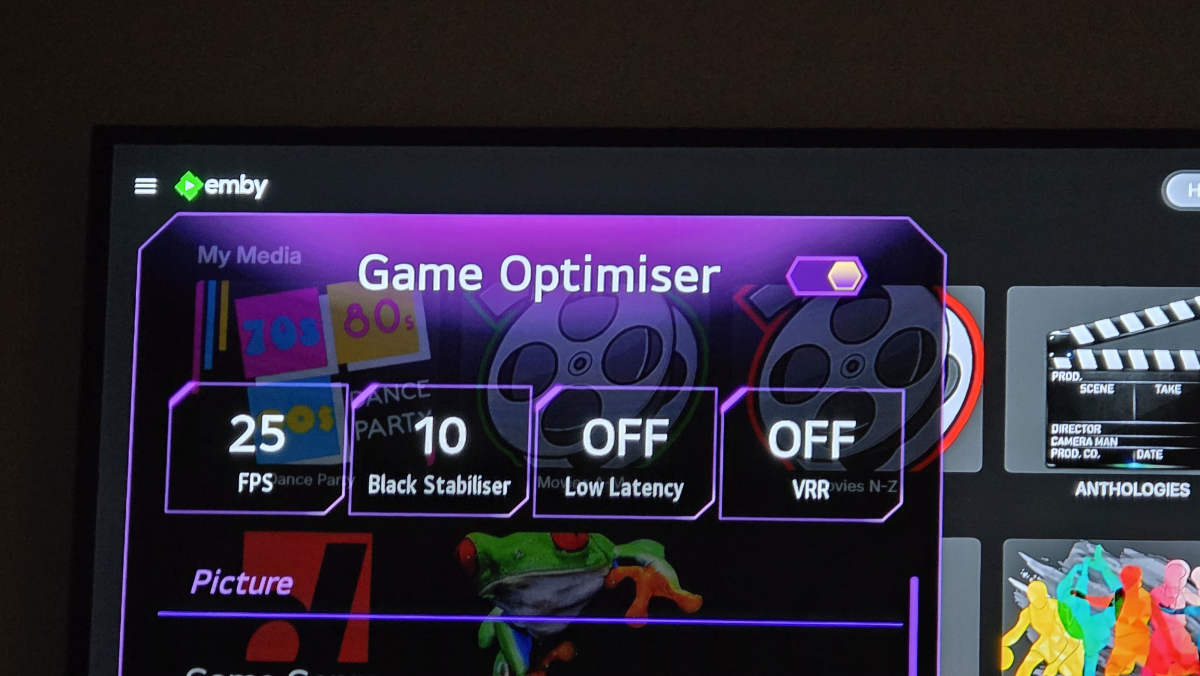
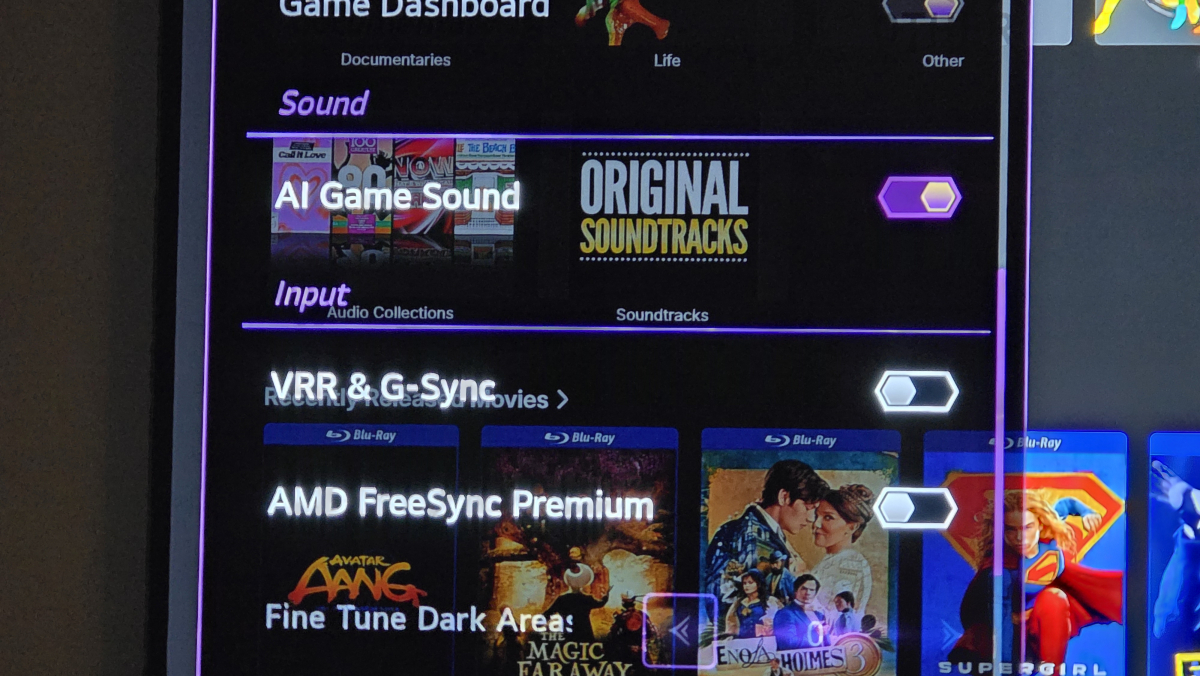
I had originally considered that, but I had previously gone through every single option setting on my LG OLED TV and found nothing at all which referenced Refresh rate. HOWEVER, upon repeating the process after reading your post, I realised that I had gone through every available option, not every option comprehensively. There was one setting which was inaccessible - called 'GAME OPTIMISER'. It turns out to access this setting, a HDMI connection had to be both selected and activated. Once I accessed it with an active HDMI Connection (my media centre) THEN the Game Optimiser options were accessible. Scrolling down the list I found an option called VRR & G-Sync, which is a setting that appears if: you have a newer model nVidia video card connected to the TV via a HDMI cable; It also turns out that the TV can detect the nVidia card even though the media centre PC is plugged into the input of a Samsung Blu-Ray Home Theater system and the LG TV is plugged into the output. Deactivating the 'VRR & G-Sync' setting on the TV did indeed result in the Refresh Rate messages disappearing. So you were correct! Thanks for the advice!
-
Hi I'm a bit of a luddite so please bear with me..... I use emby on a number of devices/tvs, but when using emby on my pixel tablet connected via tailscale (away from home) i find it jumps and the audio goes out of sync on shows that when watching on my home wifi On the tablet I connect via hot-spot on my phone and then to the server through Tailscale...very good/high speed internet connection I have tried emby premier and have tried selecting "enable hardware acceleration when available" but still have the issue regardless. Have tried all the normal re-starts etc