All Activity
- Past hour
-
 DrAuntor919 joined the community
 -
 ShadowCortez67 joined the community
 -
Having the device in DMZ negates any port forwarding at the router level. Windows Firewall would still be needed and need "Allow" to yes Best to better understand your external IP address (I understand you don't want to share). The device is in DMZ so your "remote" apps only need your EXTERNAL ip + port. I do not recommend ANY server be in DMZ, but that's just me.
-
What are the Allow No colunns. Should that perhaps be Allow Yes?
-
 Zhumanniu joined the community
 -
 liamurwin77 joined the community
 -
 waege joined the community
 -
 Ronald Cardenas joined the community
 -
 hectorgranada joined the community
 -
 rogosh joined the community
 -
 Faaandroid joined the community
 -
 Canche023 joined the community
 -

Lifetime Emby Premiere Abo, yet App keeps nagging
WonkoTheSane replied to WonkoTheSane's topic in LG Smart TV
That's understandable. Same thing with gaming. The honest players unfortunately also have to suffer the consequences of the assholish behavior of others. -
Gonna try that when I'm home. Send you a pm.
-

Some Help on Media Sorting With Genres vs Tags
Luke replied to snowypete's topic in Non-Emby General Discussion
Hi, just to be clear Emby doesn’t import those tags from Internet providers. You must have had other software create nfo files containing them. - Today
-
Is there an update on supporting strm files for audio under theme-music? e.g. theme-music\movie_soundtrack.strm -> SHAREDPATH\movie_soundtrack.mka
-

Pixelsmash Vulnerability in ffmpeg (CVE-2026-8461) - Is Emby vulnerable?
RanmaCanada replied to CHBMB's topic in General/Windows
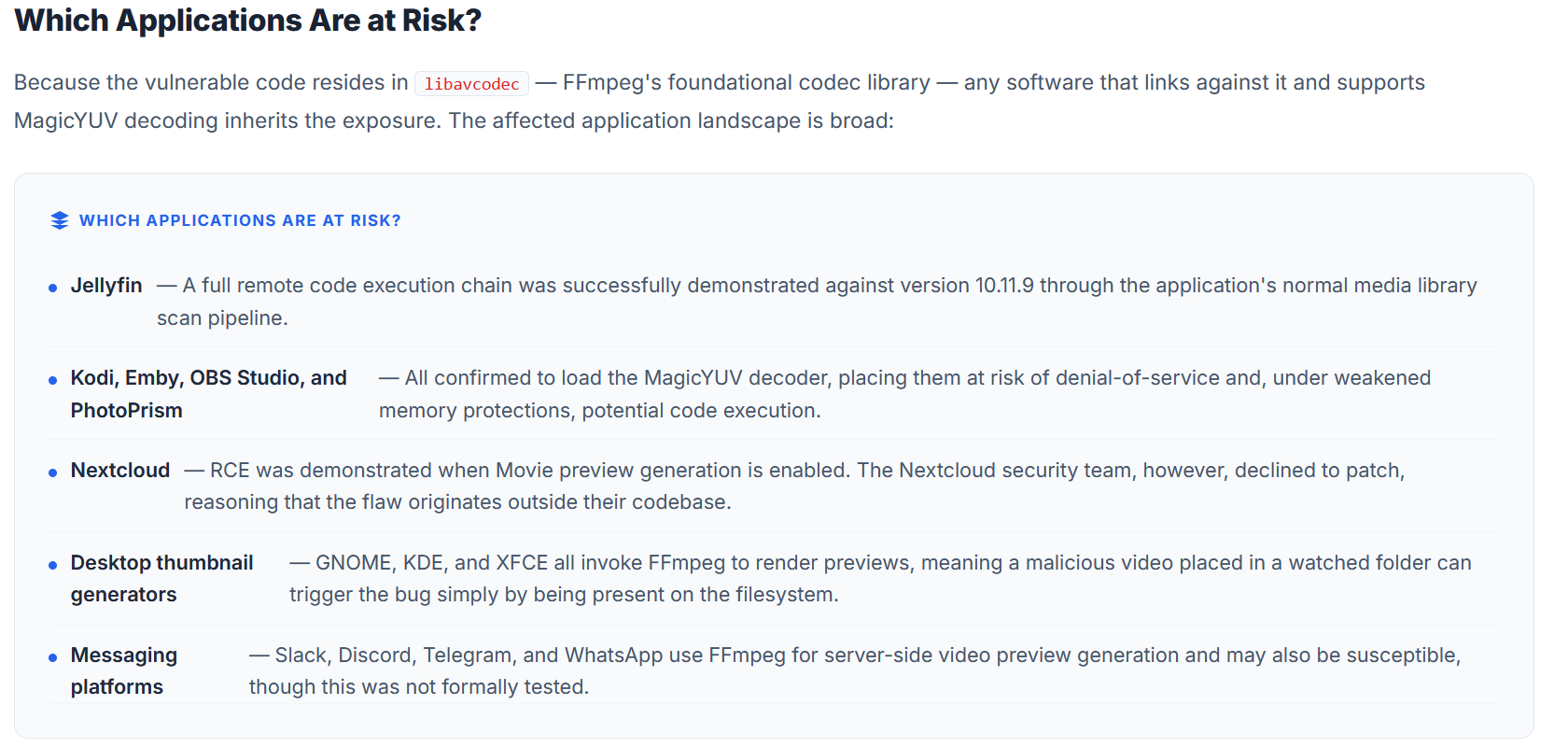
It appears Emby is affected as per all the documentation, but it's "just" DOS attack, and possible code execution if you have weak memory protections. Jellyfin was full on remotely exploitable. If you use any of the messaging and social media apps listed, you are at far greater risk as you have no control over those. Hopefully we get an update. Frustrating they told Jellyfin devs and no one else before releasing it..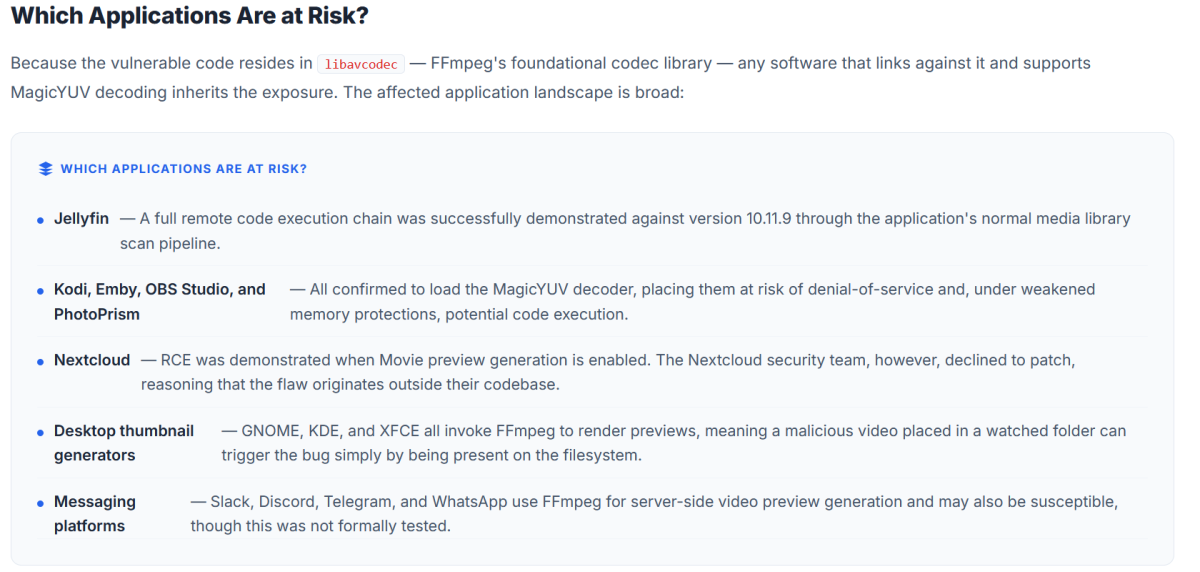
-

embyforkodi (next-gen) 12.X.X support
supermood replied to quickmic's topic in Emby For Kodi Next Gen
hi @quickmic hope your doing good! I'm having an issue for the first time with your fantastic addon. the experts from ce (ugoos amb6+) are telling me it seems to be related to emby for Kodi. I've tried changing from http to webdav, because I read here that this might be better. no change, problem remains. can I send you an log and you take a look? maybe it is related to your addon, I have no clue all the best, -
Any plans on making this available for Linux Mint?
-

LG 1.0.50 breaks horizontal scrolling on homescreen
unisoft replied to unisoft's topic in LG Smart TV
Rebuild of server INCLUDING Synology DSM and Emby 4.9.5, and these scrolling issues persist on LG OLED55G56LS.AEK and OLED48B46LA.AEK - so not an issue with old setup. -

Easy/quick way to make a backdrop/fanart the "thumb" image
evil_crab replied to heciruam's topic in Feature Requests
My suggestion is to add the option to include backdrops in the manual thumb search, not to change automatic behaviour. -
could you please add to Emby Plug-in catalog?
-
Hi, not yet but stay tuned.
-
Missing metadata on videos placed on a USB-disc connected to Synology NAS
Luke replied to lhsoefren's topic in Synology
Thanks for following up. -
Plugin: Assrt Subtitles — Chinese subtitles, with Simplified ⇄ Traditional conversion
Luke replied to balance3272's topic in Plugins
Thanks for sharing. -
Any updates on this feature?
-

Emby Theater: some new problems with it in linux :(
GRiMuk replied to vincen's topic in Linux & Raspberry Pi
Just found a 3rd party client for Emby/Jellyfin that seems quite good after a quick try. https://github.com/tsukinaha/tsukimi -
Emby Theater: some new problems with it in linux :(
GRiMuk replied to vincen's topic in Linux & Raspberry Pi
Thanks I'll check it out -
Thats odd. Does saying "Alexa, ask Emby Home to play a few songs." work?
-

Emby Theater: some new problems with it in linux :(
exanime replied to vincen's topic in Linux & Raspberry Pi
It was never addressed and I suspect it will never be. Instead they released a Linux client which is still in beta stage. It does solve the issue discussed in this thread and, while still buggy, it is fairly functional Check it out here: https://emby.media/support/articles/apps/linux/Emby-Linux-Beta-Program.html -
Emby Theater: some new problems with it in linux :(
GRiMuk replied to vincen's topic in Linux & Raspberry Pi
Any update on this? Just migrated over to Linux Mint but seems this issue still hasn't been fixed for 2 years?? :( -

Missing metadata on videos placed on a USB-disc connected to Synology NAS
lhsoefren replied to lhsoefren's topic in Synology
Solved - In "Settings" I have selected "Library" and then selected my file library on the USB disk. Under "Movie Image Fetchers" I have selected the databases that I want to be able to select. Then the options appeared under "Identify" -

2.310.2.0 only shows folder view in mixed content libraries
jellowe replied to jellowe's topic in Windows & Xbox
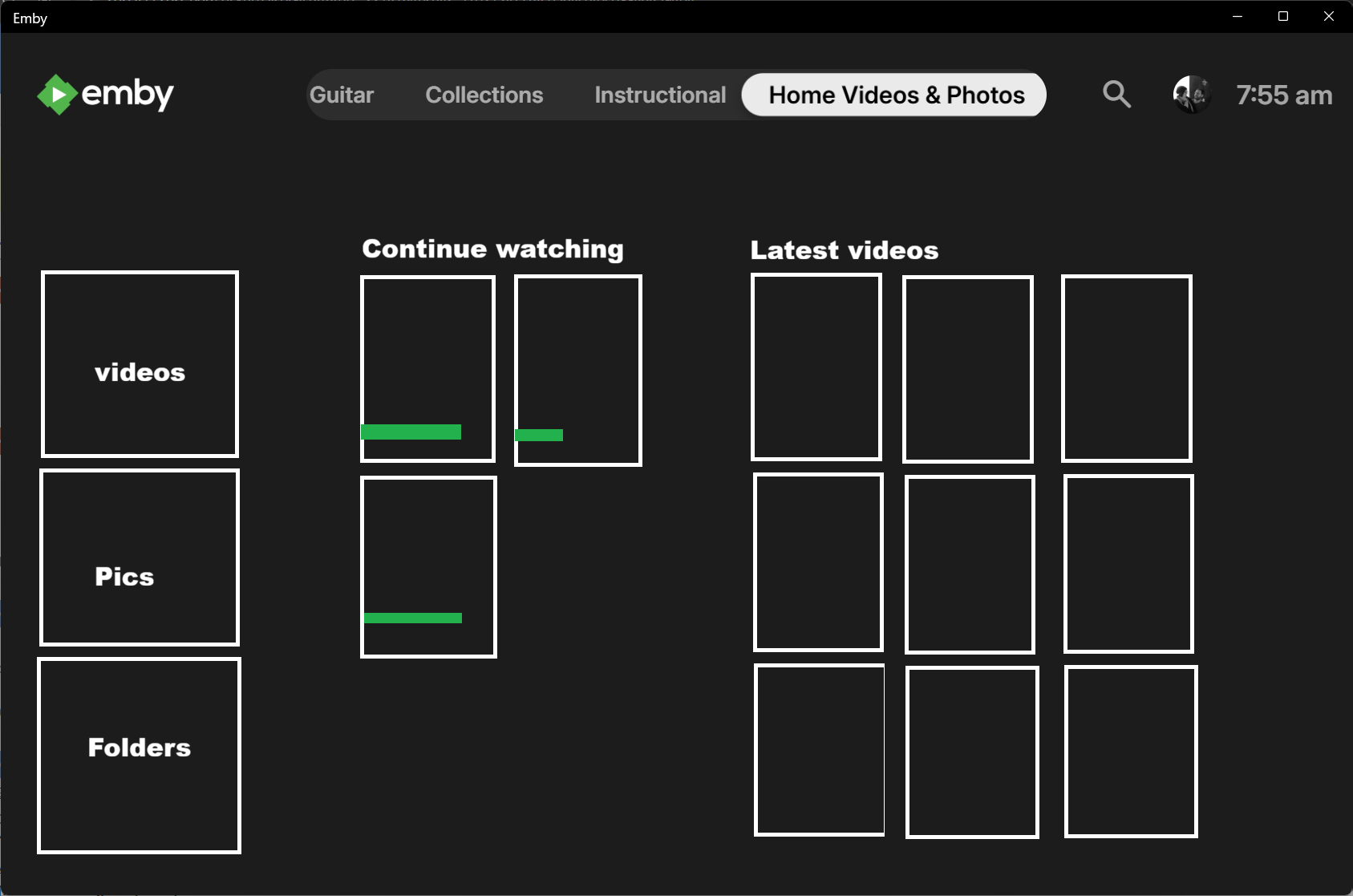
Ok maybe I am not explaining it very well. I have always used TV mode display with Horizontal layout. Up until a week ago or so, my "Home Videos & Pics" library home screen looked like the pic I am attaching. Now it just looks like all the other mixed content libraries with folder view. The Home Videos library type no longer has the "continue watching" and "latest media" sections on the home screen, it has been replaced by the basic mixed content library folder view. I was just wondering if it was a setting that got reverted. If this functionality has been removed, no problem, I can remove the library and add it back as a TV library and just turn off the metadata providers. I was just wondering if this was a setting that got reverted or changed, or possibly even a change to the library type in the server?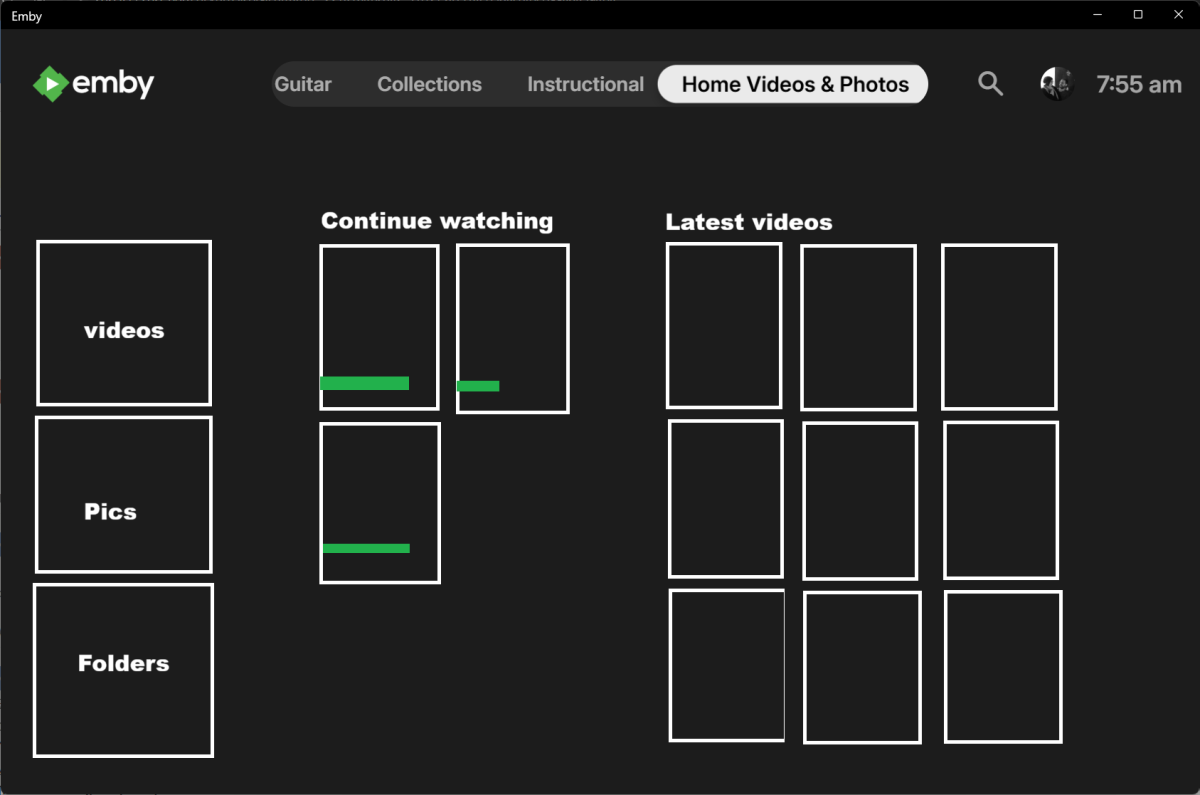
-

Some Help on Media Sorting With Genres vs Tags
snowypete posted a topic in Non-Emby General Discussion
I've started going through cleaning up my media collection. My collections all fairly well organised in folders off the main line i.e Movies>Zombies Movies>Vampire etc. I've noticed there's a lot of random crap tags in the metadata from iMDB /tMDB (like buddy movie, witchy poo's, biotope, lincoln nabraska). All useless from my point of view to find a random movie. So I started cleaning up some of these....one by one . I've made some headway to sorting but one thing that’s come up is Genre or Tag? While there's a general consensus that there's about 11 "proper" genres - Action, Adventure, Comedy, Crime etc etc, what do you do with the sub genres? Like Vampires, Werewolves, Zombies, Superheo etc? I started adding in these sub-genres as their own and quickly realised it was getting out of hand with multiple similar genres - like Australia, Aussie, Ozploitation etc. So I cut it back to one main Ozploitation with a Tag Aussie as well. But then when I came to a Genre of Animals with a Tag for subs like Dogs, Cats, Pigs then Werewolf shouldn't technically be it's own Genre but rather Animals with a Tag of Werewolf . So now a Genre of Vampires or Mummy doesn't really fit either with that logic. So I guess my question is - How are you guys using the Genre and Tags within Emby to help sort your collections? And is there a way to do bulk Genre and Tag edits? (And BTW - I tried the "Bulky Editor" and "Genre Cleaner" plugins without much luck) I'm leaning more towards keeping the main genres (with maybe a couple of extra's) and everything else as Tags like - Genre: Crime Tags: Gangster, Mafia, Robbery, Assassin - Genre: Horror Tags: Vampire, Werewolf, Mummy, Halloween etc - Genre: Fantasy: Tag: Time Travel - Genre: Space Tag: Astronaut, Start Wars, Space Invasion -
Missing metadata on videos placed on a USB-disc connected to Synology NAS
lhsoefren posted a topic in Synology
For a long time I have used a USB disk for some of my video movies connected to my Synology Disk. I was previously able to use the "Identify" function to find metadata for movies based on IMDb Id, TheMovieDb Id or TheTVDB Id. When a movie is placed on the USB disk, I can now only select "Title" or "Year", which is why I can no longer get metadata. For movies placed directly on the NAS, this function is still available. How do I get metadata for movies on the USB disk - it has worked before?