All Activity
- Past hour
-
 Elpapi236767 joined the community
 -
 Blanca2026 joined the community
 -
 Luis montanares joined the community
 -
 FTrain joined the community
 -
 jakir859 joined the community
 -
 Shiragerad2612 joined the community
 -
 Shira2612 joined the community
 -
 Iker672767 joined the community
 -
There one guaranteed way to fix that where there is no laggy or choppy videos.
-

Advice please - getting the maximum from my EMBY Setup / Samsung HW-Q990C (Atmos and TrueHD)
Robnaeyaert replied to Robnaeyaert's topic in Hardware
Thanks @Luke and yes, the NUC has proven to be a good option as I evaluate which way to go (grab a Shield or use my current NUC). All the great advice from the likes of you, @FrostByteand others to help my understanding on the many configuration issues / pitfalls to get the NUC firing TrueHD audio has been very helpful (and thank you). I can't say I understand the ranting and raving from @RanmaCanadaover using other sources or information (like ChaptGPT) along with community advice to assist with configuration help (like BIOS bugs / driver bugs) but that user might have their own issues. Thanks again all who contributed positively. I'm excited that I got my HW-Q990c sounding awesome. -
 ingridllerena joined the community
 -
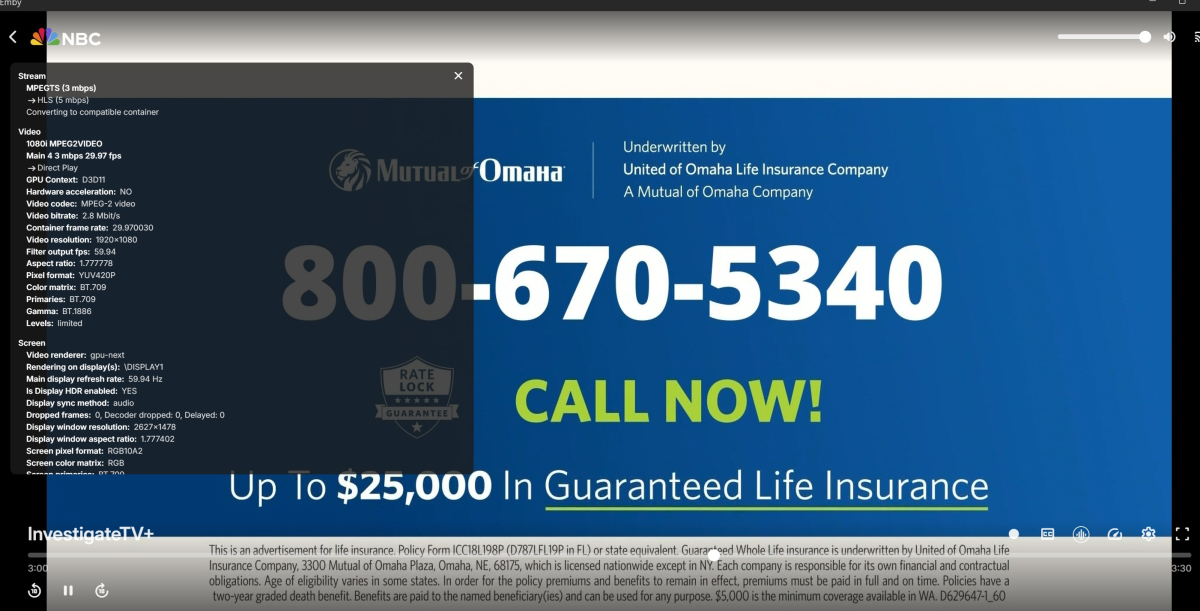
MPV shut it down start back up and it works
-
 Thomazurjjrjdjfrhjdhdj joined the community
 -
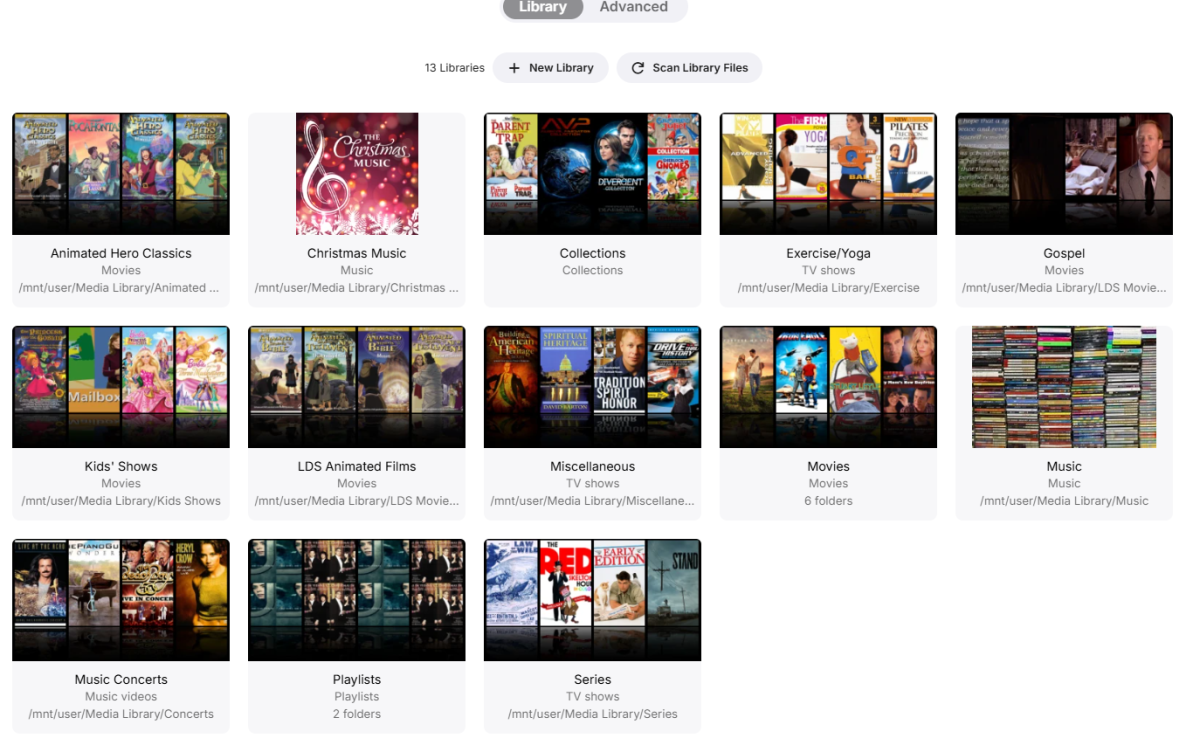
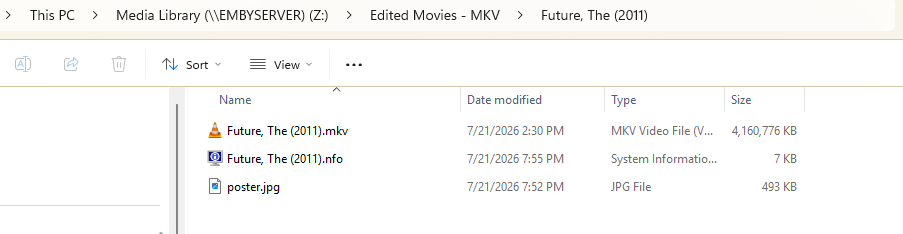
Well, I've been doing this for many, many years and now I always add the year in parentheses. As for putting "The" after a comma on the name, that has never been a problem before and I tried it as "The Future (2011) to see if that would fix it, but it didn't. I now know how to rig it to fix the problem after the fact, and, to my knowledge, this problem has been rare. I'm just worried that there might be stragglers in my large library that I have missed over the years. With this current problem, the movie wasn't showing up in 'Latest Movies' or in the Library under 'The Future' or 'Future, The' which makes me think that it was not even in the library. Once I changed it to something innocuous like 'The Future is Fun', it showed up in library and 'Latest Movies'. Then I fixed it through 'Identify' and 'Edit Metadata'. Now it's as if there was never a problem. AI thought it was a corrupted metadata entry. Now, I just want to find an easy way to compare the files on the disk with the library to see if there are missing entries.
-
How can I stop it
-
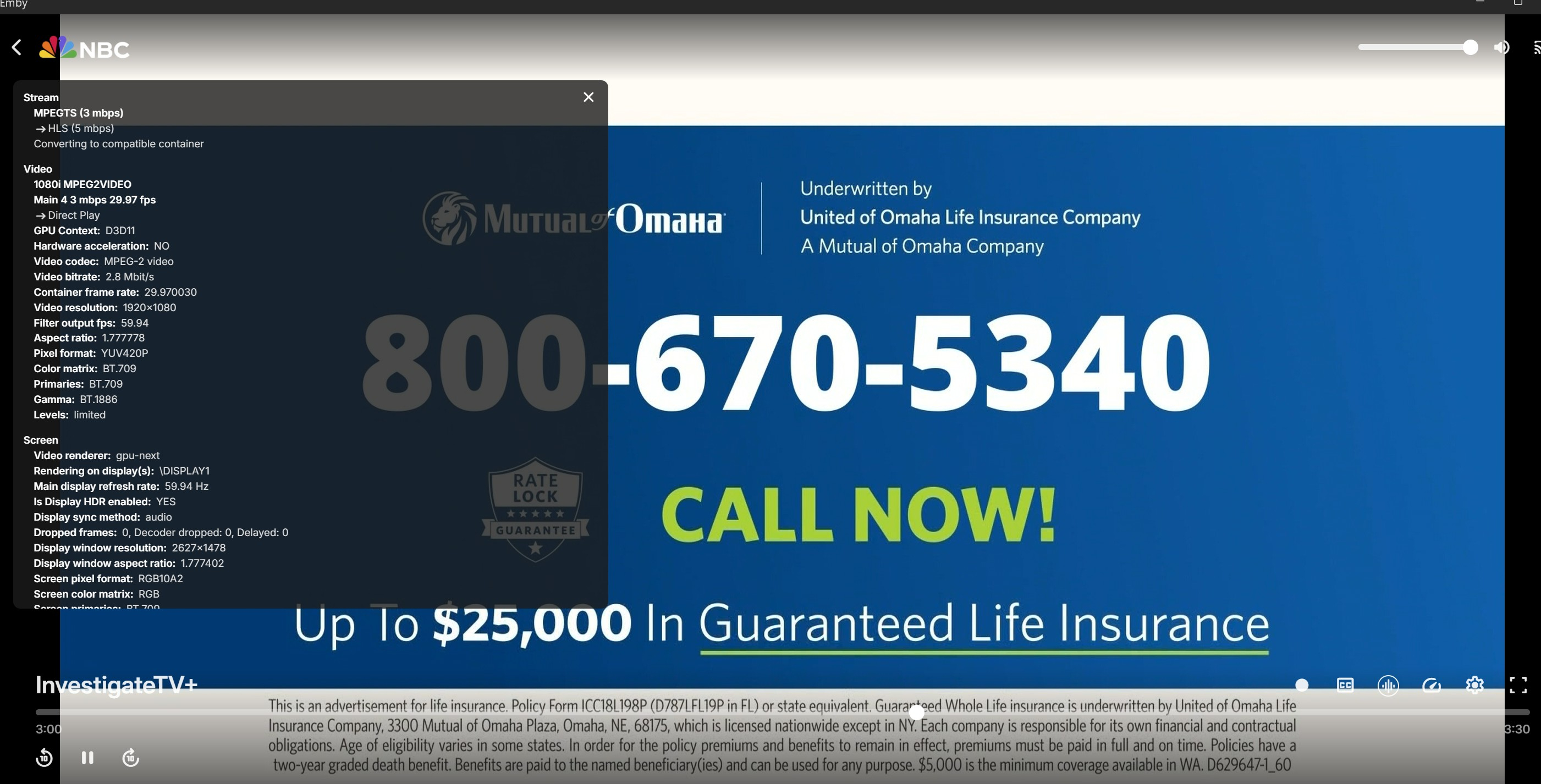
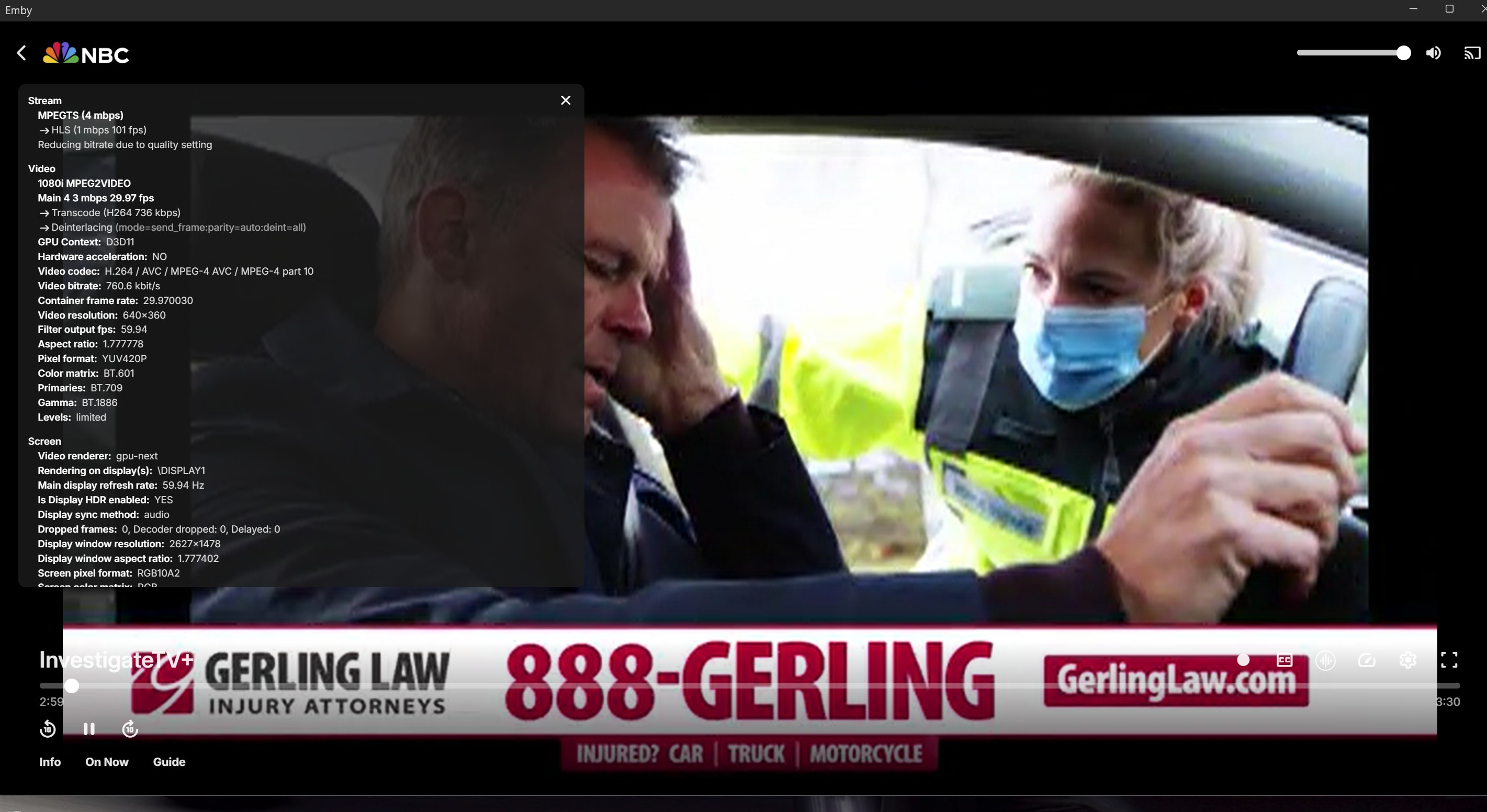
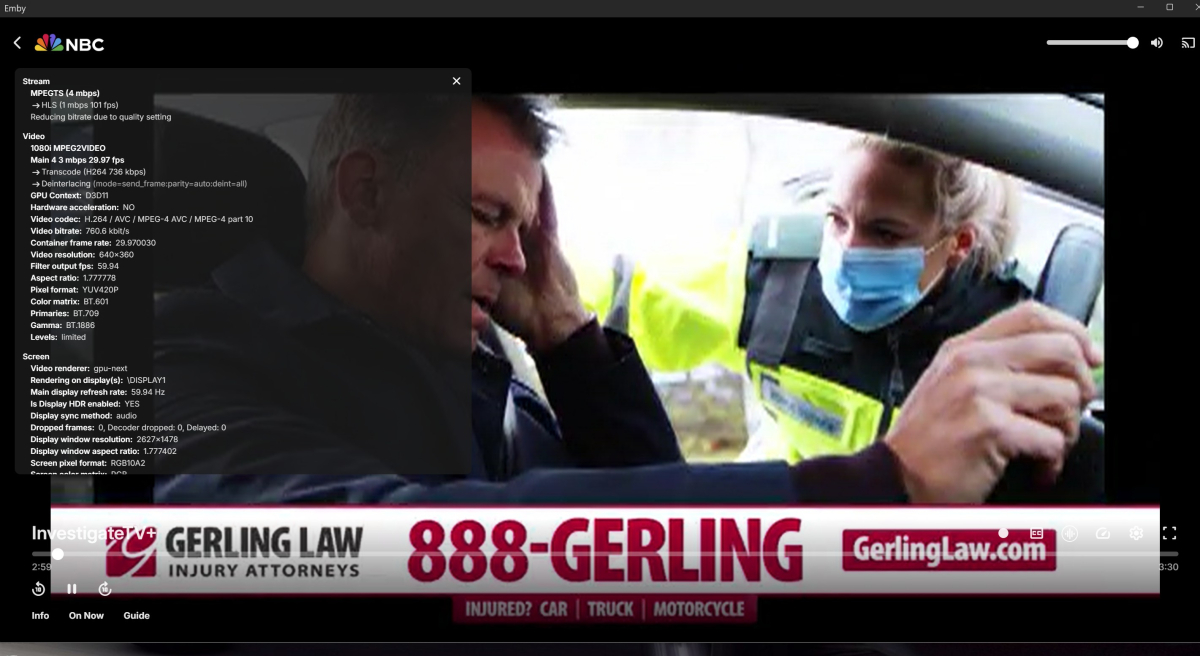
The server is transcoding it so that it can be deinterlaced properly.
-
Luke, I think he means the stream is 1080i mpeg2video but MPV is showing AVC mpeg 4
-
Hi, what exactly is not right?
-

Advice please - getting the maximum from my EMBY Setup / Samsung HW-Q990C (Atmos and TrueHD)
Luke replied to Robnaeyaert's topic in Hardware
I don't think it said that. It said one of the best. It's basically just telling you that it's a good option. -
Live Tv wont pick the right Codex for watching TV
-
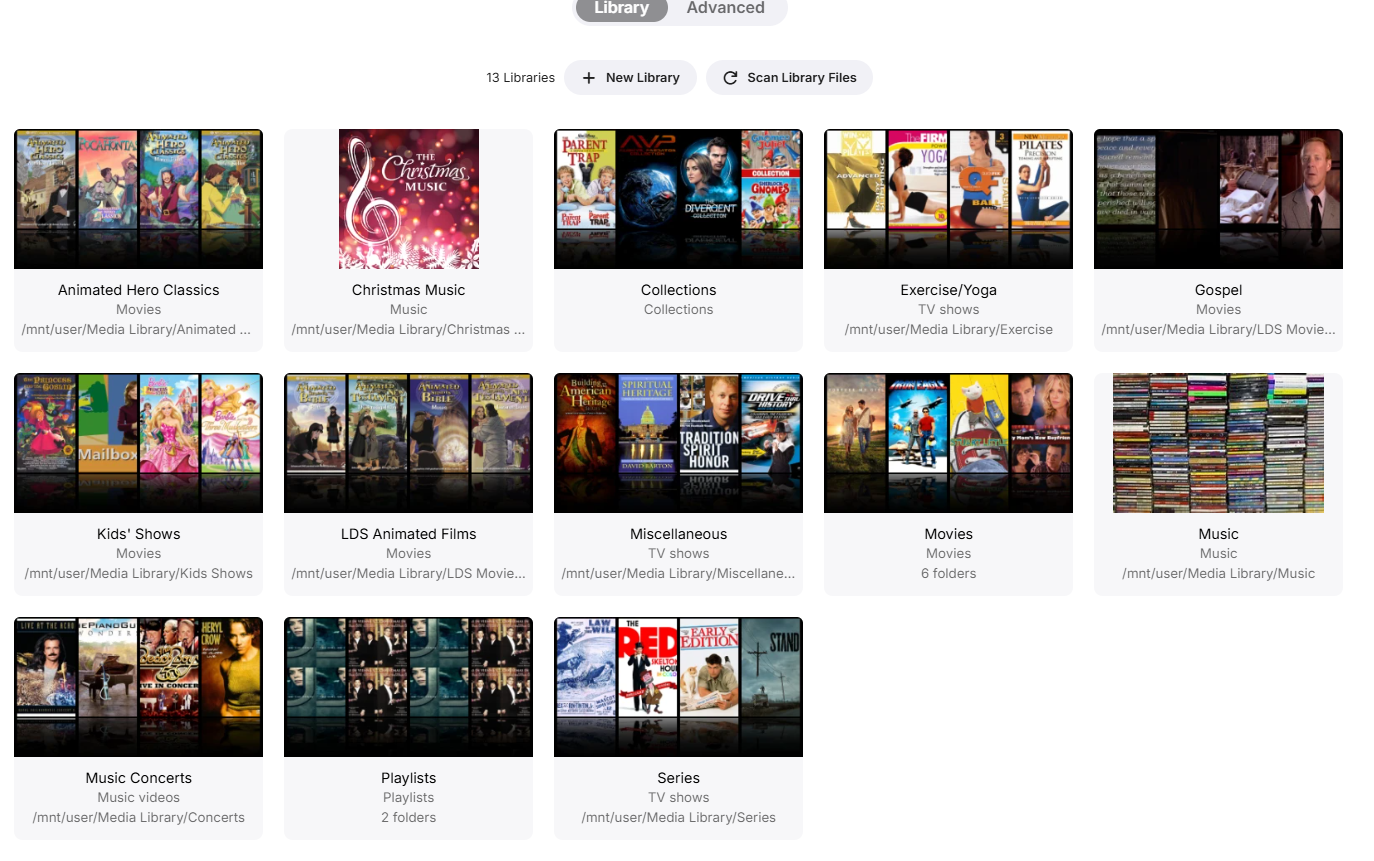
if it got scanned it's in the library. but the metadata is incorrect, thus making it harder to find. better folder naming can help avoid this. or you can switch to table view, enable the file name column, and that can help you find it.
-
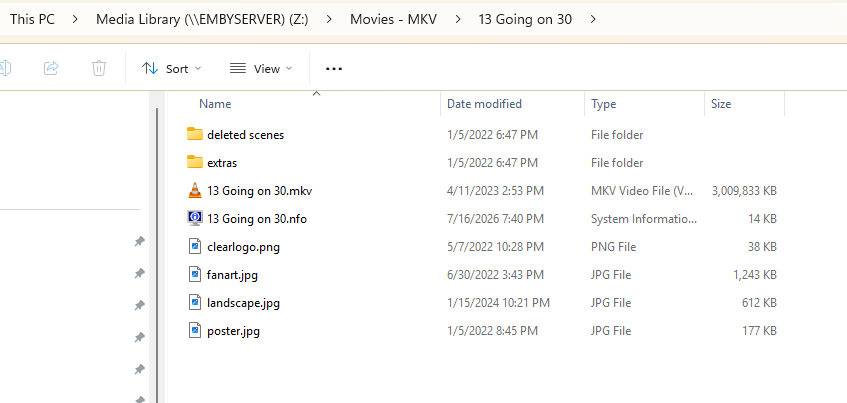
OK I would at least recommend putting the year at the end of the folder name just like the user above has mentioned. I would always do that for movies.
-
-
-
- Today
-
There is a bug in version 2.3.8 with .ass files
Luke replied to MediaEmby1968's topic in Samsung Smart TV
Hi there, please attach the Emby server log from when the problem occurred: How to Report a Problem Thanks! -

There is a bug in version 2.3.8 with .ass files
MediaEmby1968 replied to MediaEmby1968's topic in Samsung Smart TV
Would you by any chance have version 2.3.4 to install on the TV? With this version it worked, all the ones after none of them work. -
There is a bug in version 2.3.8 with .ass files
MediaEmby1968 replied to MediaEmby1968's topic in Samsung Smart TV
When clicking on a video with external subtitles, this error appears that I have already posted previously. nothing else appears, this text that I put in the photo appears. If it doesn't have a subtitle... no problem it plays it, but if it has a subtitle it doesn't matter srt or ass, the error appears.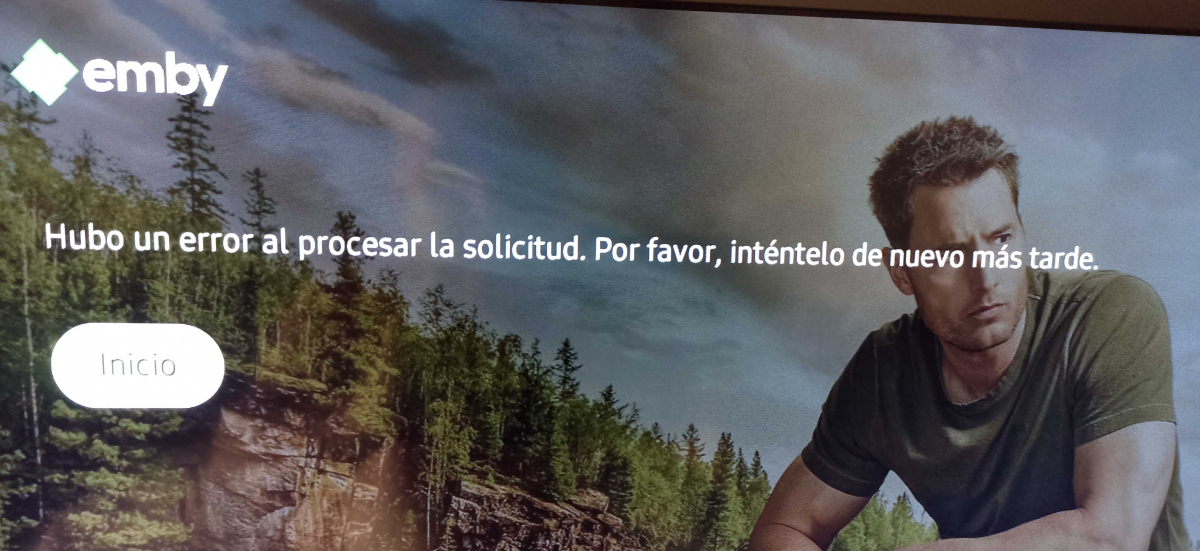
-
Naming it TDWP fixed it. Thanks.
-
What external ids are set in the metadata editor for the show?
-

LiveTV isn't working good on my TV but working good on my PC (Plugin)
XDavidT replied to XDavidT's topic in Android TV / Fire TV
From tv guide it works -
The Devil Wears Prada and The Devil Wears Prada 2. One is in my comedy folder (i don't use subfolders) and the other one is in my Drama folder. I don't see why this is a problemm. I have plenty of other movies with just a 2 or 3 at the end and it doesn't affect any of those. And I've never had any issues with not using a different folder for each movie. It just seems to be this movie. I will try naming it TDWP and see what happens.
-
Those are right. It no longer lists the other episodes in the list, I will watch one or two on Emby and a few more on Kodi, and see if everything sync's up. ... Yes, its not mentioned in the log is why I asked if the "errors" are now removed. I never went looking in the logs until the initial problem I listed, since then I've absolutely looked at the logs. If the previous messages saying no match for show was wrong, well, it'd be great had you said that, but that still begs the questions about V: The Final Battle, which is probably a diff. things. So I will test ThunderCats and let us all know! But in the meantime, you can look at the V: Final Battle issue. Whatever that issue is, I've given you plenty of logs and the tags for IMDB, TVDB, TMDB, TRAKT codes like the previous Emby shared. And this most recent log did NOT say anything about it, not even that it couldnt find it. So thats a problem, whatever it is.
-
No compatible streams are currently available just on some devices.
Luke replied to mexsurf24's topic in General/Windows
Hi, please attach the ffmpeg log as well. Thanks. -

No compatible streams are currently available just on some devices.
Lessaj replied to mexsurf24's topic in General/Windows
I'm going to guess bitrate settings, and you disabled allow video transcoding. Without a concrete example, and just perusing some TranscodeReasons that's my guess.