All Activity
- Past hour
-
 itumelengtoli06 joined the community
 -

What decides the output sample rate? I ask for 48 kHz and get 44.1
vdatanet posted a topic in Developer API
Emby 4.9.5.0, hitting the HTTP API directly with curl. I'm asking rather than reporting, because two routes behave differently and I suspect at least one of them is me holding it wrong. Route 1 — /Audio/{Id}/stream.wav with AudioSampleRate=48000. The parameter clearly does something, but not what I asked for. From the transcode log, with a 96 kHz/24 FLAC as the source: ffmpeg … -i "…/track.flac" -map 0:0 -vn -sn -c:a:0 pcm_s16le -ar:a:0 44100 -ac:a:0 2 … Stream #0:0: Audio: flac, 96000 Hz, stereo, s32 (24 bit) ← input Stream #0:0: Audio: pcm_s16le …, 44100 Hz, stereo, s16 ← output I asked for 48000 and the server ran -ar 44100. So the value is read — something resamples — but what I sent isn't the target. Route 2 — /Audio/{Id}/universal with MaxSampleRate=48000. Here it looks inert: 96 kHz source → AAC out at 96 kHz 192 kHz source → AAC out at 96 kHz adding EnableAutoStreamCopy=false changes nothing Why 48 kHz specifically, given that 44.1 obviously plays fine. It isn't a preference: 48 kHz is the ceiling of the device I'm feeding, which won't take anything above it. From a 96 kHz source, 48 kHz is a clean 2:1 decimation; 44.1 kHz is a non-integer resample I didn't ask for and don't need — and the server pays for it in CPU on every track. On the /universal side the effect is different: the output rate follows the source, so a library with mixed rates changes rate from one track to the next. Three questions, and any of them closes this for me: On /stream, is AudioSampleRate meant as a target, or only as a trigger to resample — and what picks 44100? Is that 44100 coming from a default device profile for an unknown client? I'm sending no DeviceProfile at all, so if that's the answer, I'll send one and stop asking. On /universal, is there a parameter that caps the rate, or is that route by design "never resample"? Happy to run any variation against my server and post the resulting ffmpeg line — that's how I got this one. ffmpeg-transcode-dd0d84ff-2858-4207-8878-41d4056868a5_1.txt -
 Insane13 joined the community
 -
 Flipscuzz19 joined the community
 -
 Osama Bin Abdullah joined the community
 -
 Aminath Abaan joined the community
 -
No, not required.
-
 zebenzuito joined the community
 - Today
-
 Harry potter 09 joined the community
 -
Yes.
-
 Totfalusi joined the community
 -
 spa33 joined the community
 -

embyforkodi (next-gen) 12.X.X support
hansi9990 replied to quickmic's topic in Emby For Kodi Next Gen
Ok, but there is no etrie for the Playlists. This Entries are available: Add Library, Remove Library, Update Library, Repair Library, Update Collections, Update Music Video links and Update LiveTV. I Have also tried to reset to Factory defaults and redid everything, I selected everything during the import, but I can't find the playlists. -
Is it the ATV version?
-
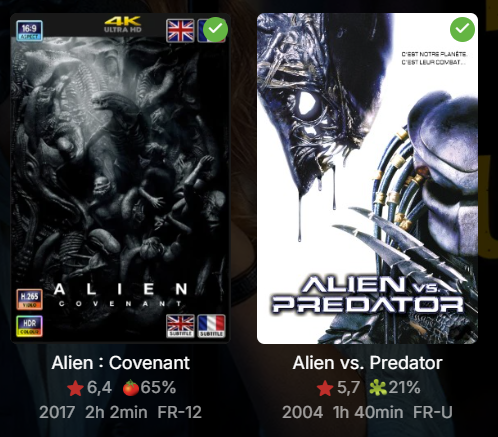
Looking at the screenshot. Are you saying it's not drawing the icons on some posters?
-
Does it need to have the diagnostics option enabled?
-
Thanks heaps for making this. It works fine on Emby web but on Android TV the quality gets set to pretty much the lowest, I am assuming the quality gets set by YT through the API automatically and there is nothing that can be done? Thanks again!
-
Just press down on the remote while something is playing, the OSD timeline will come up and you should see those grey text boxes, press down again to get that exact view.
-
I would like to verify it as well on my end, how do you get this OSD while playing the media @FrostByte?
-
I tried to reproduce on my system but I can’t didn’t see any error but removed the cache so that everything got redrawn and everything ok for me so it seems not to be a global issue I would say
-
I desinstalled EmbyIcon. I try to change the position but always the same
-

HW Tone Mapping Transcoding no longer works after updating to 4.9.1.80 (Synology 220+)
sa2000 replied to rekit's topic in Synology
The Emby Server Synology issues with hardware transcoding and tone mapping being enabled should be resolved in 4.10.x.x which is currently available as beta. The 4.9.5 release does not have the fix -
Emby server is deleting downloaded files immediately after transferring them.
sa2000 replied to mintman72's topic in General/Windows
I suspect that it is some timing problem. I have an open issue on it for the development team. When the app tells the server what has been downloaded, if it passes an empty list (for some unknow reason) the server would then cancel all the download jobs and the client would purge them Is it just one download file that gets removed after it completes or all downloaded files get lost at same time? I suggest running with debug logging enabled on both the emby server and the app and the next time this happens get the client app logs and the emby server logs and give details of the device, the downloads and when they disappeared If you can provide the raw log files and IP addresses that would make it easier - you can zip and send me the zip with the details by private message -
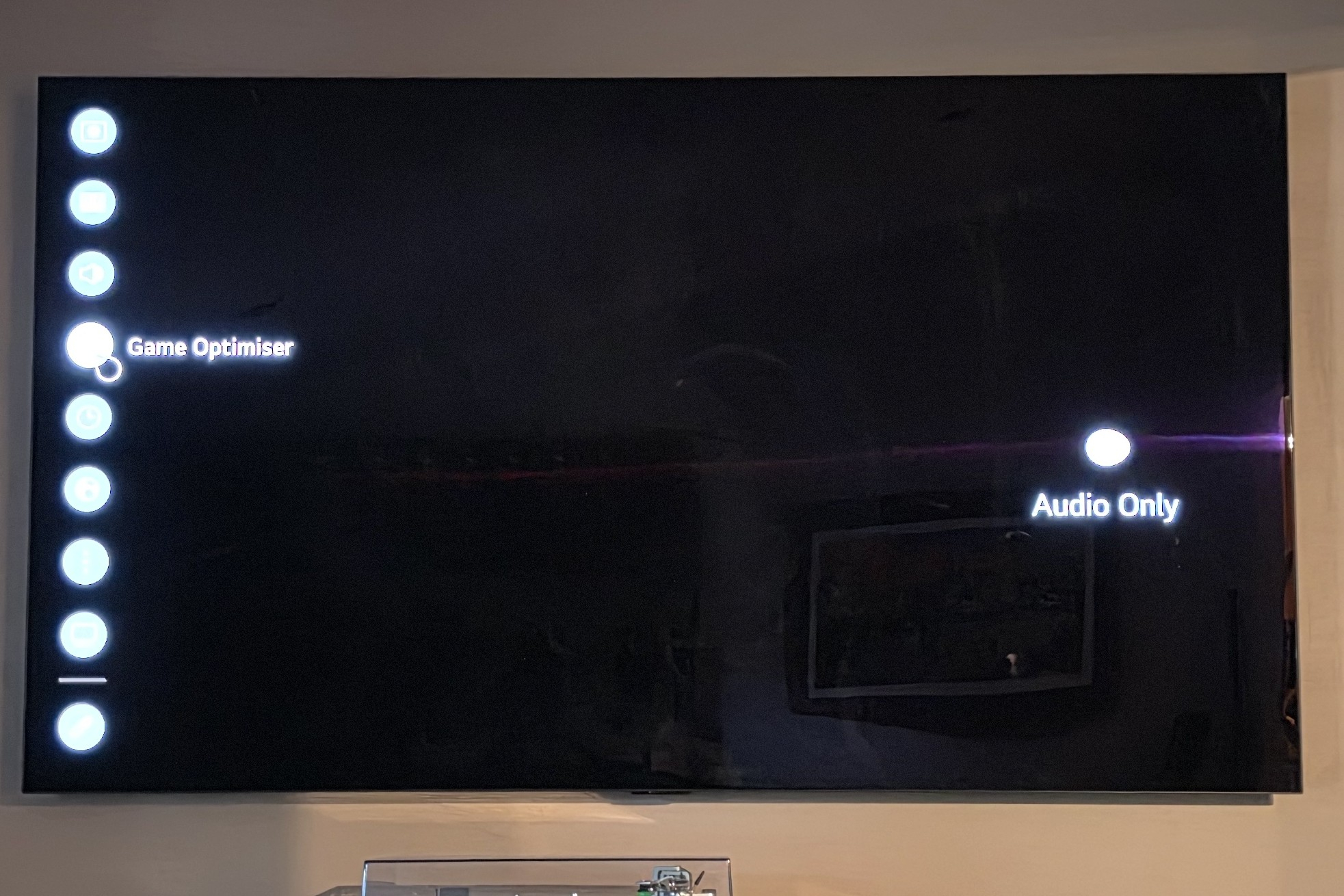
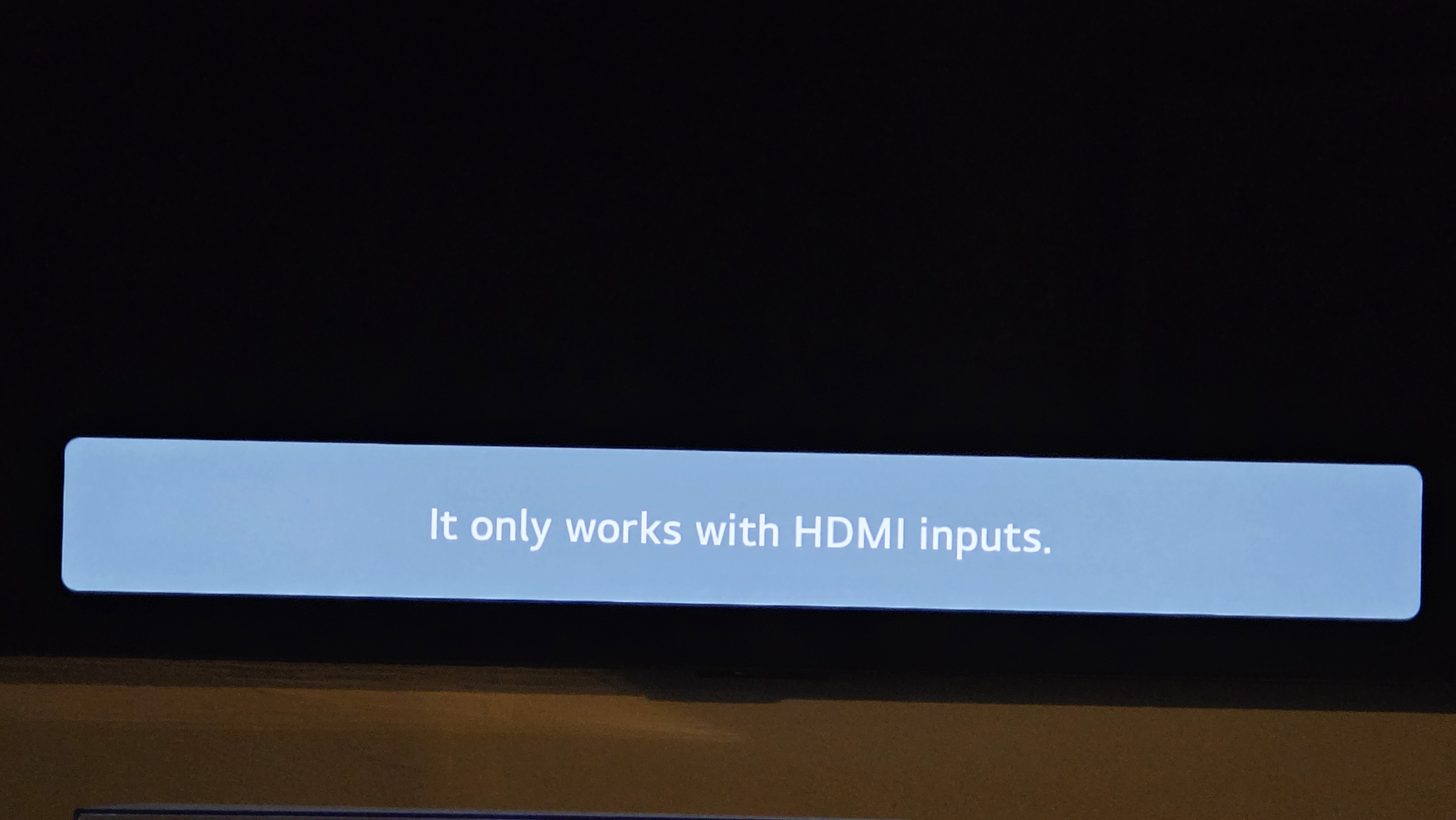
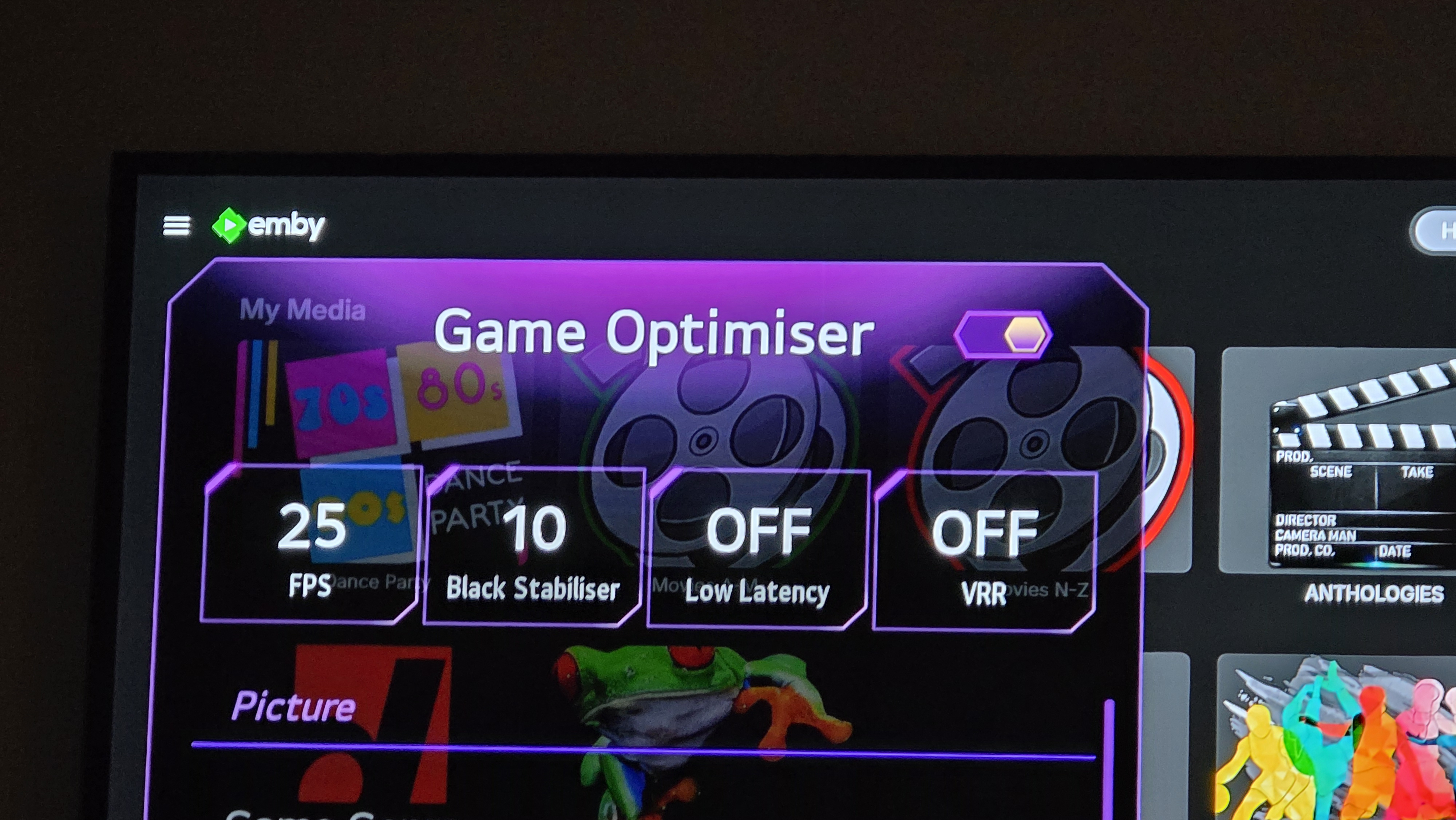
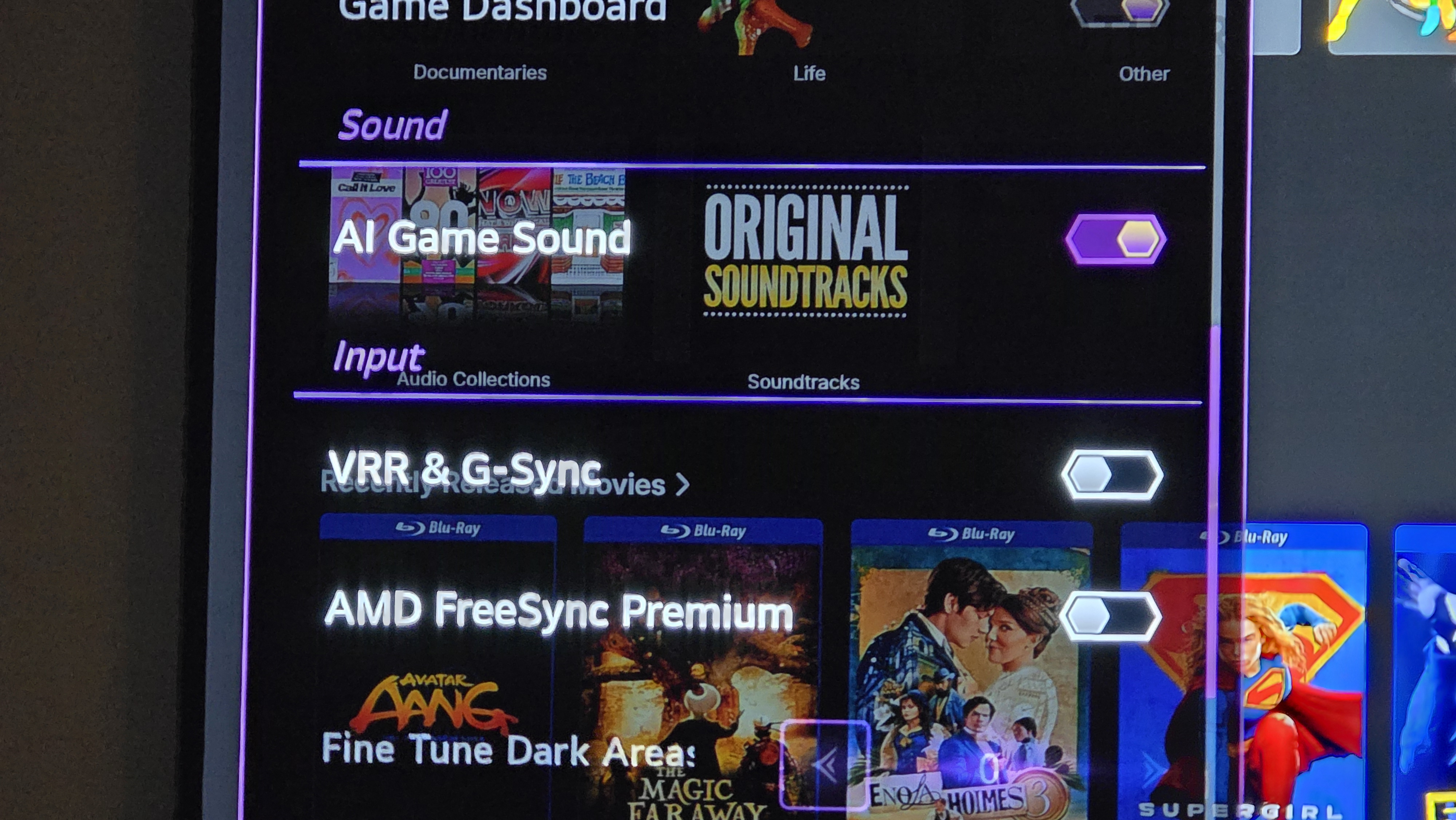
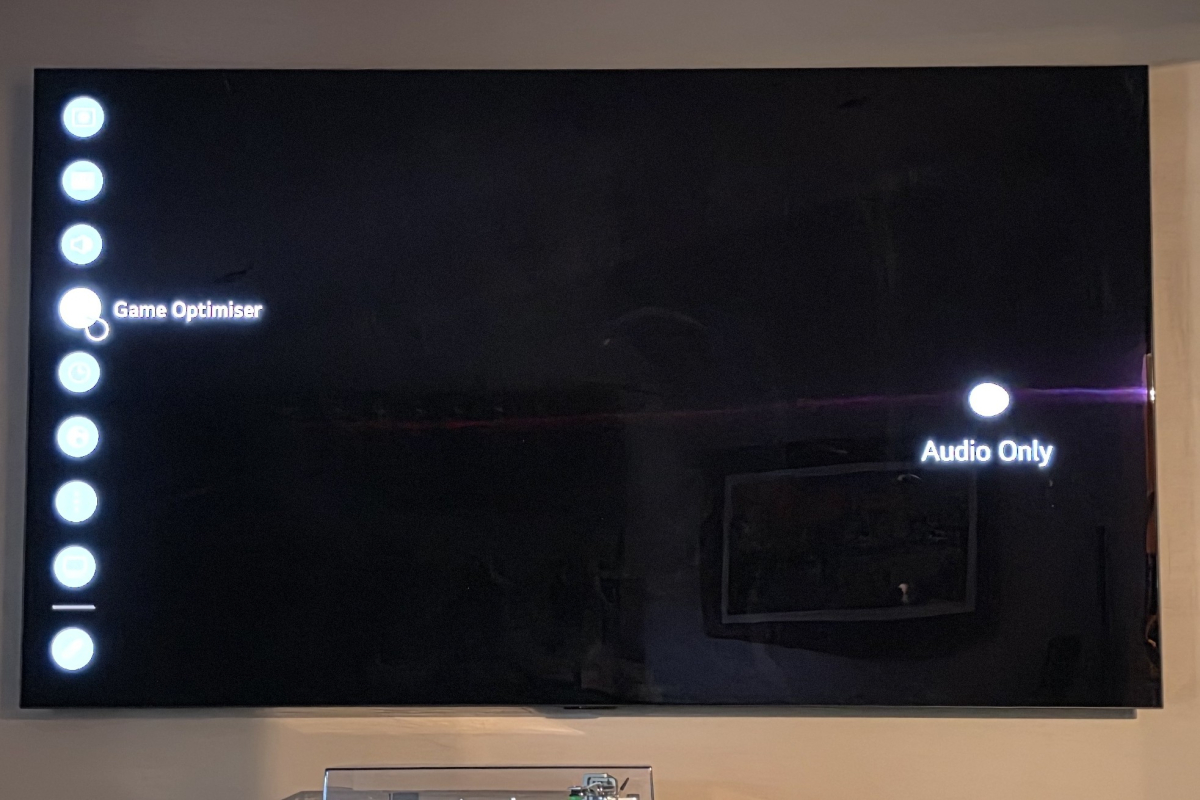
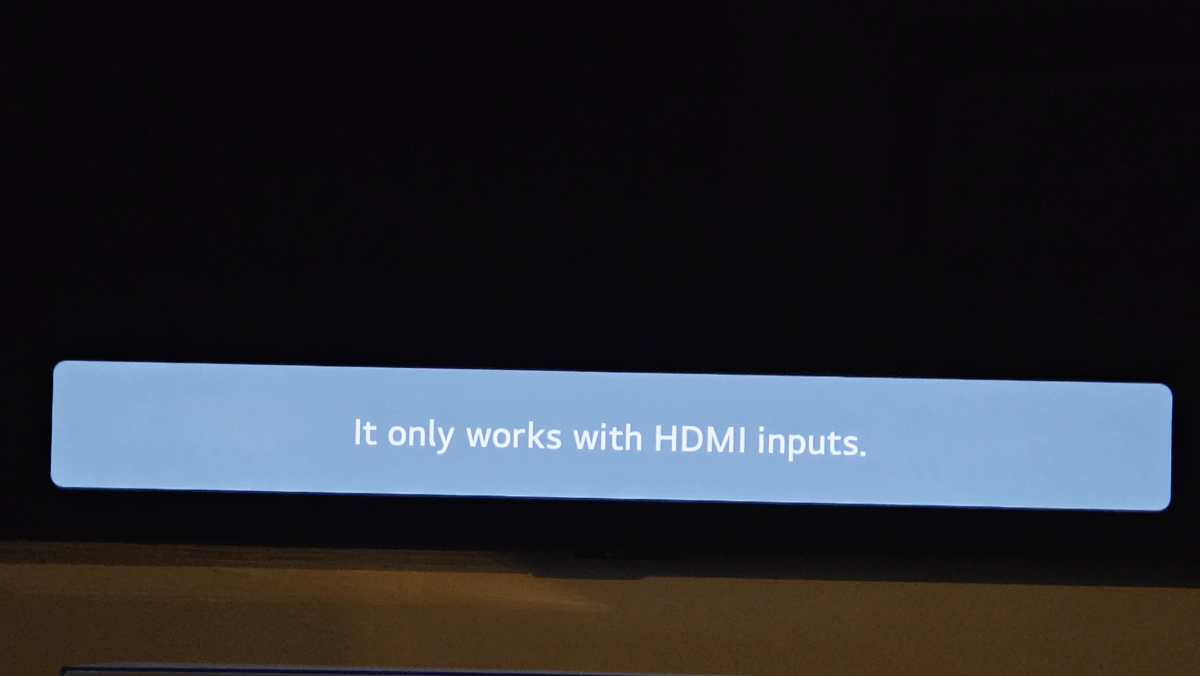
I had originally considered that, but I had previously gone through every single option setting on my LG OLED TV and found nothing at all which referenced Refresh rate. HOWEVER, upon repeating the process after reading your post, I realised that I had gone through every available option, not every option comprehensively. There was one setting which was inaccessible - called 'GAME OPTIMISER'. It turns out to access this setting, a HDMI connection had to be both selected and activated. Once I accessed it with an active HDMI Connection (my media centre) THEN the Game Optimiser options were accessible. Scrolling down the list I found an option called VRR & G-Sync, which is a setting that appears if: you have a newer model nVidia video card connected to the TV via a HDMI cable; It also turns out that the TV can detect the nVidia card even though the media centre PC is plugged into the input of a Samsung Blu-Ray Home Theater system and the LG TV is plugged into the output. Deactivating the 'VRR & G-Sync' setting on the TV did indeed result in the Refresh Rate messages disappearing. So you were correct! Thanks for the advice!
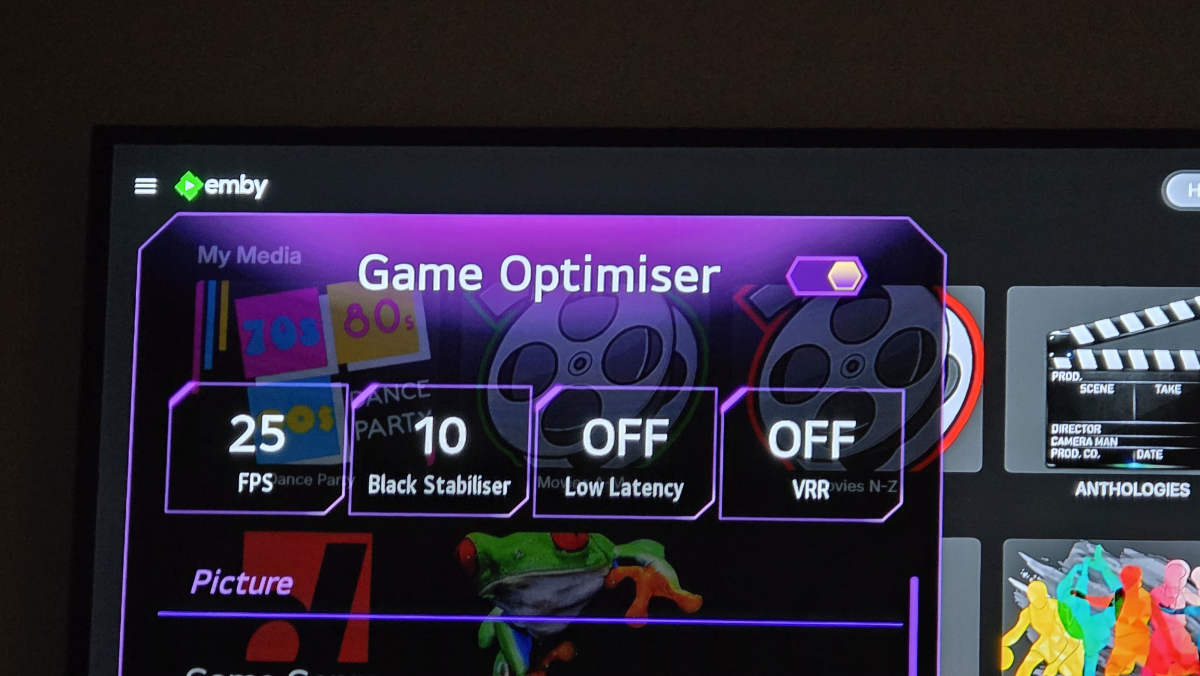
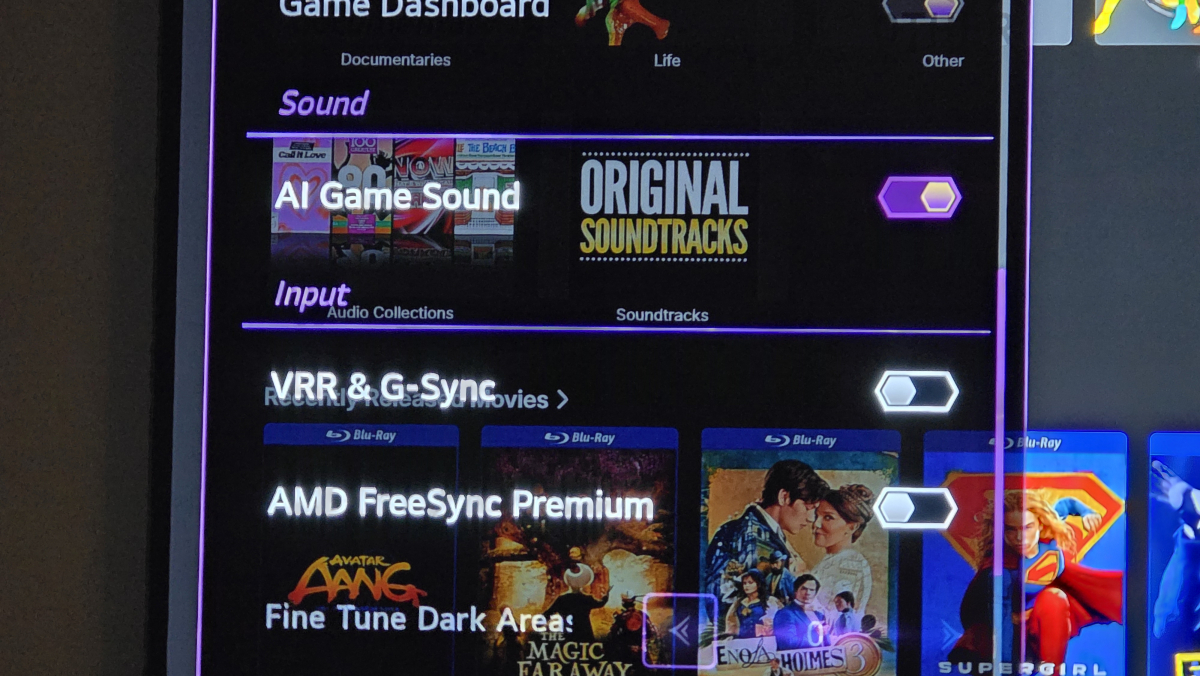
-
Hi I'm a bit of a luddite so please bear with me..... I use emby on a number of devices/tvs, but when using emby on my pixel tablet connected via tailscale (away from home) i find it jumps and the audio goes out of sync on shows that when watching on my home wifi On the tablet I connect via hot-spot on my phone and then to the server through Tailscale...very good/high speed internet connection I have tried emby premier and have tried selecting "enable hardware acceleration when available" but still have the issue regardless. Have tried all the normal re-starts etc
-

Please add a feature where Emby will retain data
Mahinepua replied to JokerJ420's topic in Windows & Xbox
I think I know what you mean, Emby will download and save the image from the url. When you restore a backup you have to use the same drive letter. Did you reassign the old drive the give the new drive the old ones letter? If your not using drivepool I would strongly recommend it, then you can simply add your new drive to the pool and not need to backup and restore. -
One thing I noticed about Moonfin is that it doesn't seem to show subtitles on LiveTV. This seemed to be true on both Emby and Jellyfin.
-
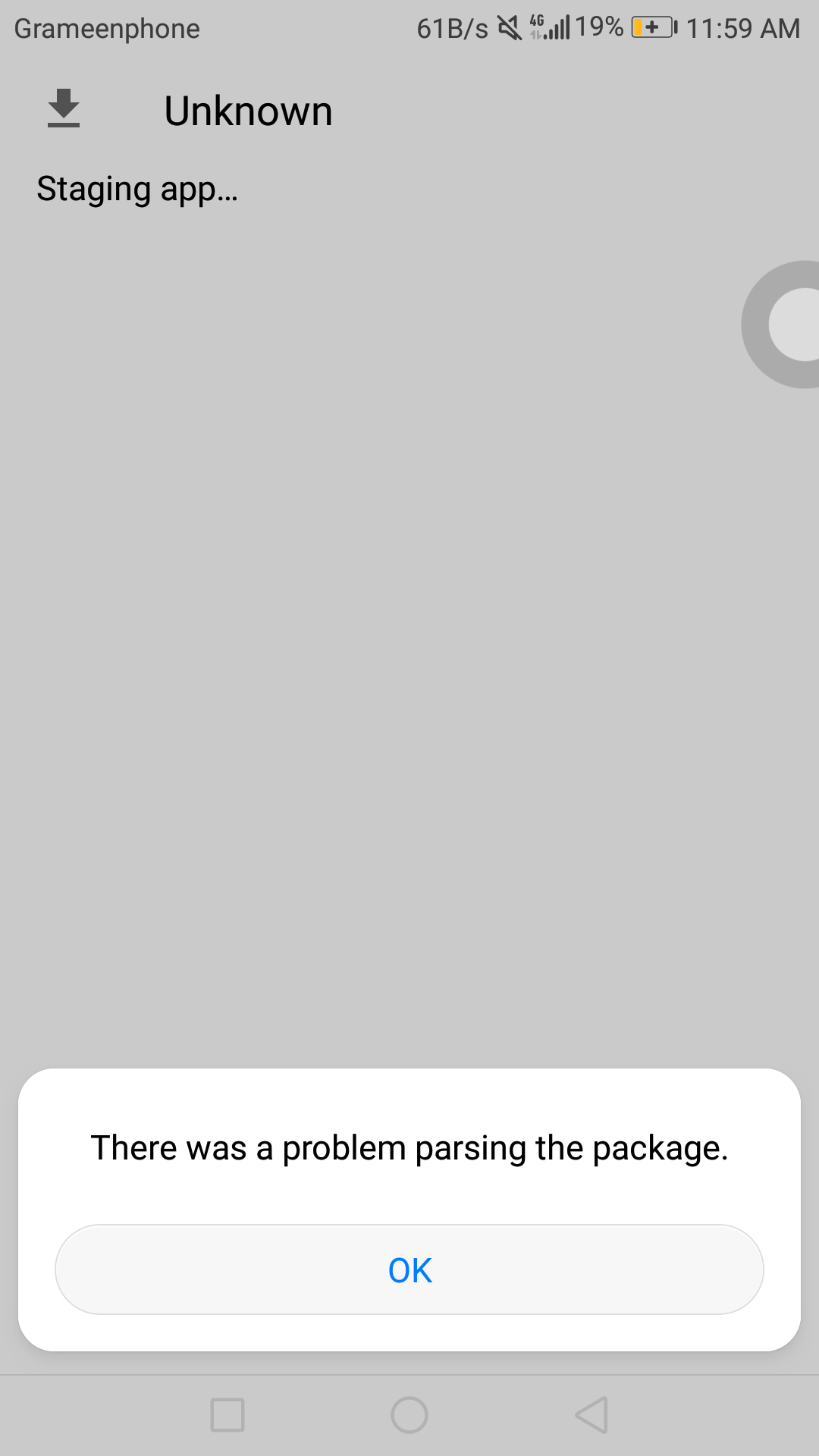
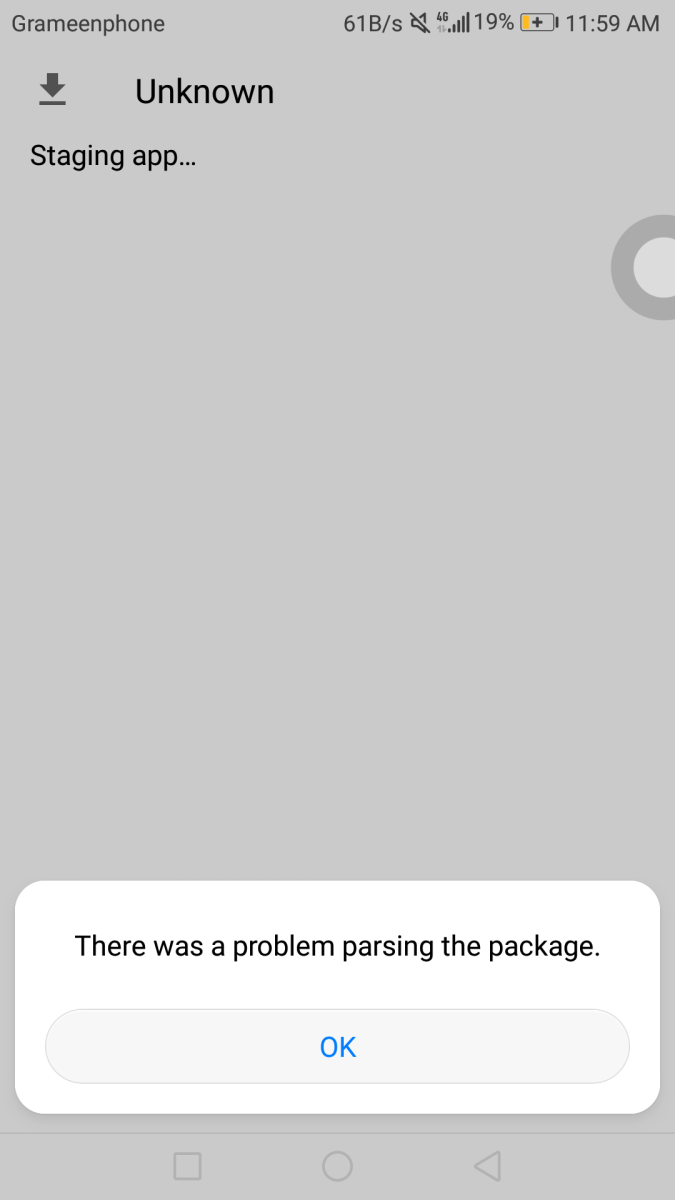
I downloaded emby Server beta APK from GitHub on my Android 7, but while I try to install that apk the system installer displays “There was a problem parsing the package” I checked emby server's download page and it says that emby Server supports Android 6.0+
-
Embeat — a native, music-only player for Emby (gapless, DLNA, offline)
vdatanet replied to vdatanet's topic in Third Party Apps
Thanks, Android is in its final stretch — full feature parity with the iOS release, running on real devices, heading for Play review. No date promised, but it's close. -

Embeat — a native, music-only player for Emby (gapless, DLNA, offline)
r5yk5 replied to vdatanet's topic in Third Party Apps
I've subscribed to this thread and put £10 in my piggy bank in anticipation -

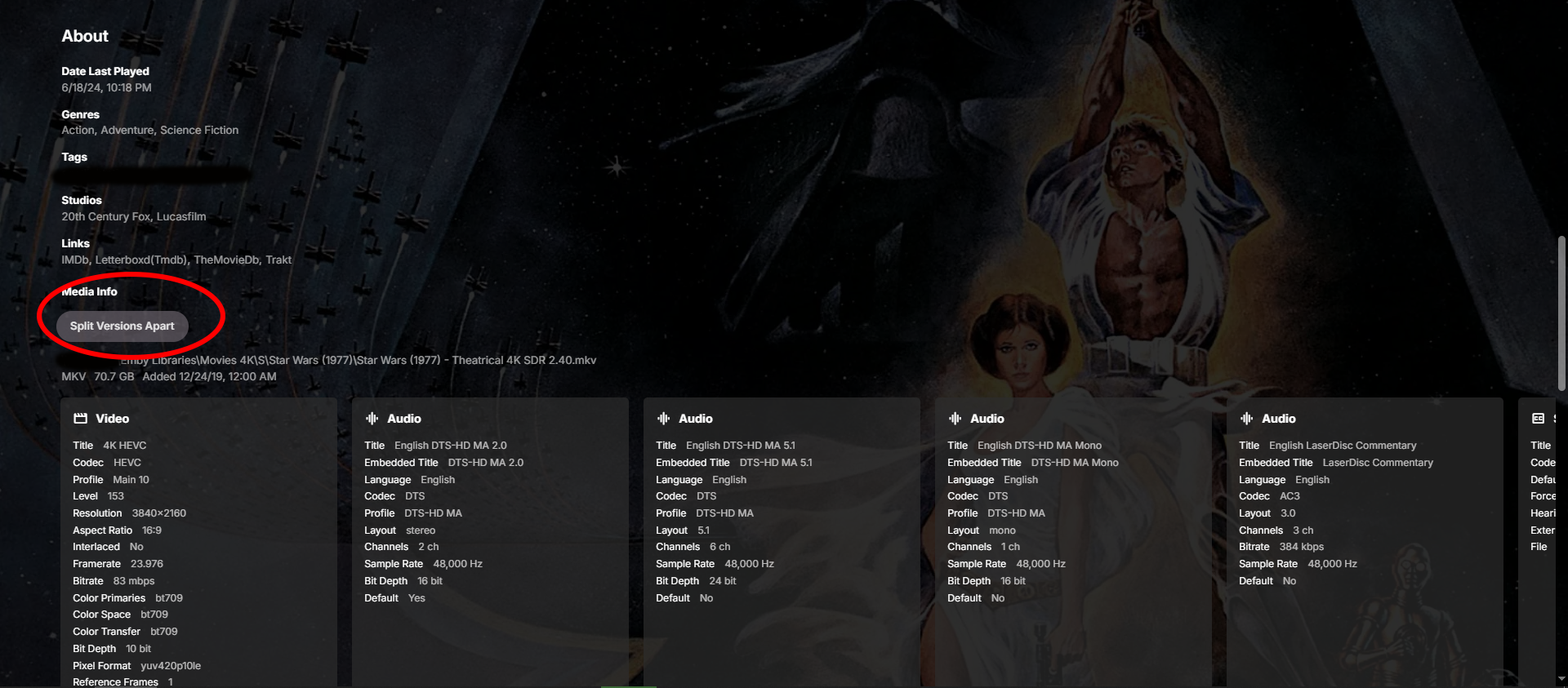
Separating Versions of Two Different Movies
crusher11 replied to kipstiles's topic in General/Windows
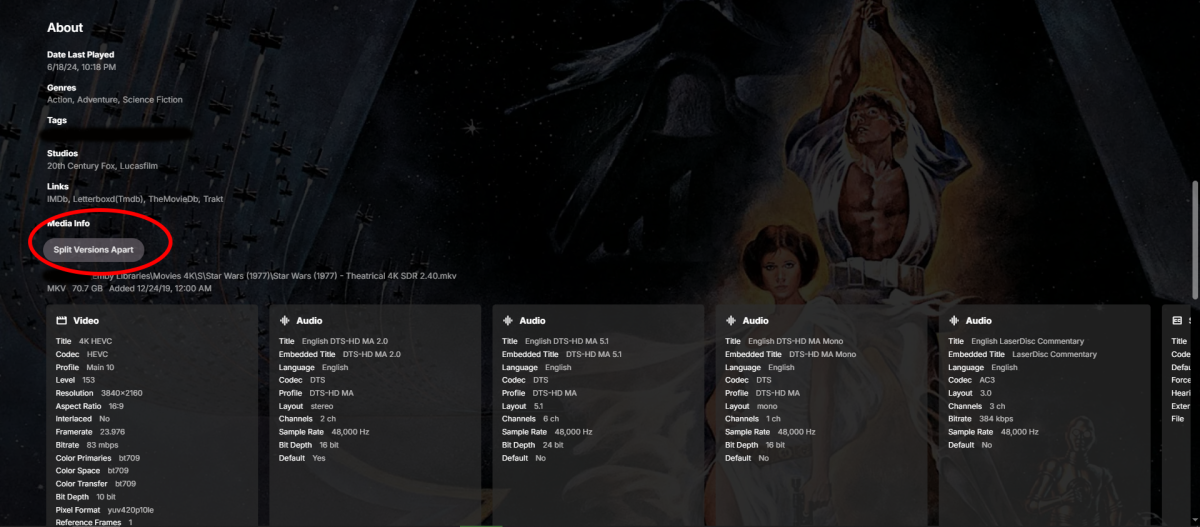
-

🚀 EmbyVision OCR (GPU Edition) — NVIDIA GPU Accelerated OCR for Emby Credits Detector
EncryptedCity replied to EncryptedCity's topic in Tools and Utilities
In case anyone wants to try it out, there is also a new plugin for this EmbyVision OCR (GPU Edition) and (CPU Edition). It's Version 1.0.0.0. its coded to work with the latest beta version of Emby Version 4.10.0.22 beta. EmbyVisionCredits.dll -
🚀 EmbyVision OCR (GPU Edition) — NVIDIA GPU Accelerated OCR for Emby Credits Detector
EncryptedCity replied to EncryptedCity's topic in Tools and Utilities
Yes, I see that now. "Here's a polished Emby Community forum post that would fit well in the Tools & Utilities section. It explains what the project is, who it's for, and gives users enough information to get started without overwhelming them." should not be there. I have been busy working on a new plugin, just checked the forum now. It won't let me edit it twice. -

Please add a feature where Emby will retain data
JokerJ420 replied to JokerJ420's topic in Windows & Xbox
Thank you for the responses. I did use the backup and restore function but unfortunately it threw everything back onto the original drive which is full. It did restore many things but for some reason I still lost my collections. Again, I’m not placing blame for that it’s just upsetting. The URL option I am talking about is when you go to change or add an image to a movie or show it gives you the option to use a local file or URL. For many I used the URL option but for some reason it did not retain those but every movie and show that I downloaded or used a personal image on my PC, It retained. This was even after using the restore function. What I mean about using IMDB is for filling in the Metadata for movies and TV shows. For movies I believe (I don’t remember which setting) it allows you to put in the code linking it to IMDB and the rest of the services but for TV shows it only allows you to use TVDB and The Movie DB. Interestingly when you click the link to test those after putting in their respective numbers, it will take you to a /movie url on the site linking it to tv wrong things rather than the /TV section. if that is confusing my next reply I’ll include a few links and pictures. Just explaining it best I can.