All Activity
- Past hour
-
 xiaobaobao joined the community
 -
Been playing around with this on multiple devices tonight iPhone (iOS) - No issue so far. Everything looks clean and direct plays just fine. Shield - Like above no issues. LG TV - Only encountered the Top banner bug, aside from that seems ok. Apple TV 4k - UI is really nice BUT barely anything direct plays. Everything is transcoding when they direct play just fine in the native emby app. @bingbong69_are there any known issues where Apple TV is not direct playing?
-

ffmpeg remains post-playback, pegging a core at 100%
softworkz replied to Walter_Ego's topic in General/Windows
Thanks a lot for the sample file and the command. I was able to reproduce it with the current FFmpeg - even though it was still reacting to input - i.e. pressing q caused it to exit (tested on Windows) The new FFmpeg (8.x based) doesn't expose this I was a bit confused because stock ffmppeg doesn't have this behavior (because they have no subtitle filtering), so I wanted dto be sure. Thanks a lot for reporting! -
 alex81570 joined the community
 -
 662377625 joined the community
 -
 AlejandroArtiaga joined the community
 -
 hzxiaobinbin joined the community
 -
I have had a server for a few years and I have never seen it auto-change, even after a long period of time. I just thought it was the nature of the beast when moving from wi-fi to cell data, but then I got Spotify and that changes seamlessly, and yesterday, I set up a audio book service on the same server and the iOS app for that has a setting to auto fall back to local IP when the domain is not available (I don't have an option for a "hairpin" loopback on my router)
-
Hi, Plex user coming in hot... So, Plex handled all the networking side of things and I am trying to get my head around doing it myself without causing security issues. Emby is running on my QNAP and I have enabled my QNAP's SSL for Emby using into from the Emby docs here. I (think I) want to use Caddy as a reverse-proxy, but can I do that and also use "Emby Connect"? My limited understanding of Caddy is that this should be in the CaddyFile emby.MyDomain.tld { reverse_proxy / emby:8096 but what is MyDomain if I'm using using Emby Connect? ...sorry if this is a dumb question, but this is all new to me. I appreciate that I will need to update my QNAP SSL to reflect the correct domain name.
-
 Abdul Raheem joined the community
 -
 taeptpt joined the community
 -
 phono1 joined the community
 -
The code that was DMed no longer works.
-
 JaiWilde joined the community
 -
 AndyOK joined the community
 - Today
-
Thanks for the detailed testing and summary. So just confirming that the same problem occurs with both TV's? What models are they? How long do you have to watch something before the problems start? Do you think that it is time based? For example, watching 3x30min episodes one after the other or matching 90 minutes of a movie causes the same problem, or do you think it is about switching episodes, ie: 3x10 minutes episodes has the same issues as 3x30min episodes? The problem is that if I can't easily reproduce this, it's going to be very hard to diagnose. Can you suggest the best way for me to reproduce this, and how long do I have to be watching to experience the problem? Are you enabling any subtitles? Can you please send me a PM with a link to download those two files that you can reproduce the issue on? At least with those I can be confident that I should see the issue. Thanks
-
I'd really like to be able to display the correct BBFC rating symbol for content, in place of the text rating. E.g. Instead of displaying GB-15, it would display the corresponding BBFC rating symbol. That would make the parental rating quicker to identify at a glance, and would negate the need for plugins such as EmbyIcons. EmbyIcons is good, but only works by overlaying posters, and sometimes the icon covers the content title on the poster.
.png.af4fd5c54b8ff83a1391a30610bd24fa.png)
-
Thanks! for the feedback. I believe this is actually not a plugin bug. The plugin pulls items by type (Movie/Series/Episode) directly from Emby, it doesn't care which library folder they're in. So if your TV Shows library isn't showing up, it's almost certainly that library's content type isn't set to "Shows" in Emby. Can you tell me the content type of the TV show?
-

Display a poster of the current episode as the background for the TV show (just like on Android phone)
chuwz replied to chuwz's topic in Feature Requests
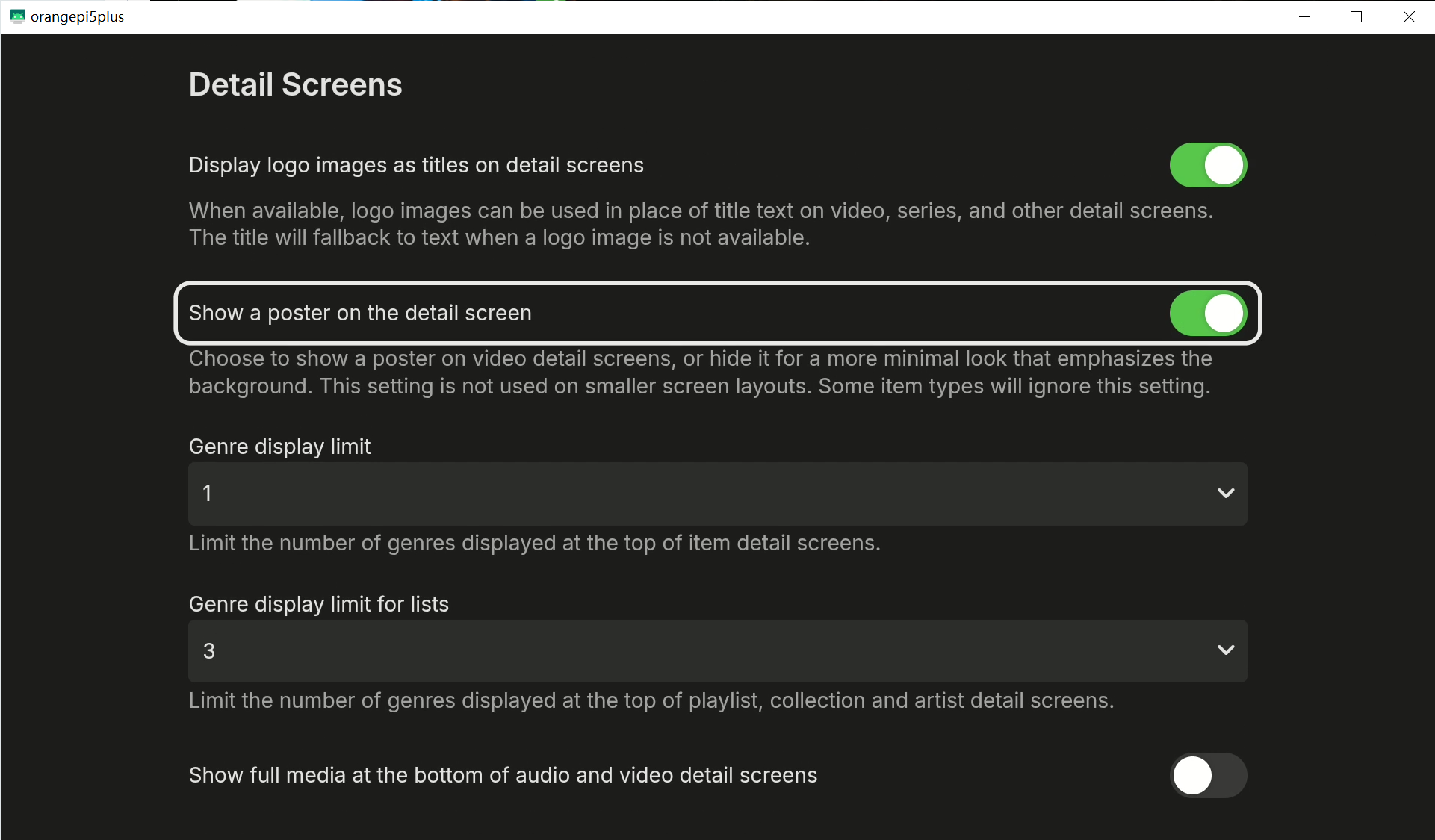
Hello, @Luke@ebr 1. I’ve already used AI to write some code and create an Xposed plugin to achieve this effect. Take a look—it looks pretty well, doesn’t it? I don't think it's terrible—I think it's fantastic! Screenbits 2026-07-29_164741.mp4 2. It’s true that some people prefer to continue seeing series posters instead of episode posters. So I suggest adding an option, such as "Show a poster on the detail screen", to satisfy both groups. If you don't want episode posters, turn this option off; if you want episode posters, turn this option on.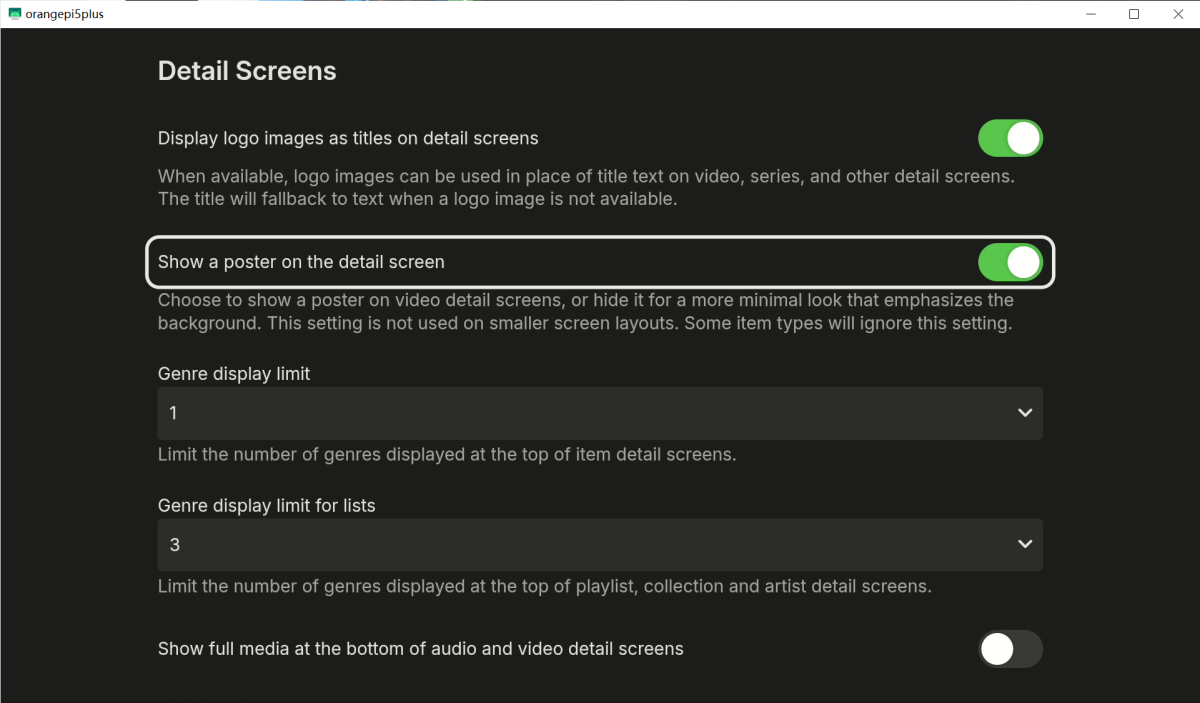
-
When I click on an episode, Stay on the current episode's poster
chuwz replied to chuwz's topic in Feature Requests
Hello @Luke@ebr, is there any update on this topic? Will you considering bring the design of “Emby for Android TV” (always display the current episode's poster) to the “Emby Universal App”? -
Unable to pass subtitles to third-party players (such as MX Player)
chuwz replied to chuwz's topic in Android TV / Fire TV
Hi @Luke@ebr, sorry I forgot to @ you guys. Check out my reply above—I explained why we use an external player! -

ffmpeg remains post-playback, pegging a core at 100%
Walter_Ego replied to Walter_Ego's topic in General/Windows
if your new ffmpeg is 6.1+ the issue would already be resolved btw -
ffmpeg remains post-playback, pegging a core at 100%
Walter_Ego replied to Walter_Ego's topic in General/Windows
@softworkzdone. comment was longer than the form view so just repasting here: this is just a short mkv file with a subrip stream, last cue starts at 27 seconds, seeking anywhere after the start of the last cue should cause the livelock behavior. same behavior should occur with any subtitle stream being streamed with any video file. there is nothing special about this file. pop it in a directory, then run: docker run --rm -v "$PWD":/work:ro --entrypoint /bin/ffmpeg emby/embyserver:beta -hide_banner -loglevel error -y -copyts -start_at_zero -ss 45 -i /work/in.mkv -filter_complex '[0:v]scale=320:240[v]' -map '[v]' -map 0:a -sn -c:v mpeg2video -q:v 8 -c:a copy -f segment -segment_format mpegts -segment_time 3 -segment_start_number 15 -individual_header_trailer 0 /tmp/seg_%d.ts -map 0:s -an -vn -c:s webvtt -f segment -segment_format webvtt -segment_time 3 -segment_start_number 15 -write_empty_segments 1 -break_non_keyframes 1 -individual_header_trailer 1 /tmp/sub_%d.vtt -

Emby 4.8 to 4.9 upgrade - needed to set "legacy" folder scanning mode
Abobader replied to ganglepin's topic in General/Windows
Hello ganglepin, ** This is an auto reply ** Please wait for someone from staff support or our members to reply to you. It's recommended to provide more info, as it explain in this thread: Thank you. Emby Team -

Emby 4.8 to 4.9 upgrade - needed to set "legacy" folder scanning mode
ganglepin posted a topic in General/Windows
I have been running Emby 4.8.10.0 since September 2024 and first attempted to upgrade to 4.9.1.80 in September 2025. This caused full metadata loss, so reinstalled 4.8 and restored from a backup. Due to that incident I also set up daily Btrfs snapper snapshots in addition to the Backup & Restore plugin since my backup was quite old. This week, I attempted to upgrade to 4.9.5.0 again, and ran into the same issue. The timeline was as follows: The 4.9 upgrade installs without any errors Navigating the library in the Emby UI works fine Playing media works fine Go to Movies -> Scan Library Files All metadata disappears and everything starts being reimported from scratch Even with debug logging enabled, there is nothing obvious other than entries showing that each movie gets deleted and removed one by one. Comparing the database tables, one difference I could see is that the MediaItems table had double entries in the 4.9 database - one for the folder the movie is in, and one for the movie file itself. In the 4.8 database, there is just one entry for the movie file. Both of the 4.9 entries for each movie were newly added from the post-upgrade scan. My media library uses the structure "/base/path/Movie Name (Year)/Movie Name (Year).ext" I checked the content type, and my movie library is set to the Movies type. For this particular server, I am not using the save .nfo option, instead relying on the database and Emby library directory. The "Folder scanning mode" for movies was set to "Default" after the upgrade. I discovered that changing it to "Legacy" before doing the "Scan Library Files" step, fixed the issue - no metadata loss when scanning. I note that when it is set to Legacy, the entries in MediaItems match the 4.8 behaviour (i.e. no double-entry for the parent directory). What does the Legacy option actually mean, and will it be removed at some point in the future? This seems like a bug. Can Emby detect the situation where Legacy mode is needed; for example, by looking at the existing entries in the MediaItems table? I'm not sure why this is necessary because this particular deployment is my newest Emby server, and was originally set up using a 4.6.x version. It's not ancient. My other server is much older but uses nfo files and wasn't affected. -
I think it's meant to be automatic, but there seem to be some very long timeouts and retries before it manages to sort it out. I think it always does in the end (minutes), but it's quite irritating; I'm sure that it used to be better. I don't know if the problem is changes in iOS making it harder in the name of "security" or something - I wouldn't be surprised. I suspect there is also a connection between this behaviour and the way that sometimes the client will restart after about 15 seconds, even if you've started using it. Paul
-
Roku betas have a limited life (Roku policy). If you're still in the beta team, you can go back to the DM thread to get the current link to add it back to your Roku account. Paul
-

What part of this name is causing it to be identified as part of "Season 29"?
pwhodges replied to podonnell's topic in General/Windows
One of the recognised episode formats is ssxee, so I suspect that it's not just the "29" that an issue, but specifically "29X0". The other one I wouldn't have expected... Paul -

TV-Show, Episode is divided into 2 files
Kickaha0268 replied to Kickaha0268's topic in Android TV / Fire TV
I am using the following workaround: Instead of part_X, I use (X). This works fine for me. Note: The "Resume Watching" feature does not work because (X) reports that different versions of the film exist. -

Possible de trouver un m3u avec les chaines tnt fonctionnelles ?
MAX92 replied to Swaf's topic in French
Effectivement il existe dans le flux mais il ne fonctionne pas. Très peu de chaines fonctionnent (pas TF1, ni M6) -

EnableInUserMenu = true, plugin unresponsive for non admins
ginjaninja replied to ginjaninja's topic in Developer API
Woohoo, Claude came good with a bit of finesseing and gave me a solution. https://github.com/ginjaninja1/ManageComingSoon/tree/TestuserpageswithoutcallingUIViewInfoChanged/UI/UserAddMovie Claudes solution was to give me a page which did not rely on UIViewInfoChanged, and every button action has to immediately return a view. Is this close to the intended approach? User facing plugins are supported but you have to be careful with what responsiveness you can expect and avoid RaiseUIViewInfoChanged? -

Possible de trouver un m3u avec les chaines tnt fonctionnelles ?
Tandhruil replied to Swaf's topic in French
Pourtant je trouve bien TF1, TMC ou M6 dans ce m3u ? https://iptv-org.github.io/iptv/countries/fr.m3u edit : J'avoue ne plus l'utiliser depuis 2 ans la fonction IPTV n'avait pas d'utilité pour les utilisateurs. -
Possible de trouver un m3u avec les chaines tnt fonctionnelles ?
MAX92 replied to Swaf's topic in French
Moi je suis repassé par HDHomeRun -
@TeamBConfirmed this was an issue with the backup/restore plugin. However, while looking at the “Intro Summary” page, I've also noticed that one column has the header “Episdoes.”
-
Hi @SamES Did some more testing and tried to work out a pattern. Below is a clean update on the problem and tests. Symptoms Playback starts normally. After a period of time (often after multiple episodes), video becomes increasingly sluggish, eventually dropping to what looks like less than 1 FPS. The TV itself becomes slow to respond. Pause/stop commands often do not respond. On a couple of occasions the screen has gone black and the TV has ended up back on live TV. A full power cycle at the mains restores normal operation. Server-side observations Emby server logs appear clean. Playback sessions continue to report progress normally. I have not found any transcoding errors, ffmpeg failures, media read errors, storage errors, or network-related playback failures in the logs. All affected playback is Direct Play. Additional testing I initially suspected the downstairs Samsung TV itself, but I have now tested the same problematic files on a second Samsung TV: Different Samsung model Different firmware version Same Emby server Patterns It is not locked to MKV files (some don't do this from other TV programs), Below is the info from media info. I found two different programs doing it both with exact same Video file DNA. MKV H.264/AVC High@L5 1920×1080 23.976 fps AAC-LC stereo 5 reference frames WS Matroska Muxer To me it feels like a memory leak given it completley breaks the TV and thr only way to bring it out of this to power cycle the TV.