All Activity
- Past hour
-

After Ver 4.9.5.0 updated, my RPi4 Kodi boxes would not play files from my TV folder
ItsDrBob replied to ItsDrBob's topic in Emby For Kodi Next Gen
I should try that. I am thinking I will just get another Pi4, load it with LibreELEC 12.2.1 and use 12.4.22. BTW It is so easy to throw a couple of euros to the people that make this possible. Thanks for the support. -
Oh, and if you want to test it out just disable transcoding on the server for your user. Your TV should start spitting out Tizen error messages.
-
 L3G3ND4RY joined the community
 -
And ya, Samsung TVs are horrendous at streaming transcoded files and buffering. I always keep a compatible audio file within my videos if they have TrueHD or DTS. PCM 2.0 is about the only lossless audio format you can have without transcoding. That and PGS subtitles are bad too.
-
 Kleber Geovanny Calvachi Borja joined the community
 -
FLAC as an audio music file is supported, but FLAC within a video container such as MKV isn't supported on any Samsung TV I'm aware of. At the back of your user's manual, you should see a chart like in the link below. https://developer.samsung.com/smarttv/develop/specifications/media-specifications/2021-tv-video-specifications.html That's the matrix Emby uses in the app and can be different depending on the year, but pretty much it's been the same every year for a while.
-
 qclaogui joined the community
 -
 Leroyjenk1 joined the community
 -
 Hey echo joined the community
 -
 Jonnathan68839 joined the community
 -
 Vallenn joined the community
 -
Thanks for your reply. It does play fine when i select the ac3 audio track, i just played it for 1 continuous hour. I seen an old post on here where the user also had issues too with FLAC stereo transcoding. My tv supports flac stereo too. I found another video with a Flac stereo audio track and it is also being transcoded. Do you know why the FLAC stereo is being transcoded and why it is causing my video to buffer and pause. edit - it direct plays FLAC stereo to my android phone
-
 amleszk@gmail.com joined the community
 -
 Deakb joined the community
 -
 Queennwobodo joined the community
 -
Is there an approximate date for the update in the LG store?
-
Purpose and Function To stop paused sessions when resumed on another device Some devices muddy the playback position if left on pause. Stop commands issued to matched sessions. Getting Started Select Users and Media types to protect. Pause on 1 device, play on another If you have issues, review the Live and History dashboard and debug logs. Disclaimers Vibe coded with Claude, backup database before 1st use until tested, only limited short term testing on beta server so far. Download 0.0.0.1 ClearPaused.dll incoming.. Changes Known Issues [minor] Tab navigation is wonky

-
I thought that in the past when the screensaver started on my Google TV Chromecast it displayed the song name (and artist?) at the bottom of the screen. Did I dream this? I'm asking because I don't see it any more on my Google Streamer.
- Today
-

Plugin: EmbyCredits, detect end credits and add auto skip.
sydlexius replied to yocker's topic in Plugins
Any way to trigger this on its own? -
It Would be great if we can limit the device per users. The simultaneous streams don't prevent to user to login on another device and it is chewing up the devices limits on my Emby Premiere.
-
Does it still have the same buffering problem if you preselect the AC3 audio track before clicking Play?
-
IMG_4289.HEIC embyserver.txt
-
The trailers tab should not appear if there are no trailers. Right now its just wasting space
-
thanks for your reply, is that the same as the ffmpeg log? attached? ffmpeg-remux-eaa6ca10-c9d5-4e84-936c-de04eba7d577_1.txt
-
Similar issue some users unable to start stream from Samsung TVs. embyserver_redacted_for_forum.txt
-
Log mentions transcoding, were there any transcode logs?
-
Any update on this other than the generic answer?
-
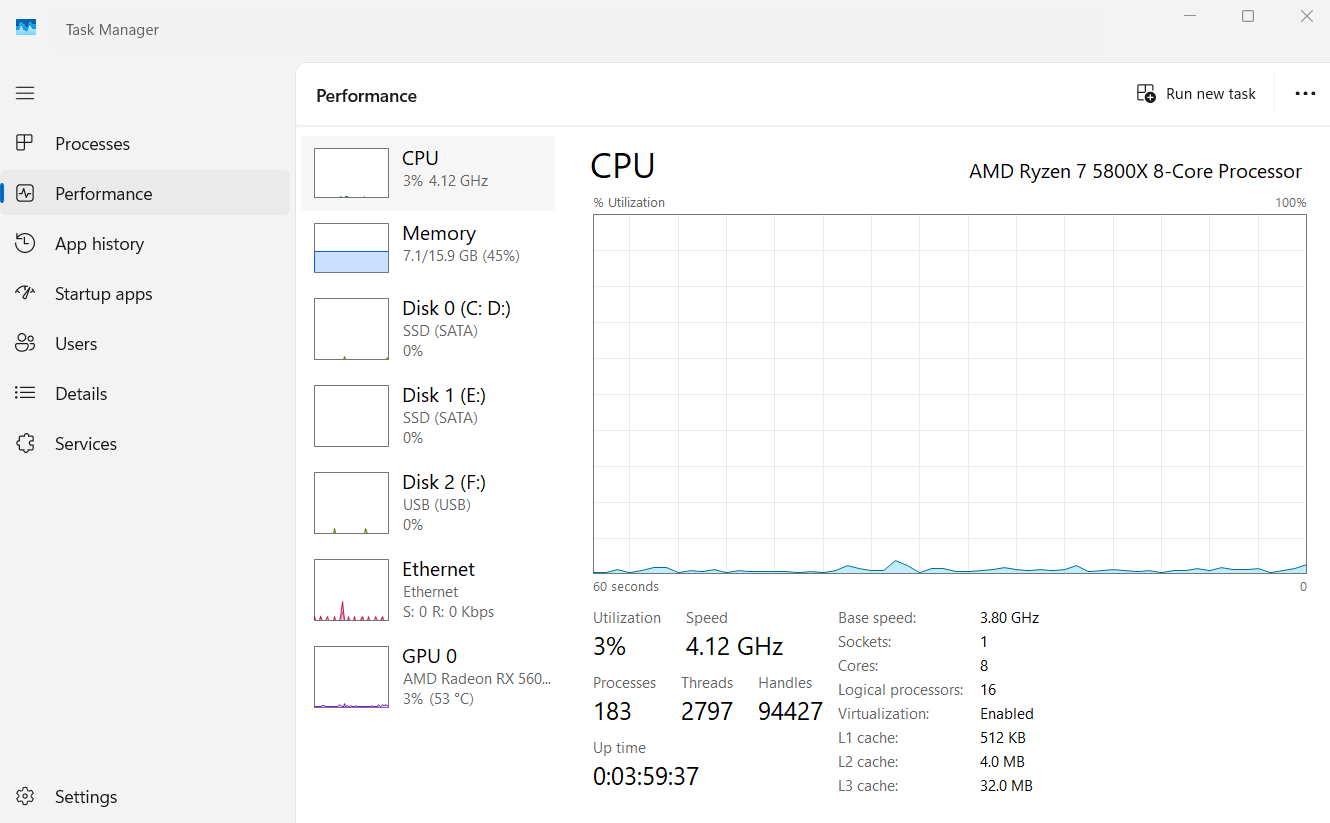
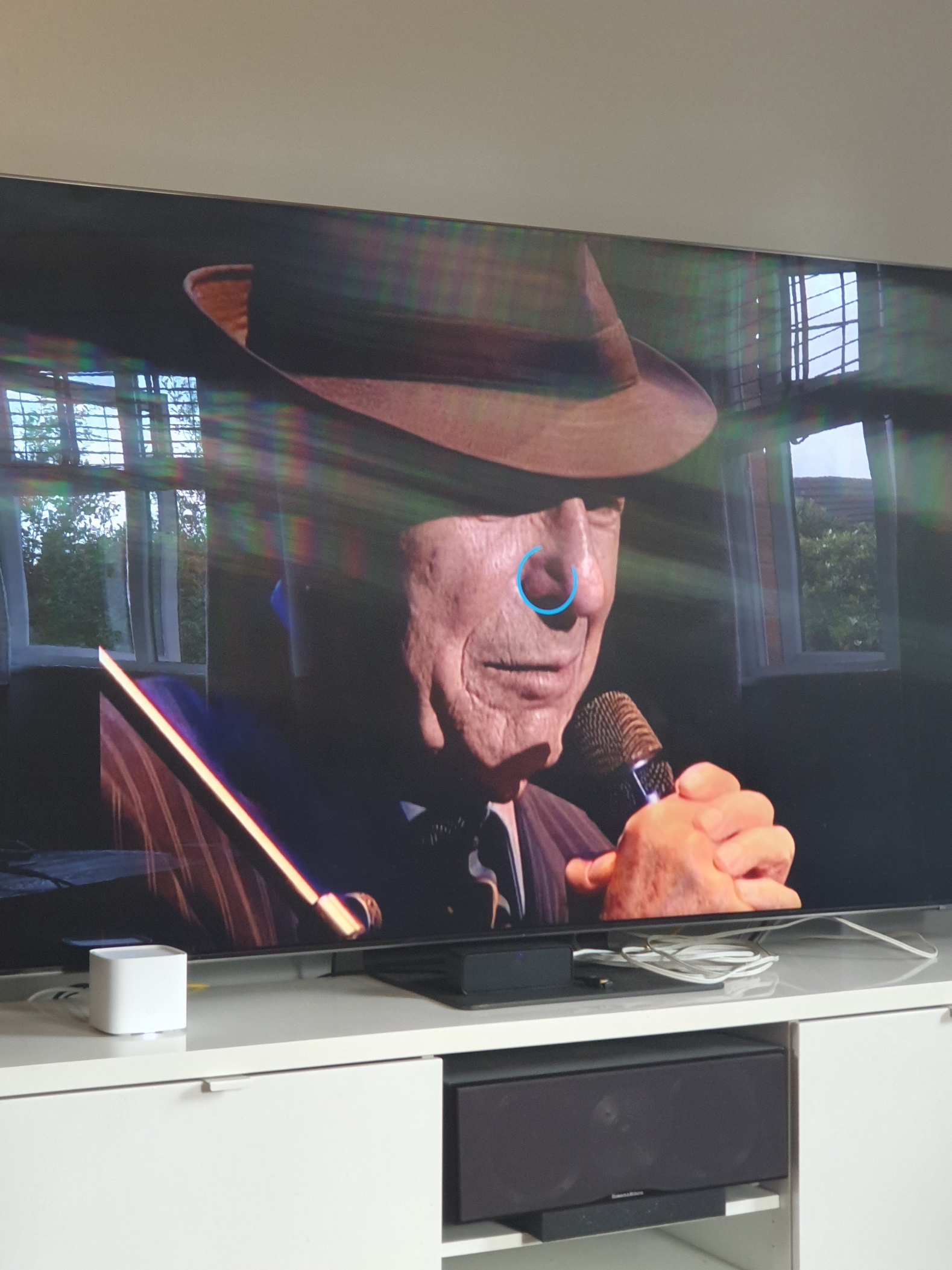
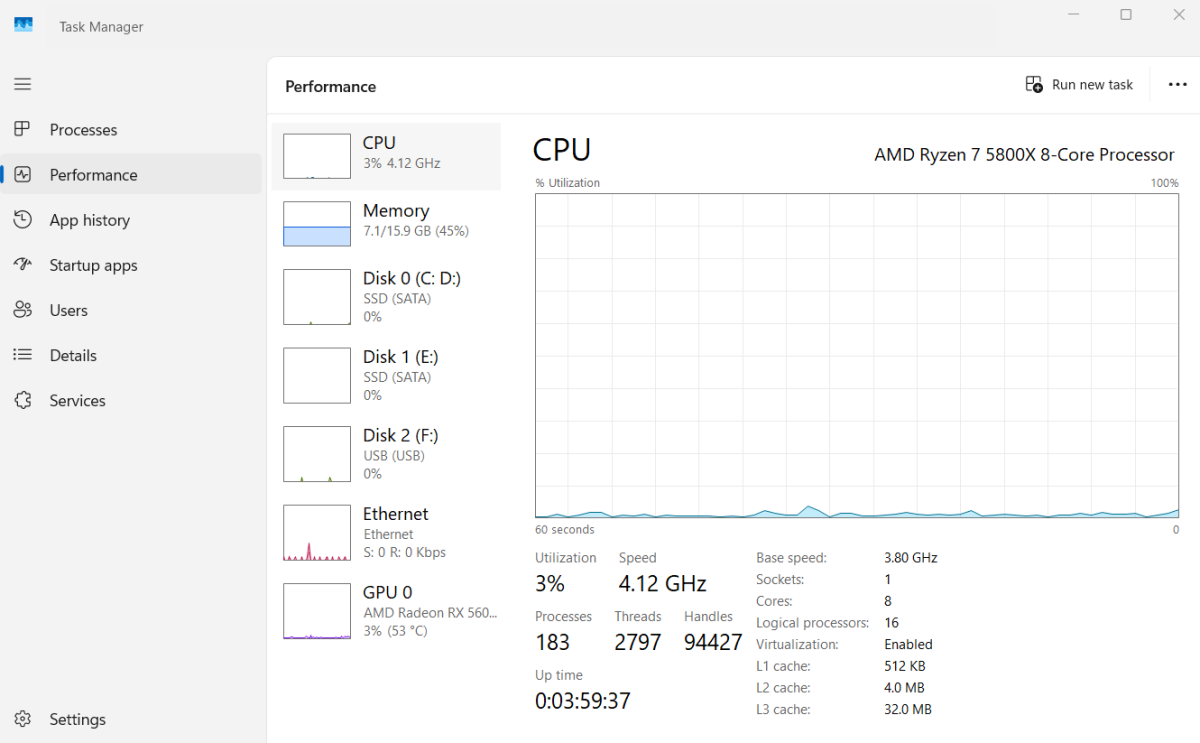
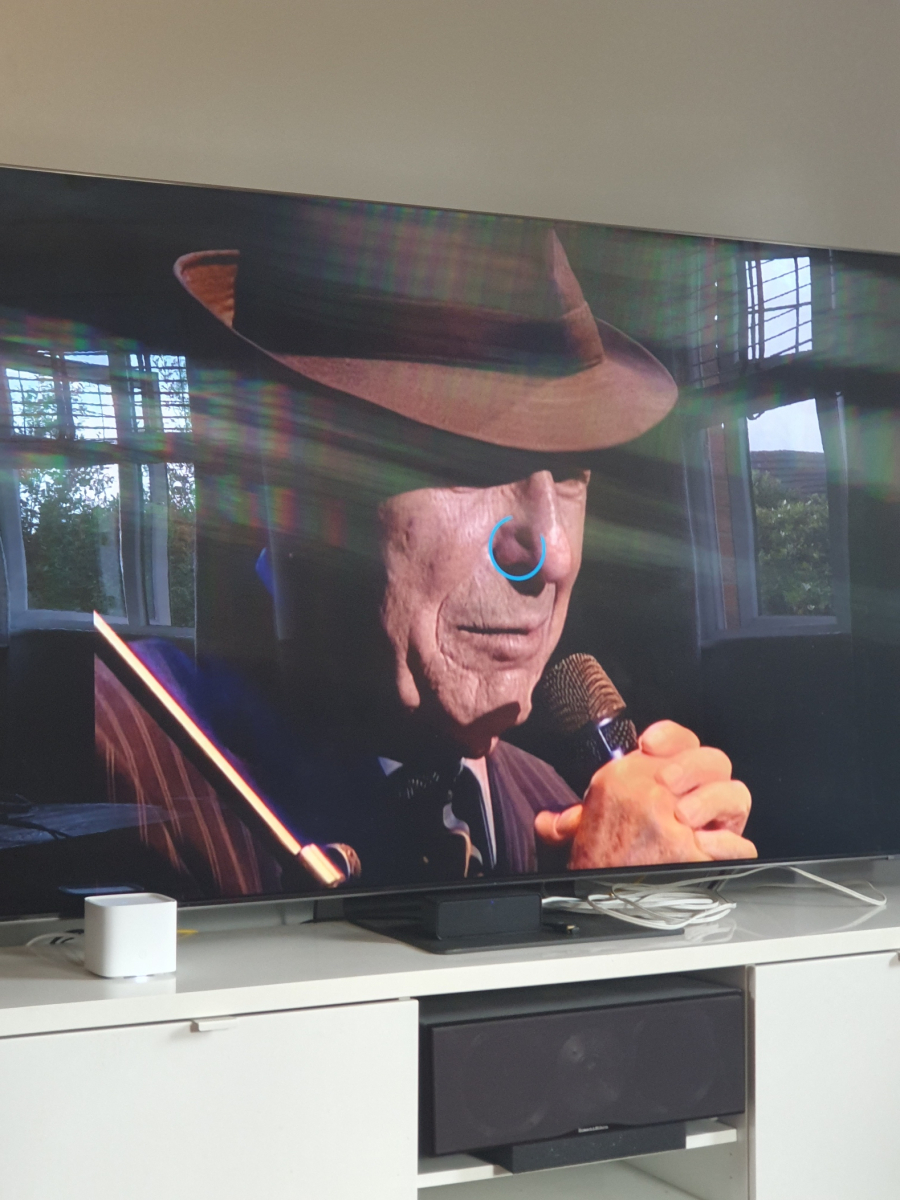
I am using version 2.2.8 via the app store, this is to avoid being inconvenienced when using the usb instalation. My windows is not using any resources at all, my windows search is disabled, no scans are taking place, cpu temp is cool and so on. I understand that Samsung tvs can have buffering issues too so that's something to keep in mind. I reset my tv by holding down the remote power button and restarting the tv. I also unplug the tv and modem for a few minutes too. My tv and pc are connected via 5e network cables. This concert movie froze multiple times today, i have attached the log file, Leonard Cohen in London, it froze at 19.04. I scanned the video with mkvtoolnix and there were no errors. I played this video for 1 hour via the tv source menu and selecting the Emby server. It played just fine and it proves the app is causing me a problem here. 20-06-26 embyserver.txt
-
I have an antenna and sometimes it has signal issues and I've never been able to figure out why. For example, NBC will work fine for weeks and then for an evening or two it the signal strength will be low and the channel is unwatchable. I also use IPTV and have these same channels mapped so I can switch if necessary. It would be cool if Emby allowed me to link different channels and if it sensed a signal problem it would automatically switch to the IPTV channel. This way Emby could automatically cycle through linked channels to find the strongest option.
-
I have music libraries on my server, and some songs are duplicated between them. When I play an album, I have not found any way to get emby to play the album as intended, only playing (for example) a single instance of track 3. It always runs through all of them. Some ideas that might solve my problem, if they exist. Do you know if I can do any of these? - in the android app, start playing an album but have filtered to only one music library - change emby's album-playing logic so it only plays the first instance of any duplicated tracks -change the file scanning logic so it won't include fully duplicated files, even across two library folders. This one's a bit tricky, because of course covers, or multiple versions...it would have to be identical metadata to trigger skipping, I guess. Anyone got a potential solution?
-

Easy/quick way to make a backdrop/fanart the "thumb" image
howllor replied to heciruam's topic in Feature Requests
That is not what my experience has been. I came across a case with a movie with a logo but without a thumb as soon as two days ago. -
The dlna from server does not make a lot of sense. When you are accessing the server remotely there is no point streaming to a remote speaker. Not to mention that if your roomate is on home and you start playing remotelly it is kind of problematic , inrespectful and prone to accidental use. This is worse if there are multiple users. So the solution that is implemetned in another app is to have the client app look for dlna sinks on local network and act as a remote controller that queues remote streams from the emby server to the local dpna render. As a bonus you play to whatever dlna speaker is available where the phone device is located . For server side dlna control to be safe and usable (server acting as a dlna client) it should be strictly available to locally connected devices vs remotelly accessible ones. This part is actually a bug in the present situation. Thanks
-
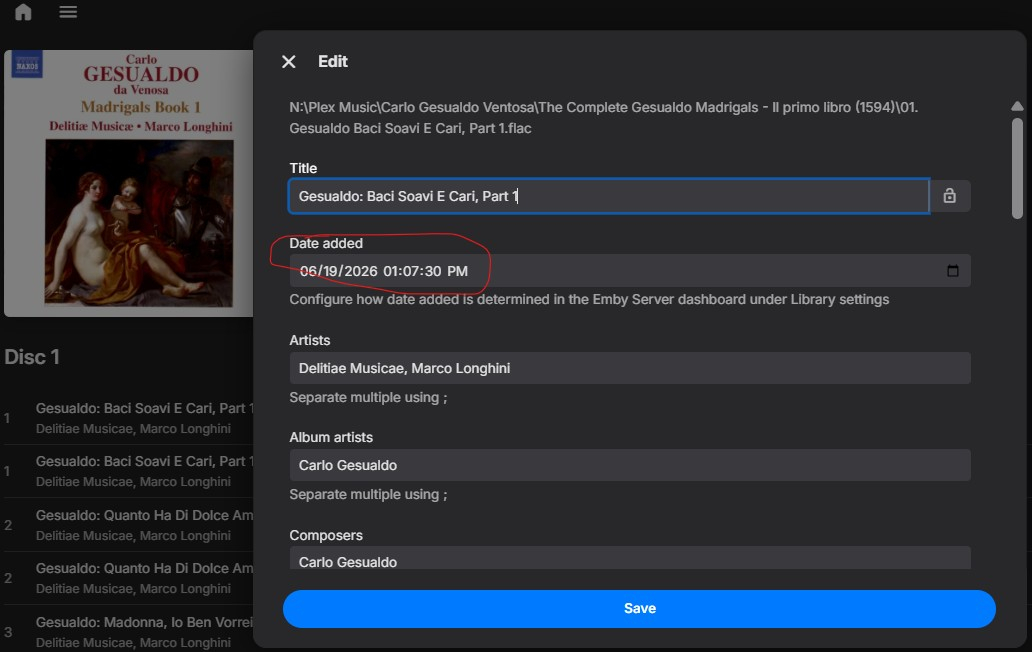
So I went ahead and copied these files to an entirely new, different directory and created an entirely new, differnt music library with all the settings that we've been discussing here to avoid any MusicBrainz involvement. And I was going to send you screen captures and everything else, because these problems persisted, but then I looked and I saw that the import date was listed as YESTERDAY. The Emby server database is not actually treating the new files as new files. Can you please help me understand what's going on. These were entirely new files created, but for some reason Emby is considering them as the files they were copied from, in an entirely different directory and music library. Logfile also attached. And when I "Explore Item Data," the item and parent ids are the same in both libraries, for different files that are in two different directories. How can that linkage be broken, and changed files (I edited the metadata on several to see how Emby treats more modern but user-entered years) be treated as as the new files and library they are?! embyserver_newlibrary.txt
-

SerieTv genres with empty folders/genres
Hispanico957 replied to Hispanico957's topic in General/Windows
Yes also for me LUKE with beta emby-server-qnap_4.10.0.14_x86_64 solve the problem or not ???? Thank Hispa -
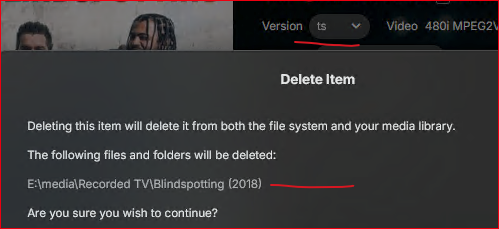
I have multi-version videos (* - ts.ts, * - mkv.mkv). I see a couple of issues. (using the web app) If you are in the detail page and poke Delete, you get the same folder prompt and the folder is gone, but the other video(s) are still listed at the bottom of the detail page, so the poster item hangs around for several minutes though you can't play anything since the files are physically removed. One time I had to do a library scan to get it to go away. One time, I deleted (I think from the detail page) and the image poster went away (card was blank in the library), it might have come back before the entire item was removed, not sure now what all happened. I don't know why deleting stuff is so technically difficult, but it has been a problem for a long time. Then there are also error messages that shouldn't be generated after deleting a media item https://emby.media/community/topic/148226-media-deletions-are-not-logged-in-admin-dashboard-activity/#findComment-1525478