All Activity
- Past hour
-

Latest version of Emby - Random lockups - Connection Timeout to https://api4.thetvdb.com
vaise replied to vaise's topic in General/Windows
I have something new to report. I have had two more lockups. With the assistance of AI, I have tracked these down to Out of memory issues in Unraid docker for ember, but these are NOT restarting the container when it happens - they just stop dead. These are the two dates and times (one was last night). /var/log/syslog.1:Sep 25 20:24:23 Tower kernel: .NET TP Worker invoked oom-killer: gfp_mask=0x100cca(GFP_HIGHUSER_MOVABLE), order=0, oom_score_adj=0 /var/log/syslog.2:Sep 22 14:28:32 Tower kernel: .NET TP Worker invoked oom-killer: gfp_mask=0x100cca(GFP_HIGHUSER_MOVABLE), order=0, oom_score_adj=0 It explains why the logs just stop dead - as emby has stopped dead itself. AI suggests this - but I take it with a grain of salt - 'Because Emby runs inside a .NET environment (.NET TP Worker), a recent update to the production release has caused either an aggressive memory leak or a massive spike in memory consumption during heavy tasks (like library scans or transcoding), triggering the host's OOM killer. When the host kernel steps in to kill a process like this, Docker often doesn't recognise it as a "clean" container exit and fails to automatically restart it. As I said before, I have had very stable system for many years. I am leaning towards a few drastic possible solutions here - I increased the container RAM after the one on 22/9. To 16GB which is very high for a container. I have a GPU doing the transcoding, but I replace any media that seems to be transcoding. I am thinking of going back to shipped - I have been using emby since the early years and I must have installed and removed loads of things in that time and something must be left behind that may be incompatible with this later version ? I am thinking of doing this - Remove emby beta from my backup server, delete the emby system folders, install emby prod. Compare any settings to the prod system, Recreate the libraries, then read media (all info files). Restore the users and watch lists from the prod system - Verify. If all goes well - Emby prod outage, Repeat the exact same process above on the prod system, and restore the users/watch list from he backup server. No plugins will be installed, only notifications from Sonarr/radarr to refresh the library will be installed. Run for a while, if no issues after a while, add the link seerr container to the system via an API. -
 measlick joined the community
 -
 Keff joined the community
 -
 Coolryerram joined the community
 -

Arabic keyboard not working on Android TV – works on iPad
ebr replied to Mohammedts's topic in Android TV / Fire TV
Hi. What version of the app? -
 uemby104247 joined the community
 -
 Ali190 joined the community
 -
 Anwarjaber joined the community
 -
 KingSpankerton joined the community
 -
 ASDF777 joined the community
 -
 Ray272 joined the community
 -
 kvacilo joined the community
 -
if this is your own server it's not a problem as it's the same account you would use here. If it's someone else's server, you need to contact them. No one here can assist you.
- Today
-
Like if you get to the artist from search then you would see them all.
-

Restrict Albums in Album Artist view
Abcdefghijklmno replied to Abcdefghijklmno's topic in Feature Requests
Sorry, I don't understand your response -
Yes. The QuickSync encoder and VAAPI encoder for H.264 crash my system without warning or logs when I use them.
-

External Player (Vimu) resume position issue on Android TV
gluk147 replied to franco72's topic in Feature Requests
I also experimented with AI. I decompiled the Emby APK and modified the `launchMediaIntent` method. After that, I rebuilt the APK, and now the integration with ViMu works correctly. Perhaps you could add this code to the official Emby app?1.txt -
HI there, can you please provide a specific example? How to Report a Problem Thanks !
-
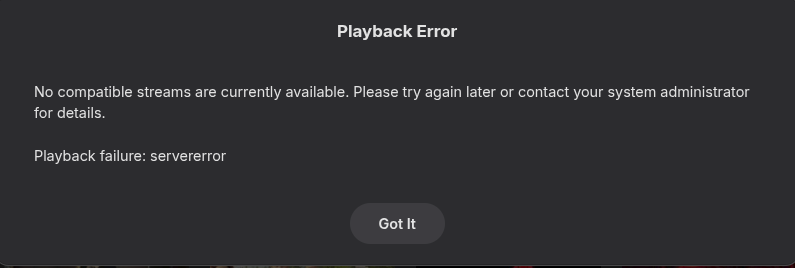
I don't know if this is related,but I just went to play a movie and it would attempt to play then bounce back to it's page.I just attempted in the PC app and got embyserver.txtffmpeg-remux-e265db73-1b82-4ae3-8c9c-4e2e13cb9adc_1.txtffmpeg-transcode-82db6ca7-c776-4cef-b95e-38df83bcdb9b_1.txt
-
Yes, I did, hence my reply saying I tested it and no different. I've spun up a beta version and am scanning for intros on that now...
-
OK, are you still seeing this occur?
-
So this is now beyond my technical capabilities. I just want to have music files import properly. (And - unrelatedly, although this messy situation brought it to light - ask y'all to remove the year check, so we could date early music with the date of composition instead of recording, if that's what we choose.)
-
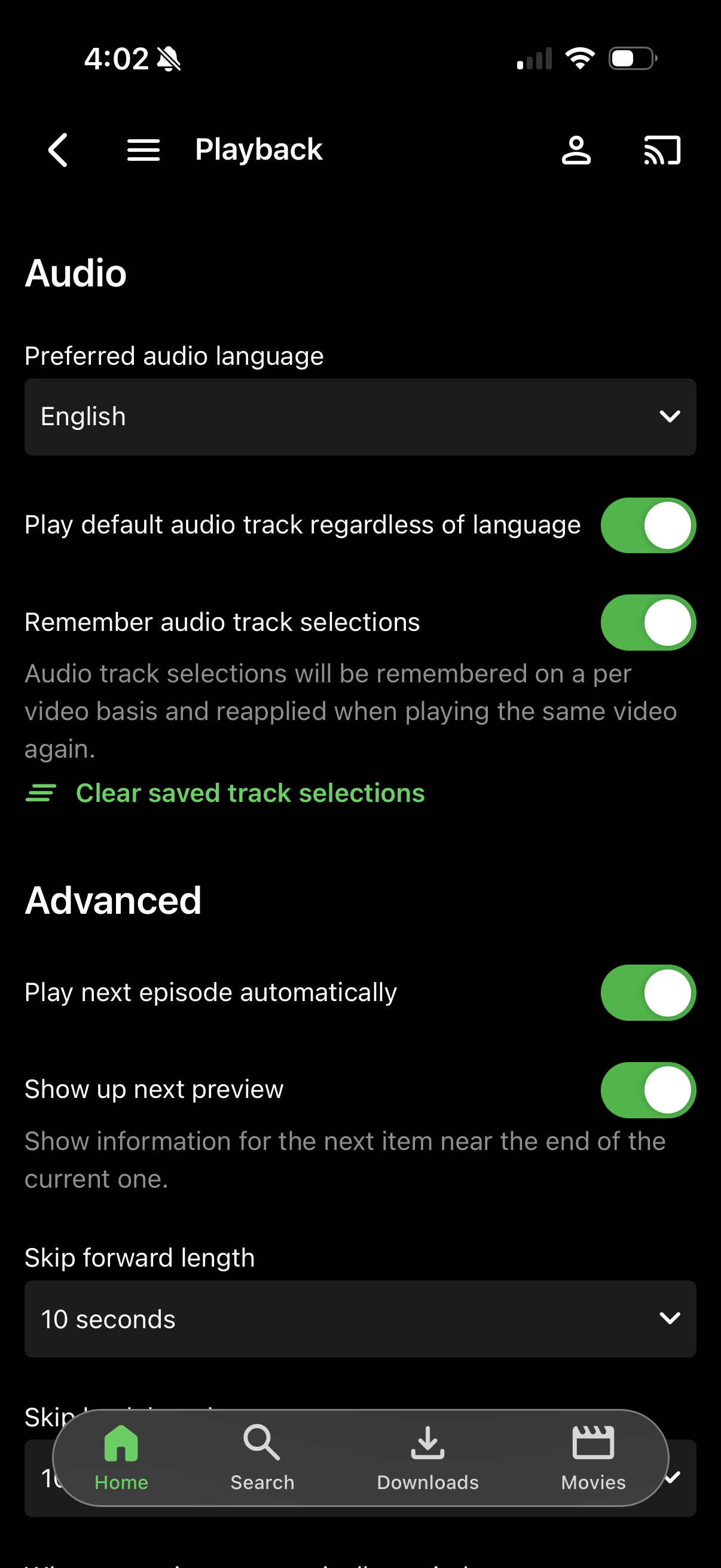
It can handle that and still pick the second one for direct play purposes. So if all your files are done this way, then in theory you could leave that option check. But remembering the previously selected track, which is usually desirable, that could be a problem for you.
-
Do you not have that overarching "authenticated users" throwing a monkey wrench into that plan?
-

TV Guide - Tune straight to channel from guide rather than present popup for play/record
steve7789 replied to steve7789's topic in Live TV
Thanks - the play button works as a workaround, but would be great to be able to change the default select behaviour. One more step closer to transition away from Plex and channelsdvr! Thanks chaps! -
That is what I figured. I know this was not a top priority (nor should it be) but I do appreciate you guys getting this fixed!
-
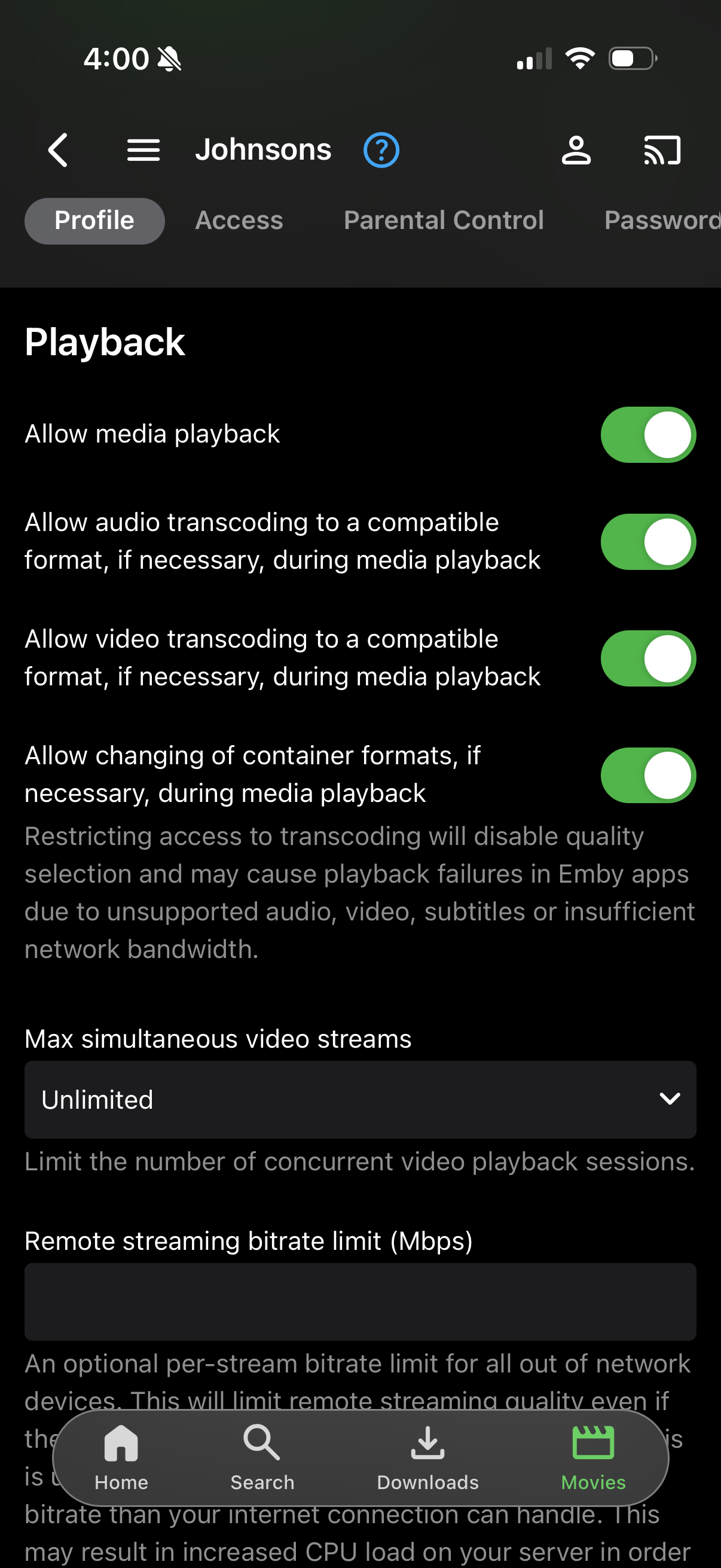
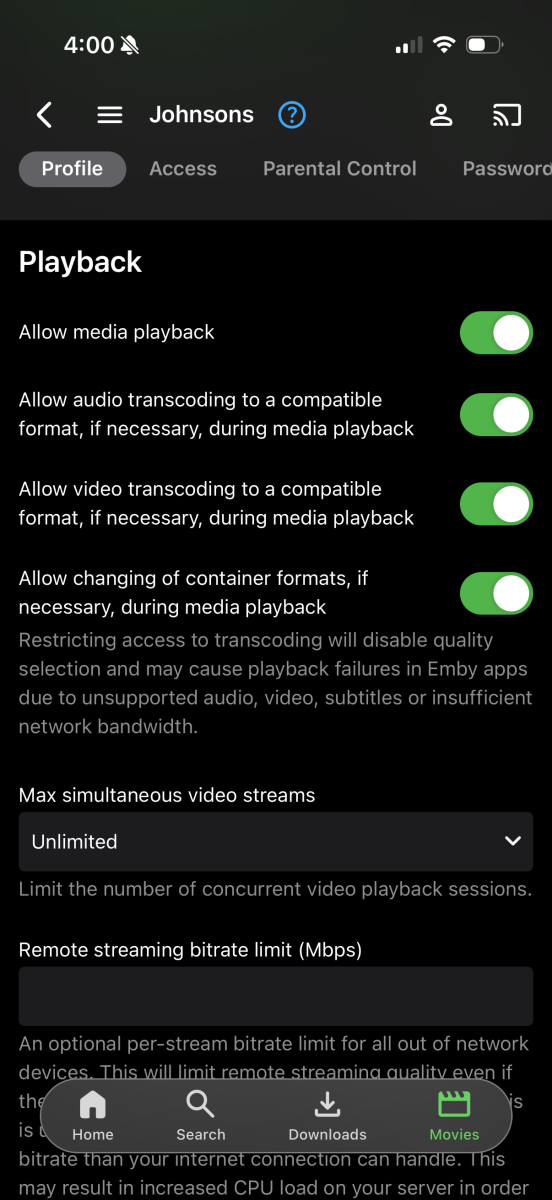
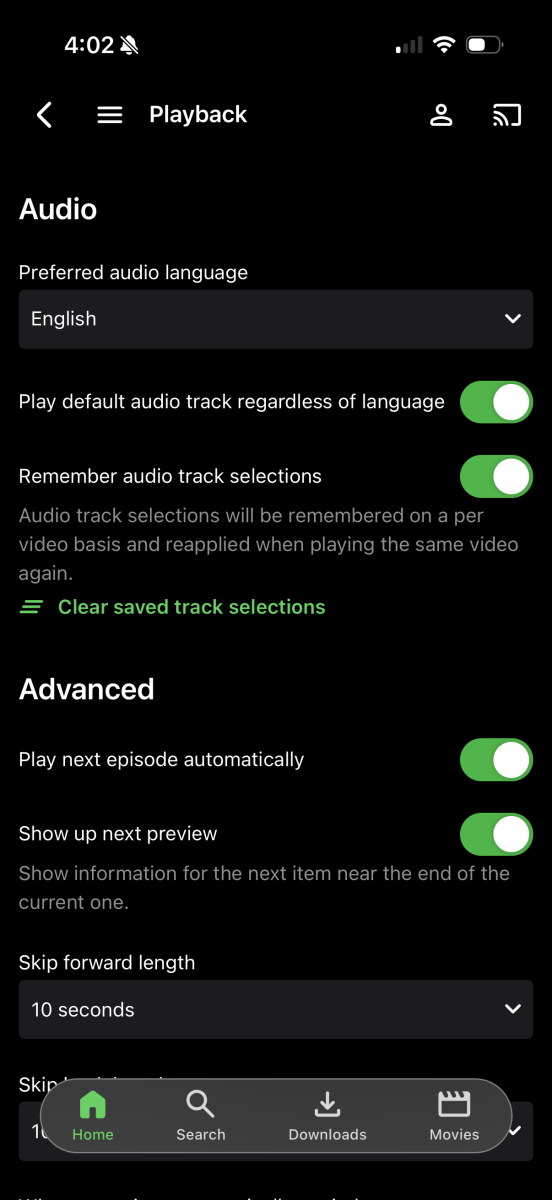
Also, I thought “play default Audio track regardless of language” was referring to language only and didn’t matter if multiple tracks are set as default? In my case, I have all my secondary tracks labeled as default as that’s what I’ve found to be the most reliable for it to load the second
-
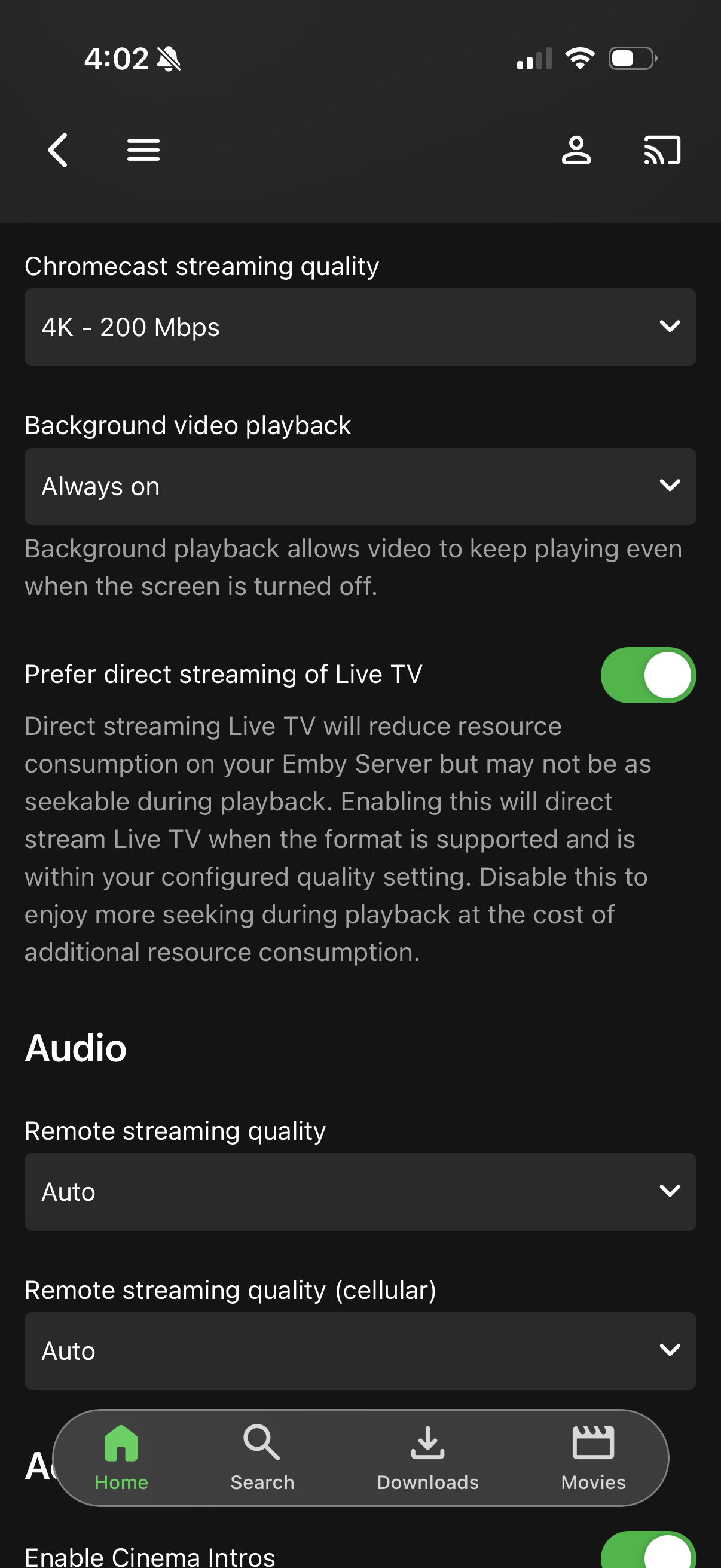
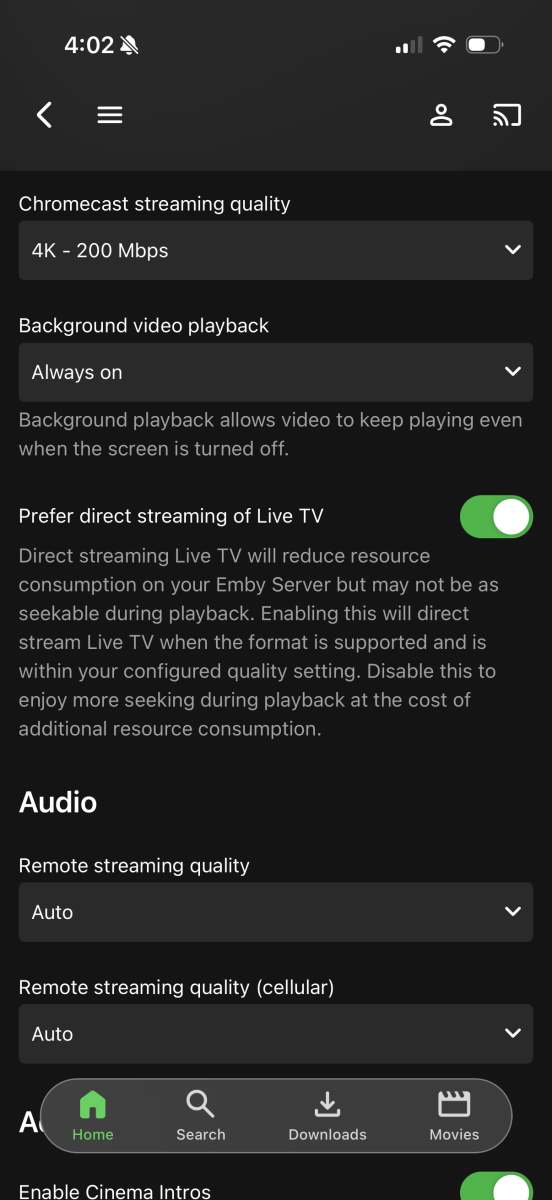
Yes when I look at the code of our Roku app, it looks like that does come into play for many Roku devices. @speechlescan probably elaborate more on that. That means even if you change the user profile settings, you may still not get direct play due to secondary audio being selected. However you should still take a moment to review the user profile options and make sure they are set how you want them. Please note, the web app cannot direct play secondary audio either because browser video players do not provide a mechanism to select it.
-
But didn’t you just say Roku app can’t play the second anyways? So why is this relevant? I get it for other devices.
-
You cannot open it with that. You'd have to use something like DB Browser for windows. But I would never suggest opening your running copy in another application. Always make a copy and open up the copied file.
-
They've selected "play default audio track regardless of language" - so you are getting the track that you asked for. This is what I previously went over in my Dec 13 response. Additionally, if they enable remembering previously selected audio tracks, that will also impact this.
-
That is correct. The scanning process for strm is much more lightweight.
-
-
I think I learned something ... so last night I played a couple of .mkv files, and auto-skip intro actually worked at the start. Apparently it just doesn't work with STRM files. Assuming that is the expected behavior then. If so, can close this one out. I appreciate the help.
-
When I open library.db in Windows Notepad it takes several minutes to open, and I see lots of weird characters, a few mentions of "madrigals" in descriptive copy in plain text (artist/album descriptions), but not the programmatic info Lessaj was saying to look for.