All Activity
- Past hour
-
 Prrprrpatapim joined the community
 -
 user48637 joined the community
 -
 user85121 joined the community
 -
How did you setup the m3u?
-

No longer active transcoded video showing in now playing (bug?)
Luke replied to TugboatBill's topic in General/Windows
Hi, we’ll take a look at it. Thanks. -

No longer active transcoded video showing in now playing (bug?)
TugboatBill posted a topic in General/Windows
The video was finished approx 8 hours prior but still shows a active. Here is the status of the GPU from the OS: root@Emby:~# nvidia-smi Fri Sep 18 07:44:22 2026 +-----------------------------------------------------------------------------------------+ | NVIDIA-SMI 550.163.01 Driver Version: 550.163.01 CUDA Version: 12.4 | |-----------------------------------------+------------------------+----------------------+ | GPU Name Persistence-M | Bus-Id Disp.A | Volatile Uncorr. ECC | | Fan Temp Perf Pwr:Usage/Cap | Memory-Usage | GPU-Util Compute M. | | | | MIG M. | |=========================================+========================+======================| | 0 NVIDIA GeForce GTX 1060 3GB Off | 00000000:01:00.0 Off | N/A | | 47% 34C P0 29W / 120W | 0MiB / 3072MiB | 0% Default | | | | N/A | +-----------------------------------------+------------------------+----------------------+ +-----------------------------------------------------------------------------------------+ | Processes: | | GPU GI CI PID Type Process name GPU Memory | | ID ID Usage | |=========================================================================================| | No running processes found | +-----------------------------------------------------------------------------------------+ Showing the transcode isn't running. embyserver log for that period is attached (the video is the last video in that log). Also attached is the transcode (ffmpeg) log as well as the mediainfo for the video file. From all that it appears Emby restarted ffmpeg at 13:48, after the forced track’s last event at 13:25, while still asking ffmpeg to include that subtitle stream in HLS segmentation which caused a buffering failure and that is why it is still showing in Now Playing. Linux Emby 6.12.94+deb13-amd64 #1 SMP PREEMPT_DYNAMIC Debian 6.12.94-1 (2026-06-20) x86_64 (this is a proxmox VM w/the GPU in passthrough) Emby 4.9.30 embyserver-63925286400.txt ffmpeg-transcode-71fe674a-d9a3-456e-815e-08f7de18d40a_1.txt mediainfo.txt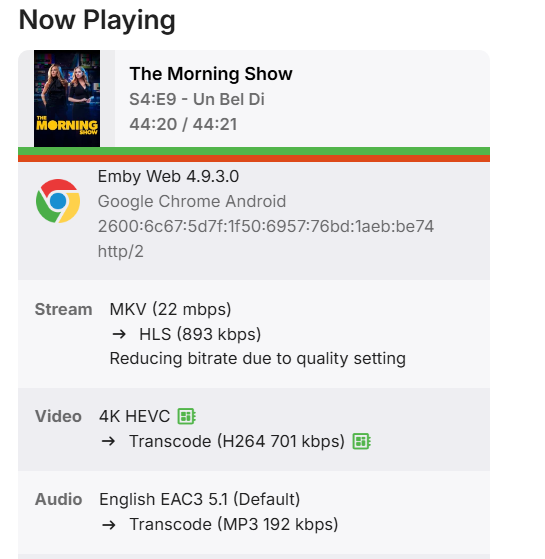
-
Hi, yes we’ll take a look at this. Thanks.
-
 moeniee joined the community
 -
 rondowar joined the community
 -
 cgagbgcgjr82@gmail.com joined the community
 -
 Cliffling joined the community
 -
I think this is a big factor. /N
-
Sorry, I didn't understand. I will send you in private
-
 Cain contreras joined the community
 -
 ido1266 joined the community
 -
 LomboTV joined the community
 -
[Legacy App] Emby Theater v3.0.20 (Server v4.9.3.0) Homescreen Horiz. navigation broken
Luke replied to d00zah's topic in Windows & Xbox
You might find a browser flag to disable it but to be specific, we’re using a css media query looking for pointer: coarse, which tells us that your primary input method is touch. -
Do you have different subnets? Is the server on the same one? It may be that your device looks remote to the server. If it sees it as local, it will set the bitrate to 110Mbs
-
4.10.0.40 Regression - Android and Samsung sessions no longer remotely controllable
Luke replied to Cr8iveLosr's topic in Linux
@Cr8iveLosr? -
That video doesn't contain anything but short playback. I need to see you selecting the option to change speed and then see what happens. Thanks.
-
Hi, what metadata fetchers are enabled on the library?
-
That's not uncommon - even though they actually enabled it. You just forget or you don't mentally connect "spoiler information" with the episode image so don't think it has any bearing on the issue.
- Today
-
Yes, I'm still having the issue. I ran some more specific tests and here's what I found: - Casting DOES work perfectly from this same Emby server on AWS to a Google TV 4K (Direct Play, FLAC 994kbps, no errors). - Casting does NOT work to my JBL Authentics 500 (a speaker with Chromecast built-in) — it just sits on "Connecting..." and never actually connects. In the Emby logs (with debug logging enabled), there's no sign of any connection attempt from the JBL at all, as if it never even reaches out to the server. - I confirmed the JBL can receive casts from custom apps just fine: using Jellyfin, on the same AWS server, same domain, same network, casting to the JBL works without any issue. This makes me think it's not a problem with my network, my SSL certificate, or the JBL device itself (which we now know can receive casts from third-party apps), but something specific to how the "Emby for Chromecast" receiver app communicates with audio-only Cast devices (no screen), like the JBL, even though it works perfectly with Chromecasts that do have a screen. Is it possible the Emby receiver app has a known issue with audio-only Cast devices? Thanks again for the help.
-
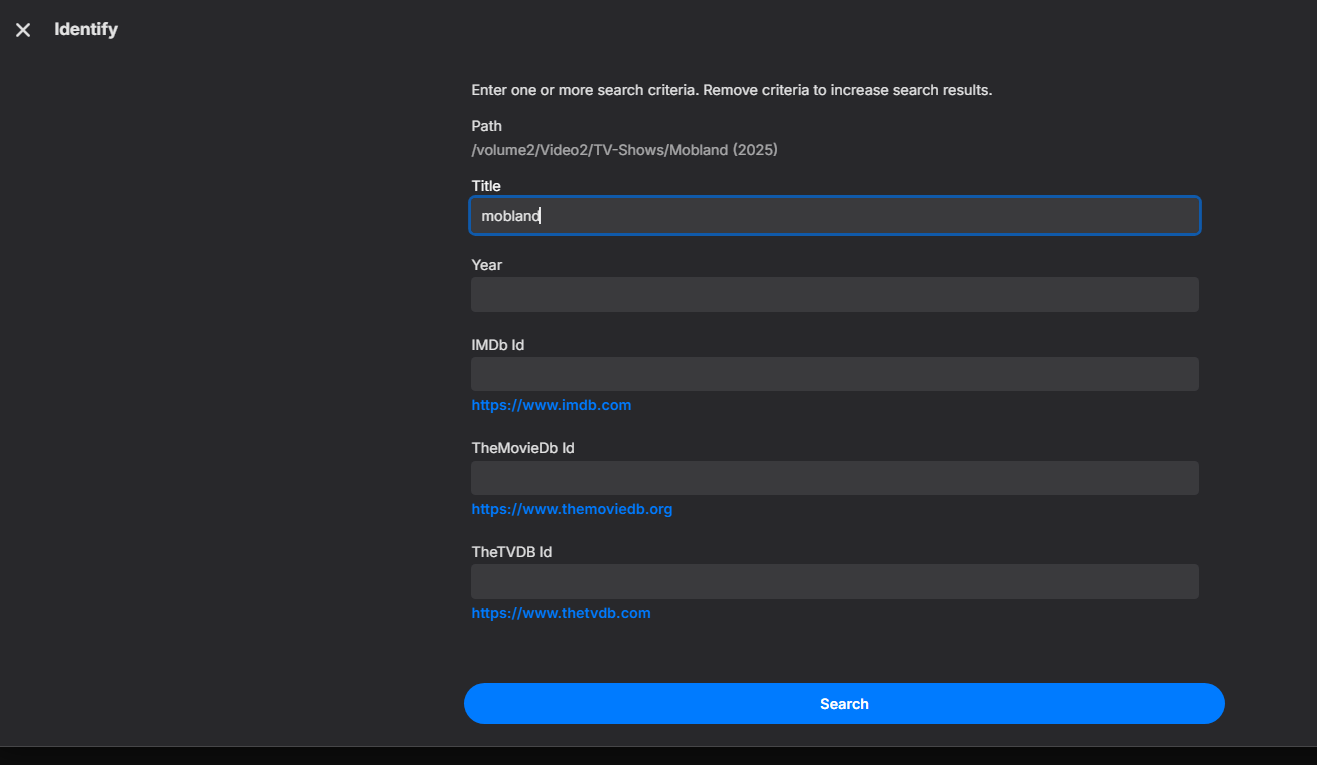
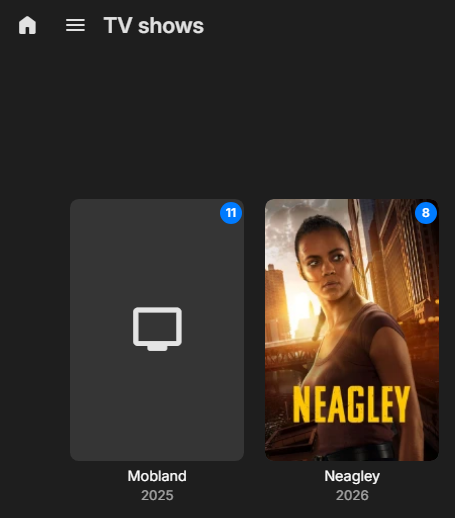
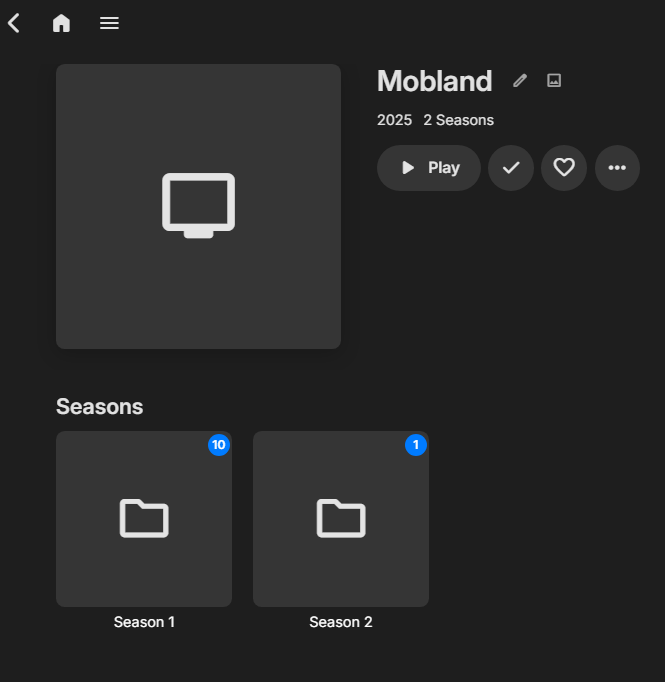
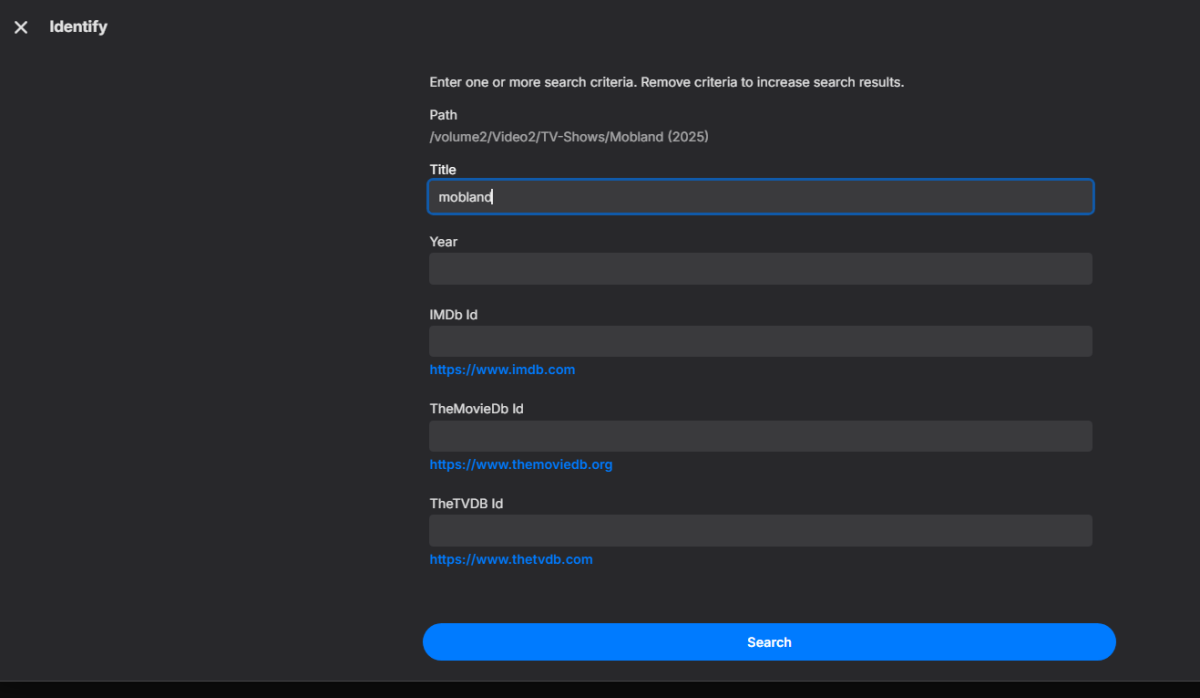
Hello, Recently, I’ve been unable to use "Identify". I tried searching by the movie or TV series name and year, but I couldn’t find anything. I also tried entering the IMDb ID, but that didn’t help either. I’m not sure what the problem is, especially since the search was working fine before. Could you please check this and let me know what might be causing it? Thank you. embyserver.txt

-
What do you mean by that?
-

version 4.9.1.80 - Add option to group notifications???
Teredactle replied to Teredactle's topic in General/Windows
We're coming up to one year now since I requested this "logical" minor change in how notifications for photos/videos are processed from mixed media libraries (i.e. home libraries). That is to bundle notifications for photos/videos added, and send all of them in one email for all the media added for that day, rather than for every video or every photo which basically created spam emails. Can we please have this change made? TY -

embyforkodi (next-gen) 12.X.X support
FrostByte replied to quickmic's topic in Emby For Kodi Next Gen
Did you do the repair sink and artwork cache reset? -
Thanks for the update. I noticed that my backgrounds while browsing are black instead of fanart. I checked the settings for my skin (Aeon NOX Silvo) and they are correct. It happens in all views. It was fine before. Any ideas? Thanks
-

4.10.0.40 Regression - Android and Samsung sessions no longer remotely controllable
me@jackbenda.com replied to Cr8iveLosr's topic in Linux
Sorry, should've been clearer. I'm not hitting this myself; I've stayed on 4.9.5.0 specifically because of this thread. Just trying to work out from others' experience whether it's worth updating and living with the regression short-term, or holding off until there's a fix. Nothing to try on my end yet since I haven't upgraded. -
Is it possible to make time-shift channels ?
-

[Legacy App] Emby Theater v3.0.20 (Server v4.9.3.0) Homescreen Horiz. navigation broken
SFefy replied to d00zah's topic in Windows & Xbox
I think the detection is not very accurate. In Vivaldi browser if this on default (so basicaly enabled), then touch UI appears, not the "desktop" version: "Gamepad Multitouch Enables the ability to receive input from multitouch surface on the gamepad object. – Windows #enable-gamepad-multitouch" But I think this is about of "if the system have touch device, then the user can use it" and not exactly meaning that the system have touch device. But i looking up in details, what was this flag do under the hood -
Can I see your Emby icons can you post a screenshot
-

Plugin: EmbyCredits, detect end credits and add auto skip.
yocker replied to yocker's topic in Plugins
@fbourg Looks like the files were changed mid detection and the detections failed because of that. In fact the whole settings page looks to have soft crashed. If the logs don't reveal anything more then I should be able to conquer something up to help with that. As said i'm going away for the weekend so will take a little while, sorry about that. I promise it will have top priority once i'm back! -
Plugin: EmbyCredits, detect end credits and add auto skip.
yocker replied to yocker's topic in Plugins
I'll take a quick look but sadly don't have much time as i'm going away for the weekend, sorry. If i don't find anything now it will have top priority when i get back! -

Plugin: EmbyCredits, detect end credits and add auto skip.
fbourg replied to yocker's topic in Plugins
Thank you for your message. I haven't applied your suggested settings yet, but with the default ones, the scan stopped twice... Here is the log file. embyserver.txt