All Activity
- Past hour
-

No Metadata at the Season Level (Episodes are Fine)
js28194 replied to js28194's topic in General/Windows
Such a bot post Luke... -
 Nasir009 joined the community
 -

New Server Update Will Not Open In Browser/Emby No Longer Functioning
Luke replied to WeerdMunkee1978's topic in MacOS
Hi there, please attach the Emby server log from when the problem occurred: How to Report a Problem Thanks! -
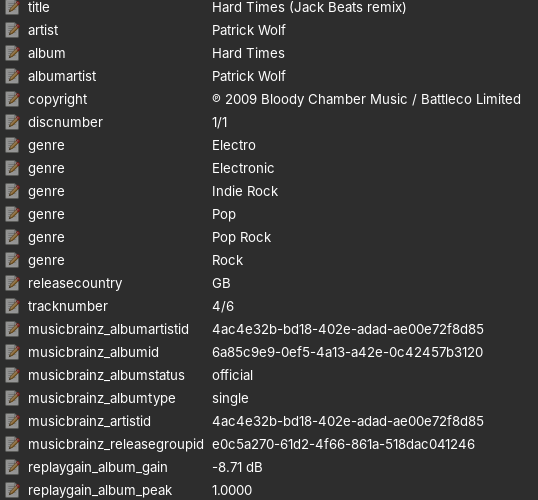
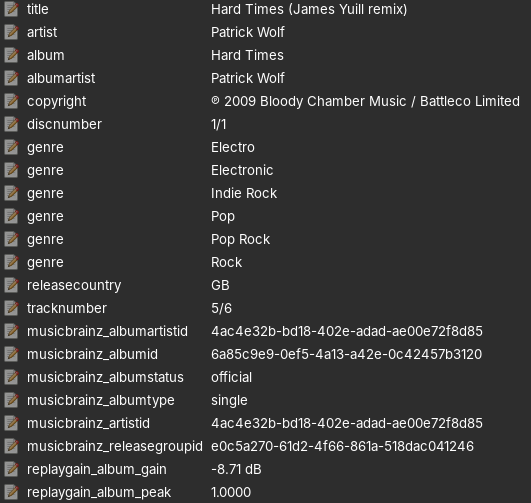
I'm assuming your metadata editor screenshots are at the track level and not the album although I can't tell for sure.
-
but not based on what came out of ffprobe, so there is probably other data in there that your tagging application is not showing you.
-
Went back to prev Version, tested 2 days and works like a charm. So I will update back to 22 on weekend and check if the behavour still occours. (could still be a me thing) Behaviour: Couldnt play vid content at random 80% miss(random error msg) , no clear indicator what could cause it. Running your addon on a Ugoos AM6b+ with Coreelec in native mode.
-
 fxvv joined the community
 -
Yeah I just edit mine the ones that don't auto fill in I manually add the backgrounds and logos if I feel like making it look better. Live tv guide does show backdrops when going through channels on your new android app but not the older app. I use both apps on my tv I like both but for live tv I like the old app better because when I go to channel 1 and if I push up it goes away and if I push up while watching live tv and change the channel the guide stays on screen and will not go away until I back out of everything.
-
 Fx.16 joined the community
 -
 mec9ka7@gmail.com joined the community
 -
 mk.rasel joined the community
 -
 gator758 joined the community
 -

New Server Update Will Not Open In Browser/Emby No Longer Functioning
WeerdMunkee1978 posted a topic in MacOS
I just downloaded the new server update. I tried to download the 10.14 x64 first (it's what would normally work for me), but it took me to a "Not Found" page (just for good measure I clicked on the ARM version, but "Not Found" came up there too). So I had to download the 10.13 version. It downloaded, but when I installed it, the server now no longer opens and says the site cannot be reached. Restarted the computer to be sure, still nothing. I cannot access Emby at all anymore. How do I fix?? I haven't had any major issues with Emby in forever and a day... -
 ferox245 joined the community
 -
 Dmsa0383 joined the community
 -
 doren875 joined the community
 -

Add a buffer to the pixel dimensions of the "match video resolution" feature
ebr replied to rekit's topic in Feature Requests
Hi. We will need an app log I believe to see what is happening on the device. Are you using the Android TV or standard Android app? -
 bator594 joined the community
 -
Look again. They're literally the same:
-
Das ist es! Vielen Dank..., hatte das Tatsache deaktiviert. That's it! Thanks a lot... I had actually disabled that. Hast mir sehr geholfen. You've been a huge help.
-
On restoring from your old NFO files: Honestly, no — not as-is. A few things to know: This plugin's restore task only reads from JSON backup files in a folder you configure (IntroBackupPath), not from NFO files sitting next to your media The optional NFO output this plugin writes is also a different, simpler schema (<intros><introstart>...), and it writes them into that same backup folder, not into your media folders There's currently no code path that reads the old plugin's per-episode <markers> NFO block from your media library at all So your existing NFO files with <introstart>/<introend>/<creditstart> won't be picked up by either the backup or restore task right now. Here is a simple tool for a quick migration. python3 migrate_nfo_to_json.py \ --source /path/to/old/nfo/folder \ --output /path/to/new/json/folder \ --map introstart=introstart,introend=introend,creditstart=creditstart \ --emby-url http://SERVER_IP:PORT \ --api-key YOUR_API_KEY migrate_nfo_to_json.py
-

Add a buffer to the pixel dimensions of the "match video resolution" feature
rekit replied to rekit's topic in Feature Requests
file played is 3836x2072 and while playing, stats for nerds says 1080/23.97. shield pro into a sony avr into a tv. -
Both good choices, decided to take all my crap down and format everything and start fresh from start with a nice debian server to run emby and run dvd backups only. That way I get the best quality and if someone on my server wants a movie they will need to drop off the dvd at my house for me to copy it to my computer
-
Hi, can you please provide a log from the android app? Thanks !
-
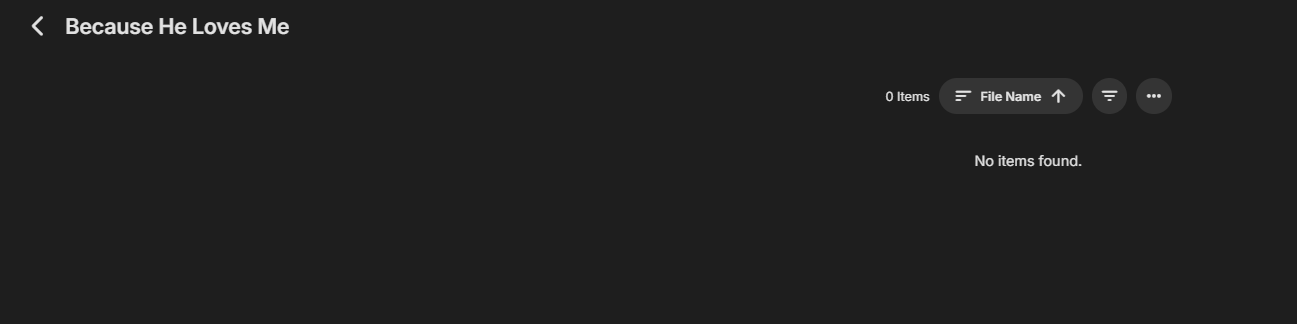
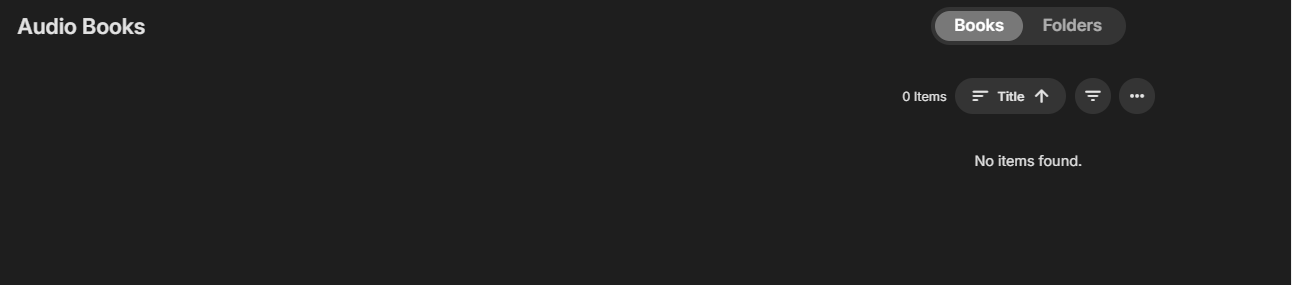
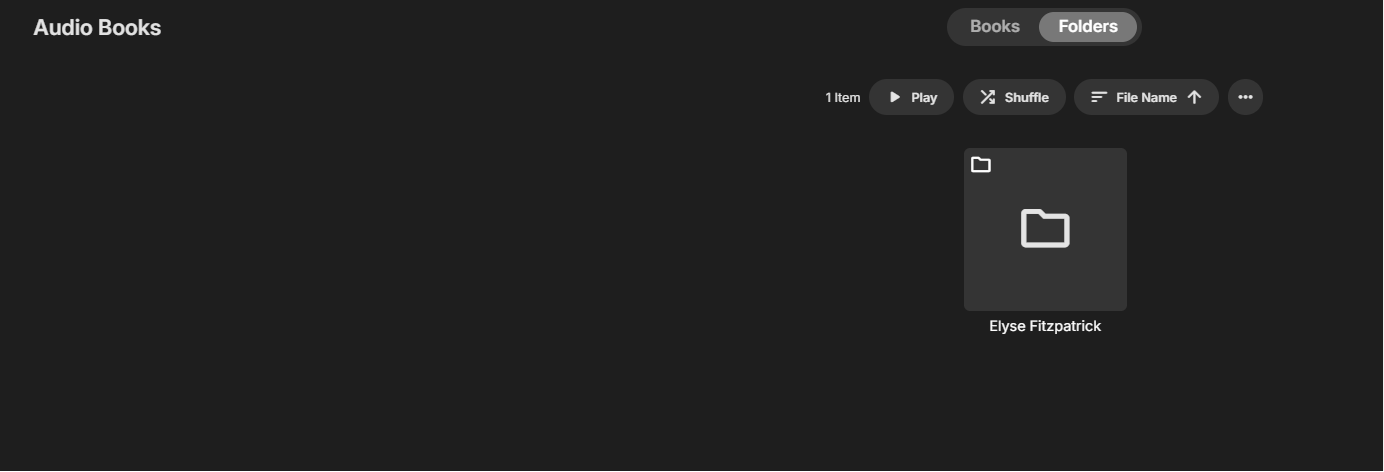
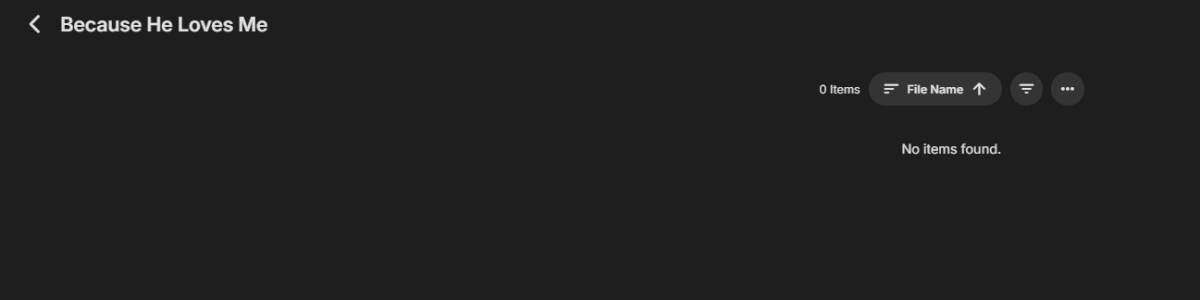
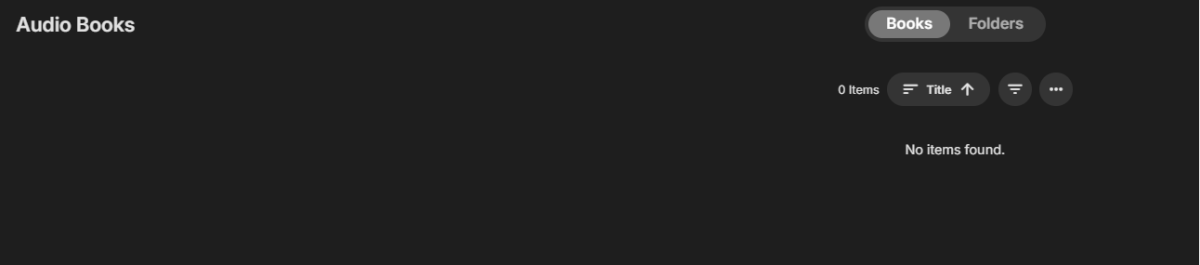
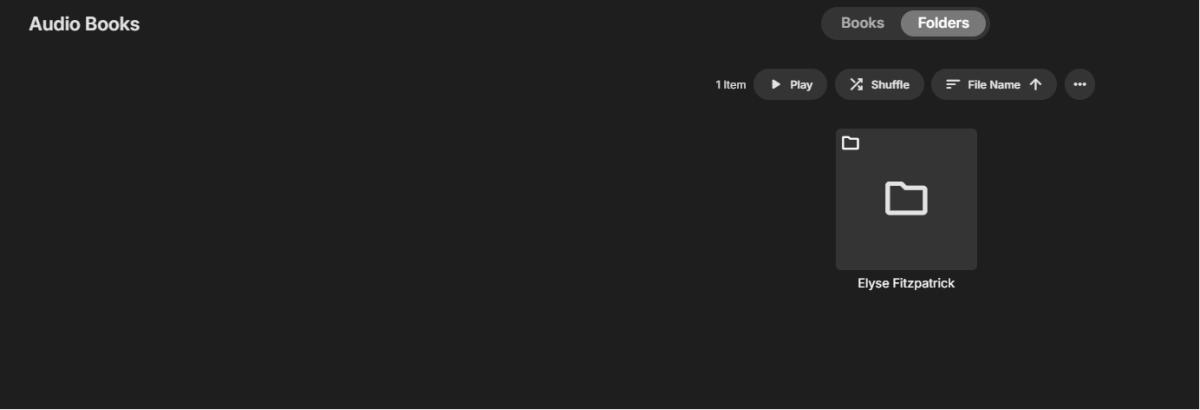
I have a library called "Audio Books" in the library path I have one book that is under a directory called "Elyse Fitzpatrick" (authors name), then a subdirectory "Because He Loves Me" (book title.) Inside the book title directory, I have the files, when I ripped them, they were named by the chapter number and the chapter title so something like "01 - author name - chapter name.flac" nothing was showing up in the audio book library so I renamed the first chapter to literally "01 - Chapter 1.flac" then I rescanned the library. I think this is the proper naming convention. One odd thing is that in the file systems I have <path to library>/authors name/book title, but if I go to the folder view in Emby, I see the authors' name, but when I click on the authors name folder it takes me directly into the book directory. I would expect to see a listing of books titles and then have to click on a book, it seems to skip one level. No files show up in any view. I've just checked all the permissions, and they look identical to the permissions on the music folders which are all showing up in the music library. I can see the book files both in the mount location and in the NAS (through the file system, not in Emby.) Not exactly sure what's going on here. I hope the descriptions are clear; I've tried to make them so. I don't have a lot of audio books, but it would be nice to make the ones I do have available to my users. I might acquire other books if I can get it working. Thanks for any inputs. HS
-
It means trakt may not know about that season number.
-
Those extra images come from internet metadata based on your library options. The recording gets this because at this point it is just a normal video in your library like any other. Live TV in the guide will not have all of those kinds of images.
-
HI, it's due to the differences of embedded musicbrainz album ids on the tracks.
-
I just like watching the news, years ago when I had lots of live channels I would have each channel on a different subscription so for people on my server they never got the nag screen about too many users on one subscription had like 120 channels or so. Now I don't have many channels nor do I even like live channels except the news is about all and I just record everything anyway so I can skip over the ads which I hate. Now that emby recordings work flawless I was able to delete tivimate unless I get bored tinkering with crap or something.
-
I can answer my own question - i can see this in the Environment Variables in the PML file process starrt ; PROCESSOR_ARCHITECTURE=ARM64 You are probably the first person to run the new app version on ARM64 on Windows
-
@NatelanxonIs your VM setup as ARM64 ? There is a lot of log lines in the PML relating to XtaJIT64
- Today
-

How to edit the EMBY Home Screen on my TV?
GrimReaper replied to TJBTOPJOCK's topic in General/Windows
Basically: No to all. You can lend your support here: Post the topic in the appropriate forum section as per client app. How to Report a Problem You'll have to elaborate on that, preferably with some specific example(s). -
Nobody?
-

How to edit the EMBY Home Screen on my TV?
Abobader replied to TJBTOPJOCK's topic in General/Windows
Hello TJBTOPJOCK, ** This is an auto reply ** Please wait for someone from staff support or our members to reply to you. It's recommended to provide more info, as it explain in this thread: Thank you. Emby Team -
When I'm looking at my Emby Home Screen on my TV, it has Home and Favorites in the top menu, can a Playlist option be added and if so how? Looking at my Movie top menu on my TV, since I don't have Trailers or Tags, can those two items be removed and if so how? Looking at my TV Show top menu on my TV, basically the same question, since I don't desire having options to select Upcoming or Episodes, can they be removed and if so how? Why does my Movie menu have a Folder selection on my TV, but my TV Show menu on the same TV doesn't ave a Folder selection? Finally, why do some Folders automatically plug in images but others do not? Only have one question when watching Emby on an Apple TV. Why doesn't the alphabetic side scroll option appear when using an Apple TV like it does on all other TV's?