All Activity
- Past hour
-
 Raihan hossen joined the community
 -
Are you actually port forwarding on port 80 though? The default Emby http port is 8096
-
 beitar1936 joined the community
 -
 boyul701@gmail.com joined the community
 -
 Adarmadmon131 joined the community
 -
 jia5555555 joined the community
 -
 dvjulien2 joined the community
 -
 DariaZak joined the community
 -
 Cjharley089 joined the community
 -
 DanielMovies joined the community
 - Today
-
 Sdrws32r joined the community
 -
No. it does not have everything from it.
-
Hi @seanbuff, not good news, but hopefully getting a step closer to resolution: Error: I could not see your service on xxx.xxx.xx.xx on port (80)
-
I remember that was an issue some time ago with CoverArt treated images (hence custom CSS), and tbh forgot about it, but it appears it's been solved in the meantime - at least for me it does. Lemme check if I can find relevant topic. Edit:
-
It was still there when set to not rotate for me.
-
Gotcha. BArs there.
-
In all treatments.

-
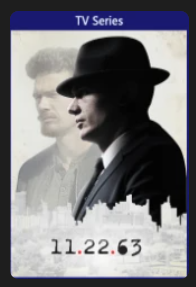
Yeah, no bars on clean instance either. Can't find the option to tilt it, though, which treatment/setting would that be?
-
@Luke
-
2026-09-27 03:08:46.123 Error ImageProcessor: Error in image enhancer: ImageEnhancer *** Error Report *** Version: 4.11.0.4 Command line: <removed>\Emby-Server\system\EmbyServer.dll -noautorunwebapp Operating system: Microsoft Windows 10.0.29651 OS/Process: x64/x64 Framework: .NET 8.0.31 Runtime: <removed>/Emby-Server/system/System.Private.CoreLib.dll Processor count: 8 Data path: <removed>\Emby-Server\programdata Application path: <removed>\Emby-Server\system System.NullReferenceException: System.NullReferenceException: Object reference not set to an instance of an object. at Iconic.Services.LibrariesService.GetLibraryId(BaseItem item) at Iconic.Main.ImageEnhancer.MediaBrowser.Controller.Providers.IImageEnhancer.Supports(BaseItem item, ImageType imageType) at Emby.Drawing.ImageProcessor.GetSupportedEnhancers(BaseItem item, ImageType imageType) Source: Iconic TargetSite: System.Nullable`1[System.Guid] GetLibraryId(MediaBrowser.Controller.Entities.BaseItem) An identical exception was logged again three milliseconds later. Emby then continued generating this exact same exception at extremely high frequency
-
Ah, wait, let me check on clean server, I have sh*tload of custom CSS, one of which is filling placeholder fully from long time ago. Wait.
-
That's strange. I'll have to mess around with that a bit. Thanks!!
-
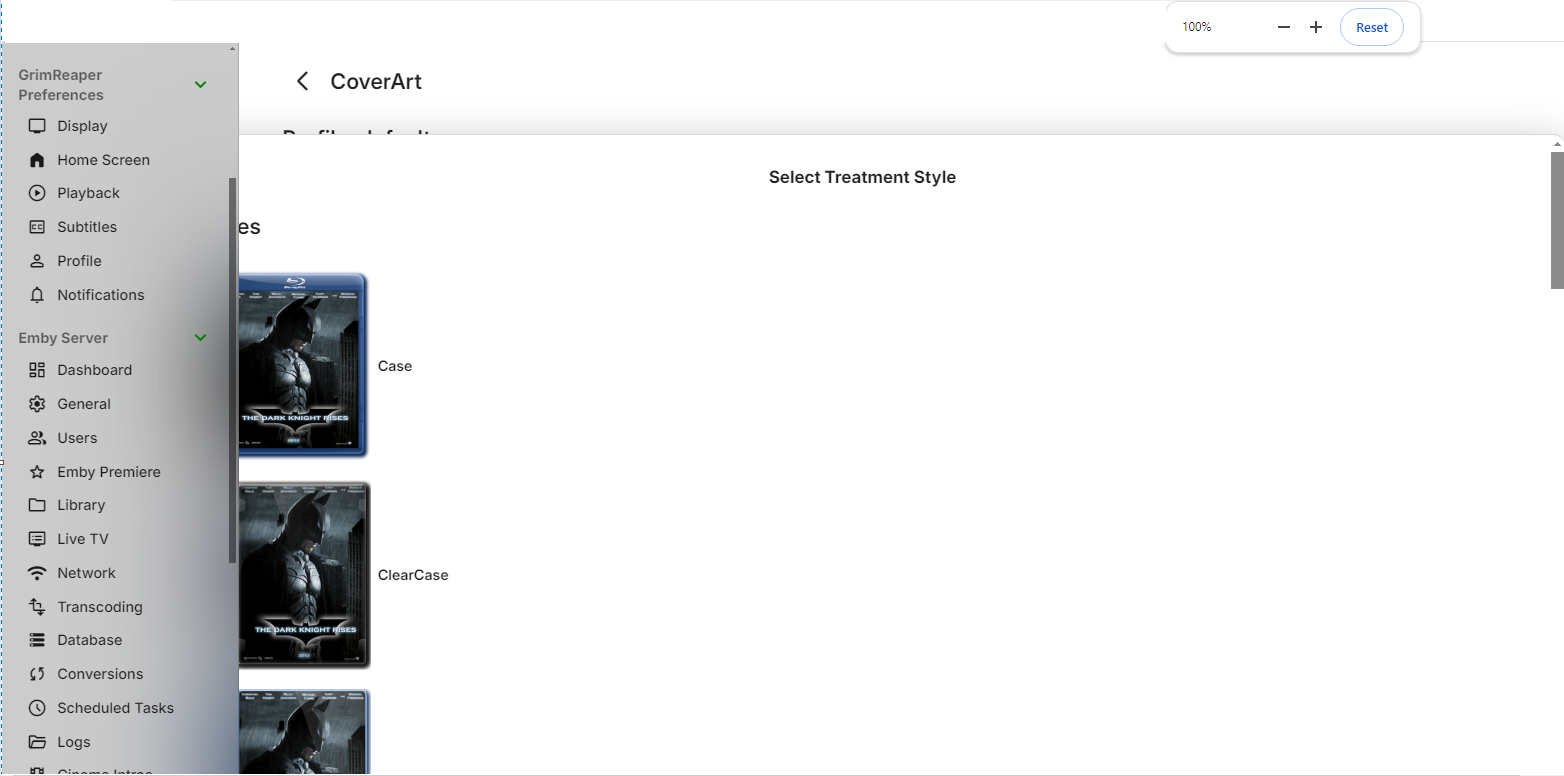
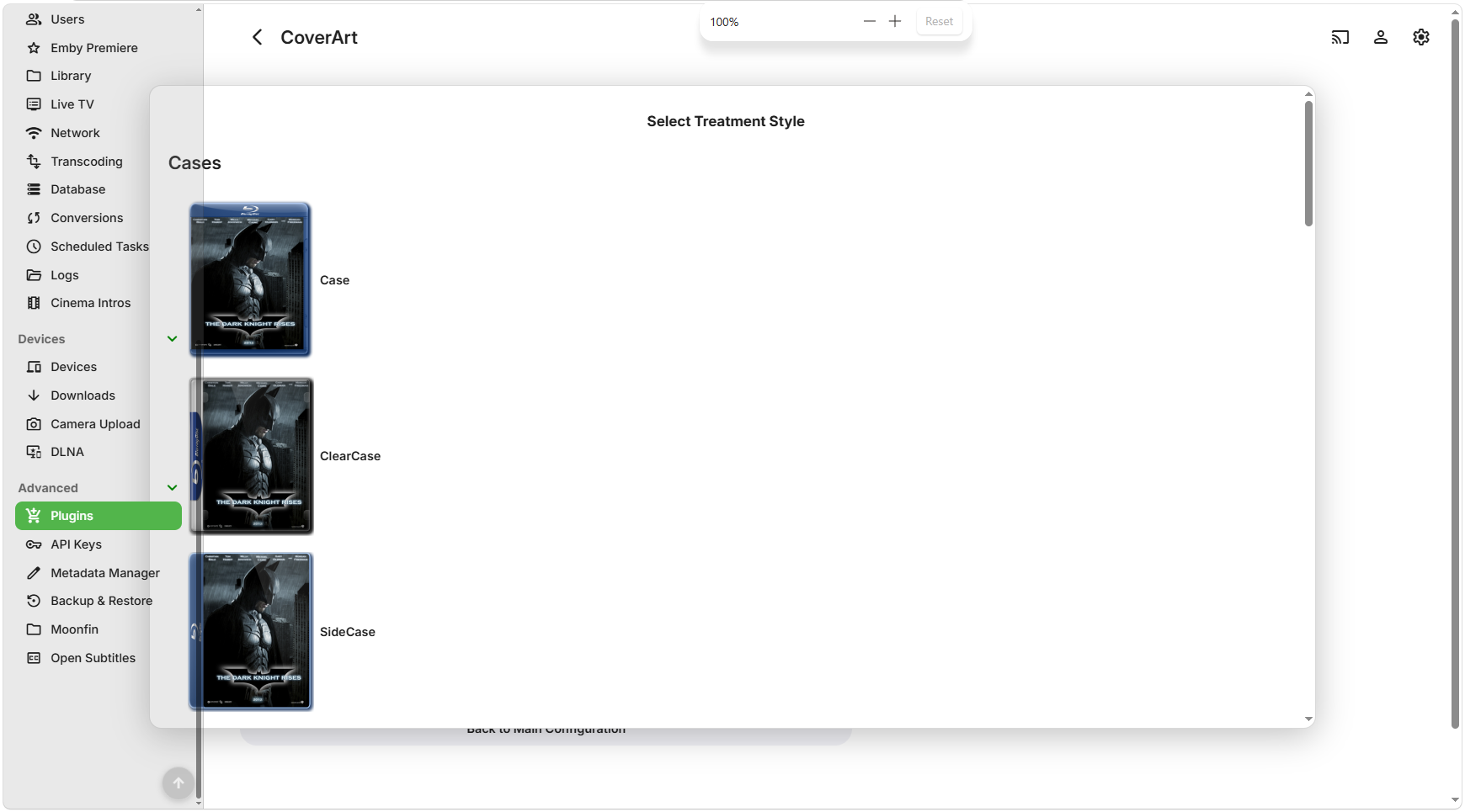
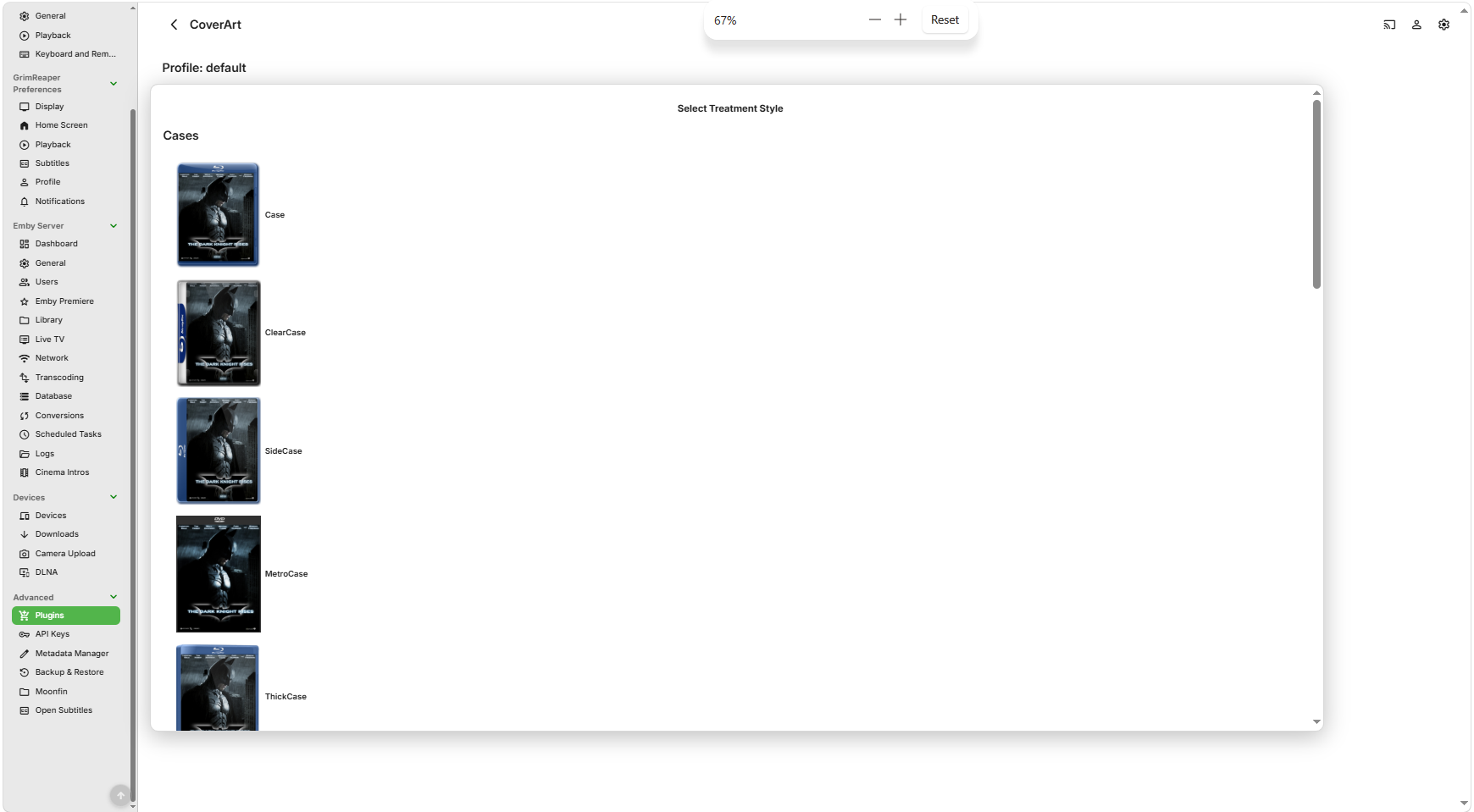
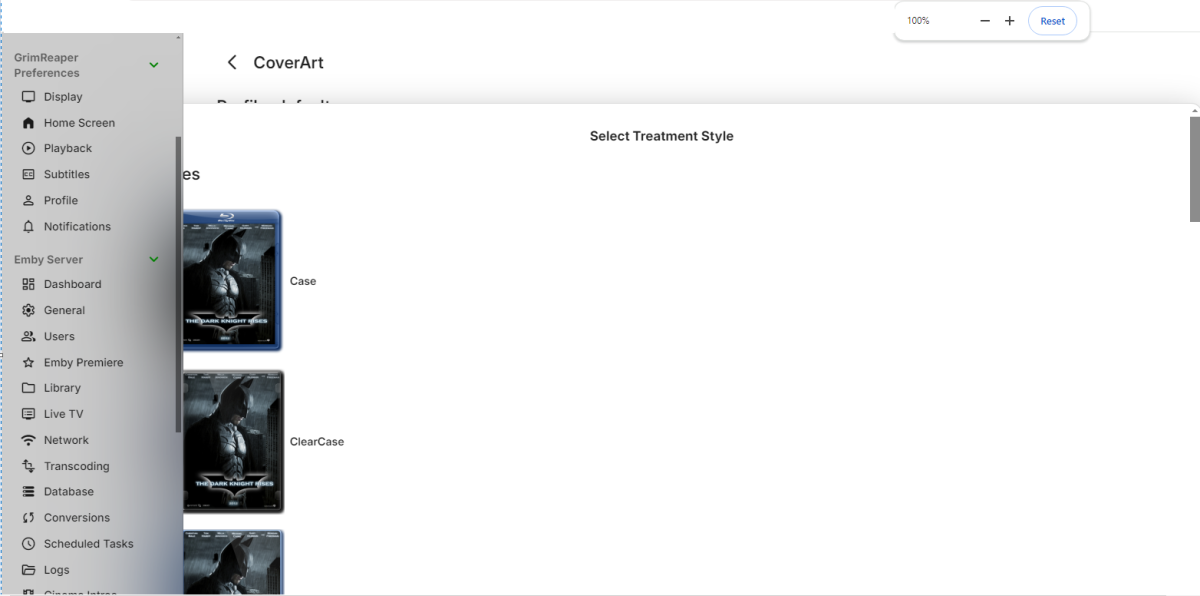
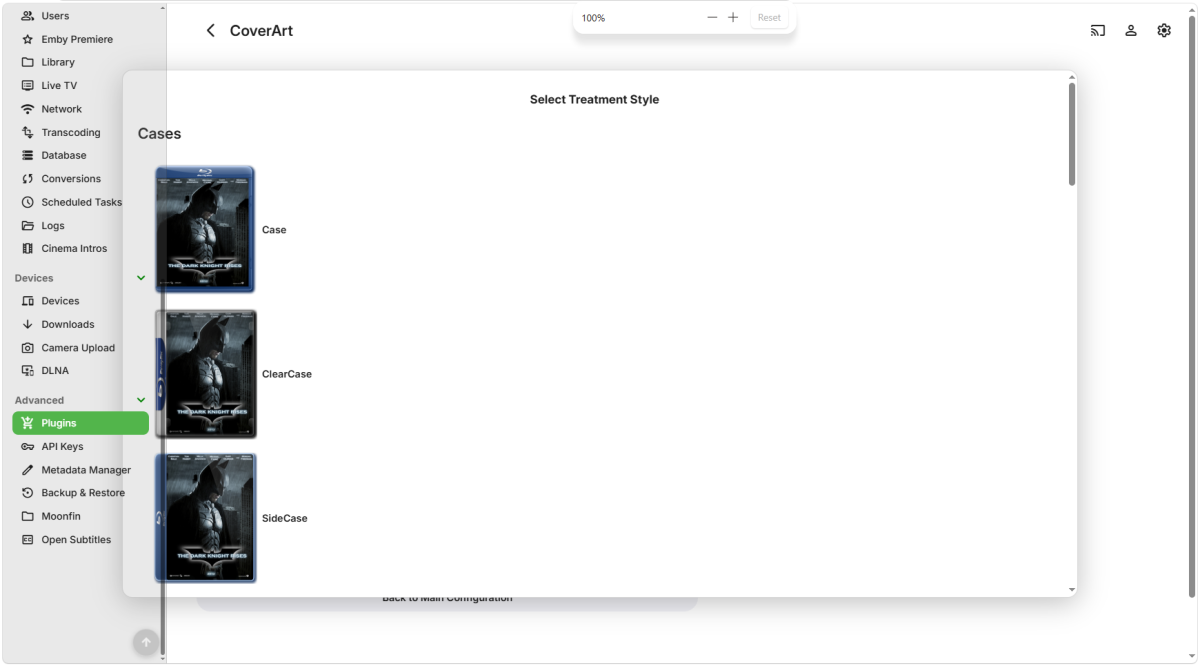
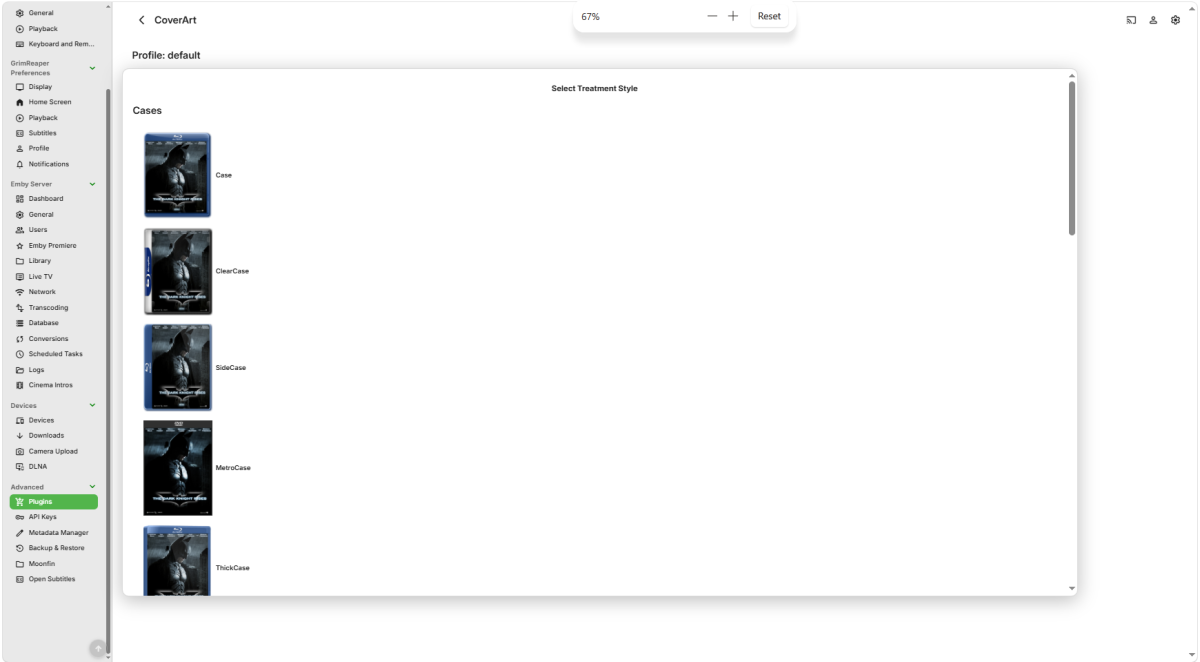
In the web browser? Not on straight MetroCase treatment. Btw, @Luke @ebrCoverart config window still eats into sidebar, need to go down to 67% zoom to see in in full.
-
For music, track numbers come from embedded metadata within the file. We don't actually try to parse the numbers out of the file name.
-
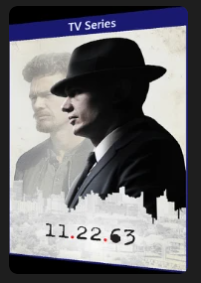
I've forgotten CoverArt could do that. Worried about the black lines under and above the poster though. Does CoverArt have that problem for you for TV shows as well when running alone? Just so i can be sure it's not a scaling problem i need to fix in EmbyIcons.
-
thanks for the link - and yes, a fair amount of my file names do start with track number, so in those folders, if I sort by the name, they do play in correct order....although that setting doesn't hold when I move to the next folder. I suppose sort order resetting to alphabetical each time is another part of my issue potentially.
-
Don't know is that original image that's tilted or treatment's doing it?
-
@GrimReaperI discovered another problem i need to fix some how when testing wth CoverArt installed. See if you can spot it. Hint: The screenshot is not taken with a camera. Or maybe not.. Looks like CoverArt it self adds those black lines and rotation (a feature i forgot it had). Well.. That makes things easier for me.
-

Clipping feature, easily create clips of your favorite shows to share
billxsand posted a topic in Feature Requests
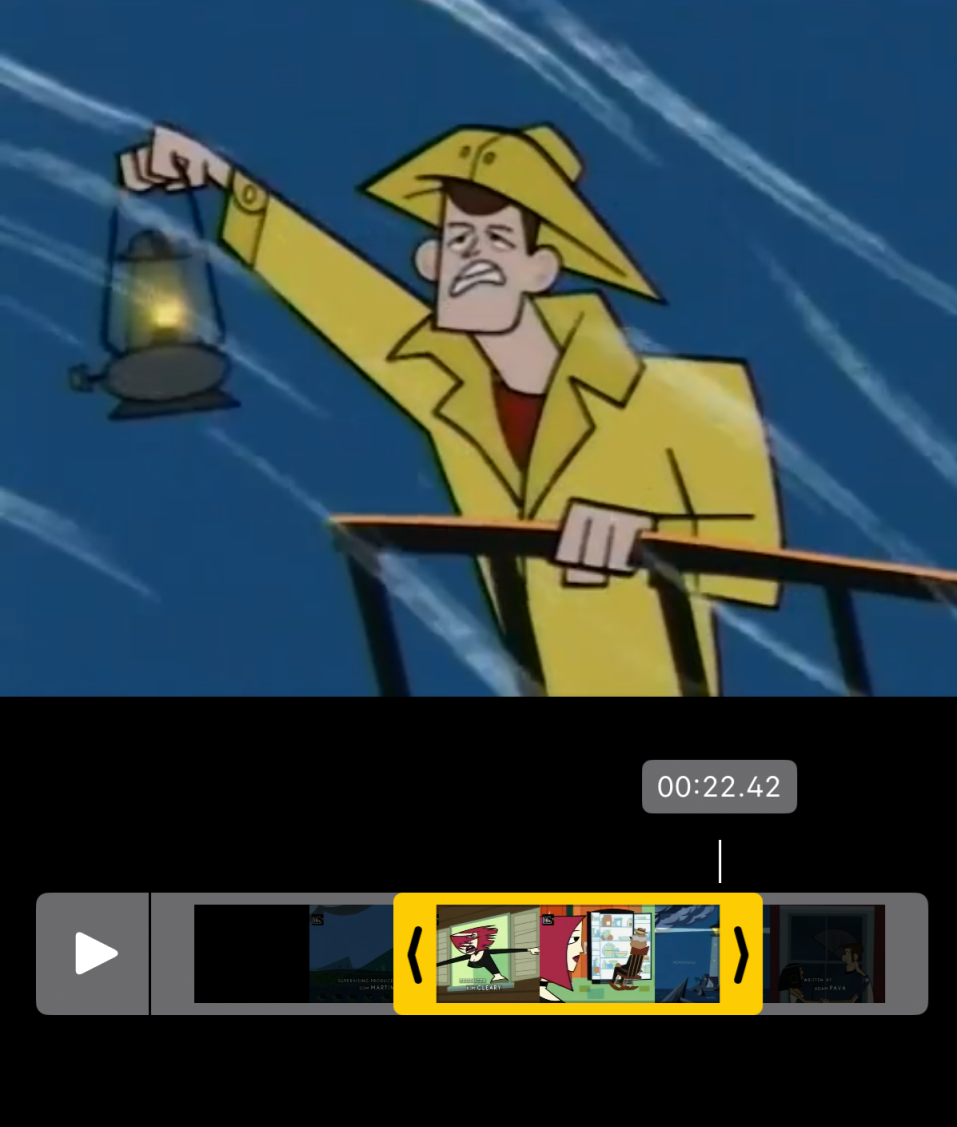
This is kind of a big feature request but I think it would be really useful, even if it only worked on desktop web browser I would love the ability to easily create clips from my own content WHILE i'm watching it So like here I am midway through an episode, I would want to hit the "Clip" button above, and it would change the timeline into something similar to the iOS Video cropping screen simple scrubber that lets you choose a Start and End point, and preferably shows the Video preview thumbnails to make the experience easier The clip would then be sent to the browser for download without transcoding while also storing the clip in a dedicated library/location Clips could then go to their own dedicated library for download, or immediately download to the browser.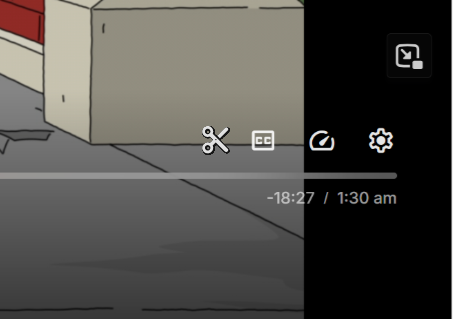
-
- 1
-

-
They are for the aggregation cache. Every time Emby lists items it asks EmbyIcons for each poster's cache key so it can see if the saved posters are up to date. In the end though they are a from back when EmbyIcons had a memory leak i needed fixed, i decided to keep them as well as they keep EmbyIcons memory usage as low as possible. Tbh. i should remove them, i just never really decided on what to set them too before doing so and then ended up forgetting about them. I recommend just leaving them alone.
-
Thanks, i'll look into it.
-
As of right now everything is working properly, might have to get Trakt to fix my watch list, but atleast I can actually watch my media, it was weird I even tried to watch something from the browse library from clicking on the Emby Server icon, and it wouldn't play
-
Well done Luke!
-
As soon as the task is run, it starts throwing CoverArt Skia errors (143 instances in this run), guess they don't play quite nice: Though the task apparently succeeded with no failed items: Once CoverArt uninstalled, no errors, but why is cache cleared on server restart, basically throwing all the previous good work out? That resulted in another long pre-draw run (though shorter than the original initial one): Subsequent run took usual ~8min:
-
Hi, apologies for the disruption. So everything is all cleared up now?