All Activity
- Past hour
-
 阿童木 joined the community
 -
 herochve joined the community
 -
 marotinho911 joined the community
 -
 Marotinho991 joined the community
 -
 polehill joined the community
 -
 Daniel-Could joined the community
 -
 kokki21 joined the community
 -
 Marotinho91 joined the community
 -
 alexabaloo joined the community
 -
 Janderson Silva joined the community
 - Today
-
Hello Emby Community, I'm hoping to get some help with issue I'm facing after setting up a new Emby server on my PC. When I try to manually connect my Roku device to the new PC server, I get the error "Invalid username and password" even after multiple attempts. Important detail: By mistake, I used the same username and password for the PC server that I was using for my Android server. The Roku shows both servers (Android and PC) separately in the list, and the Android server connects fine. However, the PC server keeps rejecting the credentials. Question: Could using the same username/password on both servers be causing this authentication issue? Or is there something else I need to check? Any help would be greatly appreciated. Thank you!
-
I've answered on Emby forum and not on Beta Forum so this is not the point. I've great issues on Beta but not on current 2.310 version after update from MS store I've start Emby 2.310 right now and good at first attempt. Let's see of some users have the same random issue or not...
-

Multiple Libraries Showing Separately + Invalid Username/Password on Roku for New PC Server
GrimReaper replied to macaronz's topic in General/Windows
Yes, remove all but one Movie and one TV Shows type library. Let the Scan media library task run its course. Once completed, add all those paths (per partition) in those two remaining libraries by clicking "+ Add" next to "Folders" header in library edit. https://emby.media/community/forum/91-roku/ -

Multiple Libraries Showing Separately + Invalid Username/Password on Roku for New PC Server
macaronz replied to macaronz's topic in General/Windows
So, should I remove all these libraries? I just created my account on this forum today, so I'm not very familiar with it yet. Which section should I post in regarding this server login issue? -
Multiple Libraries Showing Separately + Invalid Username/Password on Roku for New PC Server
GrimReaper replied to macaronz's topic in General/Windows
You'll have to rebuild your library. Open a topic in respective forum section, provide server and in-app logs: How to Report a Problem -

About the issue of Emby client's homepage dynamic images on Apple TV
17732 replied to 17732's topic in Apple TV
I saw that players that connect to Emby can display animated images on Apple TV -
Multiple Libraries Showing Separately + Invalid Username/Password on Roku for New PC Server
macaronz replied to macaronz's topic in General/Windows
Oh, I see. How can I fix this now? I think I've created a bit of a mess. I also need help with another issue that's actually more important I can't seem to log into the server on my Roku device. -
Multiple Libraries Showing Separately + Invalid Username/Password on Roku for New PC Server
GrimReaper replied to macaronz's topic in General/Windows
You don't create separate library for each partition/path, you need to create single library with multiple paths (each partition). -

Multiple Libraries Showing Separately + Invalid Username/Password on Roku for New PC Server
Abobader replied to macaronz's topic in General/Windows
Hello macaronz, ** This is an auto reply ** Please wait for someone from staff support or our members to reply to you. It's recommended to provide more info, as it explain in this thread: Thank you. Emby Team -
Multiple Libraries Showing Separately + Invalid Username/Password on Roku for New PC Server
macaronz posted a topic in General/Windows
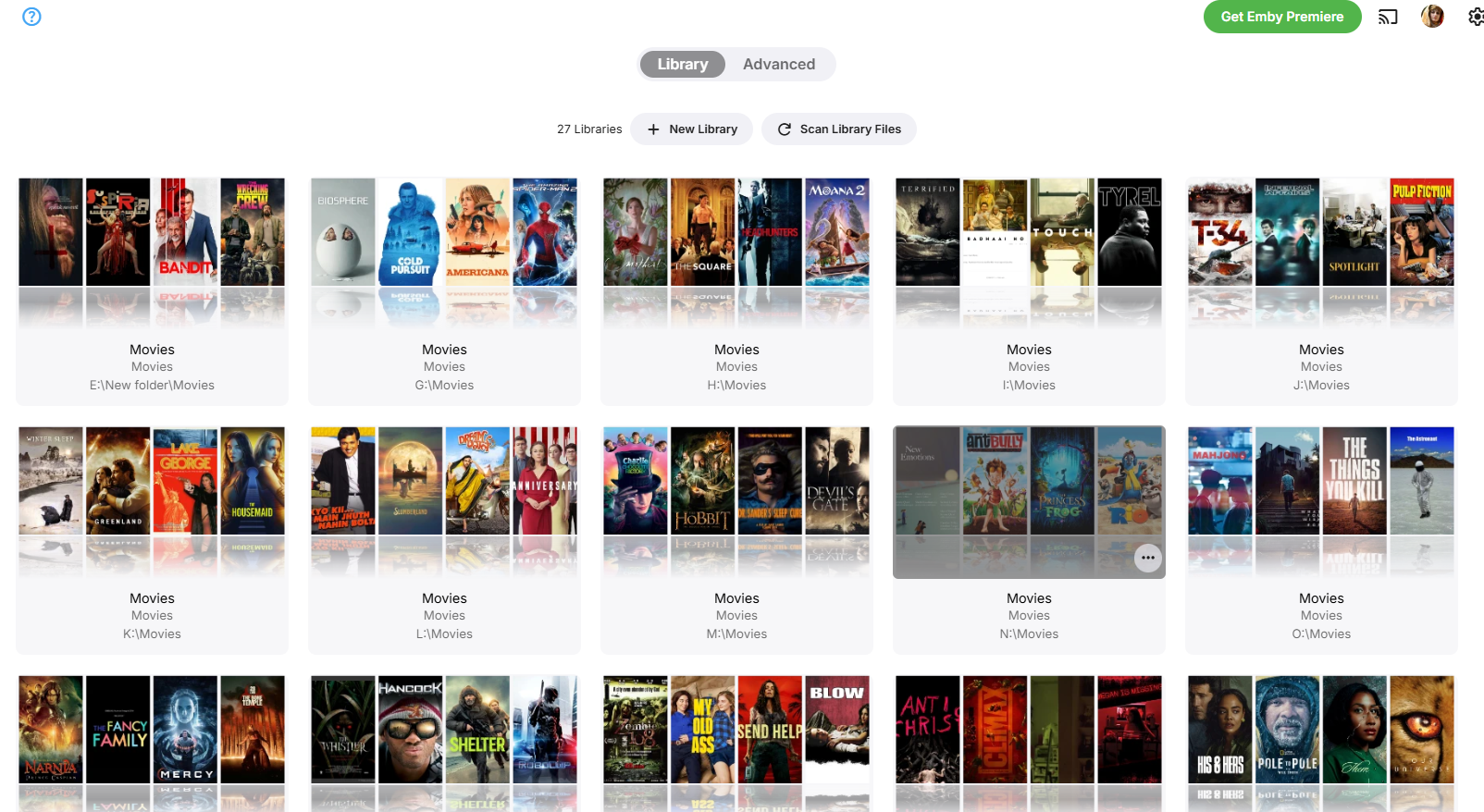
Hello Emby Community, I'm hoping to get some help with two issues I'm facing after setting up a new Emby server on my PC. Background: I've been running Emby Server on my Android device for quite some time, which works perfectly with my Roku TV. Today, I created a new Emby server on my Windows PC. My PC has 8-10 partitions, and each partition contains separate folders for Movies and TV Shows with media files in them. Issue 1: Libraries Showing Separately Instead of Merged When I set up the PC server, I selected each Movies and TV Shows folder from every partition one by one. After scanning the libraries, my Emby home screen shows "My Media" with Movies and TV Shows listed separately for each partition. For example: Movies (D:) TV Shows (D:) Movies (E:) TV Shows (E:) Movies (F:) TV Shows (F:) I want all movies from all partitions to show together in a single "Movies" library, and all TV shows to show together in a single "TV Shows" library. I have already run the library scan multiple times, but they remain separate. Question: How can I merge these so that all movies appear under one unified Movies library and all TV shows under one unified TV Shows library? Issue 2: Invalid Username and Password on Roku When I try to manually connect my Roku device to the new PC server, I get the error "Invalid username and password" even after multiple attempts. Important detail: By mistake, I used the same username and password for the PC server that I was using for my Android server. The Roku shows both servers (Android and PC) separately in the list, and the Android server connects fine. However, the PC server keeps rejecting the credentials. Question: Could using the same username/password on both servers be causing this authentication issue? Or is there something else I need to check? Any help would be greatly appreciated. Thank you!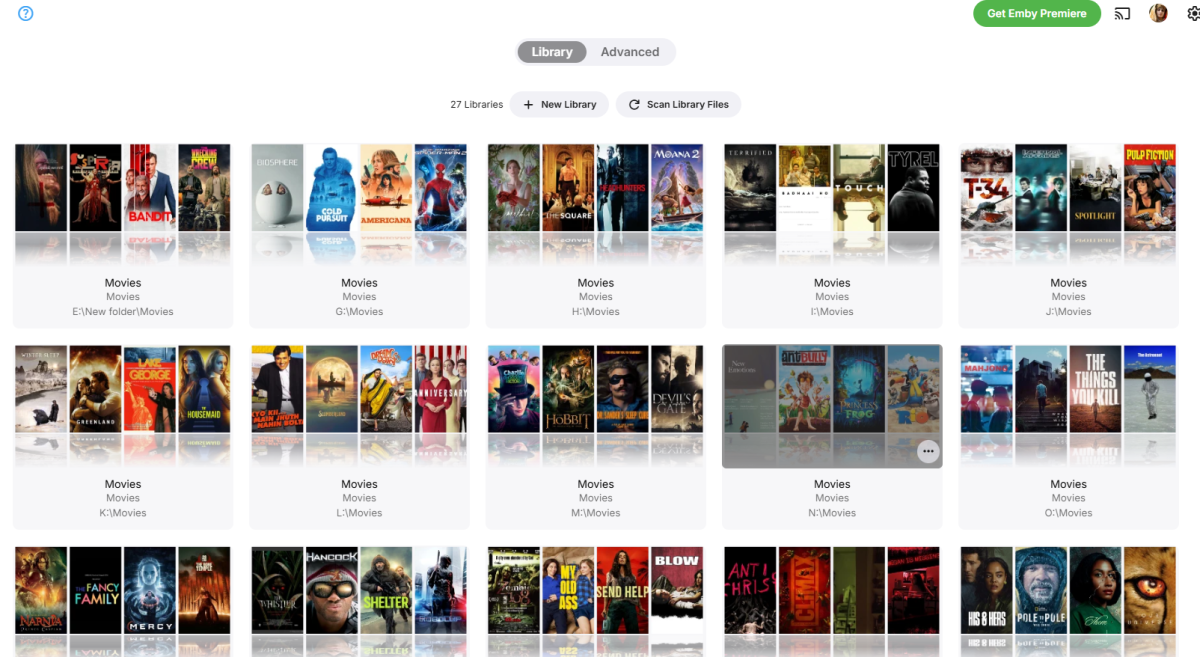
-

About the issue of Emby client's homepage dynamic images on Apple TV
SamES replied to 17732's topic in Apple TV
The native images on ATV don't support animated gifs. We used a custom image element for the main Hero Image on some detail pages to support animation but I'm not sure how compatible it would be with Library items. -
The update removed all my Webstream sources but did not remove the content from my library but broke all the links. Uninstalling plugin and then reinstalling removed all the old sources but will require a library rebuild which can be quite time consuming with a lot of content. Version 4.10.0.14 beta
-
My hypothesis: its the same for both skills, if you dont specify the skill name or the skillname is not 'heard' (which is quite often the case) and you end up with "Alexa Next" rather than "Alexa ask mb home next". And the alexa treats this differently.
-

Introducing Traxx, an Android music app built for Emby music libraries
Hauzz replied to Hauzz's topic in Third Party Apps
Android Auto was loading albums too slowly, especially with larger music libraries. In some cases it looked like albums were not loading at all. This has been fixed. Albums now load much faster in Android Auto, without changing playback or server switching behavior. Please test this version to see if the problem is gone. traxx-beta.apk -

Emby 2.0.3 Apple TV 4K – Emby app crashes during playback (Direct Play) with no server errors
skipistensau replied to Eliran's topic in Apple TV
Hi guys, I’ve had similar experiences. Movies or series with subtitles take a very long time to start or cause the app to crash sporadically. The Emby app crashes sporadically while watching Live TV. Unfortunately, 4K HLG 50fps HEVC Live TV content doesn't play smoothly on the Apple TV; it stutters constantly. I’ve also noticed that if I change the Apple TV resolution to 1080p and play a 4K Live TV channel, it runs significantly better. The Emby dashboard shows the stream playing in 4K, and my IPTV panel confirms this. However, FHD Live TV also works very well at times; watching for two hours is sometimes possible, though it’s a bit of a gamble. -

Introducing Traxx, an Android music app built for Emby music libraries
GrimEvil replied to Hauzz's topic in Third Party Apps
When I am back in the car later, I will try it again and submit an updated log -
Hi @Lukeits v2.2.8 on my Samsung TV
-
About the issue of Emby client's homepage dynamic images on Apple TV
17732 replied to 17732's topic in Apple TV
I opened emby on my computer's web browser and tried uploading pictures in 5 different formats: jpg, png,webp,gif,apng Only jpg and png files can be uploaded - any other format just keeps looping and won't upload. Also, Apple TV won't display animated images. Are you going to fix this? 518.mov -

Regarding the issue of 4.9.1.80 and the plugin Bluray Folder Support 1.0.3.0 recognizing BDMV original disc fi
panlu replied to LonelyCat's topic in Synology
Is this issue solved? I have the same problem so I do not upgrade the version to 4.9 or later. -

Best path for cleaning up duplicate People profiles / folders?
ginjaninja replied to Smitty018210's topic in General/Windows
had you spotted this scheduled task (id never clocked it before)....i wonder what it does..but it might have a part to play.
-

Playback issues with certain shows on Sony Bravia using Emby app
cnieuweboer replied to Zaryt's topic in Android TV / Fire TV
Also tried using the "external player" function in the Emby app. The sony "Media Player" app plays the h264 10bit video fine. -
Introducing Traxx, an Android music app built for Emby music libraries
Hauzz replied to Hauzz's topic in Third Party Apps
Thatś strange, I dont recognize this behevior. Iĺl check the log. -
Oh, I see. I see, so the problem is somewhere else, I'll look for that. Thanks.
-
Added to the todo list.
-
I never really thought of that, i will add it to the to do list. Thank you for the suggestion!