All Activity
- Past hour
-
So EMBY team. What have you changed in the Android TV app this month. Not the Emby for Android but the Android TV app. No updates on this abandoned app since March 2025. I'm not complaining since it works well, don't break it! But now TWO updates to it in the Google Play Store just this month to version 2.1.56g. No change log so what have you changed?
-
 Amouch joined the community
 -
 启云 joined the community
 -
 Faisal16 joined the community
 -
 ylym_123 joined the community
 -

Images from one movie are randomly propagated to other movies after updating artwork
yocker replied to eMoOak's topic in General/Windows
Strange, I still can't say it isn't embyicons but it sure doesn't look like it too me. I will keep working on the issue I found and upload it asap so at least that is fixed. For now I suggest giving ebr some logs so he can look into it there is a problem with Emby or embarrassingly Embyicons -
 Zhako joined the community
 -
 Benthe89 joined the community
 -

Screen does not turn off on end-screen when automatic playback of next Episode is disabled
ricostuart replied to SaschaLois's topic in Android
Any update on this as I'm worried of getting screen burn on my devices as this keeps happening every night. And often during the day too. -
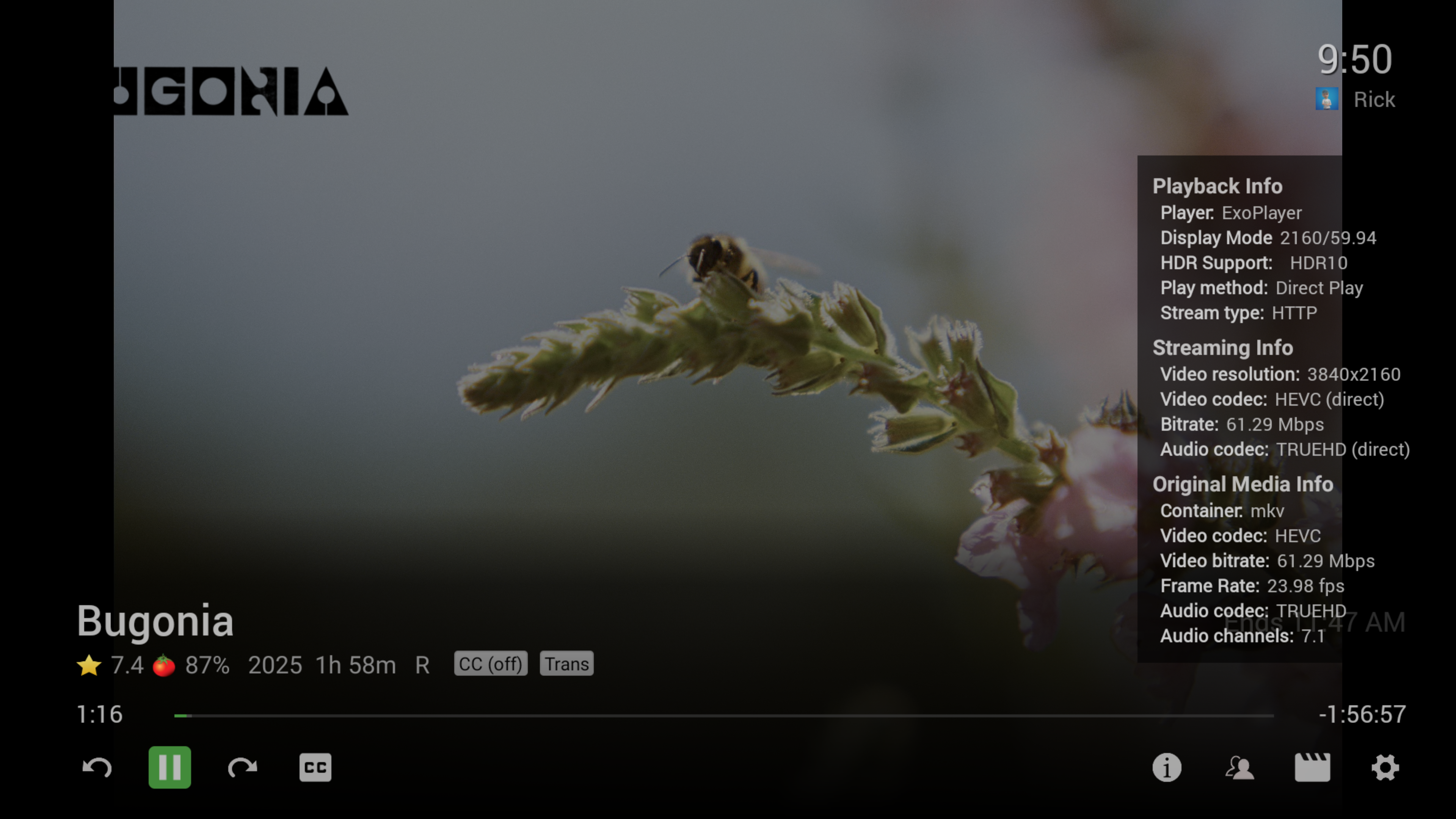
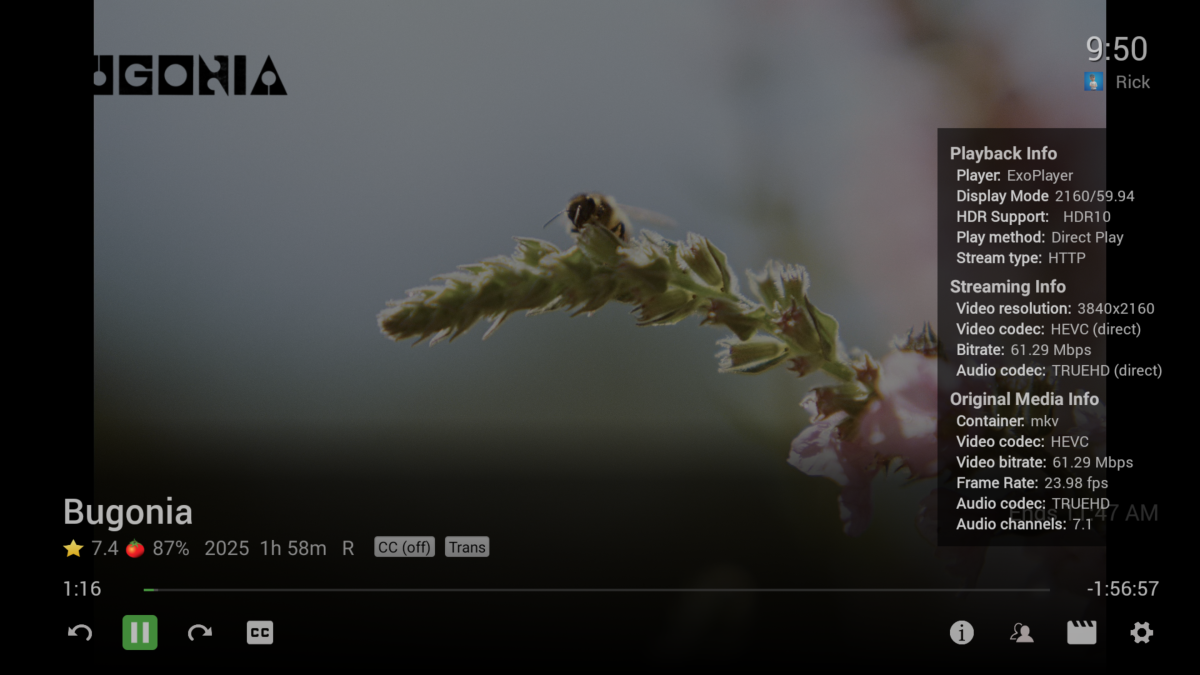
You can get both to show at the same time (until the OSD auto closes) to see the difference. I'm running .53 now and almost 2 minutes into the video SFN still hasn't updated. ffmpeg-remux-51bf48bb-cc19-465b-b42e-92a0fc84af72_1.txt
-
 g3689473137@gmail.com joined the community
 -
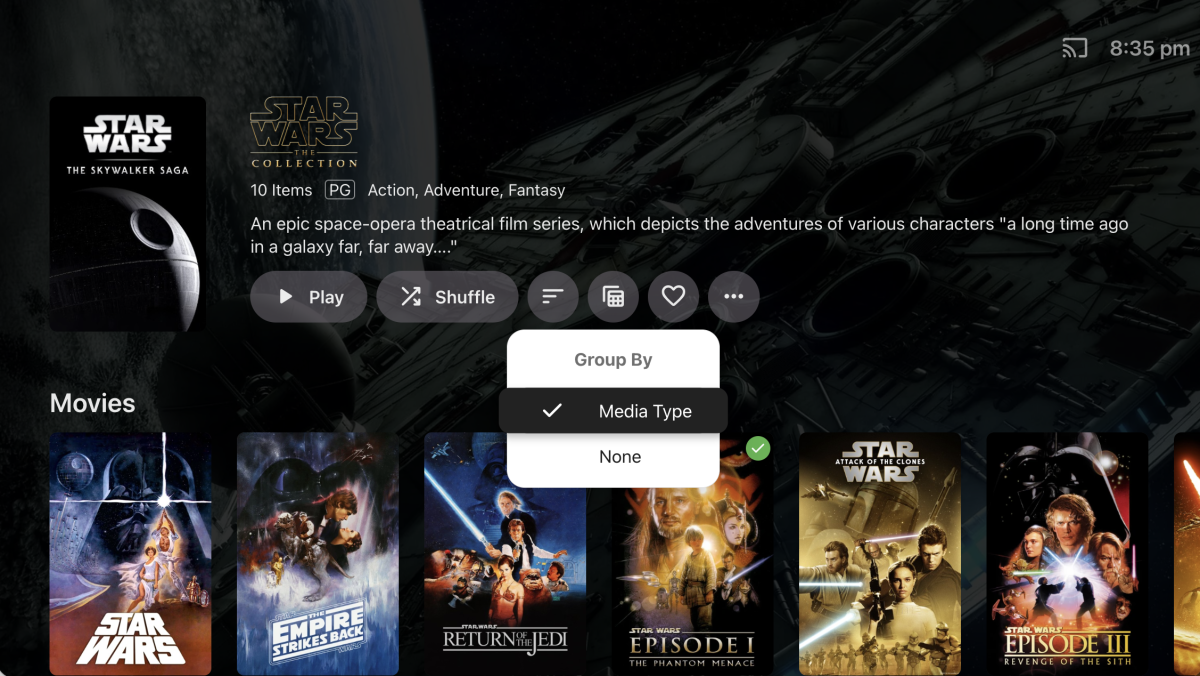
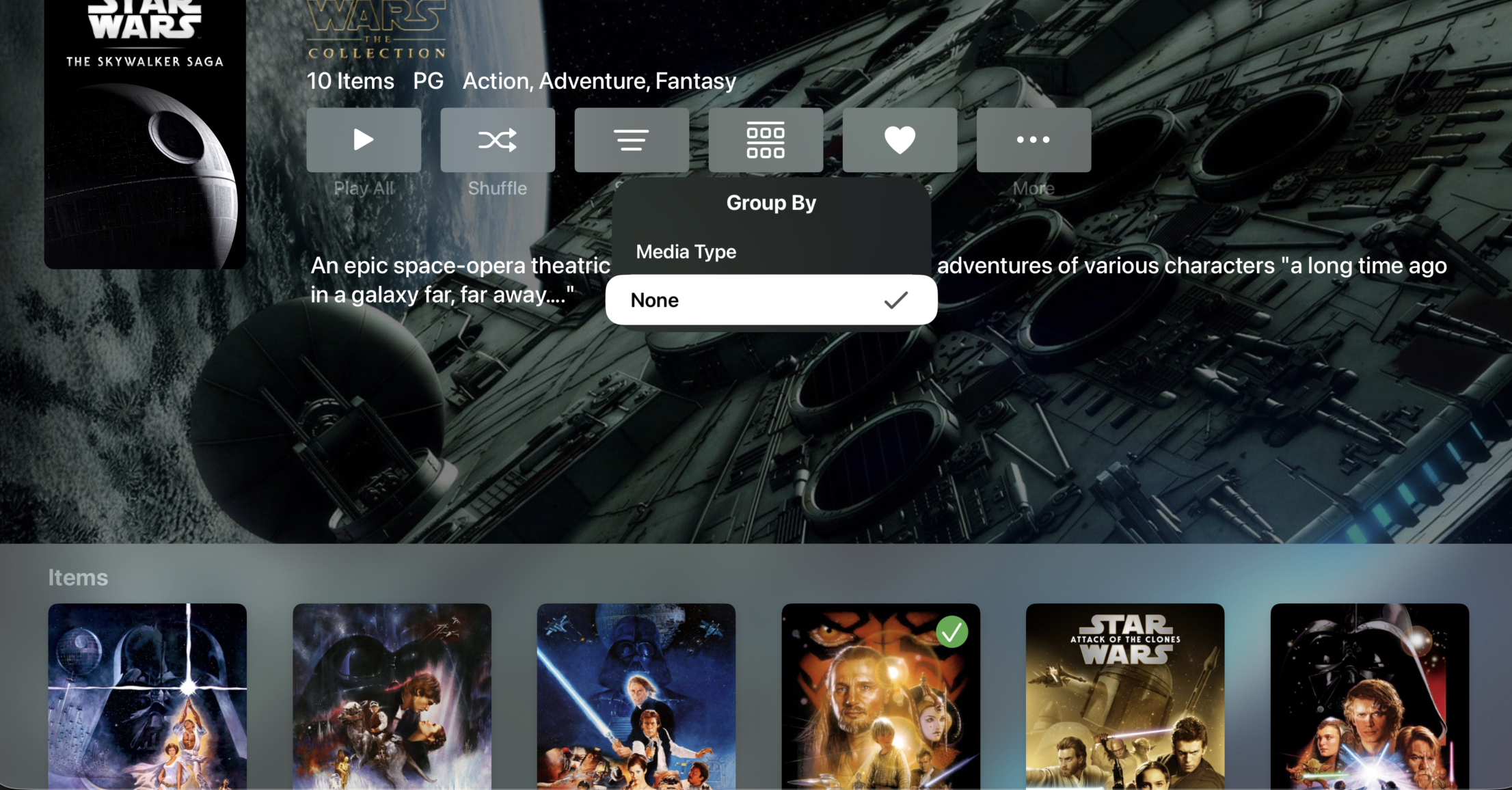
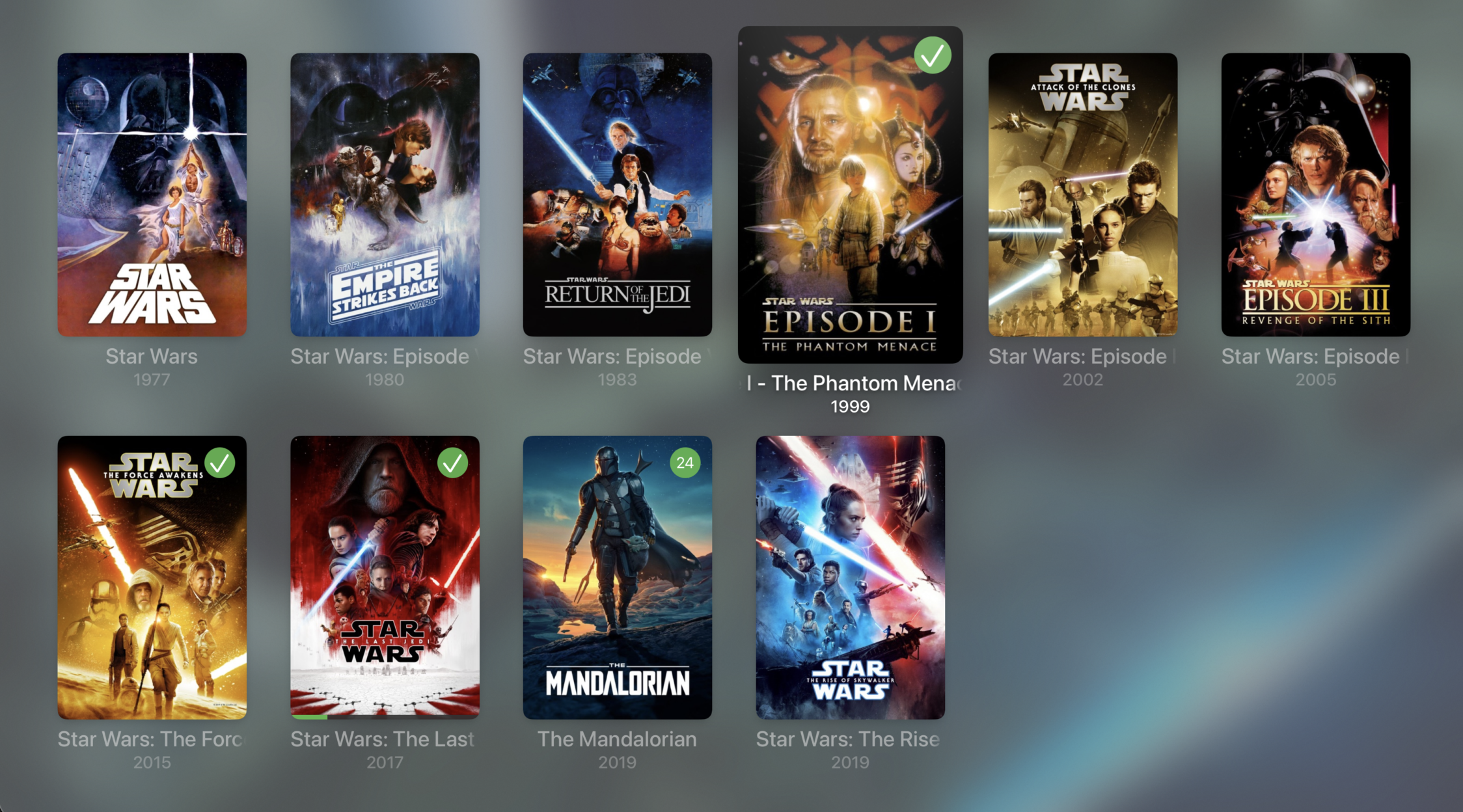
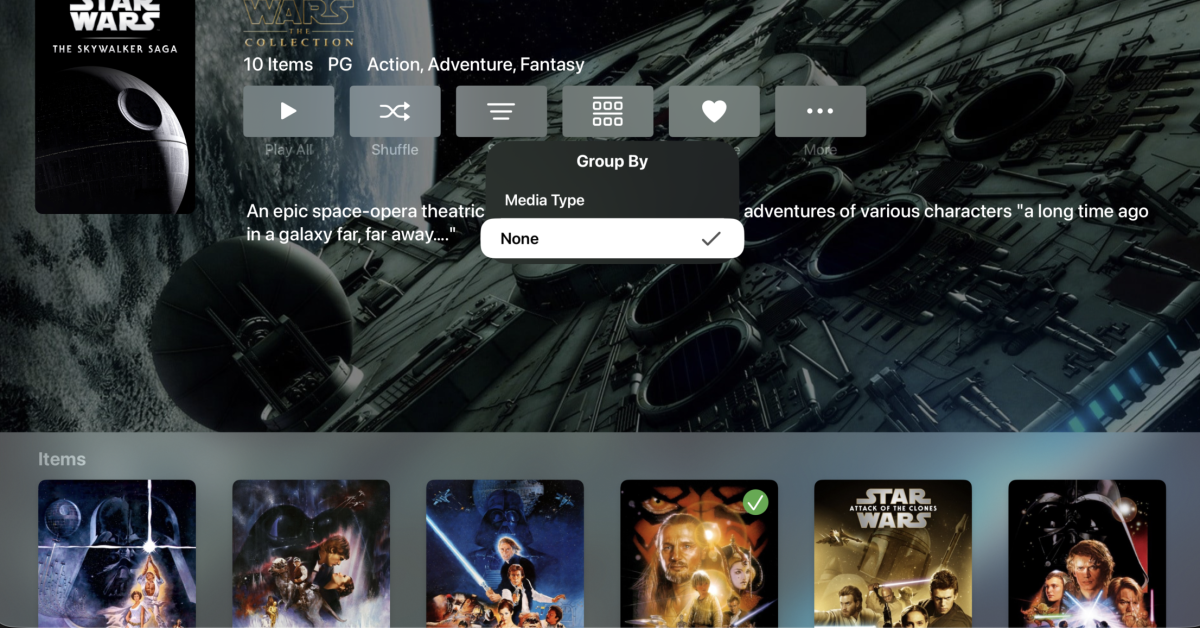
Yes, I have the group by type off on web. Ideally id like to set the views to not have that enabled by default for all users as I group collections into internal timeline order so if you’re watching something like Star Trek, Star Wars, MCU, etc all of the items are in the order they happen in-universe rather than when they released.
-
 tvmontoya joined the community
 -
 Velten joined the community
 -

Images from one movie are randomly propagated to other movies after updating artwork
eMoOak replied to eMoOak's topic in General/Windows
Yes, I did. It didn't change anything. The displayed artwork remained incorrect after the metadata refresh. What's even stranger is that when I open Edit Images, I still see the incorrect artwork, even though the local artwork files in the movie folder (poster.png, fanart.jpg, logo.png, etc.) are the correct ones. So Emby doesn't seem to be using the local artwork files for the affected movies. -
public class GenericListItem { /// <remarks> /// The URL will be followed, unless <see cref="P:Emby.Web.GenericEdit.Elements.List.GenericListItem.HyperLinkTargetExternal" /> is set, causing it to be opened externally. /// The exect behavior is app-specific. /// Not all client applications are able to show web content in external windows. /// </remarks> public string HyperLink { get; set; } /// <summary>Gets or sets a value indicating whether the hyper link target will be opened externally.</summary> /// <value><c>true</c> to open the hyper link target externally; otherwise, <c>false</c>.</value> public bool HyperLinkTargetExternal { get; set; } Hi @softworkz I am testing HyperLinkTargetExternal=true; in browser on Windows (which i assume does support external) and it does not launch external (by which i mean on a new tab, that was my understanding of 'external') tested on 4.9.1.90 any ideas? is this a known issue? thanks.
-
Images from one movie are randomly propagated to other movies after updating artwork
yocker replied to eMoOak's topic in General/Windows
Without embyicons installed, have you tried doing a metadata refresh on one of the affected videos? Embyicons should not create anything persistent that can't be fixed with a metadata refresh -
I was close I knew something needed enabling. Thanks Eric.
-
Images from one movie are randomly propagated to other movies after updating artwork
eMoOak replied to eMoOak's topic in General/Windows
That's interesting. I did completely uninstall EmbyIcons and was still able to reproduce the issue afterwards. If EmbyIcons created some persistent state that isn't removed when the plugin is uninstalled, that could explain it. Otherwise, I'm still able to reproduce the behavior without the plugin installed. -
Images from one movie are randomly propagated to other movies after updating artwork
yocker replied to eMoOak's topic in General/Windows
I *might* have identified something that could cause movies to be misidentified because of some guardrails I made. Looking into it. -
Images from one movie are randomly propagated to other movies after updating artwork
eMoOak replied to eMoOak's topic in General/Windows
I deleted the entire programdata\cache directory while Emby Server was stopped, then restarted the server. I also refreshed the metadata for several movies after that, but the issue still occurs. -
To see the little "Trans" or "Direct" tag on the OSD, you do need to have "Display extra media Info" enabled.
-
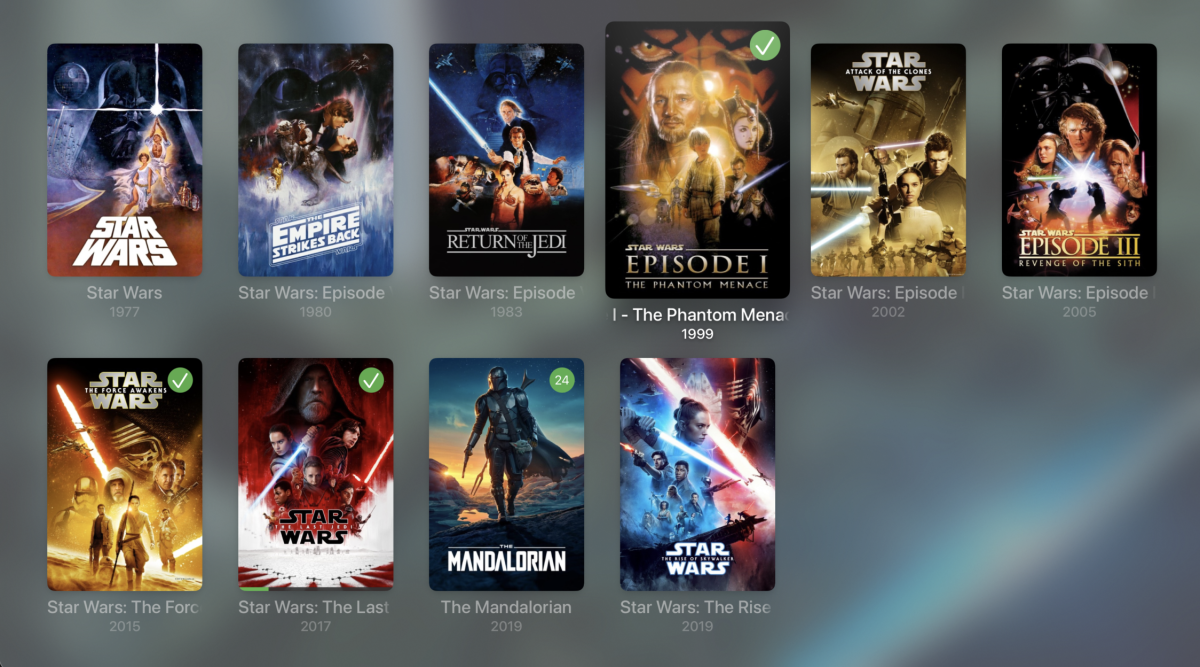
Should be in the next update:
-

AndroidTv update now black screen with av1/opus videos
ebr replied to esaym153's topic in Android TV / Fire TV
That beta is available now. - Today
-
Images from one movie are randomly propagated to other movies after updating artwork
yocker replied to eMoOak's topic in General/Windows
No problem, it's an obvious starting point for troubleshooting. I'm not trowing the ball to you either but to me it looks like a problem in Emby. I am, as i said before, looking into it now if it might be my plugin just in case. -
Can i also get you to send me some logs. Not sure if you and @eMoOakhas the same issue.
-
Can i get you to send me the server logs with debug enabled in both Emby and EmbyIcons ?
-

Seenr, a watch tracker that picks up your Emby plays over webhook
WilhelmStroker replied to KevByUs's topic in Third Party Apps
Yep i have completely ditched Trakt and am using Simkl now. Is there an API? I also use Crosstrack to keep things in sync so if there's an API then the Crosstrack dev would surely be happy to add this. -
Images from one movie are randomly propagated to other movies after updating artwork
ebr replied to eMoOak's topic in General/Windows
Okay. Not trying to call you out but two users of the plugin have now reported this issue. -
Images from one movie are randomly propagated to other movies after updating artwork
yocker replied to eMoOak's topic in General/Windows
They tried disabling EmbyIcons and the problem persists. They mention it's a problem with logos and fanart as well and EmbyIcons do not draw on those. I am looking into it just in case but i'm fairly sure that it's not a problem with the plugin. -
Images from one movie are randomly propagated to other movies after updating artwork
ebr replied to eMoOak's topic in General/Windows
Hi. Exactly how and did you do a full metadata refresh or clear your cache files after that? I think it is likely that is related: -
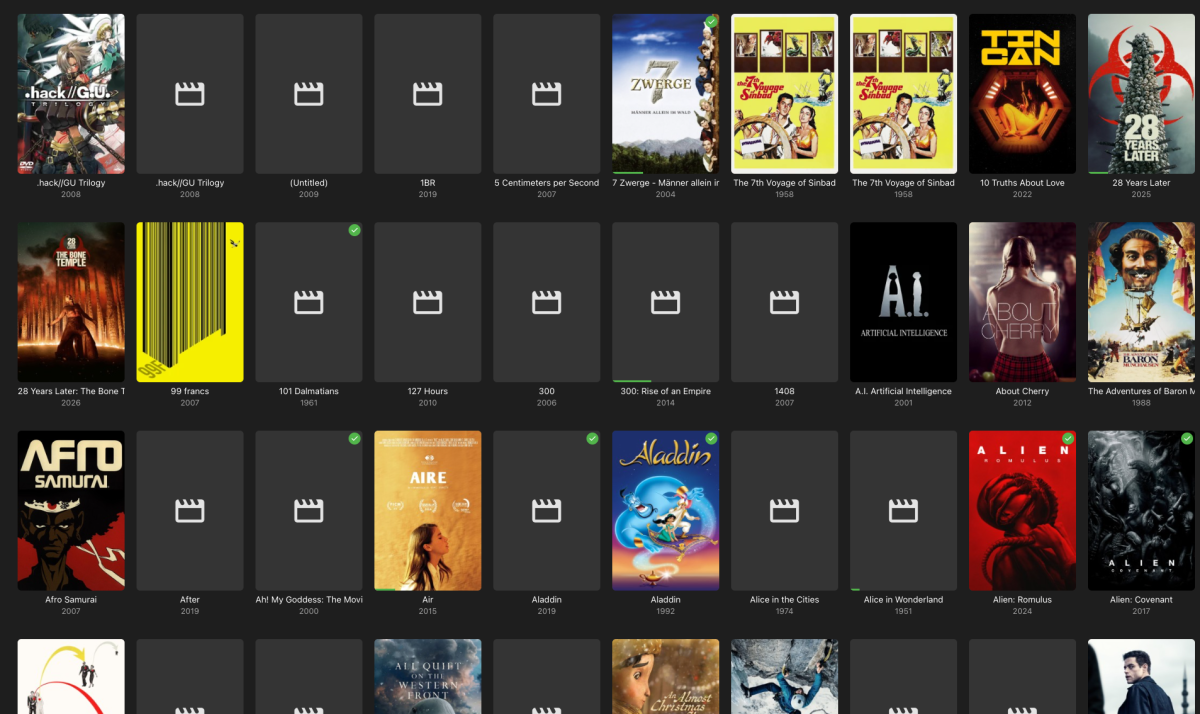
After a sync of my work-related folder with Syncthing (no emby folder got touched) I noticed that a lot of the movie posters got missing. I assumed a corruption because of a lack of enought inotify, so I increased them to 204800. I did "Refresh Metadata" (including "Replace existing images") and "Scan Library Files" a couple of times. It initially worked and I got my covers back, till the next day half of them were missing again. Syncing is deactivated since a long time now, so I'm not sure it's related to the issue. The missing posters appear in the emby app, Kodi and diverse browsers. Any idea where the bug could be buried? embyserver.txt
-
Well, what you probably have deactivated is the refresh rate switching entirely...
-
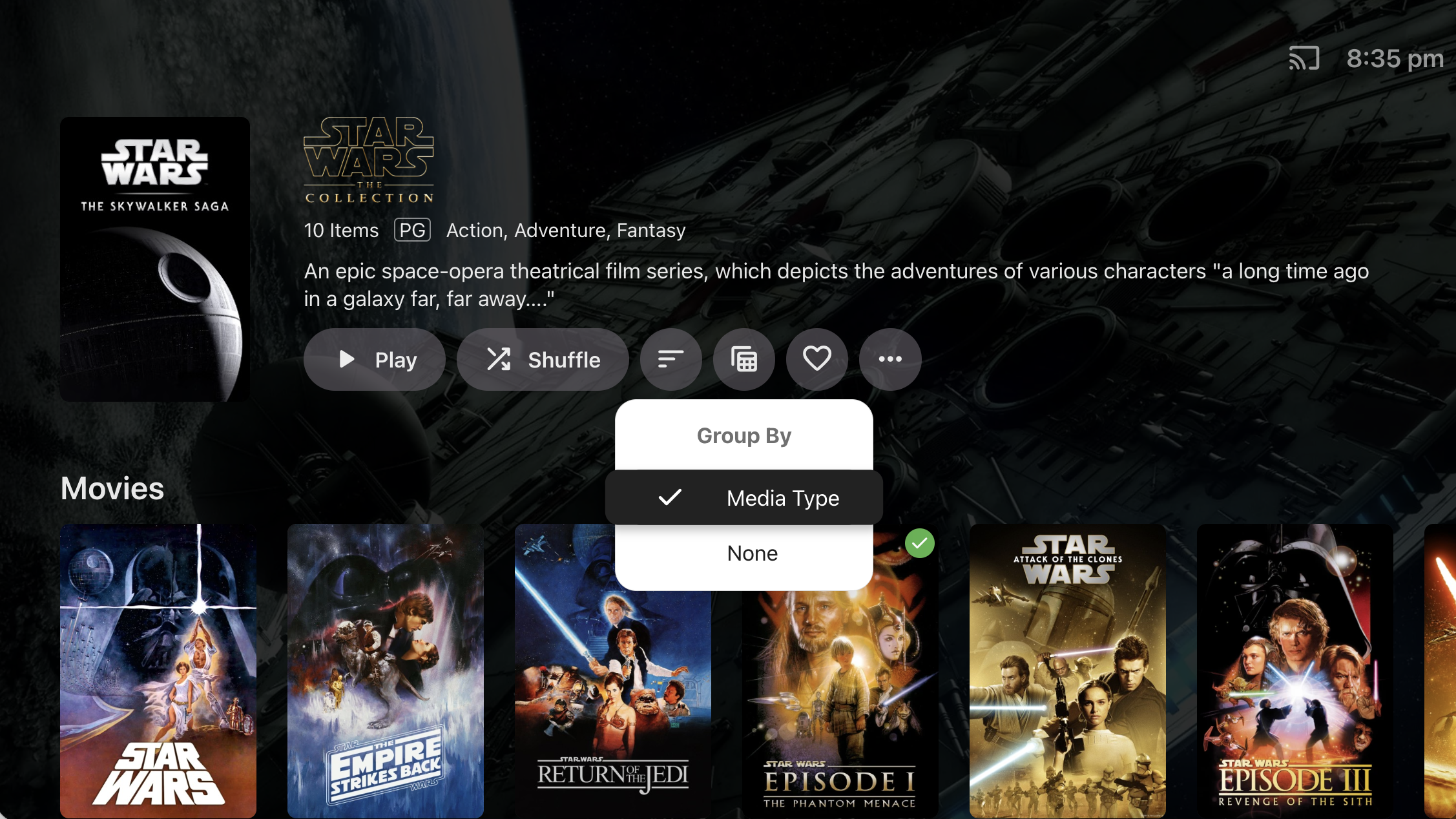
It's because we haven't implemented the 'Group By' option for Collections. @TheITJediI suspect you have this set to 'None' in the web app.