All Activity
- Past hour
-
For now I logrotate every 15 minutes and remove old logs via a cronjob so it's under control and I'll block on the firewall when able to do so. I'll probably hear from him sometime in the near future, I'll then try to get a better idea on how he managed to do this. Knowing him, he opened 20 clients at the same time when it didn't start playing immediately and then clicked everywhere as fast as possible, he's very good at creating/finding bugs Fingers crossed that a reboot will fix this. Thanks,
-
 Zxm-z-c joined the community
 -
 ks_allen joined the community
 -
 Oliviasf247 joined the community
 -
@jellis413 Thanks a lot for the details. That exact error has been fixed just two days ago. A new stable release will be out by the end of the weekend. Thanks again for reporting!
-
 lespapilions05 joined the community
 -
 Olivias259 joined the community
 -
Hi, I had this same issue after upgrade to TOS7. Some media files was played ok, and same not. I try also beta versions, but no change. Then I noticed that same media file was failed using my browser and same time it was ok when there was a android client. Server logs show transcoding errors like this 2026-06-30 06:22:20.192 Info MediaInfoService-XXXXXXXX: User policy for emby. EnablePlaybackRemuxing: True EnableVideoPlaybackTranscoding: True EnableAudioPlaybackTranscoding: True EnableTranscodingQuality: True 2026-06-30 06:22:20.192 Info MediaInfoService-XXXXXXXX: Bitrate exceeds DirectPlay limit: media bitrate: 4763567, max bitrate: 4000002 2026-06-30 06:22:20.192 Info MediaInfoService-XXXXXXXX: Bitrate exceeds DirectStream limit: media bitrate: 4763567, max bitrate: 4000002 Transcode settings was "no limit" After change that to example 4K everything works fine. My Terra-Master NAS is F4-425 Plus with latest TOS7 updates
-
Bjudna Zeb Zlatan 8920
-
 king1337 joined the community
 -
 Kaveri joined the community
 -
 yysj joined the community
 -
 hirofumo joined the community
 -
It sounds to me like a bug under some very specific and rare conditions. If the user with the client cannot be contacted, then I think that blocking it at the firewall level is the best option for the moment.
-
Not sure what process it could be in that would cause that. @softworkz
-
Overnight, I did quite a bit more research, and indeed I found that my paid XMLTV did NOT contain any icon images. I am trying to write a script that will populate these, but it tough going for a newbie! Sorry, I should have done more research before asking.
-
Yeah, spam is not the correct word, I see your point, "flood" is more appropriate. Still, it would be preferable to have something like "last message repeated x times" like syslog if they always are the exact same event for the same client. I guess, then, the issue is "Why does the client, when receiving a 401 or 403, retries as fast as possible forever?"
-

Possible de trouver un m3u avec les chaines tnt fonctionnelles ?
ebr replied to Swaf's topic in French
Hi. I'm afraid that link is most likely not legal to access in many parts of the world so we cannot have it here. Thanks. -
It was that one. The issue could have been temporary where they were switching quickly and a stream had not quite been cleaned up yet.
-
Hi. I would not call this "spam". You have an actual event occurring and the server is reporting it. What if it were someone you didn't know and the server just stopped reporting it after a while? You might never see what was happening.
-
Yes, I see a .NET error and then immediately (every time there is a .NET/app crash) a coreclr.dll error. Maybe re-install .NET is my solution? Anyway, here is one of the Event Viewer for both: the errors from one of the events for both .NET and CORECLR.DLL are attached. Thank you for your assistance. Net.txt coreclr.txt
- Today
-

I built the Plexamp "Sonic Analysis" experience for Emby — self-hosted. Anyone Interested? Want to test it?
kaj replied to kaj's topic in Third Party Apps
Thanks @ginjaninja— really useful report, and that's a proper stress test (50k tracks while Emby's still ingesting, on a beast of a box ). Quick answers so you're not left hanging tonight: Safe to leave it running — these are all per-track errors, not a whole-scan failure. It'll keep chewing through the library. You won't lose progress. Analysis state lives in data/sonic.db (+ the FAISS index in data/), so stopping/retrying just picks up where it left off — and data/ is the folder to back up. Not your hardware — nothing here points at the 4090/9800X3D. It's a few software-handling gaps on our end. I've already pinned down what's going on: a handful of tracks with short/corrupt audio are tripping the analyser (the "output size too small" + mpg123 resync messages), and when that produces bad numbers we're re-queuing them instead of cleanly skipping — which is the noise you're seeing. The 10061/503s are mostly Emby being hammered while it ingests + streams at the same time. I'll fix the track-level handling (skip + mark bad tracks instead of retrying them forever) tomorrow and let you know when it's in a build. Keep it running in the meantime — the good tracks are all landing fine. -

Possible de trouver un m3u avec les chaines tnt fonctionnelles ?
CLB01 replied to Swaf's topic in French
Good morning, Here is a URL that works for me (not tested with Emby but on another IPTV application): [redacted] It takes a little while to understand, but all the channels are there (you may need to replace TF1 and M6 with TF1 Swiss and M6 Swiss, which are a little further down in the list). -
Hi there, I was having an issue where a windows client was sending multiple play/stop events to the server per second. I sent the user a message to try and fix this, but no response. So, first I tried to block his ip in the Remote IP address field, the logs were now filled with I then tried to remove the block and completely delete the user from the server, the spam changed to I'm getting about 50 of these message per second... I'm currently rotating the log every 15 minutes, they are about 25MB in size each, which is not ideal I will block his ip upstream when I'm able to (waiting for some hardware), but will it then spam the firewall forever? Is there a way to stop the server from logging this ? It's been doing this for a bit more than one day now nonstop. Thanks,
-
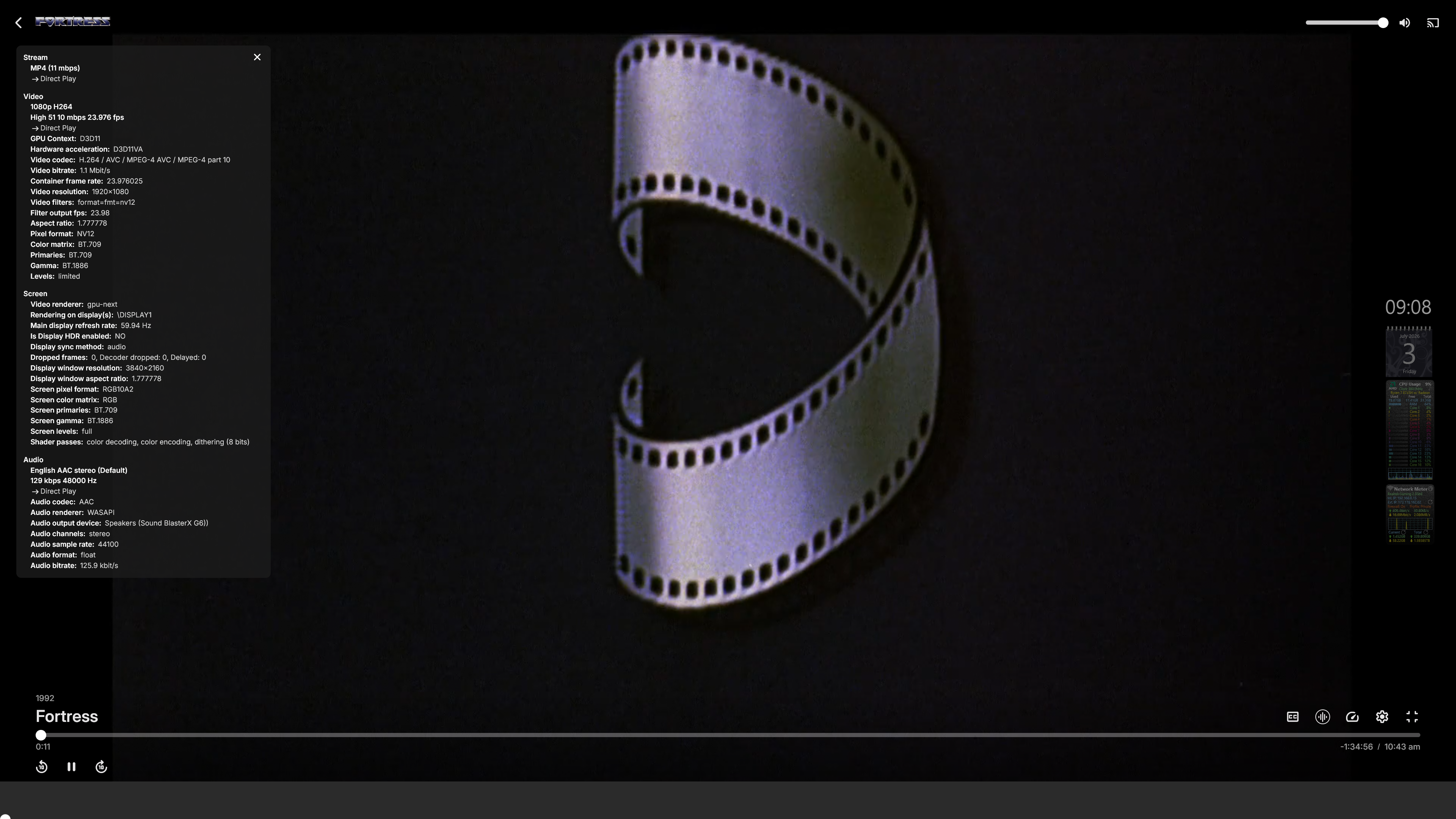
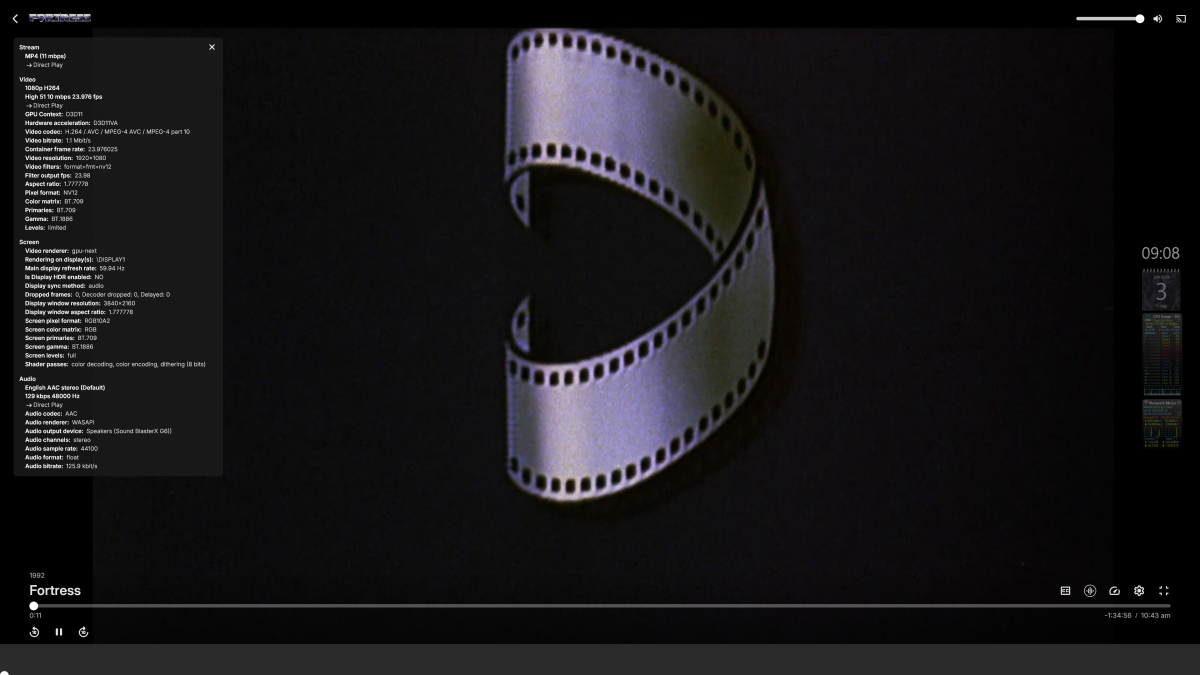
added the Stats for Nerds info noticed that happens when the app is windowed at first, then hitting the full screen button at the bottom right
-
Hello great people! Recently I facing a black screens and no sound (only subs) on my iPhone and Mac with the last apps version while playing some content like movies / tv shows that require or forced to transcode. After a lot of digging i found that enabling the "Disable HLS Subtitles" option in the "Diagnostic Options" Manu is the resoen of the black screen. If I leave the settings "Disable HLS Subtitles" untouched there is image but any subtitle is becoming gibberish and it choose the first subtitle in the list. I'm using the "Disable HLS Subtitles" because it fixed the out of sync when you fast forwards see the post here: https://emby.media/community/topic/147466-subtitles-going-out-of-sync-when-transcoding-sound/ I tied rebooting the Emby, the server physically, changing transcoding settings back and forward and reboot after each time, uninstall the Diagnostic Options addon, several devices but I was not manage to fix it. till 5 days ago it was good from the last app version for IOS 2.2.54. The test I made: - Direct play - no Issue at all (Picture, Sound, Subs) - Transcoding and "Disable HLS Subtitles" enable - issue with (Picture, Sound) - Transcoding and "Disable HLS Subtitles" disable - issue with (Subs) - Transcoding + "Disable HLS Subtitles" enable with no subs at all - no issue (Picture, Sound) *On Emby for Android app and Chrome browser all tests was playing without any issues. logs with 01 = Transcoding and "Disable HLS Subtitles" enable - issue with (Picture, Sound) logs with 02 = Transcoding and "Disable HLS Subtitles" disable - issue with (Subs) ffmpeg-transcode-e6ae01bc-3760-43d3-9520-e8ab799756e3_1-01.txt embyserver-01.txt ffmpeg-transcode-4762c6f7-e05b-432e-988b-b6518253b129_1-02.txt embyserver-02.txt
-
Hi Look is the same with the last version of the server. Right now i'm on 4.9.5.0
-
Same to me. On iphone and Mac with the last version.