All Activity
- Past hour
-
 faran3716 joined the community
 -
 domsologagnon@hotmail.com joined the community
 -
 andrewmpage joined the community
 -
 Erica75 joined the community
 -
 mikefasulo joined the community
 -
 Alex01234 joined the community
 -
 alphacat777 joined the community
 -
 Brad1878 joined the community
 -
 25730 joined the community
 -
 jumoja610 joined the community
 -
Legend thank you
-
Eu preciso do IP servidor
- Today
-
Hi Emby Team, I’ve recently been testing the new Emby Client for Android on my Nvidia Shield TV Pro. Overall, I’m really impressed with the performance improvements and the UI refinements. I did run into one critical issue regarding audio playback: Missing Audio Passthrough: Unlike the Android TV app, the standard Android client currently lacks an option to pass through raw audio streams (such as DTS-HD MA, TrueHD, Dolby Digital, etc.). Server Transcoding: Because passthrough isn't currently supported in this client build, the Emby Server is forced to transcode these audio tracks during playback. A couple of quick questions for the dev team: Is audio passthrough planned for future builds of the standard Android client? Will the existing Android TV app continue to be supported until feature parity (like audio passthrough) is achieved on the main Android app? Thanks for all your hard work on the platform!
-

ffmpeg remains post-playback, pegging a core at 100%
Walter_Ego replied to Walter_Ego's topic in General/Windows
nope i'm just wrong about the q thing, apologies. check_keyboard_interaction() or whatever it is never actually gets blocked. i misread the conditions under which emby emits q, in the original condition where i find stray ffmpeg processes pegging a cpu, emby did not emit q; it relies on the ffmpeg process ending on its own, which does not occur after the "seek beyond subtitles" condition bites. i can see in the logs that when emby emits q it emits: ProcessRun 'StreamTranscode blah': Stopping ffmpeg process with q command for blah but this does not occur when a client simply streams to completion. so i guess the actual state of affairs when a stray ffmpeg is found is: the playback media has run out of frames on all streams, the emby client has finished all playback, the ffmpeg process is wedged on the subtitle stream and cannot exit, and emby server does nothing as it is just waiting for an exit. this also seems to leave stray temp files in the transcoding temp path. maybe emitting q is worthwhile in all circumstances as a guard to ensure a clean exit. what's the ballpark timeline for an ffmpeg 8.x beta release? it makes me happy to hear about this. -
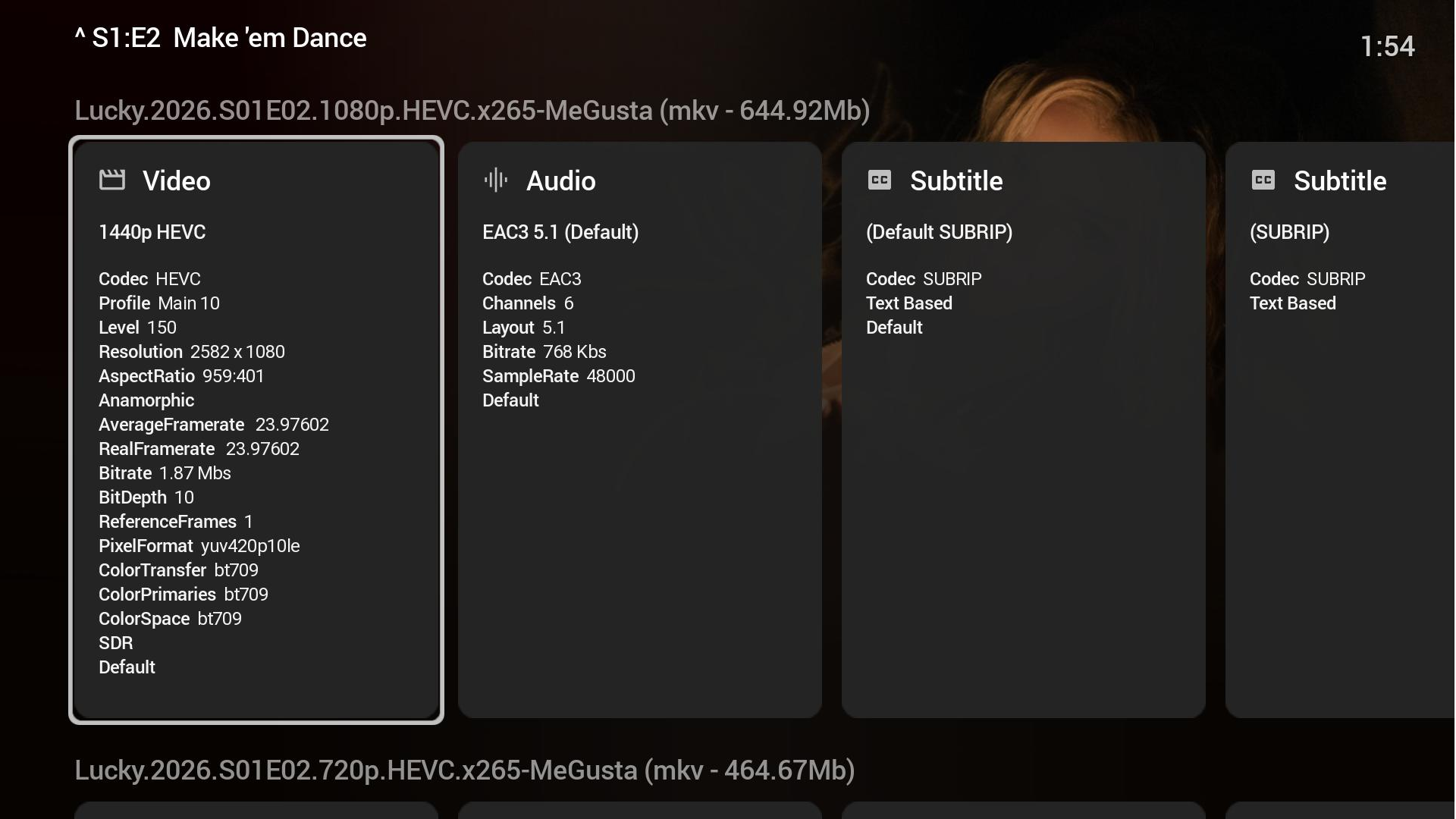
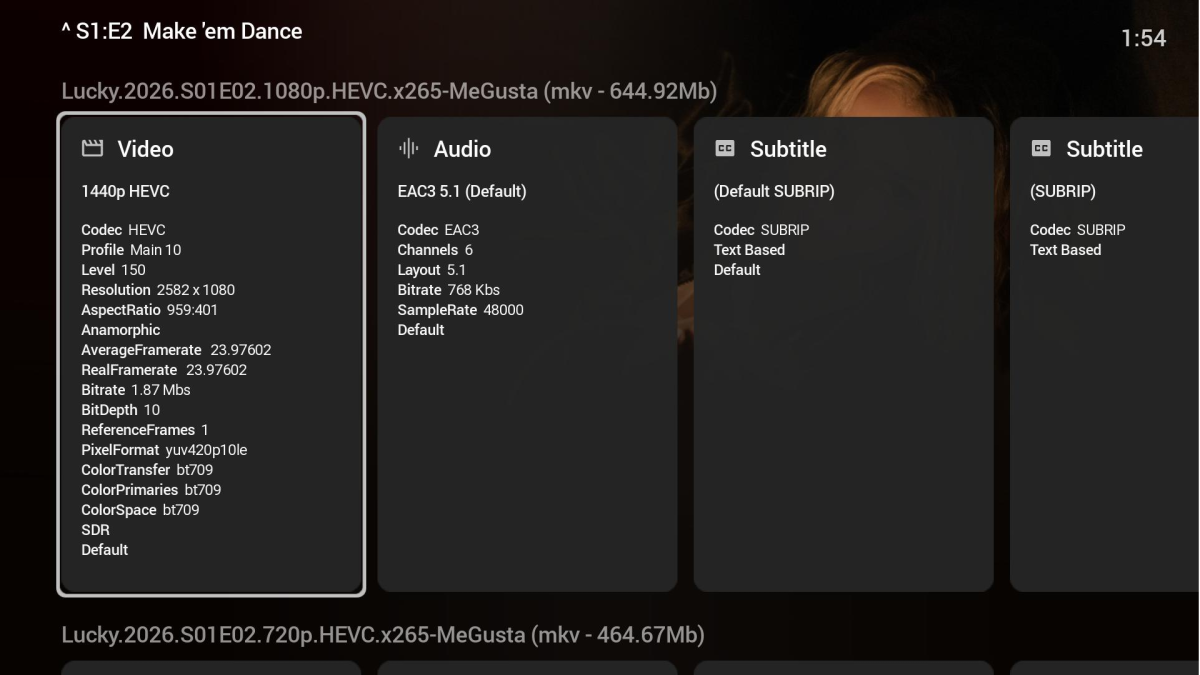
15:21:17.492 Stream #0:0 (hevc) -> format:default (graph 0) 15:21:17.492 format:default (graph 0) -> Stream #0:0 (libx264) 15:21:17.537 Metadata: 15:21:17.537 encoder : Lavf59.17.100 15:21:17.537 Stream #0:0: Video: h264, yuv420p(tv, bt709, progressive), 2582x1080 [SAR 517860:517691 DAR 959:401], q=2-31, 23.98 fps, 90k tbn Unfortunately this part of the log shows the problem. The server knows the MaxWidth is 1920. It brings up (graph 0) part which should be resize the video. That should scale it with graph. But in checking the resolution it is still 2582x1080. But it is converting HEVC->H264 since the Roku HD cannot play this. If this instead were a 4K Roku Stick these would play without issue directly. But because it is only the HD model transcoding must occur. Roku just raised prices on their hardware too. It isn't as cheap to pick up a 4K streaming stick as it used to be. @Luke The video is actually 1440P. 2582x1080P with black bars top and bottom. But because this is 1080P height I think this is confusing things. It assumes it can then play that back natively when in reality it is 1440P with black bars making it 1080P in height. This is one of those weird edge case things where certain things align to cause issues.
-
Hi @SamES Don't worry about the files. I will try and find others that are encoded differently. A pain but no more than that. I really do appreciate the help on this one. Dave
-
So a reverse-proxy requires a DDNS service even if you use Emby Connect? …I think that was the part I was missing. do you recommend any DDNS services and registrars that support DDNS?
-

Plugin: Ginjaninja Tools - Sync Channel - Radarr & Sonarr & Any Rest Api Channel Sync Tool
ginjaninja replied to ginjaninja's topic in Plugins
Added support for any rest api. -
Thanks, I'll take a quick look at the files, but I suspect you may have found a cause. That is the sort of thing that can cause these weird issues and I've seen similar in the past. When it's DirectPlay, the actual playback is handled directly by the Samsung AV Player, we just give it a url to the original source. In this sense, if there is a memory leak in the player related to a specific type of encoding then there is not much that we can do about it. If everything else plays fine, then the file encoding sounds like the culprit. Generally, the TV based players (vs VLC, etc) are mose sensitive to bad codings
-
I tried out on my Onn Pro tv box & it kept pausing at 8 seconds and not doing anything else
-
Sooo, is this something for me to fix or…. lol
-
Here is media info for the same item from one in my collection. By looking at the metadata of their file I see that I have one in the same series with the same exact issue. Roku Streaming Stick 2025 HD Roku Streaming Device with Voice Remote: Wi-Fi, HDMI, 1080p It is only a 1080P device. The encoder (person who made this copy) for some reason made this into a super wide-screen edition. On 4K Roku devices this is okay. It will be able to tolerate the fact the width is larger than 1920. But with a Roku that is only HD this present an issue. You can only go a maximum of 1920x1080 with playback. @Luke We sent this with our request. We have a maximum display panel of 1920 width and 1080 height. But if you look below this isn't being respected. The server is sending us the full 2582x1080 resolution. This cannot work on these Roku models. They must only be given a maximum width of 1920 and a maximum height of 1080. We send this in our request. Because the server is sending the resolution too large over and over is causing the problem here. It isn't because of the EAC3 issue I thought at first. The EAC3 error happens when user error causes the problem by disallow the server to transcode audio. A valid reason to not have a valid stream. In this case the error stems from the inability to play the video that is larger than supported. This is obviously a bug in the server. We cannot fix this on the Roku side. Thanks.
-

Hardware encoding Icon not showing when using hardware
GrimReaper replied to BrunoN10's topic in Linux
That'd be my guess, yes. Maybe the Dev will have some more insight, if encountered before. -

Hardware encoding Icon not showing when using hardware
BrunoN10 replied to BrunoN10's topic in Linux
Indeed I agree. So maybe an interface bug? -
Hardware encoding Icon not showing when using hardware
GrimReaper replied to BrunoN10's topic in Linux
I would assume it's just a visual glitch, as your log shows nothing odd with the pipeline/HWA. @Luke -
...and still need to obtain/configure a custom domain if you are going to use a proxy.
-
Do all the problem items have 40+ subtitles?
-

Parental Ratings - Use BBFC Rating Symbols
ebr replied to abroadhursthall's topic in Feature Requests
Even on the big poster it is very hard to read that tiny badge. The text is just way more clear. -
I use Emby to get IPTV and NextPVR for DVB-S to feed Emby, Yesterday I dumped all the DVB-S channels and retuned for all of them as some weren't up to date. The 16 new channels appear and work fine in NextPVR apps. In Emby it only seems to show the first 5 of them. Any ideas ? I've tried restarting Emby and updating the guide in Emby but no joy.
-
First off, sorry for late answers. There's a lot of things going on i life right now so I have put this project on hold for a while. I will still prioritize trying to fix critical bugs! At the moment no, its not possible. You have to first set up a collection and then use the options to display selected collections. This might be something for the future to implement an "automatic studio" row where the user can type in what studios to show. It still has to create the collection i believe, so to manually set it up one time for each studio might be worth the hassle. I wont promise anything but I will keep it in mind Thanks for the report! I will look into this as soon as a get the time. I'm currently in the process of moving to a house so i already have my hands full.. But this is a major thing that i will try to fix asap! I know I have tested this when I built the function, must have got broken somewhere along the way. As a workaround for now (if using tags), you could set up two different entries but use the same tag-name. Emby wont know the difference and see them as the same. If also using the home screen section function , only set up for one of them and it should still show all of them. Yeah I see the issue and I agree with you. Those movies should not be included in the last played. Really appreciate your way to solve this, I'll look into this when I have more time to dig into this. Will take some time though since I have a lot going on i life right now. It's going on the to-do list!
-

Using keyboard navagation in desktop/Mobile/tablet modes.
Smitty018210 replied to Smitty018210's topic in Web App
@LukeWait am I going crazy or did you guys add back some of the clickable headers in TV Mode!!!!!!!!!!!!!! -
Hardware encoding Icon not showing when using hardware
BrunoN10 replied to BrunoN10's topic in Linux
Thanks for looking into this Attached. Screenshot from the interface: ffmpeg-transcode-7d4f5fd1-191c-4df6-b2d8-f5848e6137f8_1.txt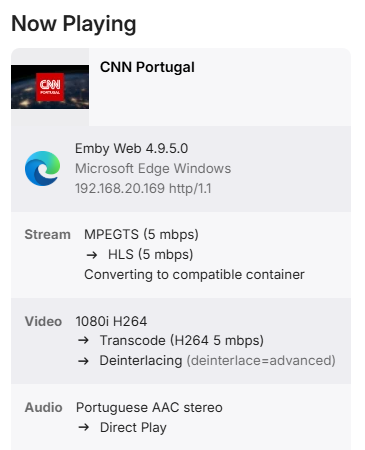
-
Hardware encoding Icon not showing when using hardware
GrimReaper replied to BrunoN10's topic in Linux
Ffmpeg log created would show what you're using, post the one written for that session. how to report a media playback issue -
digging around. i realized the issue im experiencing are files with the classification of just EAC3 5.1, i have another show Maximum Pleasure Guaranteed and the audio codec on them are specified as English EAC3 5.1 and they play fine. wonder if there's something there.