All Activity
- Past hour
-
 Ahmac joined the community
 -
public class GenericListItem { /// <remarks> /// The URL will be followed, unless <see cref="P:Emby.Web.GenericEdit.Elements.List.GenericListItem.HyperLinkTargetExternal" /> is set, causing it to be opened externally. /// The exect behavior is app-specific. /// Not all client applications are able to show web content in external windows. /// </remarks> public string HyperLink { get; set; } /// <summary>Gets or sets a value indicating whether the hyper link target will be opened externally.</summary> /// <value><c>true</c> to open the hyper link target externally; otherwise, <c>false</c>.</value> public bool HyperLinkTargetExternal { get; set; } Hi @softworkz I am testing HyperLinkTargetExternal=true; in browser on Windows (which i assume does support external) and it does not launch external (by which i mean on a new tab, that was my understanding of 'external') tested on 4.9.1.90 any ideas? is this a known issue? thanks.
-
 G'sus joined the community
 -
 mikeyang joined the community
 -

Images from one movie are randomly propagated to other movies after updating artwork
yocker replied to eMoOak's topic in General/Windows
Without embyicons installed, have you tried doing a metadata refresh on one of the affected videos? Embyicons should not create anything persistent that can't be fixed with a metadata refresh -
 jessygonc joined the community
 -
I was close I knew something needed enabling. Thanks Eric.
-

Images from one movie are randomly propagated to other movies after updating artwork
eMoOak replied to eMoOak's topic in General/Windows
That's interesting. I did completely uninstall EmbyIcons and was still able to reproduce the issue afterwards. If EmbyIcons created some persistent state that isn't removed when the plugin is uninstalled, that could explain it. Otherwise, I'm still able to reproduce the behavior without the plugin installed. -
 alansummerhill joined the community
 -
 kodiUserx joined the community
 -
 Tophies joined the community
 -
 ThSMcS joined the community
 -
Images from one movie are randomly propagated to other movies after updating artwork
yocker replied to eMoOak's topic in General/Windows
I *might* have identified something that could cause movies to be misidentified because of some guardrails I made. Looking into it. -
Tason1688 joined the community
-
Images from one movie are randomly propagated to other movies after updating artwork
eMoOak replied to eMoOak's topic in General/Windows
I deleted the entire programdata\cache directory while Emby Server was stopped, then restarted the server. I also refreshed the metadata for several movies after that, but the issue still occurs. -
To see the little "Trans" or "Direct" tag on the OSD, you do need to have "Display extra media Info" enabled.
-
Should be in the next update:
-

AndroidTv update now black screen with av1/opus videos
ebr replied to esaym153's topic in Android TV / Fire TV
That beta is available now. -
Images from one movie are randomly propagated to other movies after updating artwork
yocker replied to eMoOak's topic in General/Windows
No problem, it's an obvious starting point for troubleshooting. I'm not trowing the ball to you either but to me it looks like a problem in Emby. I am, as i said before, looking into it now if it might be my plugin just in case. -
Can i also get you to send me some logs. Not sure if you and @eMoOakhas the same issue.
-
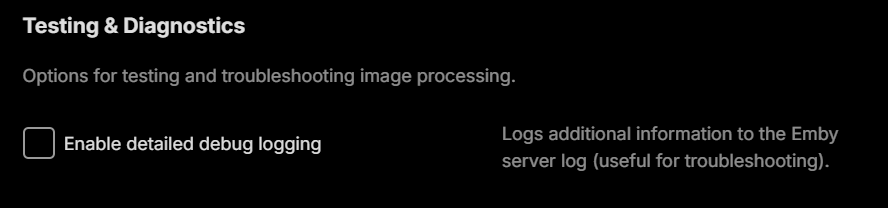
Can i get you to send me the server logs with debug enabled in both Emby and EmbyIcons ?
-

Seenr, a watch tracker that picks up your Emby plays over webhook
WilhelmStroker replied to KevByUs's topic in Third Party Apps
Yep i have completely ditched Trakt and am using Simkl now. Is there an API? I also use Crosstrack to keep things in sync so if there's an API then the Crosstrack dev would surely be happy to add this. -
Images from one movie are randomly propagated to other movies after updating artwork
ebr replied to eMoOak's topic in General/Windows
Okay. Not trying to call you out but two users of the plugin have now reported this issue. -
Images from one movie are randomly propagated to other movies after updating artwork
yocker replied to eMoOak's topic in General/Windows
They tried disabling EmbyIcons and the problem persists. They mention it's a problem with logos and fanart as well and EmbyIcons do not draw on those. I am looking into it just in case but i'm fairly sure that it's not a problem with the plugin. -
Images from one movie are randomly propagated to other movies after updating artwork
ebr replied to eMoOak's topic in General/Windows
Hi. Exactly how and did you do a full metadata refresh or clear your cache files after that? I think it is likely that is related: -
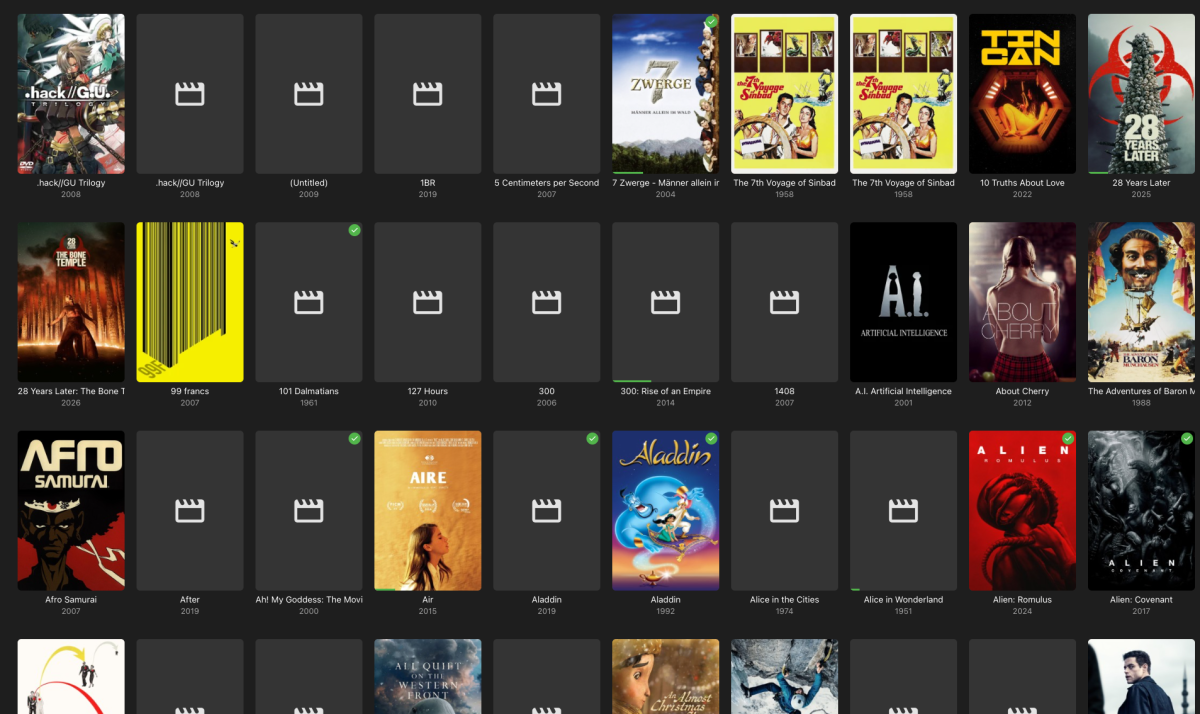
After a sync of my work-related folder with Syncthing (no emby folder got touched) I noticed that a lot of the movie posters got missing. I assumed a corruption because of a lack of enought inotify, so I increased them to 204800. I did "Refresh Metadata" (including "Replace existing images") and "Scan Library Files" a couple of times. It initially worked and I got my covers back, till the next day half of them were missing again. Syncing is deactivated since a long time now, so I'm not sure it's related to the issue. The missing posters appear in the emby app, Kodi and diverse browsers. Any idea where the bug could be buried? embyserver.txt
-
Well, what you probably have deactivated is the refresh rate switching entirely...
- Today
-
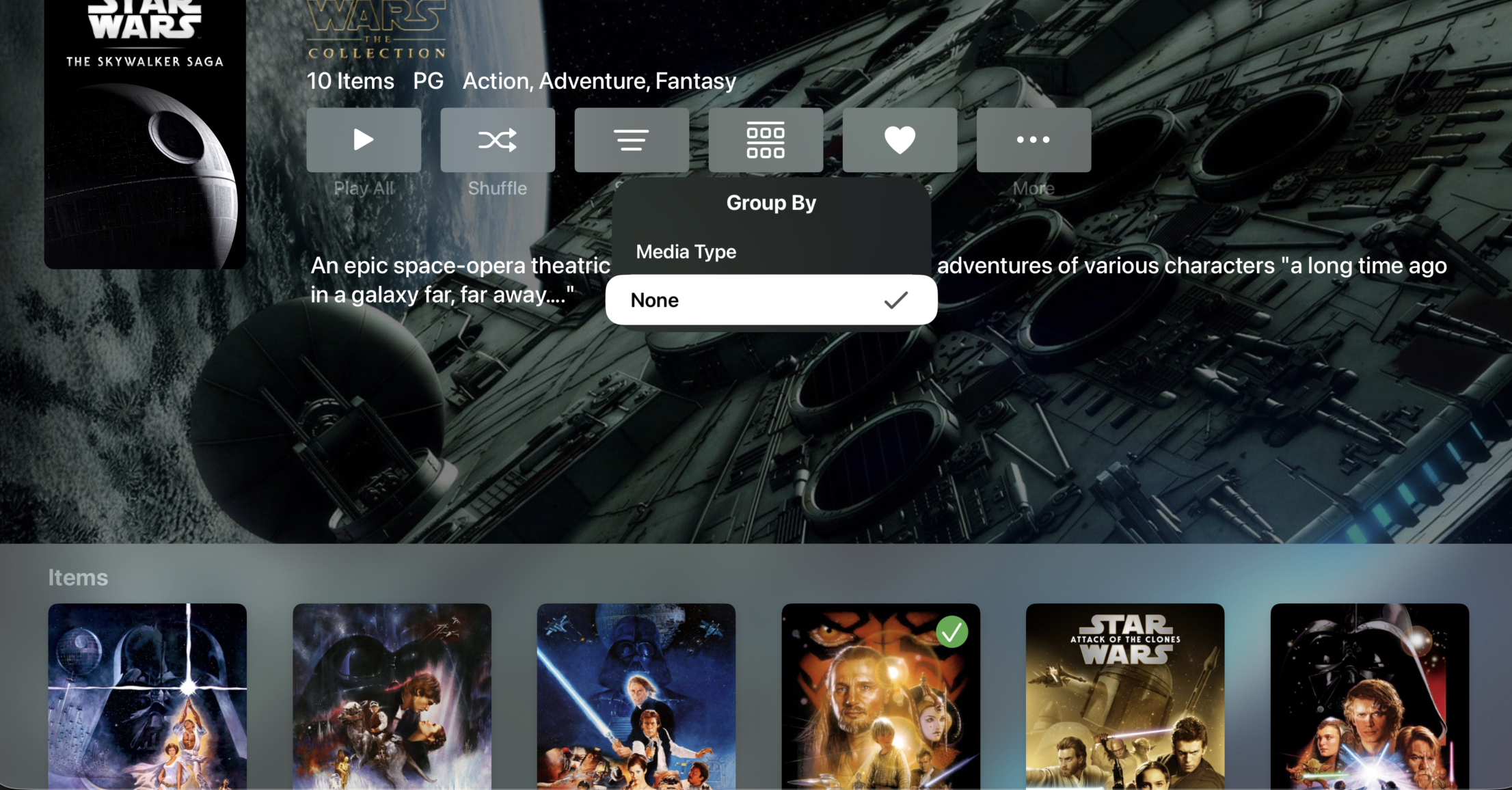
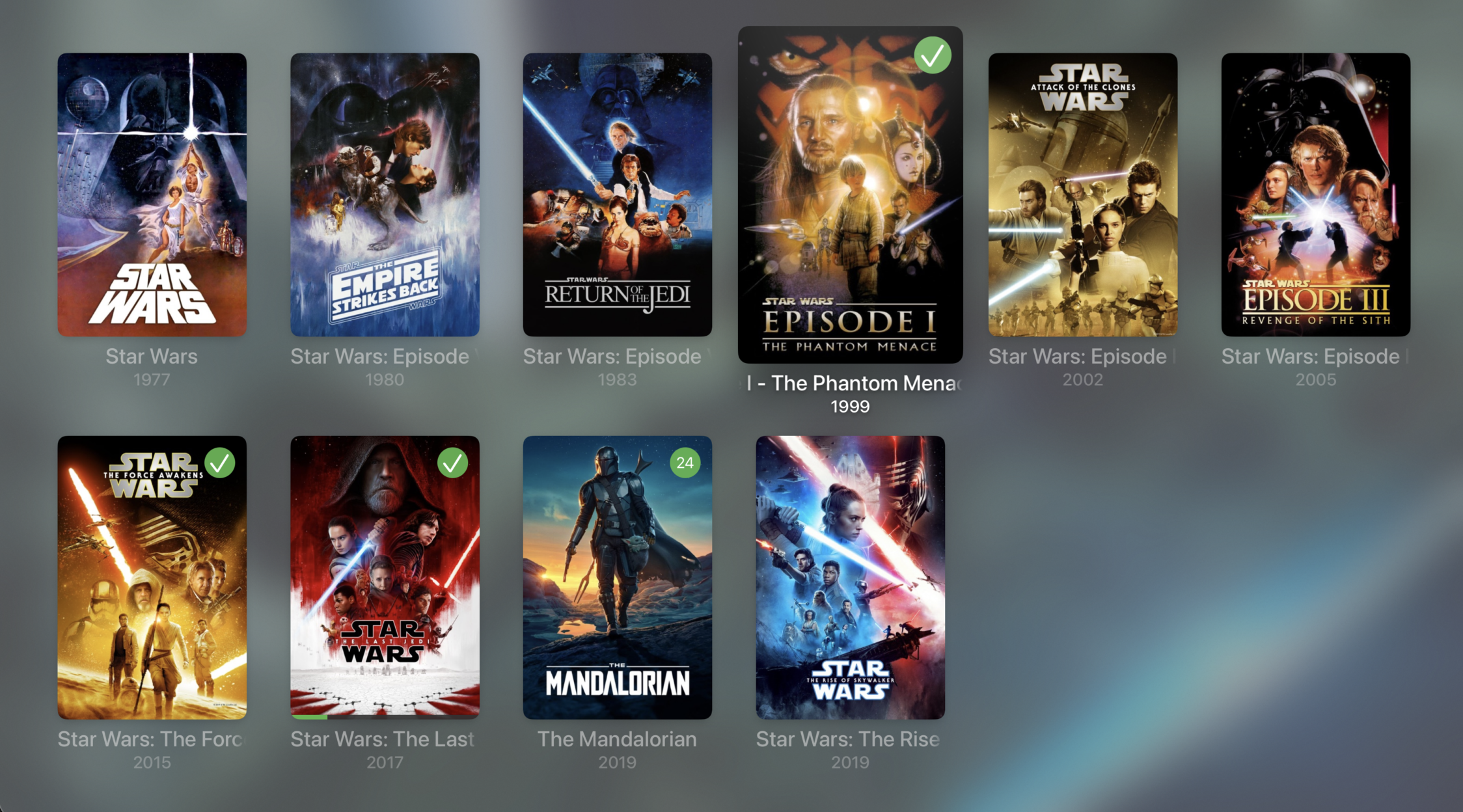
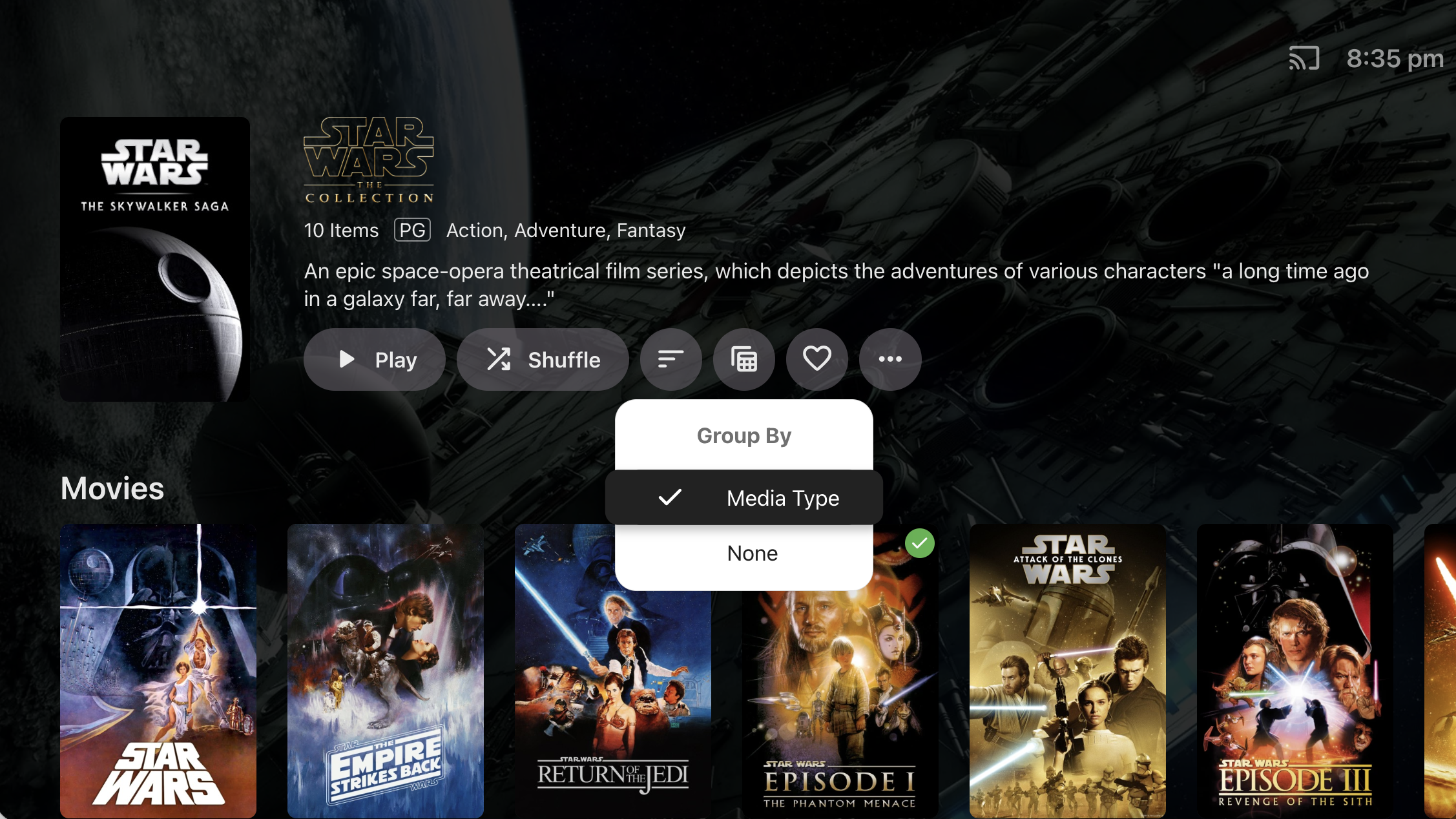
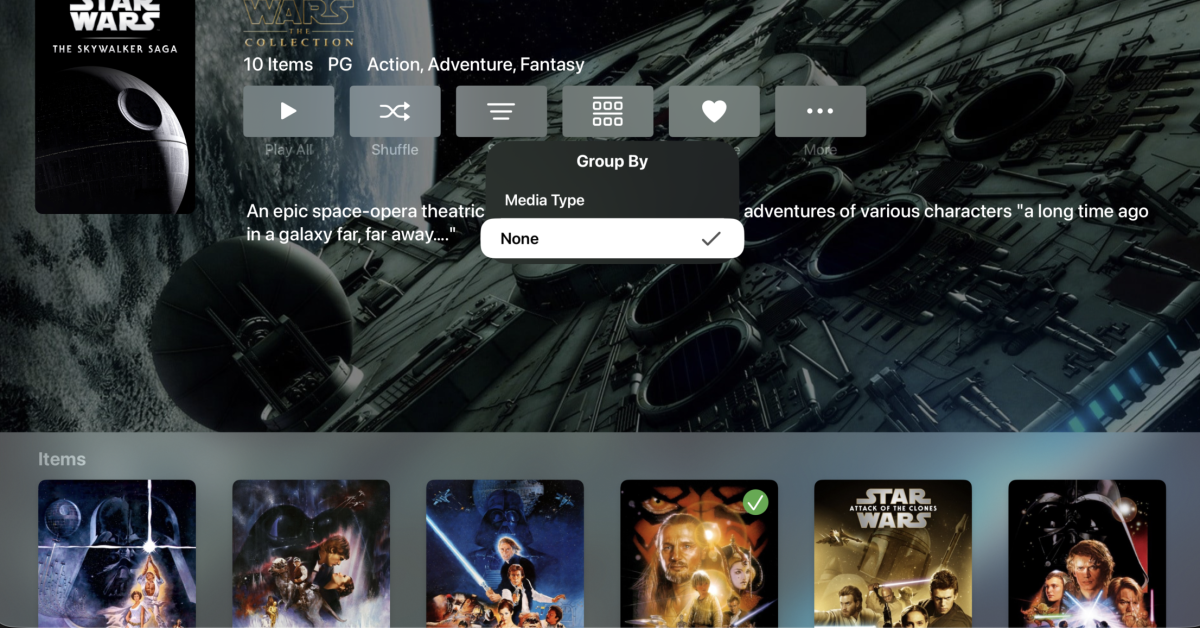
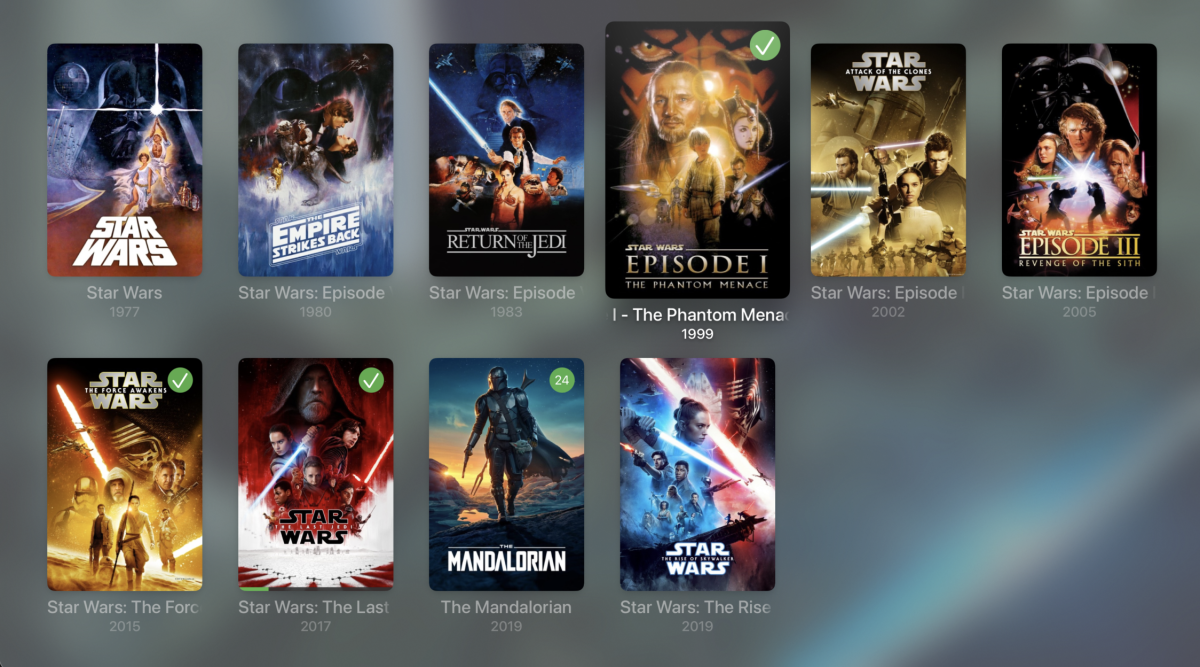
It's because we haven't implemented the 'Group By' option for Collections. @TheITJediI suspect you have this set to 'None' in the web app.
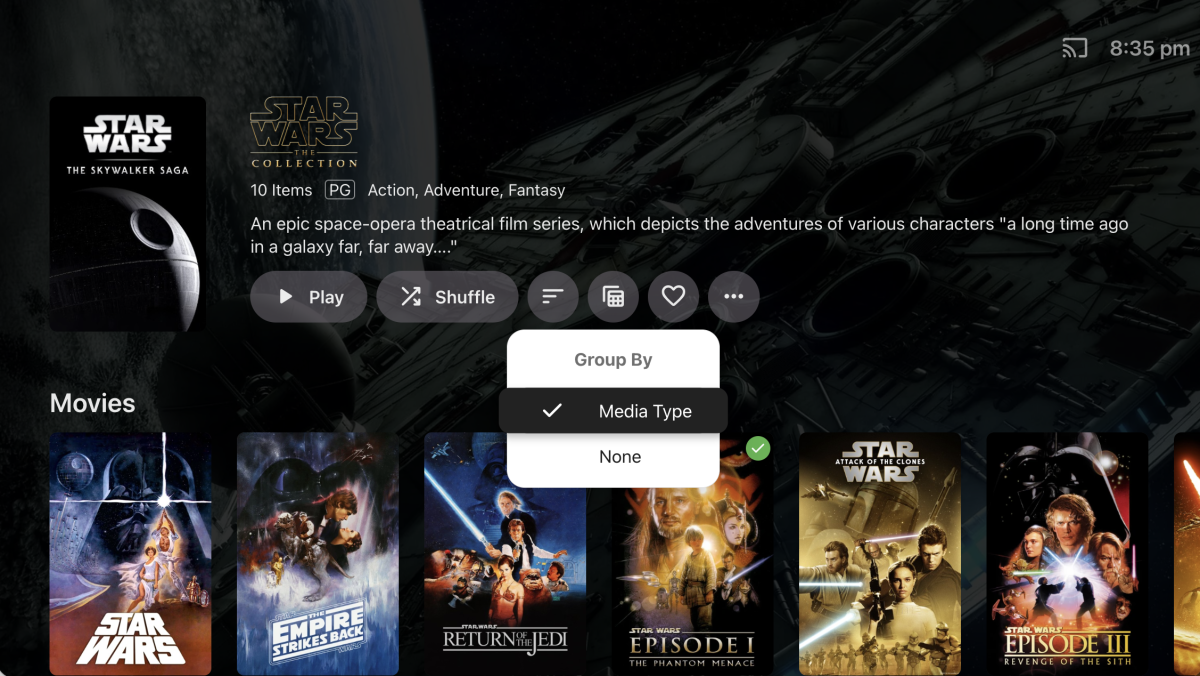
-

Embeat — a native, music-only player for Emby (gapless, DLNA, offline)
jasonmcroy replied to vdatanet's topic in Third Party Apps
Excellent. Thanks for the quick response. -
Reported here:
-
Exactly
-
Images from one movie are randomly propagated to other movies after updating artwork
eMoOak posted a topic in General/Windows
Hi, I'm experiencing a reproducible issue with Emby Server where updating the artwork of one movie causes other unrelated movies to display the same artwork. Environment Emby Server 4.9.5.0 Windows 10 Local artwork enabled (images saved alongside media) Issue was already present on 4.9.3.0 a couple of days ago This is an existing Emby installation that has been upgraded through multiple server versions over several years (not a fresh installation) Libraries are stored on multiple drives Steps to reproduce Select any movie. Replace one or more artwork images (poster, logo, backdrop, landscape, etc.). Save the changes. Expected behavior Only the selected movie should have its artwork updated. Actual behavior The selected movie keeps the correct artwork. However, immediately after saving, several unrelated movies start displaying the newly assigned artwork. The affected movies appear to be random, but the issue is reproducible every time I update artwork. Server logs Every time artwork is updated, Emby writes the new images into: programdata\metadata\library\00\00000000000000000000000000000000\imagecache\ This happens every time I replace artwork. Troubleshooting already performed Cleared browser cache. Tested with Chrome, Chrome Incognito and Microsoft Edge. Tested on Android. Disabled the EmbyIcons plugin. Upgraded from 4.9.3.0 to 4.9.5.0. Verified that local artwork files (poster.png, fanart.jpg, etc.) are correct. Checked library.db and did not find duplicate image paths. The issue persists. If necessary, I can provide the complete server logs and any additional information required to help diagnose the issue. Has anyone experienced this before, or is there any additional logging I can enable to help troubleshoot it? -
Just added to my PC and Fire TV and really like it so far. Thanks and nice job so far. EDIT: Two things I ran across so far. On the Fire TV app I was able to show all my libraries, but can seem to to that as the default screen on first launch of Moonfin. The other is it would be nice to have search pretty much everywhere, or at least a key combo to bring it up no mater where one is in the app.
-

Seenr, a watch tracker that picks up your Emby plays over webhook
zebo51 replied to KevByUs's topic in Third Party Apps
That is the thing, from what people have been saying people are loosing connections and apps because they have changed to allow only 1. I have a zip file from them containing all the json files. I don't see a way to import using that file on your app.