All Activity
- Past hour
-
 toandongngoc89 joined the community
 -
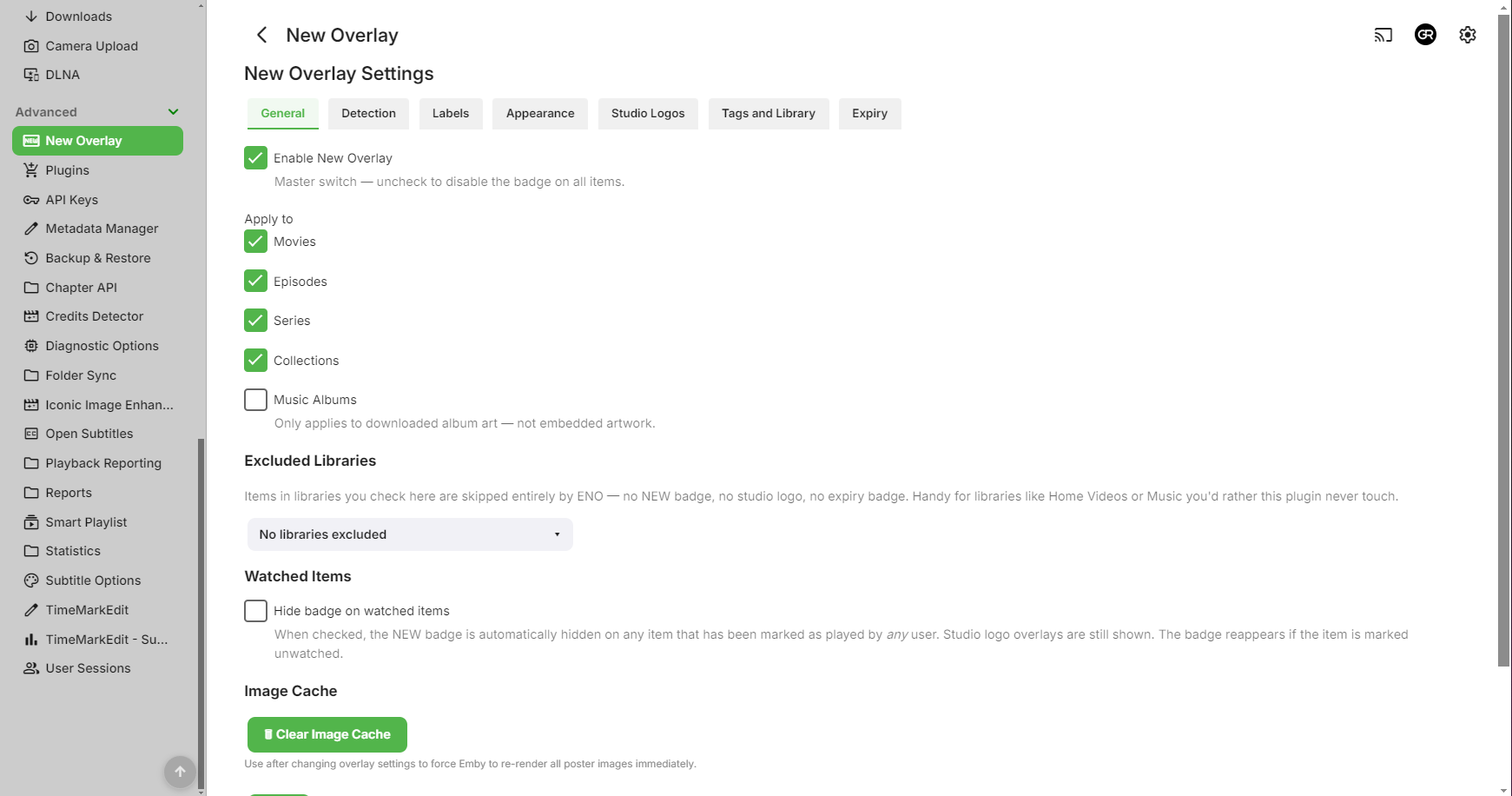
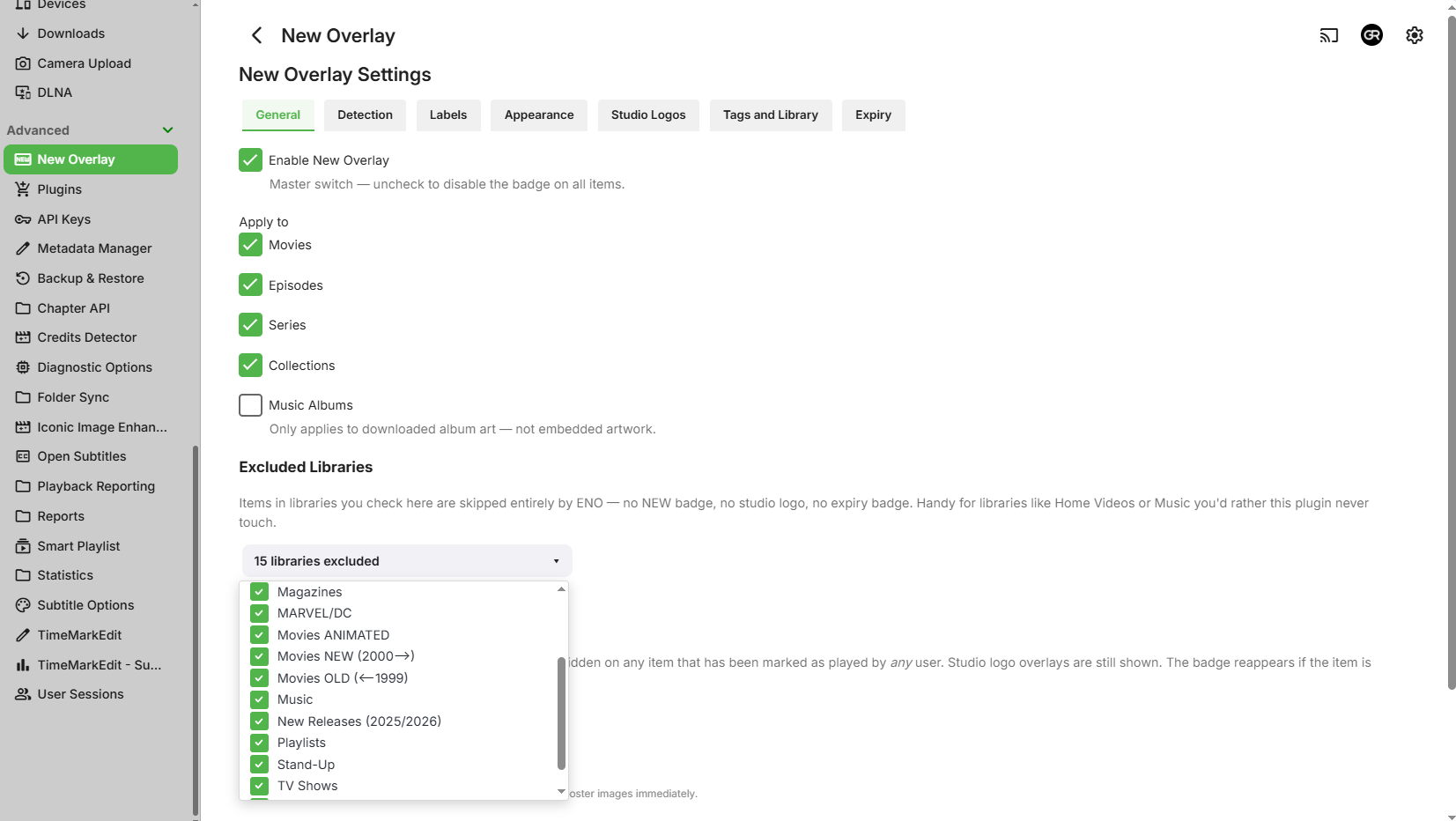
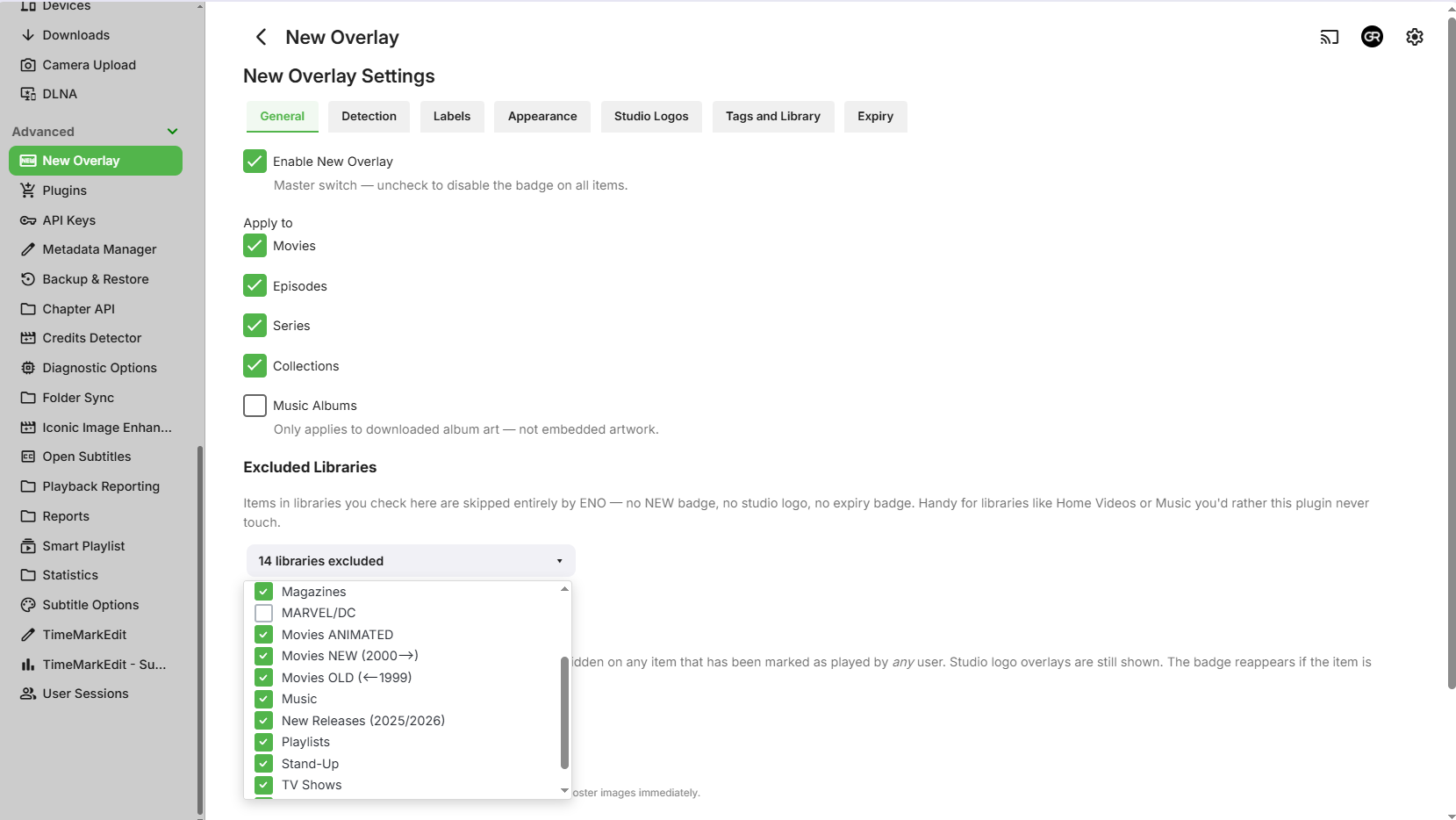
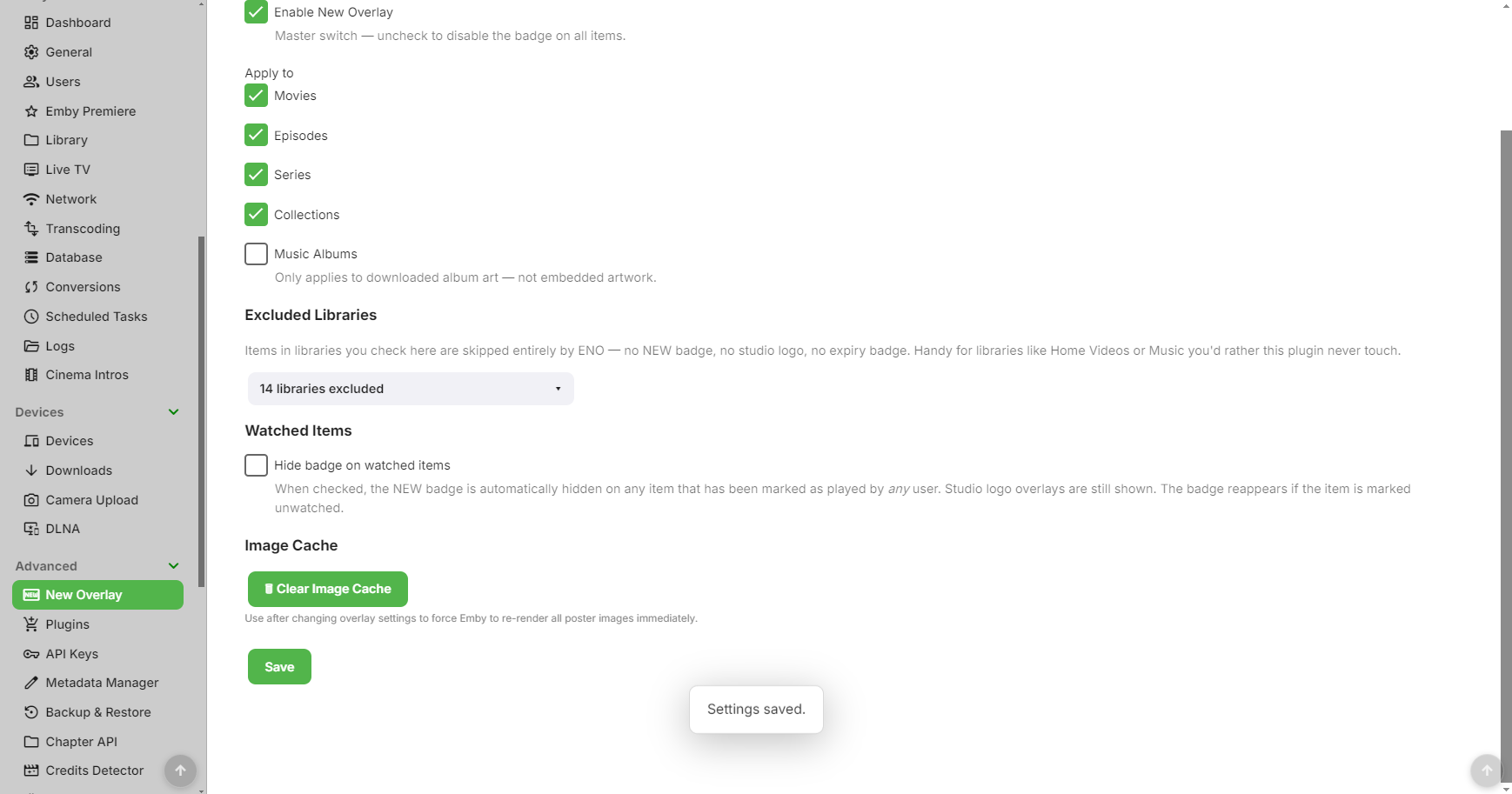
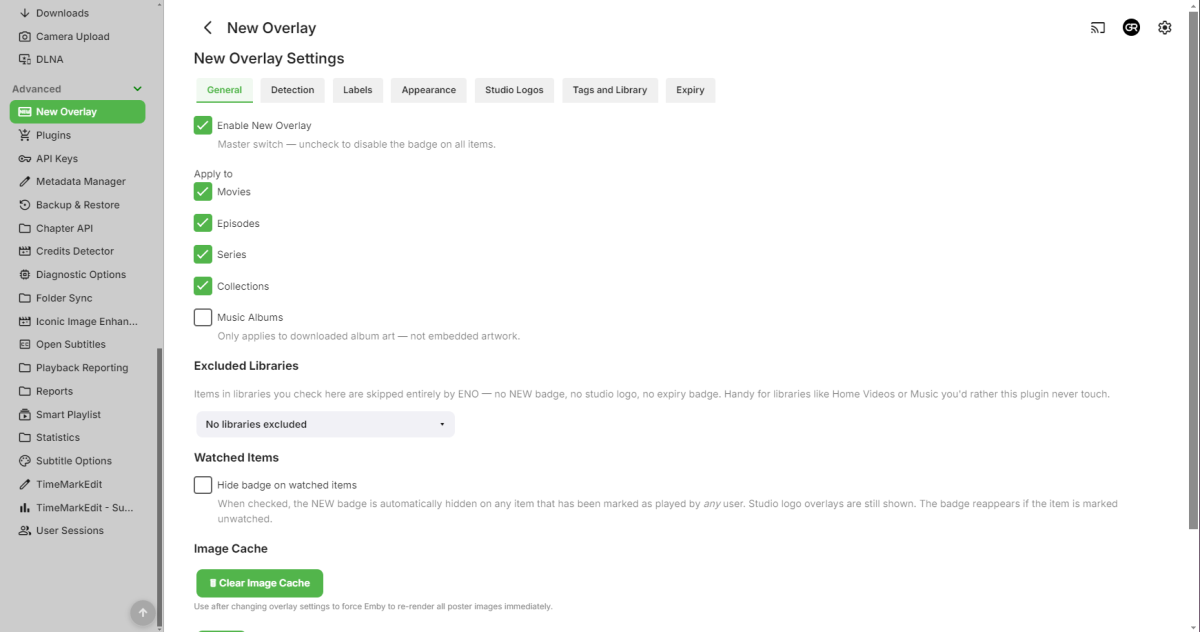
Did, tried another/fresh browser as well, same behavior. Edit: Uninstalled plugin, deleted xml configuration file, started anew - all libraries included but no badges applied. No errors thrown in debug log, either.
-
@GrimReaperdid you clear the cache, I had do this on my setup?
-
 lipo joined the community
 -
 Zivh joined the community
 -
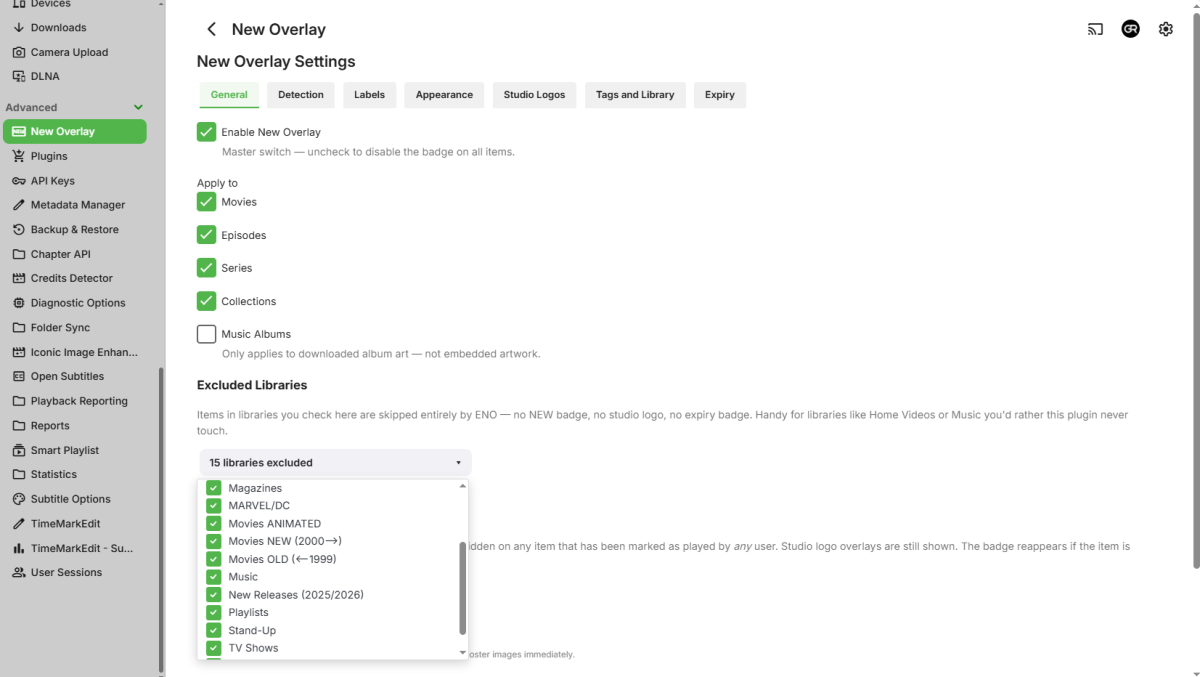
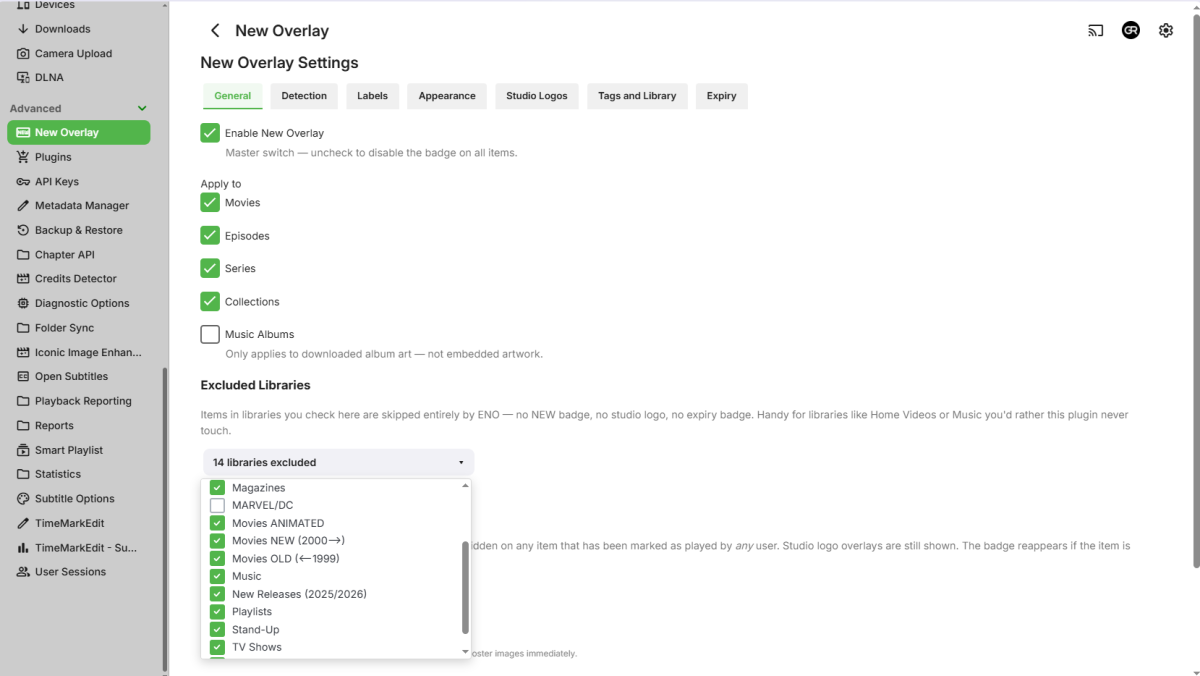
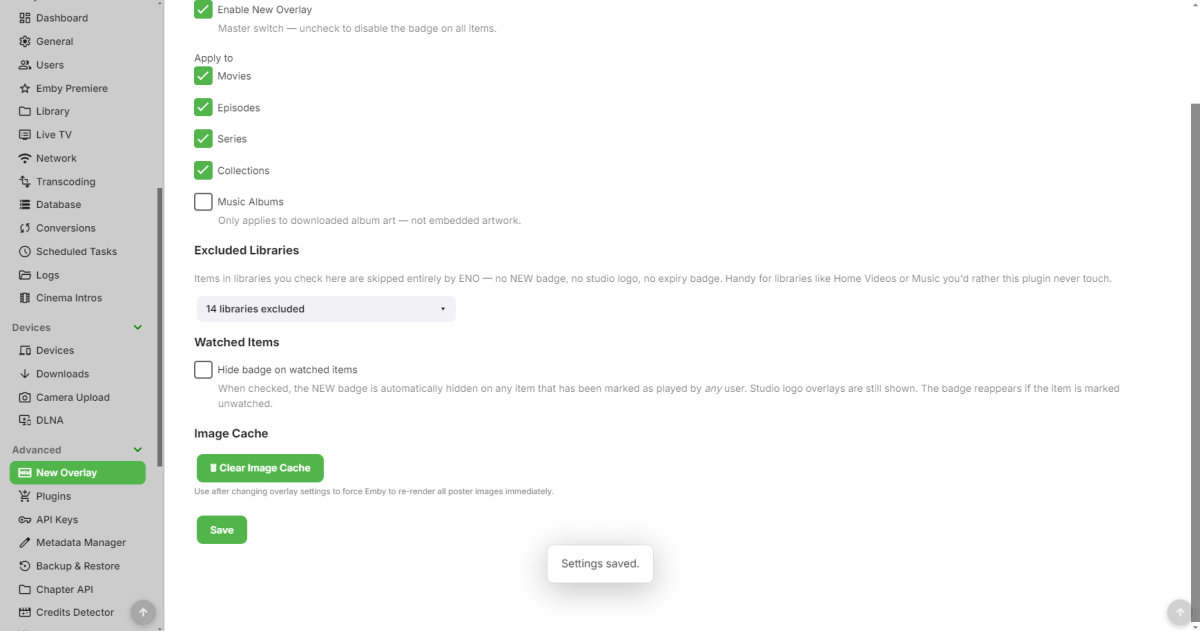
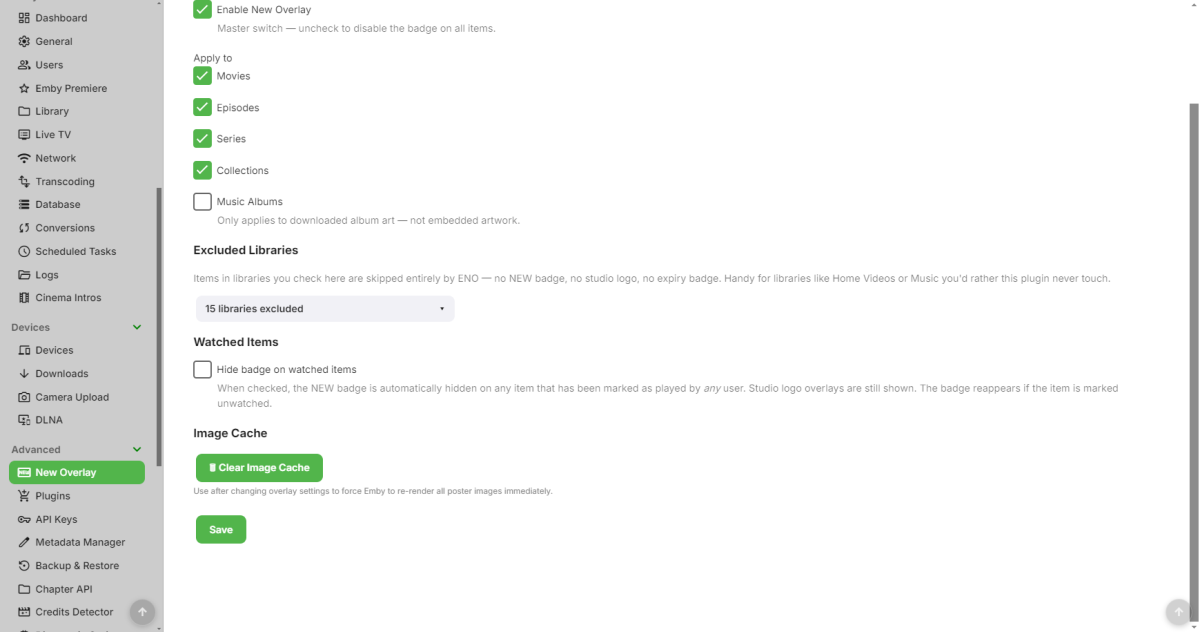
Unfortunately it doesn't for me, I cannot un-exclude libraries. If excluded library un-checked/library included, upon pressing Save it appears like it caught but upon navigating away and back or refreshing page, it's back to initial condition (and no badges applied).
-
 bilu0453 joined the community
 -
 Beast998 joined the community
 -
The app was updated recently. Is you Windows store not set to update it automatically? Paul
-
 Alvarochg joined the community
 -
 redheaven joined the community
 -

Cartoon Shows that are Actually Movies Organization Question
pwhodges replied to AVTechMan's topic in General/Windows
You could use a mixed content library to show the series and movie type shows together. For that to work you need to be strict about the folder structure you use (separate folder for each movie, season folders for every series, even those with only one season). Because Emby looks them up differently according to the folder structure, the settings can use TVDB for shows and TMDB for movies, even in the one library. Paul -
 RodolpheGh joined the community
 -
You absolutely should not be enabling TLSv1.0, and TLSv1.1 has also been deprecated for quite some years now. TLSv1.2 is now 18 years old. but still in common use, and you should also enable the 8yo TLSv1.3 Paul
-
Is Native even still coming? @Luke
- Today
-
Emby is running on a Synology DS415 Play with 4 disks. This has been my setup for over 8 years. Emby on my daughters tv is pretty much unusable. From loading the dashboard, searching, browsing library and then playing a film. If the film plays it plays about 5 to 10 seconds the stops. I can try take a video if that helps?
-
What model number was that? Are you sure it was only 1080p?
-
Is the lag just during playback, or all the time such as when navigating? Netflix, Disney, etc all have multiple resolutions pre converted on their servers, so it just sends you the version that it knows your TV can support. Emby can do that two if you want to obtain/convert multiple versions of different resolutions and keep them all on your server (which I don’t expect you would really do), but by default it tries to convert on the fly which is where it is different to Netflix, etc and hence a more capable server becomes important. What are the server specs?
-
All other apps such as Netflix, disney+ and prime function fine and without any lag at all. Are there any settings to try and make this more responsive and reliable on this TV as my old 1080p lg TV which the 43 inch one replaced never had these issues and always 8 years old. Happy to try any suggestions
-
Yes, unfortunately the 32LR60006LA is a low-end device, so it won't have a powerful CPU for app navigation, etc. The client will try and adapt to that by limiting some UI animations, etc, but performance will possibly still be average which is probably also going to be the case for other apps such as Netflix, YouTube, etc. As it is only a 1080p device, any 4K content must be transcoded to 1080p. This will require you to have a reasonably performant server, or otherwise stick with content that is already 1080p rather than 4K. You will also need to avoid any graphical subtitles as they will also need transcoding and burning into the video. Stick with text based subs. Finally, best to avoid TrueHD and DTS audio tracks as they are also not likely to be supported and will need some conversion, though less intensive than video conversion. The points regarding subtitles and audio tracks is actually true for all recent LG models, including your 43QNED87A6D as even higher spec units still need conversion on the server for these audio and subtitle formats.
-
Hey, The 43QNED87A6D seems much more reliable and the whole emby app experience is much more responsive. The app on my daughters TV is really slow and lags even moving around to select a film.
-
Does it play OK on the 43QNED87A6D? If not, can you post any ffmpeg logs from the server for a test on that TV? What are the server specs? When we understand that better, then we can review if there are any options to improve playback. Thanks
-
The plugin works fine, but when I use an Emby dark theme, the layout does not match and is hard to read the tabs etc.

-

[Beta] ROMote – play your retro game collection in the browser (NES → PlayStation)
GrimEvil replied to digitalirony's topic in Plugins
@digitalironydid you have time to look at the logfiles and did you find anything useful? -
The main TV in our lounge is a 43QNED87A6D. Do you have any settings you can suggest changing on the server or emby app on my daughters TV to test? Thank you
-

Suddenly: Missing Movie Poster on Synology NAS
Sturmkater replied to Sturmkater's topic in Linux & Raspberry Pi
-
I've been able to deduce on Windows client app, this happens, but not on ios or on my web browser on windows. Why would this be?
-
So, I've been able to deduce that it ONLY does this with videos that are 15 minutes or longer. How do I fix this?
-
When I try to watch a youtube video, not shorts, my Emby client gets taken over by random YouTube ads instead of playing the video. Shorts work as intended. I can't seem to figure out how to play the actual YT video. Like, if I try to play another video from my library, it plays the audio from the local video over the youtube ad. I can't figure out what I'm doing wrong.
-

Cartoon Shows that are Actually Movies Organization Question
RanmaCanada replied to AVTechMan's topic in General/Windows
It depends on where you want to put them, as they could be in both movies or TV series. Pretty sure the Tex Avery are under MGM for TV series https://thetvdb.com/series/mgm-cartoons MGM Cartoons {tvdb-241901}. Looney Tunes https://thetvdb.com/series/looney-tunes Looney Tunes {tvdb-72514] The layout is done by year and episode as they were released as shorts by year. You'd want to use tools like Rename my TV Series and make sure that the content is right. I tried to have Looney Tunes in Movies and it just made a mess of things and caused a LOT of headaches for myself. It's far easier to have them in TV series in my experience. I only have the actual movies in the movies directory now, but they are also copied in the tv series because of OCD for completion, eg Looney Tunes - 1936x06 - Alpine Antics I personally have the Tex Avery in TV series library. using your file as an example this is the path I have TV\MGM Cartoons {tvdb-241901}\MGM Cartoons - 1949x02 - Bad Luck Blackie I did the same with Disney Shorts. Hope this helps. -
One more thing, to outside from home network. Did You changed external default port? I using non standard port for Emby as crackers trying usually standard ports. In my setup, Emby -> Opnsense NGINX Reverse Proxy different port and specific domain name. No Cloudflare (had playback issues). Also, not sure, of course, but I not using word Emby in domain name. Opnsense also have Geoblock. Using Emby around 5 years, never had problems.
-

Suddenly: Missing Movie Poster on Synology NAS
Luke replied to Sturmkater's topic in Linux & Raspberry Pi
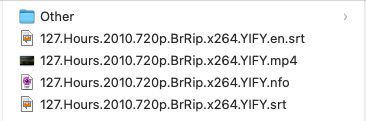
What are the contents of the 127 hours directory? -
So i'm switching my DDNS to Cloudflare DNS but it will take some to make a how to: # add this: after return 444; 444 = drop connection with nginx. if your users can't connect, then remove it